
Fresh Morning Café Breakfast Ad
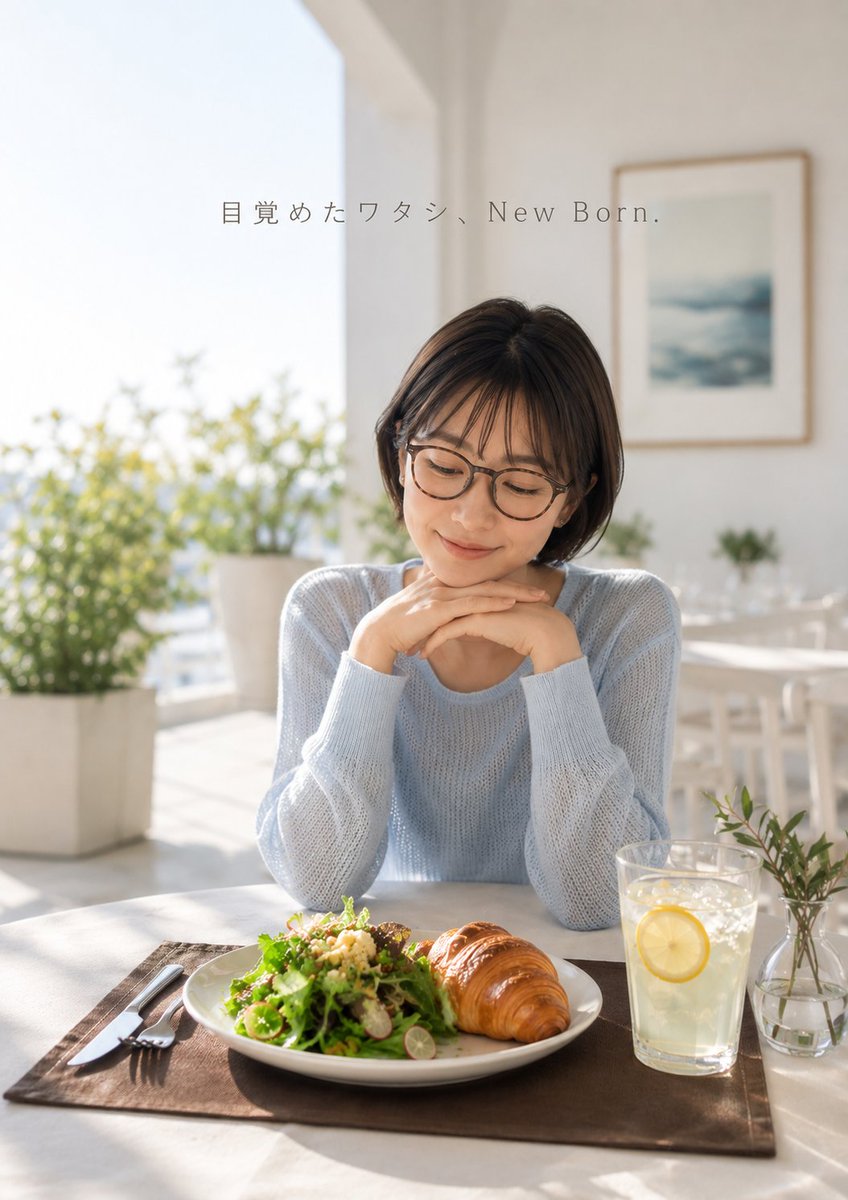
A photorealistic Japanese lifestyle café advertisement featuring a serene woman enjoying a fresh breakfast in soft morning light.
- Prompt included
- Model and format preset
- Free template
The prompt behind this image
Copy the exact prompt behind Fresh Morning Café Breakfast Ad, or open it in the studio and make it yours.
Create a realistic lifestyle advertising photo in a bright, airy café or sunroom. A young Japanese woman with a short dark brown bob haircut and round eyeglasses sits at a white table, wearing a soft pale blue knit sweater. She rests her chin gently on both folded hands and smiles softly while looking down at a breakfast plate in front of her, conveying a calm “fresh morning” mood. On the table, show exactly 5 main tabletop elements: a white plate with a glossy golden croissant and green salad with grains, a clear glass of lemonade with one visible lemon slice, a small clear vase with leafy stems, a dark brown rectangular placemat, and a fork-and-knife set on the left. The background is softly blurred with warm natural sunlight, large windows or balcony openings, white walls, potted greenery outside, a white dining chair, and one framed ocean-like print on the wall. Use shallow depth of field, high-key natural lighting, gentle lens flare, soft shadows, realistic skin texture, commercial photography polish, and a vertical 2:3 composition. Add small elegant thin serif text near the upper center reading {argument name="headline text" default="目覚めたワタシ、New Born."}. Keep the typography subtle, gray, widely spaced, and integrated like a Japanese wellness or breakfast brand advertisement. Use {argument name="sweater color" default="pale blue"}, {argument name="drink" default="lemonade with a lemon slice"}, and {argument name="breakfast pastry" default="croissant"}.
How to use Fresh Morning Café Breakfast Ad in 3 steps
- 1Upload ImagePNG, JPG or paste
Add your photo
Upload the photo the template builds on. The prompt, model and format are already set.
- 2…a portrait of your subject in softgolden-hour light, 85mm…
Personalize
Edit the subject and creative details for your destination.
- 3Generate
Generate
Press Generate — your image is created in PicX Studio, so you can compare it with the original and refine one variable at a time.
More like this
Templates with the same subject, style or setup. Open one to see its prompt.

Pixar-Style Chibi Café Morning Scene
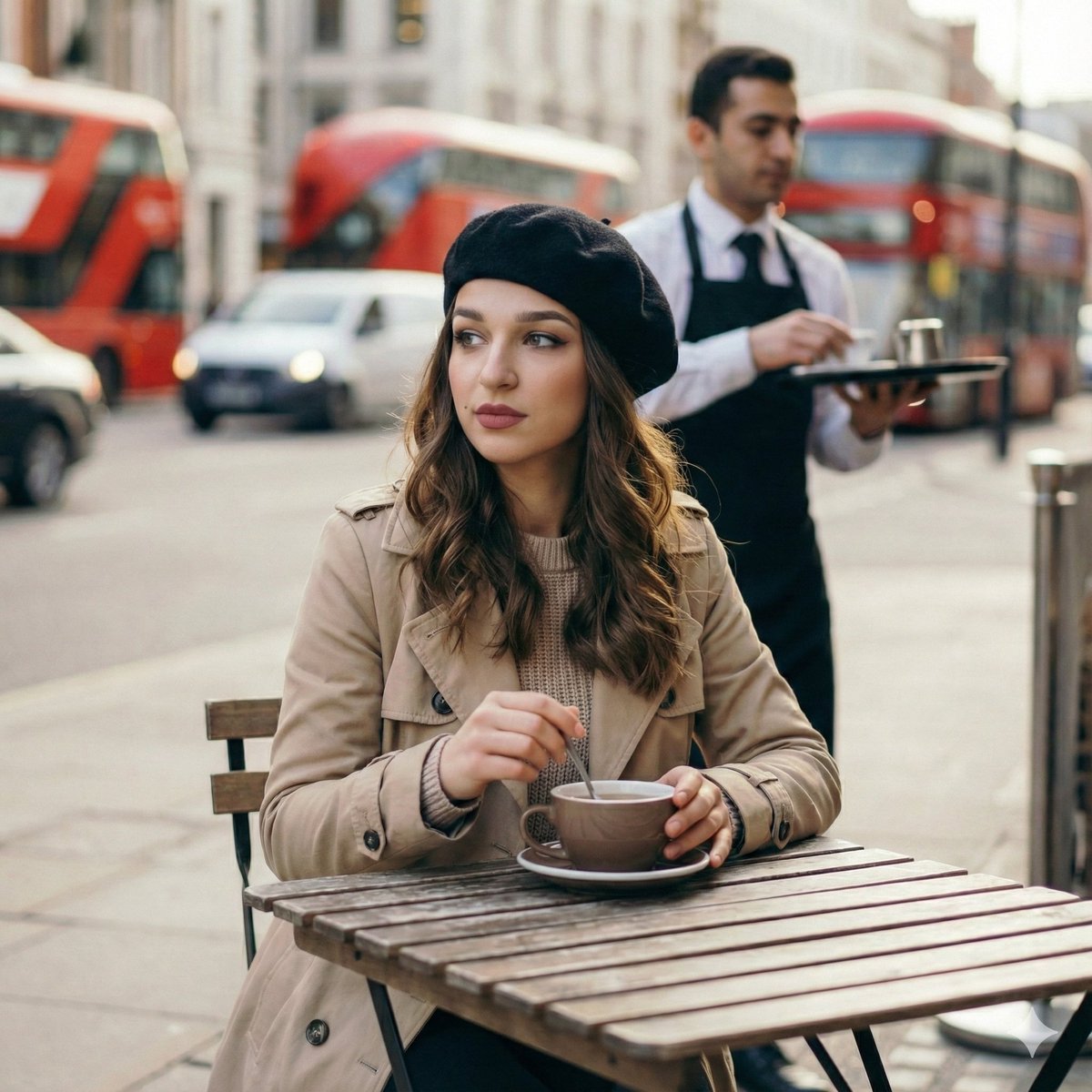
Candid London Cafe Morning Portrait (JSON)

Cinematic Realism of Morning Breakfast on a Balcony
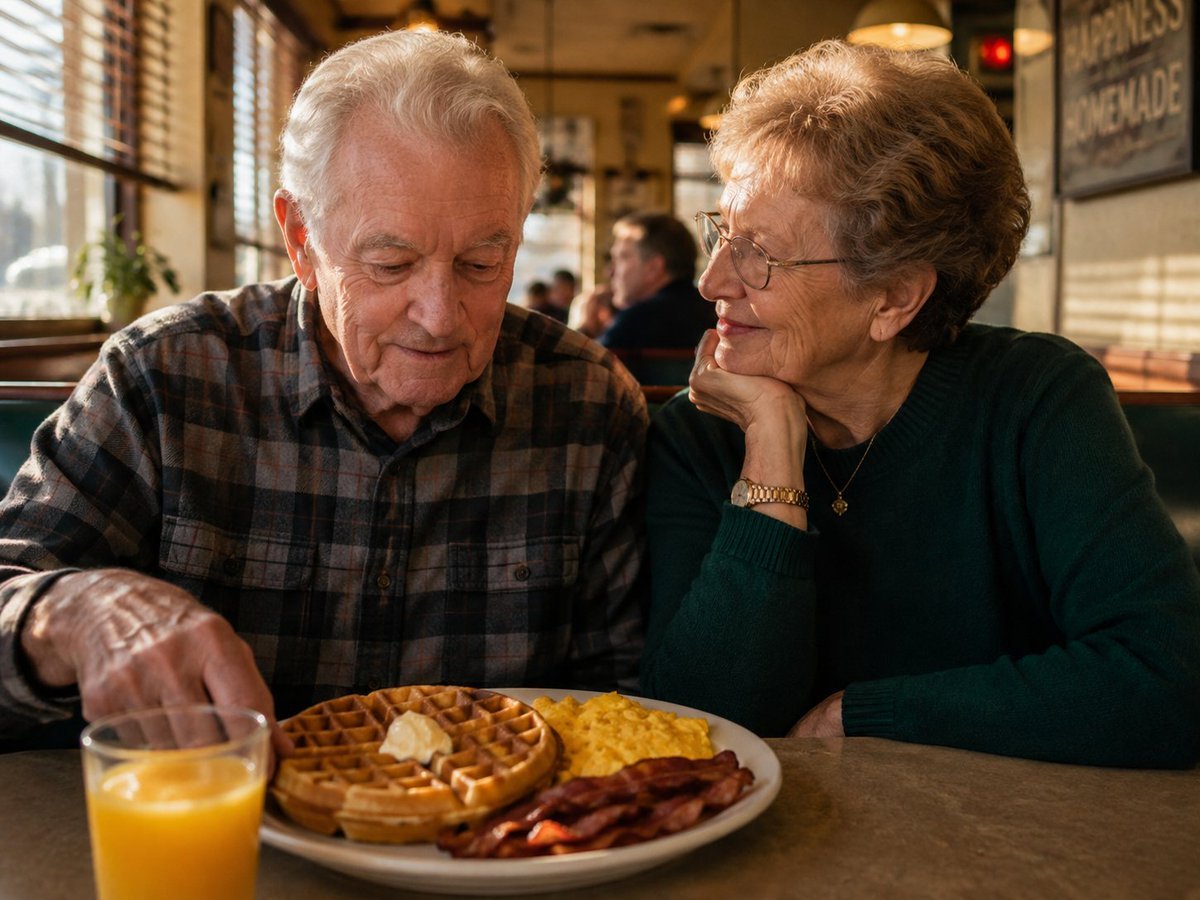
Elderly Couple Diner Breakfast
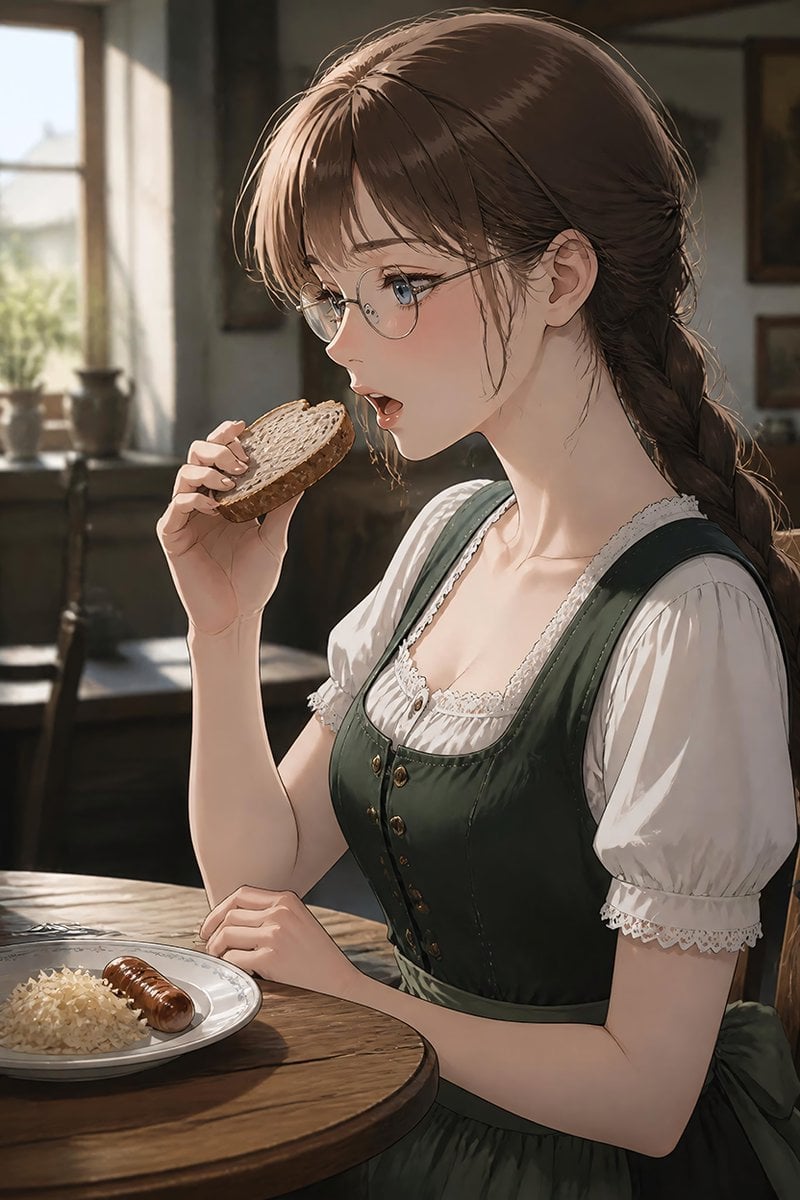
German Sausage Breakfast Plate
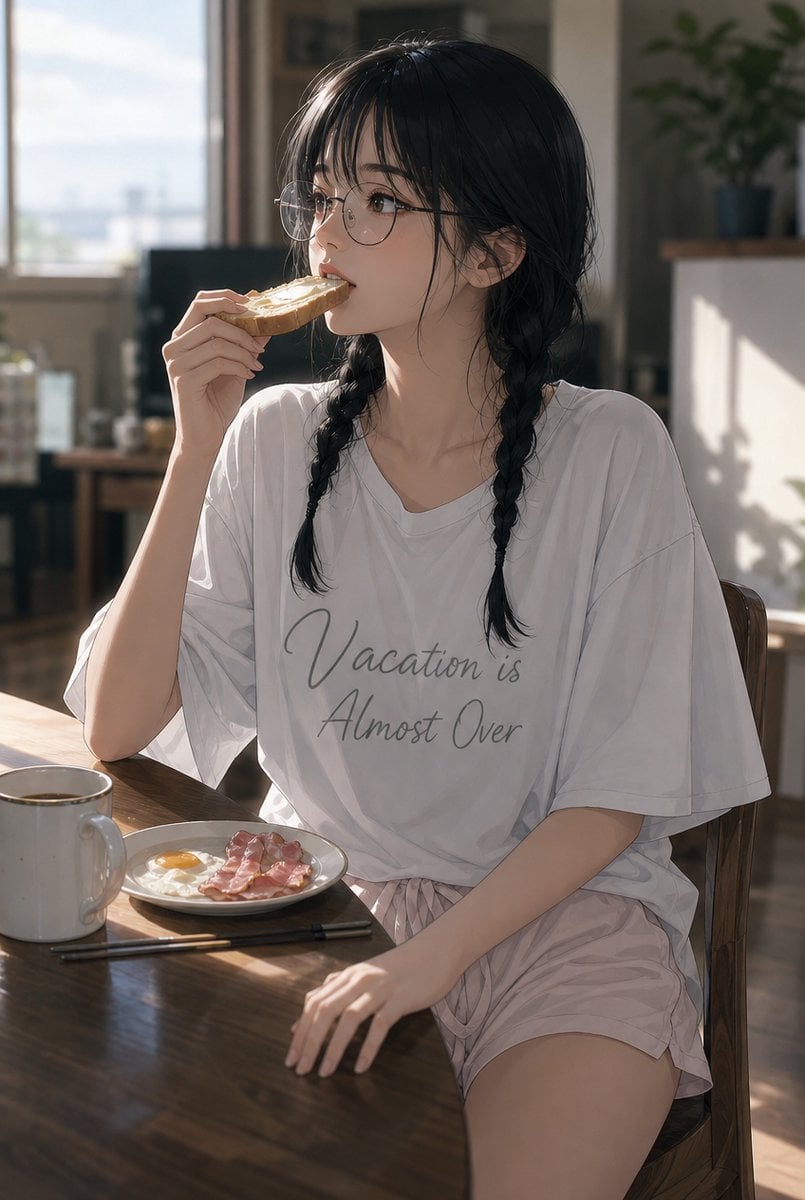
Sunlit Breakfast Anime Portrait
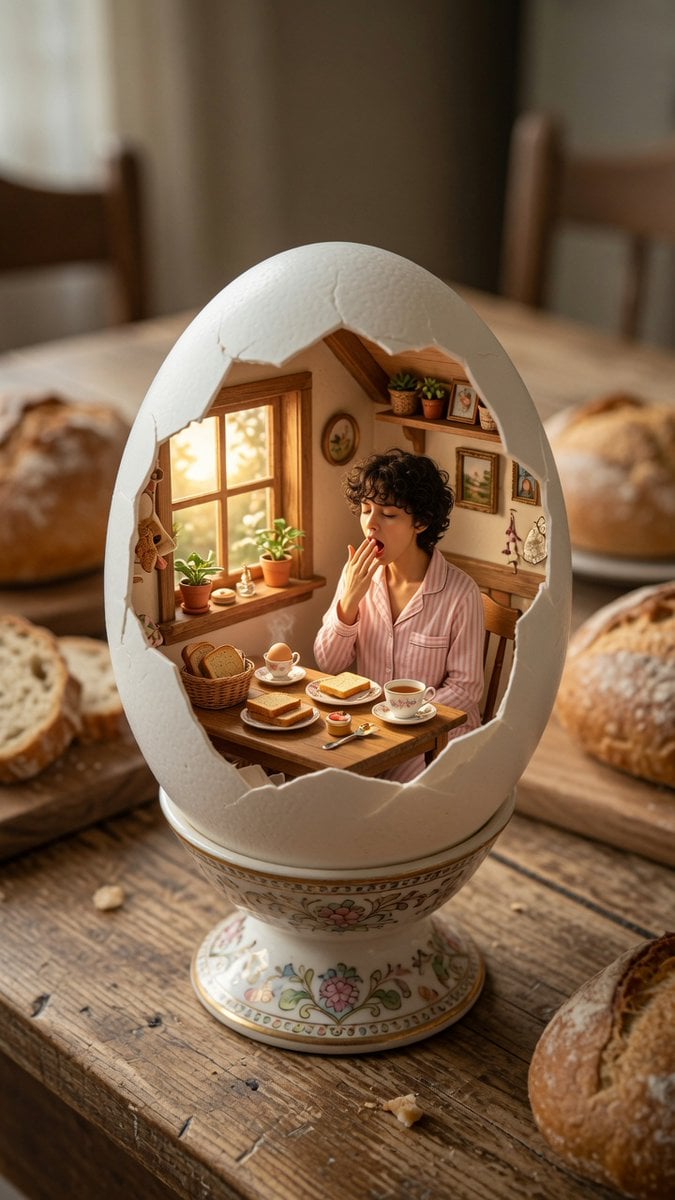
Miniature Breakfast Room Inside Eggshell
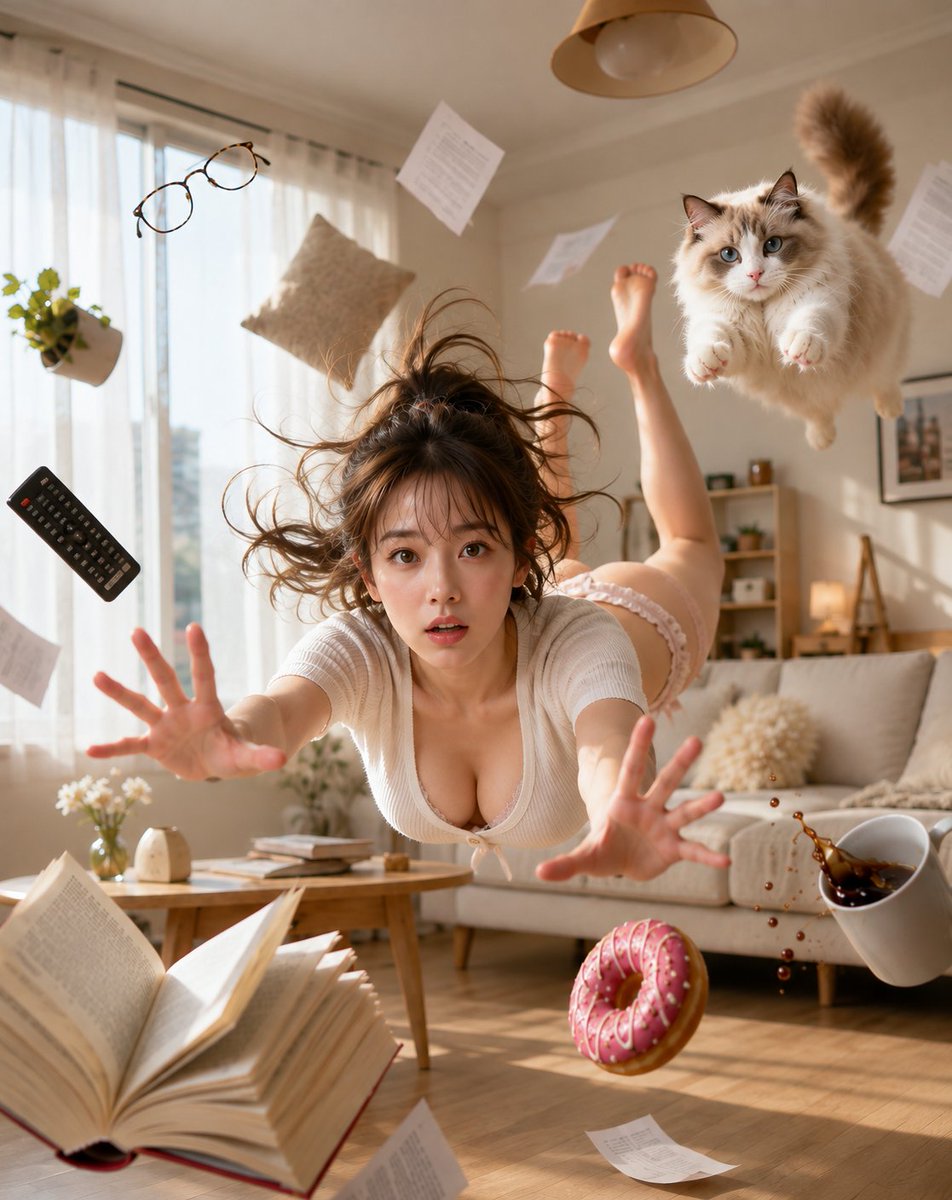
Zero Gravity Morning Scene

Hand-drawn Breakfast Journal Aesthetic Poster

A clean, refreshing vertical advertising poster design for a face wash
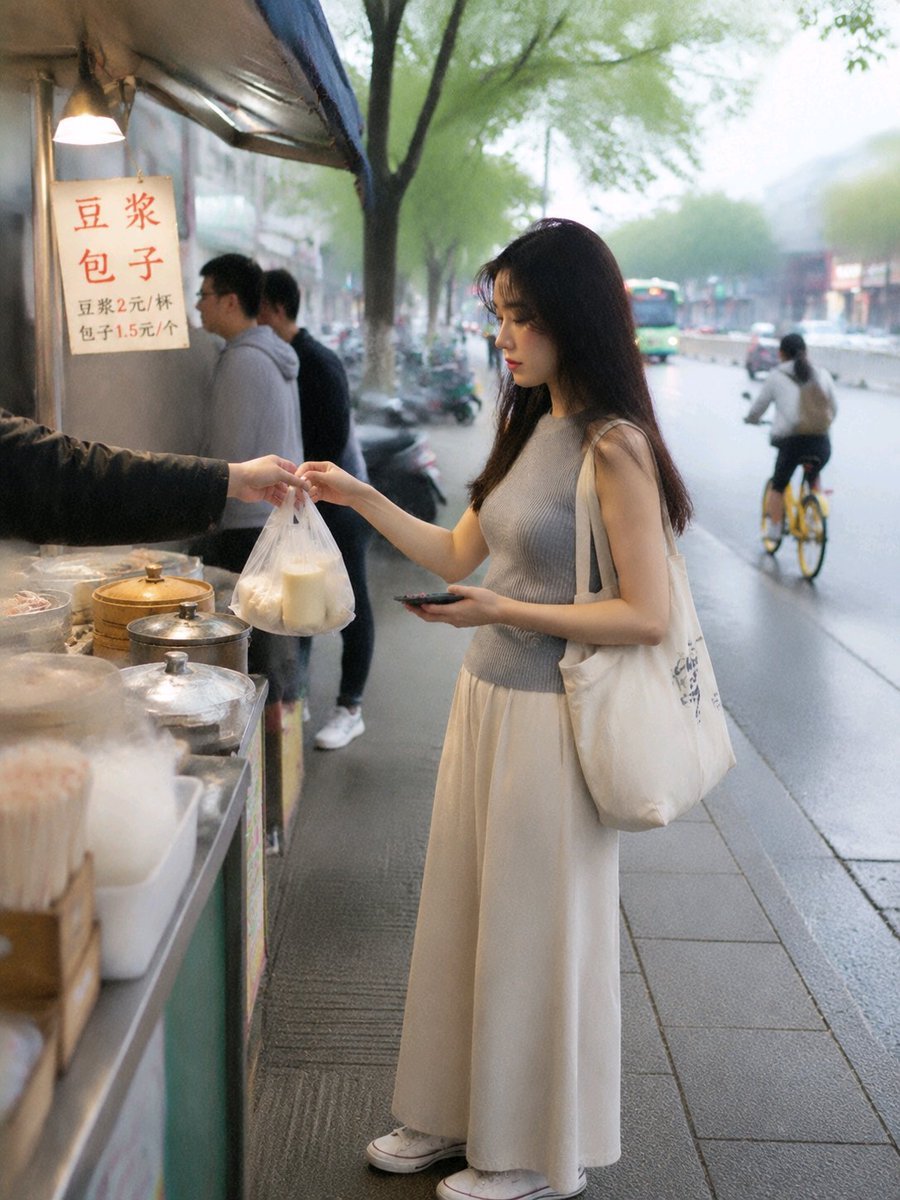
Asian Woman at Street Breakfast Stall

Fresh Summer Lifestyle Portrait
Make it yours
Fresh Morning Café Breakfast Ad works as-is. These are the safest ways to change it without losing the look.
Change one field
Copy a single group, rewrite it, and generate again so you can see what that field is doing.
Keep the frame, change the subject
Hold the composition and light of Fresh Morning Café Breakfast Ad, then swap wardrobe, props or the person for a new take.
| If the result… | Why | Fix |
|---|---|---|
| The result drifts from the preview | Too many fields changed at once. | Reuse Fresh Morning Café Breakfast Ad as-is first, then change one group — subject, light, or setting. |
| The model over-stylizes the scene | The prose prompt leaves finish and camera underspecified. | Add one camera or lighting sentence and stay on GPT Image 2. |
More GPT Image 2 templates
Other prompts made for GPT Image 2.

Six VTuber Japanese Logo Sheet

Realistic Portrait of Woman and Deer

The Vista Modular Condo Poster

AI Model Routing Comparison Infographic

2.5D Anime Art Board

Isometric Productivity Desk Scene

New York Double Exposure Poster

Four-Panel AI Landscape Comparison

Japanese Tatami Lifestyle Magazine Cover

NESCAFÉ Coffee Map Poster
More image prompts
Fresh picks from across the catalog.
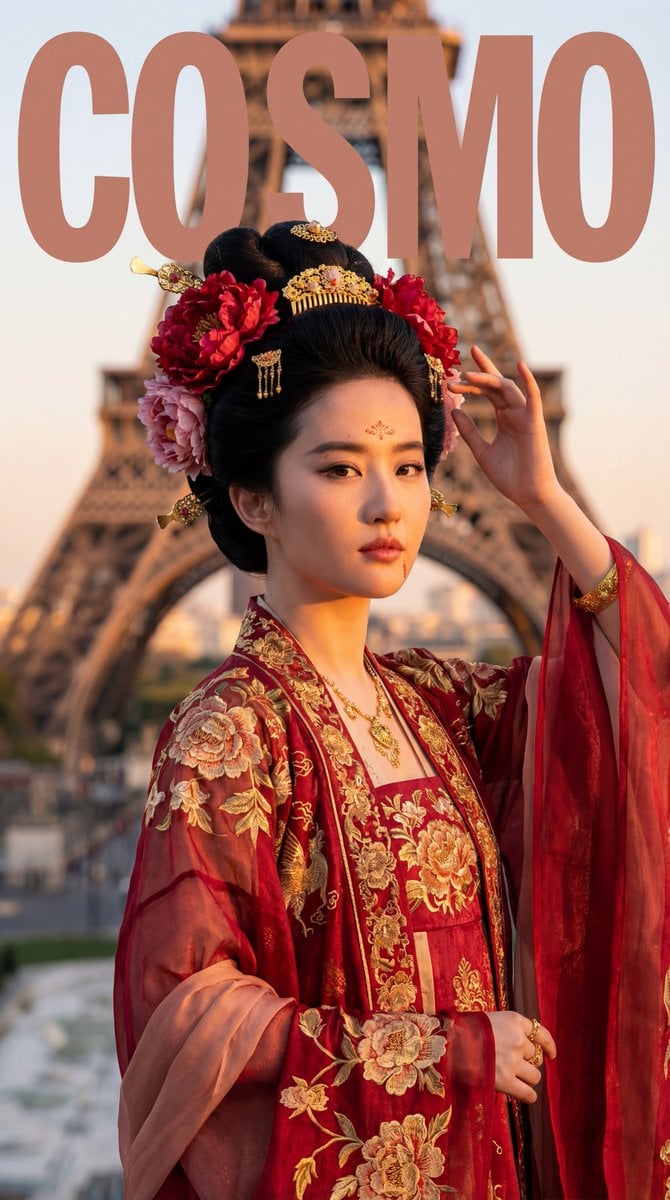
Tang Dynasty Empress in Paris Fashion Magazine Cover Prompt
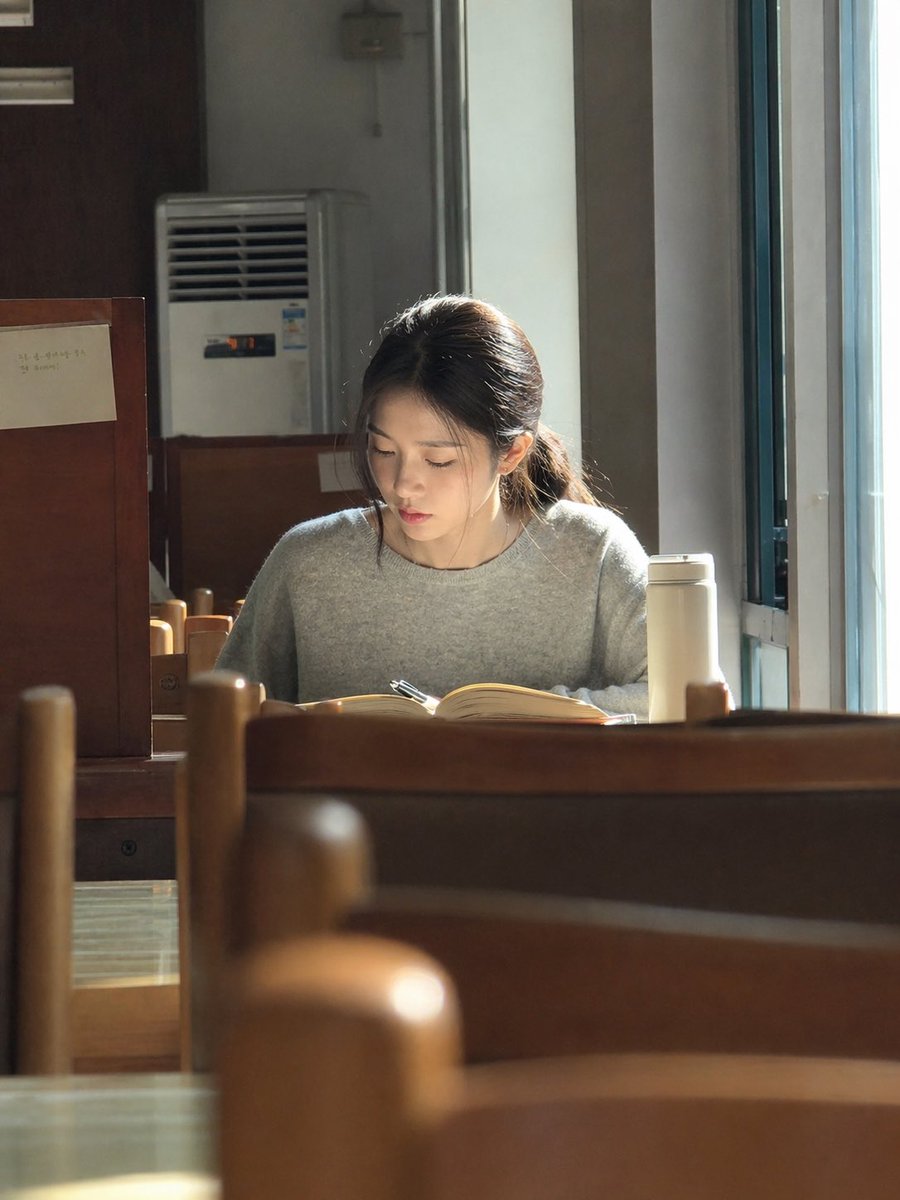
Sunlit Library Study Portrait
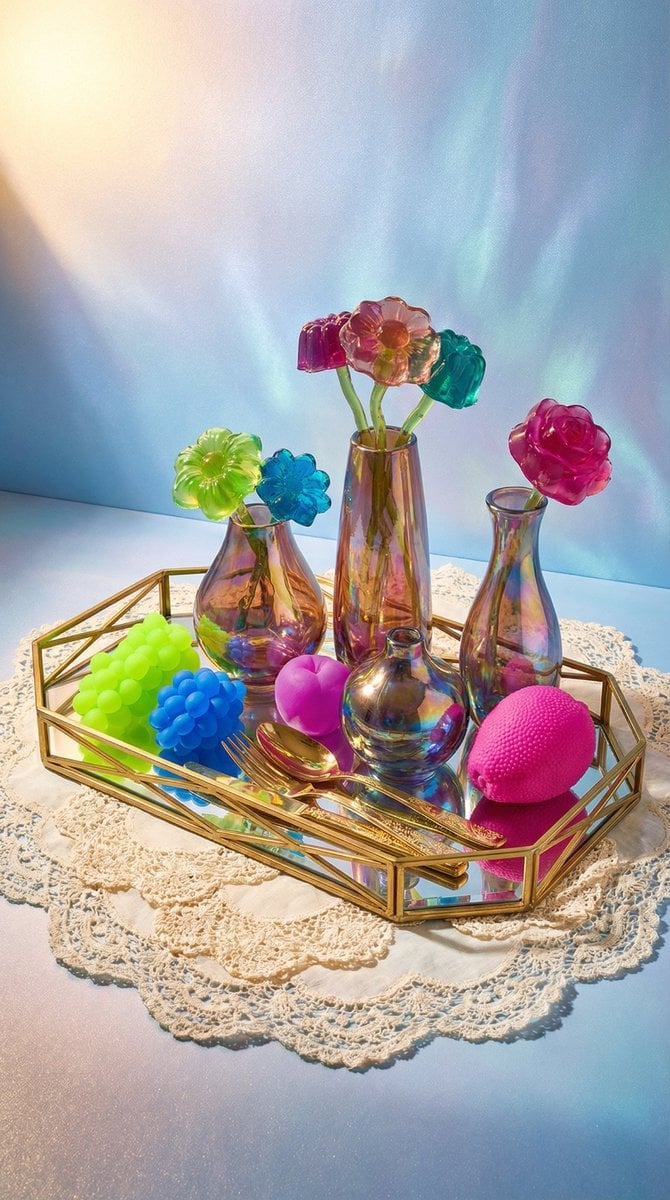
Maximalist Tabletop Arrangement Product Photography

Moody High-Contrast Portrait with Acoustic Guitar
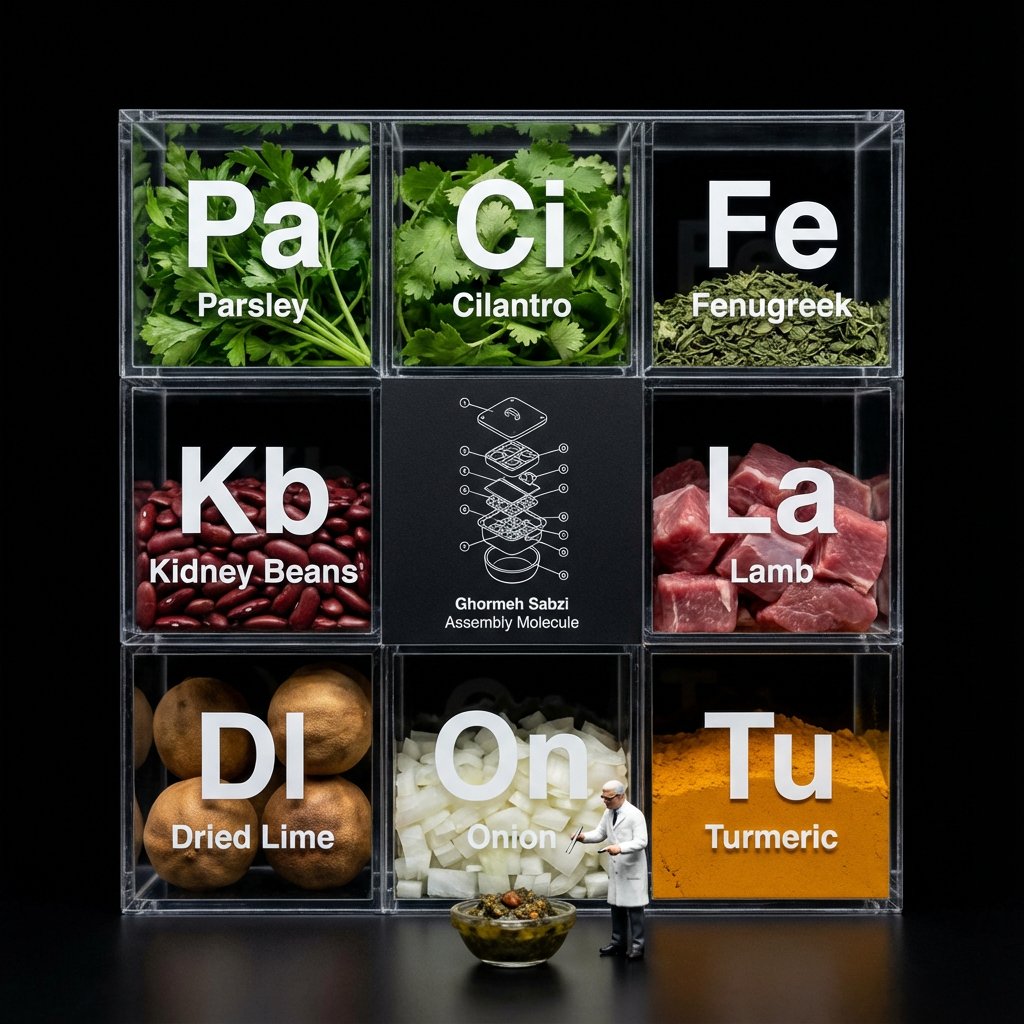
Molecular Gastronomy Display Box for Food Visualization
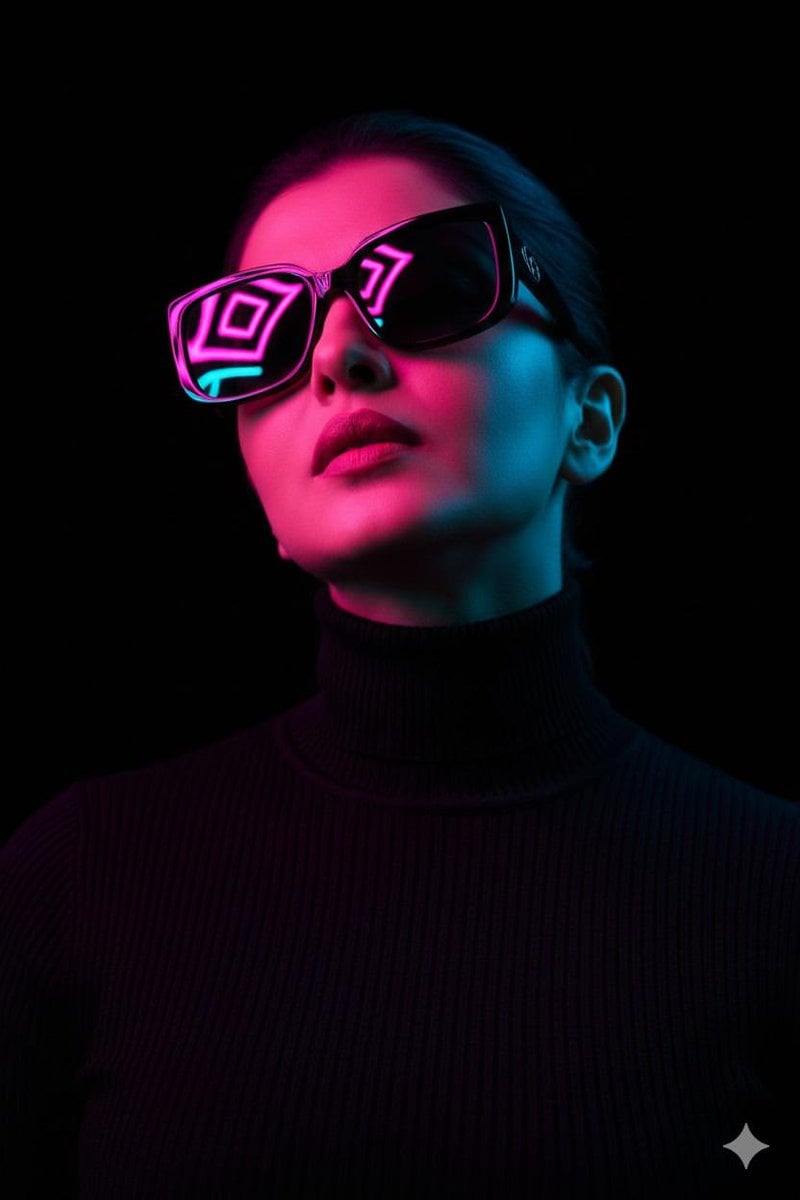
Cyberpunk Futuristic Portrait Prompt
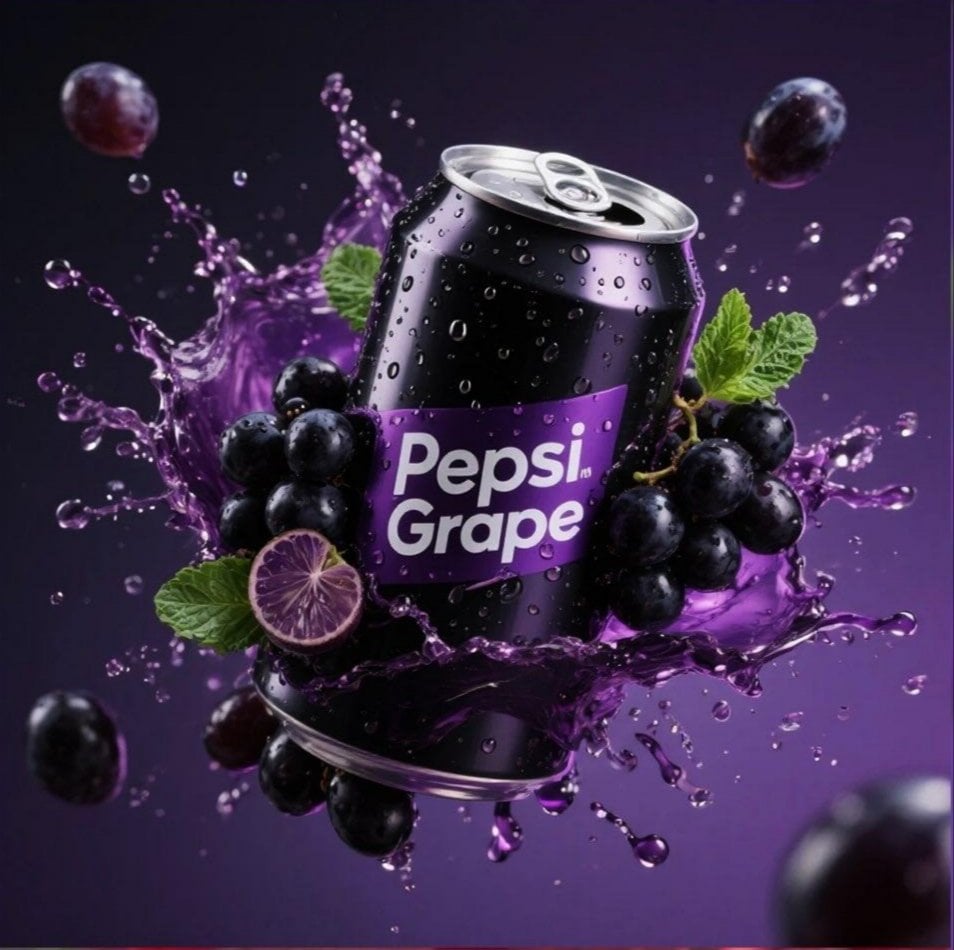
Product Advertisement Prompts for Nano Banana Pro on Gemini
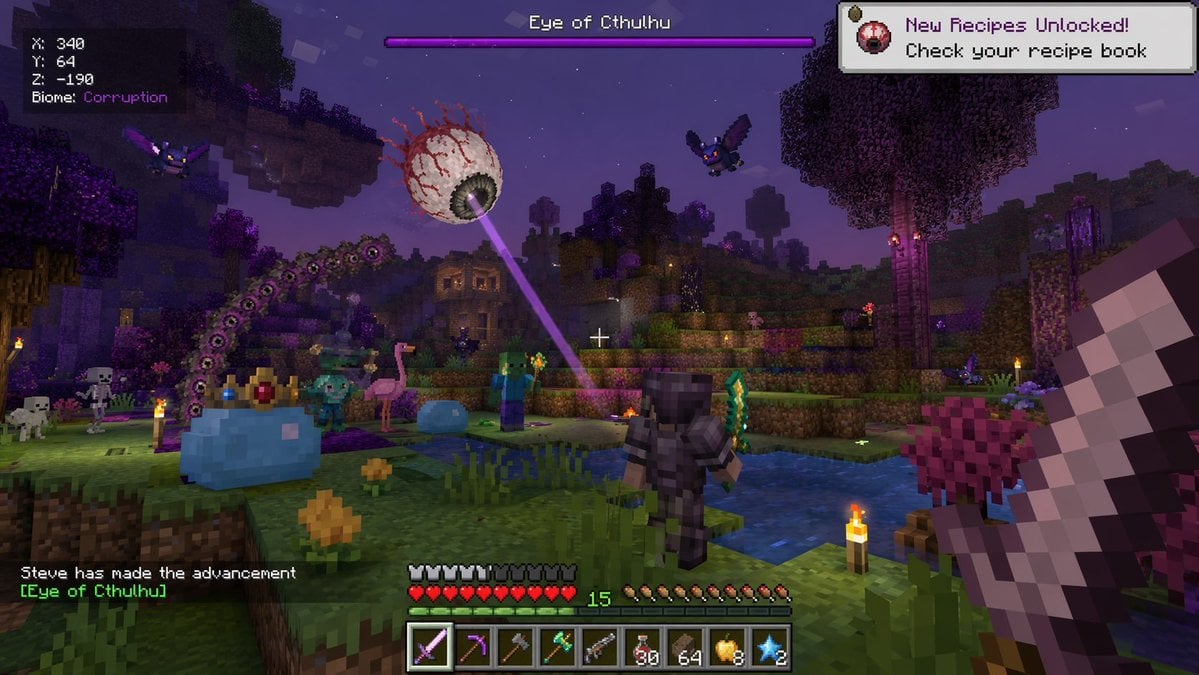
Voxel Survival Game Boss Fight HUD
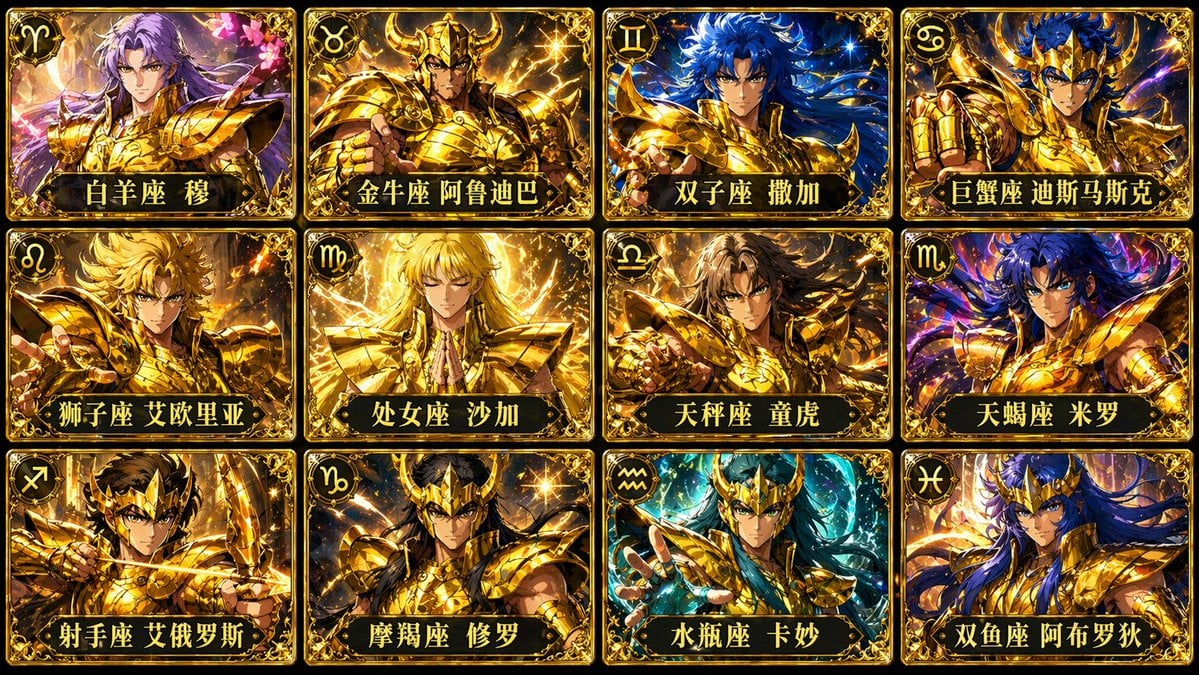
Twelve Gold Saints Card Grid
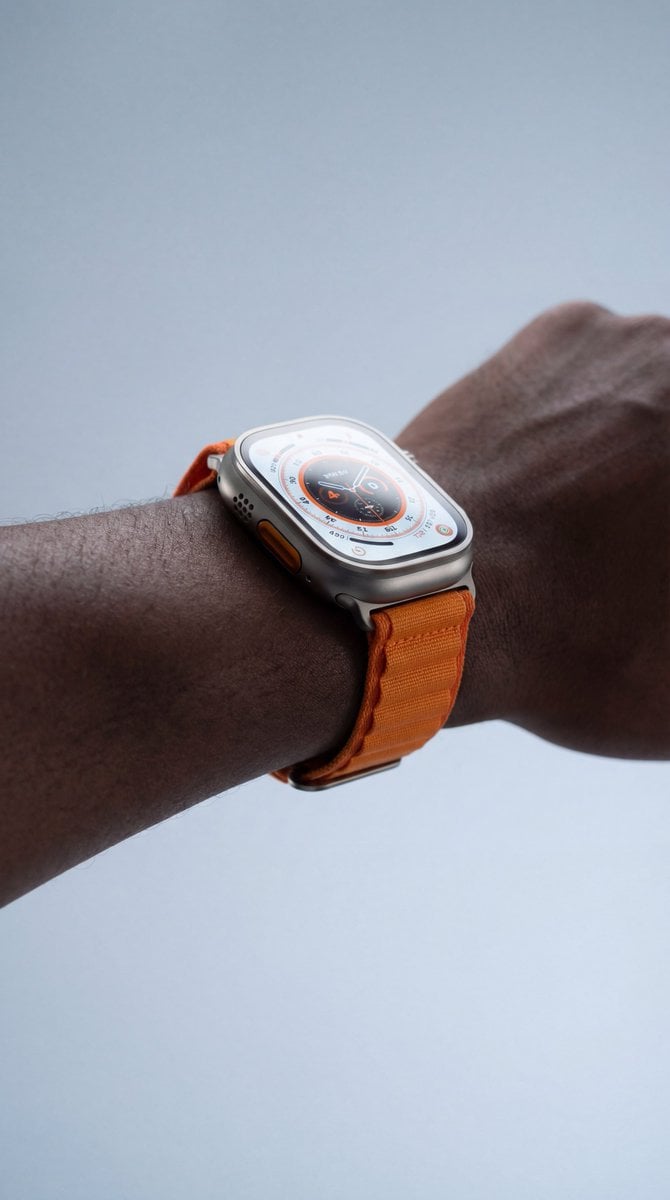
Macro Studio Shots of Apple Watch and iPhone 17
Browse template categories
Fresh Morning Café Breakfast Ad questions
How do I use the Fresh Morning Café Breakfast Ad template?
Add your photo if the template asks for one, edit the prompt if you like — the template's model and format are already selected — and press Generate. Your version opens in PicX Studio.
Can I customize the Fresh Morning Café Breakfast Ad template?
Yes. You can change the subject, setting, lighting, mood, format, and available model controls before creating your image.
Is the Fresh Morning Café Breakfast Ad template free?
Opening and editing this template is free. Generating uses credits, shown on the Generate button when you are signed in.
Which AI model should I use?
Start with GPT Image 2, which is the model associated with this template. You can compare another compatible model for a different finish.
Looking for something else? Browse all templates.

Your photo, any look
Thousands of ready templates for every top image and video model, from one credit balance.