
Tang Dynasty Empress in Paris Fashion Magazine Cover Prompt
An extremely detailed, multi-section prompt for Nano Banana Pro to generate a 9:16 vertical, realistic fashion magazine cover photo.
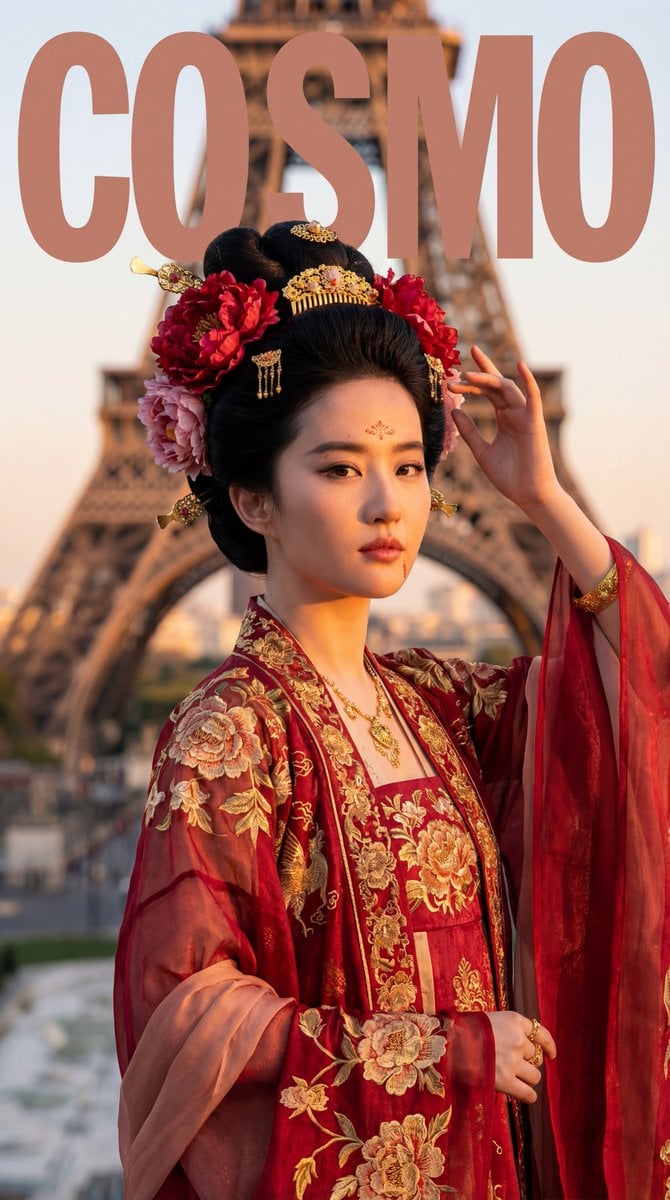
- Prompt included
- Model and format preset
- Free template
The prompt behind this image
Copy the exact prompt behind Tang Dynasty Empress in Paris Fashion Magazine Cover Prompt, or open it in the studio and make it yours.
Generate a 9:16 portrait, realistic photo in an "Ancient Chang'an Splendor meets Paris" style: use my uploaded FACE_REF as the identity reference for the person, restoring the facial features and bone structure 100%; the person wears an elaborate gown in the direction of "Tang-dynasty (High Tang) imperial consort" style (a chest-high skirt-and-blouse ensemble, wide-sleeved robe, peony motifs, gold jewelry), photographed at the Trocadéro Square beneath the Eiffel Tower in Paris, or along the Seine. The image should have the photography, styling, and cover design quality of COSMO fashion magazine, keeping the magazine's consistent design style (English design). 【INPUTS】FACE_REF: The reference image of the person's facial features that I uploaded (identity lock) 【ABSOLUTE PRIORITY | Identity lock (highest priority)】Restore the facial features and bone structure of FACE_REF 100%: face shape, appearance, eye spacing, nose bridge and nostrils, lip shape, jawline, and cheekbone structure must be fully consistent, with no drift. Realistic skin texture: fine texture and pores should be visible; do not over-smooth or give it an overly polished "influencer" look. An adult female figure. 【SHOT TYPE | Choose one of two framings (randomly chosen by the model, and must be applied consistently and realistically)】 A) Half-body cover: from chest to above the waist, with the headpiece and upper-body embroidery the clearest, the eyes in the sharpest focus (primary choice) B) Full-body cover: showing the layered gown and skirt pattern from head to toe, with a stronger sense of perspective from the tower's steel structure (alternative) (Either A or B: it must maintain a "cover composition," leaving blank space for layout, but without a torn-paper/hand-drawn effect.) 【LOCATION | Scene (the Eiffel Tower, Paris)】 The Eiffel Tower in Paris: the classic steel-lattice tower structure as the background. Choose one of two weather conditions (random): 1) Parisian overcast rain (the ground slightly damp, soft high-end gray-toned light, a strong fashion feel) 2) A gorgeous dusk (the glow of sunset, golden light, a romantic mood) Clean background: no tourists, no modern signage, no phone status-bar UI, no watermark captions, no guardrails. 【LIGHTING & CAMERA | Photographic quality (magazine-grade)】 Lens feel: an 85mm portrait feel (half-body) or 50mm/70mm (full-body), shallow depth of field, with the eyes the sharpest. Light: natural light (emphasizing ambient light) + cinematic-grade fill light; the gold jewelry has realistic highlights without blowing out; the silk sheen is clearly discernible. Color: high-end cinematic feel, with French beige-gray/blue-gray tones forming a strong visual tension against the Tang-dynasty costume's "red-green-gold" palette; overall clean, luminous, with a rich texture. 【WARDROBE | Tang-dynasty court gown (voluptuous, flowing, boldly colored)】 Target aesthetic: "ornate gold jewelry, floral forehead decoration and cheek dots, a chest-high skirt, a flowing silk shawl, bold reds and greens and gold, extreme flamboyance." Silhouette and layering (must embody Tang-dynasty characteristics) Inner layer: a hē zi (a strapless bodice), exposing the neck and upper chest skin (the open social mores of the Tang dynasty) Middle layer: a cross-collar short blouse (duijin), in a transparent, lightweight material (silk gauze/sheer silk) Outer layer: a wide-sleeved robe (extremely wide sleeves, trailing on the ground), spread open like wings Decoration: a pèi bó (a long silk shawl), draped between the arms, fluttering in the wind Lower garment: a chest-high open skirt (the skirt waist tied at the chest, the hem wide, in multi-color piecing or floral print) Fabric and craftsmanship (heavy handiwork must be "visible") Main fabrics: silk, brocade, gold-printed gauze (combining lightness and richness) Main techniques: dyeing (batik/tie-dye), gold-thread embroidery, gold-woven fabric Pattern themes (suited to the Tang dynasty): the bǎoxiāng flower, entwined-branch peonies, auspicious beasts (lions/qilin), large, full medallion patterns Details: a floral forehead ornament (huādiàn, a red decoration on the forehead), miànyè (a red dot at the corner of the mouth), arm bracelets (metal ornaments on the upper arm) Headpiece (a lavish, opulent Tang-dynasty headdress) Core structure: a tall hairbun (cloud bun or "fallen from a horse" bun), adorned with large peony flowers (real or silk) Decoration: a gold comb-back (a gold comb inserted into the bun), bùyáo (swaying hairpins that move as one walks), gold hairpins Earrings: precious gold and jade 【COLOR MATRIX | Color-scheme pairing (must be executed, and must be "rich Tang-style")】 (adjusted to popular Tang-dynasty colors: red-green color clash, resplendent gold) Randomly choose 1 of the following three "main color schemes" as the 【base color / large-area main-fabric color】. Scheme G (stone-blue/emerald-green base): Base color: {argument name="base color 1" default="emerald green/stone blue"} (a commonly used intermediate color) Embroidery/dyeing: madder red, gold, orange-yellow, ivory white Scheme A (peony-red base): Base color: {argument name="base color 2" default="peony red/pomegranate red"} (the most classic Tang style) Embroidery/dyeing: gold, emerald green, sapphire blue, purple Scheme R (purple base): Base color: {argument name="base color 3" default="purple/grape color"} (noble) Embroidery/dyeing: gold, vermilion, grass green, silver 【Color execution rule】 The color contrast should be strong, embodying the grandeur of the High Tang era, but the overall tone should remain unified within a sense of high-end refinement. 【POSE | Cover pose (confident, expansive, queenly)】 Half-body: chin slightly raised, a haughty gaze, one hand lightly touching the hairbun or shawl Full-body: arms spread wide, sweeping the wide sleeves and shawl into motion, showing off the volume of the garment, presence at full display Expression: confident, flamboyant, alluring, gracious; not shy. 【OUTPUT】 1 photorealistic magazine-cover-grade photo, 9:16 portrait Random: half-body or full-body (choose one of A/B) Random: rainy or dusk (choose one of the weather options) Random: emerald green / peony red / purple (choose one of the color matrix) Styling: Tang-dynasty court-gown direction + peony flowers/gold-comb headpiece + chest-high skirt with wide sleeves + flowing shawl
How to use Tang Dynasty Empress in Paris Fashion Magazine Cover Prompt in 3 steps
- 1Upload ImagePNG, JPG or paste
Add your photo
Upload the photo the template builds on. The prompt, model and format are already set.
- 2…a portrait of your subject in softgolden-hour light, 85mm…
Personalize
Edit the subject and creative details for your destination.
- 3Generate
Generate
Press Generate — your image is created in PicX Studio, so you can compare it with the original and refine one variable at a time.
More like this
Templates with the same subject, style or setup. Open one to see its prompt.

High-Fashion Editorial Magazine Cover ICON

Korean Model Floating Magazine Pages Campaign

Nano Banana - Street Paris T-Shirt

Nano Banana - Paris Cafe Editorial

Off Duty Fashion Magazine Cover

High-Fashion Magazine Cover Portrait

Blue Hour Editorial Fashion Portrait
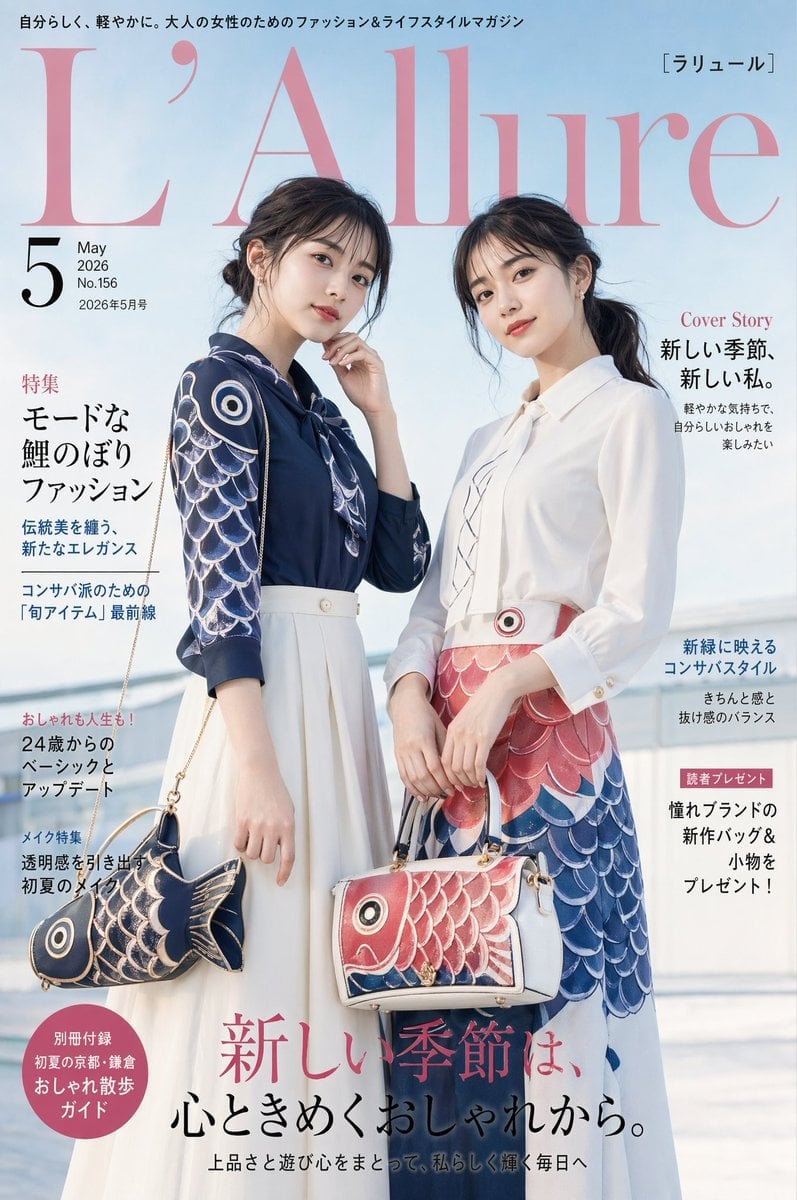
Japanese Koinobori Fashion Magazine Cover
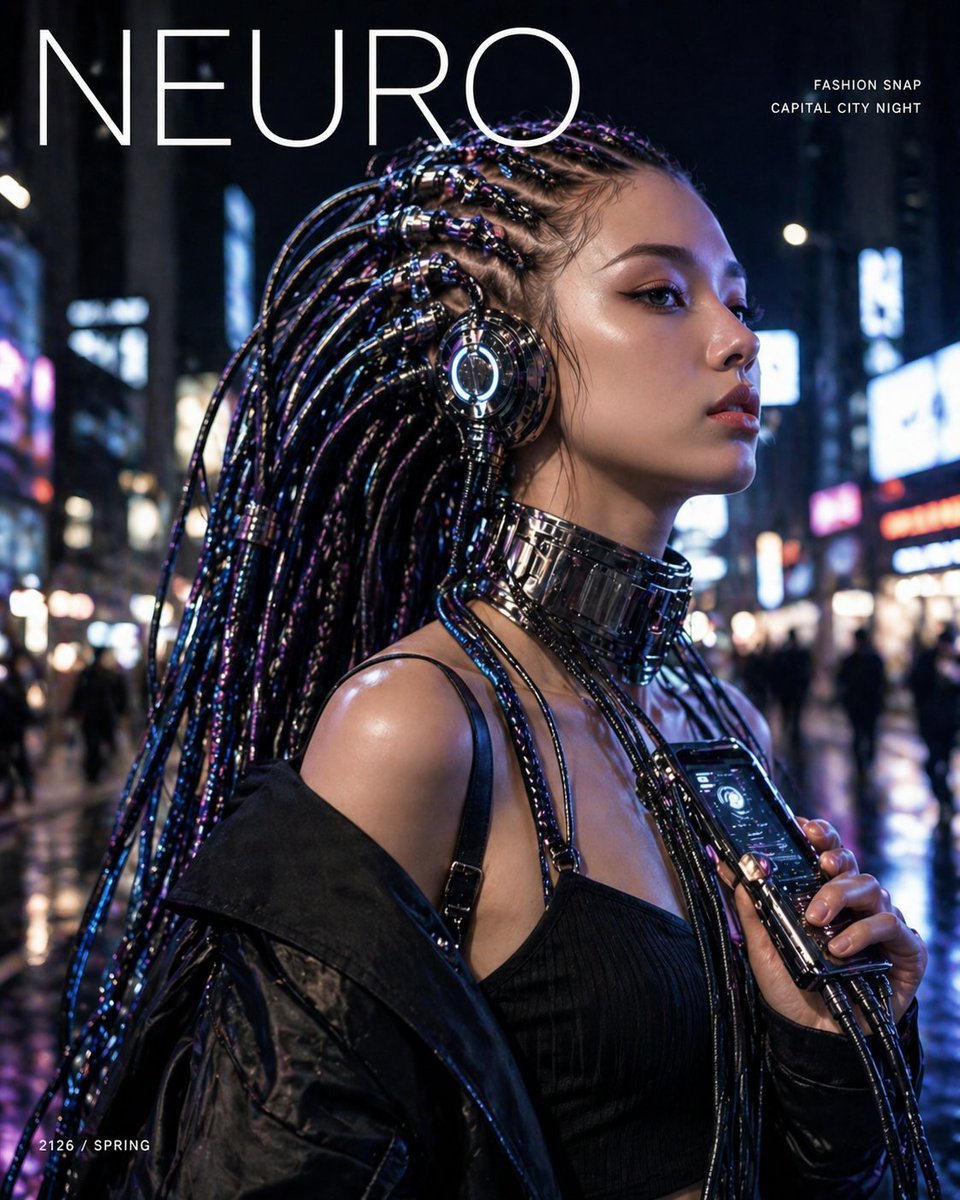
Cyberpunk Fashion Magazine Cover
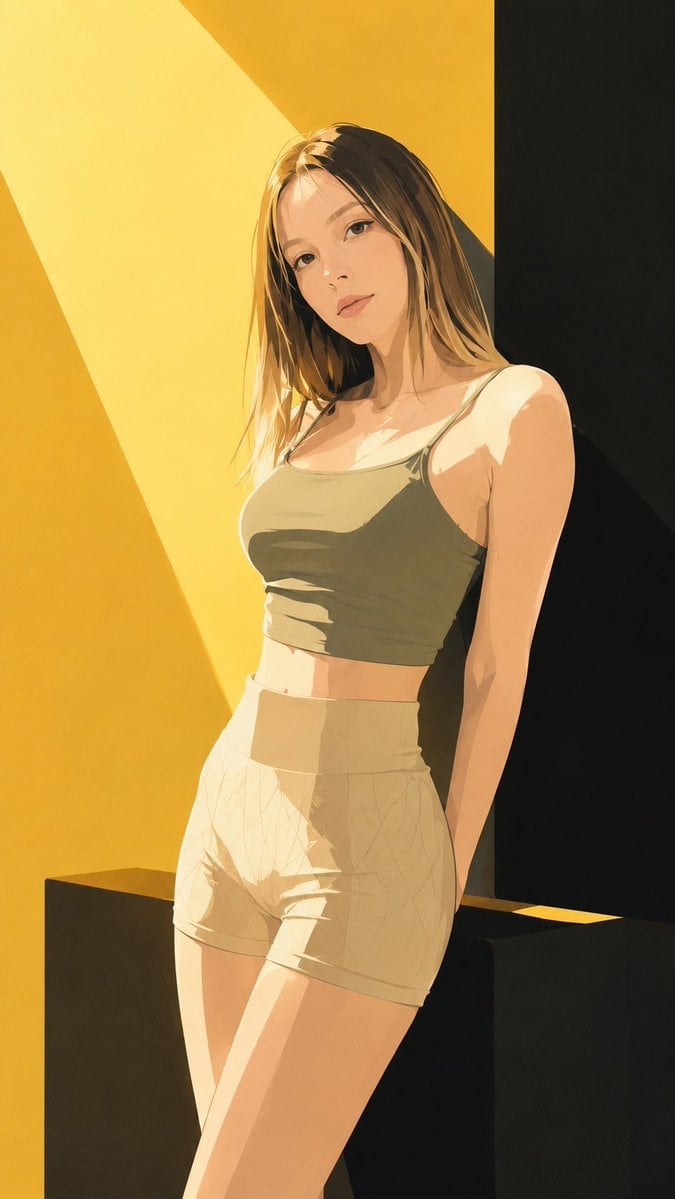
Japanese Fashion Magazine Anime Cover

80s College Gate

1988 Mall Style
Make it yours
Tang Dynasty Empress in Paris Fashion Magazine Cover Prompt works as-is. These are the safest ways to change it without losing the look.
Change one field
Copy a single group, rewrite it, and generate again so you can see what that field is doing.
Keep the frame, change the subject
Hold the composition and light of Tang Dynasty Empress in Paris Fashion Magazine Cover Prompt, then swap wardrobe, props or the person for a new take.
| If the result… | Why | Fix |
|---|---|---|
| The result drifts from the preview | Too many fields changed at once. | Reuse Tang Dynasty Empress in Paris Fashion Magazine Cover Prompt as-is first, then change one group — subject, light, or setting. |
| The model over-stylizes the scene | The prose prompt leaves finish and camera underspecified. | Add one camera or lighting sentence and stay on Nano Banana 2. |
More Nano Banana 2 templates
Other prompts made for Nano Banana 2.

Photorealistic Leaf Shaped Like a Dragon

K-Pop Idol Portrait Grid for Rapid Selection

Poetic Rain Forest Portrait During Golden Hour

Urban Street Portrait with Cartoon Inner Self Duo

Candid Nighttime Photo with Cat Prompt

High-Concept 3D Diorama Generation Prompt

Cinematic Futuristic Studio Portrait Template

Skincare Editorial Photography Collage Prompt

Hyper-Realistic Commercial Product Photography (Splash Effect)

Hyper-Realistic Nightclub Portrait Prompt
More image prompts
Fresh picks from across the catalog.
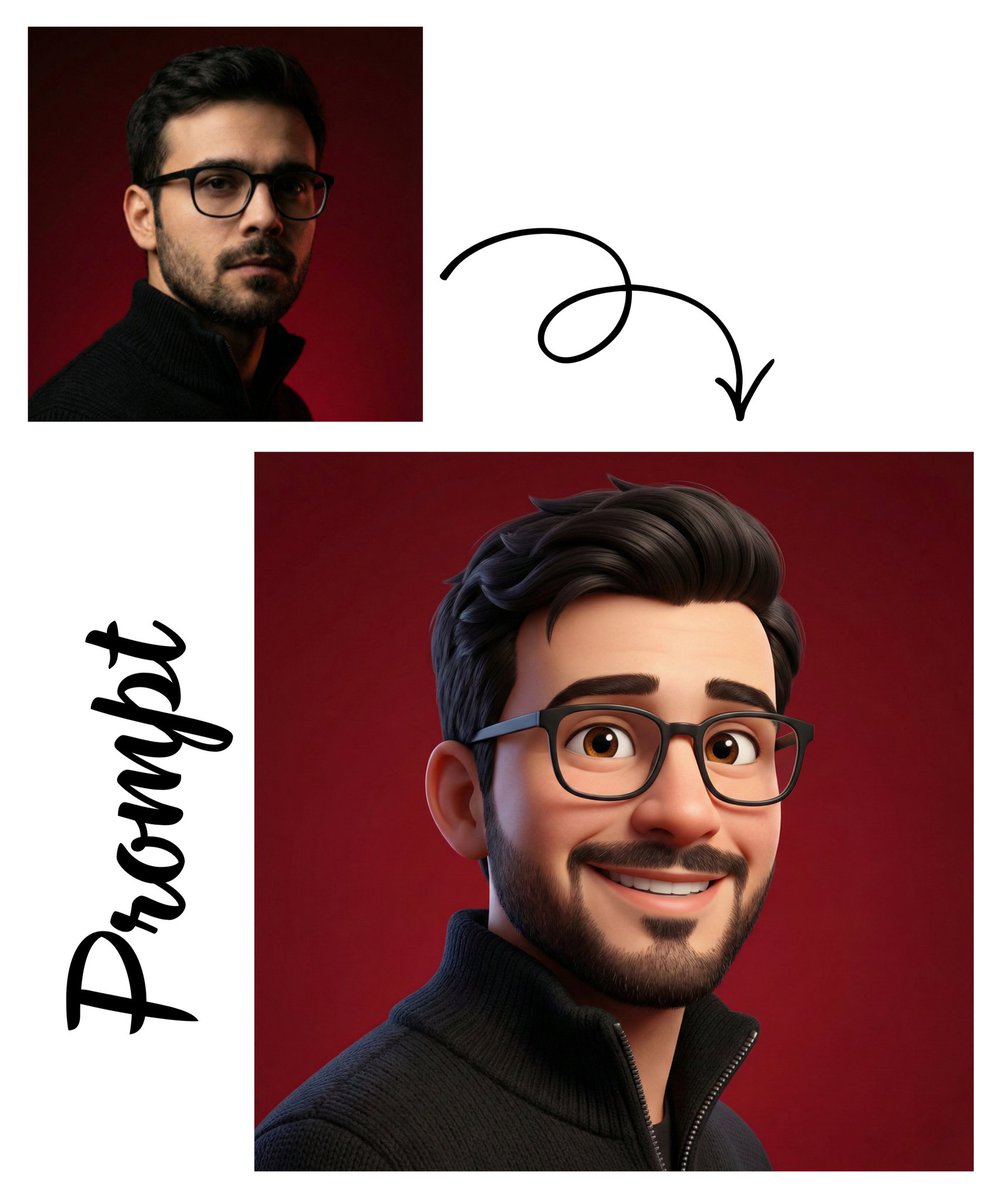
Detailed Pixar Style 3D Avatar Generation Prompt
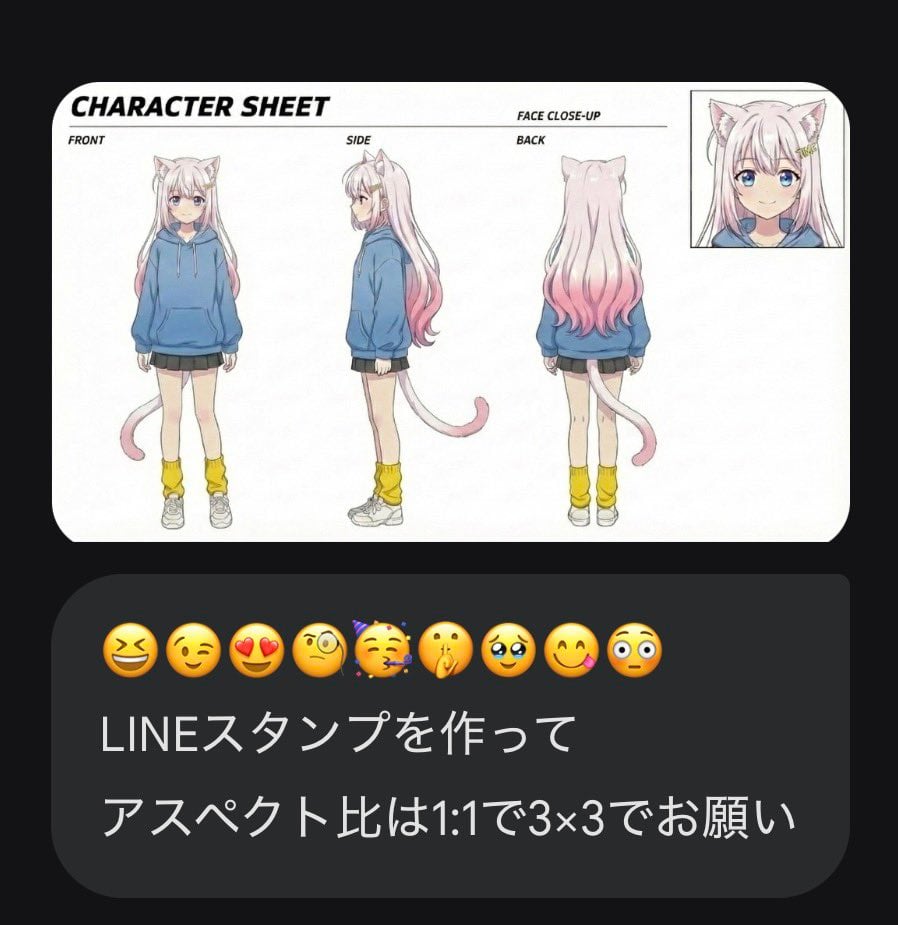
LINE Sticker Generation Prompt with Emojis
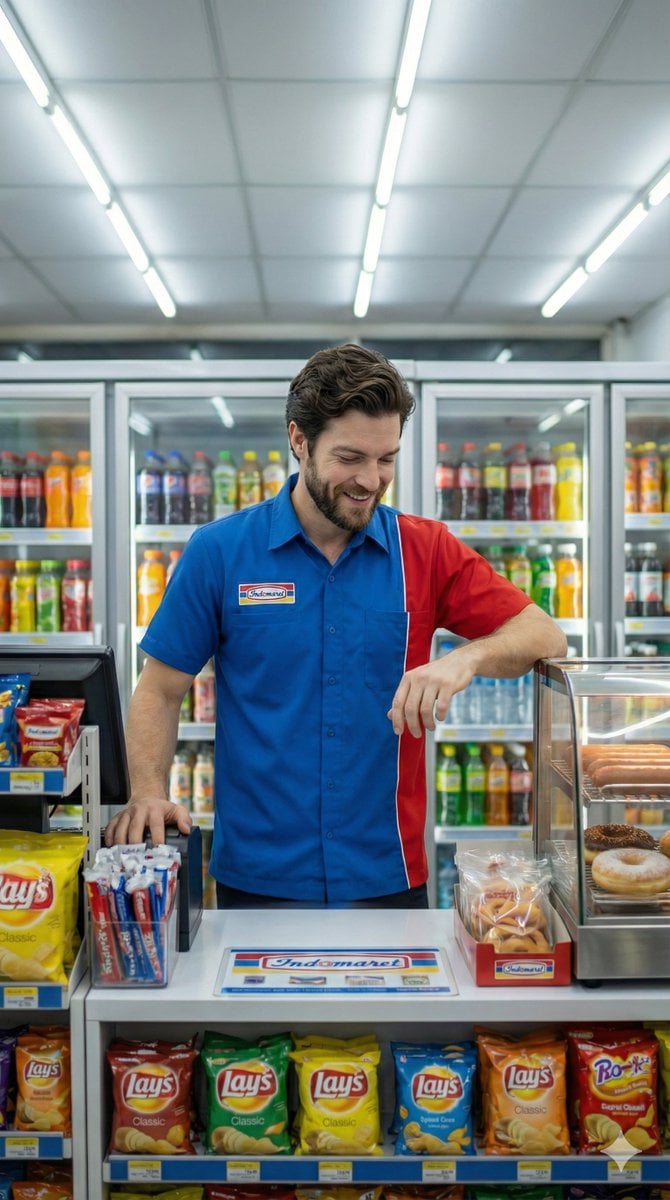
Photorealistic Convenience Store Clerk Cinematic Shot
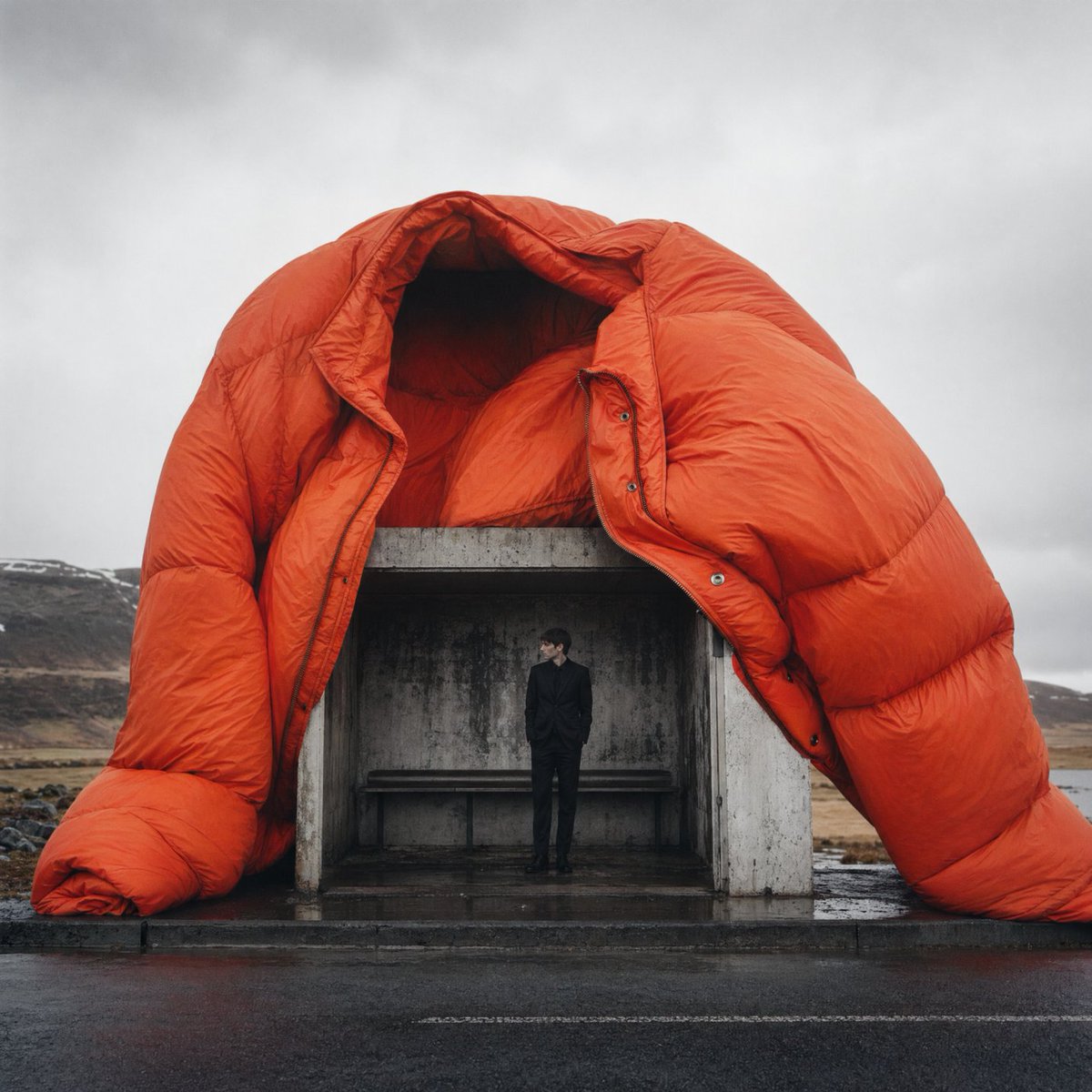
Surreal Orange Puffer Bus Stop Editorial
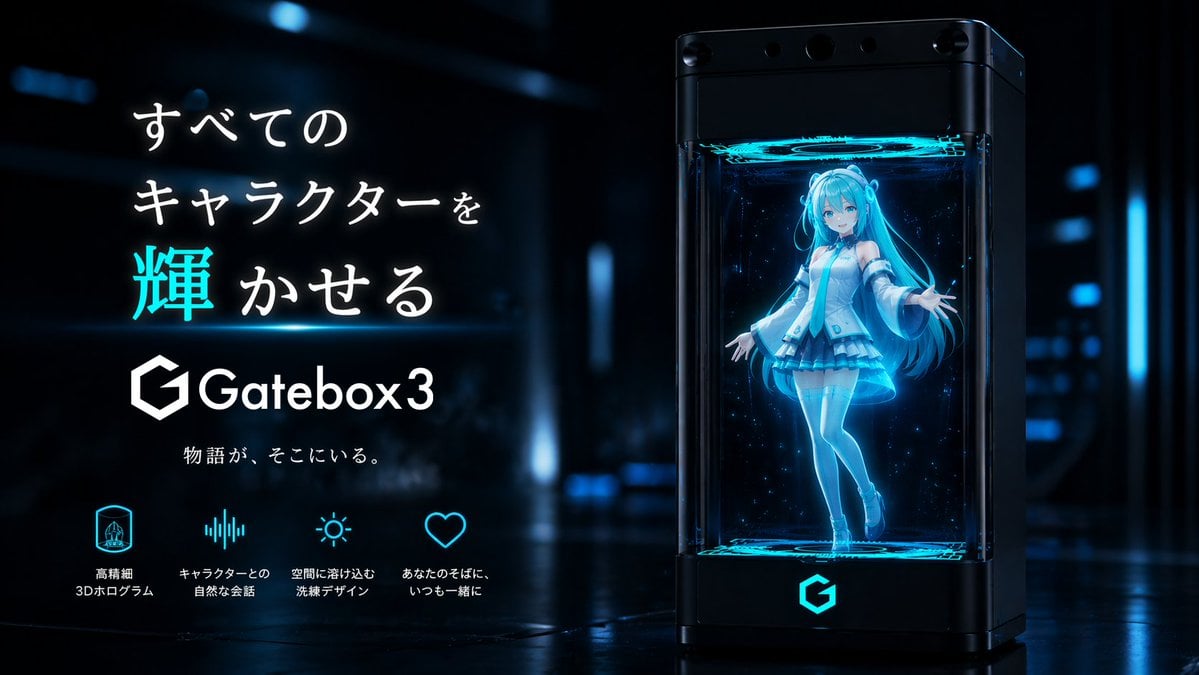
Gatebox3 Hologram Device Ad
Collection of Emotional Kaomoji and Emoticons
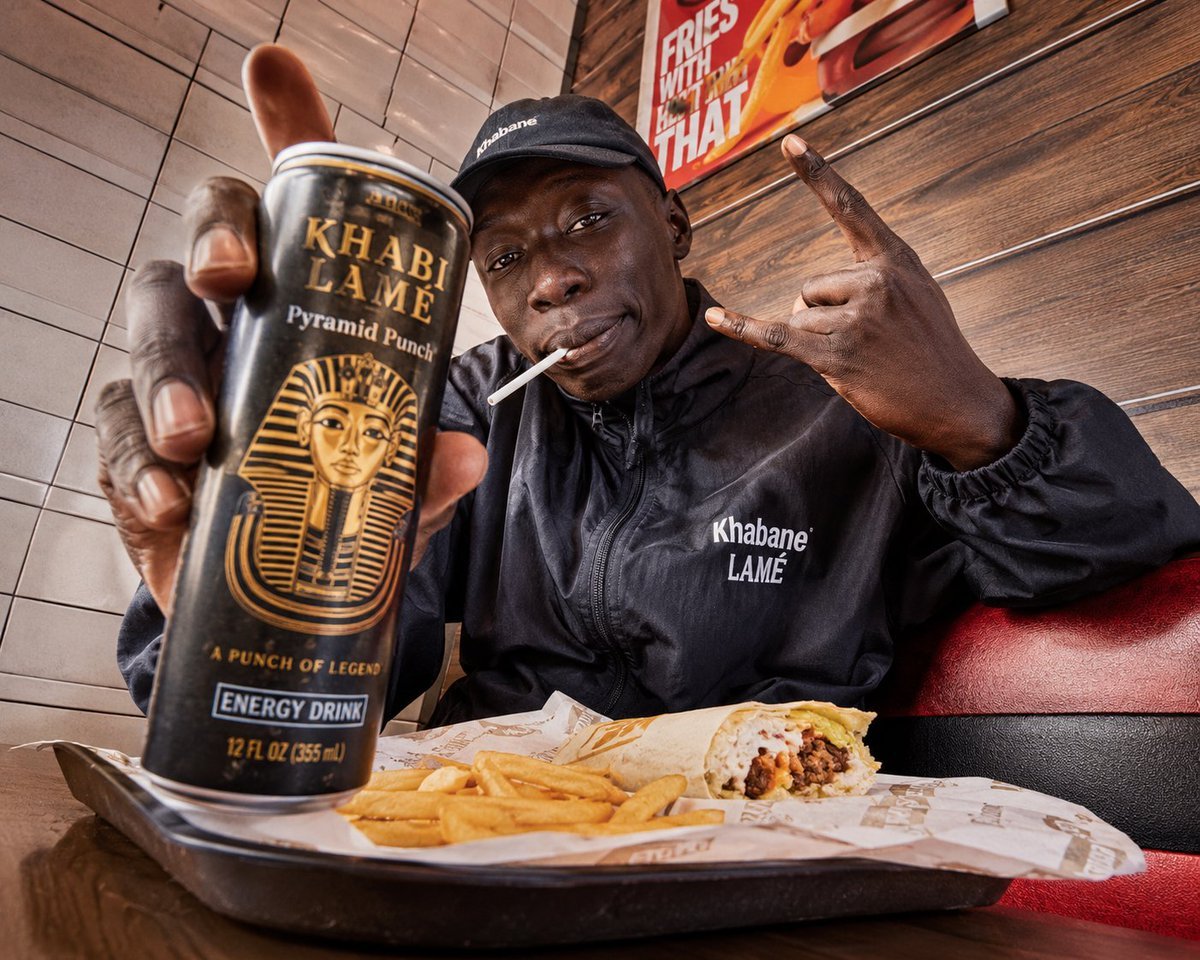
Egyptian Style Editorial Diner Shot
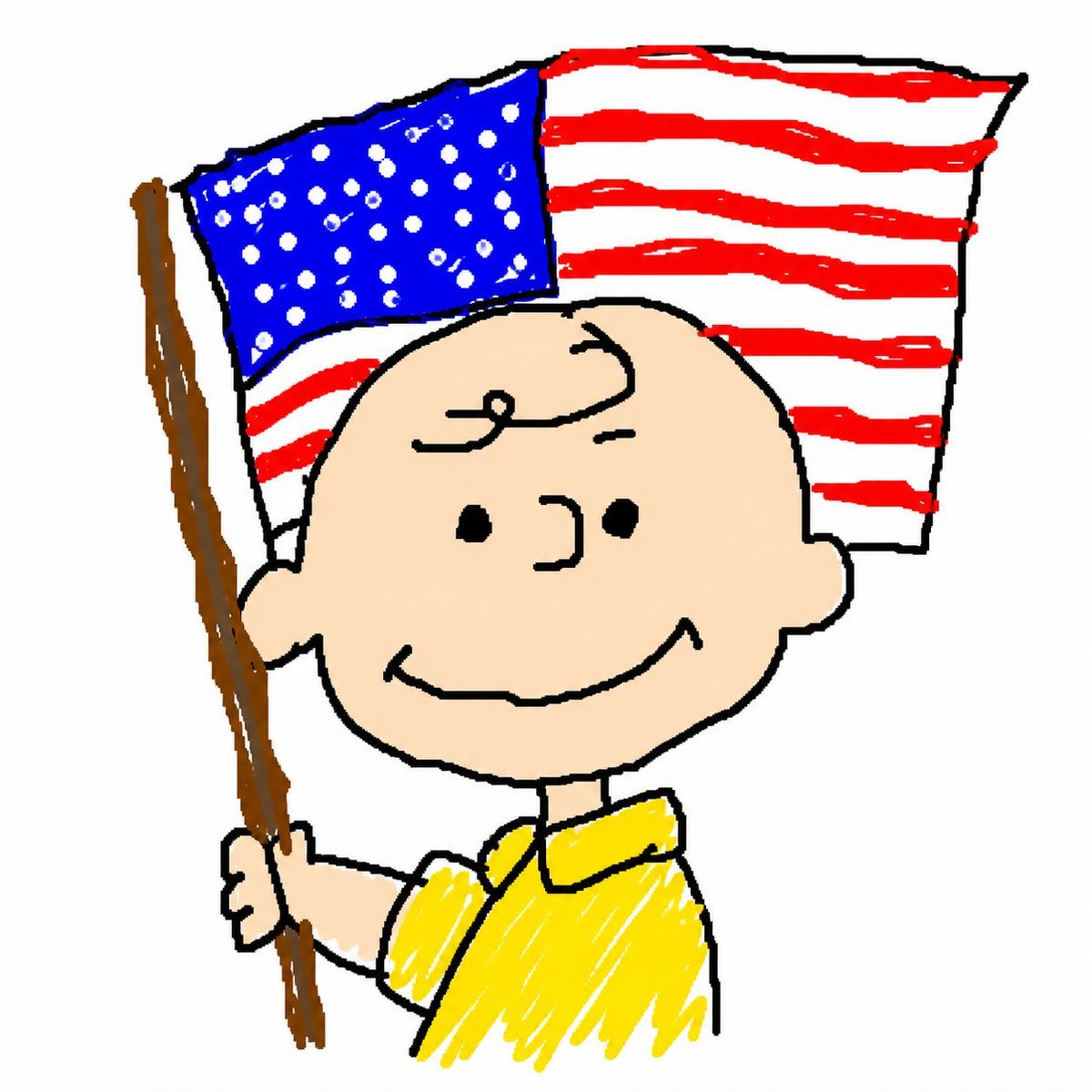
MS Paint Charlie Brown Flag Doodle
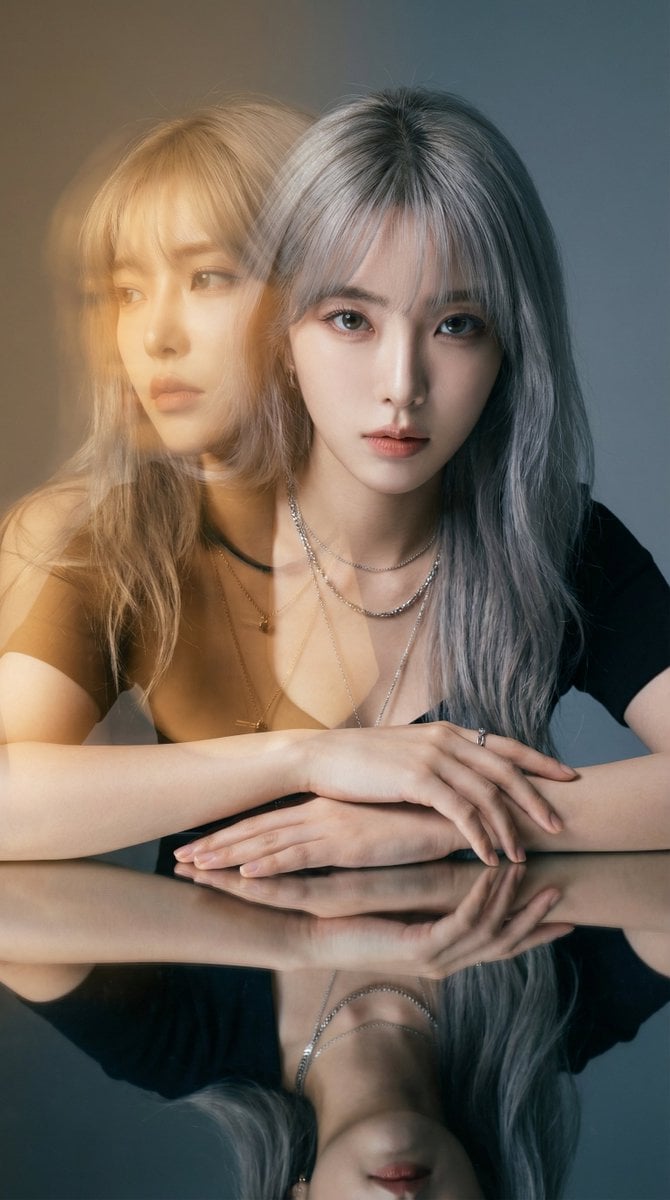
High-Fashion Double Exposure Portrait with Reflection
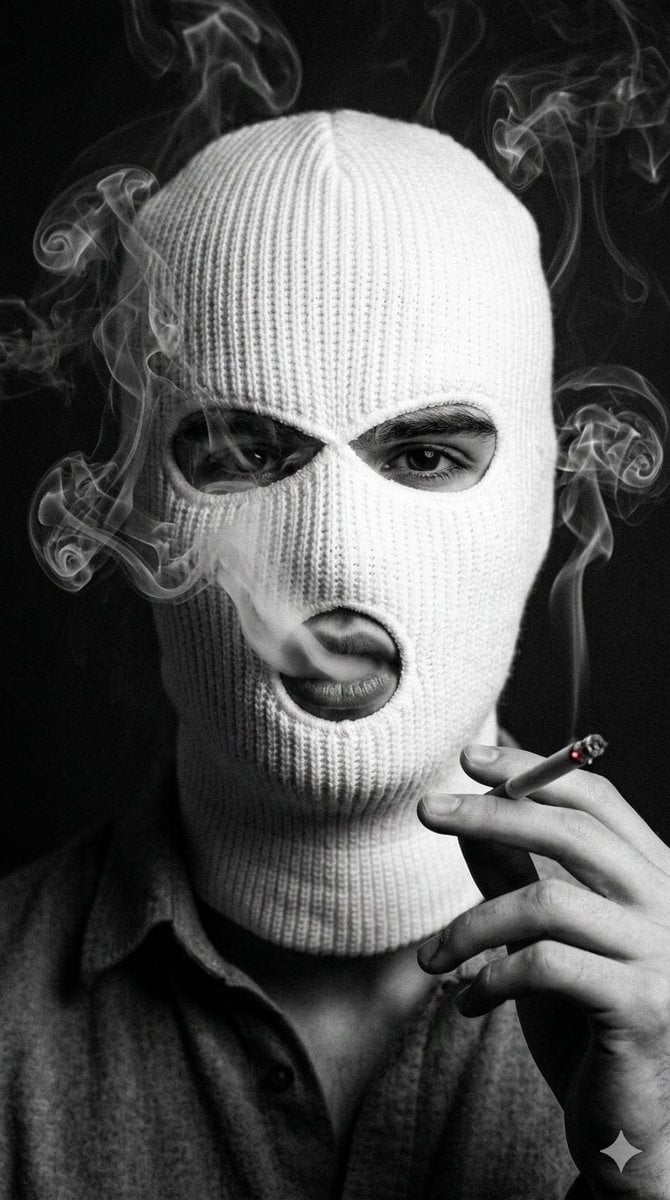
Noir Portrait with Balaclava and Cigarette Smoke
Browse template categories
Tang Dynasty Empress in Paris Fashion Magazine Cover Prompt questions
How do I use the Tang Dynasty Empress in Paris Fashion Magazine Cover Prompt template?
Add your photo if the template asks for one, edit the prompt if you like — the template's model and format are already selected — and press Generate. Your version opens in PicX Studio.
Can I customize the Tang Dynasty Empress in Paris Fashion Magazine Cover Prompt template?
Yes. You can change the subject, setting, lighting, mood, format, and available model controls before creating your image.
Is the Tang Dynasty Empress in Paris Fashion Magazine Cover Prompt template free?
Opening and editing this template is free. Generating uses credits, shown on the Generate button when you are signed in.
Which AI model should I use?
Start with Nano Banana 2, which is the model associated with this template. You can compare another compatible model for a different finish.
Looking for something else? Browse all templates.

Your photo, any look
Thousands of ready templates for every top image and video model, from one credit balance.