
High-Fashion Double Exposure Portrait with Reflection
A complex, multi-step prompt for creating a high-fashion editorial double exposure portrait.
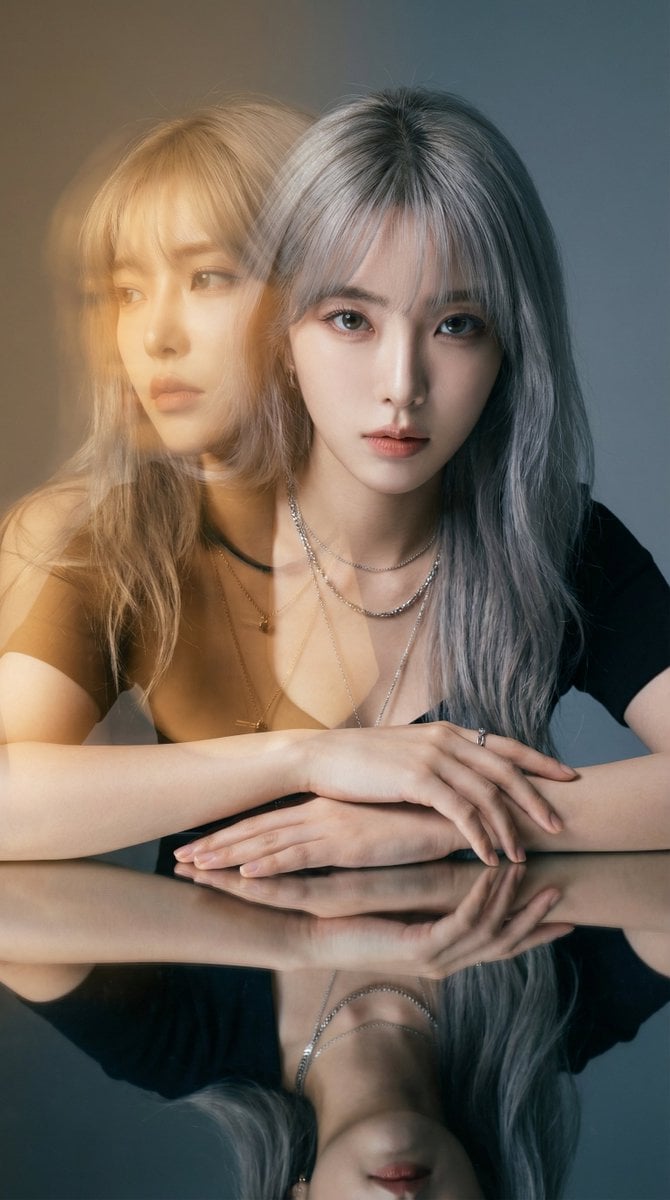
- Prompt included
- Model and format preset
- Free template
The prompt behind this image
Copy the exact prompt behind High-Fashion Double Exposure Portrait with Reflection, or open it in the studio and make it yours.
{ "version": "1.1", "description": "Create a high-fashion editorial double exposure portrait. The image should feature two distinct expressions creating a narrative contrast, bathed in a specific warm golden light flare against a cool background, with a mirrored reflection below.", "variables": { "PRIMARY_EXPRESSION": { "type": "string", "value": "Intense, direct, unyielding gaze into the camera", "description": "The grounded, sharp expression of the subject in the immediate foreground." }, "SECONDARY_EXPRESSION": { "type": "string", "value": "A distant, melancholic look towards the left, as if lost in a fading memory or dream", "description": "The narrative-driven, emotive expression for the translucent, overlaid image that suggests inner thought or past versus present." } }, "steps": [ { "name": "NARRATIVE_DOUBLE_EXPOSURE", "goal": "Layer two images to create an emotional story, using a specific color palette for contrast.", "instructions": "Use the subject from the input image to create a cinematic double exposure.\n\n1. **Primary Layer (The Present):** A sharp, high-definition portrait. The subject has the {argument name="primary expression" default="Intense, direct, unyielding gaze into the camera"}. The lighting is neutral to cool studio light, highlighting skin texture and silver accessories cleanly.\n2. **Secondary Layer (The Inner World/Memory):** A translucent overlay, slightly offset. The subject has the {argument name="secondary expression" default="A distant, melancholic look towards the left, as if lost in a fading memory or dream"}. This layer must be heavily influenced by a **Warm Golden-Amber Editorial Light Leak** (like the golden hour filter in image_1). This warm tone should wash over the face and hair, creating a dreamlike, almost sepia-toned contrast against the cooler primary layer." }, { "name": "MIRRORED_COMPOSITION", "goal": "Replicate the specific posing and reflective surface from the reference.", "instructions": "The subject is posed leaning forward with hands crossed over a highly polished, dark reflective surface. The primary layer (cool tones, direct gaze) must be perfectly mirrored below, adding symmetry and grounding the ethereal double exposure above." }, { "name": "EDITORIAL_ATMOSPHERE", "goal": "Finalize the lighting and mood to match a high-end magazine aesthetic.", "instructions": "The background should be a smooth, muted cool grey/blue gradient studio wall, providing a clean backdrop that makes the warm golden flare pop. The overall feel should be moody, cinematic, and luxurious, capturing a frozen moment of introspection." } ], "final_goal": "Produce a single, high-fashion photographic still using double exposure. It must feature the subject with a sharp, direct gaze contrasted with a translucent, story-filled golden-amber memory overlay, all reflected in a polished surface beneath." }
How to use High-Fashion Double Exposure Portrait with Reflection in 3 steps
- 1Upload ImagePNG, JPG or paste
Add your photo
Upload the photo the template builds on. The prompt, model and format are already set.
- 2…a portrait of your subject in softgolden-hour light, 85mm…
Personalize
Edit the subject and creative details for your destination.
- 3Generate
Generate
Press Generate — your image is created in PicX Studio, so you can compare it with the original and refine one variable at a time.
More like this
Templates with the same subject, style or setup. Open one to see its prompt.

Nano Banana 2 High Fashion Sports Campai

Couture Fashion Editorial Woman and Drag

Ive Yujin Fashion Portrait in Blue

Nano Banana 2 Editorial Fashion Portrait

Caution Tape Fashion — Industrial Editorial
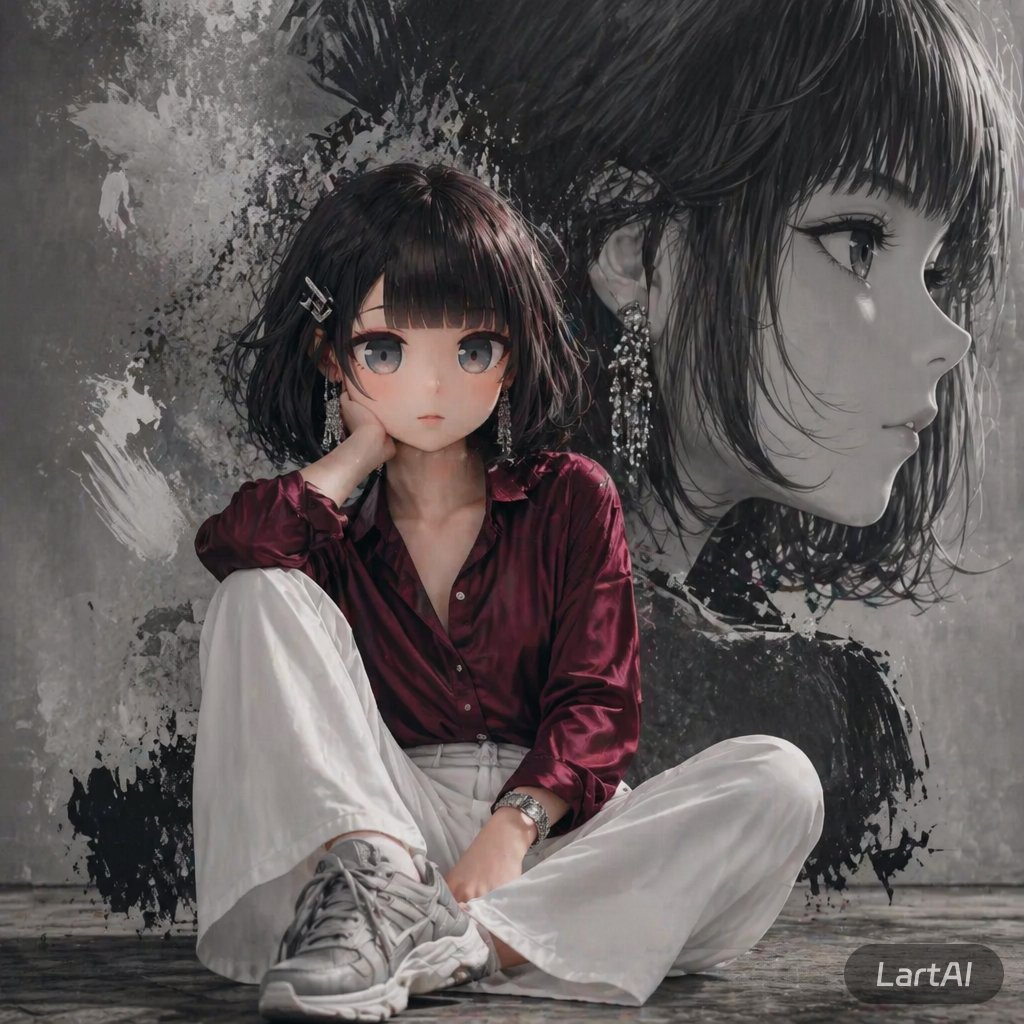
Double Exposure High-Fashion Portrait
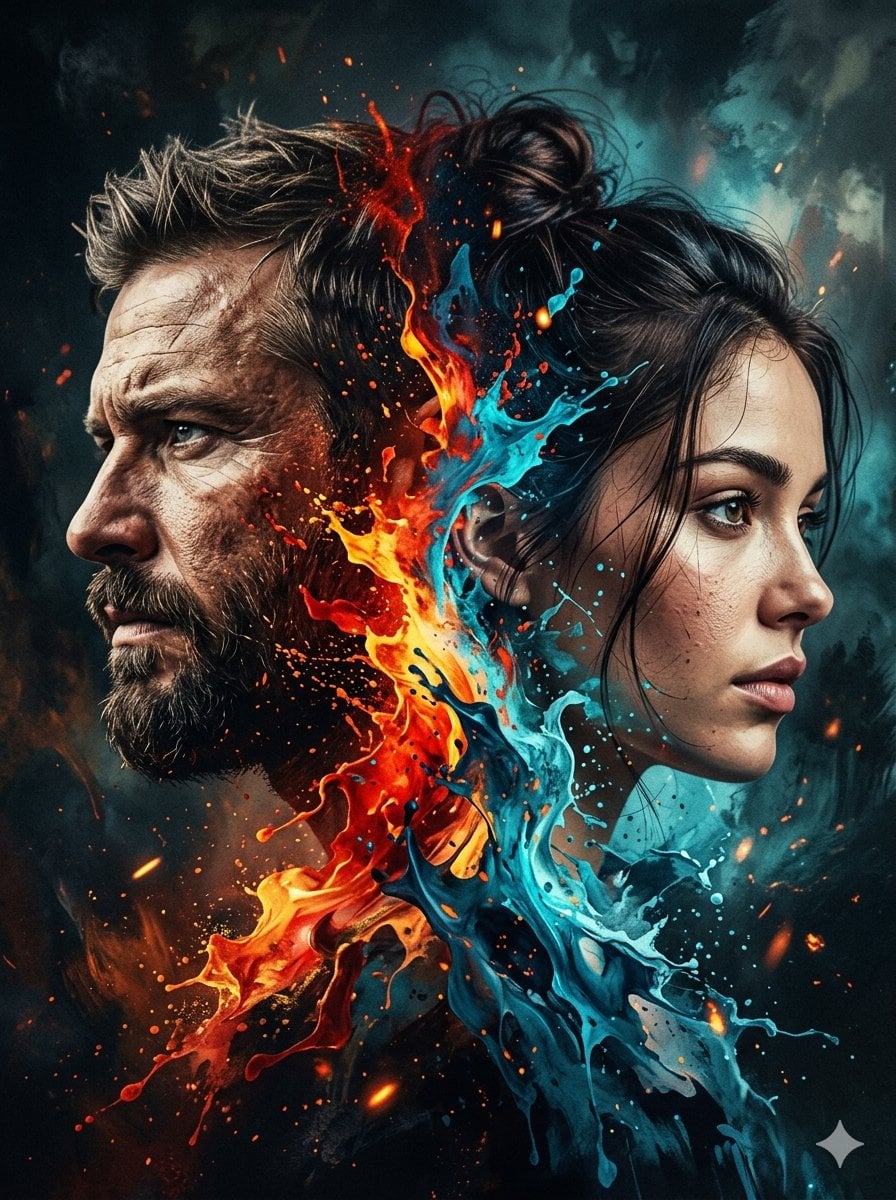
Dynamic Double-Exposure Artistic Portrait
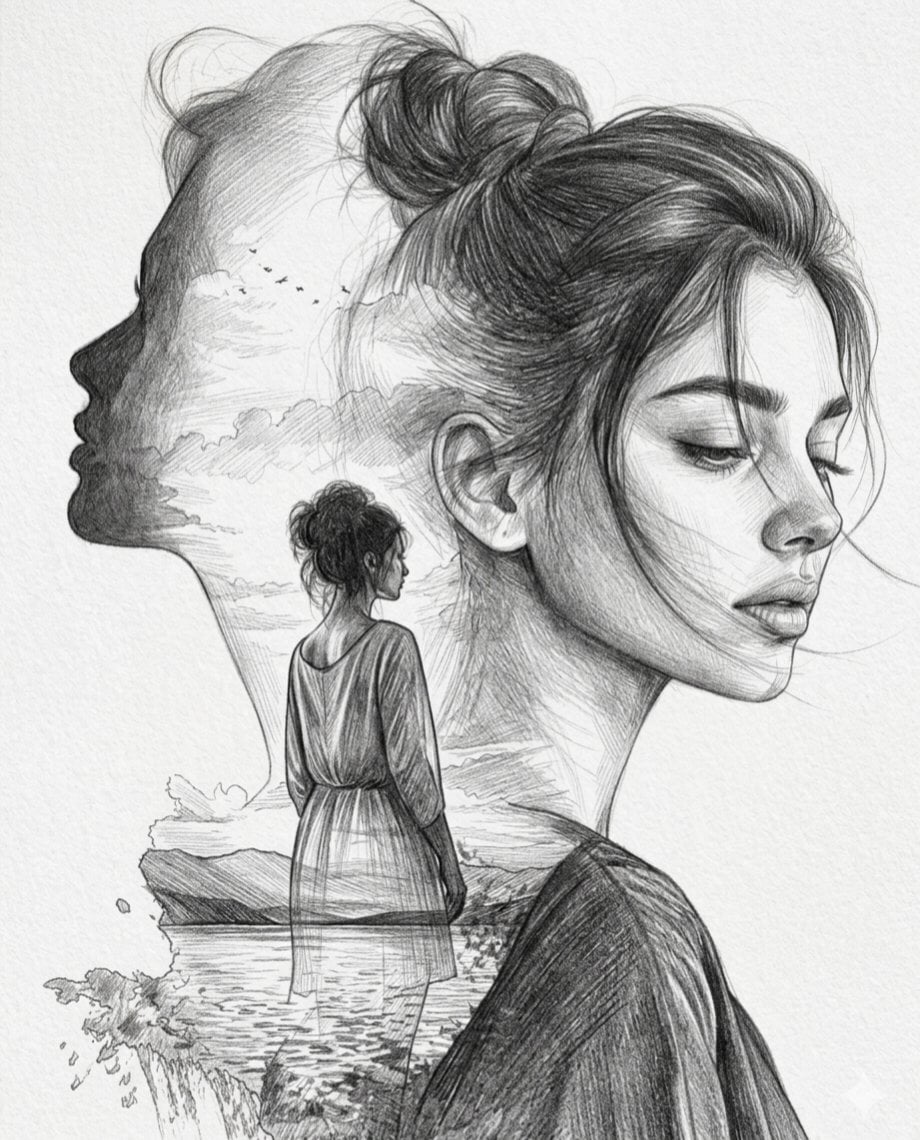
Double Exposure Pencil Sketch Portrait
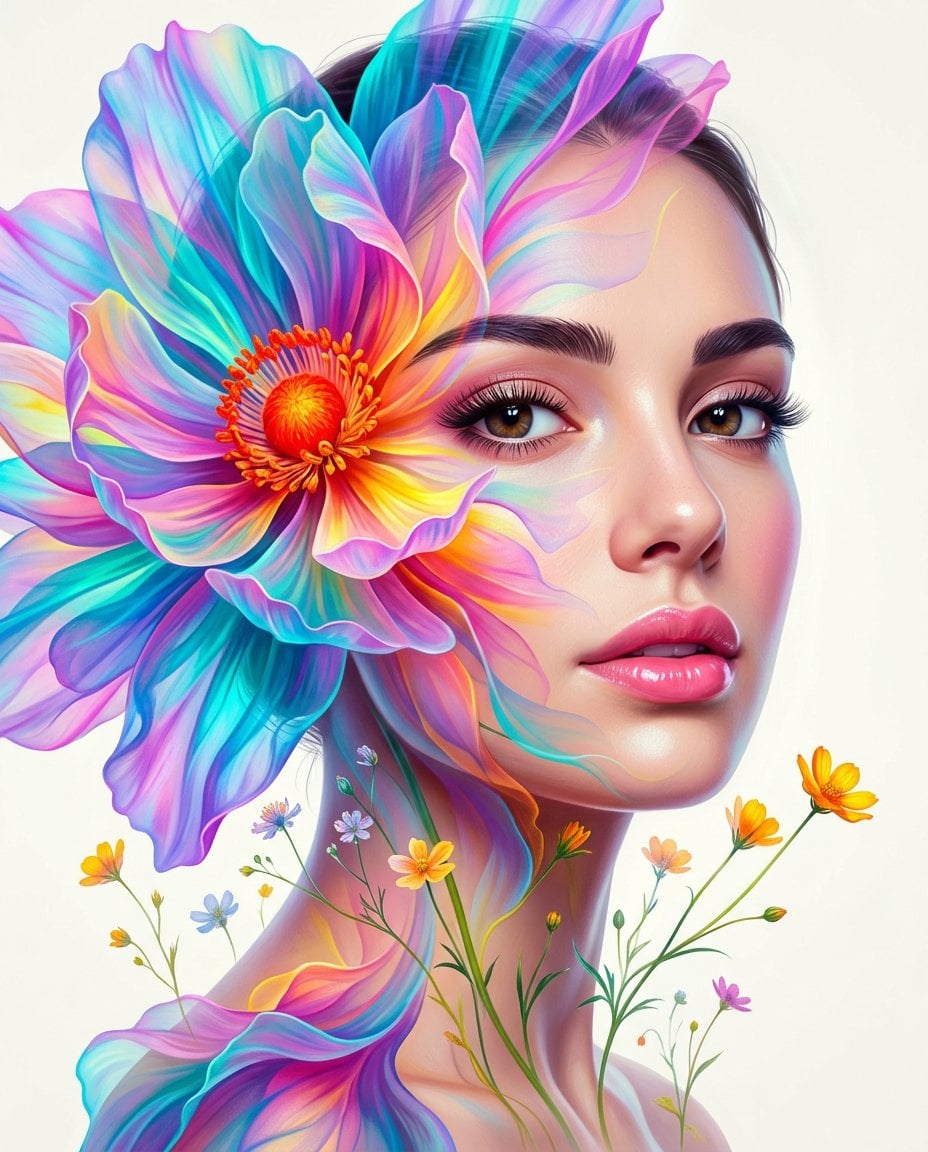
Surreal Double-Exposure Floral Portrait
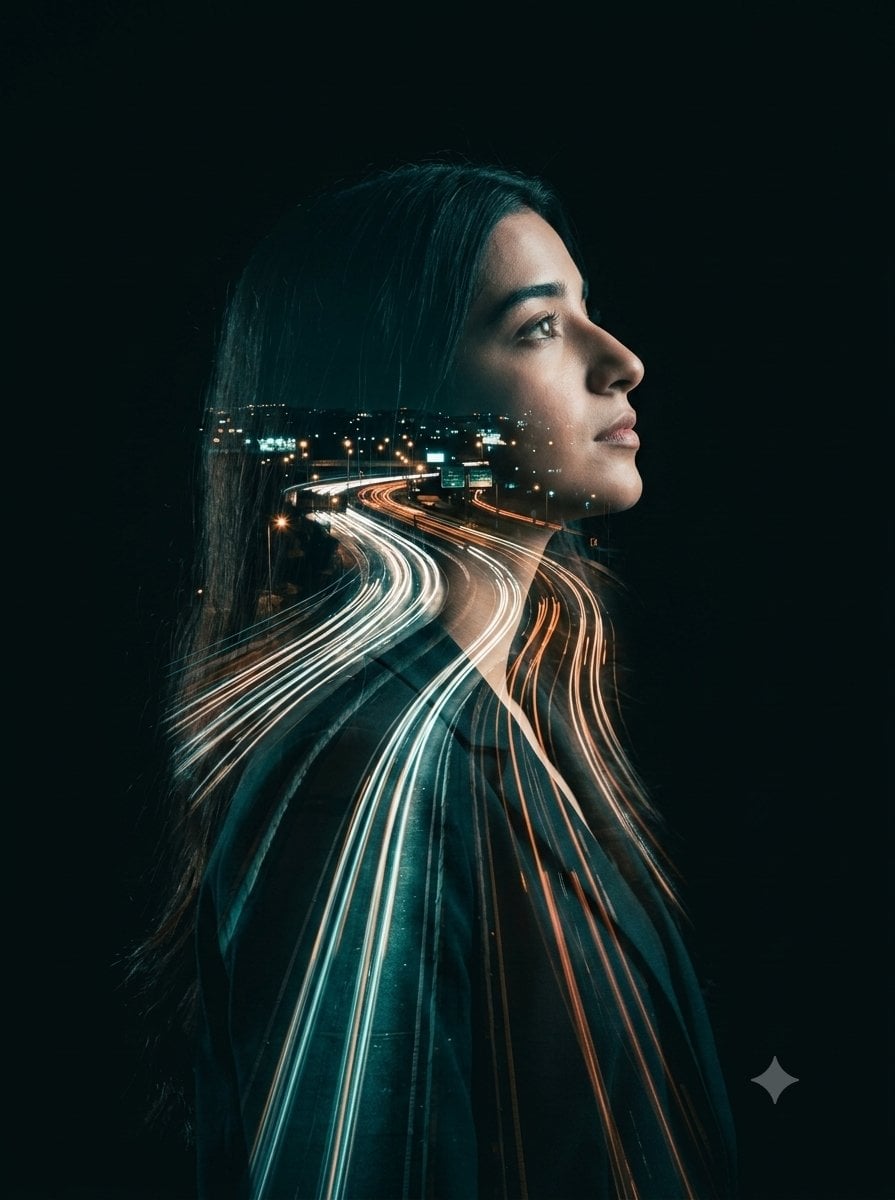
Double-Exposure Highway Portrait
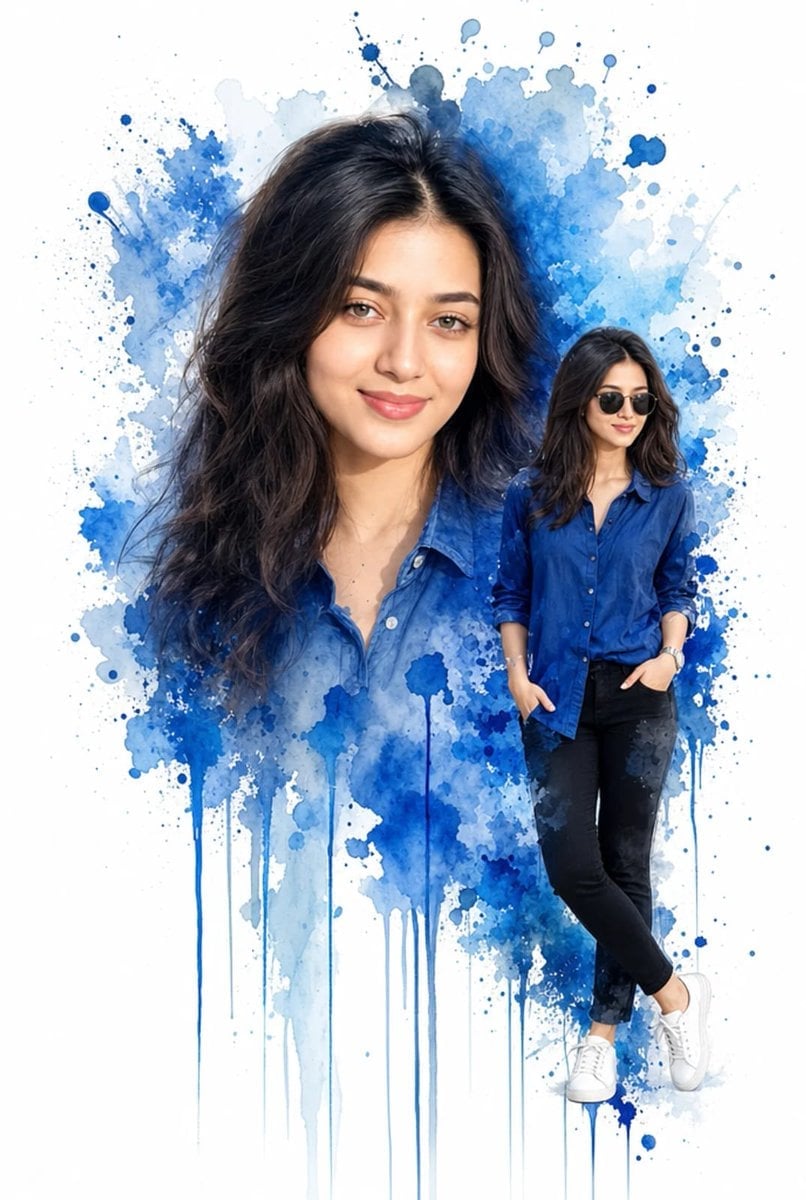
Double Exposure Watercolor Portrait Art
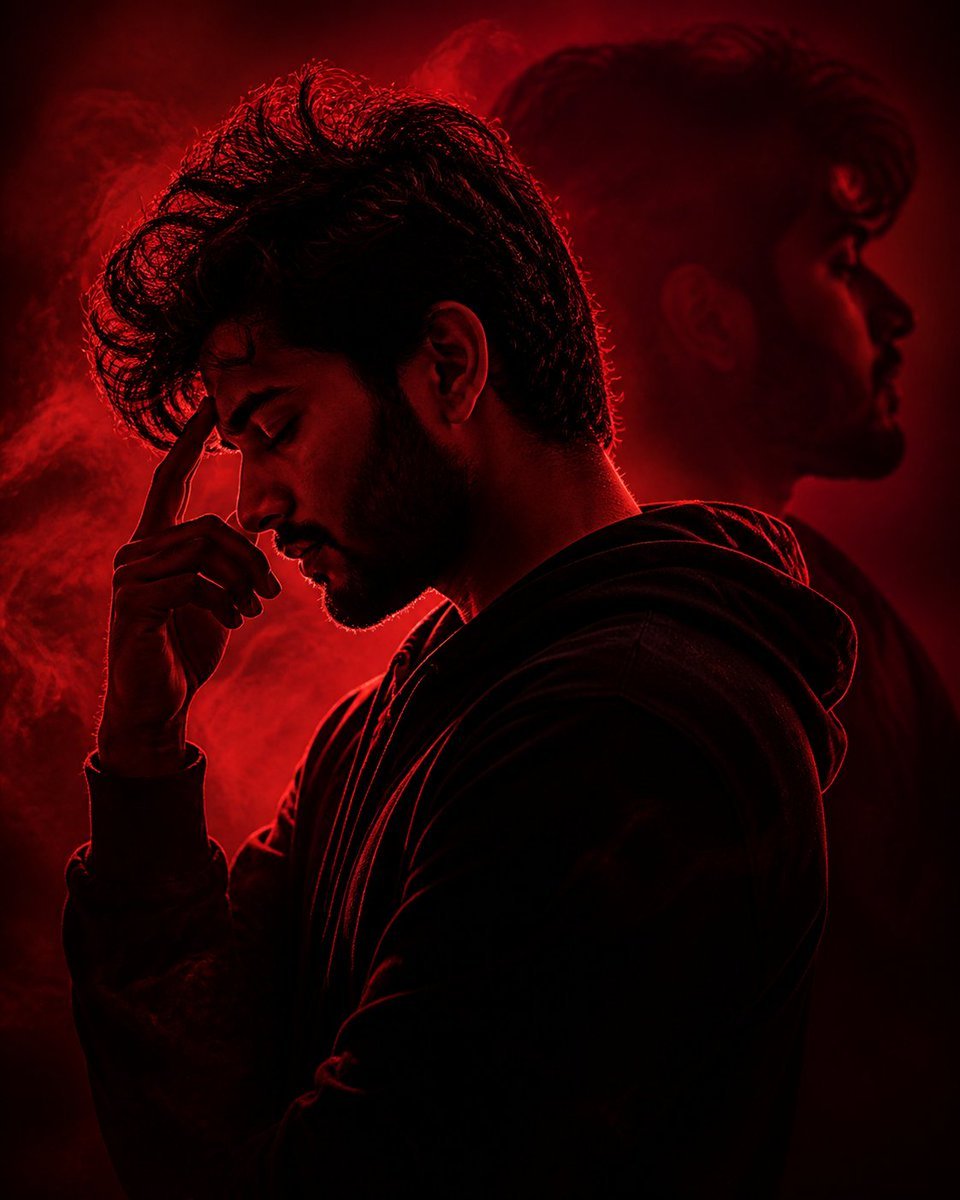
Crimson Moody Double Exposure Portrait
Make it yours
High-Fashion Double Exposure Portrait with Reflection works as-is. These are the safest ways to change it without losing the look.
Change one field
Copy a single group, rewrite it, and generate again so you can see what that field is doing.
Keep the frame, change the subject
Hold the composition and light of High-Fashion Double Exposure Portrait with Reflection, then swap wardrobe, props or the person for a new take.
| If the result… | Why | Fix |
|---|---|---|
| The result drifts from the preview | Too many fields changed at once. | Reuse High-Fashion Double Exposure Portrait with Reflection as-is first, then change one group — subject, light, or setting. |
| The model over-stylizes the scene | The prose prompt leaves finish and camera underspecified. | Add one camera or lighting sentence and stay on Nano Banana 2. |
More Nano Banana 2 templates
Other prompts made for Nano Banana 2.

Photorealistic Leaf Shaped Like a Dragon

K-Pop Idol Portrait Grid for Rapid Selection

Poetic Rain Forest Portrait During Golden Hour

Urban Street Portrait with Cartoon Inner Self Duo

Candid Nighttime Photo with Cat Prompt

High-Concept 3D Diorama Generation Prompt

Cinematic Futuristic Studio Portrait Template

Skincare Editorial Photography Collage Prompt

Hyper-Realistic Commercial Product Photography (Splash Effect)

Hyper-Realistic Nightclub Portrait Prompt
More image prompts
Fresh picks from across the catalog.
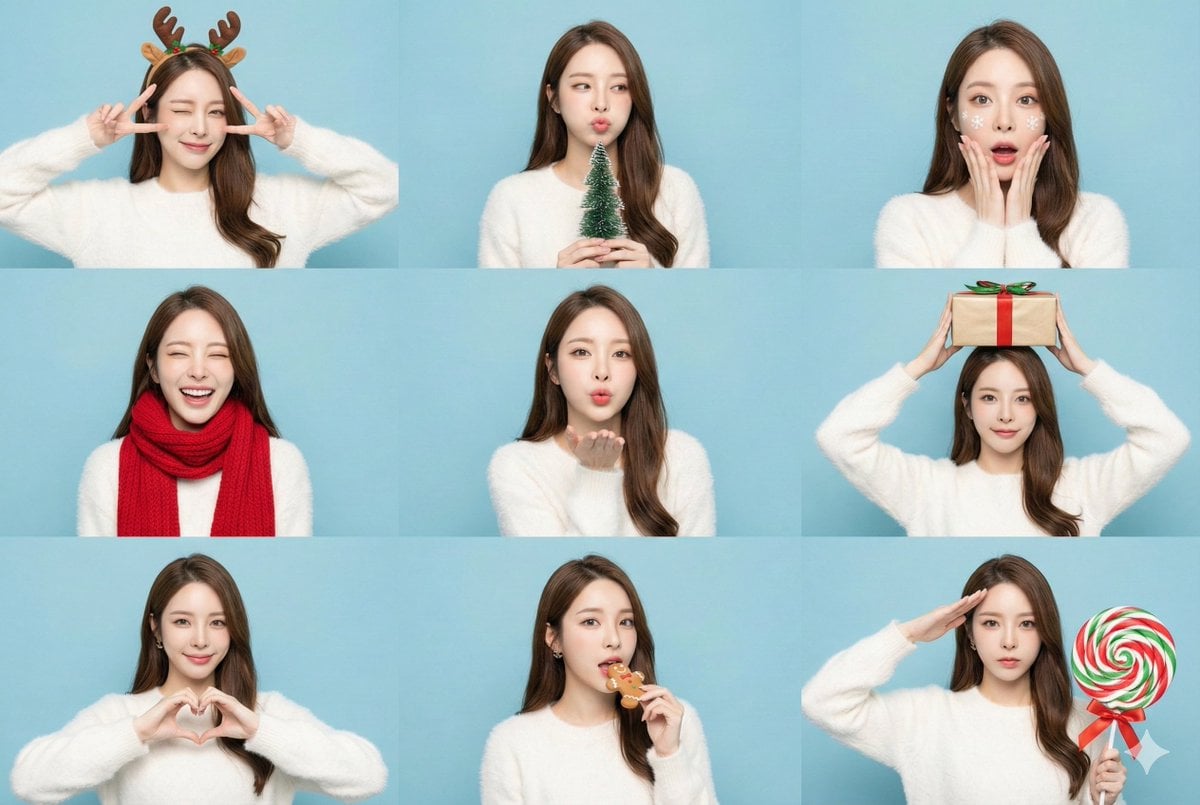
Panel Christmas Photobooth Sticker Generator

Professional Infographic Influential People Poster
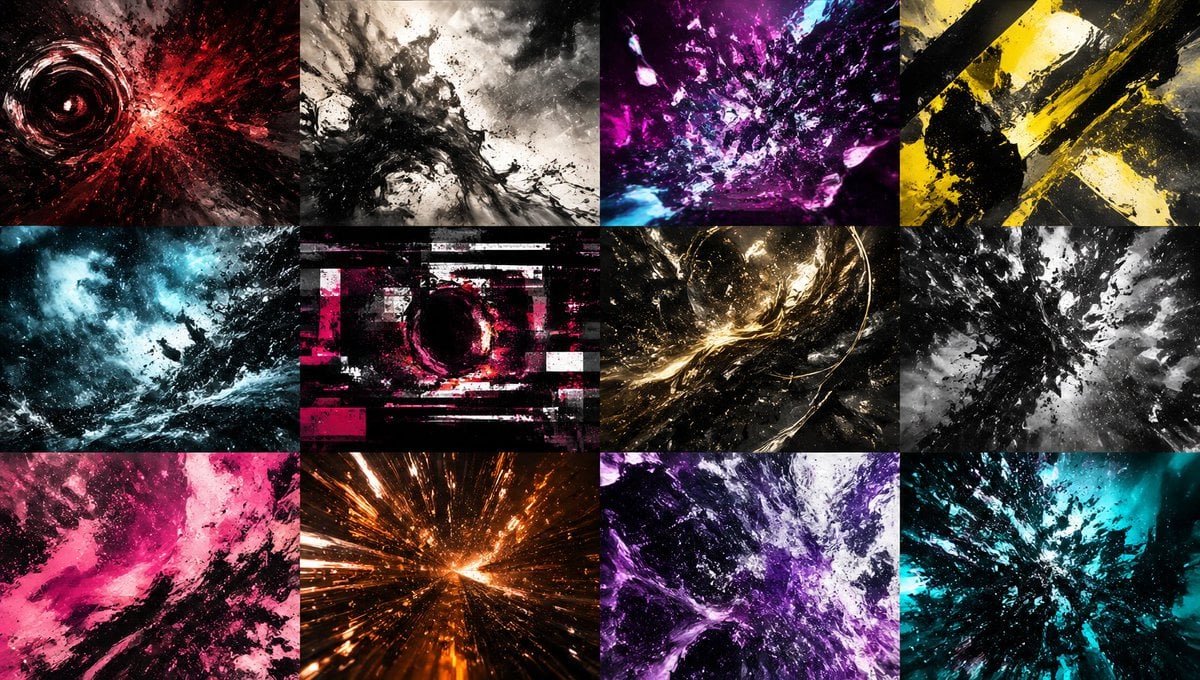
Abstract Energy Burst Grid
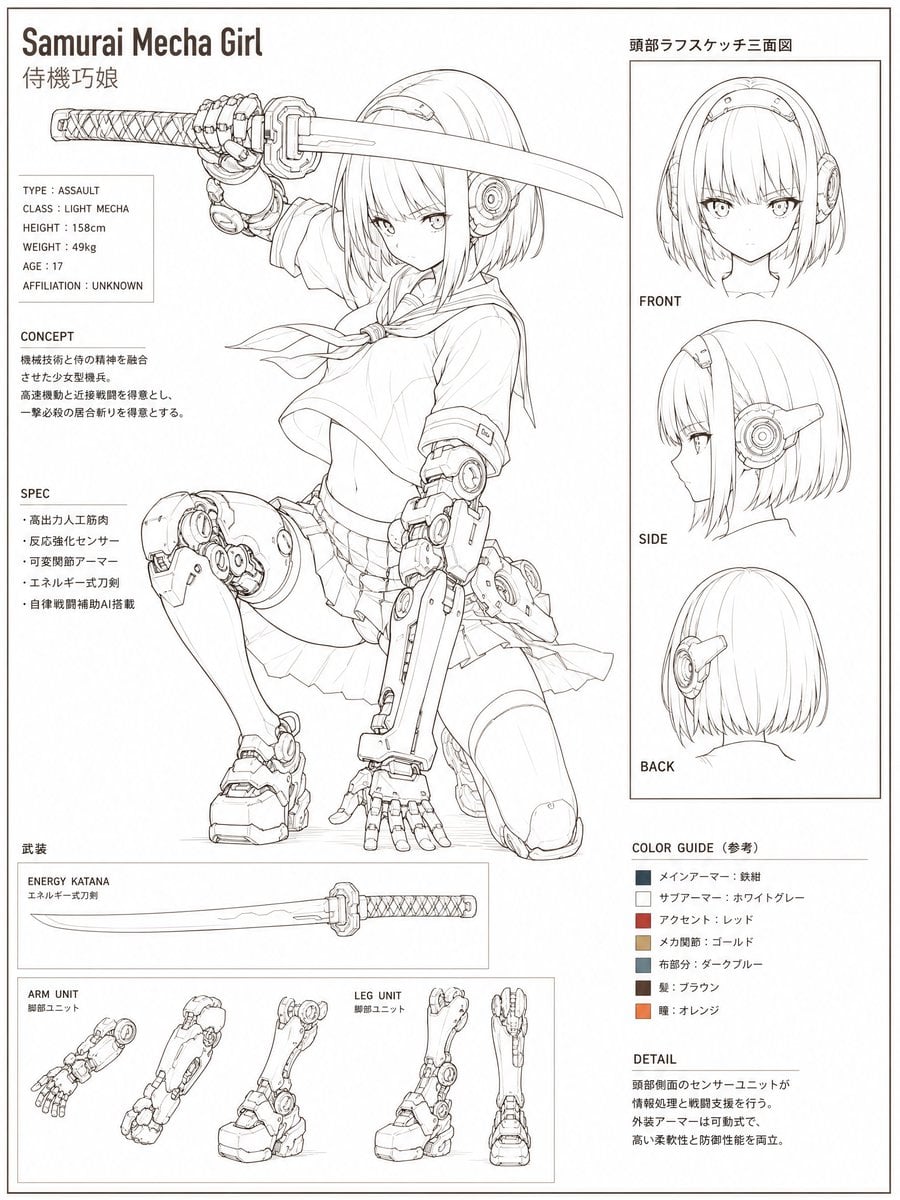
Samurai Mecha Girl Reference Sheet
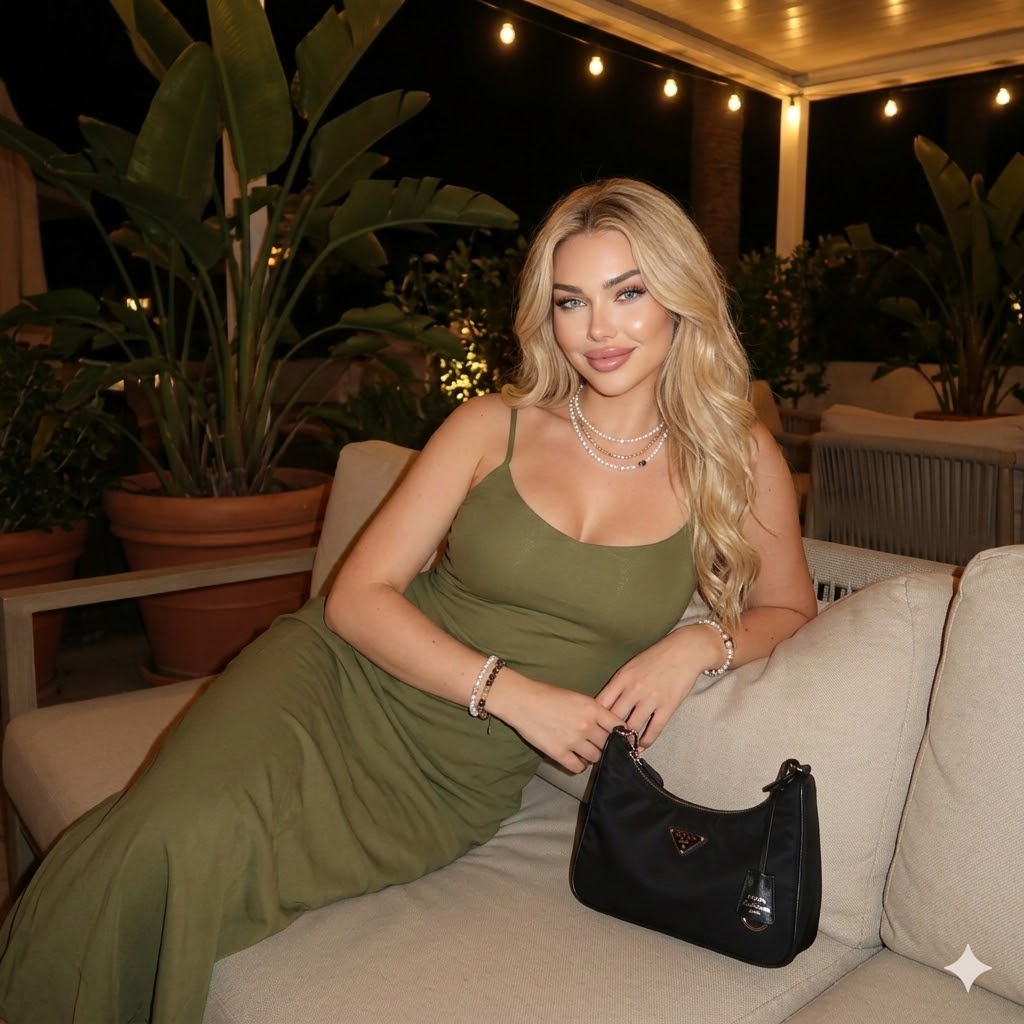
Nighttime Outdoor Lounge Portrait
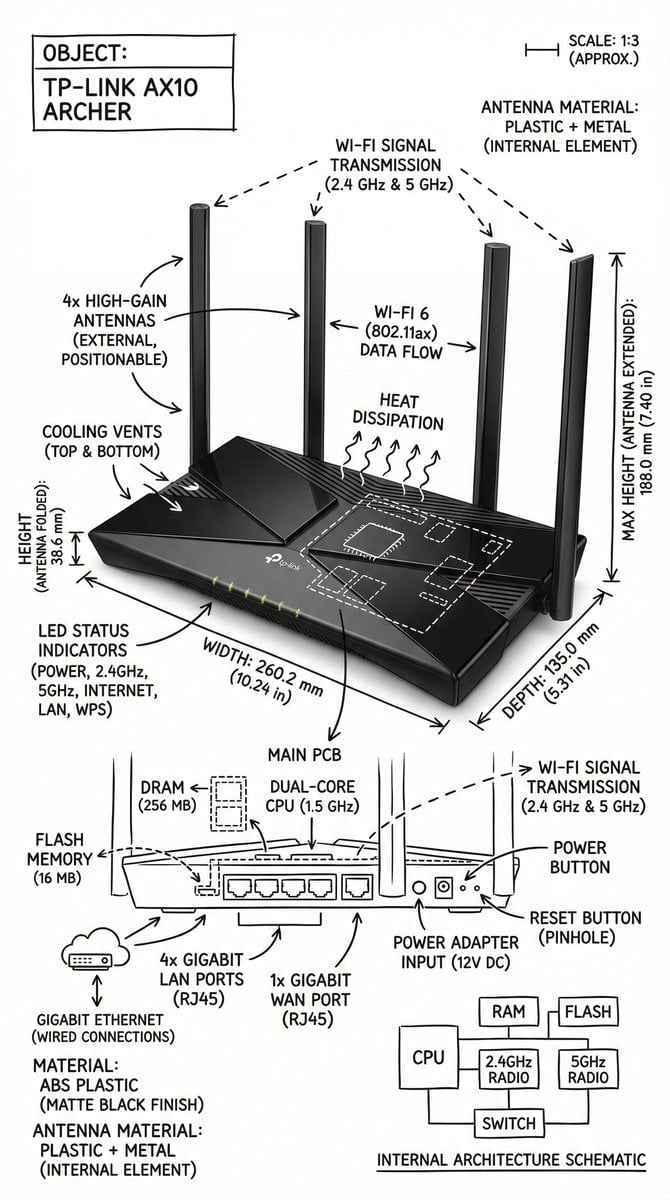
Infographic Image with Technical Annotation Overlay
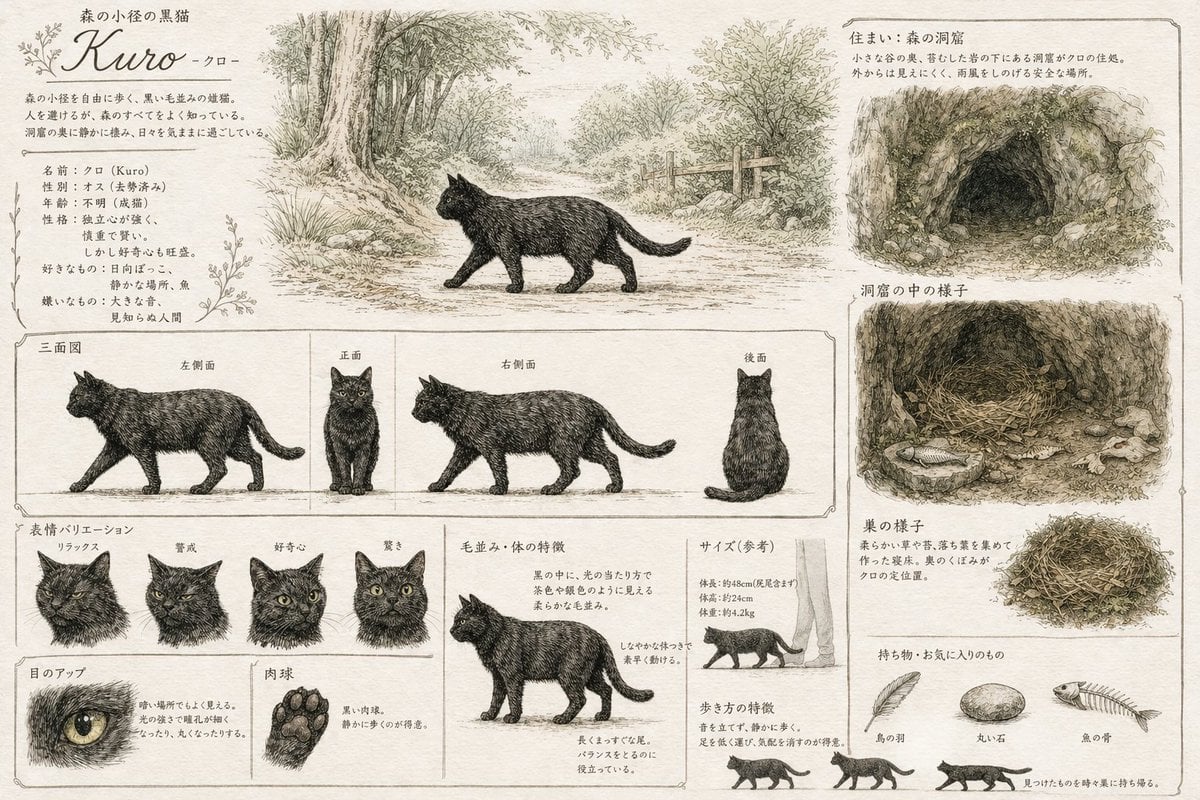
Vintage Creature Concept Art Sheet

Cinematic Scene for Happy Women's Day
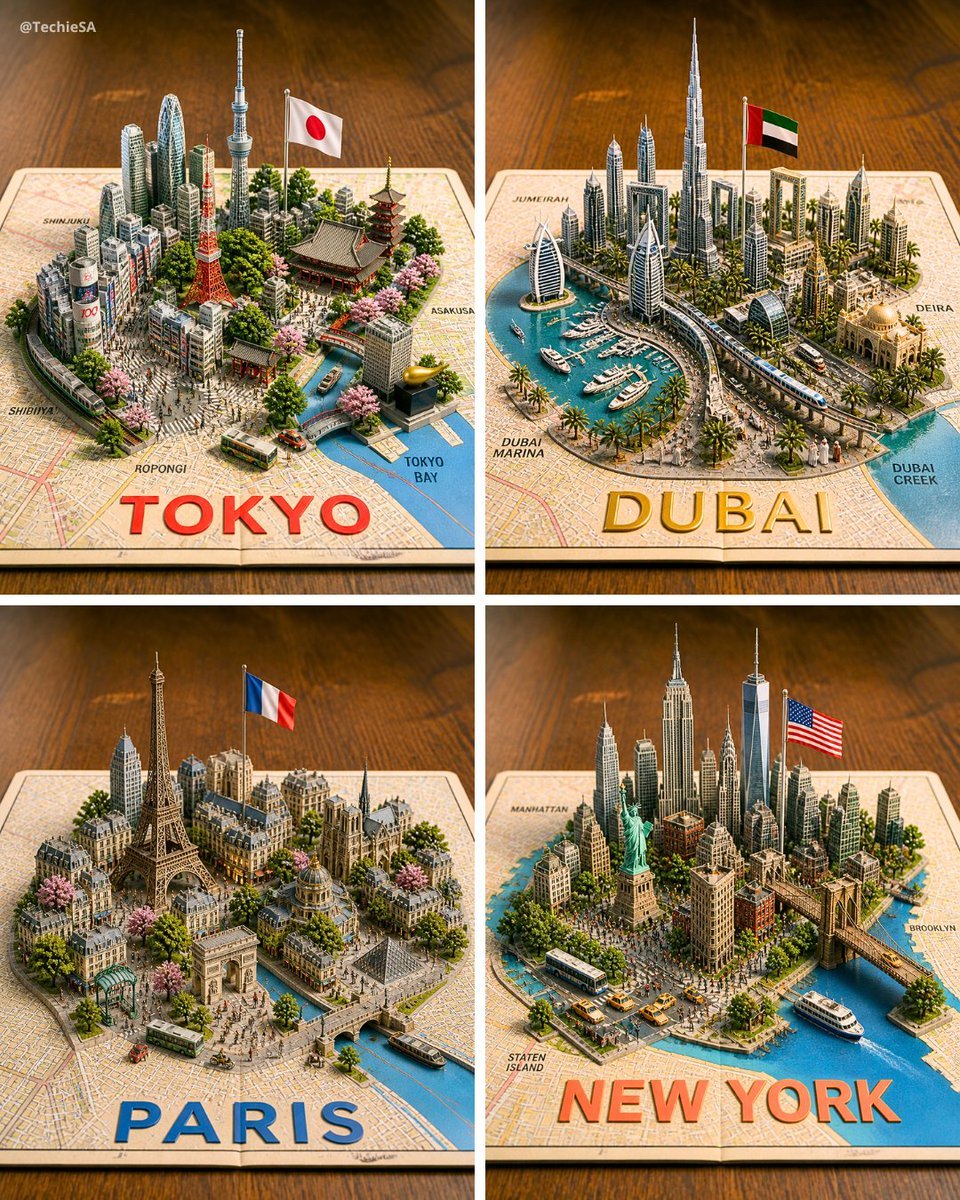
Four 3D Miniature City Maps
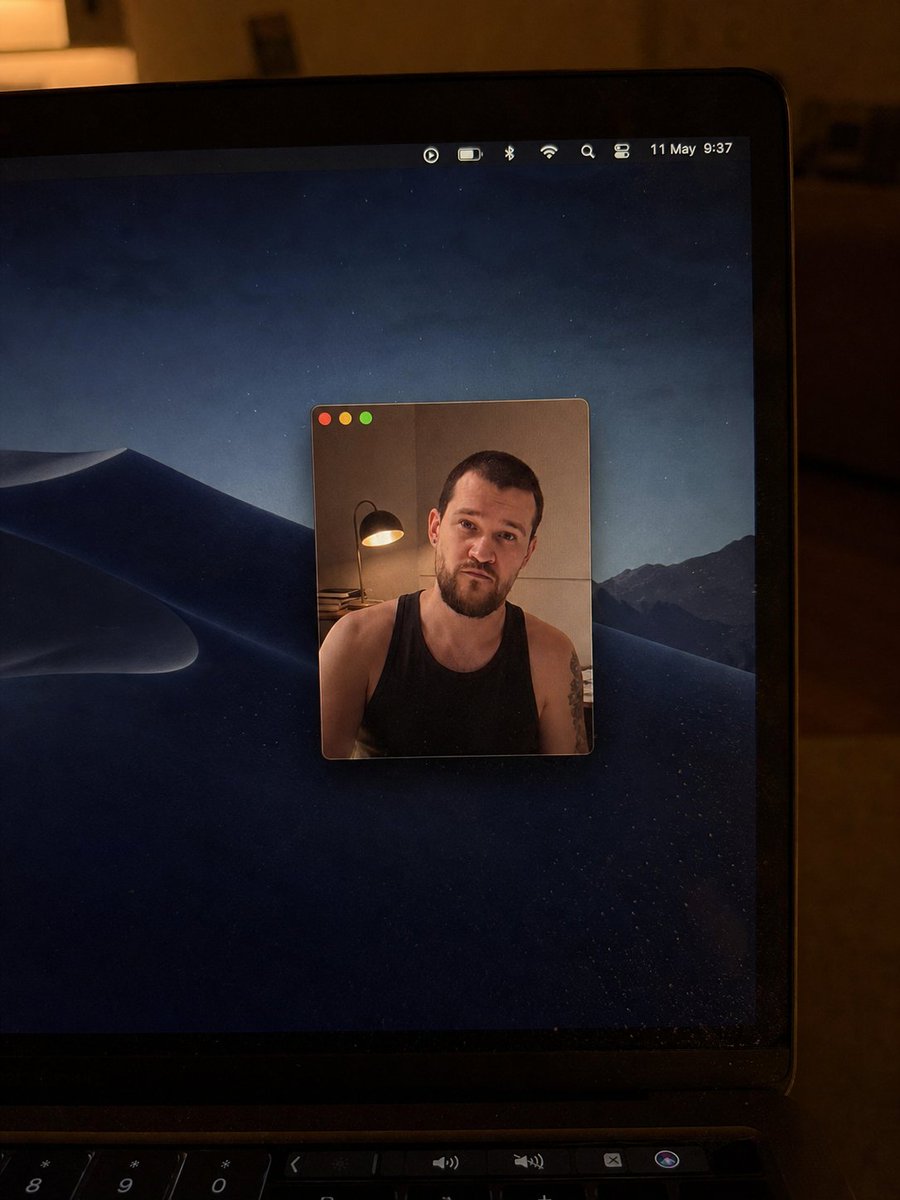
Realistic Mac Webcam Photo Edit
Browse template categories
High-Fashion Double Exposure Portrait with Reflection questions
How do I use the High-Fashion Double Exposure Portrait with Reflection template?
Add your photo if the template asks for one, edit the prompt if you like — the template's model and format are already selected — and press Generate. Your version opens in PicX Studio.
Can I customize the High-Fashion Double Exposure Portrait with Reflection template?
Yes. You can change the subject, setting, lighting, mood, format, and available model controls before creating your image.
Is the High-Fashion Double Exposure Portrait with Reflection template free?
Opening and editing this template is free. Generating uses credits, shown on the Generate button when you are signed in.
Which AI model should I use?
Start with Nano Banana 2, which is the model associated with this template. You can compare another compatible model for a different finish.
Looking for something else? Browse all templates.

Your photo, any look
Thousands of ready templates for every top image and video model, from one credit balance.