
Vintage Creature Concept Art Sheet
Generates a detailed, vintage-style reference sheet for an animal or creature, complete with orthographic views, expressions, habitat sketches, and item inventories.
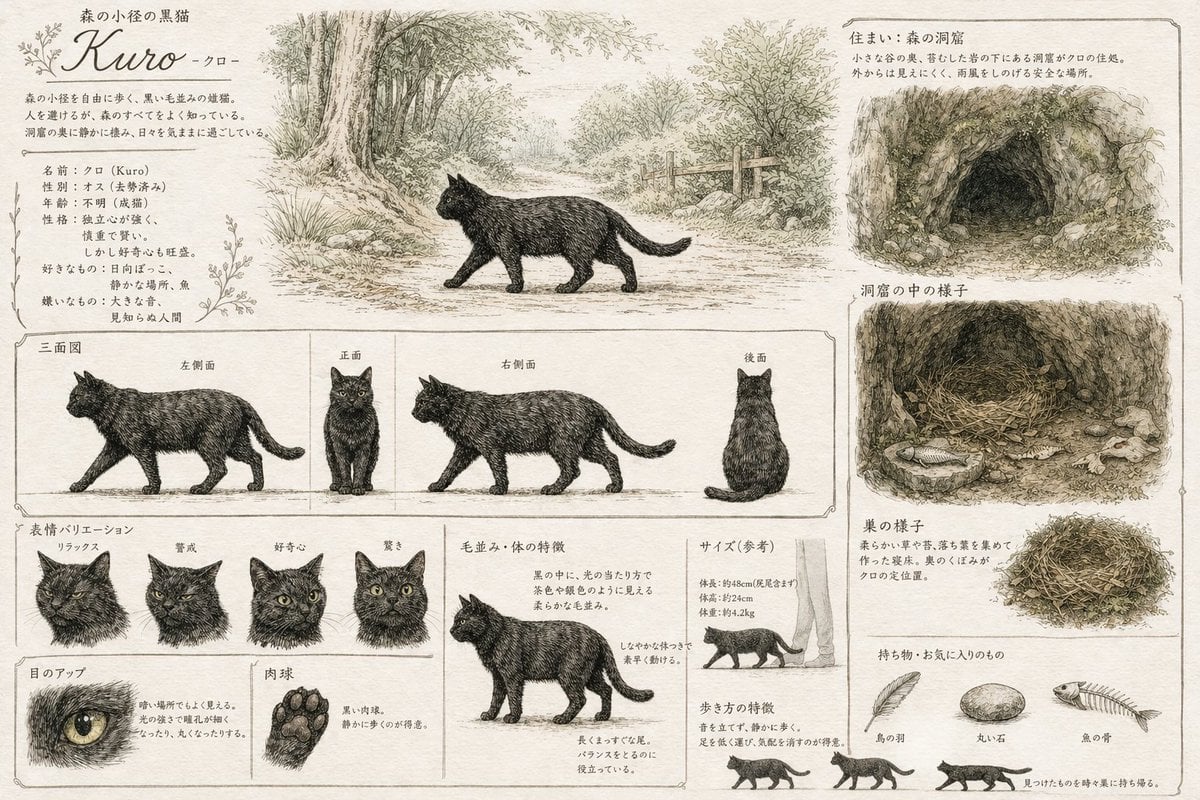
- Prompt included
- Model and format preset
- Free template
The prompt behind this image
Copy the exact prompt behind Vintage Creature Concept Art Sheet, or open it in the studio and make it yours.
- Type
- creature concept art reference sheet
- Style
- {argument name="art style" default="vintage pencil sketch with light watercolor wash on parchment paper"}
- Subject › Name
- {argument name="creature name" default="Kuro"}
- Subject › Species
- {argument name="creature species" default="black cat"}
- Layout › Sections › 0 › Title
- 森の小径の黒猫 Kuro -クロ-
- Layout › Sections › 0 › Position
- top-left
- Layout › Sections › 0 › Description
- Profile text block with botanical flourishes
- Layout › Sections › 1 › Title
- Main Illustration
- Layout › Sections › 1 › Position
- top-center
- Layout › Sections › 1 › Description
- Cat walking on a forest path
- Layout › Sections › 2 › Title
- 住まい:森の洞窟
- Layout › Sections › 2 › Position
- top-right
- Layout › Sections › 2 › Description
- Exterior view of a {argument name="habitat type" default="forest cave"}
- Layout › Sections › 3 › Title
- 洞窟の中の様子
- Layout › Sections › 3 › Position
- mid-right
- Layout › Sections › 3 › Description
- Interior view showing a nest and a fish
- Layout › Sections › 4 › Title
- 三面図
- Layout › Sections › 4 › Position
- middle
- Layout › Sections › 4 › Count
- 4
- Layout › Sections › 4 › Labels
- 左側面, 正面, 右側面, 後面
- Layout › Sections › 4 › Description
- Orthographic views with horizontal alignment lines
- Layout › Sections › 5 › Title
- 表情バリエーション
- Layout › Sections › 5 › Position
- bottom-left
- Layout › Sections › 5 › Count
- 4
Raw JSON
{
  "type": "creature concept art reference sheet",
  "style": "{argument name=\"art style\" default=\"vintage pencil sketch with light watercolor wash on parchment paper\"}",
  "subject": {
    "name": "{argument name=\"creature name\" default=\"Kuro\"}",
    "species": "{argument name=\"creature species\" default=\"black cat\"}"
  },
  "layout": {
    "sections": [
      {
        "title": "森の小径の黒猫 Kuro -クロ-",
        "position": "top-left",
        "description": "Profile text block with botanical flourishes"
      },
      {
        "title": "Main Illustration",
        "position": "top-center",
        "description": "Cat walking on a forest path"
      },
      {
        "title": "住まい:森の洞窟",
        "position": "top-right",
        "description": "Exterior view of a {argument name=\"habitat type\" default=\"forest cave\"}"
      },
      {
        "title": "洞窟の中の様子",
        "position": "mid-right",
        "description": "Interior view showing a nest and a fish"
      },
      {
        "title": "三面図",
        "position": "middle",
        "count": 4,
        "labels": ["左側面", "正面", "右側面", "後面"],
        "description": "Orthographic views with horizontal alignment lines"
      },
      {
        "title": "表情バリエーション",
        "position": "bottom-left",
        "count": 4,
        "labels": ["リラックス", "警戒", "好奇心", "驚き"]
      },
      {
        "title": "Details",
        "position": "bottom-left",
        "count": 2,
        "labels": ["目のアップ", "肉球"],
        "description": "Close-ups of one eye and one paw pad"
      },
      {
        "title": "毛並み・体の特徴",
        "position": "bottom-center",
        "count": 1,
        "description": "Full body anatomy breakdown"
      },
      {
        "title": "サイズ(参考)",
        "position": "bottom-right",
        "count": 1,
        "description": "Scale reference next to human legs"
      },
      {
        "title": "歩き方の特徴",
        "position": "bottom-right",
        "count": 3,
        "description": "Small walking cycle silhouettes"
      },
      {
        "title": "巣の様子",
        "position": "bottom-right",
        "count": 1,
        "description": "Detailed nest sketch"
      },
      {
        "title": "持ち物・お気に入りのもの",
        "position": "bottom-right",
        "count": 3,
        "labels": ["鳥の羽", "丸い石", "魚の骨"],
        "description": "Collection of {argument name=\"favorite items\" default=\"bird feather, round stone, fish bone\"}"
      }
    ]
  }
}How to use Vintage Creature Concept Art Sheet in 3 steps
- 1Upload ImagePNG, JPG or paste
Add your photo
Upload the photo the template builds on. The prompt, model and format are already set.
- 2…a portrait of your subject in softgolden-hour light, 85mm…
Personalize
Edit the subject and creative details for your destination.
- 3Generate
Generate
Press Generate — your image is created in PicX Studio, so you can compare it with the original and refine one variable at a time.
More like this
Templates with the same subject, style or setup. Open one to see its prompt.
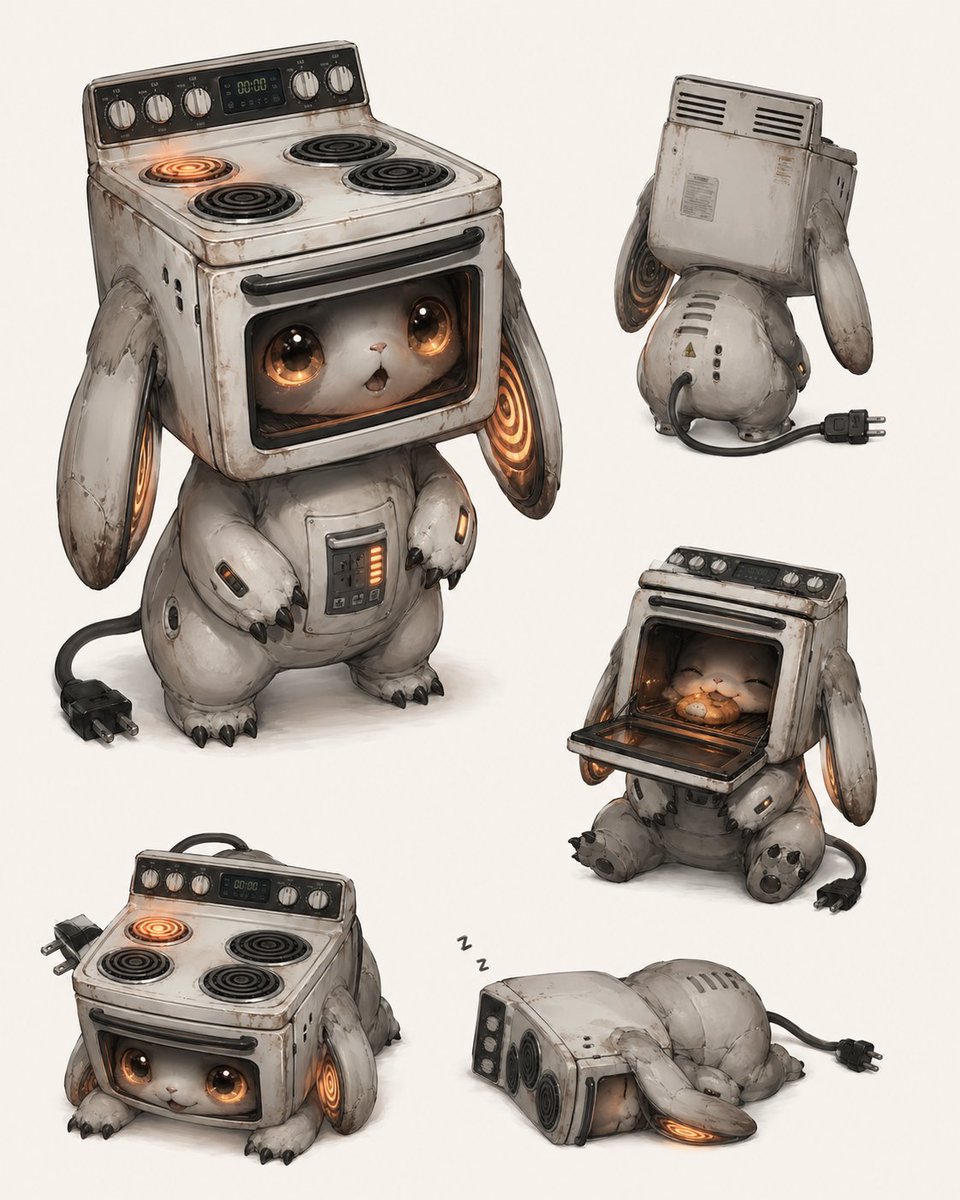
Vintage Stove Bunny Creature Sheet
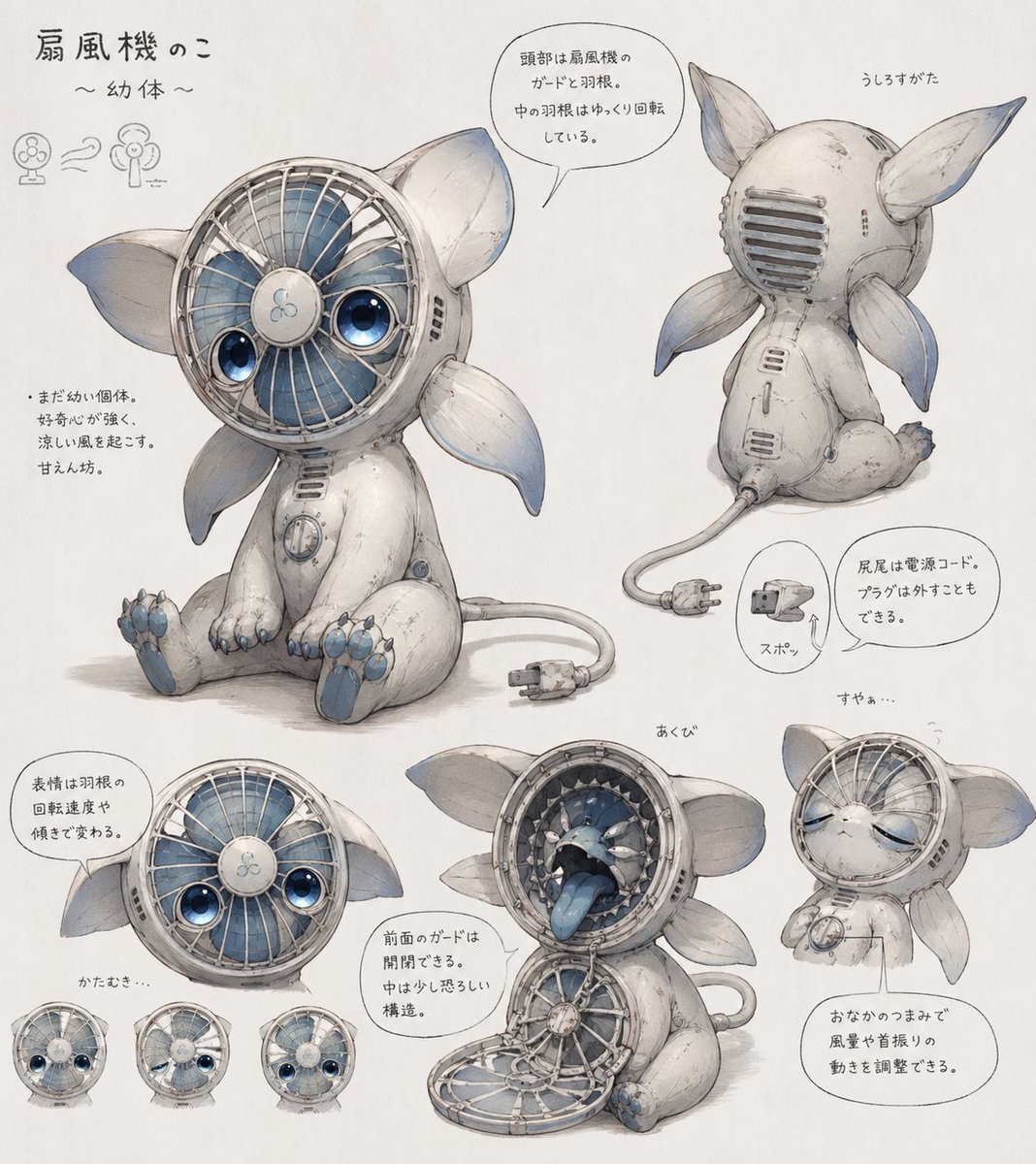
Fan Creature Concept Sheet
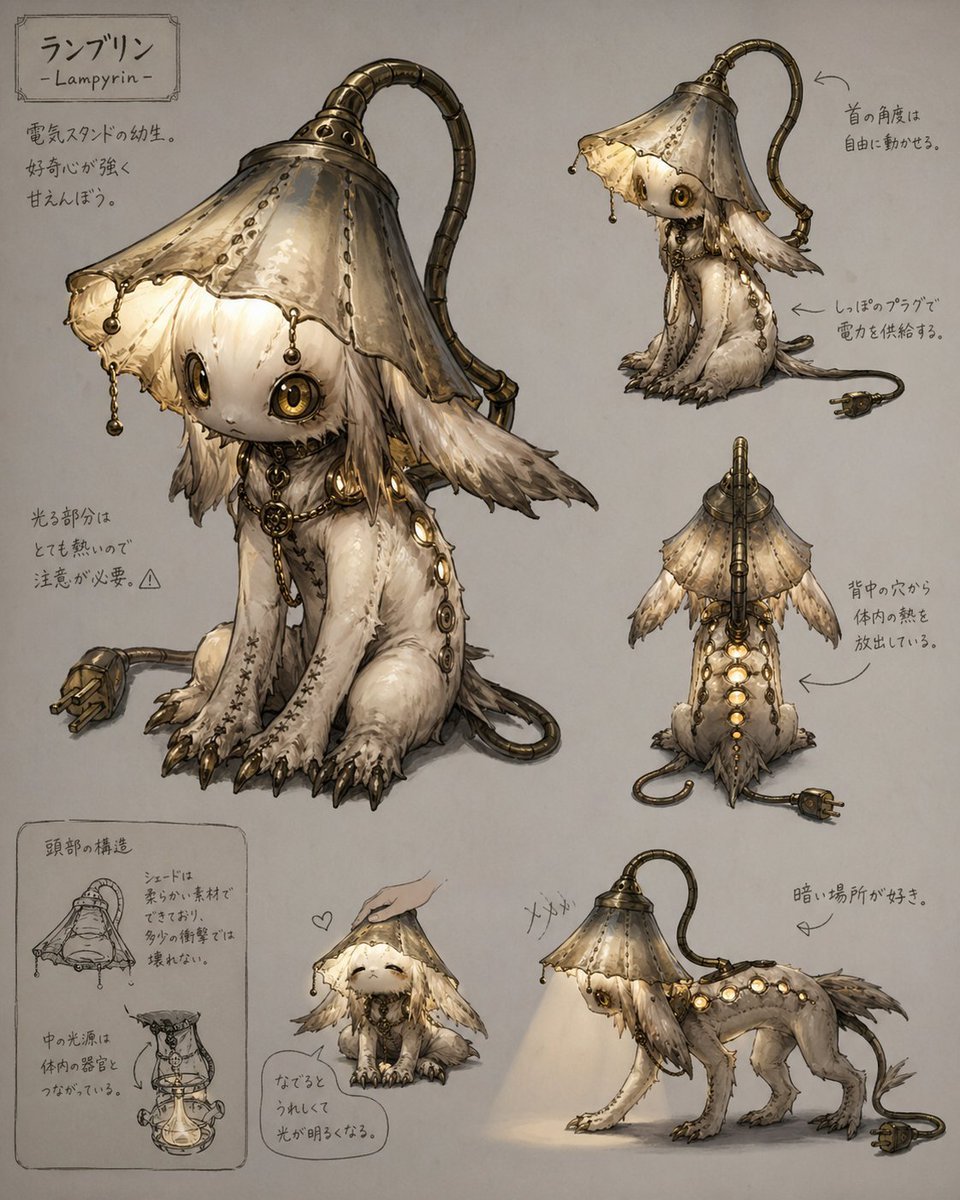
Lamp-Creature Concept Art Sheet
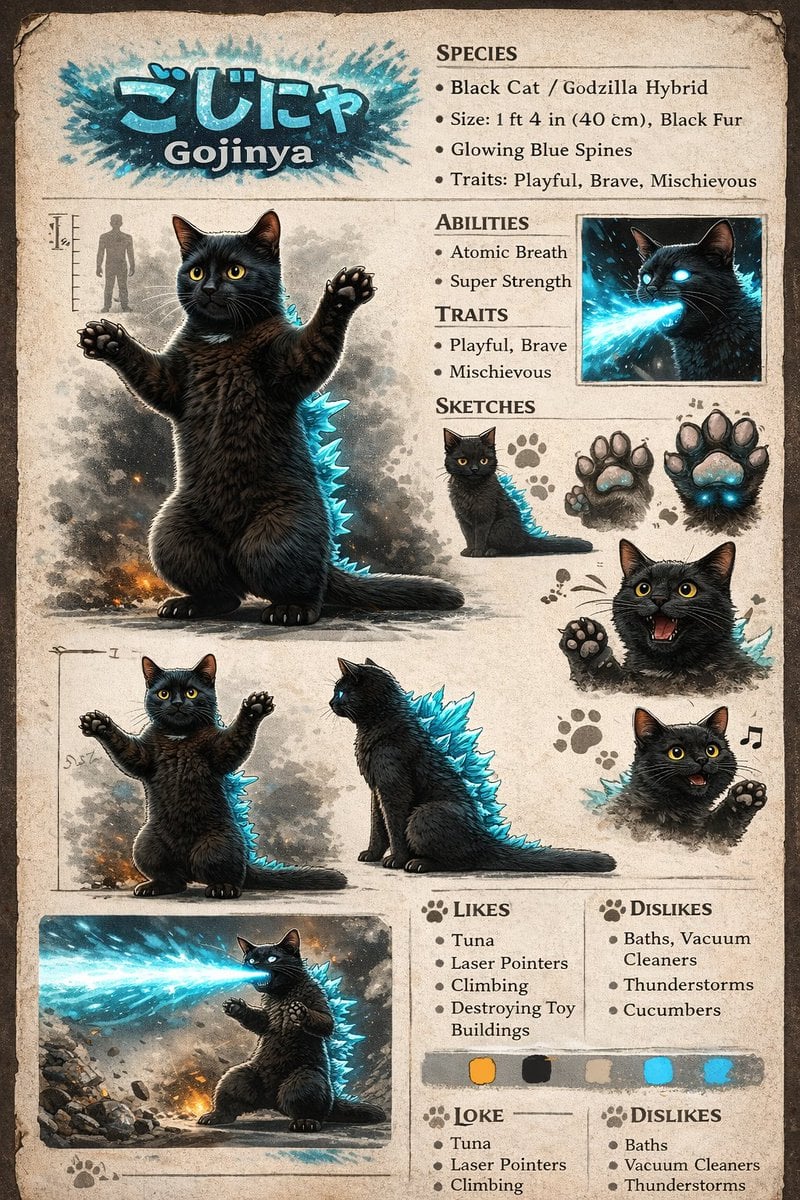
Creature Concept Reference Sheet

Sunday Afternoon, 1988

Two Tickets, One Night

If We Met in 1985

Found Photograph: Us, 1970

One Dance Before Midnight

Before We said Goodbye

Our Song was on a Cassette

Meet Me When It Rains
Make it yours
Vintage Creature Concept Art Sheet works as-is. These are the safest ways to change it without losing the look.
Change one field
Copy a single group, rewrite it, and generate again so you can see what that field is doing.
Keep the frame, change the subject
Hold the composition and light of Vintage Creature Concept Art Sheet, then swap wardrobe, props or the person for a new take.
| If the result… | Why | Fix |
|---|---|---|
| The result drifts from the preview | Too many fields changed at once. | Reuse Vintage Creature Concept Art Sheet as-is first, then change one group — subject, light, or setting. |
| GPT Image 2 ignores part of the JSON | Some models flatten or skip nested keys. | Keep the same values and paste them as a short paragraph instead. |
More GPT Image 2 templates
Other prompts made for GPT Image 2.

Six VTuber Japanese Logo Sheet

Realistic Portrait of Woman and Deer

The Vista Modular Condo Poster

AI Model Routing Comparison Infographic

2.5D Anime Art Board

Isometric Productivity Desk Scene

New York Double Exposure Poster

Four-Panel AI Landscape Comparison

Japanese Tatami Lifestyle Magazine Cover

NESCAFÉ Coffee Map Poster
More image prompts
Fresh picks from across the catalog.

Painterly Steampunk Girl Portrait
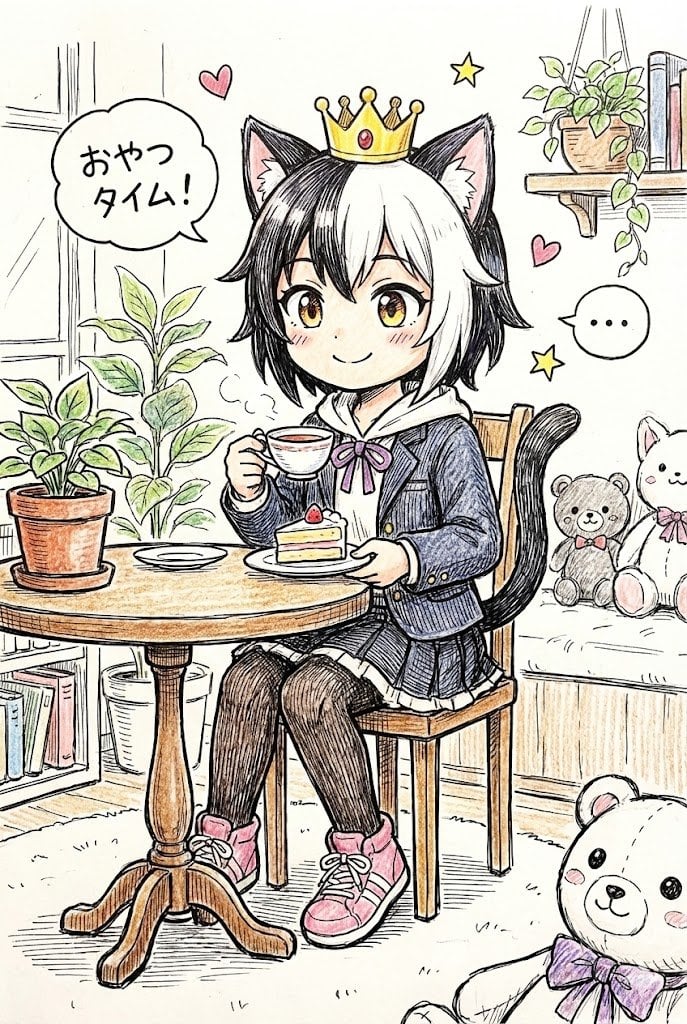
Hand-drawn Pop Art Style Character Scene Generation
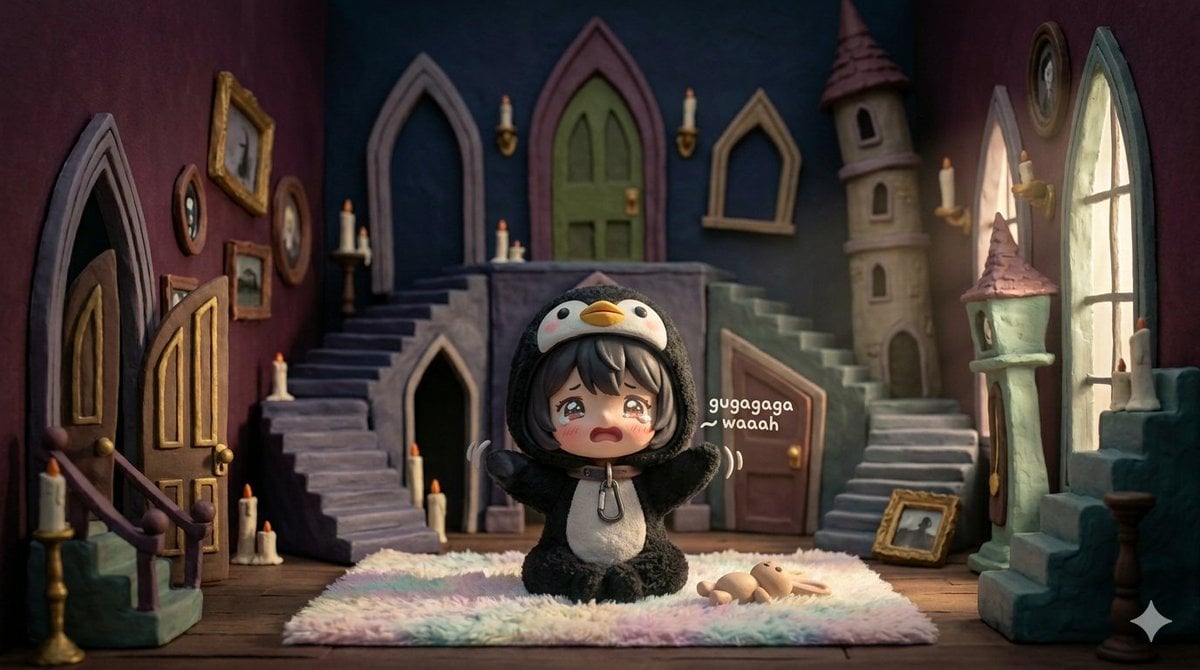
3D Tiny Anime Girl 'Gugu' Sequence
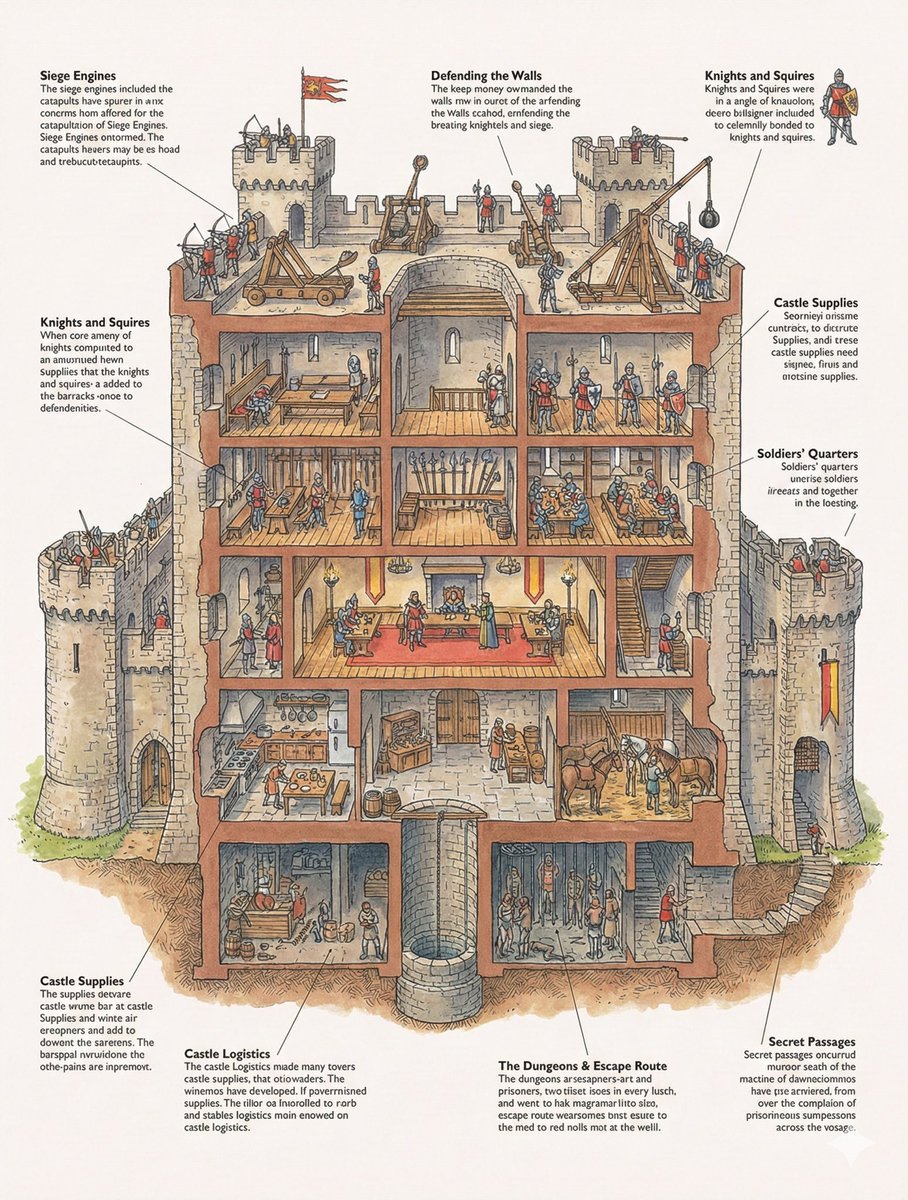
Generic 'Make Something Like This' Prompt
Futuristic City With Sparkling Artifacts
Four Anime Figures in Glass Display
Cinematic Black-and-White High-Fashion Portrait
European Travel Advertisement Banner
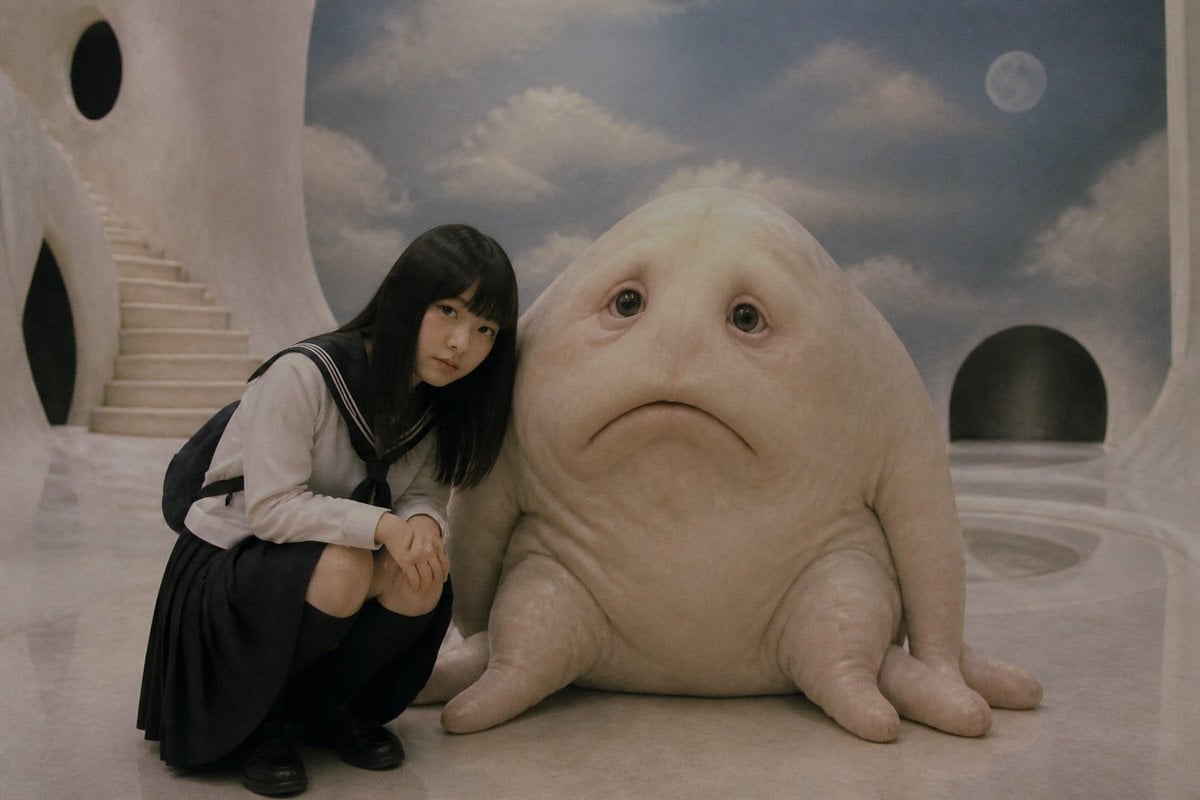
Surreal Schoolgirl and Blob Creature

Colossal Male Model Skyscraper Artwork
Browse template categories
Vintage Creature Concept Art Sheet questions
How do I use the Vintage Creature Concept Art Sheet template?
Add your photo if the template asks for one, edit the prompt if you like — the template's model and format are already selected — and press Generate. Your version opens in PicX Studio.
Can I customize the Vintage Creature Concept Art Sheet template?
Yes. You can change the subject, setting, lighting, mood, format, and available model controls before creating your image.
Is the Vintage Creature Concept Art Sheet template free?
Opening and editing this template is free. Generating uses credits, shown on the Generate button when you are signed in.
Which AI model should I use?
Start with GPT Image 2, which is the model associated with this template. You can compare another compatible model for a different finish.
Looking for something else? Browse all templates.

Your photo, any look
Thousands of ready templates for every top image and video model, from one credit balance.