
European Travel Advertisement Banner
Generates a travel agency web banner featuring a scenic European town, promotional typography, and a feature navigation bar.
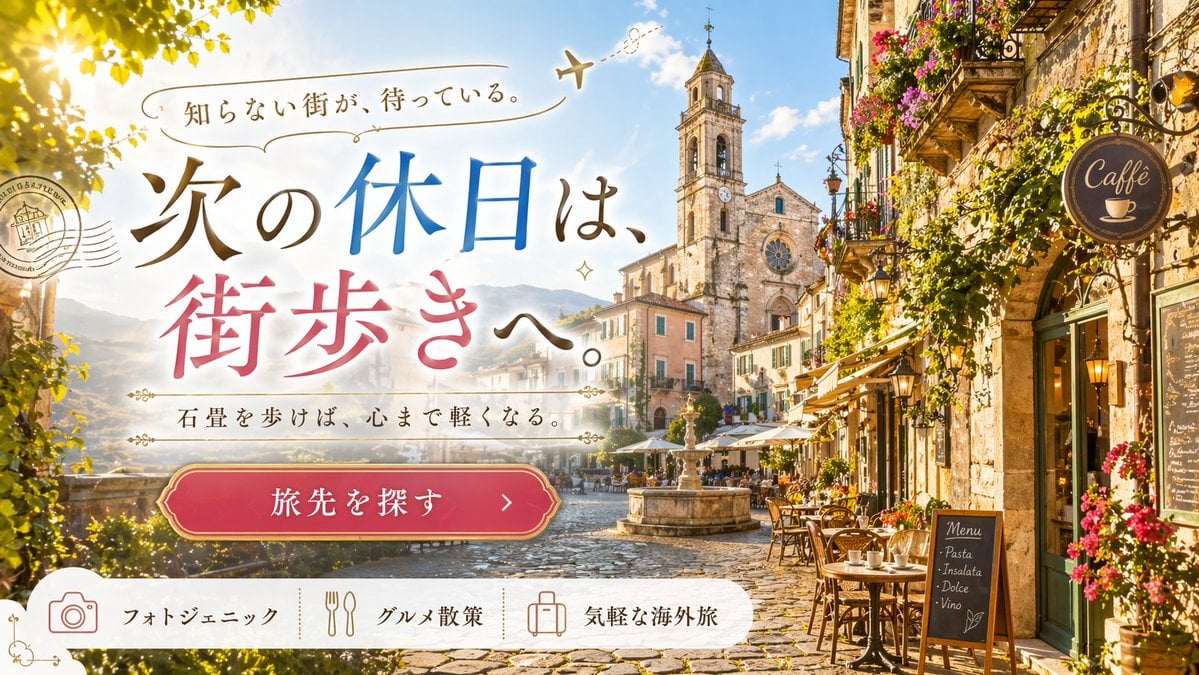
- Prompt included
- Model and format preset
- Free template
The prompt behind this image
Copy the exact prompt behind European Travel Advertisement Banner, or open it in the studio and make it yours.
- Type
- travel advertisement web banner
- Background › Scene
- {argument name="destination scene" default="picturesque European cobblestone town square with a cafe, fountain, and church tower"}
- Background › Lighting
- bright sunny day, warm sunlight
- Background › Details
- cafe tables with chairs, vibrant flowers on balconies, distant mountains, clear blue sky with fluffy clouds
- Background › Props
- round 'Caffè' sign on right building, wooden menu board listing 'Menu / Pasta / Insalata / Dolce / Vino'
- Overlay Elements › Graphics
- postmark stamp on mid-left, dashed airplane flight path above text, decorative flourishes
- Overlay Elements › Typography › Catchphrase › Text
- {argument name="catchphrase" default="知らない街が、待っている。"}
- Overlay Elements › Typography › Catchphrase › Style
- small serif, curved along a line with an airplane icon
- Overlay Elements › Typography › Main Headline › Text
- {argument name="main headline" default="次の休日は、街歩きへ。"}
- Overlay Elements › Typography › Main Headline › Style
- large elegant serif, mixed colors of brown, blue, and pink
- Overlay Elements › Typography › Subtitle › Text
- {argument name="subtitle" default="石畳を歩けば、心まで軽くなる。"}
- Overlay Elements › Typography › Subtitle › Style
- medium serif, flanked by vintage decorative lines
- Overlay Elements › Call To Action › Button Text
- {argument name="button text" default="旅先を探す >"}
- Overlay Elements › Call To Action › Style
- red pill-shaped button with gold double-line border, centered below text
- Layout › Bottom Navigation Bar › Style
- white banner with rounded top corners
- Layout › Bottom Navigation Bar › Count
- 3
- Layout › Bottom Navigation Bar › Items › 0 › Icon
- camera
- Layout › Bottom Navigation Bar › Items › 0 › Label
- フォトジェニック
- Layout › Bottom Navigation Bar › Items › 1 › Icon
- fork and spoon
- Layout › Bottom Navigation Bar › Items › 1 › Label
- グルメ散策
- Layout › Bottom Navigation Bar › Items › 2 › Icon
- suitcase
- Layout › Bottom Navigation Bar › Items › 2 › Label
- 気軽な海外旅
Raw JSON
{
  "type": "travel advertisement web banner",
  "background": {
    "scene": "{argument name=\"destination scene\" default=\"picturesque European cobblestone town square with a cafe, fountain, and church tower\"}",
    "lighting": "bright sunny day, warm sunlight",
    "details": "cafe tables with chairs, vibrant flowers on balconies, distant mountains, clear blue sky with fluffy clouds",
    "props": "round 'Caffè' sign on right building, wooden menu board listing 'Menu / Pasta / Insalata / Dolce / Vino'"
  },
  "overlay_elements": {
    "graphics": "postmark stamp on mid-left, dashed airplane flight path above text, decorative flourishes",
    "typography": {
      "catchphrase": {
        "text": "{argument name=\"catchphrase\" default=\"知らない街が、待っている。\"}",
        "style": "small serif, curved along a line with an airplane icon"
      },
      "main_headline": {
        "text": "{argument name=\"main headline\" default=\"次の休日は、街歩きへ。\"}",
        "style": "large elegant serif, mixed colors of brown, blue, and pink"
      },
      "subtitle": {
        "text": "{argument name=\"subtitle\" default=\"石畳を歩けば、心まで軽くなる。\"}",
        "style": "medium serif, flanked by vintage decorative lines"
      }
    },
    "call_to_action": {
      "button_text": "{argument name=\"button text\" default=\"旅先を探す >\"}",
      "style": "red pill-shaped button with gold double-line border, centered below text"
    }
  },
  "layout": {
    "bottom_navigation_bar": {
      "style": "white banner with rounded top corners",
      "count": 3,
      "items": [
        { "icon": "camera", "label": "フォトジェニック" },
        { "icon": "fork and spoon", "label": "グルメ散策" },
        { "icon": "suitcase", "label": "気軽な海外旅" }
      ]
    }
  }
}How to use European Travel Advertisement Banner in 3 steps
- 1Upload ImagePNG, JPG or paste
Add your photo
Upload the photo the template builds on. The prompt, model and format are already set.
- 2…a portrait of your subject in softgolden-hour light, 85mm…
Personalize
Edit the subject and creative details for your destination.
- 3Generate
Generate
Press Generate — your image is created in PicX Studio, so you can compare it with the original and refine one variable at a time.
More like this
Templates with the same subject, style or setup. Open one to see its prompt.

Japan Travel Brochure Poster

Miniature Travel Diorama Postcard

Boardwalk Fashion Portrait
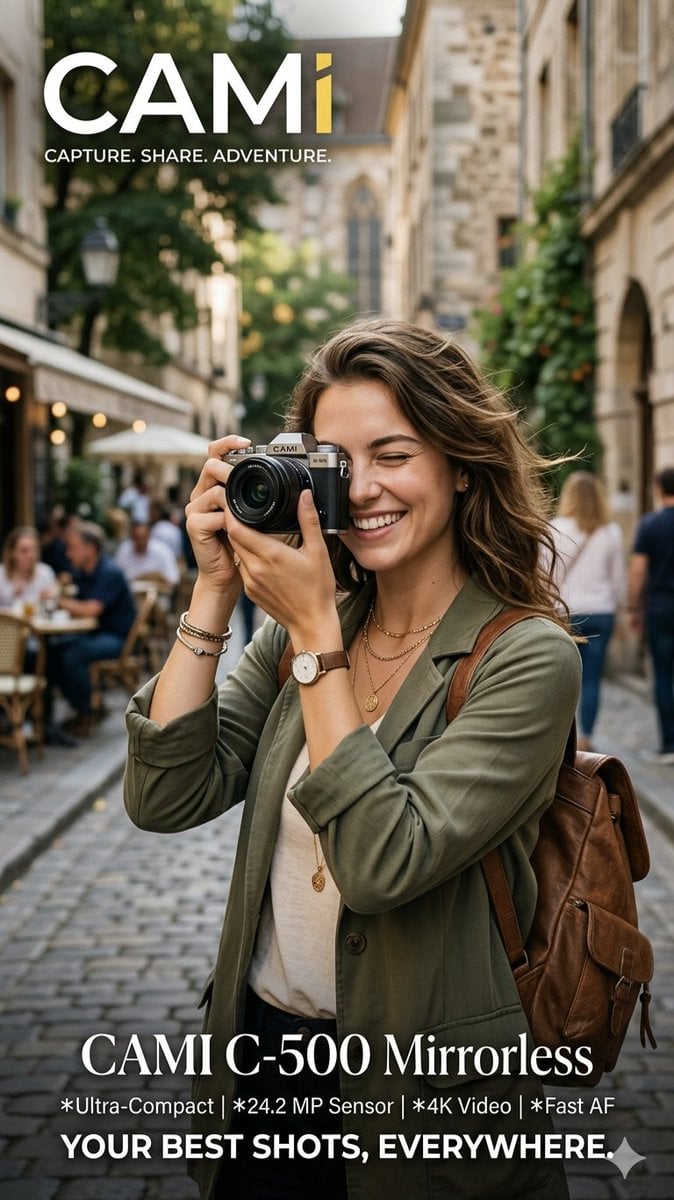
Travel Photographer Camera Advertisement
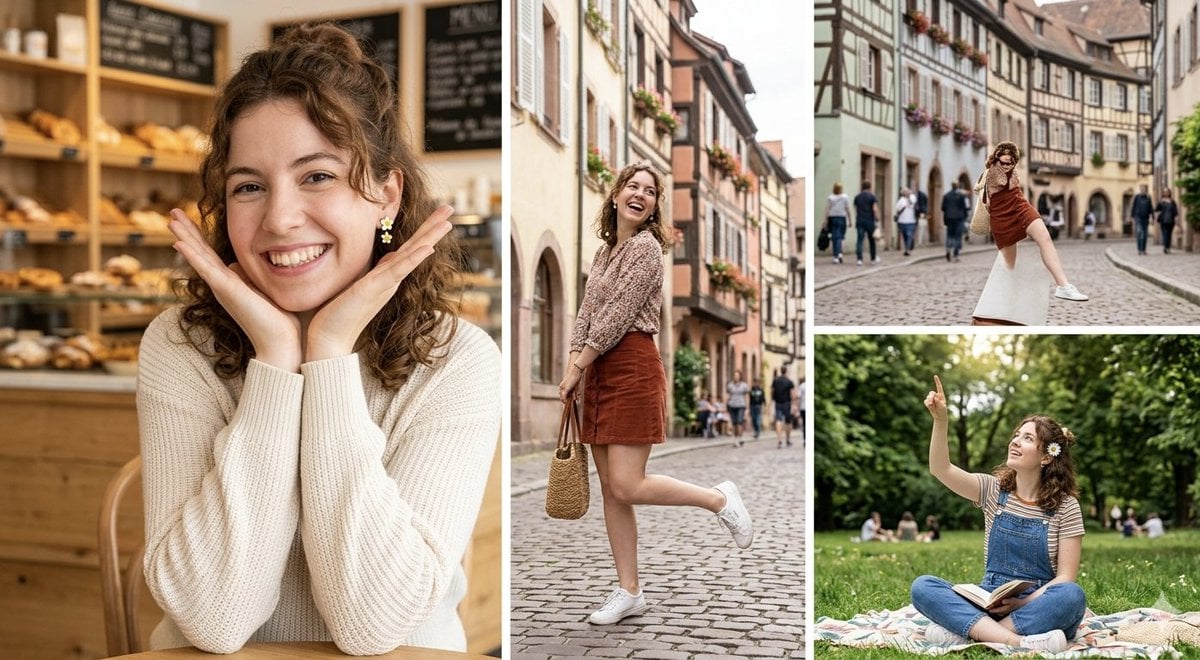
European Travel Photo Diary Collage
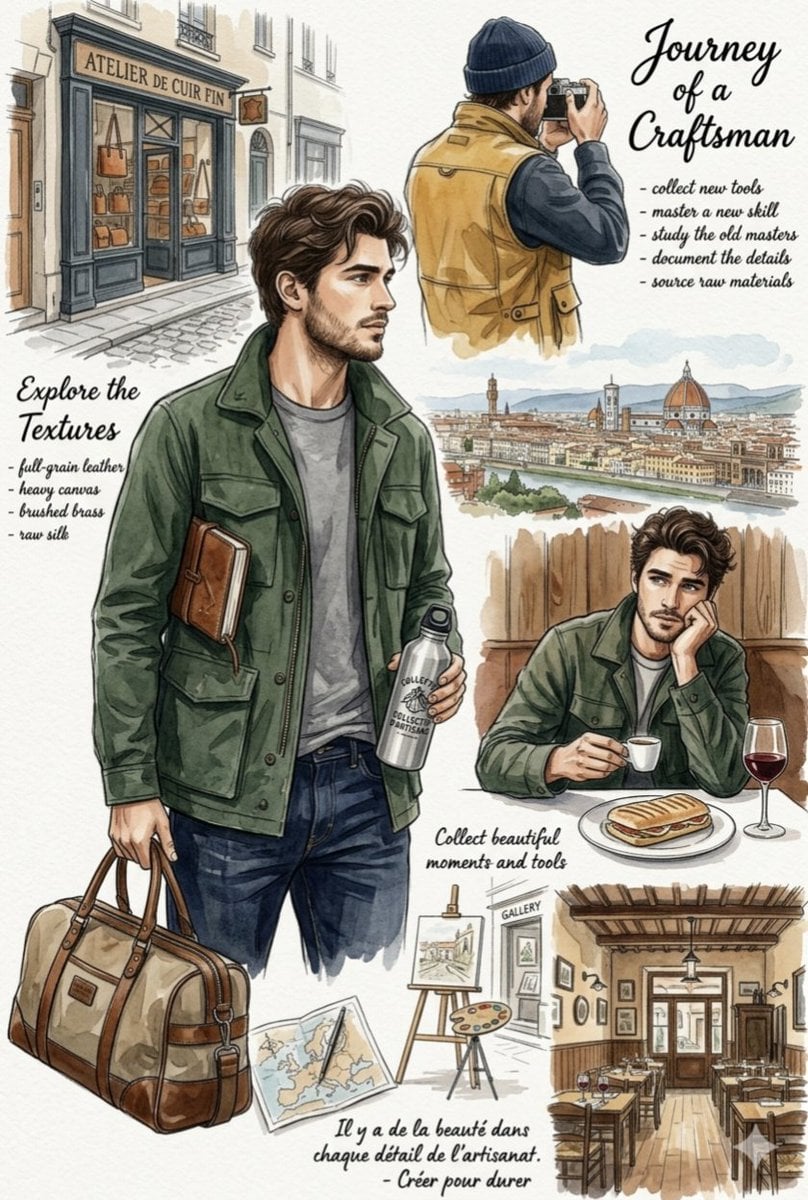
European Travel Lifestyle Moodboard
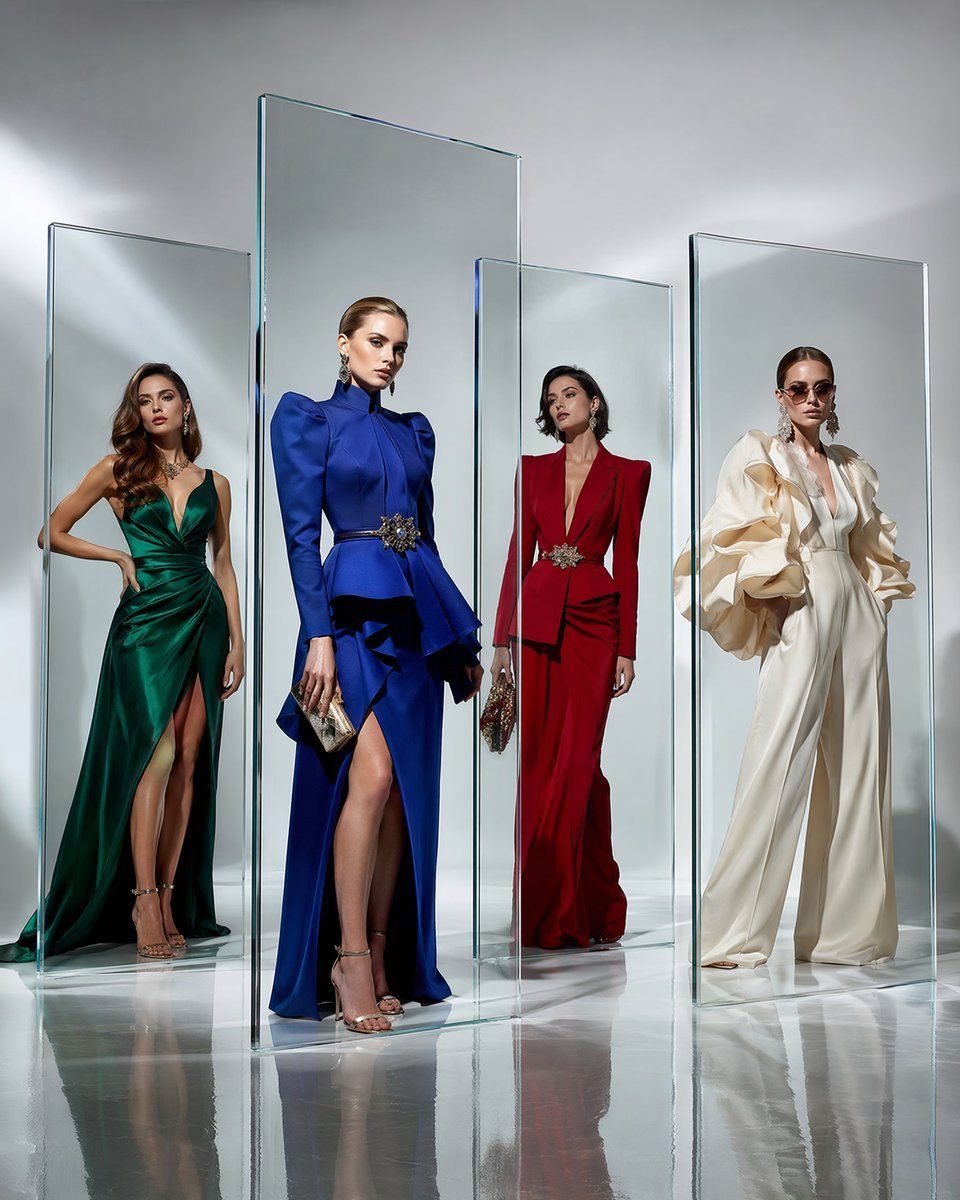
Crystal Panel European Couture Fashion Composite

Clay Miniature Landmark Travel Diorama

Parisian Outdoor Café Silver-Hair Portrait
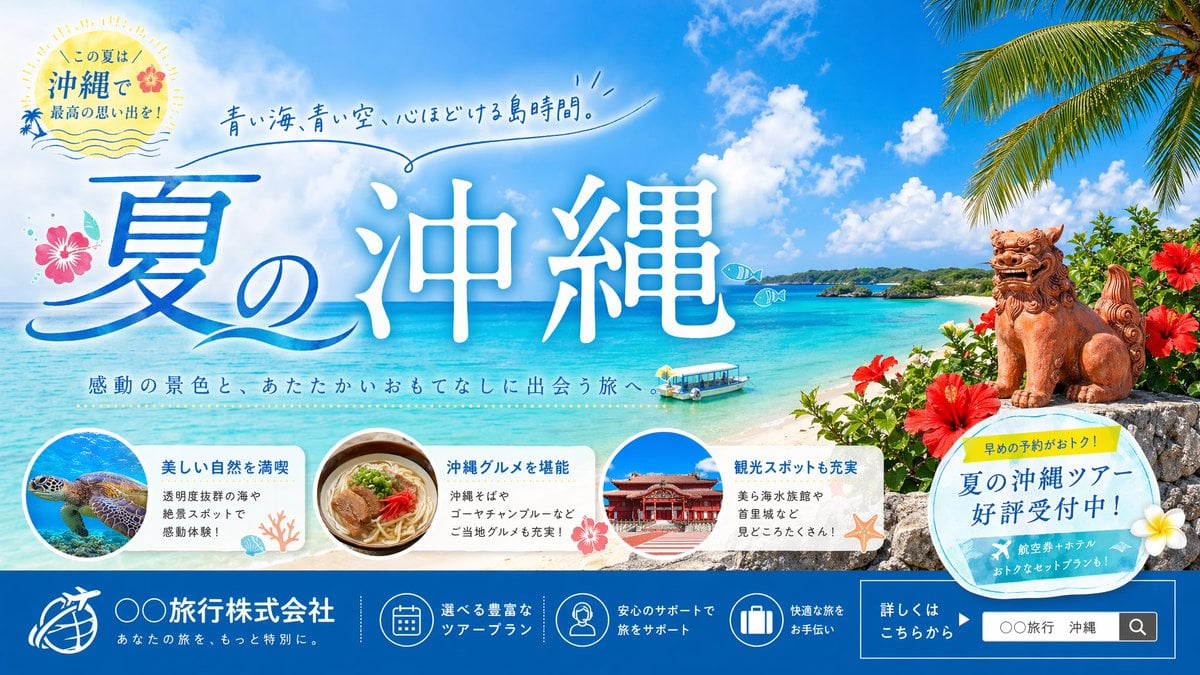
Okinawa Summer Travel Banner

Travel Poster Graphic Collage

untitled
Make it yours
European Travel Advertisement Banner works as-is. These are the safest ways to change it without losing the look.
Swap the setting
Keep the rest of the prompt and replace the location block. The current setting is “{argument name="destination scene" default="picturesque European cobblestone tow”.
Swap the light
One lighting change is enough to compare takes. Current light: “bright sunny day, warm sunlight”.
Change one field
Copy a single group, rewrite it, and generate again so you can see what that field is doing.
| If the result… | Why | Fix |
|---|---|---|
| The result drifts from the preview | Too many fields changed at once. | Reuse European Travel Advertisement Banner as-is first, then change one group — subject, light, or setting. |
| GPT Image 2 ignores part of the JSON | Some models flatten or skip nested keys. | Keep the same values and paste them as a short paragraph instead. |
More GPT Image 2 templates
Other prompts made for GPT Image 2.

Six VTuber Japanese Logo Sheet

Realistic Portrait of Woman and Deer

The Vista Modular Condo Poster

AI Model Routing Comparison Infographic

2.5D Anime Art Board

Isometric Productivity Desk Scene

New York Double Exposure Poster

Four-Panel AI Landscape Comparison

Japanese Tatami Lifestyle Magazine Cover

NESCAFÉ Coffee Map Poster
More image prompts
Fresh picks from across the catalog.
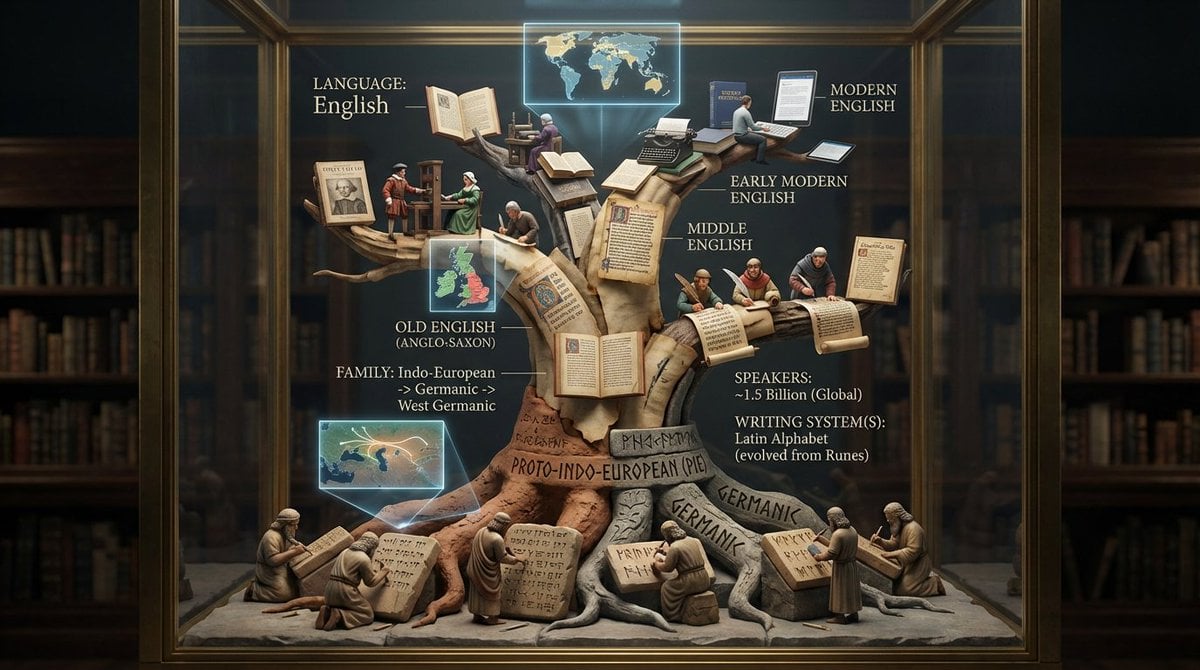
Linguistic Evolution Tree Infographic Generation
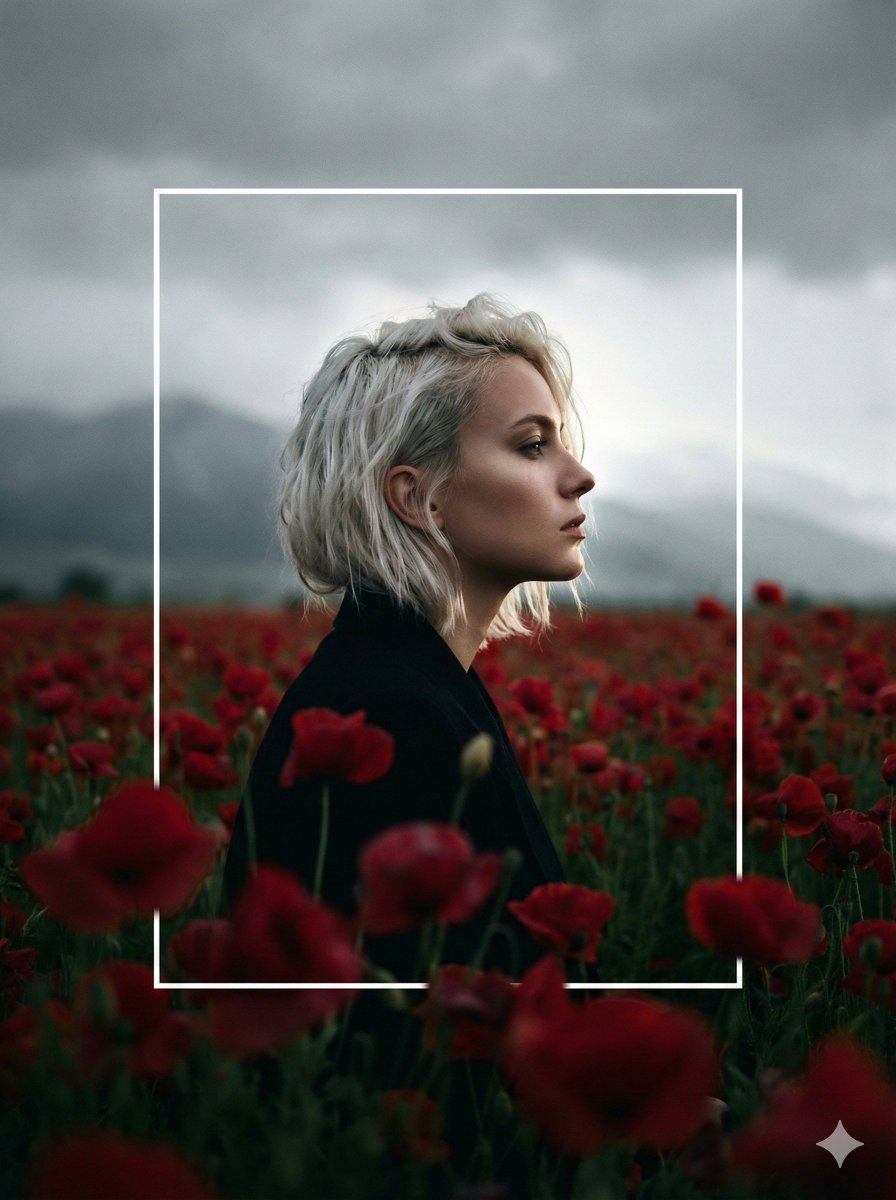
Cinematic Profile Portrait in Crimson Field with Frame Overlay
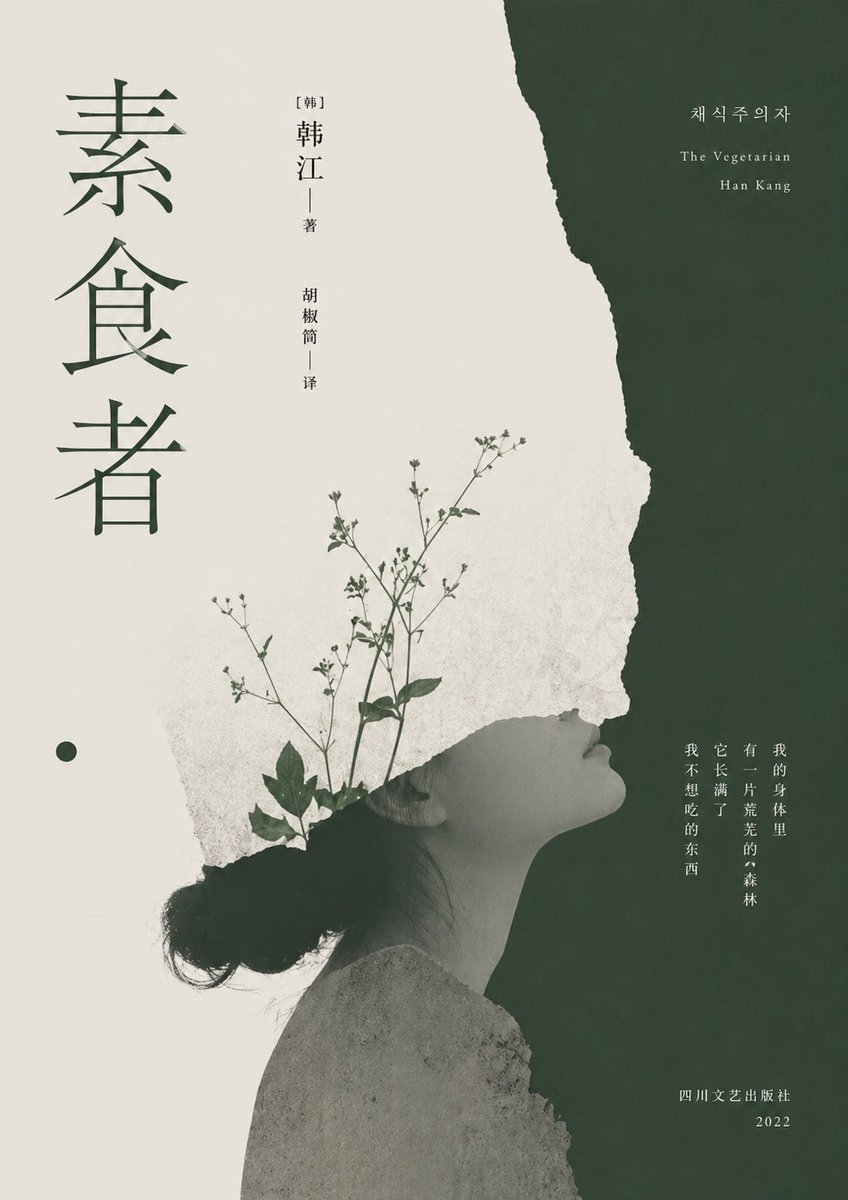
Minimalist Literary Cover for The Vegetarian
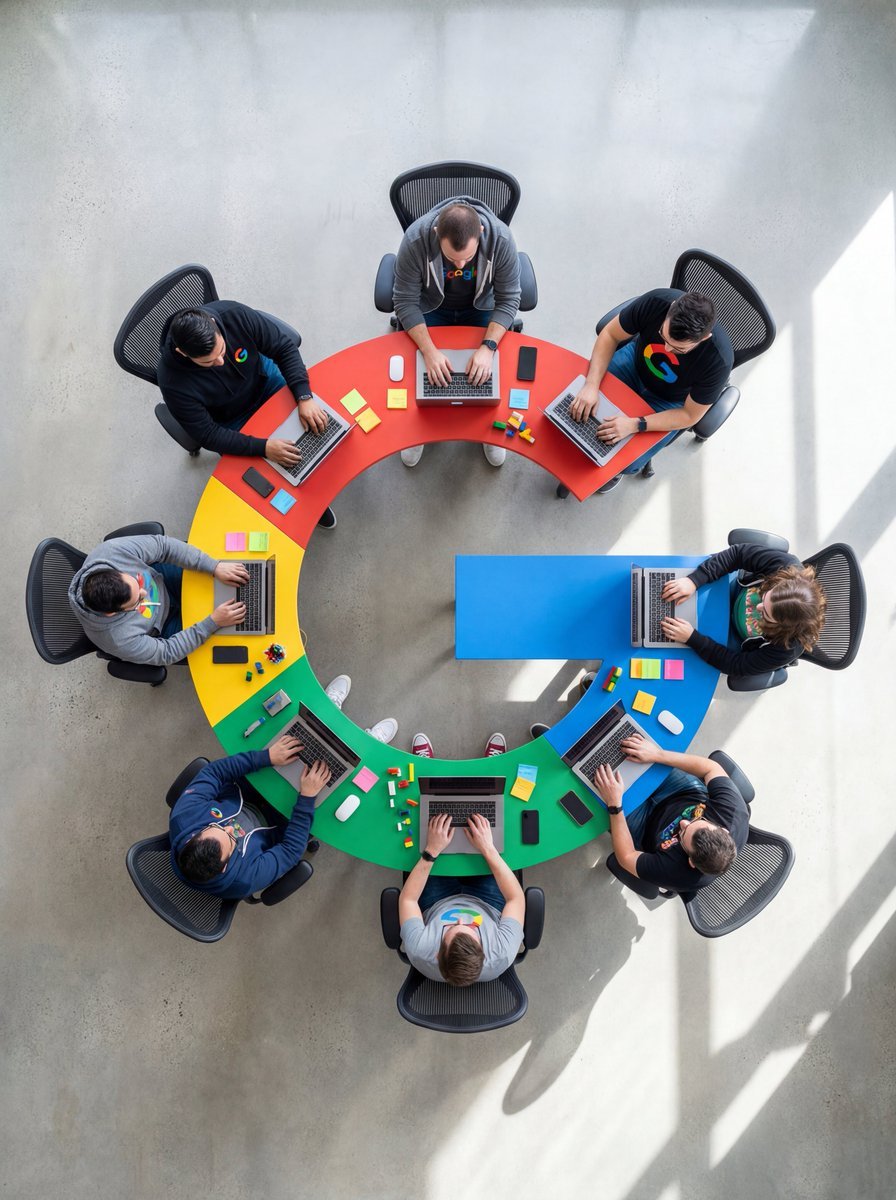
Top-Down Flat Lay of Custom-Shaped Conference Table (Duplicate)
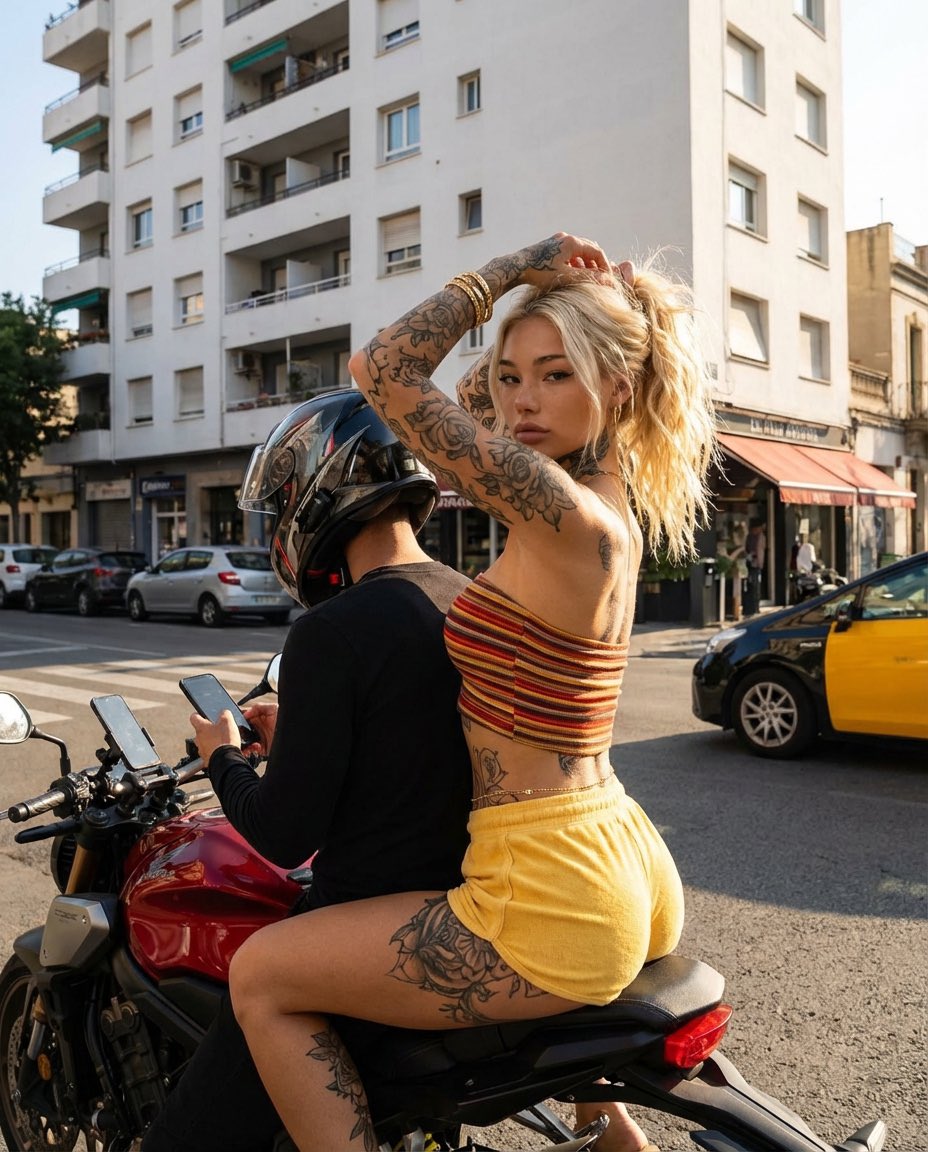
Photorealistic Street Photography of Tattooed Woman on Motorcycle

Elegant Photorealistic Female Portrait
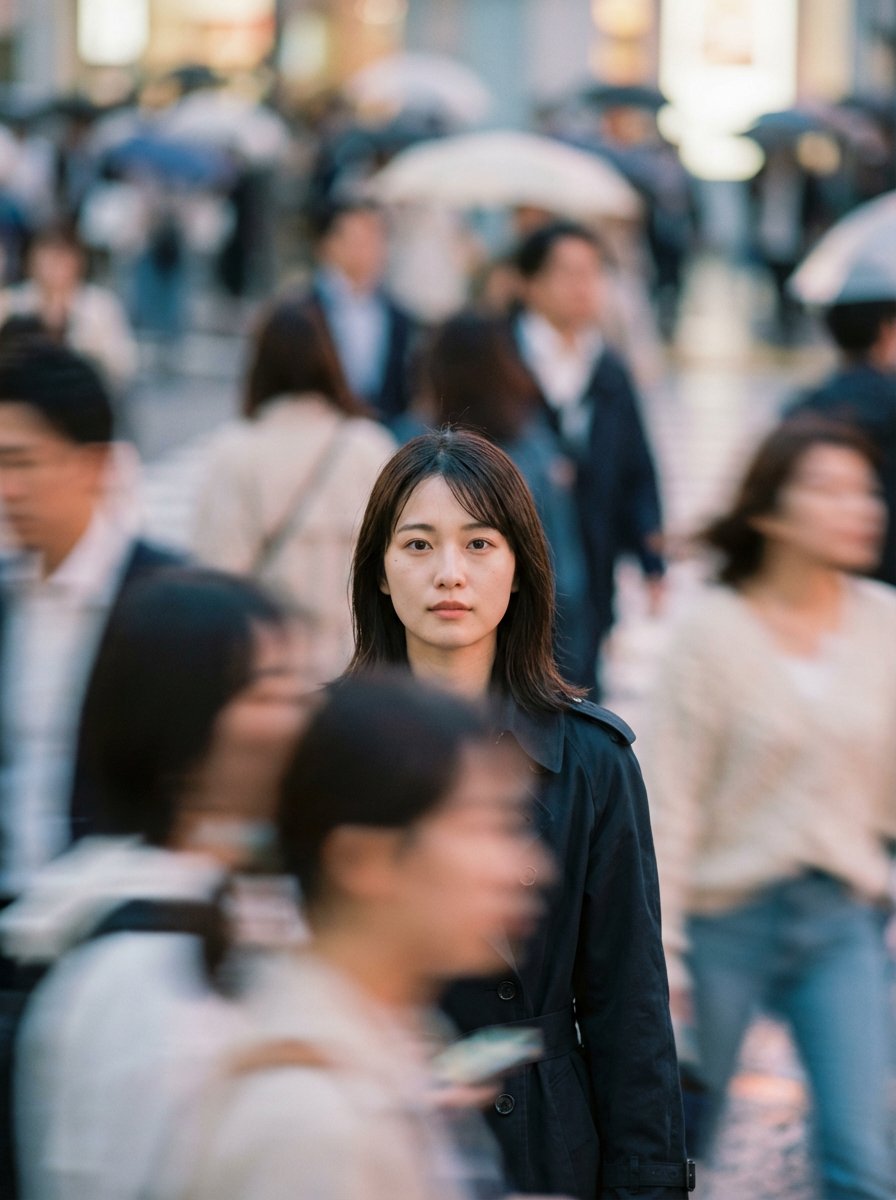
Cinematic Portrait Prompt: Focus in a Crowd

Digital Painting of Joker in Cowboy Hat

Gestural Ink Fashion Illustration
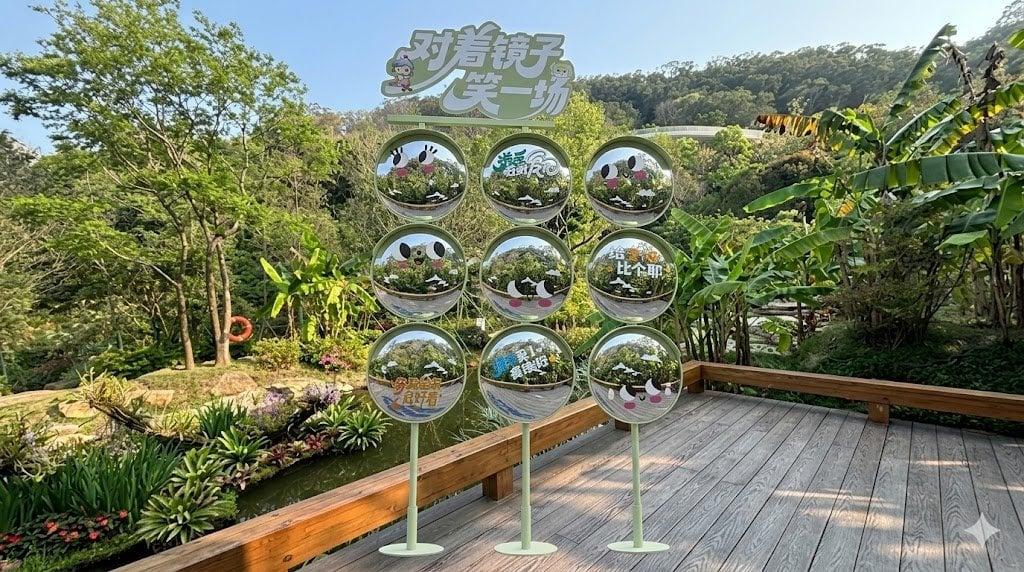
Move Display Stand Onto Deck
Browse template categories
European Travel Advertisement Banner questions
How do I use the European Travel Advertisement Banner template?
Add your photo if the template asks for one, edit the prompt if you like — the template's model and format are already selected — and press Generate. Your version opens in PicX Studio.
Can I customize the European Travel Advertisement Banner template?
Yes. You can change the subject, setting, lighting, mood, format, and available model controls before creating your image.
Is the European Travel Advertisement Banner template free?
Opening and editing this template is free. Generating uses credits, shown on the Generate button when you are signed in.
Which AI model should I use?
Start with GPT Image 2, which is the model associated with this template. You can compare another compatible model for a different finish.
Looking for something else? Browse all templates.

Your photo, any look
Thousands of ready templates for every top image and video model, from one credit balance.