
Move Display Stand Onto Deck
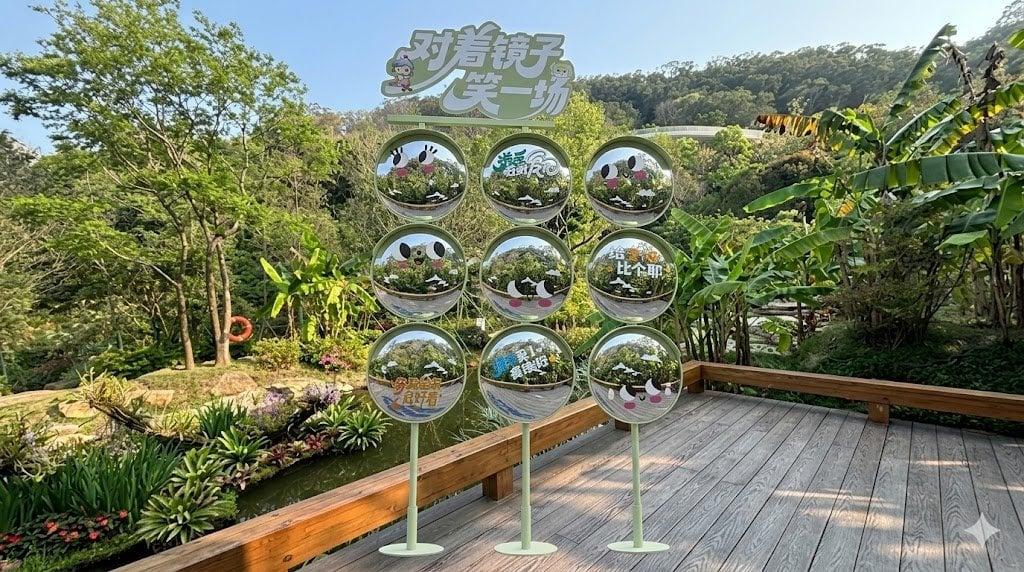
This prompt places the reference promotional display onto the wooden deck in the same outdoor scene for realistic environmental advertising mockups.
- Prompt included
- Model and format preset
- Free template
The prompt behind this image
Copy the exact prompt behind Move Display Stand Onto Deck, or open it in the studio and make it yours.
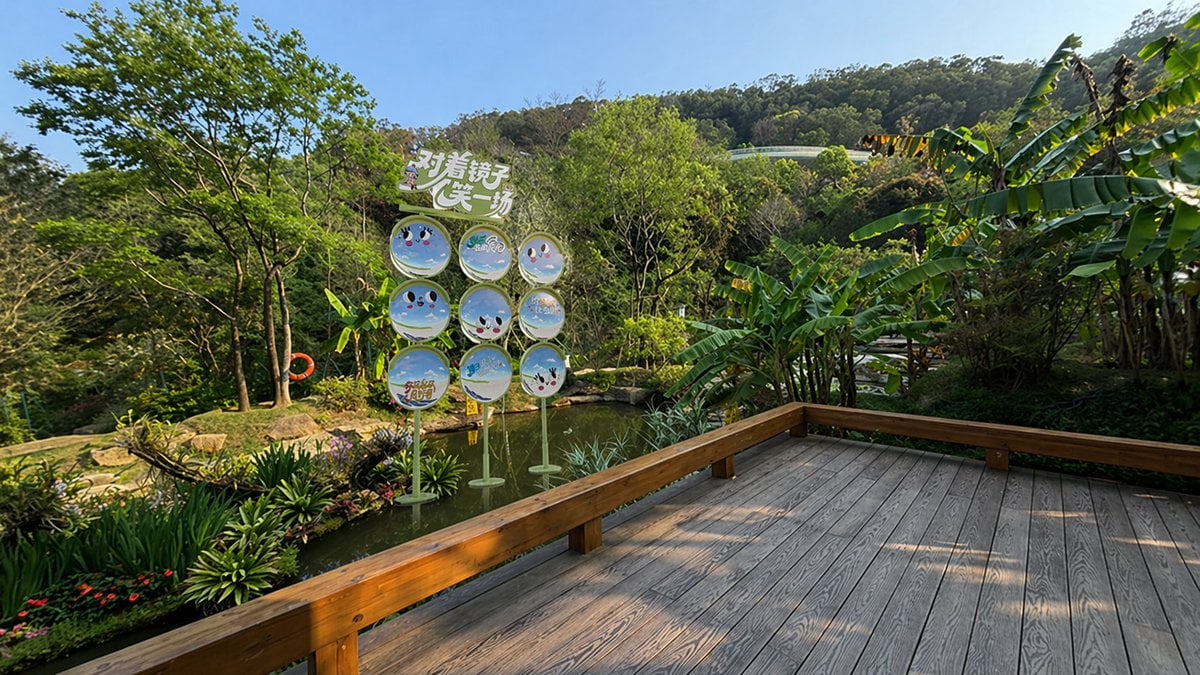
Using the provided reference image, keep the same garden, pond, trees, hillside, and wooden deck viewpoint, but reposition the decorative sign installation so it stands on the wooden deck in the foreground instead of in the water. Enlarge it and center it more prominently in front of the camera while preserving a believable outdoor perspective, natural daylight, and consistent shadows. Keep the installation structure as a 3-column by 3-row set of 9 circular sign panels on slim green stands with the top header sign reading “对着镜子笑一场”. Make the panels look more reflective and mirror-like, showing realistic reflections of the surrounding greenery, while retaining the cute face graphics and Chinese text on the circles. The result should look like a realistic ad mockup/composite photo of the same display placed correctly in the scene.
Reference images included
Move Display Stand Onto Deck needs input media to work. They load alongside the prompt when you open it in the studio.
How to use Move Display Stand Onto Deck in 3 steps
- 1Upload ImagePNG, JPG or paste
Add your photo
Upload the photo the template builds on. The prompt, model and format are already set.
- 2…a portrait of your subject in softgolden-hour light, 85mm…
Personalize
Edit the subject and creative details for your destination.
- 3Generate
Generate
Press Generate — your image is created in PicX Studio, so you can compare it with the original and refine one variable at a time.
More like this
Templates with the same subject, style or setup. Open one to see its prompt.
NYC Observation Deck Portrait
Ultra-realistic cinematic portrait of a young East Asian woman standing
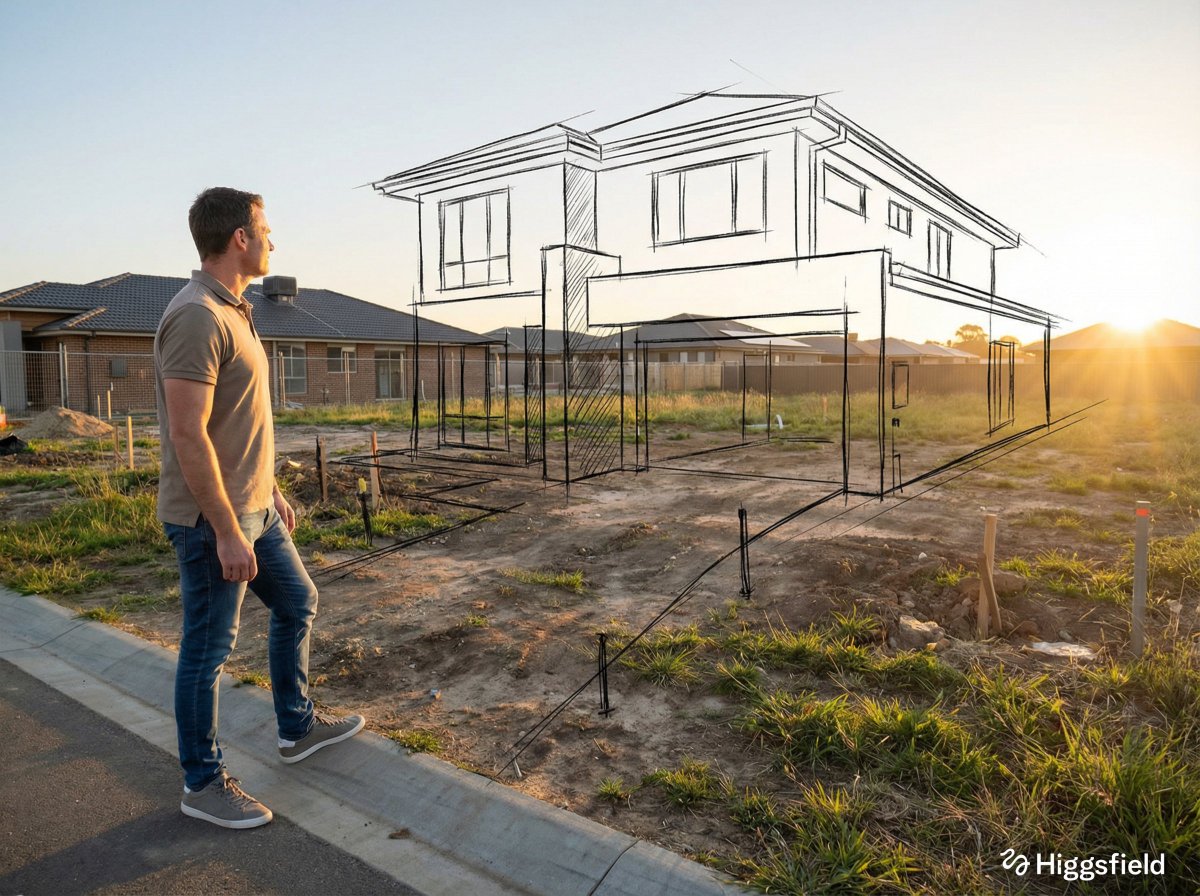
A standing full-body near the edge of the frame, slightly to the left
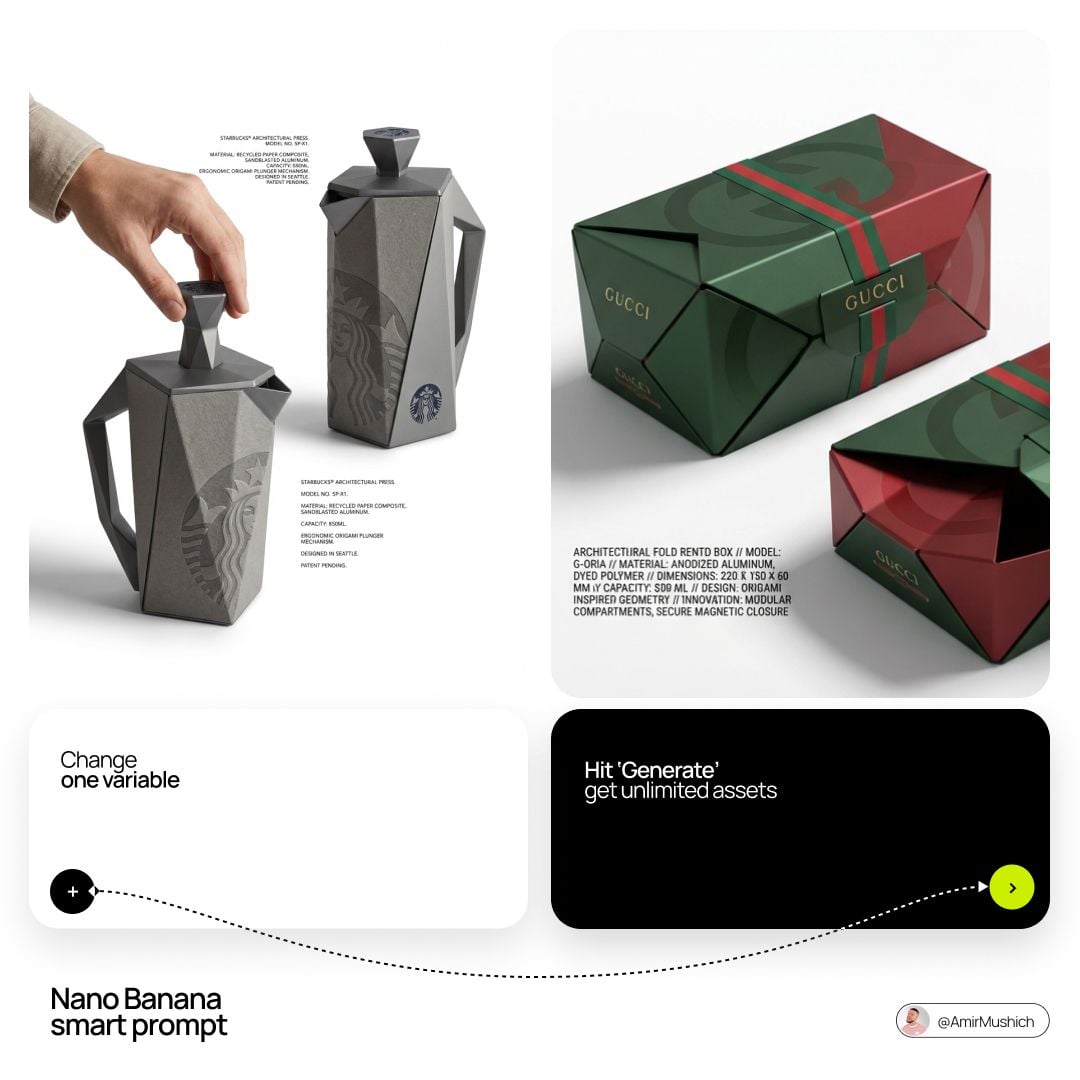
Logo in a high-contrast dark color Black or Navy directly onto

Standing naturally with hands gently together, looking slightly upward
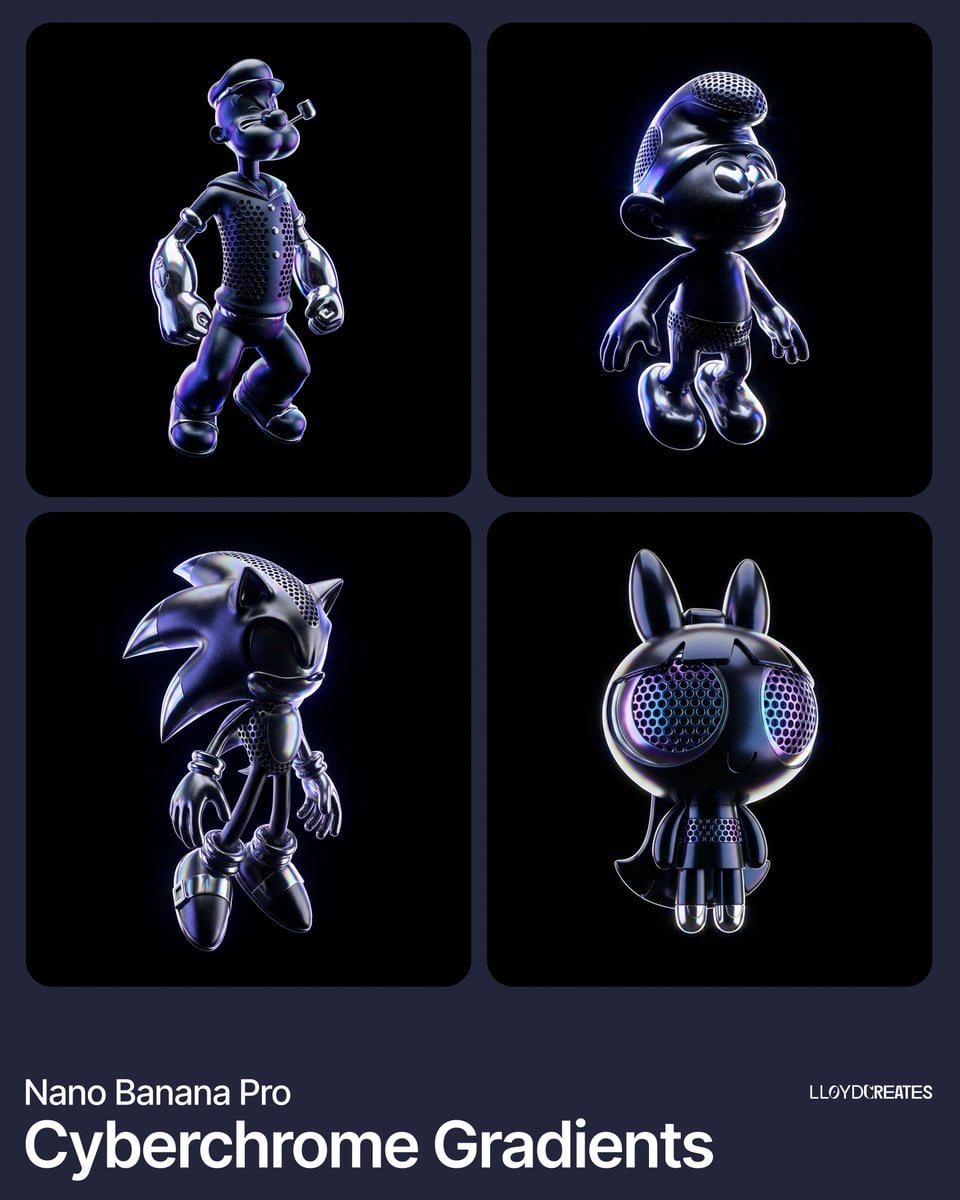
Out of frame, cut off product, blurry edges, tripod, light stand, floor
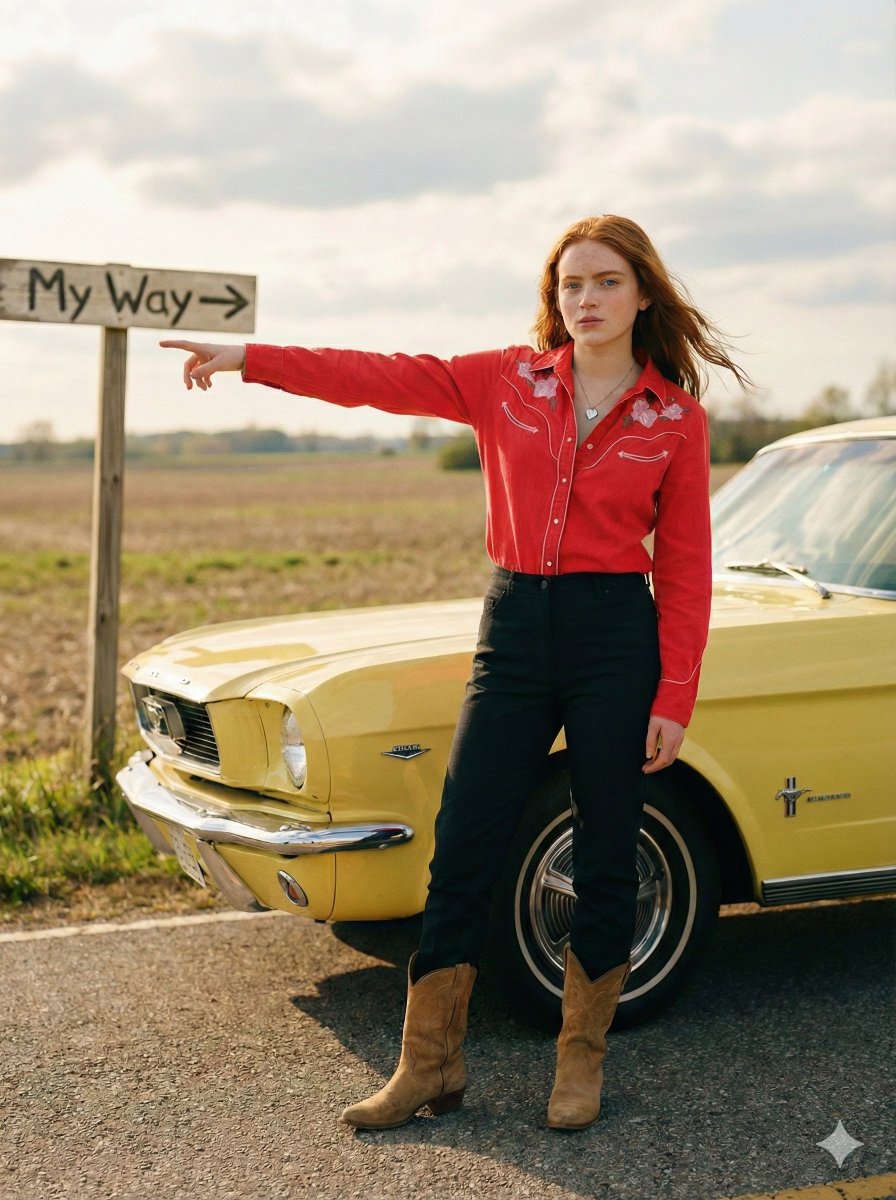
Standing beside the car, torso slightly angled, arm extended
Equestrian Pitch Deck Storyboard

Post-Apocalyptic Wuxia Standoff
Next Move Campus Soccer Poster
Patchouli Yukkuri Pet Shop Display

Anime Limited Cosmetics Display
Make it yours
Move Display Stand Onto Deck works as-is. These are the safest ways to change it without losing the look.
Change one field
Copy a single group, rewrite it, and generate again so you can see what that field is doing.
Keep the frame, change the subject
Hold the composition and light of Move Display Stand Onto Deck, then swap wardrobe, props or the person for a new take.
| If the result… | Why | Fix |
|---|---|---|
| The result drifts from the preview | Too many fields changed at once. | Reuse Move Display Stand Onto Deck as-is first, then change one group — subject, light, or setting. |
| The model over-stylizes the scene | The prose prompt leaves finish and camera underspecified. | Add one camera or lighting sentence and stay on GPT Image 2. |
More GPT Image 2 templates
Other prompts made for GPT Image 2.

Six VTuber Japanese Logo Sheet

Realistic Portrait of Woman and Deer

The Vista Modular Condo Poster

AI Model Routing Comparison Infographic

2.5D Anime Art Board

Isometric Productivity Desk Scene

New York Double Exposure Poster

Four-Panel AI Landscape Comparison

Japanese Tatami Lifestyle Magazine Cover

NESCAFÉ Coffee Map Poster
More image prompts
Fresh picks from across the catalog.
Cinematic Cosplay Romance Triptych

Shinsengumi Samurai Poster
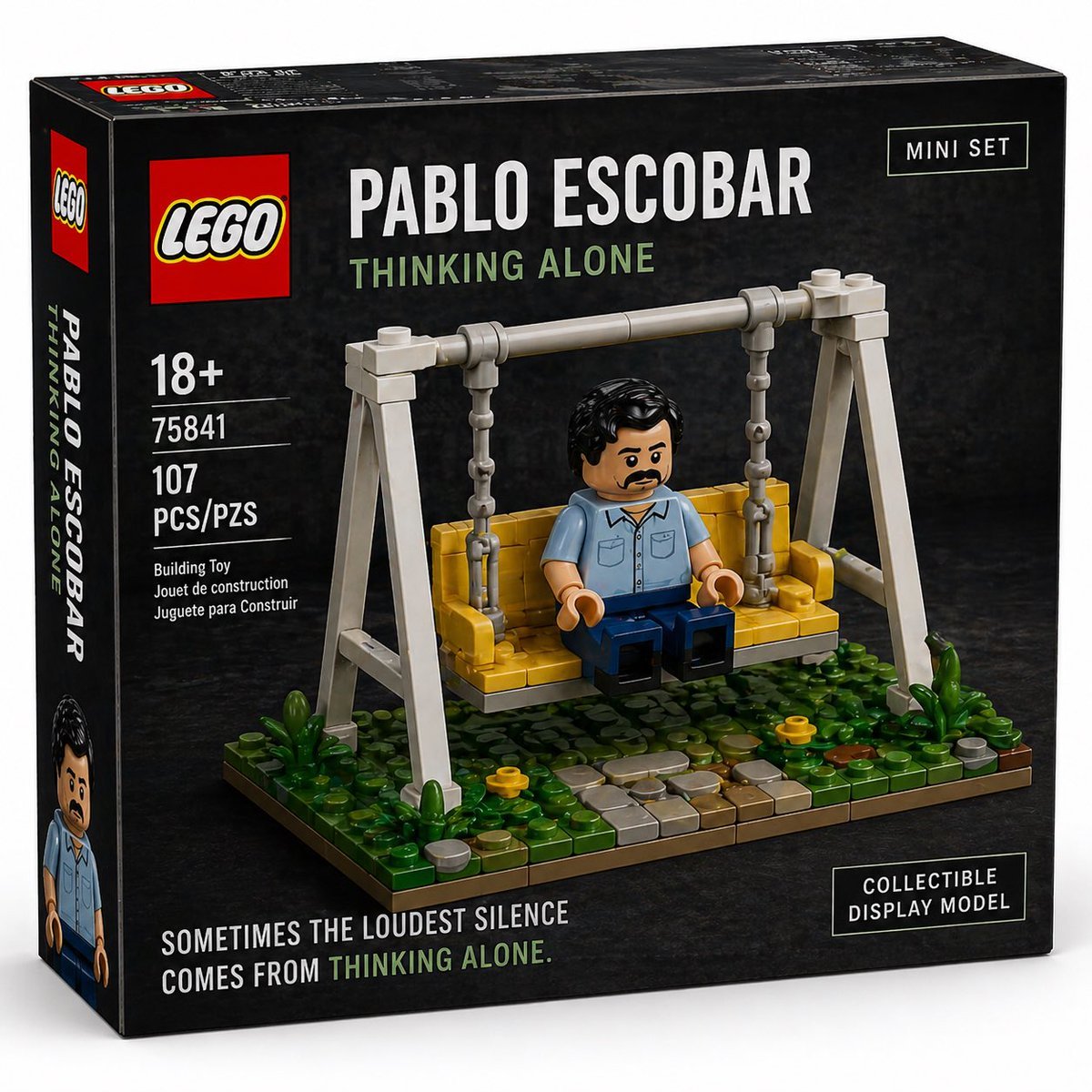
Brick Mini Set Box Mockup
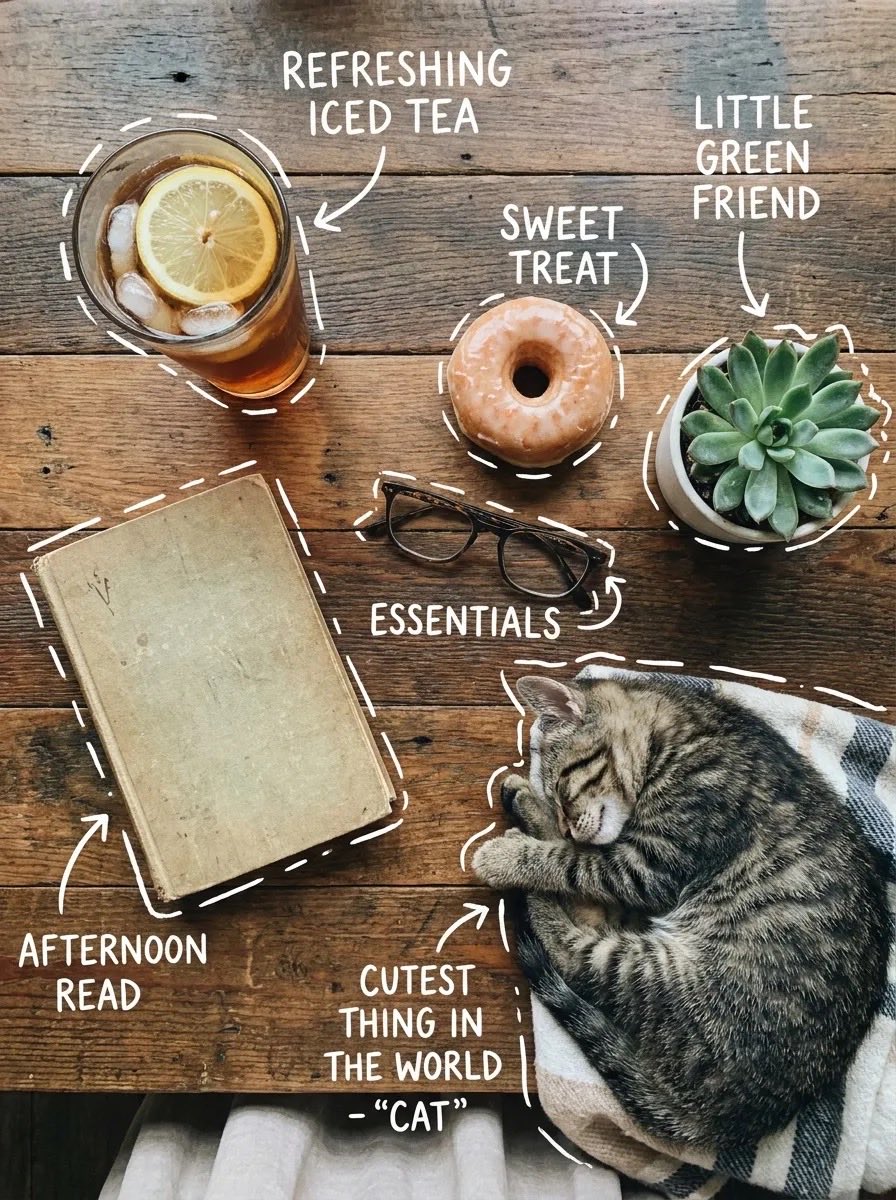
X Sairah 0 Google Gemini Nano Banana Pro
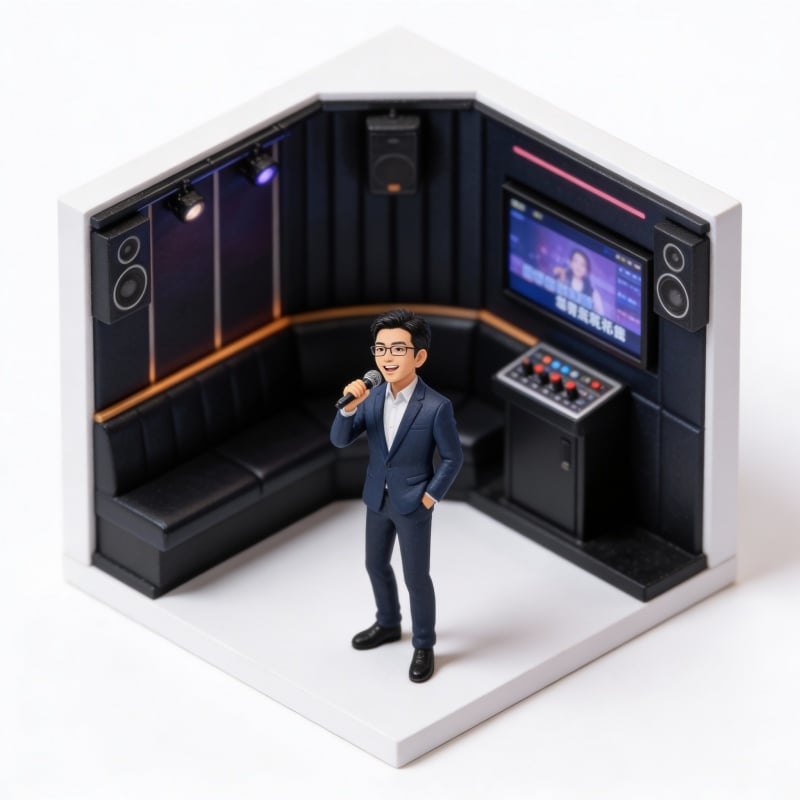
Miniature Figure Generation: Everyday Life of 'Scissors Old Man'

Hyper-Realistic Scriptural Deity Depiction
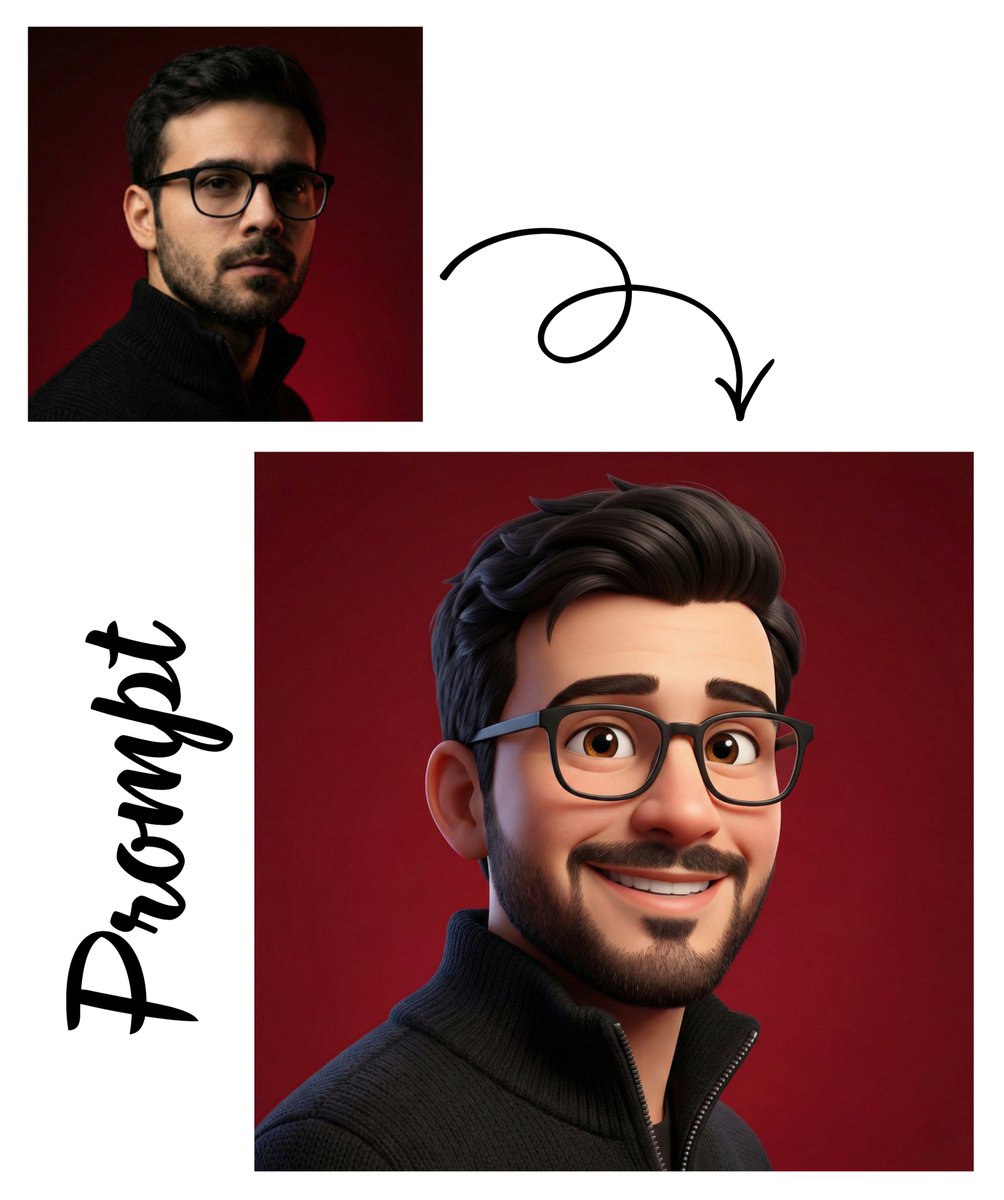
Pixar-Style 3D Avatar Generation
Vintage Glamour Piano Series Prompt
Dark Gothic Ritual in Cathedral
Low-Fidelity CCTV Surveillance Feed Image
Browse template categories
Move Display Stand Onto Deck questions
How do I use the Move Display Stand Onto Deck template?
Add your photo if the template asks for one, edit the prompt if you like — the template's model and format are already selected — and press Generate. Your version opens in PicX Studio.
Can I customize the Move Display Stand Onto Deck template?
Yes. You can change the subject, setting, lighting, mood, format, and available model controls before creating your image.
Is the Move Display Stand Onto Deck template free?
Opening and editing this template is free. Generating uses credits, shown on the Generate button when you are signed in.
Which AI model should I use?
Start with GPT Image 2, which is the model associated with this template. You can compare another compatible model for a different finish.
Looking for something else? Browse all templates.

Your photo, any look
Thousands of ready templates for every top image and video model, from one credit balance.