
A standing full-body near the edge of the frame, slightly to the left
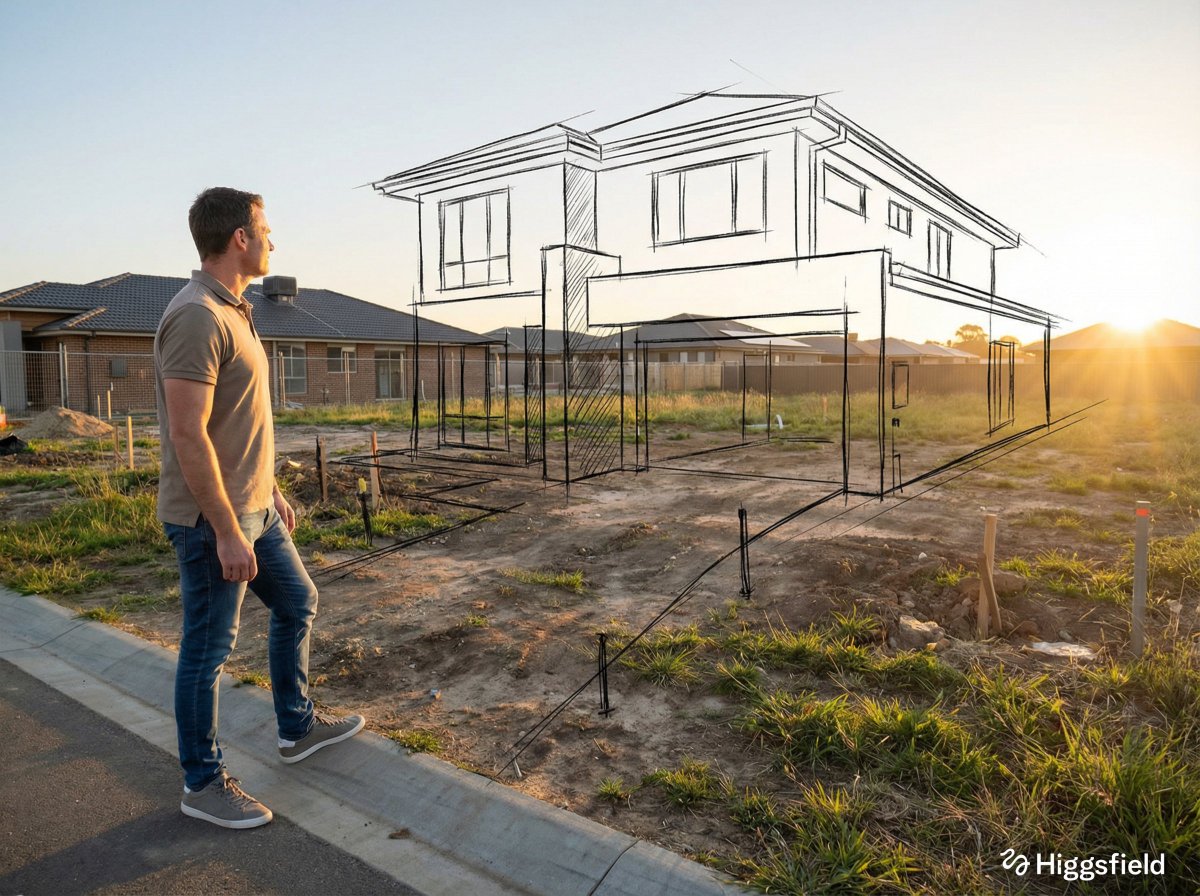
A [person type] standing full-body near the edge of the frame, slightly to the left, in [real-world incomplete / empty / damaged environment].
- Prompt included
- Model and format preset
- Free template
The prompt behind this image
Copy the exact prompt behind A standing full-body near the edge of the frame, slightly to the left, or open it in the studio and make it yours.
A [person type] standing full-body near the edge of the frame, slightly to the left, in [real-world incomplete / empty / damaged environment]. The camera is positioned behind and slightly to the right of the person, capturing them from a three-quarter rear angle. The person stands calmly and thoughtfully, looking toward the space ahead. The environment is [describe the real space as it exists now: empty, unfinished, decayed, rigid, lifeless]. The atmosphere feels [emotional tone: quiet, dry, historical, minimal, raw]. Natural light illuminates the scene, creating realistic shadows and depth. Floating hand-drawn sketch lines appear over and within the environment, aligned precisely in perspective with the real space. These sketches represent [what is missing / what once existed / what could exist in the future]. The sketch lines are black, clean, and hand-drawn, resembling [architectural / interior / restoration / urban planning] concept sketches made with pencil or ink. The strokes are expressive, slightly imperfect, and organic — not rigid or mechanical. The sketched elements occupy the foreground and midground, appearing closer to the person than expected. Some sketch lines subtly overlap the person’s silhouette and the real surfaces, visually merging imagination with reality. The sketches float naturally within the scene, seamlessly blending with the environment and conveying the idea of [vision / restoration / transformation / potential] coming to life.
How to use A standing full-body near the edge of the frame, slightly to the left in 3 steps
- 1
Open
The prompt is already in the box next to the preview, with the template's model and format selected.
- 2…a portrait of your subject in softgolden-hour light, 85mm…
Personalize
Edit the subject and creative details for your destination.
- 3Generate
Generate
Press Generate — your image is created in PicX Studio, so you can compare it with the original and refine one variable at a time.
More like this
Templates with the same subject, style or setup. Open one to see its prompt.
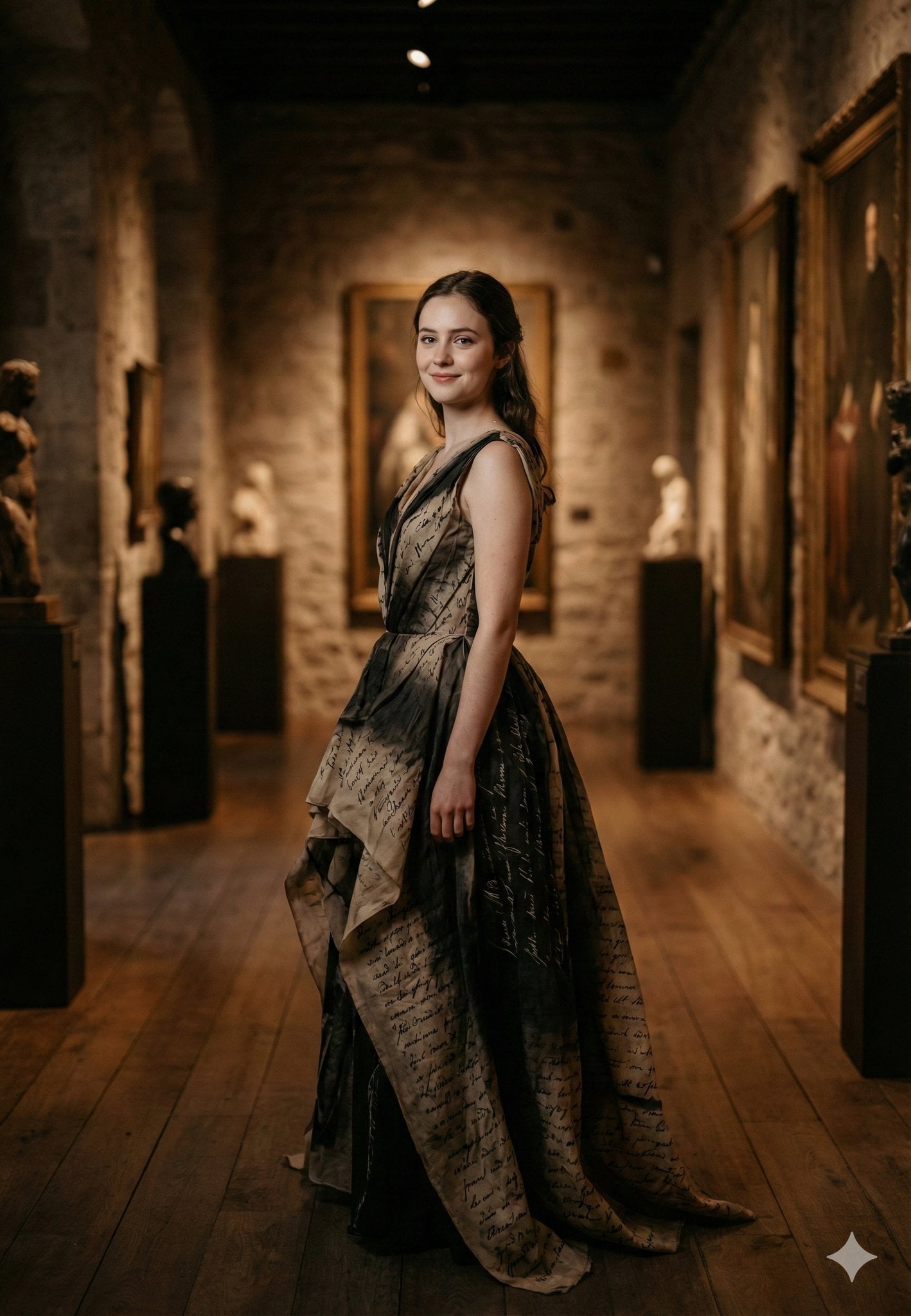
Standing gracefully in three-quarter profile, body slightly turned
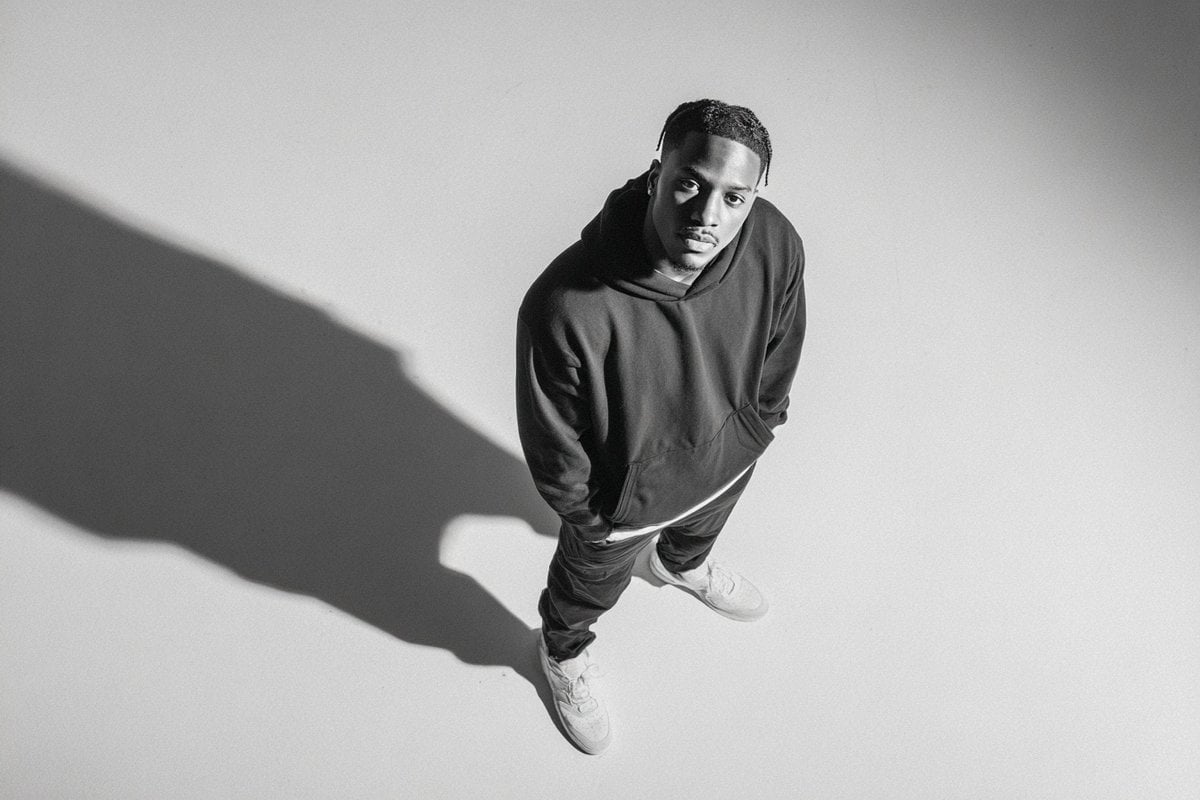
A photographed from a 35-degree overhead angle, standing alone
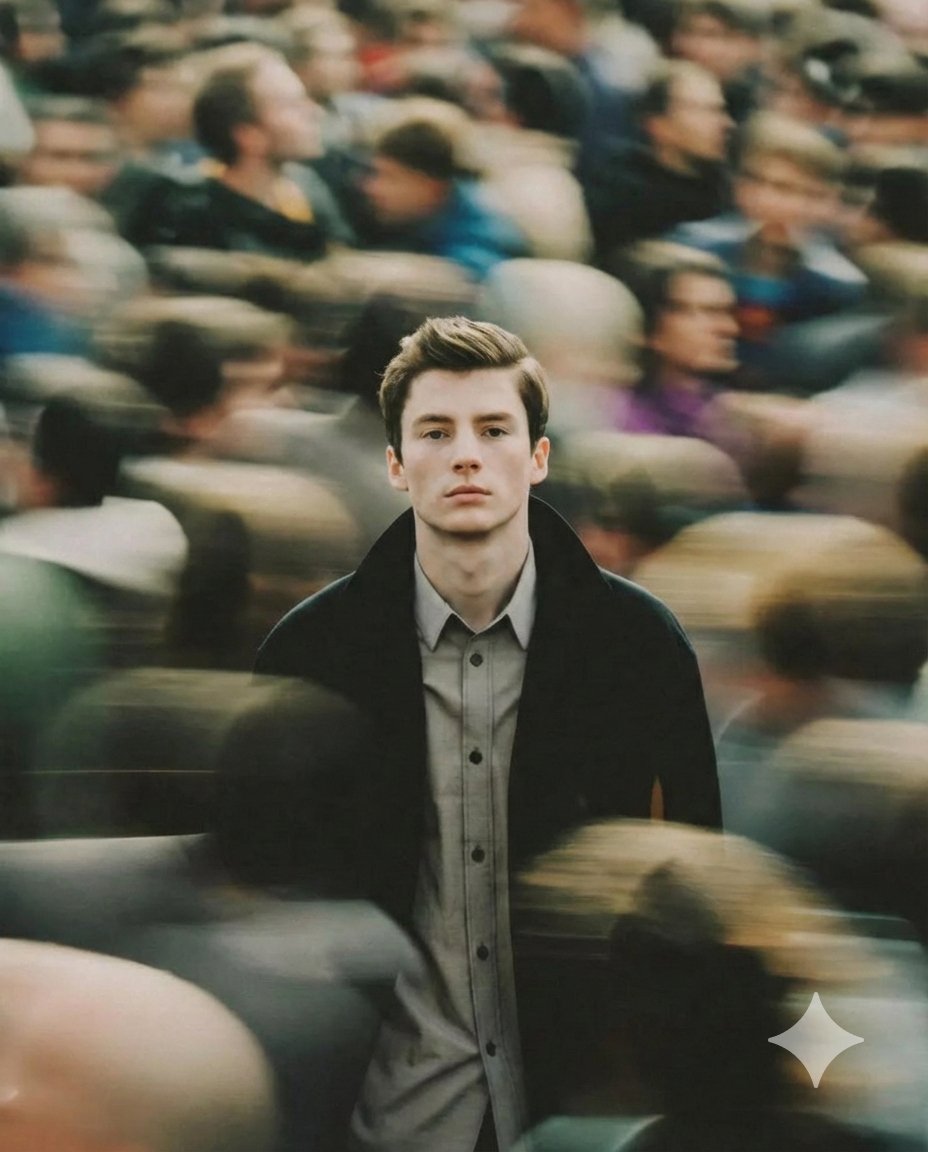
A cinematic portrait of a young man standing still in the middle
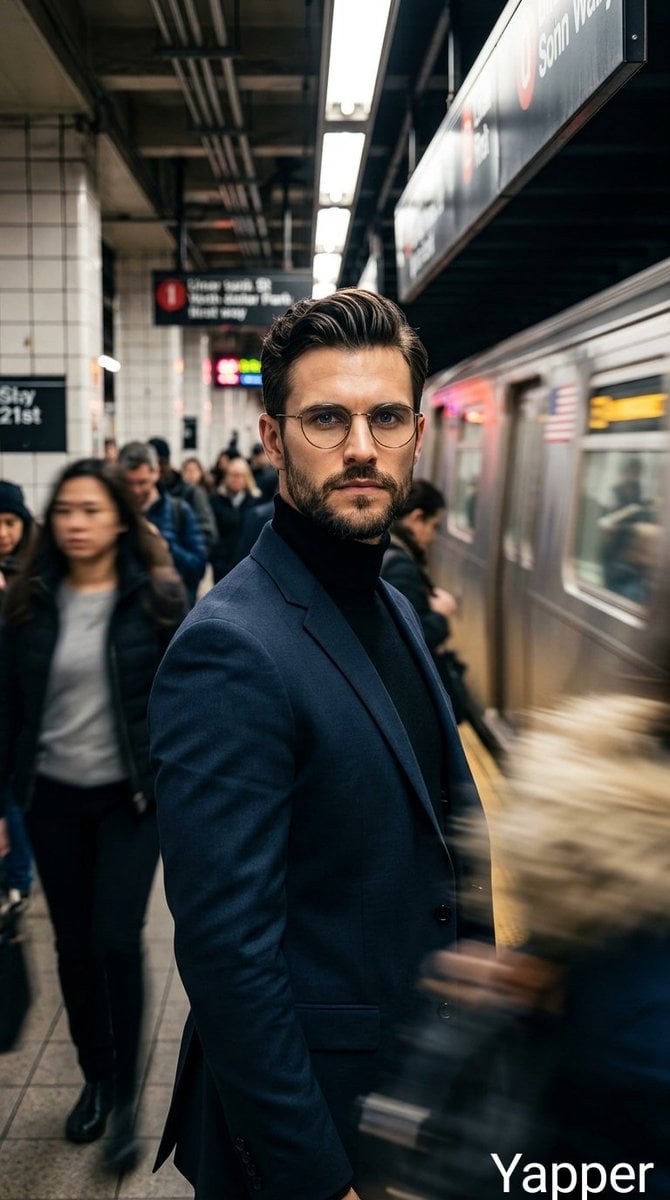
Cinematic portrait of a stylish man standing on a busy subway platform
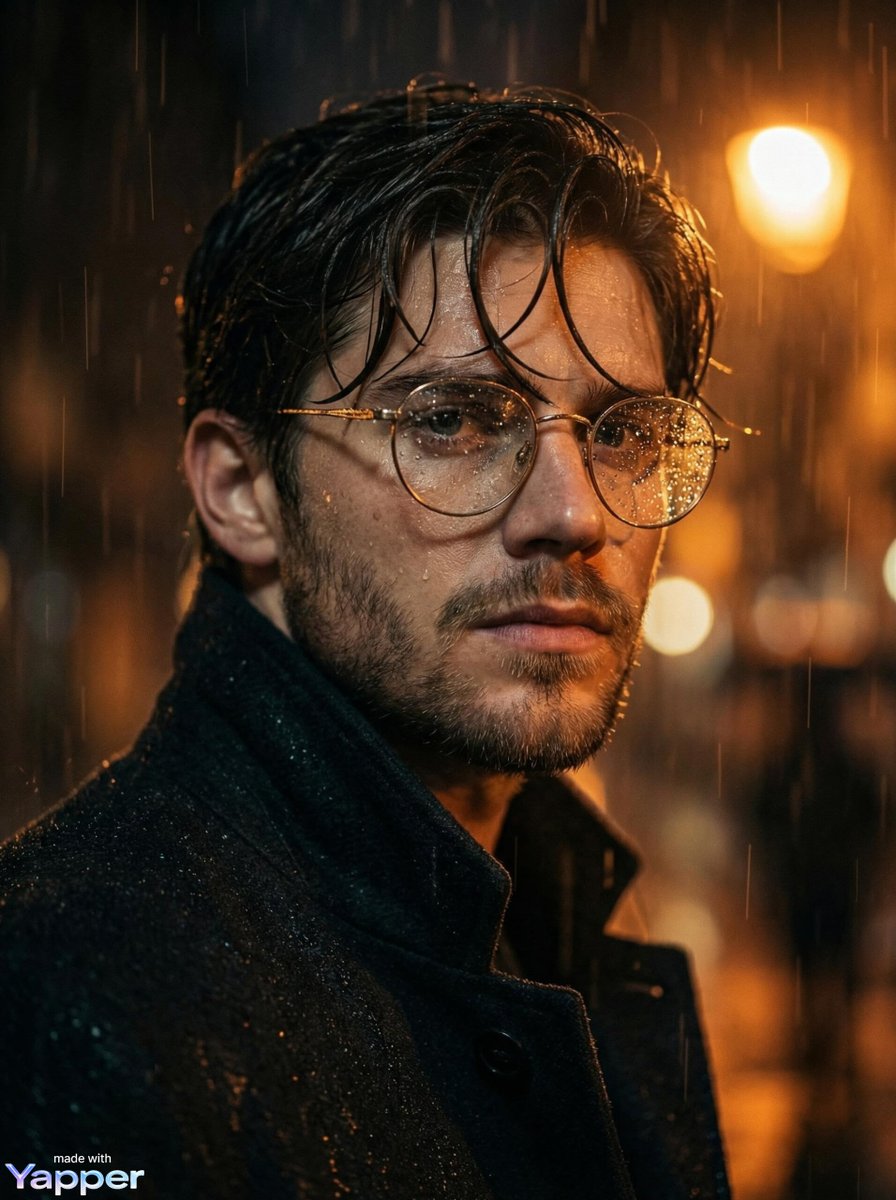
Cinematic close-up portrait of a young man standing in heavy rain
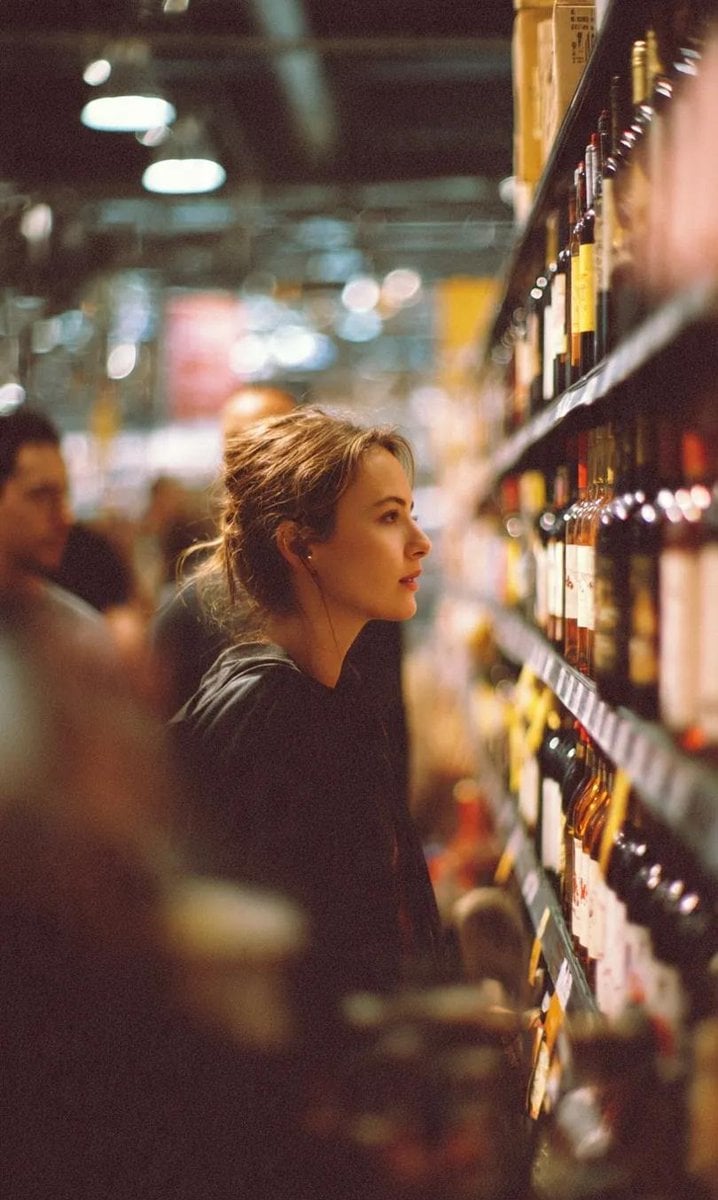
A cinematic side-profile portrait of a young woman standing in a grocery
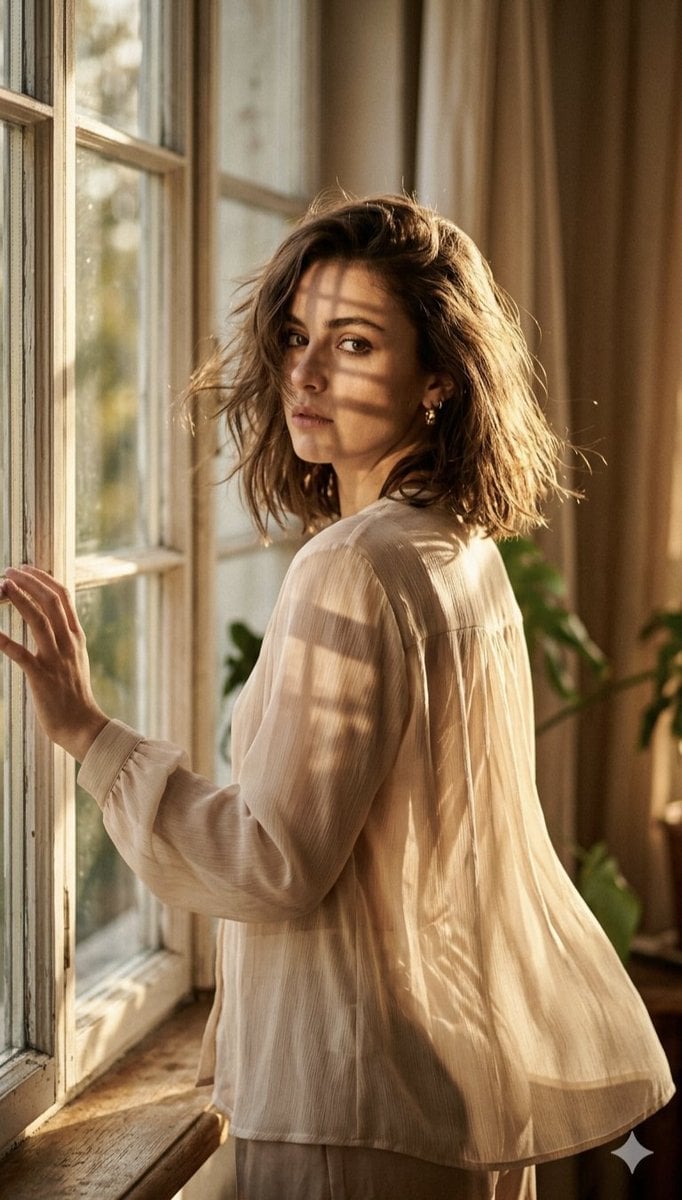
A high-fashion editorial portrait of a young woman standing by a large
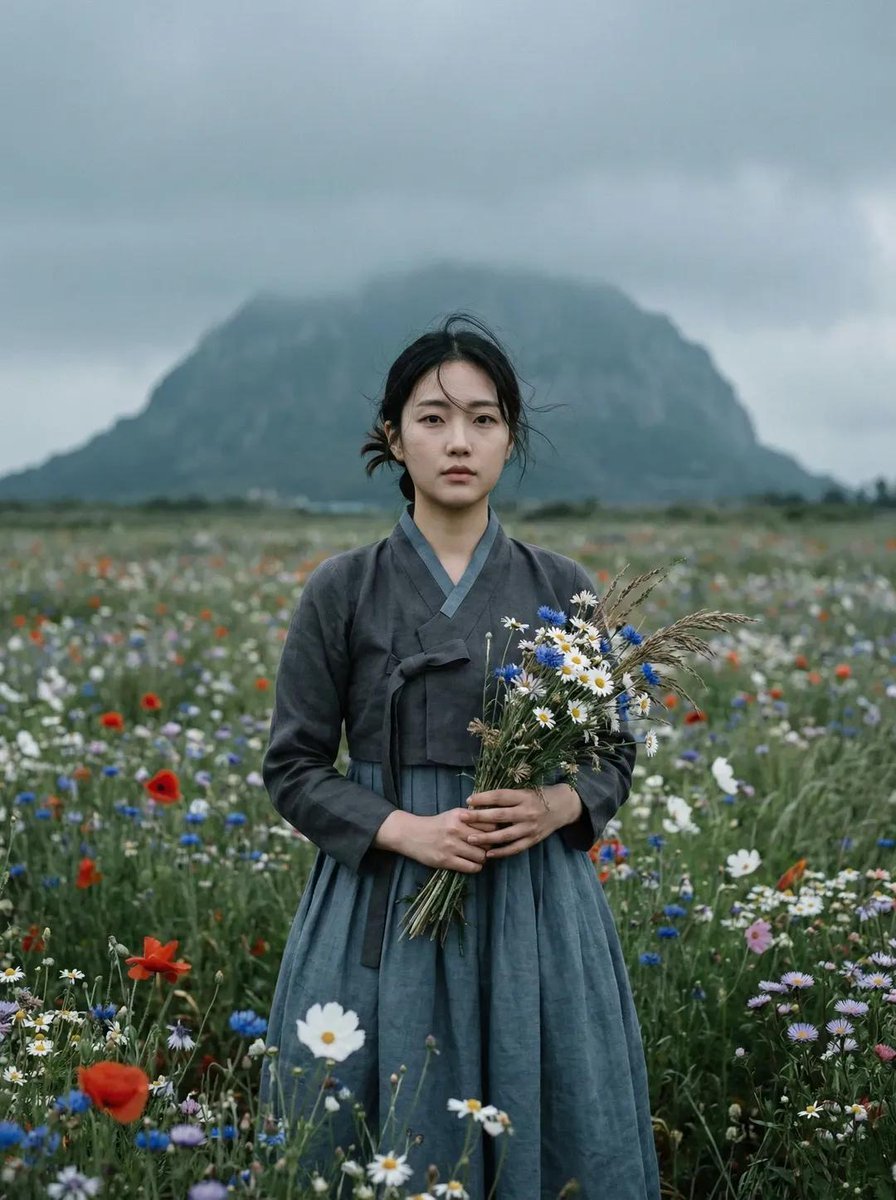
Ultra-realistic cinematic portrait of a young East Asian woman standing
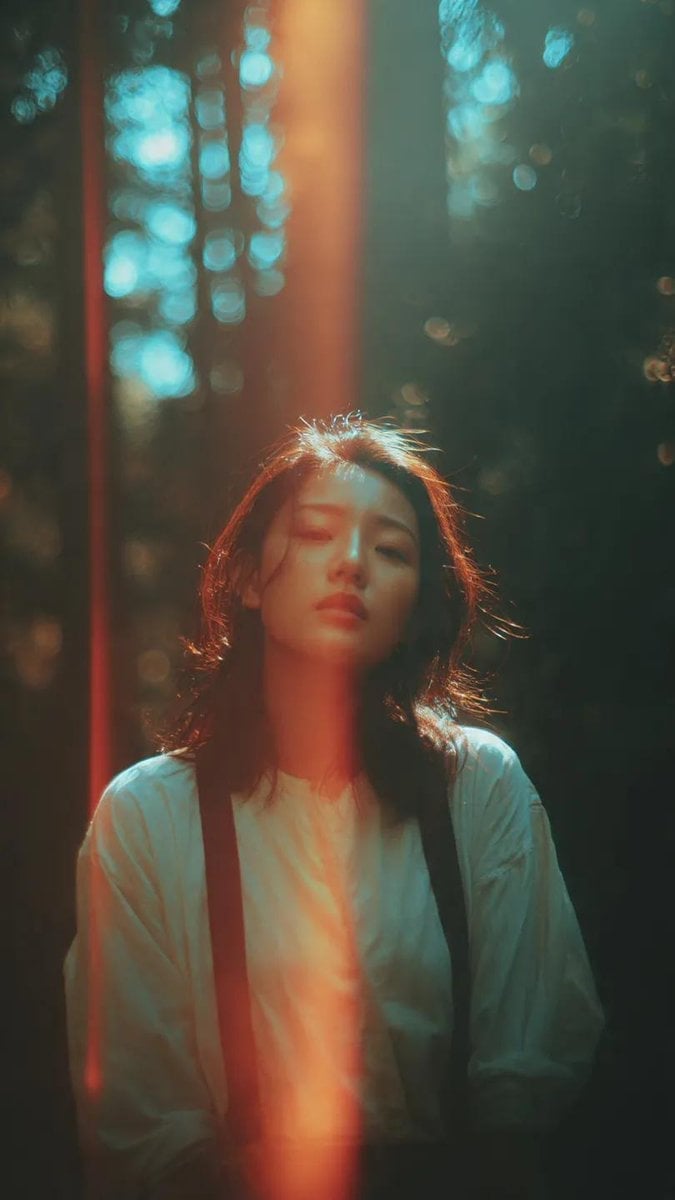
A cinematic portrait of an Asian woman standing in a quiet forest
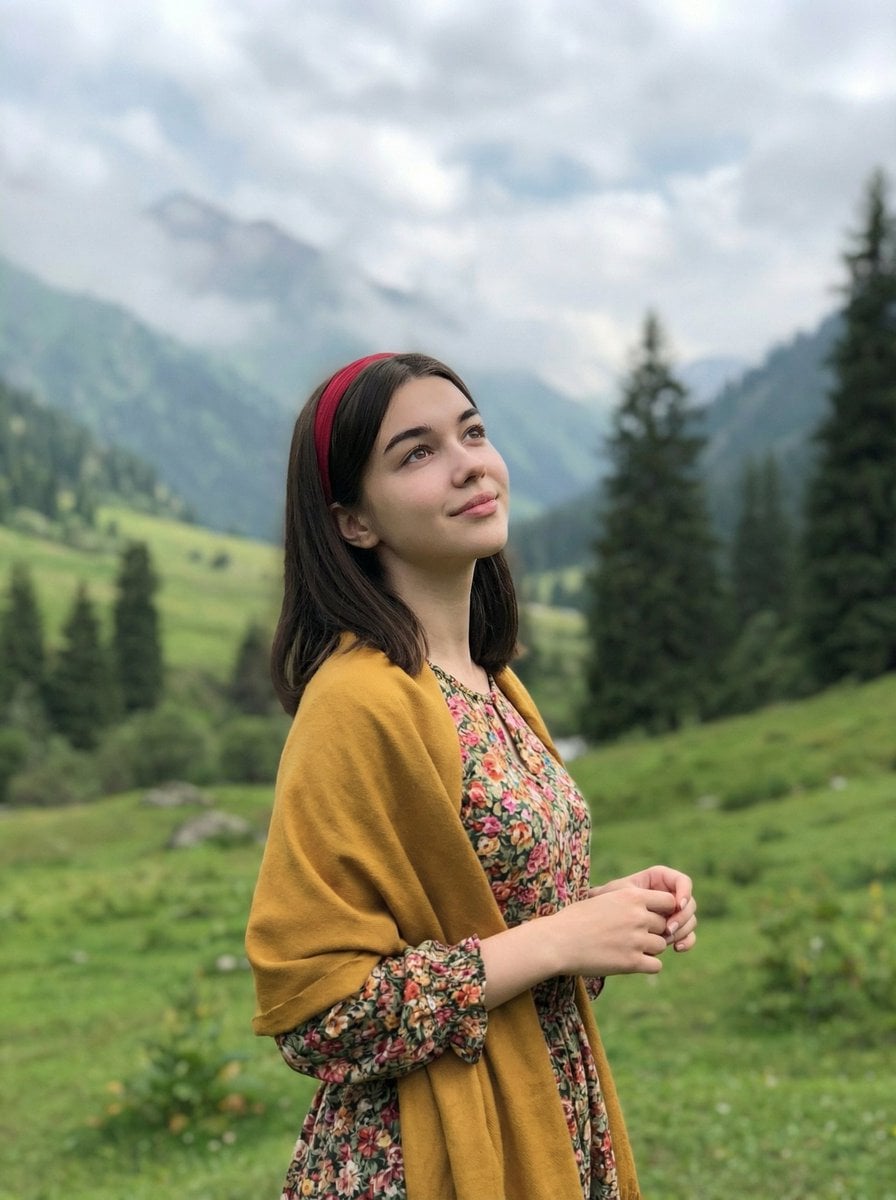
Standing naturally with hands gently together, looking slightly upward
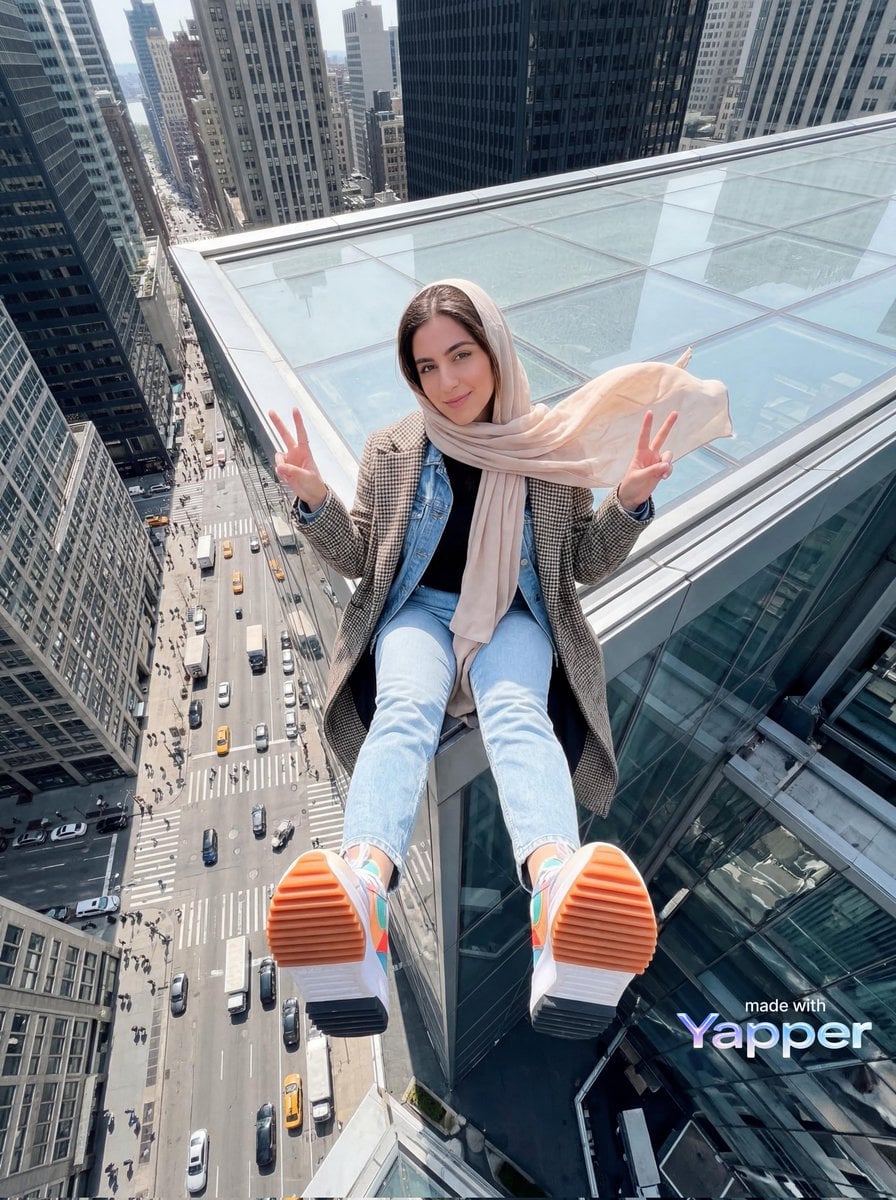
Young woman sitting at the edge of a skyscraper rooftop with a dramatic
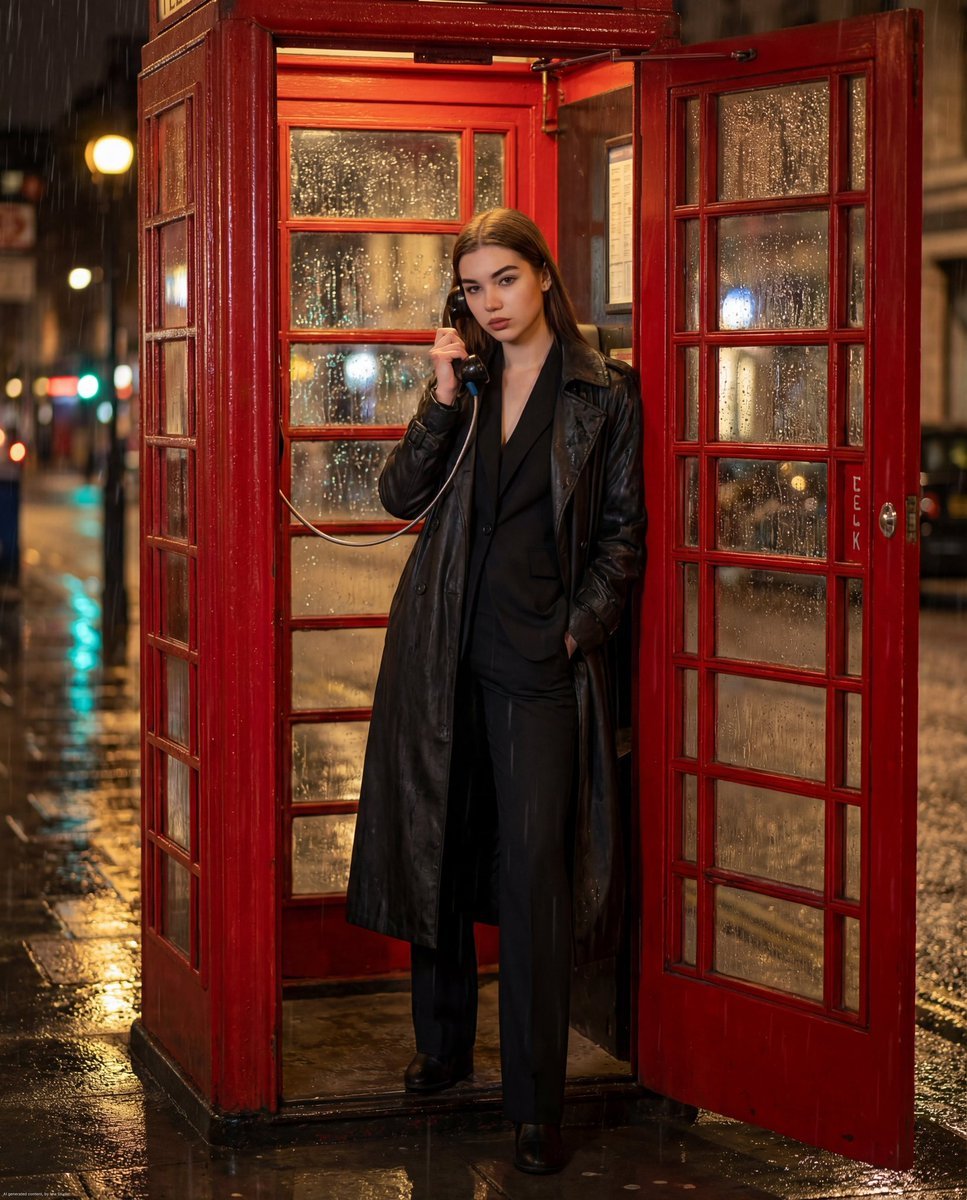
Ultra-photorealistic cinematic night scene of a confident woman standing
Make it yours
A standing full-body near the edge of the frame, slightly to the left works as-is. These are the safest ways to change it without losing the look.
Change one field
Copy a single group, rewrite it, and generate again so you can see what that field is doing.
Keep the frame, change the subject
Hold the composition and light of A standing full-body near the edge of the frame, slightly to the left, then swap wardrobe, props or the person for a new take.
| If the result… | Why | Fix |
|---|---|---|
| The result drifts from the preview | Too many fields changed at once. | Reuse A standing full-body near the edge of the frame, slightly to the left as-is first, then change one group — subject, light, or setting. |
| The model over-stylizes the scene | The prose prompt leaves finish and camera underspecified. | Add one camera or lighting sentence and stay on GPT Image 2. |
More GPT Image 2 templates
Other prompts made for GPT Image 2.

Six VTuber Japanese Logo Sheet

Realistic Portrait of Woman and Deer

The Vista Modular Condo Poster

AI Model Routing Comparison Infographic

2.5D Anime Art Board

Isometric Productivity Desk Scene

New York Double Exposure Poster

Four-Panel AI Landscape Comparison

Japanese Tatami Lifestyle Magazine Cover

NESCAFÉ Coffee Map Poster
More image prompts
Fresh picks from across the catalog.
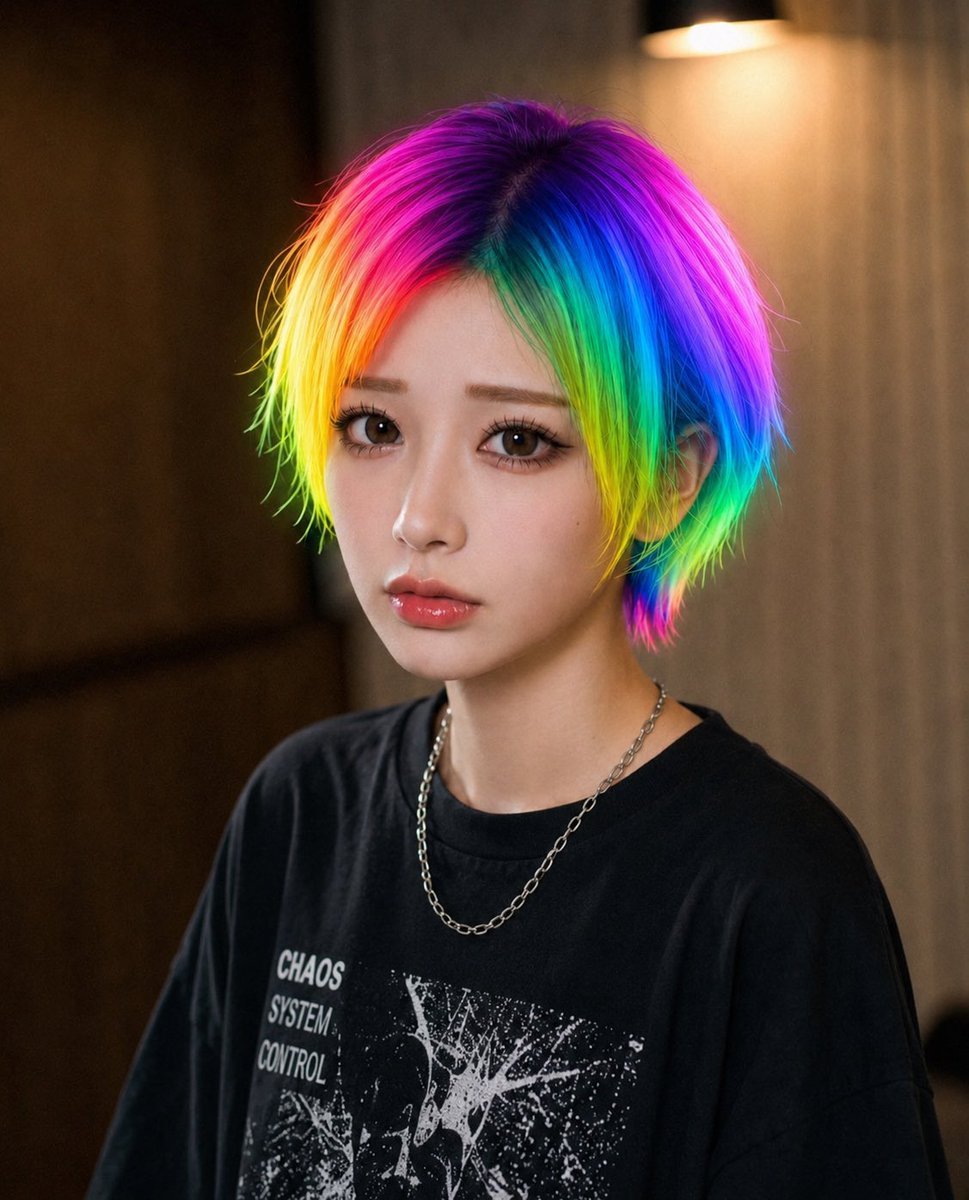
Rainbow Hair Censored Portrait
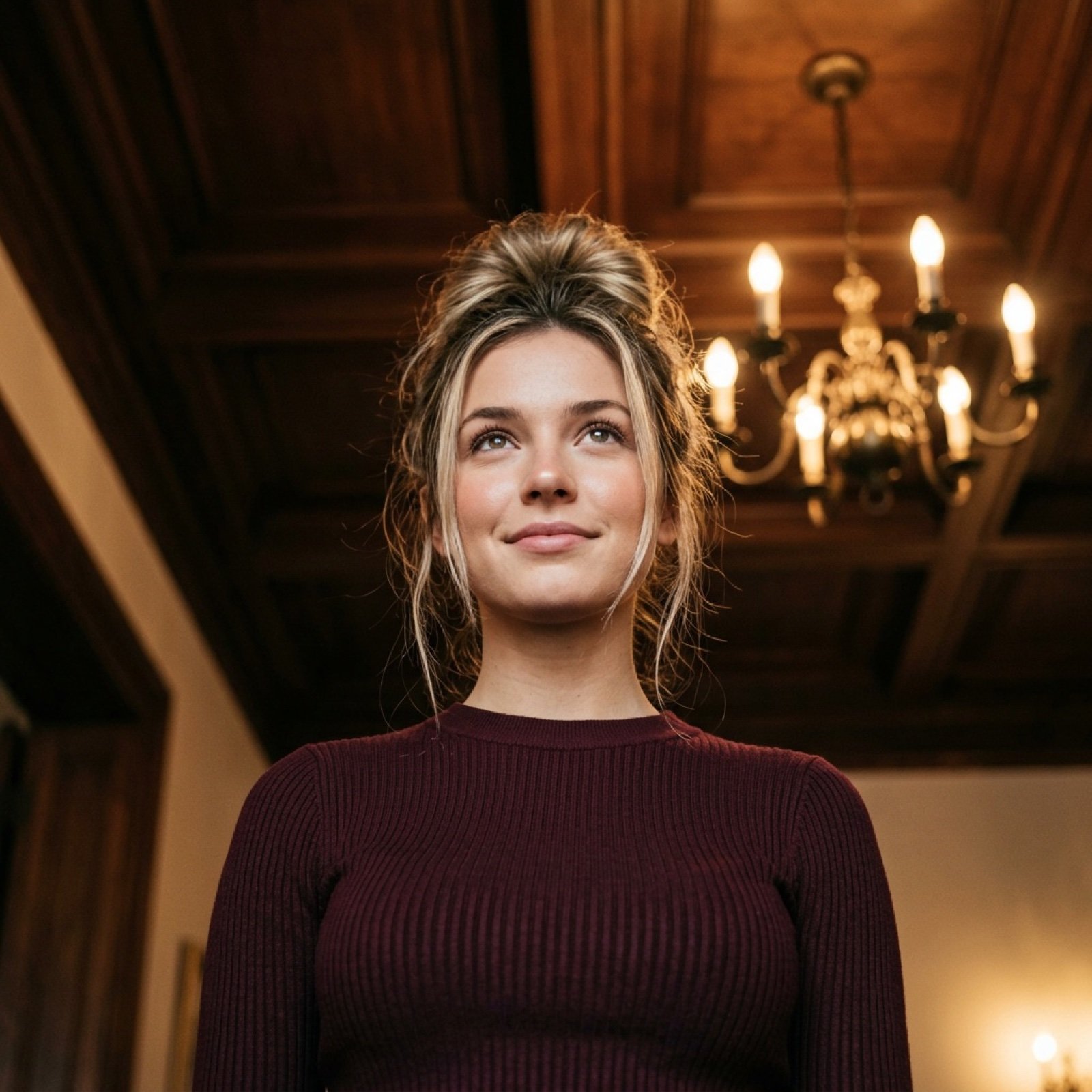
Worm's-Eye View Cinematic Portrait Prompt with Identity Lock
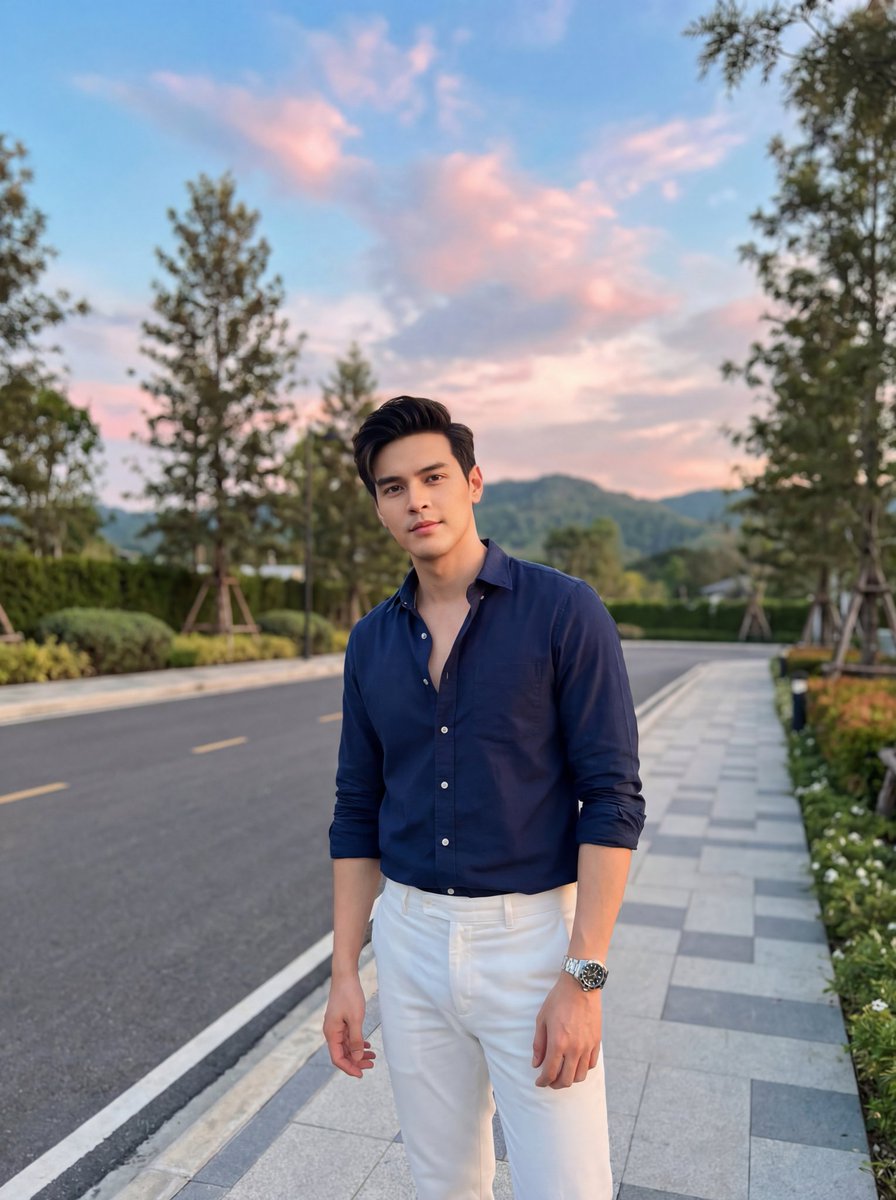
Stylish Man on Sidewalk at Sunset
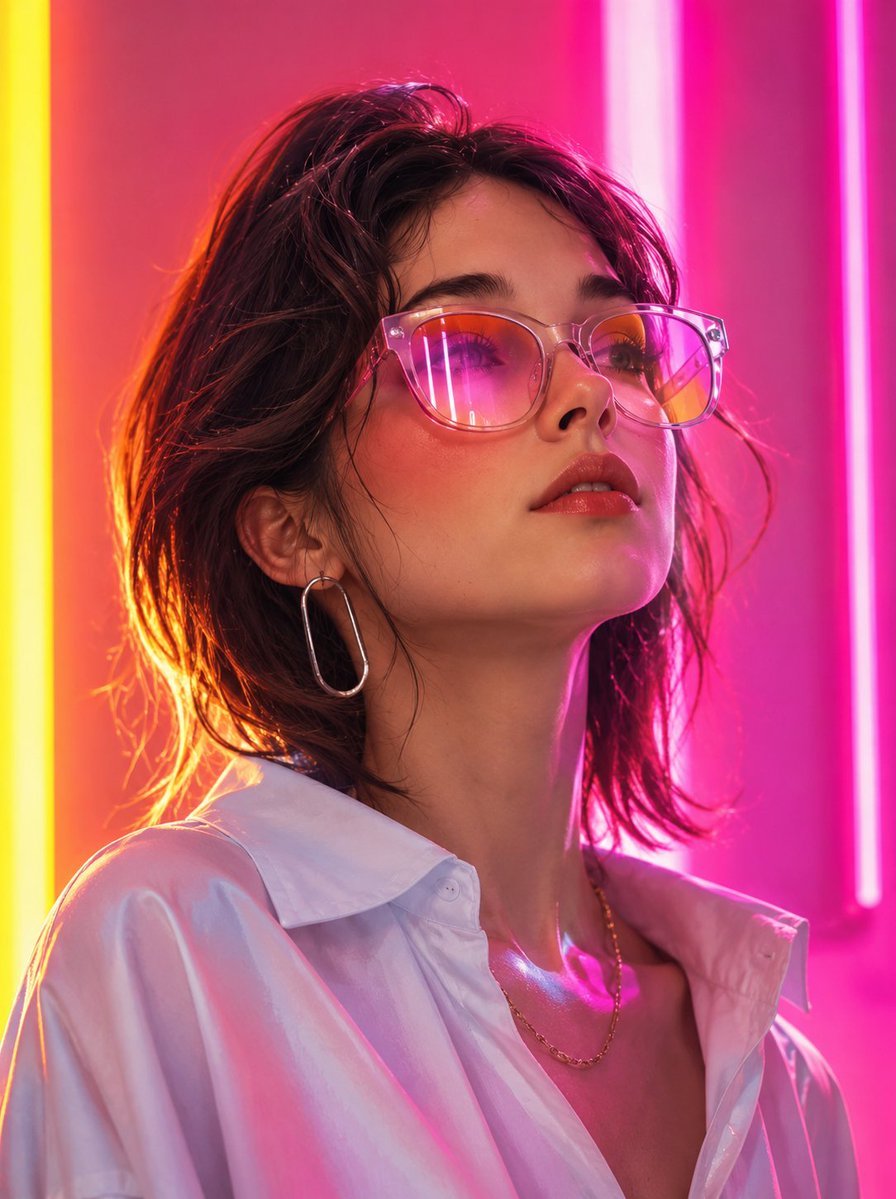
Futuristic Fashion Editorial Portrait
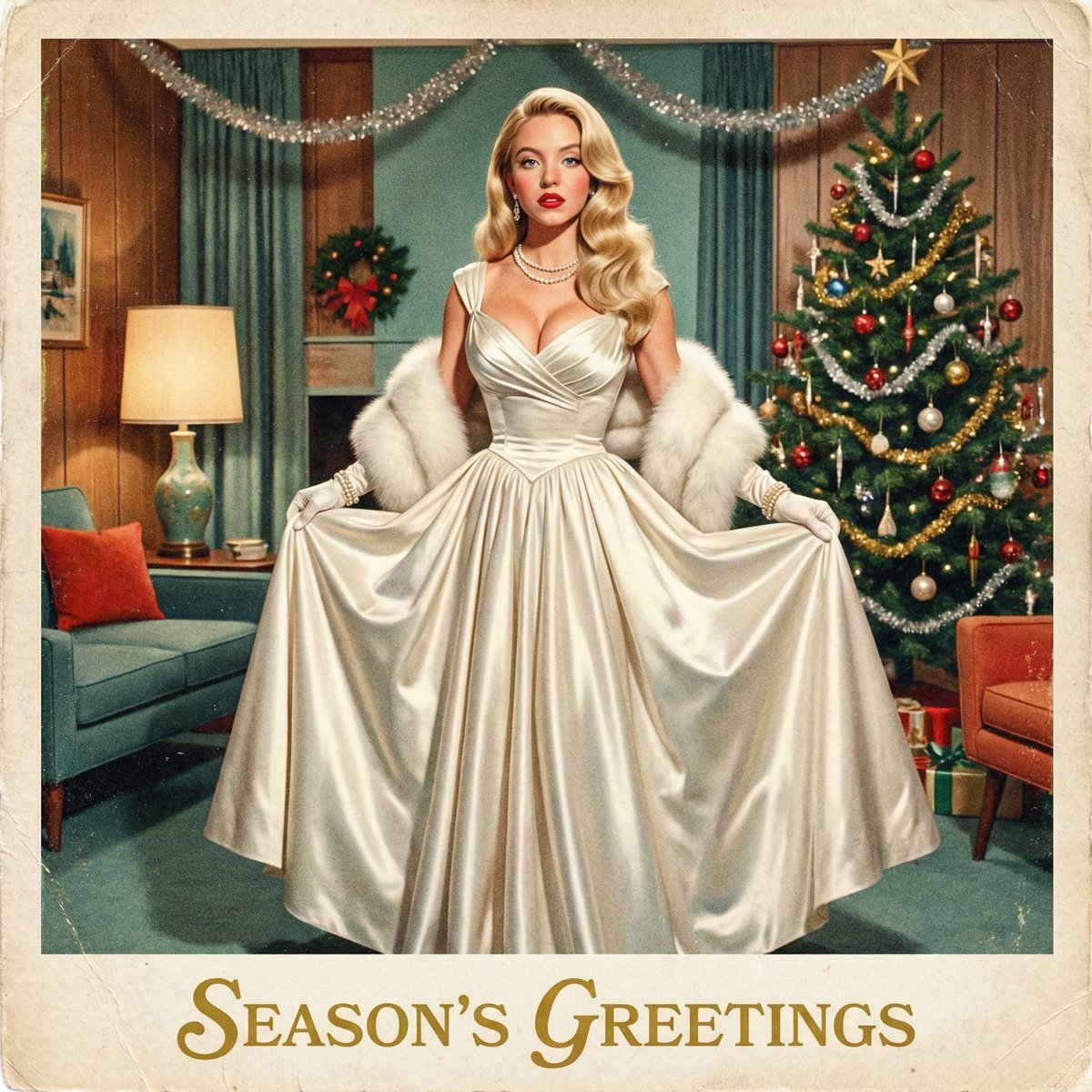
Chrono-Holiday Artisan: Christmas Card Re-render by Era
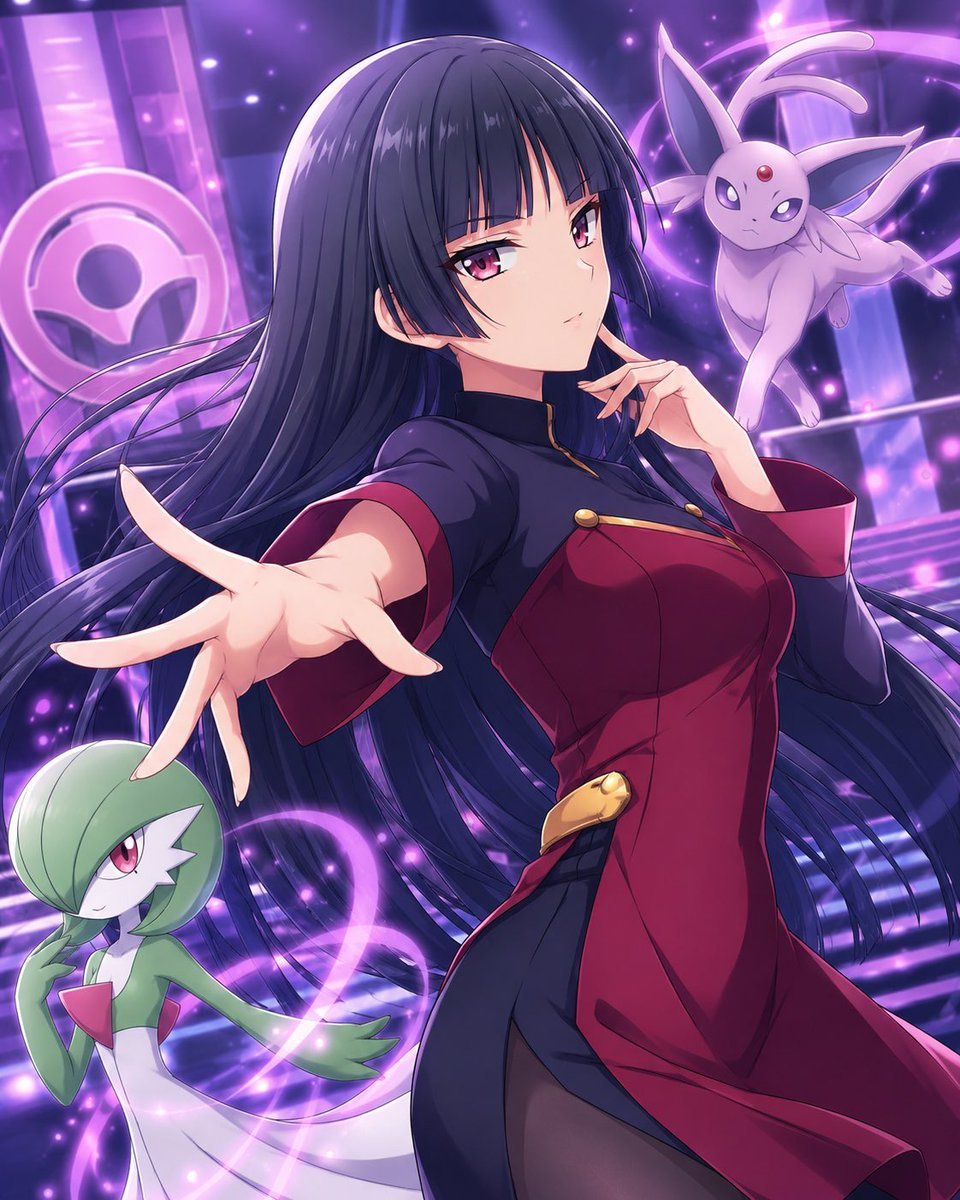
Psychic Trainer Anime Battle Art
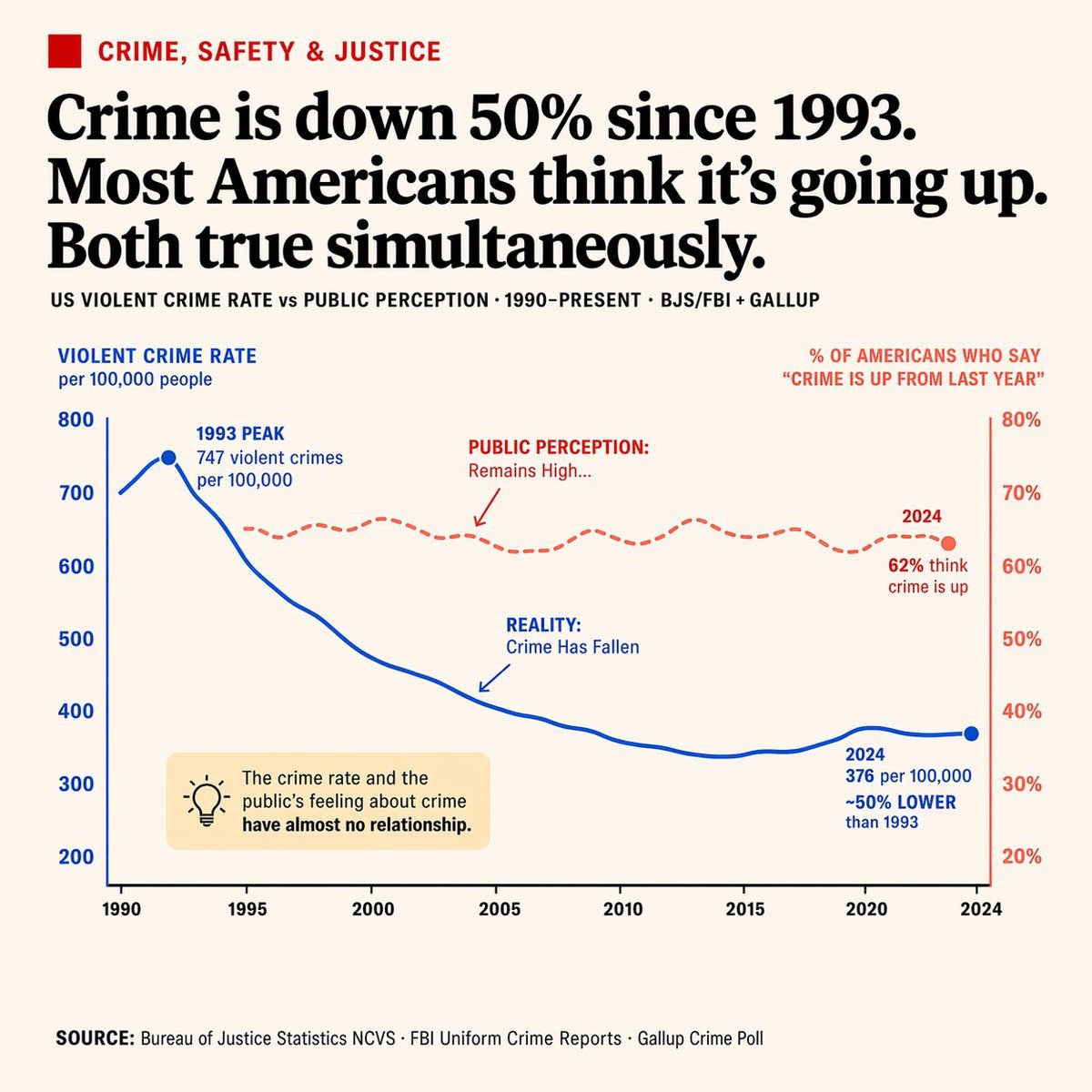
Editorial Dual-Axis Data Infographic
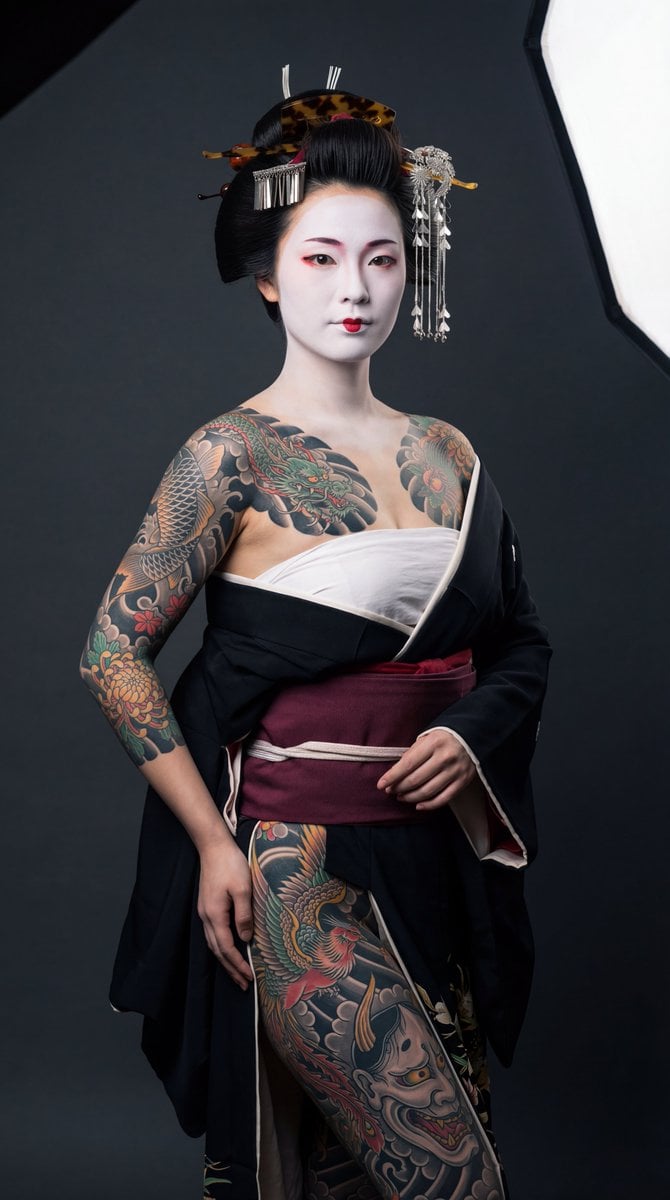
High-Contrast Geisha Irezumi Portrait Prompt

Image generation prompt for Nano Banana Pro
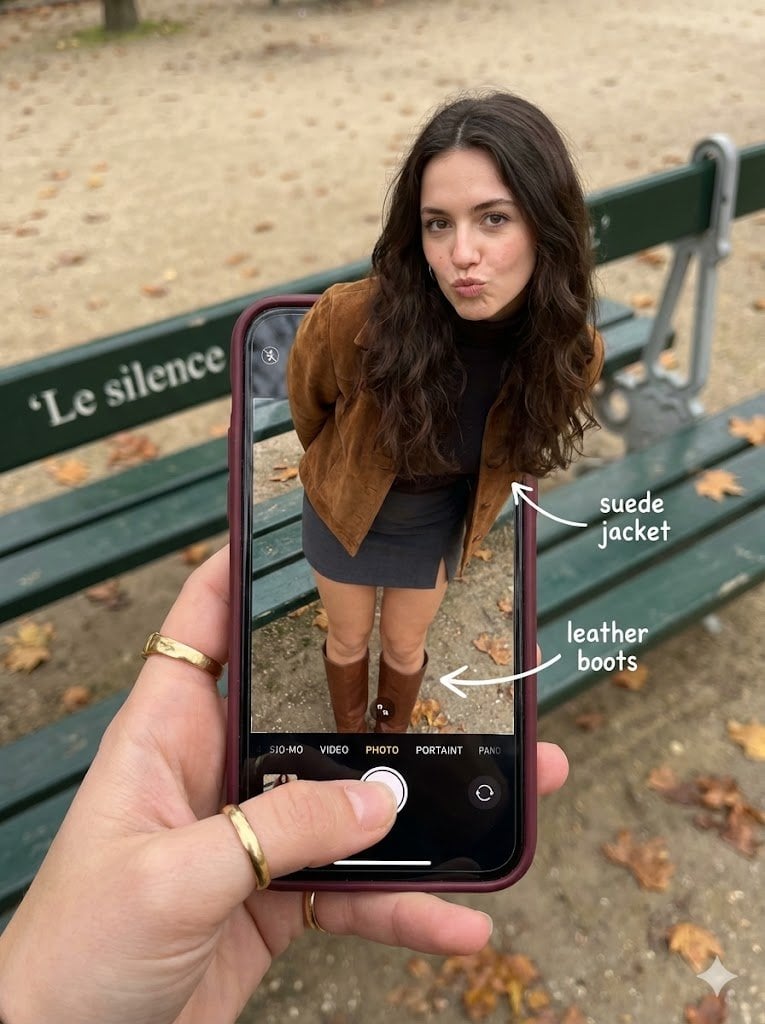
Hyper-Realistic Optical Illusion: Woman Emerging from Smartphone Screen
Browse template categories
A standing full-body near the edge of the frame, slightly to the left questions
How do I use the A standing full-body near the edge of the frame, slightly to the left template?
Add your photo if the template asks for one, edit the prompt if you like — the template's model and format are already selected — and press Generate. Your version opens in PicX Studio.
Can I customize the A standing full-body near the edge of the frame, slightly to the left template?
Yes. You can change the subject, setting, lighting, mood, format, and available model controls before creating your image.
Is the A standing full-body near the edge of the frame, slightly to the left template free?
Opening and editing this template is free. Generating uses credits, shown on the Generate button when you are signed in.
Which AI model should I use?
Start with GPT Image 2, which is the model associated with this template. You can compare another compatible model for a different finish.
Looking for something else? Browse all templates.

Your photo, any look
Thousands of ready templates for every top image and video model, from one credit balance.