
A cinematic portrait of an Asian woman standing in a quiet forest
A cinematic portrait of an Asian woman standing in a quiet forest, captured in a spontaneous moment as she turns her head slightly back toward the camera.
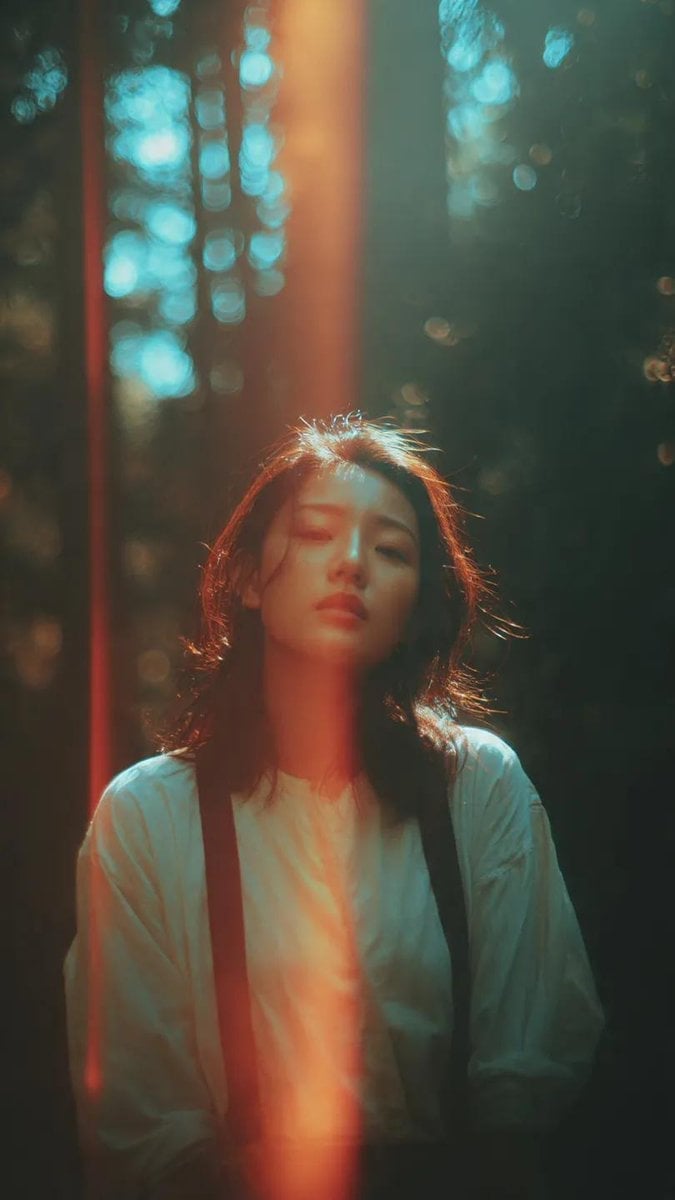
- Prompt included
- Model and format preset
- Free template
The prompt behind this image
Copy the exact prompt behind A cinematic portrait of an Asian woman standing in a quiet forest, or open it in the studio and make it yours.
A cinematic portrait of an Asian woman standing in a quiet forest, captured in a spontaneous moment as she turns her head slightly back toward the camera. Soft sunlight filters through tall trees, creating dramatic patches of light and shadow across her face and body. A distinct vertical light leak streak cuts through the frame, adding a striking analog imperfection. Her hair moves gently in the breeze, with loose strands catching the light, adding natural motion and softness. She wears a simple light-colored blouse layered with dark suspenders, creating a subtle contrast against the deep forest tones. Her expression is calm, slightly distant, and introspective, with her eyes softly meeting the camera. The background is filled with blurred tree trunks and glowing bokeh highlights, creating depth and atmosphere. The color grading features rich teal shadows and warm orange highlights, giving a cinematic teal-and-orange contrast. The image has a strong analog film aesthetic with visible grain, soft haze, slight blur, and light distortion. Imperfect framing, natural light flare, and film burn elements enhance the nostalgic 35mm film look. Cinematic film still, dreamy and moody atmosphere, poetic forest setting, high detail, hd quality.
How to use A cinematic portrait of an Asian woman standing in a quiet forest in 3 steps
- 1
Open
The prompt is already in the box next to the preview, with the template's model and format selected.
- 2…a portrait of your subject in softgolden-hour light, 85mm…
Personalize
Edit the subject and creative details for your destination.
- 3Generate
Generate
Press Generate — your image is created in PicX Studio, so you can compare it with the original and refine one variable at a time.
More like this
Templates with the same subject, style or setup. Open one to see its prompt.
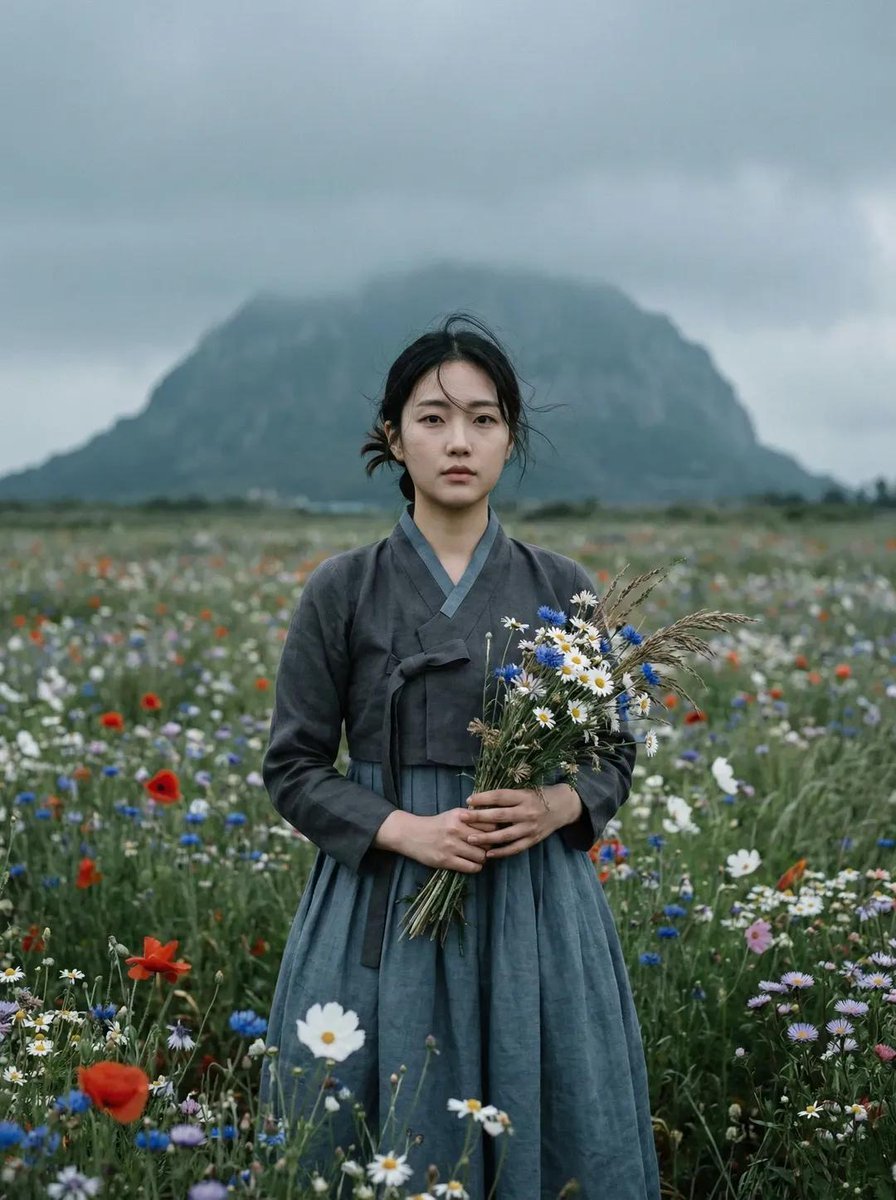
Ultra-realistic cinematic portrait of a young East Asian woman standing

A cinematic side-profile portrait of a young woman standing in a grocery
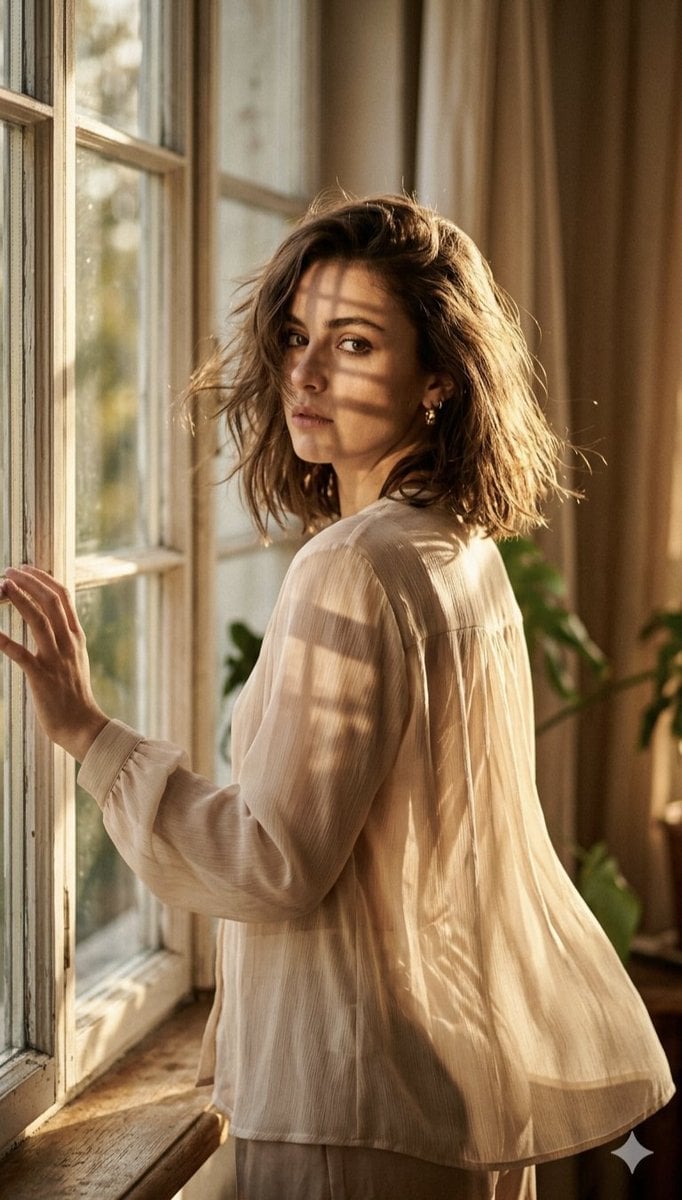
A high-fashion editorial portrait of a young woman standing by a large
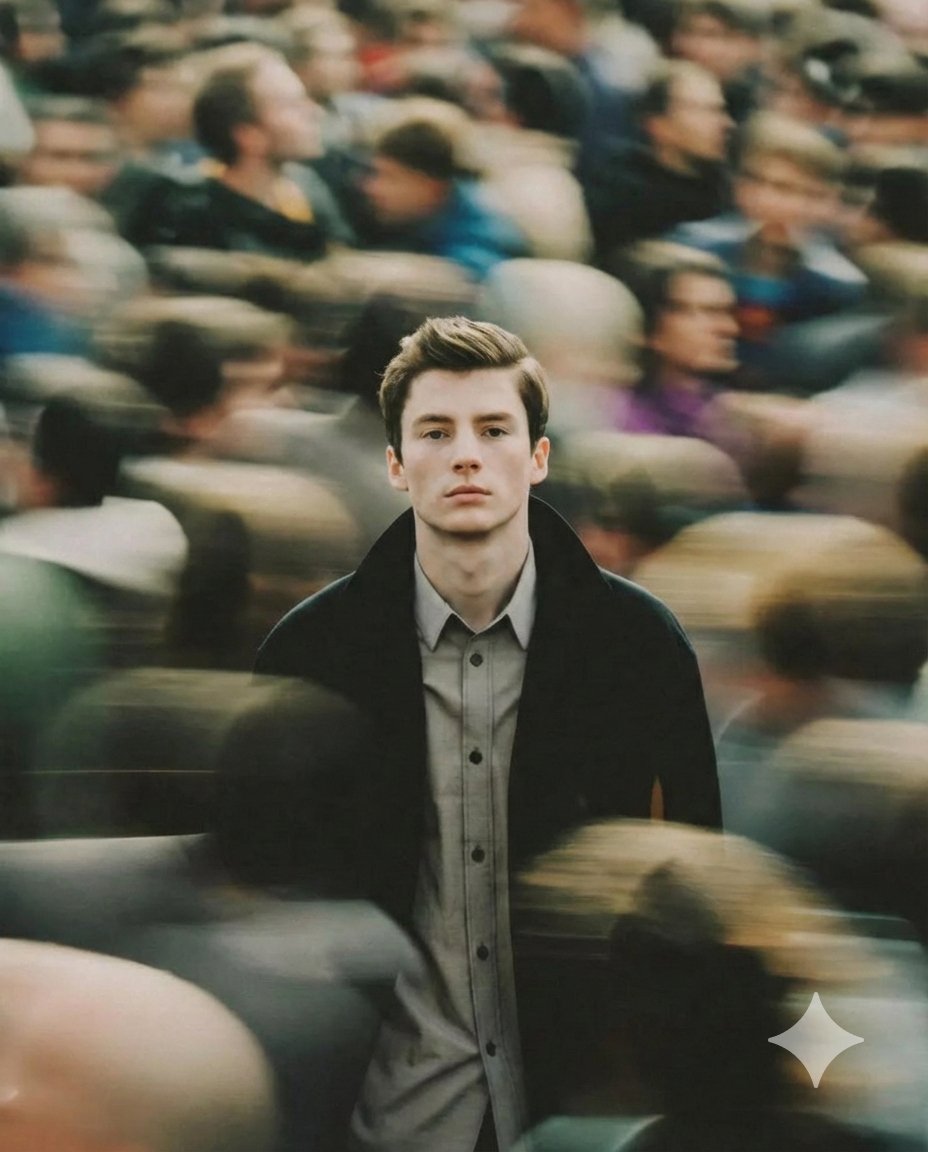
A cinematic portrait of a young man standing still in the middle
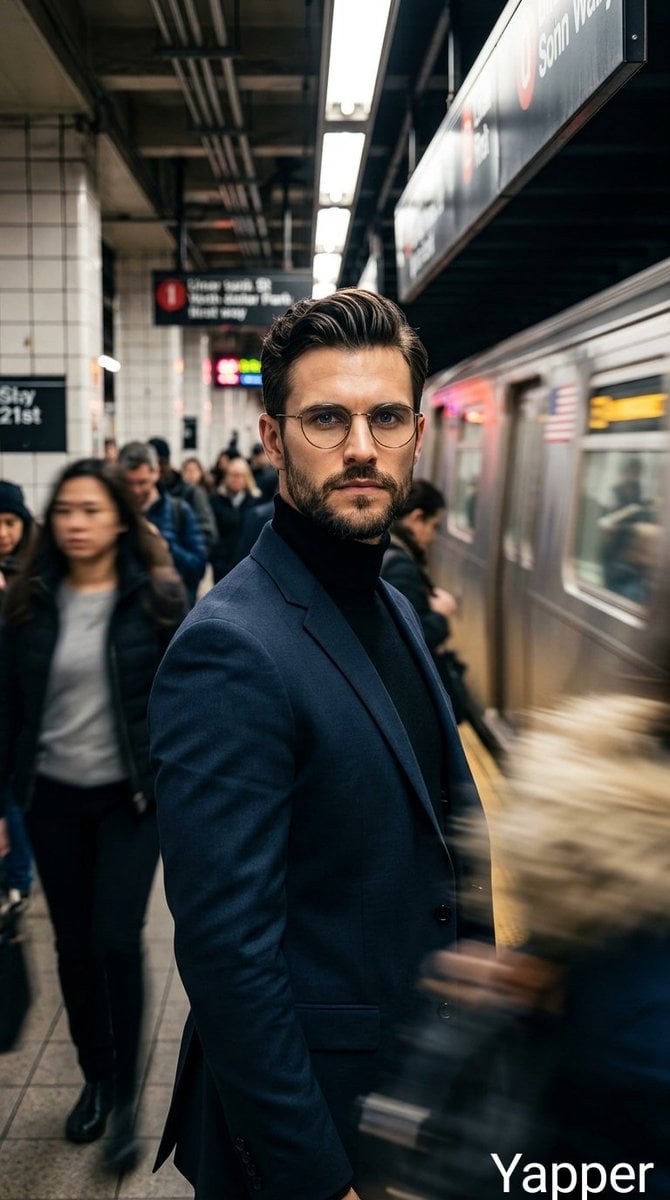
Cinematic portrait of a stylish man standing on a busy subway platform
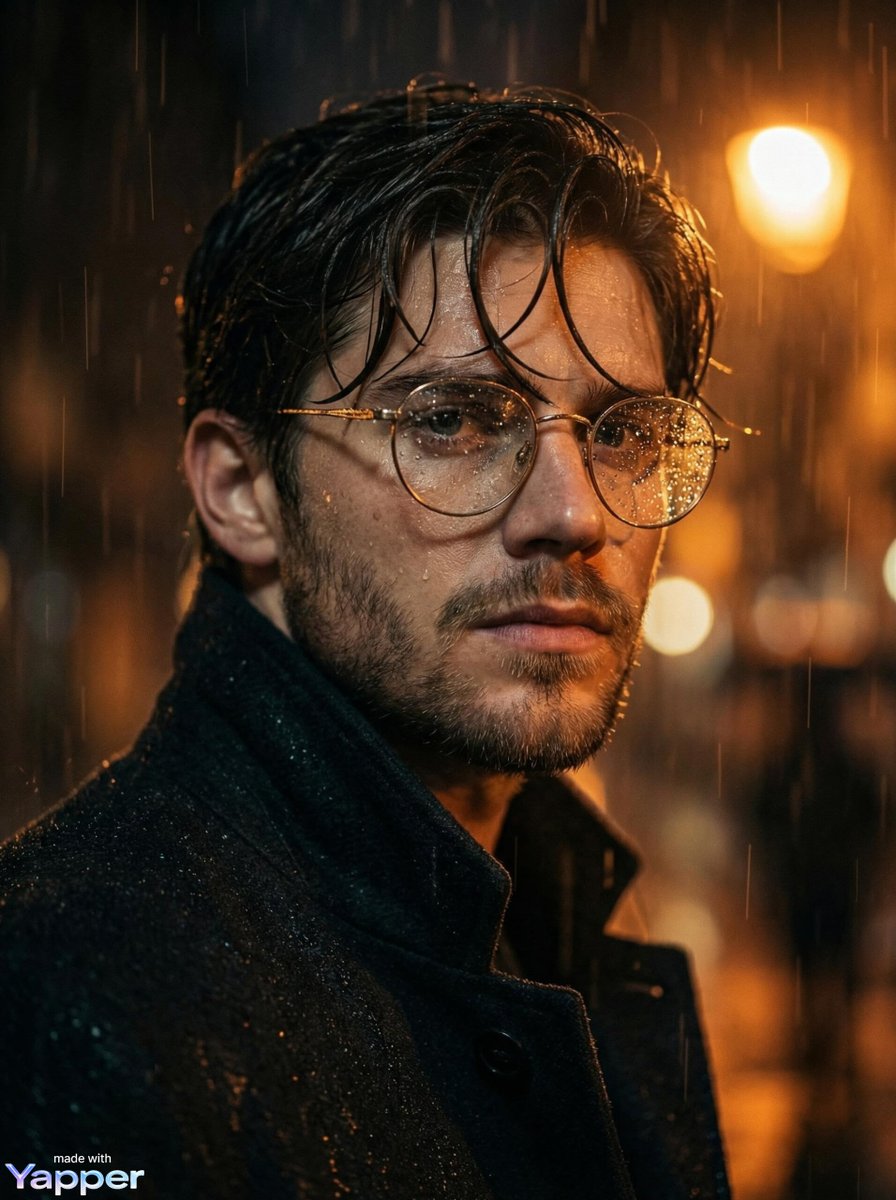
Cinematic close-up portrait of a young man standing in heavy rain
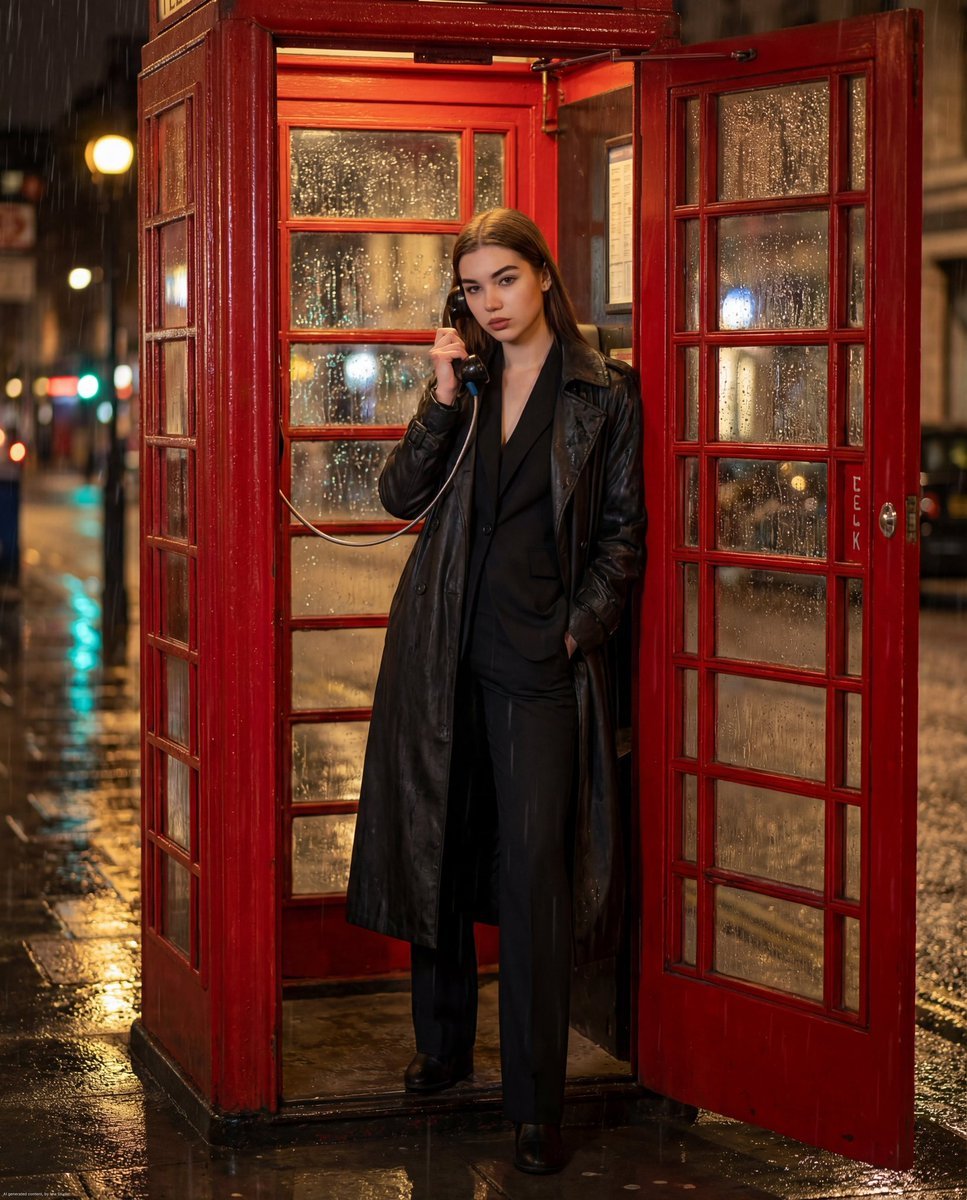
Ultra-photorealistic cinematic night scene of a confident woman standing
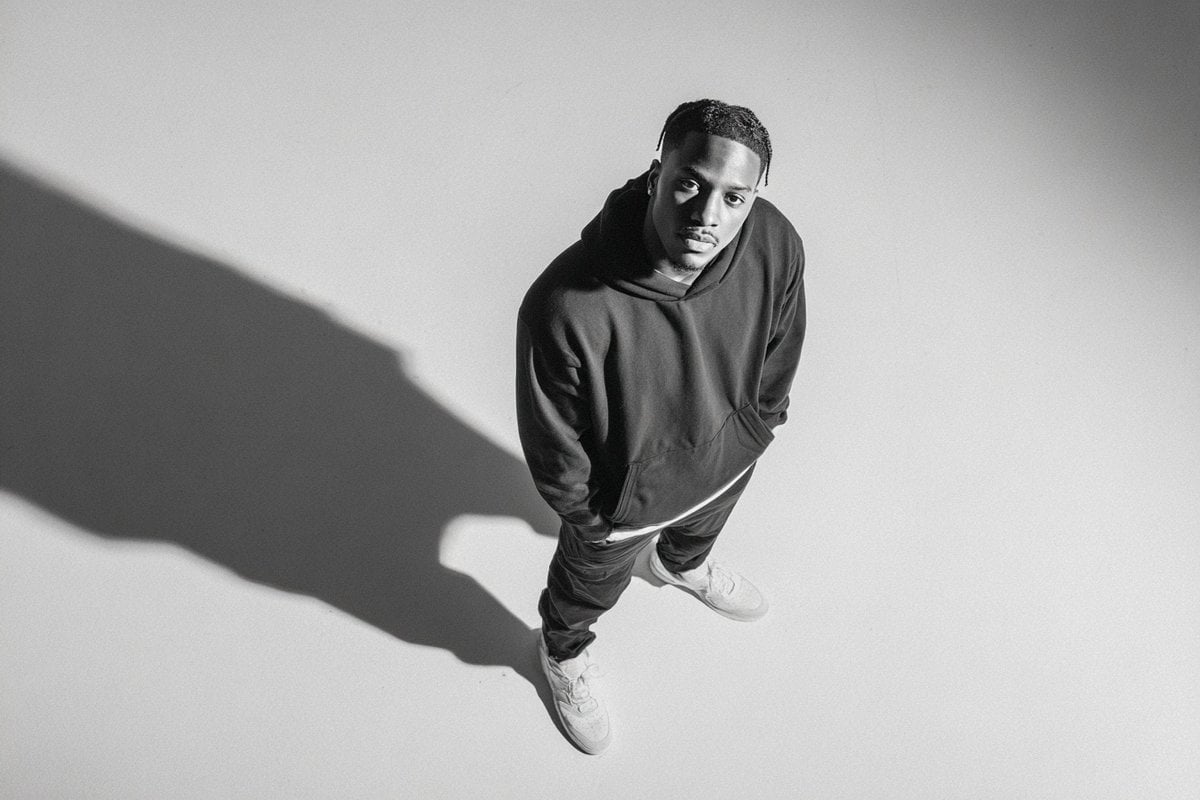
A photographed from a 35-degree overhead angle, standing alone
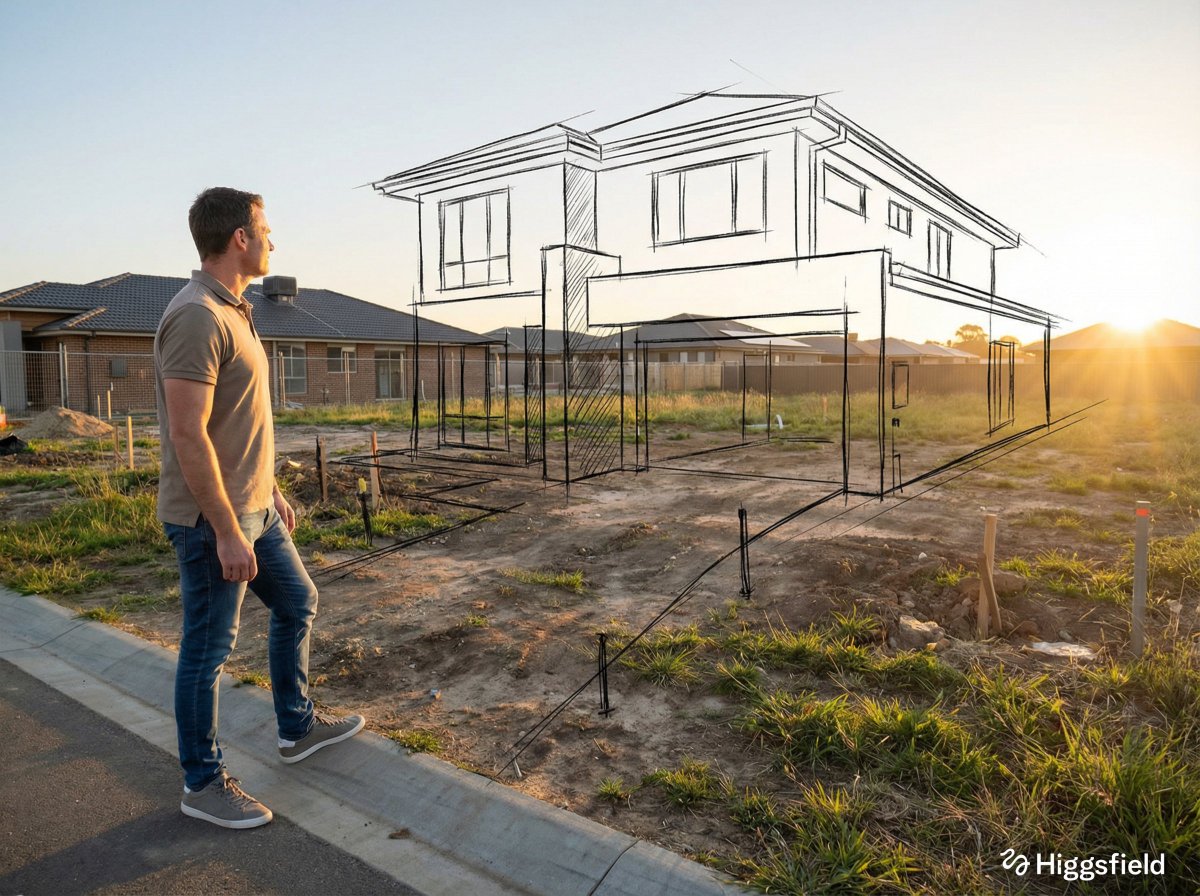
A standing full-body near the edge of the frame, slightly to the left
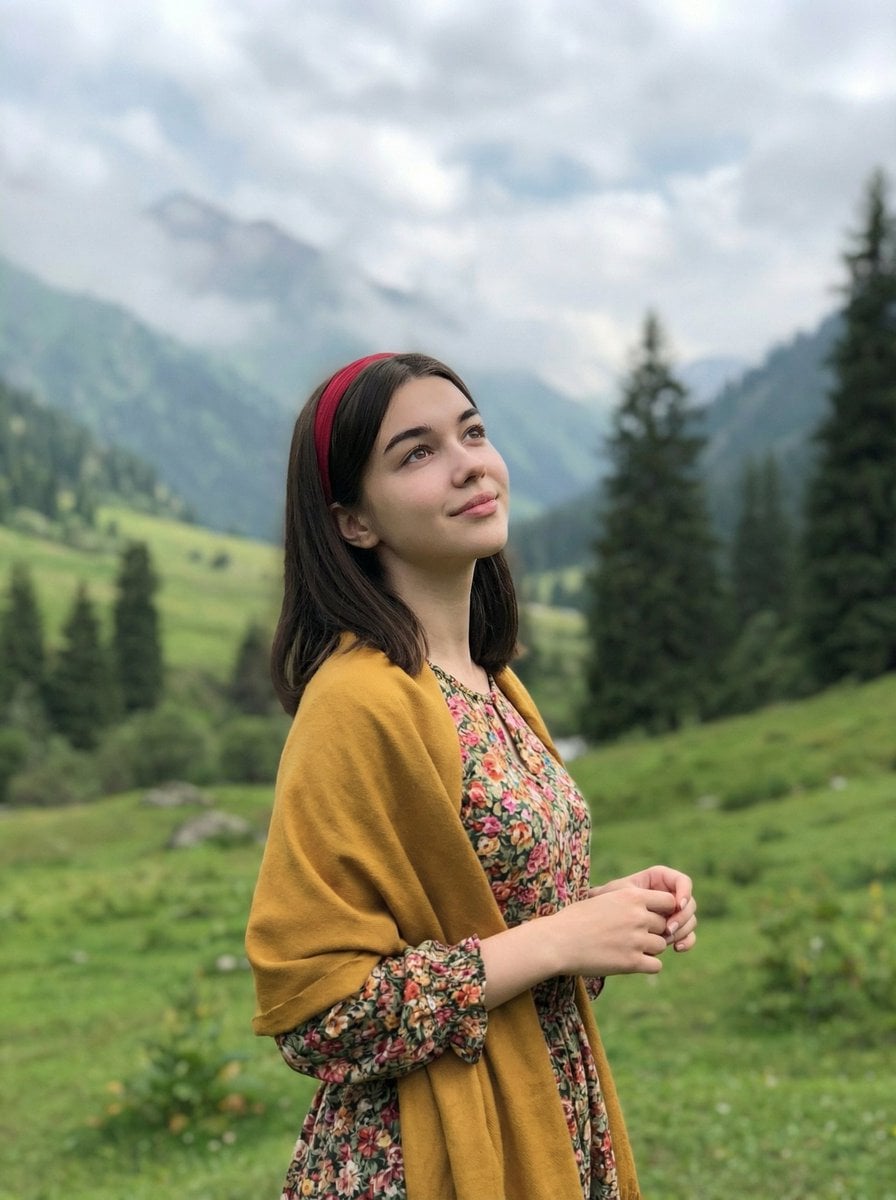
Standing naturally with hands gently together, looking slightly upward

Realistic portrait 100 identical face, no editing allowed
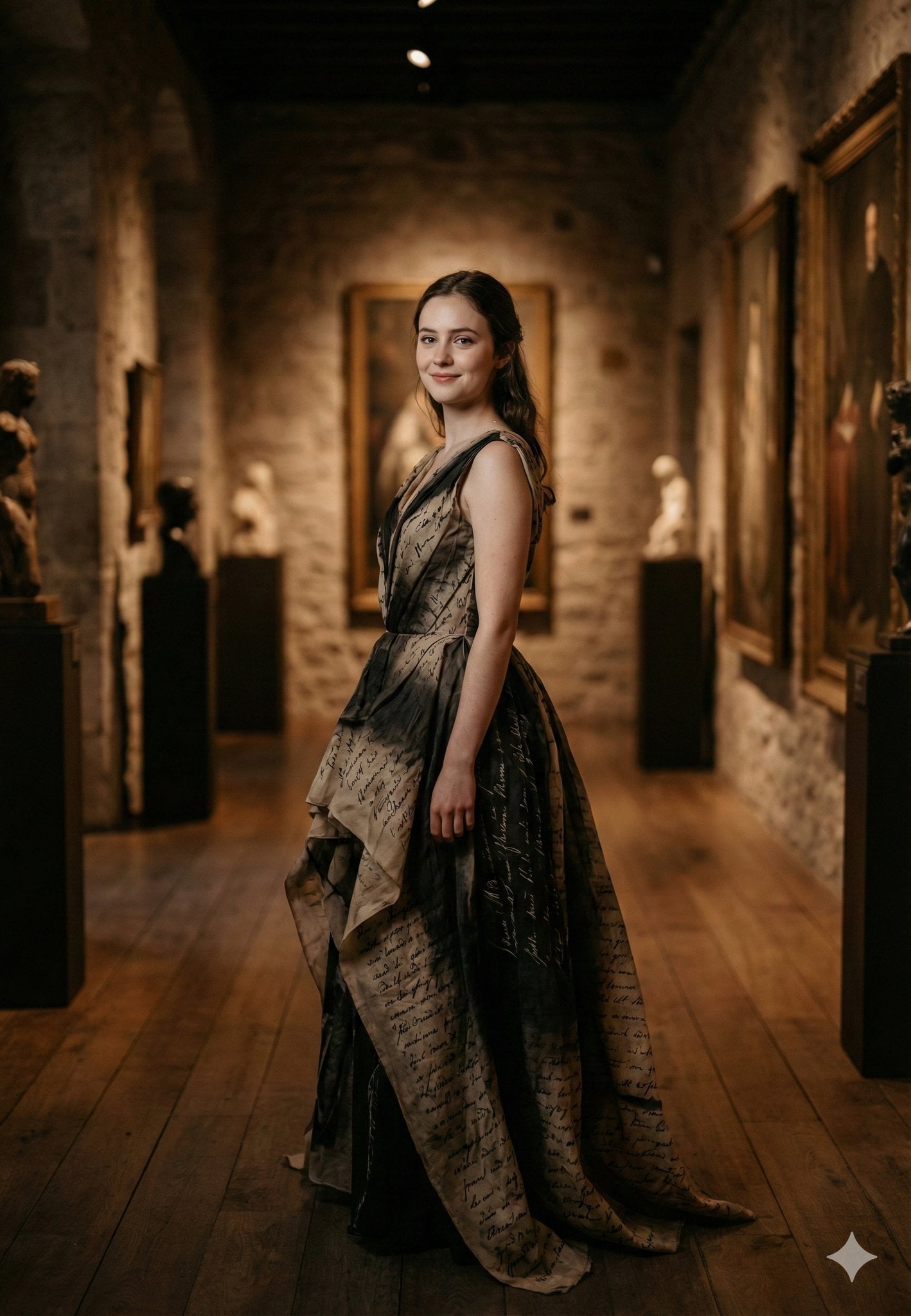
Standing gracefully in three-quarter profile, body slightly turned
Make it yours
A cinematic portrait of an Asian woman standing in a quiet forest works as-is. These are the safest ways to change it without losing the look.
Change one field
Copy a single group, rewrite it, and generate again so you can see what that field is doing.
Keep the frame, change the subject
Hold the composition and light of A cinematic portrait of an Asian woman standing in a quiet forest, then swap wardrobe, props or the person for a new take.
| If the result… | Why | Fix |
|---|---|---|
| The result drifts from the preview | Too many fields changed at once. | Reuse A cinematic portrait of an Asian woman standing in a quiet forest as-is first, then change one group — subject, light, or setting. |
| The model over-stylizes the scene | The prose prompt leaves finish and camera underspecified. | Add one camera or lighting sentence and stay on Nano Banana 2. |
More Nano Banana 2 templates
Other prompts made for Nano Banana 2.

Photorealistic Leaf Shaped Like a Dragon

K-Pop Idol Portrait Grid for Rapid Selection

Poetic Rain Forest Portrait During Golden Hour

Urban Street Portrait with Cartoon Inner Self Duo

Candid Nighttime Photo with Cat Prompt

High-Concept 3D Diorama Generation Prompt

Cinematic Futuristic Studio Portrait Template

Skincare Editorial Photography Collage Prompt

Hyper-Realistic Commercial Product Photography (Splash Effect)

Hyper-Realistic Nightclub Portrait Prompt
More image prompts
Fresh picks from across the catalog.

Neumorphic Glass UI Kit Board

Realistic Cyber-Aesthetic Futuristic Business Card

Cool Chibi Demon Girl Poster

Cute Ball Shaped Animal Characters

Seven Chibi Samurai Ink Poster

Latin American Tech Festival Poster

Monochrome Low-Angle Portrait with Red Glow
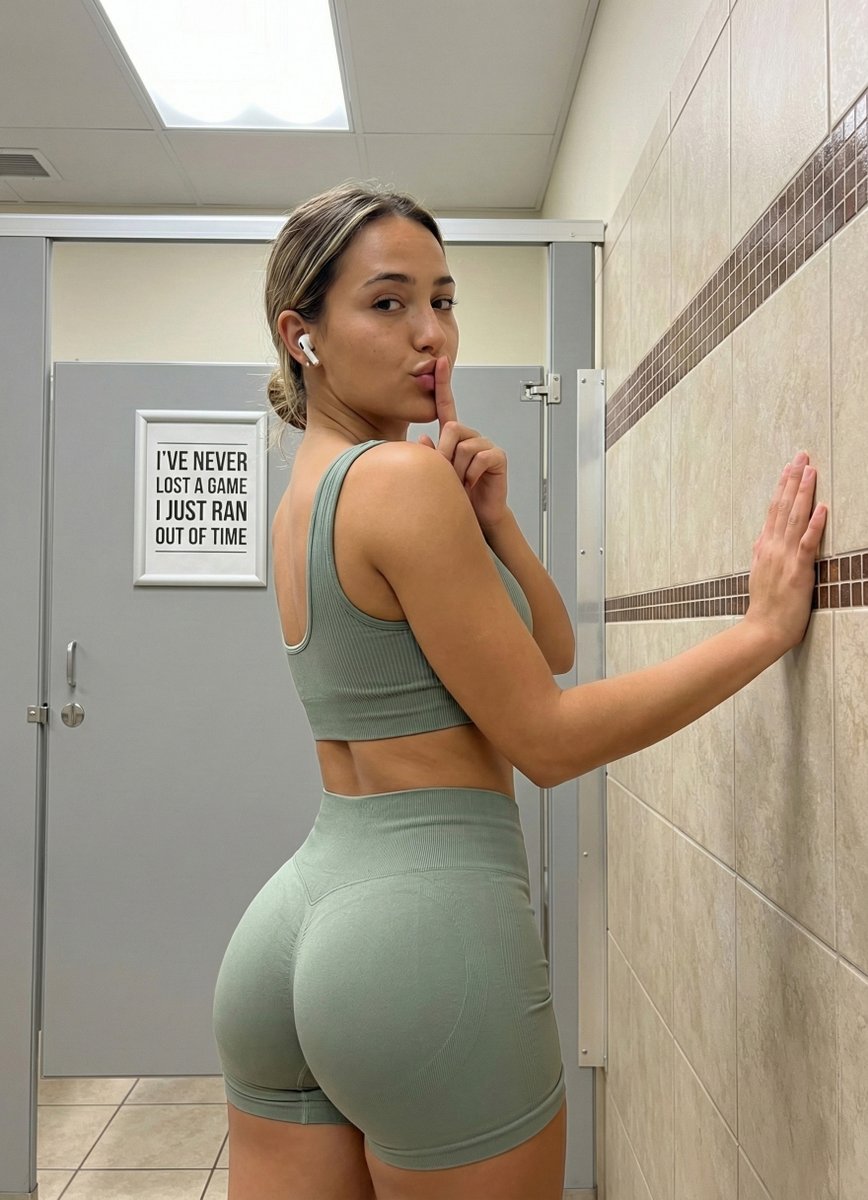
Detailed Gym Selfie Portrait with Shushing Pose

Character Robotization and Technical Diagram Prompt

Japanese 36K Followers Celebration Poster
Browse template categories
A cinematic portrait of an Asian woman standing in a quiet forest questions
How do I use the A cinematic portrait of an Asian woman standing in a quiet forest template?
Add your photo if the template asks for one, edit the prompt if you like — the template's model and format are already selected — and press Generate. Your version opens in PicX Studio.
Can I customize the A cinematic portrait of an Asian woman standing in a quiet forest template?
Yes. You can change the subject, setting, lighting, mood, format, and available model controls before creating your image.
Is the A cinematic portrait of an Asian woman standing in a quiet forest template free?
Opening and editing this template is free. Generating uses credits, shown on the Generate button when you are signed in.
Which AI model should I use?
Start with Nano Banana 2, which is the model associated with this template. You can compare another compatible model for a different finish.
Looking for something else? Browse all templates.

Your photo, any look
Thousands of ready templates for every top image and video model, from one credit balance.