
Neumorphic Glass UI Kit Board
This prompt generates a polished board of 18 premium neumorphic interface controls, ideal for showcasing futuristic app UI components or smart-device dashboard concepts.
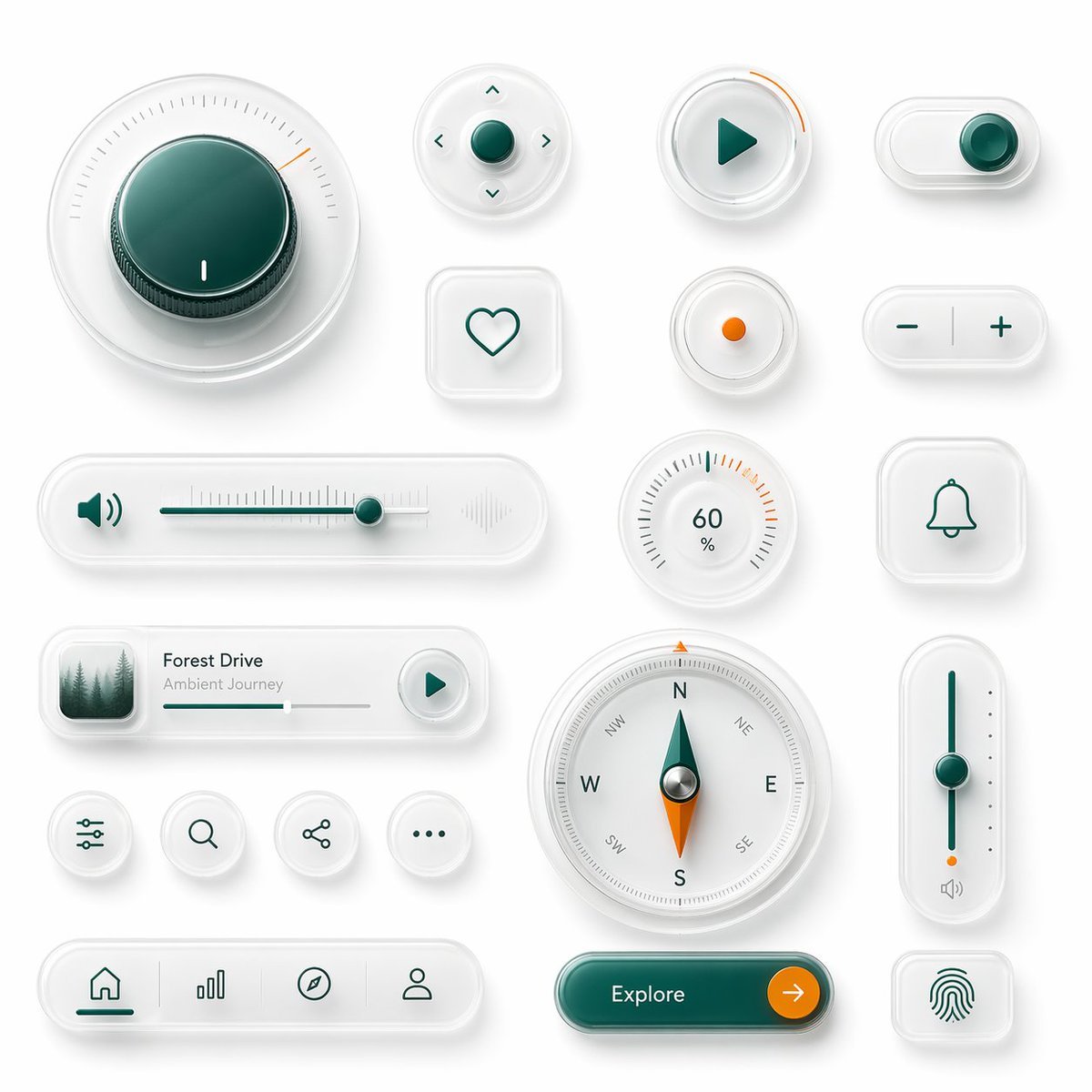
- Prompt included
- Model and format preset
- Free template
The prompt behind this image
Copy the exact prompt behind Neumorphic Glass UI Kit Board, or open it in the studio and make it yours.
A clean neumorphic UI component showcase on a soft light gray background, arranged as a balanced design board of 18 separate interface elements with subtle shadows, frosted translucent white plastic surfaces, rounded corners, and glossy glass-like depth. Use a premium minimal product-design aesthetic with white-on-white layering, soft ambient occlusion, delicate inner shadows, and a restrained accent palette of deep teal green and vivid orange. Include 18 distinct components: 1 large circular rotary knob in the upper left with a dark teal glossy center, fine radial tick marks, and a small orange position indicator; 1 small circular directional control pad with a teal center button and four tiny arrow icons around it; 1 circular play button with a teal triangle icon and a short orange progress arc on the rim; 1 horizontal pill toggle switch at the top right with a teal knob positioned to the right; 1 rounded square heart button with a simple teal outline heart; 1 small circular indicator button with a single orange dot in the center; 1 pill-shaped plus-minus control with a teal minus on the left and teal plus on the right separated by a vertical divider; 1 long horizontal volume slider with a teal speaker icon on the left, fine slider ticks, a teal track, a teal knob near the right side, and a faint waveform icon on the far right; 1 circular percentage dial showing 60% with radial ticks and a few orange highlight marks near the upper right; 1 rounded square bell notification button with a teal outline bell icon; 1 compact music player card with a small square album image of misty evergreen trees on the left, the title {argument name="track title" default="Forest Drive"}, the subtitle {argument name="track subtitle" default="Ambient Journey"}, a thin progress bar, and a circular play button on the right; 4 small circular utility icon buttons in one row showing sliders/settings, search, share, and ellipsis; 1 large circular compass with cardinal letters N, E, S, W plus diagonal labels, a teal-and-orange needle, and metallic center; 1 tall vertical slider on the right with a teal track, teal knob around the middle, small side dots, an orange accent near the bottom, and a tiny speaker icon below; 1 bottom navigation bar in a long rounded pill containing 4 icons separated by subtle dividers: home, bar chart, compass, and user profile, with the home tab active in teal; 1 large rounded pill call-to-action button in glossy dark teal labeled {argument name="button text" default="Explore"} with a circular orange arrow button attached on the right; and 1 rounded square fingerprint button with a teal fingerprint icon. Keep spacing generous, alignment grid-based, and the overall render highly polished, tactile, and futuristic, like a luxury smart-device UI kit mockup.
How to use Neumorphic Glass UI Kit Board in 3 steps
- 1Upload ImagePNG, JPG or paste
Add your photo
Upload the photo the template builds on. The prompt, model and format are already set.
- 2…a portrait of your subject in softgolden-hour light, 85mm…
Personalize
Edit the subject and creative details for your destination.
- 3Generate
Generate
Press Generate — your image is created in PicX Studio, so you can compare it with the original and refine one variable at a time.
More like this
Templates with the same subject, style or setup. Open one to see its prompt.

Cinematic Glass Brand Logo Volcanic Landscape

Playful Futuristic Brand Kit Board
Minimal Skincare Brand Kit Board
Monochrome AI Infra Brand Kit Board
Glassmorphism UI Component Kit
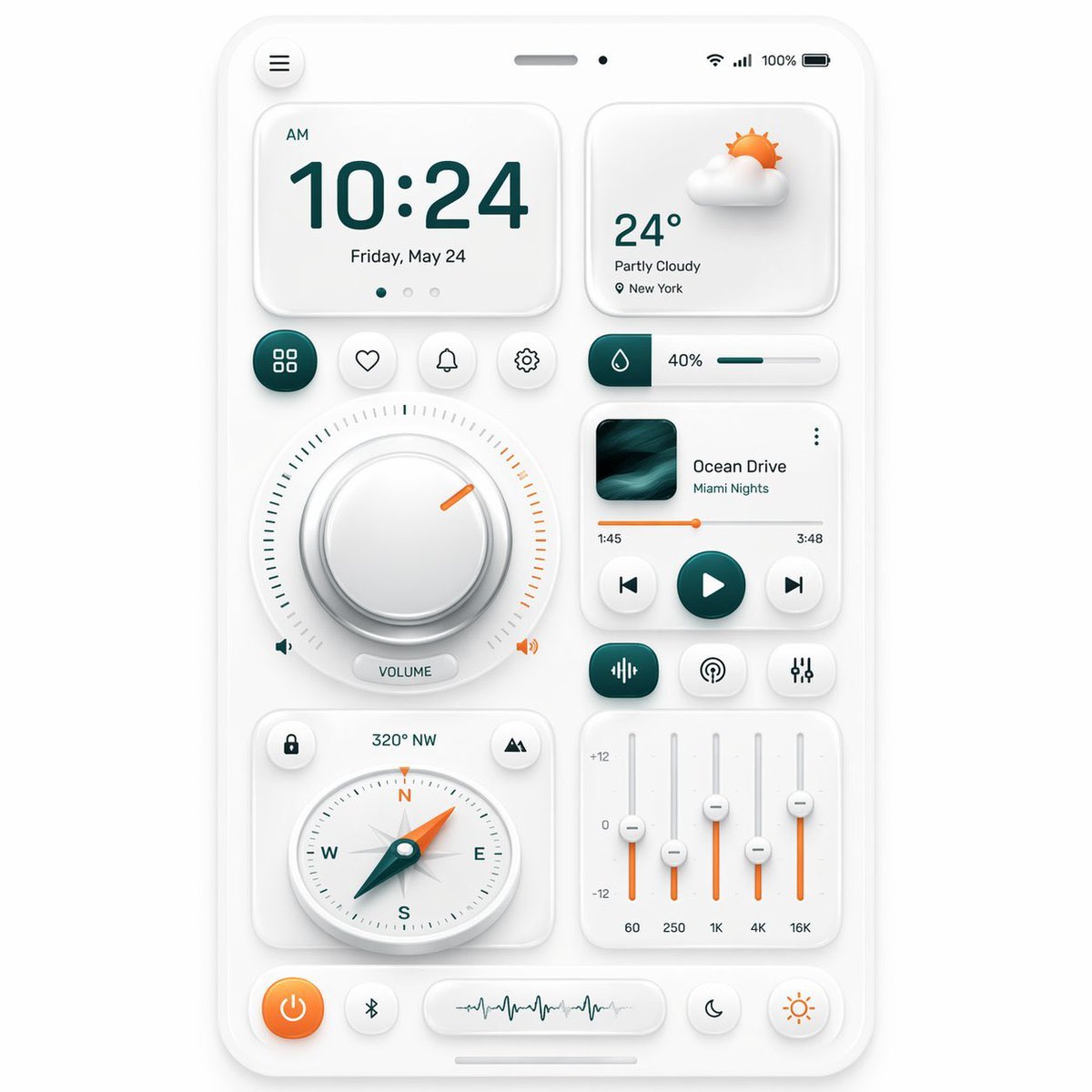
Neumorphic Mobile Dashboard UI
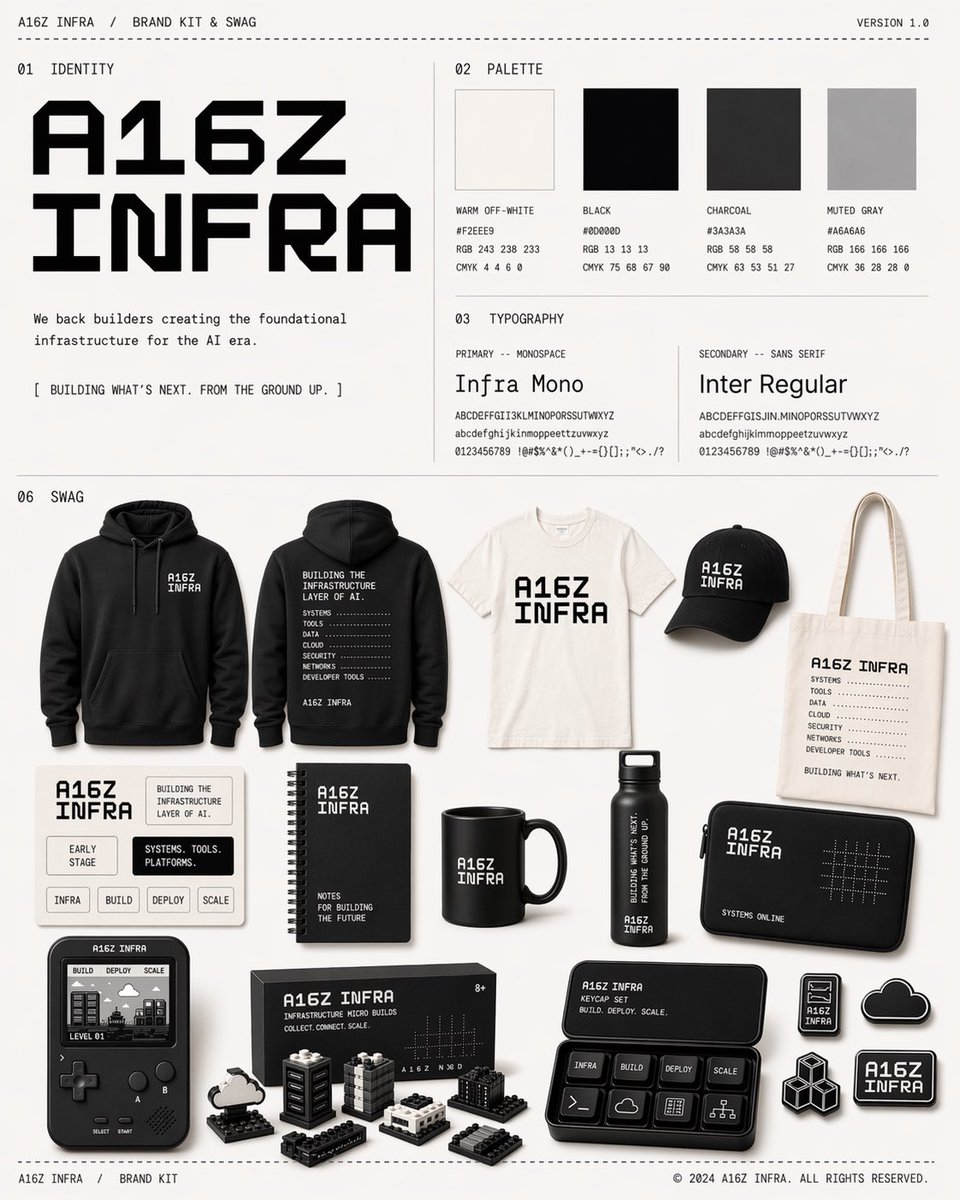
Monochrome Infra Brand Kit Board
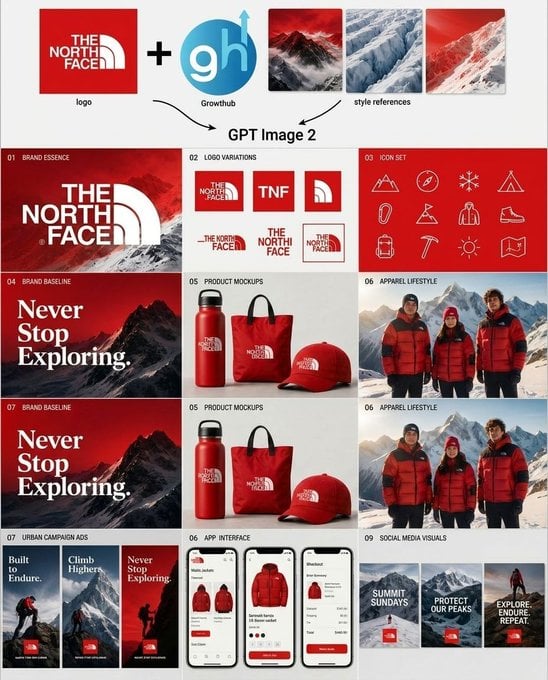
Outdoor Brand Kit Concept Board
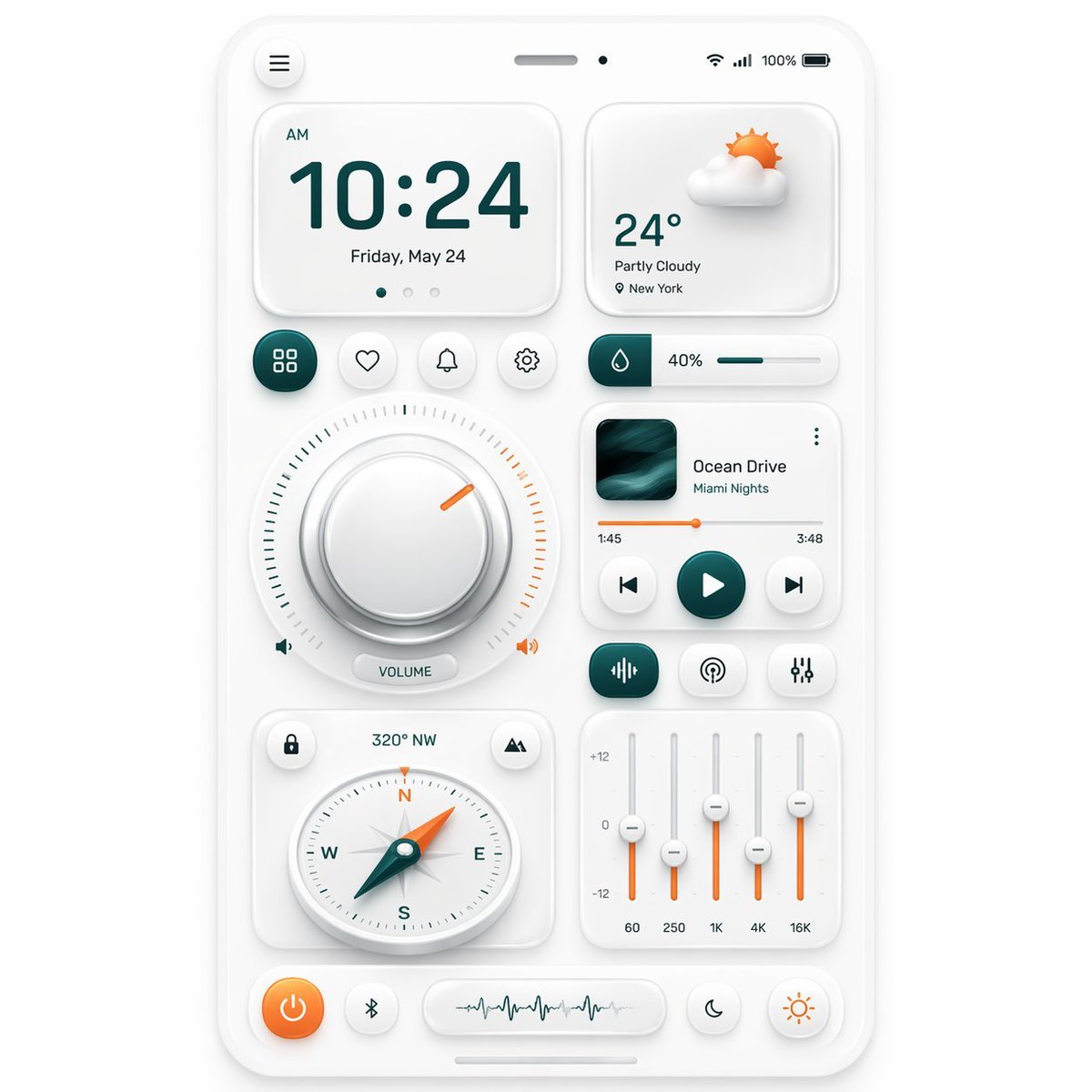
Neumorphic Smart Dashboard UI
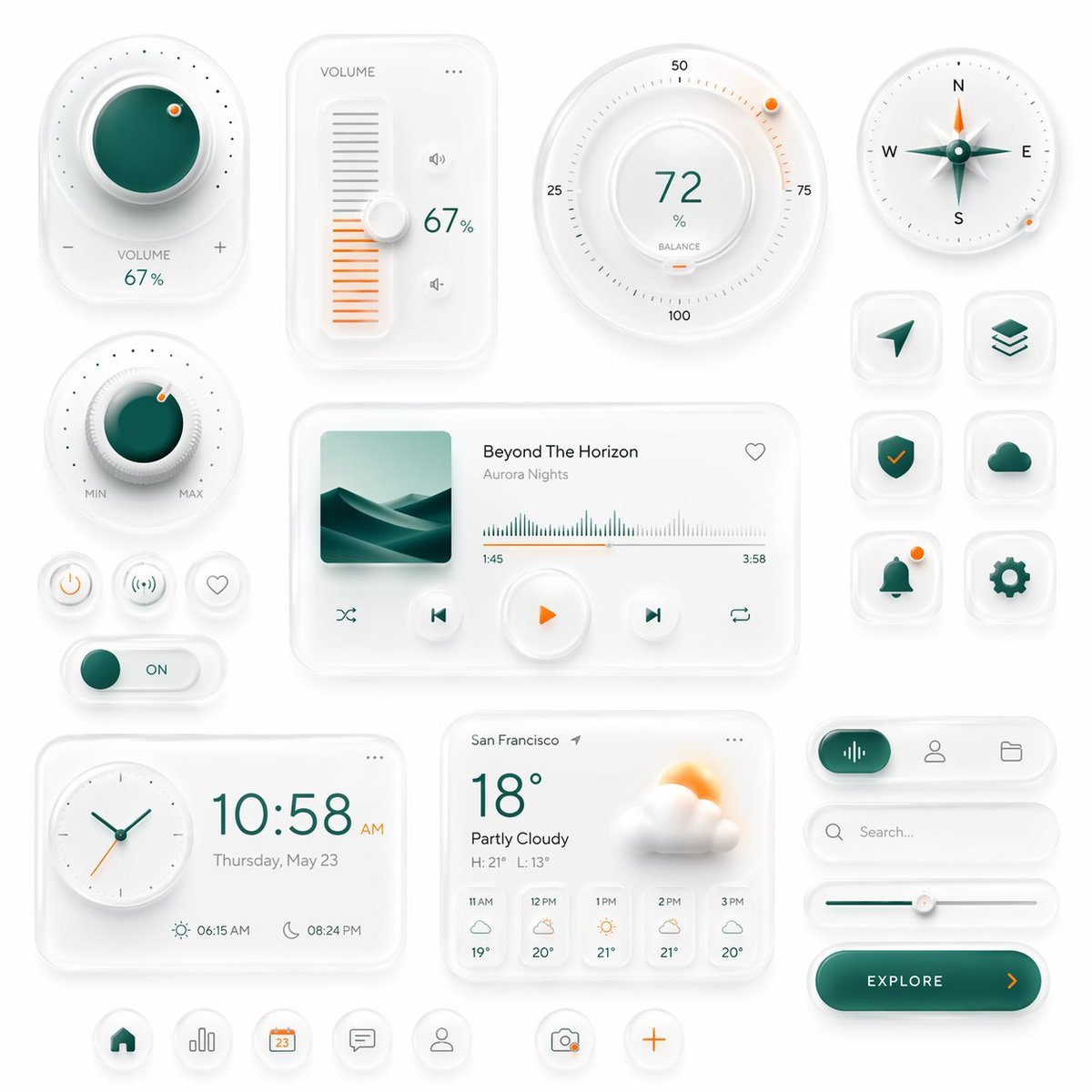
Neumorphic Smart UI Kit

Christmas Ornament Portrait Glossy Glass Resin Finish with Hand Painted Details Holiday Lighting
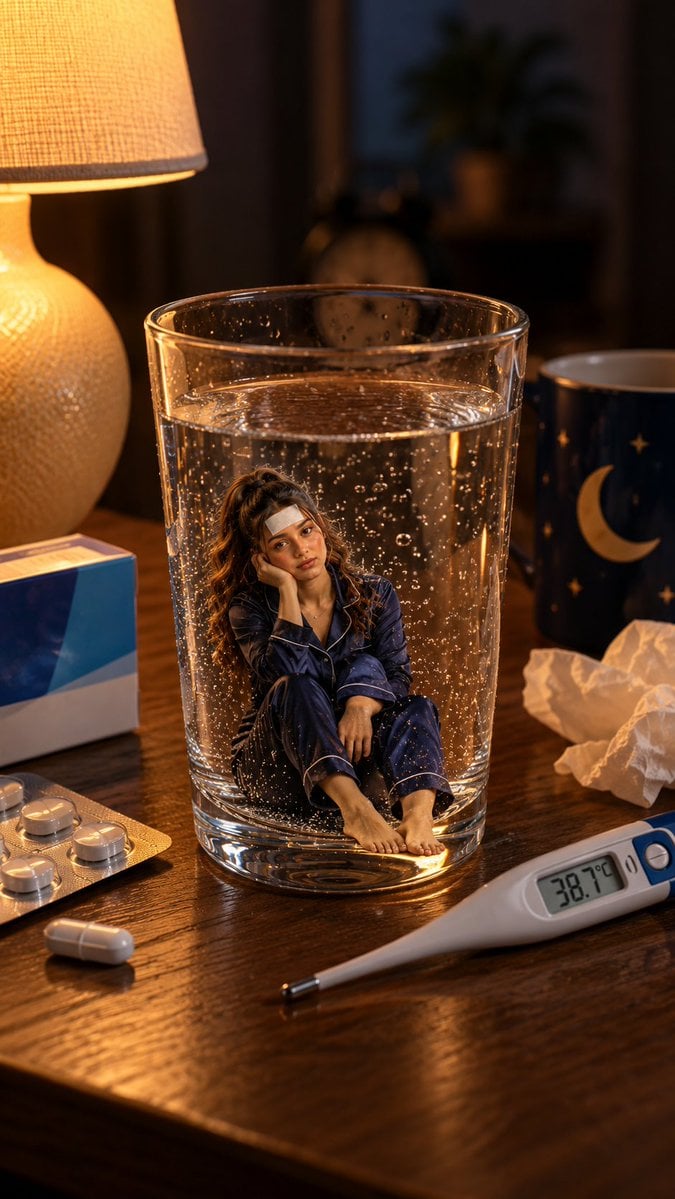
Mini Sick Woman in Water Glass
Make it yours
Neumorphic Glass UI Kit Board works as-is. These are the safest ways to change it without losing the look.
Change one field
Copy a single group, rewrite it, and generate again so you can see what that field is doing.
Keep the frame, change the subject
Hold the composition and light of Neumorphic Glass UI Kit Board, then swap wardrobe, props or the person for a new take.
| If the result… | Why | Fix |
|---|---|---|
| The result drifts from the preview | Too many fields changed at once. | Reuse Neumorphic Glass UI Kit Board as-is first, then change one group — subject, light, or setting. |
| The model over-stylizes the scene | The prose prompt leaves finish and camera underspecified. | Add one camera or lighting sentence and stay on GPT Image 2. |
More GPT Image 2 templates
Other prompts made for GPT Image 2.

Six VTuber Japanese Logo Sheet

Realistic Portrait of Woman and Deer

The Vista Modular Condo Poster

AI Model Routing Comparison Infographic

Isometric Productivity Desk Scene

New York Double Exposure Poster

Four-Panel AI Landscape Comparison

Japanese Tatami Lifestyle Magazine Cover

NESCAFÉ Coffee Map Poster

Brutalist Cogito Chinese Typography Poster
More image prompts
Fresh picks from across the catalog.
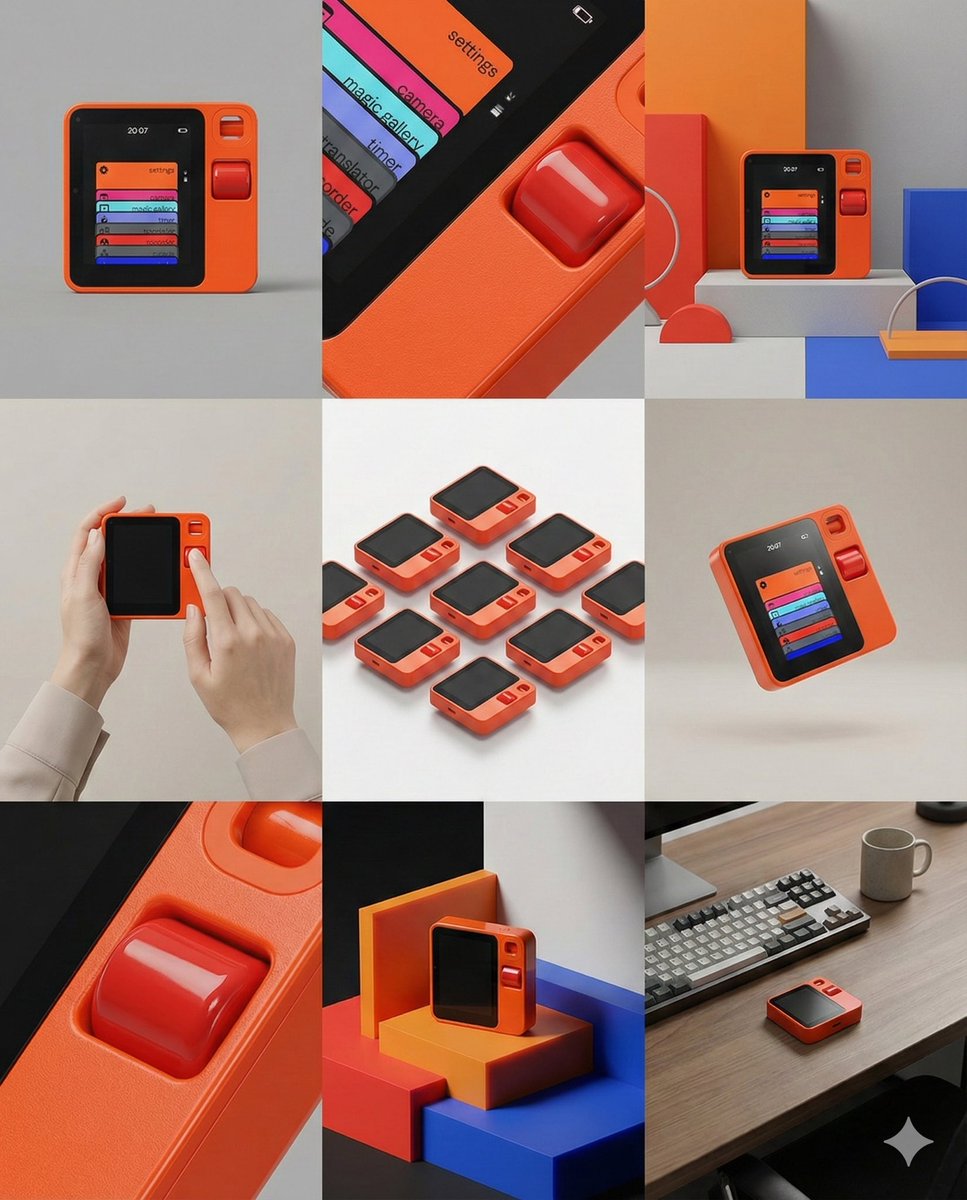
Panel Product Storyboard Grid Prompt
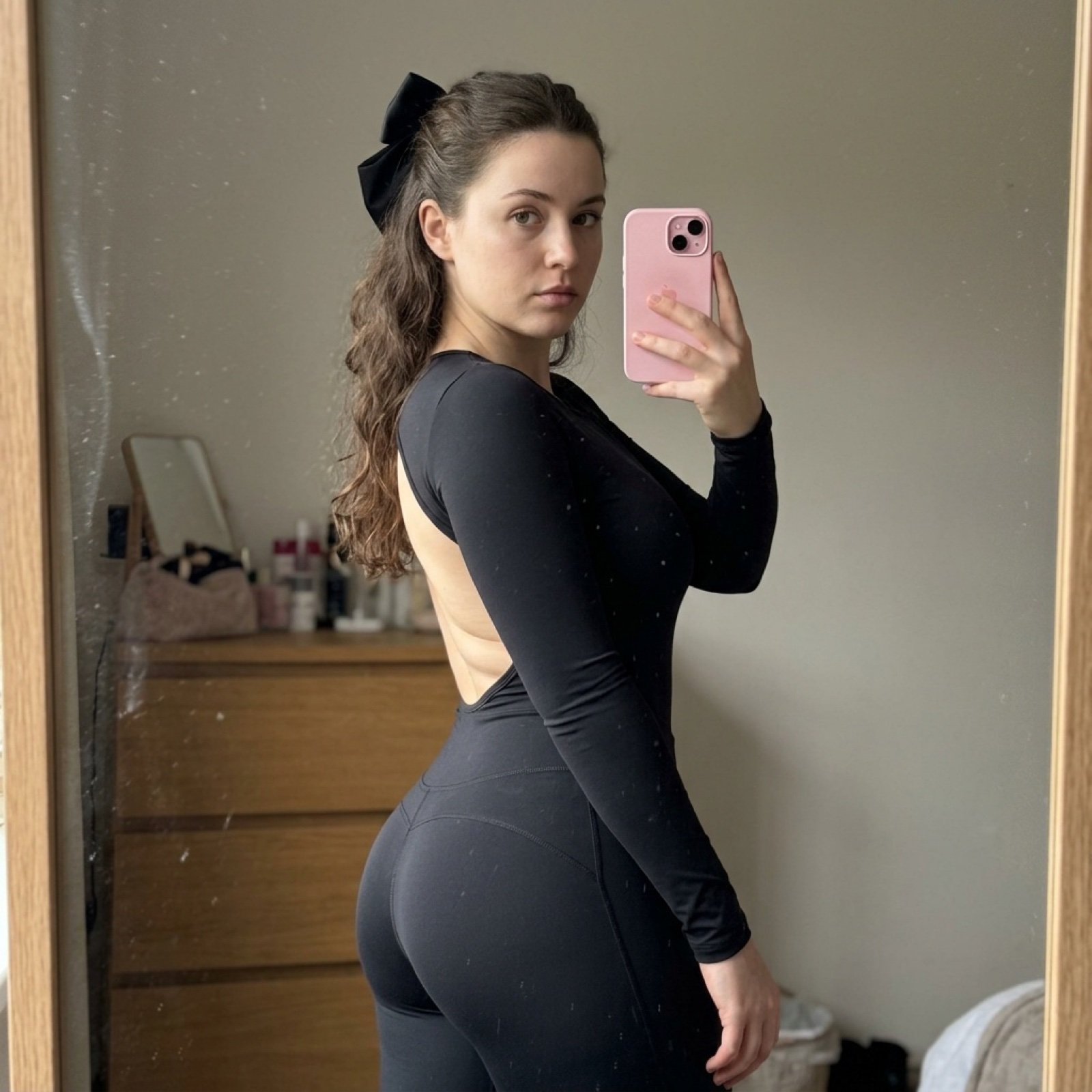
Detailed Side-Profile Mirror Selfie in Bodysuit
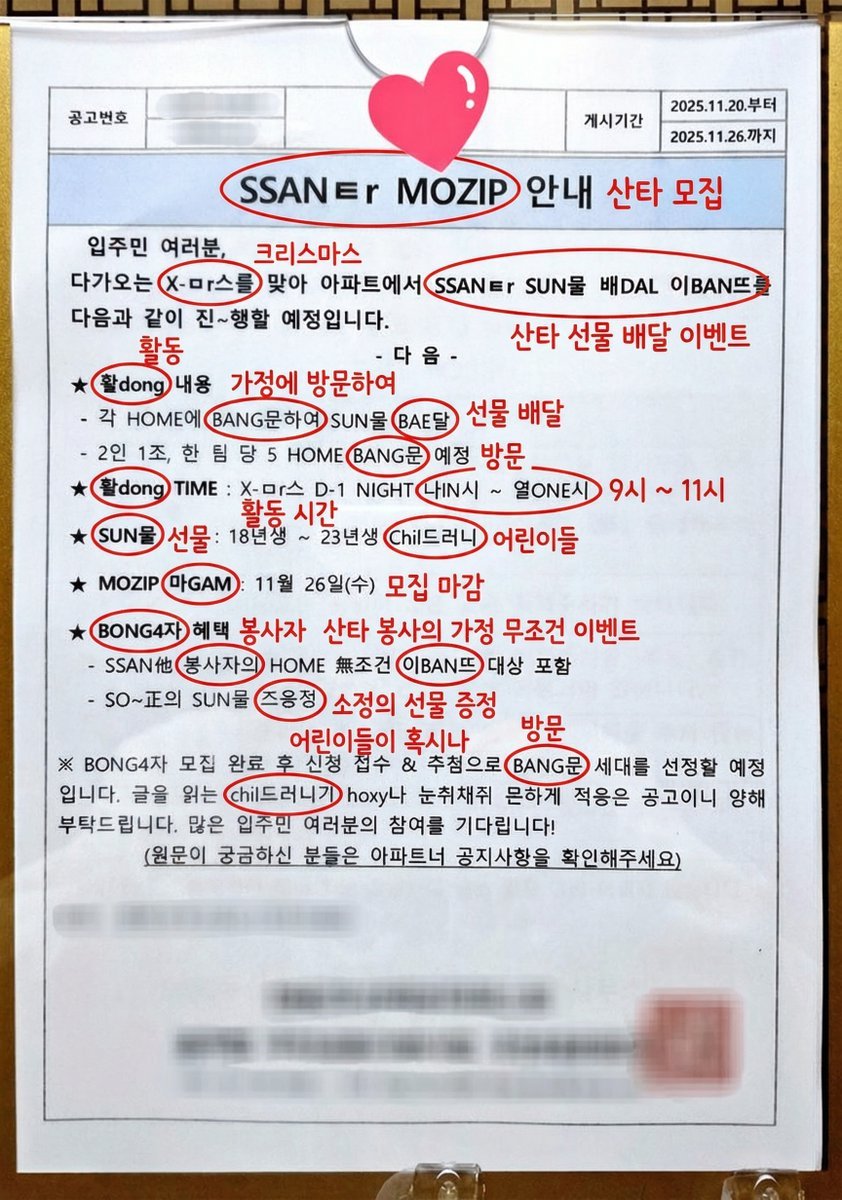
Annotated decoding of a cryptic Santa notice
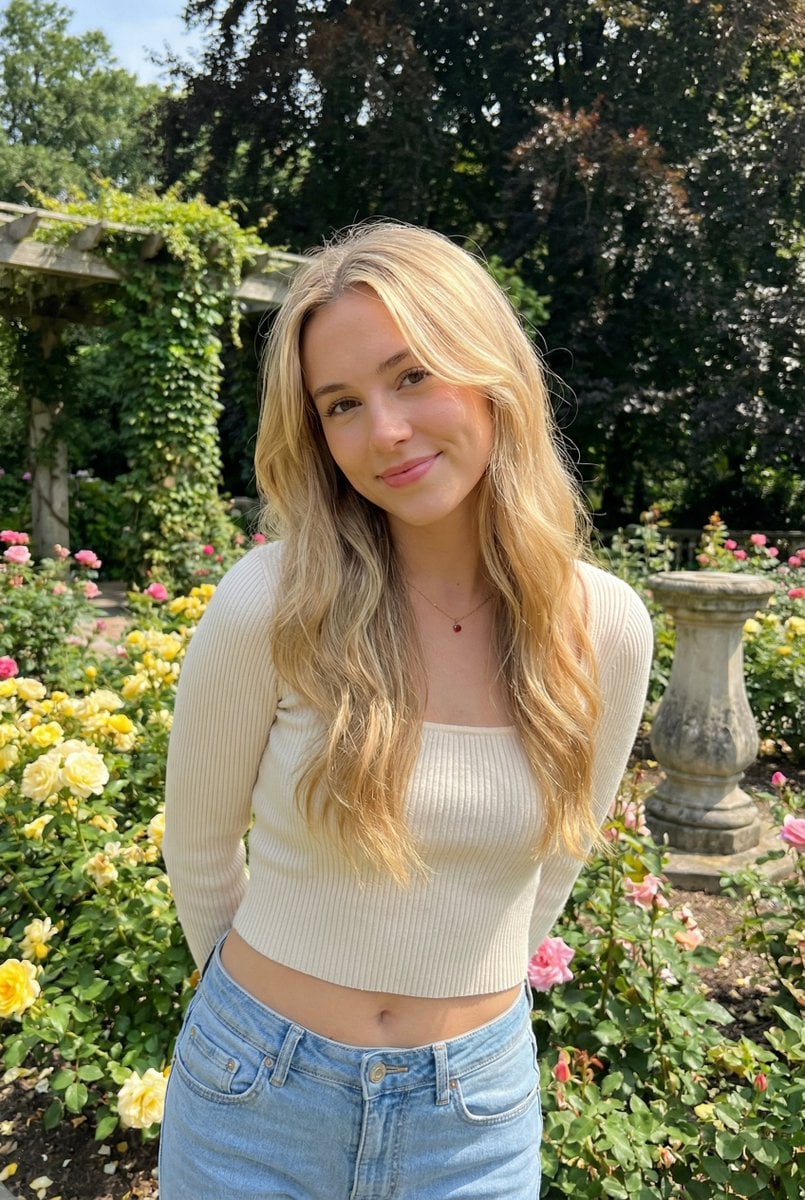
Sunlit Candid Portrait in a Rose Garden
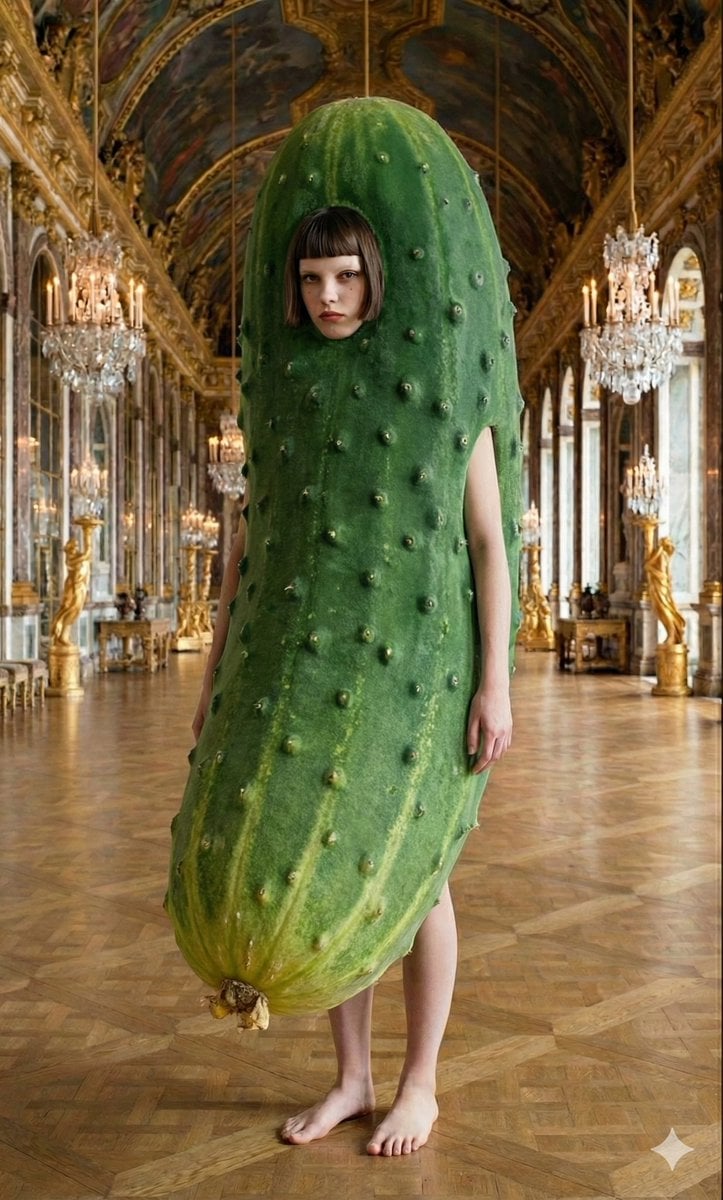
Corporate Elite Self-Reflection Portrait Prompt
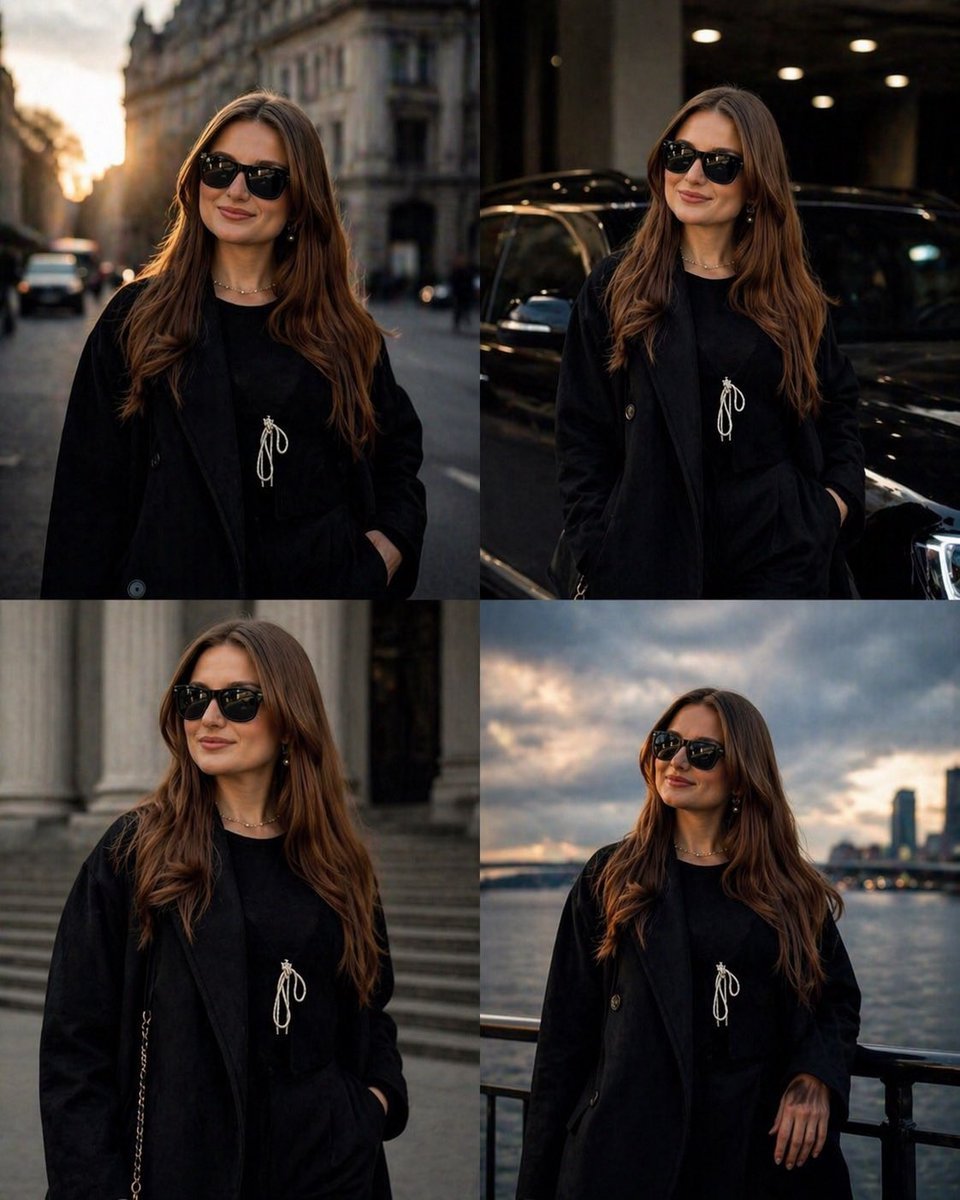
Luxury Urban Street Portrait
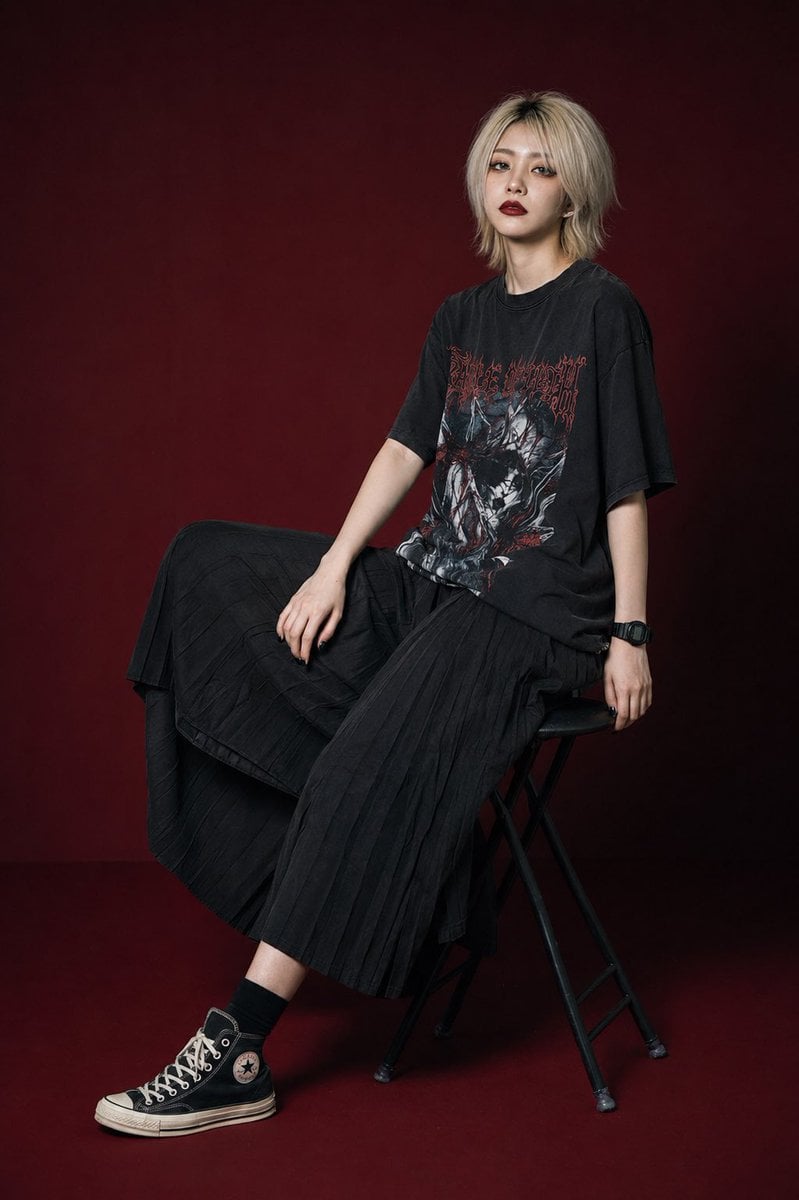
Modern Gothic High-Fashion Portrait
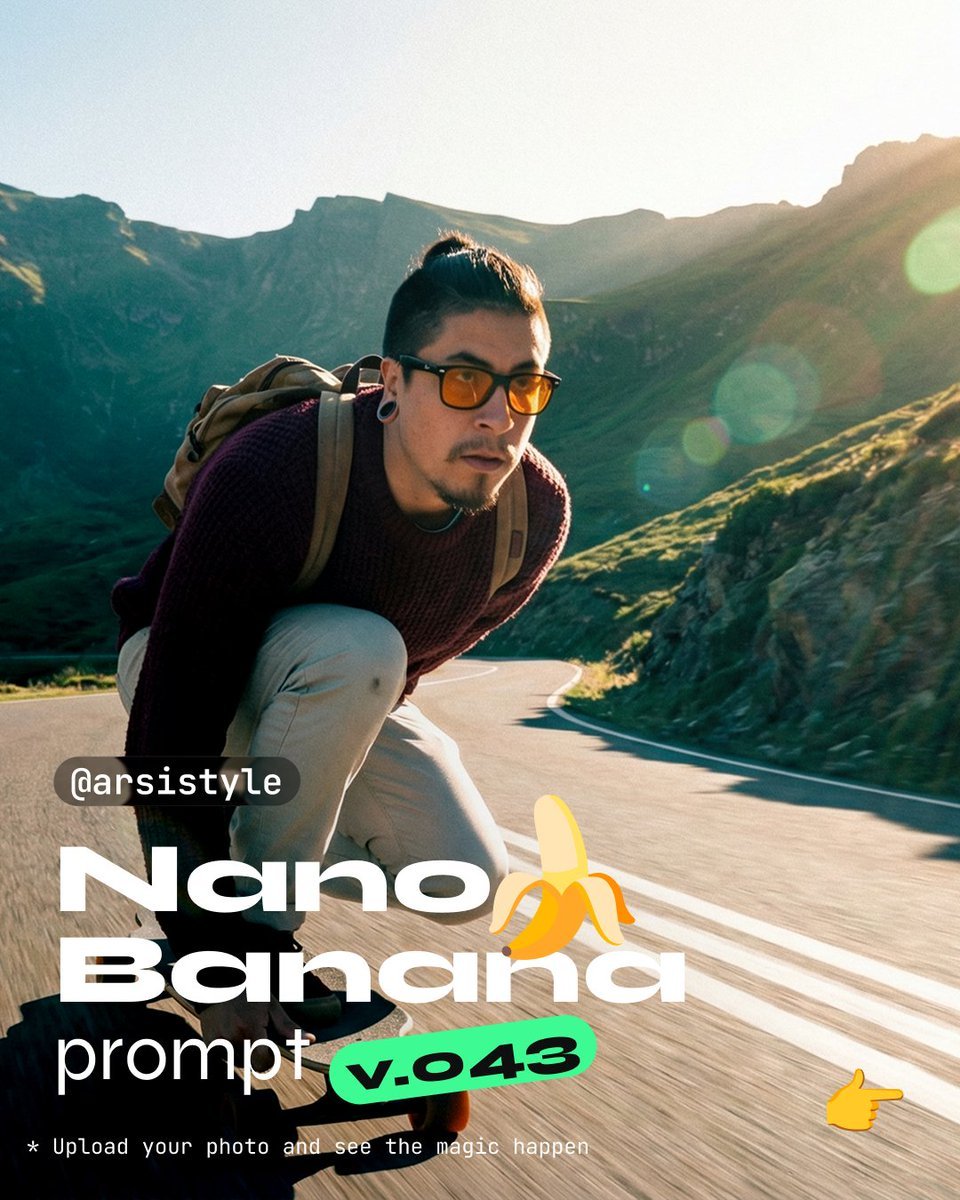
Dynamic Longboard Tracking Shot
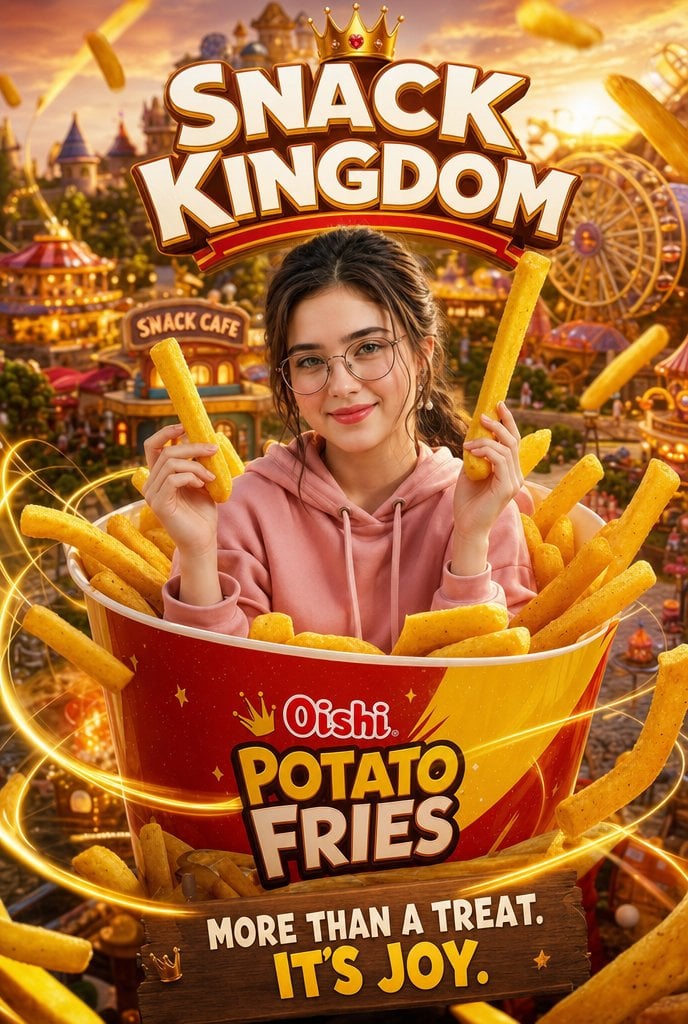
Snack Kingdom Potato Fries Ad
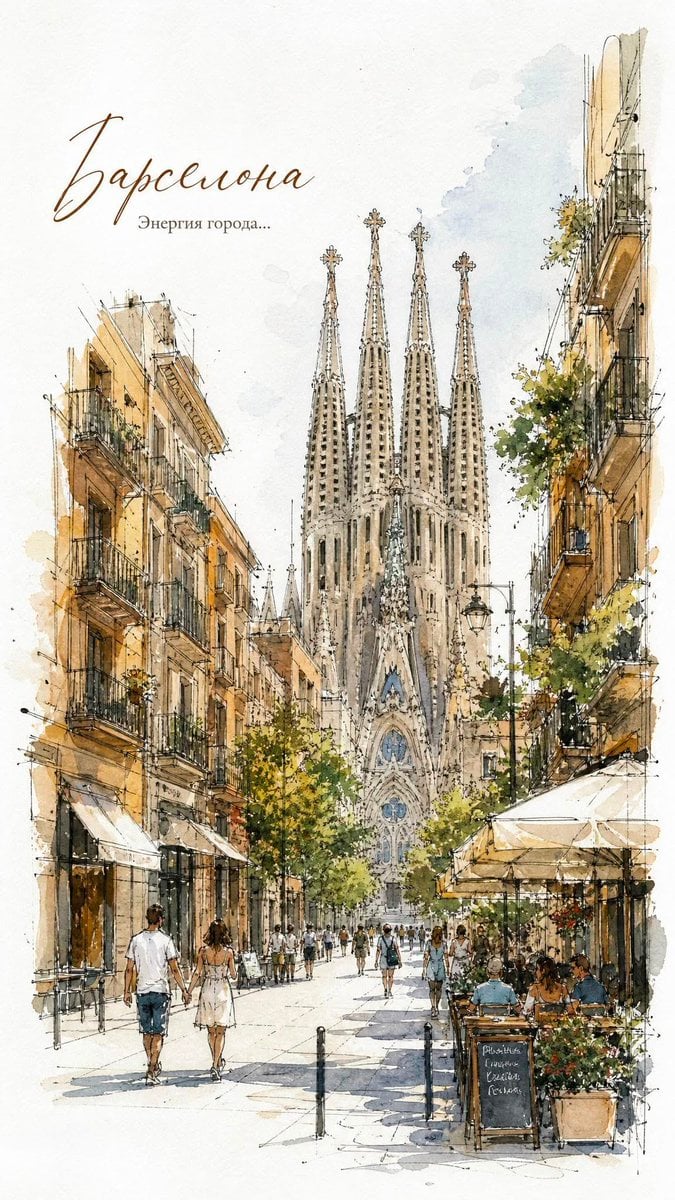
European City Watercolor Sketch Poster
Browse template categories
Neumorphic Glass UI Kit Board questions
How do I use the Neumorphic Glass UI Kit Board template?
Add your photo if the template asks for one, edit the prompt if you like — the template's model and format are already selected — and press Generate. Your version opens in PicX Studio.
Can I customize the Neumorphic Glass UI Kit Board template?
Yes. You can change the subject, setting, lighting, mood, format, and available model controls before creating your image.
Is the Neumorphic Glass UI Kit Board template free?
Opening and editing this template is free. Generating uses credits, shown on the Generate button when you are signed in.
Which AI model should I use?
Start with GPT Image 2, which is the model associated with this template. You can compare another compatible model for a different finish.
Looking for something else? Browse all templates.

Your photo, any look
Thousands of ready templates for every top image and video model, from one credit balance.