
Neumorphic Smart Dashboard UI
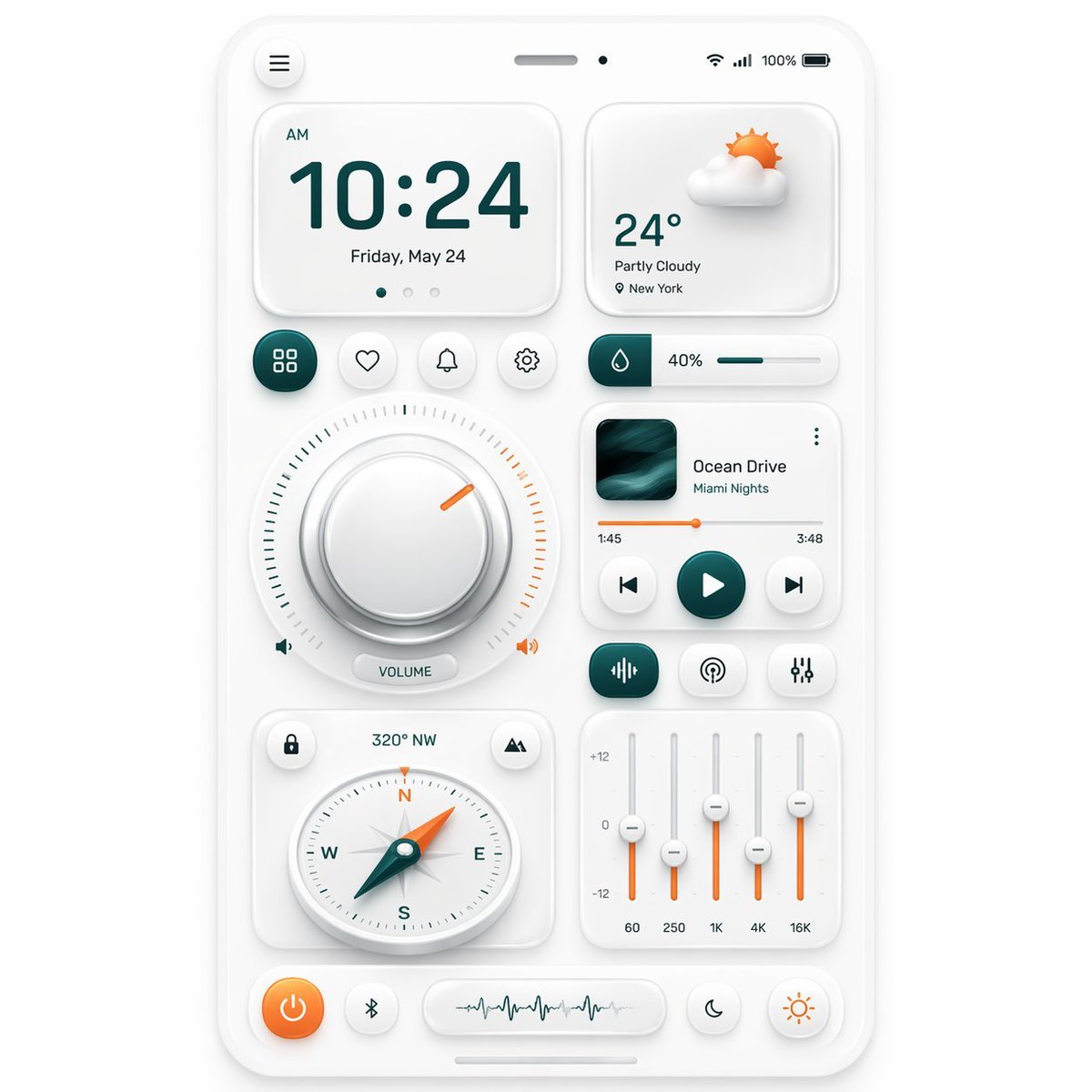
This prompt generates a polished neumorphic smartphone control dashboard mockup for app design showcases, UI concept art, and premium interface presentations.
- Prompt included
- Model and format preset
- Free template
The prompt behind this image
Copy the exact prompt behind Neumorphic Smart Dashboard UI, or open it in the studio and make it yours.
A clean neumorphic mobile dashboard UI mockup shown straight-on, centered on a soft light gray background, inside a white rounded smartphone frame with subtle embossed shadows and glossy soft highlights. The interface uses a minimalist white-on-white design with teal green and warm orange accent colors. At the very top of the phone, include a small circular menu button on the left, a centered speaker slit and front camera dot, and status icons on the right showing Wi‑Fi, signal, 100%, and battery. The main layout contains 12 distinct UI modules: 1 large time card at upper left showing “AM”, “10:24”, and “Friday, May 24” with three tiny pagination dots beneath; 1 weather card at upper right showing a soft 3D partly cloudy sun icon, “24°”, “Partly Cloudy”, and “New York”; 4 small circular action buttons in one row under the time card, showing a grid icon, heart, bell, and gear, with the grid button filled in dark teal; 1 slim horizontal slider card to the right of those buttons with a droplet icon, “40%”, and a teal progress bar; 1 large circular volume control occupying the left middle area, with a thick beveled silver knob, a surrounding tick-mark ring split into teal on the left and orange on the right, a short orange indicator line near the upper right, tiny speaker icons on both sides, and a pill label reading “VOLUME”; 1 music player card on the right middle with square album art in dark teal waves, the title “Ocean Drive”, subtitle “Miami Nights”, a thin orange playback progress line with times “1:45” and “3:48”, and three circular transport controls for previous, play, and next, with the play button filled teal; 3 small rounded buttons in a row beneath the music player, showing an equalizer icon filled teal, a broadcast icon, and sliders icon; 1 compass card at lower left with small circular buttons in the top corners, heading text “320° NW” above, and a detailed analog compass with N, E, S, W letters and a teal-and-orange needle pointing northwest; 1 equalizer card at lower right with four vertical sliders, scale markings “+12”, “0”, “-12”, and bottom frequency labels “60”, “250”, “1K”, “4K”, “16K”, using orange slider stems and white knobs; and 5 bottom dock controls: an orange circular power button, a small Bluetooth button, a central pill waveform panel, a crescent moon button, and a sun brightness button. Use soft ambient shadows, gentle inner embossing, rounded corners, precise spacing, and a premium futuristic smart-home or control-center aesthetic inspired by high-end dribbble neumorphism, ultra-detailed, crisp vector UI, realistic depth, polished product presentation.
How to use Neumorphic Smart Dashboard UI in 3 steps
- 1Upload ImagePNG, JPG or paste
Add your photo
Upload the photo the template builds on. The prompt, model and format are already set.
- 2…a portrait of your subject in softgolden-hour light, 85mm…
Personalize
Edit the subject and creative details for your destination.
- 3Generate
Generate
Press Generate — your image is created in PicX Studio, so you can compare it with the original and refine one variable at a time.
More like this
Templates with the same subject, style or setup. Open one to see its prompt.
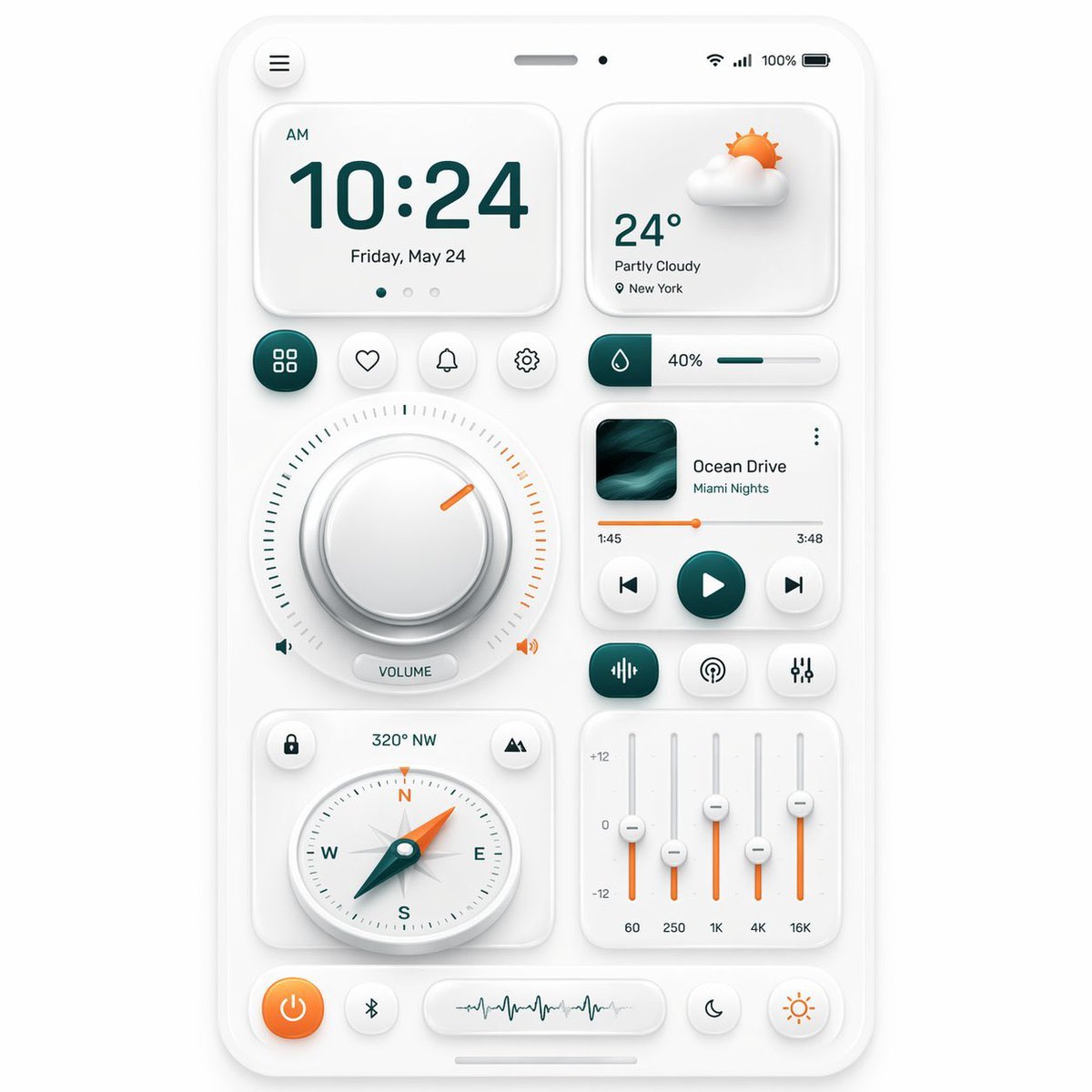
Neumorphic Mobile Dashboard UI
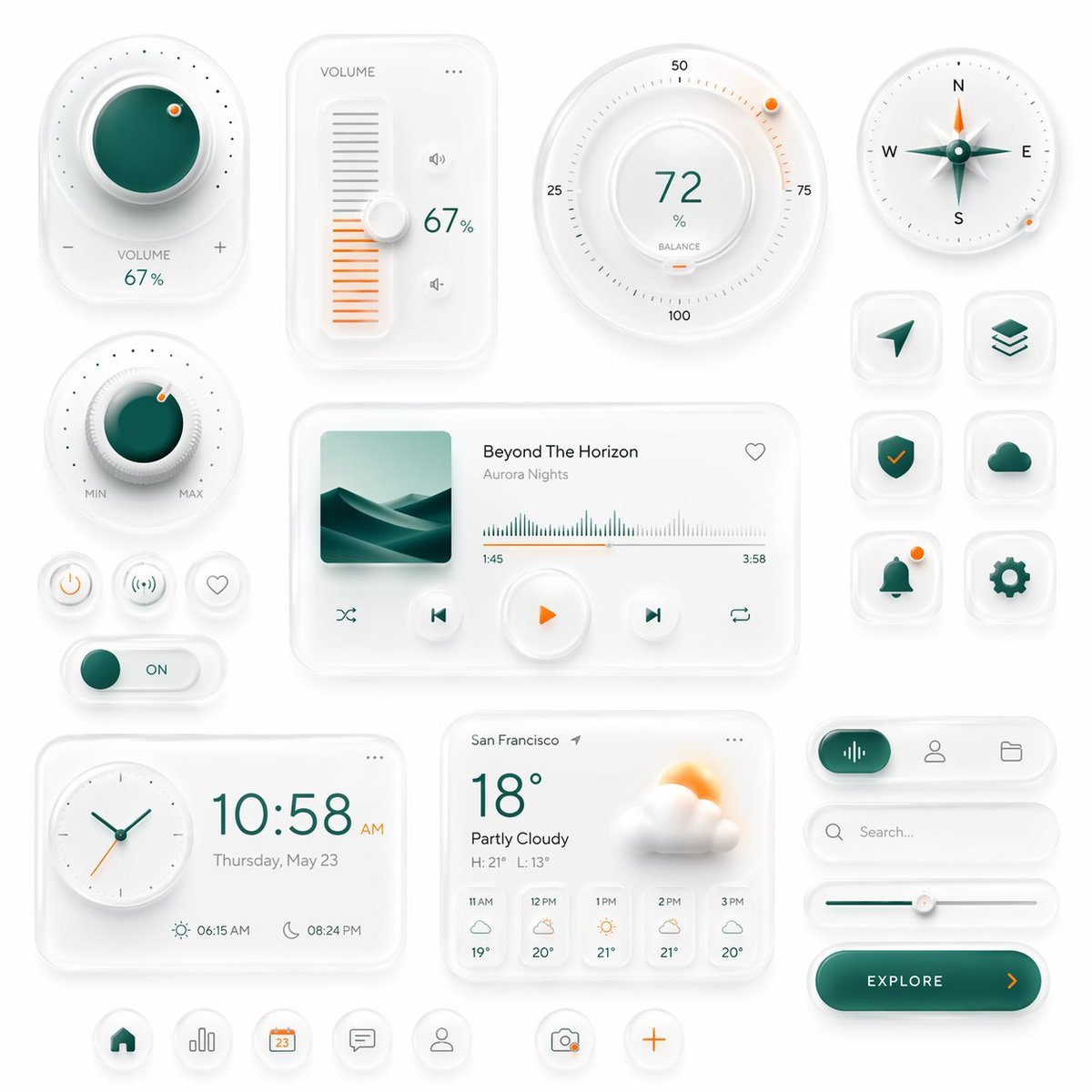
Neumorphic Smart UI Kit
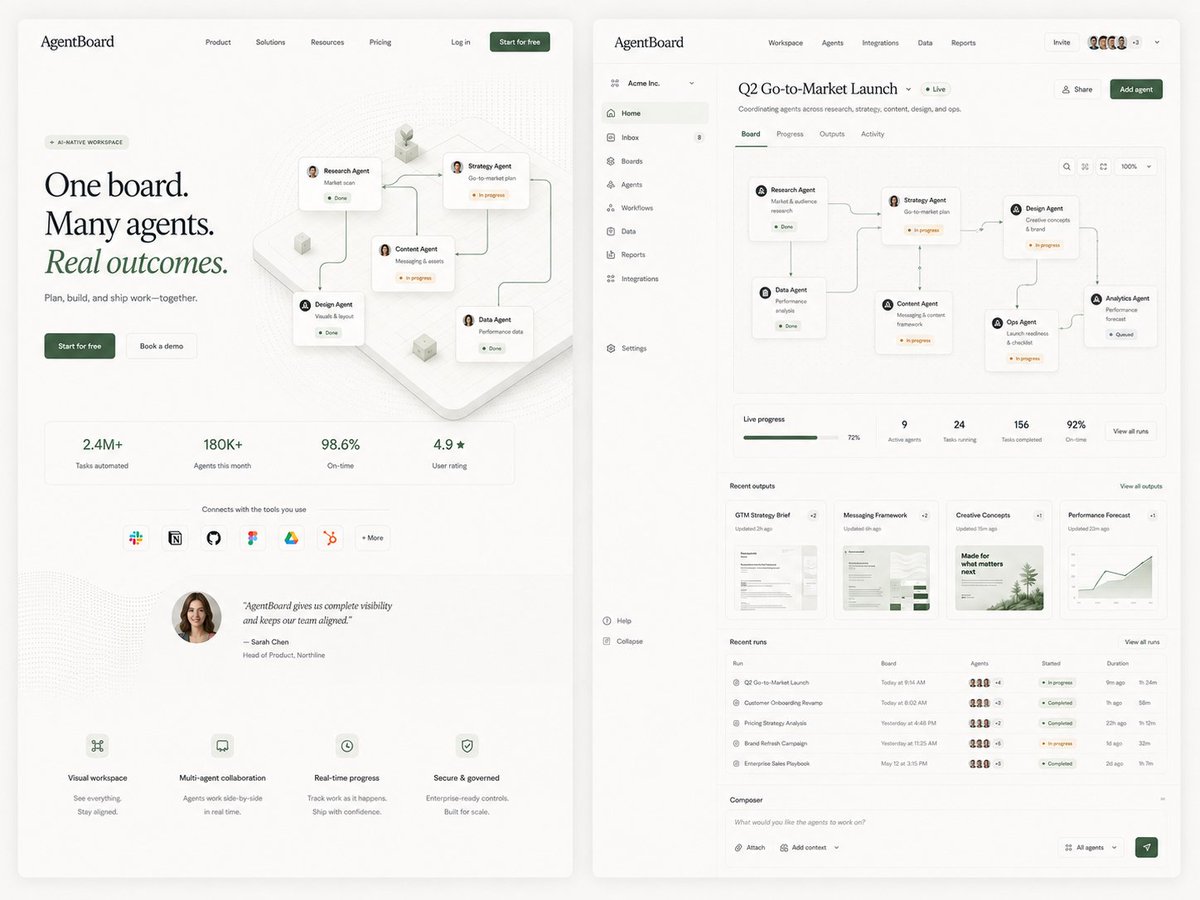
AgentBoard SaaS Landing and Dashboard UI
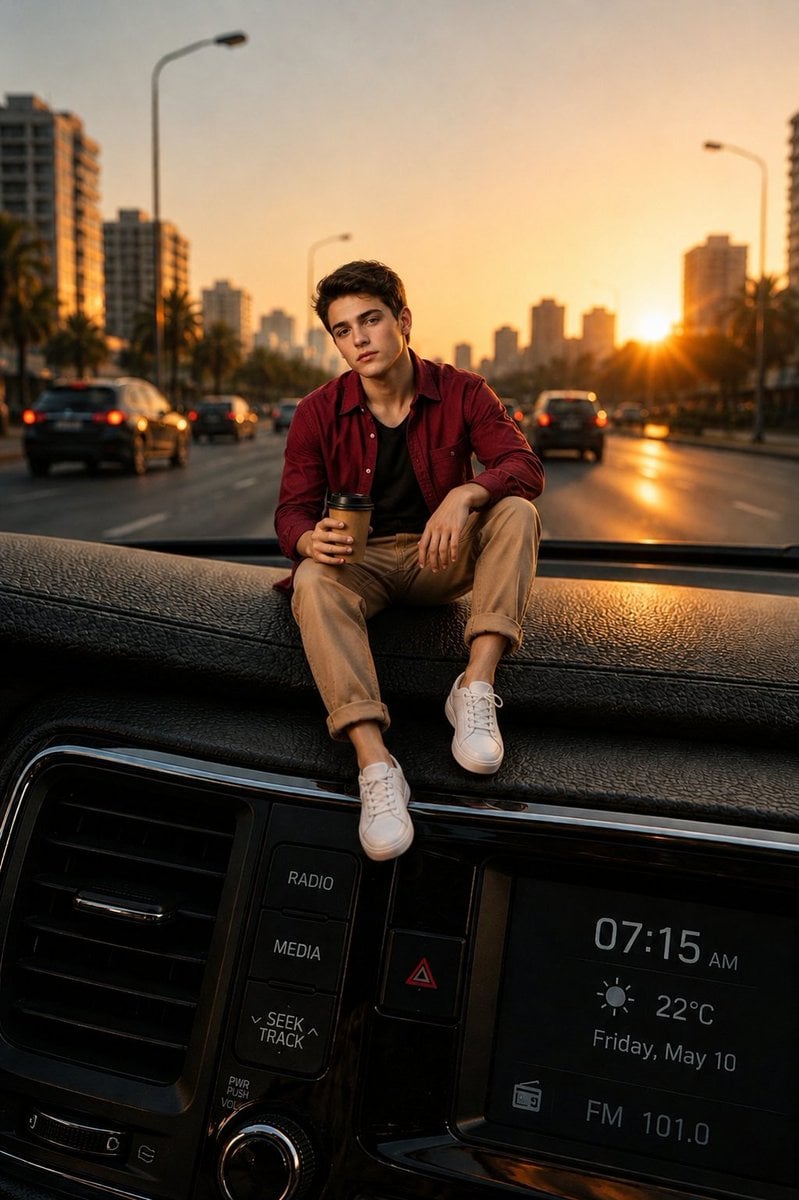
Miniature Man on Car Dashboard
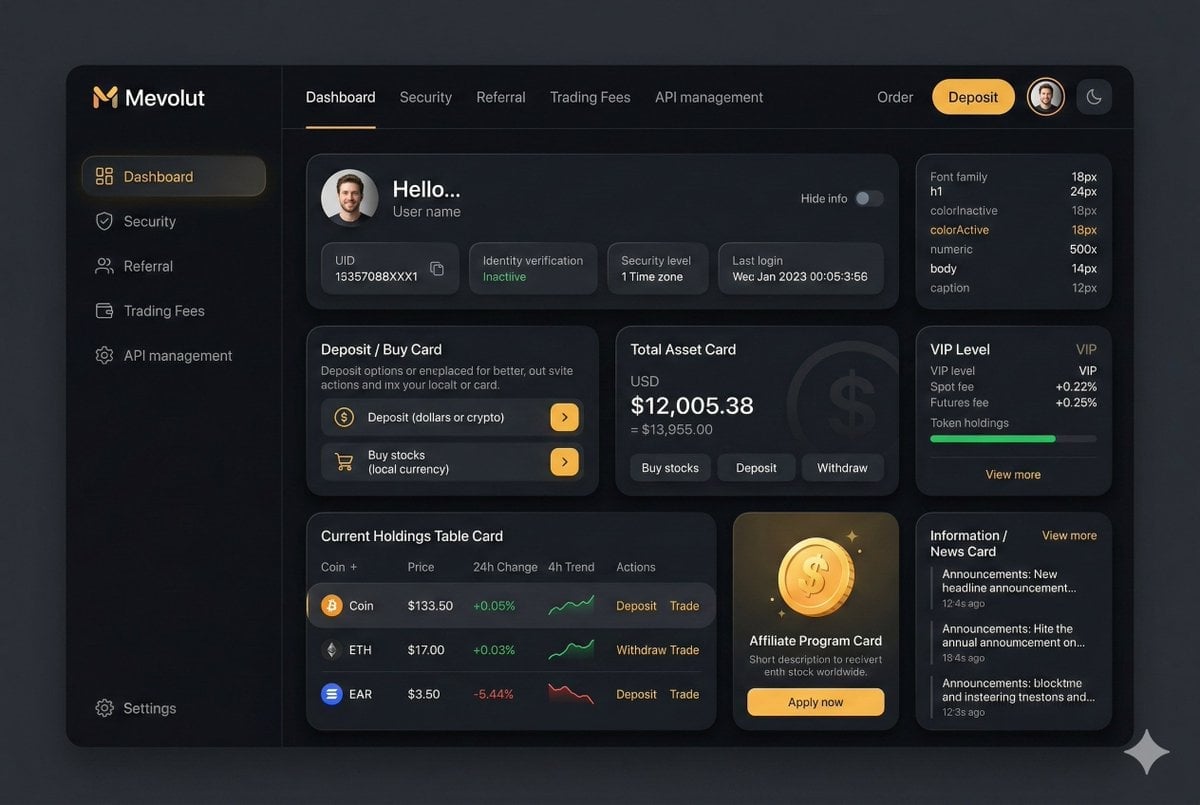
Fintech Crypto Dashboard UI Design
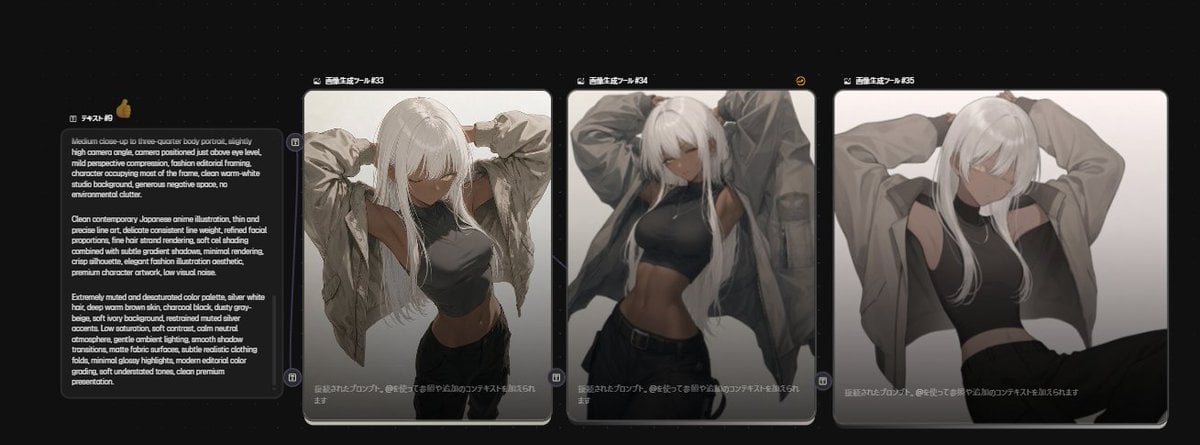
Anime Model Comparison Dashboard
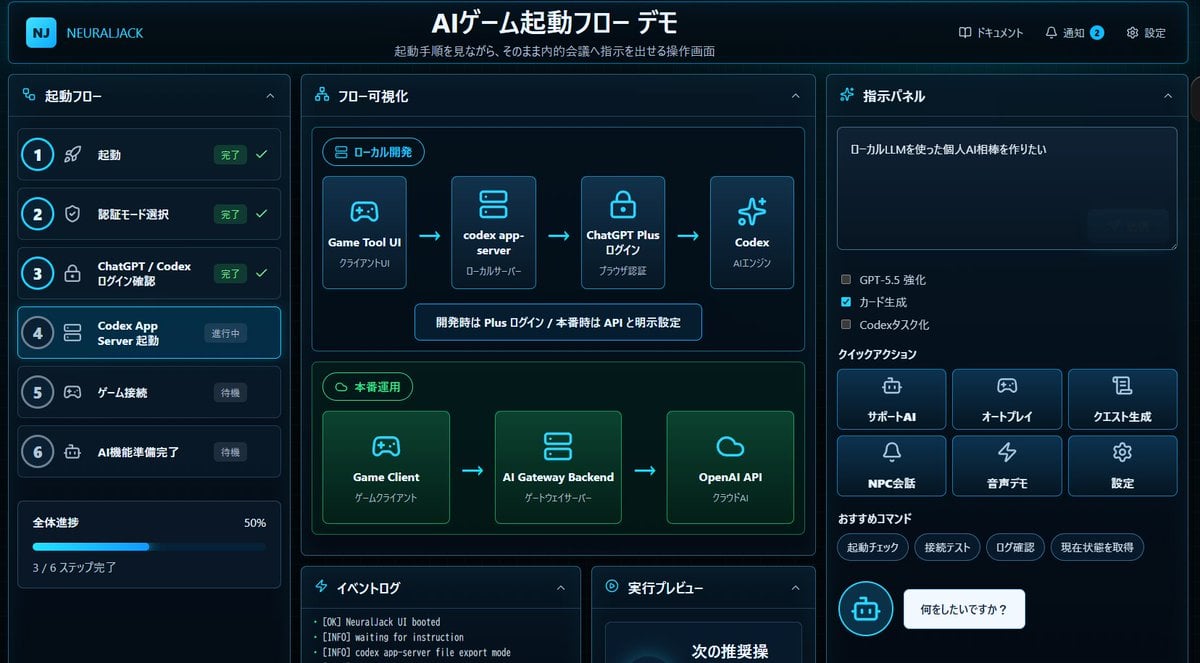
Japanese AI Game Launch Dashboard

SaaS AI Dashboard Landing Page
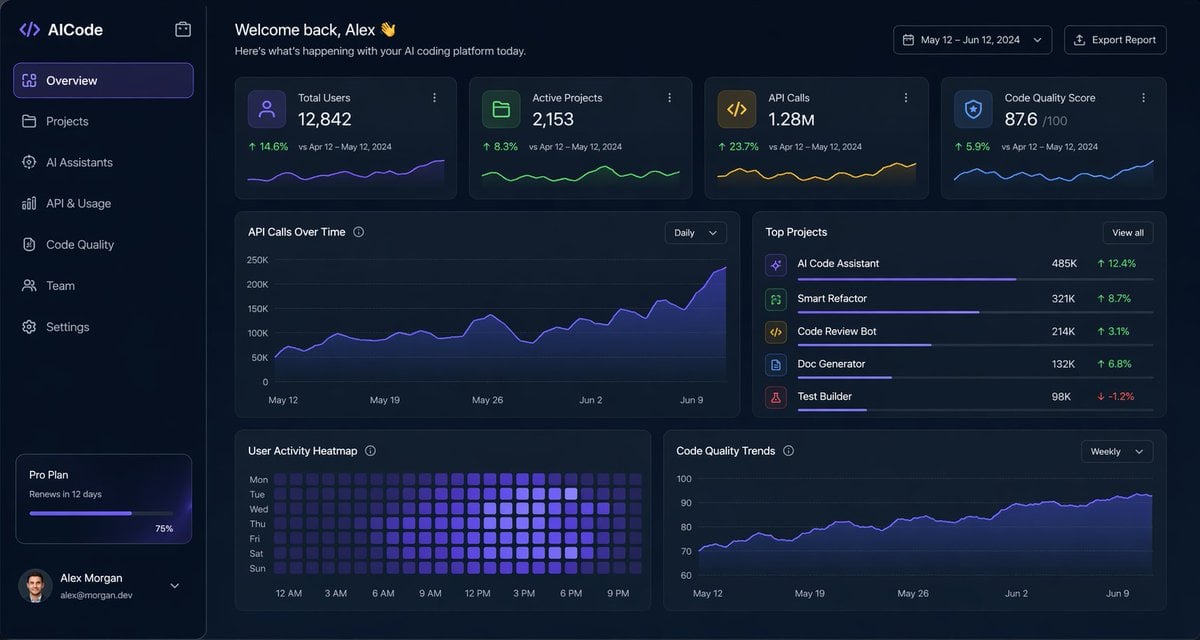
Dark AI Coding Dashboard UI
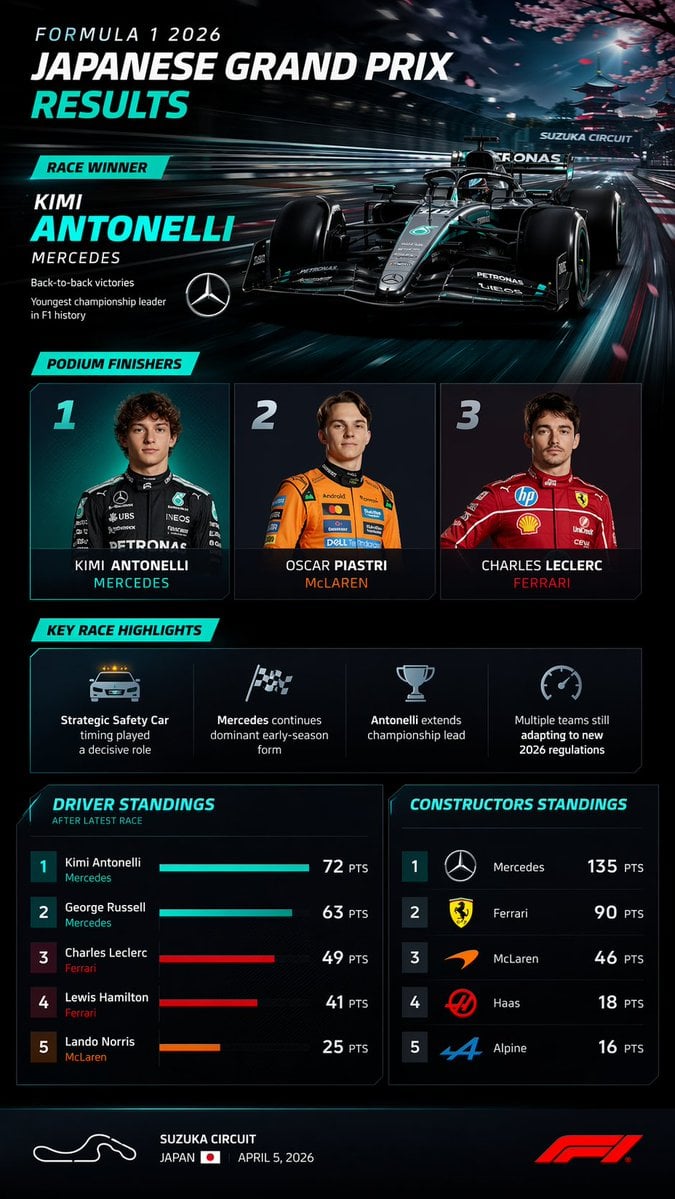
F1 Race Results Infographic Dashboard
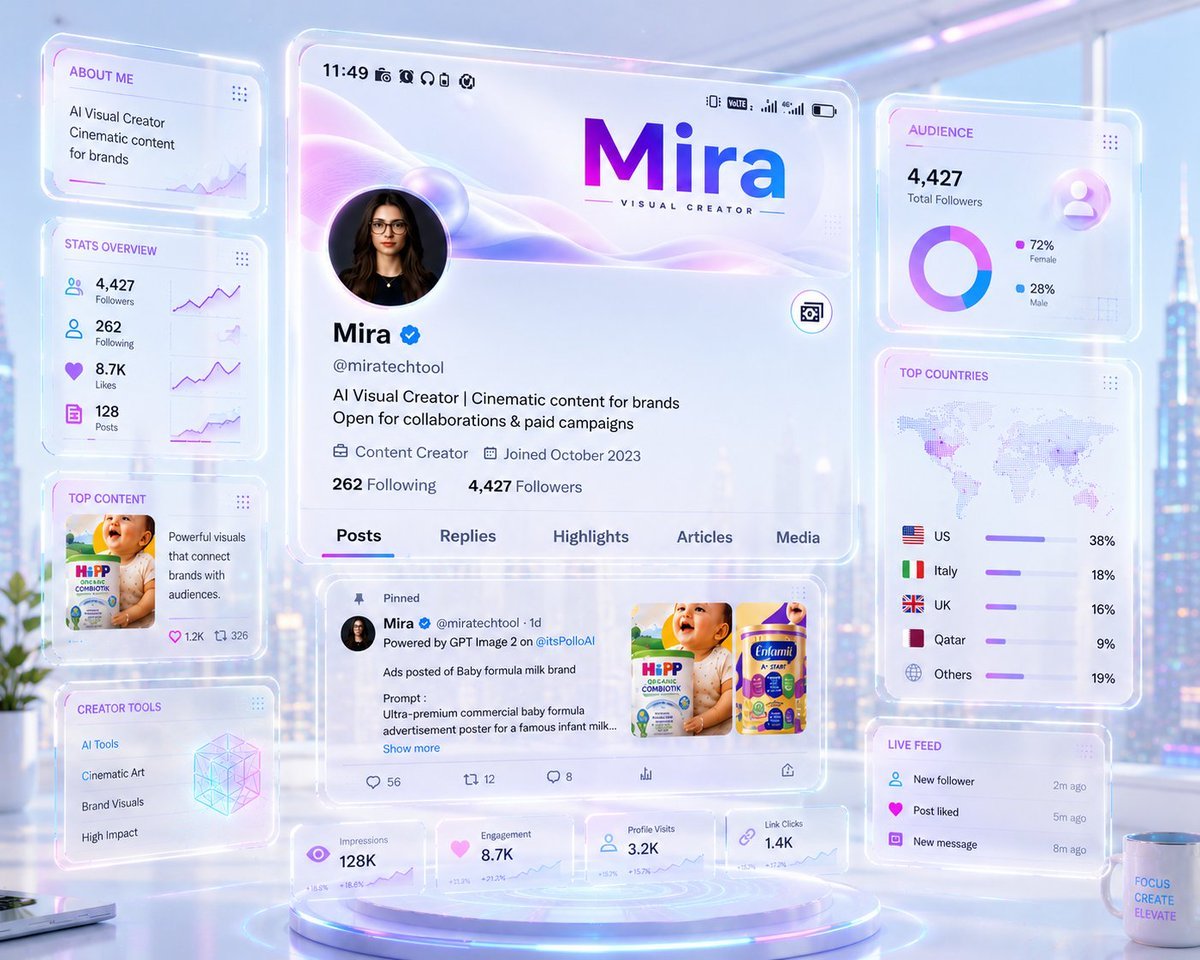
Futuristic Holographic Dashboard
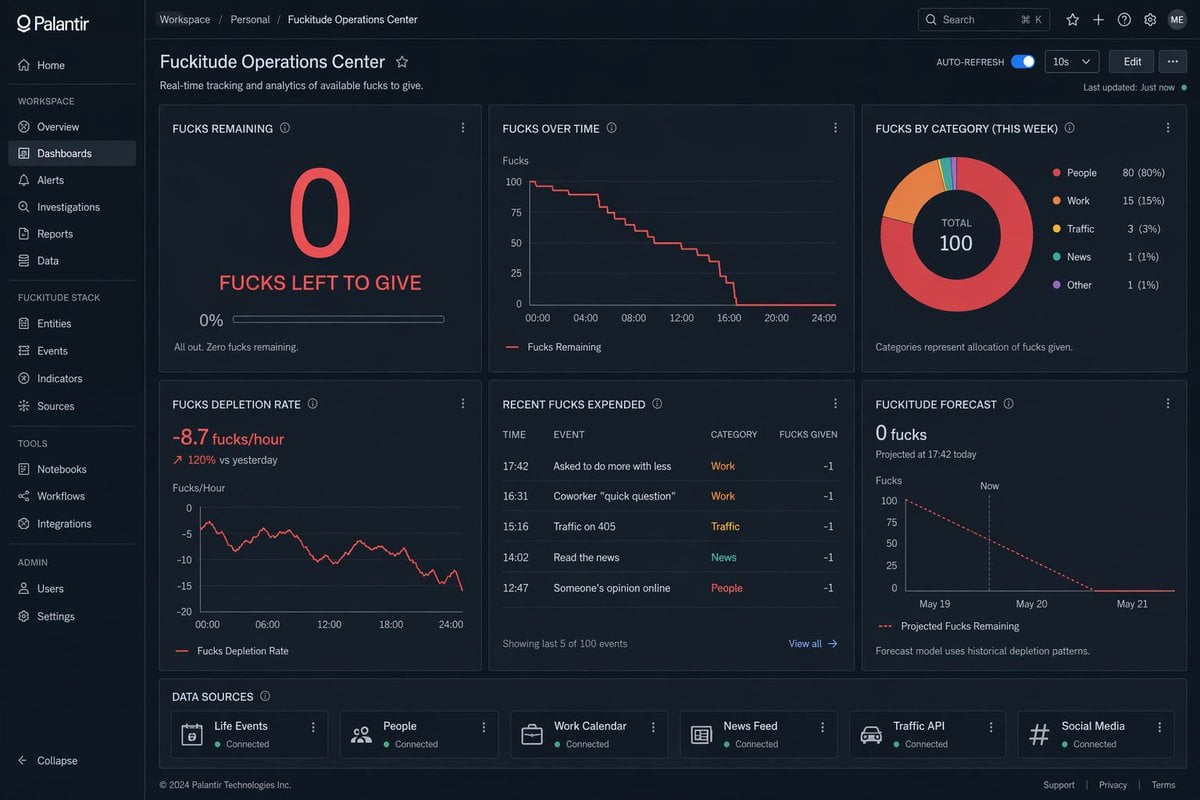
Creative Dashboard UI Screenshot
Make it yours
Neumorphic Smart Dashboard UI works as-is. These are the safest ways to change it without losing the look.
Change one field
Copy a single group, rewrite it, and generate again so you can see what that field is doing.
Keep the frame, change the subject
Hold the composition and light of Neumorphic Smart Dashboard UI, then swap wardrobe, props or the person for a new take.
| If the result… | Why | Fix |
|---|---|---|
| The result drifts from the preview | Too many fields changed at once. | Reuse Neumorphic Smart Dashboard UI as-is first, then change one group — subject, light, or setting. |
| The model over-stylizes the scene | The prose prompt leaves finish and camera underspecified. | Add one camera or lighting sentence and stay on GPT Image 2. |
More GPT Image 2 templates
Other prompts made for GPT Image 2.

Six VTuber Japanese Logo Sheet

Realistic Portrait of Woman and Deer

The Vista Modular Condo Poster

AI Model Routing Comparison Infographic

2.5D Anime Art Board

Isometric Productivity Desk Scene

New York Double Exposure Poster

Four-Panel AI Landscape Comparison

Japanese Tatami Lifestyle Magazine Cover

NESCAFÉ Coffee Map Poster
More image prompts
Fresh picks from across the catalog.
Harley Quinn Cosplay Side-Profile Snapshot
Dark Cyber Elf With Crimson Blade
Cinematic Smoking Portrait With Censored Face

High-Concept 3D Diorama Generation Prompt
Monochrome Rebellion Streetwear Poster
Customizable Valentine's Day Magazine Spread
Surreal Miniature Tesla Showroom

Warm Candle Shop Lifestyle Portrait
Fleischer-Style Pony Ride
Neon Holographic Streetwear Portrait
Browse template categories
Neumorphic Smart Dashboard UI questions
How do I use the Neumorphic Smart Dashboard UI template?
Add your photo if the template asks for one, edit the prompt if you like — the template's model and format are already selected — and press Generate. Your version opens in PicX Studio.
Can I customize the Neumorphic Smart Dashboard UI template?
Yes. You can change the subject, setting, lighting, mood, format, and available model controls before creating your image.
Is the Neumorphic Smart Dashboard UI template free?
Opening and editing this template is free. Generating uses credits, shown on the Generate button when you are signed in.
Which AI model should I use?
Start with GPT Image 2, which is the model associated with this template. You can compare another compatible model for a different finish.
Looking for something else? Browse all templates.

Your photo, any look
Thousands of ready templates for every top image and video model, from one credit balance.