
Surreal Miniature Tesla Showroom
A creative prompt for a miniature Tesla showroom balanced on a human hand with cinematic lighting and fine branding details.
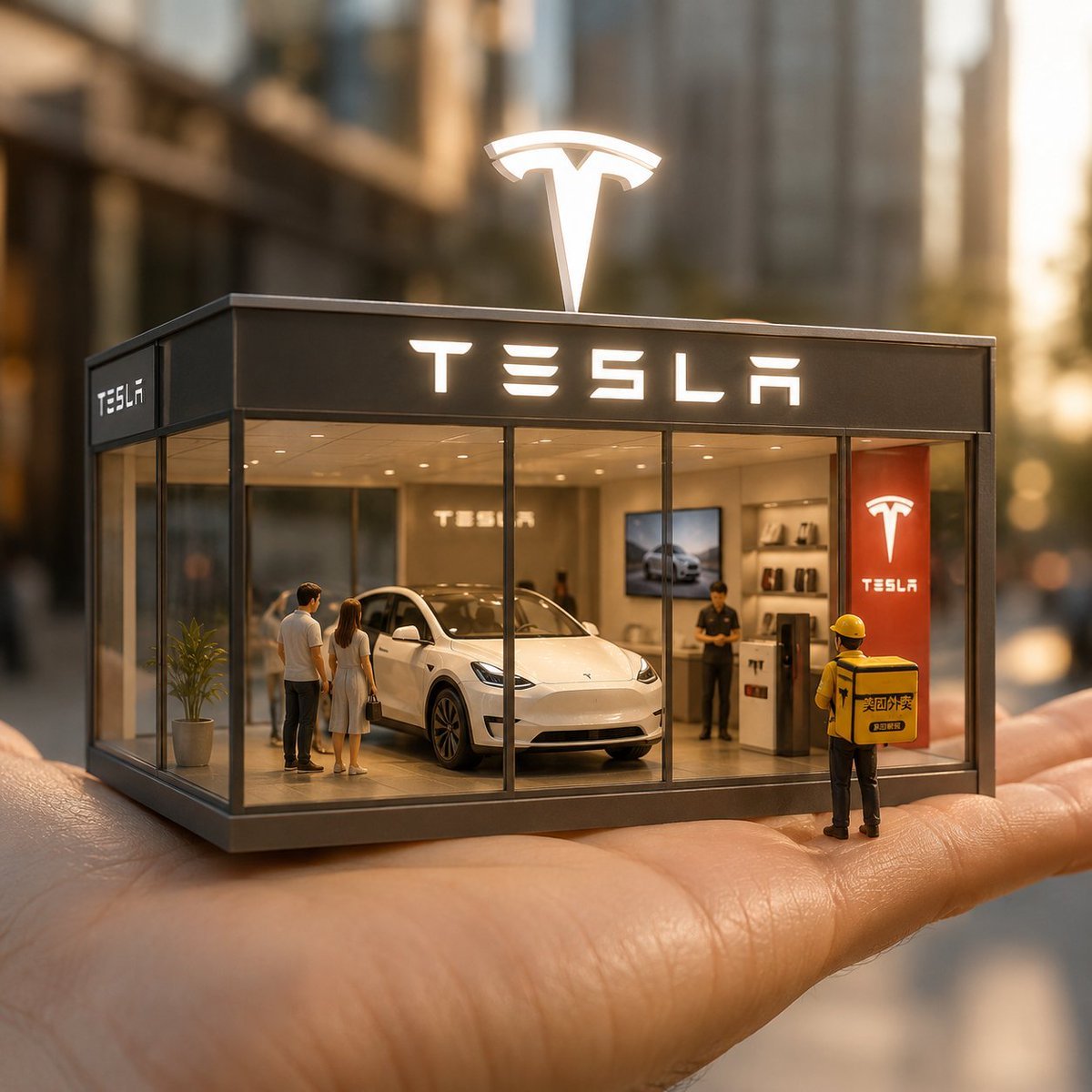
- Prompt included
- Model and format preset
- Free template
The prompt behind this image
Copy the exact prompt behind Surreal Miniature Tesla Showroom, or open it in the studio and make it yours.
一个超现实的微型特斯拉展厅,平衡在人类手掌上,设计有透明玻璃墙。里面,微小的逼真人物正在看一辆{argument name="汽车型号" default="Tesla Model Y"}。在屋顶上,一个发光的 3D 标志闪耀着光芒,而正面立面以粗体、易识别的字体展示Tesla品牌名称。在展厅外,一个微型的{argument name="人物" default="美团外卖员"}站着,背上绑着品牌送货袋,准备送餐。展厅内部是简约的Tesla风格,展示着微型产品和品牌细节。灯光采用电影式风格,带有温暖色调、清晰细节和自然阴影。以专业产品摄影风格捕捉,这一场景传达出一种充满活力、标志性和即时可识别的氛围,{argument name="尺寸" default="1080x1080"} 尺寸。
How to use Surreal Miniature Tesla Showroom in 3 steps
- 1
Open
The prompt is already in the box next to the preview, with the template's model and format selected.
- 2…a portrait of your subject in softgolden-hour light, 85mm…
Personalize
Edit the subject and creative details for your destination.
- 3Generate
Generate
Press Generate — your image is created in PicX Studio, so you can compare it with the original and refine one variable at a time.
More like this
Templates with the same subject, style or setup. Open one to see its prompt.
An ultra-realistic miniature showroom balanced on a human palm, designed

Surreal Cat Astronaut — Humanoid Face Freefall

Paper Tunnel Book Architecture
Surreal Kashmiri Shepherd with Tesla
Surreal Miniature Book World

Bold Red Contrast Fashion Editorial Newspaper Room

Stylized Fashion Portrait Bold Color Contrast Editorial

Isometric Brand Store Diorama

Azed Double Exposure

Firefly Pixar Spill — Nano Banana Pro
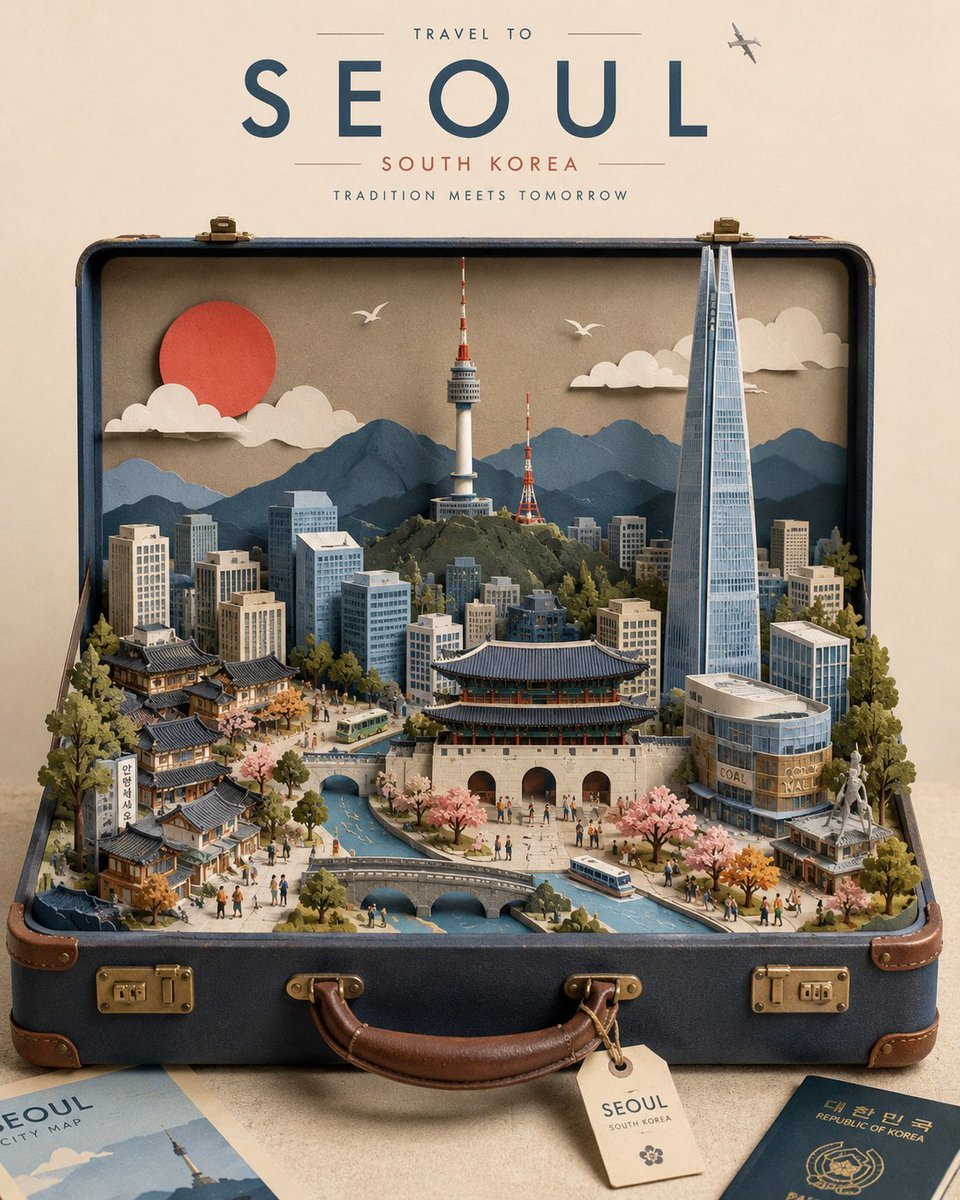
Miniature Suitcase Travel Poster

Miniature Sick Day Diorama
Make it yours
Surreal Miniature Tesla Showroom works as-is. These are the safest ways to change it without losing the look.
Change one field
Copy a single group, rewrite it, and generate again so you can see what that field is doing.
Keep the frame, change the subject
Hold the composition and light of Surreal Miniature Tesla Showroom, then swap wardrobe, props or the person for a new take.
| If the result… | Why | Fix |
|---|---|---|
| The result drifts from the preview | Too many fields changed at once. | Reuse Surreal Miniature Tesla Showroom as-is first, then change one group — subject, light, or setting. |
| The model over-stylizes the scene | The prose prompt leaves finish and camera underspecified. | Add one camera or lighting sentence and stay on GPT Image 2. |
More GPT Image 2 templates
Other prompts made for GPT Image 2.

Six VTuber Japanese Logo Sheet

Realistic Portrait of Woman and Deer

The Vista Modular Condo Poster

AI Model Routing Comparison Infographic

2.5D Anime Art Board

Isometric Productivity Desk Scene

New York Double Exposure Poster

Four-Panel AI Landscape Comparison

Japanese Tatami Lifestyle Magazine Cover

NESCAFÉ Coffee Map Poster
More image prompts
Fresh picks from across the catalog.

Oriental Fantasy Female Portrait Prompt

敦煌纸雕飞天 — 3D Layered Paper Cutout
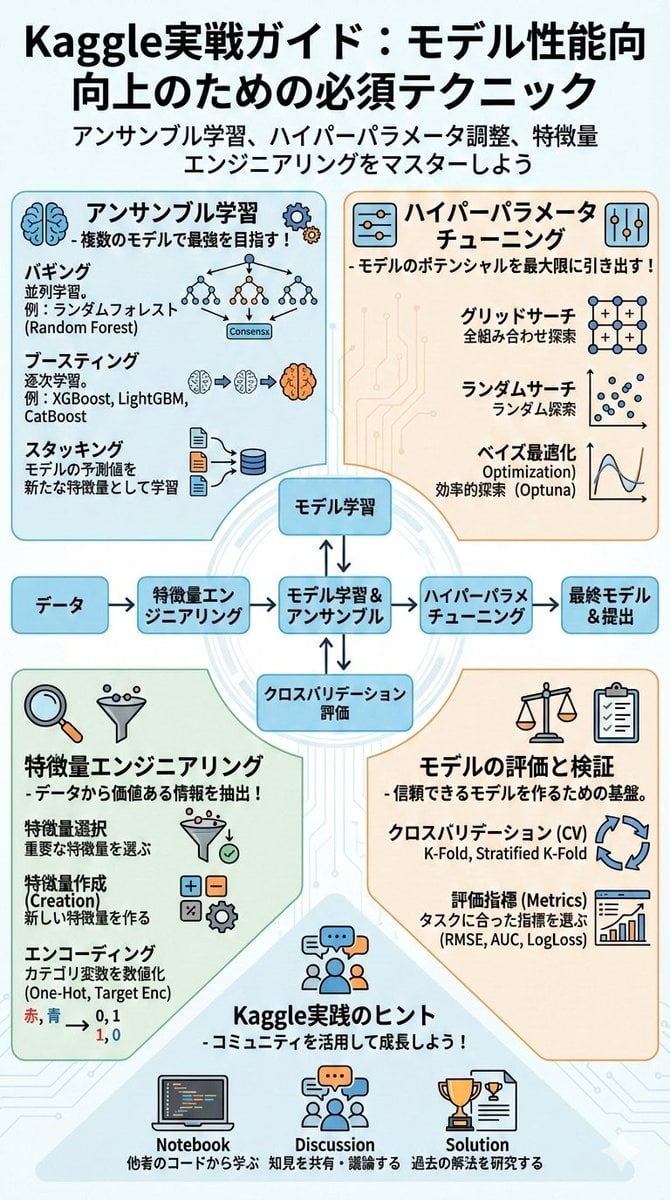
Summarize a book into a Japanese poster image
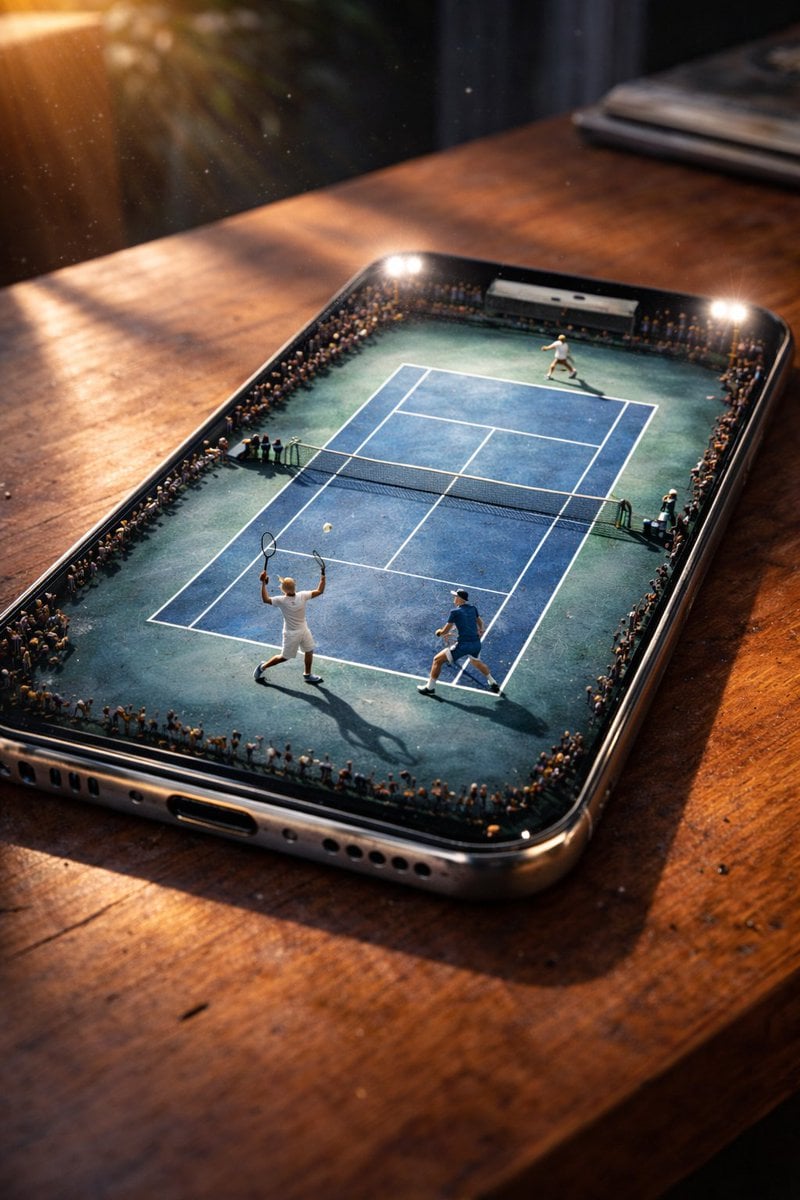
Miniature Tennis Court on Smartphone Screen
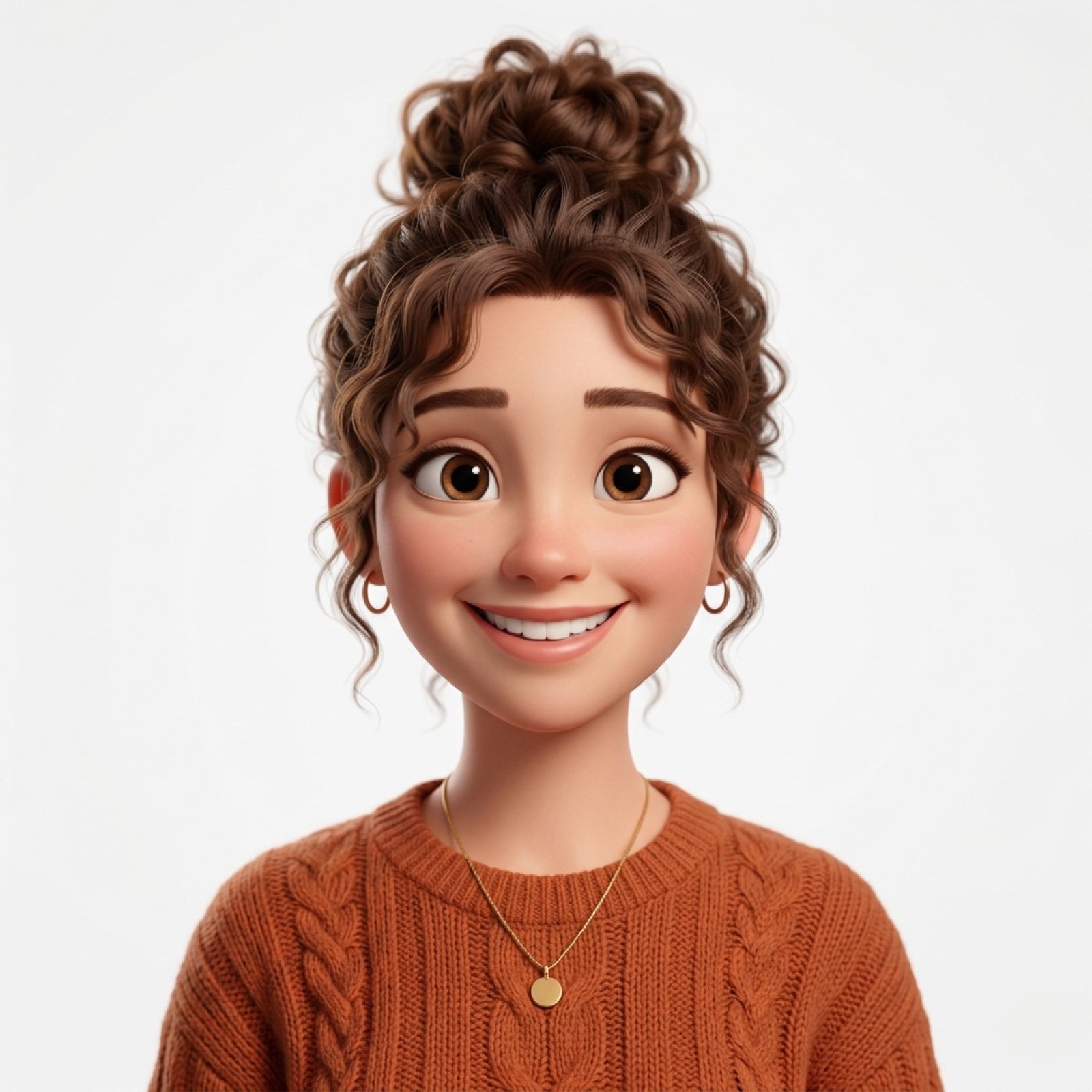
Photo-to-Pixar 3D Animated Portrait Conversion
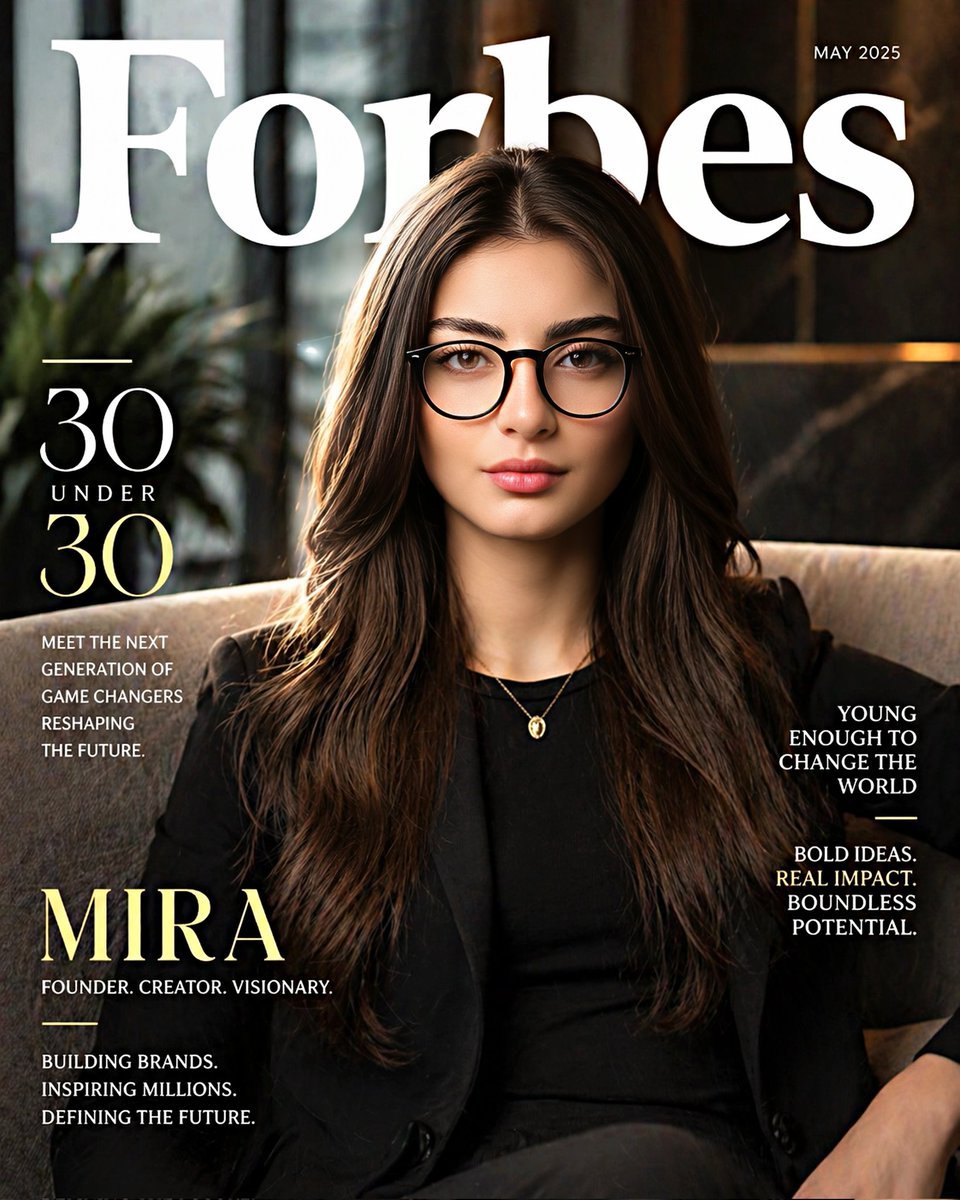
Forbes 30 Under 30 Magazine Style Portrait
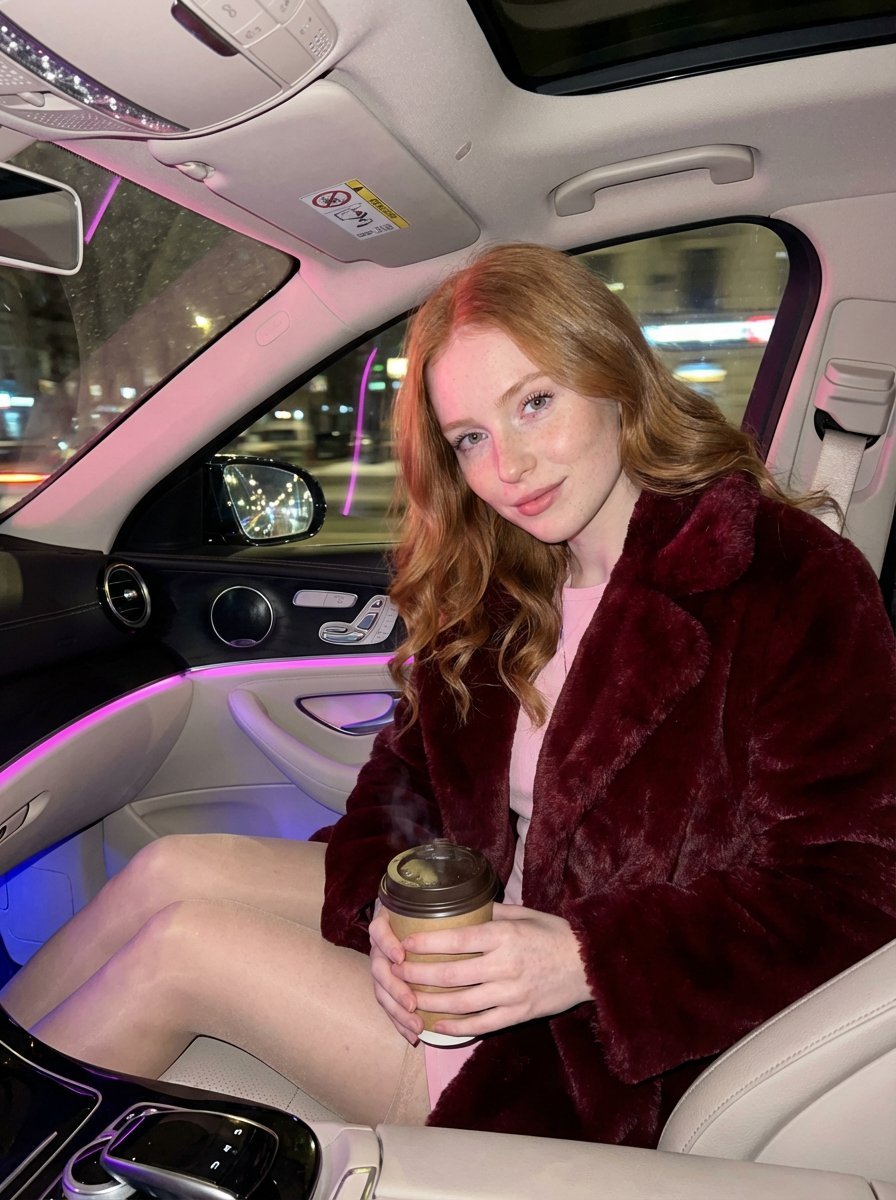
Intimate Luxury Car Interior Portrait
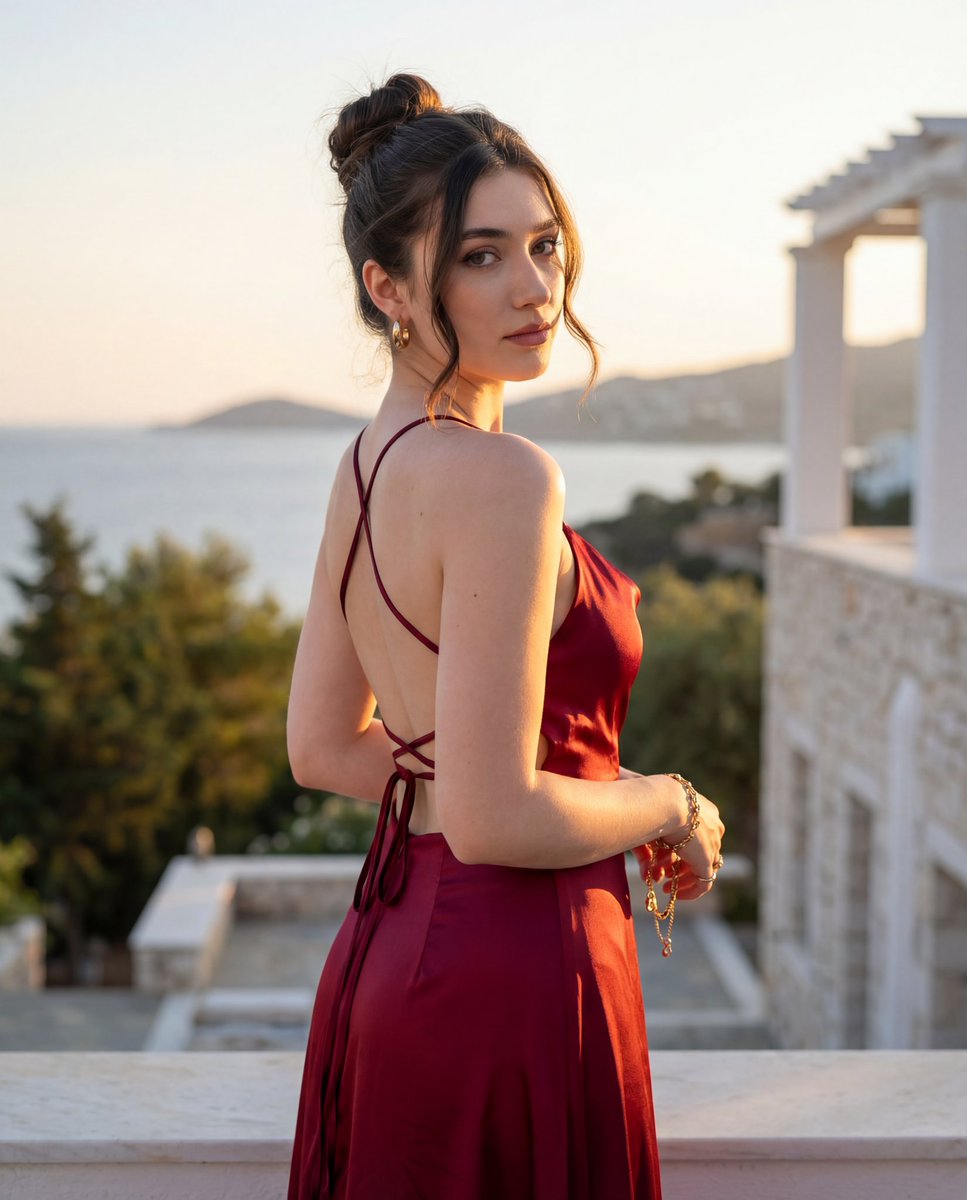
Golden Hour Fashion Editorial Portrait
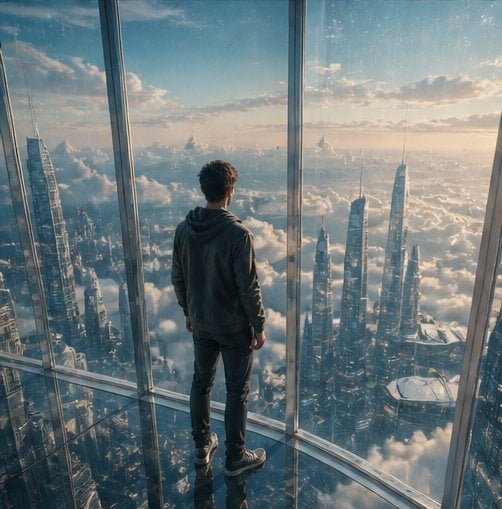
Futuristic Glass Skyscraper City
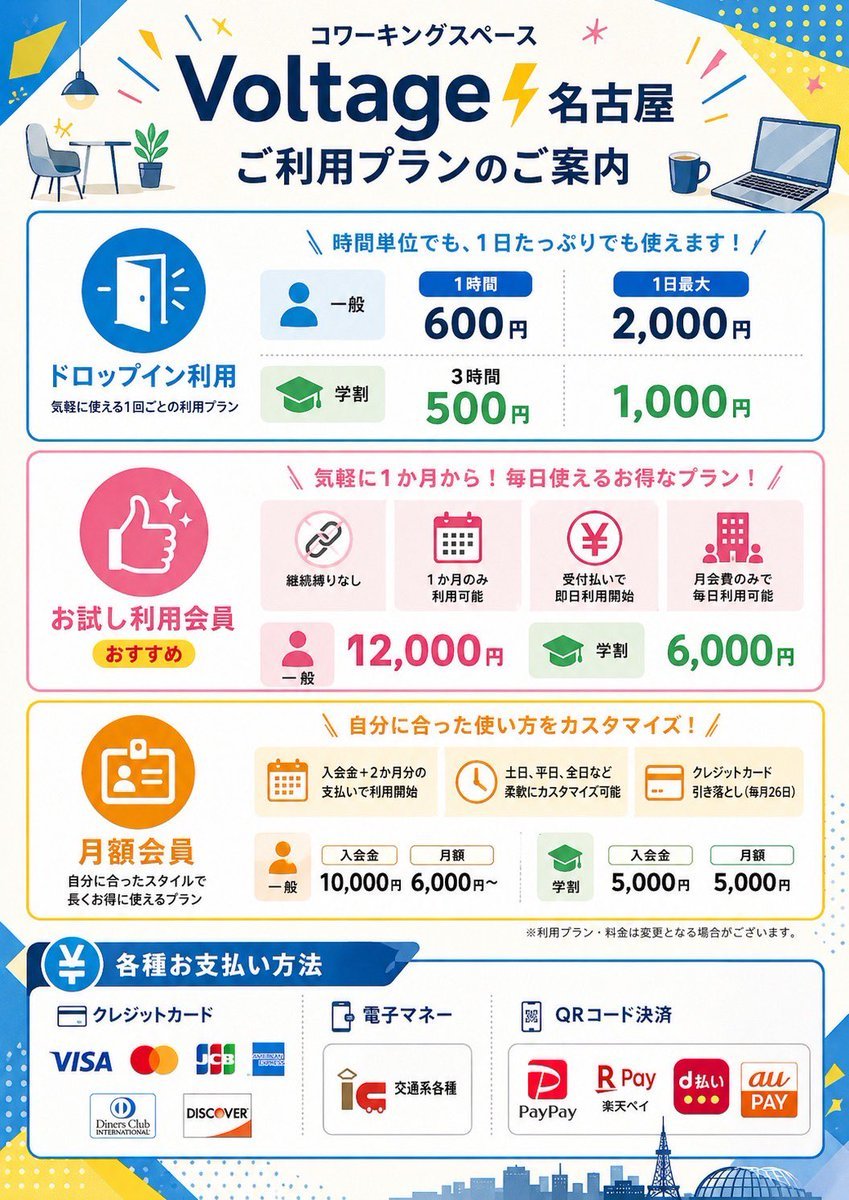
Japanese Coworking Pricing Flyer
Browse template categories
Surreal Miniature Tesla Showroom questions
How do I use the Surreal Miniature Tesla Showroom template?
Add your photo if the template asks for one, edit the prompt if you like — the template's model and format are already selected — and press Generate. Your version opens in PicX Studio.
Can I customize the Surreal Miniature Tesla Showroom template?
Yes. You can change the subject, setting, lighting, mood, format, and available model controls before creating your image.
Is the Surreal Miniature Tesla Showroom template free?
Opening and editing this template is free. Generating uses credits, shown on the Generate button when you are signed in.
Which AI model should I use?
Start with GPT Image 2, which is the model associated with this template. You can compare another compatible model for a different finish.
Looking for something else? Browse all templates.

Your photo, any look
Thousands of ready templates for every top image and video model, from one credit balance.