
Miniature Suitcase Travel Poster
A creative papercraft travel poster prompt that depicts a destination as a handcrafted 3D miniature world emerging from an open vintage suitcase.
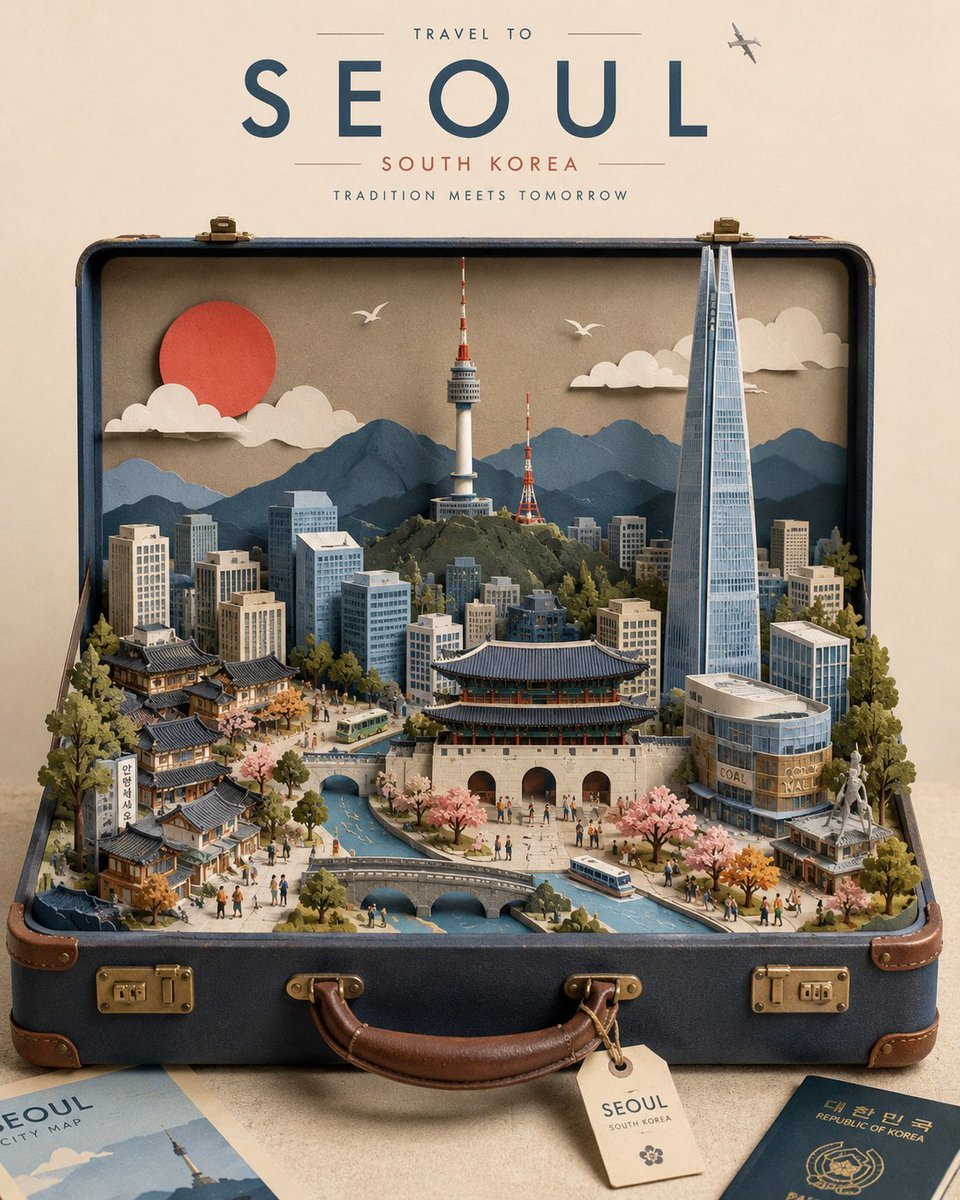
- Prompt included
- Model and format preset
- Free template
The prompt behind this image
Copy the exact prompt behind Miniature Suitcase Travel Poster, or open it in the studio and make it yours.
Create a premium 4:5 vertical travel poster for {argument name="destination" default="Paris, France"}, designed as a highly detailed miniature 3D paper-cut city emerging from an open vintage travel suitcase. The entire destination exists inside the suitcase as a handcrafted miniature world. Build the scene using layered cardstock, precision paper cutouts, folded paper, embossed paper, paper sculpture, and delicate handcrafted miniature elements. Every architectural feature should feel physically constructed from paper, with visible paper fibers, subtle folds, cut edges, layered depth, realistic miniature shadows, and tactile handcrafted details. CITY-SPECIFIC CONTENT: Populate the miniature world with the most recognizable landmarks, architecture, skyline elements, traditional buildings, streets, bridges, monuments, natural scenery, local transportation, vegetation, cultural details, and distinctive geographic features of {argument name="destination" default="Paris, France"}. Prioritize accurate and recognizable landmarks rather than generic buildings. Create a strong sense of depth: foreground: miniature streets, trees, people, vehicles and local details middle ground: major landmarks and architectural highlights background: skyline, mountains, coastline or other defining landscape far background: layered paper sky, clouds, sun/moon and subtle atmospheric elements Add one {argument name="creative metaphor" default="giant paper airplane"} unique to the destination, such as a giant paper airplane, floating postcard, passport stamp, luggage tag, map fragment, folded paper sun, flying birds, postage stamps, or another clever element that naturally interacts with the miniature city. The suitcase should be an elegant vintage leather travel suitcase, open toward the viewer, with realistic leather texture, brass hardware, buckles, handles and subtle age marks. The miniature city should appear physically built inside it rather than digitally pasted onto it. Surround the suitcase with a few tasteful travel ephemera elements such as a vintage map, postcard, passport, ticket, city guide, or luggage tag, carefully arranged without making the composition cluttered. Above the suitcase, include elegant editorial typography: [CITY NAME] [COUNTRY] Typography should be minimal, sophisticated, spacious and inspired by classic mid-century travel posters, with clean geometric lettering and restrained vintage colors. VISUAL STYLE: premium handcrafted papercraft, miniature architectural diorama, vintage travel poster, sophisticated editorial illustration, tactile paper textures, layered cardstock, realistic paper shadows, precision cutting, subtle embossing, delicate imperfections, nostalgic travel aesthetic, museum-quality craftsmanship, cinematic studio lighting, soft ambient shadows, refined composition, elegant negative space. COLOR PALETTE: muted destination-inspired colors, warm ivory background, sophisticated navy/blue, earthy neutrals, subtle terracotta or muted accent color
How to use Miniature Suitcase Travel Poster in 3 steps
- 1
Open
The prompt is already in the box next to the preview, with the template's model and format selected.
- 2…a portrait of your subject in softgolden-hour light, 85mm…
Personalize
Edit the subject and creative details for your destination.
- 3Generate
Generate
Press Generate — your image is created in PicX Studio, so you can compare it with the original and refine one variable at a time.
More like this
Templates with the same subject, style or setup. Open one to see its prompt.

Clay Miniature Landmark Travel Diorama

Japan Travel Brochure Poster

City Posters by Nano Banana Pro
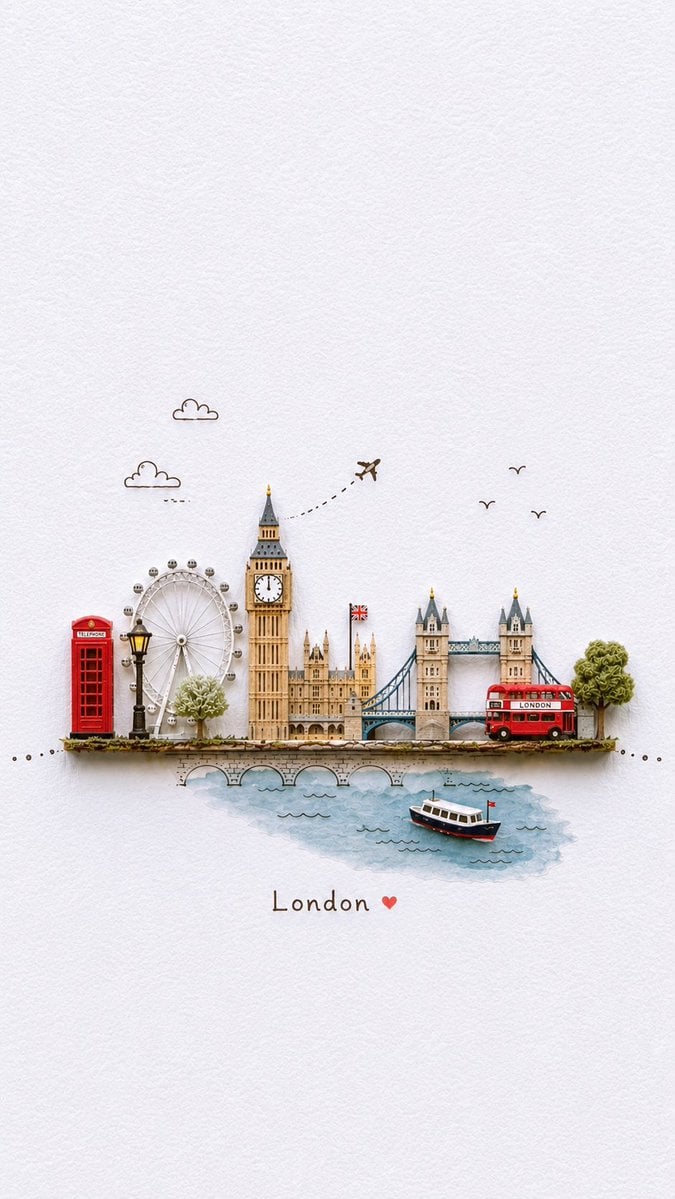
Miniature Paper-Craft Travel Illustration

Cartoon TV Show Poster Pack

Trendy Cafe Drink Promo Poster

Urban Fashion Editorial Collage Streetwear Poster

Premium Fashion Editorial Cover Layout System

Polo Ralph Lauren Luxury American Heritage Fashion Campaign

Monochrome Halftone Editorial Fashion Poster

Retro Mirror Luxury Fashion Campaign Poster

Luxury Fashion Campaign Typography Poster System
Make it yours
Miniature Suitcase Travel Poster works as-is. These are the safest ways to change it without losing the look.
Change one field
Copy a single group, rewrite it, and generate again so you can see what that field is doing.
Keep the frame, change the subject
Hold the composition and light of Miniature Suitcase Travel Poster, then swap wardrobe, props or the person for a new take.
| If the result… | Why | Fix |
|---|---|---|
| The result drifts from the preview | Too many fields changed at once. | Reuse Miniature Suitcase Travel Poster as-is first, then change one group — subject, light, or setting. |
| The model over-stylizes the scene | The prose prompt leaves finish and camera underspecified. | Add one camera or lighting sentence and stay on GPT Image 2. |
More GPT Image 2 templates
Other prompts made for GPT Image 2.

Six VTuber Japanese Logo Sheet

Realistic Portrait of Woman and Deer

The Vista Modular Condo Poster

AI Model Routing Comparison Infographic

2.5D Anime Art Board

Isometric Productivity Desk Scene

New York Double Exposure Poster

Four-Panel AI Landscape Comparison

Japanese Tatami Lifestyle Magazine Cover

NESCAFÉ Coffee Map Poster
More image prompts
Fresh picks from across the catalog.
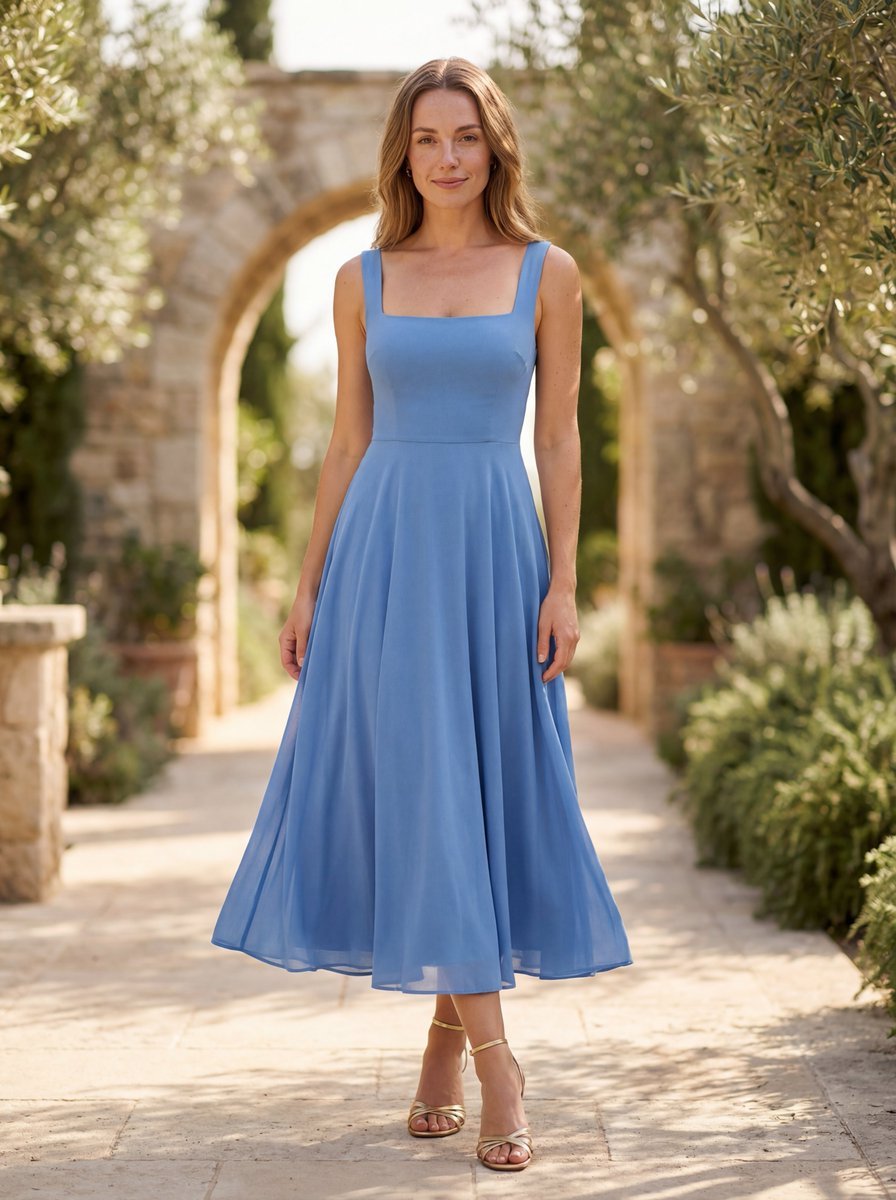
High-End Fashion Lookbook Photograph Prompt (Outdoor)
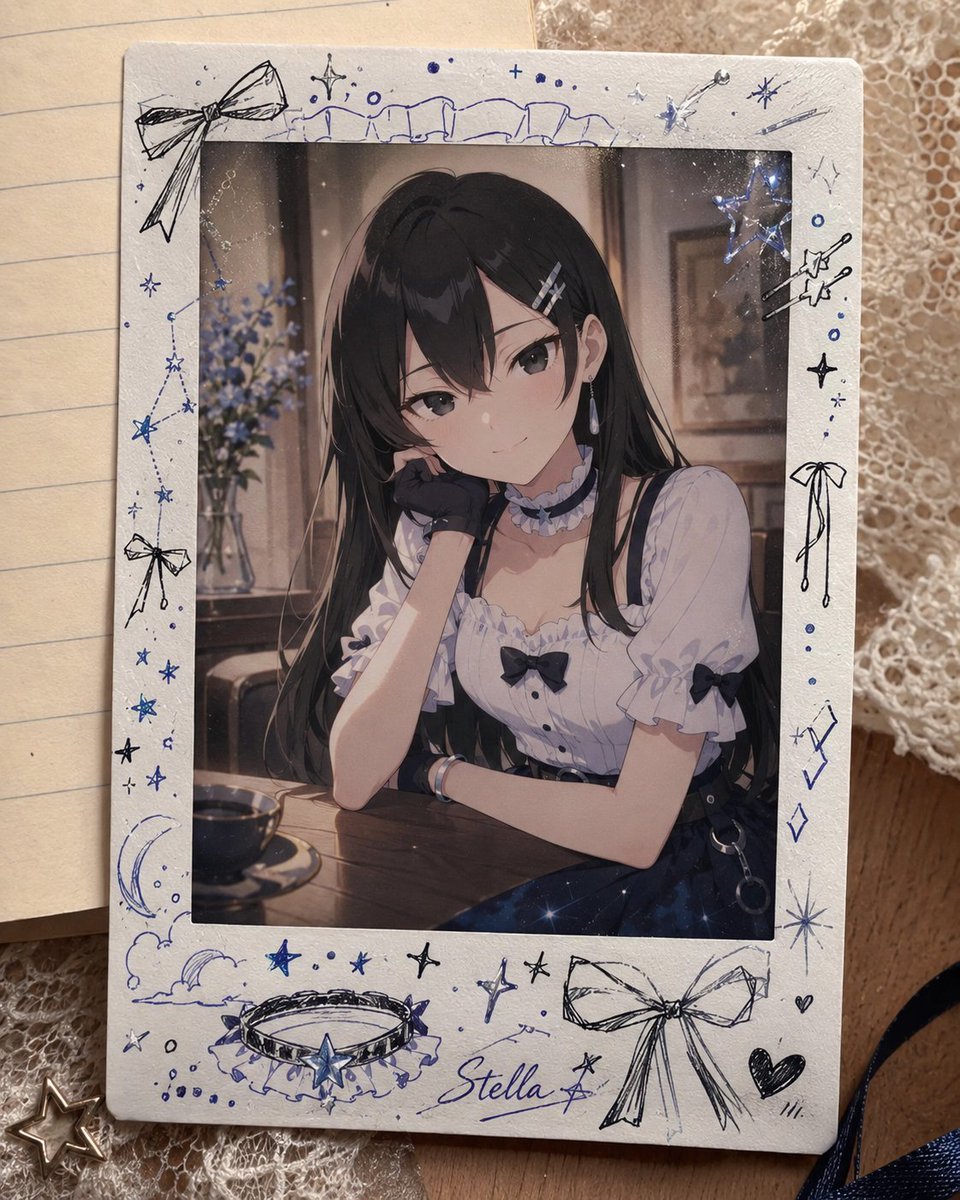
Decorated Cheki Anime Portrait
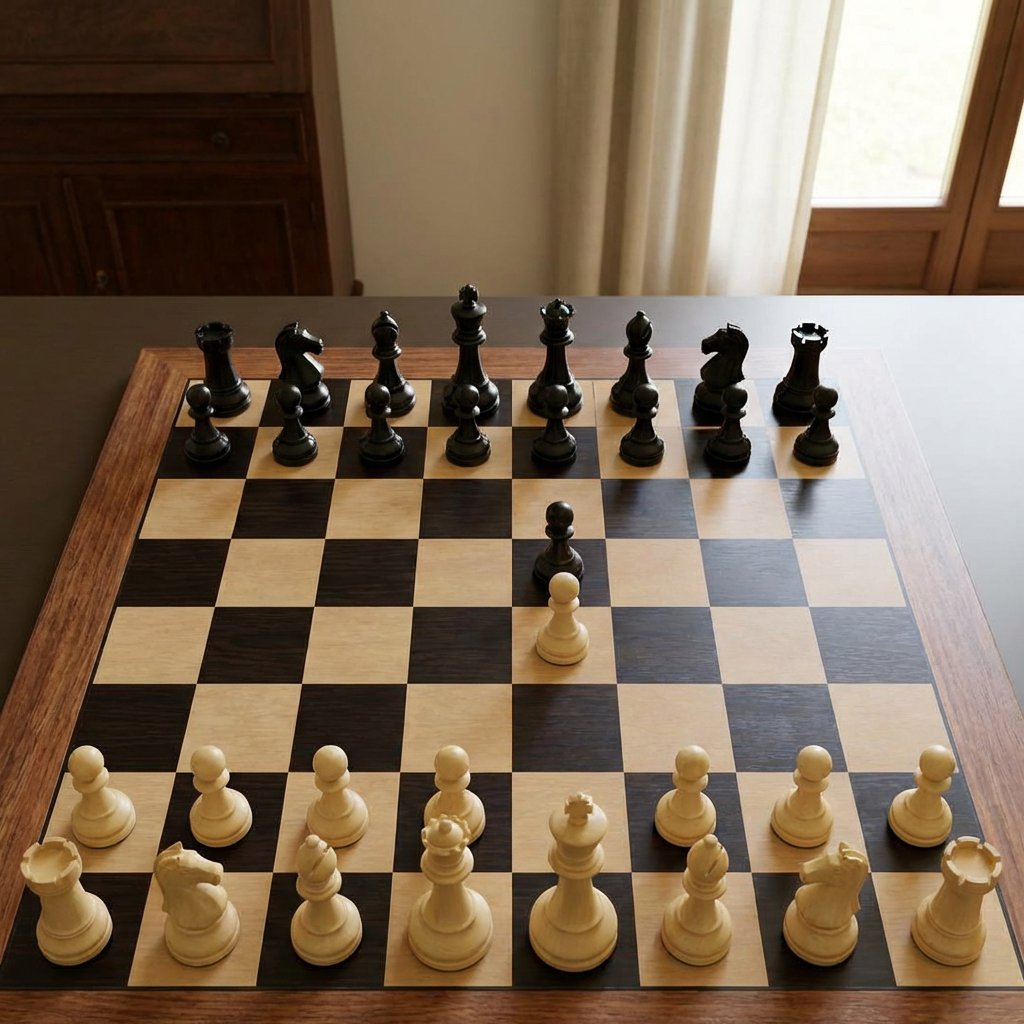
Realistic Chess Opening Photo
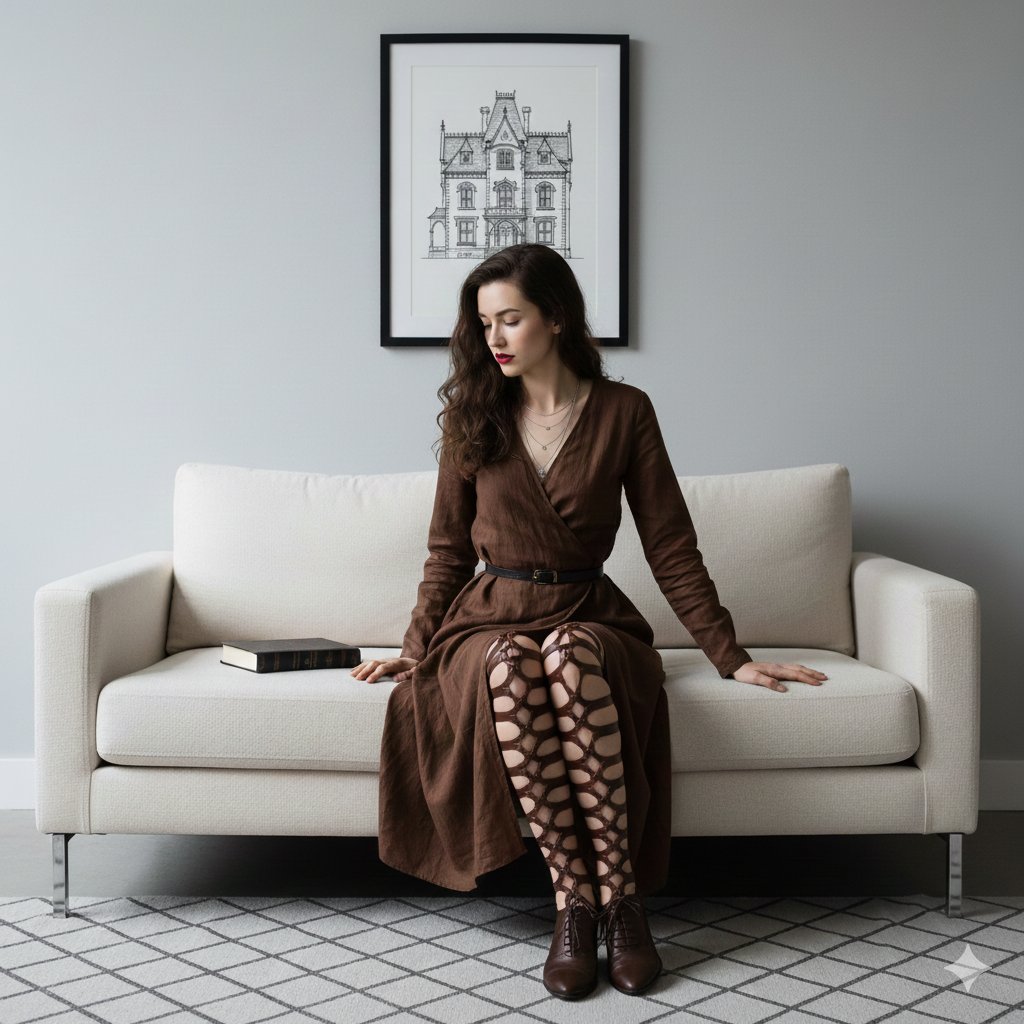
Dark Academia Portrait Prompt

Moody Chiaroscuro Studio Portrait
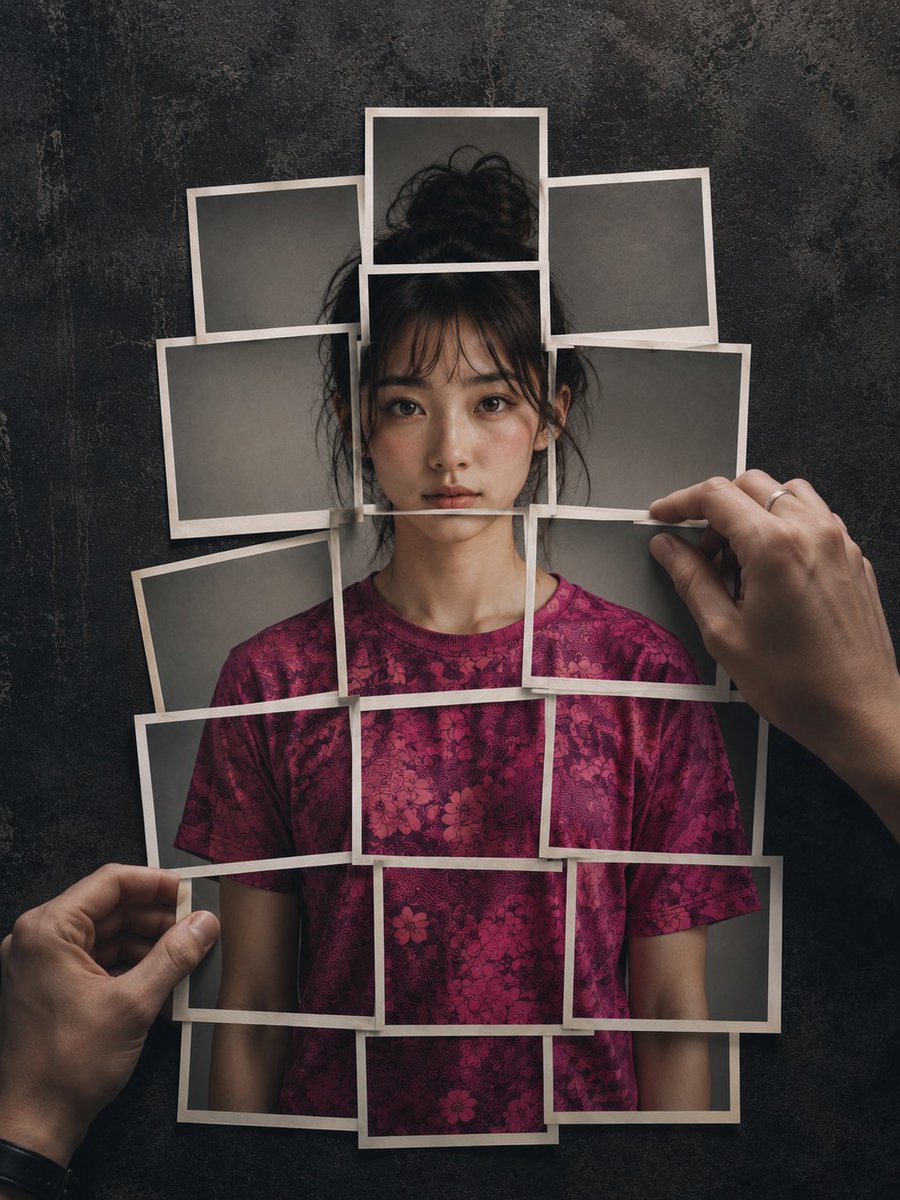
Layered Photo Print Figure
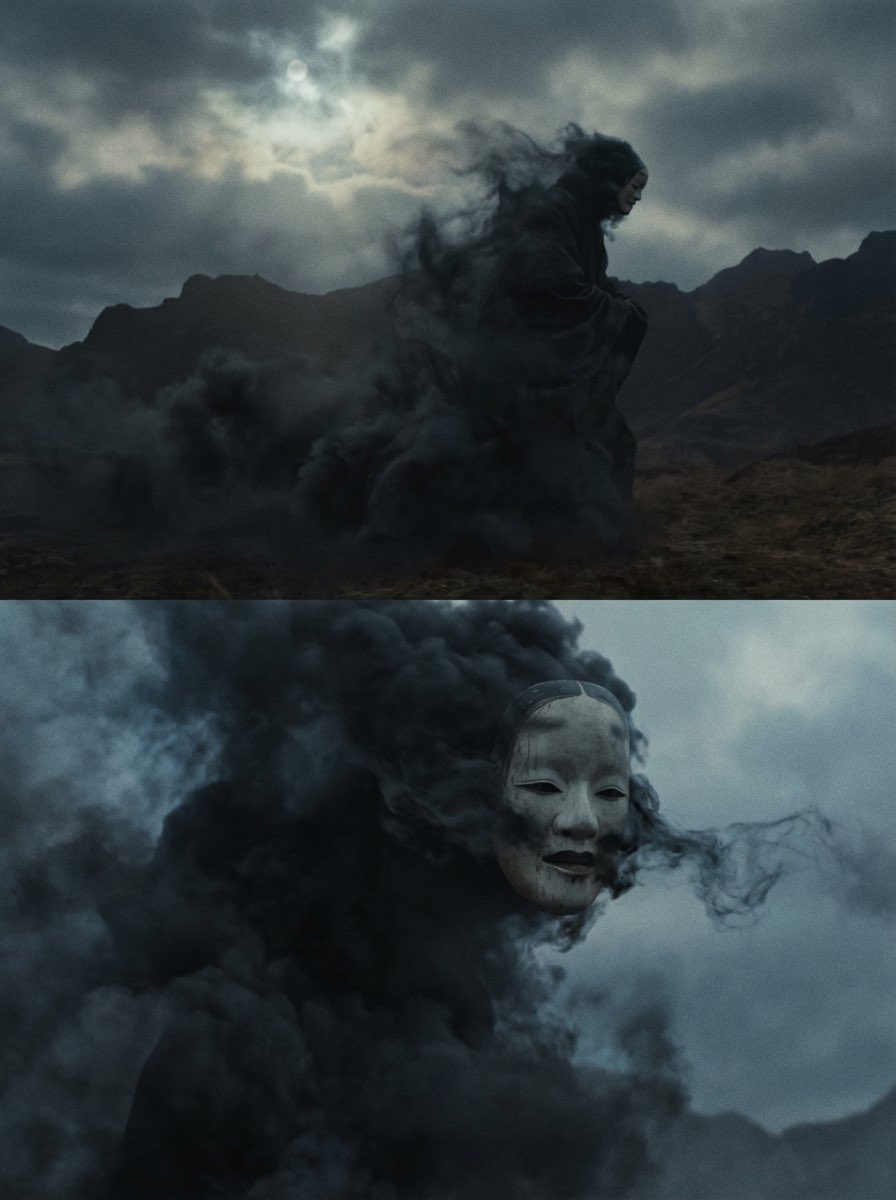
Giant Abstract Enemy Character Generation Prompt (Step 2)

Hyper-Realistic Cinematic Beach Portrait Prompt (Duplicate)
Ultra-Wide Urban Sneaker Portrait

Miniature Man in Giant AirPods Ad
Browse template categories
Miniature Suitcase Travel Poster questions
How do I use the Miniature Suitcase Travel Poster template?
Add your photo if the template asks for one, edit the prompt if you like — the template's model and format are already selected — and press Generate. Your version opens in PicX Studio.
Can I customize the Miniature Suitcase Travel Poster template?
Yes. You can change the subject, setting, lighting, mood, format, and available model controls before creating your image.
Is the Miniature Suitcase Travel Poster template free?
Opening and editing this template is free. Generating uses credits, shown on the Generate button when you are signed in.
Which AI model should I use?
Start with GPT Image 2, which is the model associated with this template. You can compare another compatible model for a different finish.
Looking for something else? Browse all templates.

Your photo, any look
Thousands of ready templates for every top image and video model, from one credit balance.