
Hyper-Realistic Cinematic Beach Portrait Prompt (Duplicate)
A detailed JSON prompt for Nano Banana Pro on the Gemini App, designed to generate a hyper-realistic, cinematic beach portrait of a female subject.
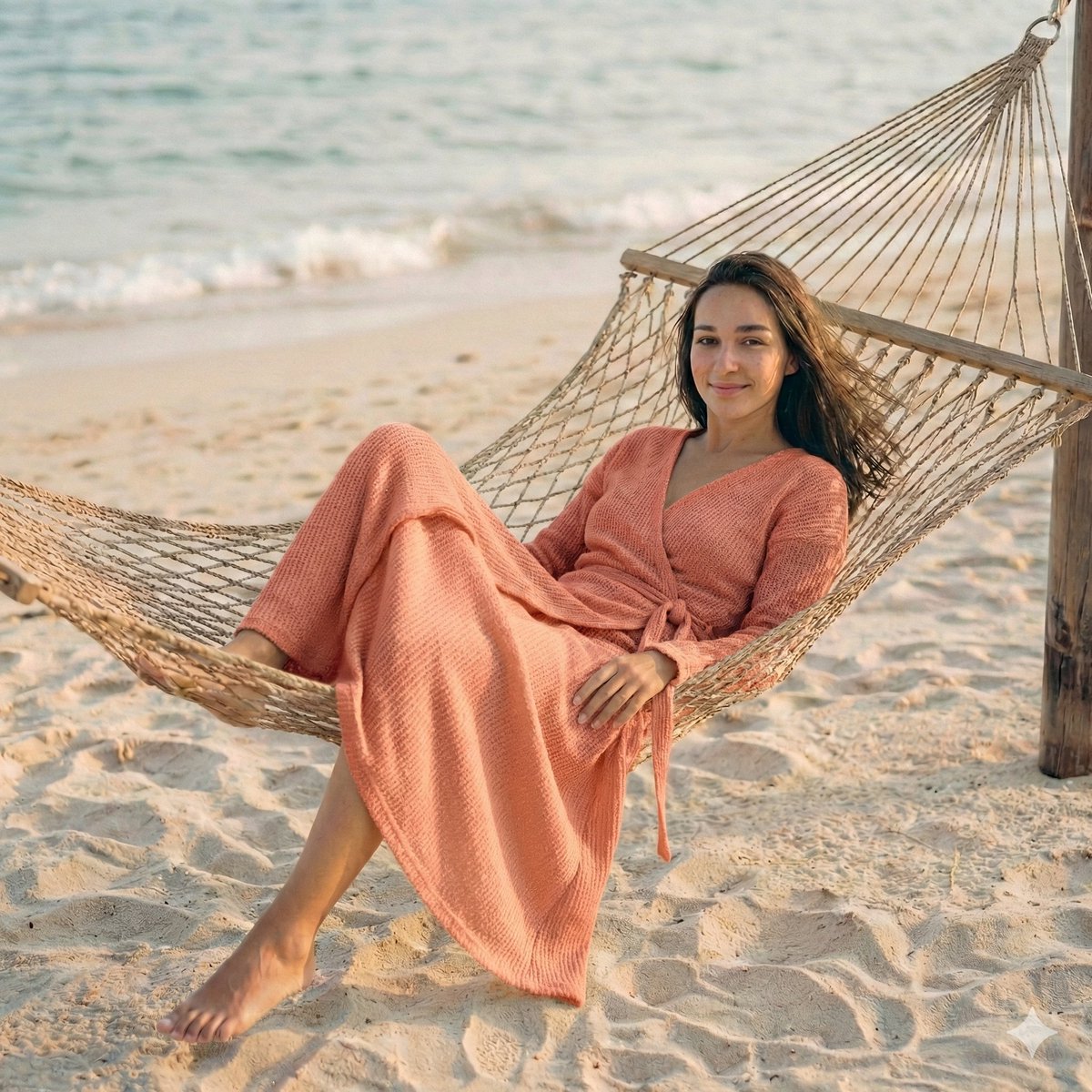
- Prompt included
- Model and format preset
- Free template
The prompt behind this image
Copy the exact prompt behind Hyper-Realistic Cinematic Beach Portrait Prompt (Duplicate), or open it in the studio and make it yours.
{ "render_goal": "Create a hyper-realistic, cinematic beach portrait with a relaxed luxury aesthetic", "subject": { "gender": "{argument name="subject gender" default="female"}", "appearance_match": "same facial structure, skin tone, hair type, and overall vibe as the reference image", "expression": "calm, confident, naturally beautiful, soft relaxed smile", "pose": "lying comfortably on a stylish beach chair or woven hammock, body relaxed, elegant posture" }, "outfit": { "style": "tastefully designed beachwear", "description": "attractive, well-fitted outfit suitable for a beach setting, elegant and stylish, flattering silhouette, premium fabric", "colors": "soft summer tones or neutral beach colors" }, "scene": { "location": "serene beach with soft sand and subtle ocean hints in the background", "environment": "clean, minimal surroundings, no crowd, no distractions" }, "lighting": { "type": "natural golden-hour sunlight", "quality": "soft, warm, evenly balanced", "focus": "light wraps gently around her face and body, enhancing skin texture and details" }, "camera": { "shot_type": "medium-to-close portrait", "angle": "slightly above eye level", "lens": "85mm cinematic lens look", "depth_of_field": "very shallow, heavy background blur" }, "composition": { "focus": "razor-sharp focus on the girl only", "background": "creamy bokeh, softly blurred beach and ocean", "aesthetic": "luxury, calm, aspirational" }, "quality": { "style": "ultra-realistic, cinematic", "resolution": "4K", "details": "high skin detail, natural textures, realistic lighting", "color_grading": "soft warm tones, clean and premium look" }, "negative_prompt": [ "extra people", "harsh shadows", "overexposed highlights", "plastic skin", "distorted anatomy", "low resolution", "cartoon style" ] }
How to use Hyper-Realistic Cinematic Beach Portrait Prompt (Duplicate) in 3 steps
- 1Upload ImagePNG, JPG or paste
Add your photo
Upload the photo the template builds on. The prompt, model and format are already set.
- 2…a portrait of your subject in softgolden-hour light, 85mm…
Personalize
Edit the subject and creative details for your destination.
- 3Generate
Generate
Press Generate — your image is created in PicX Studio, so you can compare it with the original and refine one variable at a time.
More like this
Templates with the same subject, style or setup. Open one to see its prompt.

Found Photograph: Us, 1970

80s Couple Studio Portrait

80s Bollywood Star

80s Golden Hour Cinema

Me in 1985

1985 Studio Portrait

Hyper-Realistic Minecraft POV Portrait

Rooftop Fisheye — Cat-Ear Balaclava at Golden Hour

Rainy Café Window Moody Portrait

untitled

2025 Aesthetic Photography

Nano Banana Is So Addictive
Make it yours
Hyper-Realistic Cinematic Beach Portrait Prompt (Duplicate) works as-is. These are the safest ways to change it without losing the look.
Change one field
Copy a single group, rewrite it, and generate again so you can see what that field is doing.
Keep the frame, change the subject
Hold the composition and light of Hyper-Realistic Cinematic Beach Portrait Prompt (Duplicate), then swap wardrobe, props or the person for a new take.
| If the result… | Why | Fix |
|---|---|---|
| The result drifts from the preview | Too many fields changed at once. | Reuse Hyper-Realistic Cinematic Beach Portrait Prompt (Duplicate) as-is first, then change one group — subject, light, or setting. |
| The model over-stylizes the scene | The prose prompt leaves finish and camera underspecified. | Add one camera or lighting sentence and stay on Nano Banana 2. |
More Nano Banana 2 templates
Other prompts made for Nano Banana 2.

Photorealistic Leaf Shaped Like a Dragon

K-Pop Idol Portrait Grid for Rapid Selection

Poetic Rain Forest Portrait During Golden Hour

Urban Street Portrait with Cartoon Inner Self Duo

Candid Nighttime Photo with Cat Prompt

High-Concept 3D Diorama Generation Prompt

Cinematic Futuristic Studio Portrait Template

Skincare Editorial Photography Collage Prompt

Hyper-Realistic Commercial Product Photography (Splash Effect)

Hyper-Realistic Nightclub Portrait Prompt
More image prompts
Fresh picks from across the catalog.
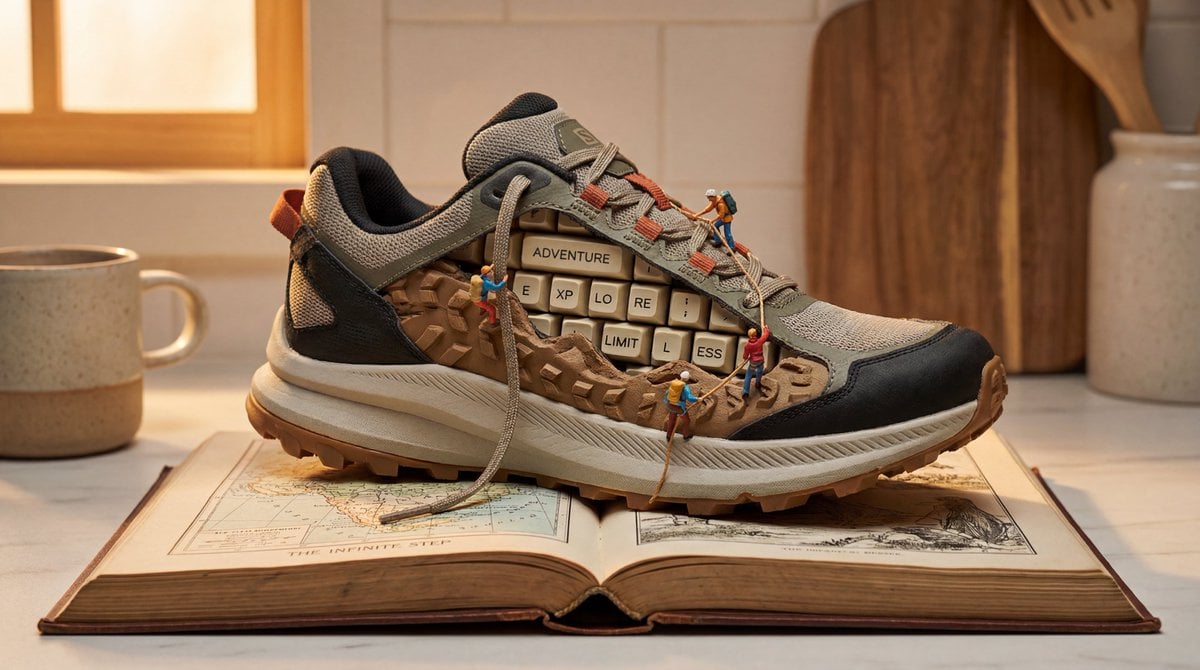
Nano Banana Pro Prompt for Miniature Sneaker Scene
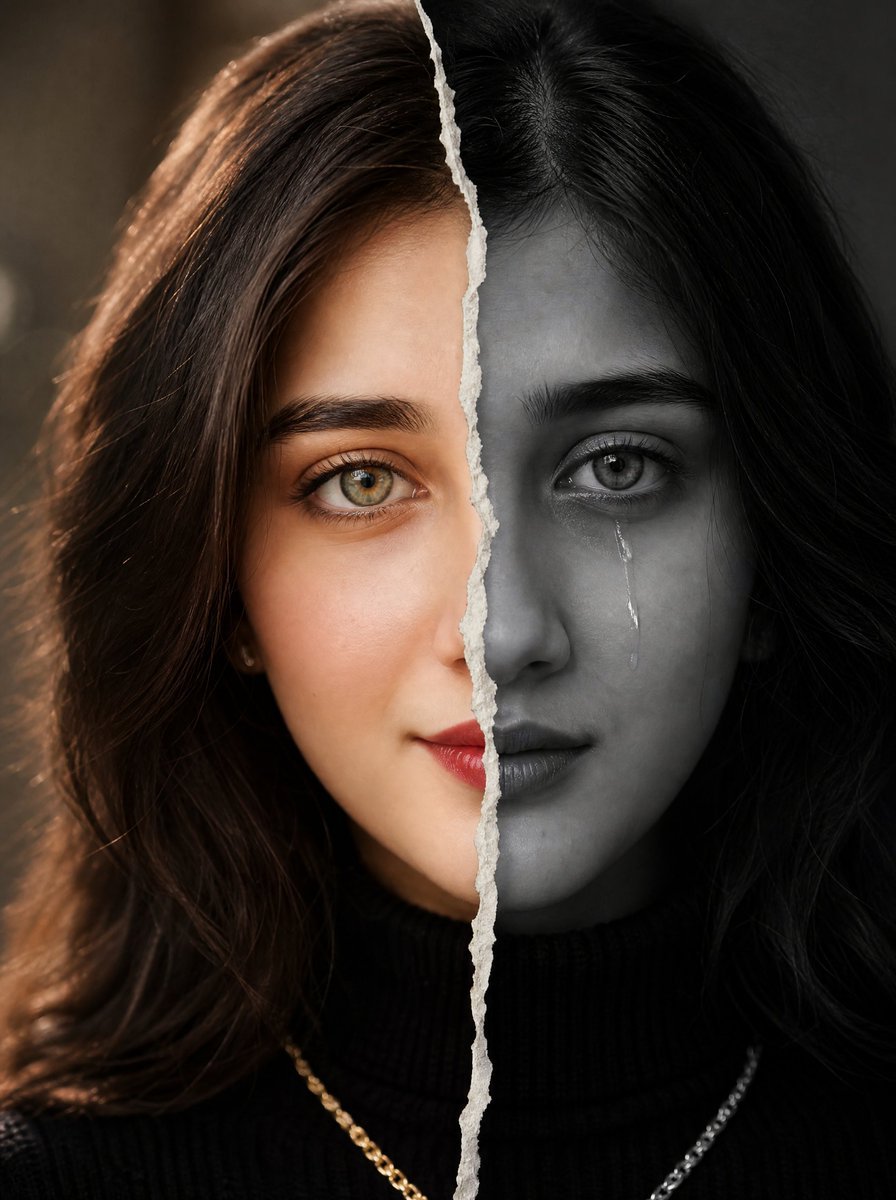
Torn Paper Split Portrait
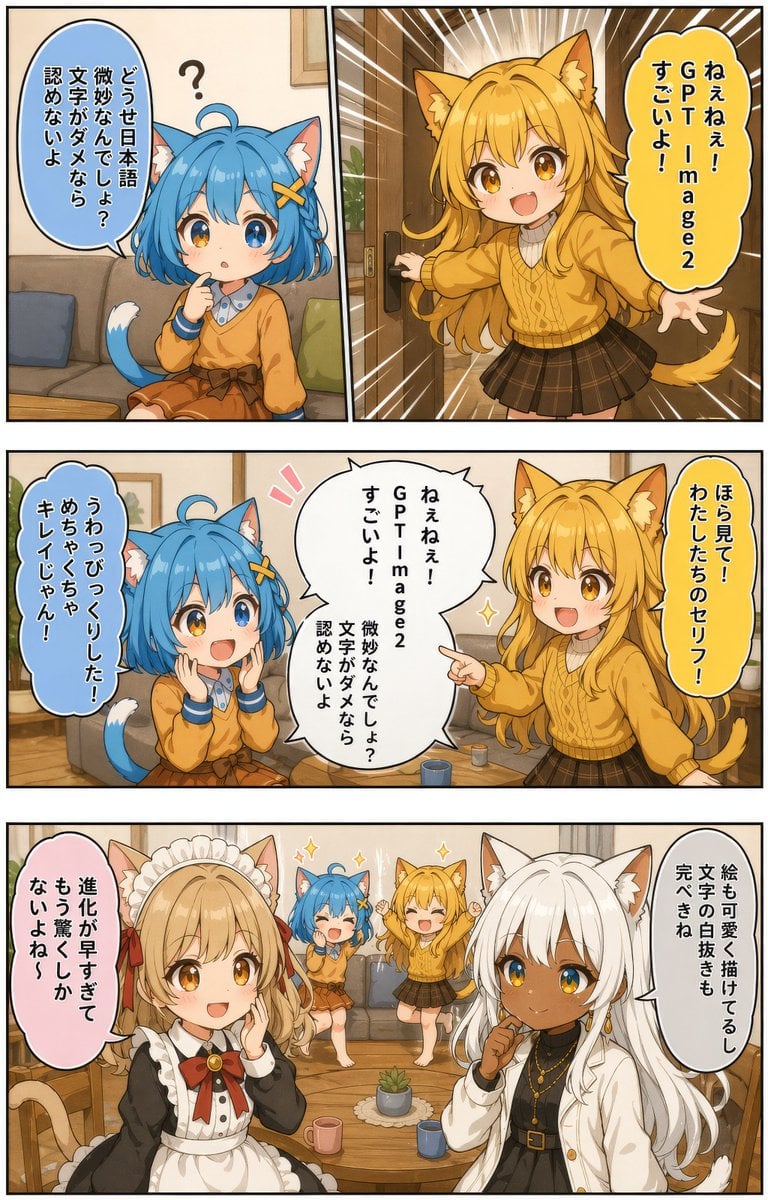
Japanese AI Manga Demo Page
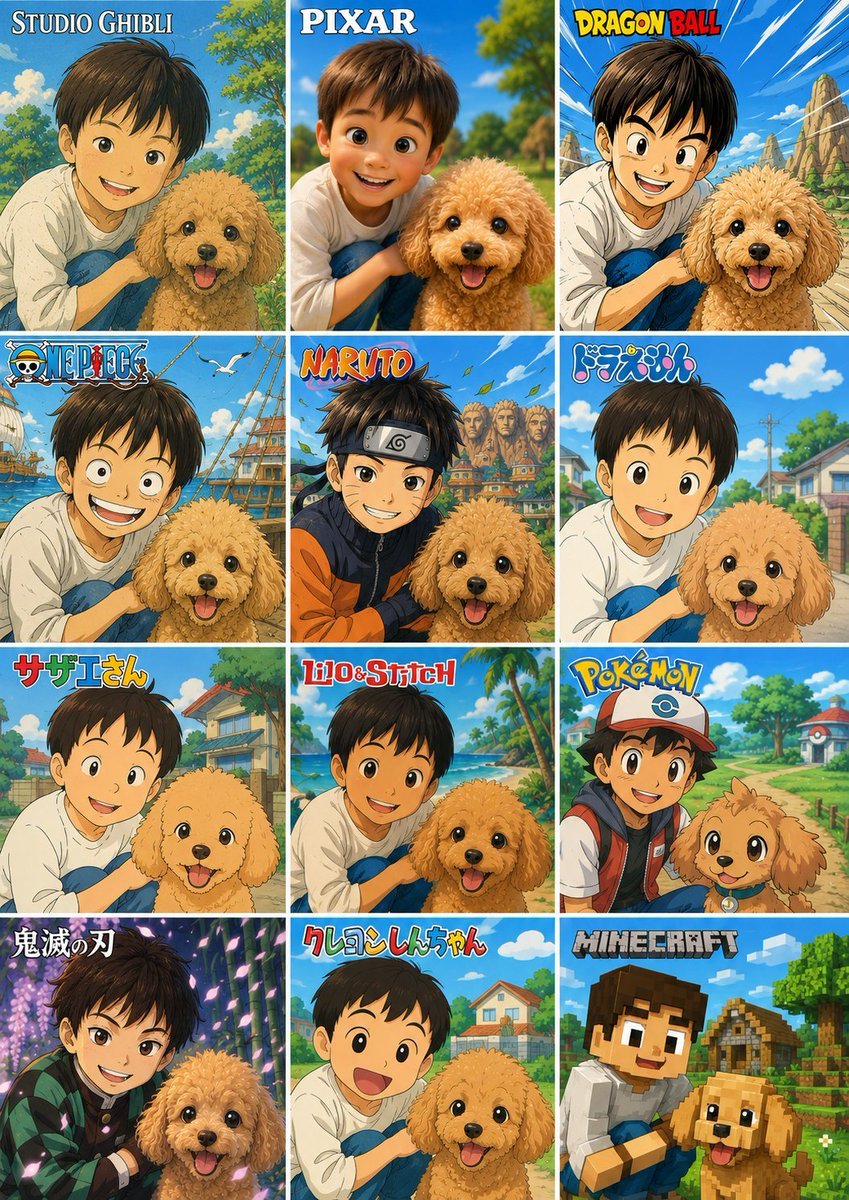
Style Anime Pet Collage
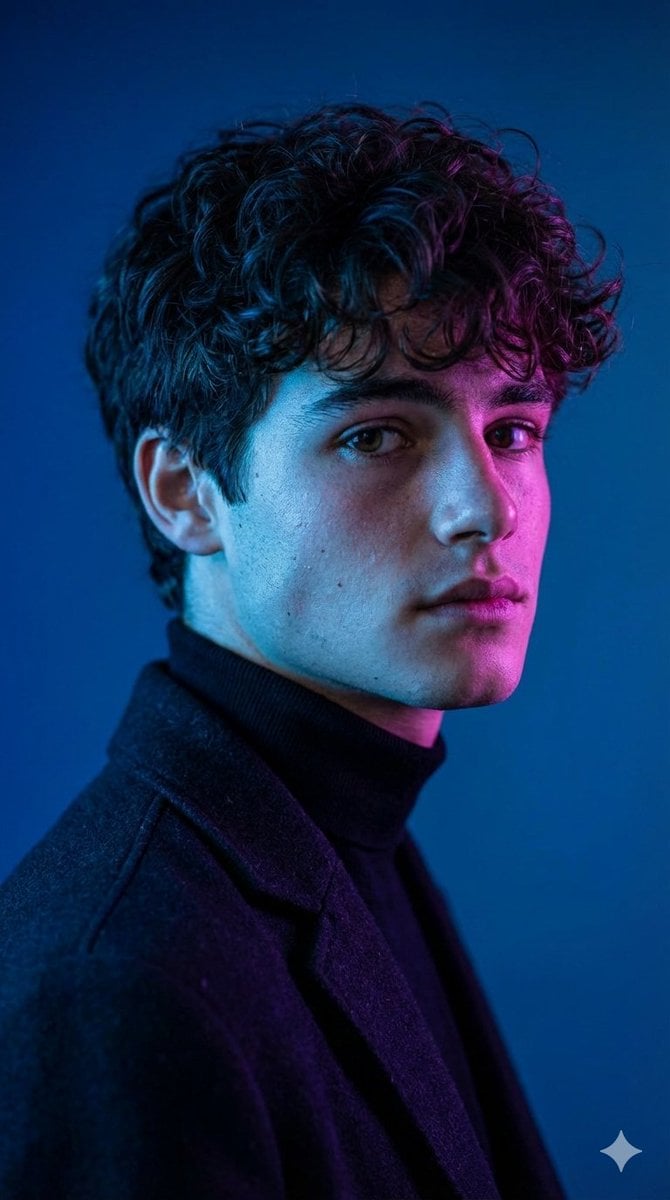
Dramatic Cinematic Portrait with Contrasting Lighting

敦煌纸雕飞天 — 3D Layered Paper Cutout
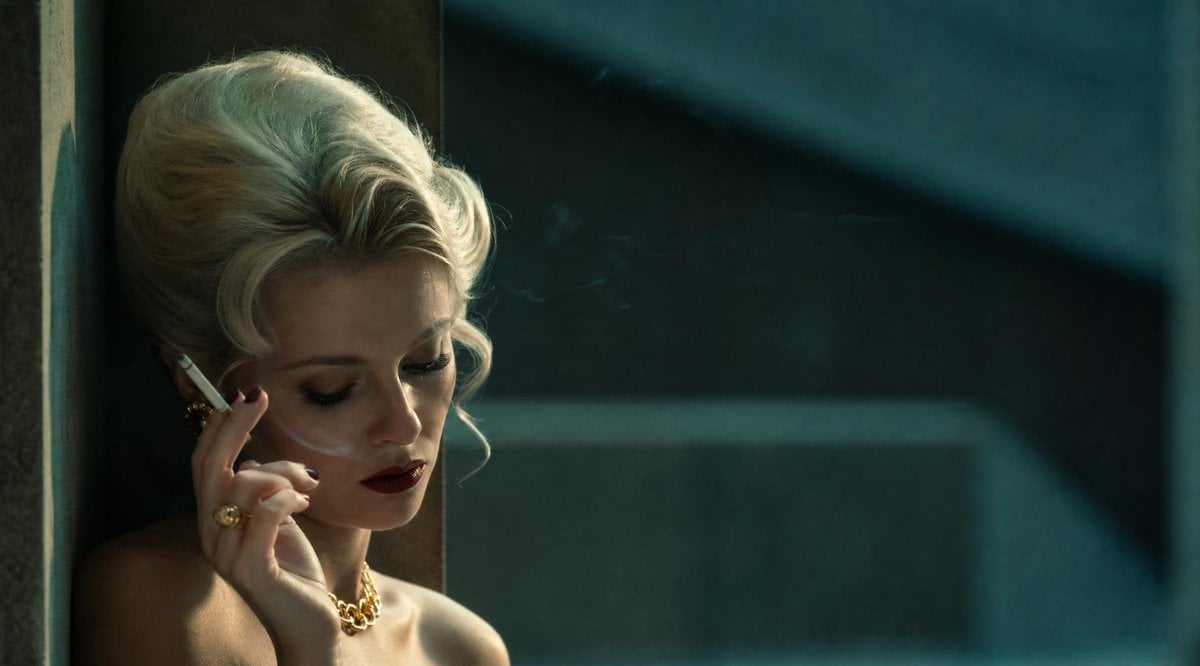
Censored Vintage Noir Film Still
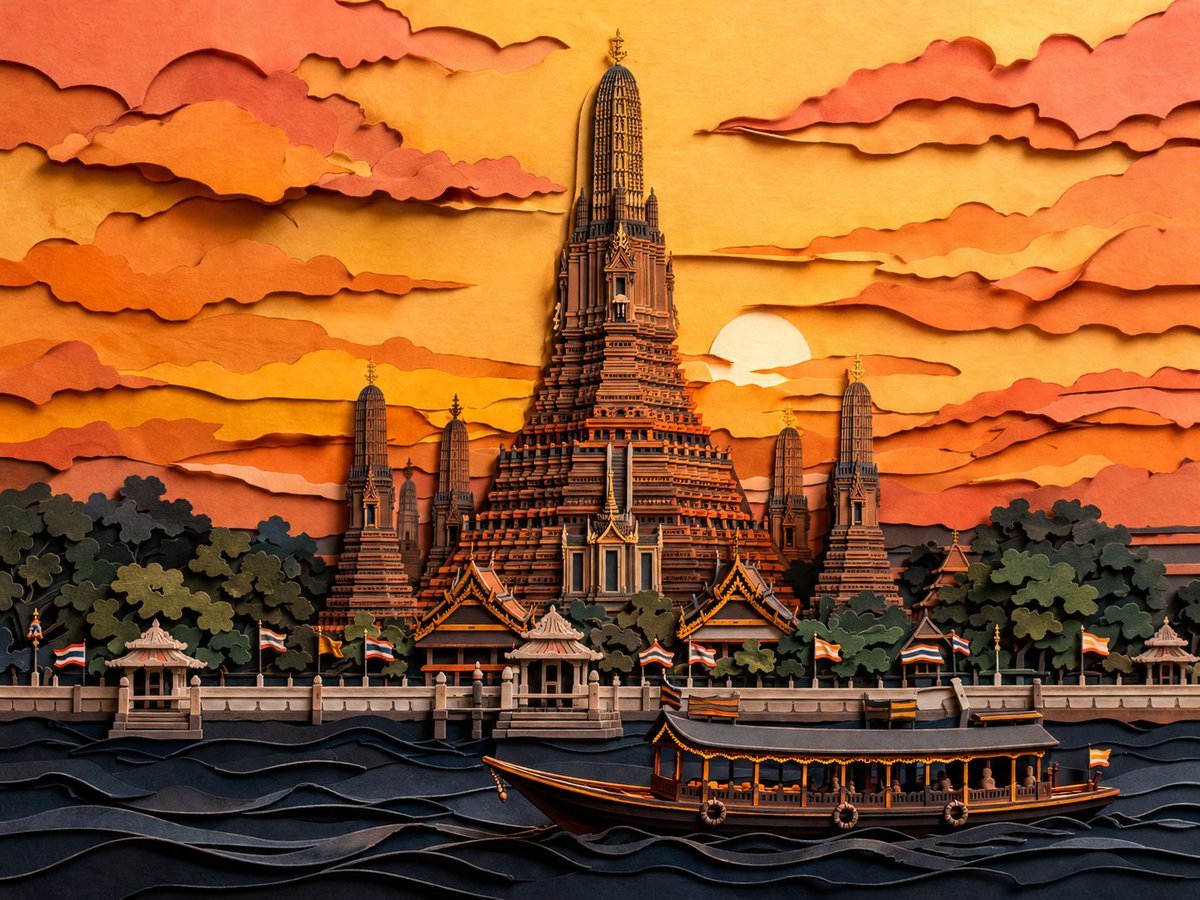
Papercut Wat Arun at Sunset
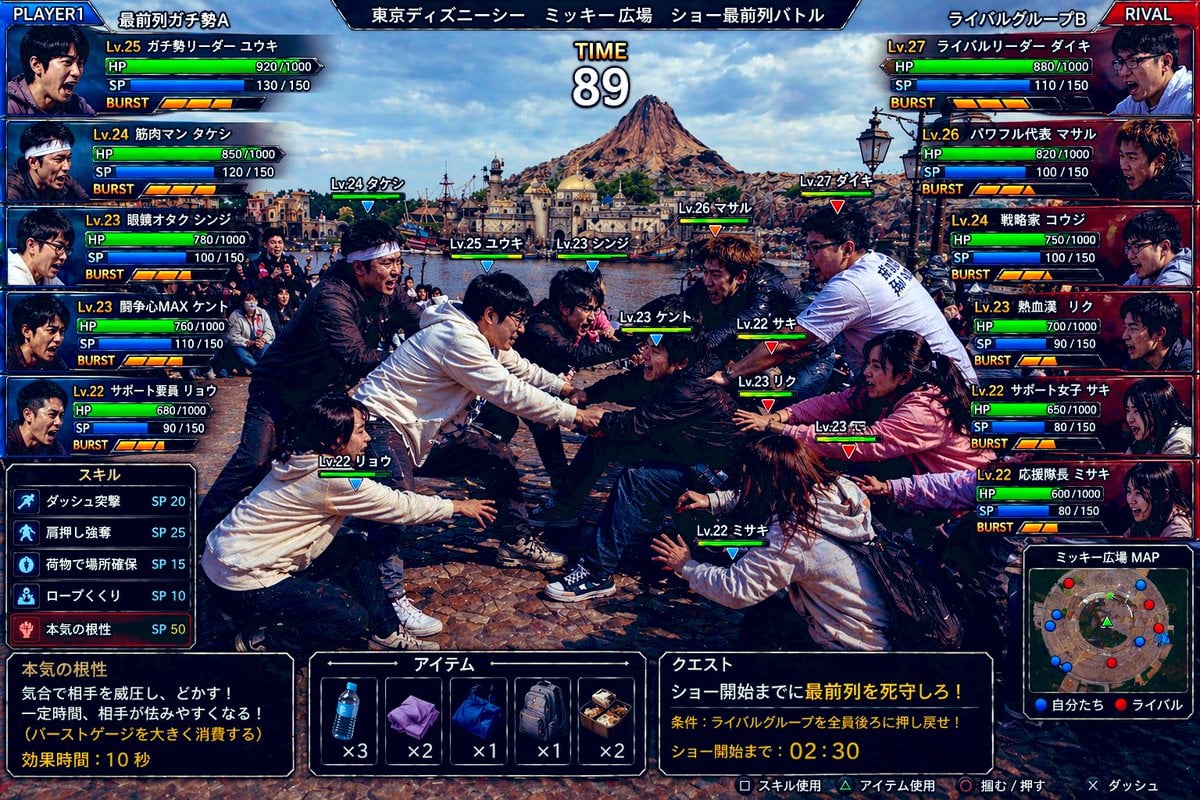
Tokyo DisneySea Front-Row Battle UI
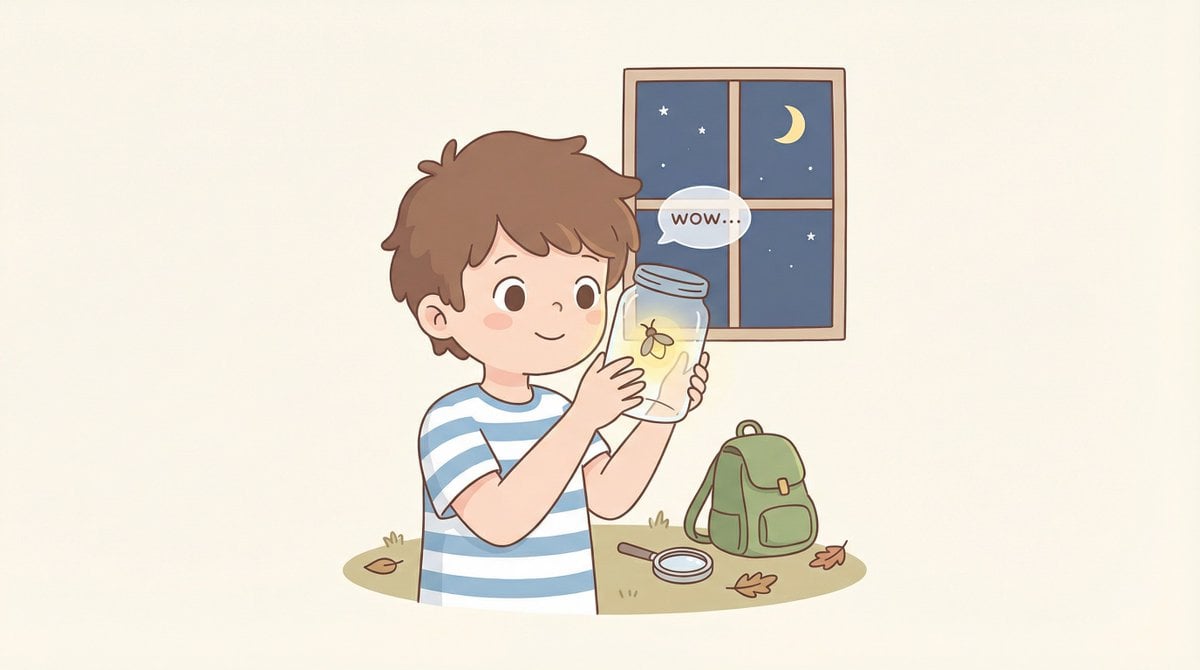
Cozy Minimal Line Art Character Study
Browse template categories
Hyper-Realistic Cinematic Beach Portrait Prompt (Duplicate) questions
How do I use the Hyper-Realistic Cinematic Beach Portrait Prompt (Duplicate) template?
Add your photo if the template asks for one, edit the prompt if you like — the template's model and format are already selected — and press Generate. Your version opens in PicX Studio.
Can I customize the Hyper-Realistic Cinematic Beach Portrait Prompt (Duplicate) template?
Yes. You can change the subject, setting, lighting, mood, format, and available model controls before creating your image.
Is the Hyper-Realistic Cinematic Beach Portrait Prompt (Duplicate) template free?
Opening and editing this template is free. Generating uses credits, shown on the Generate button when you are signed in.
Which AI model should I use?
Start with Nano Banana 2, which is the model associated with this template. You can compare another compatible model for a different finish.
Looking for something else? Browse all templates.

Your photo, any look
Thousands of ready templates for every top image and video model, from one credit balance.