
Japanese AI Manga Demo Page
A polished four-panel anime manga page showing catgirl characters reacting to impressively rendered Japanese dialogue, ideal for showcasing AI comic text quality.
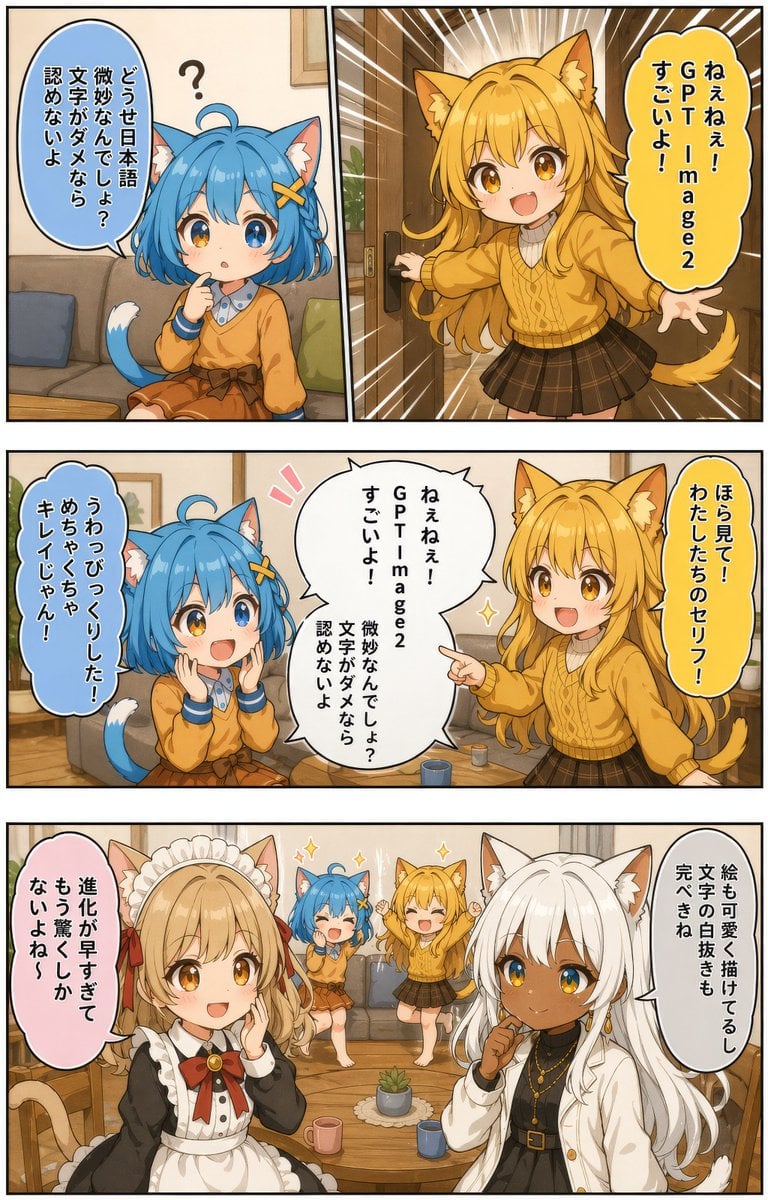
- Prompt included
- Model and format preset
- Free template
The prompt behind this image
Copy the exact prompt behind Japanese AI Manga Demo Page, or open it in the studio and make it yours.
{ "type": "four-panel anime manga page", "style": "clean polished anime illustration, warm indoor lighting, highly legible vertical Japanese speech balloons, soft shading, expressive comic framing, detailed cozy living room background, light brown and beige interior, wood floor, sofa, coffee table, mugs, small plant, framed wall art", "format": { "page_orientation": "portrait", "panel_count": 4, "reading_flow": "top-left, top-right, middle-wide, bottom-wide", "borders": "thick black manga panel borders" }, "characters": [ { "id": "blue cat girl", "appearance": "small chibi catgirl with short bobbed {argument name="hair color" default="blue"} hair, ahoge, cat ears with white inner fur, fluffy tail with white tip, large amber-blue eyes, tiny fang-like mouth", "outfit": "orange sweater over a white collared shirt with blue trim, brown skirt with a ribbon belt, yellow X-shaped hair clip" }, { "id": "golden cat girl", "appearance": "energetic catgirl with long wavy golden-blonde hair, cat ears, fluffy tail, bright cheerful expression", "outfit": "mustard yellow cable-knit sweater, dark brown plaid skirt" }, { "id": "white-haired woman", "appearance": "beautiful woman with long white hair, white cat ears, dark tan skin, golden eyes, calm confident smile", "outfit": "white jacket over a black top, layered gold necklaces and earrings" }, { "id": "maid woman", "appearance": "adult woman with long light blonde hair and cat ears", "outfit": "black-and-white maid dress with white frilled headpiece and a red ribbon bow" } ], "layout": { "sections": [ { "title": "panel 1", "position": "top-left", "count": 1, "labels": ["どうせ日本語微妙なんでしょ?文字がダメなら認めないよ"], "scene": "the blue cat girl sits on a sofa in a cozy living room, one finger on her chin, looking skeptical and curious, a small question mark floating above her head" }, { "title": "panel 2", "position": "top-right", "count": 1, "labels": ["ねぇねぇ!GPT Image2 すごいよ!"], "scene": "the golden cat girl bursts in dramatically through a doorway with speed lines radiating behind her, arms spread wide, full of excitement" }, { "title": "panel 3", "position": "middle-wide", "count": 3, "labels": ["うわっ びっくりした!めちゃくちゃキレイじゃん!", "ねぇねぇ!GPT Image2 すごいよ! 微妙なんでしょ? 文字がダメなら認めないよ", "ほら見て!わたしたちのセリフ!"], "scene": "the blue cat girl reacts in shock with both hands near her face, the golden cat girl stands beside her and points proudly, and a large central speech balloon displays the example Japanese dialogue they are discussing" }, { "title": "panel 4", "position": "bottom-wide", "count": 3, "labels": ["進化が早すぎてもう驚かないよね〜", "絵も可愛く描けてるし文字の白抜きも完璧よね", ""], "scene": "in the foreground, the maid woman covers her mouth in impressed amazement while the white-haired woman comments thoughtfully with a hand near her chin; in the background, the blue cat girl and golden cat girl jump happily together in celebration in front of the sofa" } ] }, "text_handling": { "language": "Japanese", "balloon_direction": "vertical text layout", "emphasis": "make the Japanese typography crisp, natural, and cleanly integrated into manga speech balloons, including white knockout text where needed" }, "tone": "playful, celebratory, impressed by high-quality Japanese text rendering in AI-generated manga", "quality": "high detail, cohesive character designs, cute and readable promotional comic" }
How to use Japanese AI Manga Demo Page in 3 steps
- 1Upload ImagePNG, JPG or paste
Add your photo
Upload the photo the template builds on. The prompt, model and format are already set.
- 2…a portrait of your subject in softgolden-hour light, 85mm…
Personalize
Edit the subject and creative details for your destination.
- 3Generate
Generate
Press Generate — your image is created in PicX Studio, so you can compare it with the original and refine one variable at a time.
More like this
Templates with the same subject, style or setup. Open one to see its prompt.

Quiet Hamster Manga Page

Minecraft Japanese Research Lab Exploration

Late-Night Hamster Manga Page

Surreal Noir Hamster Manga Page
Japanese Manga A/B Testing Comic

Shojo Horror Manga Corridor Page

Cute AI Manga Lesson Comic Page

Hamster Summons Sol Manga Page

Lazy Day Chibi Manga Page

Overwhelmed Coding Manga Page
Japanese Webtoon Mecha Battle Page

Fantasy Wagashi Manga Cooking Page
Make it yours
Japanese AI Manga Demo Page works as-is. These are the safest ways to change it without losing the look.
Change one field
Copy a single group, rewrite it, and generate again so you can see what that field is doing.
Keep the frame, change the subject
Hold the composition and light of Japanese AI Manga Demo Page, then swap wardrobe, props or the person for a new take.
| If the result… | Why | Fix |
|---|---|---|
| The result drifts from the preview | Too many fields changed at once. | Reuse Japanese AI Manga Demo Page as-is first, then change one group — subject, light, or setting. |
| The model over-stylizes the scene | The prose prompt leaves finish and camera underspecified. | Add one camera or lighting sentence and stay on GPT Image 2. |
More GPT Image 2 templates
Other prompts made for GPT Image 2.

Six VTuber Japanese Logo Sheet

Realistic Portrait of Woman and Deer

The Vista Modular Condo Poster

AI Model Routing Comparison Infographic

2.5D Anime Art Board

Isometric Productivity Desk Scene

New York Double Exposure Poster

Four-Panel AI Landscape Comparison

Japanese Tatami Lifestyle Magazine Cover

NESCAFÉ Coffee Map Poster
More image prompts
Fresh picks from across the catalog.
Contemplative Window View Portrait

Cinematic Fashion Portrait Prompt

Anime VTuber Reaction Thumbnail
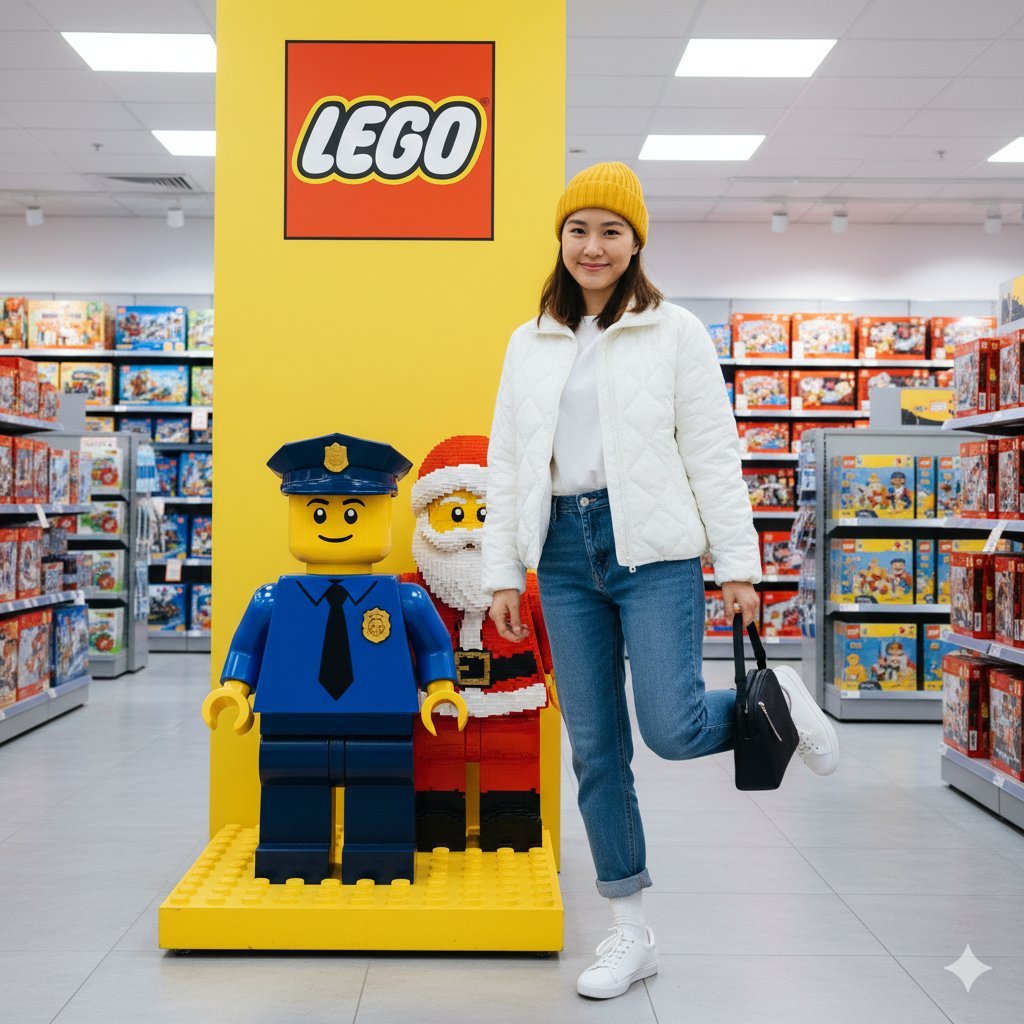
Lego Store Candid Lifestyle Photo Prompt
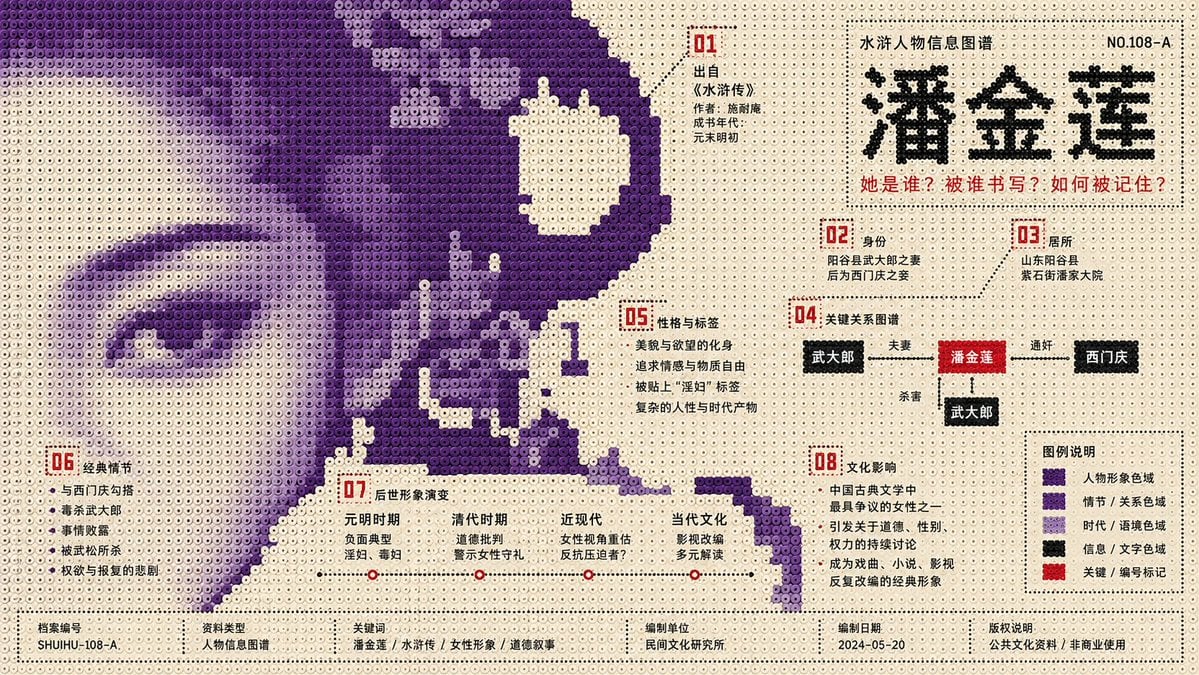
Perler Beads Style Structural Poster
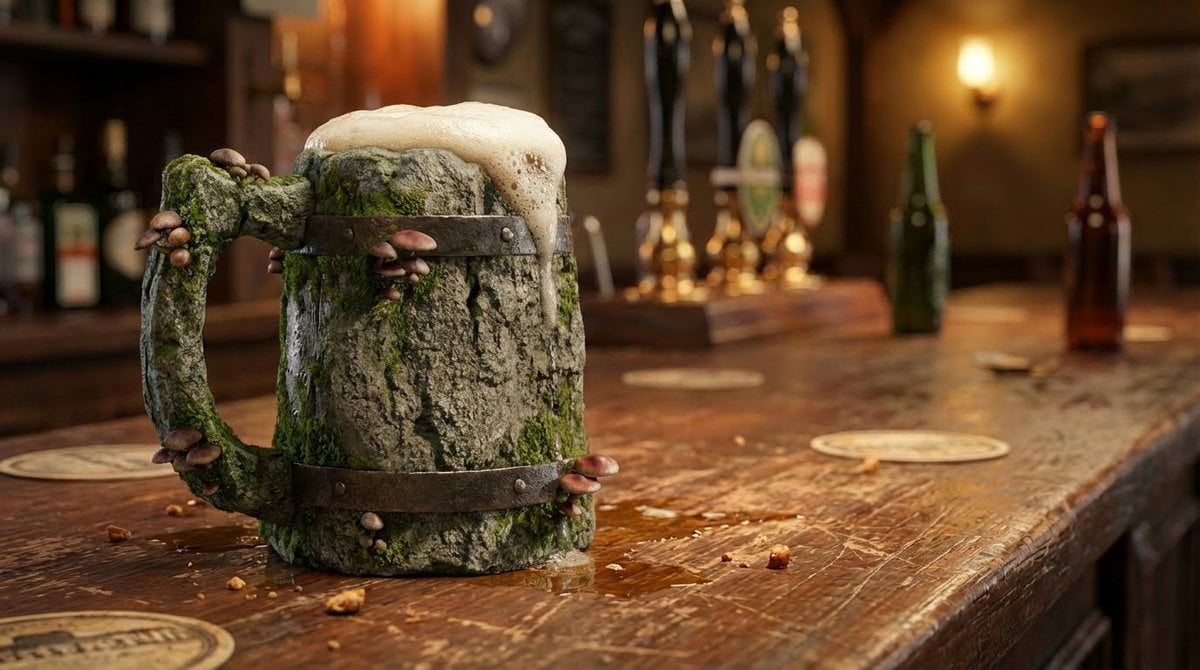
Mushroom Stone Texture Replacement

Depth Map Controlled Santa Selfie
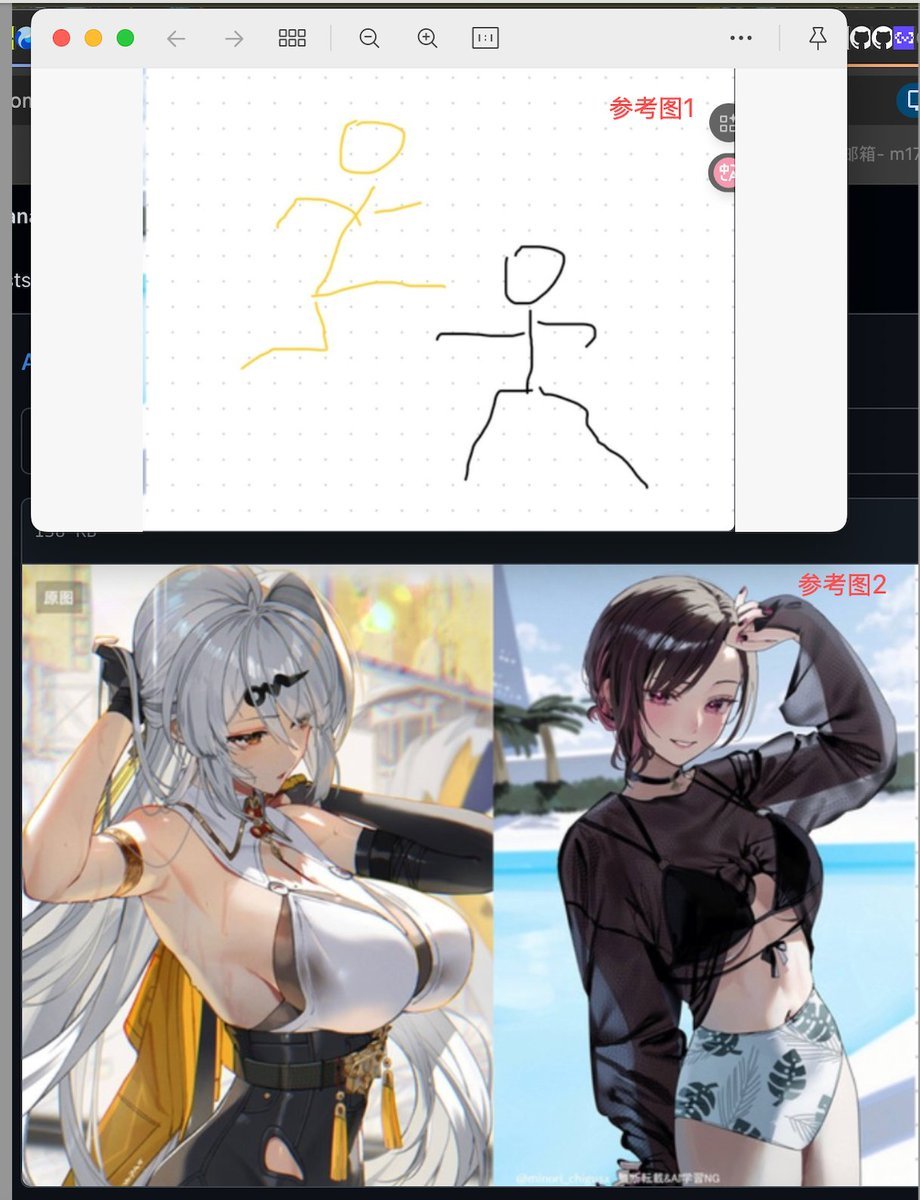
Image Fusion Prompt Using Multiple References

Nakoruru Forest Anime Poster
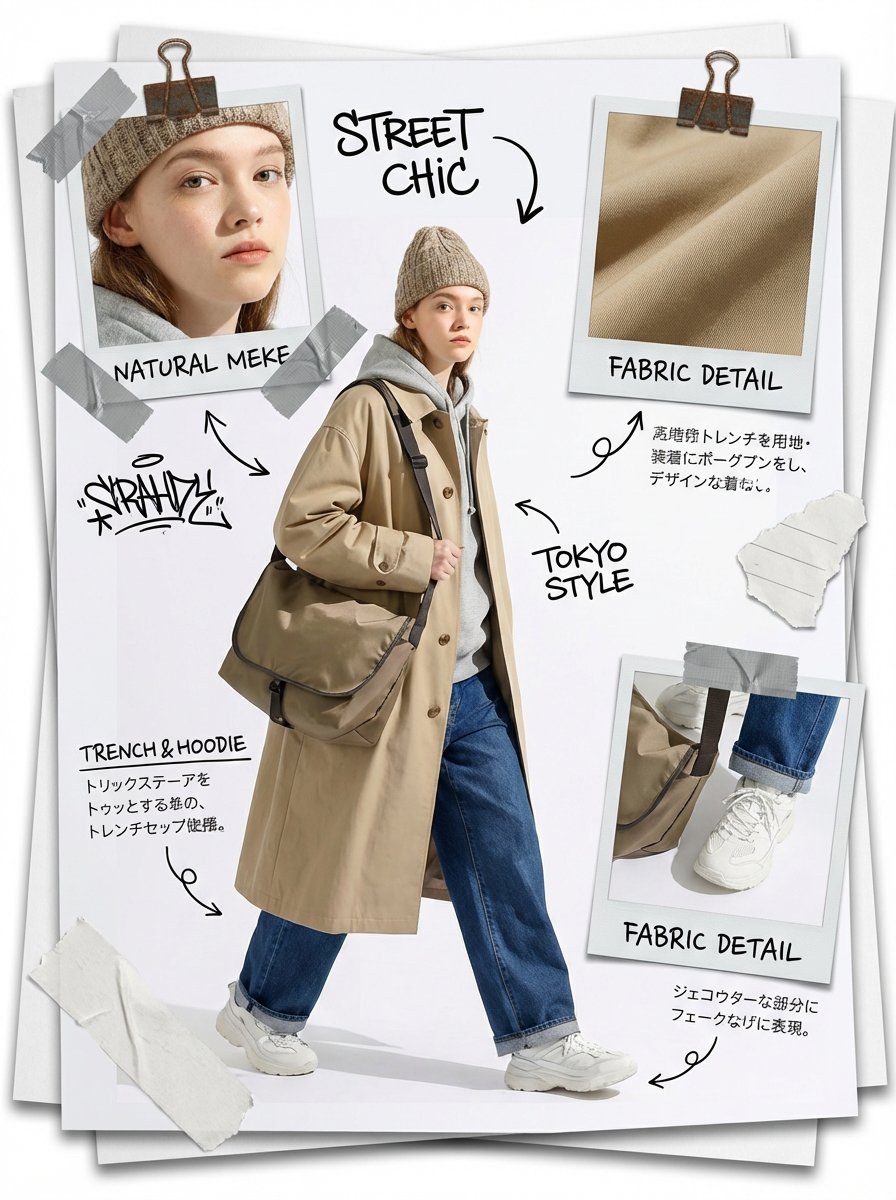
Fashion Scrapbook Page Layout Generation
Browse template categories
Japanese AI Manga Demo Page questions
How do I use the Japanese AI Manga Demo Page template?
Add your photo if the template asks for one, edit the prompt if you like — the template's model and format are already selected — and press Generate. Your version opens in PicX Studio.
Can I customize the Japanese AI Manga Demo Page template?
Yes. You can change the subject, setting, lighting, mood, format, and available model controls before creating your image.
Is the Japanese AI Manga Demo Page template free?
Opening and editing this template is free. Generating uses credits, shown on the Generate button when you are signed in.
Which AI model should I use?
Start with GPT Image 2, which is the model associated with this template. You can compare another compatible model for a different finish.
Looking for something else? Browse all templates.

Your photo, any look
Thousands of ready templates for every top image and video model, from one credit balance.