
Fashion Scrapbook Page Layout Generation
A detailed prompt for generating a fashion scrapbook or collage page layout using the Nano Banana Pro model within the Lovart tool.
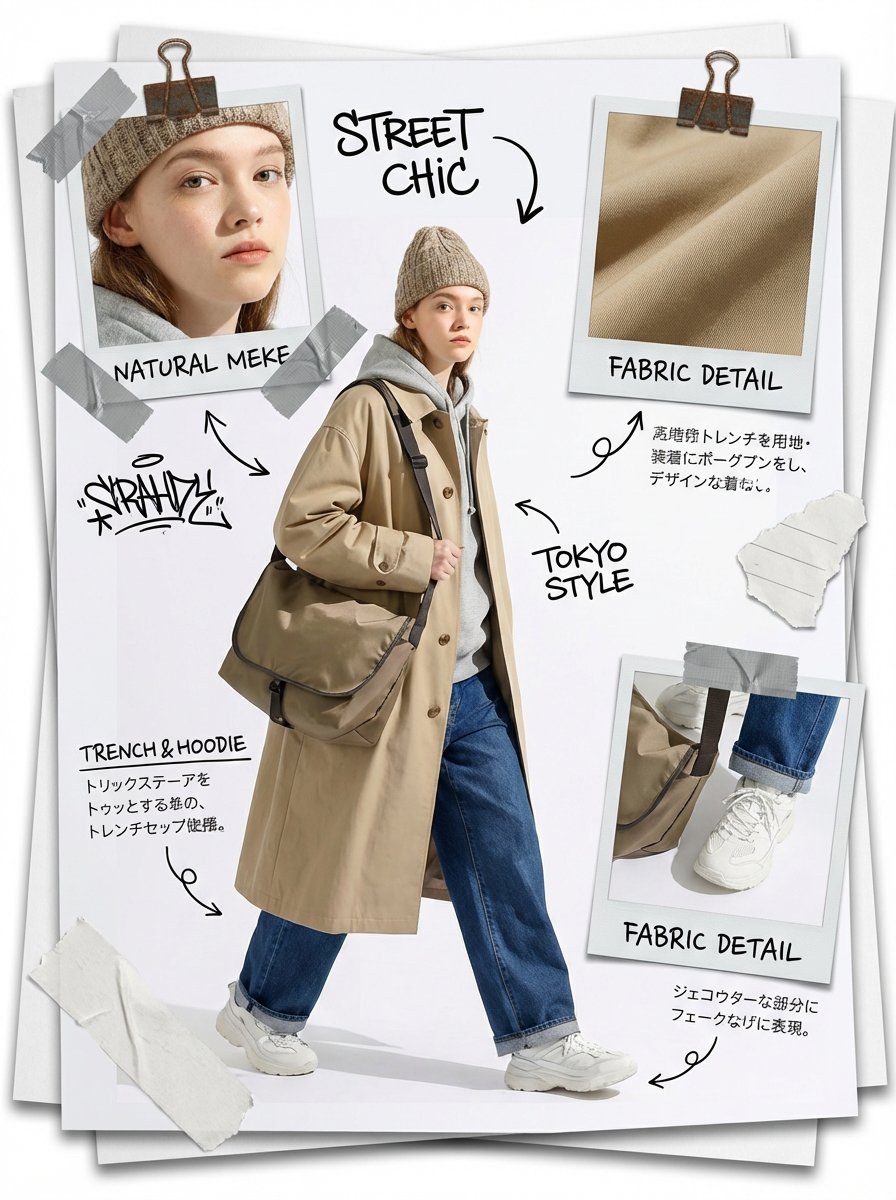
- Prompt included
- Model and format preset
- Free template
The prompt behind this image
Copy the exact prompt behind Fashion Scrapbook Page Layout Generation, or open it in the studio and make it yours.
Masterpiece, best quality, high resolution, (full-body shot: 1.5), fashion scrapbook page layout, collage style, [theme/aesthetic keywords] [Subject]: A wide-shot, full-body fashion photo of [character description]. [Pose and action]. Wearing [outfit details], [accessories], (shoes visible: 1.3), a perfect body from head to toe. [Composition]: The image is designed like a [layout metaphor: DIY zine / field dossier / mood board], with the main character placed in the center, surrounded by (3 different Polaroid photos: 1.3). Each of these photos shows a different [theme] detail: (1 close-up of [face/makeup detail]: 1.2), (1 macro shot of [fabric/texture/weapon detail]: 1.2), (1 detail shot of [shoe/accessory detail]: 1.2). This ensures the inset photos don't overlap in content and are each unique. [Decoration]: [style] scrapbooking elements, [paper thickness] paper bundled with [clip type: silver clip / gold clip / rusty clip], [tape type: washi / duct / masking] tape, hand-drawn [doodle type: arrows / stars / graffiti], handwritten text annotations in [ink type] (e.g., [short text 1], [short text 2]), [stickers/stamps], torn-paper texture. Note: the text annotations are in Japanese. [Background]: (a messy stack of [paper type: blank paper / cardstock / maps / folders]: 1.4), layers of paper edges beneath the main sheet, realistic depth and shadow between the paper layers, placed on top of [surface material and color]. [Technical]: [lighting style], [mood], sharp focus, editorial photography, 8k, tactile texture, realistic material rendering.
How to use Fashion Scrapbook Page Layout Generation in 3 steps
- 1
Open
The prompt is already in the box next to the preview, with the template's model and format selected.
- 2…a portrait of your subject in softgolden-hour light, 85mm…
Personalize
Edit the subject and creative details for your destination.
- 3Generate
Generate
Press Generate — your image is created in PicX Studio, so you can compare it with the original and refine one variable at a time.
More like this
Templates with the same subject, style or setup. Open one to see its prompt.

Korean Model Floating Magazine Pages Campaign

80s College Gate

1988 Mall Style

80s Polka Dot Saree
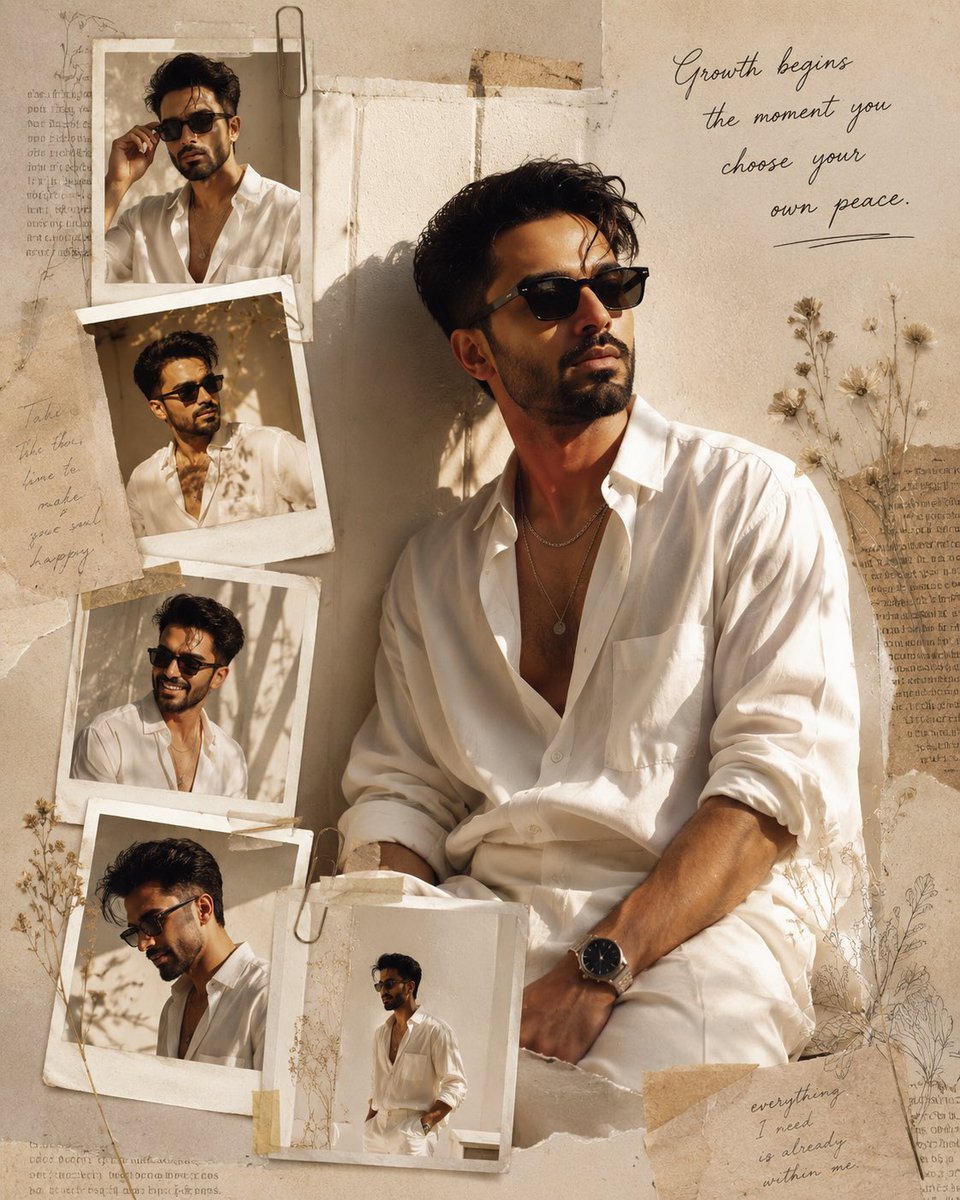
Luxury Fashion Editorial Scrapbook

Urban Fashion Editorial Collage Streetwear Poster

Polo Ralph Lauren Luxury American Heritage Fashion Campaign

Cinematic Street Fashion Photographer Portrait

High-Fashion Editorial Magazine Cover ICON

Fine Art Monochrome Fashion Portrait

Korean Streetwear Minimalist Campaign Portrait

Cinematic Korean Streetwear Street Portrait
Make it yours
Fashion Scrapbook Page Layout Generation works as-is. These are the safest ways to change it without losing the look.
Change one field
Copy a single group, rewrite it, and generate again so you can see what that field is doing.
Keep the frame, change the subject
Hold the composition and light of Fashion Scrapbook Page Layout Generation, then swap wardrobe, props or the person for a new take.
| If the result… | Why | Fix |
|---|---|---|
| The result drifts from the preview | Too many fields changed at once. | Reuse Fashion Scrapbook Page Layout Generation as-is first, then change one group — subject, light, or setting. |
| The model over-stylizes the scene | The prose prompt leaves finish and camera underspecified. | Add one camera or lighting sentence and stay on Nano Banana 2. |
More Nano Banana 2 templates
Other prompts made for Nano Banana 2.

Photorealistic Leaf Shaped Like a Dragon

K-Pop Idol Portrait Grid for Rapid Selection

Poetic Rain Forest Portrait During Golden Hour

Urban Street Portrait with Cartoon Inner Self Duo

Candid Nighttime Photo with Cat Prompt

High-Concept 3D Diorama Generation Prompt

Cinematic Futuristic Studio Portrait Template

Skincare Editorial Photography Collage Prompt

Hyper-Realistic Commercial Product Photography (Splash Effect)

Hyper-Realistic Nightclub Portrait Prompt
More image prompts
Fresh picks from across the catalog.
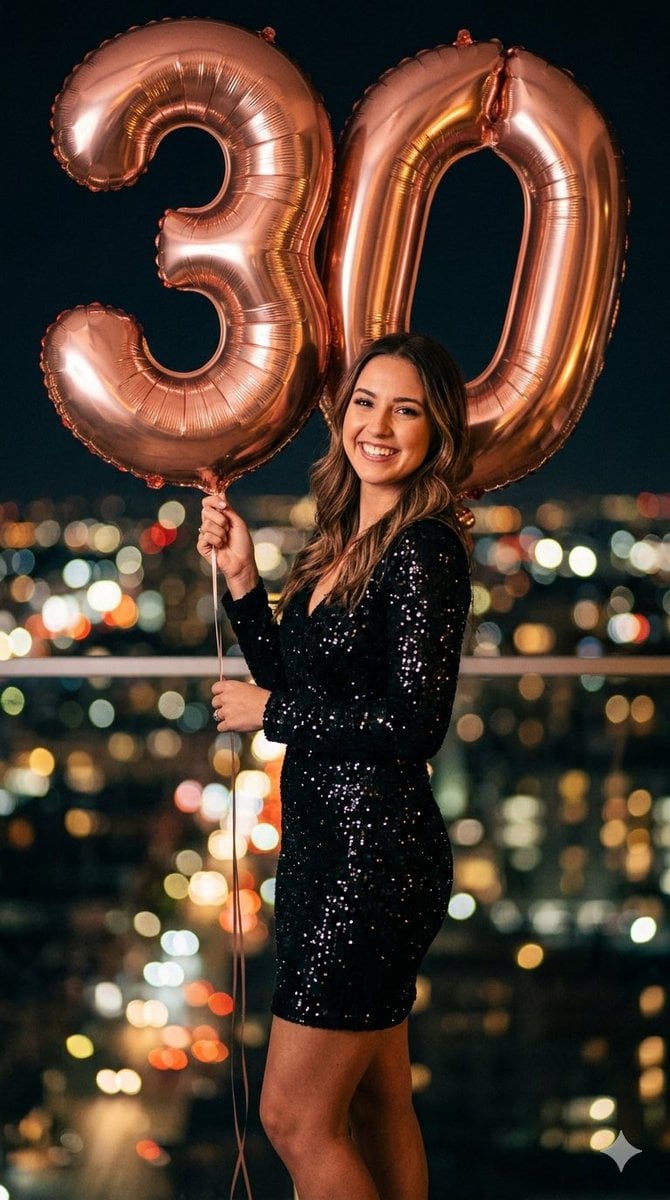
Creative Birthday Portrait Image Prompt
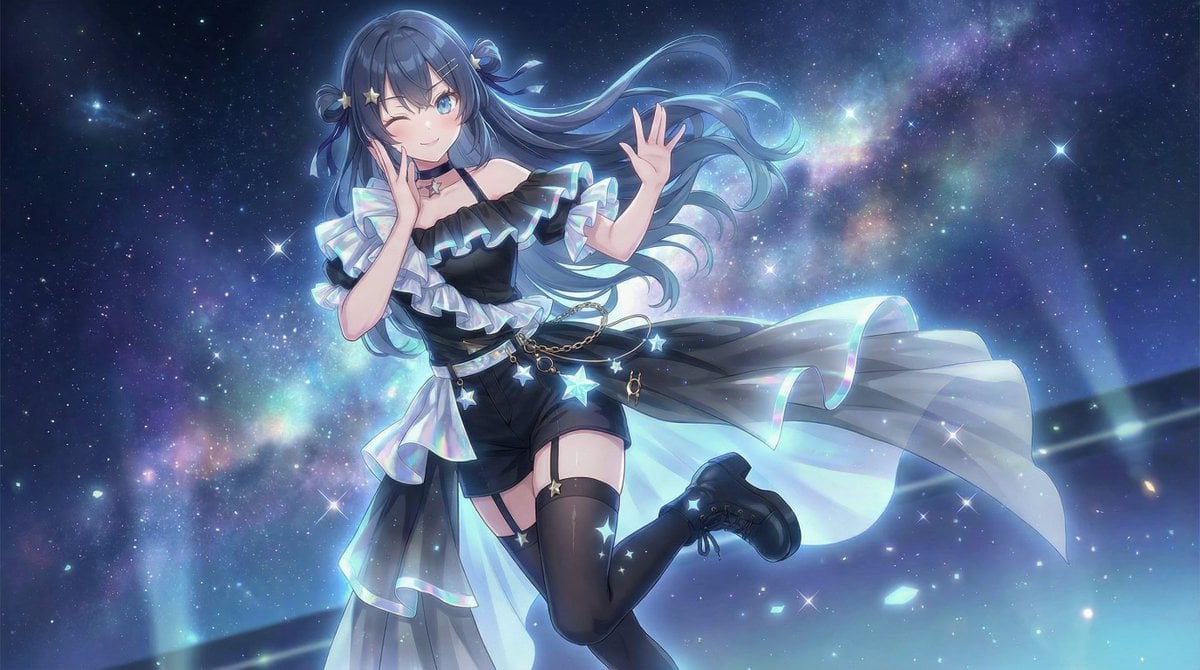
Nano Banana Pro Image Generation Prompt for Debut Outfit
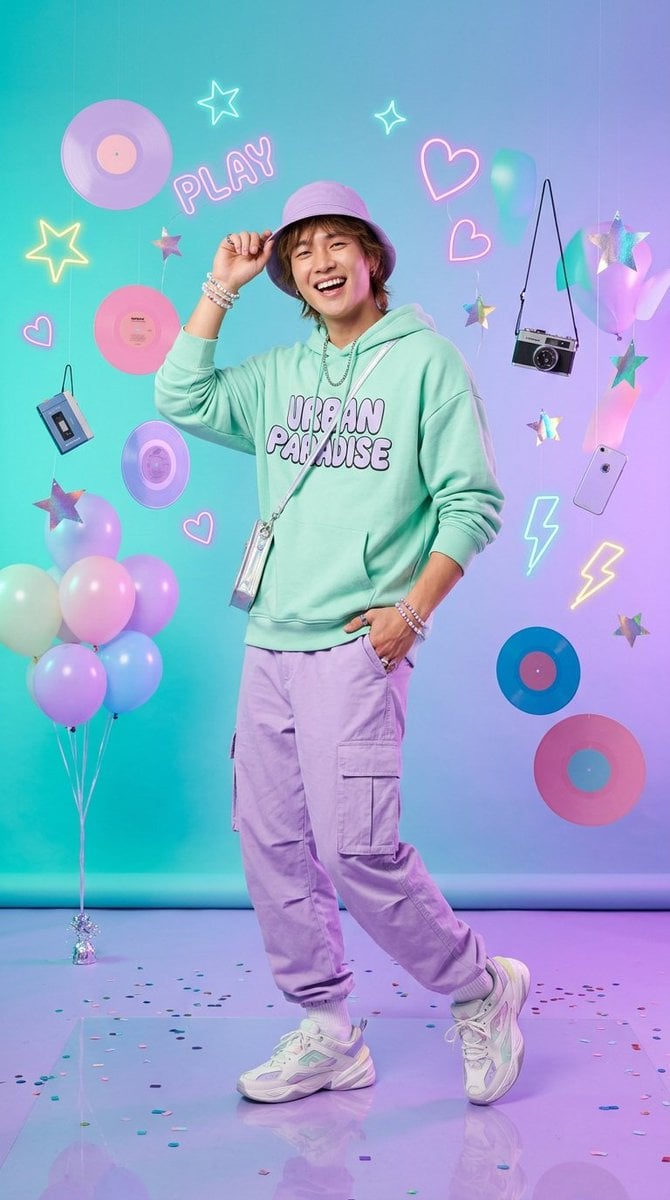
Kawaii Pastel Goth Editorial
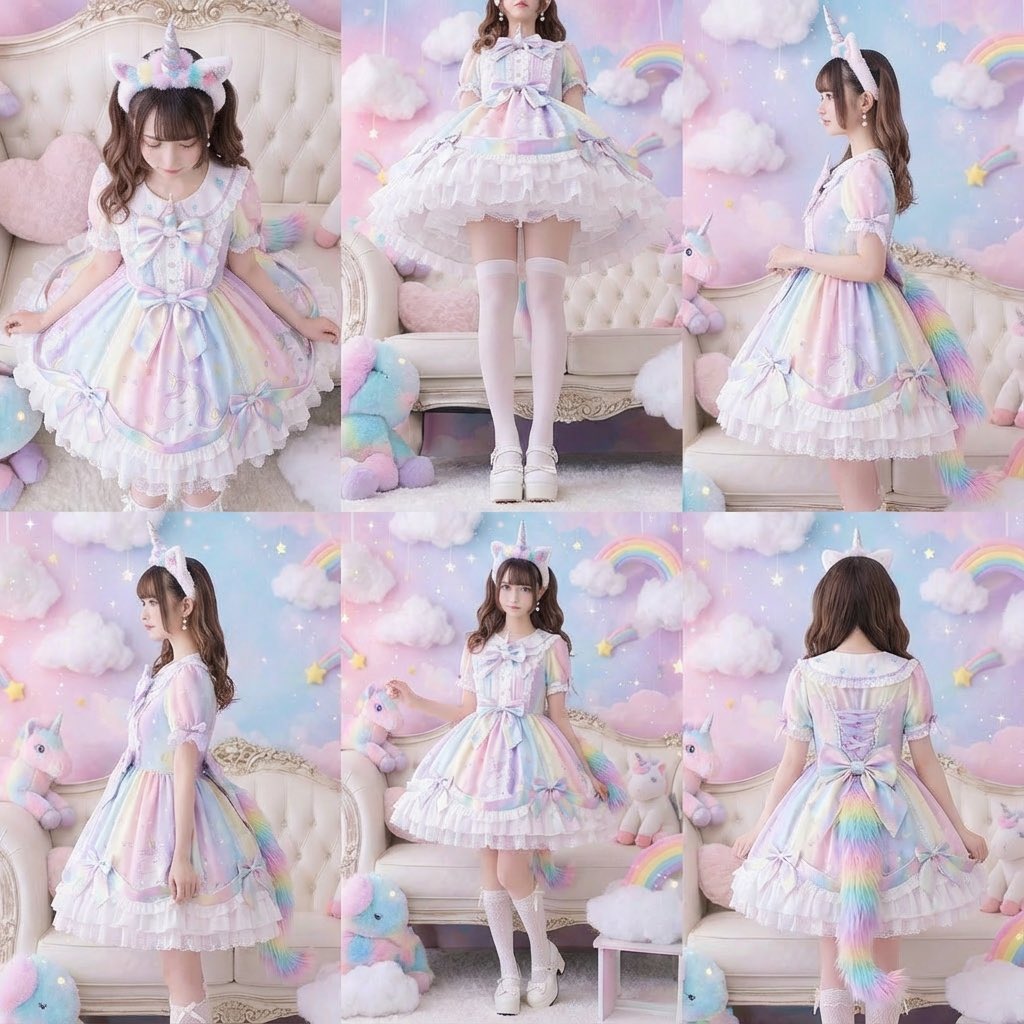
Generate a beautiful woman from six different angles in a single, six-panel image
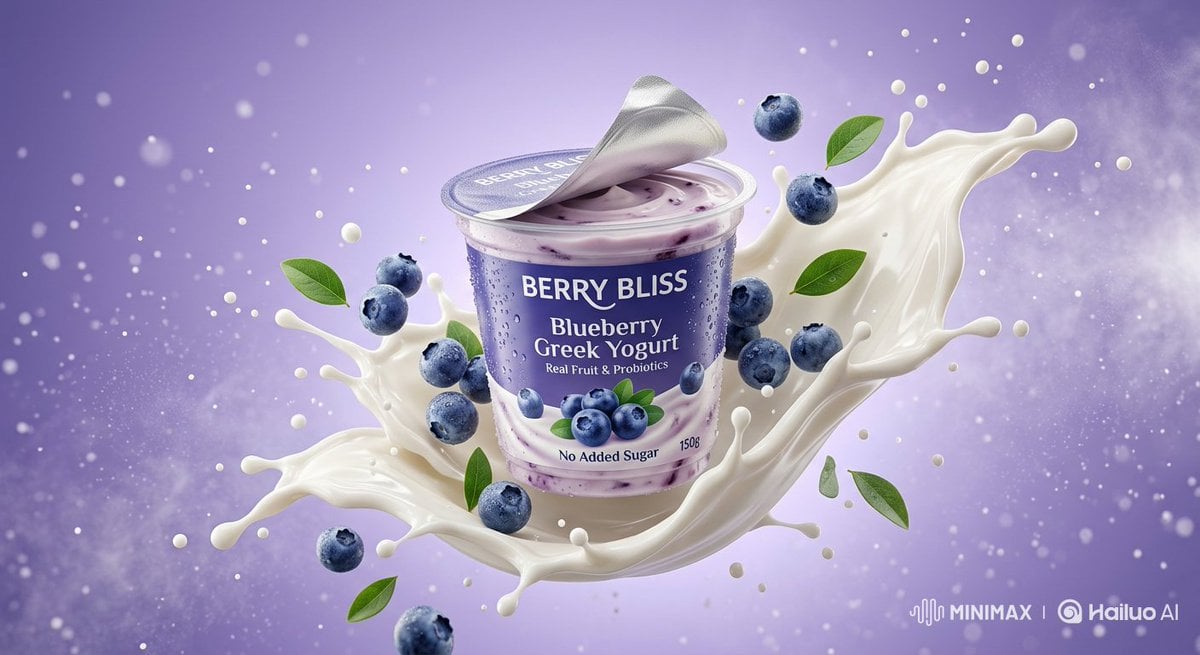
Ultra-Realistic Product Photography of Yogurt
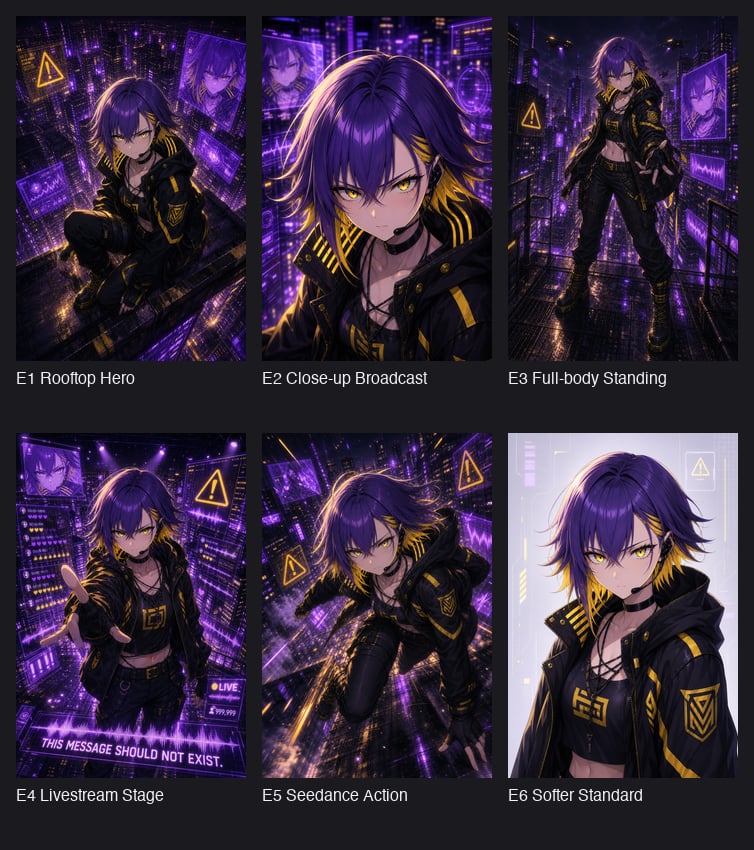
Cyberpunk Anime Hero Contact Sheet
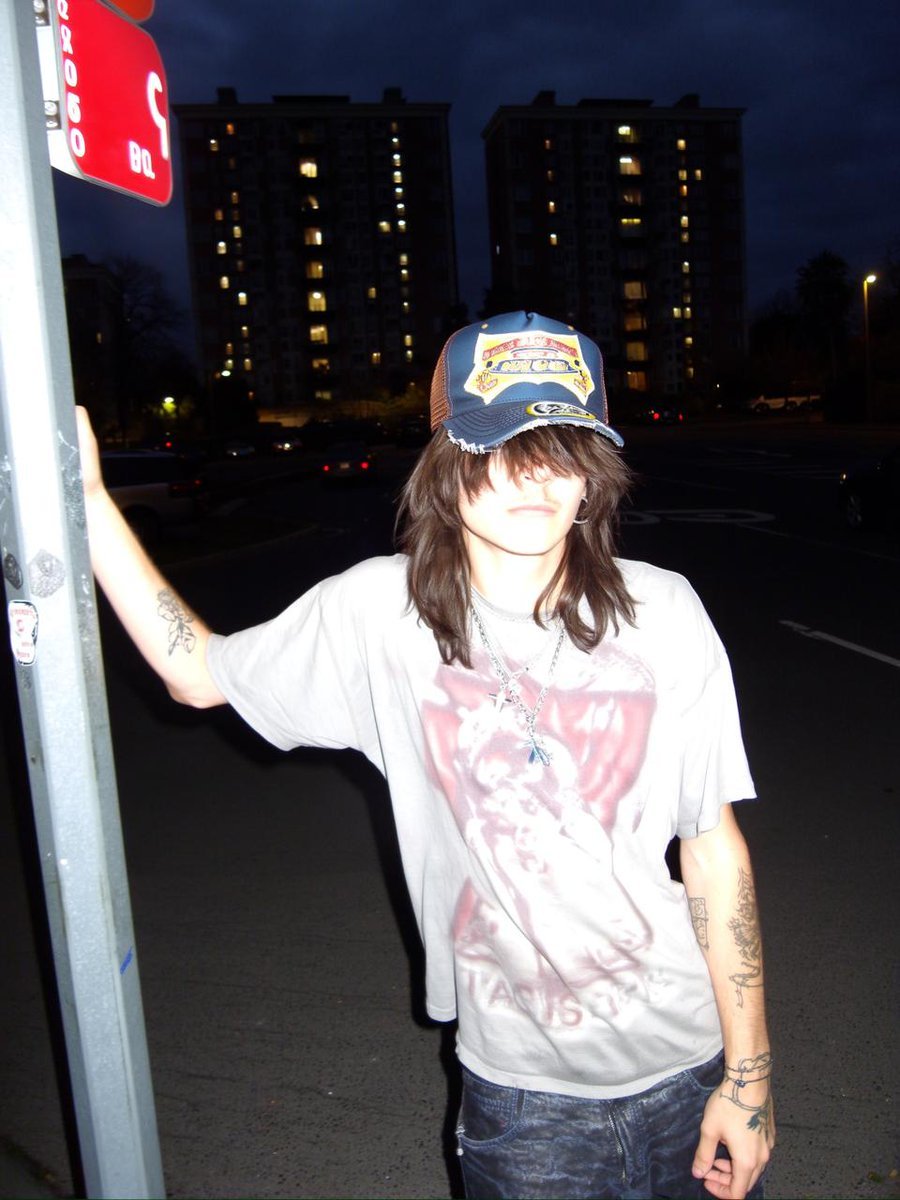
Clothing items laid out on asphalt
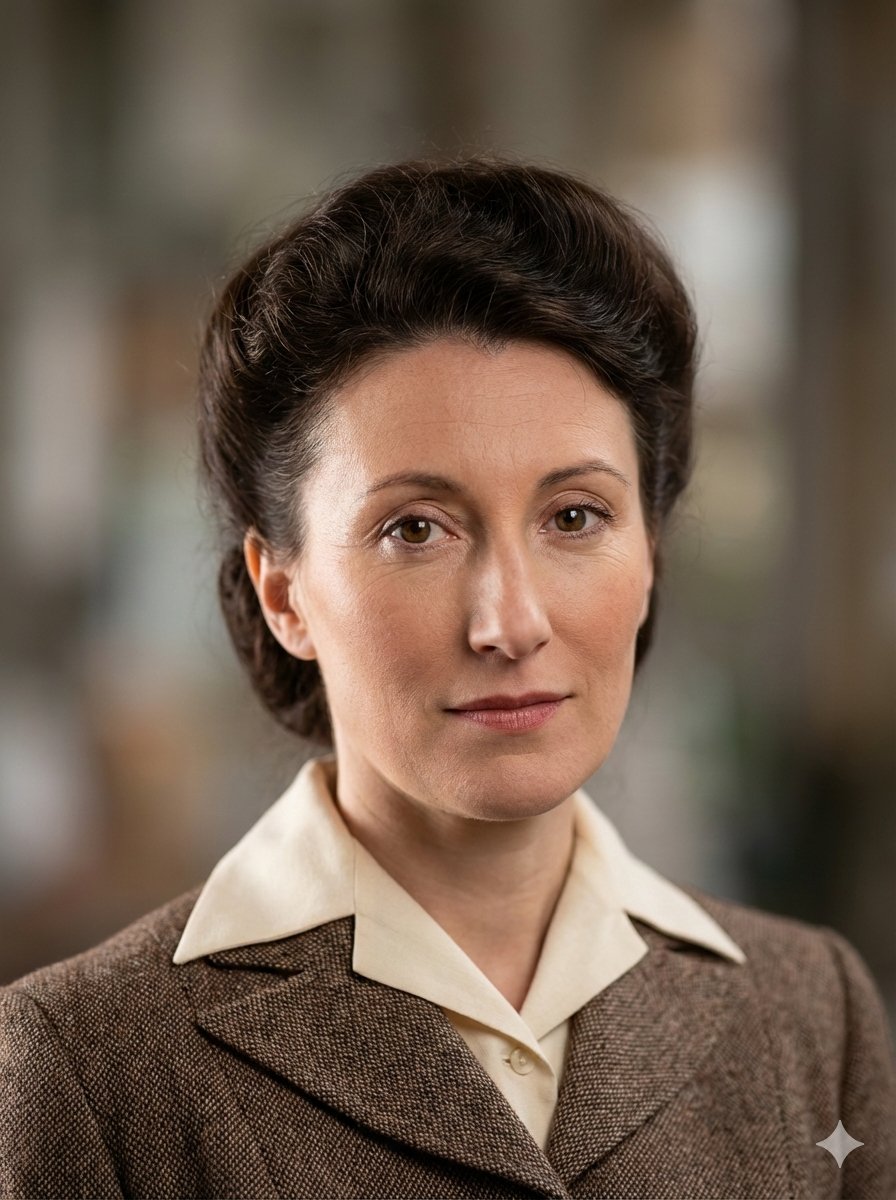
Photo restoration prompt for Nano Banana Pro
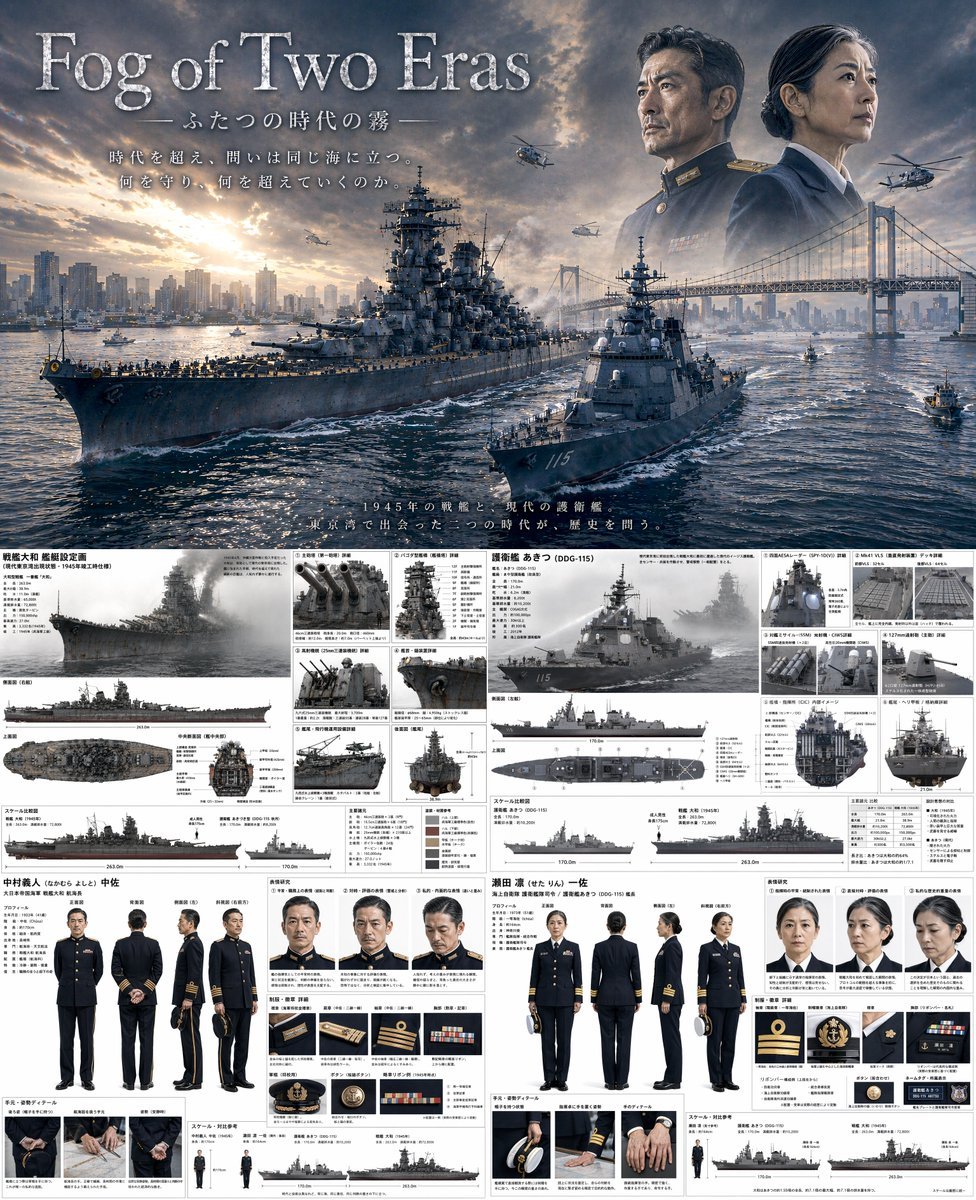
Dual-Era Naval Drama Poster & Spec Sheet
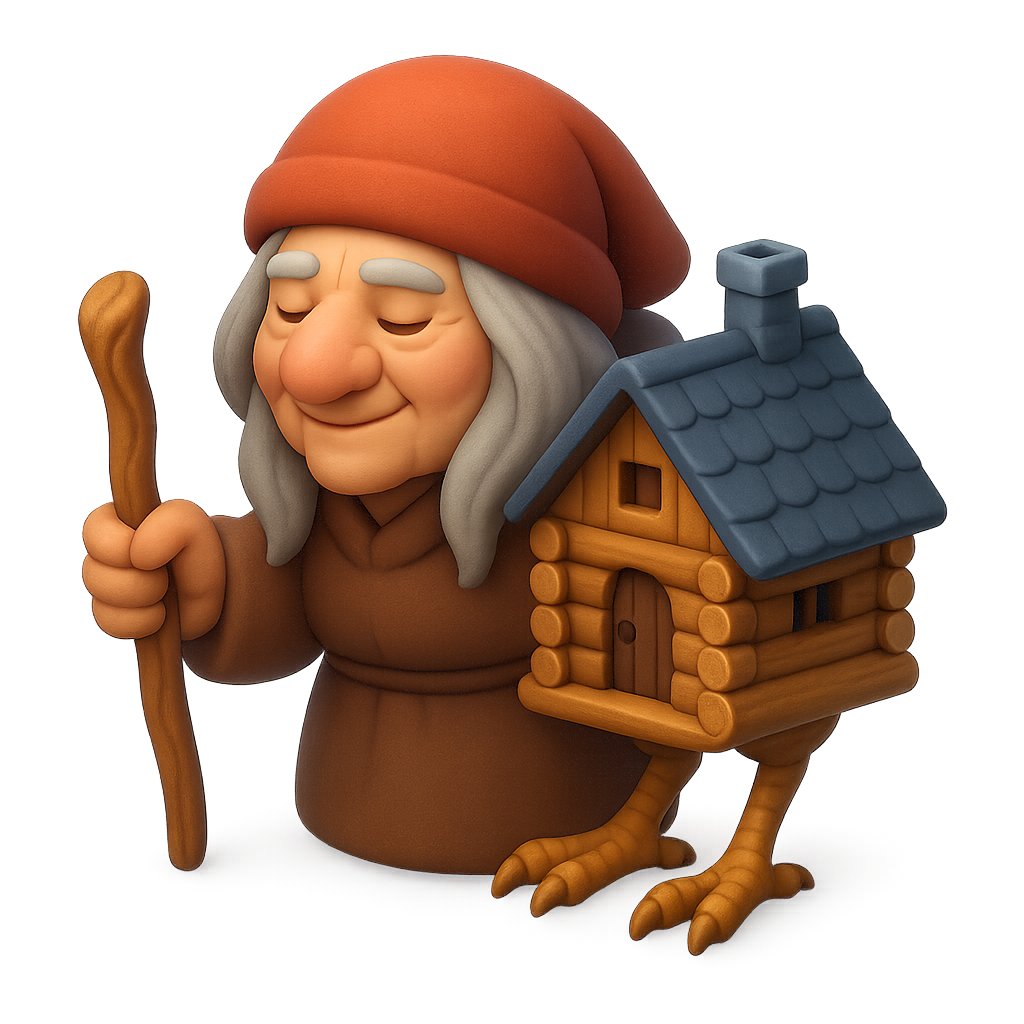
Clay Baba Yaga With Chicken-Leg Hut
Browse template categories
Fashion Scrapbook Page Layout Generation questions
How do I use the Fashion Scrapbook Page Layout Generation template?
Add your photo if the template asks for one, edit the prompt if you like — the template's model and format are already selected — and press Generate. Your version opens in PicX Studio.
Can I customize the Fashion Scrapbook Page Layout Generation template?
Yes. You can change the subject, setting, lighting, mood, format, and available model controls before creating your image.
Is the Fashion Scrapbook Page Layout Generation template free?
Opening and editing this template is free. Generating uses credits, shown on the Generate button when you are signed in.
Which AI model should I use?
Start with Nano Banana 2, which is the model associated with this template. You can compare another compatible model for a different finish.
Looking for something else? Browse all templates.

Your photo, any look
Thousands of ready templates for every top image and video model, from one credit balance.