
Dual-Era Naval Drama Poster & Spec Sheet
Generates a highly detailed, split-layout image featuring a cinematic military poster on top and comprehensive ship schematics and character reference sheets below.
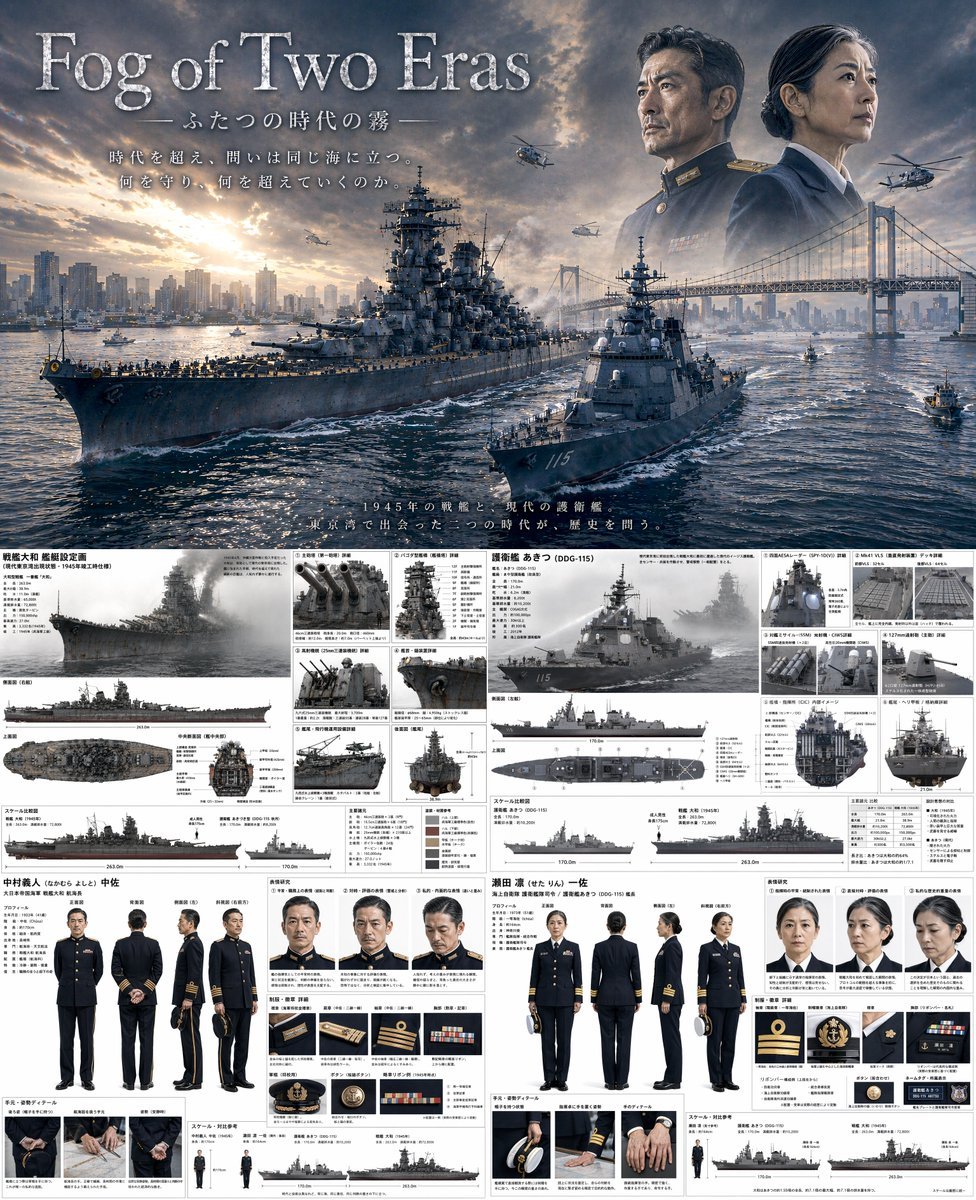
- Prompt included
- Model and format preset
- Free template
The prompt behind this image
Copy the exact prompt behind Dual-Era Naval Drama Poster & Spec Sheet, or open it in the studio and make it yours.
- Type
- combined cinematic poster and technical reference sheet
- Theme
- {argument name="theme" default="time-slip military drama"}
- Layout › Top Half › Type
- movie poster
- Layout › Top Half › Title
- {argument name="main title" default="Fog of Two Eras"}
- Layout › Top Half › Subtitle
- ふたつの時代の霧
- Layout › Top Half › Tagline
- 時代を超え、問いは同じ海に立つ。何を守り、何を超えていくのか。
- Layout › Top Half › Scene
- A {argument name="ww2 ship class" default="Yamato-class battleship"} and a {argument name="modern ship class" default="Aegis destroyer"} sailing side-by-side in {argument name="setting" default="Tokyo Bay with Rainbow Bridge and city skyline"} at sunset.
- Layout › Top Half › Sky Elements
- Faded portraits of a WWII naval commander and a modern female naval captain looking out over the bay, with military helicopters flying.
- Layout › Bottom Half › Type
- split technical reference sheet
- Layout › Bottom Half › Left Column › Subject
- WWII Battleship and Commander
- Layout › Bottom Half › Left Column › Ship Details › Title
- 戦艦大和 艦艇設定画
- Layout › Bottom Half › Left Column › Ship Details › Main Render
- 1 angled side view
- Layout › Bottom Half › Left Column › Ship Details › Orthographic Views
- 3 views (side, top, front cross-section)
- Layout › Bottom Half › Left Column › Ship Details › Detail Panels › Count
- 6
- Layout › Bottom Half › Left Column › Ship Details › Detail Panels › Descriptions
- Main guns, Pagoda mast, AA guns, Radar, Catapult, Stern
- Layout › Bottom Half › Left Column › Ship Details › Scale Chart
- 1 silhouette comparison
- Layout › Bottom Half › Left Column › Character Details › Name
- 中村義人 中佐
- Layout › Bottom Half › Left Column › Character Details › Turnaround › Count
- 5
- Layout › Bottom Half › Left Column › Character Details › Turnaround › Poses
- front, back, side, 3/4 front, 3/4 back
- Layout › Bottom Half › Left Column › Character Details › Expressions › Count
- 3
- Layout › Bottom Half › Left Column › Character Details › Expressions › Types
- neutral, stern, pensive
- Layout › Bottom Half › Left Column › Character Details › Uniform Details › Count
- 6
- Layout › Bottom Half › Left Column › Character Details › Uniform Details › Items
- rank insignia, buttons, medals, cap details
- Layout › Bottom Half › Left Column › Character Details › Hand Details › Count
- 3
Raw JSON
{
  "type": "combined cinematic poster and technical reference sheet",
  "theme": "{argument name=\"theme\" default=\"time-slip military drama\"}",
  "layout": {
    "top_half": {
      "type": "movie poster",
      "title": "{argument name=\"main title\" default=\"Fog of Two Eras\"}",
      "subtitle": "ふたつの時代の霧",
      "tagline": "時代を超え、問いは同じ海に立つ。何を守り、何を超えていくのか。",
      "scene": "A {argument name=\"ww2 ship class\" default=\"Yamato-class battleship\"} and a {argument name=\"modern ship class\" default=\"Aegis destroyer\"} sailing side-by-side in {argument name=\"setting\" default=\"Tokyo Bay with Rainbow Bridge and city skyline\"} at sunset.",
      "sky_elements": "Faded portraits of a WWII naval commander and a modern female naval captain looking out over the bay, with military helicopters flying."
    },
    "bottom_half": {
      "type": "split technical reference sheet",
      "left_column": {
        "subject": "WWII Battleship and Commander",
        "ship_details": {
          "title": "戦艦大和 艦艇設定画",
          "main_render": "1 angled side view",
          "orthographic_views": "3 views (side, top, front cross-section)",
          "detail_panels": {
            "count": 6,
            "descriptions": ["Main guns", "Pagoda mast", "AA guns", "Radar", "Catapult", "Stern"]
          },
          "scale_chart": "1 silhouette comparison"
        },
        "character_details": {
          "name": "中村義人 中佐",
          "turnaround": { "count": 5, "poses": ["front", "back", "side", "3/4 front", "3/4 back"] },
          "expressions": { "count": 3, "types": ["neutral", "stern", "pensive"] },
          "uniform_details": { "count": 6, "items": ["rank insignia", "buttons", "medals", "cap details"] },
          "hand_details": { "count": 3, "poses": ["holding cap", "resting", "clenched"] }
        }
      },
      "right_column": {
        "subject": "Modern Destroyer and Captain",
        "ship_details": {
          "title": "護衛艦 あきつ (DDG-115)",
          "main_render": "1 angled side view",
          "orthographic_views": "3 views (side, top, front cross-section)",
          "detail_panels": {
            "count": 6,
            "descriptions": ["Radar panels", "VLS cells", "Anti-ship missiles", "Main gun", "Bridge interior", "Helicopter deck"]
          },
          "scale_chart": "1 silhouette comparison"
        },
        "character_details": {
          "name": "瀬田 凛 一佐",
          "turnaround": { "count": 5, "poses": ["front", "back", "side", "3/4 front", "3/4 back"] },
          "expressions": { "count": 3, "types": ["neutral", "stern", "pensive"] },
          "uniform_details": { "count": 6, "items": ["rank insignia", "buttons", "ribbons", "cap details"] },
          "hand_details": { "count": 3, "poses": ["holding cap", "resting", "clenched"] }
        }
      }
    }
  }
}How to use Dual-Era Naval Drama Poster & Spec Sheet in 3 steps
- 1Upload ImagePNG, JPG or paste
Add your photo
Upload the photo the template builds on. The prompt, model and format are already set.
- 2…a portrait of your subject in softgolden-hour light, 85mm…
Personalize
Edit the subject and creative details for your destination.
- 3Generate
Generate
Press Generate — your image is created in PicX Studio, so you can compare it with the original and refine one variable at a time.
More like this
Templates with the same subject, style or setup. Open one to see its prompt.
Dual Composition Hero Action Football Poster
Two-Era Naval Comparison Poster
Dual Editorial Poster Layout
Dual Car Typography Poster Series

Japan Travel Brochure Poster

Japanese Drama Street Poster
Dramatic Ino Telemann Poster
Roman Empire Dual-World Poster

Mental Peace Sheet Music Poster
Cat-Eared Gynoid Spec Poster

Dramatic Dual-Light Splash Portrait

Dual Poster Movement Synthesis
Make it yours
Dual-Era Naval Drama Poster & Spec Sheet works as-is. These are the safest ways to change it without losing the look.
Change one field
Copy a single group, rewrite it, and generate again so you can see what that field is doing.
Keep the frame, change the subject
Hold the composition and light of Dual-Era Naval Drama Poster & Spec Sheet, then swap wardrobe, props or the person for a new take.
| If the result… | Why | Fix |
|---|---|---|
| The result drifts from the preview | Too many fields changed at once. | Reuse Dual-Era Naval Drama Poster & Spec Sheet as-is first, then change one group — subject, light, or setting. |
| GPT Image 2 ignores part of the JSON | Some models flatten or skip nested keys. | Keep the same values and paste them as a short paragraph instead. |
More GPT Image 2 templates
Other prompts made for GPT Image 2.

Six VTuber Japanese Logo Sheet

Realistic Portrait of Woman and Deer

The Vista Modular Condo Poster

AI Model Routing Comparison Infographic

2.5D Anime Art Board

Isometric Productivity Desk Scene

New York Double Exposure Poster

Four-Panel AI Landscape Comparison

Japanese Tatami Lifestyle Magazine Cover

NESCAFÉ Coffee Map Poster
More image prompts
Fresh picks from across the catalog.
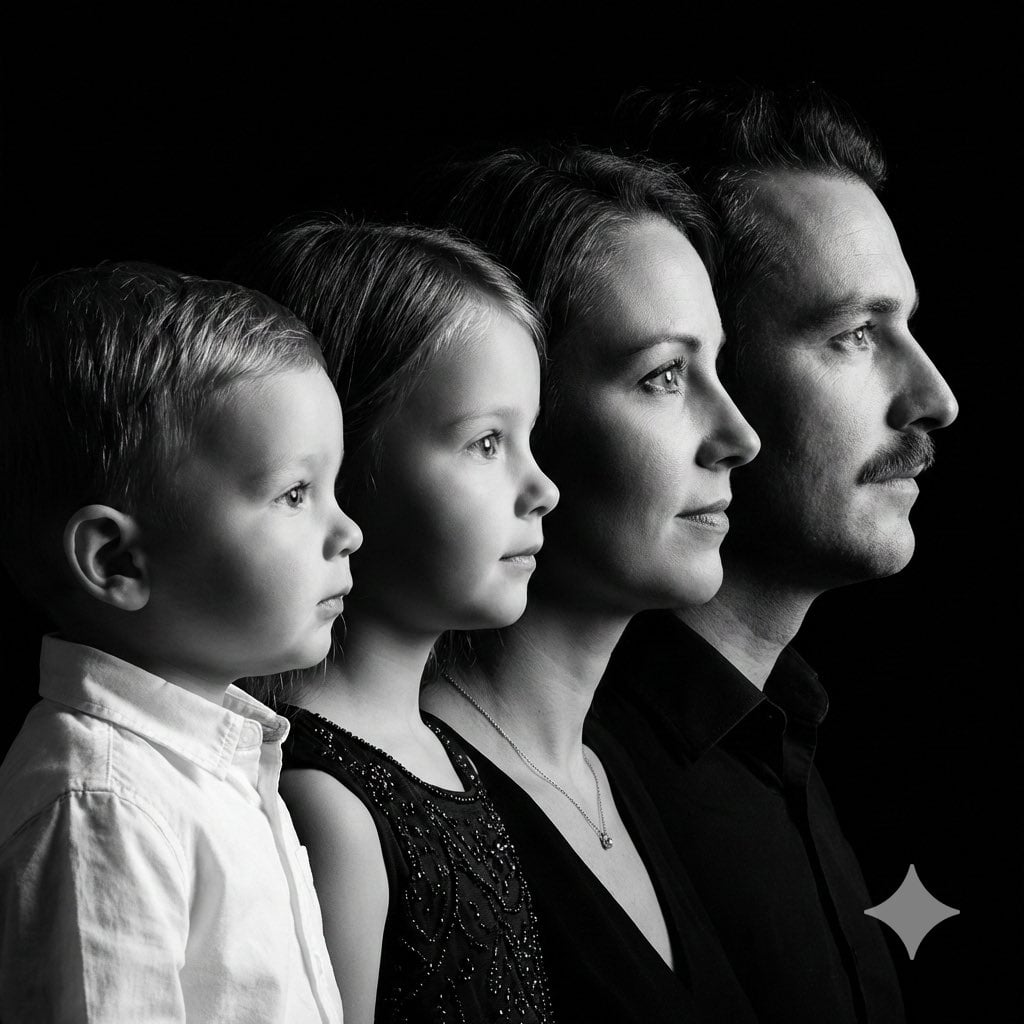
High-Contrast Black and White Family Studio Portrait
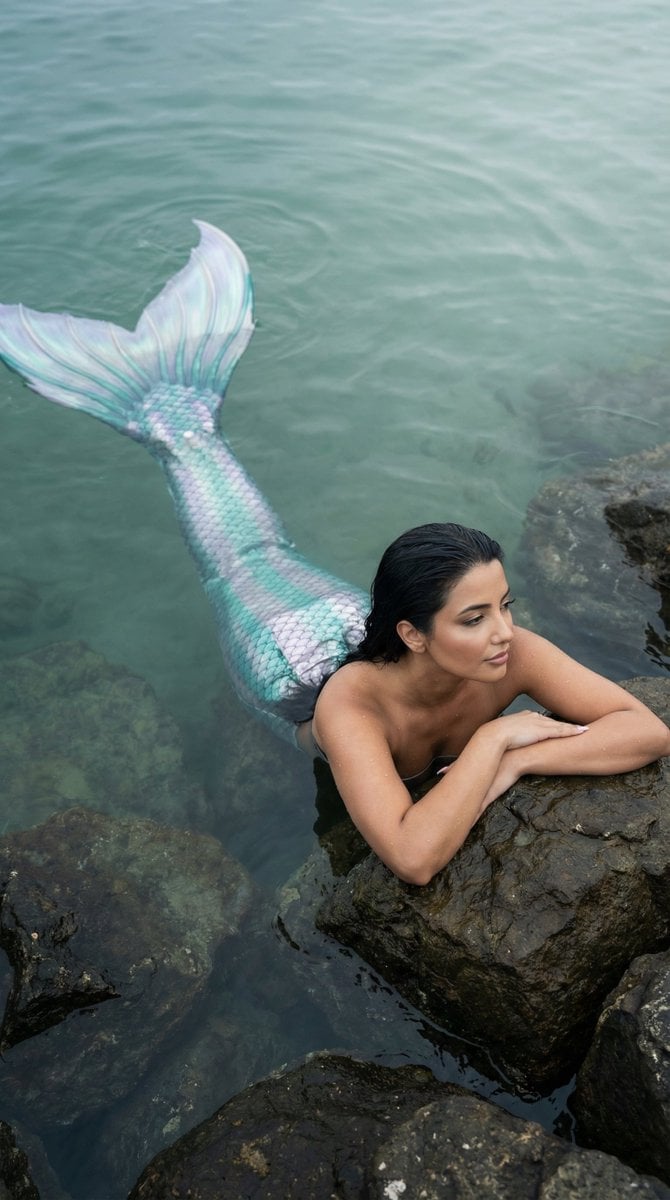
Cinematic Mermaid Portrait in Shallow Water
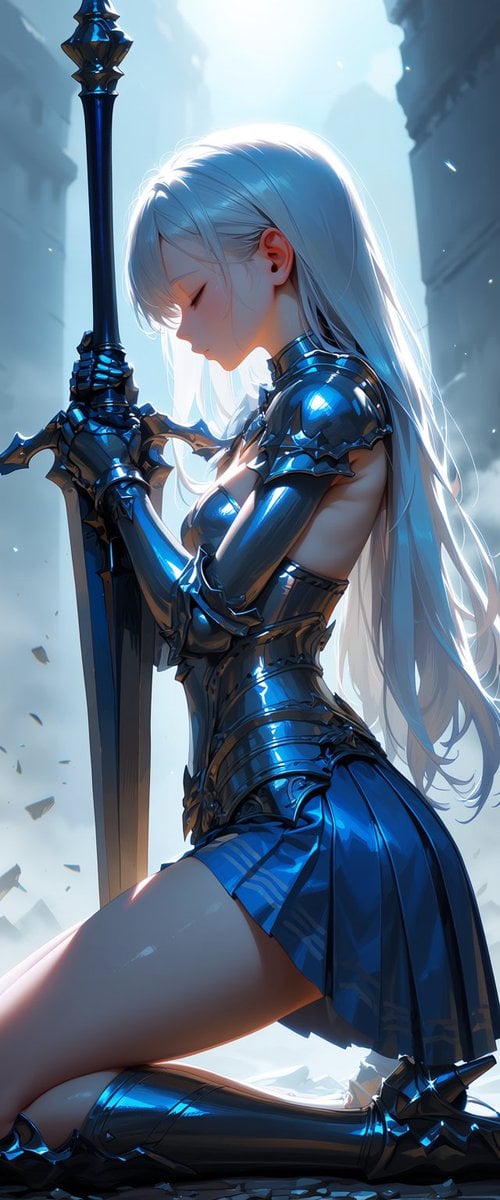
Kneeling Blue Armored Knight
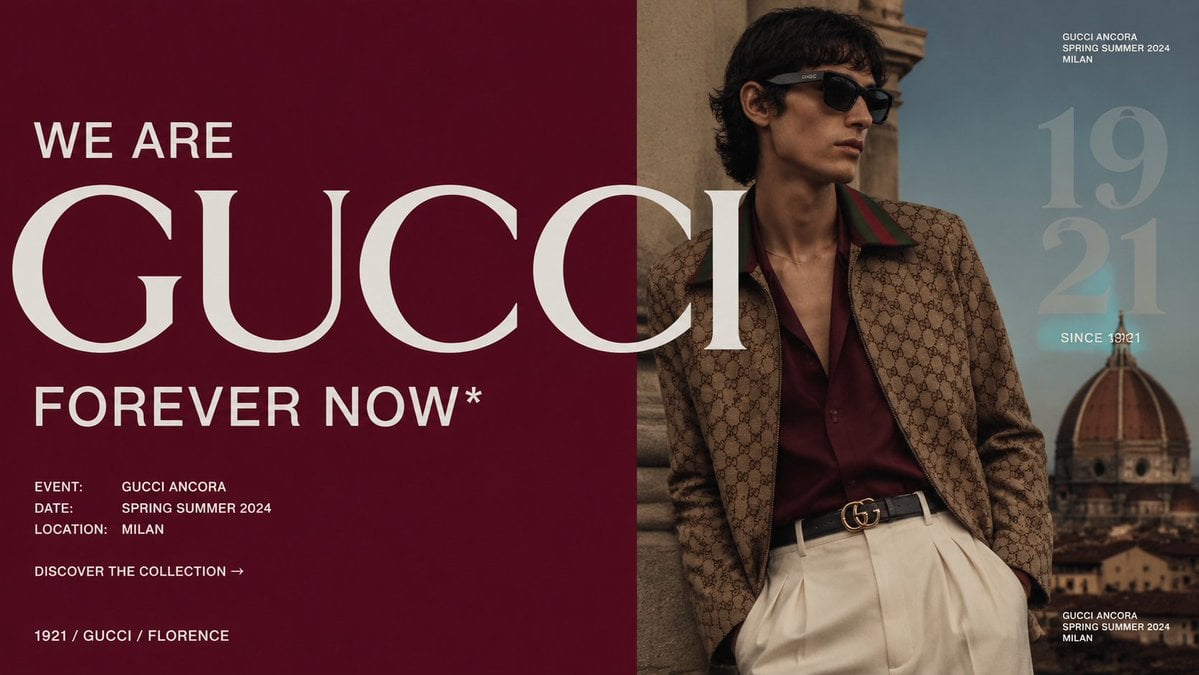
Luxury Gucci Campaign Poster
Stranger Things Inspired High-Fashion Editorial Prompt
Quiet Luxury Mediterranean Vacation Portrait
High-End Fashion Lookbook Collage

Christmas Santa Hat Bedroom Pose Prompt
Majestic Bald Eagle Wildlife Portrait
Vegeta and Frieza Cosplay Comedy
Browse template categories
Dual-Era Naval Drama Poster & Spec Sheet questions
How do I use the Dual-Era Naval Drama Poster & Spec Sheet template?
Add your photo if the template asks for one, edit the prompt if you like — the template's model and format are already selected — and press Generate. Your version opens in PicX Studio.
Can I customize the Dual-Era Naval Drama Poster & Spec Sheet template?
Yes. You can change the subject, setting, lighting, mood, format, and available model controls before creating your image.
Is the Dual-Era Naval Drama Poster & Spec Sheet template free?
Opening and editing this template is free. Generating uses credits, shown on the Generate button when you are signed in.
Which AI model should I use?
Start with GPT Image 2, which is the model associated with this template. You can compare another compatible model for a different finish.
Looking for something else? Browse all templates.

Your photo, any look
Thousands of ready templates for every top image and video model, from one credit balance.