
Dual Poster Movement Synthesis
A god-tier art direction prompt that synthesizes two historical poster movements and graphic systems for high-end poster design.
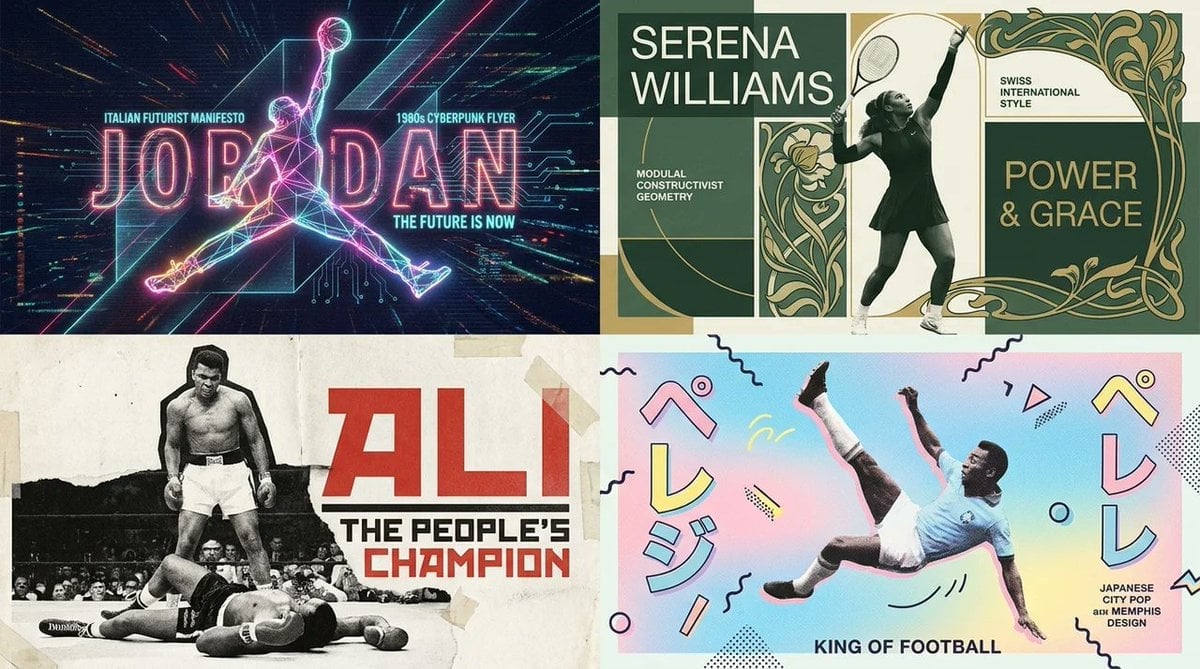
- Prompt included
- Model and format preset
- Free template
The prompt behind this image
Copy the exact prompt behind Dual Poster Movement Synthesis, or open it in the studio and make it yours.
2x2 grid, do this for for famous sports GOATs. <instruction> Input A is the subject . You are a god-tier poster designer, art director, and print-production specialist. Phase 1: Dual Poster Synthesis Randomly select TWO Poster Movements and TWO Graphic Systems from the pools below. Blend them into a cohesive poster identity. Poster Movements: [Swiss International Style, Soviet Constructivism, Psychedelic 1960s Rock Poster, Japanese City Pop Advertising, Bauhaus Exhibition Poster, Art Nouveau Lithograph, Brutalist Typography Poster, 1980s Cyberpunk Flyer, Italian Futurist Manifesto, Minimalist Museum Poster, French New Wave Cinema Poster, Punk Xerox Flyer, Memphis Design, Vintage Travel Poster, Contemporary Fashion Campaign] Graphic Systems: [Oversized Grid Typography, Torn Paper Collage, Airbrushed Gradient Field, Risograph Halftone, Screenprint Misregistration, Photocopy Distortion, Editorial Magazine Layout, Modular Type Blocks, Diagonal Constructivist Geometry, Neon Signage Layering, Hand-Lettered Ornament, Archival Stamp System, Folded Brochure Logic, Ticket Stub Composition, Billboard Cropping] Phase 2: Visual Rendering 16:9 one image Transform Input A into a finished poster design while preserving the exact subject pose, silhouette, and main composition. The subject may be graphically stylized, but the original spatial structure must remain recognizable. </instruction>
How to use Dual Poster Movement Synthesis in 3 steps
- 1
Open
The prompt is already in the box next to the preview, with the template's model and format selected.
- 2…a portrait of your subject in softgolden-hour light, 85mm…
Personalize
Edit the subject and creative details for your destination.
- 3Generate
Generate
Press Generate — your image is created in PicX Studio, so you can compare it with the original and refine one variable at a time.
More like this
Templates with the same subject, style or setup. Open one to see its prompt.
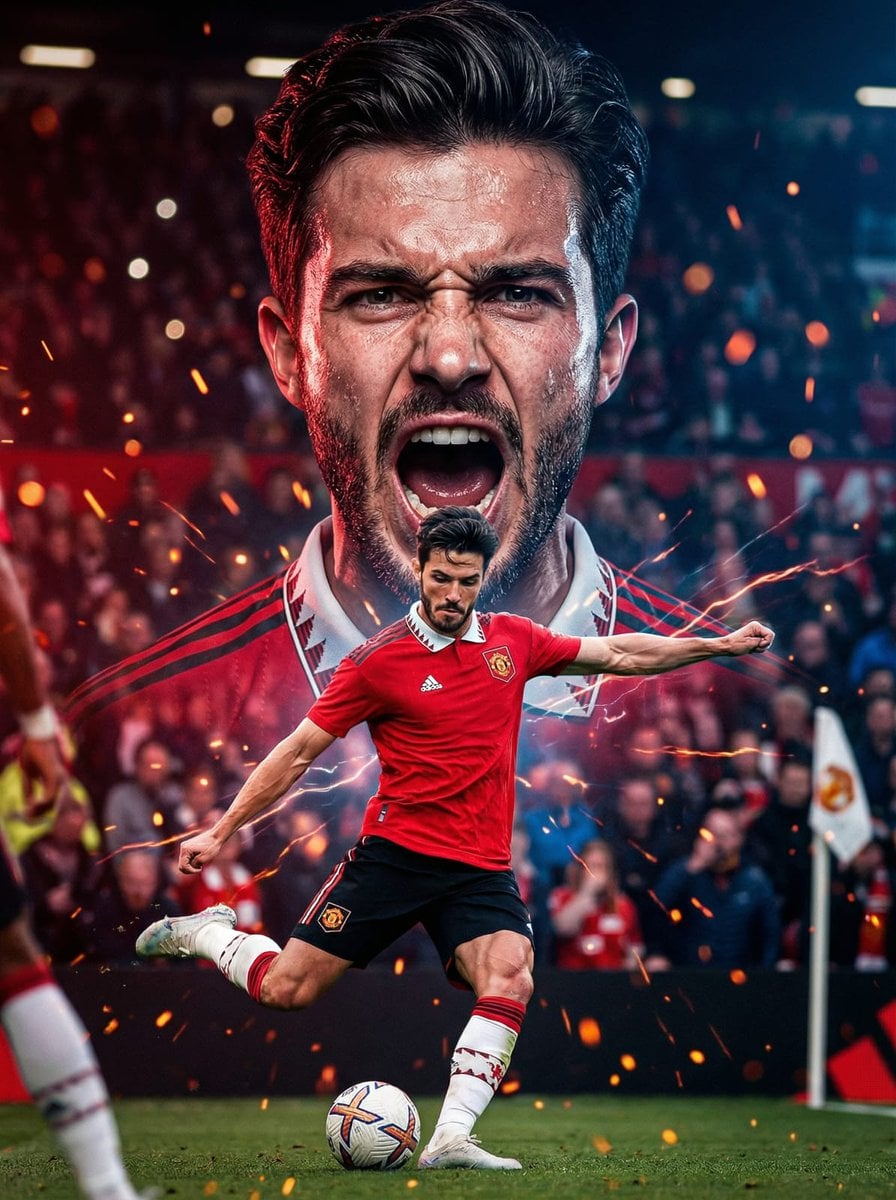
Dual Composition Hero Action Football Poster

Japan Travel Brochure Poster

Cartoon TV Show Poster Pack

Trendy Cafe Drink Promo Poster

Urban Fashion Editorial Collage Streetwear Poster

Premium Fashion Editorial Cover Layout System

Polo Ralph Lauren Luxury American Heritage Fashion Campaign

Monochrome Halftone Editorial Fashion Poster

Retro Mirror Luxury Fashion Campaign Poster

Luxury Fashion Campaign Typography Poster System

Premium Fashion Editorial Campaign Poster System

Ultra-Stylized High-Fashion Streetwear Poster
Make it yours
Dual Poster Movement Synthesis works as-is. These are the safest ways to change it without losing the look.
Change one field
Copy a single group, rewrite it, and generate again so you can see what that field is doing.
Keep the frame, change the subject
Hold the composition and light of Dual Poster Movement Synthesis, then swap wardrobe, props or the person for a new take.
| If the result… | Why | Fix |
|---|---|---|
| The result drifts from the preview | Too many fields changed at once. | Reuse Dual Poster Movement Synthesis as-is first, then change one group — subject, light, or setting. |
| The model over-stylizes the scene | The prose prompt leaves finish and camera underspecified. | Add one camera or lighting sentence and stay on Nano Banana 2. |
More Nano Banana 2 templates
Other prompts made for Nano Banana 2.

Photorealistic Leaf Shaped Like a Dragon

K-Pop Idol Portrait Grid for Rapid Selection

Poetic Rain Forest Portrait During Golden Hour

Urban Street Portrait with Cartoon Inner Self Duo

Candid Nighttime Photo with Cat Prompt

High-Concept 3D Diorama Generation Prompt

Cinematic Futuristic Studio Portrait Template

Skincare Editorial Photography Collage Prompt

Hyper-Realistic Commercial Product Photography (Splash Effect)

Hyper-Realistic Nightclub Portrait Prompt
More image prompts
Fresh picks from across the catalog.
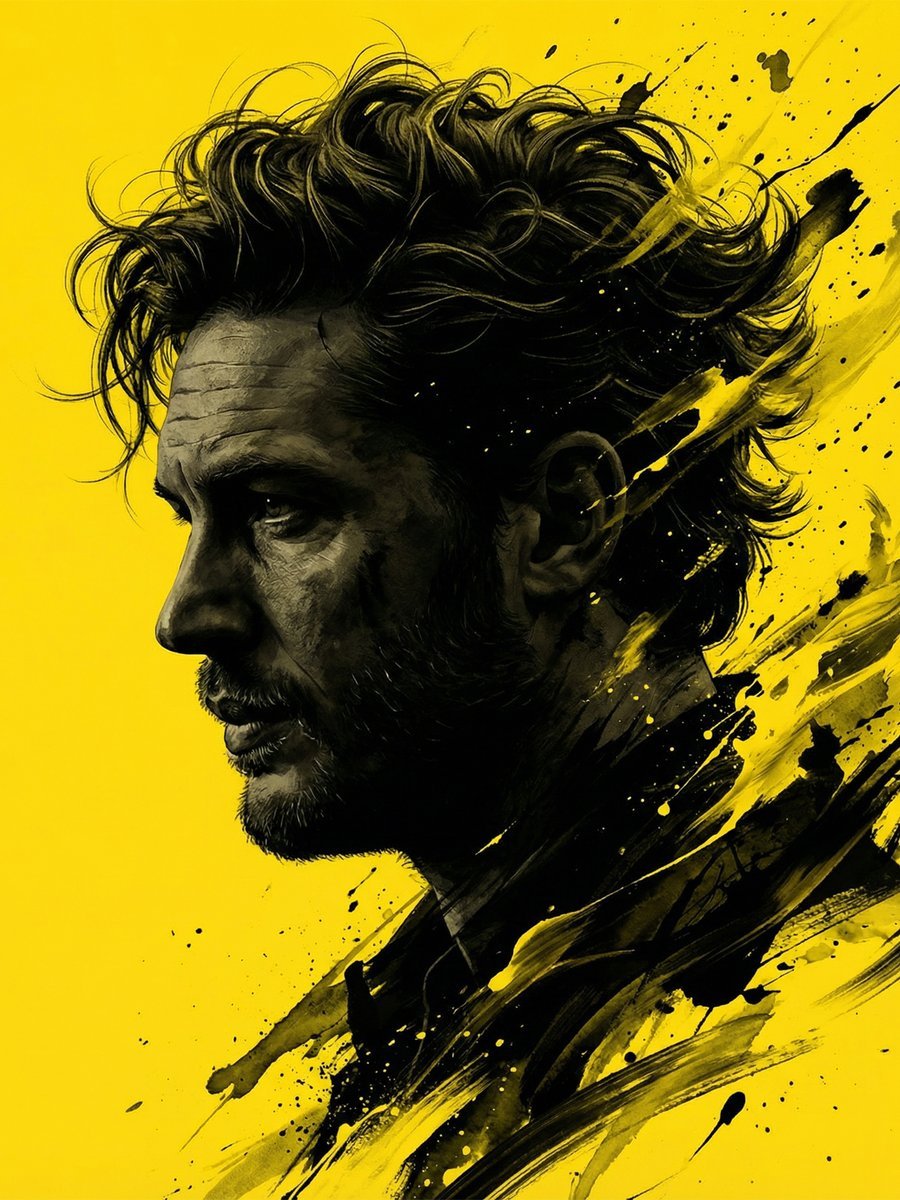
Dramatic Stylized Portrait Conversion Prompt for Nano Banana
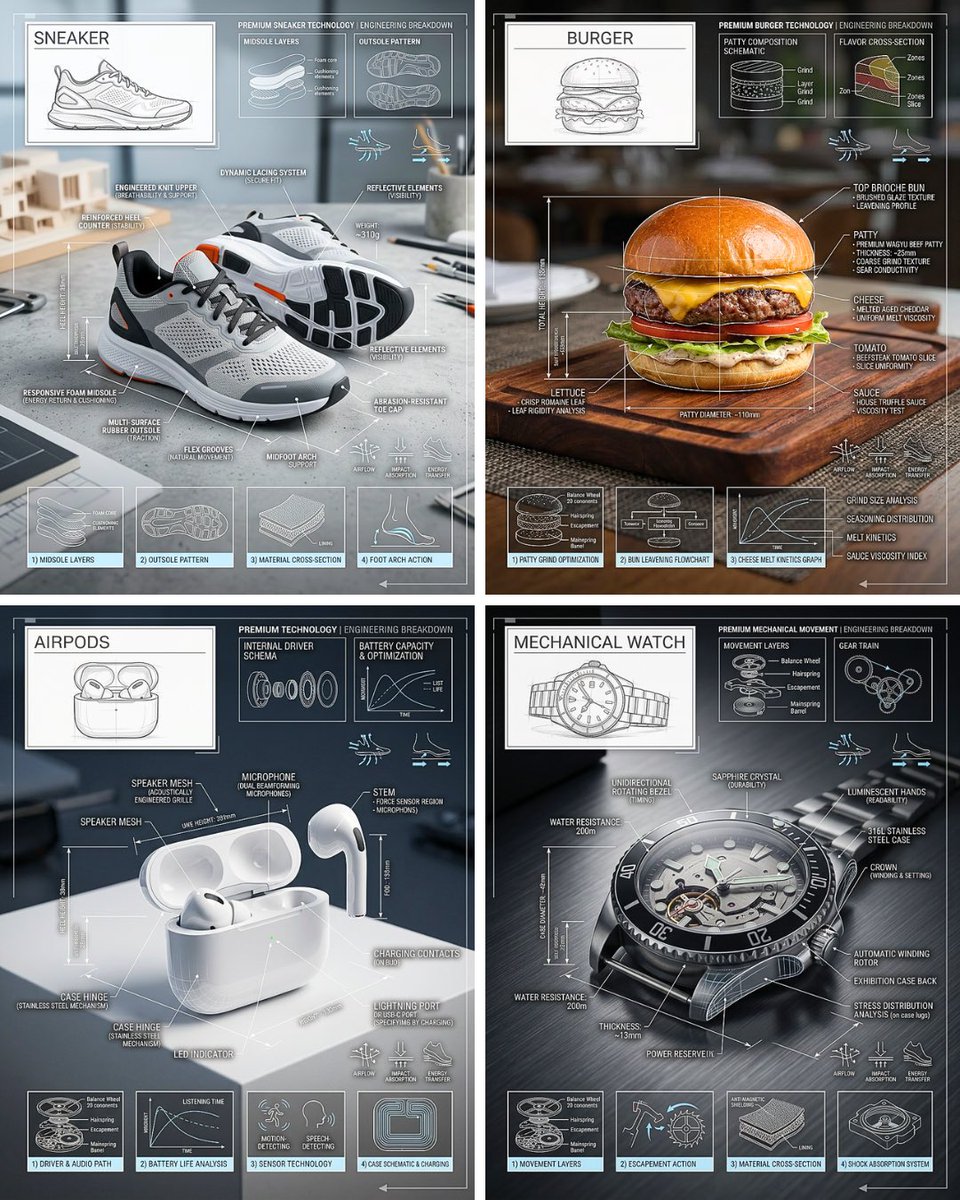
Technical Breakdown Infographic
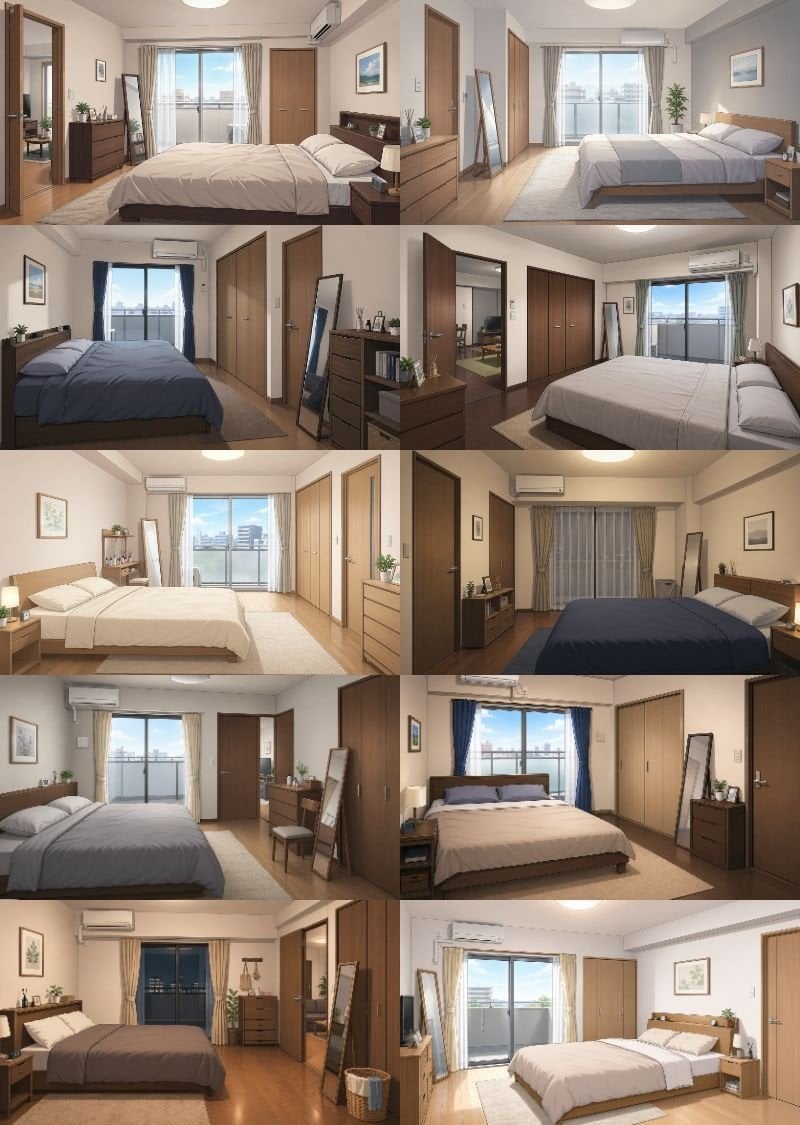
Newlywed Bedroom Game Asset
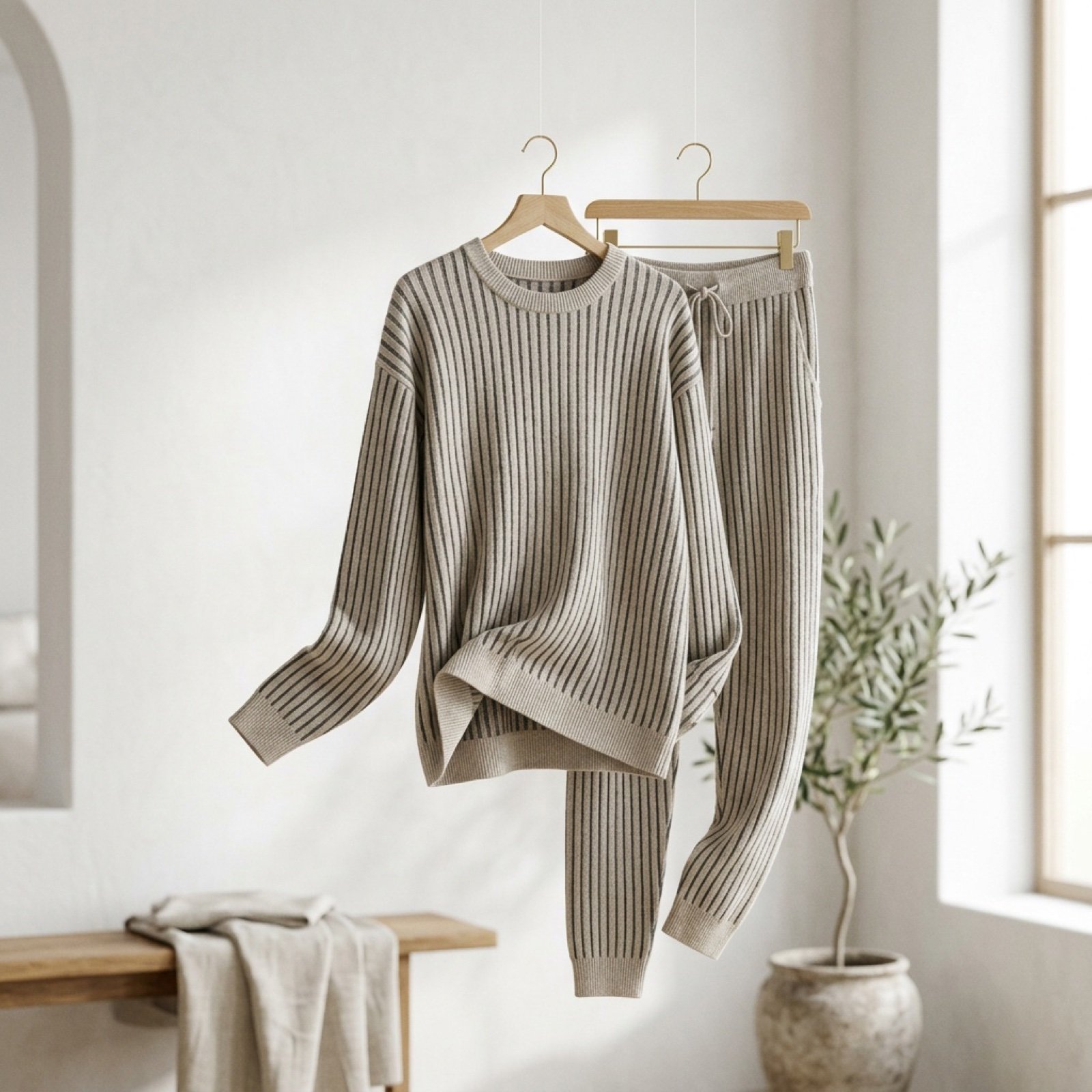
Cinematic Product Showcase Video Prompt (Knit Loungewear)
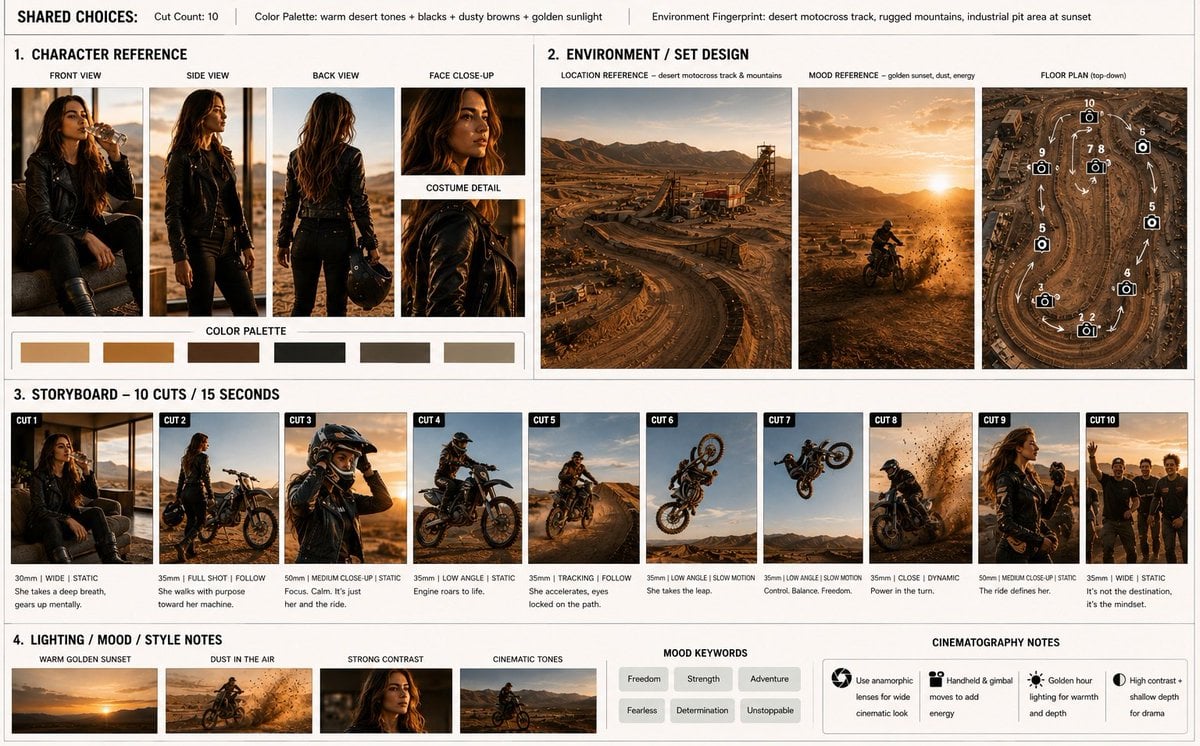
Motocross Legend Storyboard

Anime Character Drive-Thru Clerk (POV)
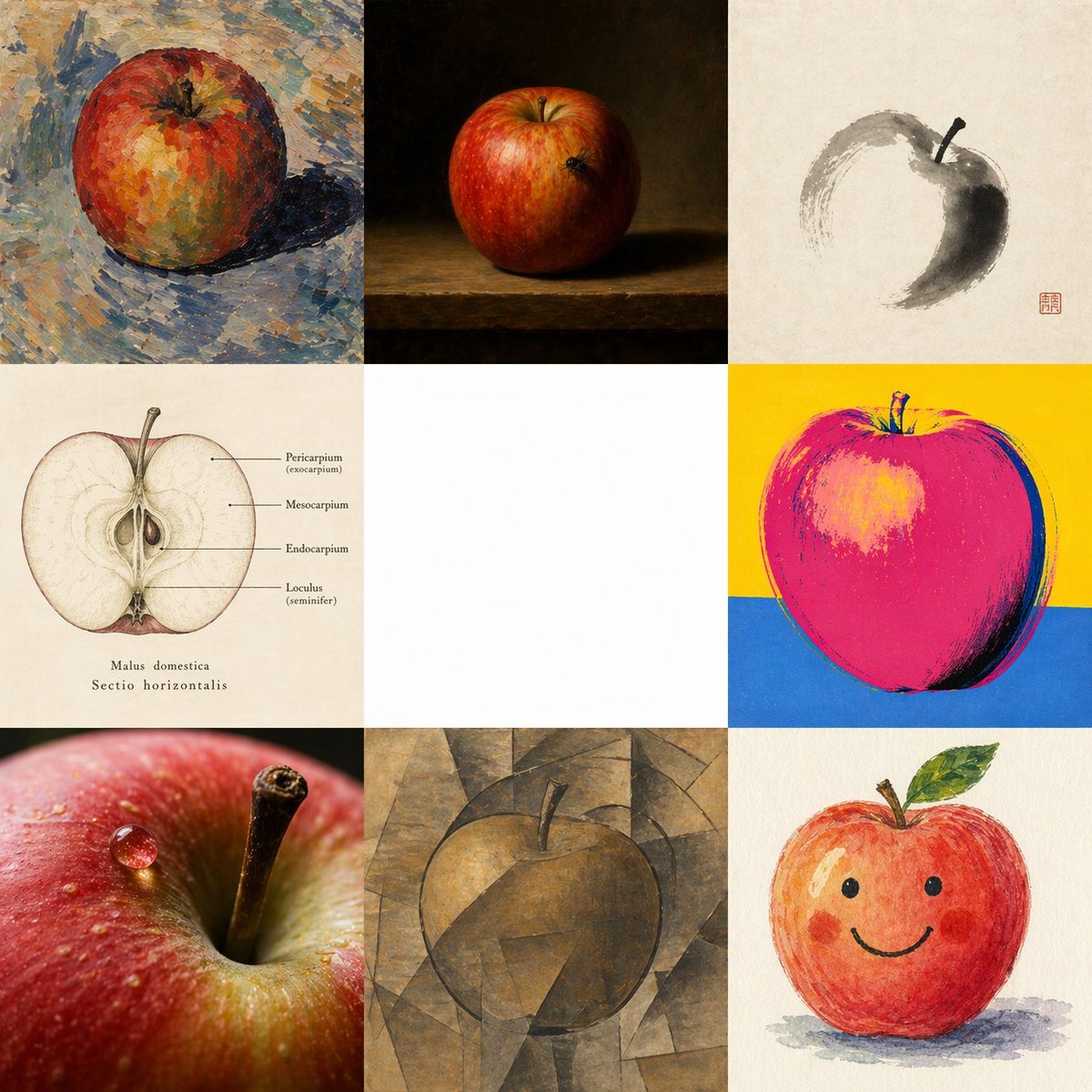
Apple in Eight Visual Grammars
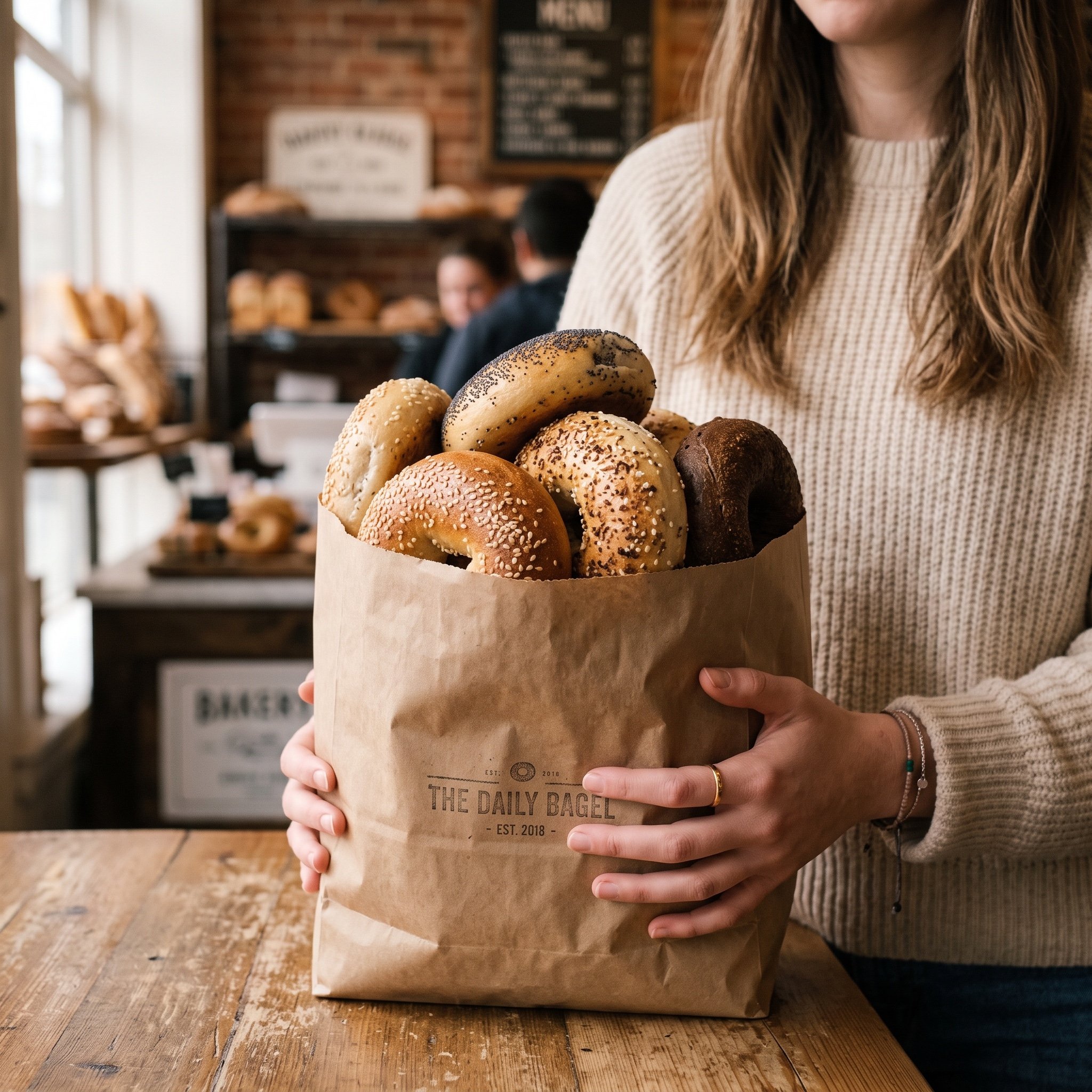
Image Generation Prompt: Purchased Items
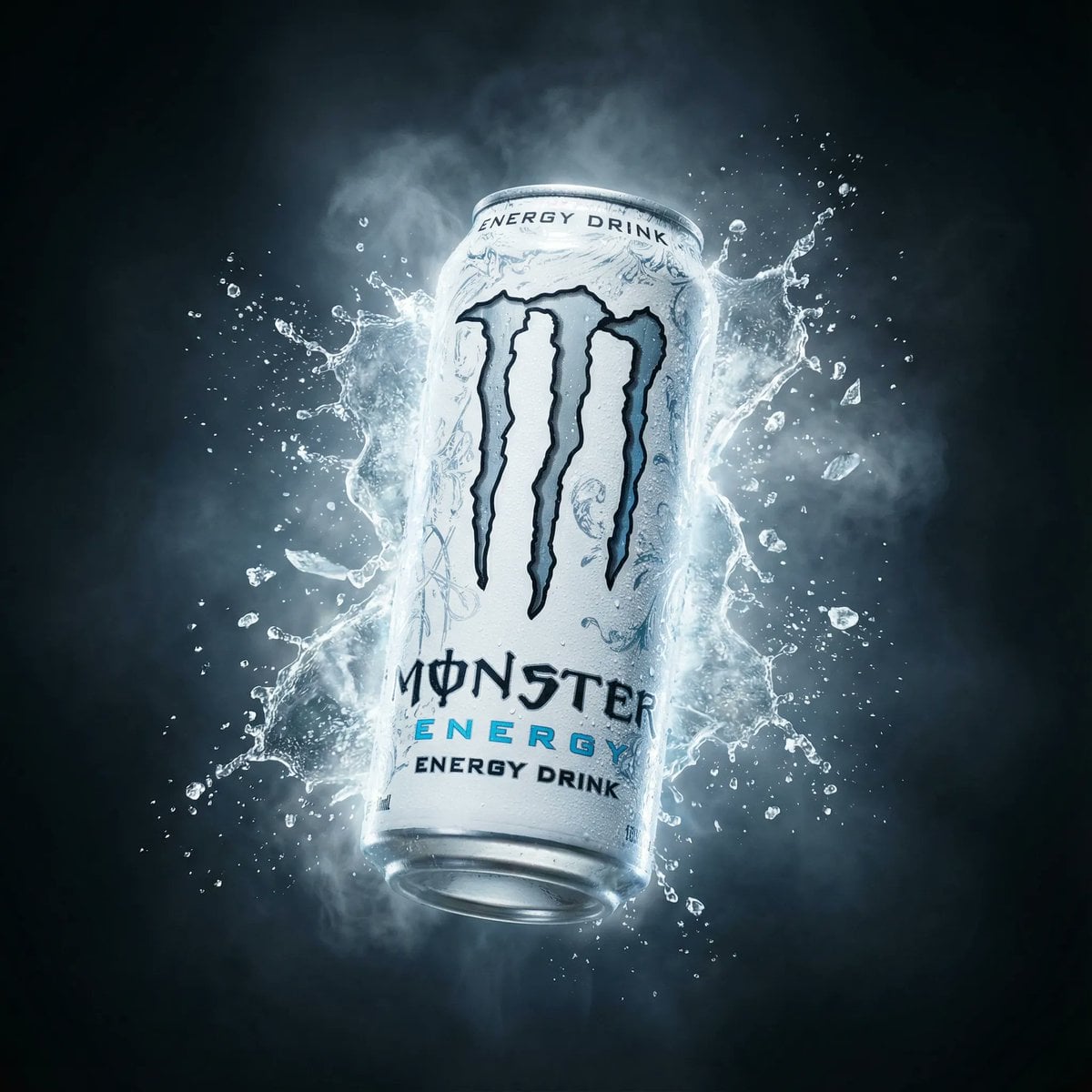
Hyper-Realistic Monster Energy Product Ad
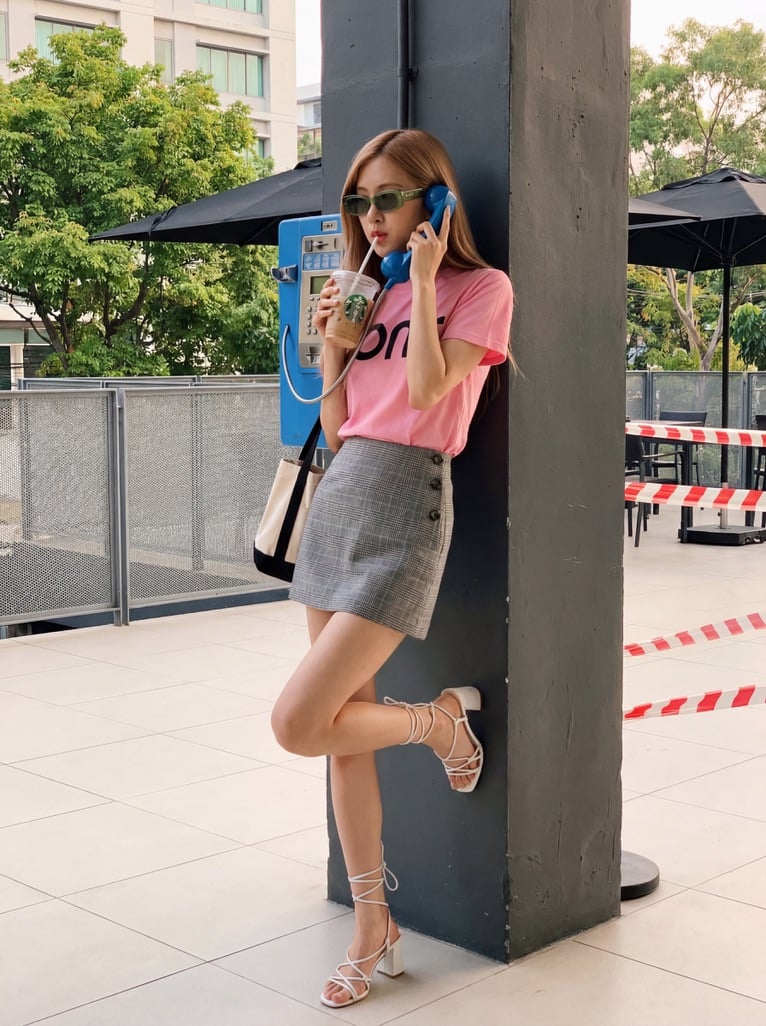
K-pop Idol Rosé at Payphone
Browse template categories
Dual Poster Movement Synthesis questions
How do I use the Dual Poster Movement Synthesis template?
Add your photo if the template asks for one, edit the prompt if you like — the template's model and format are already selected — and press Generate. Your version opens in PicX Studio.
Can I customize the Dual Poster Movement Synthesis template?
Yes. You can change the subject, setting, lighting, mood, format, and available model controls before creating your image.
Is the Dual Poster Movement Synthesis template free?
Opening and editing this template is free. Generating uses credits, shown on the Generate button when you are signed in.
Which AI model should I use?
Start with Nano Banana 2, which is the model associated with this template. You can compare another compatible model for a different finish.
Looking for something else? Browse all templates.

Your photo, any look
Thousands of ready templates for every top image and video model, from one credit balance.