
Anime Character Drive-Thru Clerk (POV)
A complex image-to-image prompt that fuses anime characters into a realistic smartphone-style live stream capture at a fast-food drive-thru.

- Prompt included
- Model and format preset
- Free template
The prompt behind this image
Copy the exact prompt behind Anime Character Drive-Thru Clerk (POV), or open it in the studio and make it yours.
Using the character from the reference image as the base design, depict "the moment when a reincarnated anime character is working an ordinary shift at a real-world drive-thru restaurant." Accurately maintain the character's feel as an anime illustration. Preserve the character's face, hairstyle, hair color, eyes, ears, silhouette, head-to-body ratio, and expression. Never break the character's identity. Do not turn them into a live-action human. Keep the character portion in an anime-illustration style. The setting is a realistic fast-food restaurant or café drive-thru reminiscent of a global chain. Render the background with photorealistic quality. A real space with a lived-in feel. Not too pretty. Don't make it look like an advertising photo. Naturally arrange things like menu boards, an intercom, paper bags, drink cups, kitchen equipment, a line of cars, greasy lighting, and realistic store fixtures inside and around the drive-thru. The viewpoint of someone live-streaming on their smartphone. A POV composition shot from inside a car. Naturally frame things like the car window, the steering wheel, a drink, the dashboard, and the side mirror into the foreground. The person on the streamer's side is not holding up their phone, but naturally reaching out to receive the product or paper bag. Through the drive-thru window, an anime-character employee in uniform is serving customers. The character is performing natural "just doing their job" actions, such as: handing over a paper bag, confirming an order, operating the register, putting in a straw, responding by rote with no particular expression, or serving customers while looking a little sleepy. Important: the character themself is not particularly bothered by the fact that they are an anime character. The surrounding world, too, is not entirely surprised, and carries an air of "somehow just existing normally." Add a live-streaming-style UI. A modern, vertical live-streaming UI, like TikTok LIVE, YouTube Live, or Instagram Live. Naturally display things like a comment section, a concurrent-viewer count, a LIVE indicator, likes, and gift notifications. Do not fix the comment content — let the AI generate it naturally. Emphasize a strangely realistic air, one in which the live-action world and the anime character blend naturally together. Add things typical of smartphone photography: light HDR processing, fine sensor noise, a slight sense of JPEG compression, natural exposure, slight chromatic aberration, an autofocus-like feel, slight camera shake, high-ISO noise, the blown-out highlights typical of live streaming, and the instability typical of handheld shooting. Do not make it look like a movie poster. No excessive cinematic staging. No overly clean composition. Avoid the glossy rendering typical of AI. Don't overload the image with information. Emphasize a sense of chance and everyday life, like "a mysterious live-stream clip posted on social media." Emphasize an air typical of modern internet culture, like "only the streamer seems to be acting a little strange."
How to use Anime Character Drive-Thru Clerk (POV) in 3 steps
- 1Upload ImagePNG, JPG or paste
Add your photo
Upload the photo the template builds on. The prompt, model and format are already set.
- 2…a portrait of your subject in softgolden-hour light, 85mm…
Personalize
Edit the subject and creative details for your destination.
- 3Generate
Generate
Press Generate — your image is created in PicX Studio, so you can compare it with the original and refine one variable at a time.
More like this
Templates with the same subject, style or setup. Open one to see its prompt.

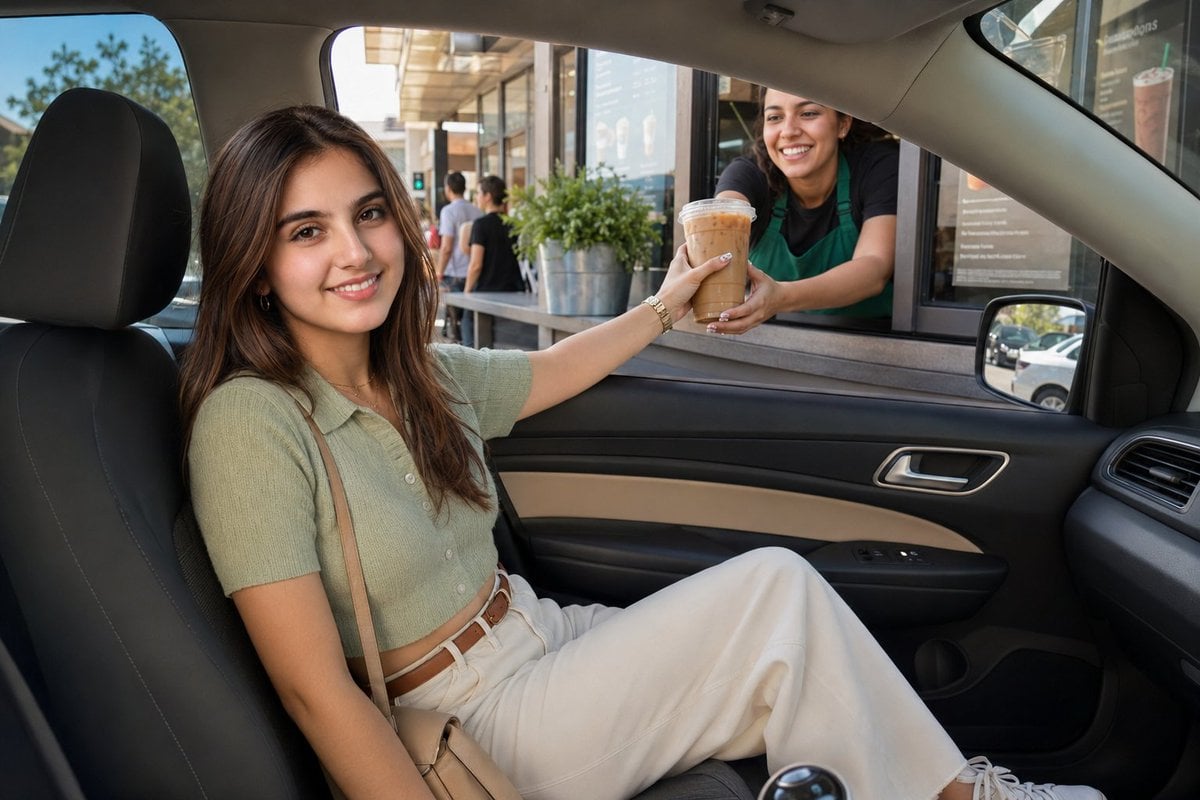










Make it yours
Anime Character Drive-Thru Clerk (POV) works as-is. These are the safest ways to change it without losing the look.
Change one field
Copy a single group, rewrite it, and generate again so you can see what that field is doing.
Keep the frame, change the subject
Hold the composition and light of Anime Character Drive-Thru Clerk (POV), then swap wardrobe, props or the person for a new take.
| If the result… | Why | Fix |
|---|---|---|
| The result drifts from the preview | Too many fields changed at once. | Reuse Anime Character Drive-Thru Clerk (POV) as-is first, then change one group — subject, light, or setting. |
| The model over-stylizes the scene | The prose prompt leaves finish and camera underspecified. | Add one camera or lighting sentence and stay on GPT Image 2. |
More GPT Image 2 templates
Other prompts made for GPT Image 2.

Six VTuber Japanese Logo Sheet

Realistic Portrait of Woman and Deer

The Vista Modular Condo Poster

AI Model Routing Comparison Infographic

2.5D Anime Art Board

Isometric Productivity Desk Scene

New York Double Exposure Poster

Four-Panel AI Landscape Comparison

Japanese Tatami Lifestyle Magazine Cover

NESCAFÉ Coffee Map Poster
More image prompts
Fresh picks from across the catalog.
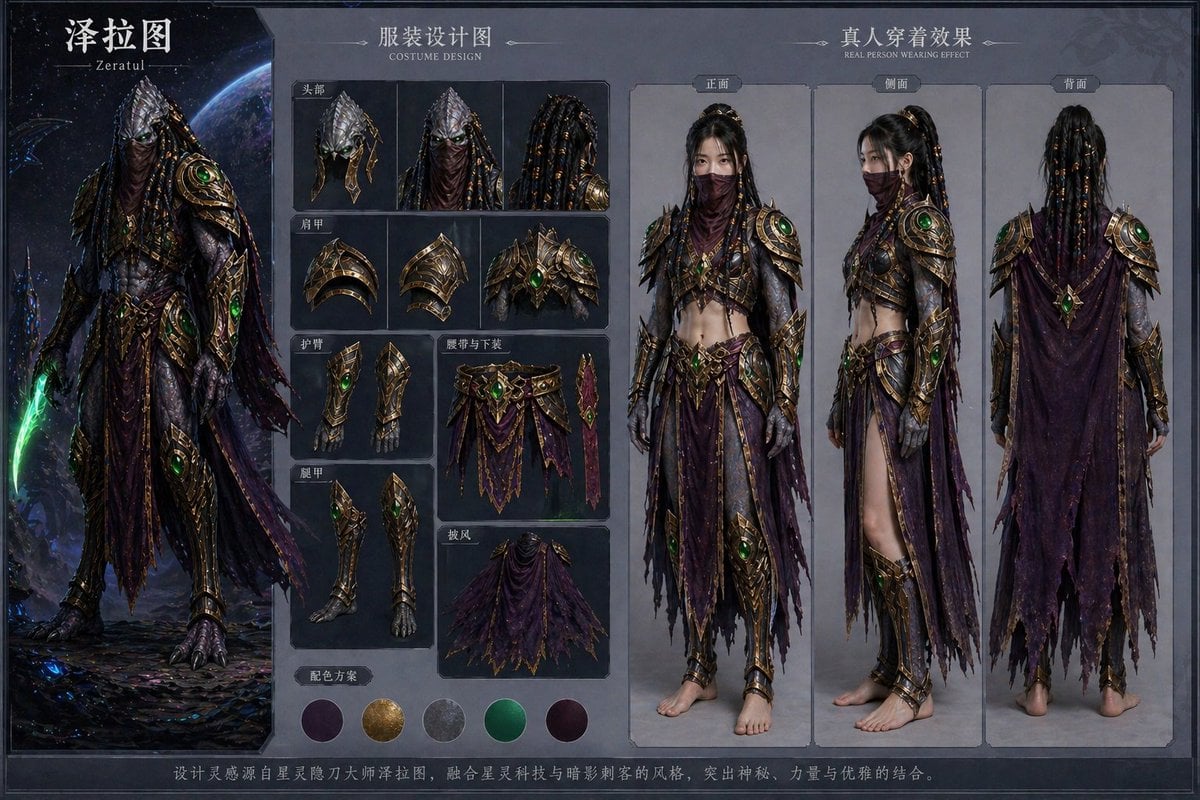
Character Costume Design Transfer
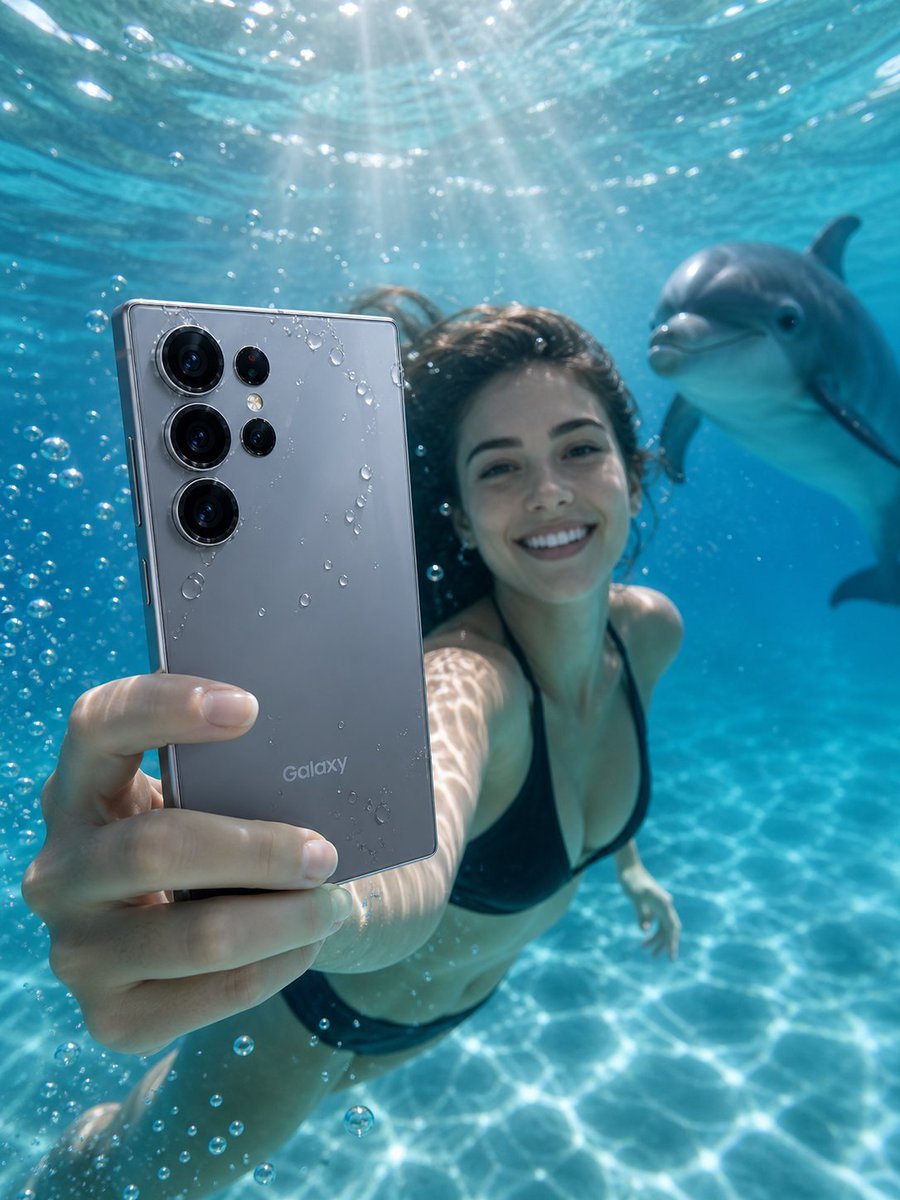
Underwater Smartphone Product Shoot
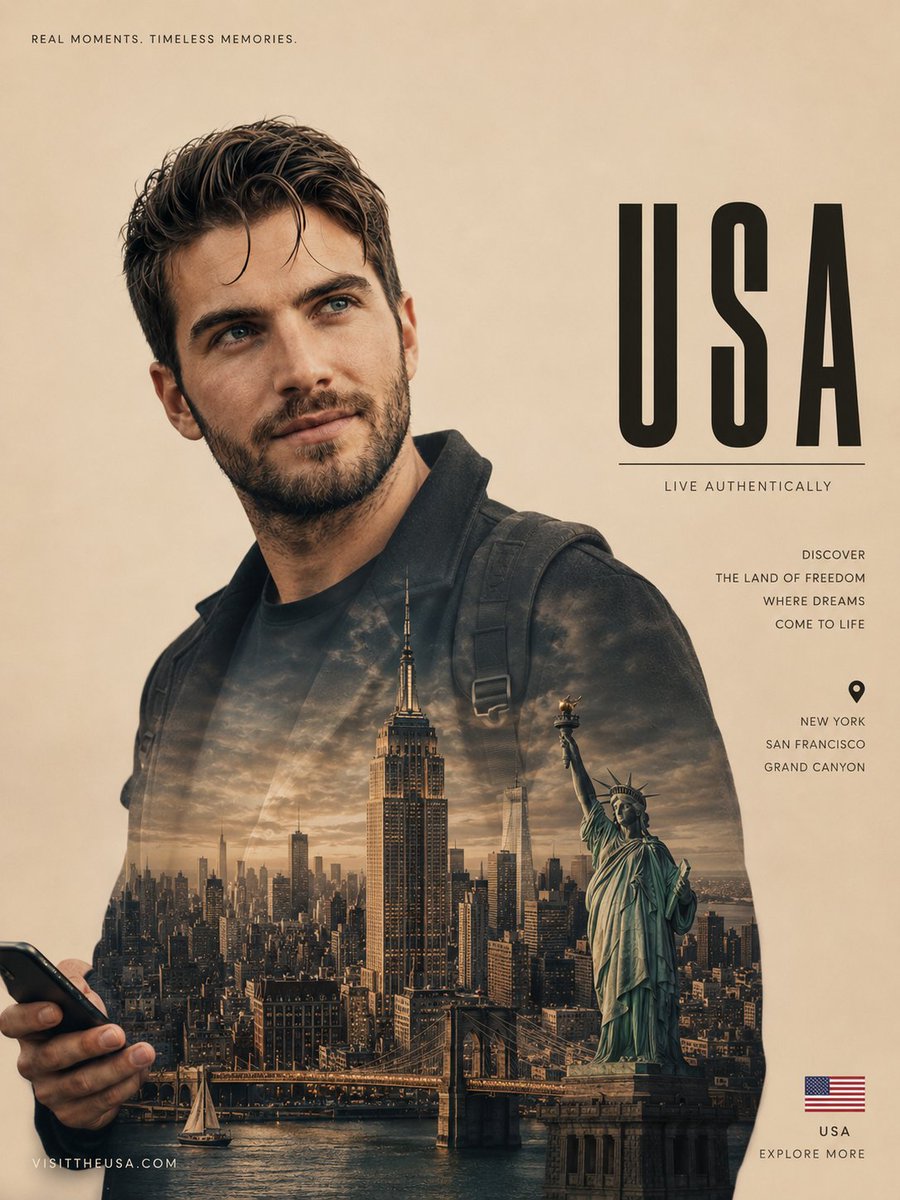
Cinematic Double Exposure Travel Poster
Stylized 3D Clay Character Generation
Minimalist City Poster Prompt
Linguistic Evolution Tree Infographic Generation
Japanese Apartment Horror Game Screenshot
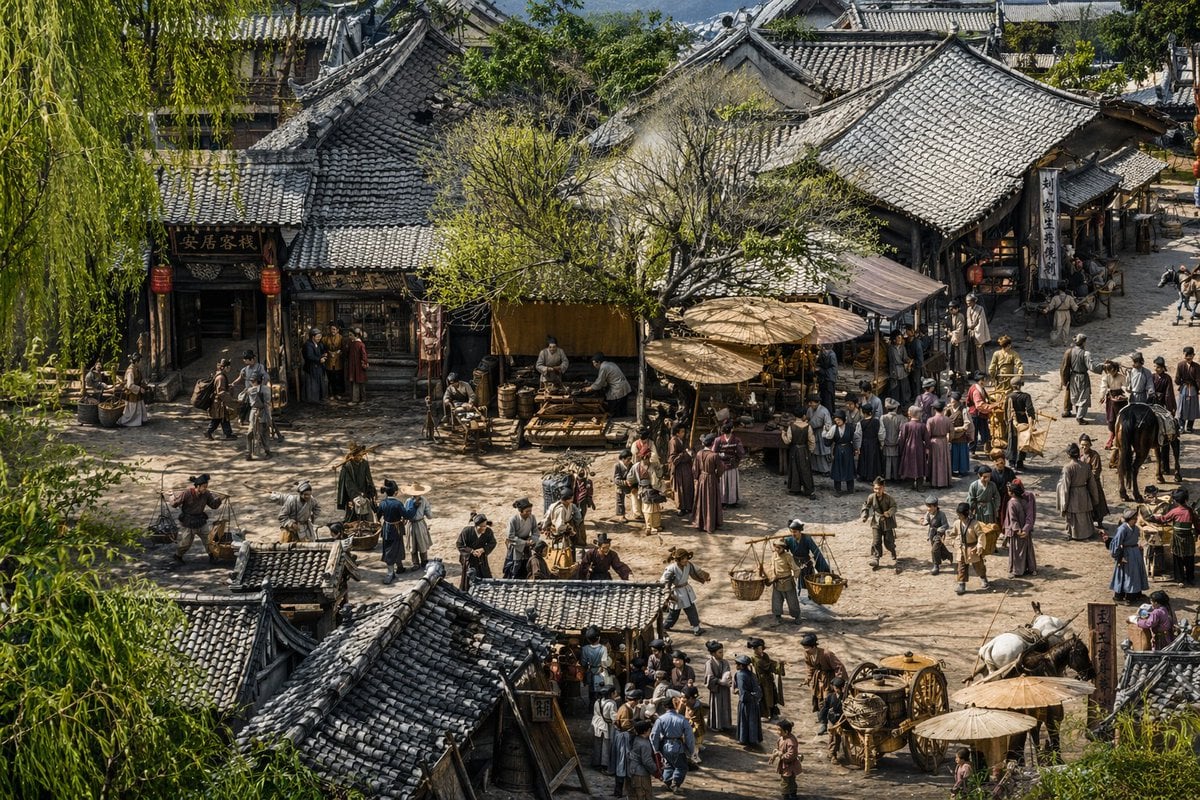
Realistic Ancient Chinese Street Scene
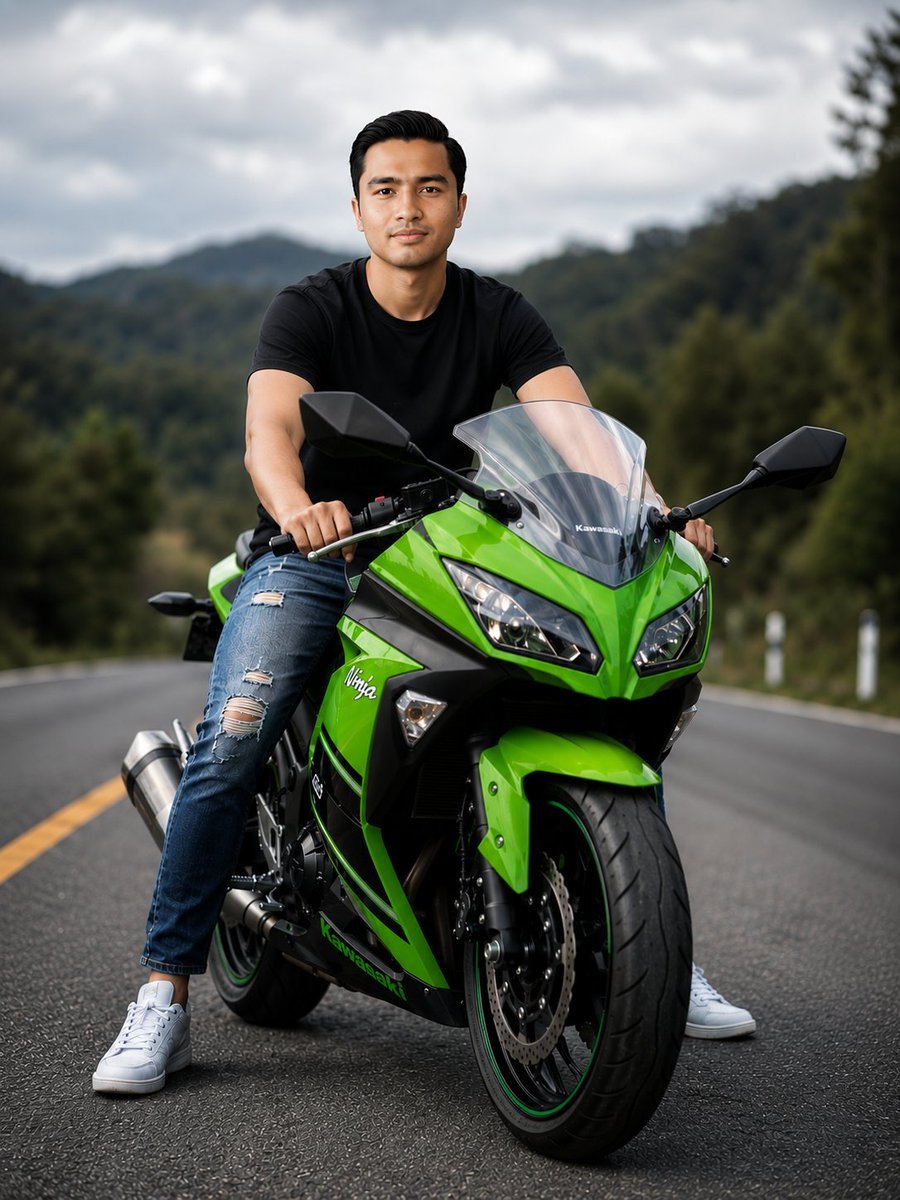
Green Sport Motorcycle Mountain Road
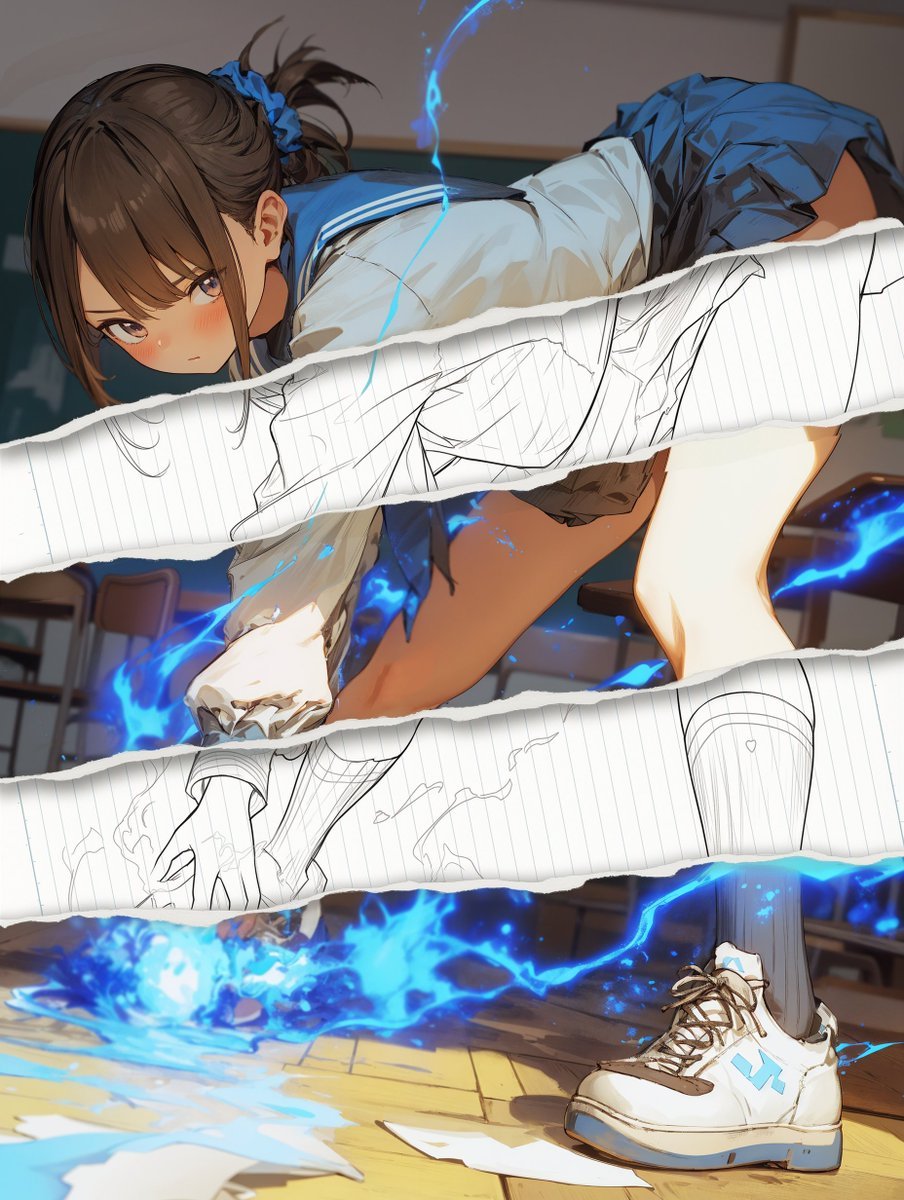
Style Change Prompt for Damaged Areas: Lost Love Girls
Browse template categories
Anime Character Drive-Thru Clerk (POV) questions
How do I use the Anime Character Drive-Thru Clerk (POV) template?
Add your photo if the template asks for one, edit the prompt if you like — the template's model and format are already selected — and press Generate. Your version opens in PicX Studio.
Can I customize the Anime Character Drive-Thru Clerk (POV) template?
Yes. You can change the subject, setting, lighting, mood, format, and available model controls before creating your image.
Is the Anime Character Drive-Thru Clerk (POV) template free?
Opening and editing this template is free. Generating uses credits, shown on the Generate button when you are signed in.
Which AI model should I use?
Start with GPT Image 2, which is the model associated with this template. You can compare another compatible model for a different finish.
Looking for something else? Browse all templates.

Your photo, any look
Thousands of ready templates for every top image and video model, from one credit balance.