
Green Sport Motorcycle Mountain Road
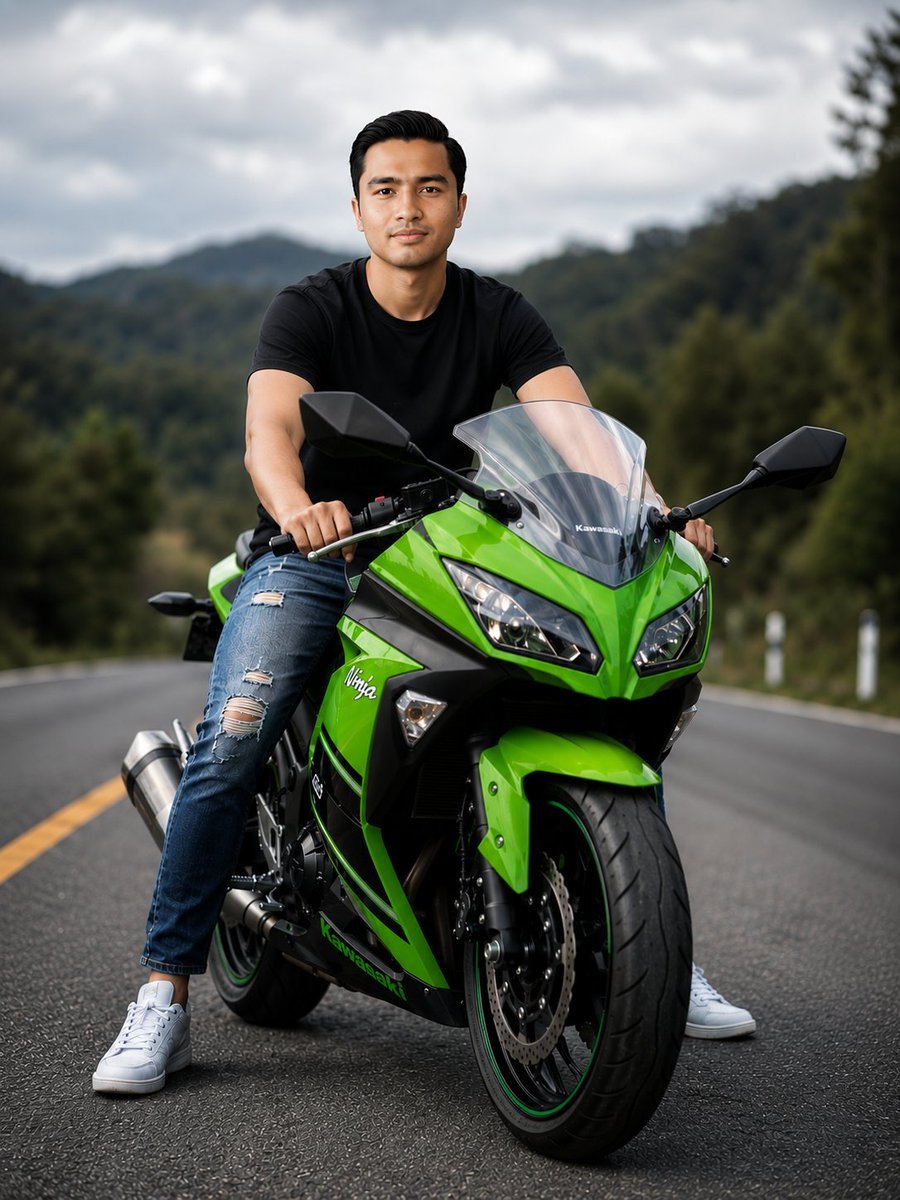
A cinematic photography prompt for a high-detail portrait of a rider and a green sport motorcycle on a mountain road.
- Prompt included
- Model and format preset
- Free template
The prompt behind this image
Copy the exact prompt behind Green Sport Motorcycle Mountain Road, or open it in the studio and make it yours.
Wide portrait of a {argument name="subject" default="young man"} sitting astride a {argument name="motorcycle" default="vivid green sport motorcycle"} parked on an empty winding mountain road, frontal three-quarter view, low-angle perspective, shallow depth of field with creamy bokeh of {argument name="background" default="forested hills and cloudy sky"} in the background, subject centered. Rider wears a fitted black t-shirt, ripped blue jeans and white sneakers, hands on handlebars, confident neutral expression, short dark hair neatly styled. Motorcycle features glossy lime-green fairings with black accents, twin angular headlights, clear windshield, exposed front disc brake and treaded tire with thin colored rim stripe, visible stainless exhaust and mechanical detail. Overcast soft diffused lighting, cinematic moody tone, realistic skin tones, high contrast, crisp textures on metal and paint, subtle reflections on wet asphalt, slight shadow under bike. Use 85mm perspective, shallow aperture for pronounced bokeh, fast shutter to freeze detail, low ISO, filmic color grading with rich greens and muted background, high dynamic range, gentle vignette, photorealistic, ultra-detailed rendering, 8k resolution, razor-sharp focus on rider and motorcycle, soft blurred background for depth.
How to use Green Sport Motorcycle Mountain Road in 3 steps
- 1
Open
The prompt is already in the box next to the preview, with the template's model and format selected.
- 2…a portrait of your subject in softgolden-hour light, 85mm…
Personalize
Edit the subject and creative details for your destination.
- 3Generate
Generate
Press Generate — your image is created in PicX Studio, so you can compare it with the original and refine one variable at a time.
More like this
Templates with the same subject, style or setup. Open one to see its prompt.

Teen Girl Alpine Lake Mountain View

Mountain Lake Sunset Landscape

Elegant Green Evening Gown Studio Fashion Portrait
Elegant Green Evening Gown Studio Fashion Portrait

Premium Editorial Branding Poster Charcoal Green

Premium Vintage Travel Poster Landscape

Red Futuristic Sport Motorcycle POV
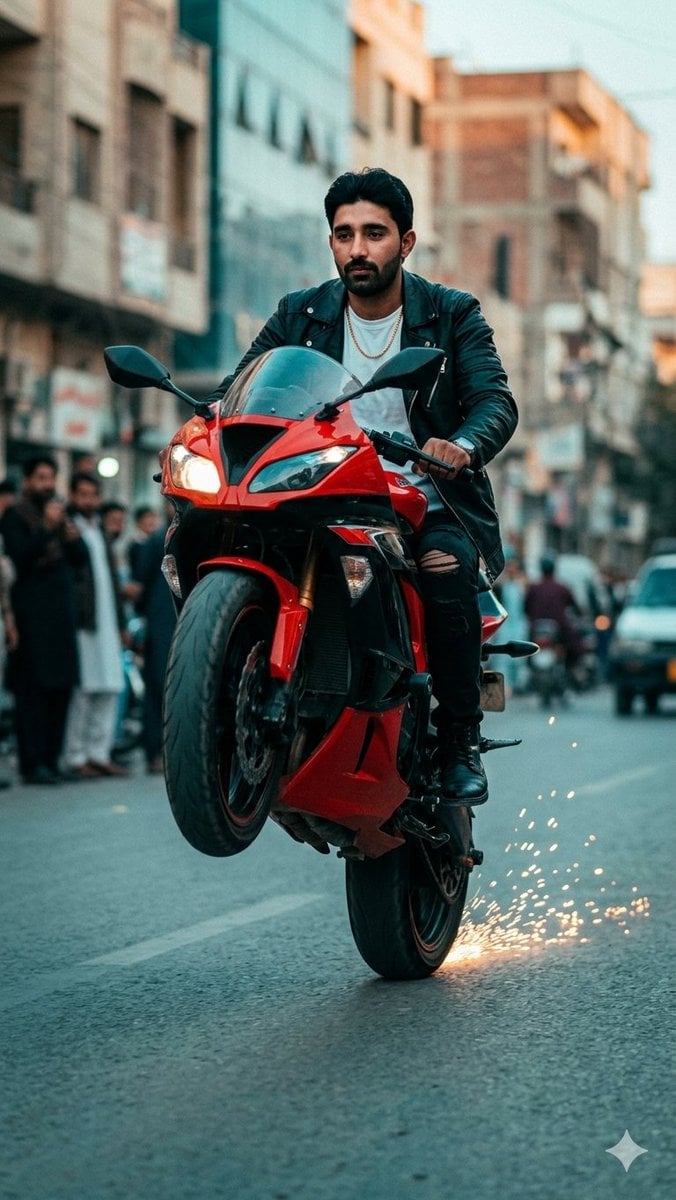
Sport Motorcycle Wheelie Street Photo
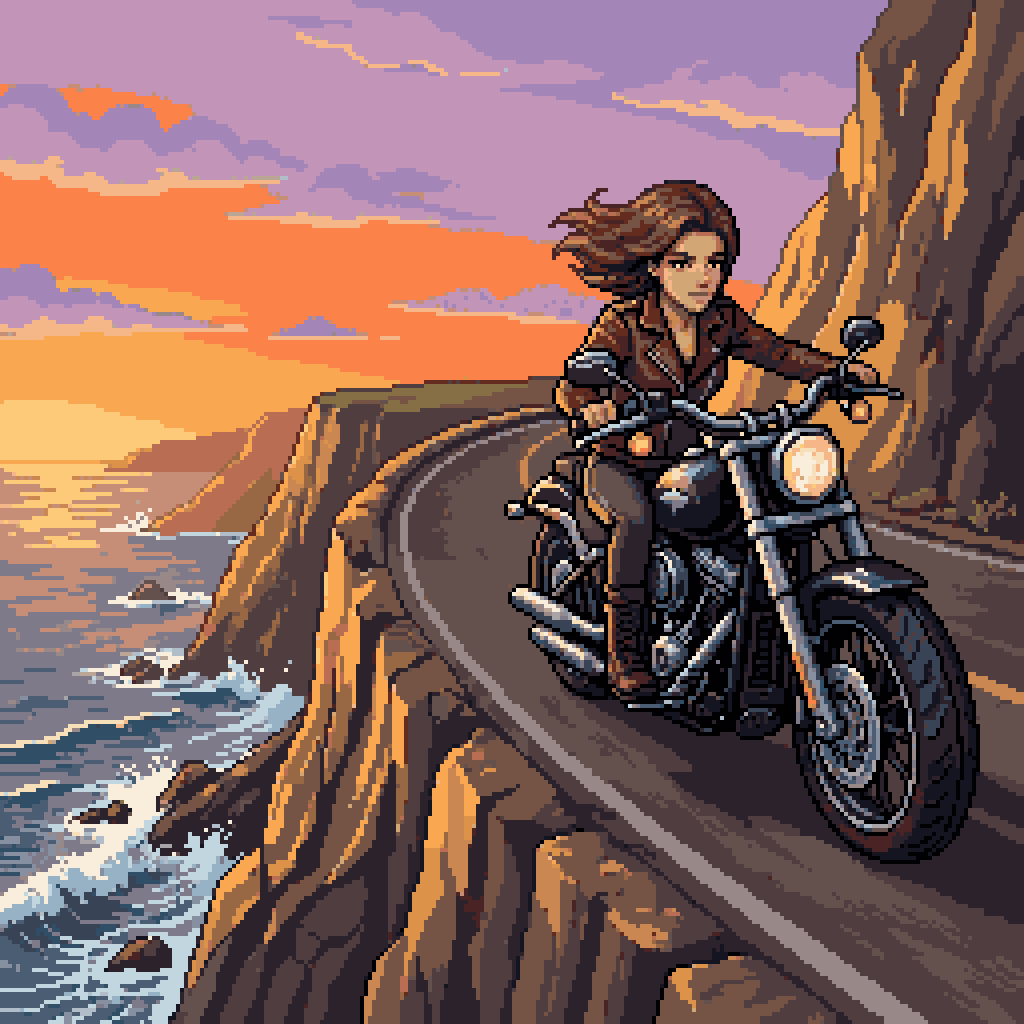
Woman Riding Motorcycle on Cliff Road
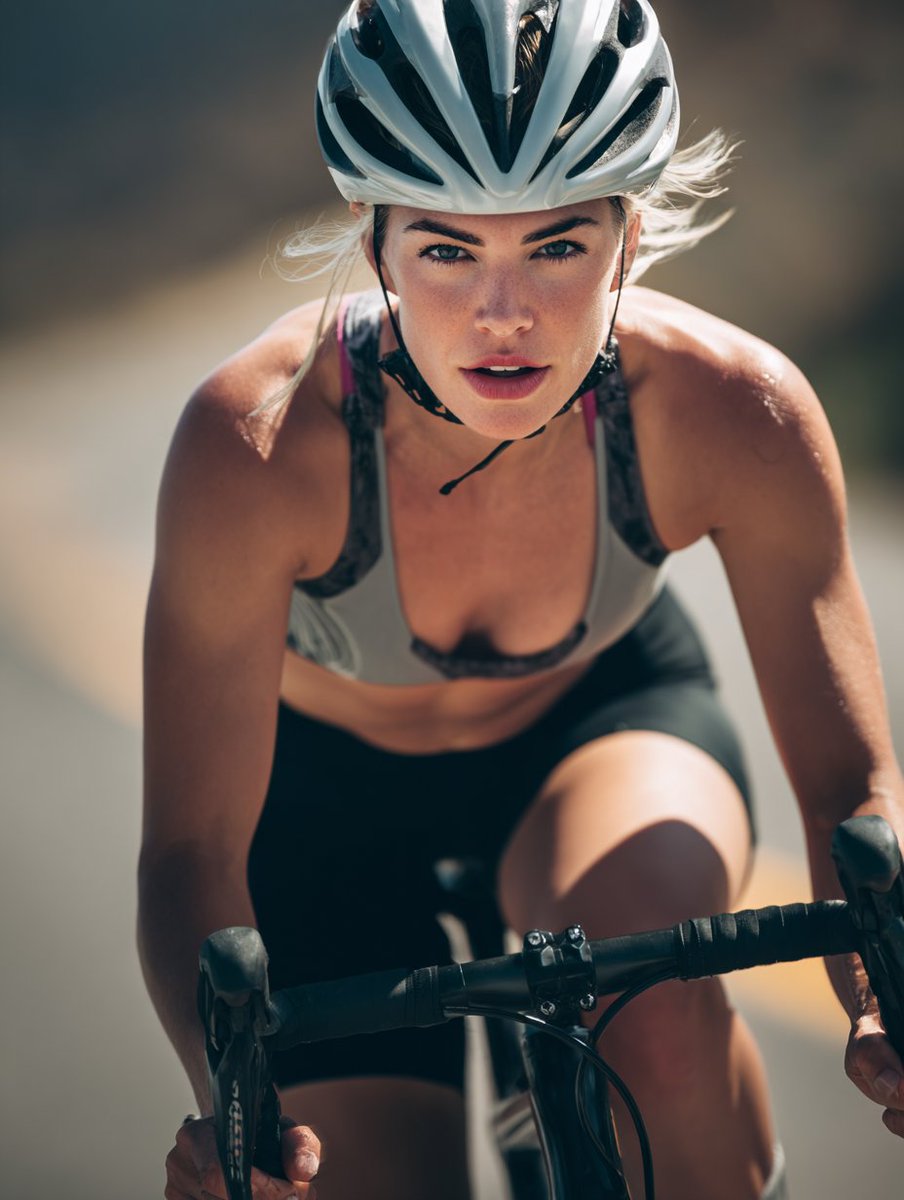
High-End Sports Photography: Competitive Road Cyclist
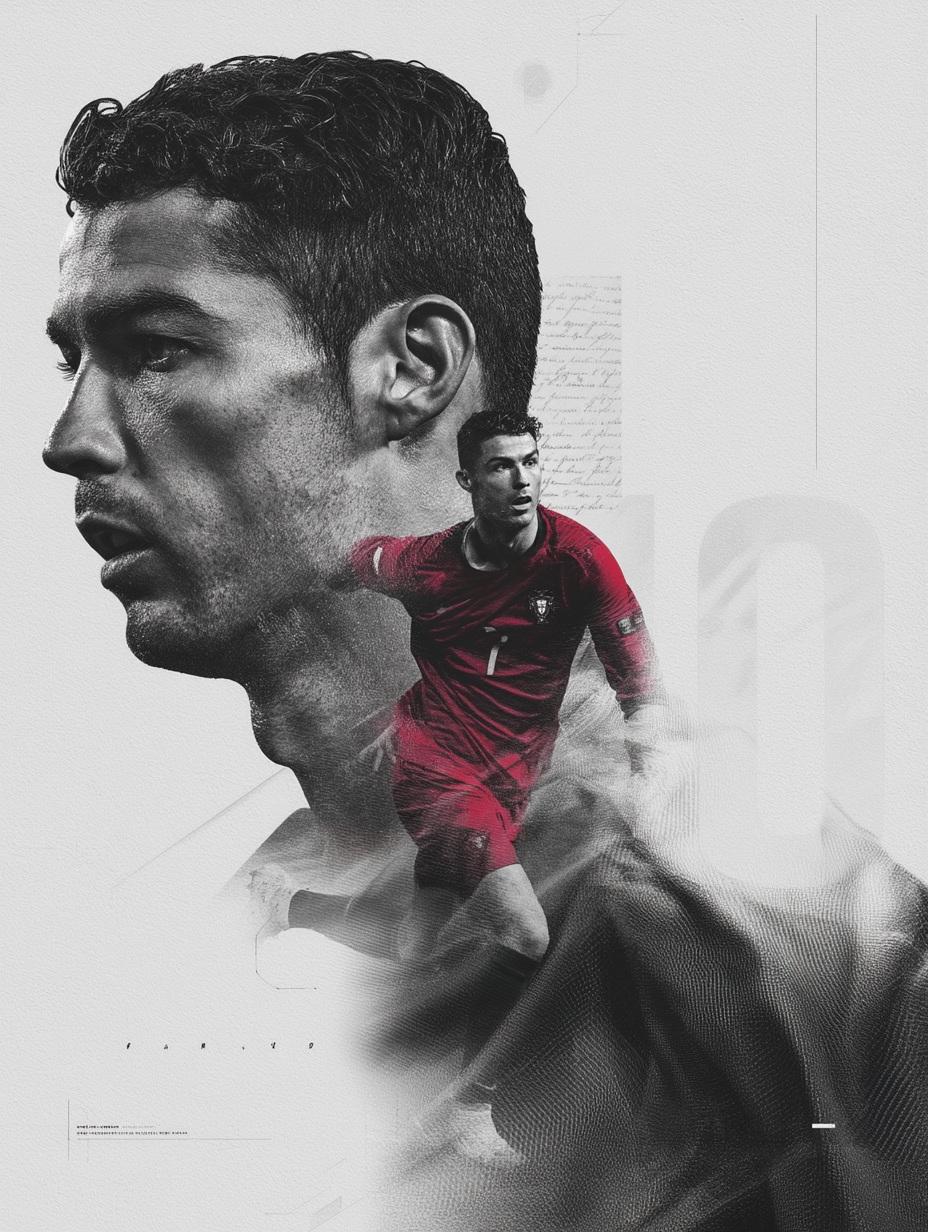
Nano Banana Pro on Gemini

Comparing Realism Keywords in Midjourney
Make it yours
Green Sport Motorcycle Mountain Road works as-is. These are the safest ways to change it without losing the look.
Change one field
Copy a single group, rewrite it, and generate again so you can see what that field is doing.
Keep the frame, change the subject
Hold the composition and light of Green Sport Motorcycle Mountain Road, then swap wardrobe, props or the person for a new take.
| If the result… | Why | Fix |
|---|---|---|
| The result drifts from the preview | Too many fields changed at once. | Reuse Green Sport Motorcycle Mountain Road as-is first, then change one group — subject, light, or setting. |
| The model over-stylizes the scene | The prose prompt leaves finish and camera underspecified. | Add one camera or lighting sentence and stay on GPT Image 2. |
More GPT Image 2 templates
Other prompts made for GPT Image 2.

Six VTuber Japanese Logo Sheet

Realistic Portrait of Woman and Deer

The Vista Modular Condo Poster

AI Model Routing Comparison Infographic

2.5D Anime Art Board

Isometric Productivity Desk Scene

New York Double Exposure Poster

Four-Panel AI Landscape Comparison

Japanese Tatami Lifestyle Magazine Cover

NESCAFÉ Coffee Map Poster
More image prompts
Fresh picks from across the catalog.
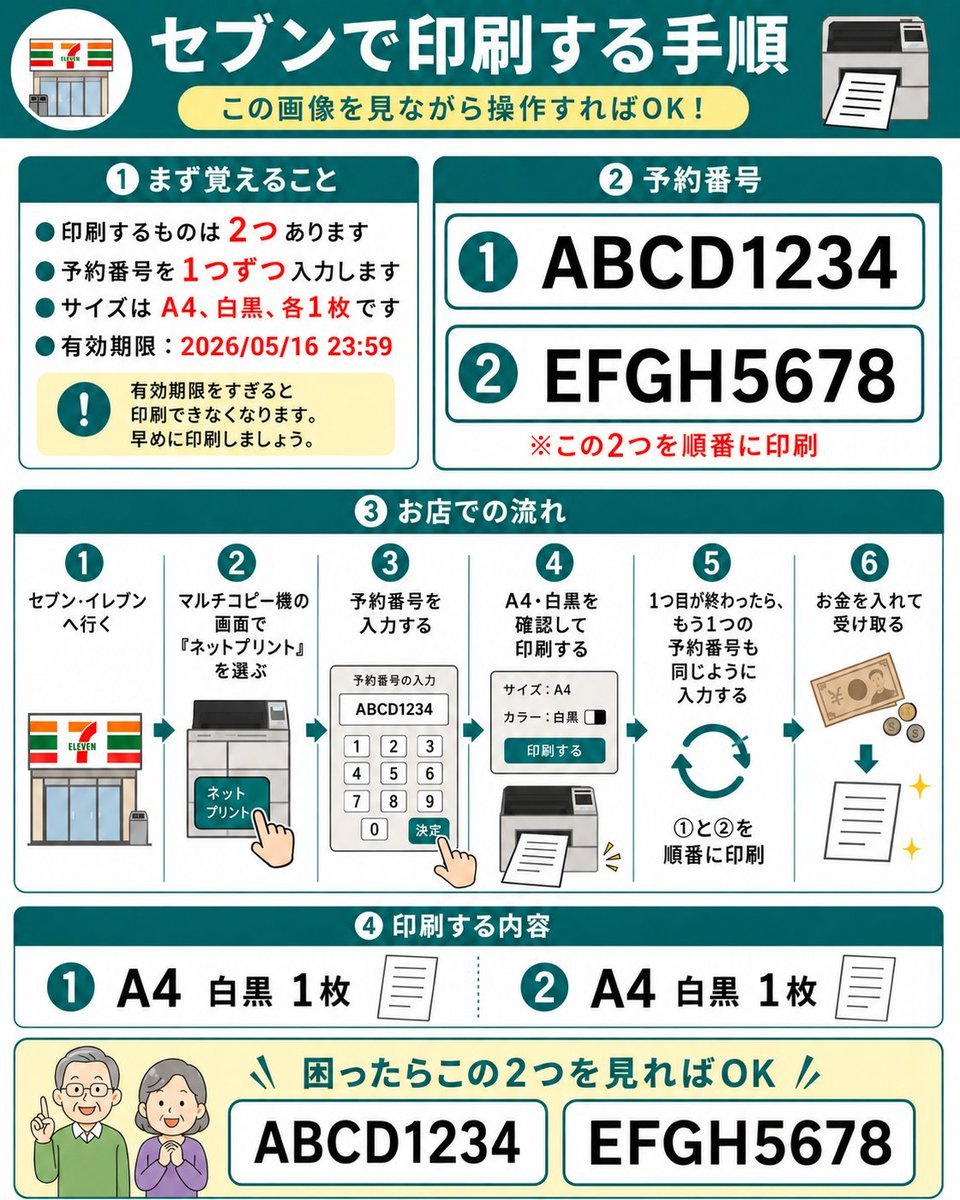
Eleven Net Print Instruction Sheet
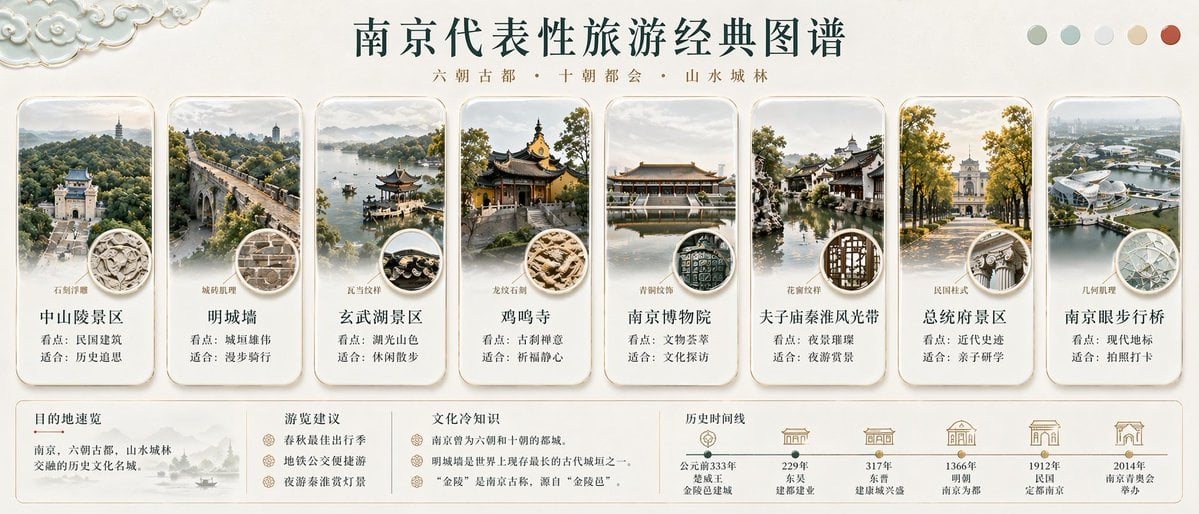
Nanjing Classic Tourism Atlas Poster
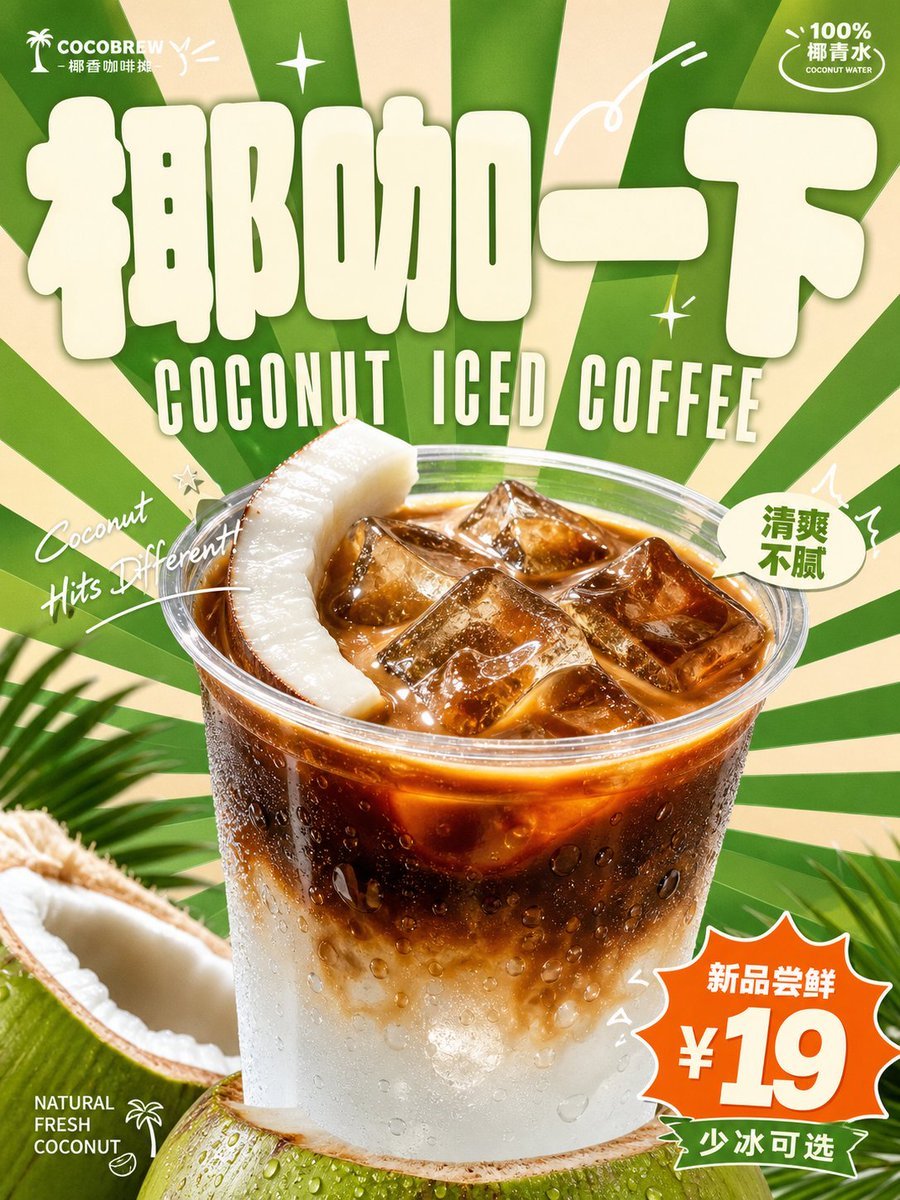
Retro Beverage Advertisement Poster
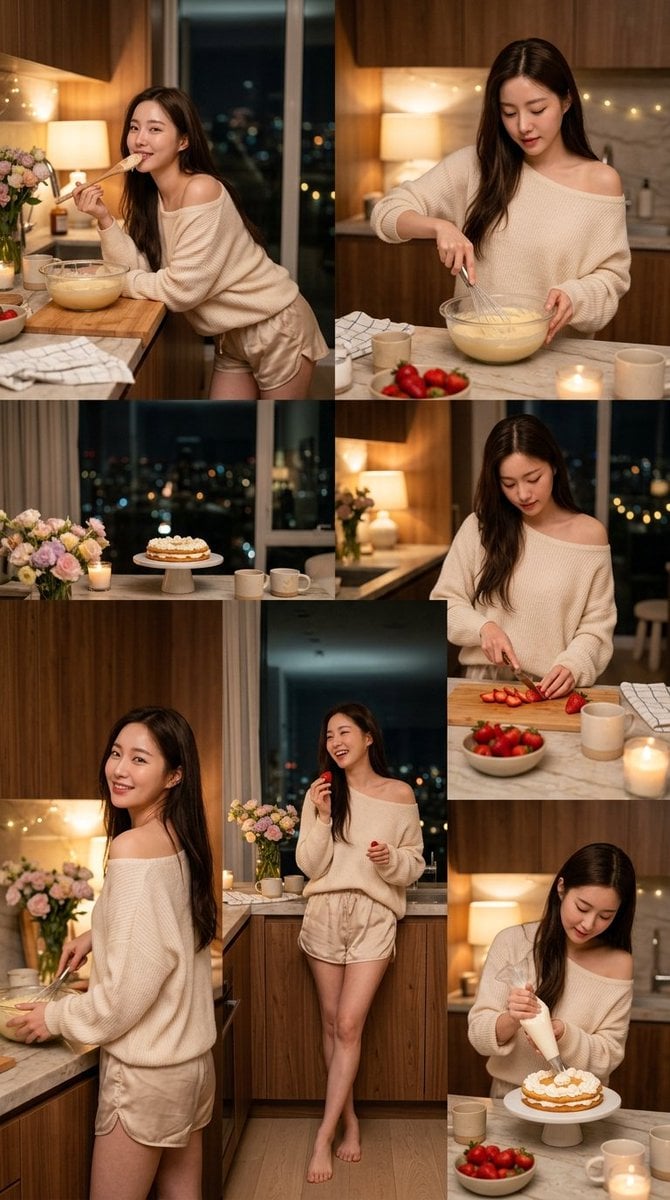
Korean Girl Kitchen Cooking Aesthetic
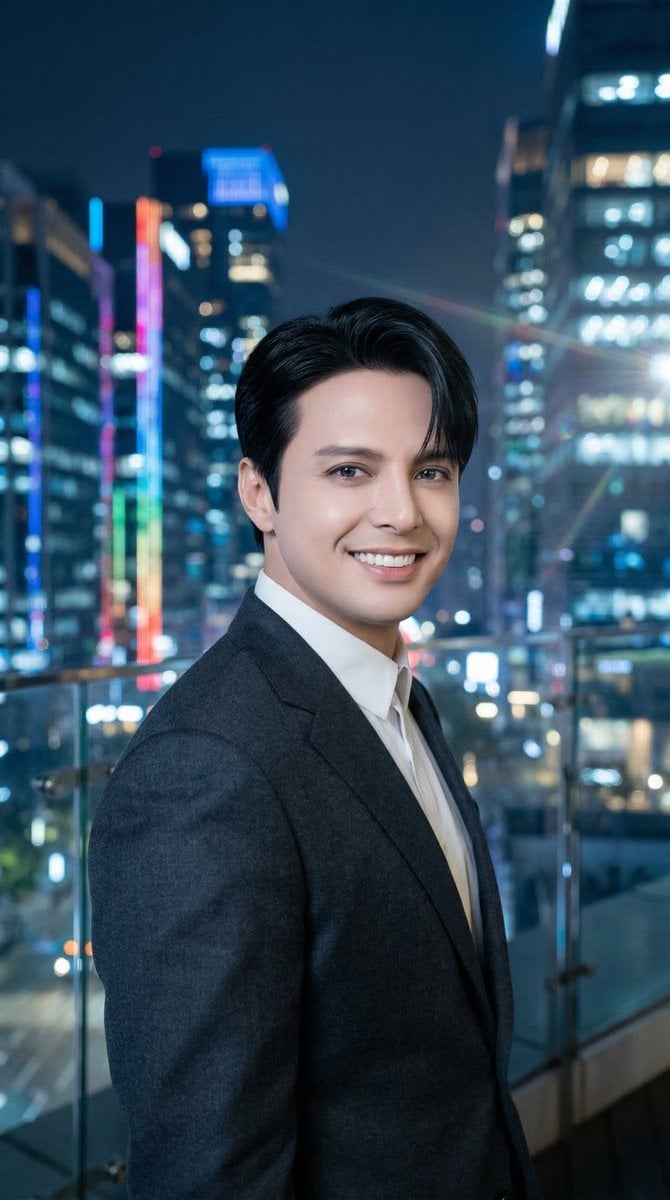
Luis Miguel as K-Pop Star in Gangnam
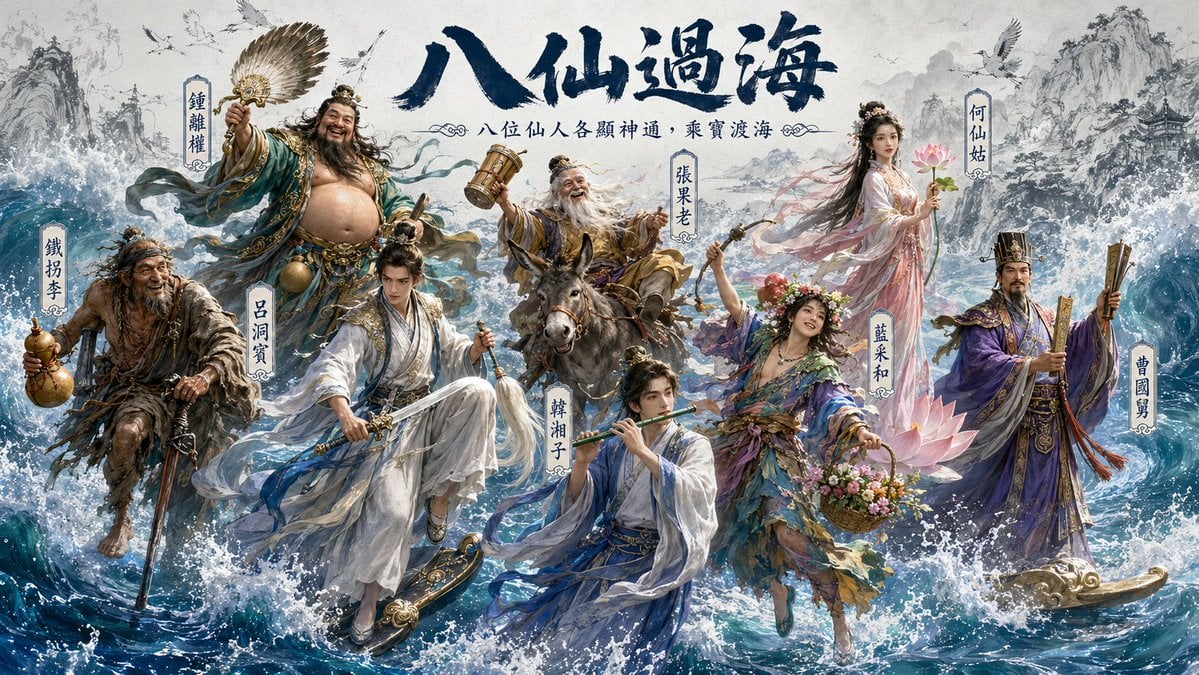
Hybrid CGI Ink-Wash Chinese Illustration
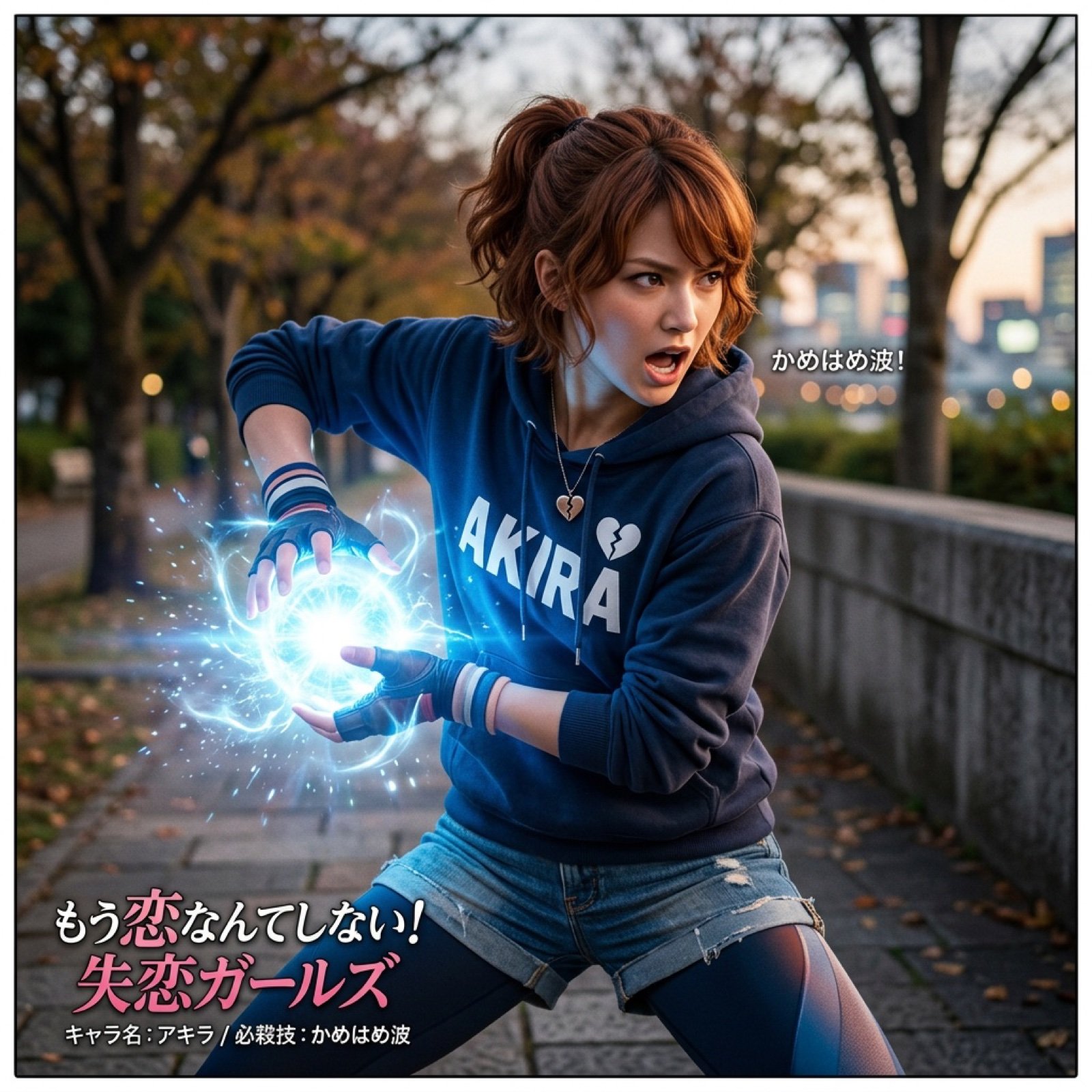
Super Robot Wars Battle Scene Generator
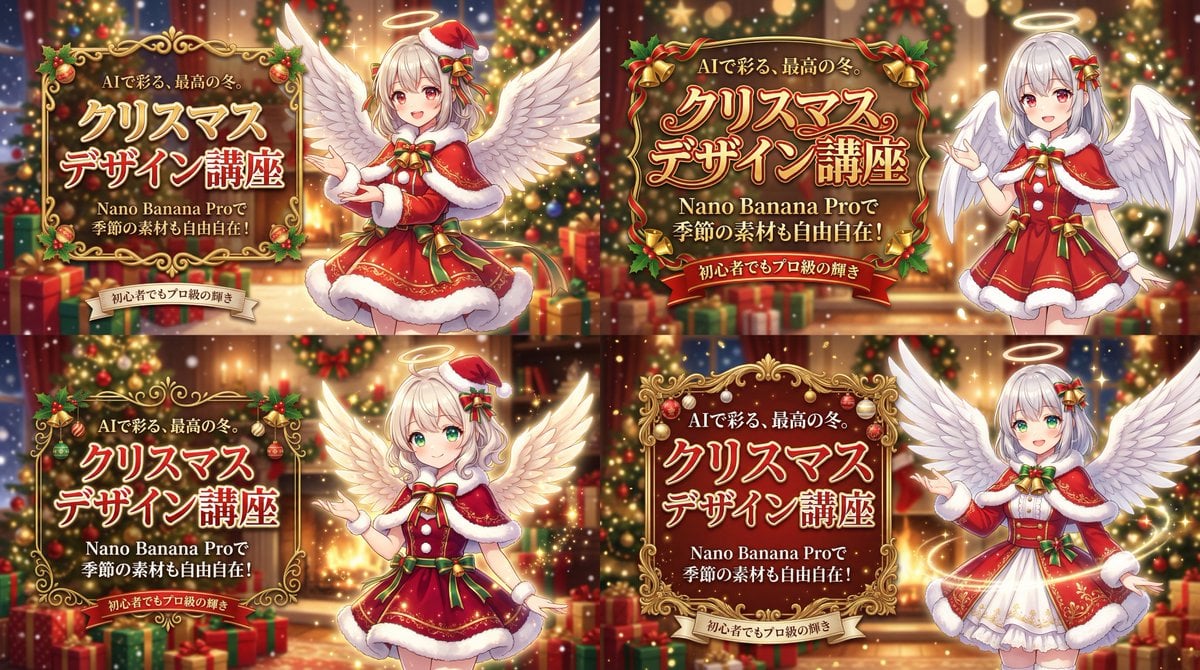
Christmas Angel Design Course Eyecatch Prompt (YAML Structure)
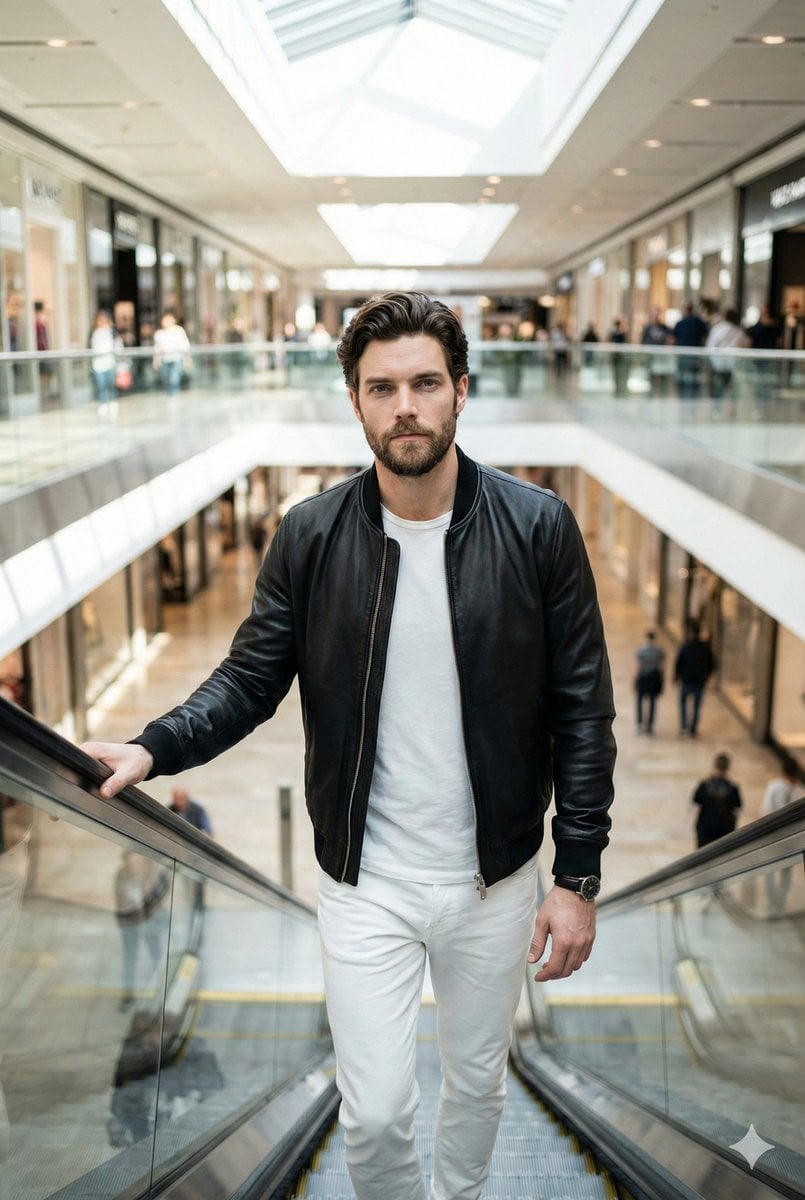
Negative Prompt for Photorealistic Fashion Image
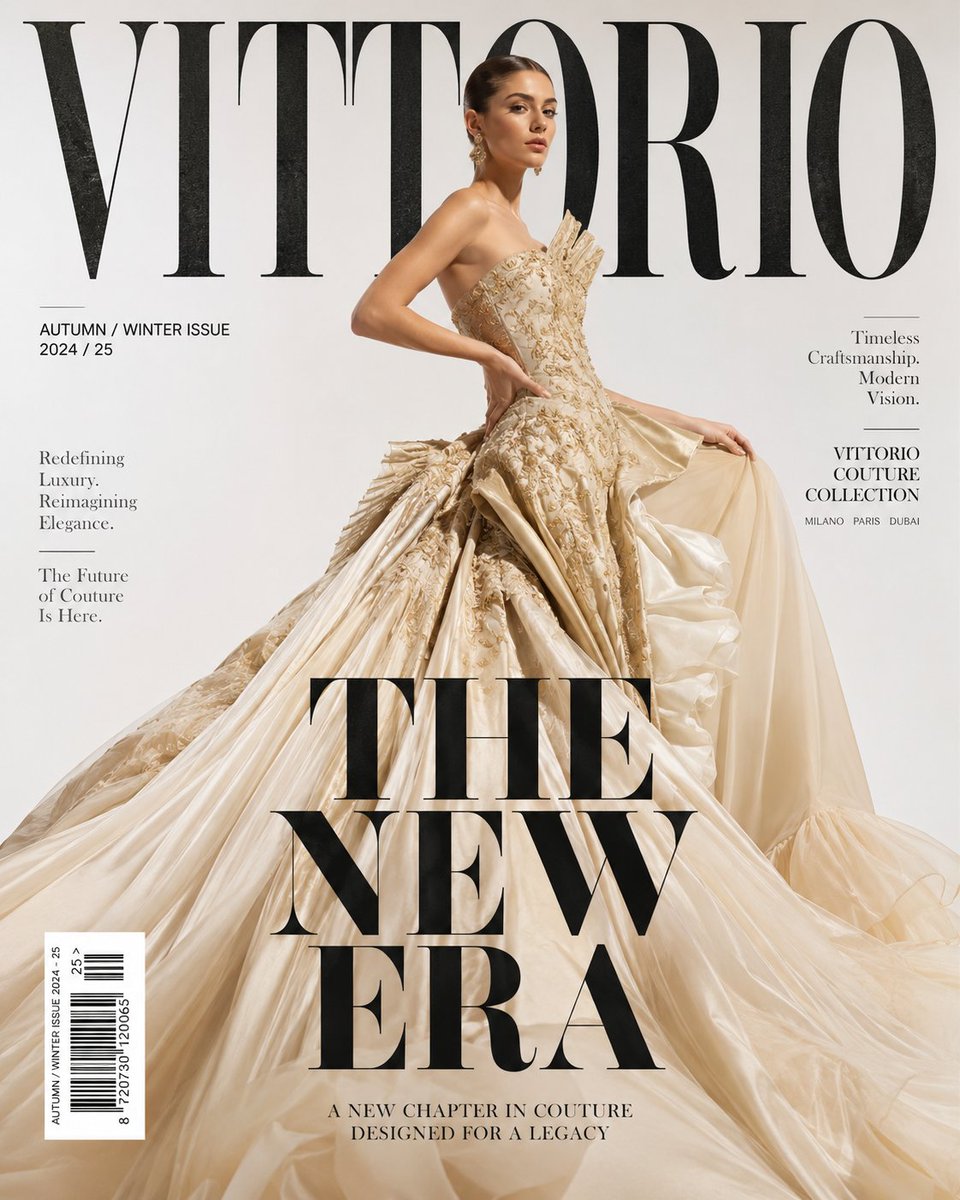
Luxury High Fashion Magazine Cover
Browse template categories
Green Sport Motorcycle Mountain Road questions
How do I use the Green Sport Motorcycle Mountain Road template?
Add your photo if the template asks for one, edit the prompt if you like — the template's model and format are already selected — and press Generate. Your version opens in PicX Studio.
Can I customize the Green Sport Motorcycle Mountain Road template?
Yes. You can change the subject, setting, lighting, mood, format, and available model controls before creating your image.
Is the Green Sport Motorcycle Mountain Road template free?
Opening and editing this template is free. Generating uses credits, shown on the Generate button when you are signed in.
Which AI model should I use?
Start with GPT Image 2, which is the model associated with this template. You can compare another compatible model for a different finish.
Looking for something else? Browse all templates.

Your photo, any look
Thousands of ready templates for every top image and video model, from one credit balance.