
Retro Beverage Advertisement Poster
A comprehensive prompt for creating vibrant, high-impact retro commercial ads for drinks, featuring bold 3D typography and realistic product photography elements.
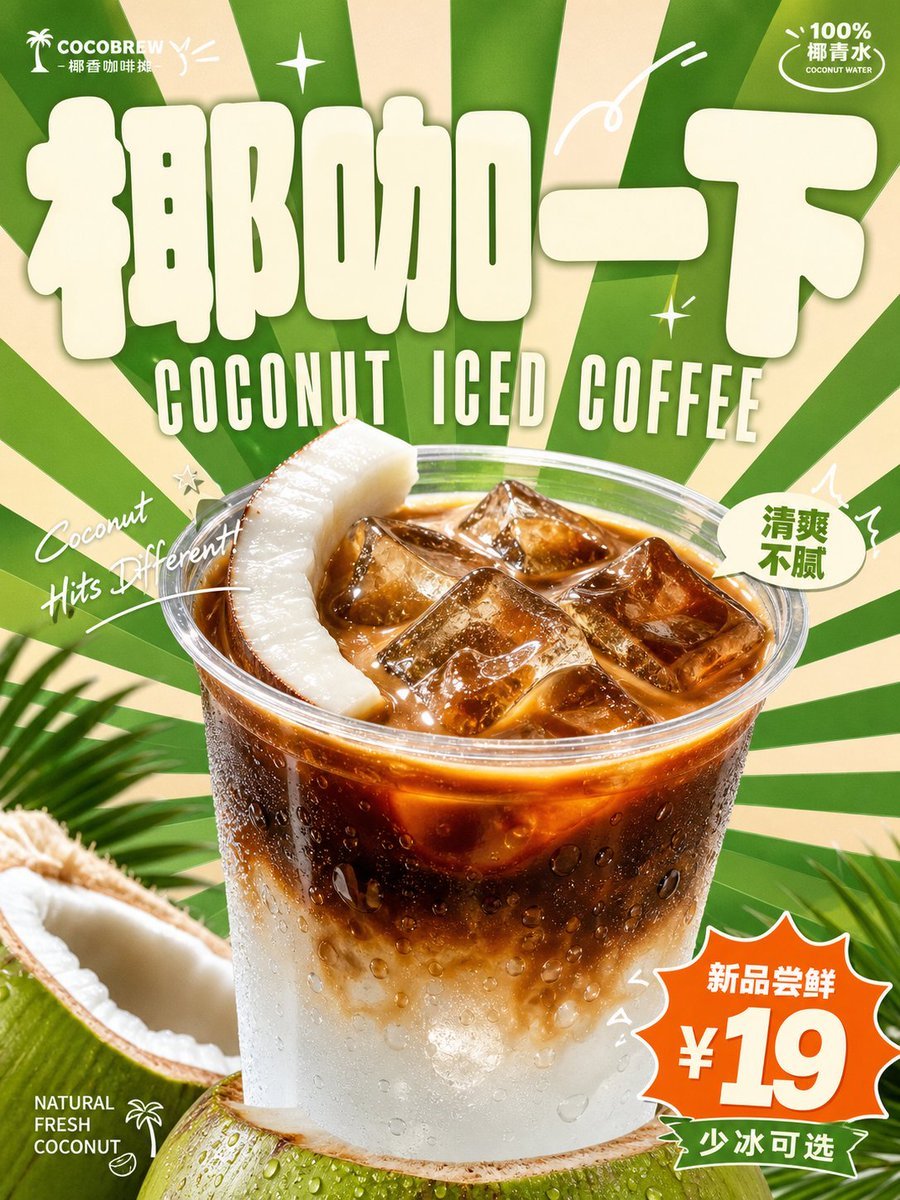
- Prompt included
- Model and format preset
- Free template
The prompt behind this image
Copy the exact prompt behind Retro Beverage Advertisement Poster, or open it in the studio and make it yours.
Around the specific beverage theme, generate a bright, upbeat, vintage-style commercial advertising visual: at first glance, the image should establish a memorable identity through an oversized, thick, rounded-corner main logotype — its letterforms like soft, puffed-up signage blocks, filled with a light color, clean-edged, and dominating the visual weight at the top. The beverage's main form should appear at the bottom center with a real product-photography texture, enlarged in close-up, with clear highlights, condensation or liquid sheen, and natural shadows, extending forward to cover the background and part of the text, creating a strong front-to-back layering between the flat graphics and the real product. The background uses radiating blocks spreading outward from near the subject, with sharp edges and a dense rhythm, creating a sense of speed and cheerful impact. The text system has three layers: the main logotype is largest, the subtitle uses a narrow, tall, retro capital typeface tucked right below it, small-sized information is scattered in the corners, and short handwritten italic phrases cut across the area around the subject in arcs or diagonals, with a few white line-art arcs, sparkle symbols, and small marks added to enhance the rhythm. Colors should be drawn from the beverage's flavor, materials, and brand mood, preserving a large area of clear, bright structural color, a small amount of strong-contrast accent color, light-colored information text, and the role relationship with the warm subject color; overall it should be high-brightness, high-saturation yet clean and airy, with clear tonal steps and a fresh, playful, energetic mood, avoiding dull, dirty-looking grime, muddy overlays, and low-energy vintage grain. —————— Display ratio: {argument name="ratio" default="portrait 3:4"}, suitable for a mall beverage pop-up-stand standee Main subject of the image: {argument name="subject" default="a cup of lychee iced tea close to the bottom, with lychee flesh and ice cubes inside the cup, the straw poking out at a slight angle"} On-site text: {argument name="text content" default="main logotype 「荔枝开场」, subtitle reads "LYCHEE ICED TEA", small corner text reads "周末限定 100 杯"} How it should feel to passersby: like a sweet drink sign that catches your eye from a distance while walking through a shopping area
How to use Retro Beverage Advertisement Poster in 3 steps
- 1
Open
The prompt is already in the box next to the preview, with the template's model and format selected.
- 2…a portrait of your subject in softgolden-hour light, 85mm…
Personalize
Edit the subject and creative details for your destination.
- 3Generate
Generate
Press Generate — your image is created in PicX Studio, so you can compare it with the original and refine one variable at a time.
More like this
Templates with the same subject, style or setup. Open one to see its prompt.
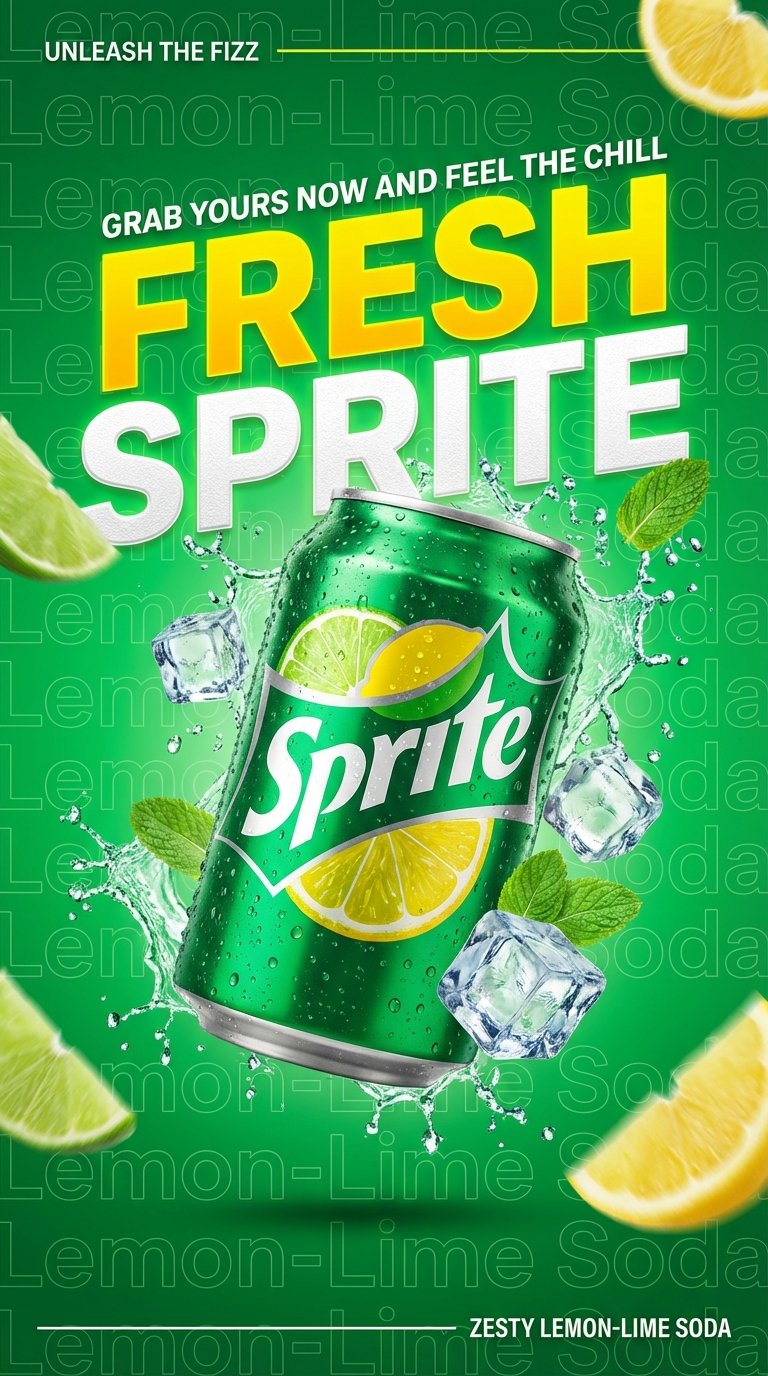











Make it yours
Retro Beverage Advertisement Poster works as-is. These are the safest ways to change it without losing the look.
Change one field
Copy a single group, rewrite it, and generate again so you can see what that field is doing.
Keep the frame, change the subject
Hold the composition and light of Retro Beverage Advertisement Poster, then swap wardrobe, props or the person for a new take.
| If the result… | Why | Fix |
|---|---|---|
| The result drifts from the preview | Too many fields changed at once. | Reuse Retro Beverage Advertisement Poster as-is first, then change one group — subject, light, or setting. |
| The model over-stylizes the scene | The prose prompt leaves finish and camera underspecified. | Add one camera or lighting sentence and stay on GPT Image 2. |
More GPT Image 2 templates
Other prompts made for GPT Image 2.

Six VTuber Japanese Logo Sheet

Realistic Portrait of Woman and Deer

The Vista Modular Condo Poster

AI Model Routing Comparison Infographic

2.5D Anime Art Board

Isometric Productivity Desk Scene

New York Double Exposure Poster

Four-Panel AI Landscape Comparison

Japanese Tatami Lifestyle Magazine Cover

NESCAFÉ Coffee Map Poster
More image prompts
Fresh picks from across the catalog.

Paris Travel Collage Grid - Face Reference
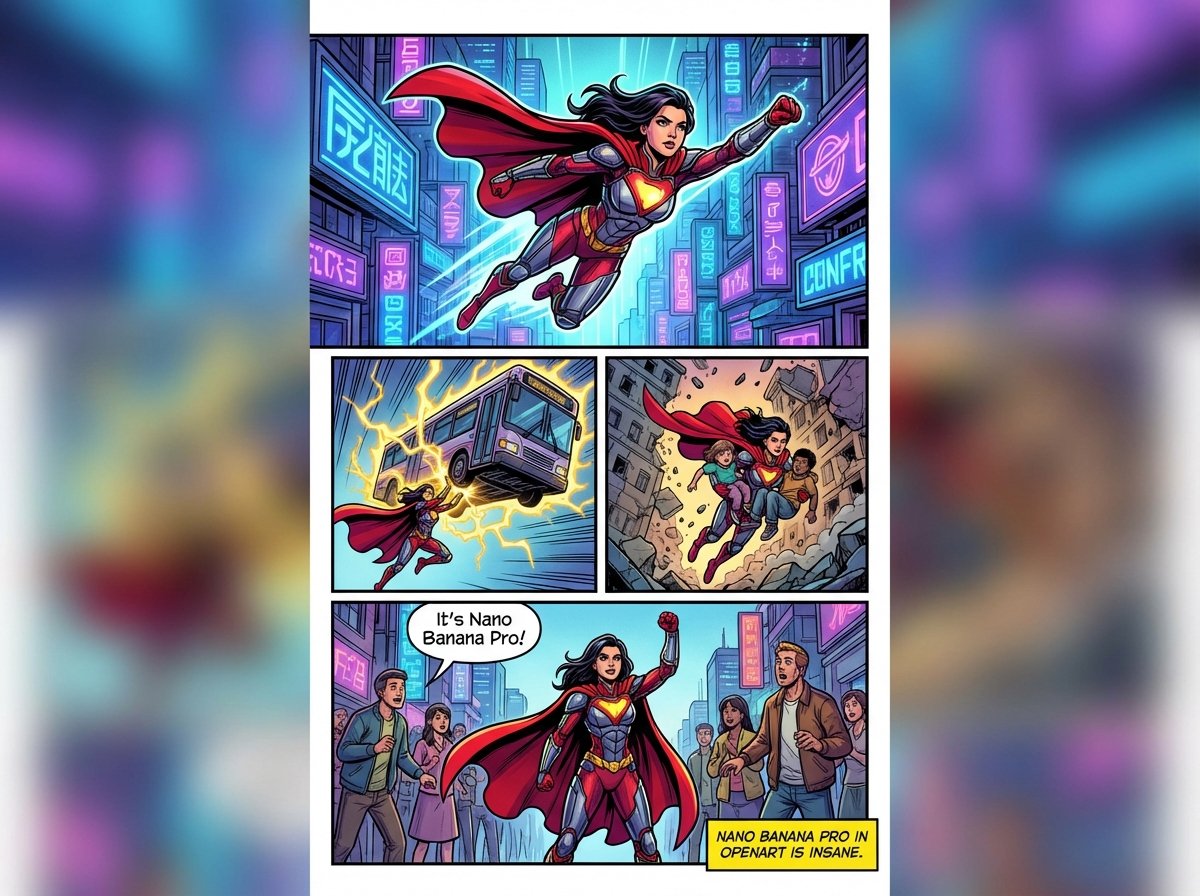
Marvel-style comic storyboard of a heroine
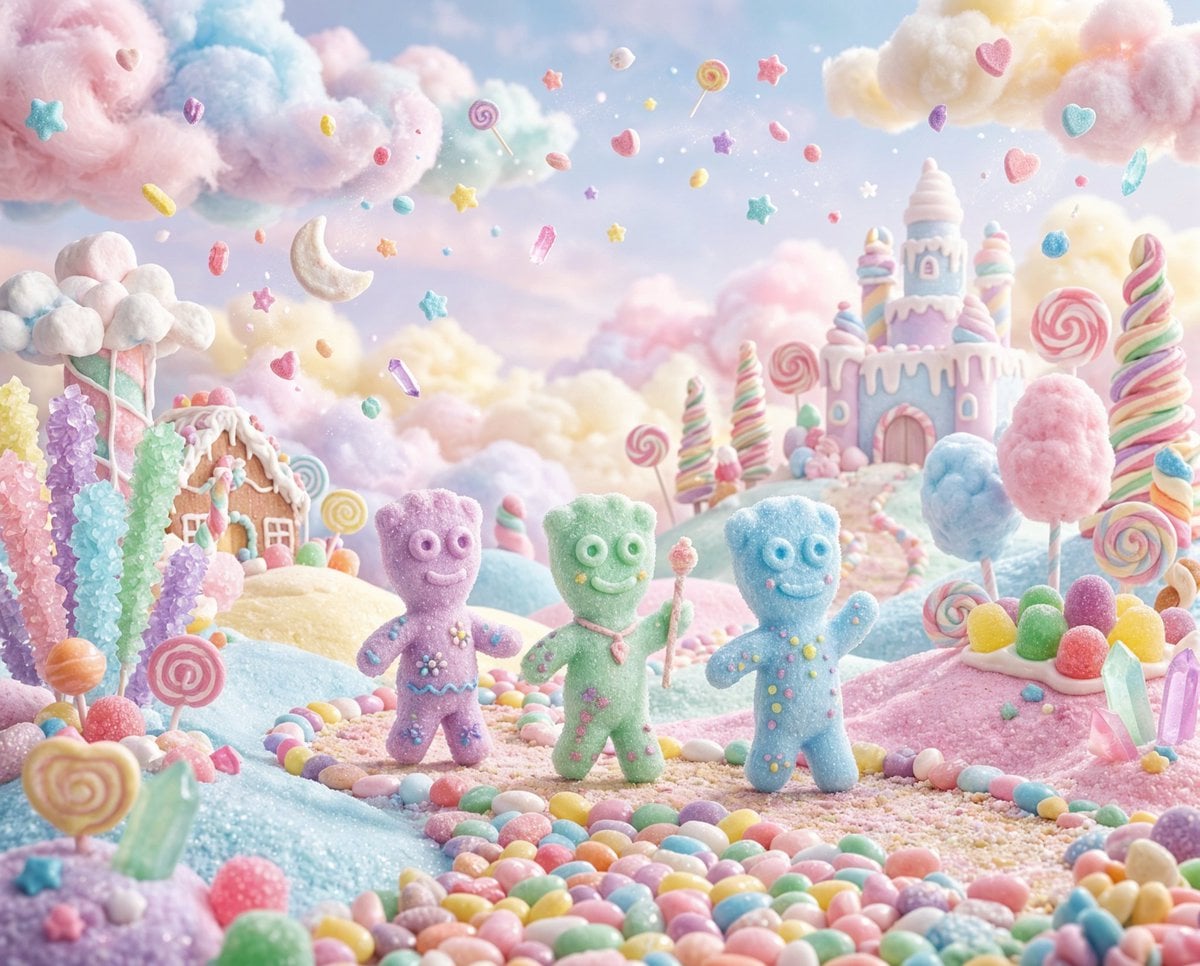
Pastel Painted Sour Patch Kids in Whimsical Candyland
Close-up Portrait with Persian Cat
Anime Mage and Fire Dragon Ruins
Minimalist Editorial Portrait Series Prompt
Cinematic Night Portrait with Teal-Green Grading
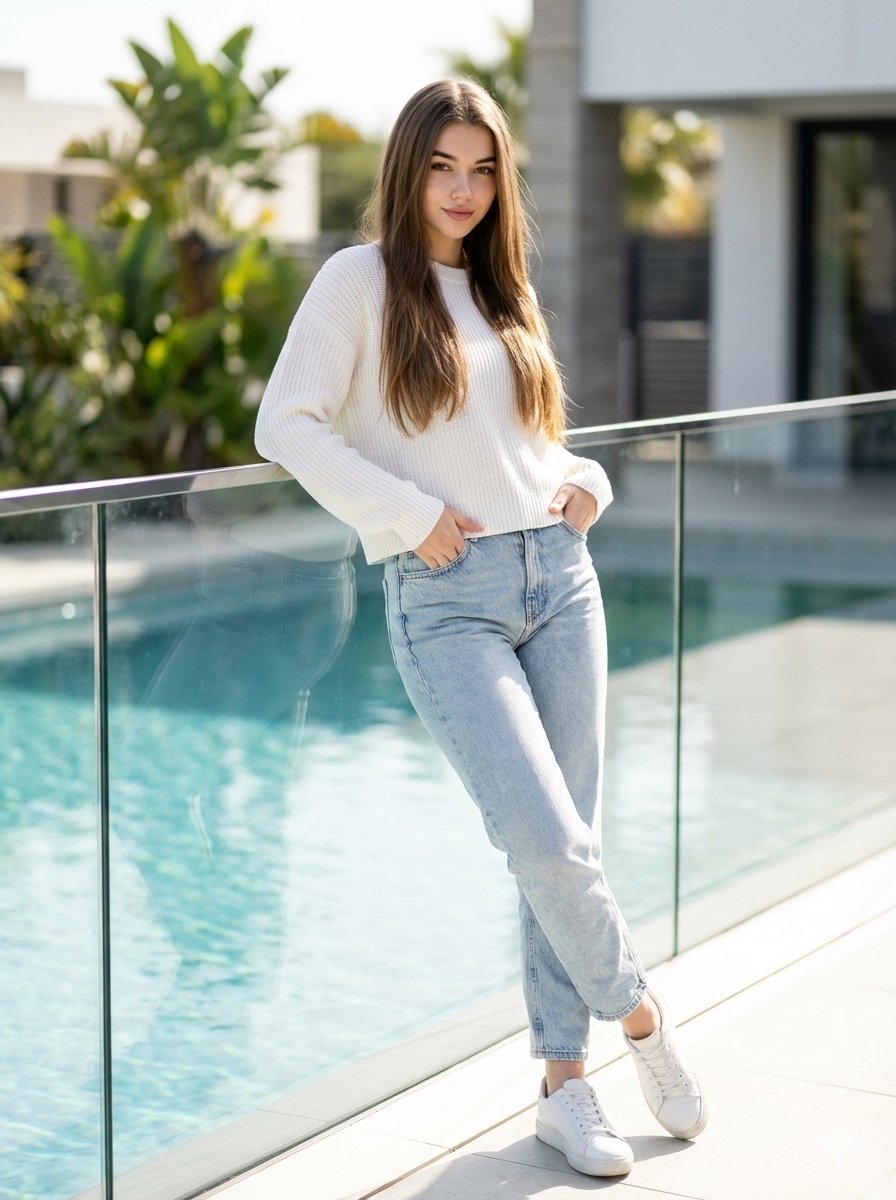
16K Ultra-Realistic Identity-Locked Luxury Portrait
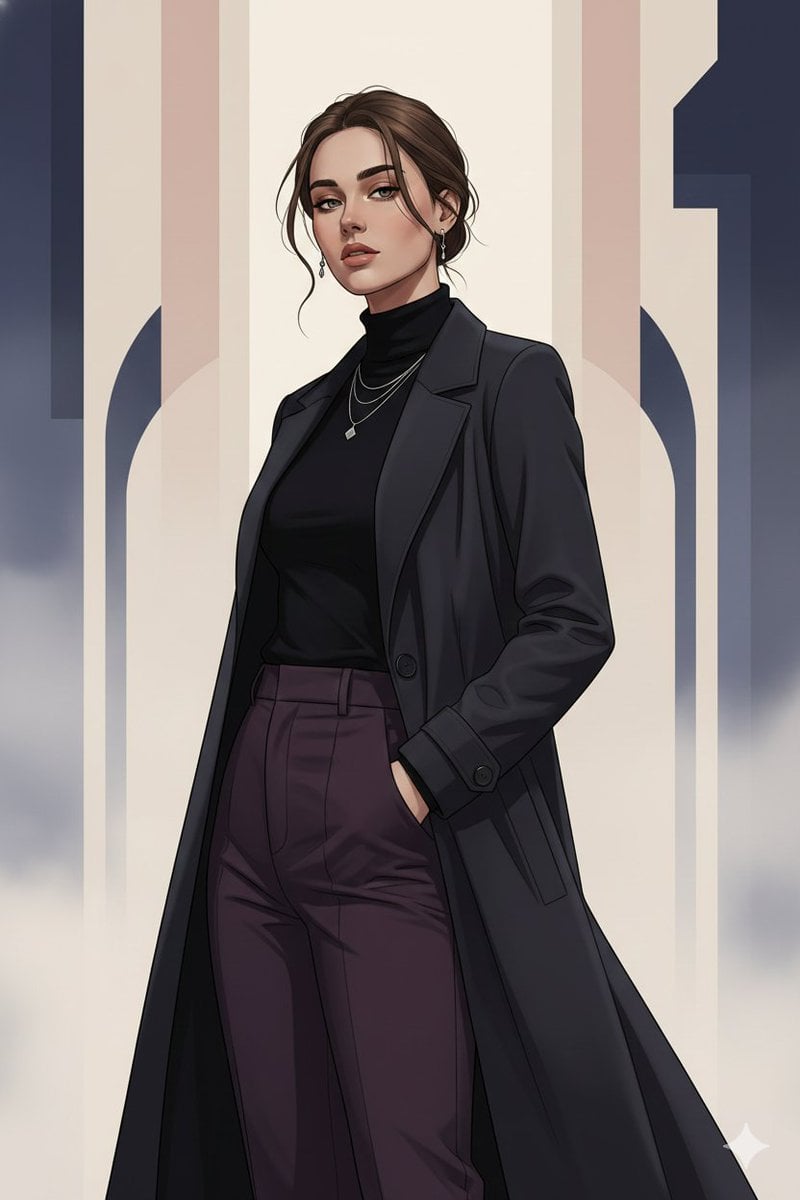
Gothic K-Drama Fusion Illustration with Identity Preservation
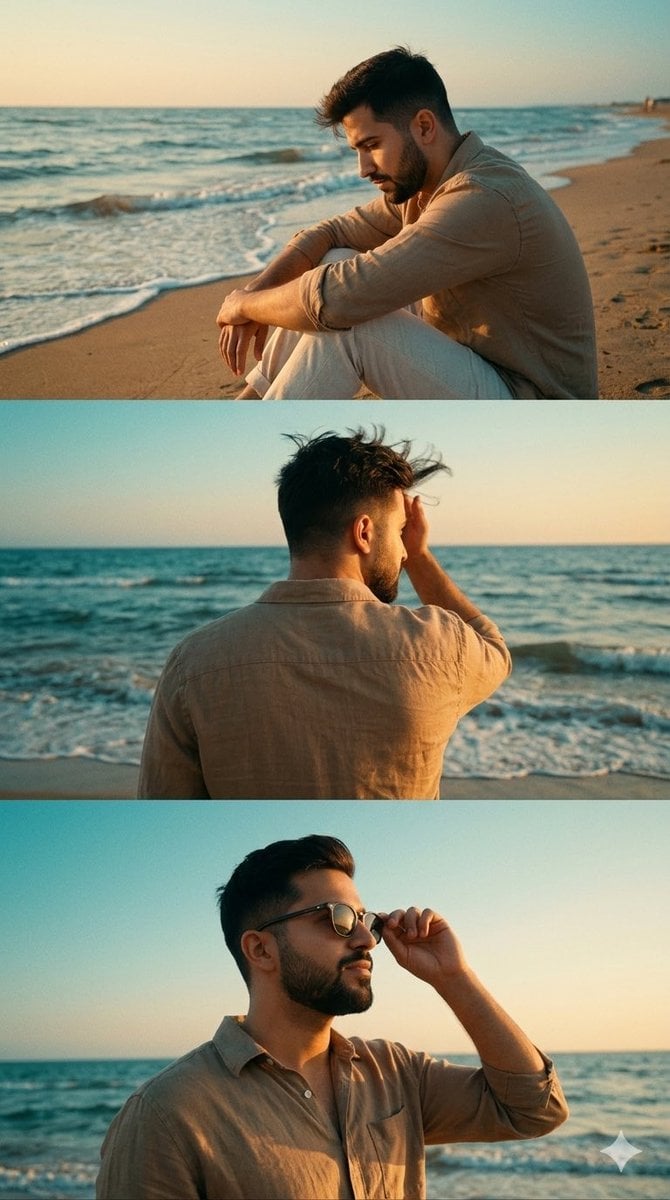
Cinematic Vertical Collage of a Stylish Man at the Beach
Browse template categories
Retro Beverage Advertisement Poster questions
How do I use the Retro Beverage Advertisement Poster template?
Add your photo if the template asks for one, edit the prompt if you like — the template's model and format are already selected — and press Generate. Your version opens in PicX Studio.
Can I customize the Retro Beverage Advertisement Poster template?
Yes. You can change the subject, setting, lighting, mood, format, and available model controls before creating your image.
Is the Retro Beverage Advertisement Poster template free?
Opening and editing this template is free. Generating uses credits, shown on the Generate button when you are signed in.
Which AI model should I use?
Start with GPT Image 2, which is the model associated with this template. You can compare another compatible model for a different finish.
Looking for something else? Browse all templates.

Your photo, any look
Thousands of ready templates for every top image and video model, from one credit balance.