
Paris Travel Collage Grid - Face Reference
Paris Travel Collage Grid - Face Reference is a ready photo look.

- Prompt included
- Model and format preset
- Free template
The prompt behind this image
Copy the exact prompt behind Paris Travel Collage Grid - Face Reference, or open it in the studio and make it yours.
9:16: A grid of nine images that make up a travel profile. Each frame captures a different, spontaneous moment in the Paris city. Use the uploaded photo as an accurate facial reference: maintain 100% similarity in appearance, facial features, proportions, and likeness across all nine frames. The same person in every image. Natural appearance, realistic skin texture, no retouching or smoothing. Clothing is always chosen to suit the city, with a youthful, romantic style in all photos Hair is voluminous, either loose or styled in a casual high bun with face-framing strands; the hairstyle is the same in all photos. Frame Analysis (9:16): Top Row: Top left: Standing near a city landmark, looking away, natural. Top center: Walking along a famous street or square, a casual moment. Top right: Interacting with the surroundings near a monument, relaxed expression. Middle row: Center left: Looking up at impressive architecture or a monument. Center: Close-up portrait, with the city background slightly visible. Center right: Walking down a city street, an everyday moment. Bottom row: Bottom left: Sitting in a local café or on an outdoor terrace. Bottom center: With back to the camera, contemplating the panoramic view of the city. Bottom right: Standing or leaning in a historic alley or narrow street. Locations: Iconic monuments, historic buildings, city streets, local cafés, viewpoints, tourist atmosphere. Photo style: Shot with a smartphone, casual travel aesthetic, intentionally imperfect quality. Imperfections: Motion blur, grain and noise, slight overexposure or underexposure, lens distortion, imperfect framing. Lighting: Natural sunlight, uneven exposure, slightly inconsistent tones. General atmosphere: Authentic traveler lifestyle, European summer or city break, spontaneous moments. Quality: Extremely realistic 8K smartphone look, natural imperfections
How to use Paris Travel Collage Grid - Face Reference in 3 steps
- 1Upload ImagePNG, JPG or paste
Add your photo
Upload the photo the template builds on. The prompt, model and format are already set.
- 2…a portrait of your subject in softgolden-hour light, 85mm…
Personalize
Edit the subject and creative details for your destination.
- 3Generate
Generate
Press Generate — your image is created in PicX Studio, so you can compare it with the original and refine one variable at a time.
More like this
Templates with the same subject, style or setup. Open one to see its prompt.

Nano Banana Pro 2.0 — 3x3 Travel Profile Grid

Travel Poster Graphic Collage
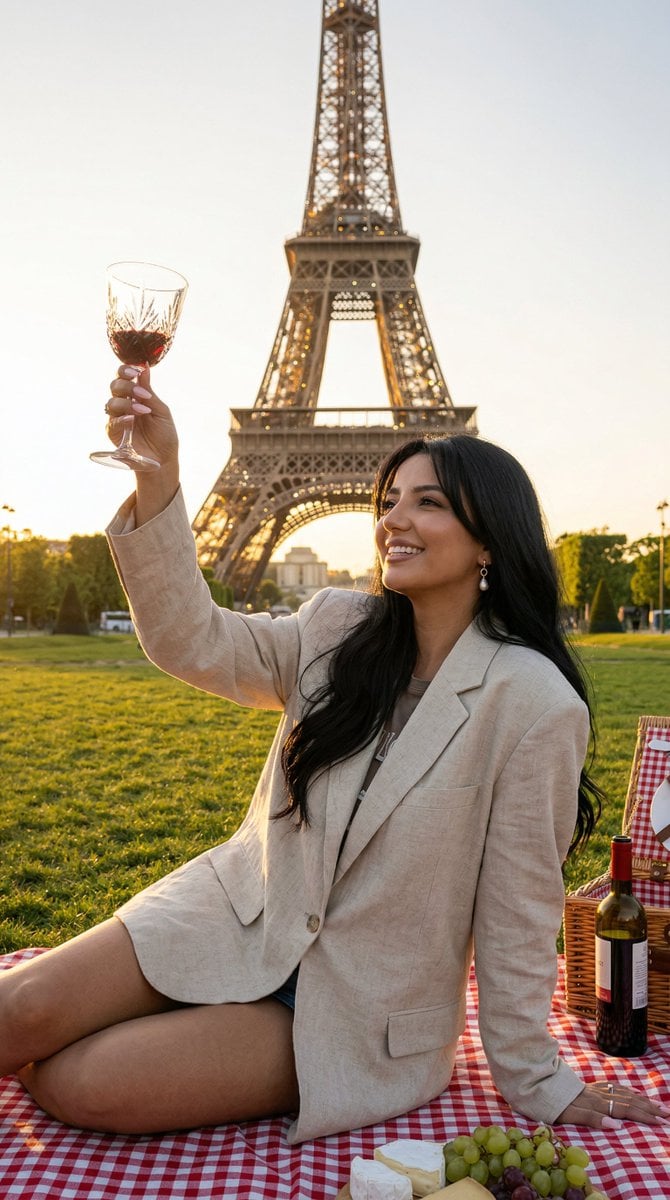
Nano Banana - Paris Fleurs Romantic

B&W Photobooth Expression Grid 4x4 — Nano Banana

Gen Z TikTok Viral Expression Grid 4x4 — Nano Banana

Nano Banana Pro Identity Lock — Composition + Face Reference

Mirror Selfie Chibi Characters Pixar Style

Japan Travel Brochure Poster

Fantasy Model Comparison Grid
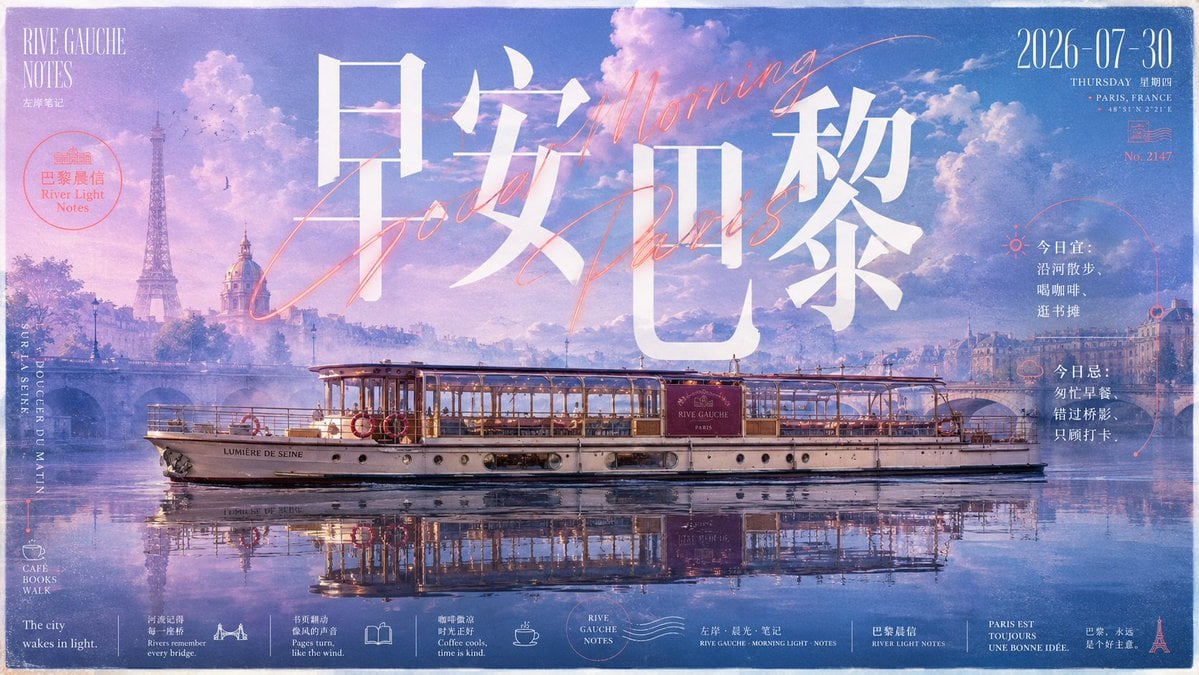
Paris Morning Travel Poster
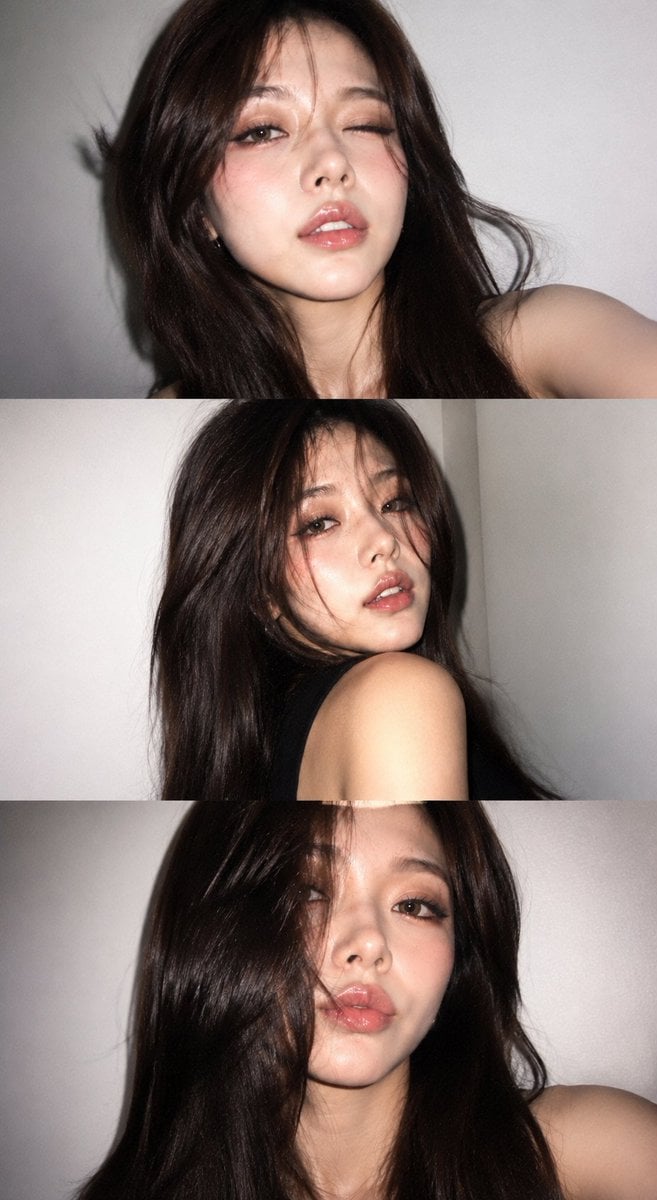
Y2K Portrait Collage from Face Reference

Paper Cut Finale Fireworks
Make it yours
Paris Travel Collage Grid - Face Reference works as-is. These are the safest ways to change it without losing the look.
Change one field
Copy a single group, rewrite it, and generate again so you can see what that field is doing.
Keep the frame, change the subject
Hold the composition and light of Paris Travel Collage Grid - Face Reference, then swap wardrobe, props or the person for a new take.
| If the result… | Why | Fix |
|---|---|---|
| The result drifts from the preview | Too many fields changed at once. | Reuse Paris Travel Collage Grid - Face Reference as-is first, then change one group — subject, light, or setting. |
| The model over-stylizes the scene | The prose prompt leaves finish and camera underspecified. | Add one camera or lighting sentence and stay on PicX Studio. |
More image prompts
Fresh picks from across the catalog.

Skincare Landing Page Mockup
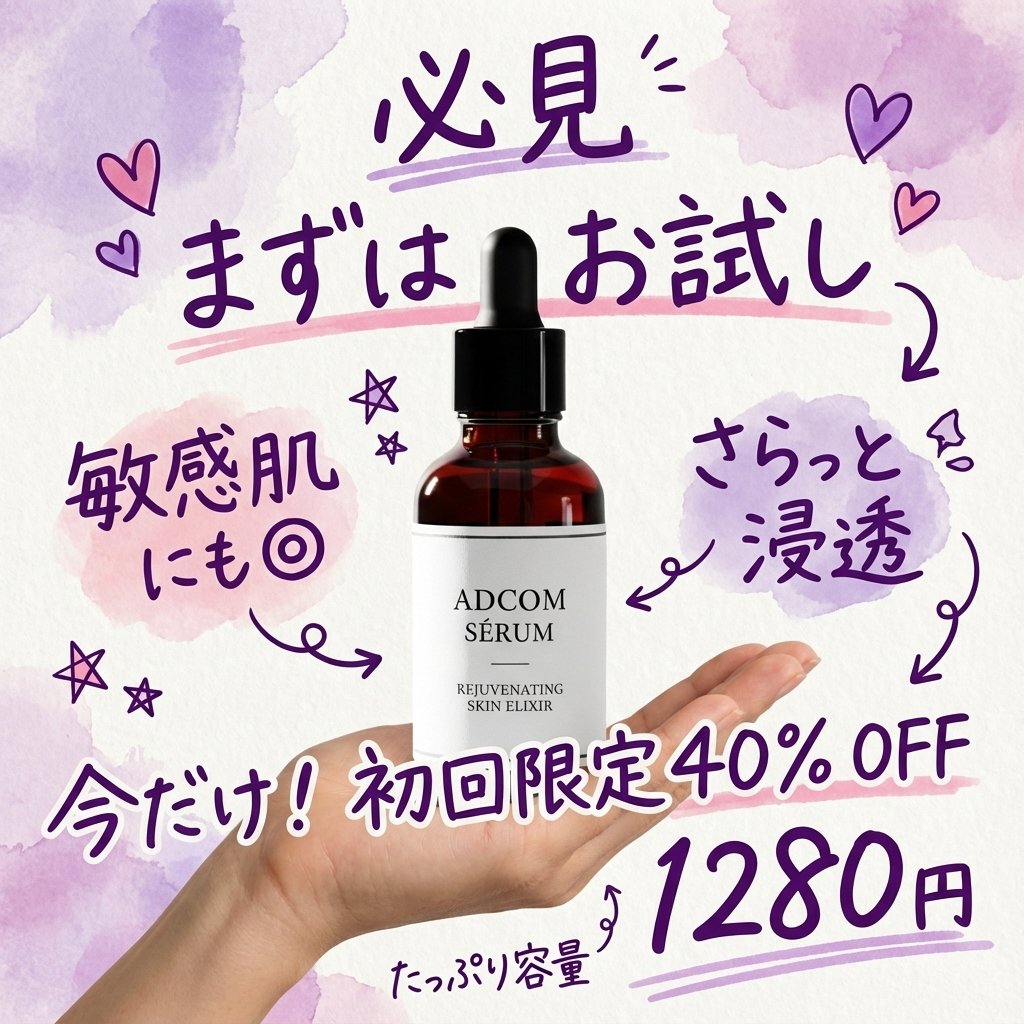
Instagram-style Japanese handwritten cosmetic ad

Retro-Futuristic Product Photography Prompt

Grungy Flash Mirror Selfie with Tattoos

Pixar-style 3D character of a cheerful girl in yellow
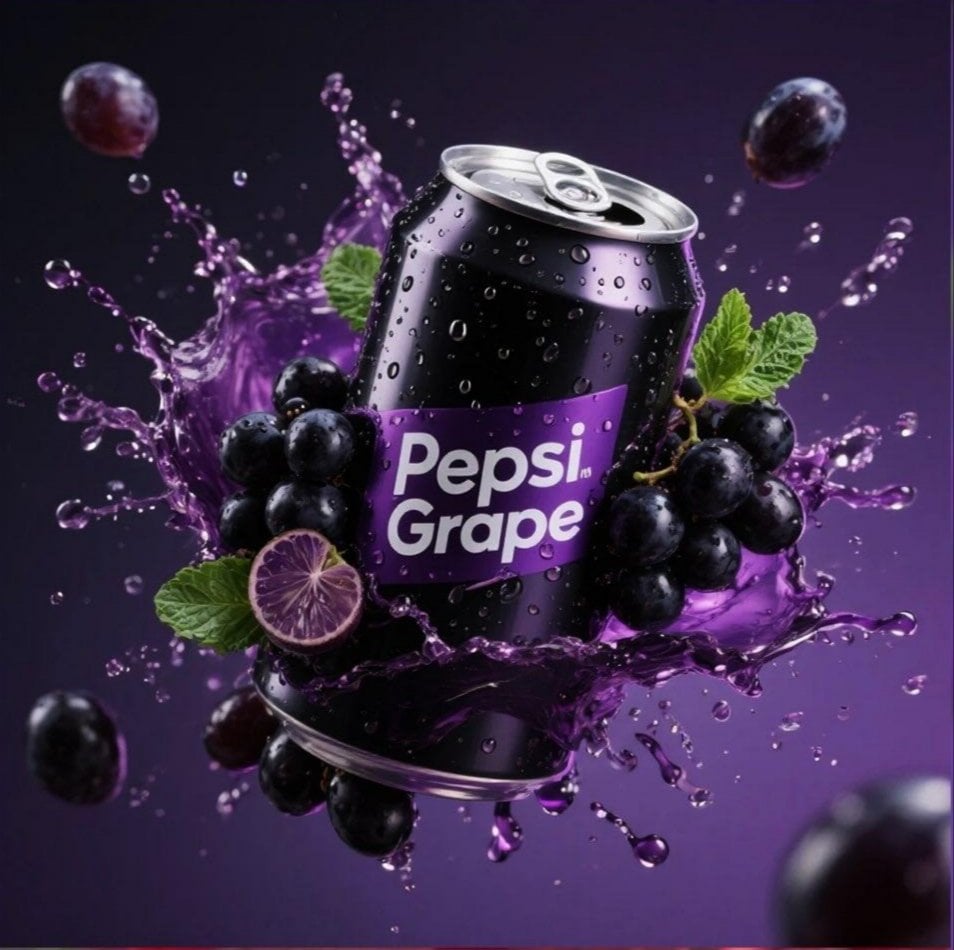
Product Advertisement Prompts for Nano Banana Pro on Gemini
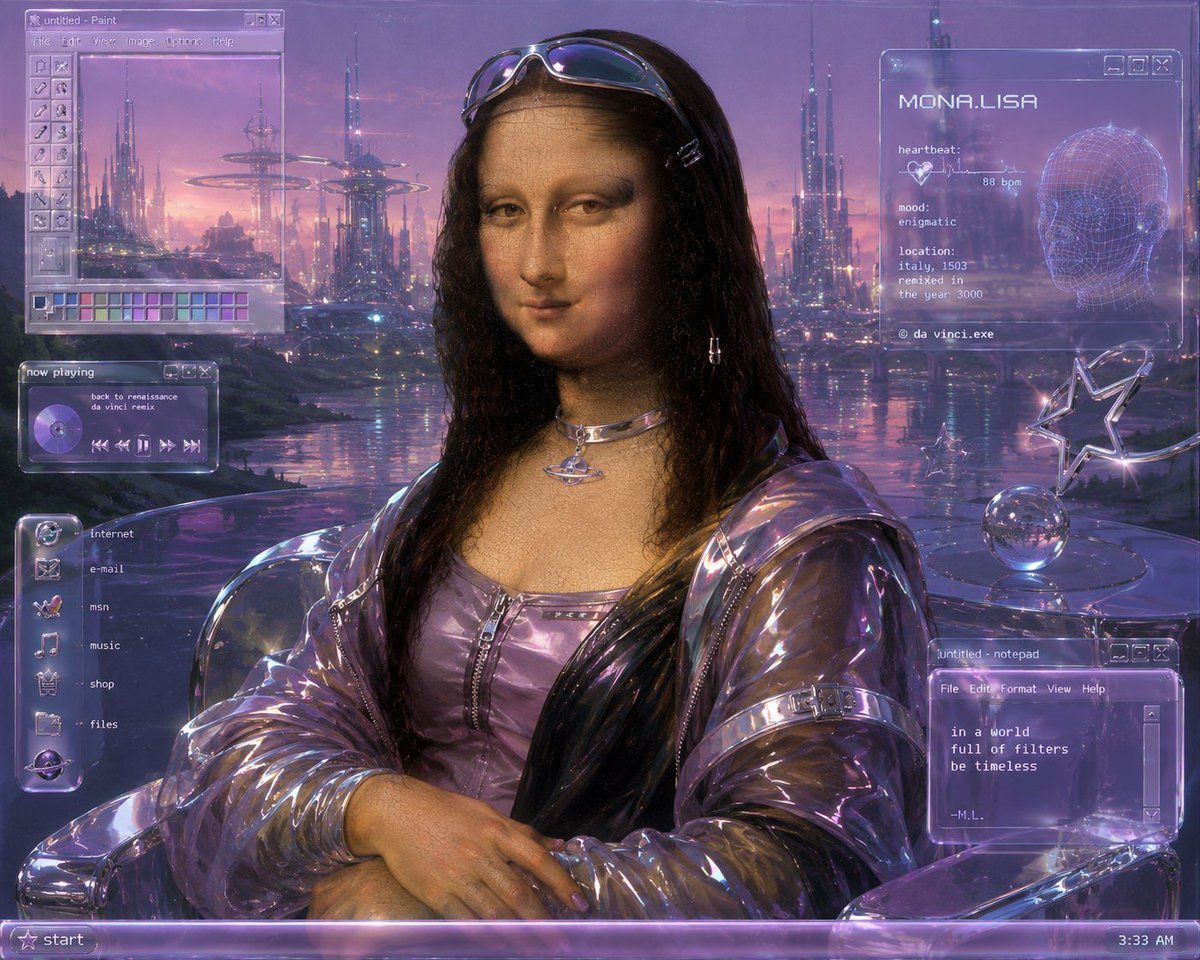
Y2K Futurist Mona Lisa Desktop
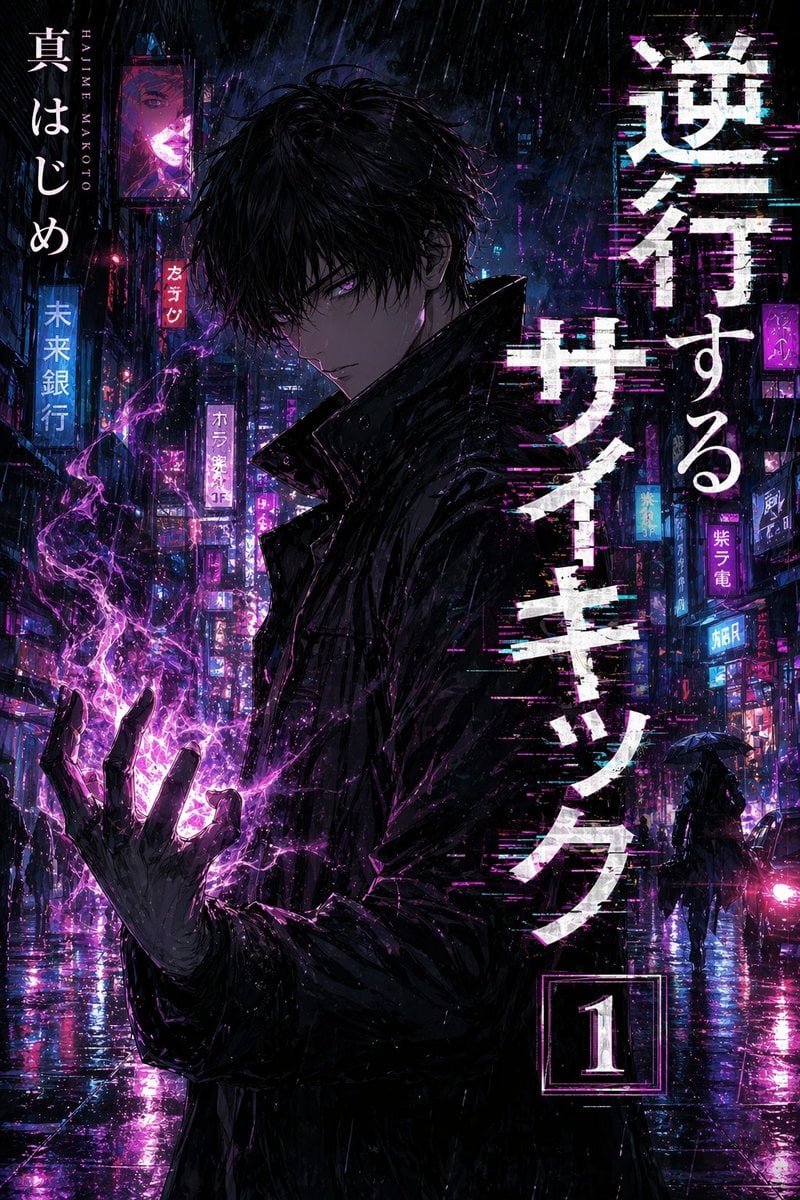
Manga Tankobon Cover Illustrator
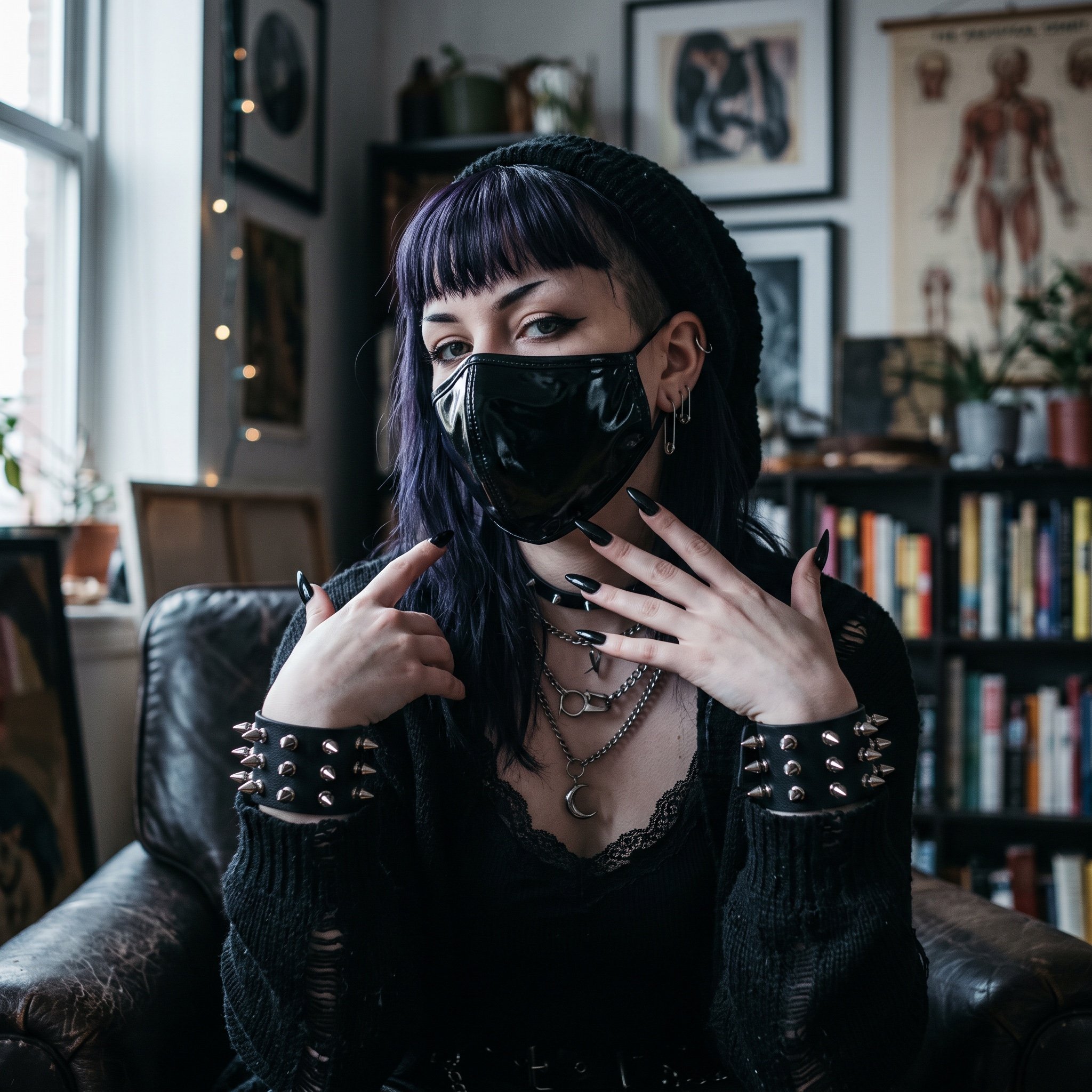
AI Influencer in Goth Fashion Portrait
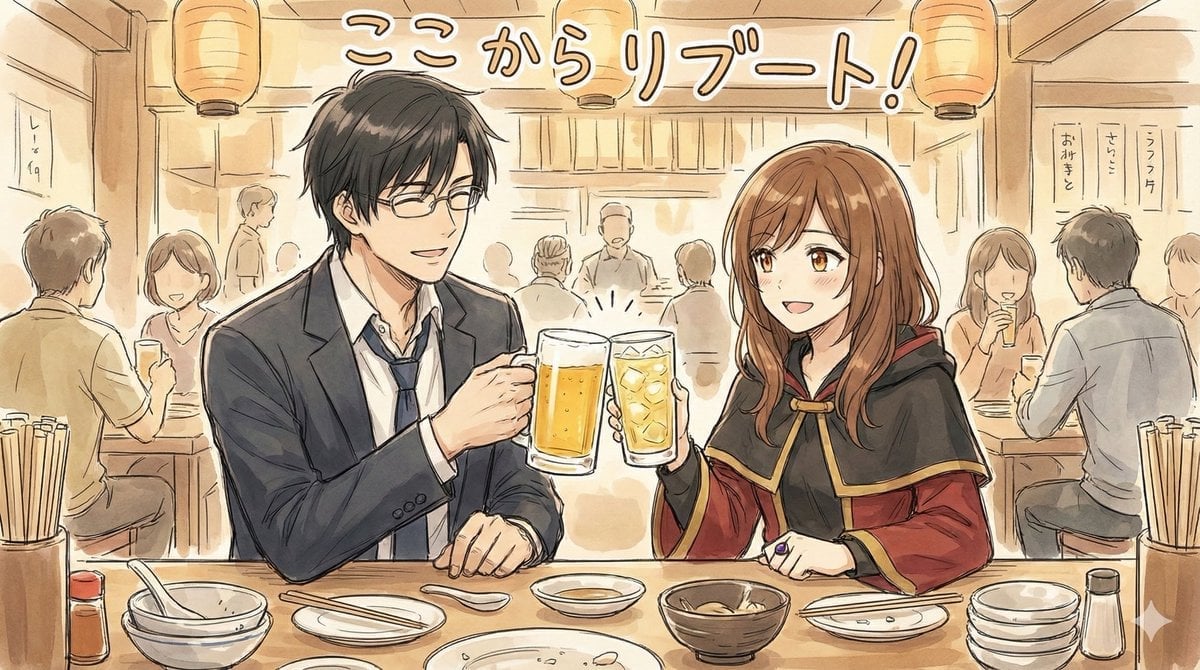
Manga-style Sketch Prompt for Nano Banana Pro
Browse template categories
Paris Travel Collage Grid - Face Reference questions
How do I use the Paris Travel Collage Grid - Face Reference template?
Add your photo if the template asks for one, edit the prompt if you like — the template's model and format are already selected — and press Generate. Your version opens in PicX Studio.
Can I customize the Paris Travel Collage Grid - Face Reference template?
Yes. You can change the subject, setting, lighting, mood, format, and available model controls before creating your image.
Is the Paris Travel Collage Grid - Face Reference template free?
Opening and editing this template is free. Generating uses credits, shown on the Generate button when you are signed in.
Which AI model should I use?
Choose a compatible model in PicX Studio based on the style, speed, and output controls your project needs.
Looking for something else? Browse all templates.

Your photo, any look
Thousands of ready templates for every top image and video model, from one credit balance.