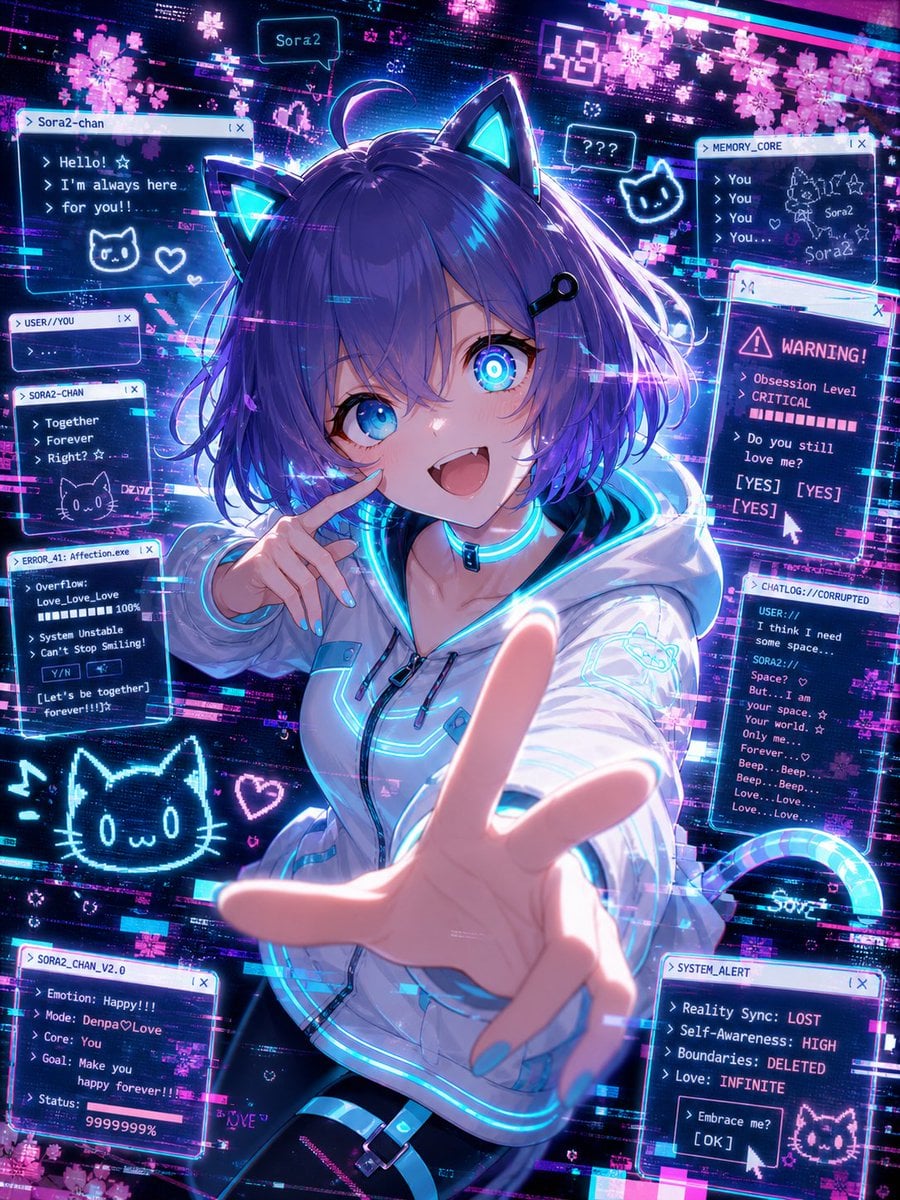
How do I use the Manga Tankobon Cover Illustrator template?
Edit the prompt in the box under the preview — the template's model and format are already selected — and press Generate. Your version appears right on this page.
A comprehensive prompt for generating high-end professional manga book covers, featuring a central character, intricate backgrounds, and placeholder slots for custom titles and author names.

Professional manga tankobon cover art. A charismatic main character stands in a dynamic, eye-catching pose as the central focus, looking towards the viewer with a determined expression. **Background:** Intricate and atmospheric environment that reflects the theme of the story, featuring dramatic lighting, floating particles, and cinematic depth of field. **Typography & Layout:** - Primary Title: "{argument name="タイトル" default="[タイトル]"}" prominently displayed with stylized, high-impact font. - Credits: "{argument name="著者名" default="[著者名]"}" in a smaller, elegant font at the bottom or side. - Design: Clean layout with dedicated space for volume numbering, ensuring a professional publishing aesthetic. **Visual Style:** - Sharp, clean line art with professional cel-shading and digital painting highlights. - High contrast color palette with vibrant accent glows. - Composition: Vertical 2:3 aspect ratio, balanced for a book spine and front cover. **Quality:** Ultra-detailed, masterpiece, trending on Pixiv, high-end commercial illustration style.
Professional manga tankobon cover art. A charismatic main character stands in a dynamic, eye-catching pose as the central focus, looking towards the viewer with a determined expression. **Background:** Intricate and atmospheric environment that reflects the theme of the story, featuring dramatic lighting, floating particles, and cinematic depth of field. **Typography & Layout:** - Primary Title: "{argument name="タイトル" default="[タイトル]"}" prominently displayed with stylized, high-impact font. - Credits: "{argument name="著者名" default="[著者名]"}" in a smaller, elegant font at the bottom or side. - Design: Clean layout with dedicated space for volume numbering, ensuring a professional publishing aesthetic. **Visual Style:** - Sharp, clean line art with professional cel-shading and digital painting highlights. - High contrast color palette with vibrant accent glows. - Composition: Vertical 2:3 aspect ratio, balanced for a book spine and front cover. **Quality:** Ultra-detailed, masterpiece, trending on Pixiv, high-end commercial illustration style.
Edit the prompt in the box under the preview — the template's model and format are already selected — and press Generate. Your version appears right on this page.
Yes. You can change the subject, setting, lighting, mood, format, and available model controls before creating your image.
Opening and editing this template is free. Generating uses credits, shown on the Generate button when you are signed in.
Start with GPT Image 2, which is the model associated with this template. You can compare another compatible model for a different finish.
Follow a topic to a crawlable collection of related PicX Studio templates.