
Manga Book Escape Storyboard
A detailed instructional sequence for creating a four-panel storyboard where a character escapes from a 2D manga world into a 3D realistic environment.
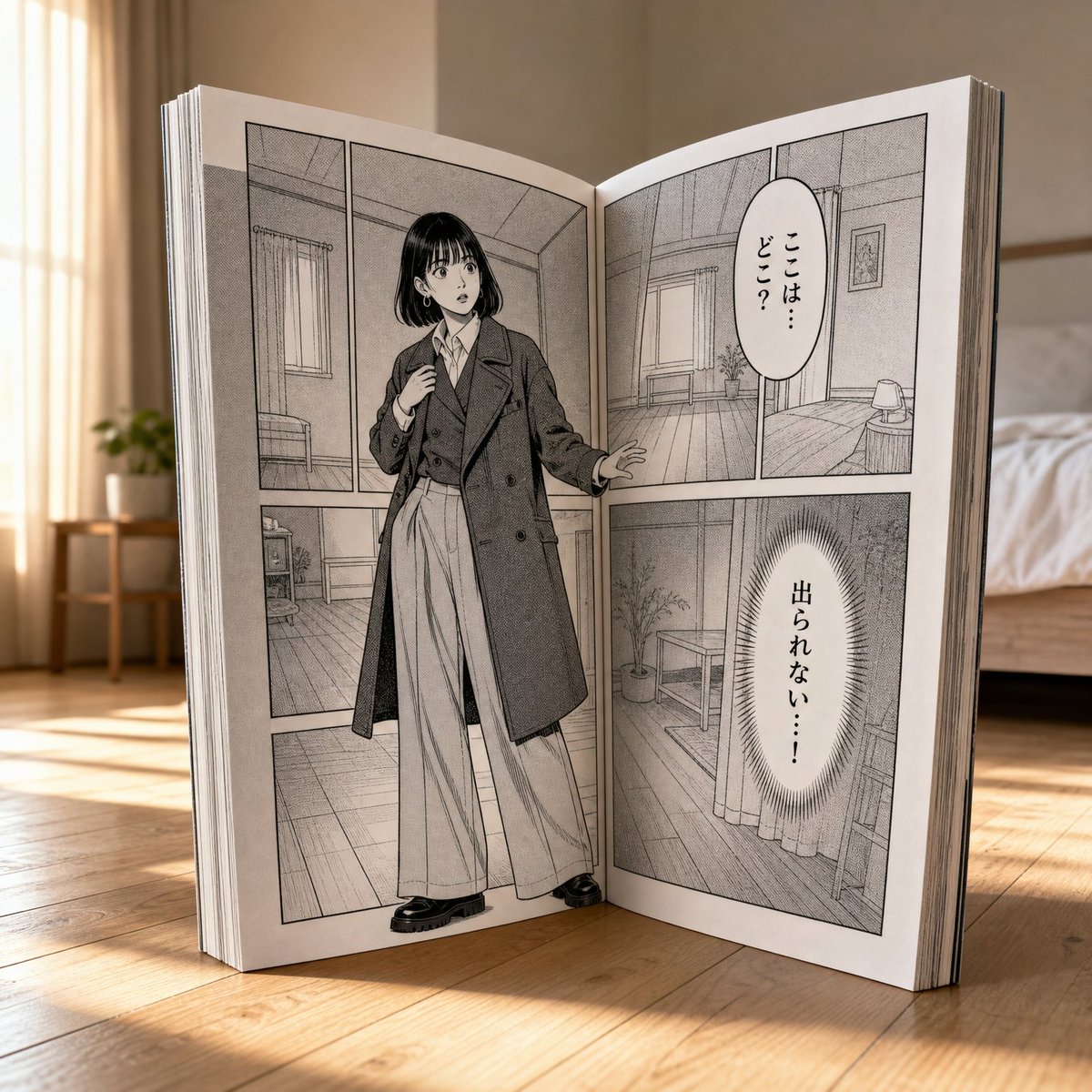
- Prompt included
- Model and format preset
- Free template
The prompt behind this image
Copy the exact prompt behind Manga Book Escape Storyboard, or open it in the studio and make it yours.
【指示書】STORYBOARD_PANEL_1_INTRO\n\n【前提条件】\n対象キャラクターの「全身の参照画像」を読み込ませること。\n\n【目的】\n物語の導入シーン。巨大な漫画本の中に、参照画像の人物が2Dの漫画キャラクターとして閉じ込められている状況を生成する。(※このカットでは、まだ実写3Dの人物は外に存在しない)\n\n【基本設定と画質】\n・画質: Ultra-realistic 8K.\n・アスペクト比: 1:1(スクエア固定)\n・背景: 美しく整頓された寝室。木目の床。自然光。\n\n【シーンと構図の完全指定】\n・漫画本の配置: 巨大な漫画本が見開き状態で、画面奥から手前へ斜めに立てかけられている(V4と同一の背景・構造)。\n・アクションと状況: 本の前に実写の人物はいない。焦点は「本の中のページ」に当てられている。\n・破壊表現: まだ紙面は破れていない。完全な状態のページ。\n\n【漫画世界側の描写とセリフ指定】\n・漫画の仕様: スクリーントーンと太いインク線、コマ割りを持つ日本式モノクロ漫画。\n・漫画内の人物: 参照画像と同一人物(2D線画)。自分が漫画の中にいることに気づき、周囲を見渡して困惑している表情。\n・吹き出しのテキスト(以下の日本語をコマ内に配置):\n 1. 「ここは… どこ?」\n 2. 「出られない…!」\n\n【出力における絶対条件】\n・実写の人物を登場させず、3Dの部屋と2Dの漫画本という空間を描写すること。\n\n-----\n\n【指示書】STORYBOARD_PANEL_2_STRUGGLE\n\n【前提条件】\n対象キャラクターの「全身の参照画像」を読み込ませること。\n\n【目的】\n漫画の中にいる人物が現実世界に気づき、コマの枠や紙面を内側から強く押して破ろうとしている、ブレイクアウト直前のシーンを生成する。\n\n【基本設定と画質】\n・画質: Ultra-realistic 8K, photorealistic.\n・アスペクト比: 1:1(スクエア固定)\n・背景: 美しく整頓された寝室。木目の床。自然光。\n\n【シーンと構図の完全指定】\n・漫画本の配置: 巨大な漫画本が見開き状態で、斜めに立てかけられている(V4と同一の背景・構造)。\n・アクションと状況: 漫画の中の人物(2D)が、紙面の裏側から外の世界に向かって両手を強く押し当てている。\n・破壊・立体表現: 人物が押している部分の紙面が、わずかに外側(3D空間側)に向かって盛り上がり、紙が少し破れ始めている。モノクロの世界から、押している手や体の一部だけがほんの少しフルカラー(実写)に変化し始めている予兆を描く。\n\n【漫画世界側の描写とセリフ指定】\n・漫画の仕様: スクリーントーンと太いインク線、コマ割りを持つ日本式モノクロ漫画。\n・漫画内の人物: 参照画像と同一人物。外に出ようと必死な表情。\n・吹き出しのテキスト(以下の日本語をコマ内に配置):\n 1. 「外の世界…!?」\n 2. 「開いて…!」\n\n【出力における絶対条件】\n・「2Dから3Dへ次元の壁を押し破ろうとしている」境界の緊張感を描くこと。\n\n-----\n\n【指示書】STORYBOARD_PANEL__V3_PERFECT_BALANCE\n\n【前提条件】\n本プロンプトの実行時には、必ず対象キャラクターの「全身の参照画像」を読み込ませること。\n\n【目的】\n実写側の人体プロポーションの完全維持と、巨大な漫画本の構造(コマ割り・見開き)を両立させたシーンを生成する。\n\n【キャラクターのプロポーション維持(最重要)】\n・体型指定: 参照画像の人物が持つ「高頭身」「長い脚」「細身でスタイリッシュな骨格」を、実写側と漫画側の両方で完全に再現すること。\n・パース崩れの禁止: 実写の人物が本から足を踏み出す際、遠近法による脚の極端な短縮、胴長化、関節の不自然な曲がり、体型の崩れを厳格に禁止する。\n\n【基本設定と画質】\n・画質: Ultra-realistic 8K, photorealistic.\n・アスペクト比: 1:1(スクエア固定)\n・背景: 美しく整頓された寝室。木目の床。自然光。\n\n【シーンと構図の完全指定】\n・漫画本の配置: 巨大な漫画本が「見開き状態」で、画面奥から手前へ斜めに立てかけられている構図。単なる1枚の分厚いボードにならないよう、本のページとしての構造を保つこと。\n・アクションとポーズ: 実写の人物が、ページの枠内から画面の手前(左下方向)に向かって力強く足を踏み出している。視線は足元へ。片手は破れた紙の縁に添える。\n・破壊表現: 人物が踏み出した部分のページ「だけ」が破れており、本全体の構造は崩壊していないこと。\n\n【漫画世界側の描写とセリフ指定(レイアウト構造の維持)】\n・漫画の仕様: 必ず「複数の四角いコマ割り(パネル枠線)」を持つ、本格的な日本式のモノクロ漫画レイアウトにすること。1枚絵のポスターにならないこと。\n・漫画内の人物: 参照画像と同一人物(2D線画)。困惑して立ち尽くしているポーズ。\n・吹き出しのテキスト(以下の日本語をコマ内に配置):\n 1. 「あれ…?」\n 2. 「私… どうしてこんなところ…!?」\n 3. 「ここは… マンガの中…?」\n 4. 「どうやって出たらいいの…?」\n\n【出力における絶対条件】\n・「見開きの本とコマ割り」の構造を維持しつつ、「手前への踏み出しとプロポーション」を崩さないこと。\n・実写のフルカラーと漫画のモノクロ2Dの強烈なコントラストを描くこと。\n\n-----\n\n【指示書】MANGA_BREAKOUT_FINALE_PUNCHLINE\n\n【前提条件】\n対象キャラクターの「全身の参照画像」を読み込ませること。\n\n【目的】\n本から抜け出した実写の人物と、本の中にいる漫画の人物が対面し、互いに指をさし合って驚くユーモラスな「オチ」のシーンを生成する。V4で確立したプロポーションと本の構造を維持する。\n\n【基本設定と画質】\n・画質: Ultra-realistic 8K, photorealistic.\n・アスペクト比: 1:1(スクエア固定)\n・背景: 美しく整頓された寝室。木目の床。自然光。\n\n【シーンと構図の完全指定】\n・漫画本の配置: 巨大な漫画本が「見開き状態」で斜めに立てかけられている(V4と同じ背景構造)。\n・アクションとポーズ: \n 実写の人物は本から完全に抜け出し、振り返って漫画のページと対面している。\n 実写の人物と漫画内の人物が、互いに顔を見合わせ、目を丸くして驚きながら「互いに指をさし合っている」
How to use Manga Book Escape Storyboard in 3 steps
- 1Upload ImagePNG, JPG or paste
Add your photo
Upload the photo the template builds on. The prompt, model and format are already set.
- 2…a portrait of your subject in softgolden-hour light, 85mm…
Personalize
Edit the subject and creative details for your destination.
- 3Generate
Generate
Press Generate — your image is created in PicX Studio, so you can compare it with the original and refine one variable at a time.
More like this
Templates with the same subject, style or setup. Open one to see its prompt.
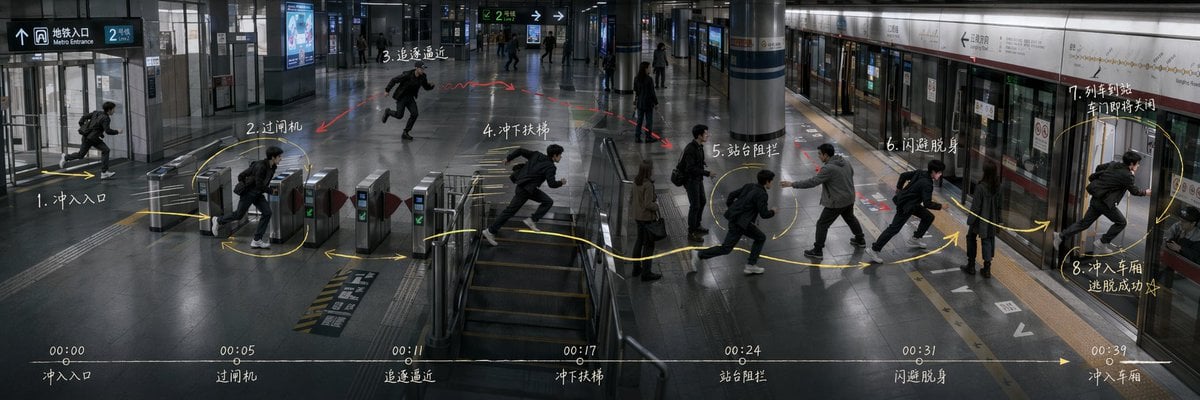
Subway Escape Storyboard Route
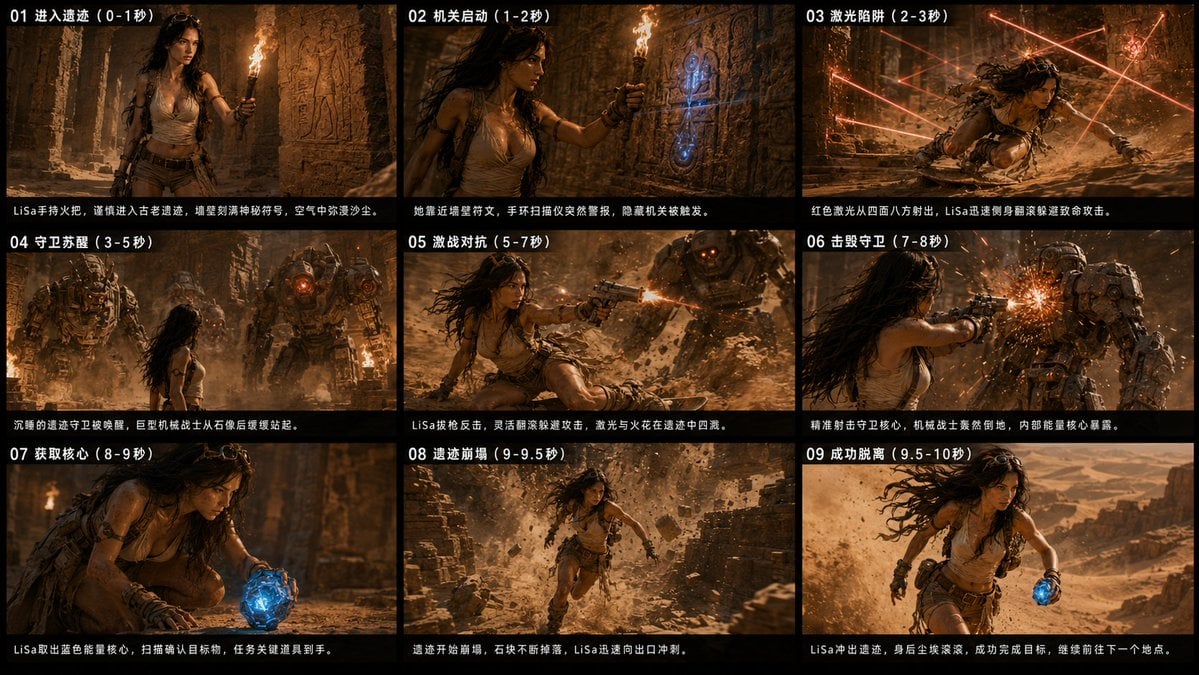
Ancient Ruin Escape Storyboard
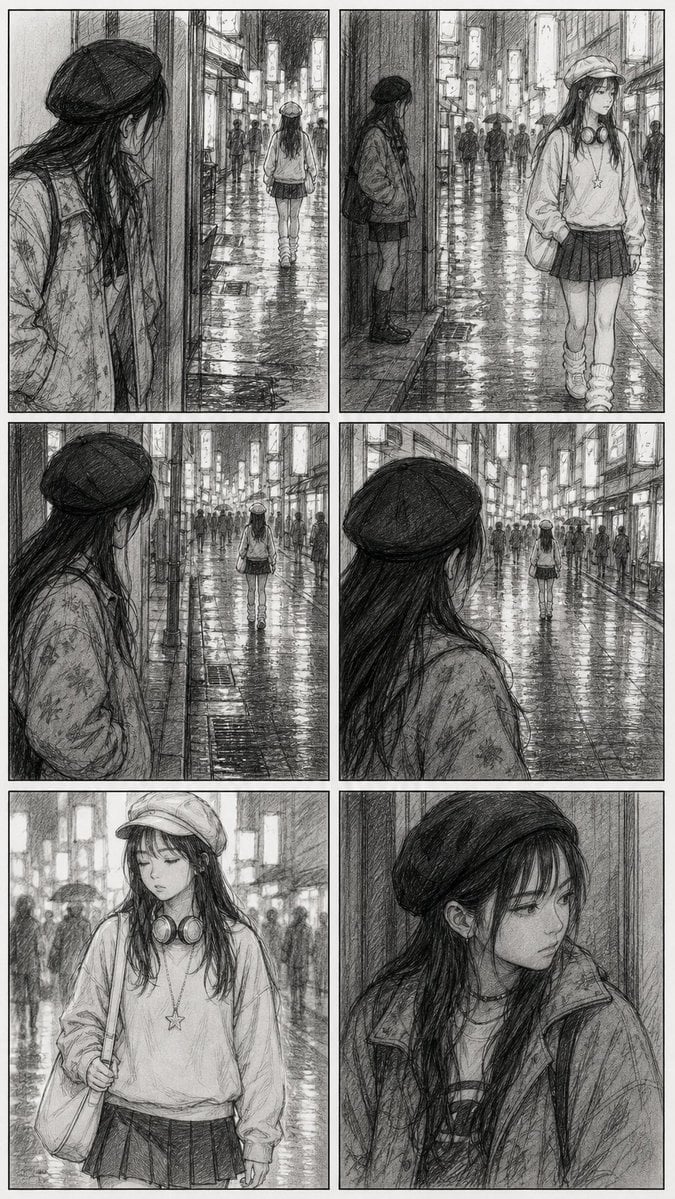
Rainy City Manga Storyboard

Headphones Lifestyle Nine Panel Grid
Seedance - Storyboard to Movie
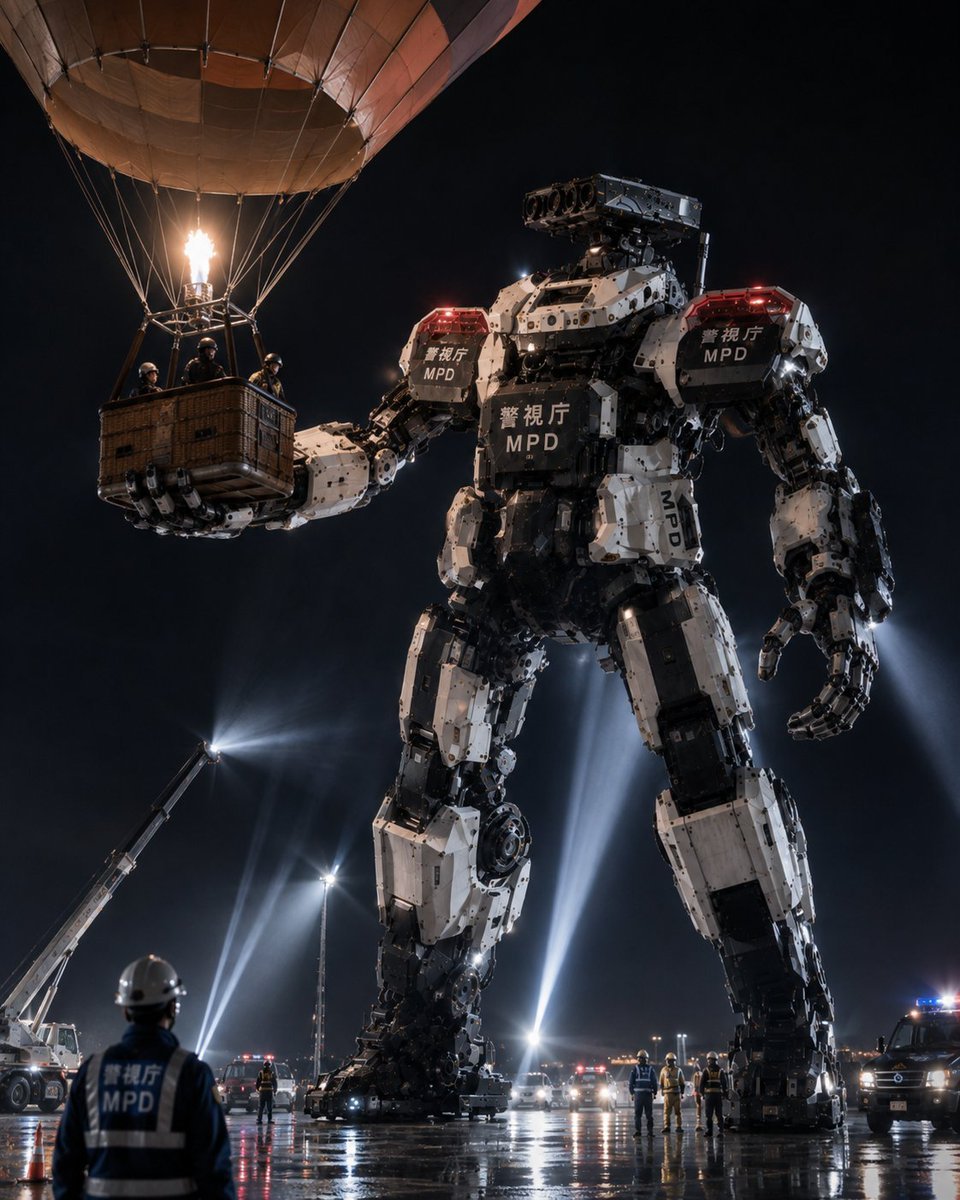
MPD Robot Arrests Balloon Escapees

Burning Gothic Flood Escape
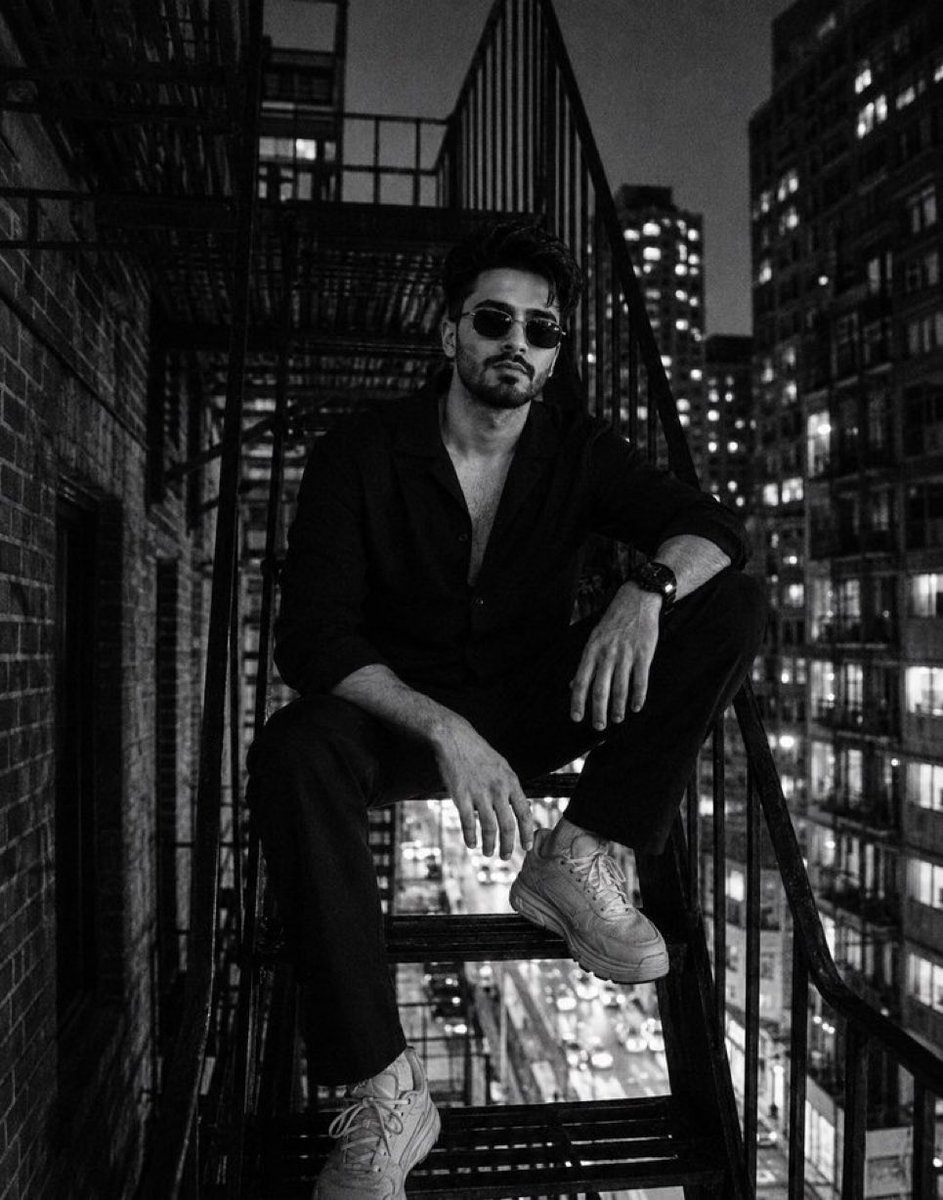
Night City Fire Escape Portrait
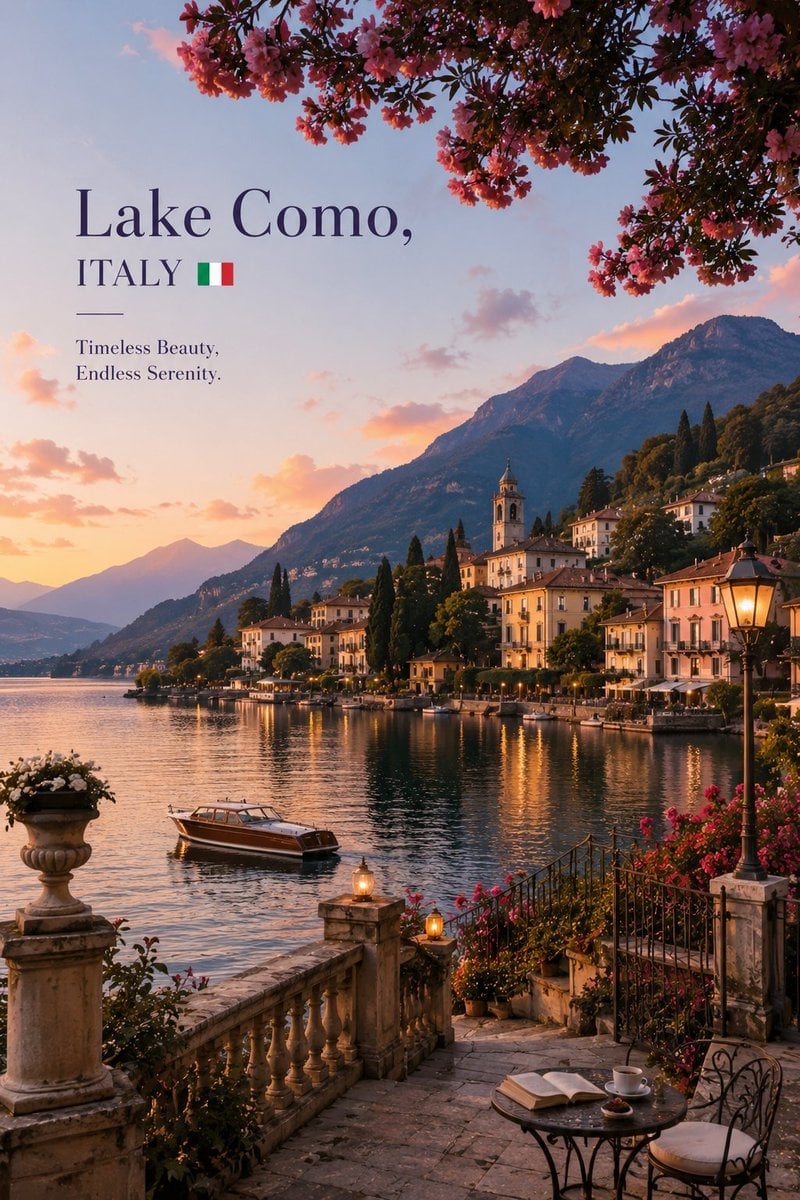
Luxury Travel Editorial Lakeside Escape
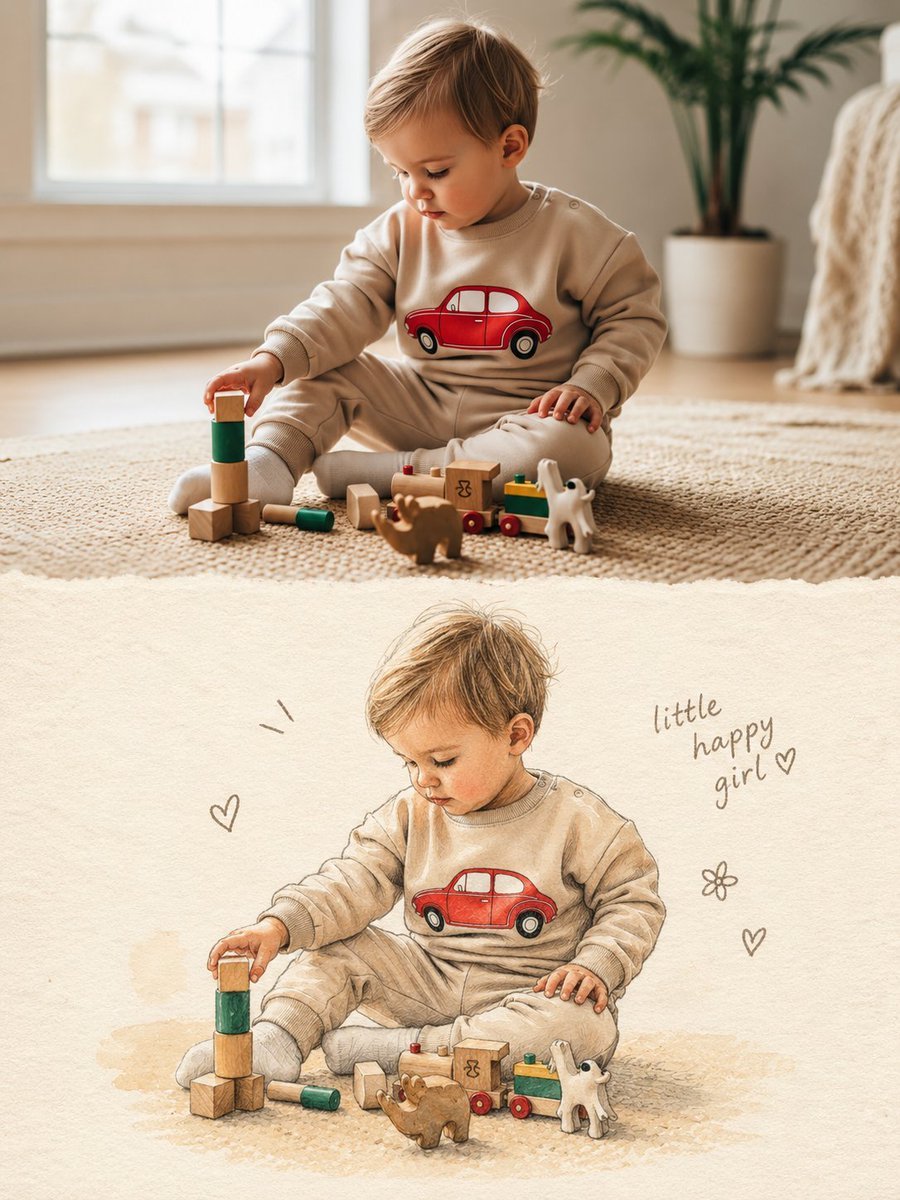
Split Photo and Storybook Illustration
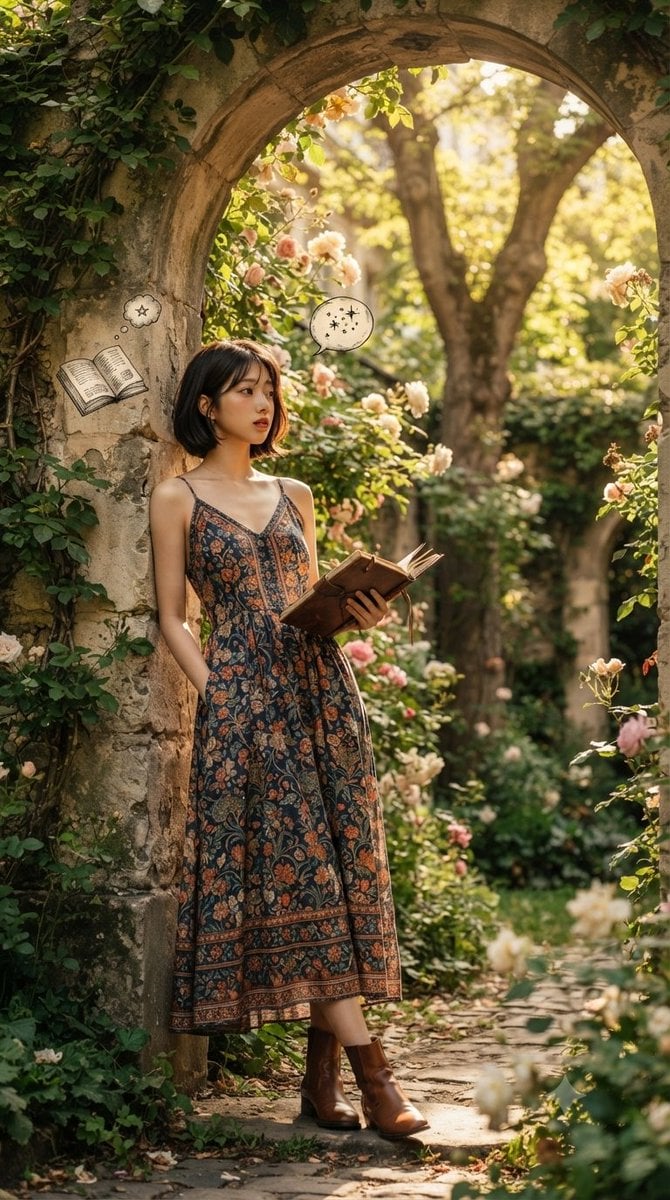
Serene Literary Garden Escape
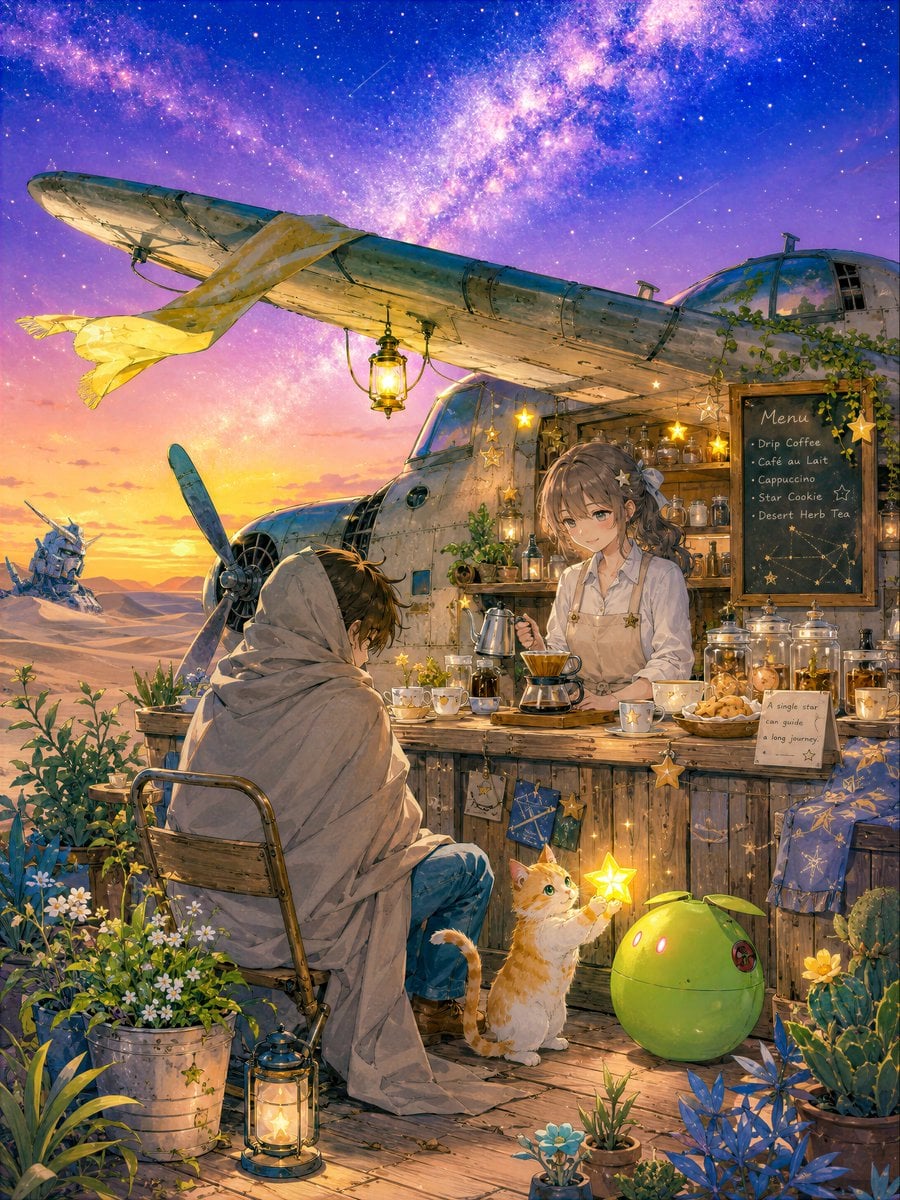
Desert Cafe Escape Story
Make it yours
Manga Book Escape Storyboard works as-is. These are the safest ways to change it without losing the look.
Change one field
Copy a single group, rewrite it, and generate again so you can see what that field is doing.
Keep the frame, change the subject
Hold the composition and light of Manga Book Escape Storyboard, then swap wardrobe, props or the person for a new take.
| If the result… | Why | Fix |
|---|---|---|
| The result drifts from the preview | Too many fields changed at once. | Reuse Manga Book Escape Storyboard as-is first, then change one group — subject, light, or setting. |
| The model over-stylizes the scene | The prose prompt leaves finish and camera underspecified. | Add one camera or lighting sentence and stay on GPT Image 2. |
More GPT Image 2 templates
Other prompts made for GPT Image 2.

Six VTuber Japanese Logo Sheet

Realistic Portrait of Woman and Deer

The Vista Modular Condo Poster

AI Model Routing Comparison Infographic

2.5D Anime Art Board

Isometric Productivity Desk Scene

New York Double Exposure Poster

Four-Panel AI Landscape Comparison

Japanese Tatami Lifestyle Magazine Cover

NESCAFÉ Coffee Map Poster
More image prompts
Fresh picks from across the catalog.
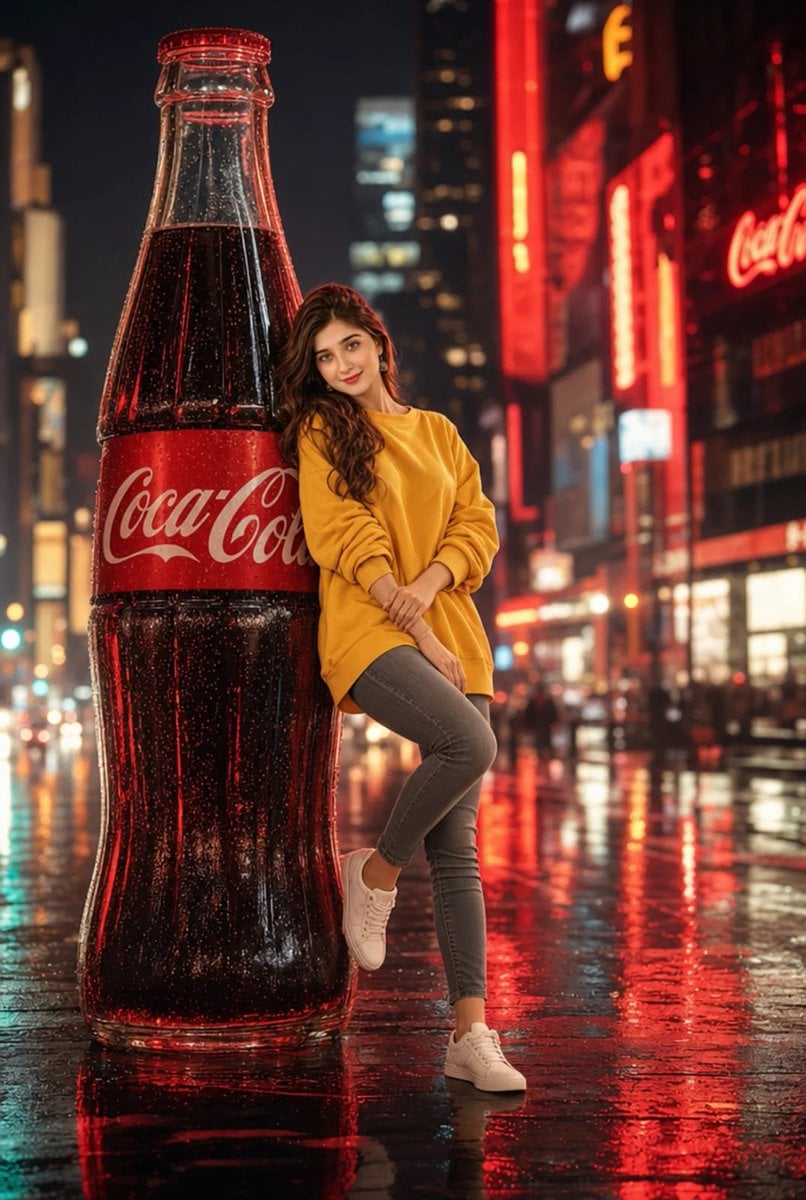
Cinematic Neon City Beverage Advertisement
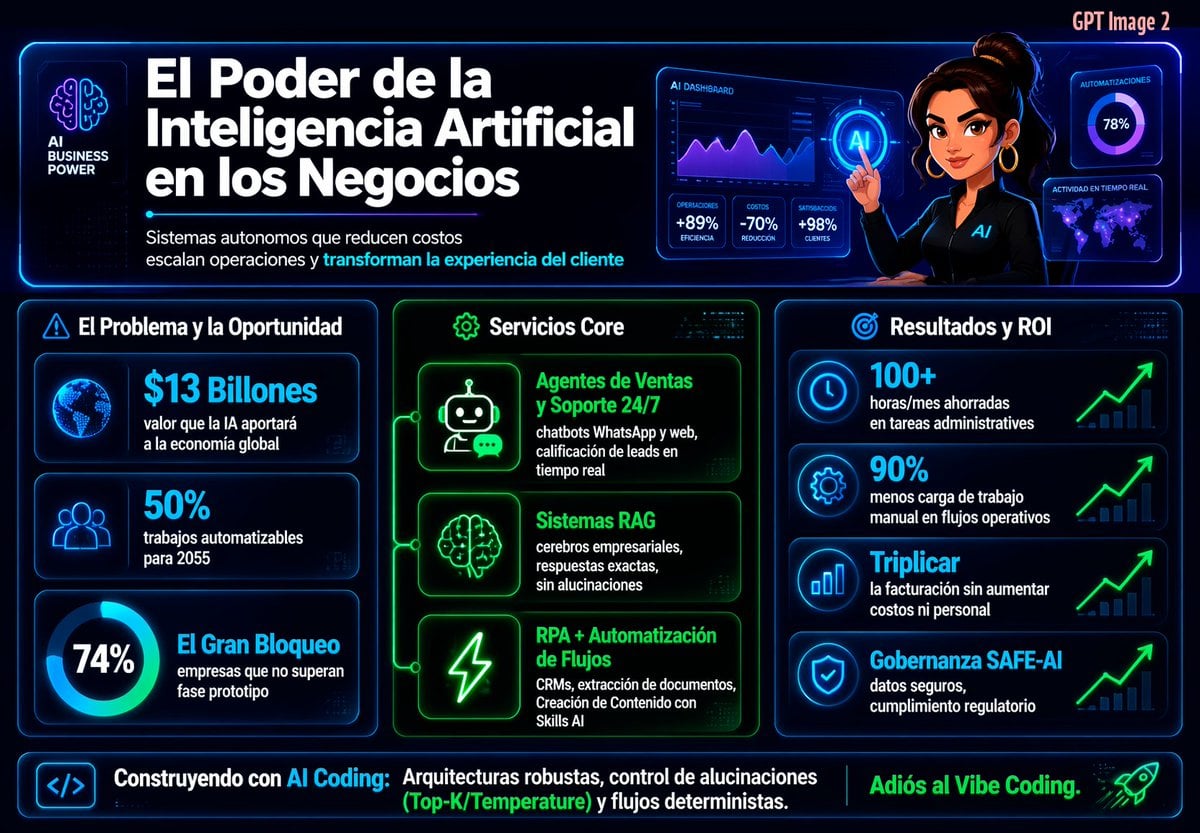
Spanish Neon AI Business Infographic
Sweet dreams image prompt for Nano Banana Pro
Romantic Studio Portrait of a Young Woman with a Rose
Dark Silhouette & Fog Style Transfer
Cinematic Low-Angle Street Portrait Prompt
Editorial Caricature Illustration of a Man
Cinematic Portrait in Rainy Paris
Gothic Girl at Rainy Window
Tea and Rain Mood Portrait
Browse template categories
Manga Book Escape Storyboard questions
How do I use the Manga Book Escape Storyboard template?
Add your photo if the template asks for one, edit the prompt if you like — the template's model and format are already selected — and press Generate. Your version opens in PicX Studio.
Can I customize the Manga Book Escape Storyboard template?
Yes. You can change the subject, setting, lighting, mood, format, and available model controls before creating your image.
Is the Manga Book Escape Storyboard template free?
Opening and editing this template is free. Generating uses credits, shown on the Generate button when you are signed in.
Which AI model should I use?
Start with GPT Image 2, which is the model associated with this template. You can compare another compatible model for a different finish.
Looking for something else? Browse all templates.

Your photo, any look
Thousands of ready templates for every top image and video model, from one credit balance.