
Ancient Ruin Escape Storyboard
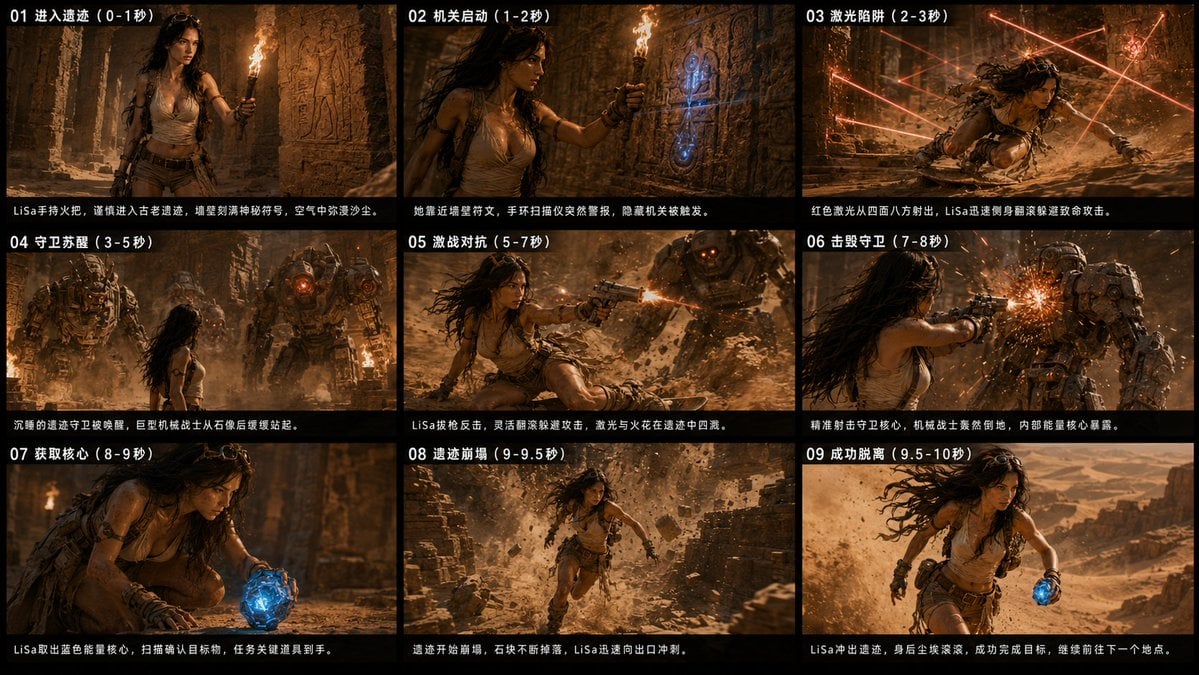
A cinematic 3x3 action storyboard for a desert-ruin adventure video sequence with Chinese timing captions and dramatic film stills.
- Prompt included
- Model and format preset
- Premium template
The prompt behind this image
Copy the exact prompt behind Ancient Ruin Escape Storyboard, or open it in the studio and make it yours.
Goal: Create a cinematic 9-panel storyboard contact sheet for a 10-second action-adventure video sequence, featuring {argument name="character name" default="LiSa"}, a rugged female explorer escaping an ancient desert ruin with a glowing blue energy core. Canvas: Ultra-wide 2.39:1 cinematic storyboard sheet, 8K look, ARRI ALEXA-style color science, arranged as a 3-by-3 grid of exactly 9 widescreen panels. Use thick black gutters between panels and a black caption strip at the bottom of each panel. Warm torchlight, dusty amber shadows, high-contrast film grading, realistic motion blur, sparks, debris, and volumetric sand in the air. Visual style: Photorealistic dark temple adventure, Tomb Raider / ancient-mechanism aesthetic, dramatic lens flares, handheld action-camera feeling, gritty skin texture, sweat, dust, windblown hair, ornate stone carvings, bronze mechanical guardians, glowing red lasers, and a vivid electric-blue artifact as the key color accent. Main character details: {argument name="character name" default="LiSa"} is a determined young female adventurer with long dark wavy hair, goggles on her head, tan sleeveless torn expedition top, brown utility shorts, leather belts, straps, gloves, arm wraps, boots, small backpack, and weathered survival gear. She looks tense, agile, and focused throughout the sequence. Text content: Add Chinese storyboard titles and descriptions as visible overlay text. Each panel has a white numbered title at the top-left and a single-line Chinese description in the black strip at the bottom. Use these exact 9 panel headings: 01 进入遗迹(0-1秒), 02 机关启动(1-2秒), 03 激光陷阱(2-3秒), 04 守卫苏醒(3-5秒), 05 激战对抗(5-7秒), 06 击毁守卫(7-8秒), 07 获取核心(8-9秒), 08 遗迹崩塌(9-9.5秒), 09 成功脱离(9.5-10秒). Panel layout and action beats, exactly 9 panels: 1. Panel 01: LiSa enters a narrow ancient corridor holding a flaming torch, walls covered in carved reliefs, dust floating in still air, exploratory suspense. 2. Panel 02: LiSa approaches a blue-glowing rune mechanism on a stone wall while holding the torch close; the hidden device suddenly lights up. 3. Panel 03: Red laser beams shoot from multiple directions in a trap-filled chamber; LiSa dives and slides low across the dusty floor to dodge them. 4. Panel 04: Two massive stone-and-metal mechanical guardians awaken in the ruins, red cores glowing in their chests, towering over LiSa. 5. Panel 05: LiSa fights back from the ground, firing a pistol toward an approaching guardian as sparks and dust explode around her. 6. Panel 06: Close action shot of LiSa shooting into a guardian's chest core; bright orange sparks burst from the damaged machine. 7. Panel 07: LiSa kneels and grabs the glowing blue energy core from the ground, the artifact illuminating her face and hands. 8. Panel 08: The ruins collapse behind her; stone blocks and debris fall as LiSa runs toward the exit through a cloud of dust. 9. Panel 09: LiSa escapes into an open desert canyon, still running with the blue core in one hand, sandstorm and sunlight behind her, triumphant but urgent. Constraints: Use exactly 9 panels in a 3x3 grid, no extra panels, no logos or watermarks, keep the Chinese text legible, maintain consistent character design across every panel, and emphasize the blue energy core and red laser/guardian glow as recurring visual motifs.
How to use Ancient Ruin Escape Storyboard in 3 steps
- 1Upload ImagePNG, JPG or paste
Add your photo
Upload the photo the template builds on. The prompt, model and format are already set.
- 2…a portrait of your subject in softgolden-hour light, 85mm…
Personalize
Edit the subject and creative details for your destination.
- 3Generate
Generate
Press Generate — your image is created in PicX Studio, so you can compare it with the original and refine one variable at a time.
More like this
Templates with the same subject, style or setup. Open one to see its prompt.
Manga Book Escape Storyboard
Ethereal Androgynous Musician in Ancient Ruins
Subway Escape Storyboard Route

Headphones Lifestyle Nine Panel Grid
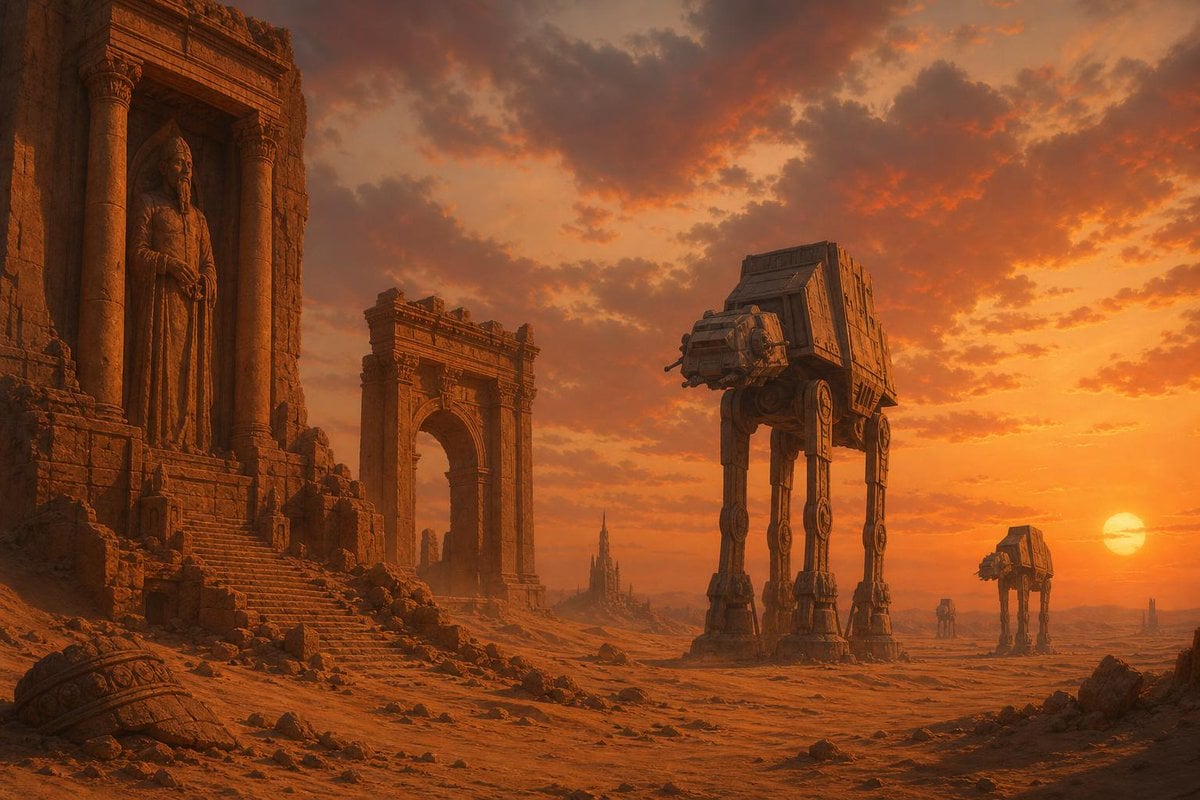
Sci-Fi Ancient Ruins in the Desert
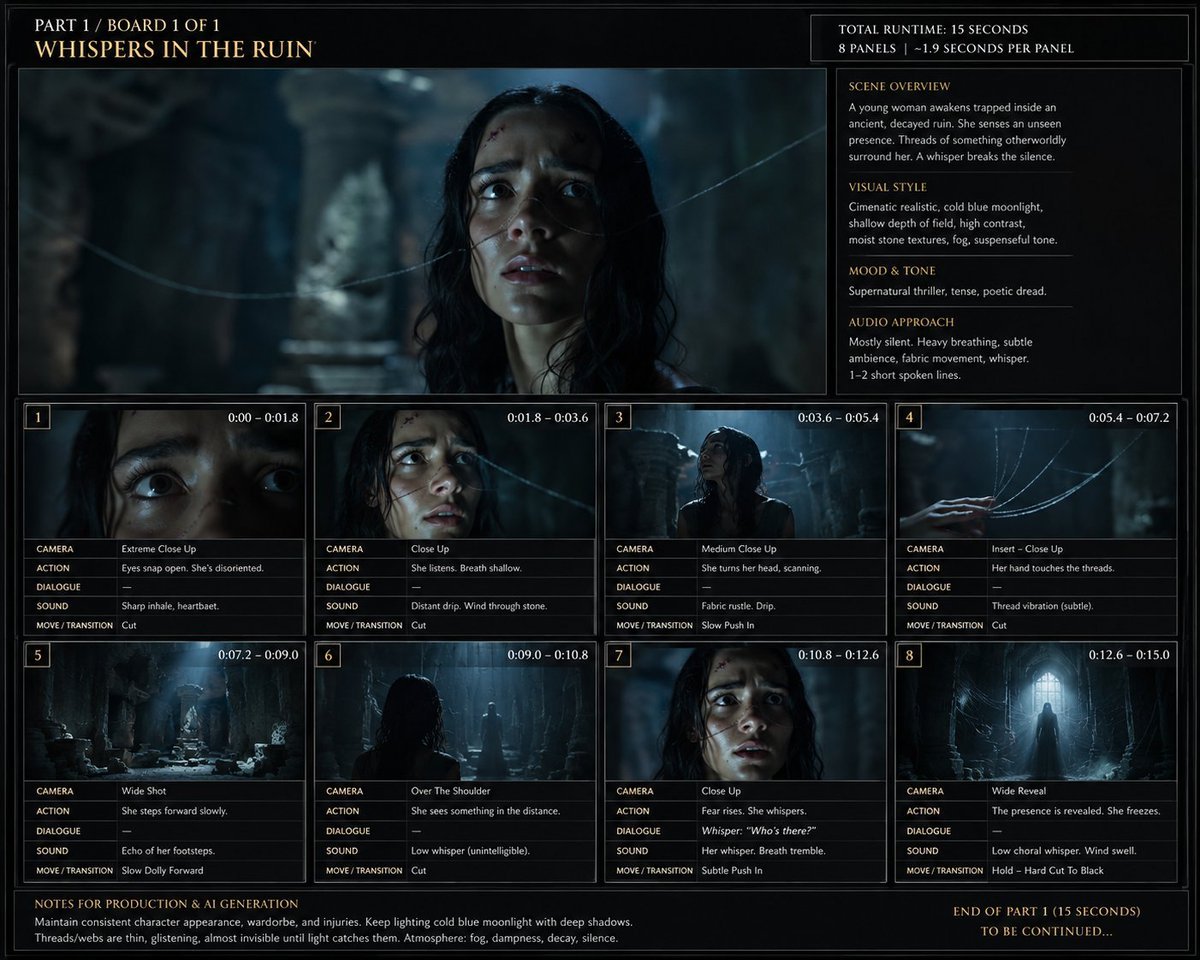
Whispers in the Ruin Storyboard

Ancient Temple Portrait — White Dress Nano Banana
Seedance - Storyboard to Movie
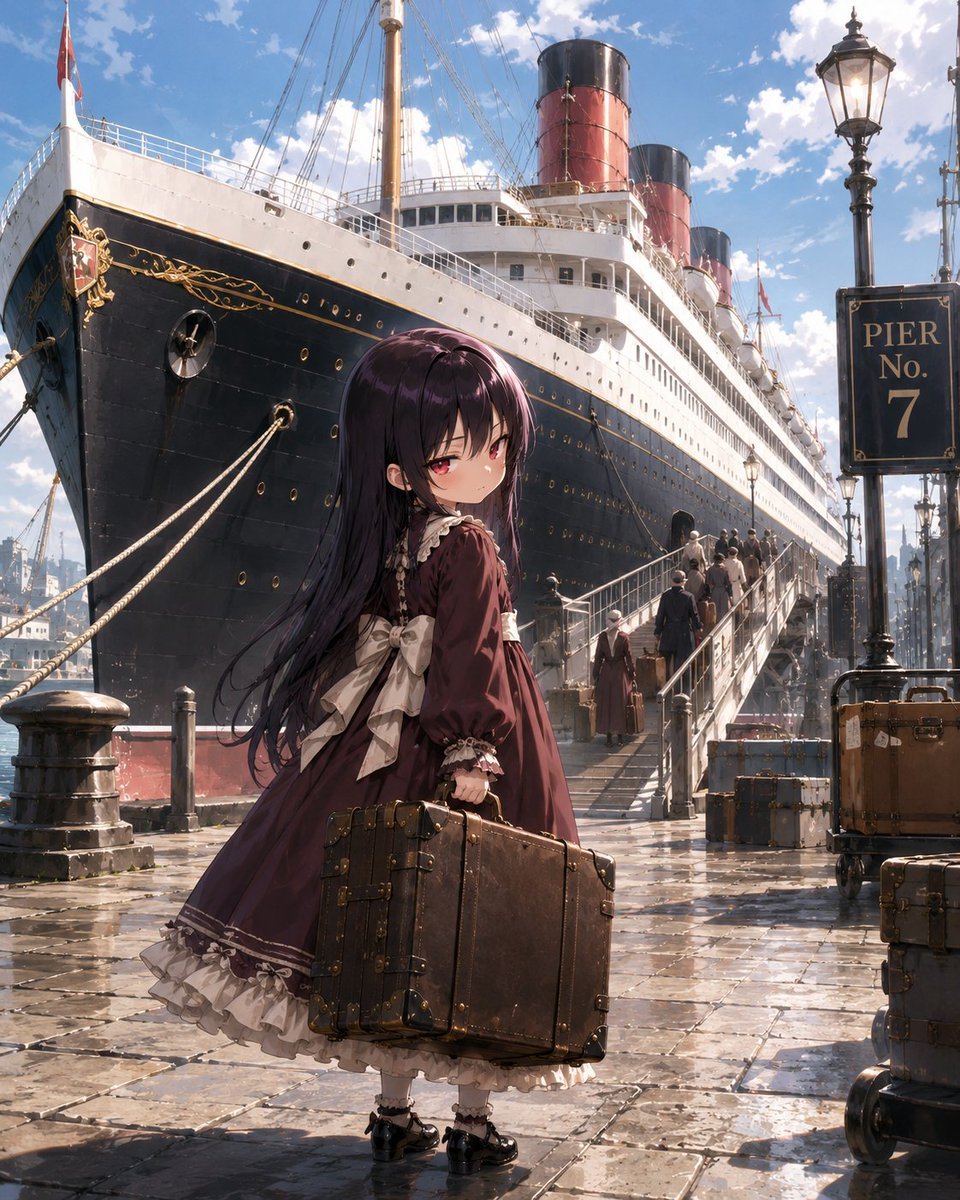
Little Girl in Ruined City
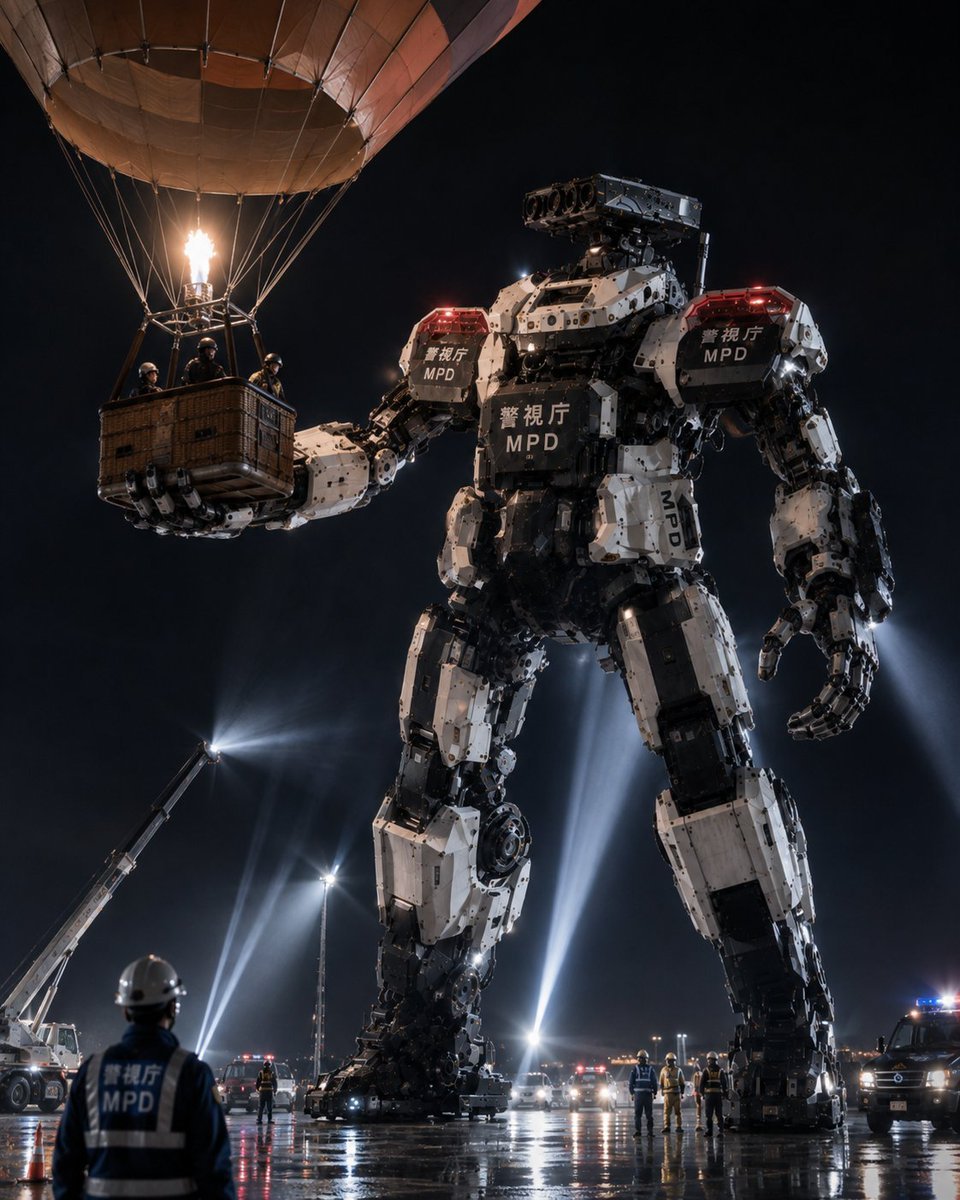
MPD Robot Arrests Balloon Escapees

Burning Gothic Flood Escape
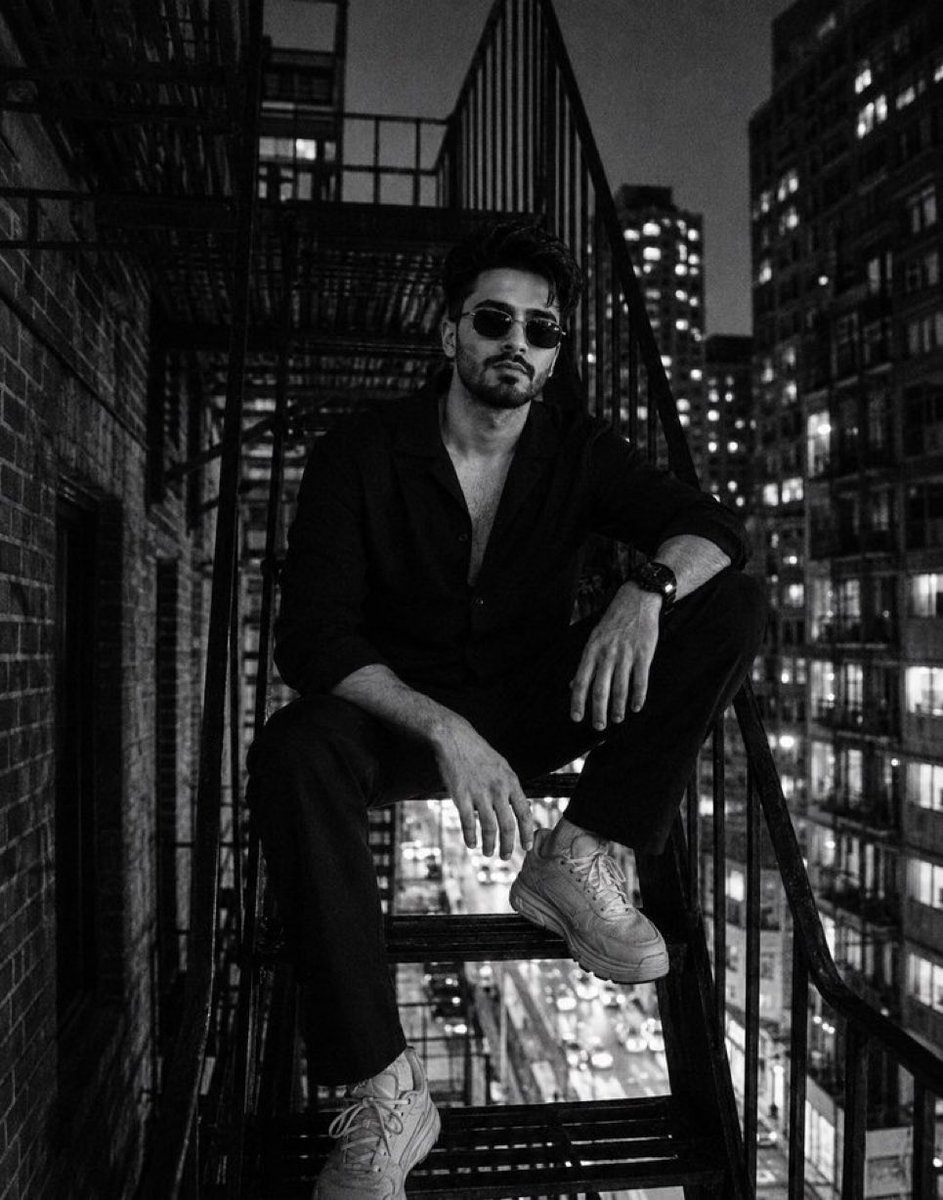
Night City Fire Escape Portrait
Make it yours
Ancient Ruin Escape Storyboard works as-is. These are the safest ways to change it without losing the look.
Change one field
Copy a single group, rewrite it, and generate again so you can see what that field is doing.
Keep the frame, change the subject
Hold the composition and light of Ancient Ruin Escape Storyboard, then swap wardrobe, props or the person for a new take.
| If the result… | Why | Fix |
|---|---|---|
| The result drifts from the preview | Too many fields changed at once. | Reuse Ancient Ruin Escape Storyboard as-is first, then change one group — subject, light, or setting. |
| The model over-stylizes the scene | The prose prompt leaves finish and camera underspecified. | Add one camera or lighting sentence and stay on GPT Image 2. |
More GPT Image 2 templates
Other prompts made for GPT Image 2.

Six VTuber Japanese Logo Sheet

Realistic Portrait of Woman and Deer

The Vista Modular Condo Poster

AI Model Routing Comparison Infographic

2.5D Anime Art Board

Isometric Productivity Desk Scene

New York Double Exposure Poster

Four-Panel AI Landscape Comparison

Japanese Tatami Lifestyle Magazine Cover

NESCAFÉ Coffee Map Poster
More image prompts
Fresh picks from across the catalog.

Browse template categories
Ancient Ruin Escape Storyboard questions
How do I use the Ancient Ruin Escape Storyboard template?
Add your photo if the template asks for one, edit the prompt if you like — the template's model and format are already selected — and press Generate. Your version opens in PicX Studio.
Can I customize the Ancient Ruin Escape Storyboard template?
Yes. You can change the subject, setting, lighting, mood, format, and available model controls before creating your image.
Is the Ancient Ruin Escape Storyboard template free?
Opening and editing this template is free. Generating uses credits, shown on the Generate button when you are signed in.
Which AI model should I use?
Start with GPT Image 2, which is the model associated with this template. You can compare another compatible model for a different finish.
Looking for something else? Browse all templates.

Your photo, any look
Thousands of ready templates for every top image and video model, from one credit balance.