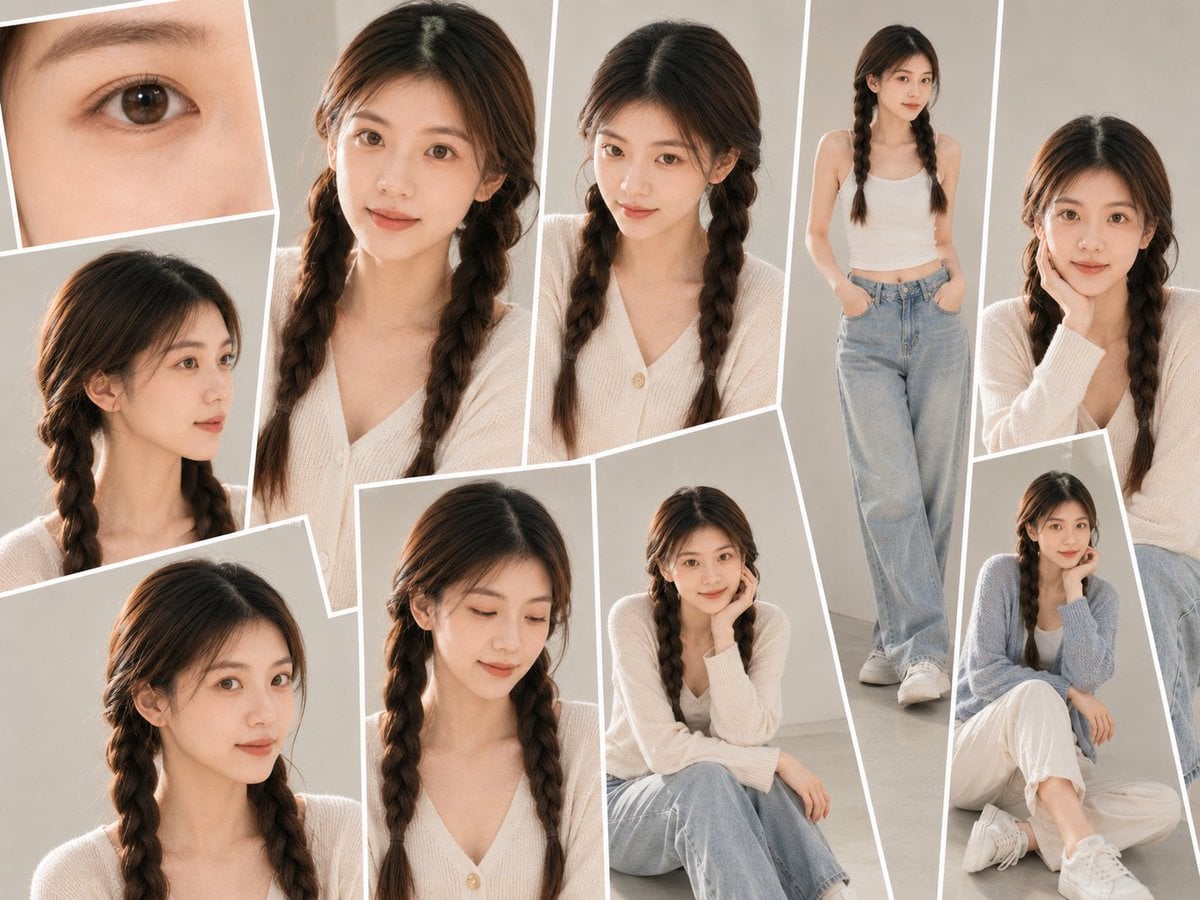
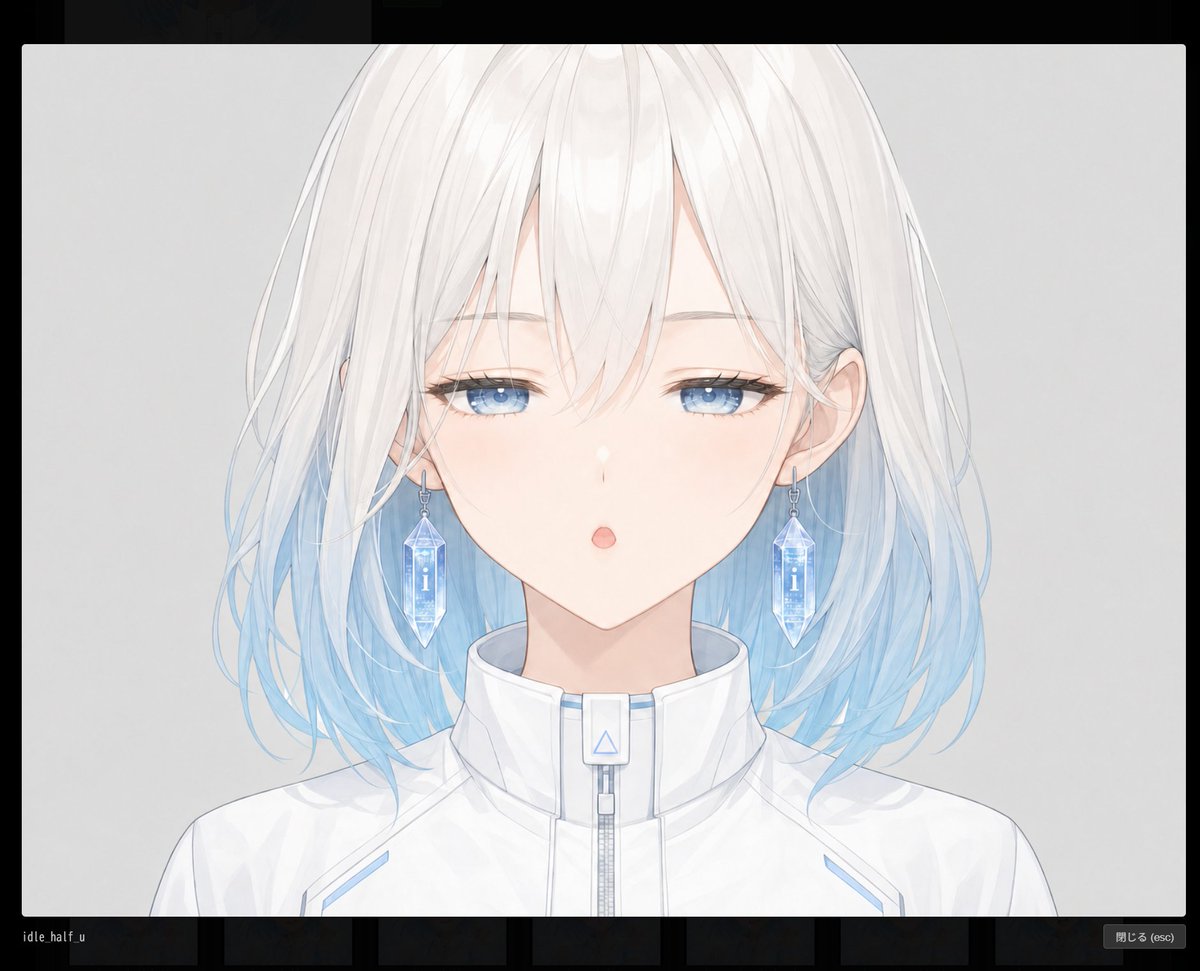
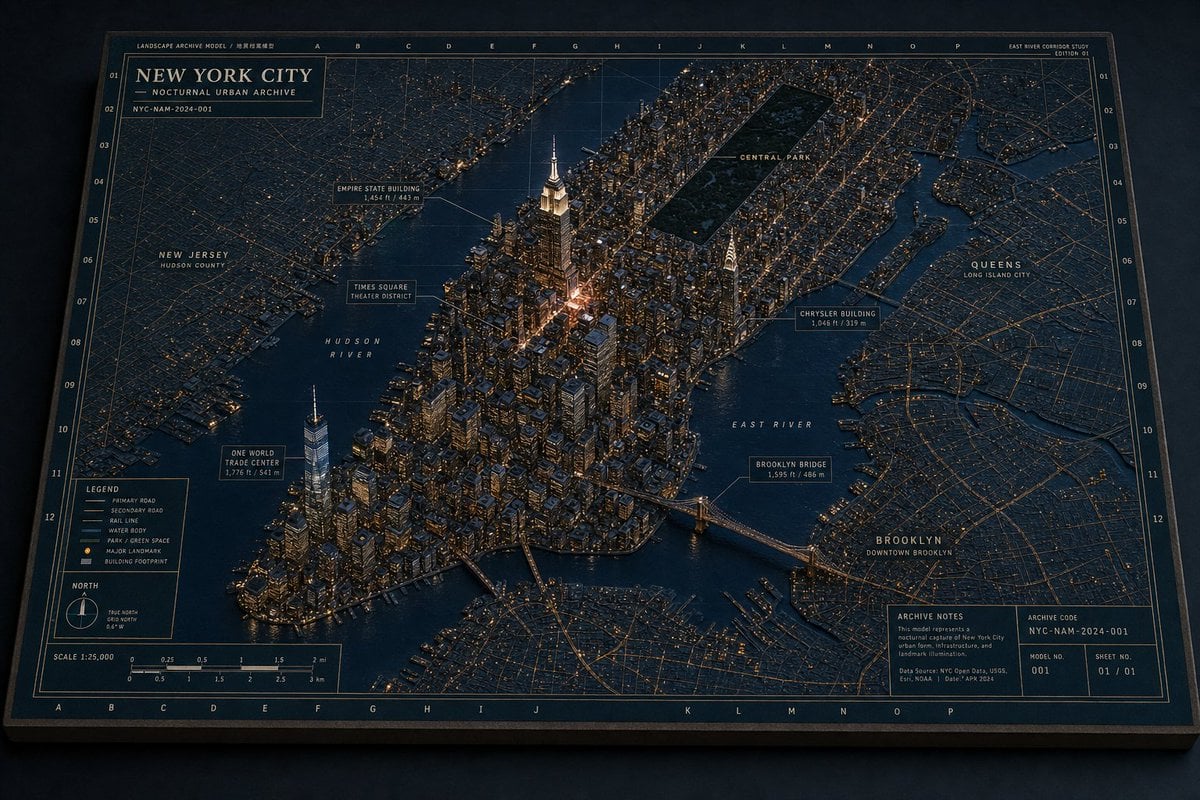
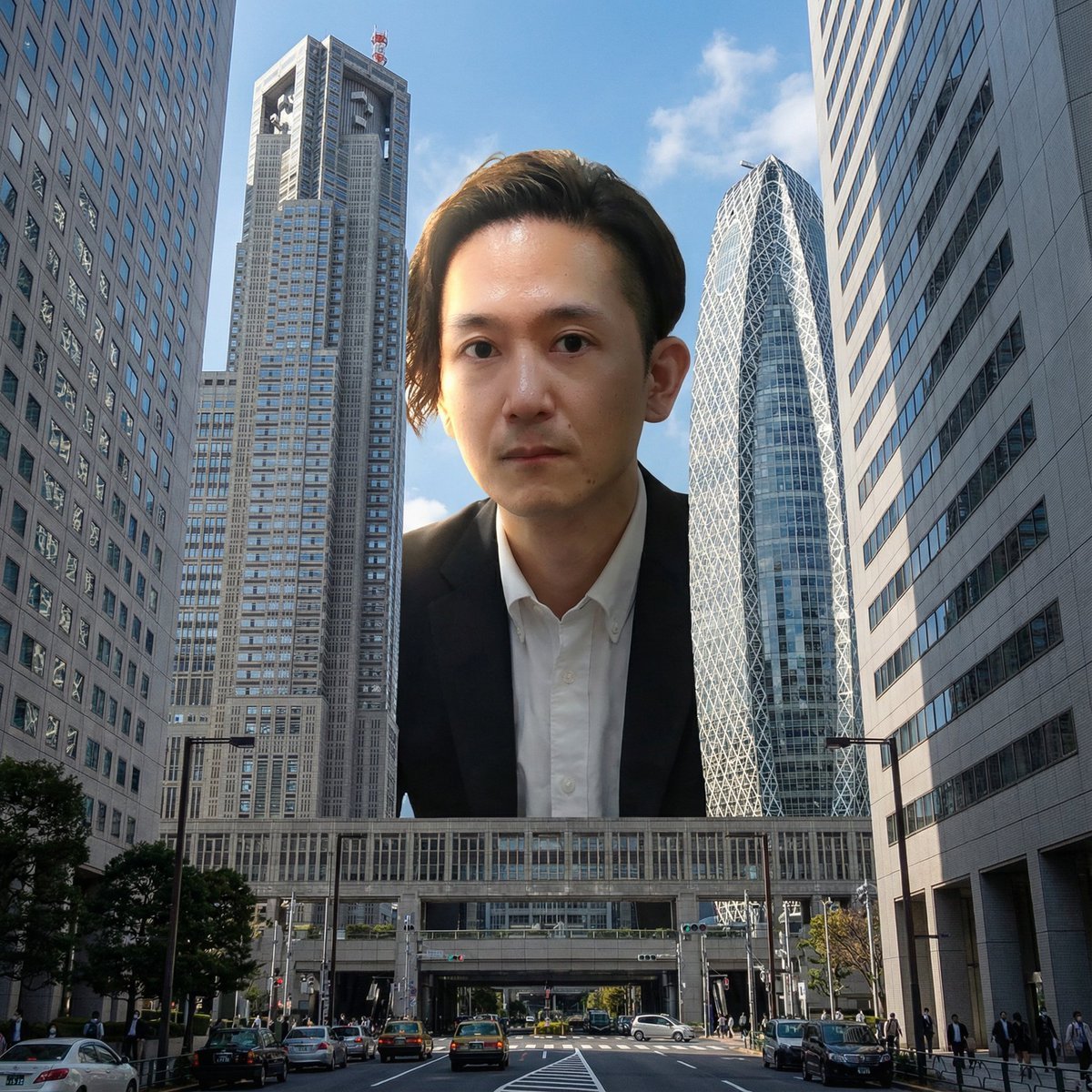
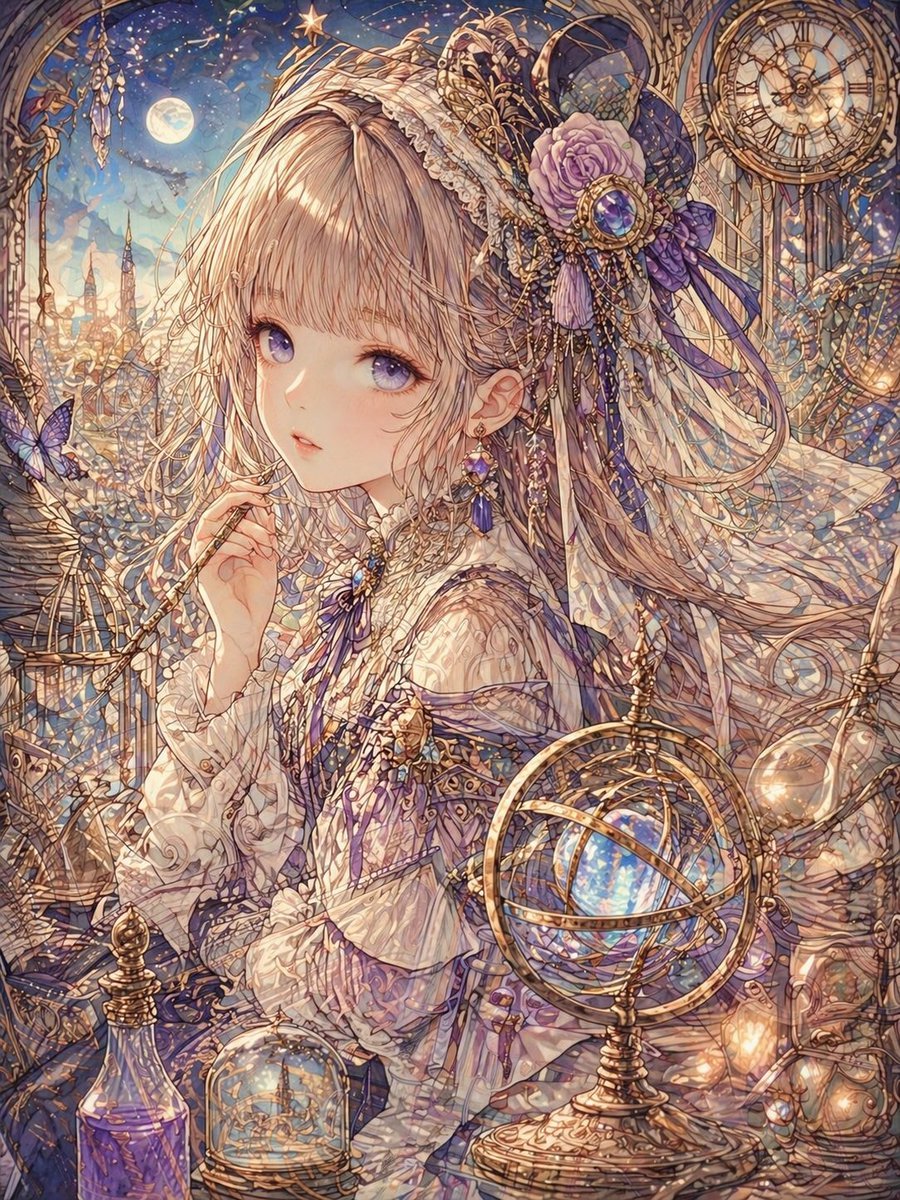
How do I use the Alvina Anime Character Reference Sheet template?
Edit the prompt in the box under the preview — the template's model and format are already selected — and press Generate. Your version appears right on this page.
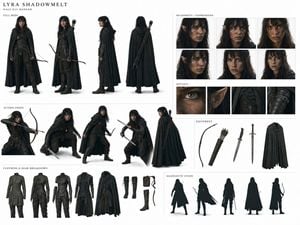
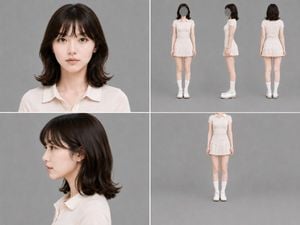
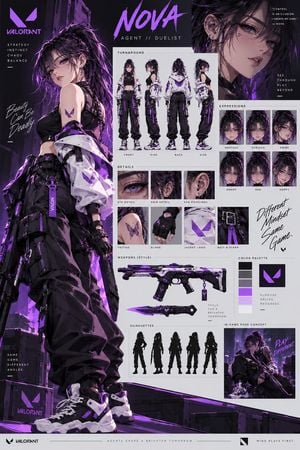
Generates a clean anime fantasy character turnaround sheet with three full-body views and three labeled expression busts for concept art use.

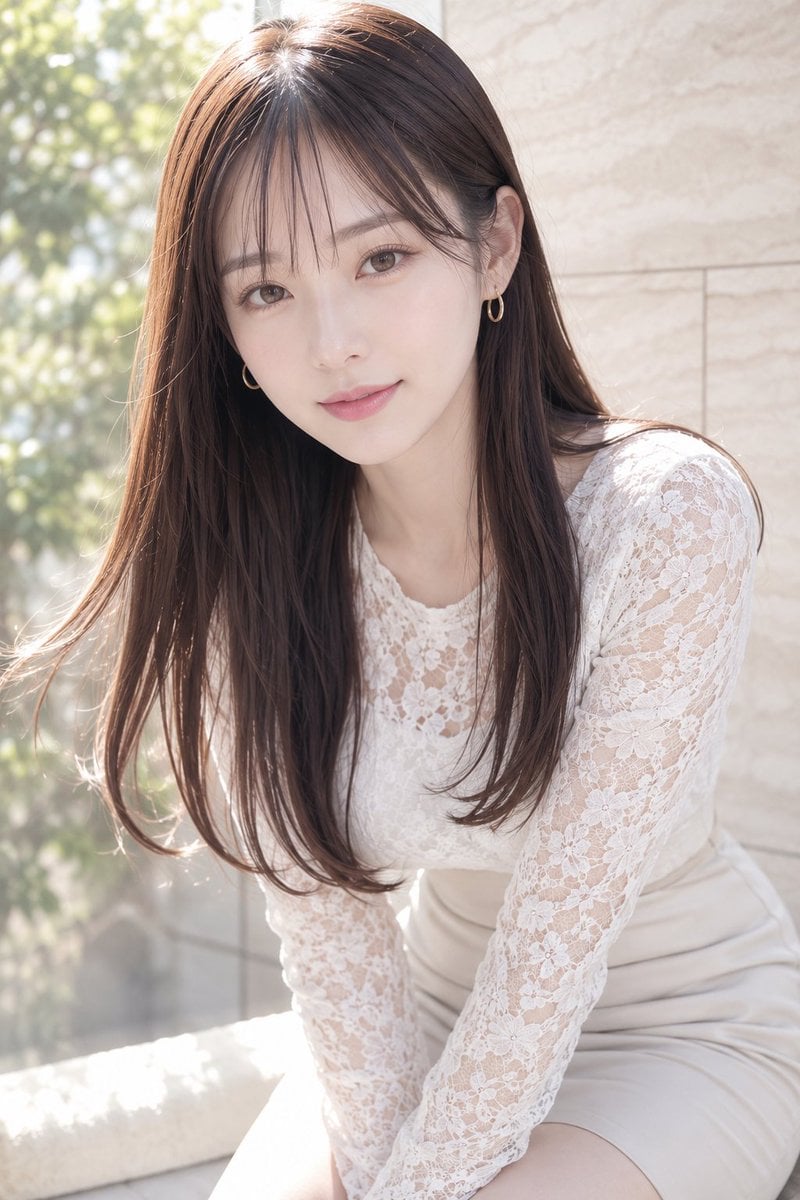
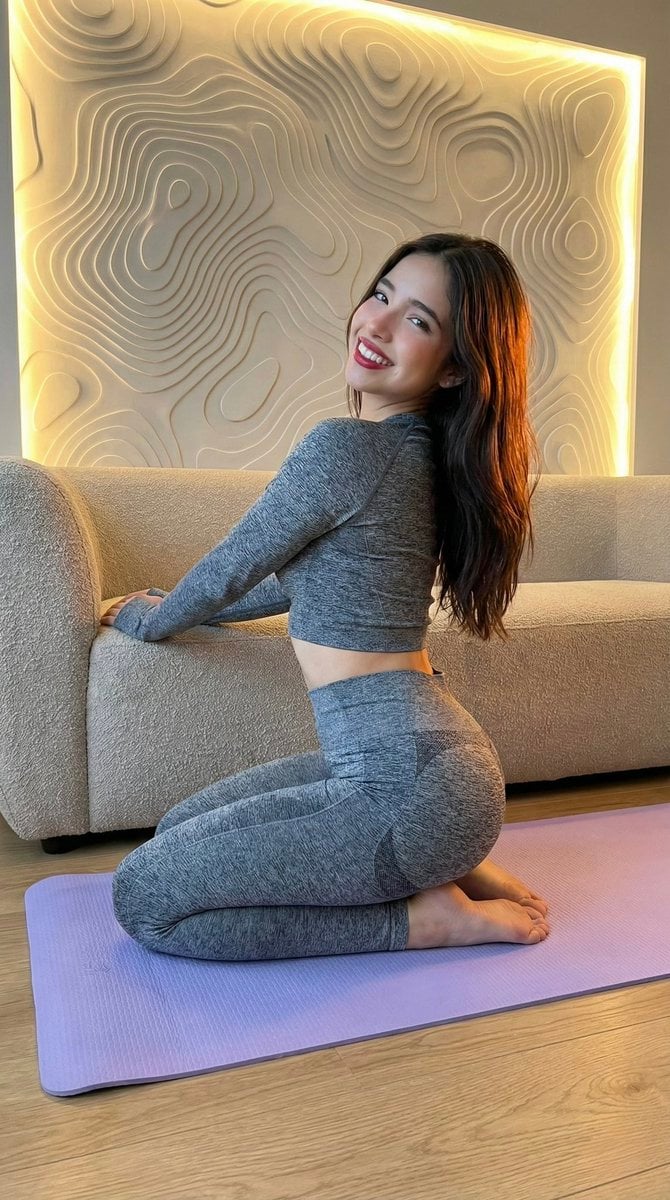
This template uses your photo — add one with the + button.
{"type":"anime character reference sheet","title_text":"{argument name=\"character name\" default=\"ALVINA\"}","canvas":"wide horizontal white background with clean spacious margins, elegant fantasy design-sheet presentation, thin dark burgundy divider lines and small ornamental fleur-de-lis accents","style":"delicate Japanese anime concept art, soft watercolor shading, fine ink linework, pale warm lighting, refined character-design turnaround sheet","character":{"gender_age":"young petite girl, childlike proportions","hair":{"color":"{argument name=\"hair color\" default=\"very pale silver-white with pink underside tips\"}","style":"short tousled bob reaching the neck, wispy bangs, layered loose strands, red flower hair clip on the left side"},"face":"facial features intentionally hidden by a soft opaque pale beige square censor block in every portrait and expression crop","skin":"fair skin","accessories":"small necklace with tiny pendant, simple bracelets, red flower hair ornament","outfit":"{argument name=\"outfit description\" default=\"off-shoulder white midi dress with ruffled neckline, thin shoulder straps, loose bell sleeves, gathered waist, narrow brown belt, and soft vertical folds\"}","footwear":"brown strappy platform sandals with ankle straps"},"layout":{"top_center":"large serif uppercase name ALVINA in dark burgundy, with a thin horizontal line and small ornament beneath","main_turnaround":{"position":"left and center across the page","count":3,"views":[{"label":"FRONT","position":"left","description":"full-body front view, standing neutrally with arms relaxed, dress hanging straight to mid-calf"},{"label":"BACK","position":"center","description":"full-body back view, showing shoulder straps, back of ruffled neckline, brown belt, bob haircut with pink tips, and sandal backs"},{"label":"SIDE","position":"right of center","description":"full-body side profile facing right, showing the flower clip, side silhouette of the dress, and platform sandals"}]},"expression_column":{"position":"far right vertical column","count":3,"crops":[{"label":"SMILE","description":"upper-body bust crop with the same outfit and hair ornament, face covered by beige square mask"},{"label":"ANGRY","description":"upper-body bust crop repeated below, labeled angry, face covered by beige square mask"},{"label":"SAD","description":"upper-body bust crop at bottom, labeled sad, face covered by beige square mask"}]},"visible_labels_count":6,"visible_labels":["FRONT","BACK","SIDE","SMILE","ANGRY","SAD"]},"typography":"thin elegant serif uppercase labels in dark brown, each label flanked by short horizontal rules and small decorative marks","color_palette":"mostly ivory white, pale blush pink, muted burgundy, warm brown leather, soft gray shadows","rendering_notes":"preserve the exact reference-sheet composition, with three full-body turnaround figures and three bust expression samples; use clean white negative space and avoid background scenery"}
Edit the prompt in the box under the preview — the template's model and format are already selected — and press Generate. Your version appears right on this page.
Yes. You can change the subject, setting, lighting, mood, format, and available model controls before creating your image.
Opening and editing this template is free. Generating uses credits, shown on the Generate button when you are signed in.
Start with GPT Image 2, which is the model associated with this template. You can compare another compatible model for a different finish.
Follow a topic to a crawlable collection of related PicX Studio templates.