
High-Fidelity Fitness Portrait Prompt (Identity Locking)
An extremely detailed, technical prompt for generating a high-fidelity fitness portrait, specifically designed for 'identity locking' to preserve the facial geometry of a reference image.
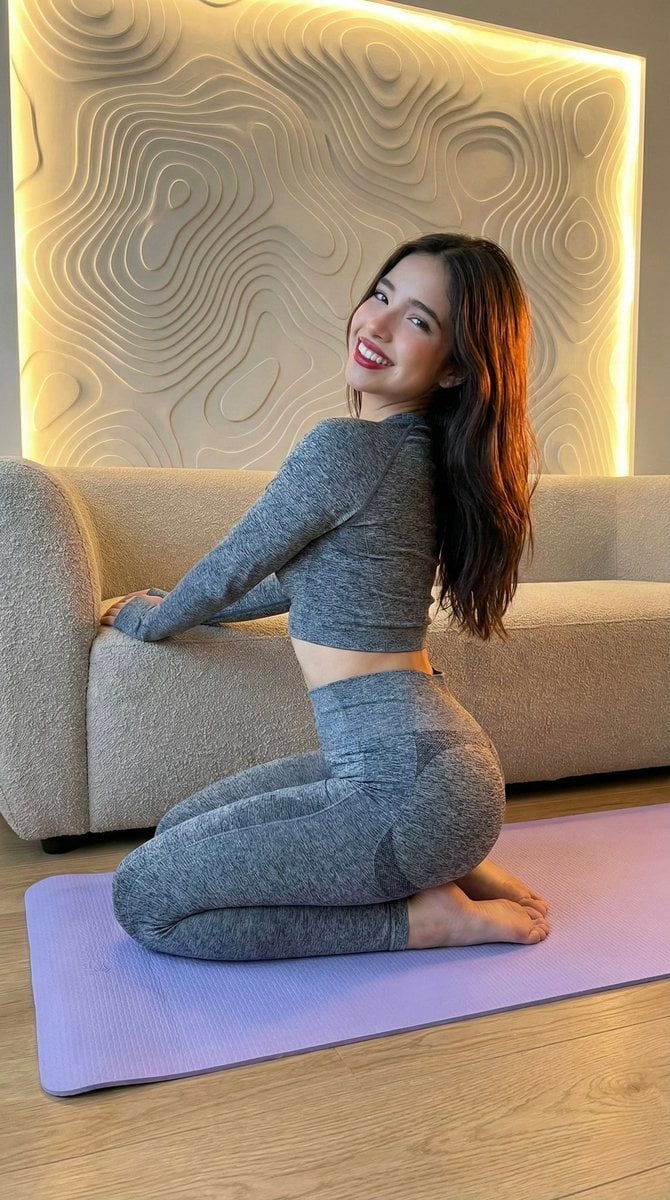
- Prompt included
- Model and format preset
- Free template
The prompt behind this image
Copy the exact prompt behind High-Fidelity Fitness Portrait Prompt (Identity Locking), or open it in the studio and make it yours.
[Header] (9:16) Raw high-fidelity photograph, iPhone 17 Pro sensor simulation, professional studio lighting, zero bokeh, SHARP focus from the foreground lavender mat to the background topographic wall panels, f/8 aperture for absolute structural depth, subtle digital grain. [Subject & Identity Locking] Identity: Absolute preservation of Image A’s specific facial geometry, emphasizing the almond eye shape, high lip volume, and defined chin structure. Hair Physics: The hair must exhibit high-definition strand separation, cascading naturally down the back and over the shoulders, reflecting the warm amber backlighting. Bio-Fidelity: Detailed skin physics including micro-pores, satin-finish hydration, and visible fine vellus hair along the jawline. Precise anatomical rendering of the hands resting on the furniture. Expression: Magnetic presence; a self-assured, wide smile with high-saturation ruby-red lipstick, directed toward the camera lens. [Outfit & Physicality] Technical Description: High-impact technical marl-grey performance-wear set. Upper Geometry: Long-sleeved compression-fit cropped top with a minimalist crew-neck architecture. Lower Geometry: Matching high-waisted performance leggings featuring technical shaded textile architecture (contouring lines) that emphasize the gluteal proportions and lower-body silhouette. Surface Physics: High-tensile material-to-skin surface compression. The fabric must exhibit realistic physical tension lines and micro-knit textures, specifically where it contours the gluteal proportions and proximal limb geometry. Physicality: Confident self-assured kneeling pose with extreme torso torsion (S-curve). High-fidelity rendering of the anatomical waist-to-hip ratio and symmetrical muscle-to-skin interaction. [Pose & Composition] Geometry: High-impact torsion pose. The subject is kneeling on her left knee on a {argument name="mat color" default="lavender"} technical foam mat, leaning her upper body against a neutral-toned bouclé-textured sofa. Framing: Medium full-shot. The composition is angled to highlight the posterior silhouette and the athletic-to-lean transition characteristic of Image A. Anatomy: Realistic shoulder-joint displacement as she leans; zero AI distortion in the spinal curve. [Environment & Lighting] Atmosphere: Modern minimalist fitness studio or high-end domestic gym. Interior Details: Lavender-colored technical foam yoga mat on a light-oak hardwood floor. The background features a large topographic abstract wall panel with 3D-contoured textures. Lighting: Dual-source lighting configuration. A cool-toned front light ensures clarity on the face and textile texture, while a warm amber-to-pink LED backlight creates a glow along the topographic wall and the subject’s silhouette. Background Integrity: All background architectural elements must remain in sharp focus with zero artificial blurring to maintain a professional photographic aesthetic. [Failure Prevention Rule] Co
How to use High-Fidelity Fitness Portrait Prompt (Identity Locking) in 3 steps
- 1
Open
The prompt is already in the box next to the preview, with the template's model and format selected.
- 2…a portrait of your subject in softgolden-hour light, 85mm…
Personalize
Edit the subject and creative details for your destination.
- 3Generate
Generate
Press Generate — your image is created in PicX Studio, so you can compare it with the original and refine one variable at a time.
More like this
Templates with the same subject, style or setup. Open one to see its prompt.
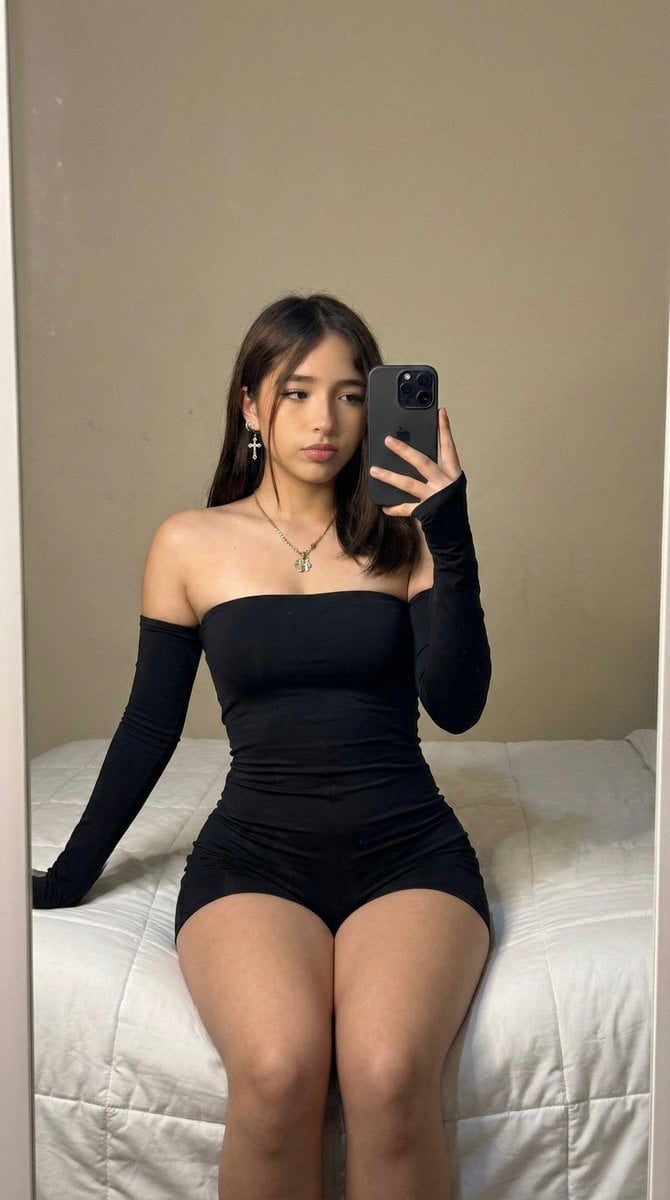
High-Fidelity Mirror Selfie Prompt with Identity Locking
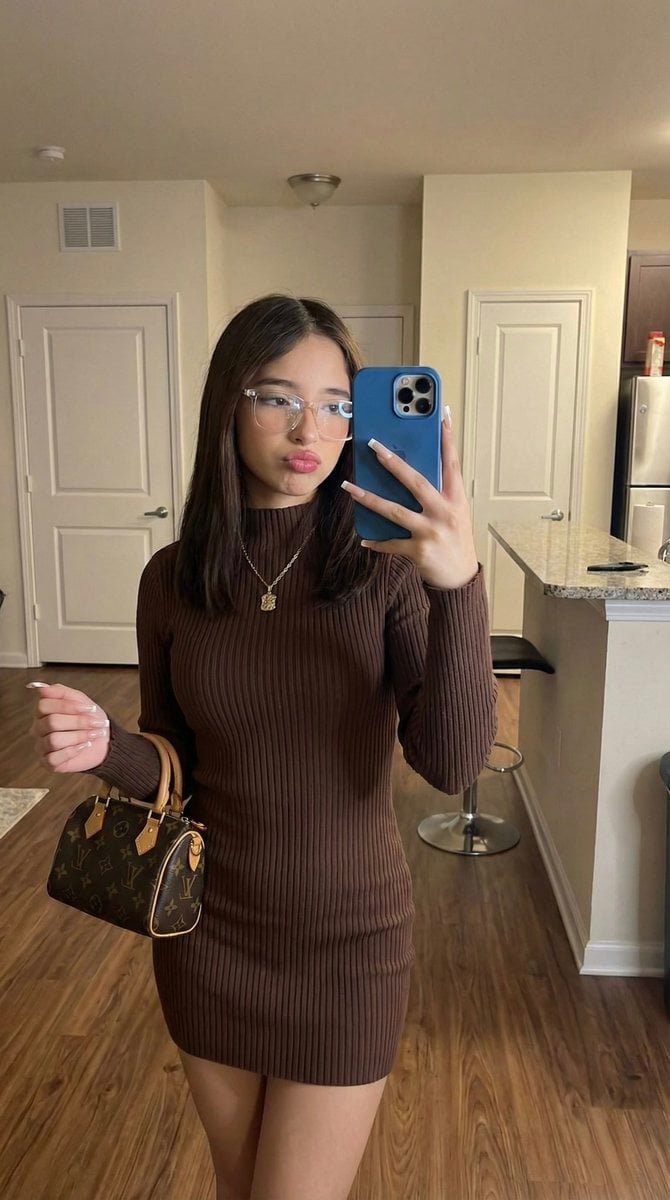
Hyper-Fidelity Mirror Selfie with Identity Locking
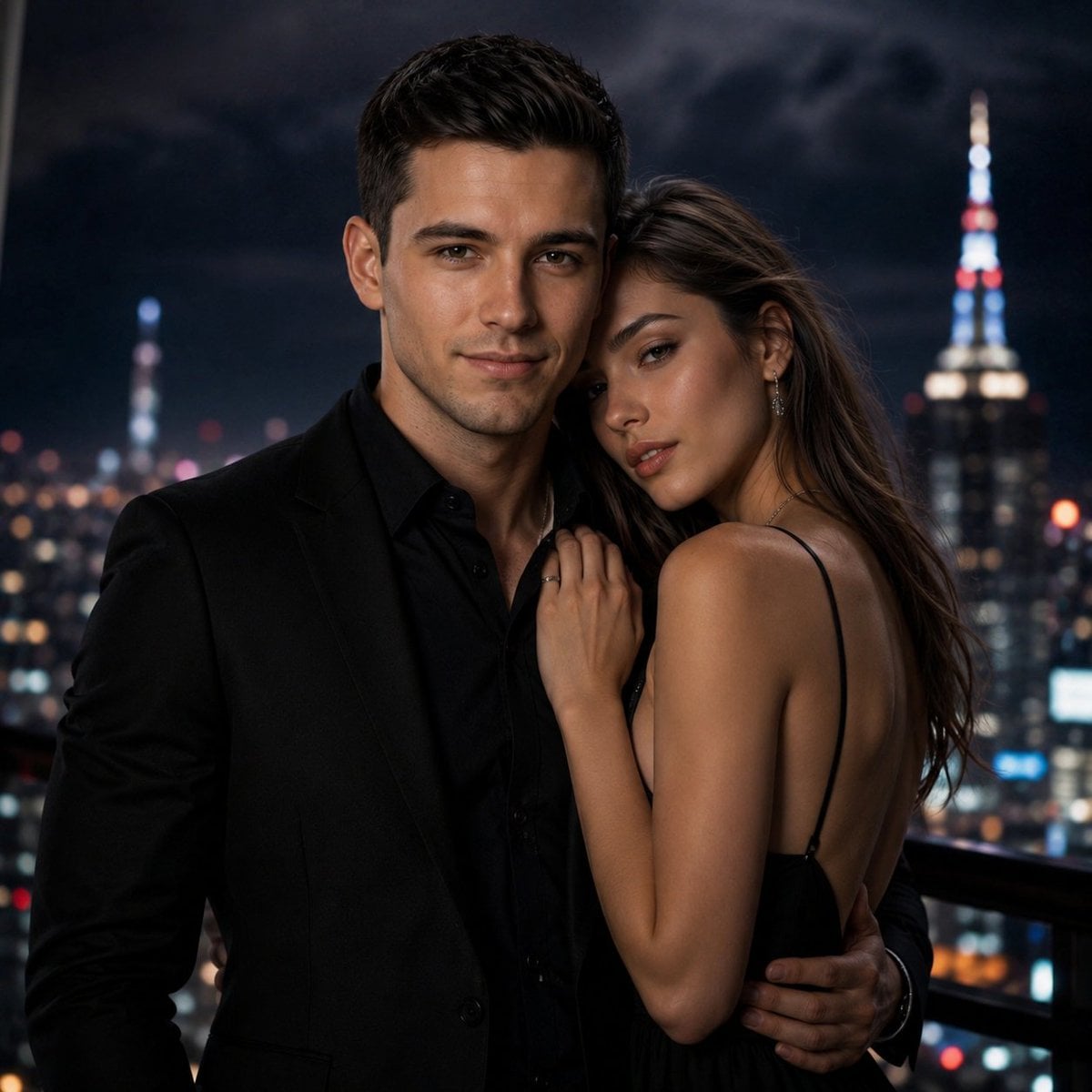
High-Fidelity Identity Portrait Template
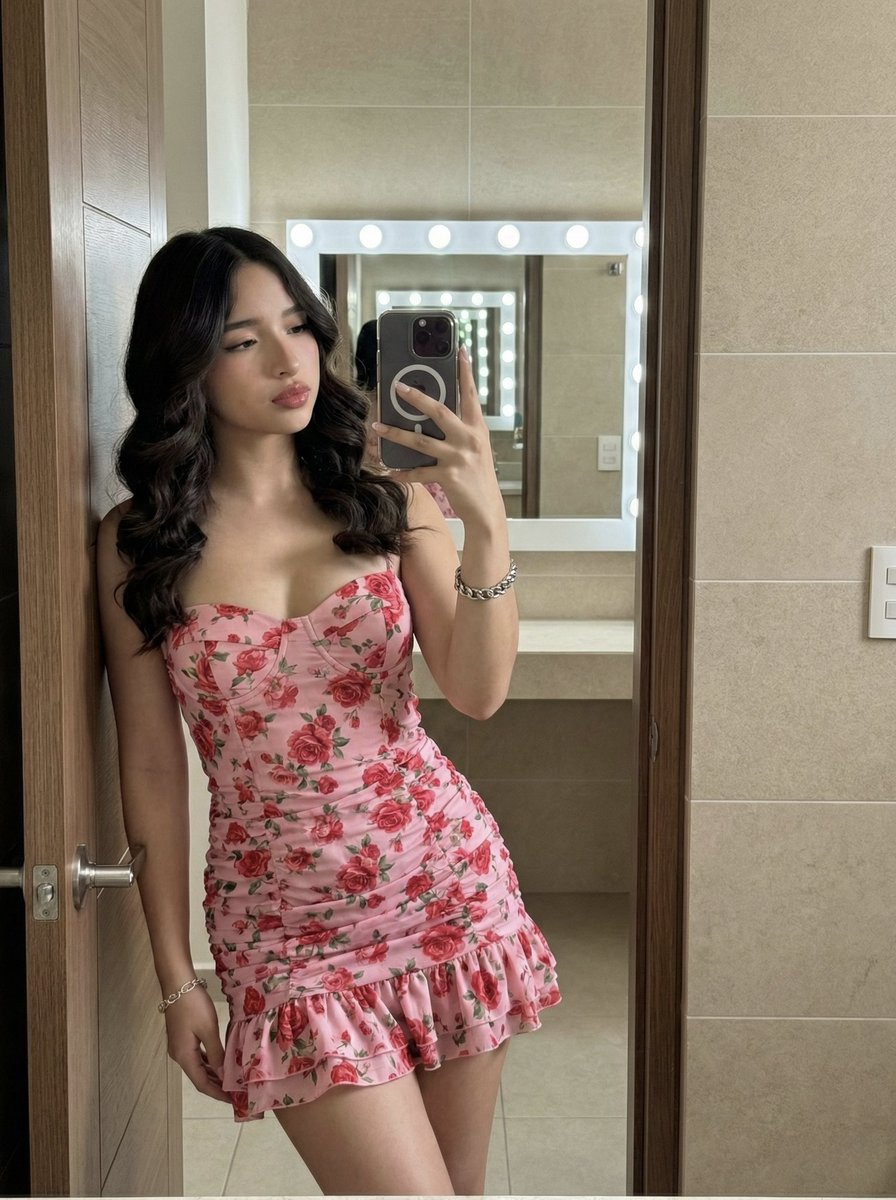
High-Fidelity Mirror Selfie Portrait with Identity Lock
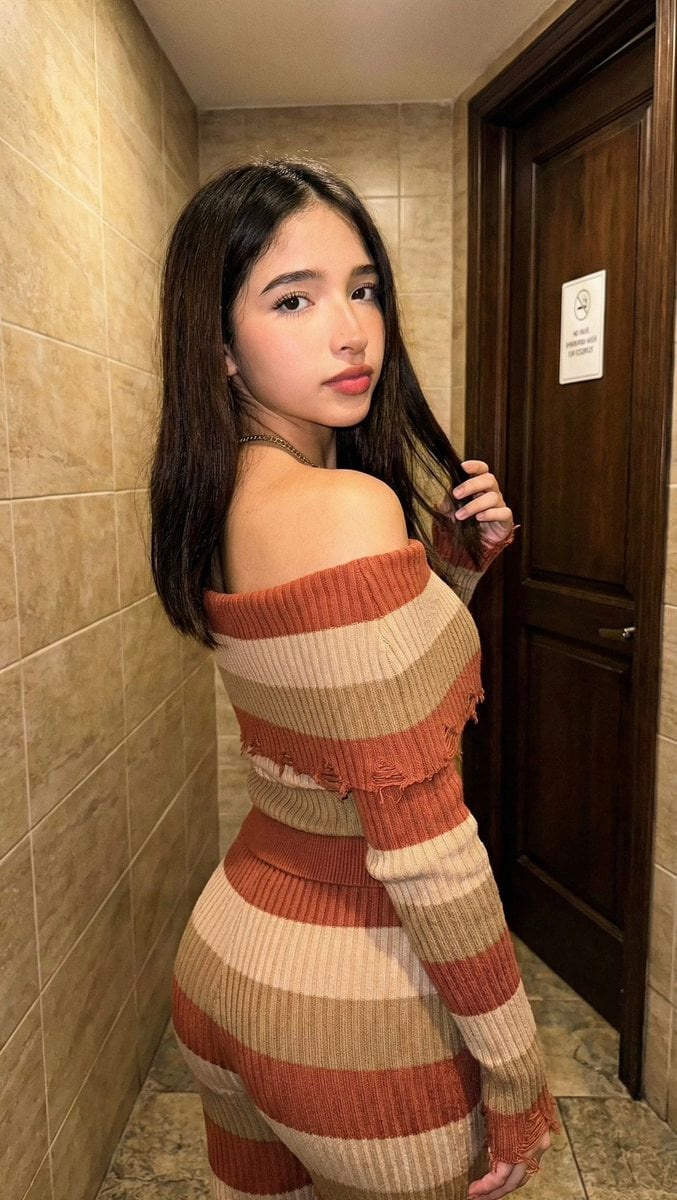
High-Fidelity Portrait with Extreme Identity Mapping and Technical Rib-Knit Texture

Found Photograph: Us, 1970

80s Couple Studio Portrait

80s Bollywood Star

80s Golden Hour Cinema

Me in 1985

1985 Studio Portrait

Hyper-Realistic Minecraft POV Portrait
Make it yours
High-Fidelity Fitness Portrait Prompt (Identity Locking) works as-is. These are the safest ways to change it without losing the look.
Change one field
Copy a single group, rewrite it, and generate again so you can see what that field is doing.
Keep the frame, change the subject
Hold the composition and light of High-Fidelity Fitness Portrait Prompt (Identity Locking), then swap wardrobe, props or the person for a new take.
| If the result… | Why | Fix |
|---|---|---|
| The result drifts from the preview | Too many fields changed at once. | Reuse High-Fidelity Fitness Portrait Prompt (Identity Locking) as-is first, then change one group — subject, light, or setting. |
| The model over-stylizes the scene | The prose prompt leaves finish and camera underspecified. | Add one camera or lighting sentence and stay on Nano Banana 2. |
More Nano Banana 2 templates
Other prompts made for Nano Banana 2.

Photorealistic Leaf Shaped Like a Dragon

K-Pop Idol Portrait Grid for Rapid Selection

Poetic Rain Forest Portrait During Golden Hour

Urban Street Portrait with Cartoon Inner Self Duo

Candid Nighttime Photo with Cat Prompt

High-Concept 3D Diorama Generation Prompt

Cinematic Futuristic Studio Portrait Template

Skincare Editorial Photography Collage Prompt

Hyper-Realistic Commercial Product Photography (Splash Effect)

Hyper-Realistic Nightclub Portrait Prompt
More image prompts
Fresh picks from across the catalog.
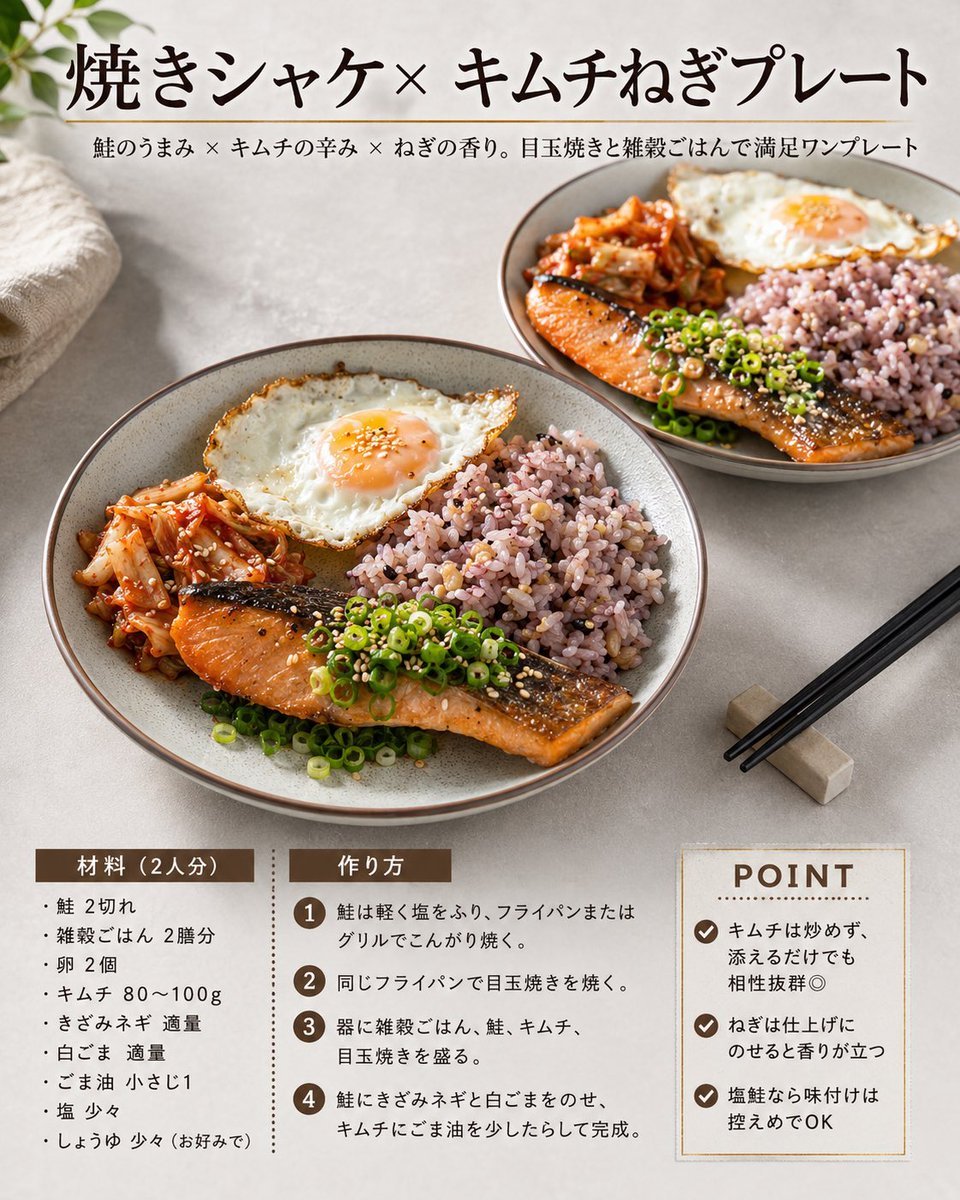
Japanese Salmon Kimchi Recipe Card
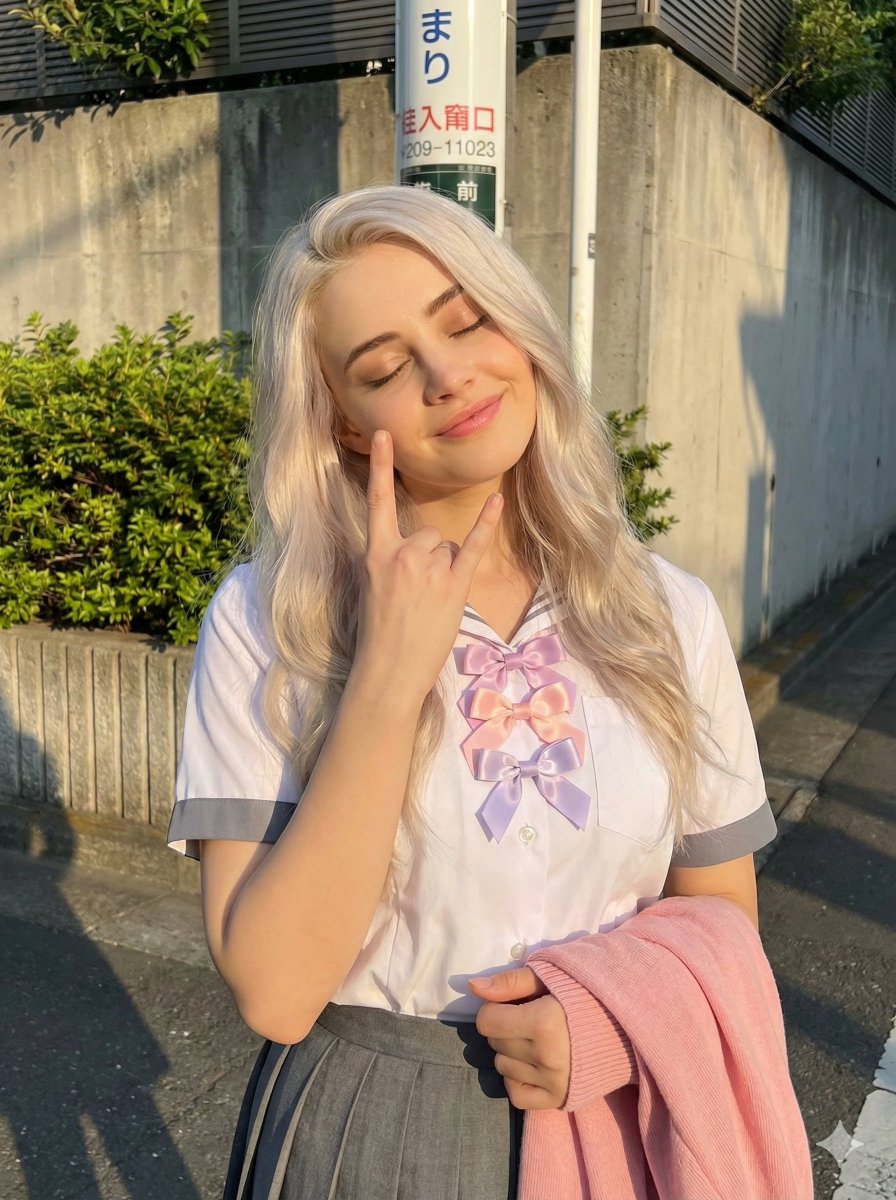
Golden Hour School Uniform 'Rock On' Portrait
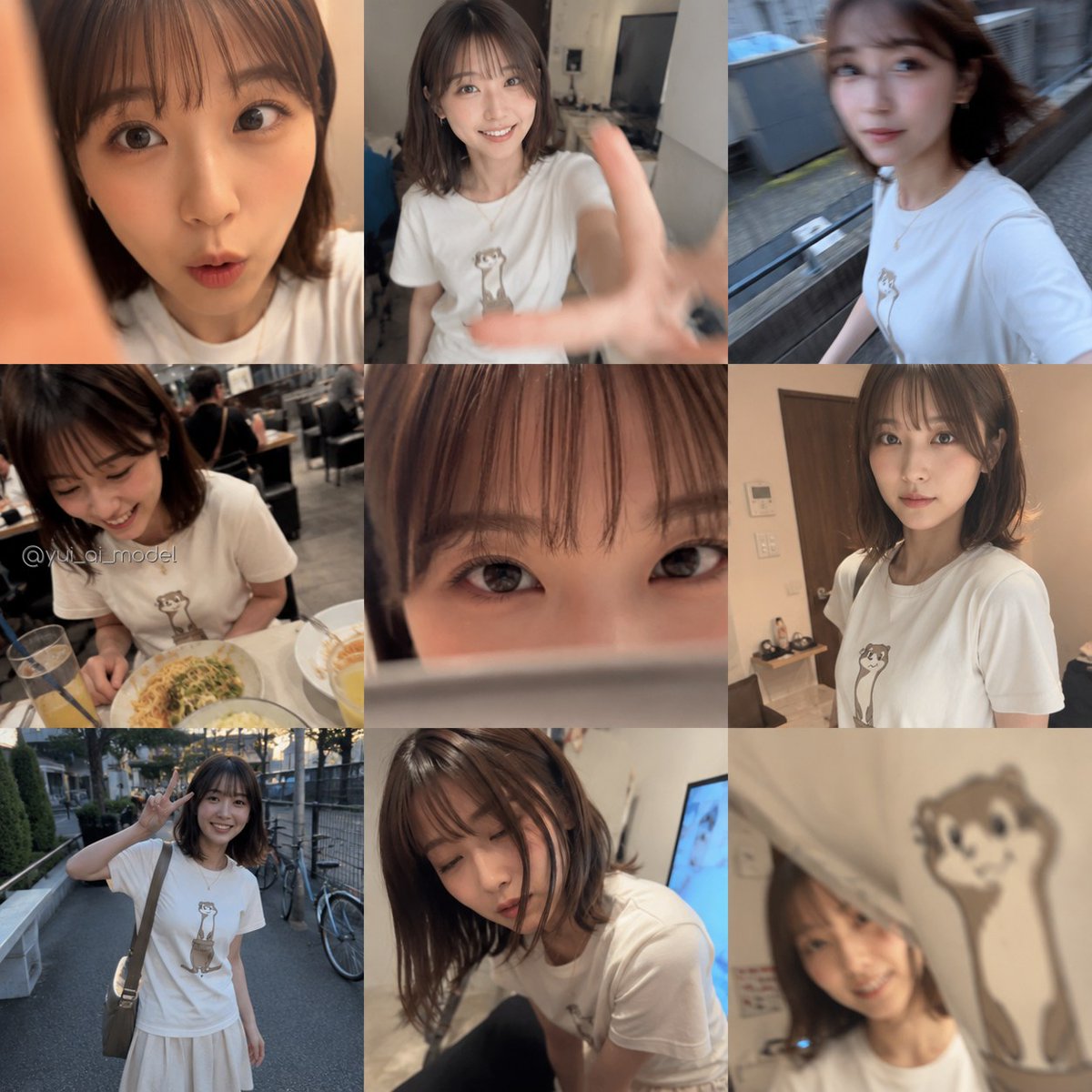
Realistic Camera Roll Outfit Collage
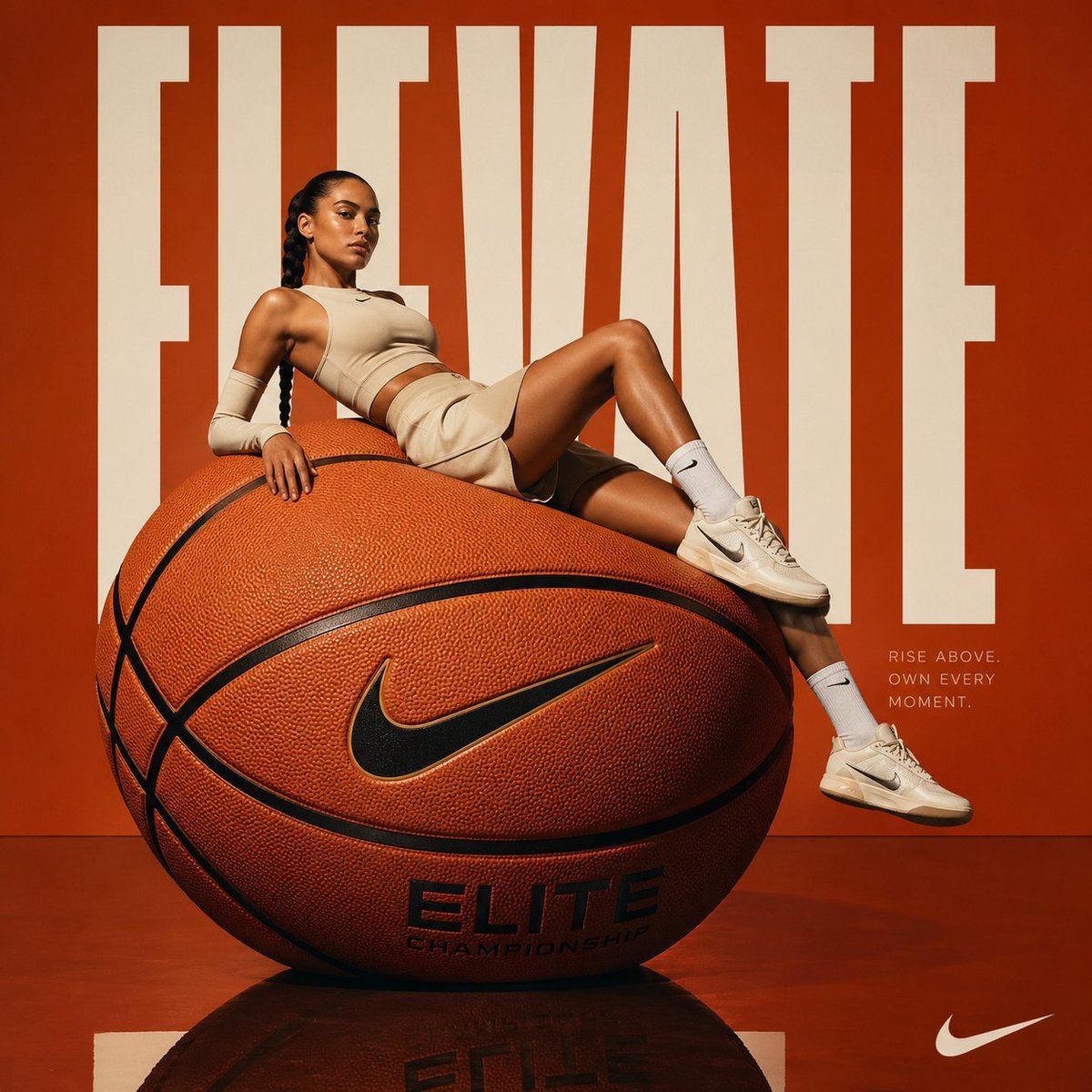
Avant-garde Basketball Fashion
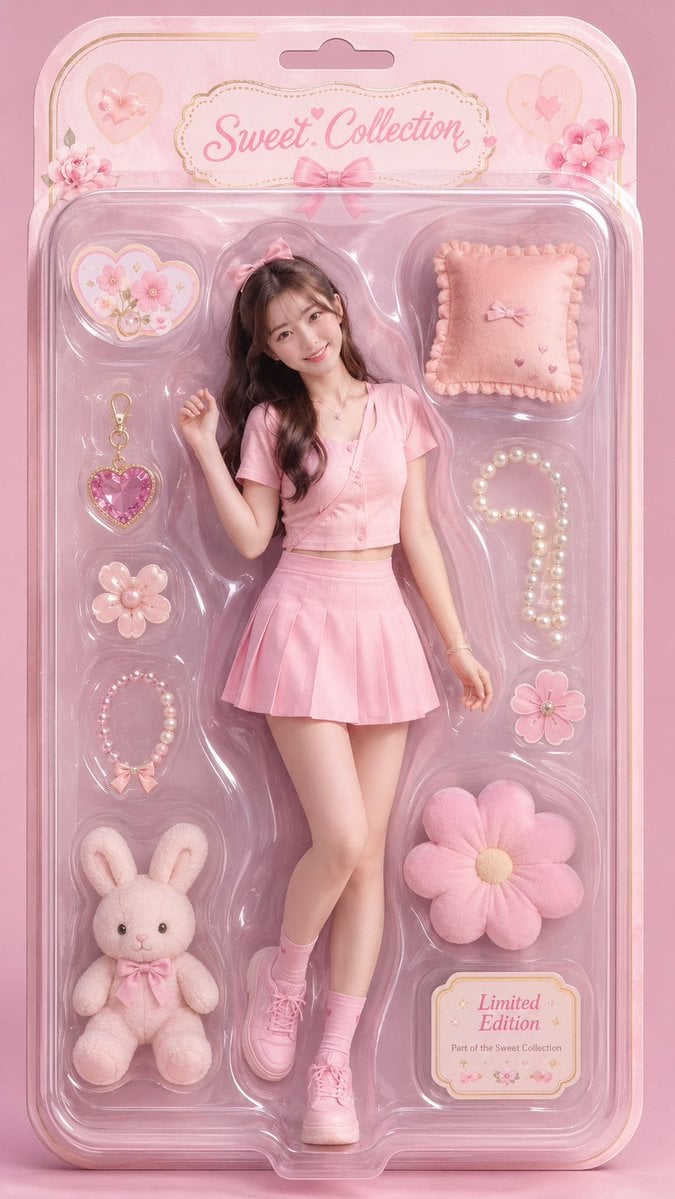
Surrealist Fashion Doll Box Portrait

Chinese VPS Comparison Cover
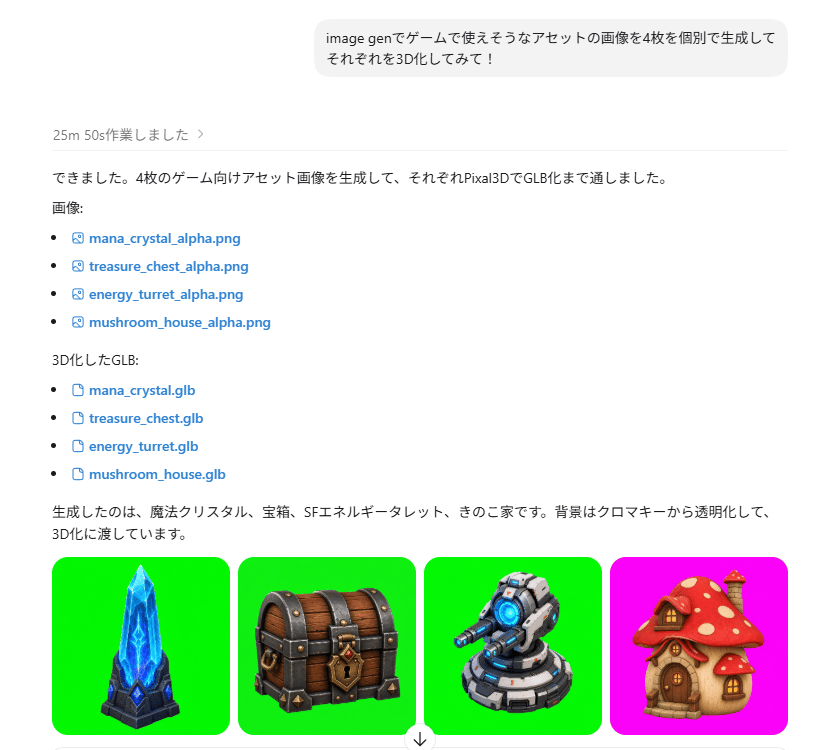
ChatGPT Game Asset Generation Screenshot
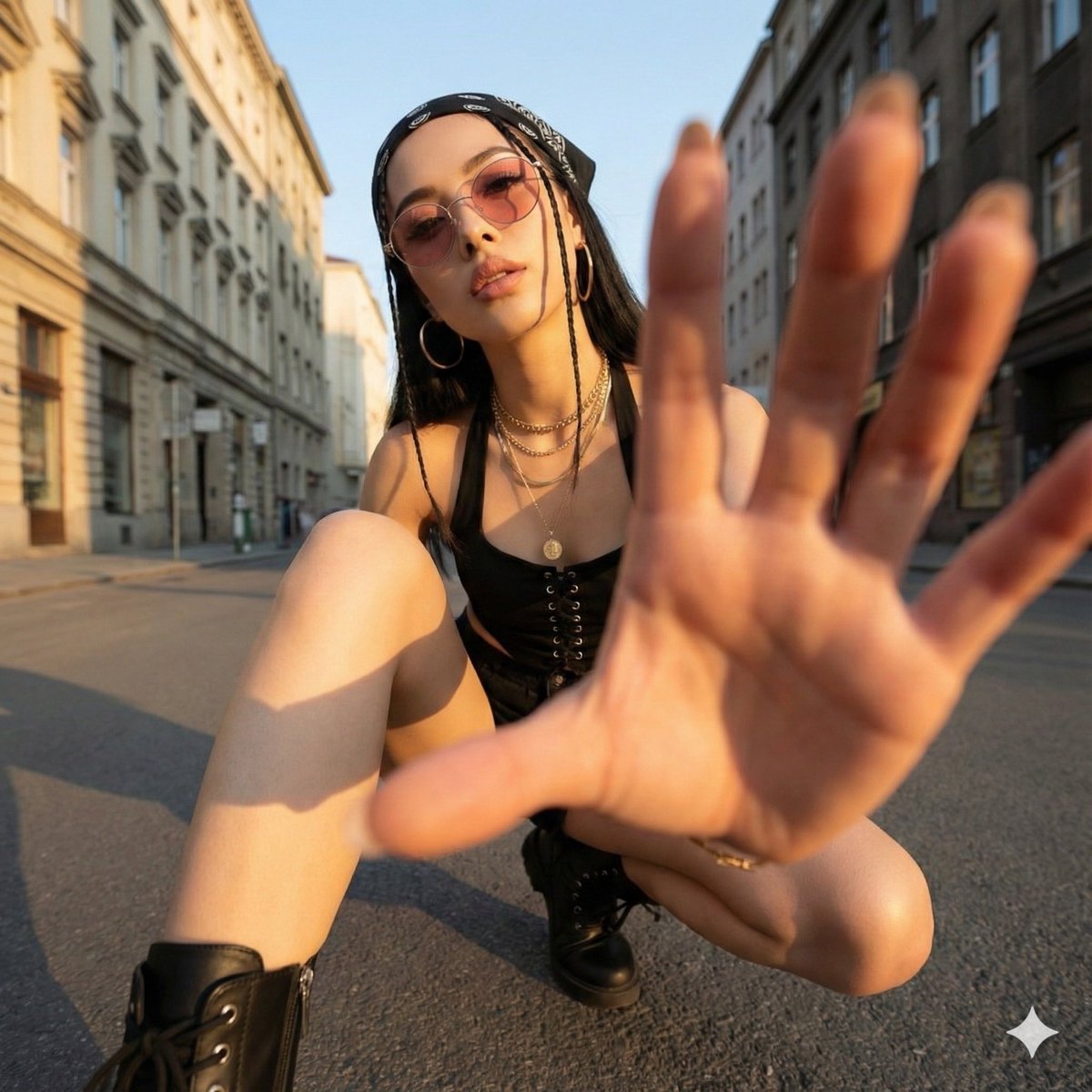
Ultra-Wide Angle Dynamic Pose Remake Prompt

Pastel Chibi Girl Sitting Portrait
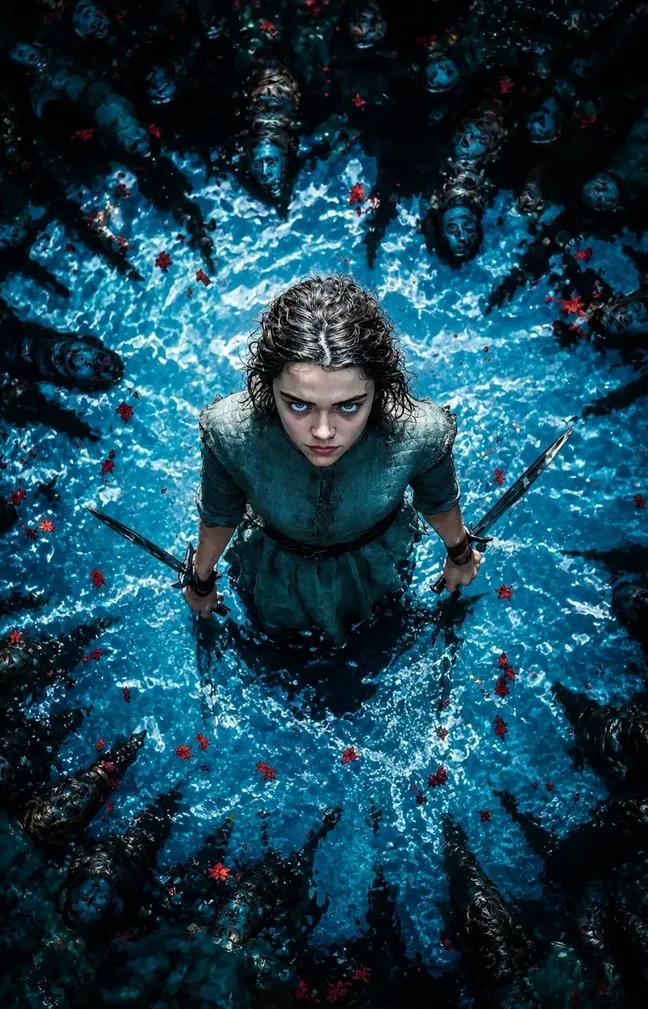
Dark Fantasy Warrior Woman Portrait
Browse template categories
High-Fidelity Fitness Portrait Prompt (Identity Locking) questions
How do I use the High-Fidelity Fitness Portrait Prompt (Identity Locking) template?
Add your photo if the template asks for one, edit the prompt if you like — the template's model and format are already selected — and press Generate. Your version opens in PicX Studio.
Can I customize the High-Fidelity Fitness Portrait Prompt (Identity Locking) template?
Yes. You can change the subject, setting, lighting, mood, format, and available model controls before creating your image.
Is the High-Fidelity Fitness Portrait Prompt (Identity Locking) template free?
Opening and editing this template is free. Generating uses credits, shown on the Generate button when you are signed in.
Which AI model should I use?
Start with Nano Banana 2, which is the model associated with this template. You can compare another compatible model for a different finish.
Looking for something else? Browse all templates.

Your photo, any look
Thousands of ready templates for every top image and video model, from one credit balance.