
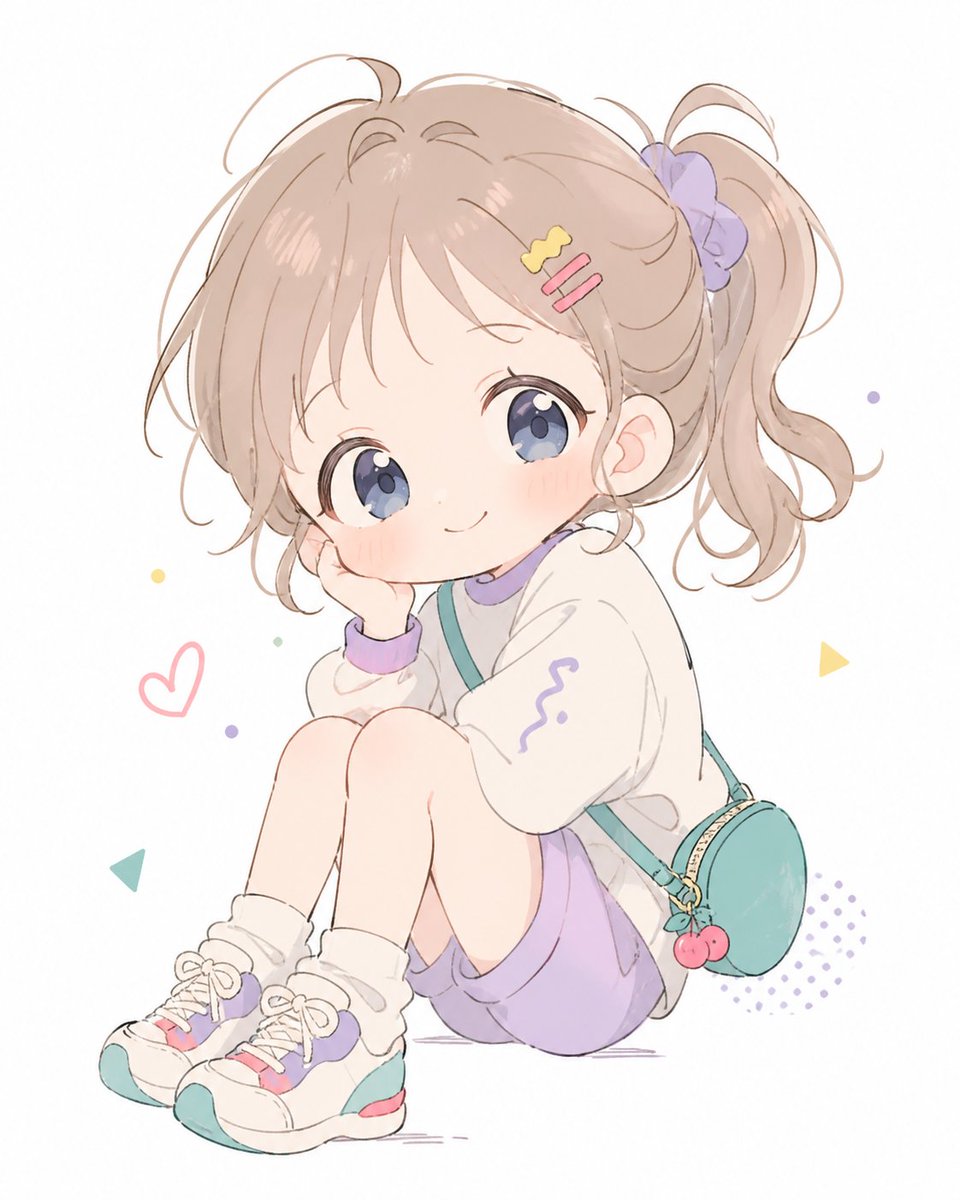
Pastel Chibi Girl Sitting Portrait
This prompt generates a soft pastel anime-style portrait of an adorable seated little girl, ideal for cute character art, avatar illustrations, and kawaii social media visuals.
- Prompt included
- Model and format preset
- Free template
The prompt behind this image
Copy the exact prompt behind Pastel Chibi Girl Sitting Portrait, or open it in the studio and make it yours.
A soft pastel anime illustration of a cute little girl sitting on the floor in a compact pose with both knees pulled up, one cheek resting on one hand, smiling gently at the viewer. She has {argument name="hair color" default="light ash beige brown"} hair styled in a high side ponytail tied with a lavender scrunchie, with wispy bangs and loose curls framing her face. She has very large glossy {argument name="eye color" default="blue-violet"} eyes, a tiny nose, rosy cheeks, and a sweet chibi-inspired face. She wears 2 hair clips on the side of her bangs, one yellow wavy clip and one pink double-bar clip. Her outfit is a cozy oversized white sweatshirt with lavender trim at the collar and cuffs and a small purple squiggle motif on one sleeve, loose {argument name="bottom color" default="lavender"} shorts, white slouch socks, and chunky white sneakers accented with teal, lavender, and pink. She also wears a small round teal crossbody bag with a gold zipper and a cherry charm hanging from it. Use a clean white background with sparse playful doodle elements: 1 pink heart outline, 2 small yellow triangle shapes, 1 teal triangle shape, several tiny pastel confetti dots, and 1 lavender halftone dot patch near the lower right. Render in a delicate airy watercolor-like manga style with thin sketchy linework, soft shading, muted candy colors, lots of negative space, and a gentle innocent mood.
How to use Pastel Chibi Girl Sitting Portrait in 3 steps
- 1Upload ImagePNG, JPG or paste
Add your photo
Upload the photo the template builds on. The prompt, model and format are already set.
- 2…a portrait of your subject in softgolden-hour light, 85mm…
Personalize
Edit the subject and creative details for your destination.
- 3Generate
Generate
Press Generate — your image is created in PicX Studio, so you can compare it with the original and refine one variable at a time.
More like this
Templates with the same subject, style or setup. Open one to see its prompt.
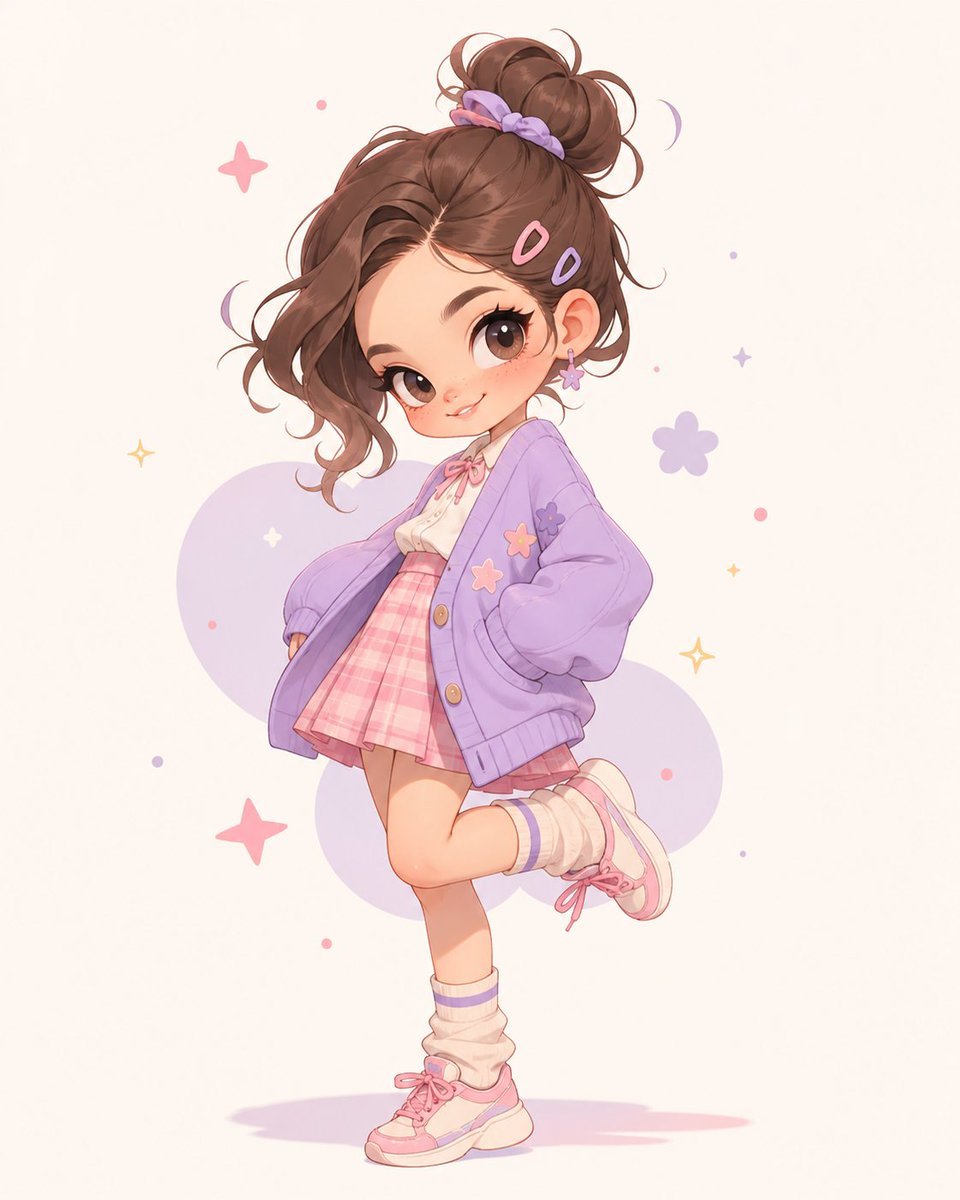
Pastel Kawaii Girl Fashion Portrait

Chibi Cat-Girl Portrait

Found Photograph: Us, 1970

80s Couple Studio Portrait

80s Bollywood Star

80s Golden Hour Cinema

Me in 1985

1985 Studio Portrait
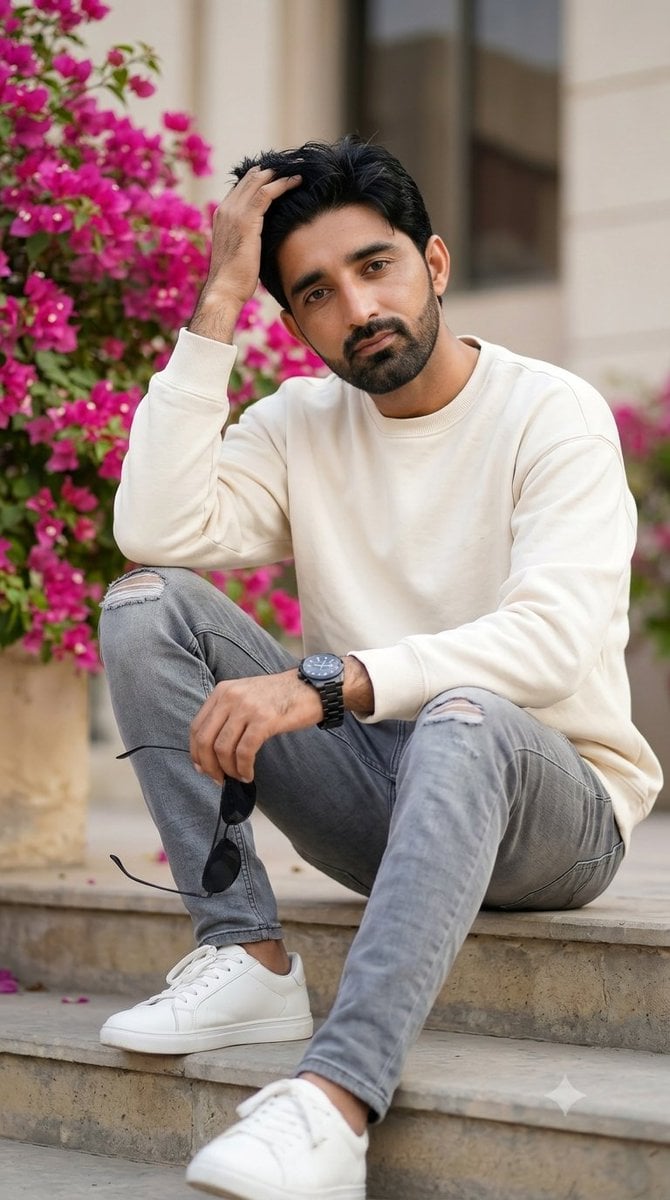
Casual Portrait Step-Sitting Identity Preservation

Hyper-Realistic Minecraft POV Portrait

Teen Girl Alpine Lake Mountain View
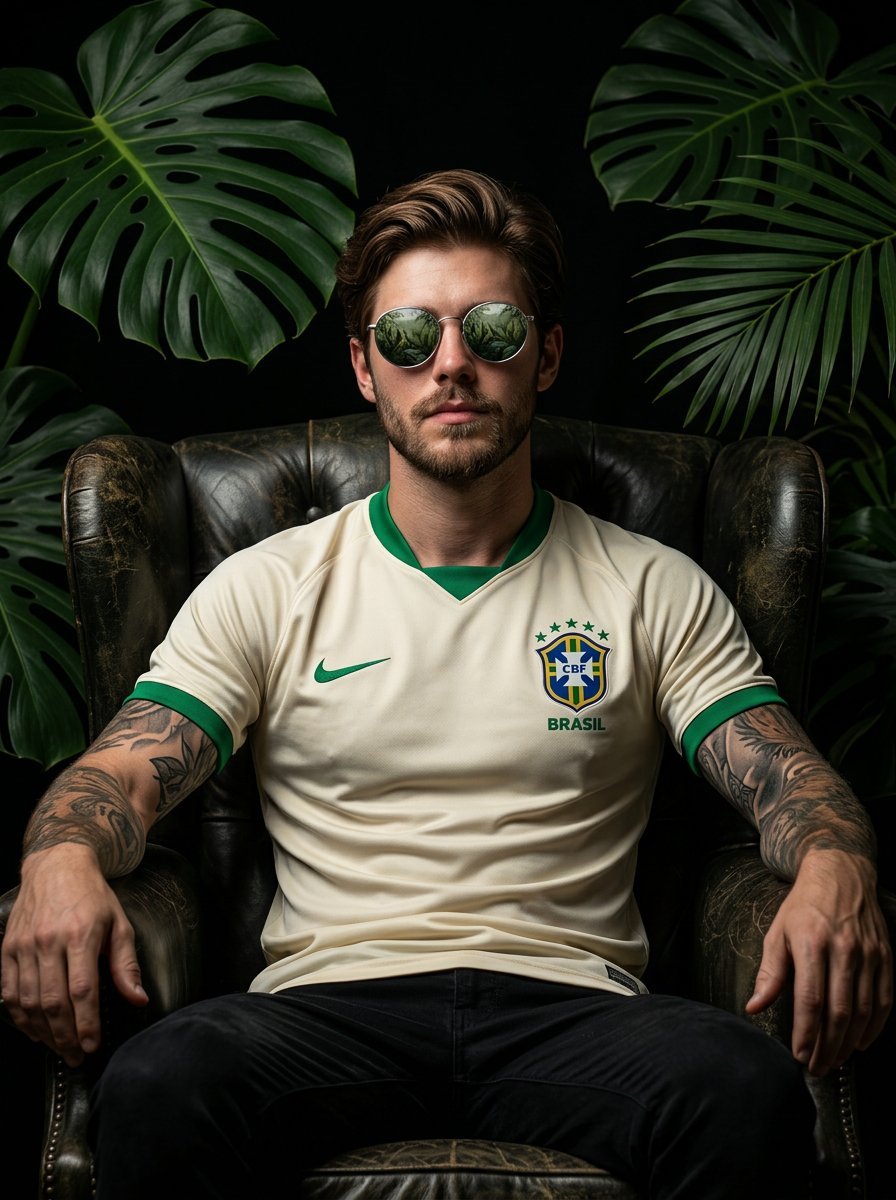
Cinematic portrait of a confident football player sitting on a dark
Make it yours
Pastel Chibi Girl Sitting Portrait works as-is. These are the safest ways to change it without losing the look.
Change one field
Copy a single group, rewrite it, and generate again so you can see what that field is doing.
Keep the frame, change the subject
Hold the composition and light of Pastel Chibi Girl Sitting Portrait, then swap wardrobe, props or the person for a new take.
| If the result… | Why | Fix |
|---|---|---|
| The result drifts from the preview | Too many fields changed at once. | Reuse Pastel Chibi Girl Sitting Portrait as-is first, then change one group — subject, light, or setting. |
| The model over-stylizes the scene | The prose prompt leaves finish and camera underspecified. | Add one camera or lighting sentence and stay on GPT Image 2. |
More GPT Image 2 templates
Other prompts made for GPT Image 2.

Six VTuber Japanese Logo Sheet

Realistic Portrait of Woman and Deer

The Vista Modular Condo Poster

AI Model Routing Comparison Infographic

2.5D Anime Art Board

Isometric Productivity Desk Scene

New York Double Exposure Poster

Four-Panel AI Landscape Comparison

Japanese Tatami Lifestyle Magazine Cover

NESCAFÉ Coffee Map Poster
More image prompts
Fresh picks from across the catalog.

Confident Man Studio Portrait
Premium Studio Ad Visual for Starbucks Frappuccino
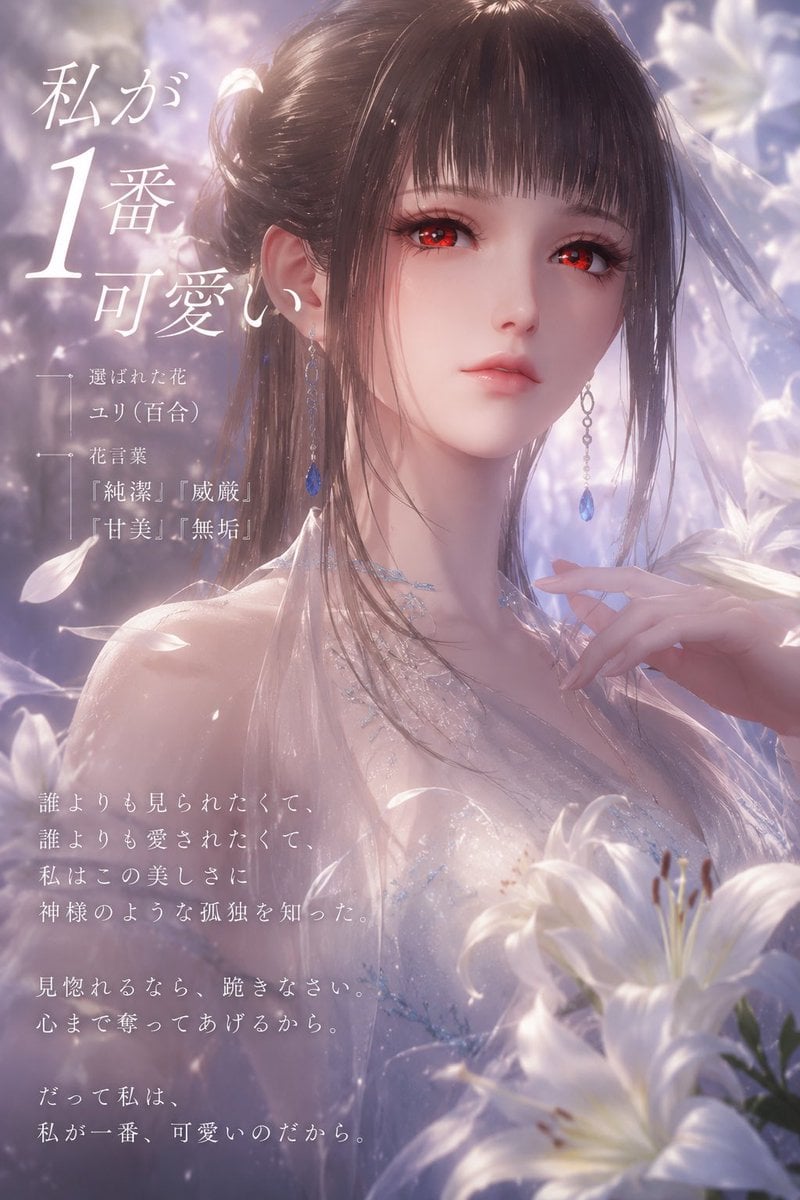
Dreamy Lily Flower-Language Poster

Cutaway infographic of a modern jet airliner
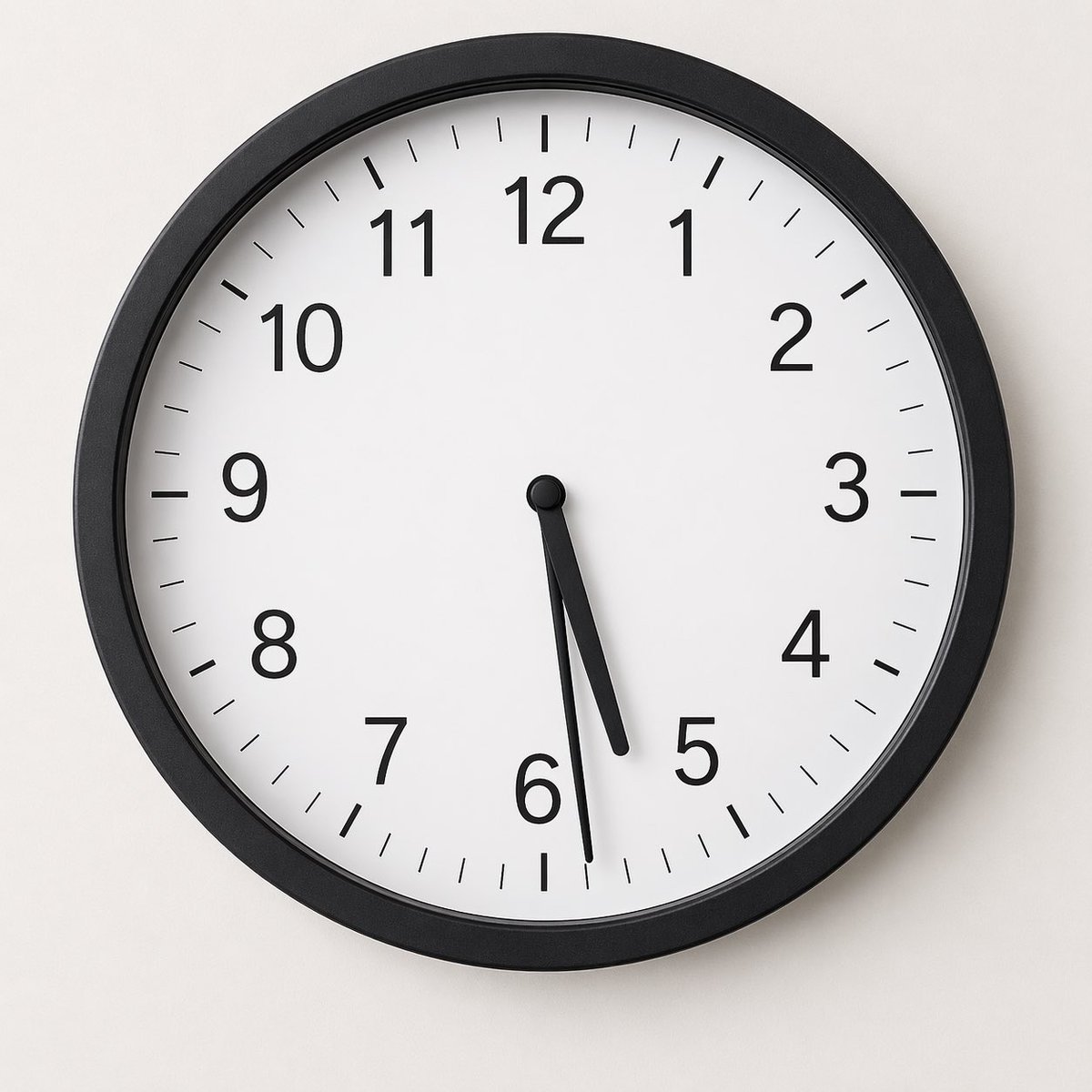
Minimal Analog Wall Clock at 05:29
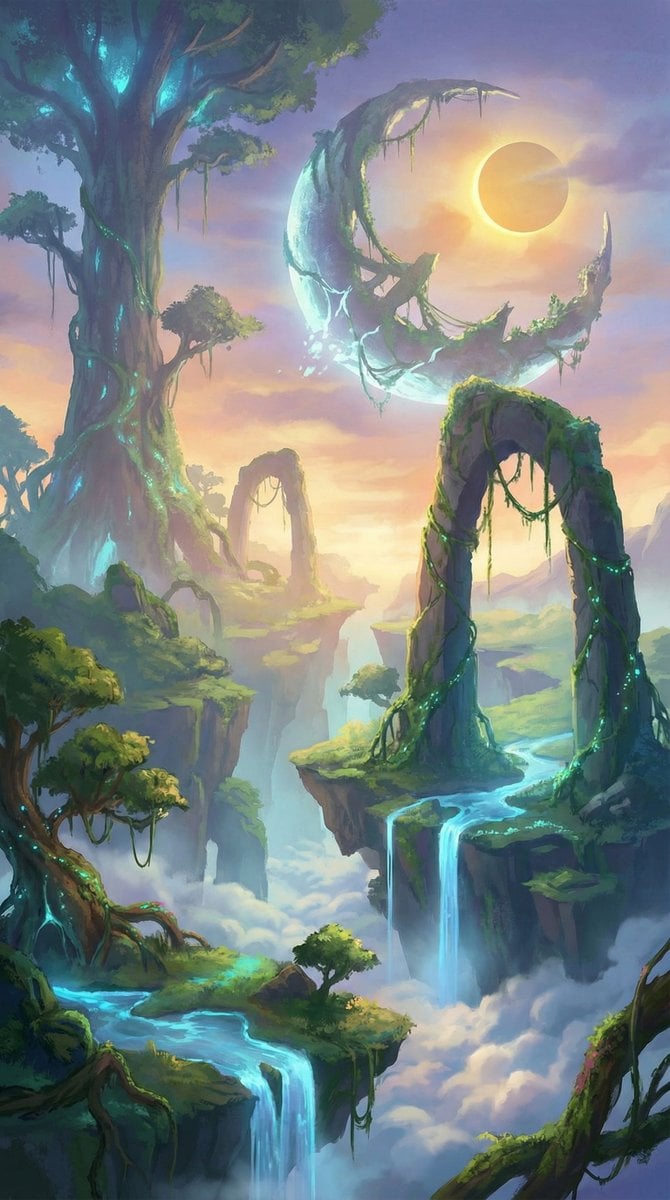
Vast Open-World Game Environment Generator
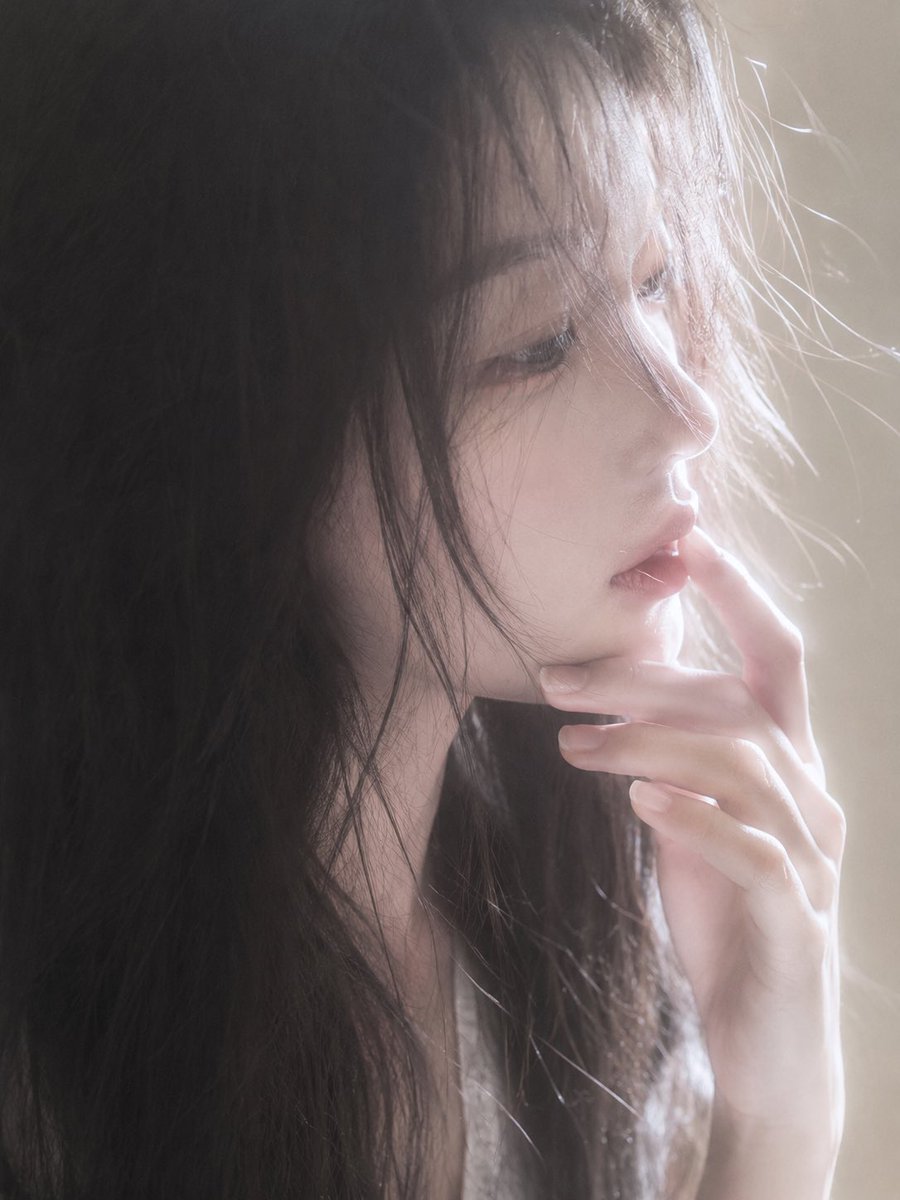
Backlit Censored Portrait
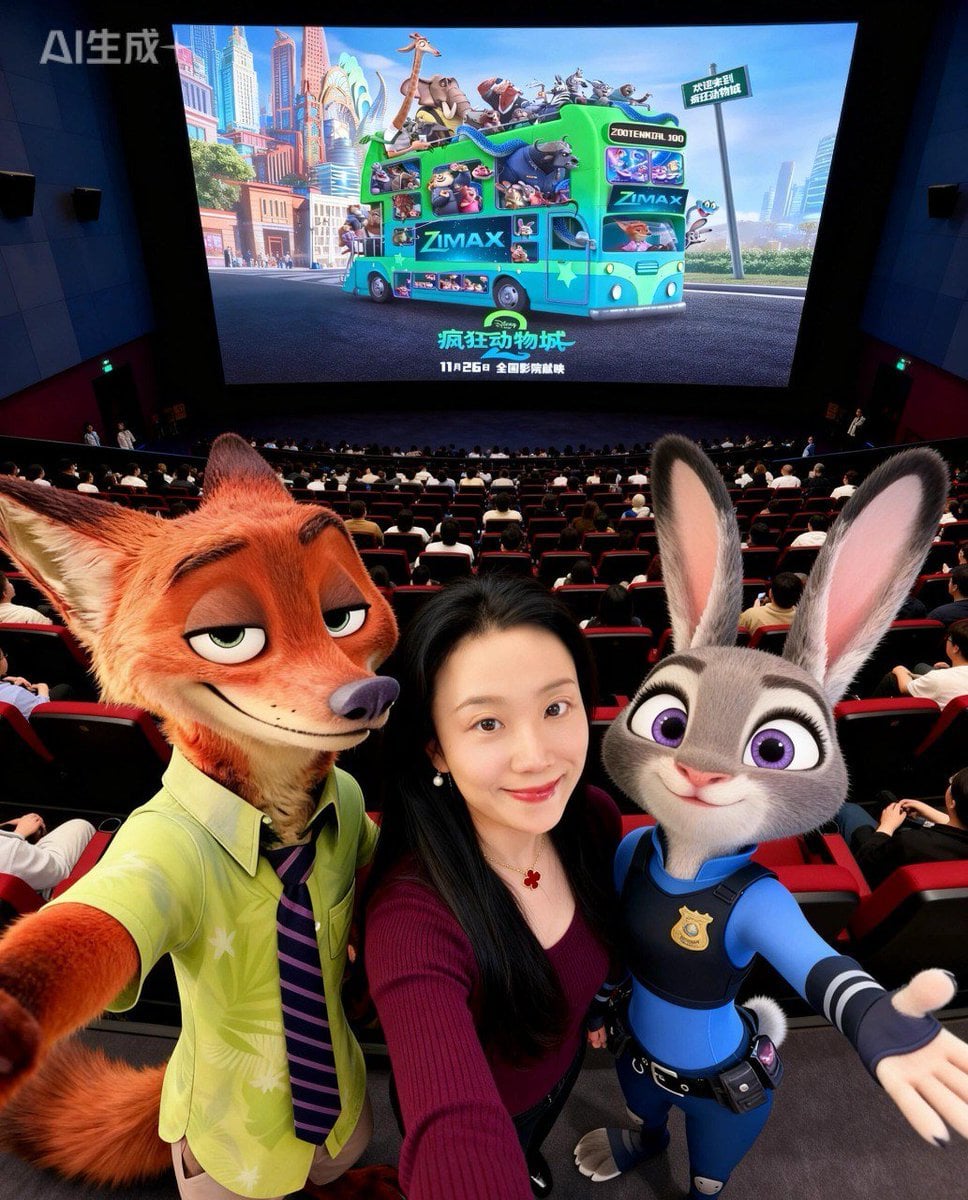
Zootopia Character Photo Prompt
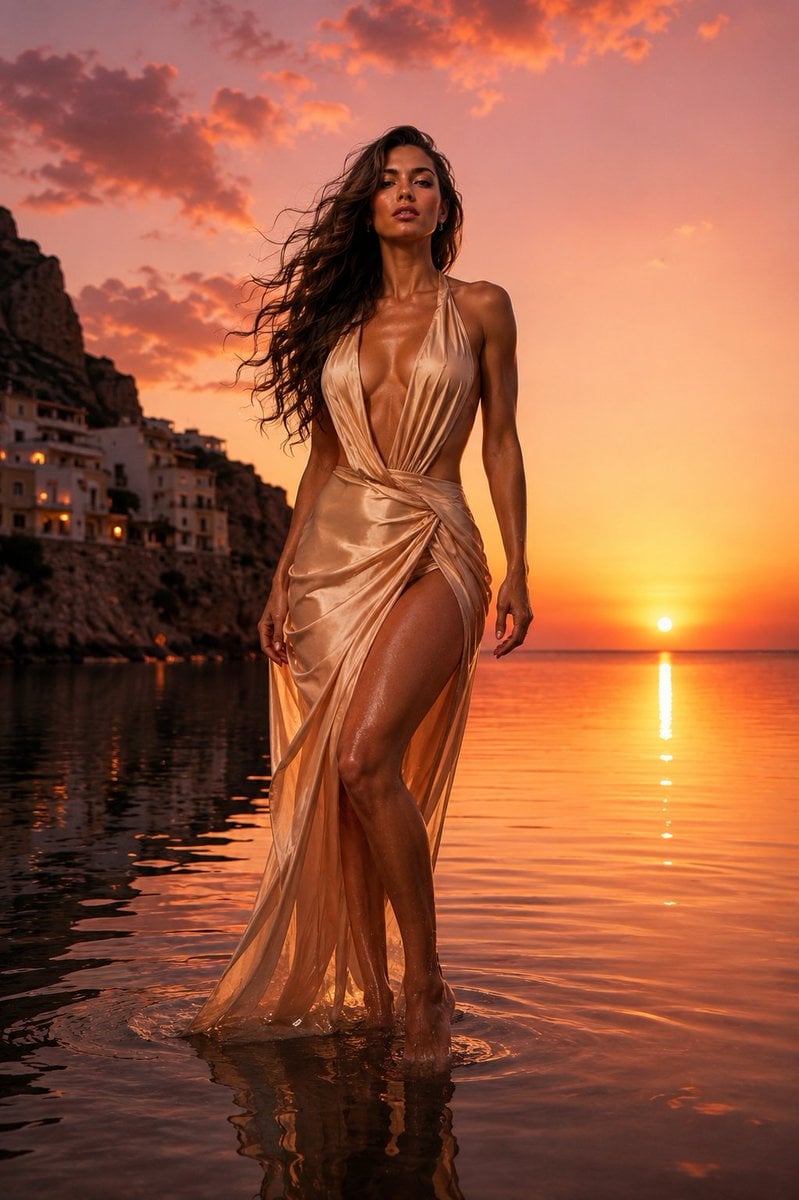
The Red Dress Fashion Editorial
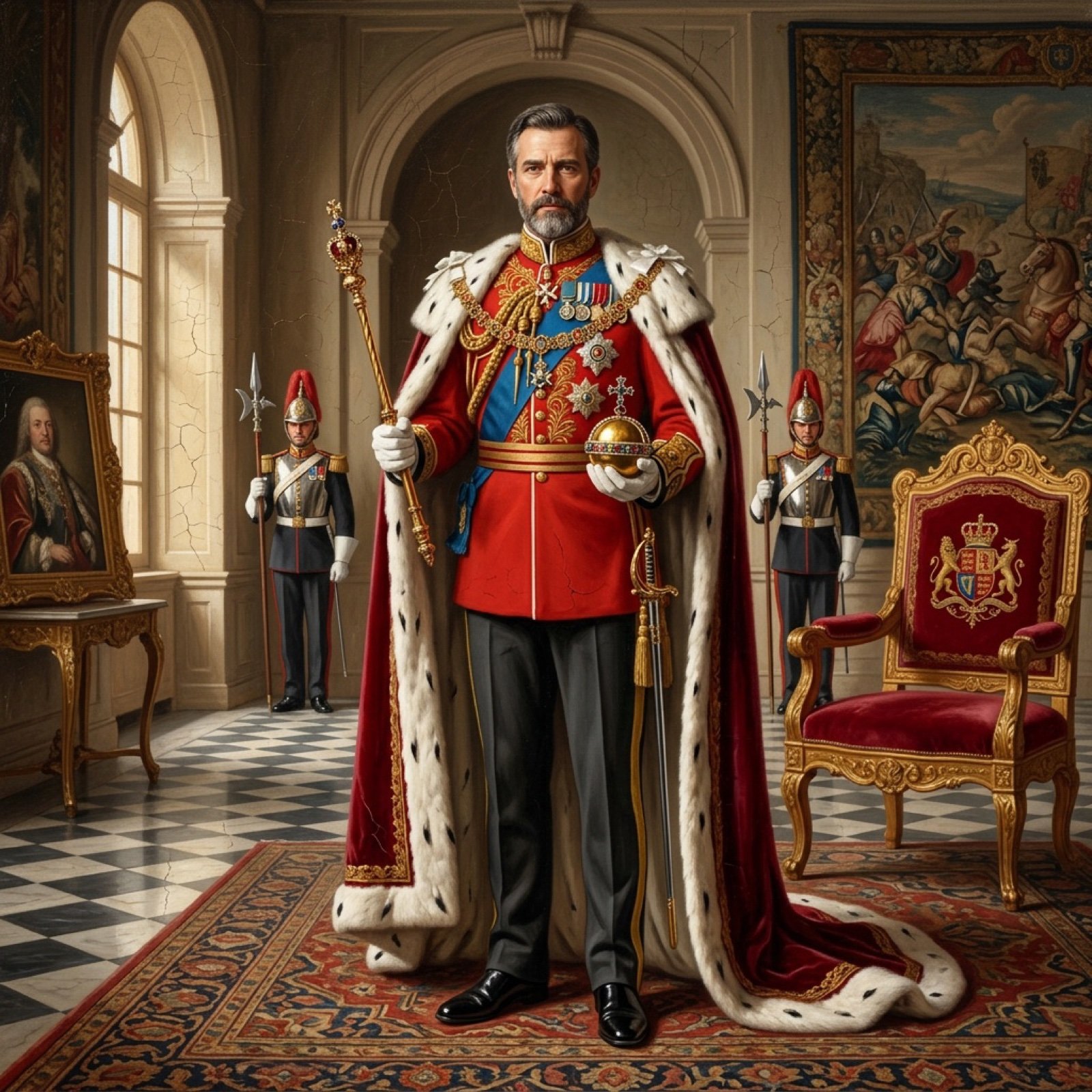
Detailed Oil Painting Prompt for a Regal King Portrait
Browse template categories
Pastel Chibi Girl Sitting Portrait questions
How do I use the Pastel Chibi Girl Sitting Portrait template?
Add your photo if the template asks for one, edit the prompt if you like — the template's model and format are already selected — and press Generate. Your version opens in PicX Studio.
Can I customize the Pastel Chibi Girl Sitting Portrait template?
Yes. You can change the subject, setting, lighting, mood, format, and available model controls before creating your image.
Is the Pastel Chibi Girl Sitting Portrait template free?
Opening and editing this template is free. Generating uses credits, shown on the Generate button when you are signed in.
Which AI model should I use?
Start with GPT Image 2, which is the model associated with this template. You can compare another compatible model for a different finish.
Looking for something else? Browse all templates.

Your photo, any look
Thousands of ready templates for every top image and video model, from one credit balance.