
Dreamy Lily Flower-Language Poster
Generates an ethereal Japanese floral quote poster with a veiled woman, white lilies, and elegant flower-language typography.
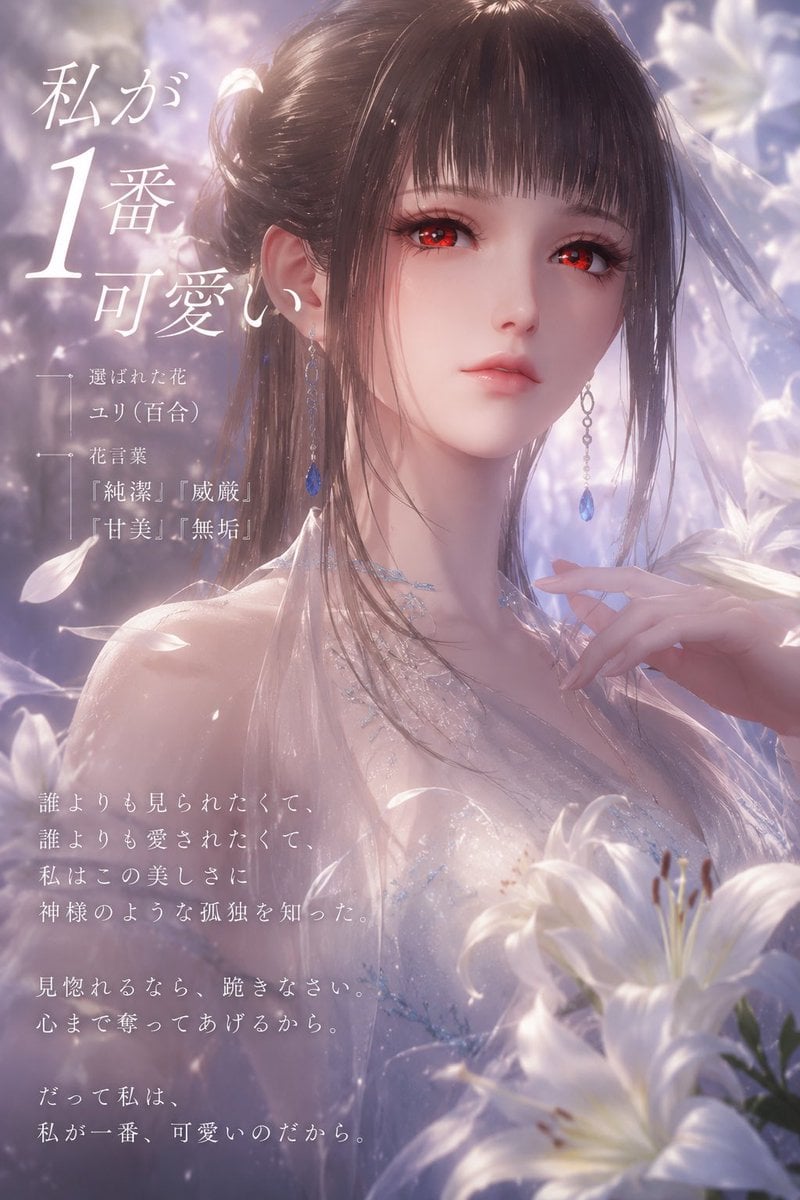
- Prompt included
- Model and format preset
- Free template
The prompt behind this image
Copy the exact prompt behind Dreamy Lily Flower-Language Poster, or open it in the studio and make it yours.
Goal: Create a dreamy vertical Japanese flower-language poster featuring a beautiful young woman surrounded by white lilies, with an ethereal romantic fantasy mood. Canvas: Portrait 2:3 composition, 768×1152 style, soft-focus cinematic lighting, pale lavender, blush pink, pearl white, and misty silver color palette. Subject details: A delicate young woman with {argument name="hair color" default="dark brown"} long glossy hair, straight bangs, and loose flowing side strands. She wears a translucent white, shimmering, sleeveless dress with tiny blue crystal-like embroidery and a gauzy bridal veil drifting behind her. Add long dangling earrings with blue teardrop gemstones and a fine sparkling necklace. Her right hand is raised gracefully near her collarbone with elegant fingers. Cover the central face area with a flat opaque muted rose-brown square, as if anonymized, while leaving hair, ears, neck, shoulders, jewelry, and pose visible. Floral setting: Surround her with luminous white lilies. Show exactly 5 prominent lily elements: 1 large foreground lily at bottom right, 1 partially visible foreground lily beneath it, 1 large soft-focus lily behind the right side of her head, 1 pale lily near the upper right edge, and 1 blurred lily shape in the lower foreground. Add scattered white petals floating through the air, glowing dust motes, and bokeh sparkles. Layout: Place Japanese typography mainly on the left side, using elegant white Mincho-style serif calligraphy. The headline occupies the upper-left quadrant, with an oversized numeral. A small flower-language information block sits beneath the headline with thin decorative vertical and horizontal line markers. A poetic body text block sits in the lower-left quadrant. Keep the subject centered-right and the flowers framing her, with dreamy depth of field. Text content: Use exactly 3 visible text groups. Text group 1, large headline in the upper left: 「私が\n1番\n可愛い」 with the 「1」 very large. Text group 2, small flower-language block: 「選ばれた花\nユリ(百合)\n\n花言葉\n『純潔』『威厳』\n『甘美』『無垢』」. Text group 3, lower-left poem: 「誰よりも見られたくて、\n誰よりも愛されたくて、\n私はこの美しさに\n神様のような孤独を知った。\n\n見惚れるなら、跪きなさい。\n心まで奪ってあげるから。\n\nだって私は、\n私が一番、可愛いのだから。」 Visual style: Ultra-detailed anime-realistic fantasy portrait, soft skin glow, glossy hair highlights, translucent fabric, pearlescent lily petals, pastel haze, romantic backlight, shallow depth of field, luxurious social-media poster aesthetic. Constraints: No extra English text, no logo, no watermark, preserve the Japanese text exactly, keep the face-covering square centered over the face, and maintain a refined flower-language theme for {argument name="chosen flower" default="lily"}.
How to use Dreamy Lily Flower-Language Poster in 3 steps
- 1Upload ImagePNG, JPG or paste
Add your photo
Upload the photo the template builds on. The prompt, model and format are already set.
- 2…a portrait of your subject in softgolden-hour light, 85mm…
Personalize
Edit the subject and creative details for your destination.
- 3Generate
Generate
Press Generate — your image is created in PicX Studio, so you can compare it with the original and refine one variable at a time.
More like this
Templates with the same subject, style or setup. Open one to see its prompt.
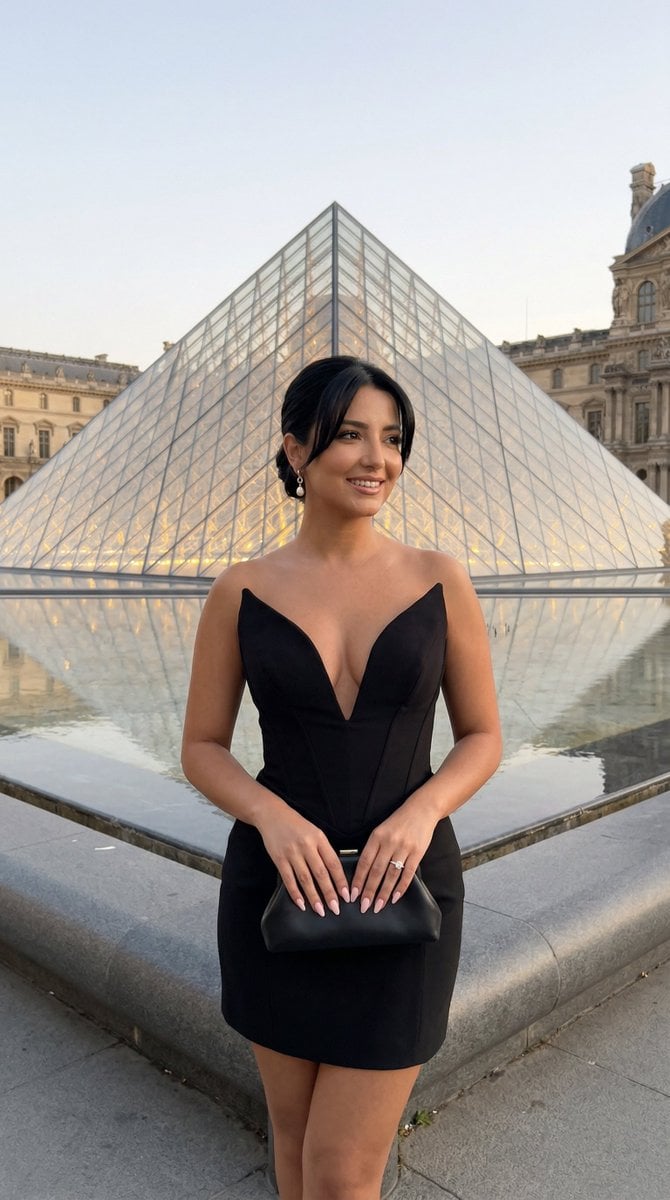
Nano Banana - Paris Street with Flowers

Japan Travel Brochure Poster
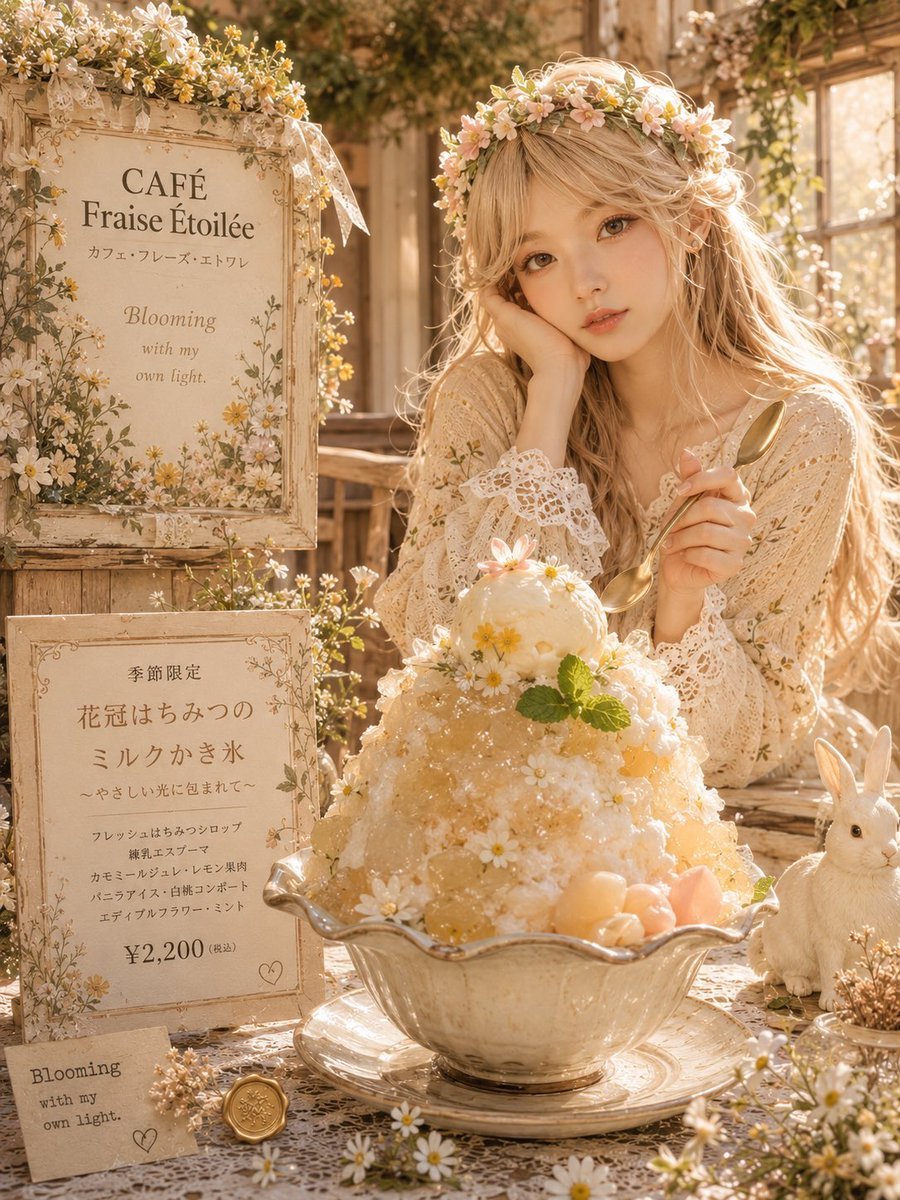
Dreamy Flower Crown Shaved Ice Café

Dreamy Woman in Wildflower Field

Cartoon TV Show Poster Pack

Trendy Cafe Drink Promo Poster

Urban Fashion Editorial Collage Streetwear Poster

Premium Fashion Editorial Cover Layout System

Polo Ralph Lauren Luxury American Heritage Fashion Campaign

Monochrome Halftone Editorial Fashion Poster

Retro Mirror Luxury Fashion Campaign Poster

Luxury Fashion Campaign Typography Poster System
Make it yours
Dreamy Lily Flower-Language Poster works as-is. These are the safest ways to change it without losing the look.
Change one field
Copy a single group, rewrite it, and generate again so you can see what that field is doing.
Keep the frame, change the subject
Hold the composition and light of Dreamy Lily Flower-Language Poster, then swap wardrobe, props or the person for a new take.
| If the result… | Why | Fix |
|---|---|---|
| The result drifts from the preview | Too many fields changed at once. | Reuse Dreamy Lily Flower-Language Poster as-is first, then change one group — subject, light, or setting. |
| The model over-stylizes the scene | The prose prompt leaves finish and camera underspecified. | Add one camera or lighting sentence and stay on GPT Image 2. |
More GPT Image 2 templates
Other prompts made for GPT Image 2.

Six VTuber Japanese Logo Sheet

Realistic Portrait of Woman and Deer

The Vista Modular Condo Poster

AI Model Routing Comparison Infographic

2.5D Anime Art Board

Isometric Productivity Desk Scene

New York Double Exposure Poster

Four-Panel AI Landscape Comparison

Japanese Tatami Lifestyle Magazine Cover

NESCAFÉ Coffee Map Poster
More image prompts
Fresh picks from across the catalog.

Teal and Orange Neon Urban Portrait
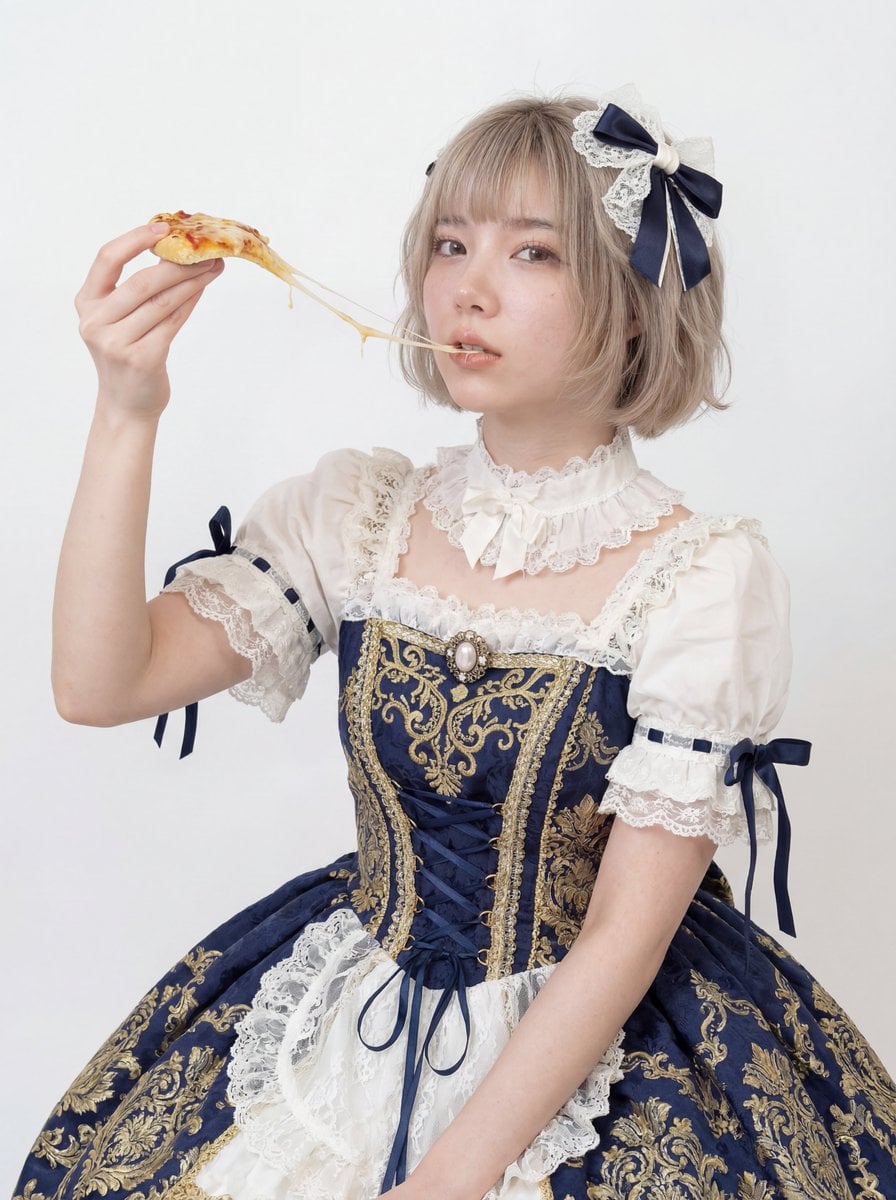
Professional Studio Headshot: Woman Eating Pizza
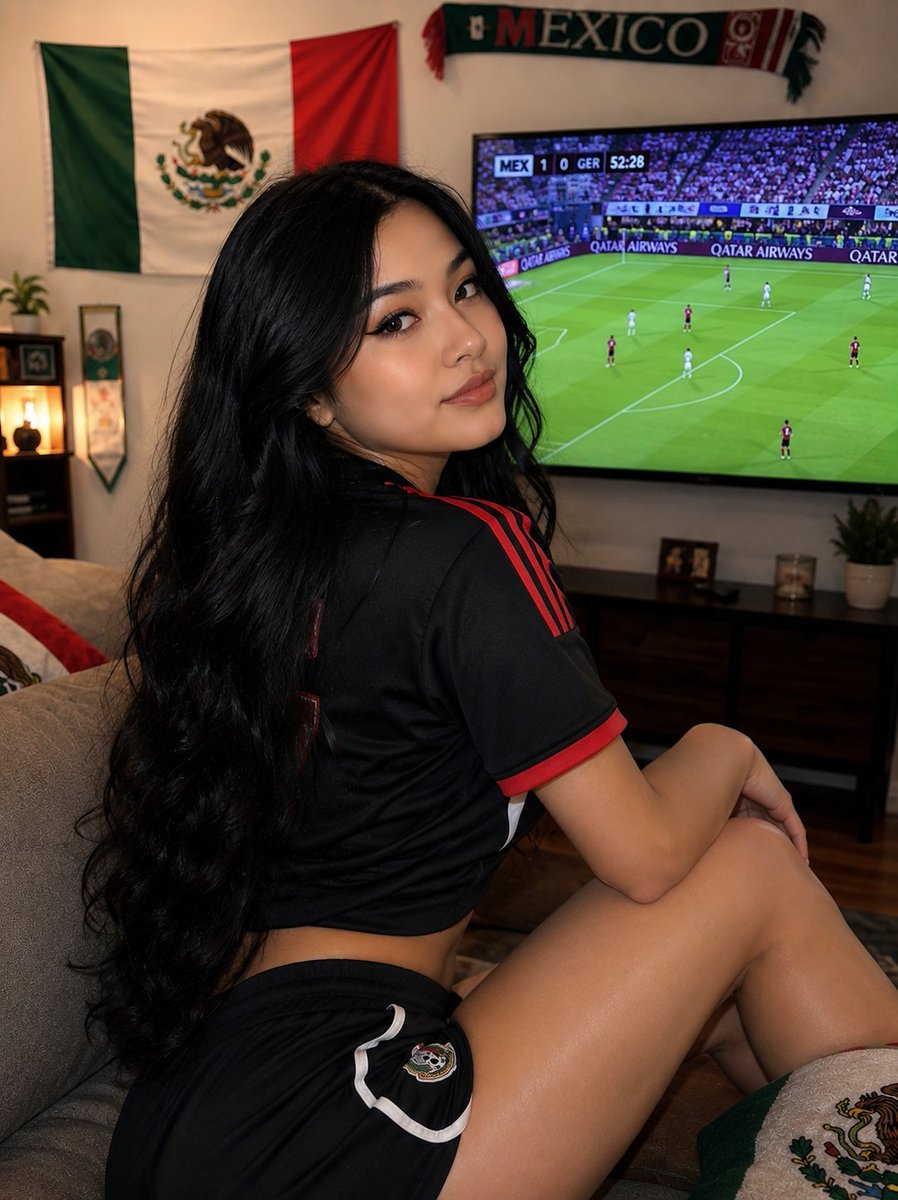
Mexico Fan Home Viewing Retouch
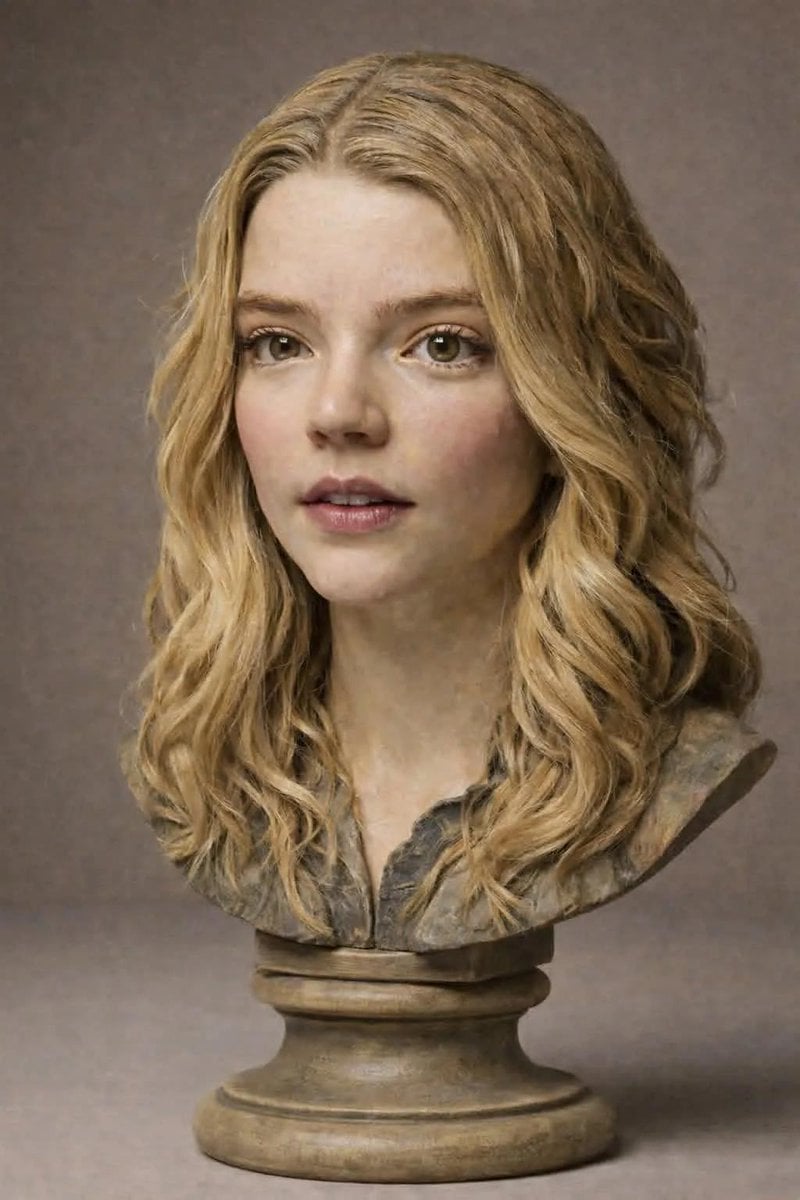
Polychrome Carved Wooden Sculpture Portrait
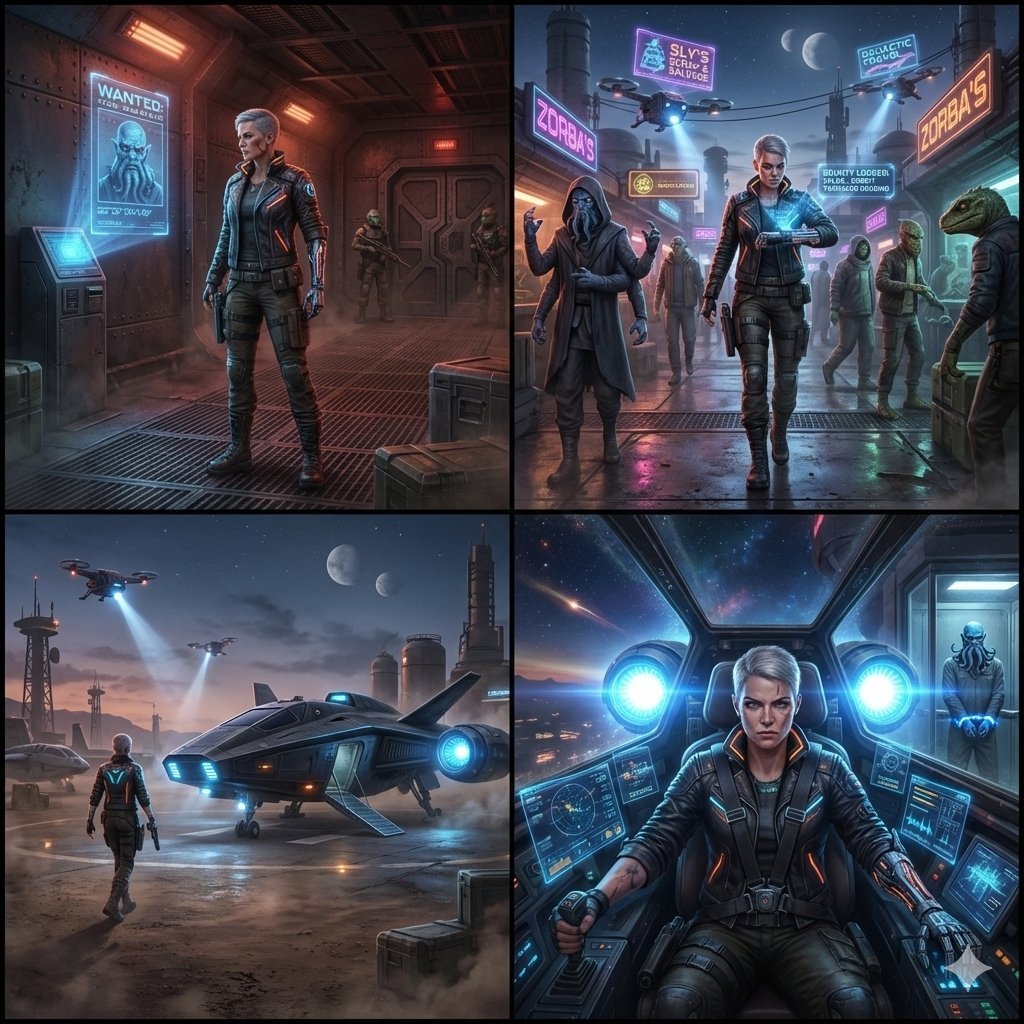
Sequential Sci-Fi Bounty Hunter Story Grid

Backless Top Mirror Selfie Emphasizing Curves

Minimalist Festive Greeting Illustration

Hyper-Realistic Portrait on a Boat

Weekend Farmers Market Mirror Selfie (Reference Image Required)

Premium Esports Gamer Portrait Prompt
Browse template categories
Dreamy Lily Flower-Language Poster questions
How do I use the Dreamy Lily Flower-Language Poster template?
Add your photo if the template asks for one, edit the prompt if you like — the template's model and format are already selected — and press Generate. Your version opens in PicX Studio.
Can I customize the Dreamy Lily Flower-Language Poster template?
Yes. You can change the subject, setting, lighting, mood, format, and available model controls before creating your image.
Is the Dreamy Lily Flower-Language Poster template free?
Opening and editing this template is free. Generating uses credits, shown on the Generate button when you are signed in.
Which AI model should I use?
Start with GPT Image 2, which is the model associated with this template. You can compare another compatible model for a different finish.
Looking for something else? Browse all templates.

Your photo, any look
Thousands of ready templates for every top image and video model, from one credit balance.