
Mexico Fan Home Viewing Retouch
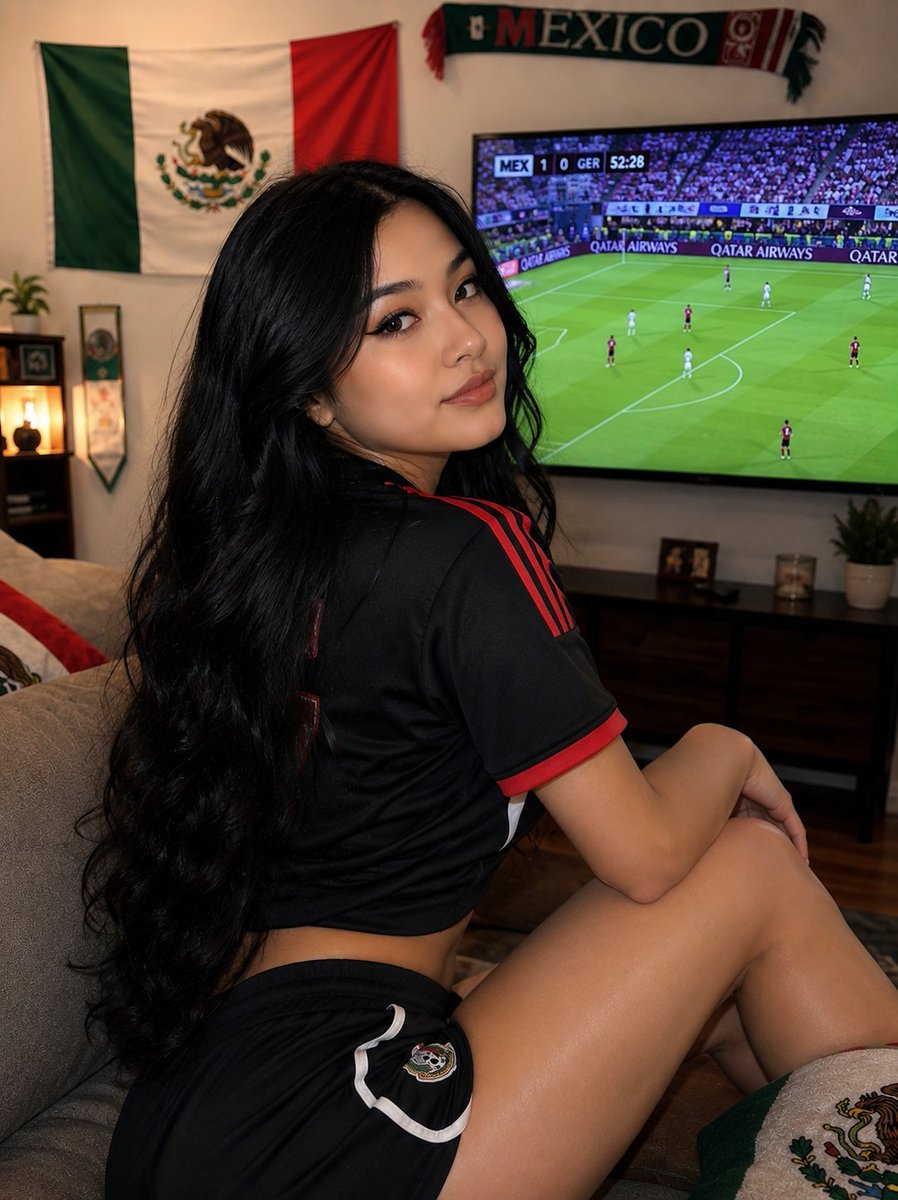
Transforms a casual soccer-watching reference photo into a polished photorealistic Mexico fan lifestyle retouch for social media.
- Prompt included
- Model and format preset
- Free template
The prompt behind this image
Copy the exact prompt behind Mexico Fan Home Viewing Retouch, or open it in the studio and make it yours.
Using the provided reference image, perform a realistic beauty and lifestyle photo retouch while preserving the same room, camera angle, Mexican soccer viewing context, black wavy hair, and general seated pose. Transform the outfit from jeans into a coordinated Mexico soccer fan look: keep the black jersey but make it slightly cropped at the waist, and replace the pants with short black athletic soccer shorts with white trim and a small Mexico crest on the side. Refine the subject’s body proportions and skin rendering to look polished, fit, and photorealistic, with smoother lighting, cleaner contours, and more flattering posture, while keeping the face intentionally obscured by the same rectangular anonymizing block. Improve the TV image so the soccer match looks sharper and more legible, showing an on-screen scoreboard with {argument name="scoreboard text" default="MEX 1 0 GER 52:28"} and visible stadium advertising. Keep the Mexican flag, Mexico scarf, couch, blanket, TV console, plants, and warm home lighting consistent, but enhance overall sharpness, color balance, and professional photo quality. Avoid changing the scene into a studio shot, avoid adding extra people, and keep the result like a natural candid photo of watching the World Cup at home.
Reference images included
Mexico Fan Home Viewing Retouch needs input media to work. They load alongside the prompt when you open it in the studio.
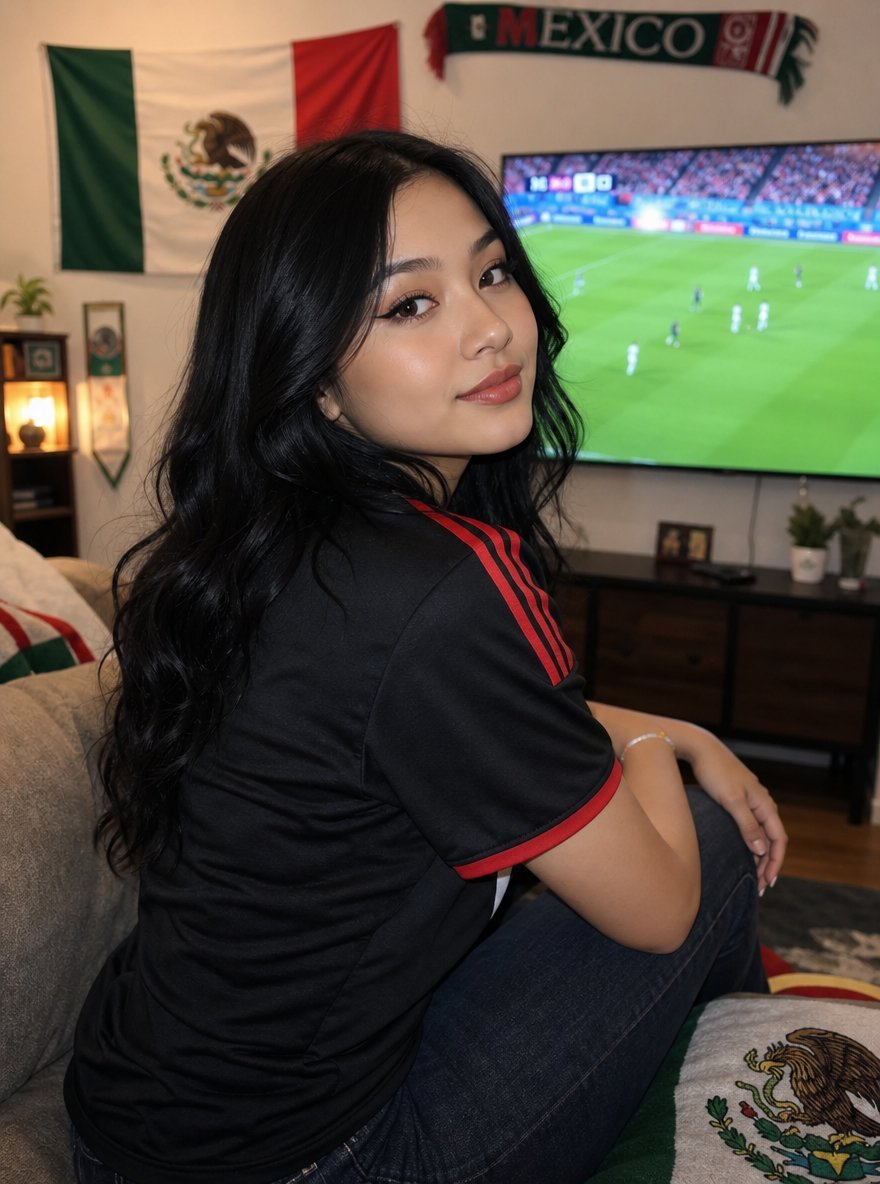
How to use Mexico Fan Home Viewing Retouch in 3 steps
- 1Upload ImagePNG, JPG or paste
Add your photo
Upload the photo the template builds on. The prompt, model and format are already set.
- 2…a portrait of your subject in softgolden-hour light, 85mm…
Personalize
Edit the subject and creative details for your destination.
- 3Generate
Generate
Press Generate — your image is created in PicX Studio, so you can compare it with the original and refine one variable at a time.
More like this
Templates with the same subject, style or setup. Open one to see its prompt.

Sunday Afternoon, 1988

Fifa Stadium Fan Portrait Poster

Brazil Passion Power Shot Poster

Argentina Vamos Diagonal Fan Poster

Argentina 10 Celebration Fan Poster
Realistic Influencer Interview Retouch
Golden Kimono Fan Portrait
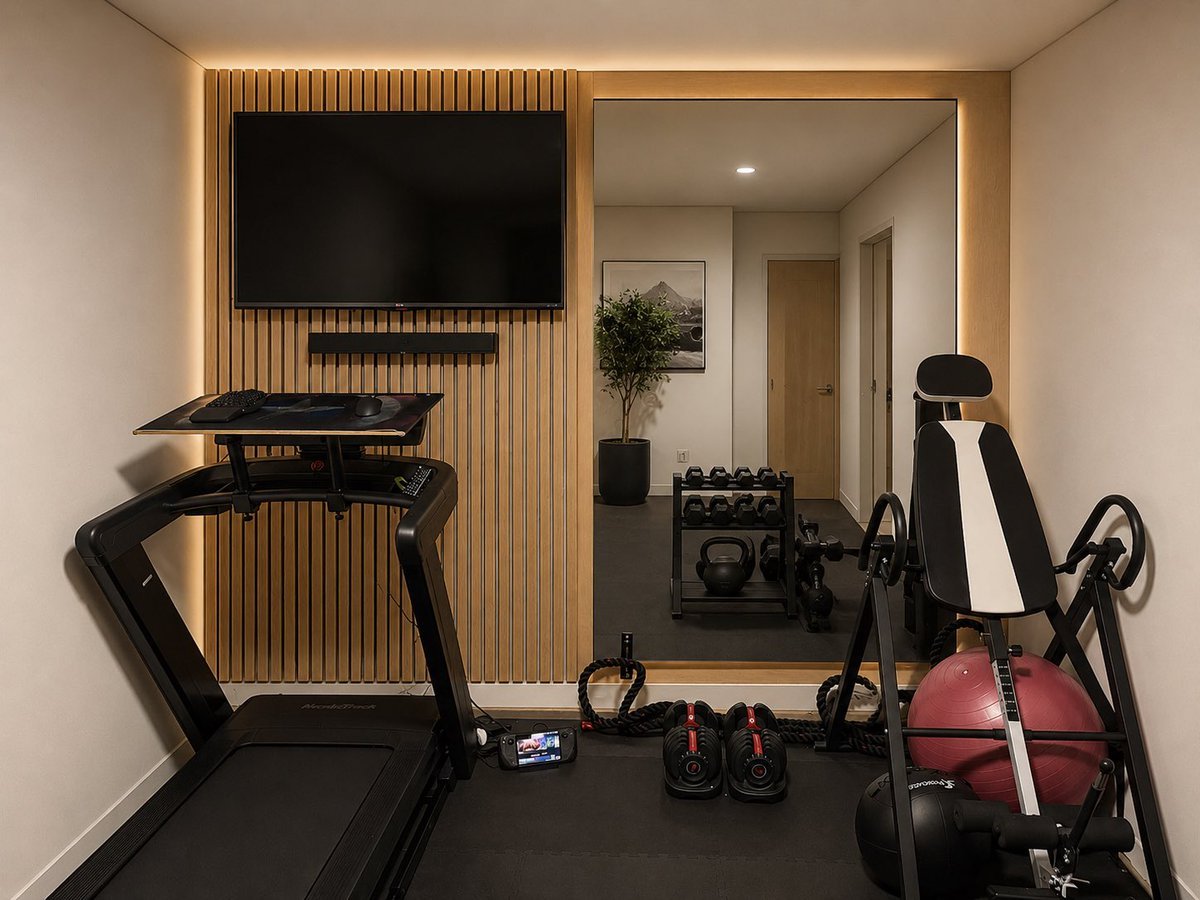
Modern Home Gym Wall Makeover

Professional Stadium Fan Photography Prompt

Chaotic Anime Schoolgirl Fan Collage

Elegant Home Lifestyle Portraits
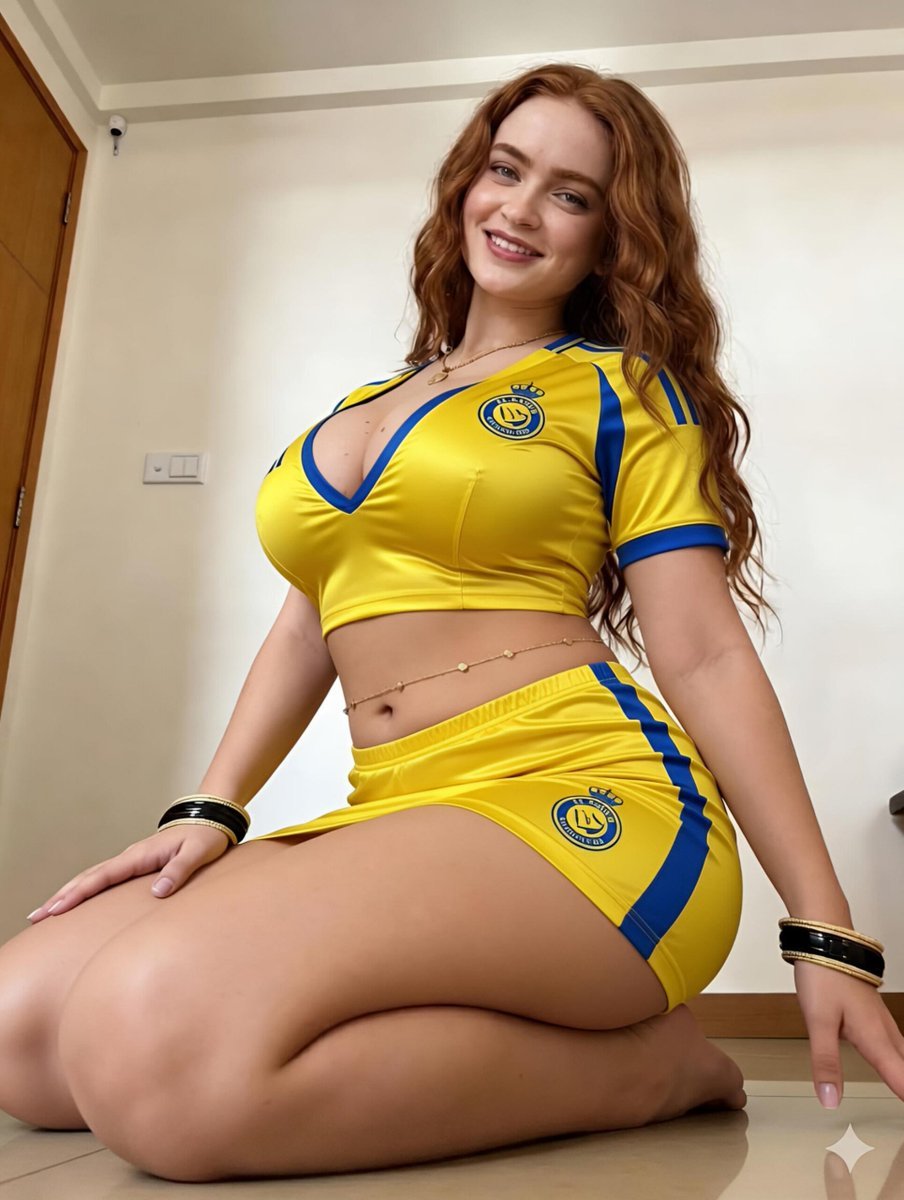
Female Football Fan Portrait
Make it yours
Mexico Fan Home Viewing Retouch works as-is. These are the safest ways to change it without losing the look.
Change one field
Copy a single group, rewrite it, and generate again so you can see what that field is doing.
Keep the frame, change the subject
Hold the composition and light of Mexico Fan Home Viewing Retouch, then swap wardrobe, props or the person for a new take.
| If the result… | Why | Fix |
|---|---|---|
| The result drifts from the preview | Too many fields changed at once. | Reuse Mexico Fan Home Viewing Retouch as-is first, then change one group — subject, light, or setting. |
| The model over-stylizes the scene | The prose prompt leaves finish and camera underspecified. | Add one camera or lighting sentence and stay on GPT Image 2. |
More GPT Image 2 templates
Other prompts made for GPT Image 2.

Six VTuber Japanese Logo Sheet

Realistic Portrait of Woman and Deer

The Vista Modular Condo Poster

AI Model Routing Comparison Infographic

2.5D Anime Art Board

Isometric Productivity Desk Scene

New York Double Exposure Poster

Four-Panel AI Landscape Comparison

Japanese Tatami Lifestyle Magazine Cover

NESCAFÉ Coffee Map Poster
More image prompts
Fresh picks from across the catalog.
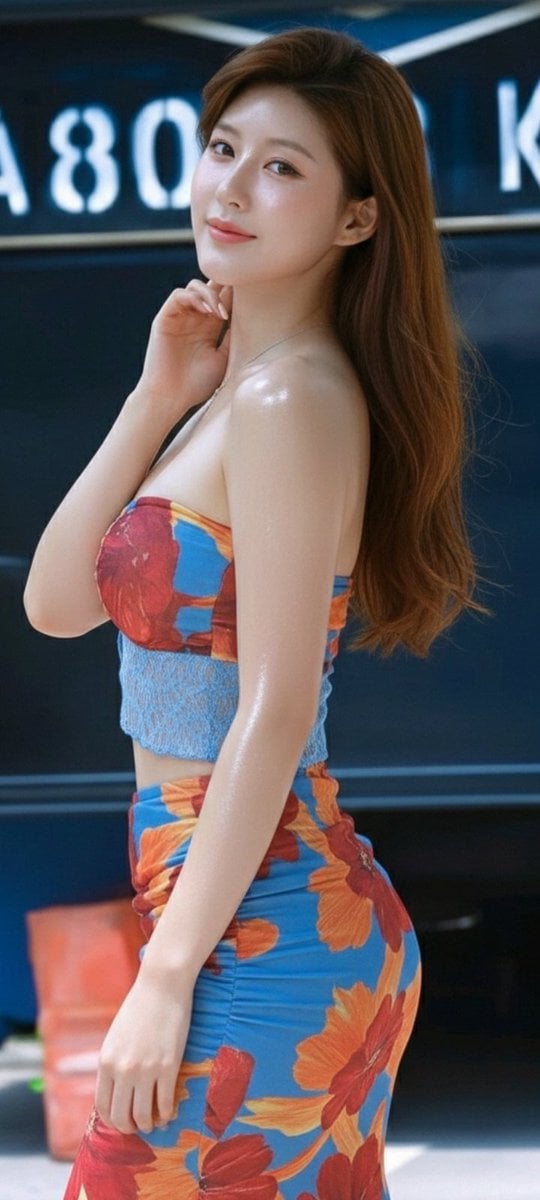
Zhao Lusi Radiant Rosy Collection
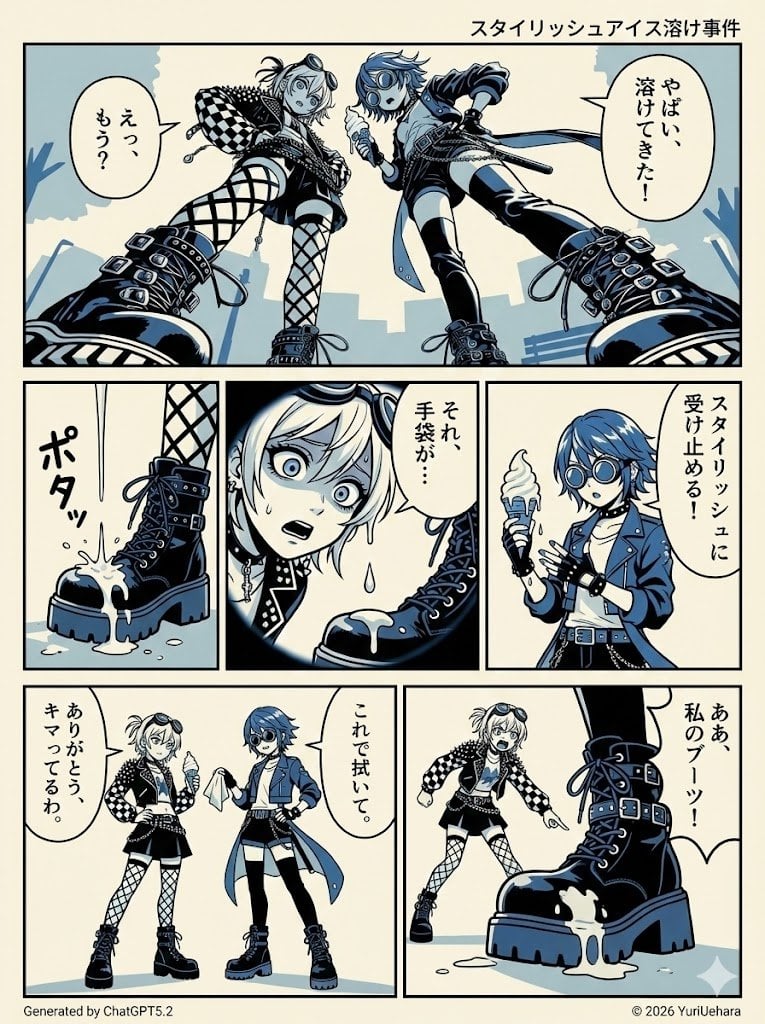
Identical Prompt Comparison (Nano Banana Pro vs. ChatGPT)

Old Shanghai Fusion Poster
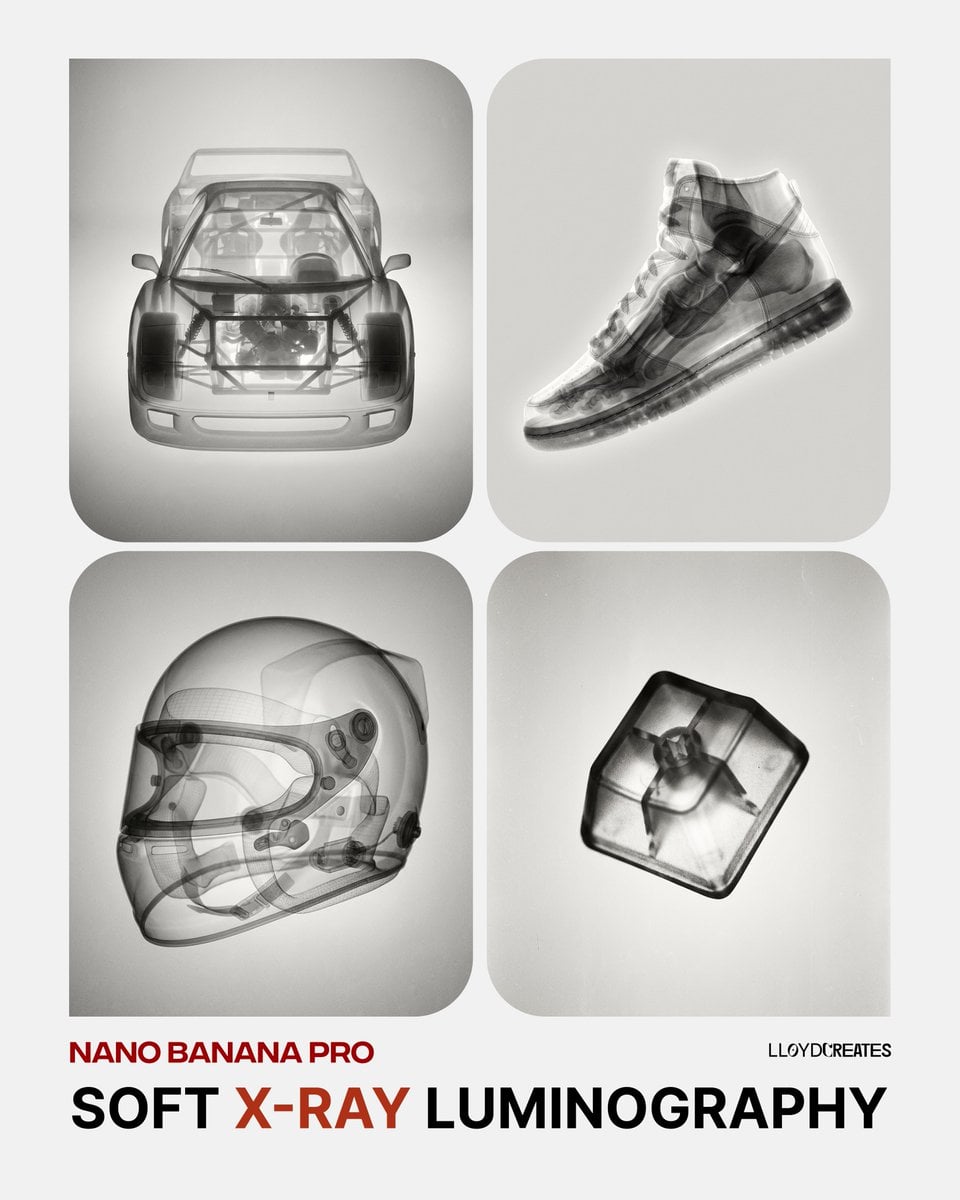
Soft X-Ray Luminography Style Template

Playful Hand-Drawn Doodle Overlays

Surreal Self-Reflection Portrait

Hyper-Realistic Flash Selfie Crime Scene Prompt (JSON format)
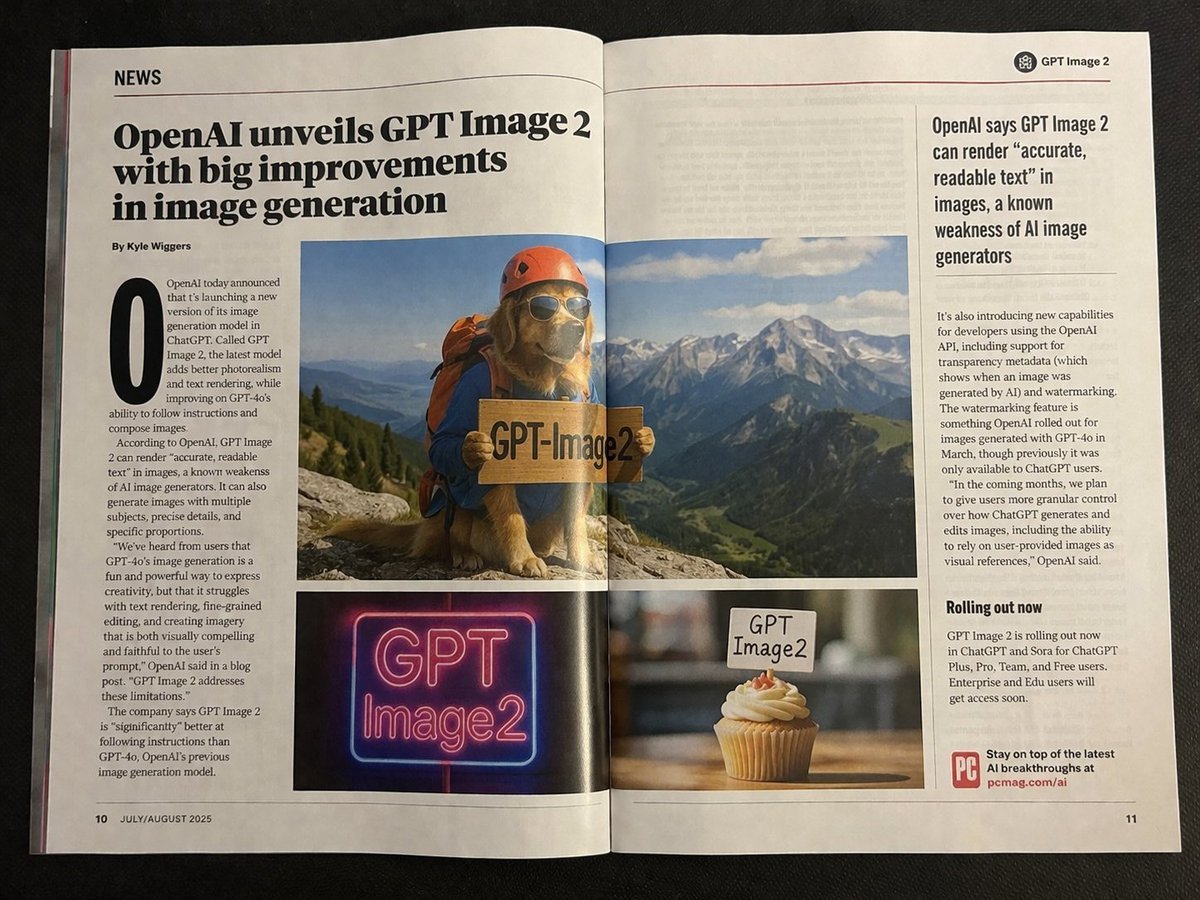
Authentic Magazine Spread Photography
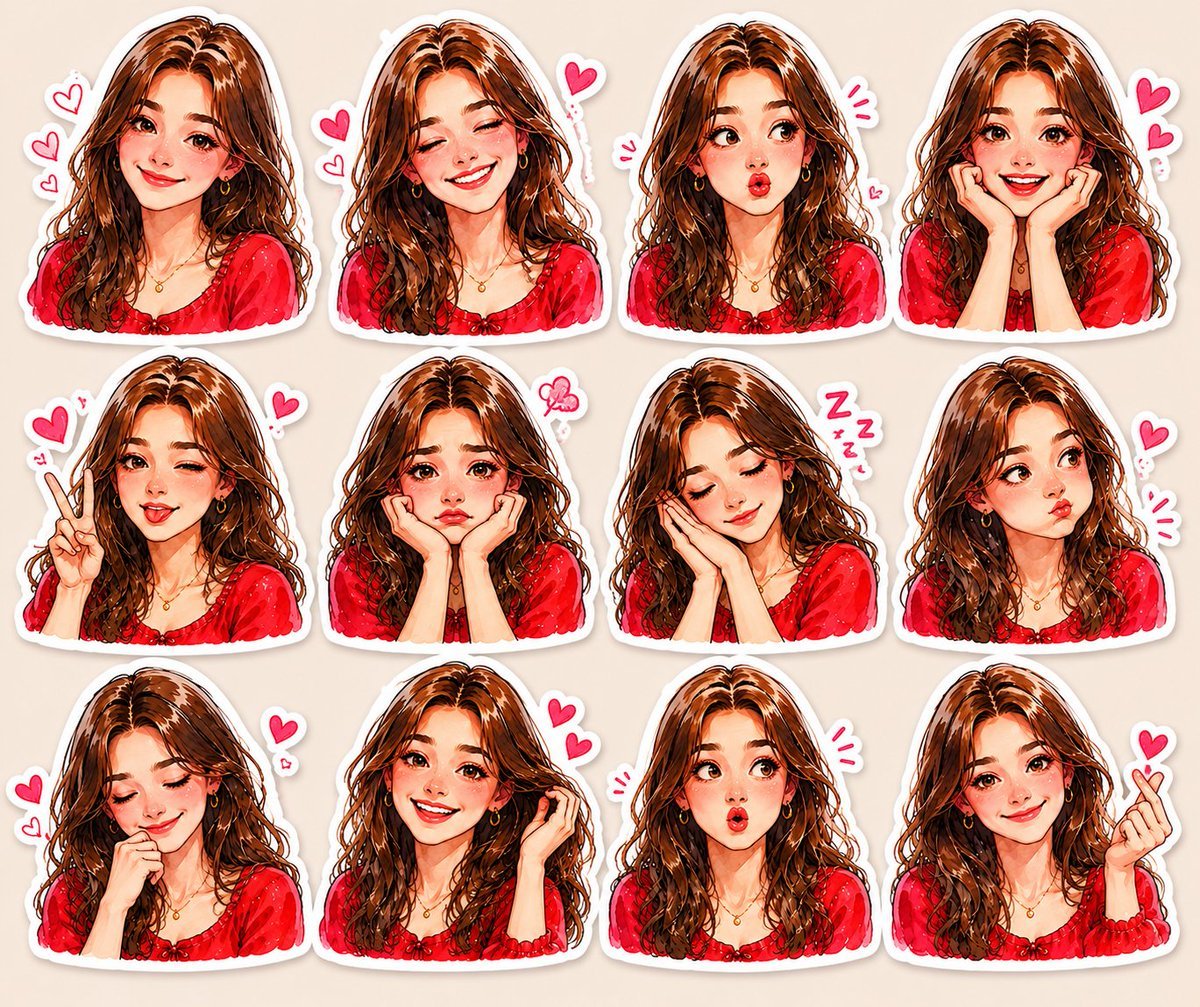
Kawaii Anime Sticker Sheet

Affogato Dessert Photography
Browse template categories
Mexico Fan Home Viewing Retouch questions
How do I use the Mexico Fan Home Viewing Retouch template?
Add your photo if the template asks for one, edit the prompt if you like — the template's model and format are already selected — and press Generate. Your version opens in PicX Studio.
Can I customize the Mexico Fan Home Viewing Retouch template?
Yes. You can change the subject, setting, lighting, mood, format, and available model controls before creating your image.
Is the Mexico Fan Home Viewing Retouch template free?
Opening and editing this template is free. Generating uses credits, shown on the Generate button when you are signed in.
Which AI model should I use?
Start with GPT Image 2, which is the model associated with this template. You can compare another compatible model for a different finish.
Looking for something else? Browse all templates.

Your photo, any look
Thousands of ready templates for every top image and video model, from one credit balance.