
Zhao Lusi Radiant Rosy Collection
A structured JSON prompt defining four different looks for a subject resembling actress Zhao Lusi, emphasizing a 'glistening/dewy' skin texture and hyper-realism.
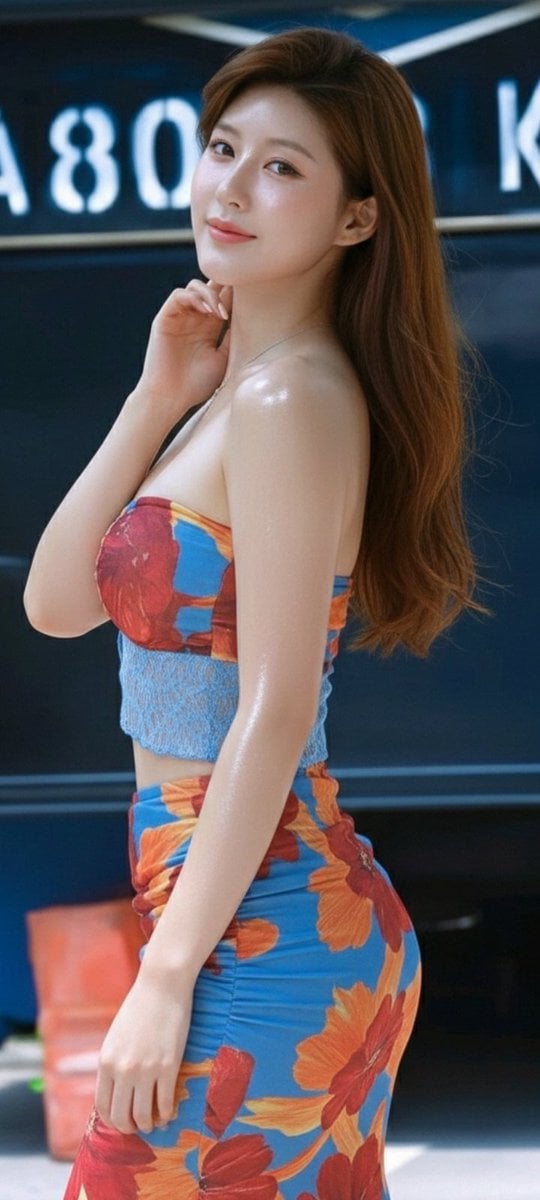
- Prompt included
- Model and format preset
- Free template
The prompt behind this image
Copy the exact prompt behind Zhao Lusi Radiant Rosy Collection, or open it in the studio and make it yours.
- Collection Name
- Radiant Rosy
- Subject › Description
- A young woman with soft, symmetrical features, large expressive eyes, and a radiant smile.
- Subject › Inspiration
- Resembles South Korean actress and model Zhao Lusi (Rosy Zhao)
- Subject › Hair › Color
- Chestnut brown
- Subject › Hair › Styles
- flowing waves, sophisticated half-updo, damp textured look
- Subject › Skin › Texture
- Glistening/dewy, 'honey skin' or 'glass skin', moisture-drenched effect
- Aesthetic
- Hyper-realistic, wet-look, versatile fashion styles ranging from casual summer to high-fashion elegance
- Images › 0 › Title
- Tropical Summer Look
- Images › 0 › Description
- Profile view, vibrant floral-print tube top and matching skirt. Bright blue base with orange hibiscus patterns. Lighting emphasizes athletic silhouette.
- Images › 0 › Outfit
- Floral tube top & skirt
- Images › 0 › Lighting
- Bright, emphasizing contours
- Images › 0 › Style
- Casual summer
- Images › 1 › Title
- Elegant Mini
- Images › 1 › Description
- Playful 'girl-next-door' vibe. Champagne-colored satin mini dress with intricate white lace collar. Holding a smartphone, confident pose.
- Images › 1 › Outfit
- Champagne satin mini dress with lace collar
- Images › 1 › Props
- smartphone
- Images › 1 › Style
- Modern lifestyle with classic fashion
- Images › 2 › Title
- High-Fashion Editorial
- Images › 2 › Description
- Luxury look with sheer, intricately embroidered lace gown in soft cream hue. Accented by high-end jewelry. Moody teal-and-warm studio lighting.
- Images › 2 › Outfit
- Sheer embroidered lace gown
- Images › 2 › Accessories
- sparkling bracelet, drop earrings
- Images › 2 › Lighting
- Teal-and-warm professional studio
- Images › 2 › Style
- High-fashion editorial
- Images › 3 › Title
- Dewy Close-Up
Raw JSON
{
  "collection_name": "Radiant Rosy",
  "subject": {
    "description": "A young woman with soft, symmetrical features, large expressive eyes, and a radiant smile.",
    "inspiration": "Resembles South Korean actress and model Zhao Lusi (Rosy Zhao)",
    "hair": {
      "color": "Chestnut brown",
      "styles": ["flowing waves", "sophisticated half-updo", "damp textured look"]
    },
    "skin": {
      "texture": "Glistening/dewy, 'honey skin' or 'glass skin', moisture-drenched effect"
    }
  },
  "aesthetic": "Hyper-realistic, wet-look, versatile fashion styles ranging from casual summer to high-fashion elegance",
  "images": [
    {
      "title": "Tropical Summer Look",
      "description": "Profile view, vibrant floral-print tube top and matching skirt. Bright blue base with orange hibiscus patterns. Lighting emphasizes athletic silhouette.",
      "outfit": "Floral tube top & skirt",
      "lighting": "Bright, emphasizing contours",
      "style": "Casual summer"
    },
    {
      "title": "Elegant Mini",
      "description": "Playful 'girl-next-door' vibe. Champagne-colored satin mini dress with intricate white lace collar. Holding a smartphone, confident pose.",
      "outfit": "Champagne satin mini dress with lace collar",
      "props": ["smartphone"],
      "style": "Modern lifestyle with classic fashion"
    },
    {
      "title": "High-Fashion Editorial",
      "description": "Luxury look with sheer, intricately embroidered lace gown in soft cream hue. Accented by high-end jewelry. Moody teal-and-warm studio lighting.",
      "outfit": "Sheer embroidered lace gown",
      "accessories": ["sparkling bracelet", "drop earrings"],
      "lighting": "Teal-and-warm professional studio",
      "style": "High-fashion editorial"
    },
    {
      "title": "Dewy Close-Up",
      "description": "Intimate facial portrait, skin and hair appear drenched, hyper-realistic water droplets. Warm, inviting expression. Perfect dental aesthetics.",
      "accessories": ["pearl drop earrings"],
      "focus": "Face close-up",
      "style": "Hyper-realistic, wet-look portrait"
    }
  ],
  "image_dimensions": {
    "width": 504,
    "height": 1002,
    "orientation": "vertical"
  }
}How to use Zhao Lusi Radiant Rosy Collection in 3 steps
- 1
Open
The prompt is already in the box next to the preview, with the template's model and format selected.
- 2…a portrait of your subject in softgolden-hour light, 85mm…
Personalize
Edit the subject and creative details for your destination.
- 3Generate
Generate
Press Generate — your image is created in PicX Studio, so you can compare it with the original and refine one variable at a time.
More like this
Templates with the same subject, style or setup. Open one to see its prompt.
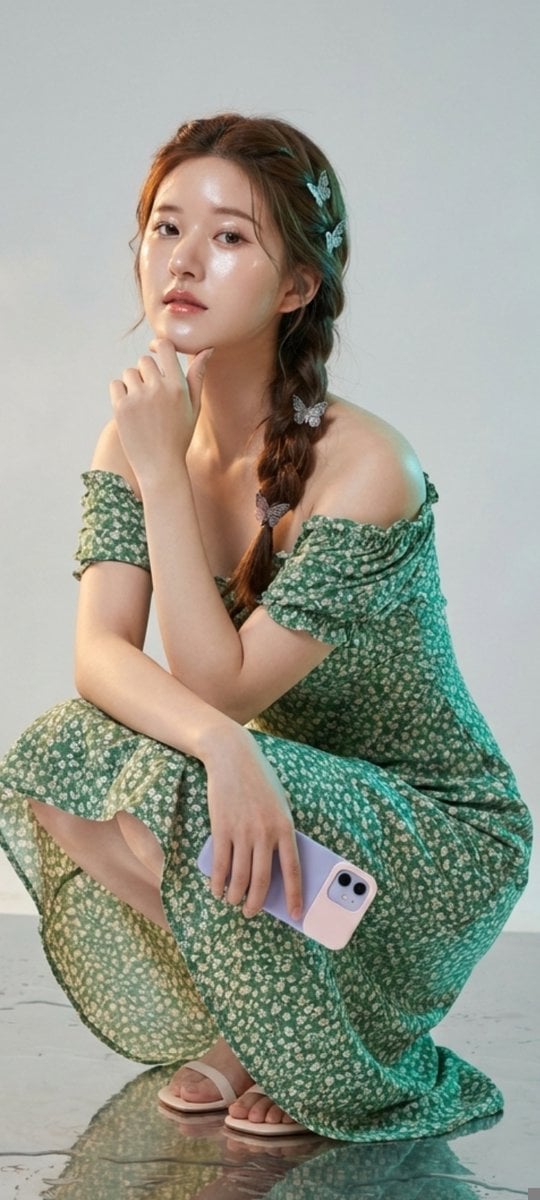
Photorealistic Portrait of Zhao Lusi (Rosy Zhao) with Cottagecore Vibe
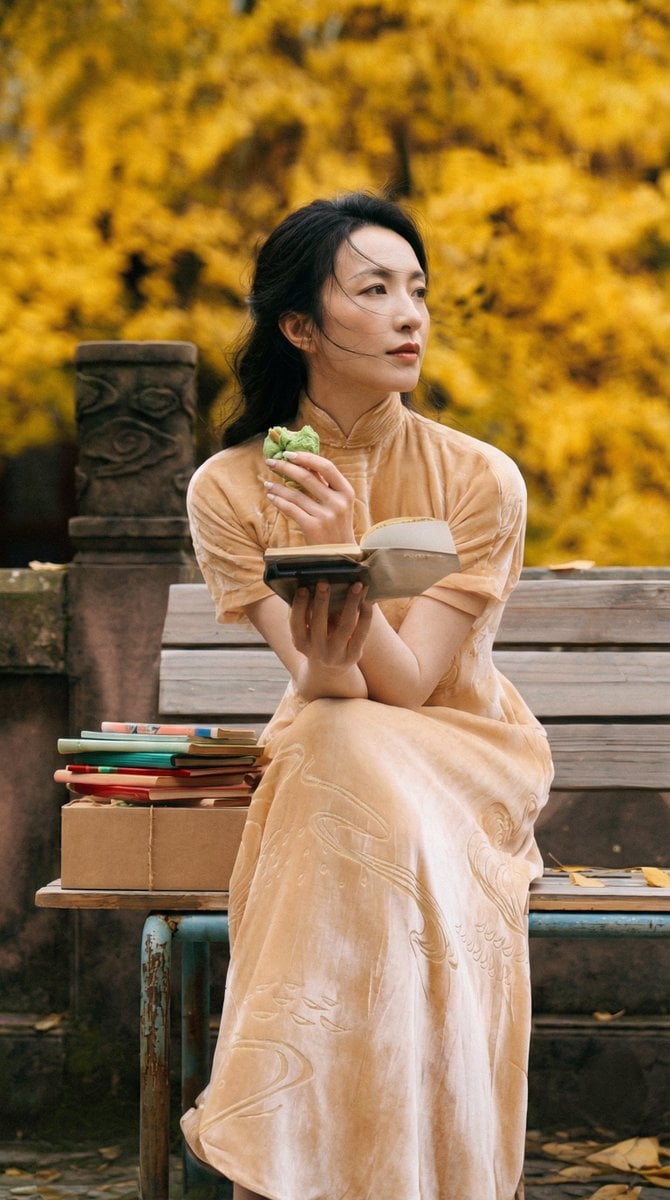
Ultra-Detailed New Chinese Aesthetic Portrait Prompt (Zhao Lusi Style)
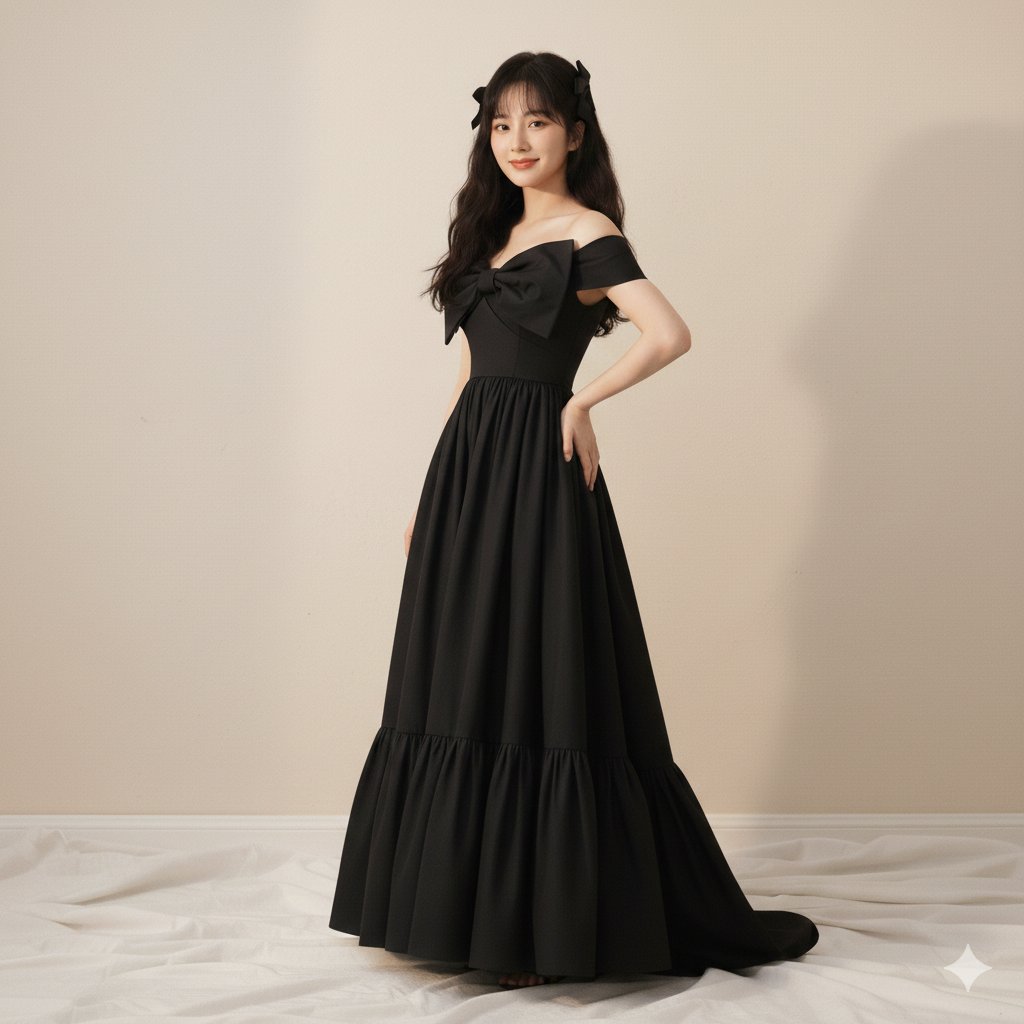
High-Fashion Editorial of Zhao Lusi in Black Bow Gown
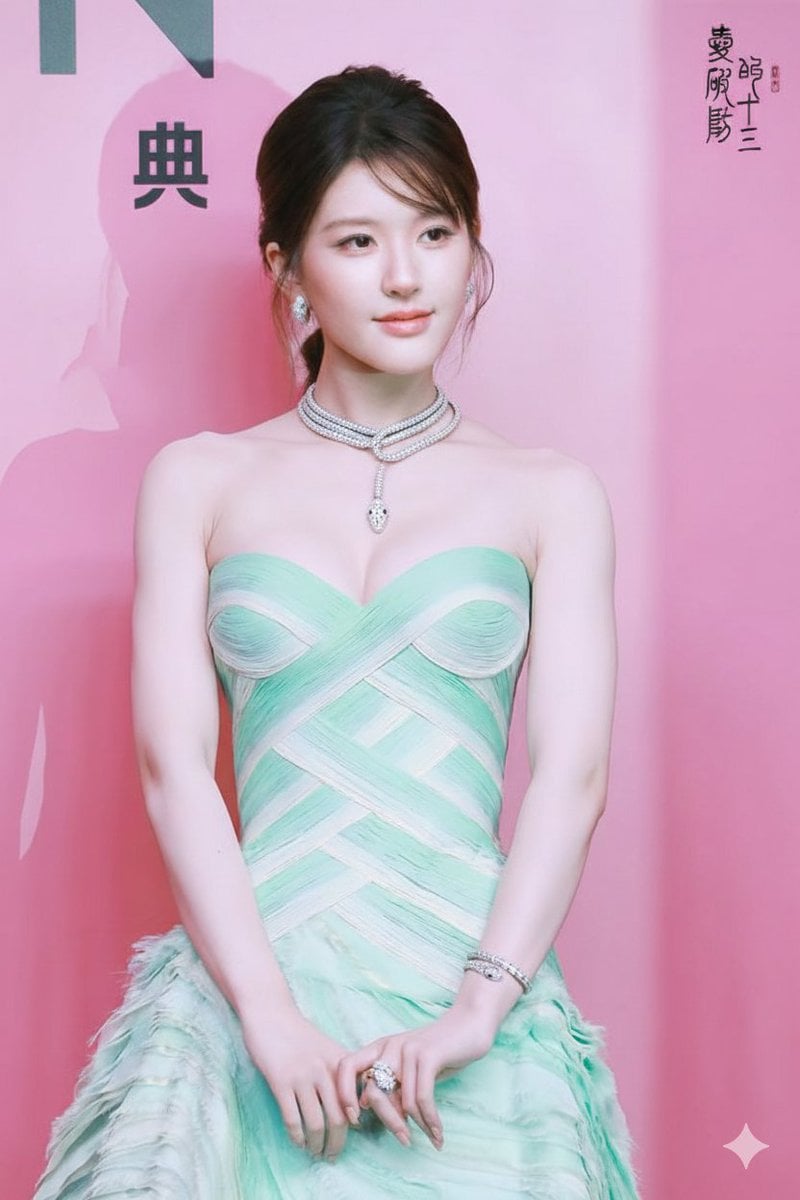
Zhao Lusi Gala Portrait with Bulgari Jewelry
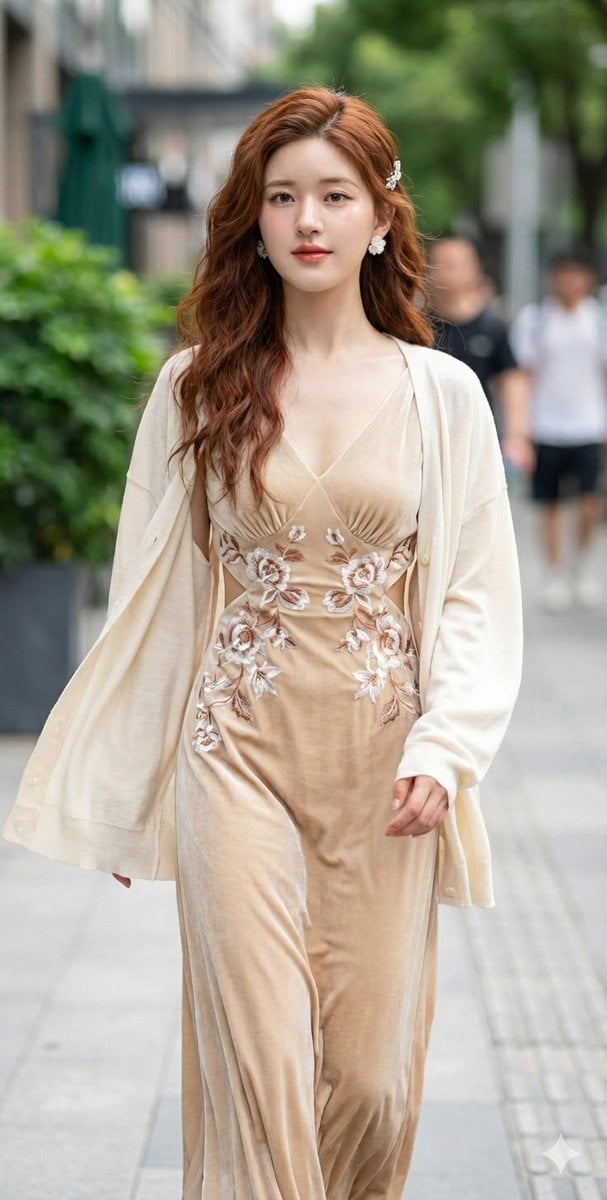
JSON Prompt for Cinematic Portrait of Zhao Lusi
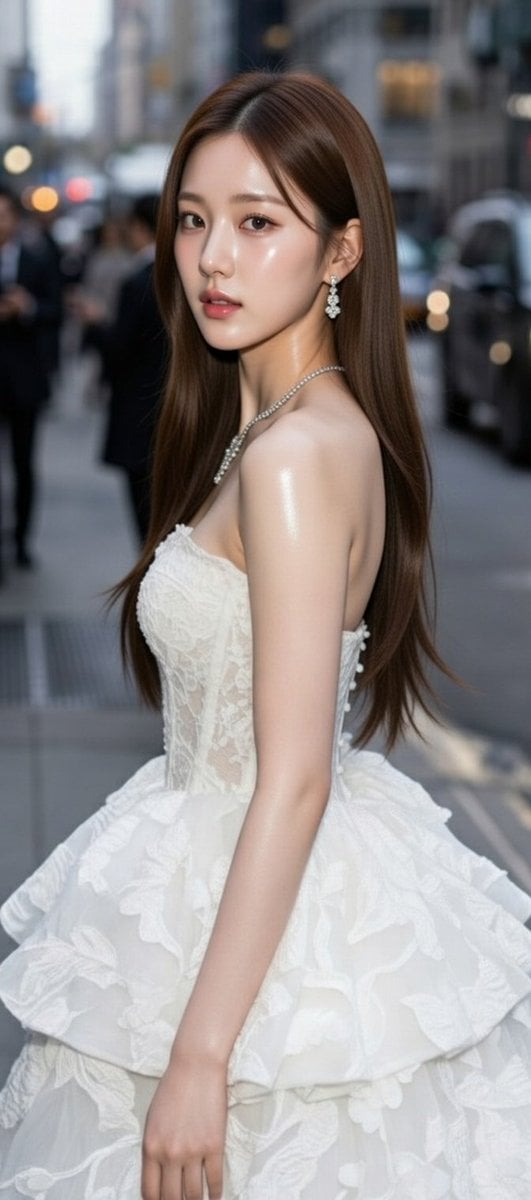
High-Fashion Candid Portrait of Zhao Lusi
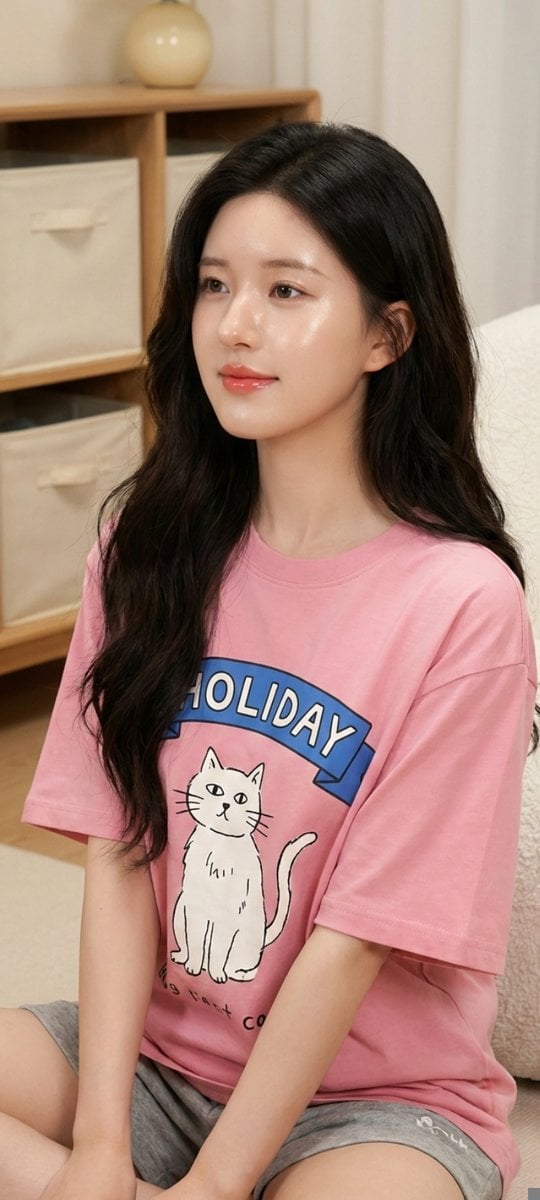
Zhao Lusi Casual Editorial Look
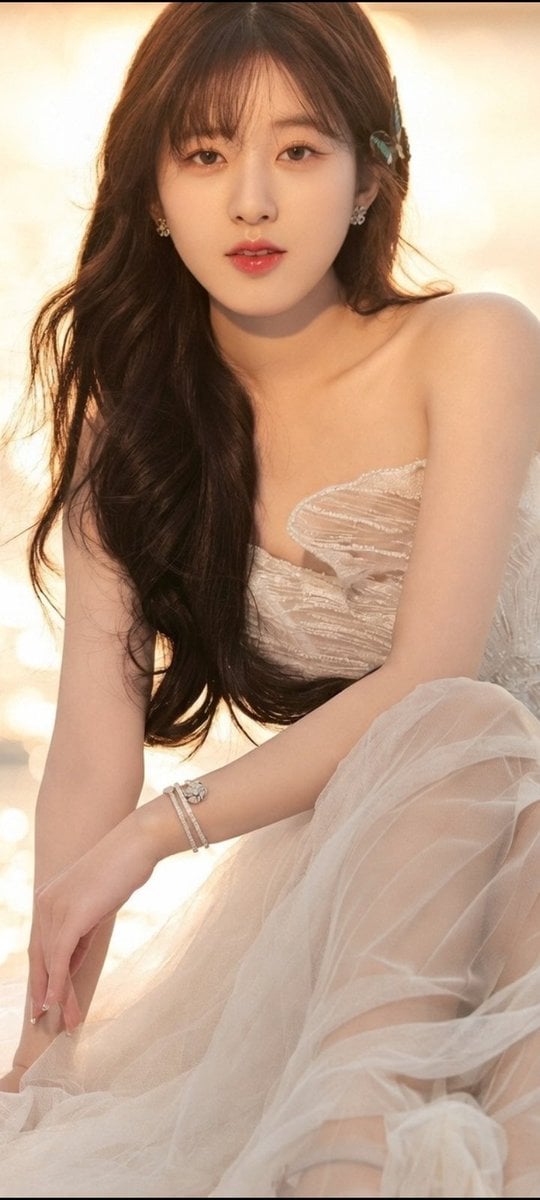
Zhao Lusi — Ethereal Mermaid Goddess Editorial Portrait
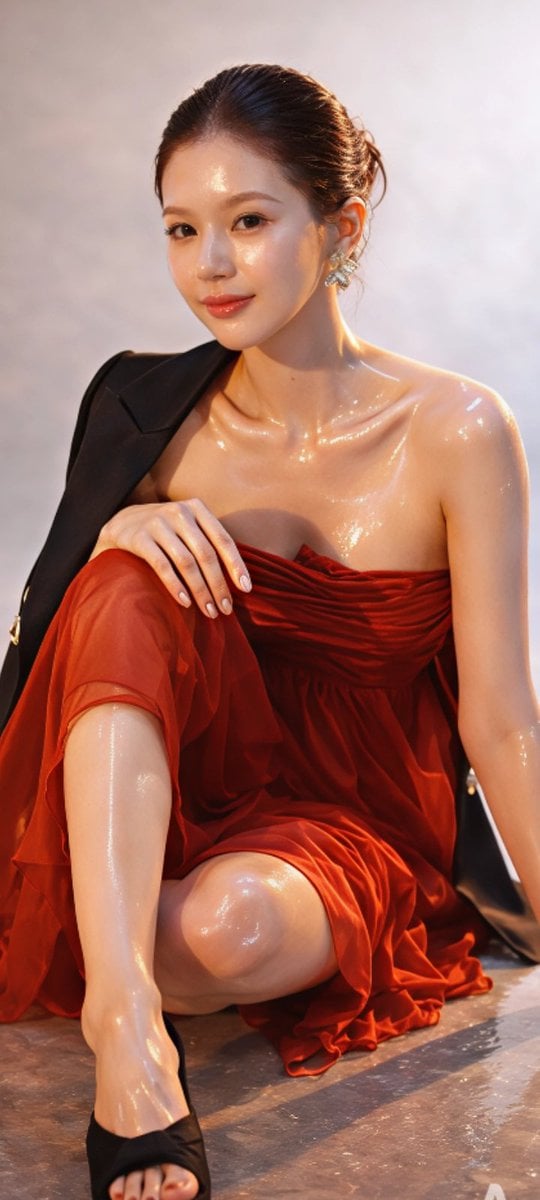
Zhao Lusi High-Fashion Editorial Prompt
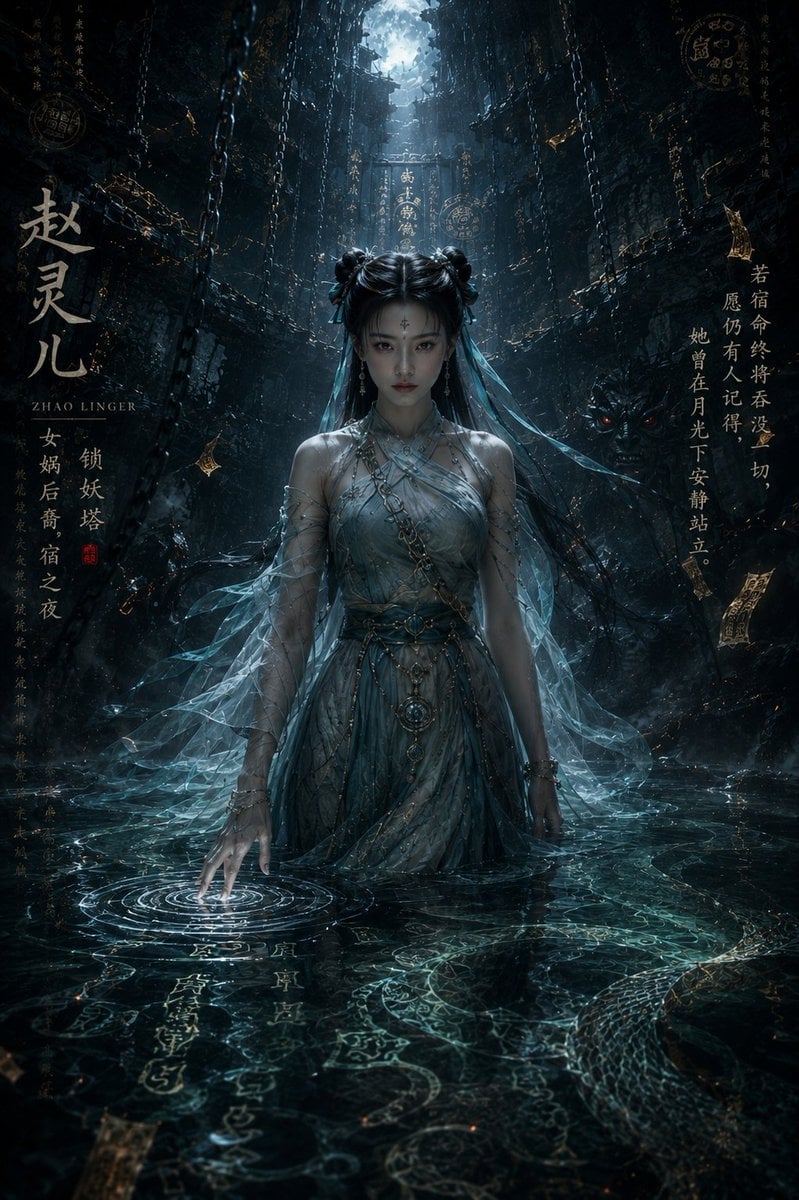
Dark Eastern Fantasy Zhao Ling'er Poster

Radiant Angel in Golden Clouds
Zhao Linger Ethereal Xianxia Poster
Make it yours
Zhao Lusi Radiant Rosy Collection works as-is. These are the safest ways to change it without losing the look.
Swap the light
One lighting change is enough to compare takes. Current light: “Bright, emphasizing contours”.
Change one field
Copy a single group, rewrite it, and generate again so you can see what that field is doing.
Keep the frame, change the subject
Hold the composition and light of Zhao Lusi Radiant Rosy Collection, then swap wardrobe, props or the person for a new take.
| If the result… | Why | Fix |
|---|---|---|
| The result drifts from the preview | Too many fields changed at once. | Reuse Zhao Lusi Radiant Rosy Collection as-is first, then change one group — subject, light, or setting. |
| Nano Banana 2 ignores part of the JSON | Some models flatten or skip nested keys. | Keep the same values and paste them as a short paragraph instead. |
More Nano Banana 2 templates
Other prompts made for Nano Banana 2.

Photorealistic Leaf Shaped Like a Dragon

K-Pop Idol Portrait Grid for Rapid Selection

Poetic Rain Forest Portrait During Golden Hour

Urban Street Portrait with Cartoon Inner Self Duo

Candid Nighttime Photo with Cat Prompt

High-Concept 3D Diorama Generation Prompt

Cinematic Futuristic Studio Portrait Template

Skincare Editorial Photography Collage Prompt

Hyper-Realistic Commercial Product Photography (Splash Effect)

Hyper-Realistic Nightclub Portrait Prompt
More image prompts
Fresh picks from across the catalog.
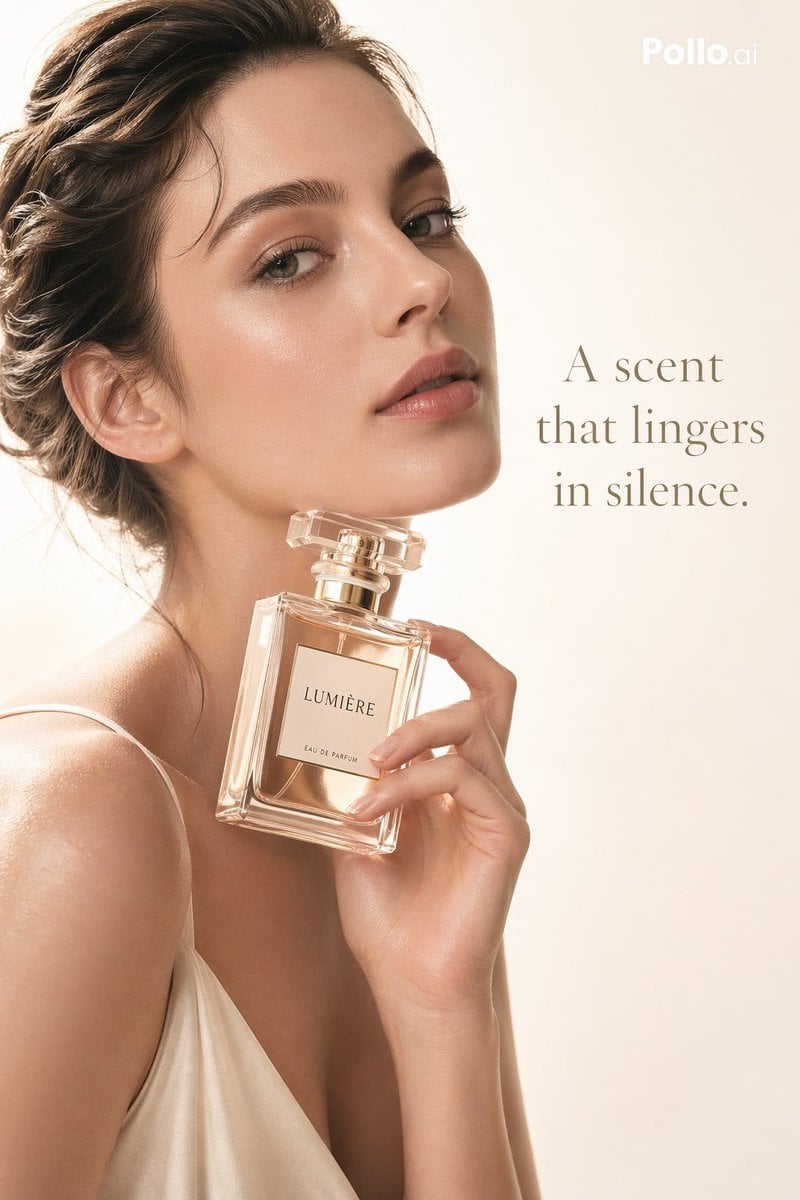
Luxury Perfume Editorial Ad
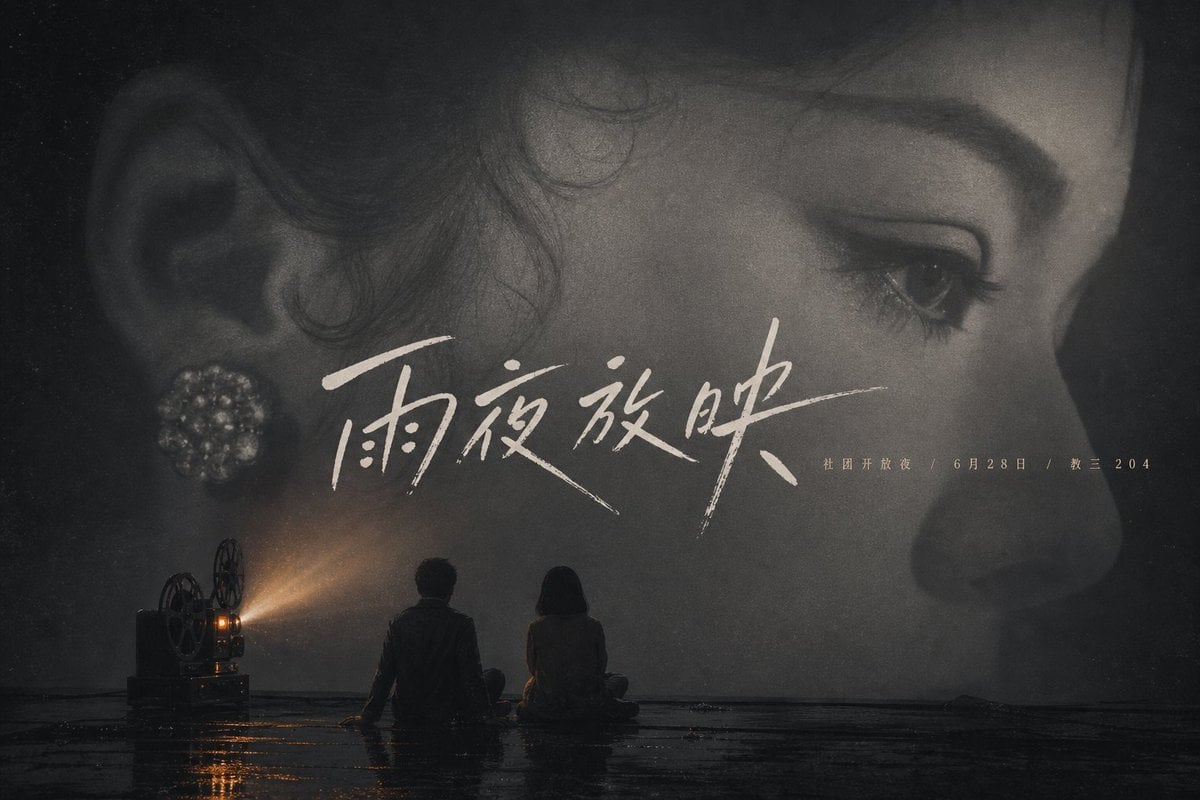
Rainy Night Cinema Poster
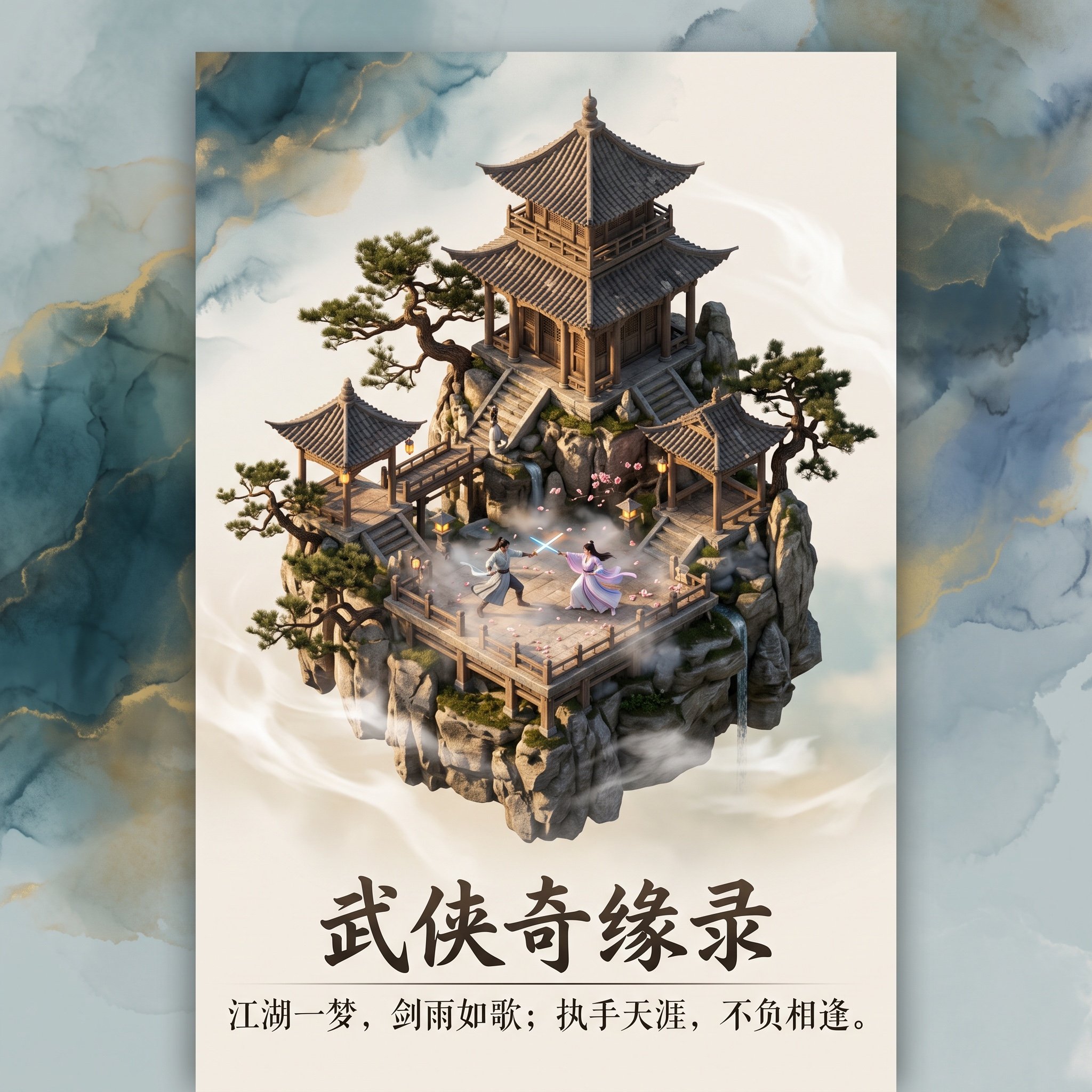
3D Diorama Poster for 'Lord of the Mysteries'
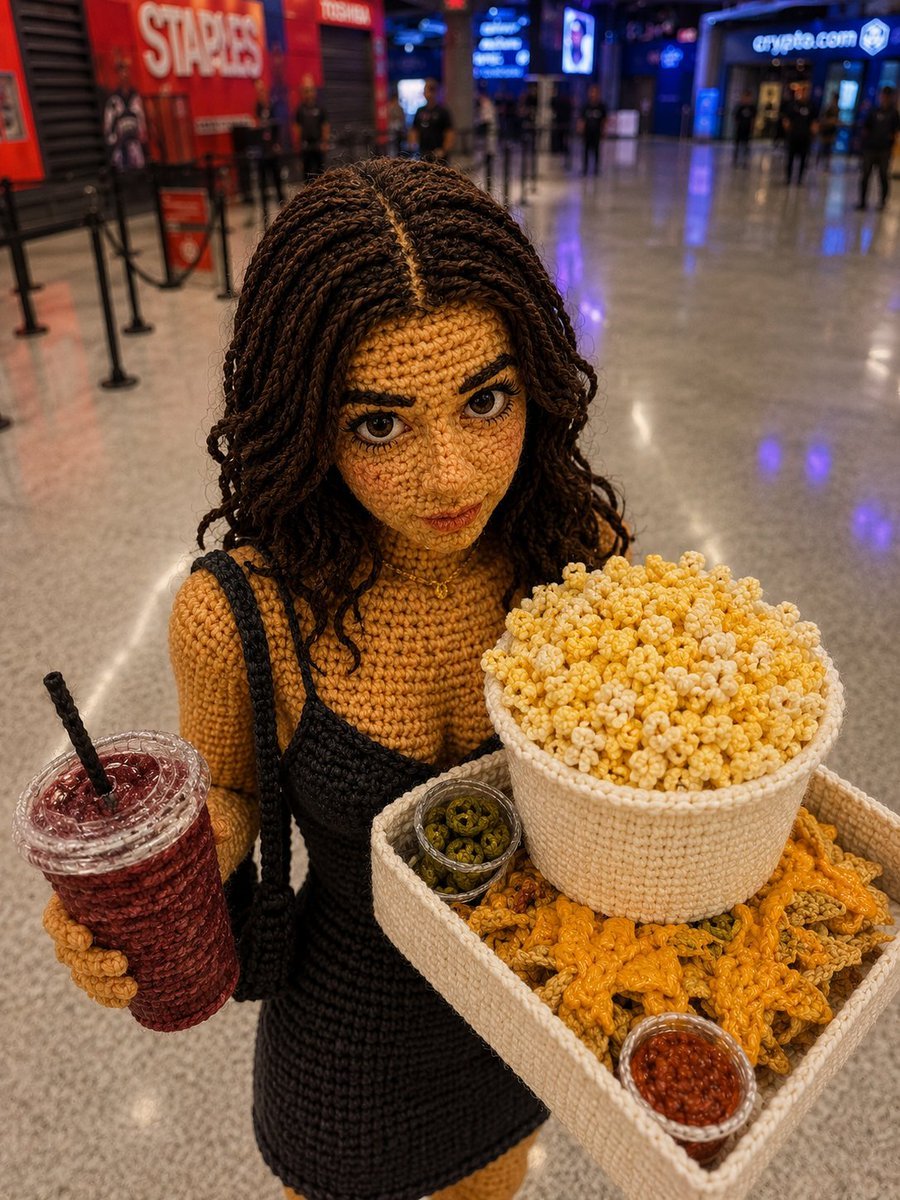
Crochet Doll Movie Snacks

Cinematic Winter Travel Scene with Zootopia Characters
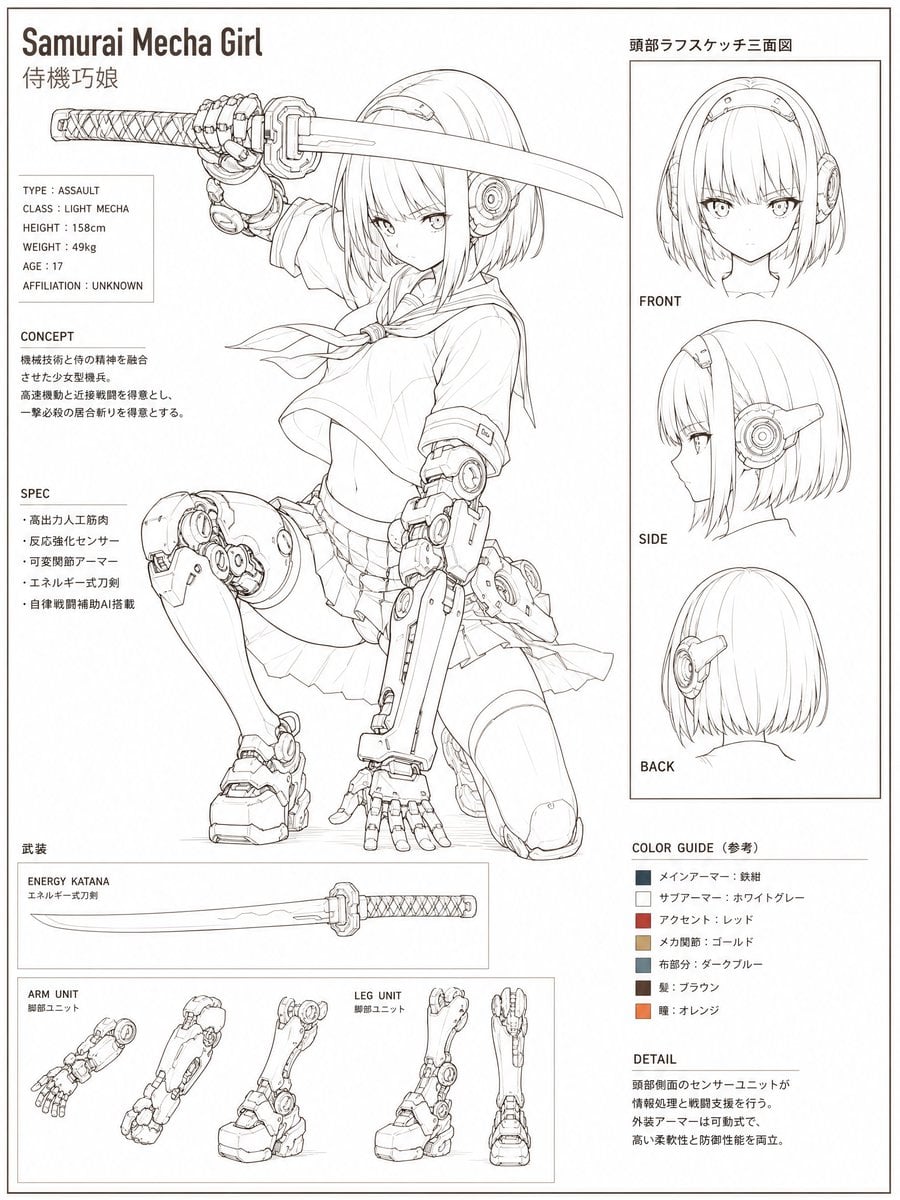
Samurai Mecha Girl Reference Sheet
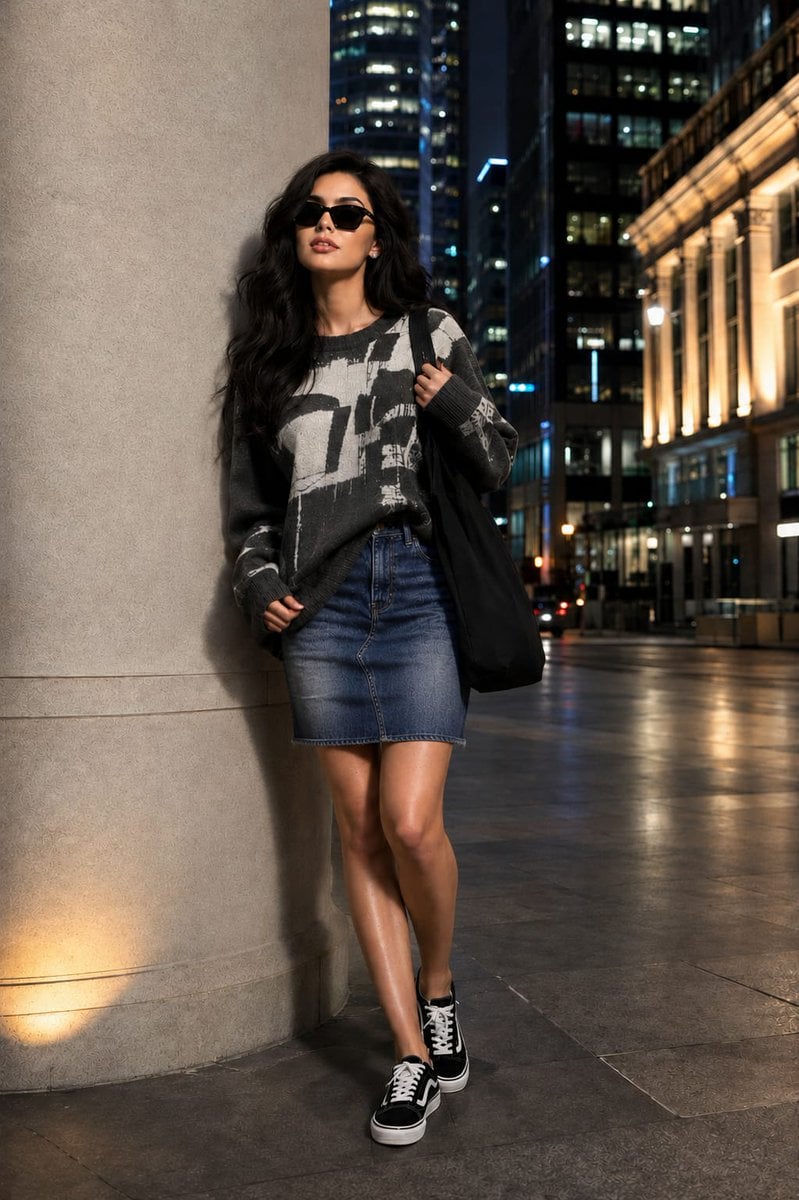
Fashion Editorial Portrait with Facial Consistency
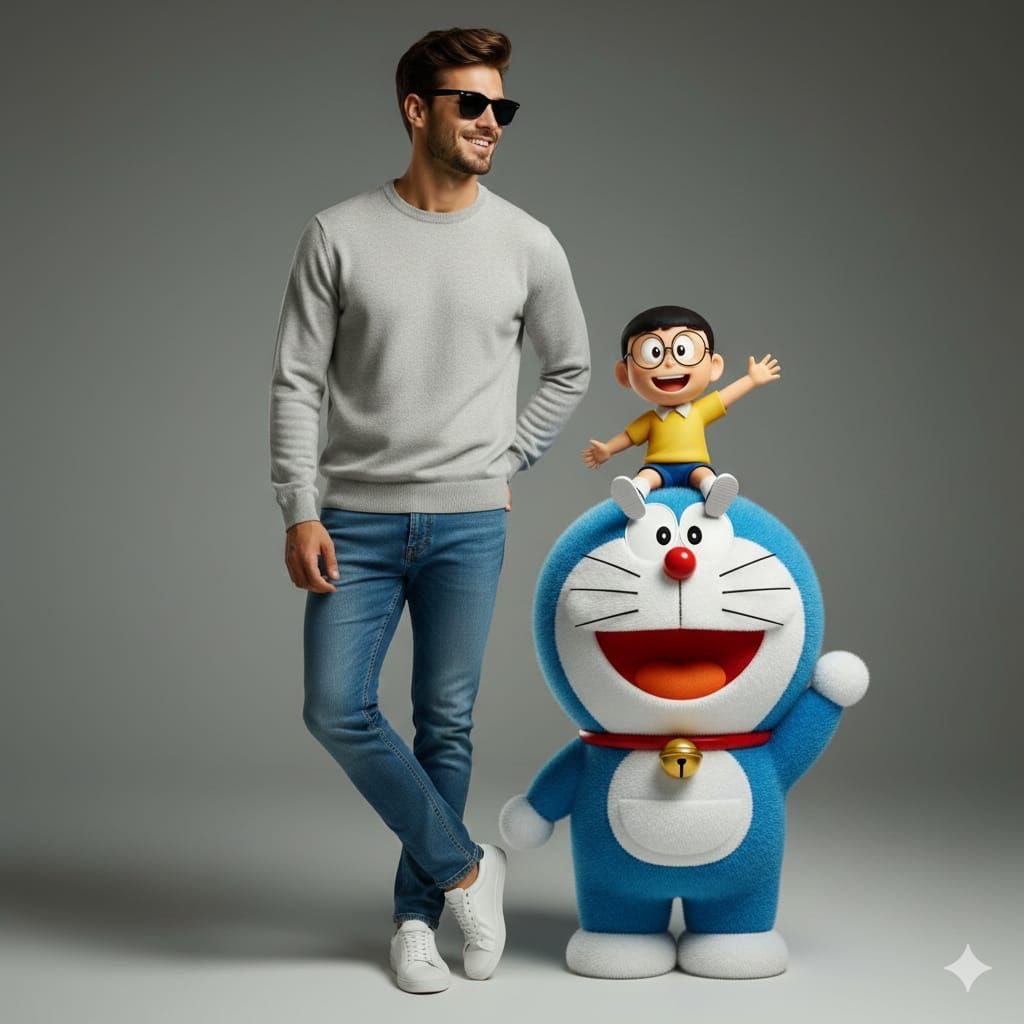
Studio Portrait with Doraemon and Nobita Prompt
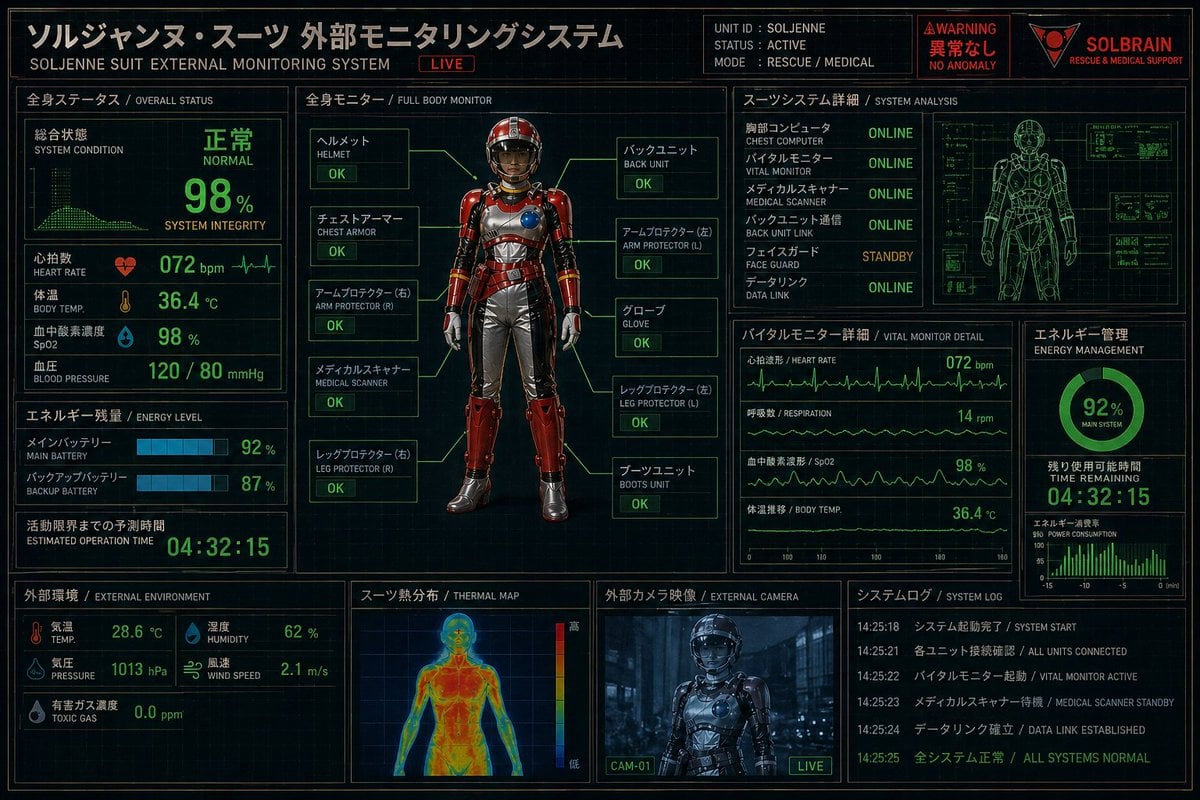
Futuristic Rescue Suit Monitoring HUD

Glitch Storm Dragon Prompt
Browse template categories
Zhao Lusi Radiant Rosy Collection questions
How do I use the Zhao Lusi Radiant Rosy Collection template?
Add your photo if the template asks for one, edit the prompt if you like — the template's model and format are already selected — and press Generate. Your version opens in PicX Studio.
Can I customize the Zhao Lusi Radiant Rosy Collection template?
Yes. You can change the subject, setting, lighting, mood, format, and available model controls before creating your image.
Is the Zhao Lusi Radiant Rosy Collection template free?
Opening and editing this template is free. Generating uses credits, shown on the Generate button when you are signed in.
Which AI model should I use?
Start with Nano Banana 2, which is the model associated with this template. You can compare another compatible model for a different finish.
Looking for something else? Browse all templates.

Your photo, any look
Thousands of ready templates for every top image and video model, from one credit balance.