
Radiant Angel in Golden Clouds
Generates an epic cinematic heavenly angel scene with vast glowing wings, divine sunlight, and dramatic clouds for fantasy or spiritual artwork.
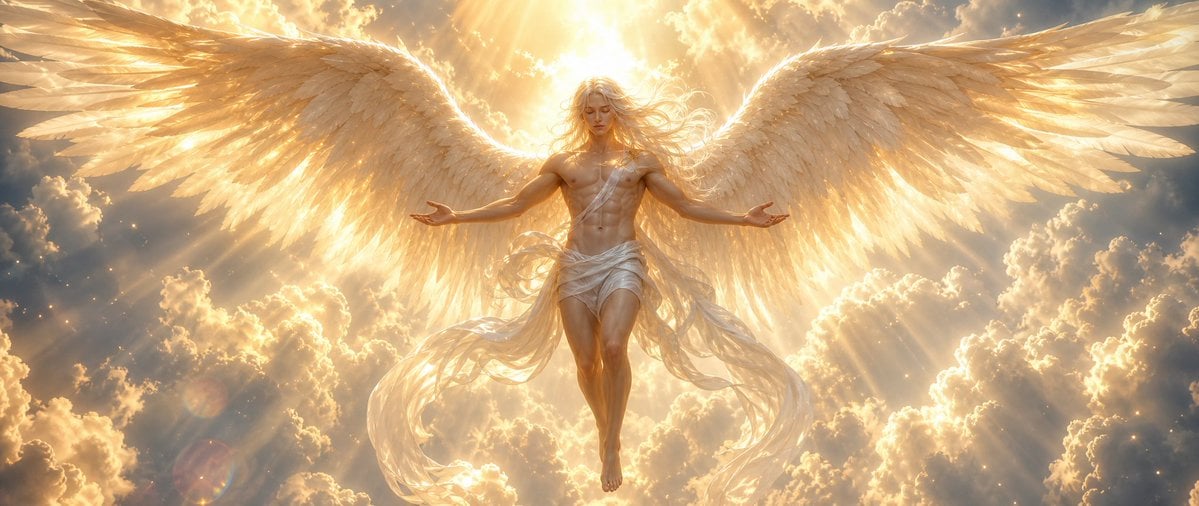
- Prompt included
- Model and format preset
- Free template
The prompt behind this image
Copy the exact prompt behind Radiant Angel in Golden Clouds, or open it in the studio and make it yours.
Create a cinematic fantasy image of a radiant {argument name="angel gender" default="androgynous male"} angel descending through a sea of glowing clouds at sunrise, centered in a wide panoramic composition. The angel has an idealized athletic body, long flowing {argument name="hair color" default="golden blond"} hair blowing in the light, a softly obscured or faceless face overwhelmed by divine radiance, bare chest, bare feet, and a wind-tossed white linen wrap draped around the waist and across one shoulder with long translucent fabric ribbons trailing downward. Show exactly two enormous feathered wings, one extending left and one extending right, spanning almost the full width of the frame; the feathers are layered, detailed, ivory and gold, backlit so their edges glow. The angel floats with legs together, arms open outward in a welcoming blessing pose, palms relaxed. Behind the head is an intense sunburst halo of {argument name="divine light color" default="warm golden white"} light, with dramatic volumetric rays streaming through towering cumulus clouds. The atmosphere is heavenly, serene, awe-inspiring and majestic, filled with tiny sparkling dust motes, soft lens flare, radiant mist, and high-contrast golden illumination. Use hyperrealistic digital painting / epic concept art style, ultra-detailed feathers, luminous skin, ethereal fabric motion, symmetrical composition, wide 21:9 aspect ratio, no text, no border, no modern objects.
How to use Radiant Angel in Golden Clouds in 3 steps
- 1Upload ImagePNG, JPG or paste
Add your photo
Upload the photo the template builds on. The prompt, model and format are already set.
- 2…a portrait of your subject in softgolden-hour light, 85mm…
Personalize
Edit the subject and creative details for your destination.
- 3Generate
Generate
Press Generate — your image is created in PicX Studio, so you can compare it with the original and refine one variable at a time.
More like this
Templates with the same subject, style or setup. Open one to see its prompt.

Surreal Cat Astronaut — Humanoid Face Freefall

Anime Fantasy Celestial Movie Poster

80s Golden Hour Cinema

Celestial Palace Above Clouds
Futuristic Metropolis Above the Clouds
Summer Clouds and Sports Bike
Floating Woman in Celestial Clouds
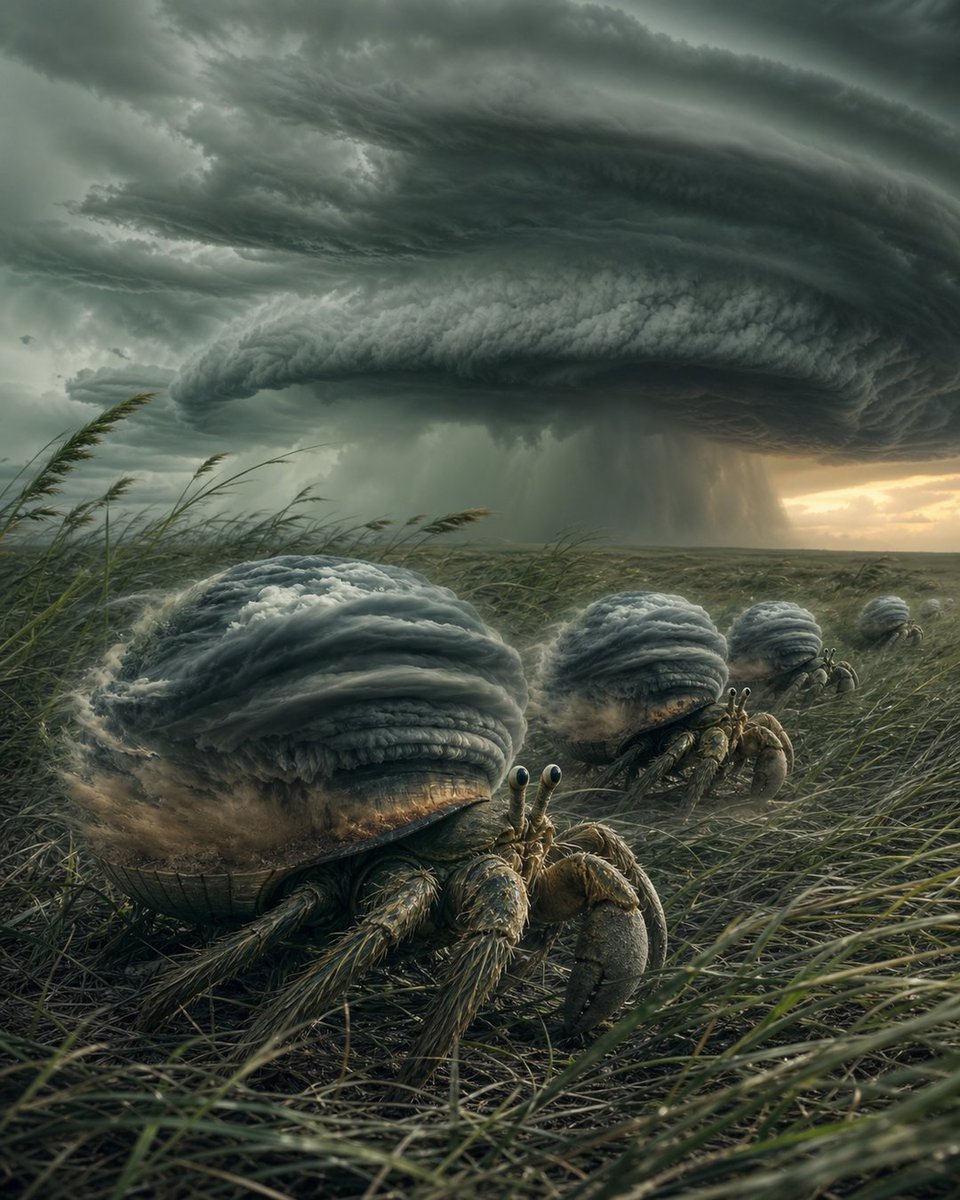
Hermit Crabs Carrying Storm Clouds
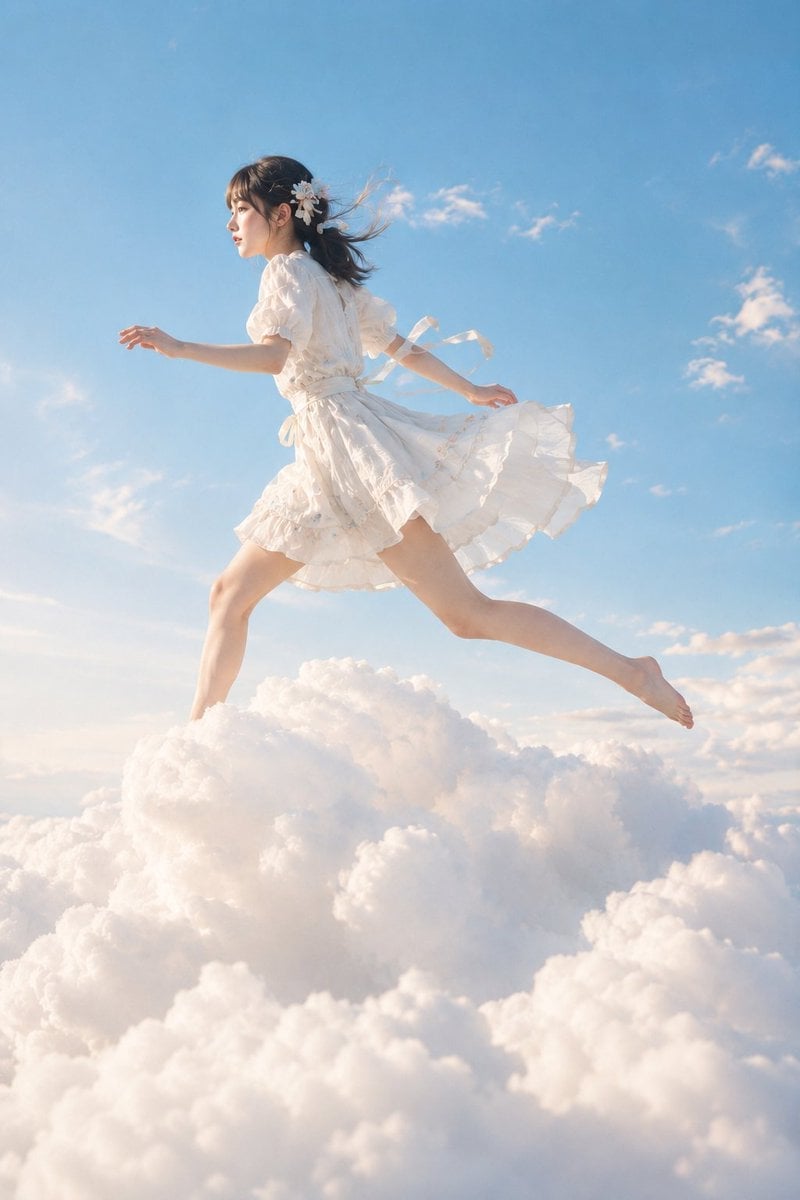
Japanese Woman Running on Clouds
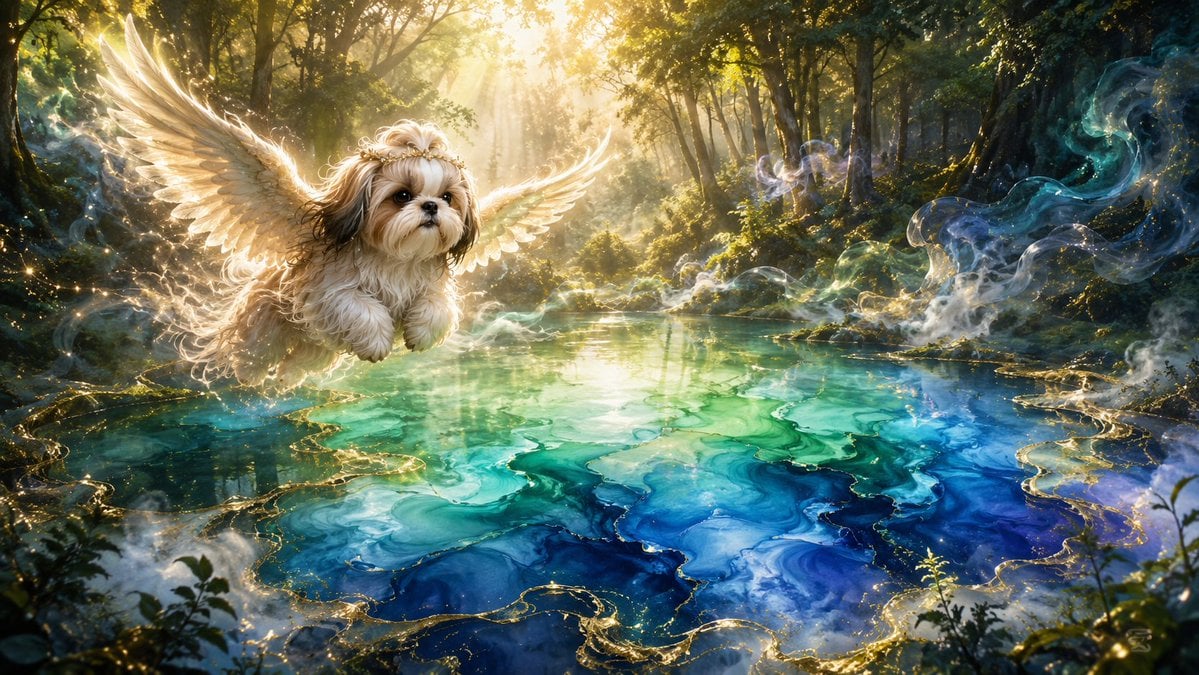
Angel Shih Tzu Over Ink Pond
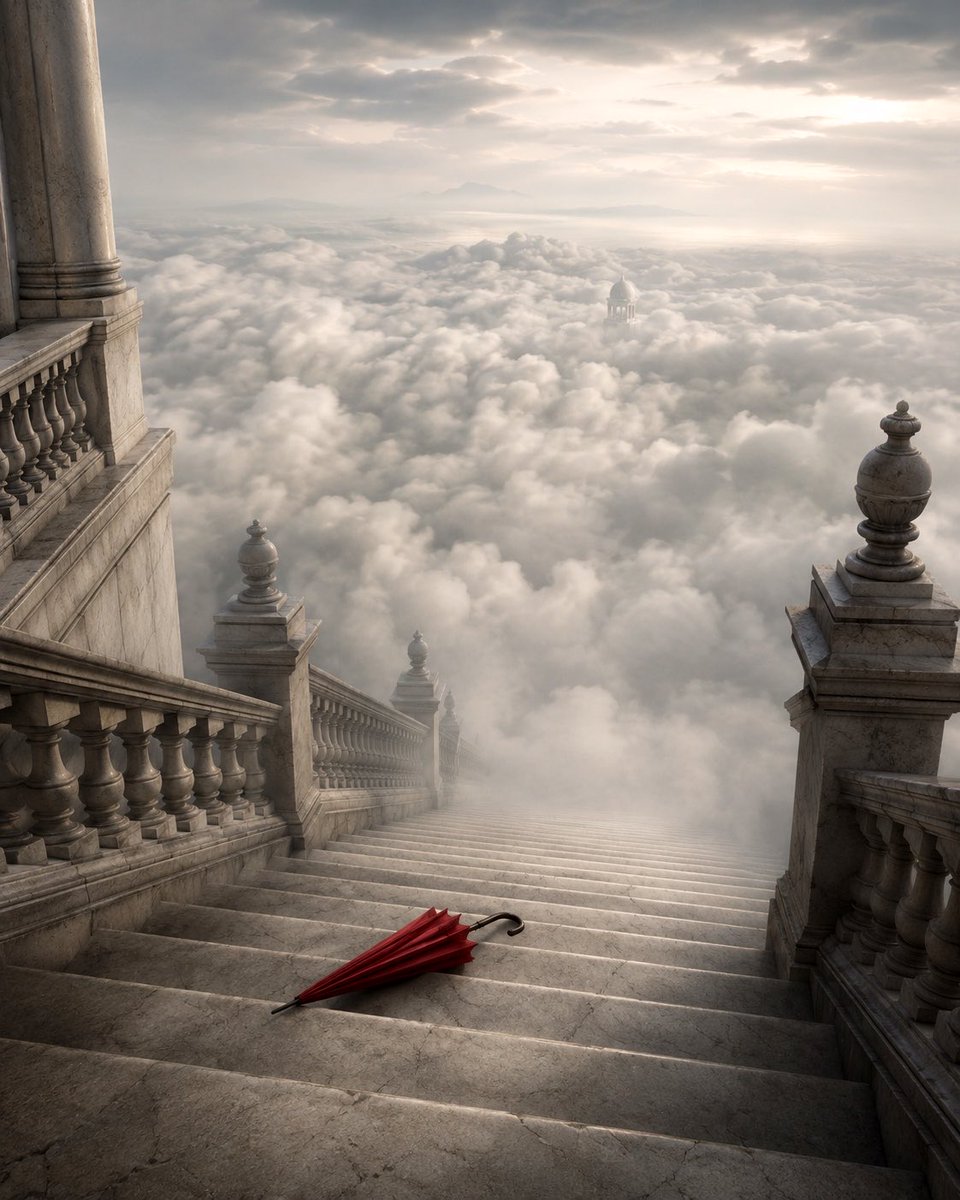
Grand Staircase Above the Clouds
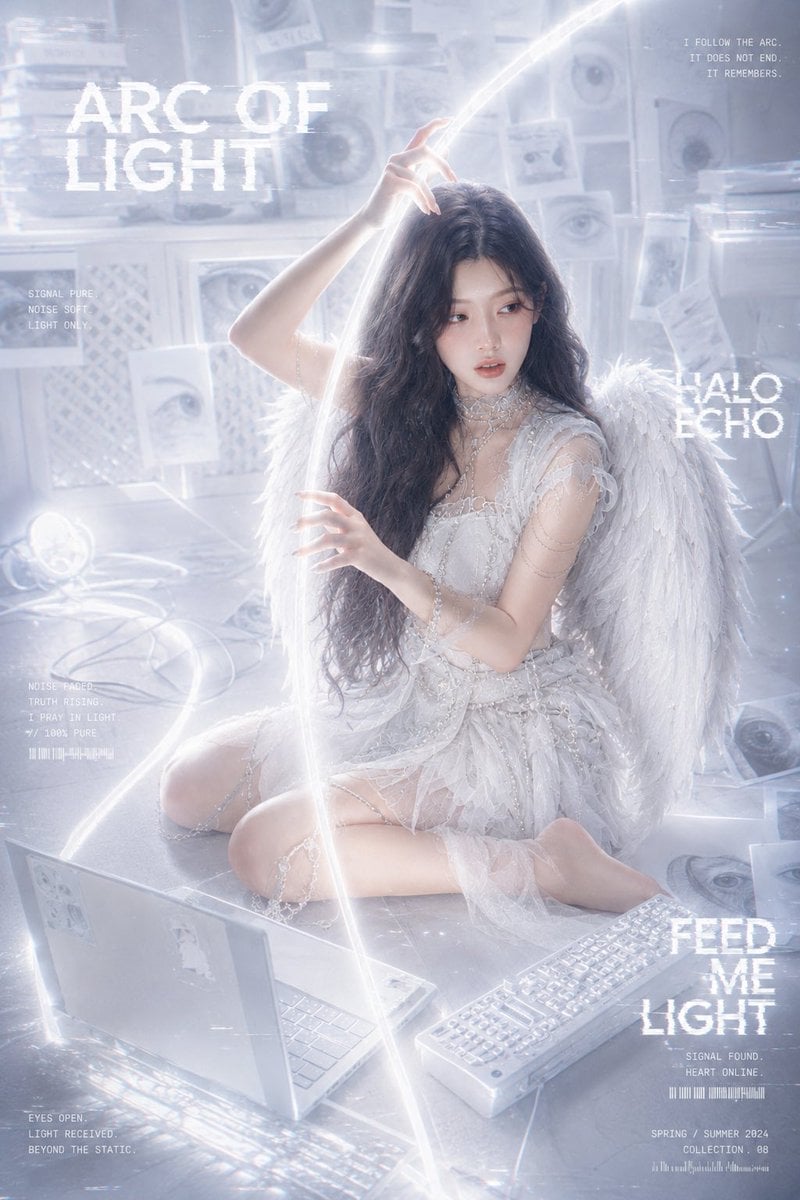
Arc of Light Cyber Angel Poster
Make it yours
Radiant Angel in Golden Clouds works as-is. These are the safest ways to change it without losing the look.
Change one field
Copy a single group, rewrite it, and generate again so you can see what that field is doing.
Keep the frame, change the subject
Hold the composition and light of Radiant Angel in Golden Clouds, then swap wardrobe, props or the person for a new take.
| If the result… | Why | Fix |
|---|---|---|
| The result drifts from the preview | Too many fields changed at once. | Reuse Radiant Angel in Golden Clouds as-is first, then change one group — subject, light, or setting. |
| The model over-stylizes the scene | The prose prompt leaves finish and camera underspecified. | Add one camera or lighting sentence and stay on GPT Image 2. |
More GPT Image 2 templates
Other prompts made for GPT Image 2.

Six VTuber Japanese Logo Sheet

Realistic Portrait of Woman and Deer

The Vista Modular Condo Poster

AI Model Routing Comparison Infographic

2.5D Anime Art Board

Isometric Productivity Desk Scene

New York Double Exposure Poster

Four-Panel AI Landscape Comparison

Japanese Tatami Lifestyle Magazine Cover

NESCAFÉ Coffee Map Poster
More image prompts
Fresh picks from across the catalog.

Japanese Sports School Flyer Photo
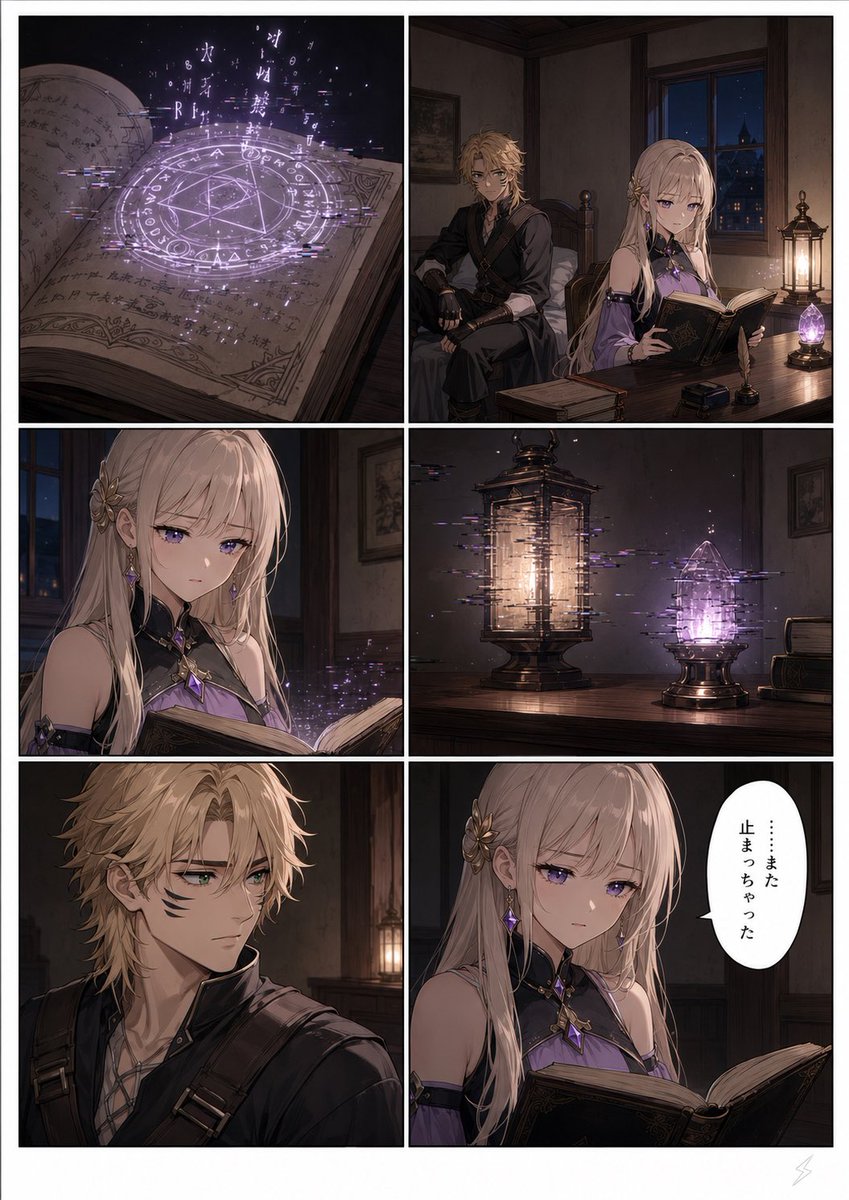
Six-Panel Fantasy Magic Comic Page
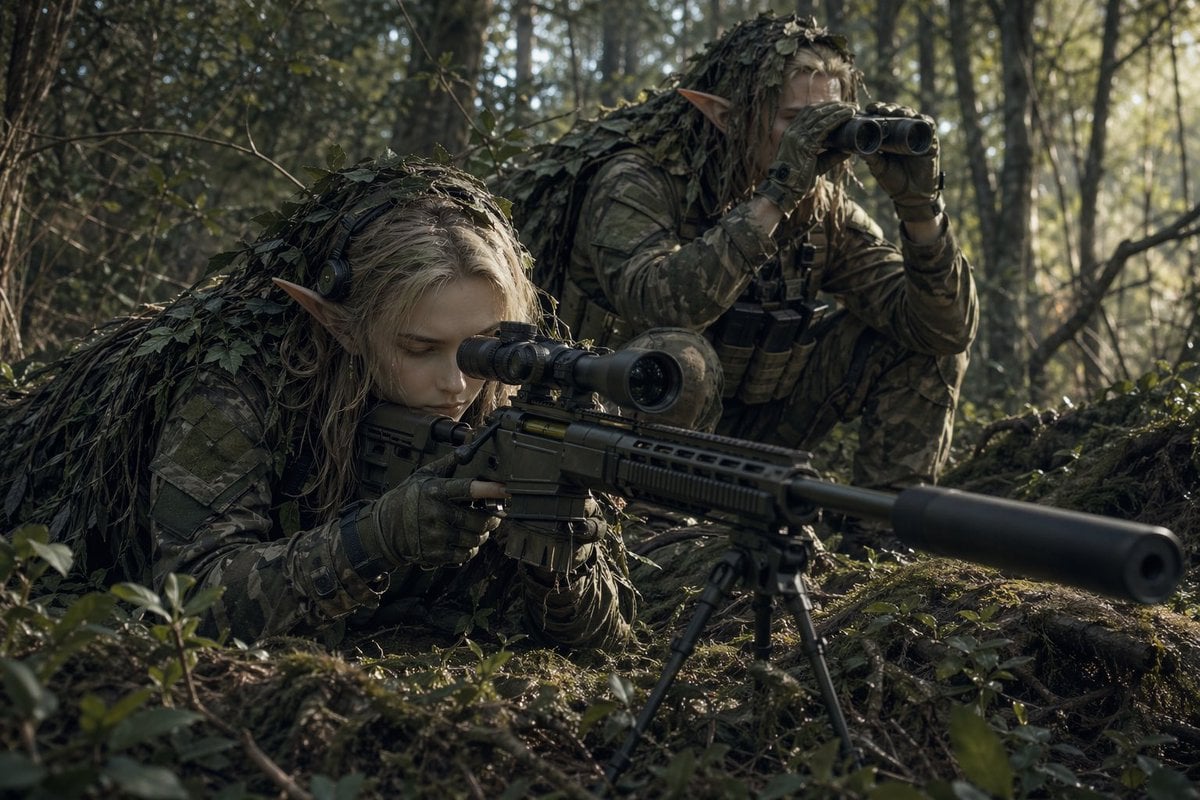
Elf Sniper Team in Forest Ambush
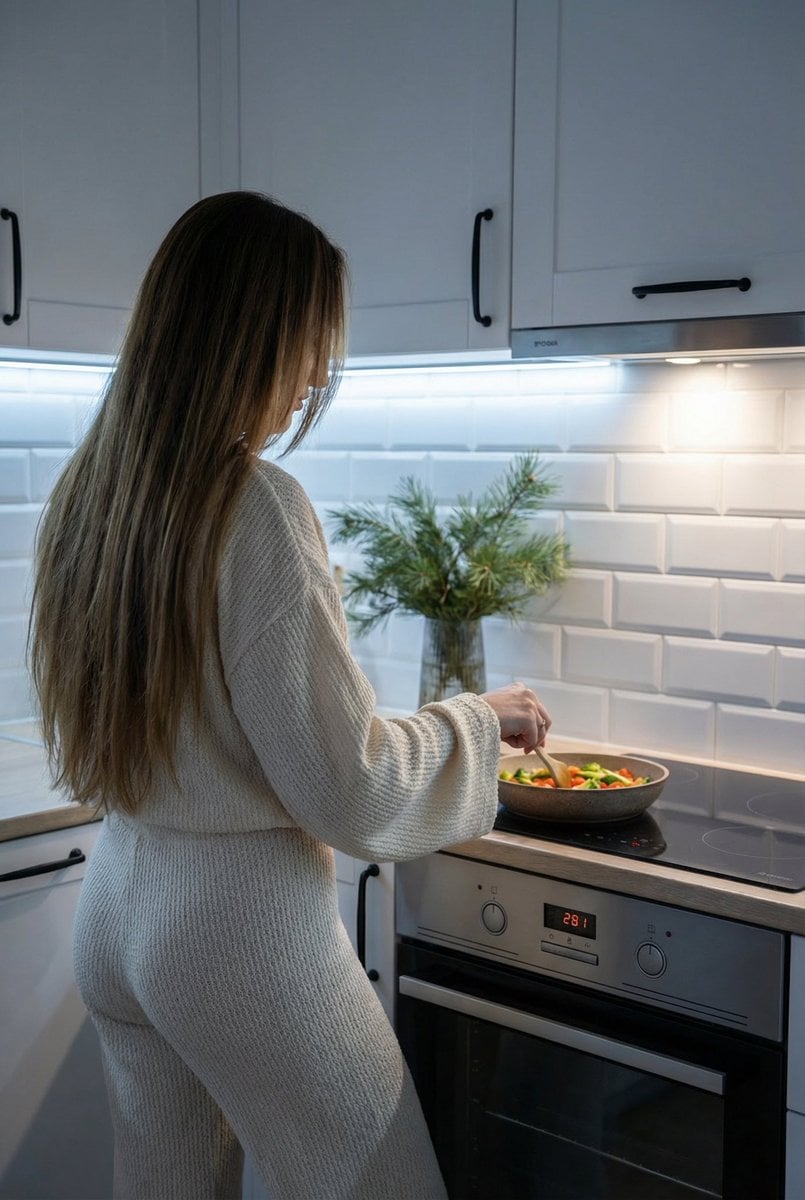
Candid Shot of Woman Cooking in Modern Kitchen
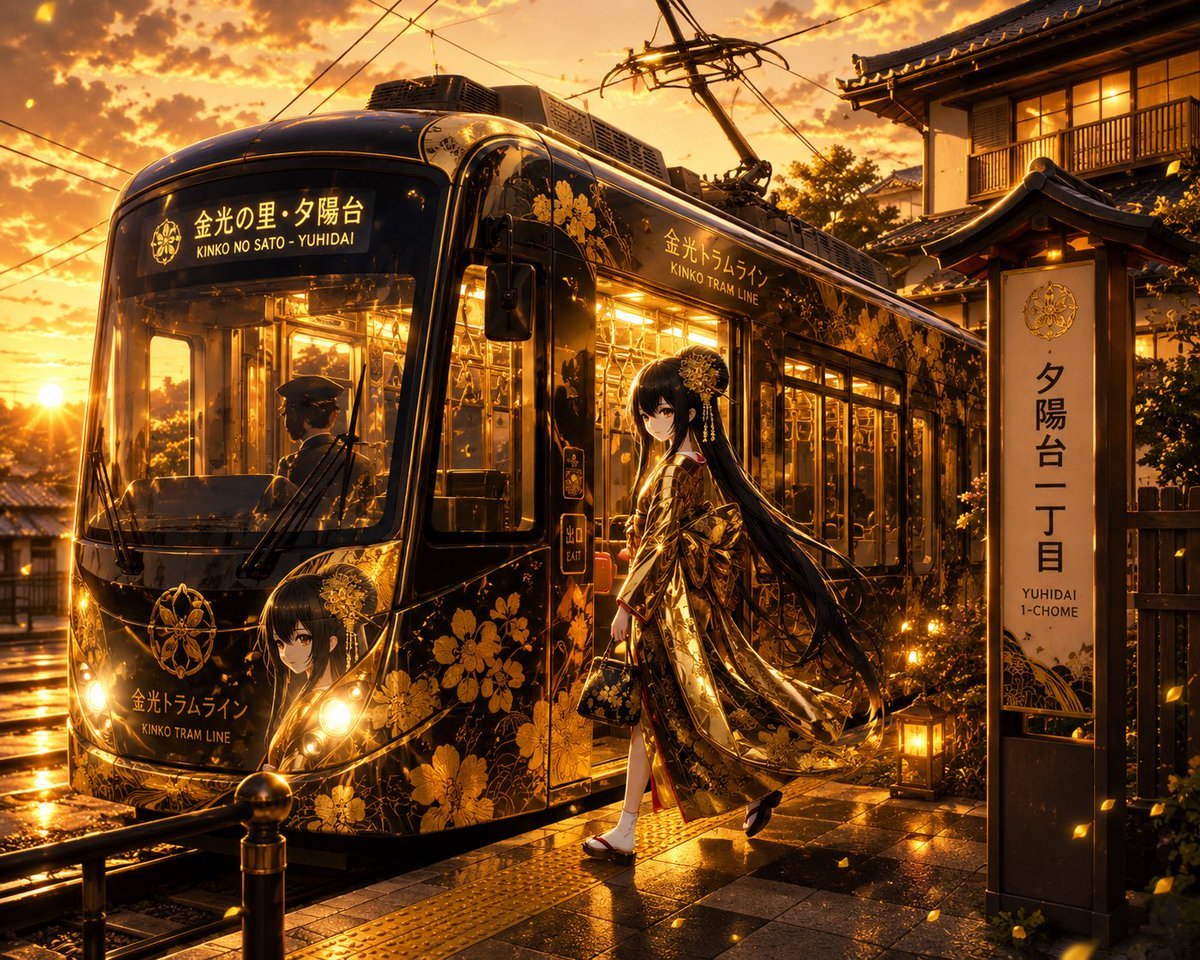
Golden Anime Tram at Sunset

Conceptual brand storytelling visual prompt
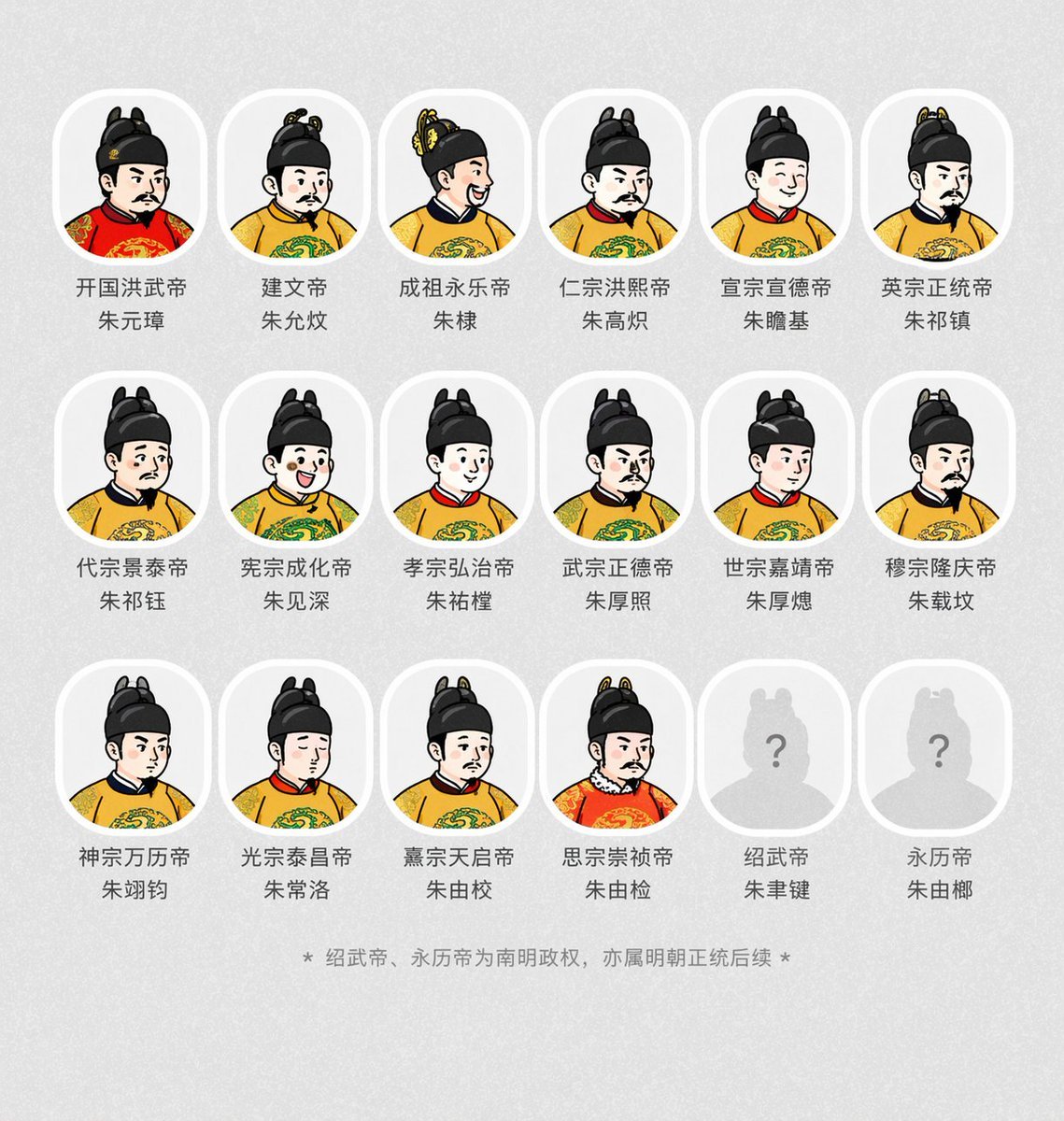
Historical Emperor Portrait Generation
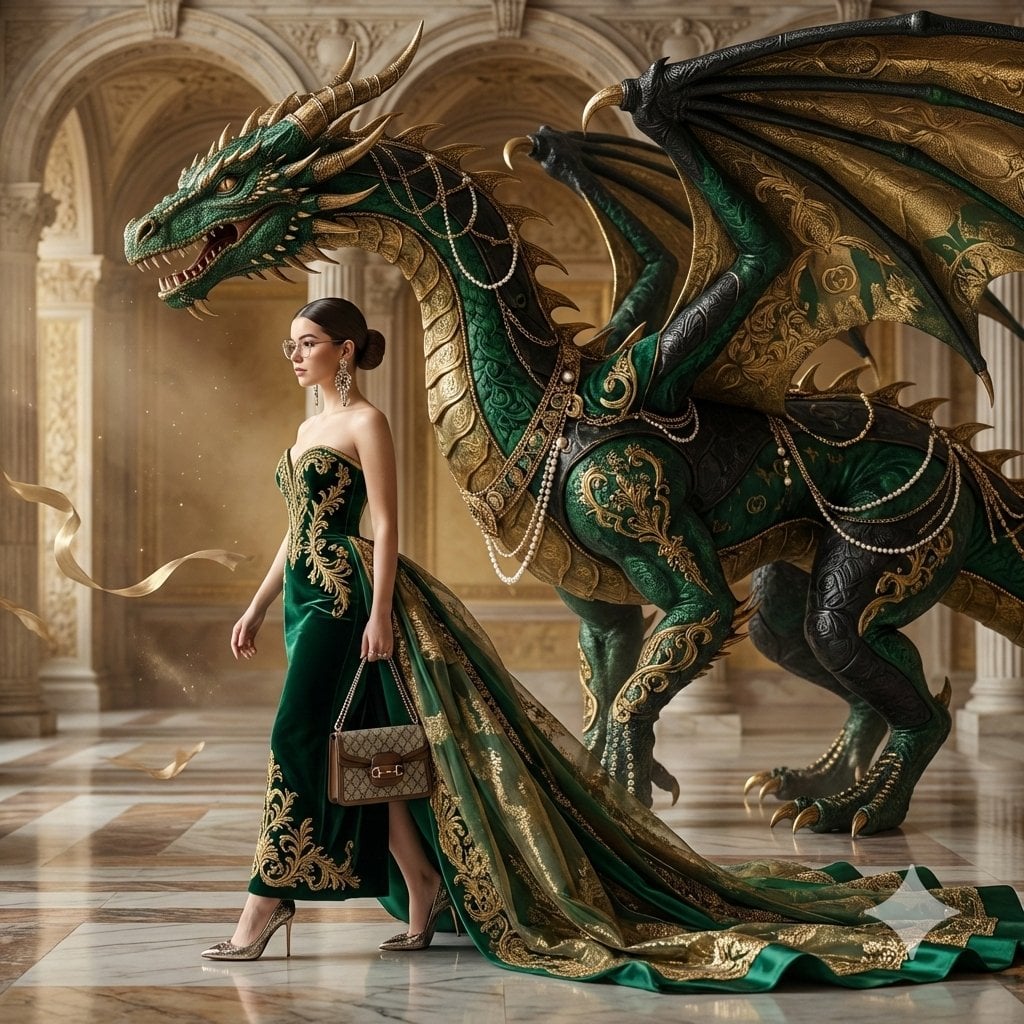
untitled
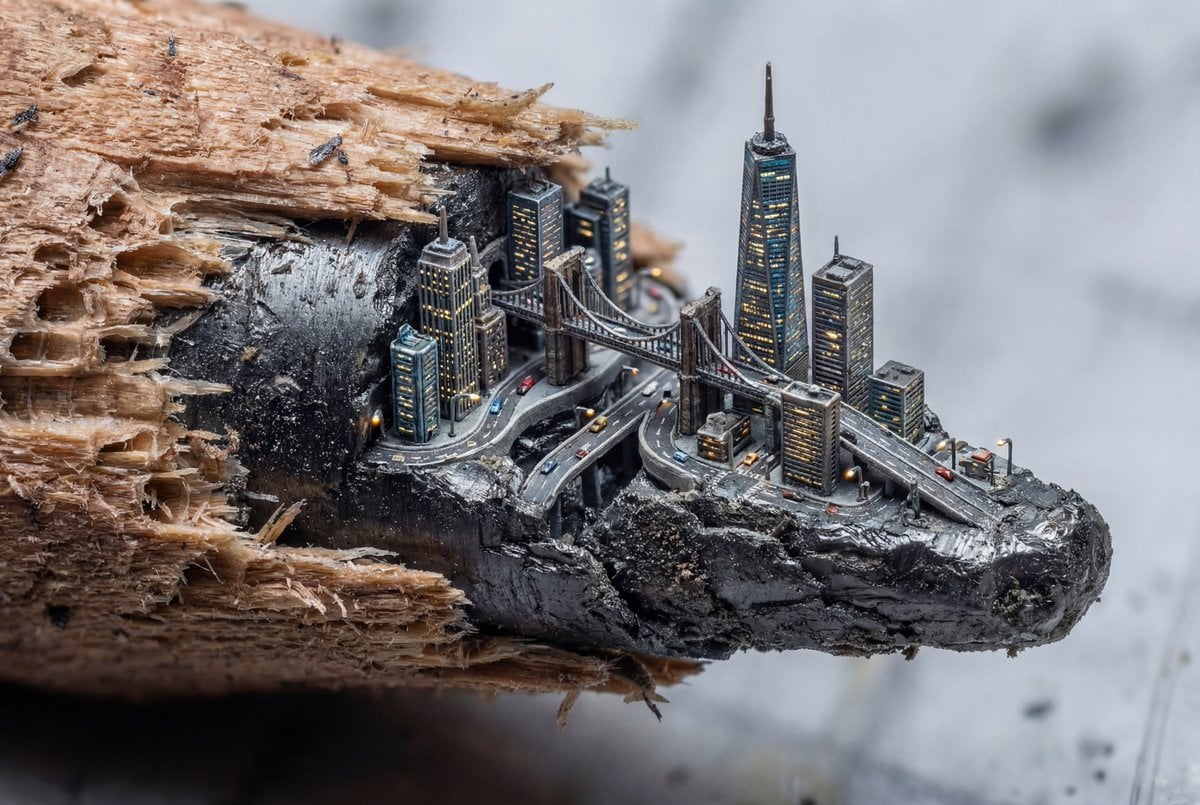
Microscopic City Art Addition Prompt
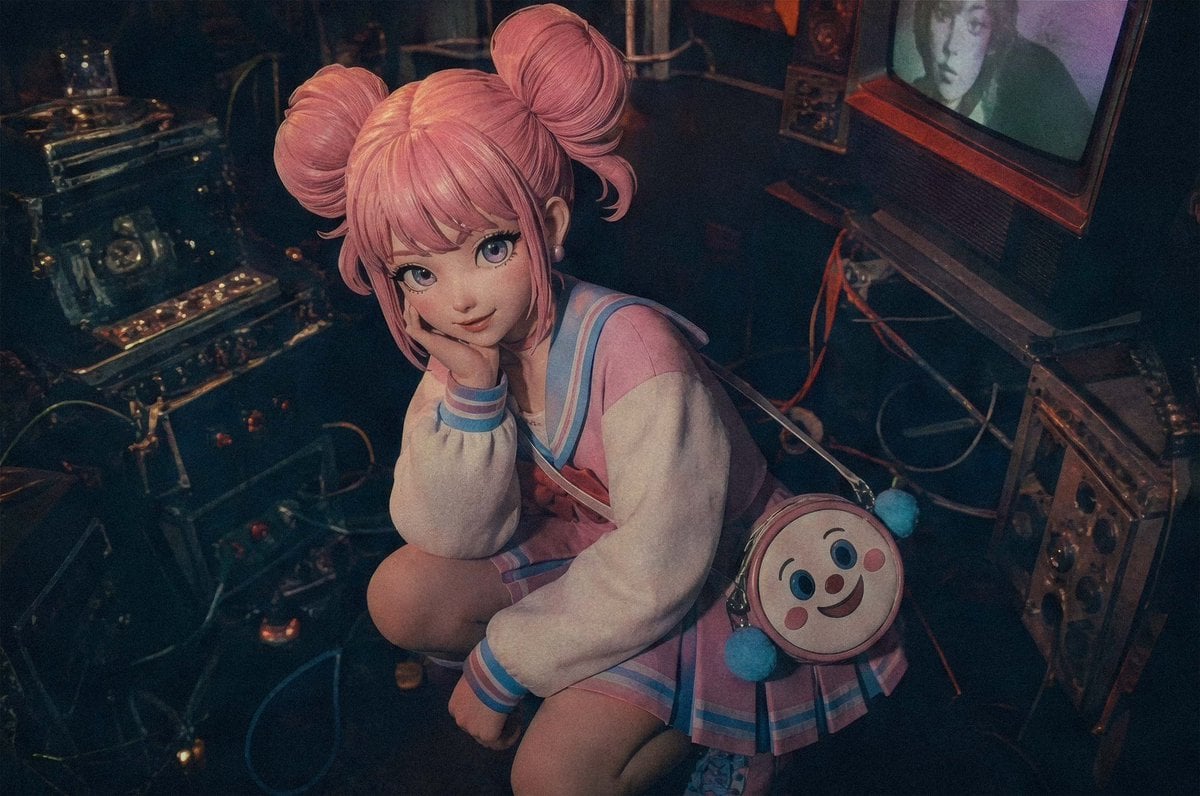
Pastel Cyberpunk Retro Electronics Portrait
Browse template categories
Radiant Angel in Golden Clouds questions
How do I use the Radiant Angel in Golden Clouds template?
Add your photo if the template asks for one, edit the prompt if you like — the template's model and format are already selected — and press Generate. Your version opens in PicX Studio.
Can I customize the Radiant Angel in Golden Clouds template?
Yes. You can change the subject, setting, lighting, mood, format, and available model controls before creating your image.
Is the Radiant Angel in Golden Clouds template free?
Opening and editing this template is free. Generating uses credits, shown on the Generate button when you are signed in.
Which AI model should I use?
Start with GPT Image 2, which is the model associated with this template. You can compare another compatible model for a different finish.
Looking for something else? Browse all templates.

Your photo, any look
Thousands of ready templates for every top image and video model, from one credit balance.