
Japanese Sports School Flyer Photo
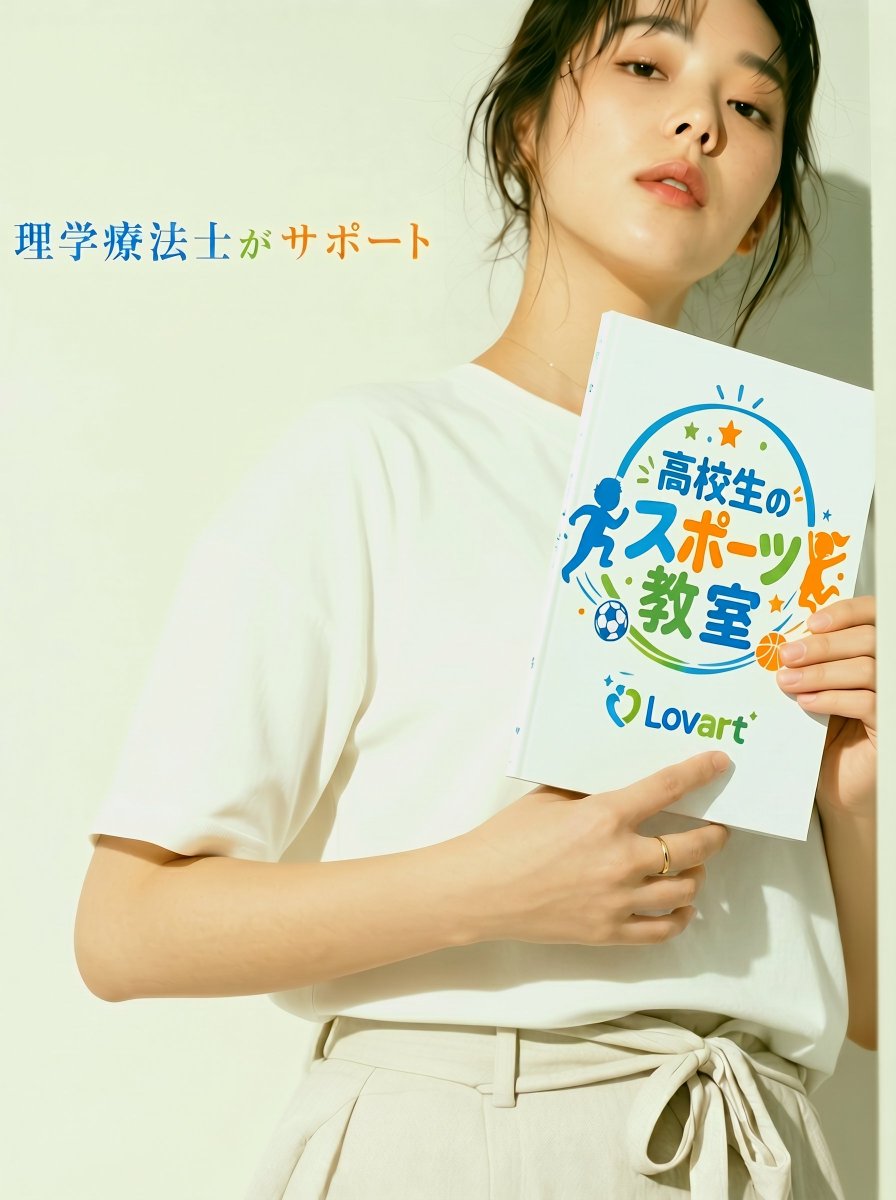
A photorealistic Japanese promotional flyer-style portrait featuring a woman holding a branded sports-class booklet for youth sports advertising.
- Prompt included
- Model and format preset
- Free template
The prompt behind this image
Copy the exact prompt behind Japanese Sports School Flyer Photo, or open it in the studio and make it yours.
Create a vertical 3:4 photorealistic Japanese promotional flyer image with a clean editorial fashion-ad feel. Show a young Japanese woman, about 20s, wearing a plain white short-sleeve T-shirt tucked into high-waisted off-white linen pants with a tied waist belt, standing against a warm pale cream wall in soft direct sunlight. She is framed from upper thighs to head, positioned slightly right of center, looking calmly and confidently down toward the camera with a relaxed expression, natural glossy skin, subtle makeup, loose dark hair tied back with wispy strands around her face. She holds a white booklet vertically against her chest with both hands; include one thin ring on a finger. On the left side of the image, place the headline text 「理学療法士がサポート」 in an elegant Japanese Mincho-style serif font, with 「理学療法士」 in blue, 「が」 in green, and 「サポート」 in orange. The booklet cover should have a cheerful sports-school logo design with the main Japanese text 「高校生のスポーツ教室」 in playful rounded lettering, blue/orange/green colors, plus the Lovart logo text near the bottom. Count exactly 5 prominent sports-themed graphic elements on the booklet: 1 blue running silhouette on the left, 1 orange running silhouette on the right, 1 blue-and-white soccer ball near the lower left, 1 orange basketball near the lower right, and 1 circular swoosh arc wrapping around the title. Add small decorative stars and dots around the logo, but keep them secondary. Use a bright airy color palette, realistic shadows on the wall, shallow depth of field, premium commercial photography, crisp booklet print, no watermark, no extra text beyond the specified Japanese copy and Lovart branding. Customize the visible sponsor brand as {argument name="sponsor brand" default="Lovart"}, the booklet title as {argument name="booklet title" default="高校生のスポーツ教室"}, the left headline as {argument name="headline text" default="理学療法士がサポート"}, the target audience as {argument name="target audience" default="high school students"}, and the model outfit color as {argument name="model outfit color" default="white and off-white"}.
How to use Japanese Sports School Flyer Photo in 3 steps
- 1Upload ImagePNG, JPG or paste
Add your photo
Upload the photo the template builds on. The prompt, model and format are already set.
- 2…a portrait of your subject in softgolden-hour light, 85mm…
Personalize
Edit the subject and creative details for your destination.
- 3Generate
Generate
Press Generate — your image is created in PicX Studio, so you can compare it with the original and refine one variable at a time.
More like this
Templates with the same subject, style or setup. Open one to see its prompt.
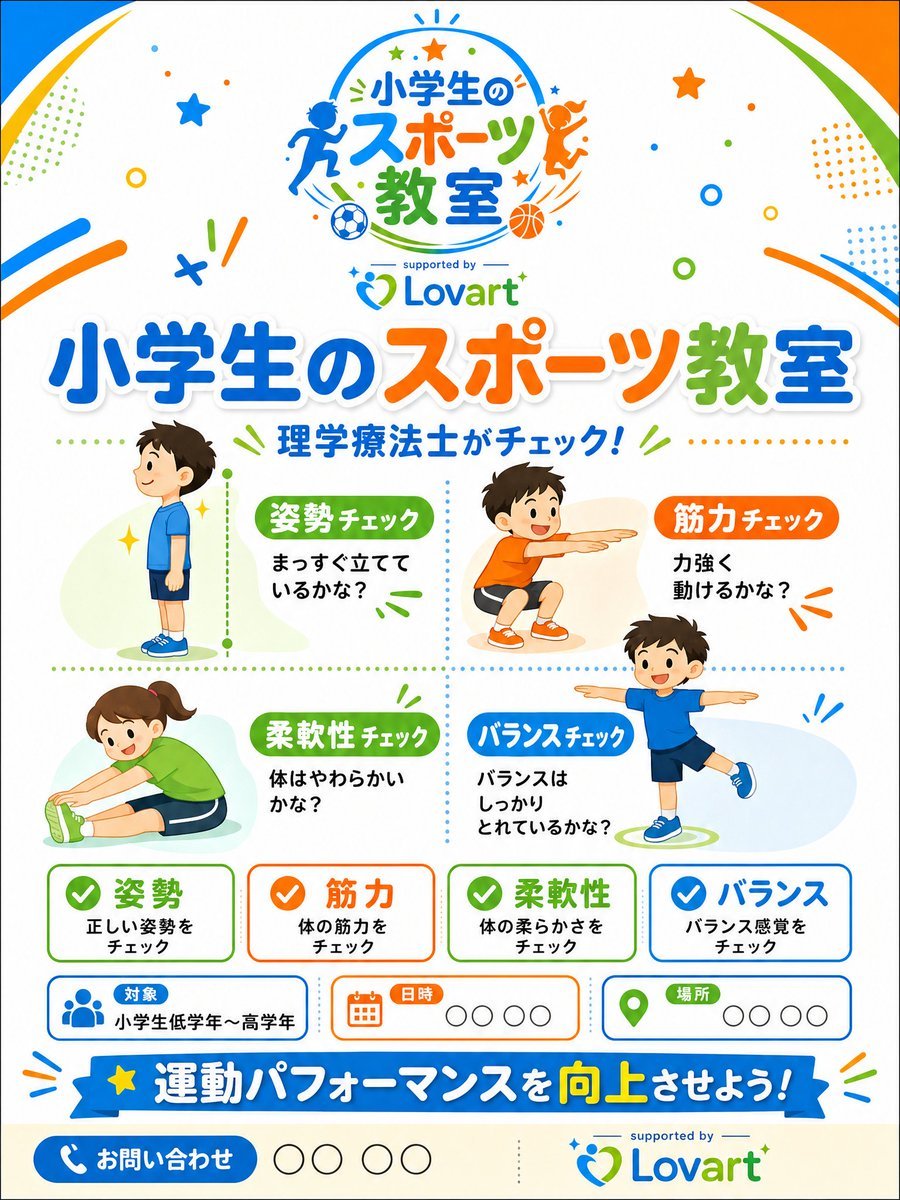
Japanese Kids Sports Class Flyer
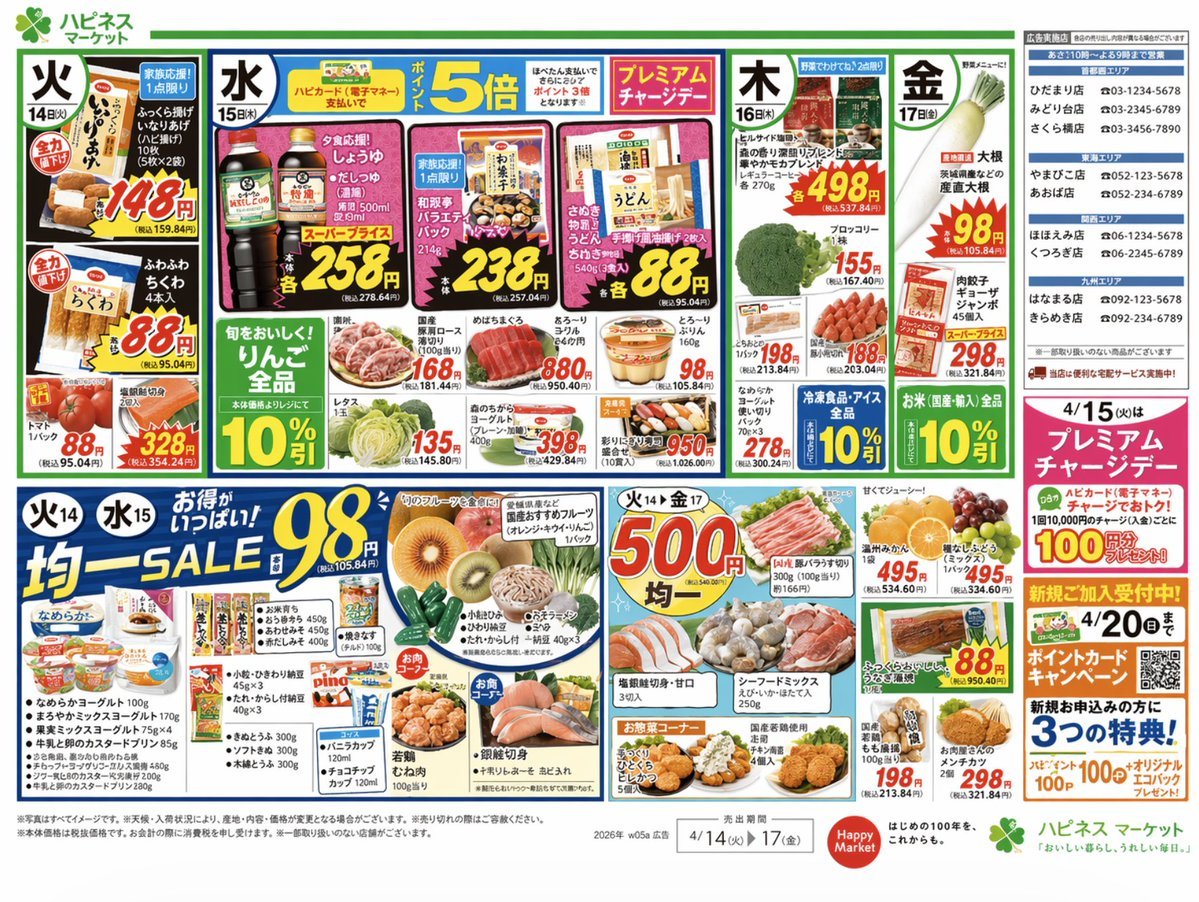
Japanese Supermarket Promotional Flyer

Minecraft Japanese Research Lab Exploration
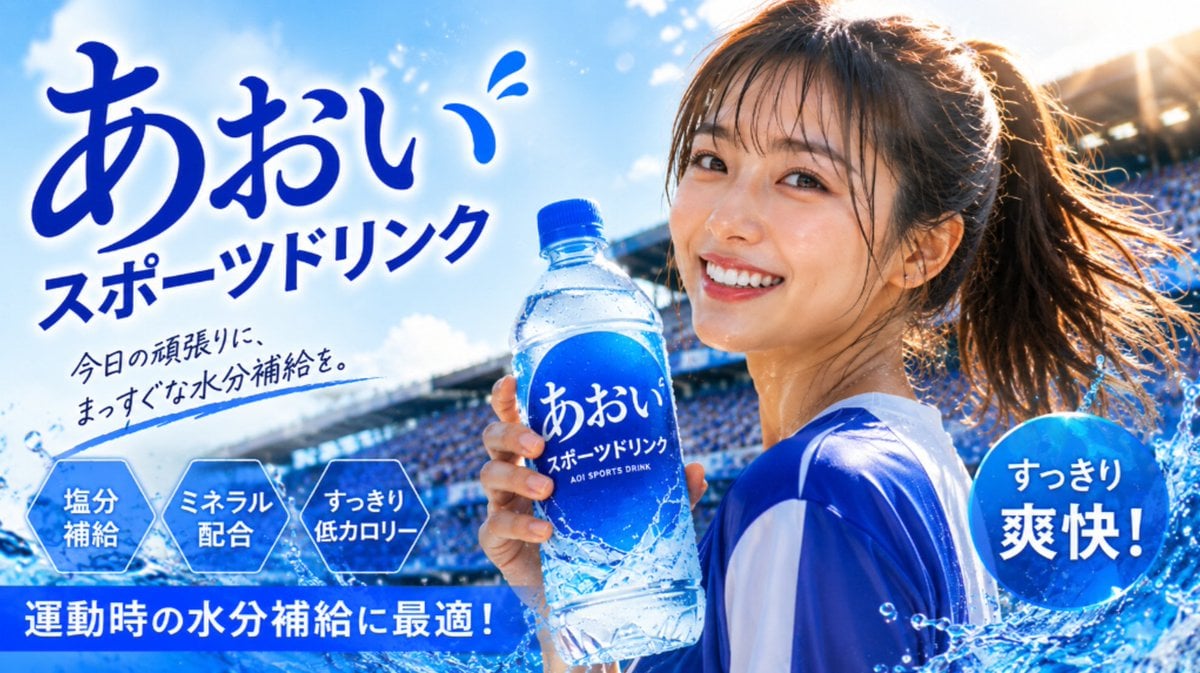
Japanese Sports Drink Ad Poster
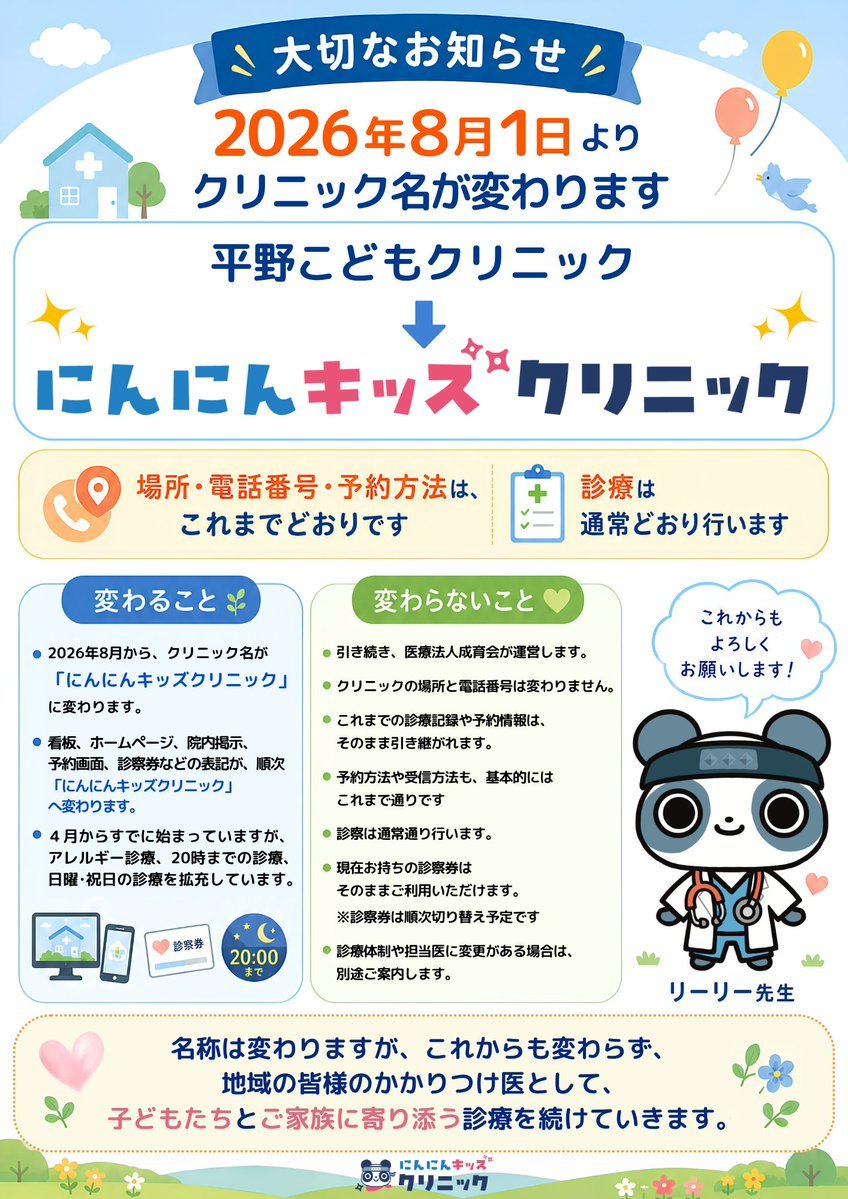
Japanese Pediatric Clinic Name Change Flyer
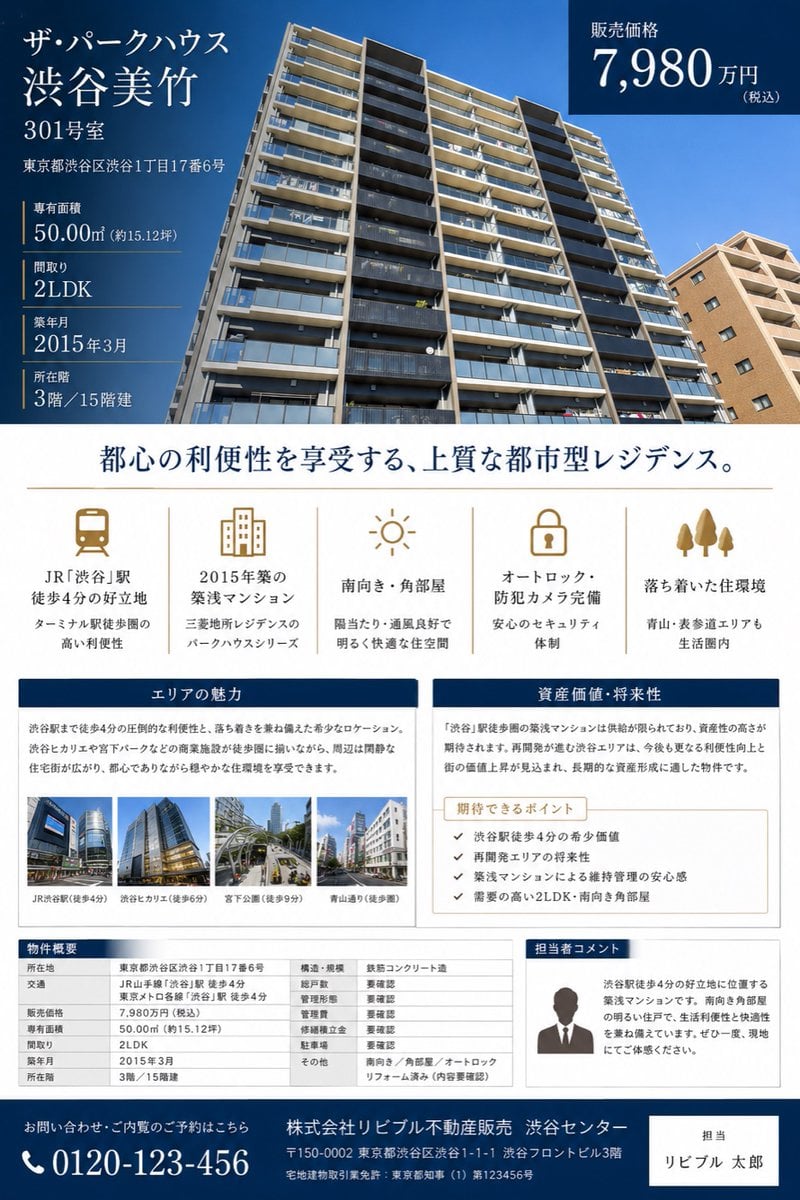
Japanese Luxury Condo Sales Flyer

Japanese Architectural Concrete Studio Fashion Campaign

Japanese Minimalist Concrete Studio Fashion Editorial

Blue Backdrop Luxury Fashion Portrait Campaign

Legendary Player Fragmented Editorial Poster

Goalmaster Youth Sports Poster

Clean Minimalist Player Editorial Poster
Make it yours
Japanese Sports School Flyer Photo works as-is. These are the safest ways to change it without losing the look.
Change one field
Copy a single group, rewrite it, and generate again so you can see what that field is doing.
Keep the frame, change the subject
Hold the composition and light of Japanese Sports School Flyer Photo, then swap wardrobe, props or the person for a new take.
| If the result… | Why | Fix |
|---|---|---|
| The result drifts from the preview | Too many fields changed at once. | Reuse Japanese Sports School Flyer Photo as-is first, then change one group — subject, light, or setting. |
| The model over-stylizes the scene | The prose prompt leaves finish and camera underspecified. | Add one camera or lighting sentence and stay on GPT Image 2. |
More GPT Image 2 templates
Other prompts made for GPT Image 2.

Six VTuber Japanese Logo Sheet

Realistic Portrait of Woman and Deer

The Vista Modular Condo Poster

AI Model Routing Comparison Infographic

2.5D Anime Art Board

Isometric Productivity Desk Scene

New York Double Exposure Poster

Four-Panel AI Landscape Comparison

Japanese Tatami Lifestyle Magazine Cover

NESCAFÉ Coffee Map Poster
More image prompts
Fresh picks from across the catalog.
untitled
Editorial Monochrome Street Photograph (Leica SL3)
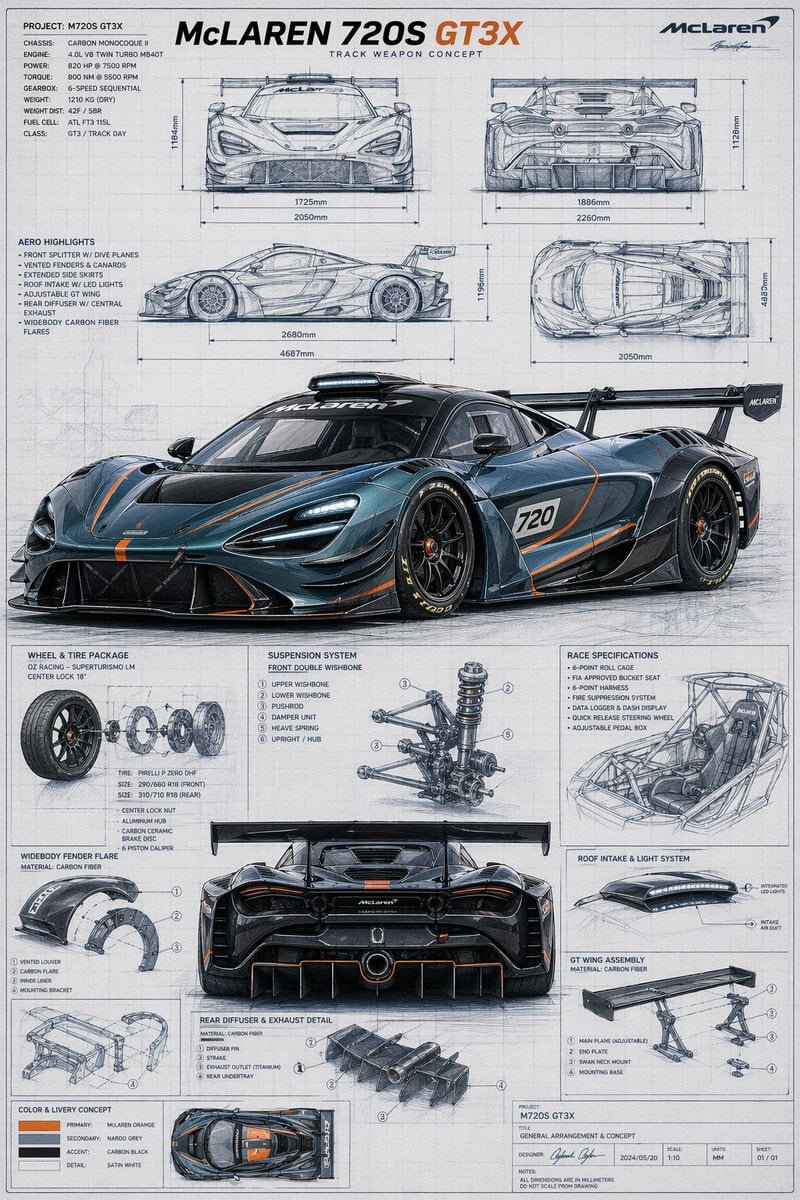
McLaren GT3X Technical Blueprint Poster

Elegant Woman on Night Train Platform

Hyper-realistic portrait of a young man with platinum buzz cut
8K Stylized Digital Portrait with Identity Lock
Nano Banana Pro Prompt: Candid Mirror Selfie with Cat

Chinese AI Retirement Planning Infographic

Fantasy Sports Legend Poster
Intimate Morning Selfie Portrait
Browse template categories
Japanese Sports School Flyer Photo questions
How do I use the Japanese Sports School Flyer Photo template?
Add your photo if the template asks for one, edit the prompt if you like — the template's model and format are already selected — and press Generate. Your version opens in PicX Studio.
Can I customize the Japanese Sports School Flyer Photo template?
Yes. You can change the subject, setting, lighting, mood, format, and available model controls before creating your image.
Is the Japanese Sports School Flyer Photo template free?
Opening and editing this template is free. Generating uses credits, shown on the Generate button when you are signed in.
Which AI model should I use?
Start with GPT Image 2, which is the model associated with this template. You can compare another compatible model for a different finish.
Looking for something else? Browse all templates.

Your photo, any look
Thousands of ready templates for every top image and video model, from one credit balance.