
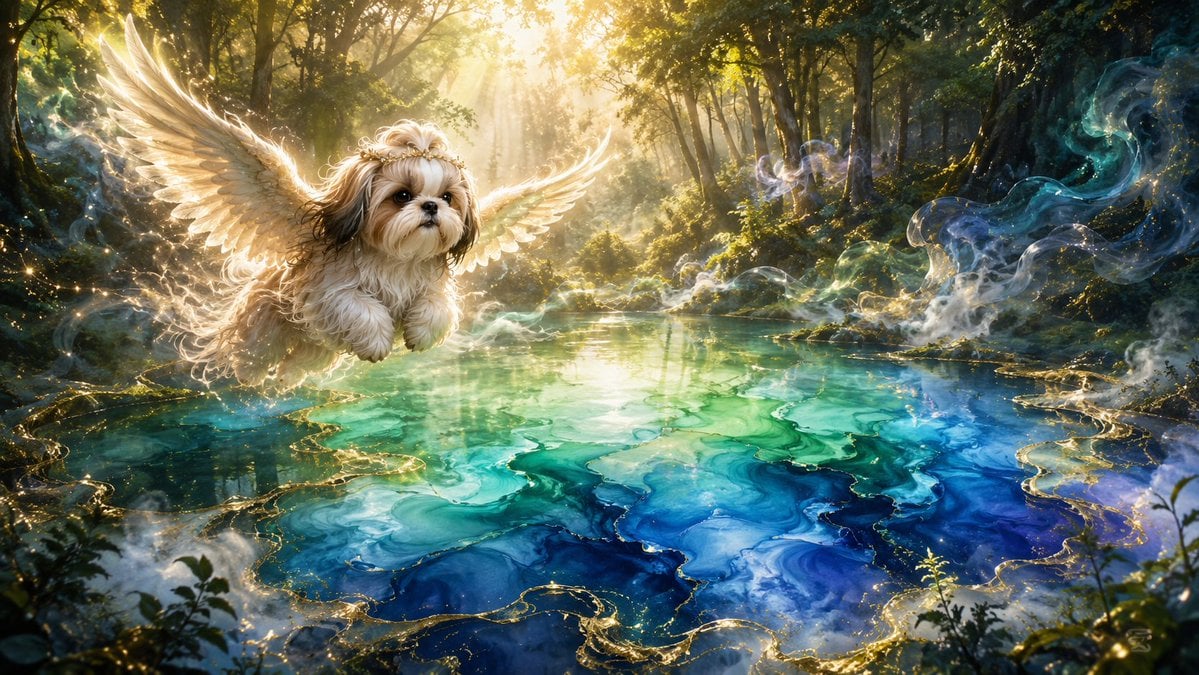
Angel Shih Tzu Over Ink Pond
A cinematic fantasy scene of a winged fluffy dog flying over a luminous alcohol-ink pond in a peaceful sunlit forest.
- Prompt included
- Model and format preset
- Free template
The prompt behind this image
Copy the exact prompt behind Angel Shih Tzu Over Ink Pond, or open it in the studio and make it yours.
Create a serene fantasy digital artwork in a wide cinematic 16:9 composition. In an enchanted forest at sunrise, show a small fluffy {argument name="dog breed" default="Shih Tzu"} flying gently above a luminous pond, positioned left of center and facing slightly toward the viewer. Give the dog soft cream, beige, and light brown fur, large dark expressive eyes, a tiny black nose, and a peaceful innocent expression. Add one pair of large angel wings, feathered and semi-translucent, glowing with warm golden rim light behind the dog. The background is a dense green forest with tall trees, mossy banks, deep shadows, and brilliant sunbeams streaming through the canopy from the upper center, creating a calm, sacred, peaceful mood. The pond should look like flowing alcohol ink mixed with water: marbled turquoise, emerald, aqua, cobalt blue, and deep indigo swirls with translucent layers, glossy reflections, and delicate metallic gold veins tracing the edges of the ink shapes. Add ethereal mist, soft smoke-like wisps, tiny sparkling particles, and subtle magical light trails around the water and forest edges, especially on the right side. Use highly detailed painterly realism, cinematic lighting, volumetric rays, dreamy atmosphere, rich contrast, intricate fur and feather texture, no text, no humans, no watermark.
How to use Angel Shih Tzu Over Ink Pond in 3 steps
- 1Upload ImagePNG, JPG or paste
Add your photo
Upload the photo the template builds on. The prompt, model and format are already set.
- 2…a portrait of your subject in softgolden-hour light, 85mm…
Personalize
Edit the subject and creative details for your destination.
- 3Generate
Generate
Press Generate — your image is created in PicX Studio, so you can compare it with the original and refine one variable at a time.
More like this
Templates with the same subject, style or setup. Open one to see its prompt.
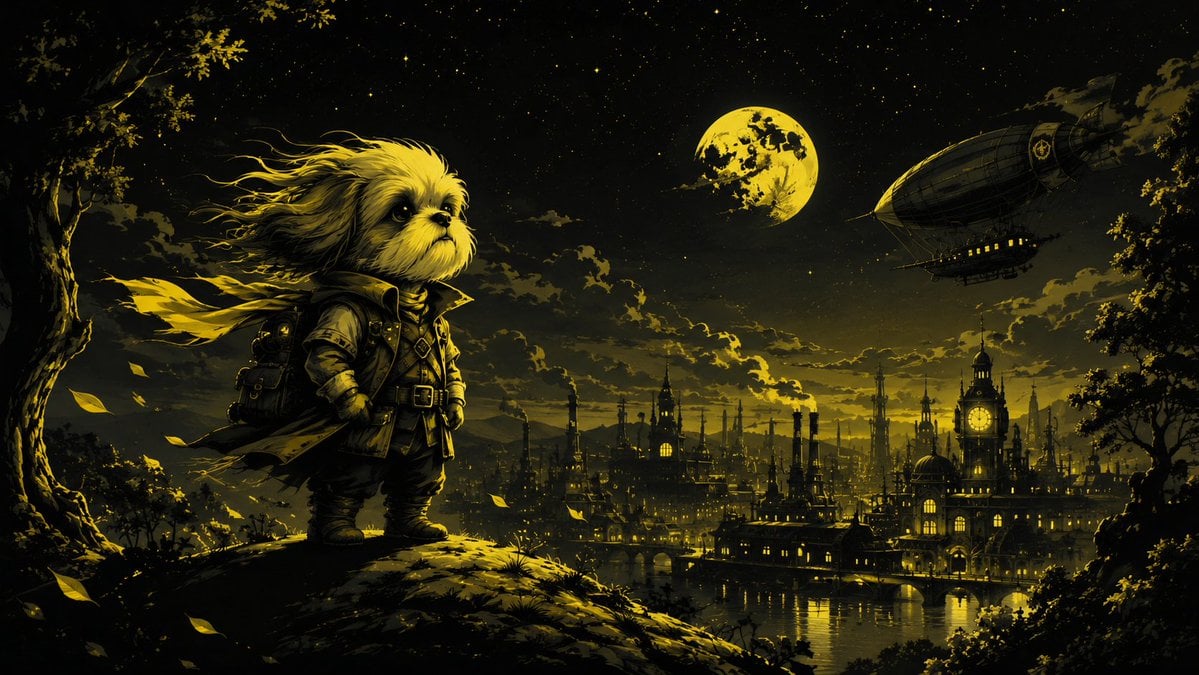
Steampunk Shih Tzu Moonlit City
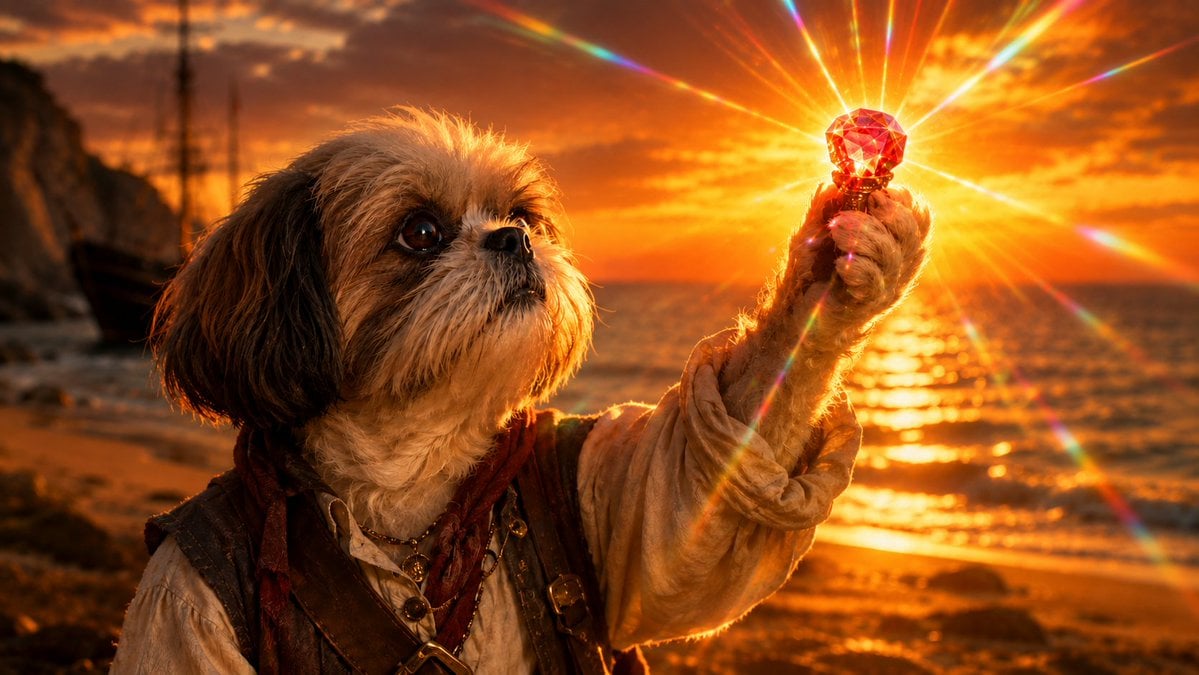
Shih Tzu Ruby Treasure Sunset

Vintage Lithograph Retro World Cup Poster
Vintage Lithograph Retro World Cup Poster
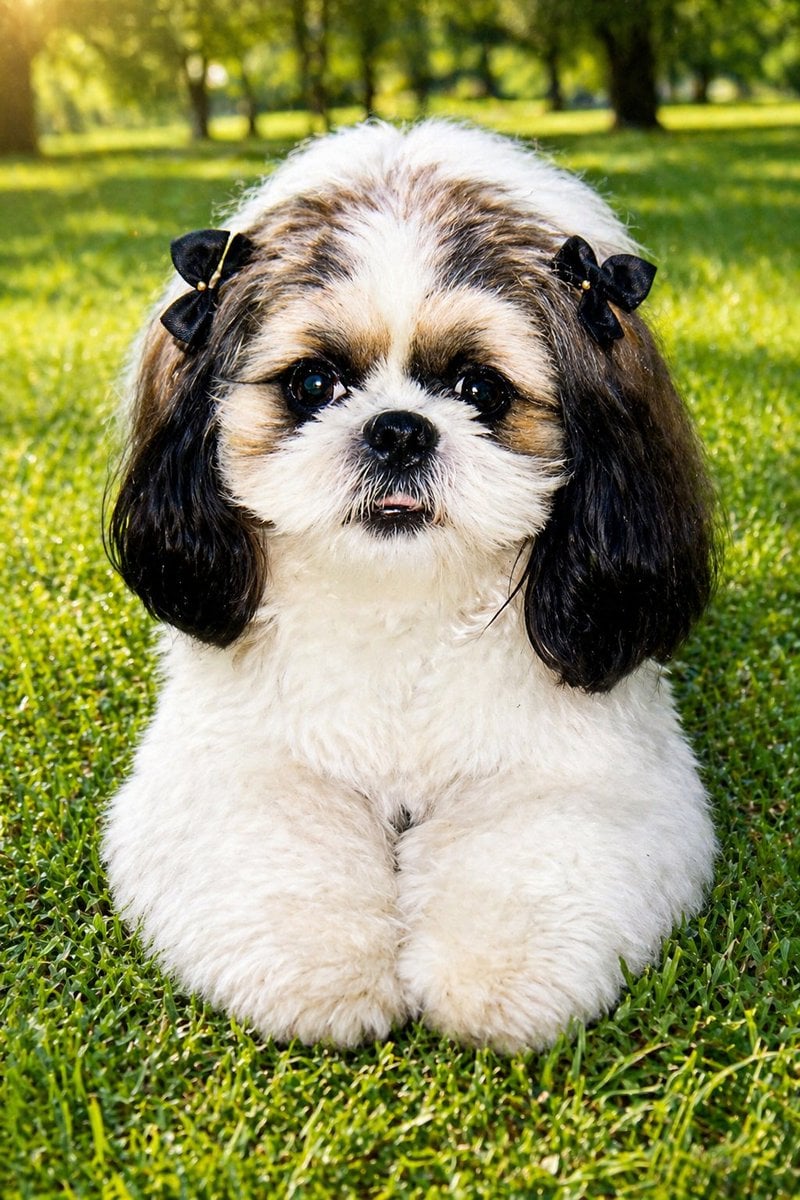
Shih Tzu Park Photo Restoration
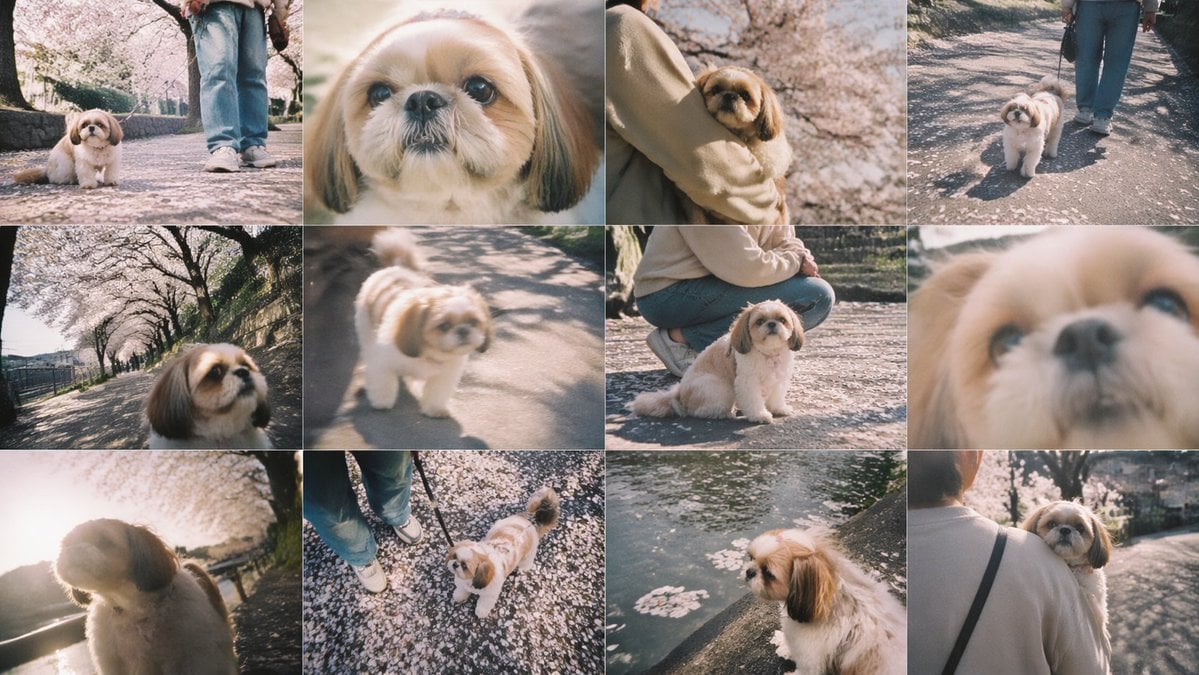
Cherry Blossom Shih Tzu Photo Collage
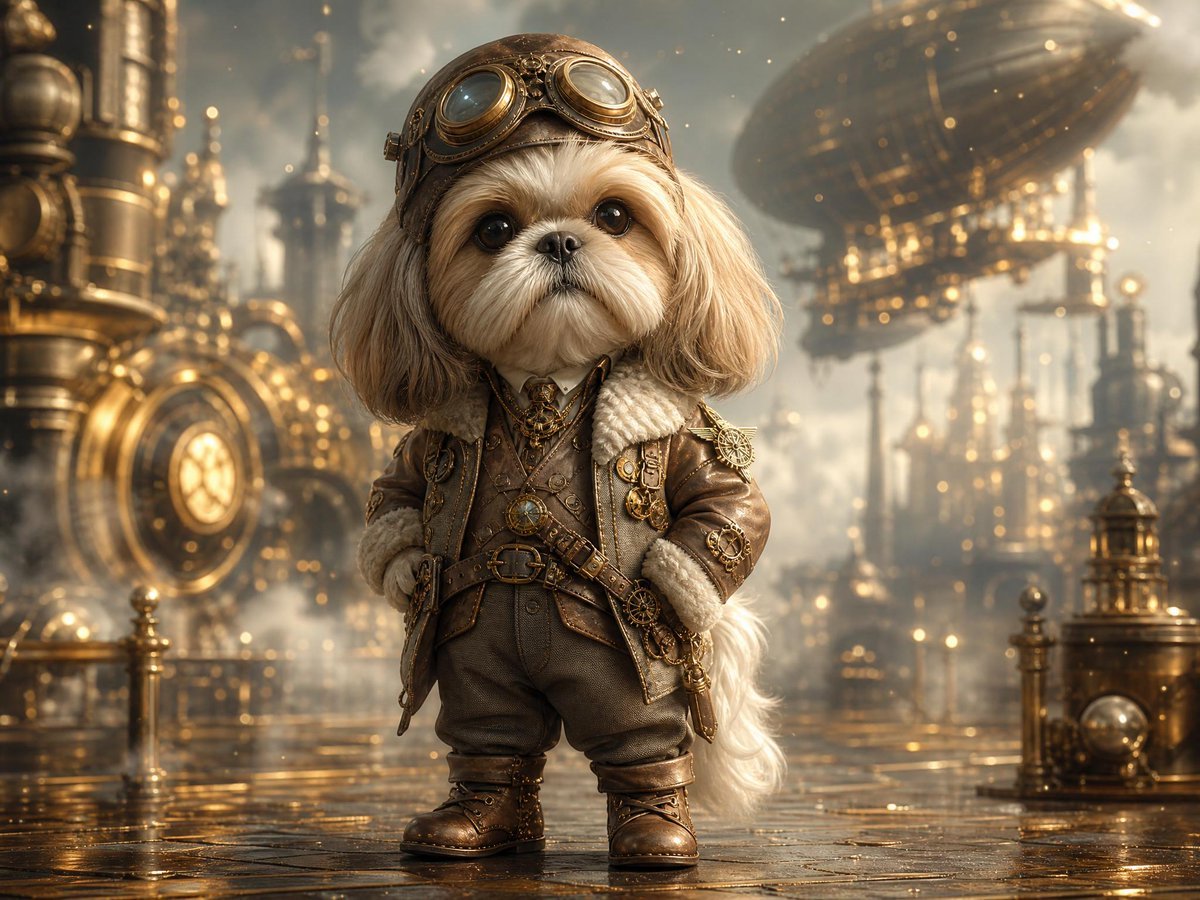
Steampunk Shih Tzu Airship Pilot
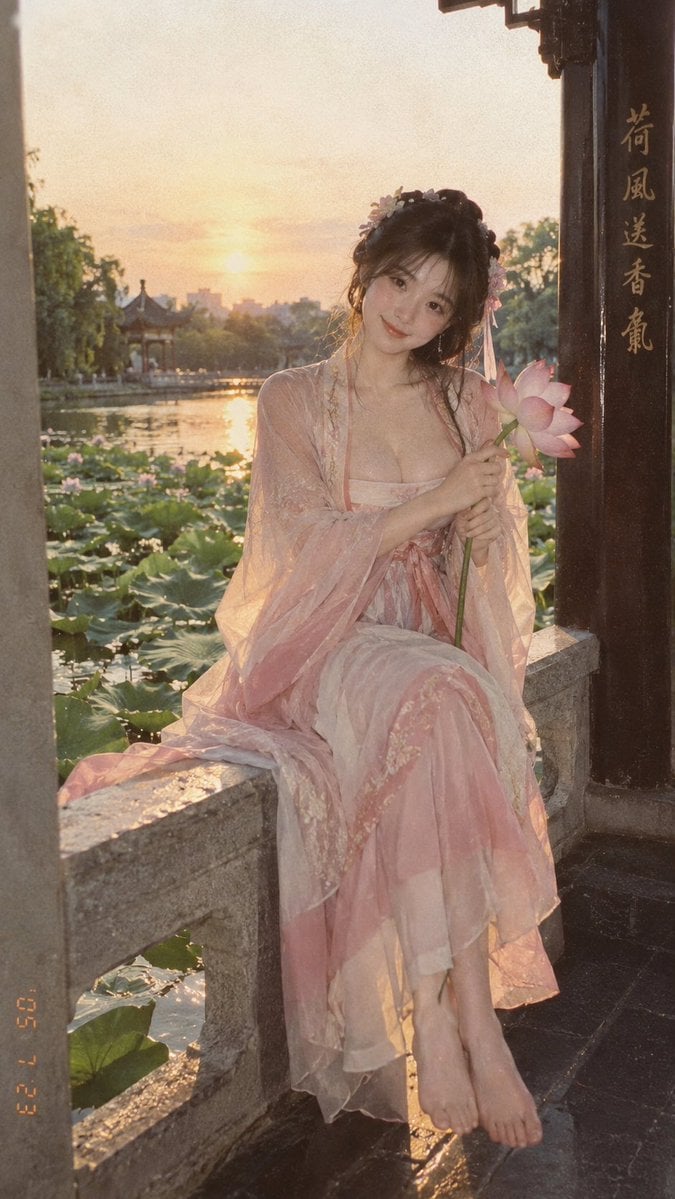
Lotus Pond Hanfu Sunset Portrait

Giant Lotus Pond Portrait
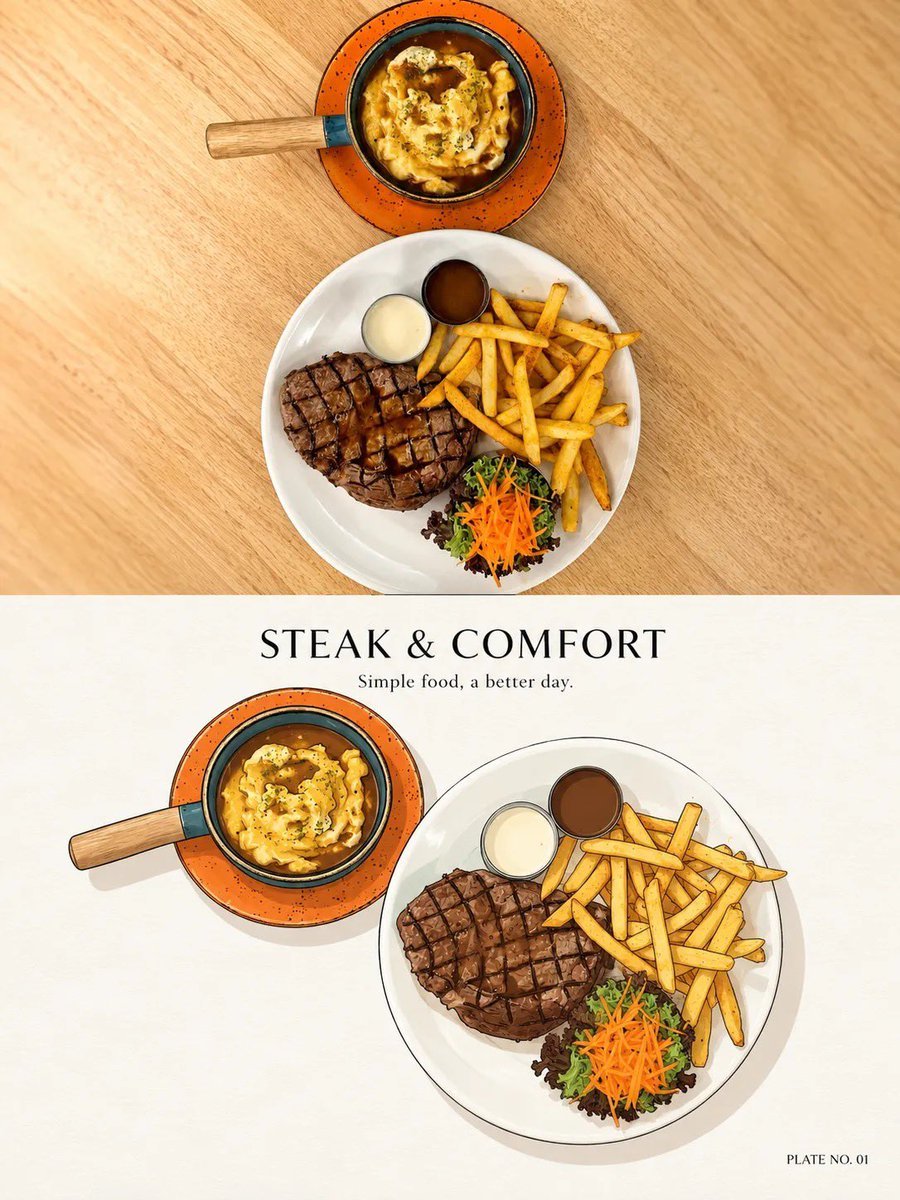
Minimal Ink Vignette Archive
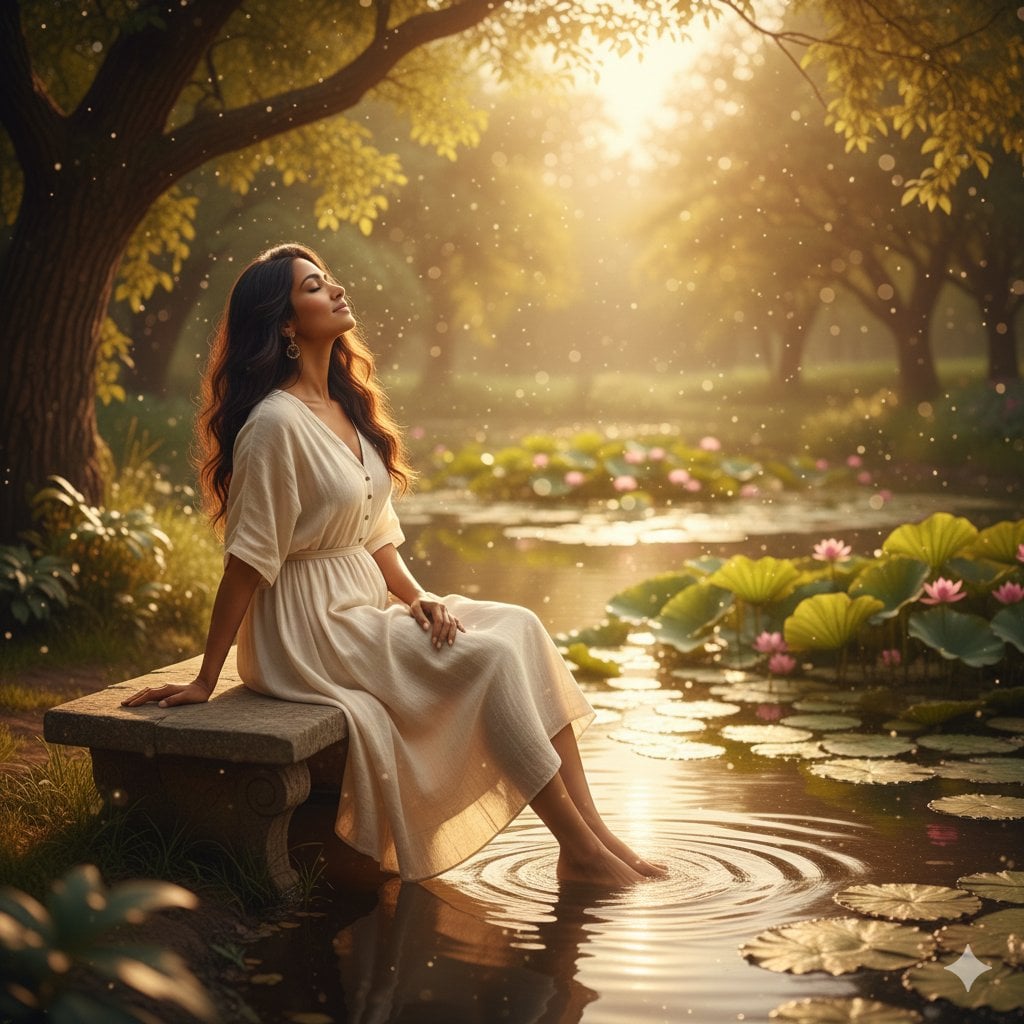
Unfolds beside a tranquil pond, where gentle ripples catch the warm
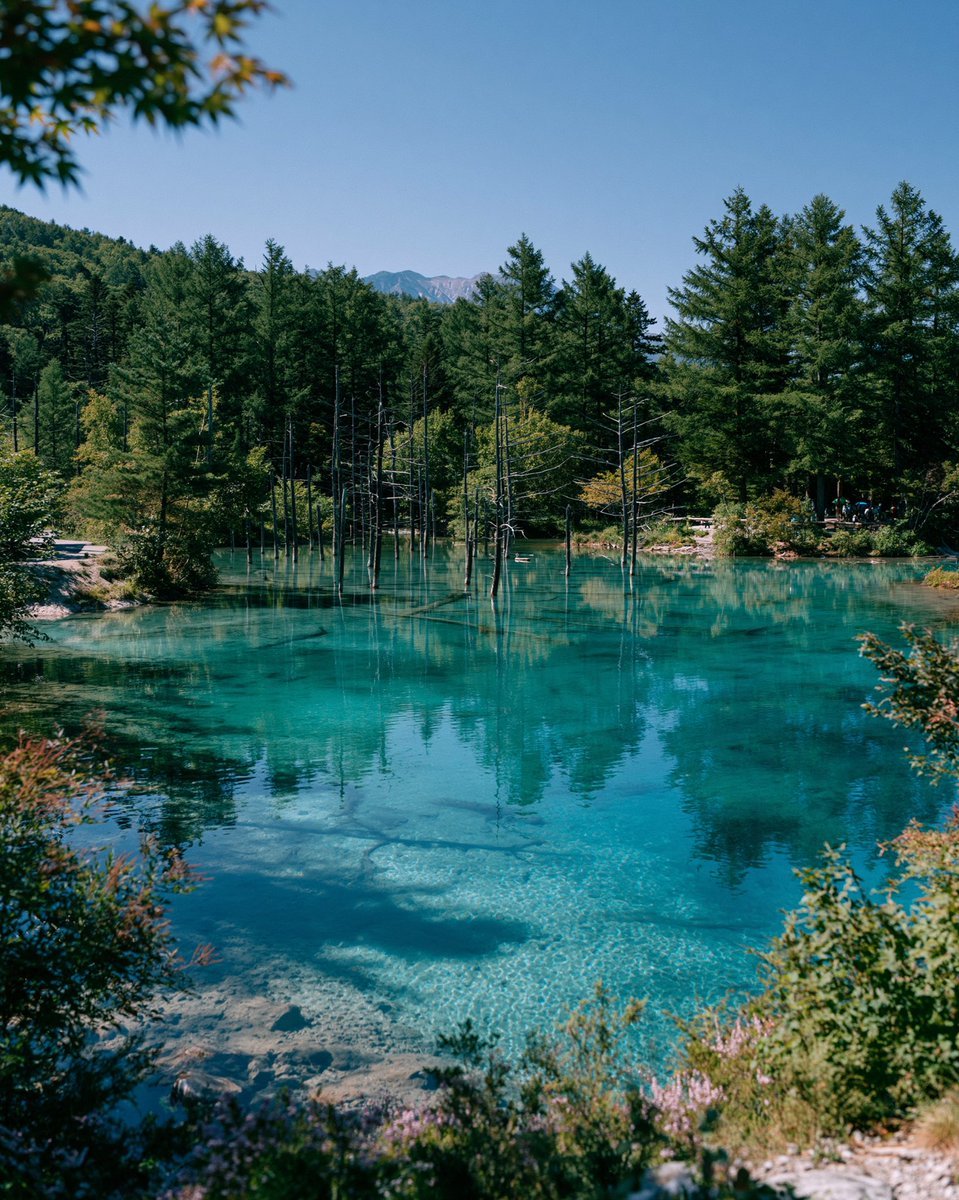
Turquoise Alpine Forest Pond
Make it yours
Angel Shih Tzu Over Ink Pond works as-is. These are the safest ways to change it without losing the look.
Change one field
Copy a single group, rewrite it, and generate again so you can see what that field is doing.
Keep the frame, change the subject
Hold the composition and light of Angel Shih Tzu Over Ink Pond, then swap wardrobe, props or the person for a new take.
| If the result… | Why | Fix |
|---|---|---|
| The result drifts from the preview | Too many fields changed at once. | Reuse Angel Shih Tzu Over Ink Pond as-is first, then change one group — subject, light, or setting. |
| The model over-stylizes the scene | The prose prompt leaves finish and camera underspecified. | Add one camera or lighting sentence and stay on GPT Image 2. |
More GPT Image 2 templates
Other prompts made for GPT Image 2.

Six VTuber Japanese Logo Sheet

Realistic Portrait of Woman and Deer

The Vista Modular Condo Poster

AI Model Routing Comparison Infographic

2.5D Anime Art Board

Isometric Productivity Desk Scene

New York Double Exposure Poster

Four-Panel AI Landscape Comparison

Japanese Tatami Lifestyle Magazine Cover

NESCAFÉ Coffee Map Poster
More image prompts
Fresh picks from across the catalog.
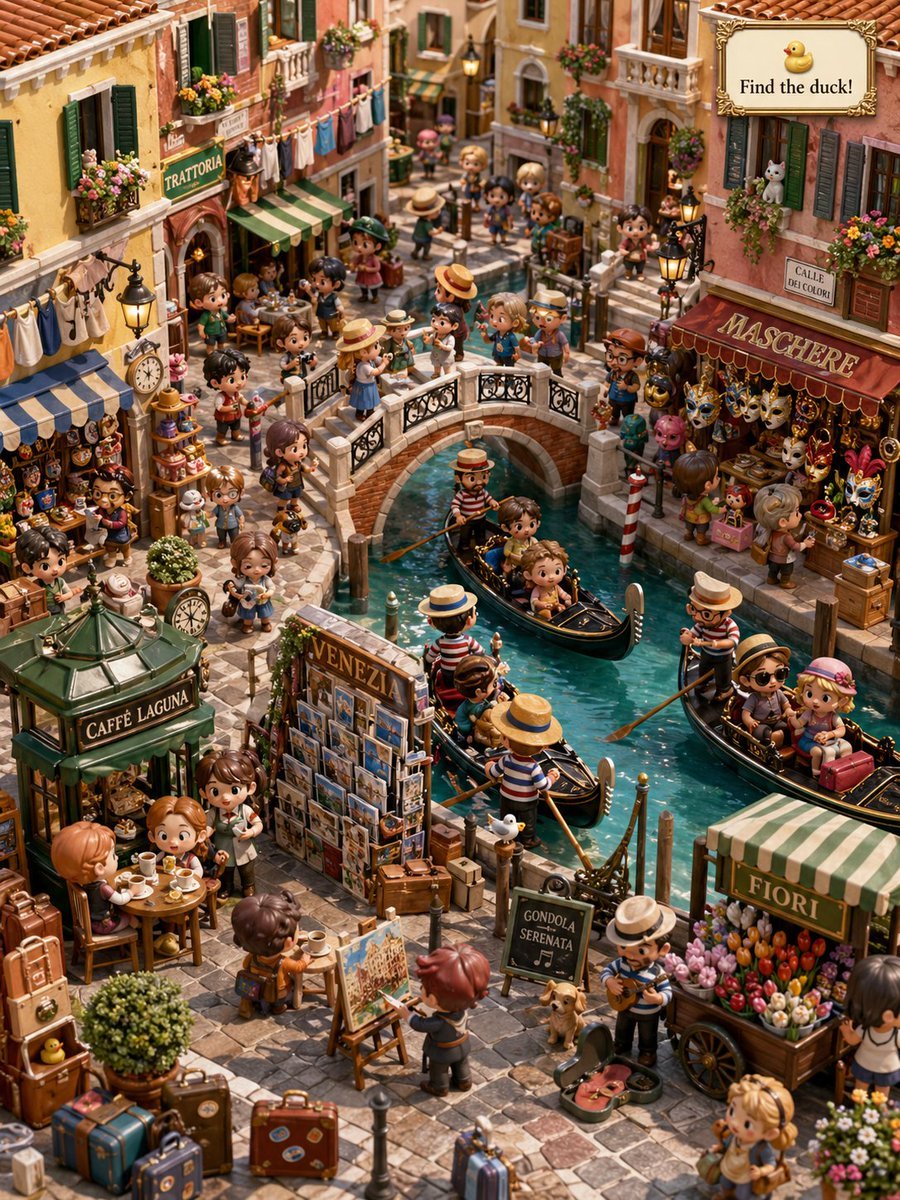
Hidden Duck in Miniature Venice

3D Logo Render with Fur Texture
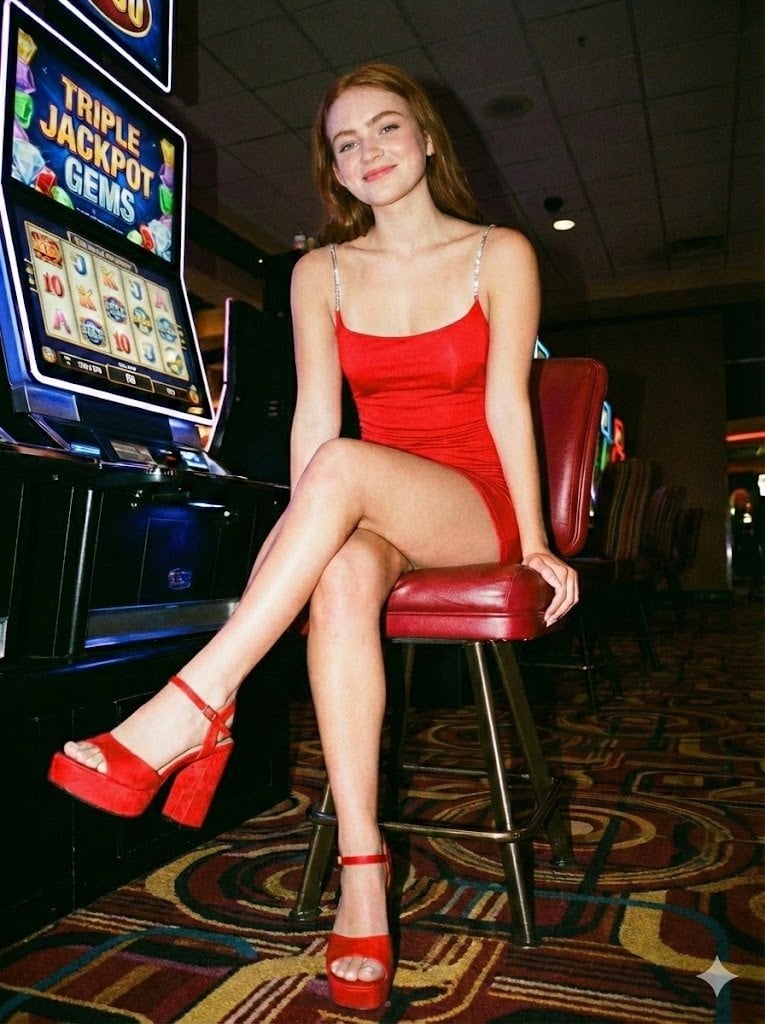
Casino Paparazzi Candid Portrait
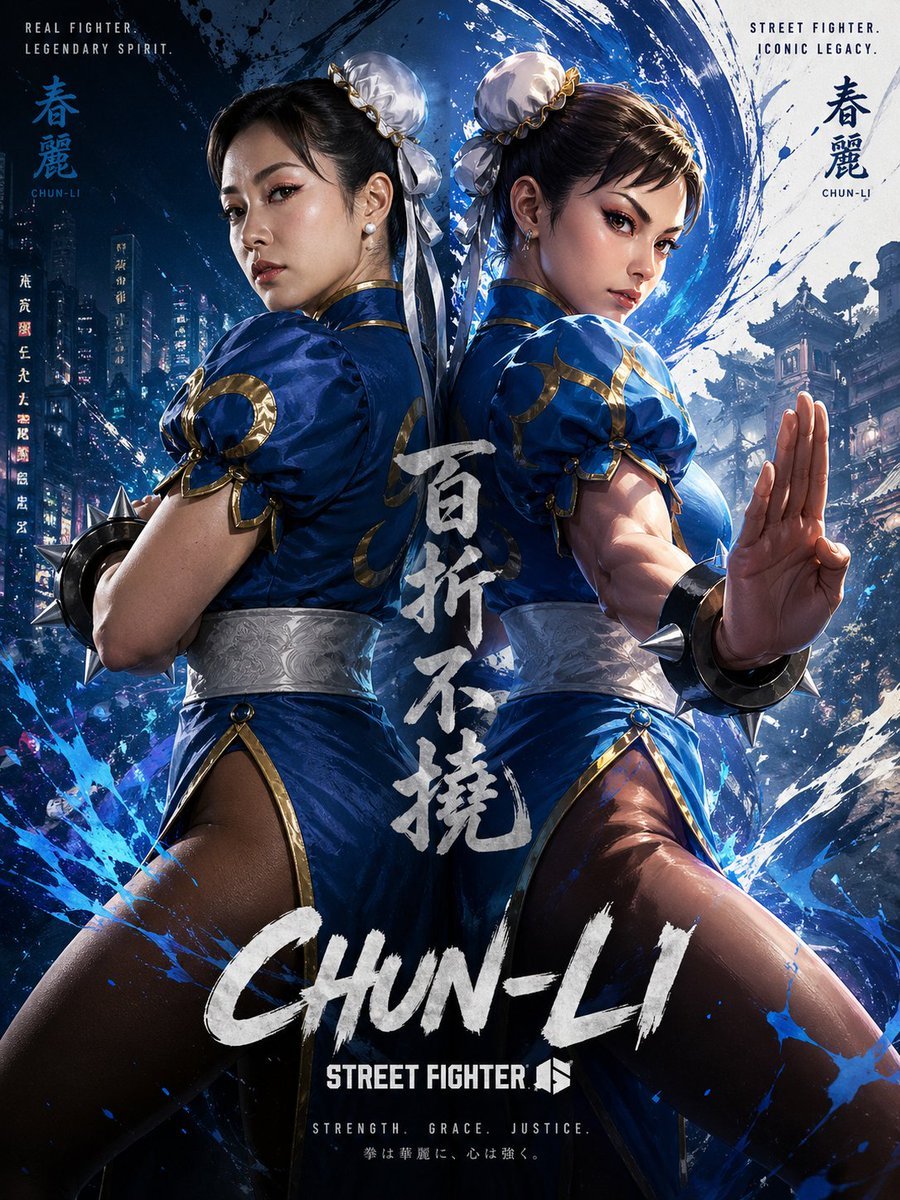
Chun-Li Digital vs Real Poster
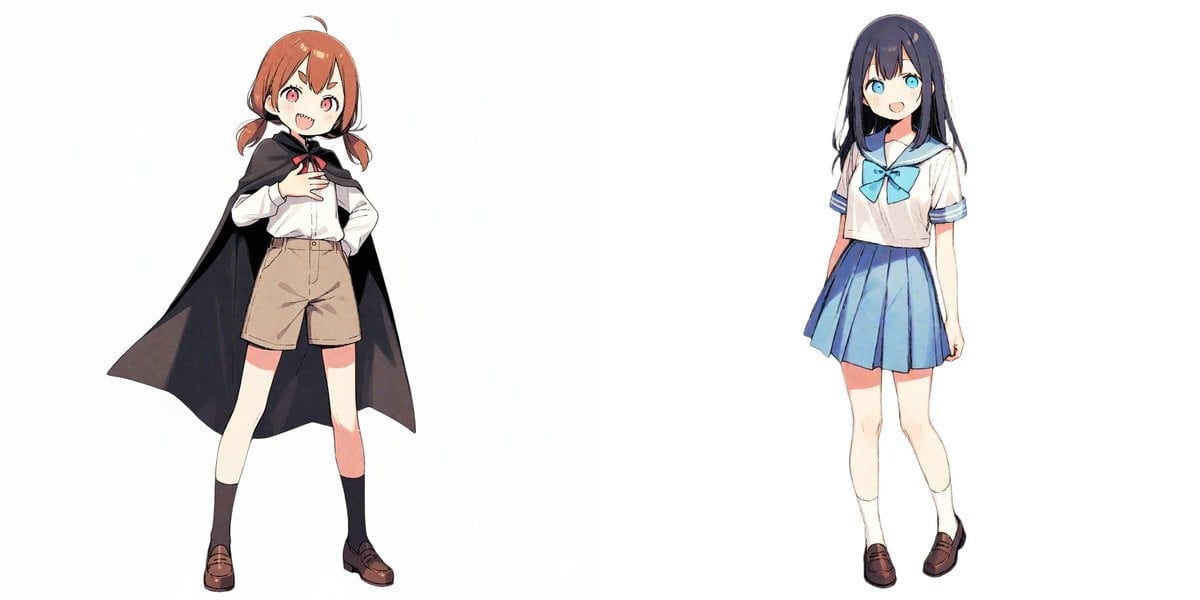
Image-to-Snow Sculpture Conversion Prompt for Nano Banana Pro
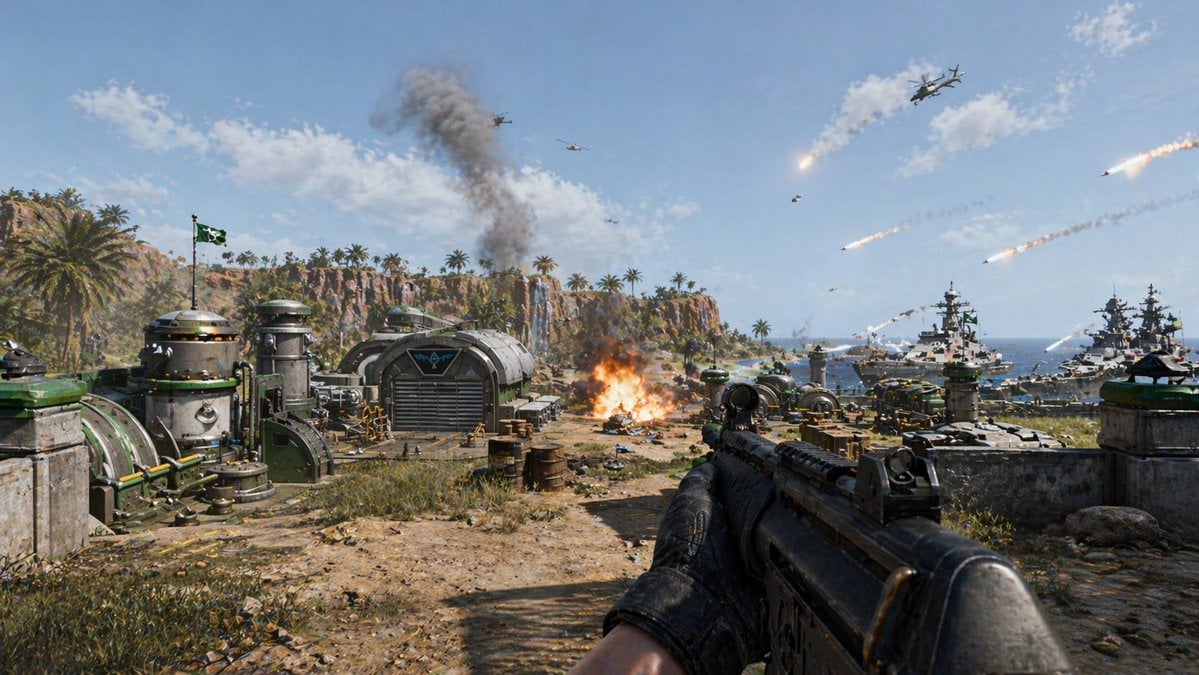
First-Person Tropical Island Warzone
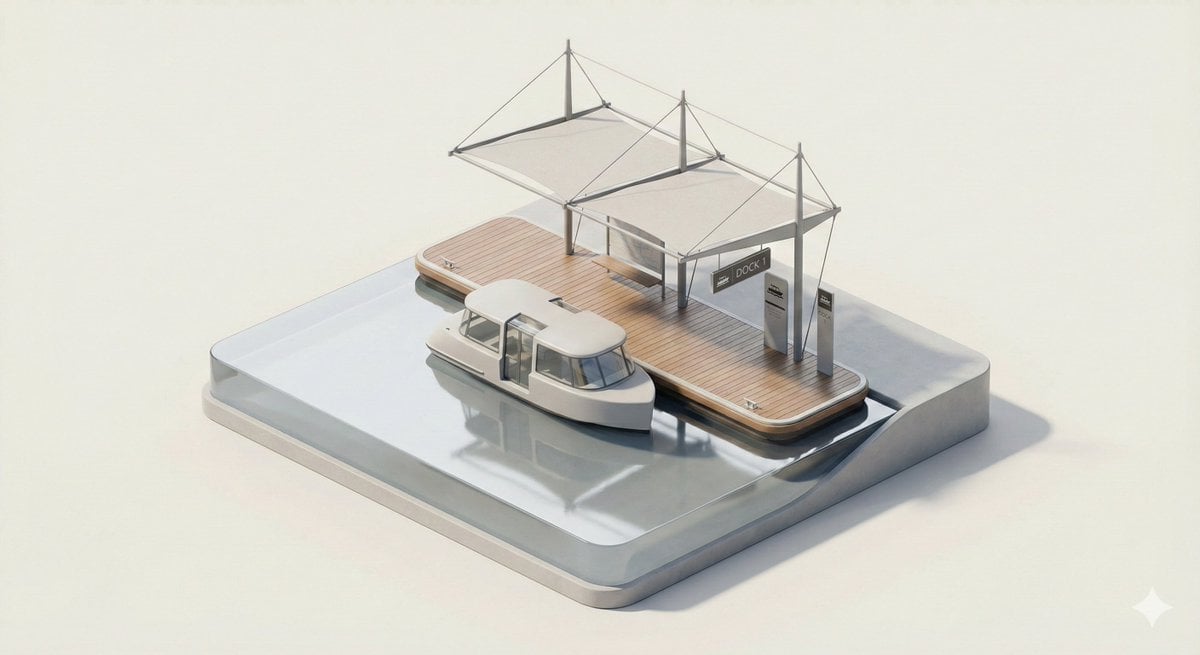
3D Isometric Urban Transit Stop Diorama Prompt
Nano Banana Pro Prompt for Nostalgic Scene
Crayon Style Picture Book Illustration
Censored Mixed-Heritage Portrait
Browse template categories
Angel Shih Tzu Over Ink Pond questions
How do I use the Angel Shih Tzu Over Ink Pond template?
Add your photo if the template asks for one, edit the prompt if you like — the template's model and format are already selected — and press Generate. Your version opens in PicX Studio.
Can I customize the Angel Shih Tzu Over Ink Pond template?
Yes. You can change the subject, setting, lighting, mood, format, and available model controls before creating your image.
Is the Angel Shih Tzu Over Ink Pond template free?
Opening and editing this template is free. Generating uses credits, shown on the Generate button when you are signed in.
Which AI model should I use?
Start with GPT Image 2, which is the model associated with this template. You can compare another compatible model for a different finish.
Looking for something else? Browse all templates.

Your photo, any look
Thousands of ready templates for every top image and video model, from one credit balance.