
Steampunk Shih Tzu Moonlit City
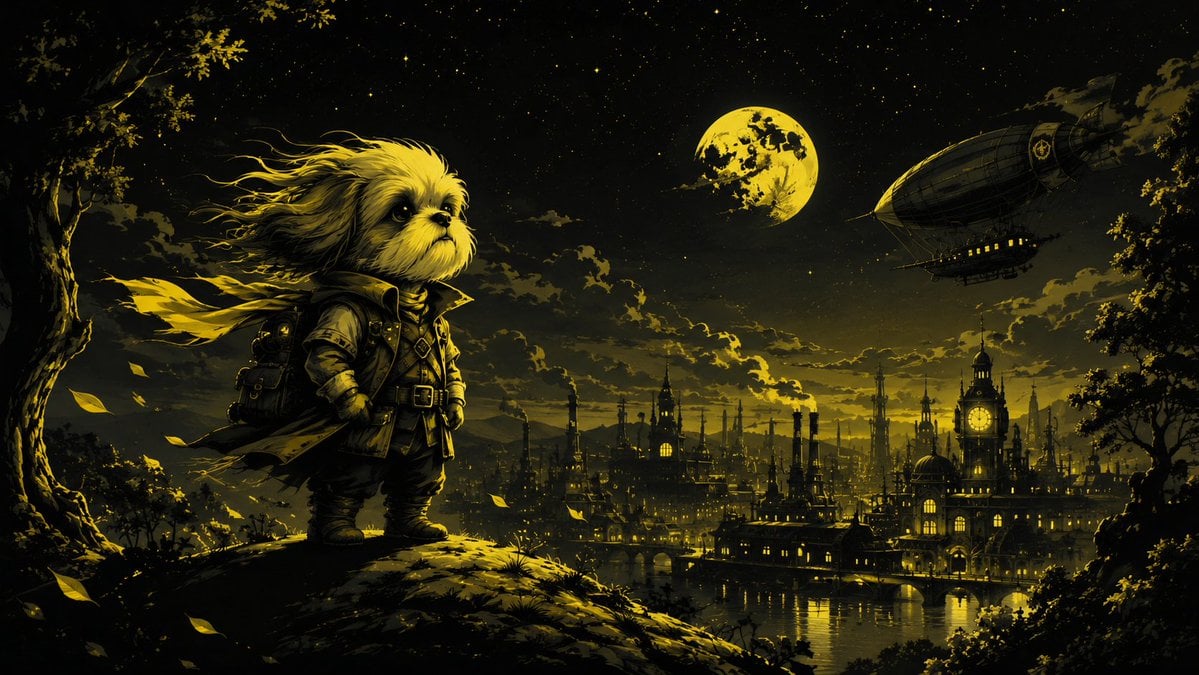
A cinematic fantasy prompt for generating a heroic Shih Tzu adventurer overlooking a moonlit steampunk city.
- Prompt included
- Model and format preset
- Free template
The prompt behind this image
Copy the exact prompt behind Steampunk Shih Tzu Moonlit City, or open it in the studio and make it yours.
Create a cinematic dark fantasy steampunk illustration in a wide 16:9 landscape format. The scene shows exactly one small Shih Tzu dog hero, {argument name="dog breed" default="Shih Tzu"}, standing on a mossy hill in the left foreground, facing right in a proud adventurous pose. Give the dog long windblown cream-and-gold fur, large dark expressive eyes, and a serious cool expression, dressed in a rugged steampunk adventurer outfit: one dark leather coat with high collar, one belt harness, one small backpack, boots, and a long scarf or torn cape streaming dramatically to the left in the wind. The background is a vast Victorian steampunk city at night with tall spires, smokestacks, domes, bridges, glowing windows, and one prominent clock tower on the right side reflected in dark water below. In the sky include exactly one large yellow full moon near the upper center-right and exactly one zeppelin airship in the upper right, with tiny warm cabin lights. Frame the composition with dark trees on both sides and a large tree trunk on the far left; add windblown yellow leaves in the foreground. Use a moody black-and-golden-yellow limited color palette, high contrast, glowing moonlight, smoky clouds, starry sky, dramatic rim lighting on the dog’s fur, detailed painterly concept-art texture, epic storybook atmosphere, no text, no watermark.
How to use Steampunk Shih Tzu Moonlit City in 3 steps
- 1Upload ImagePNG, JPG or paste
Add your photo
Upload the photo the template builds on. The prompt, model and format are already set.
- 2…a portrait of your subject in softgolden-hour light, 85mm…
Personalize
Edit the subject and creative details for your destination.
- 3Generate
Generate
Press Generate — your image is created in PicX Studio, so you can compare it with the original and refine one variable at a time.
More like this
Templates with the same subject, style or setup. Open one to see its prompt.
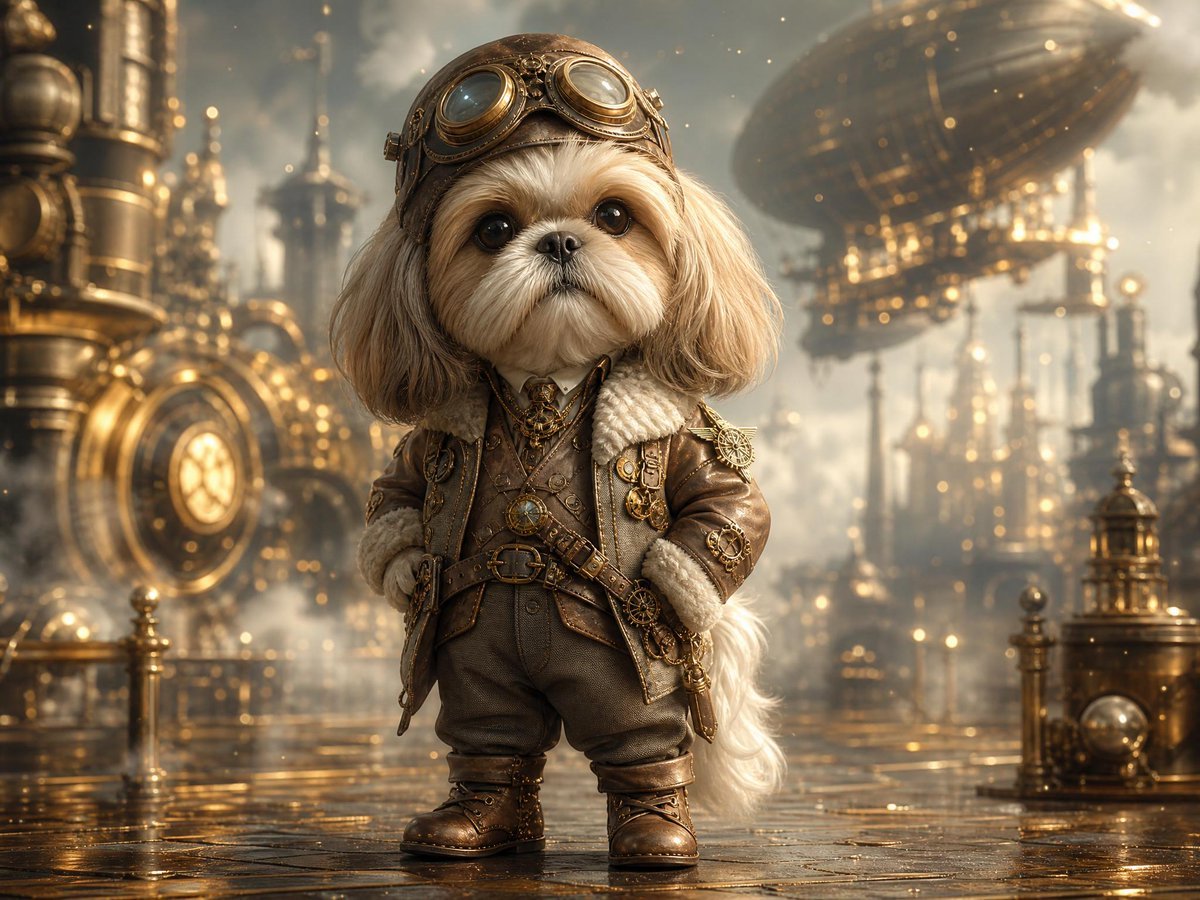
Steampunk Shih Tzu Airship Pilot

Cozy Knit Sweater Window Portrait

Minimalist Hand-Drawn Doodle Portrait
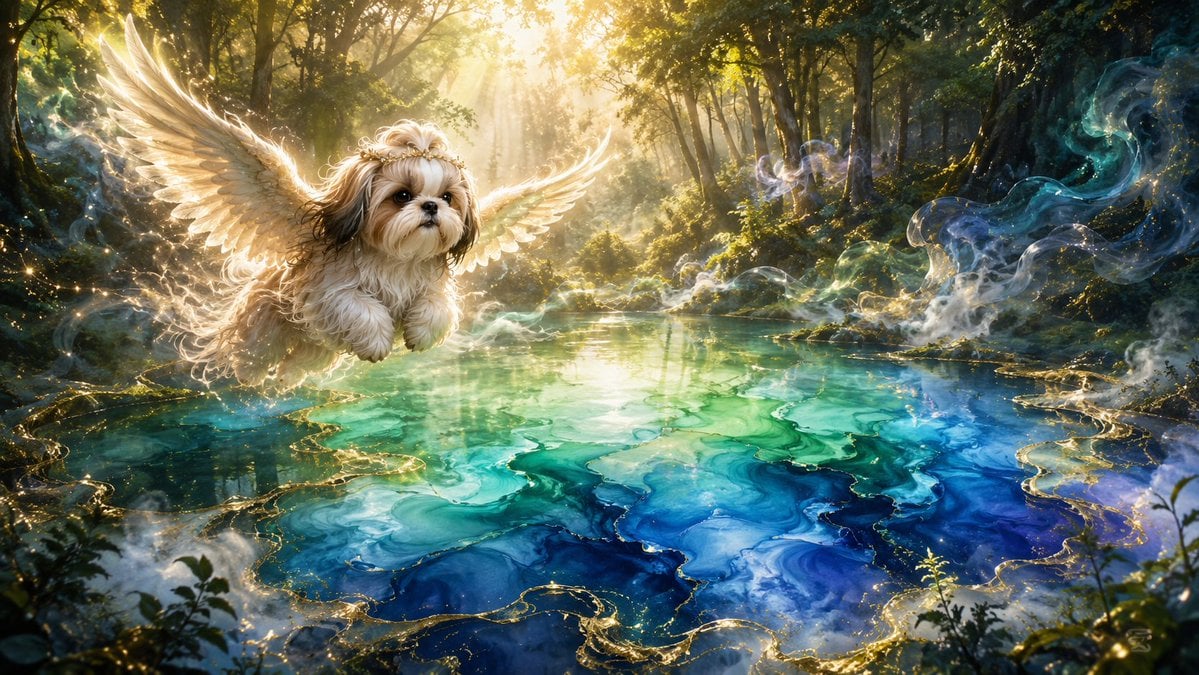
Angel Shih Tzu Over Ink Pond
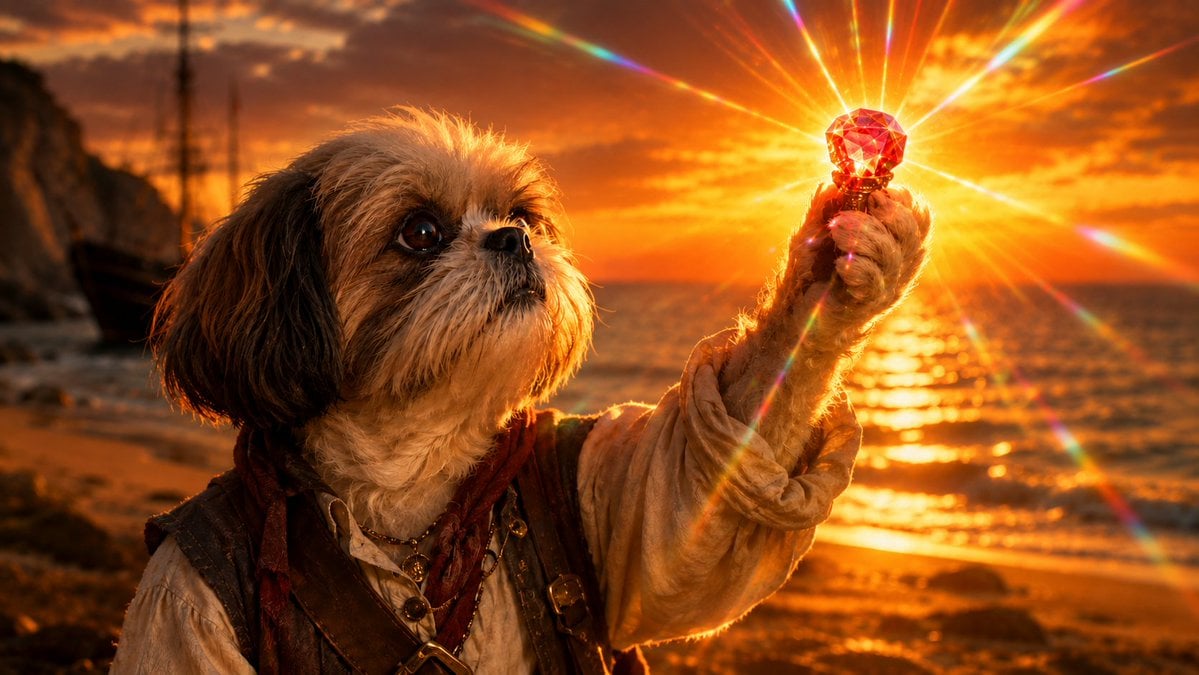
Shih Tzu Ruby Treasure Sunset
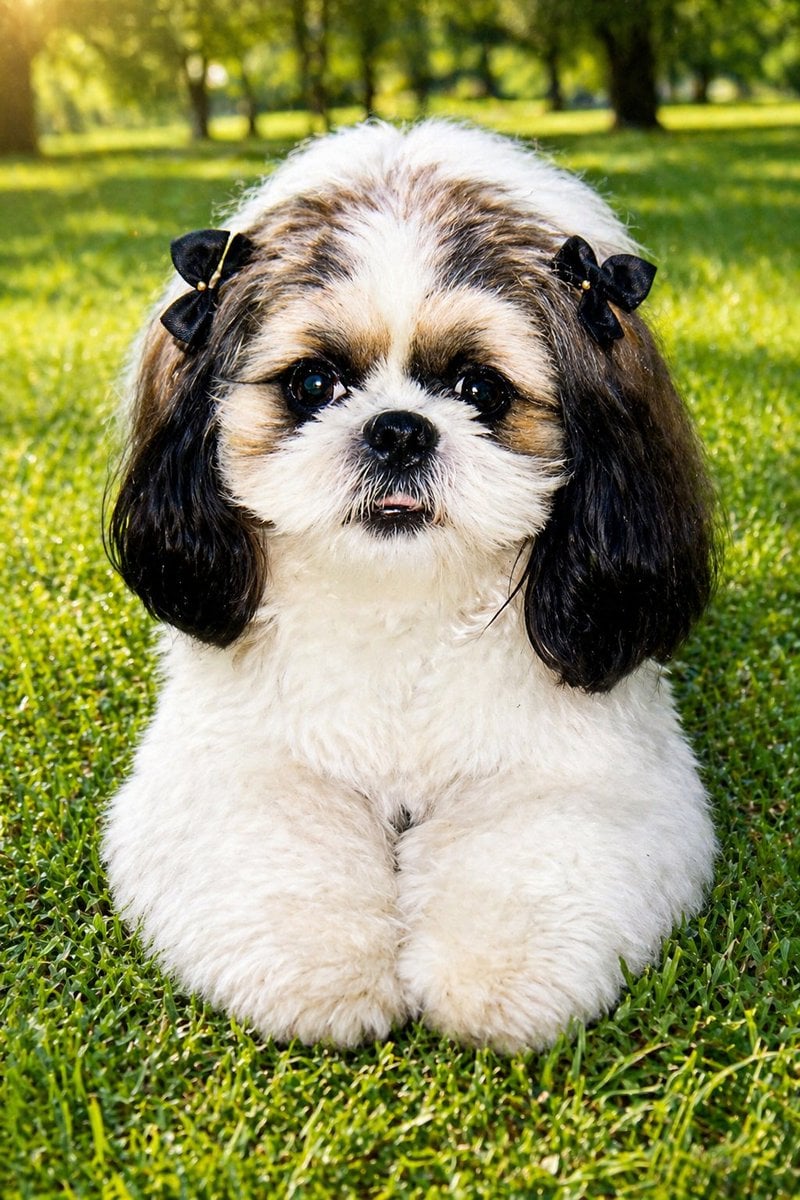
Shih Tzu Park Photo Restoration
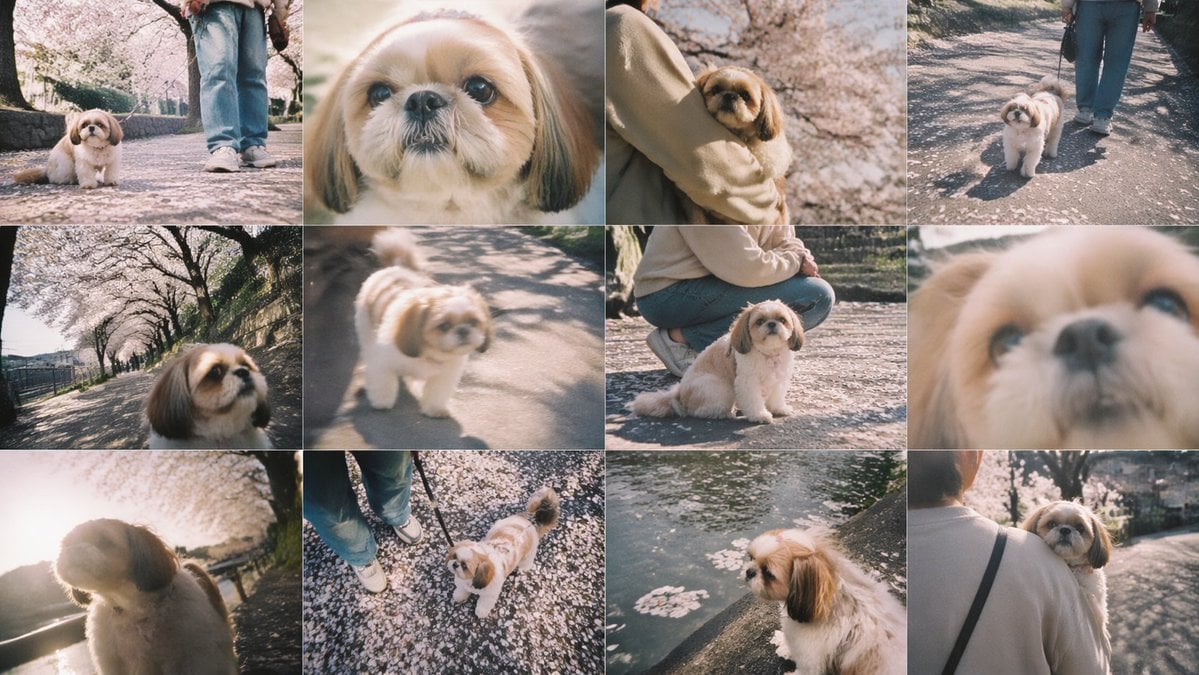
Cherry Blossom Shih Tzu Photo Collage
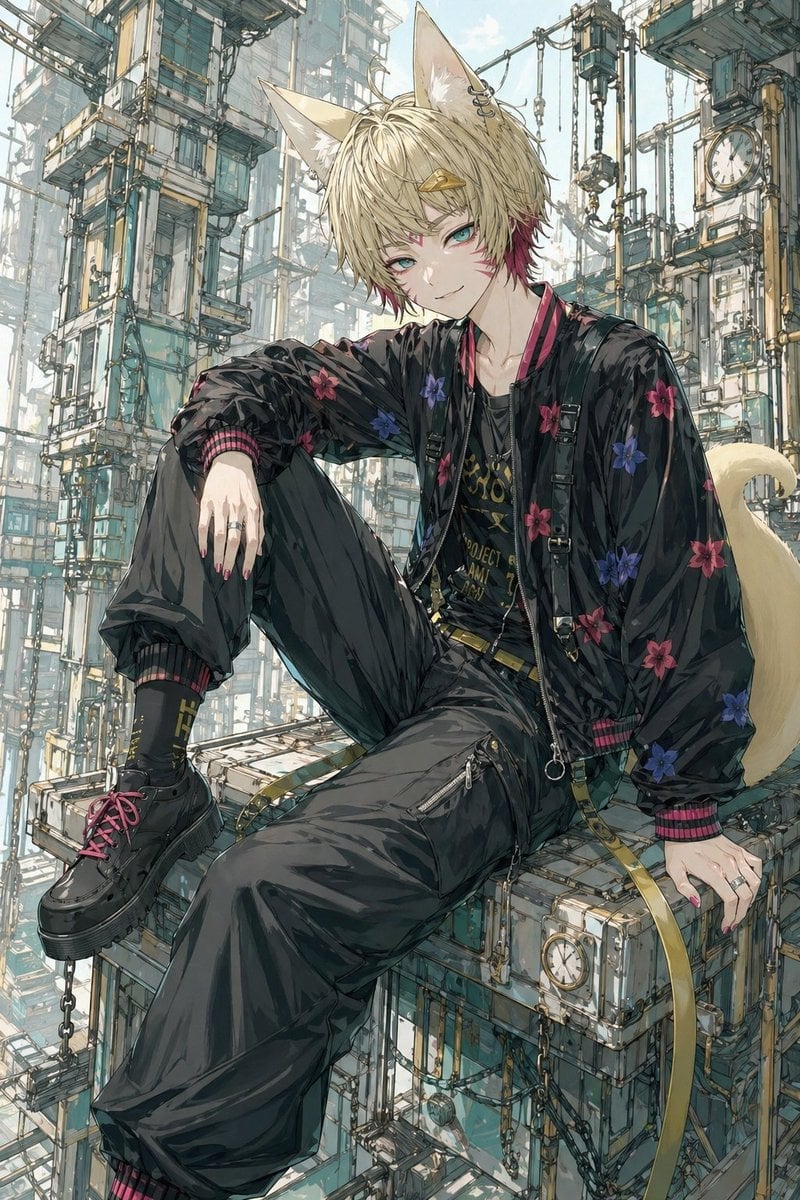
Fox-Eared Streetwear Boy in Steampunk City
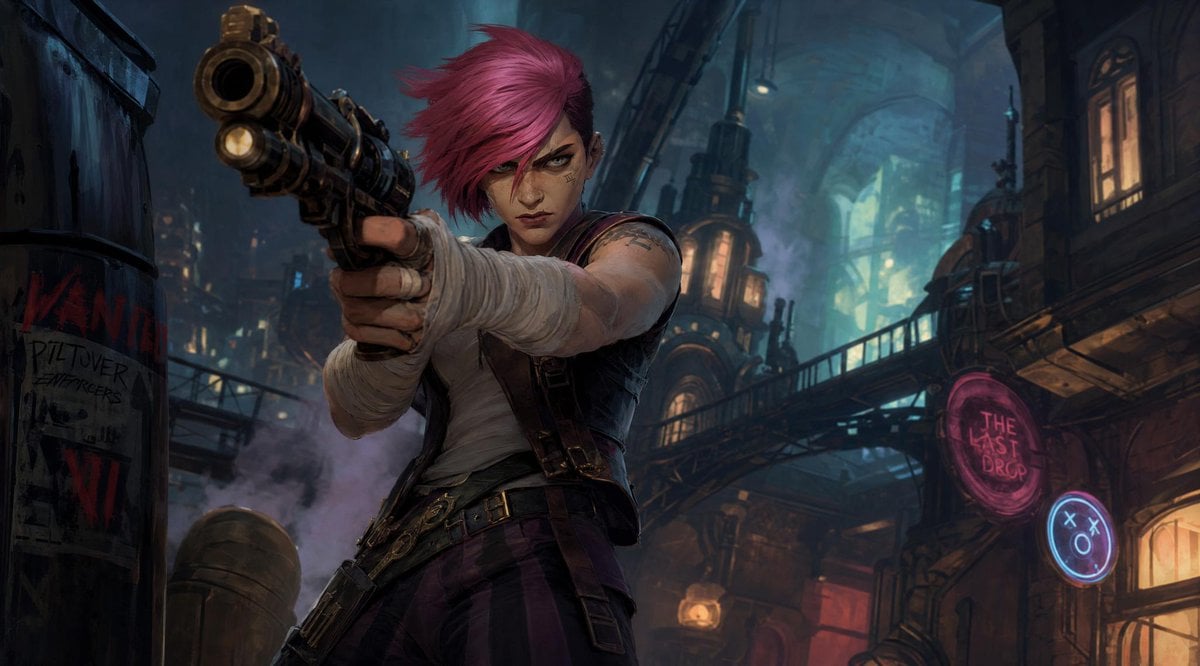
Punk Gunslinger in Steampunk Undercity

Nano Banana Pro 2.0 — 3x3 Travel Profile Grid

Moonlit Fox Mask Night Market

Lone Mountaineer in Moonlit Snow
Make it yours
Steampunk Shih Tzu Moonlit City works as-is. These are the safest ways to change it without losing the look.
Change one field
Copy a single group, rewrite it, and generate again so you can see what that field is doing.
Keep the frame, change the subject
Hold the composition and light of Steampunk Shih Tzu Moonlit City, then swap wardrobe, props or the person for a new take.
| If the result… | Why | Fix |
|---|---|---|
| The result drifts from the preview | Too many fields changed at once. | Reuse Steampunk Shih Tzu Moonlit City as-is first, then change one group — subject, light, or setting. |
| The model over-stylizes the scene | The prose prompt leaves finish and camera underspecified. | Add one camera or lighting sentence and stay on GPT Image 2. |
More GPT Image 2 templates
Other prompts made for GPT Image 2.

Six VTuber Japanese Logo Sheet

Realistic Portrait of Woman and Deer

The Vista Modular Condo Poster

AI Model Routing Comparison Infographic

2.5D Anime Art Board

Isometric Productivity Desk Scene

New York Double Exposure Poster

Four-Panel AI Landscape Comparison

Japanese Tatami Lifestyle Magazine Cover

NESCAFÉ Coffee Map Poster
More image prompts
Fresh picks from across the catalog.
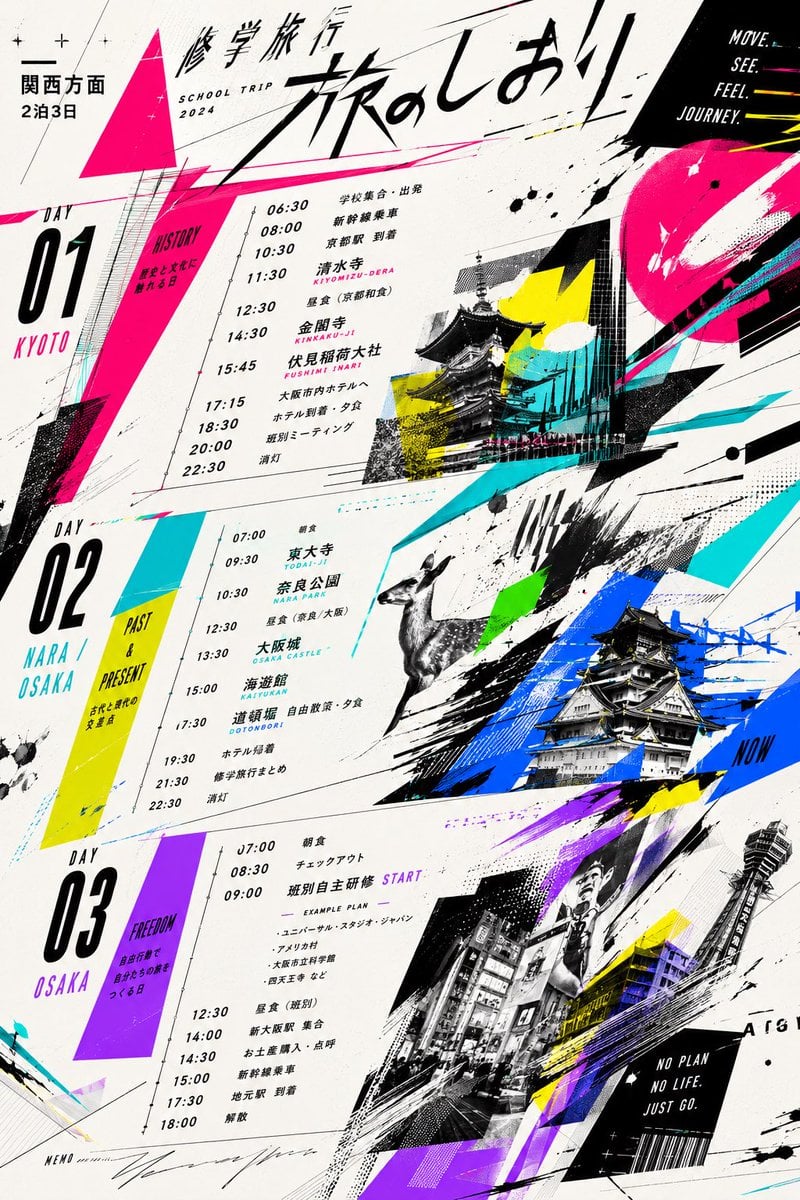
Graphic School Trip Schedule Poster
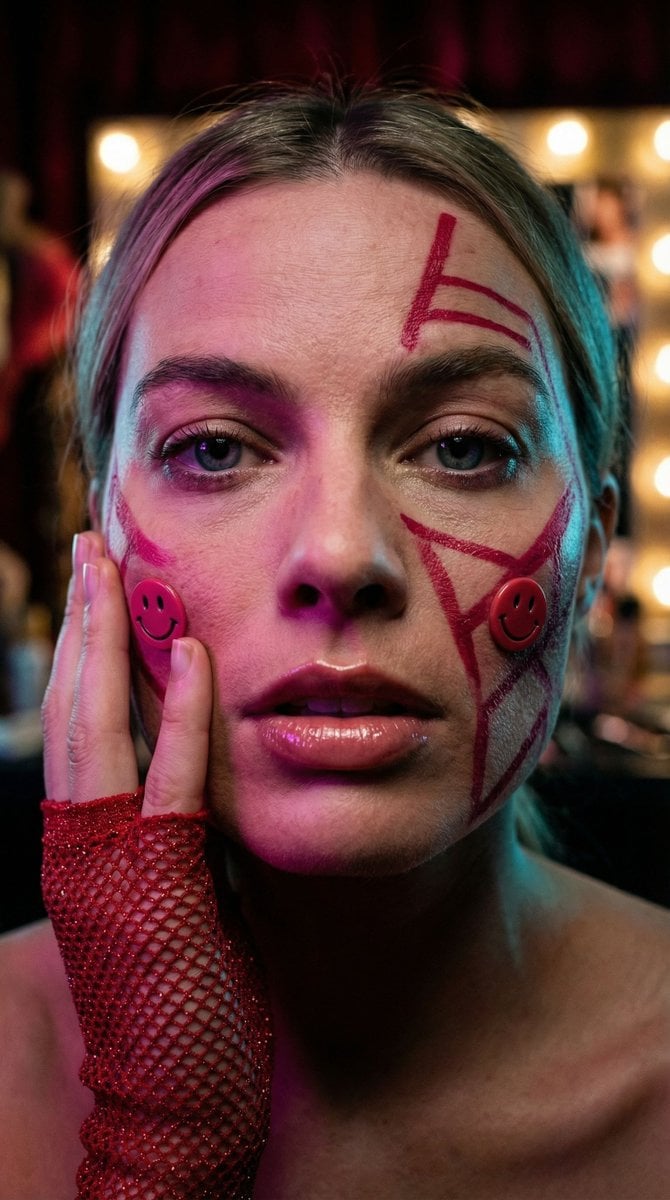
Cyberpunk Geisha Macro Portrait
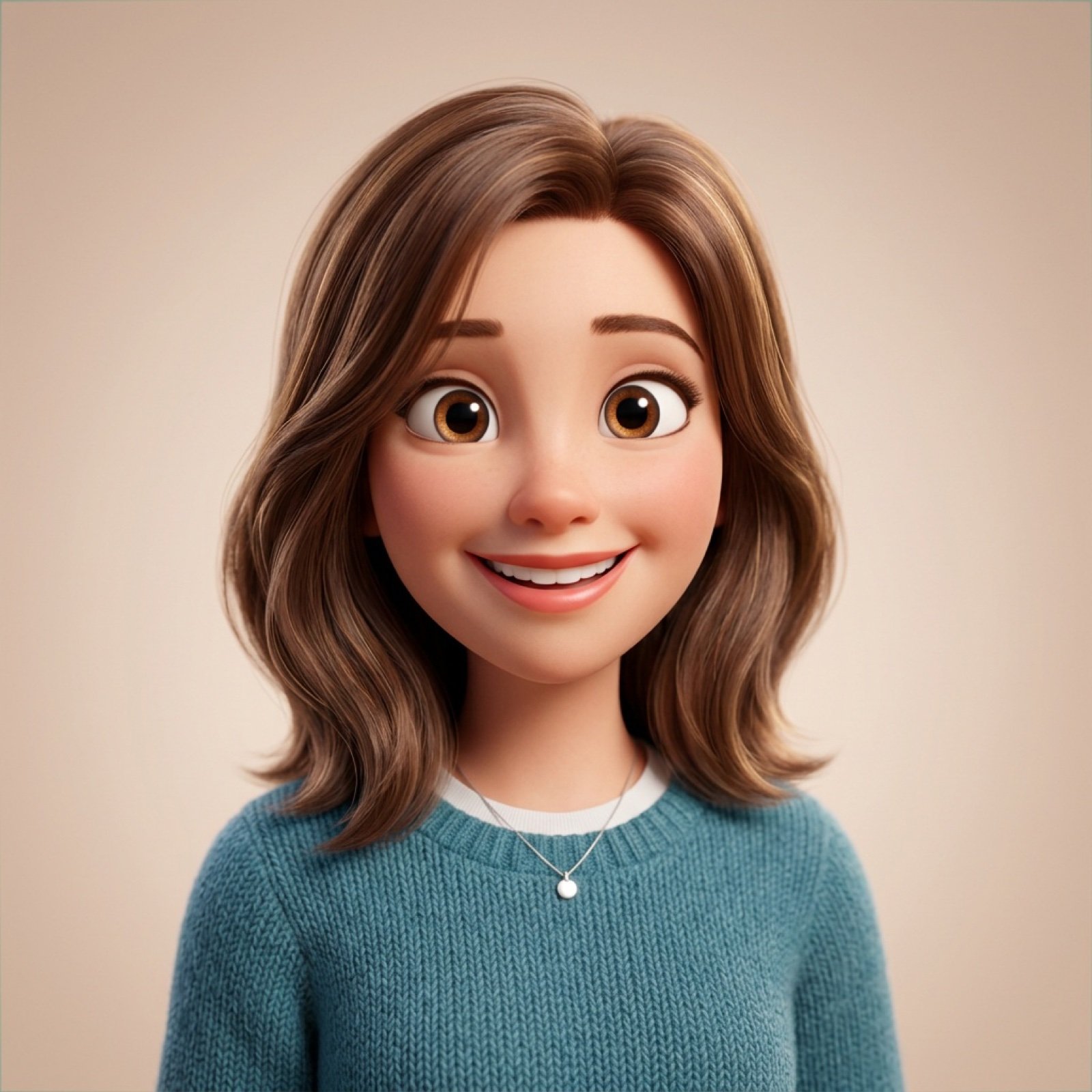
Pixar-Style 3D Avatar Generation Prompt
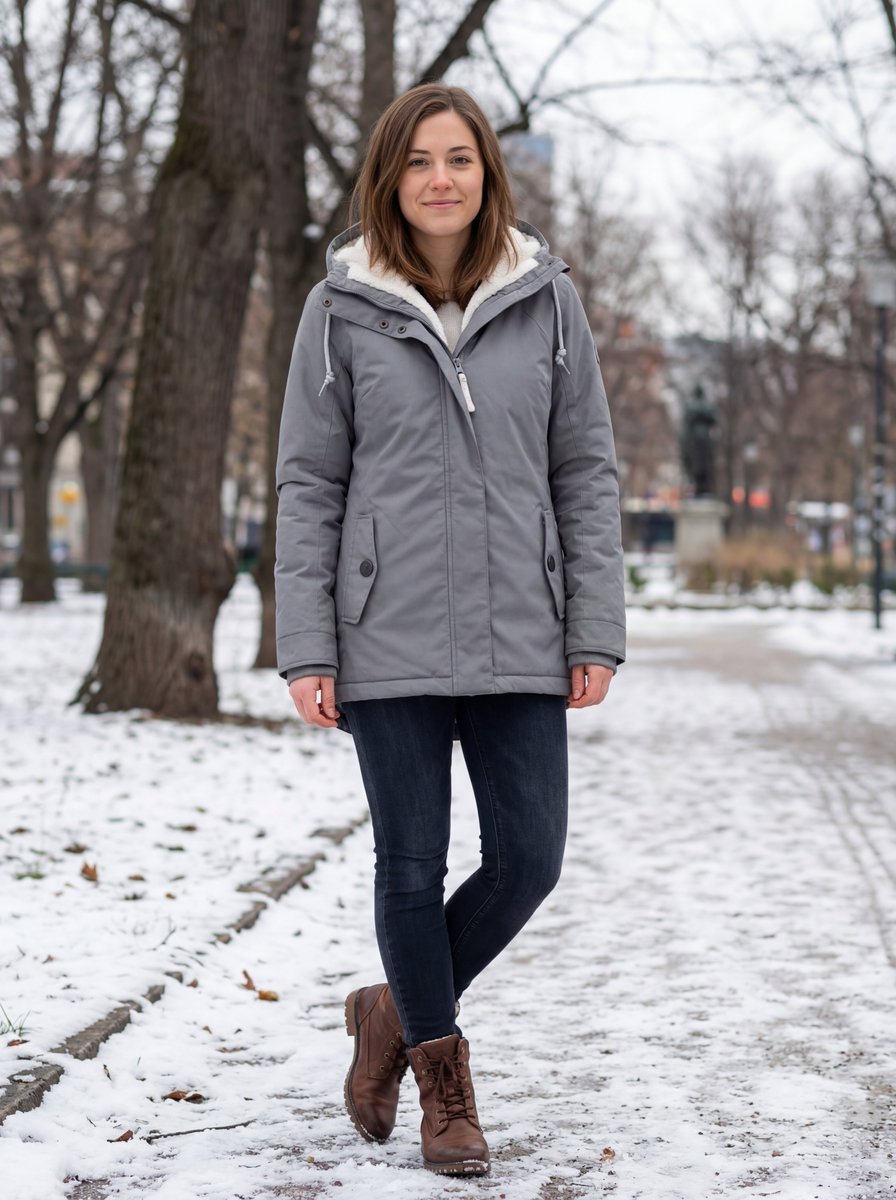
Hyper-realistic Outdoor Winter Fashion Catalog Prompt
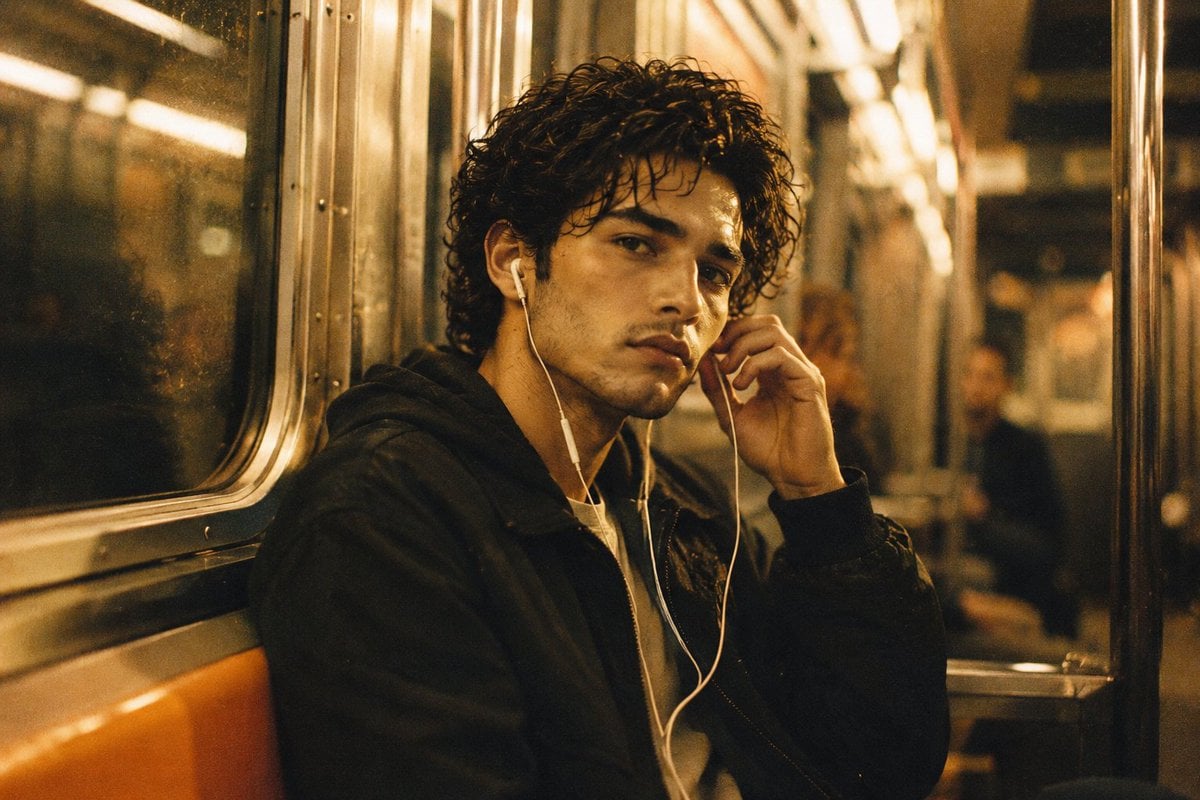
Nostalgic 90s Subway Film Portrait
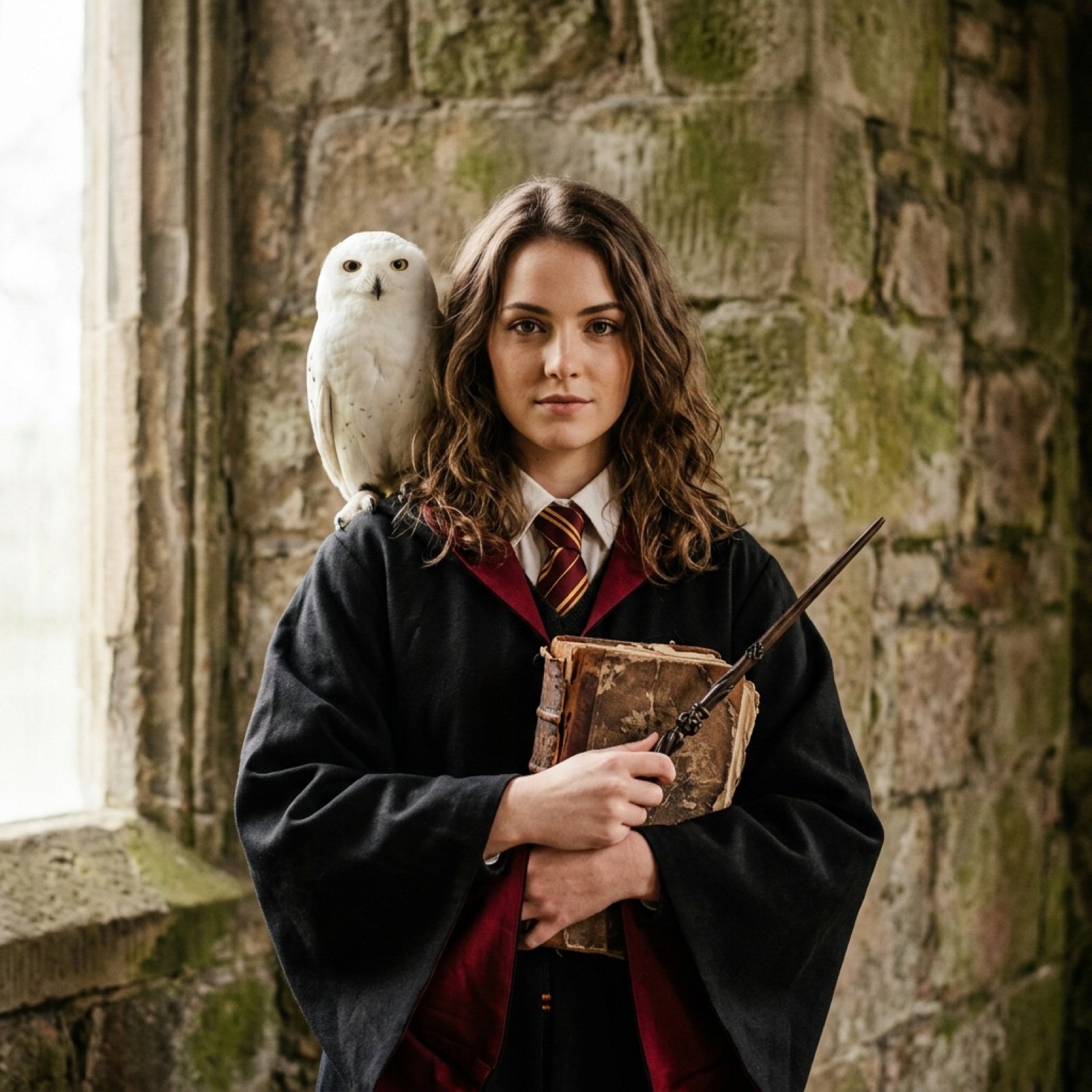
Hogwarts-Style Photoshoot Portrait with Magic Wand and Owl
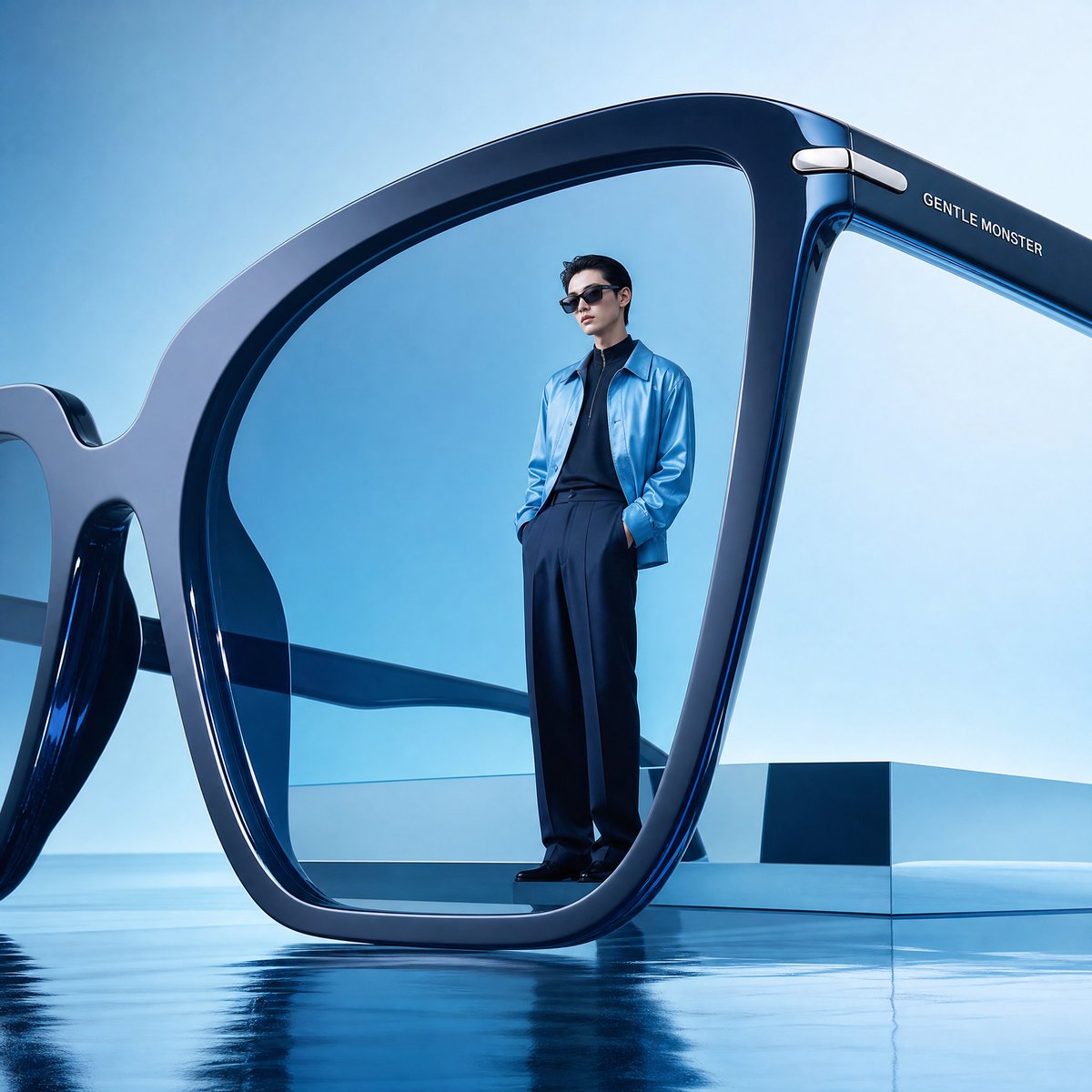
Futuristic Surreal Eyewear Advertisement
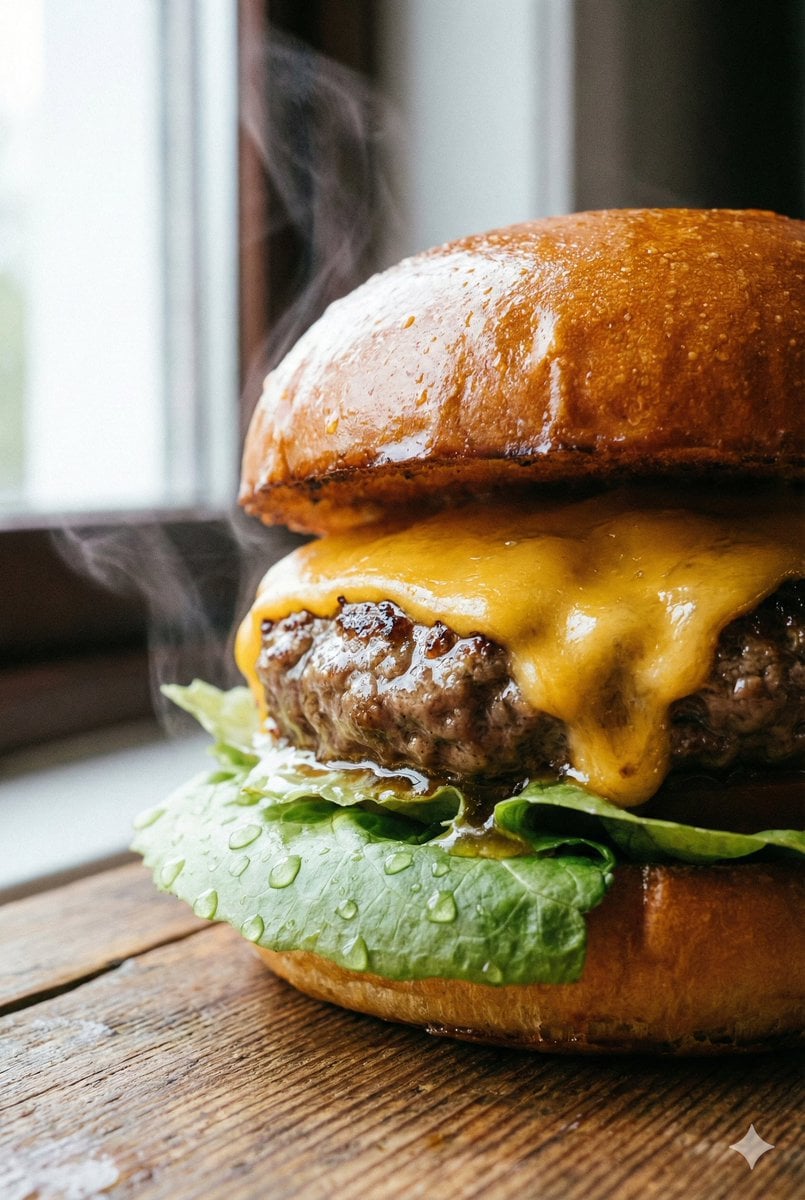
Macro Beef Burger Food Photography Prompt
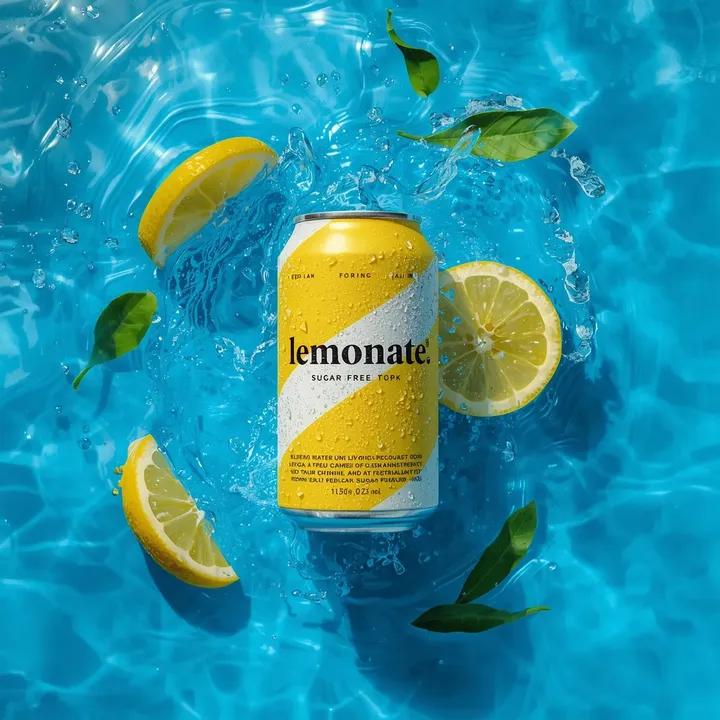
Ultra-Realistic Beverage Product Photography
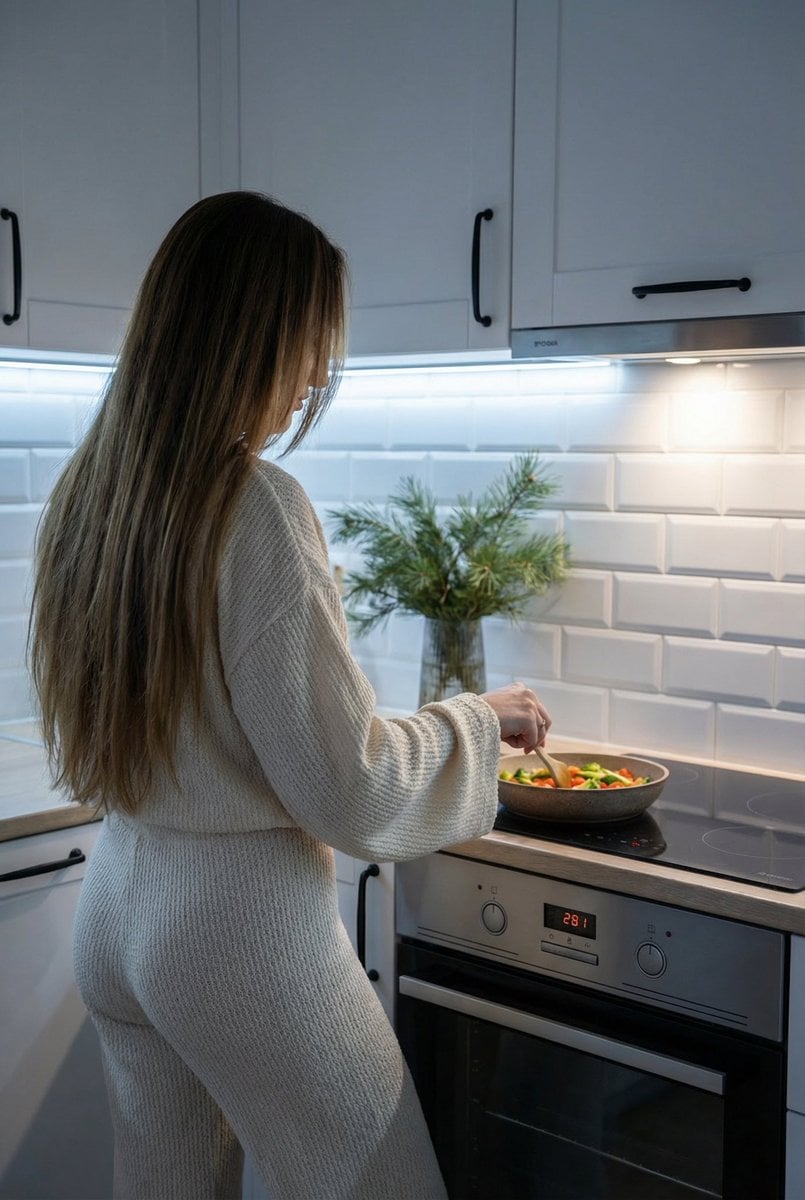
Candid Shot of Woman Cooking in Modern Kitchen
Browse template categories
Steampunk Shih Tzu Moonlit City questions
How do I use the Steampunk Shih Tzu Moonlit City template?
Add your photo if the template asks for one, edit the prompt if you like — the template's model and format are already selected — and press Generate. Your version opens in PicX Studio.
Can I customize the Steampunk Shih Tzu Moonlit City template?
Yes. You can change the subject, setting, lighting, mood, format, and available model controls before creating your image.
Is the Steampunk Shih Tzu Moonlit City template free?
Opening and editing this template is free. Generating uses credits, shown on the Generate button when you are signed in.
Which AI model should I use?
Start with GPT Image 2, which is the model associated with this template. You can compare another compatible model for a different finish.
Looking for something else? Browse all templates.

Your photo, any look
Thousands of ready templates for every top image and video model, from one credit balance.