
Lone Mountaineer in Moonlit Snow
A cinematic monochrome alpine scene for generating a solitary climber crossing a dramatic snowy mountain slope at night.

- Prompt included
- Model and format preset
- Free template
The prompt behind this image
Copy the exact prompt behind Lone Mountaineer in Moonlit Snow, or open it in the studio and make it yours.
Create a cinematic black-and-white wide-angle photograph of a lone {argument name="subject" default="female mountaineer with twin pigtails"} walking away from the camera across a steep, windswept {argument name="landscape" default="snow-covered alpine mountain slope"} at night. The figure is small and centered slightly below the midpoint, wearing bulky winter climbing gear and boots, with arms relaxed at her sides and a long dark shadow stretching toward the viewer across textured snow with footprints. Use dramatic high-contrast moonlit lighting with a bright glow just behind the ridge line, deep black sky, sharp snowy ridges on the left and right, and heavy chiaroscuro shadows. The composition should feel lonely, vast, surreal, and expedition-like, shot as a gritty monochrome film still with subtle grain, soft vignette, low camera angle, 16:9 aspect ratio, no text, no logos, no extra people.
How to use Lone Mountaineer in Moonlit Snow in 3 steps
- 1Upload ImagePNG, JPG or paste
Add your photo
Upload the photo the template builds on. The prompt, model and format are already set.
- 2…a portrait of your subject in softgolden-hour light, 85mm…
Personalize
Edit the subject and creative details for your destination.
- 3Generate
Generate
Press Generate — your image is created in PicX Studio, so you can compare it with the original and refine one variable at a time.
More like this
Templates with the same subject, style or setup. Open one to see its prompt.

Boardwalk Fashion Portrait
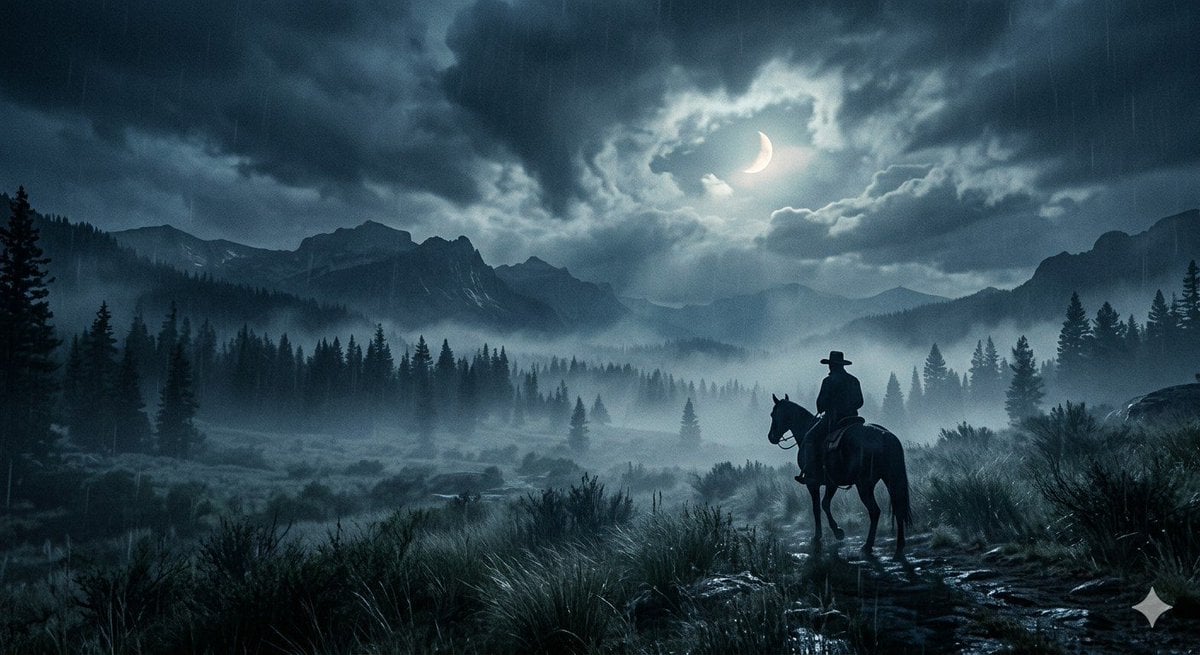
Lone Cowboy Moonlit Misty Night
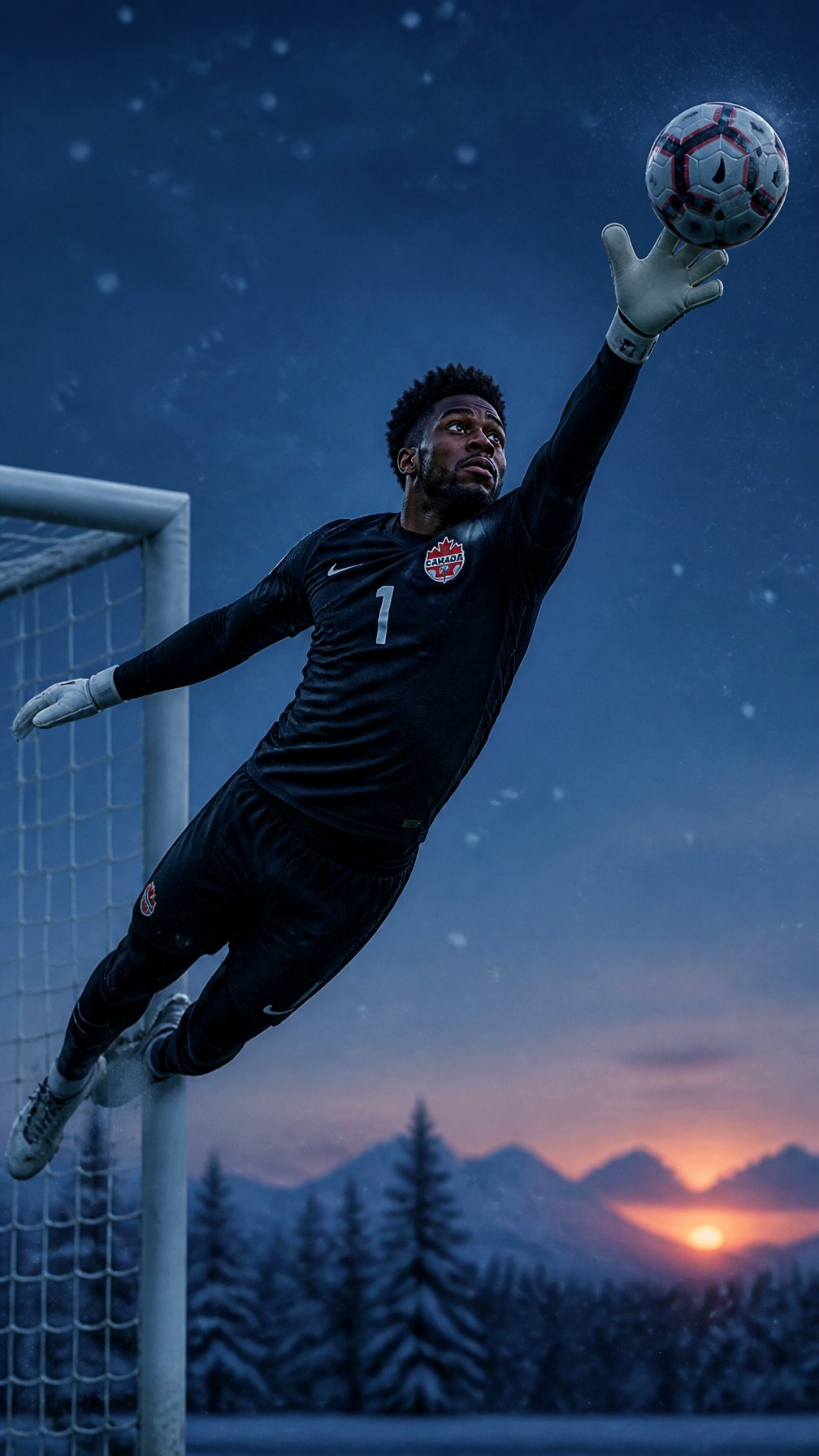
Canada Goalkeeper Twilight Editorial Portrait

Photoreal Snow Biome Name Tag UI

Minecraft You Died Winter Death Screen
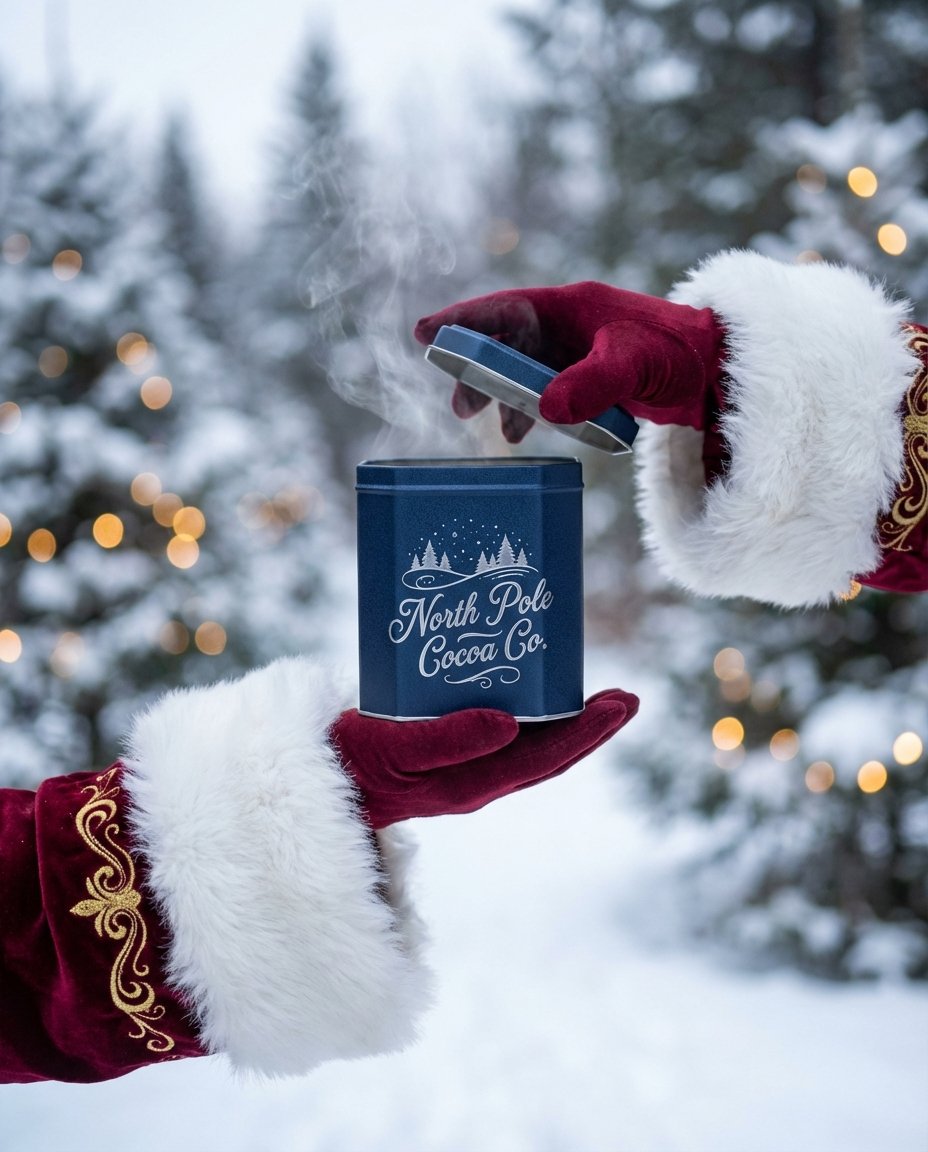
The sweetest feeling of winter.

Moonlit Fox Mask Night Market

Moonlit Ghost Lotus Anime Portrait
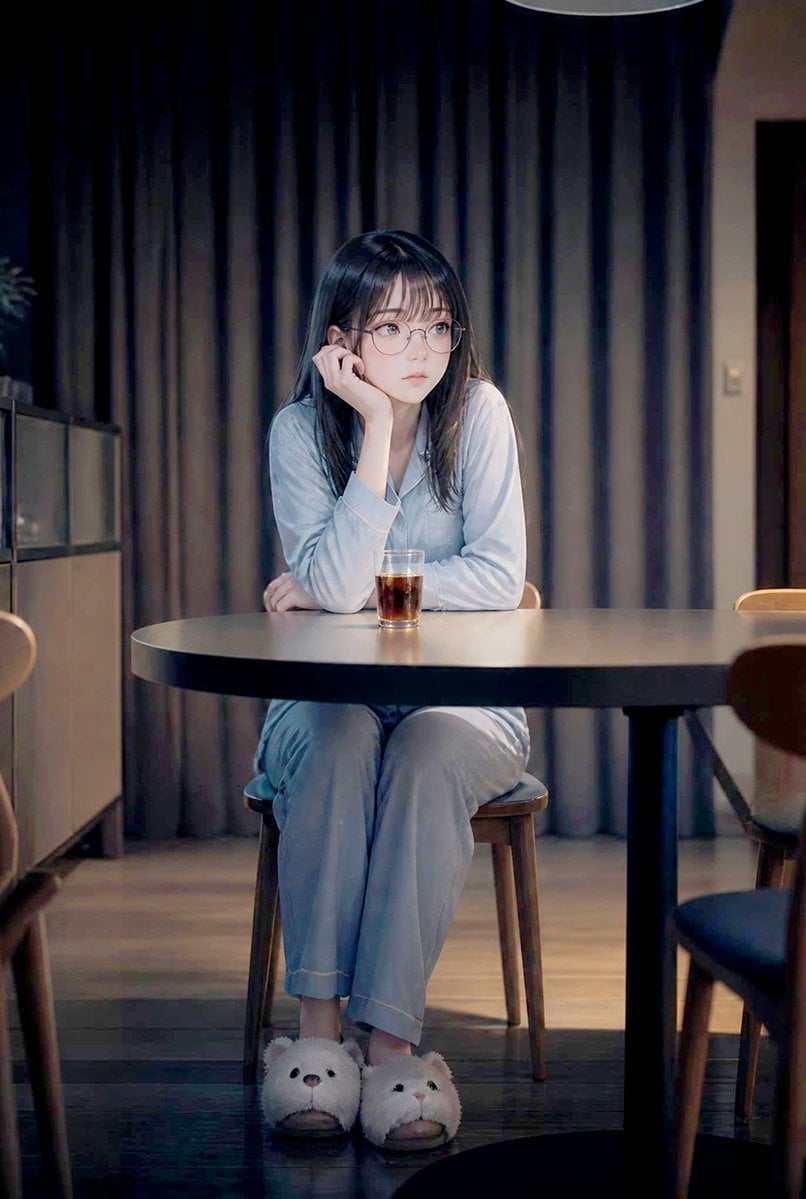
Lonely Night Dining Portrait
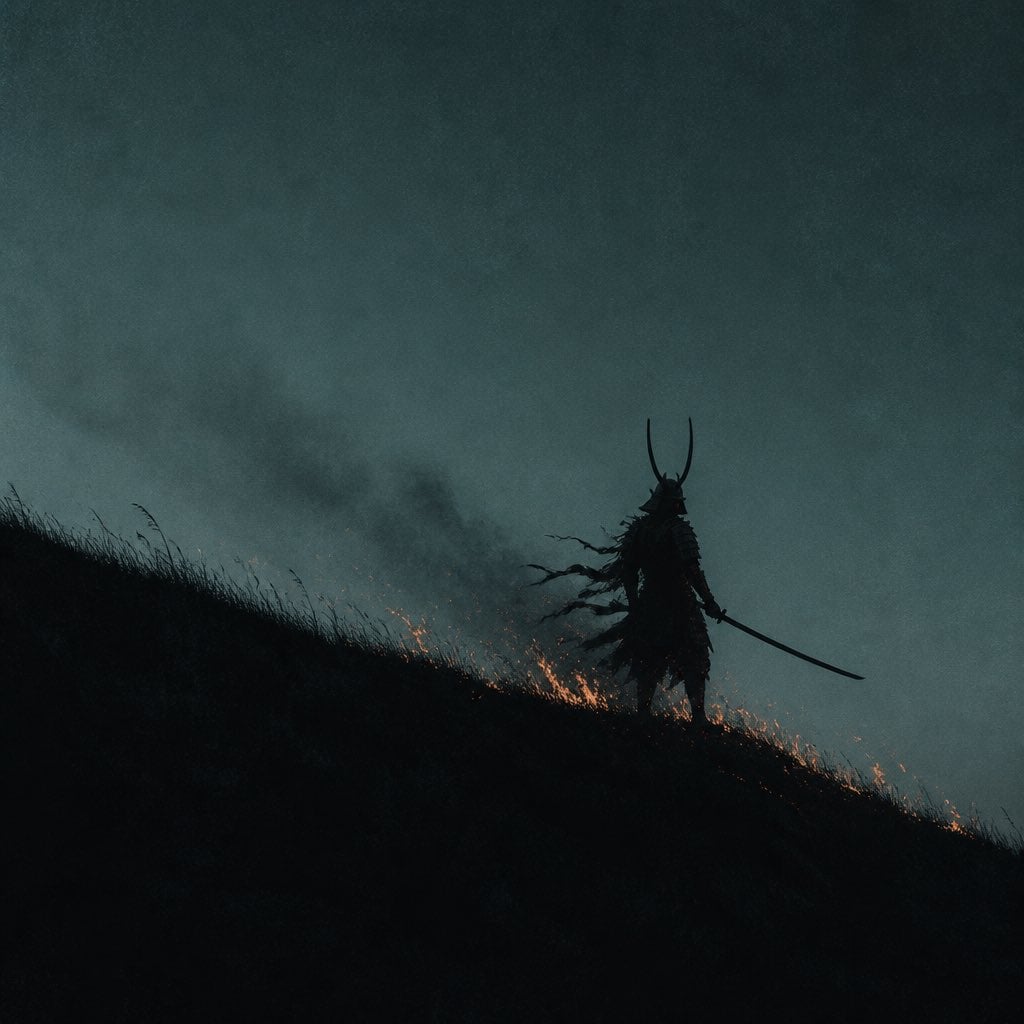
Lone Samurai Warrior Silhouette
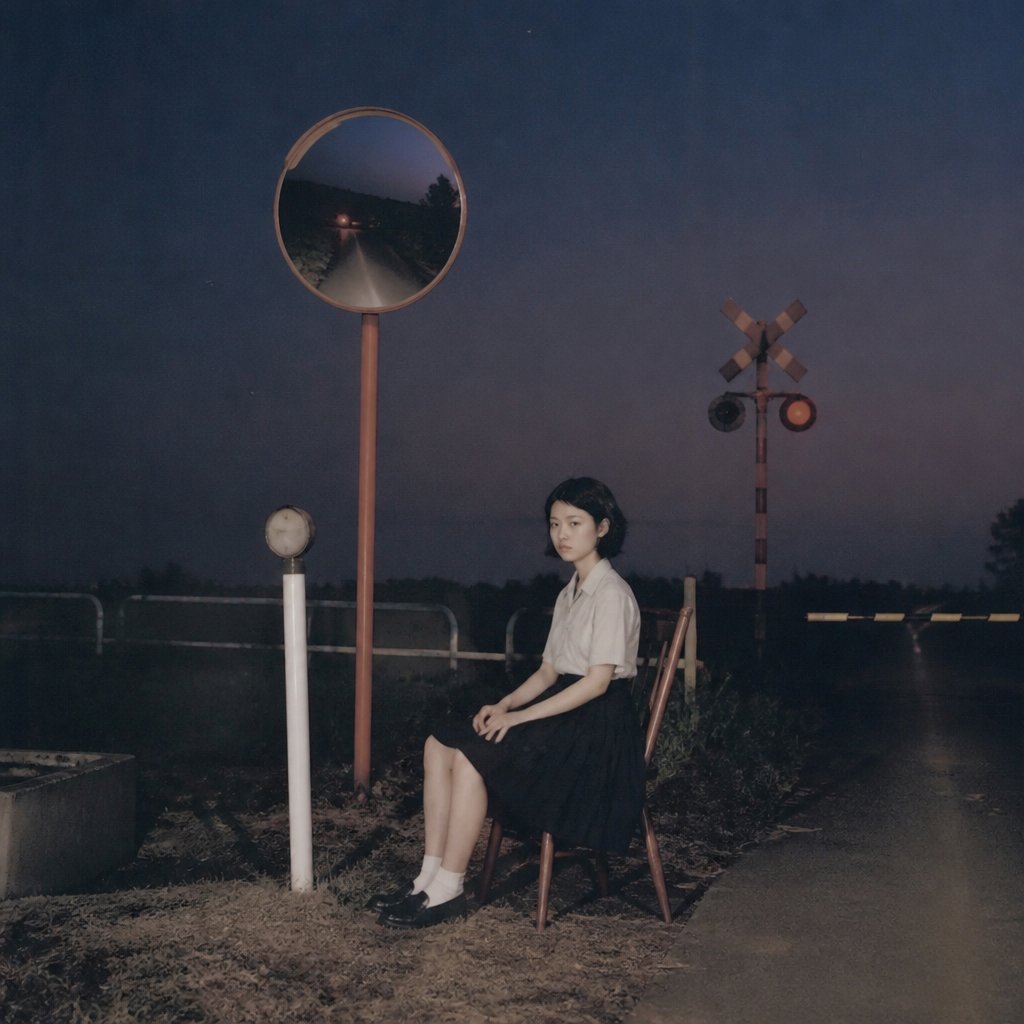
Lonely Night Railway Crossing Attendant
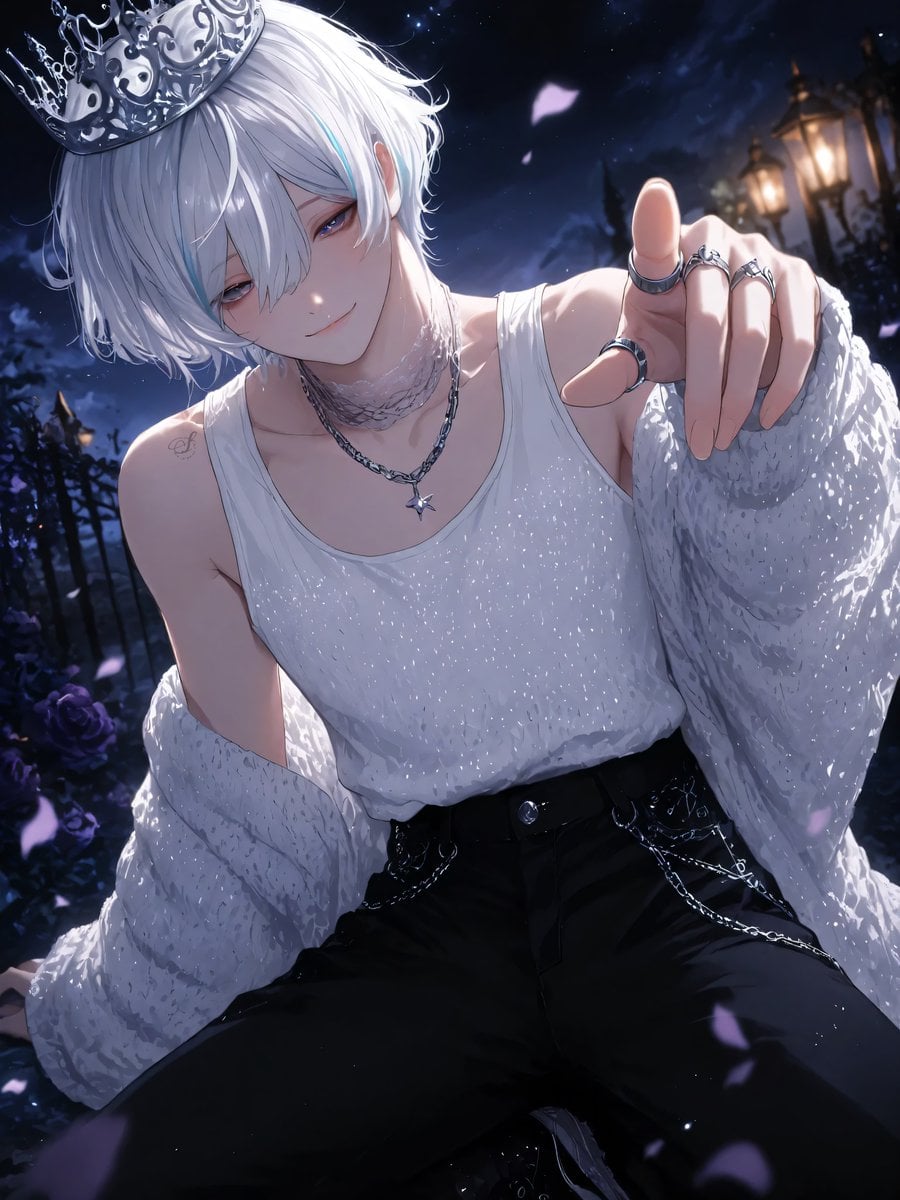
Moonlit Lace Prince Portrait
Make it yours
Lone Mountaineer in Moonlit Snow works as-is. These are the safest ways to change it without losing the look.
Change one field
Copy a single group, rewrite it, and generate again so you can see what that field is doing.
Keep the frame, change the subject
Hold the composition and light of Lone Mountaineer in Moonlit Snow, then swap wardrobe, props or the person for a new take.
| If the result… | Why | Fix |
|---|---|---|
| The result drifts from the preview | Too many fields changed at once. | Reuse Lone Mountaineer in Moonlit Snow as-is first, then change one group — subject, light, or setting. |
| The model over-stylizes the scene | The prose prompt leaves finish and camera underspecified. | Add one camera or lighting sentence and stay on GPT Image 2. |
More GPT Image 2 templates
Other prompts made for GPT Image 2.

Six VTuber Japanese Logo Sheet

Realistic Portrait of Woman and Deer

The Vista Modular Condo Poster

AI Model Routing Comparison Infographic

2.5D Anime Art Board

Isometric Productivity Desk Scene

New York Double Exposure Poster

Four-Panel AI Landscape Comparison

Japanese Tatami Lifestyle Magazine Cover

NESCAFÉ Coffee Map Poster
More image prompts
Fresh picks from across the catalog.
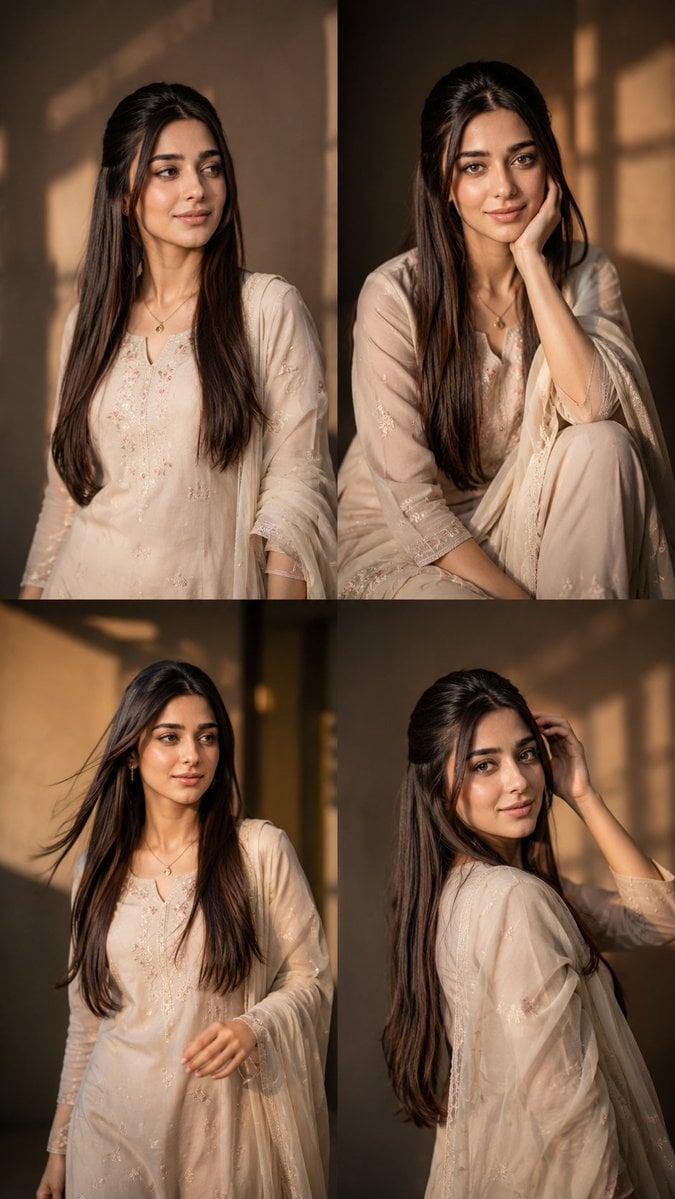
Consistent Instagram Carousel Poses
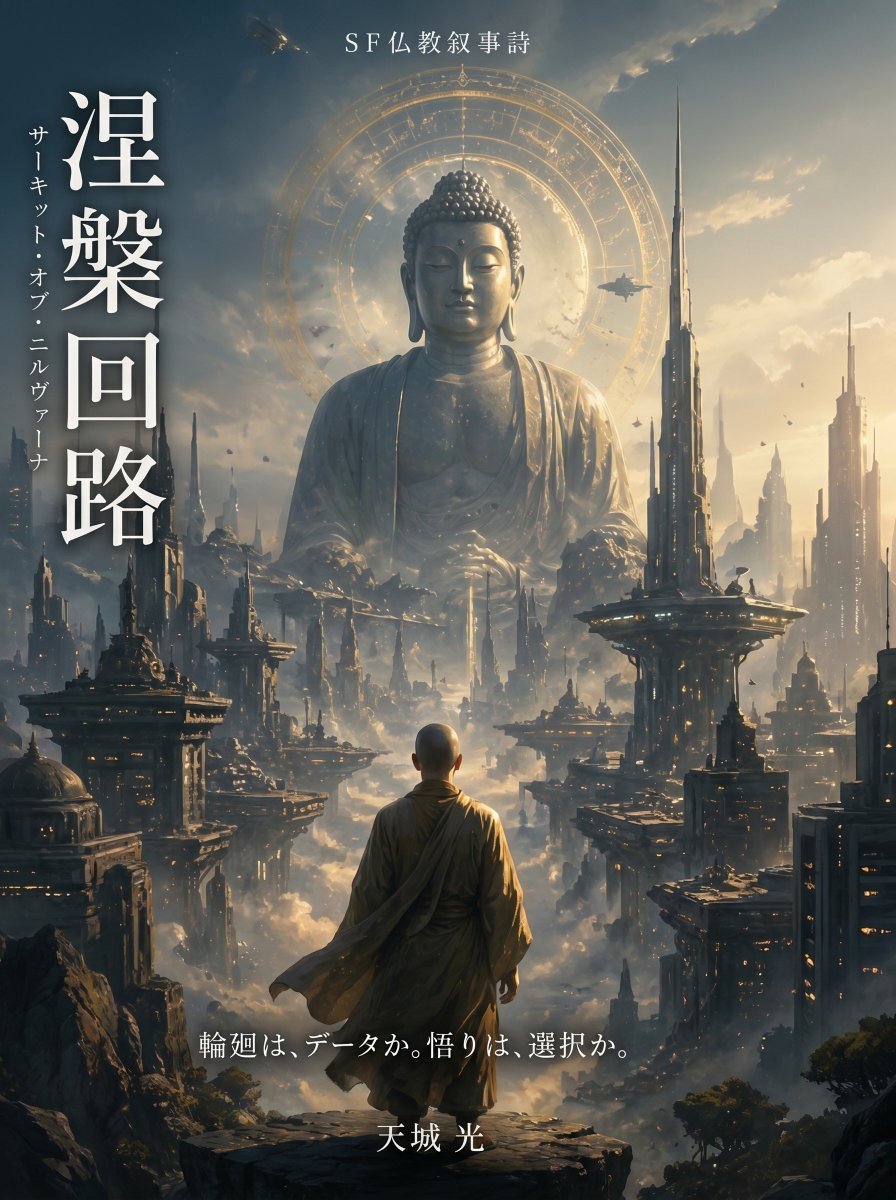
Buddhist Motif Sci-Fi Cover
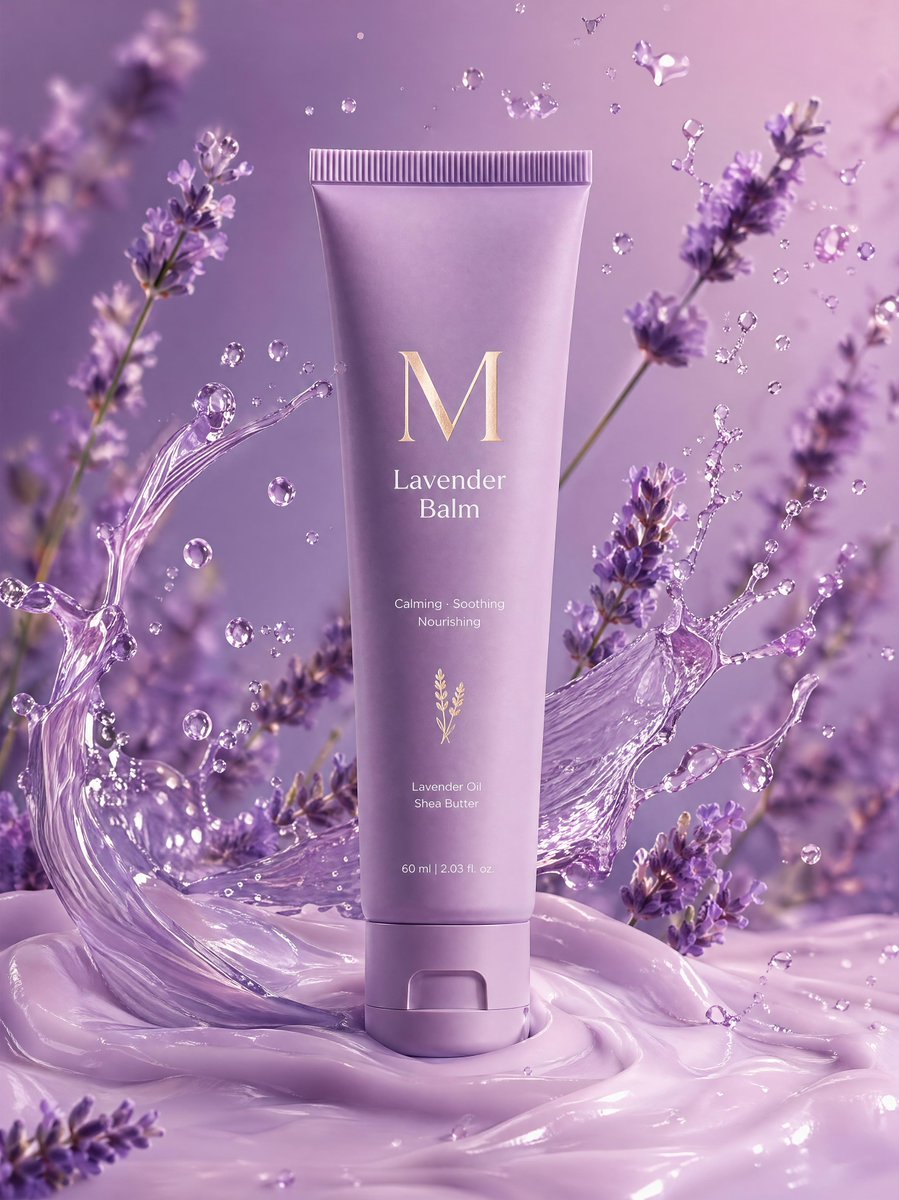
Premium Lavender Balm Product Shot
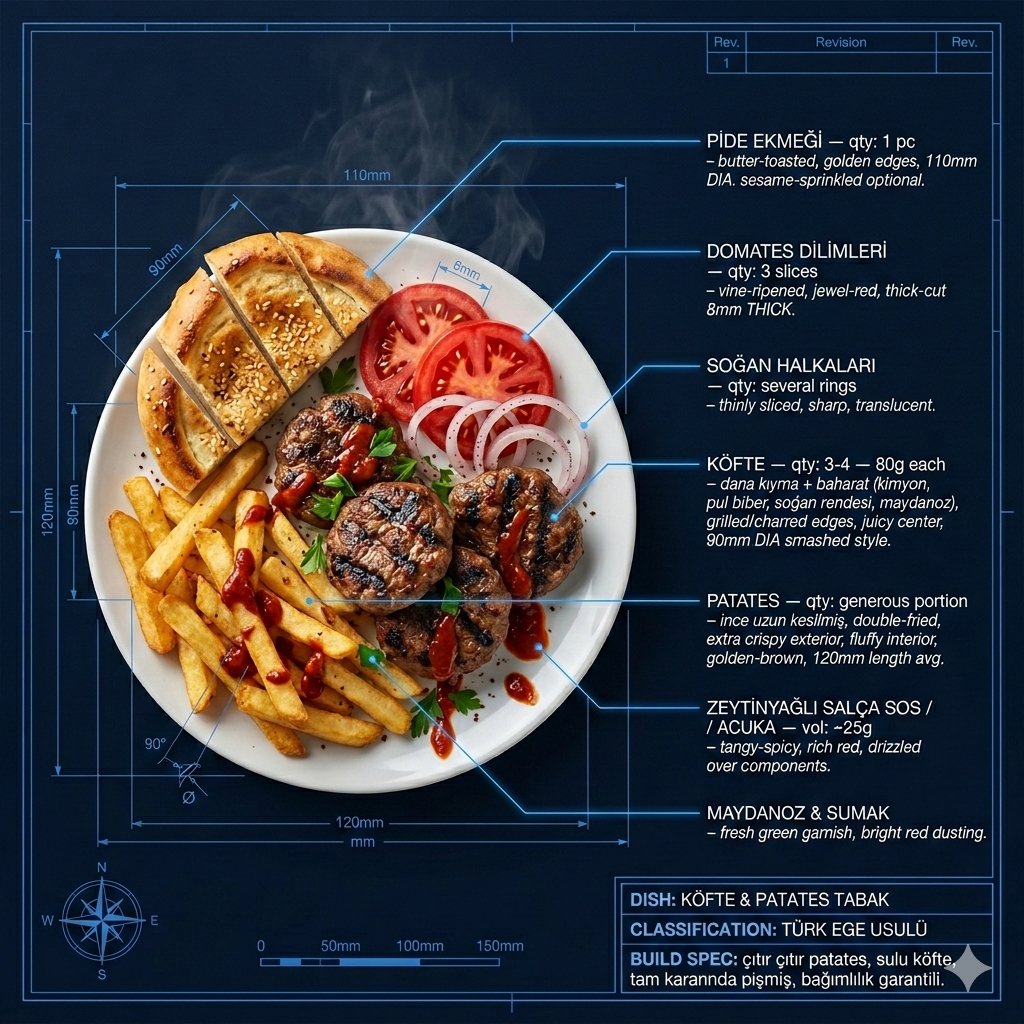
Technical Architectural Blueprint of KÖFTE & PATATES
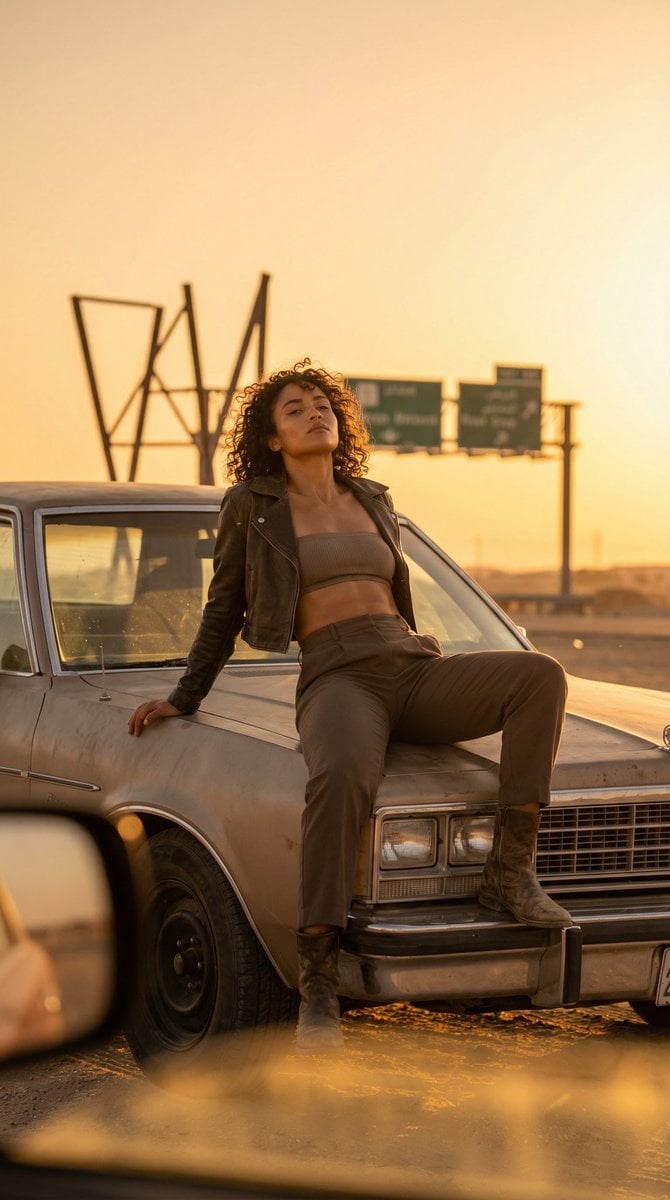
Cinematic Desert Rest Stop Portrait at Golden Hour
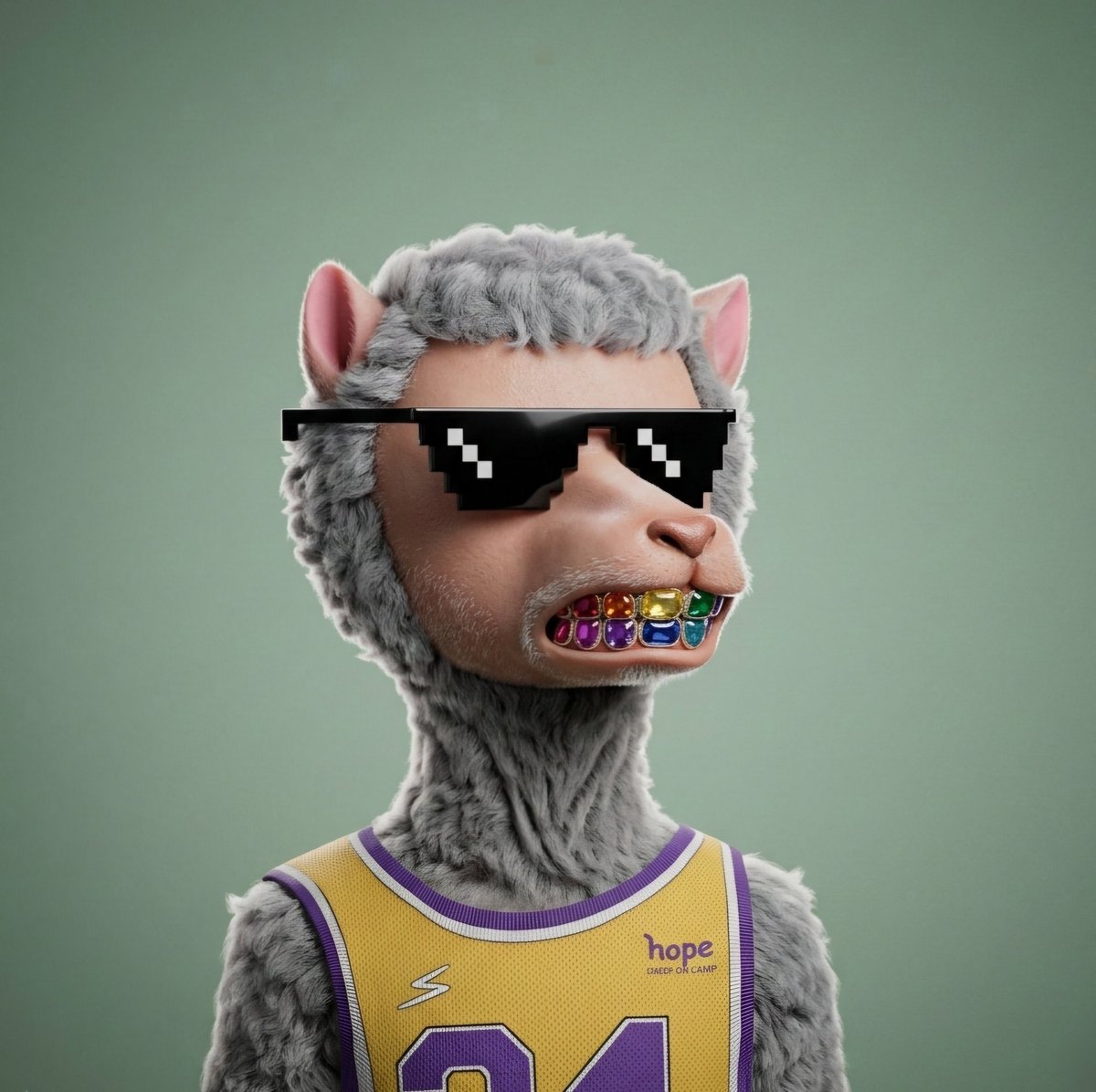
3D Hyper-realistic Style Transformation for NFT
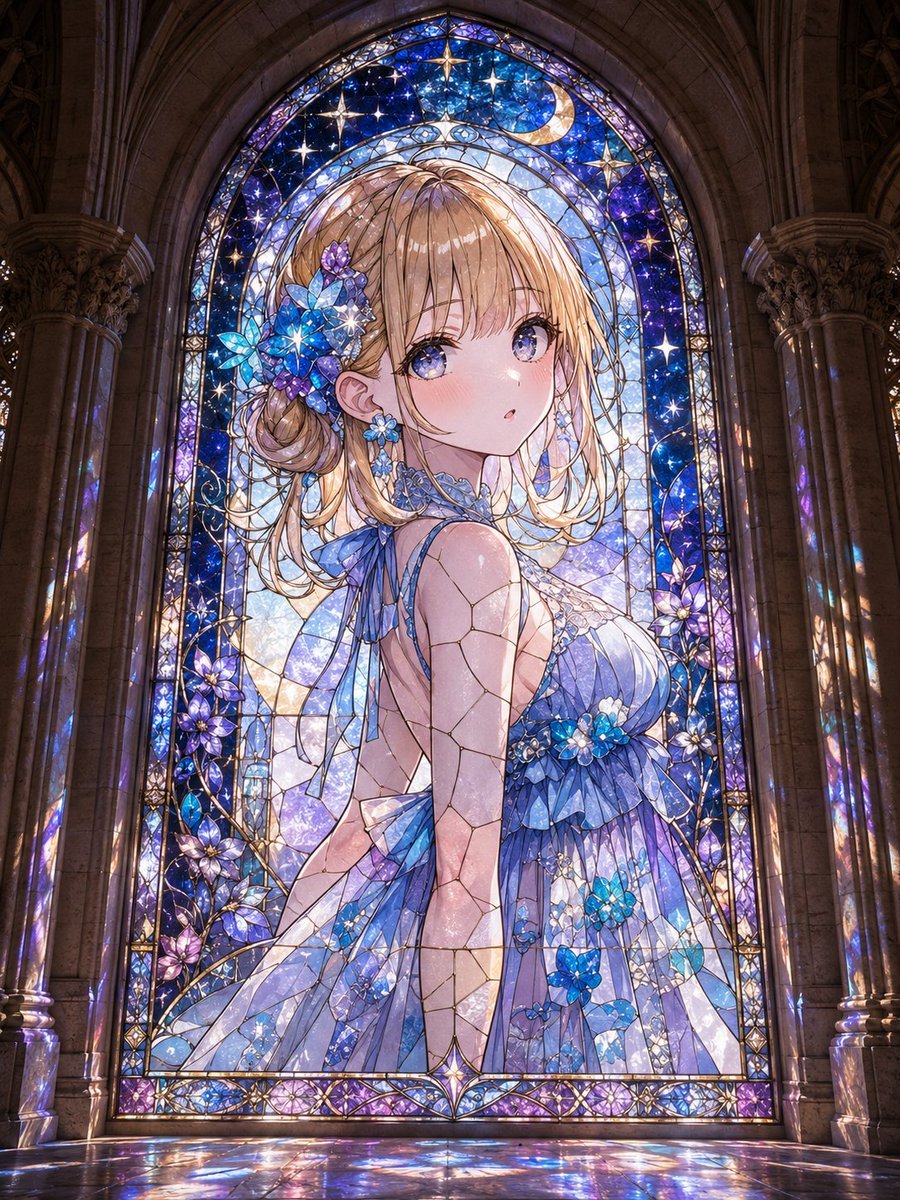
Anime Girl Stained Glass Chapel
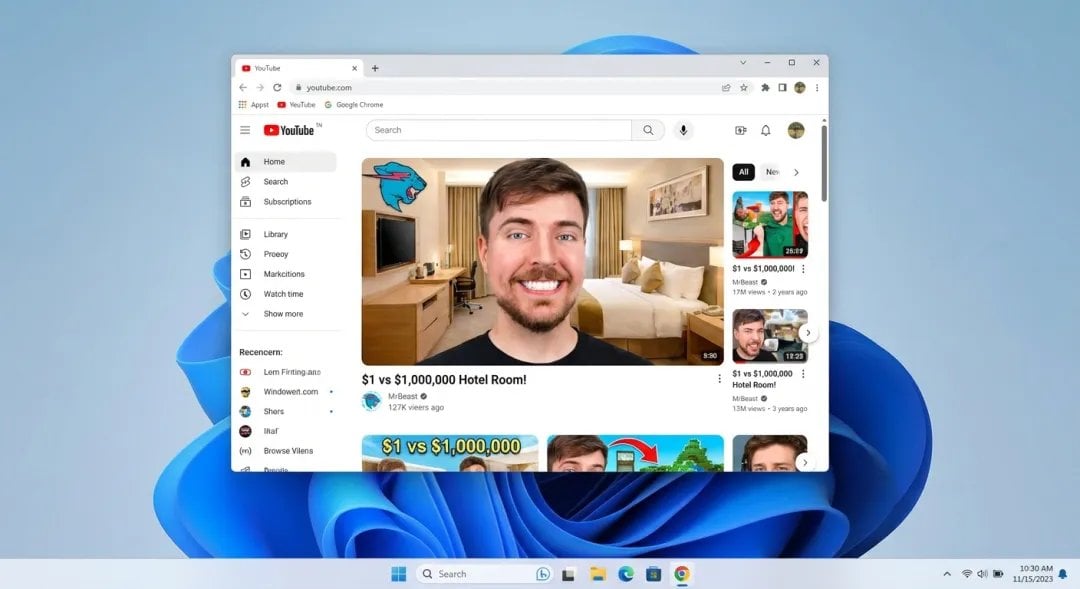
Windows 11 desktop with Chrome and MrBeast on YouTube
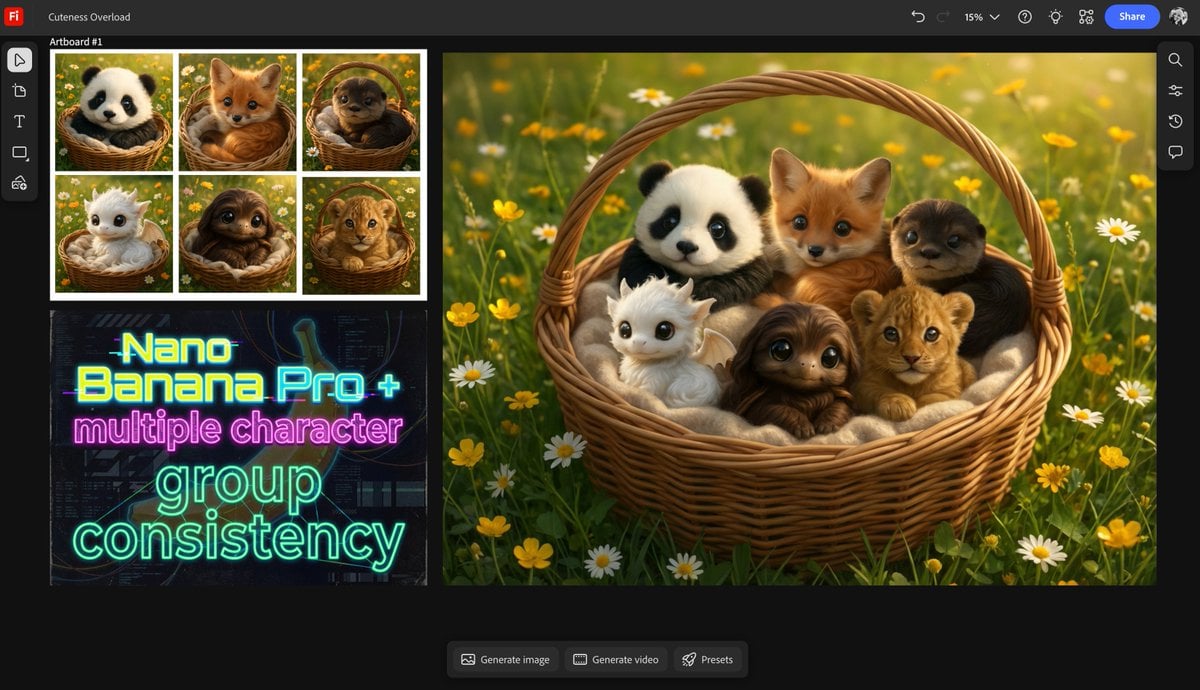
Multiple characters in one basket
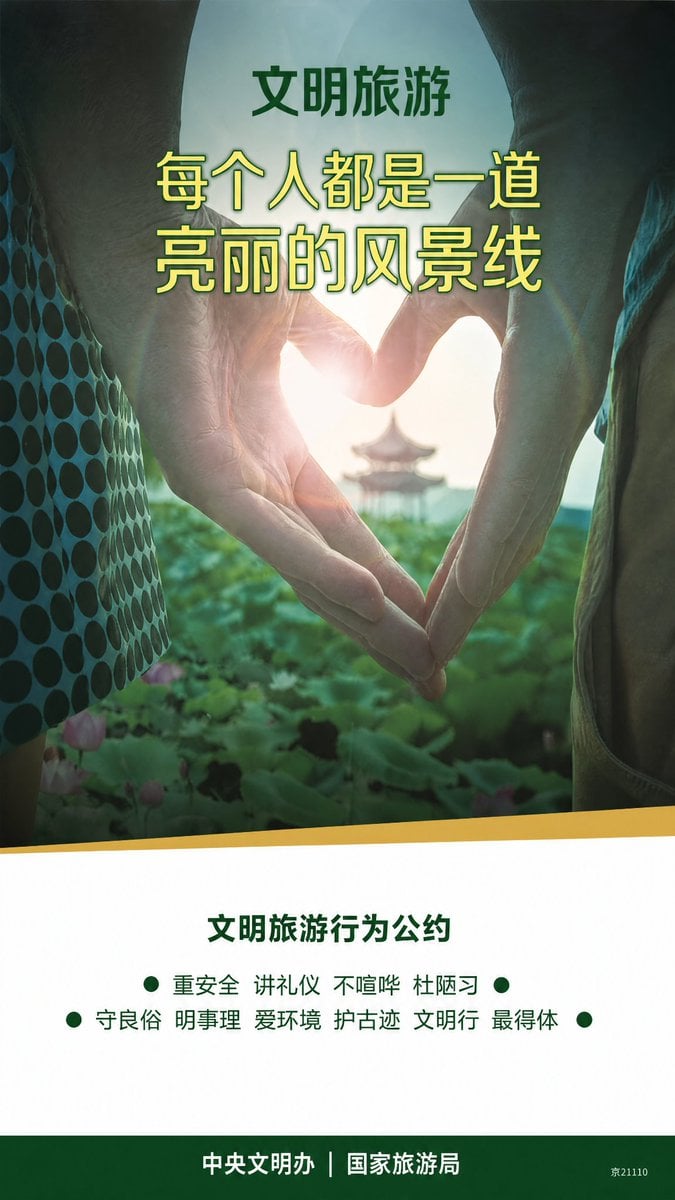
Clean Metro Tourism Poster Recreation
Browse template categories
Lone Mountaineer in Moonlit Snow questions
How do I use the Lone Mountaineer in Moonlit Snow template?
Add your photo if the template asks for one, edit the prompt if you like — the template's model and format are already selected — and press Generate. Your version opens in PicX Studio.
Can I customize the Lone Mountaineer in Moonlit Snow template?
Yes. You can change the subject, setting, lighting, mood, format, and available model controls before creating your image.
Is the Lone Mountaineer in Moonlit Snow template free?
Opening and editing this template is free. Generating uses credits, shown on the Generate button when you are signed in.
Which AI model should I use?
Start with GPT Image 2, which is the model associated with this template. You can compare another compatible model for a different finish.
Looking for something else? Browse all templates.

Your photo, any look
Thousands of ready templates for every top image and video model, from one credit balance.