
Lonely Night Railway Crossing Attendant
A cinematic analog-style night scene of a schoolgirl seated by a rural railroad crossing, useful for atmospheric AI art generation.
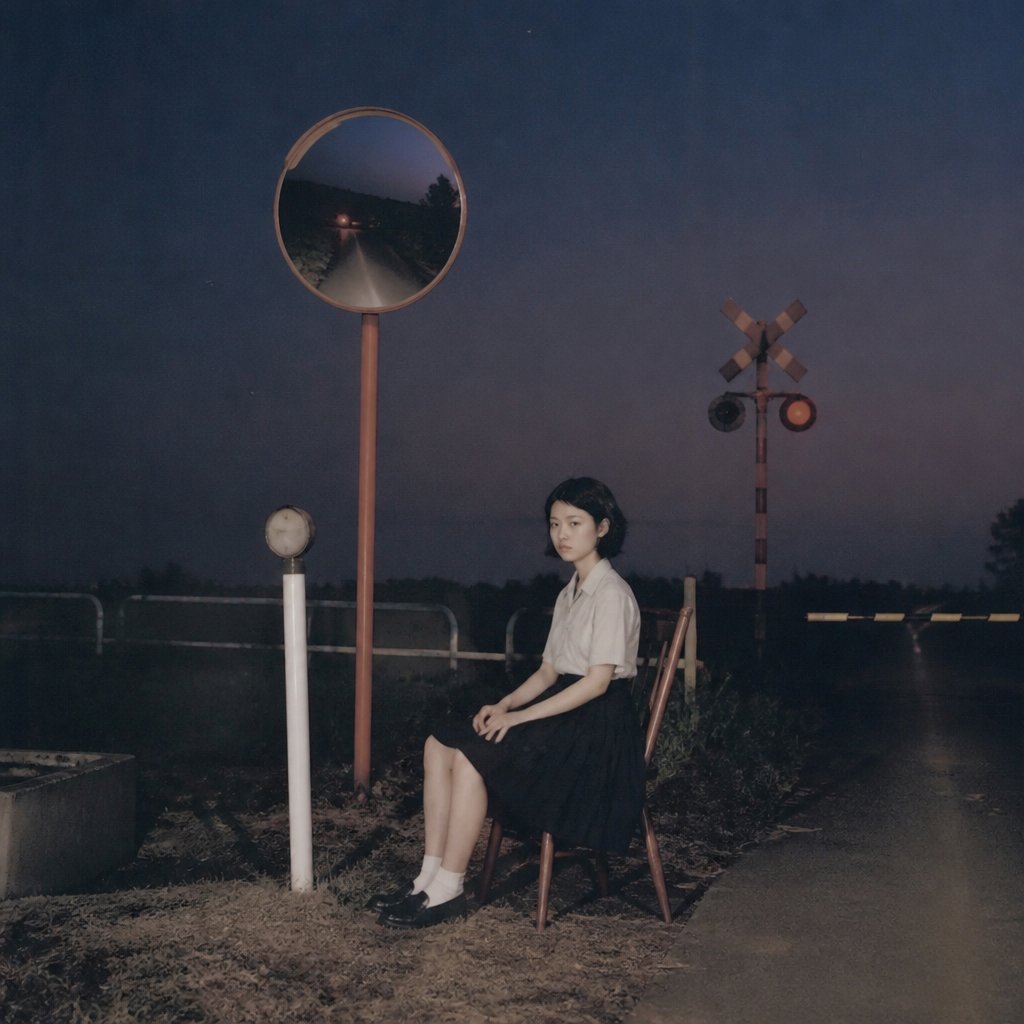
- Prompt included
- Model and format preset
- Free template
The prompt behind this image
Copy the exact prompt behind Lonely Night Railway Crossing Attendant, or open it in the studio and make it yours.
Create a moody cinematic night photograph of {argument name="character name" default="a quiet teenage railway crossing attendant"} sitting alone on a simple wooden chair beside a rural railroad crossing. The scene is square format, shot with soft on-camera flash and dark blue-purple dusk tones, with subtle film grain and a slightly faded analog look. The subject is one young East Asian girl with short dark hair, a calm unsmiling expression, wearing {argument name="outfit" default="a white short-sleeve blouse, dark pleated skirt, white socks, and black loafers"}; she sits in profile angled slightly toward the camera with her hands resting on her lap and legs together. Include exactly 6 prominent discrete roadside elements: 1 tall orange pole with a round convex traffic mirror reflecting a dark narrow road and distant headlights, 1 short white post with a small round sign or lamp, 1 wooden chair, 1 railroad crossing signal pole with a crossbuck, 2 circular signal lights with one glowing red, and 1 lowered black-and-yellow striped barrier stretching across the road at the right. Place the girl slightly right of center, the mirror high on the left, the crossing signal in the mid-background, and an empty wet-looking road receding into darkness on the right. The background should be rural and sparse, with low grass, weeds, guardrails, distant tree silhouettes, and a heavy night sky. Use realistic proportions, quiet suspenseful atmosphere, muted colors, shallow flash-lit foreground, and no visible text, watermark, or extra people.
How to use Lonely Night Railway Crossing Attendant in 3 steps
- 1Upload ImagePNG, JPG or paste
Add your photo
Upload the photo the template builds on. The prompt, model and format are already set.
- 2…a portrait of your subject in softgolden-hour light, 85mm…
Personalize
Edit the subject and creative details for your destination.
- 3Generate
Generate
Press Generate — your image is created in PicX Studio, so you can compare it with the original and refine one variable at a time.
More like this
Templates with the same subject, style or setup. Open one to see its prompt.

Before We said Goodbye

Subway Platform Quiet Introspective Portrait
Subway Platform Quiet Introspective Portrait

Spider-Man Night Swing New York Cinematic

Floating Woman Above Cityscape with Notifications
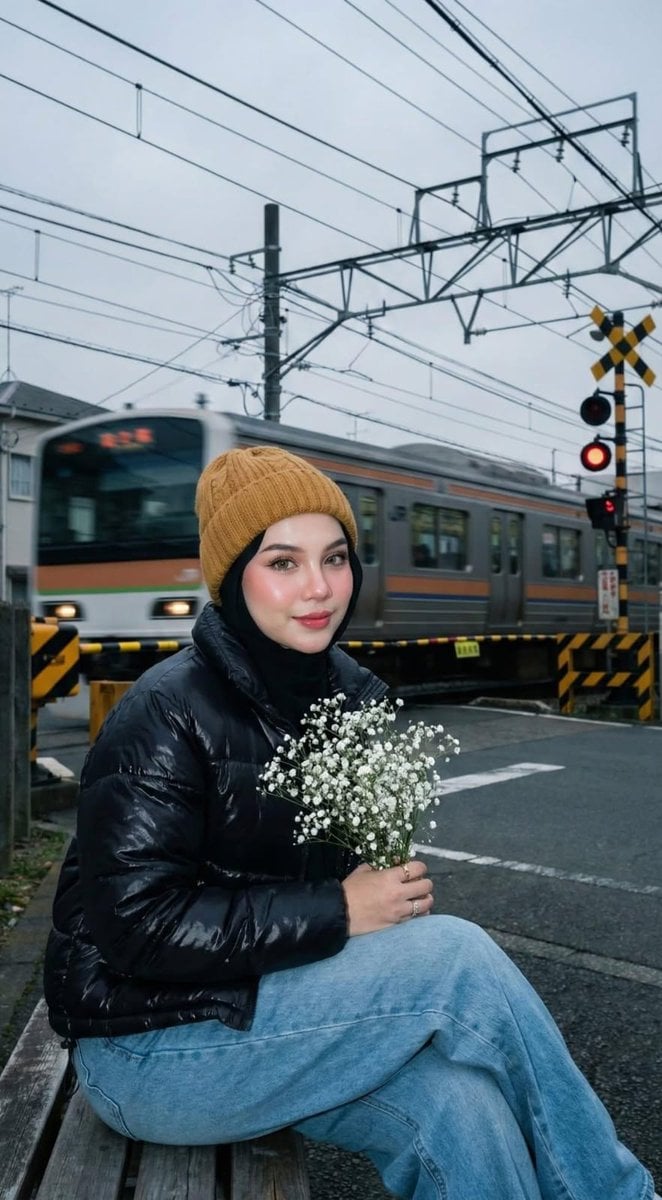
Moody Japanese Railway Crossing Portrait

Night Sports Car Portrait — Cinematic Moody

Nano Banana - Cozy Cafe Night
Nano Banana - Dancing Carefree Paris

Nano Banana - Paris Night Party Dancing
Nano Banana - Bathtub Eiffel Night
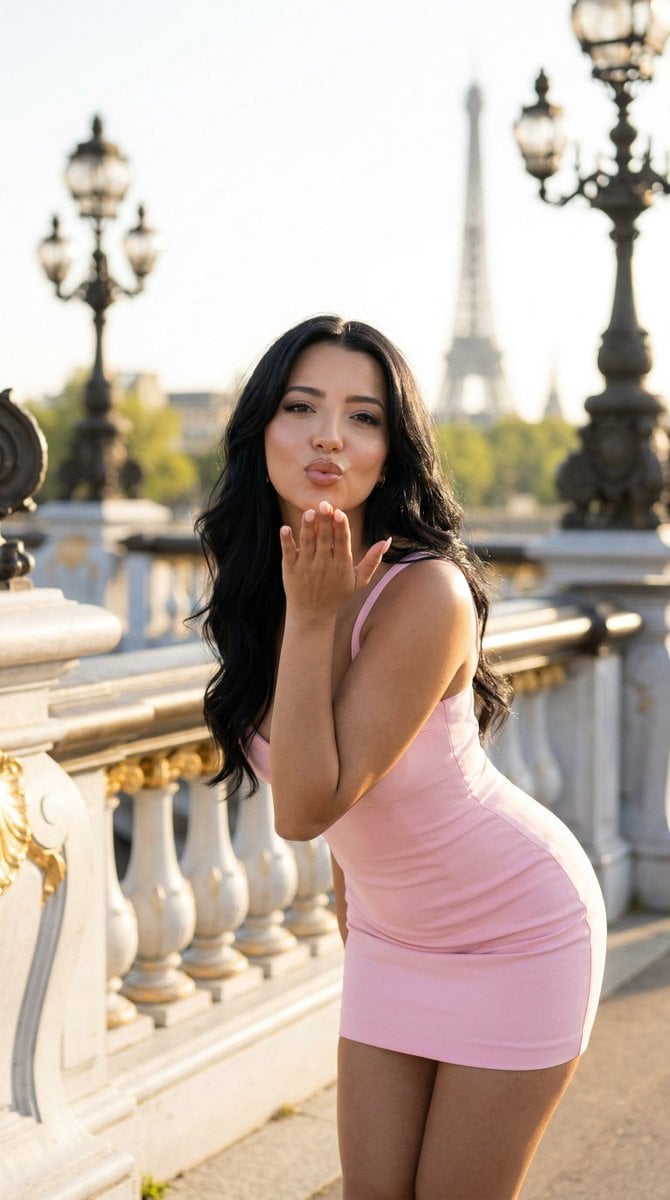
Nano Banana - Rooftop Dinner Night
Make it yours
Lonely Night Railway Crossing Attendant works as-is. These are the safest ways to change it without losing the look.
Change one field
Copy a single group, rewrite it, and generate again so you can see what that field is doing.
Keep the frame, change the subject
Hold the composition and light of Lonely Night Railway Crossing Attendant, then swap wardrobe, props or the person for a new take.
| If the result… | Why | Fix |
|---|---|---|
| The result drifts from the preview | Too many fields changed at once. | Reuse Lonely Night Railway Crossing Attendant as-is first, then change one group — subject, light, or setting. |
| The model over-stylizes the scene | The prose prompt leaves finish and camera underspecified. | Add one camera or lighting sentence and stay on GPT Image 2. |
More GPT Image 2 templates
Other prompts made for GPT Image 2.

Six VTuber Japanese Logo Sheet

Realistic Portrait of Woman and Deer

The Vista Modular Condo Poster

AI Model Routing Comparison Infographic

2.5D Anime Art Board

Isometric Productivity Desk Scene

New York Double Exposure Poster

Four-Panel AI Landscape Comparison

Japanese Tatami Lifestyle Magazine Cover

NESCAFÉ Coffee Map Poster
More image prompts
Fresh picks from across the catalog.

Blue AI Influencer 3D Poster
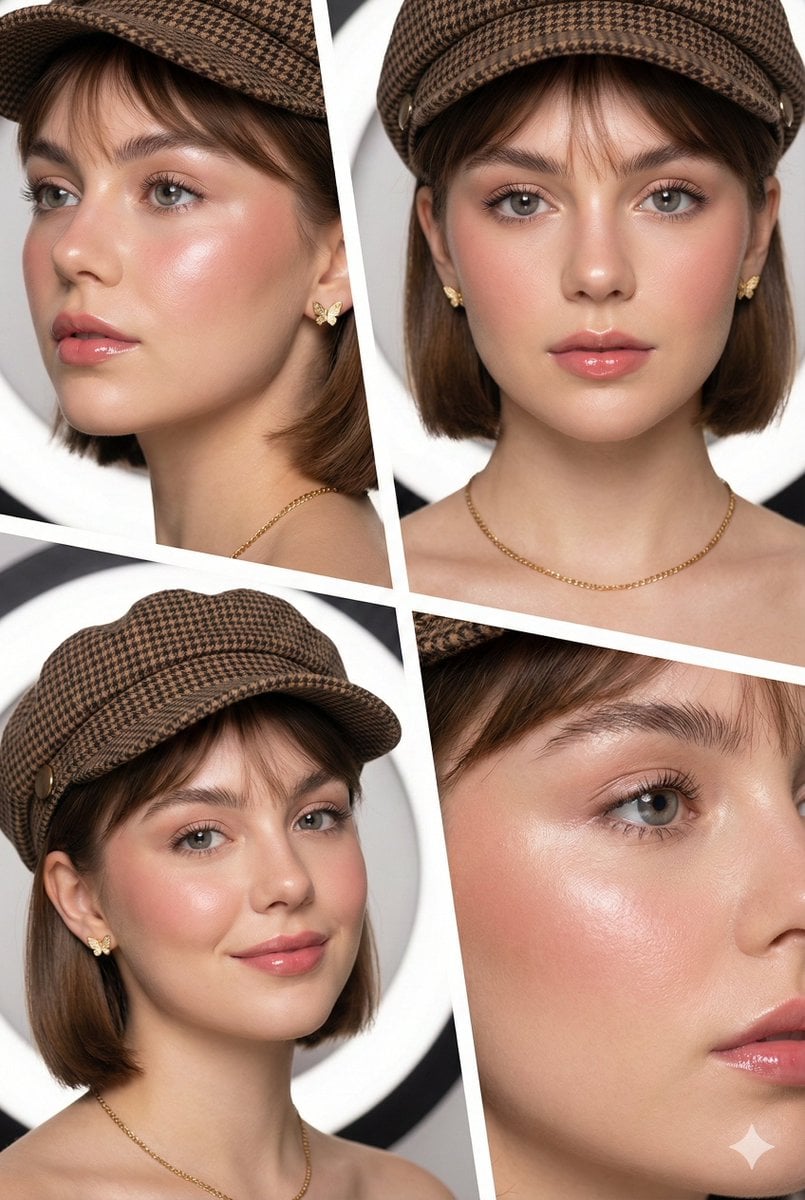
Panel Beauty Editorial Collage
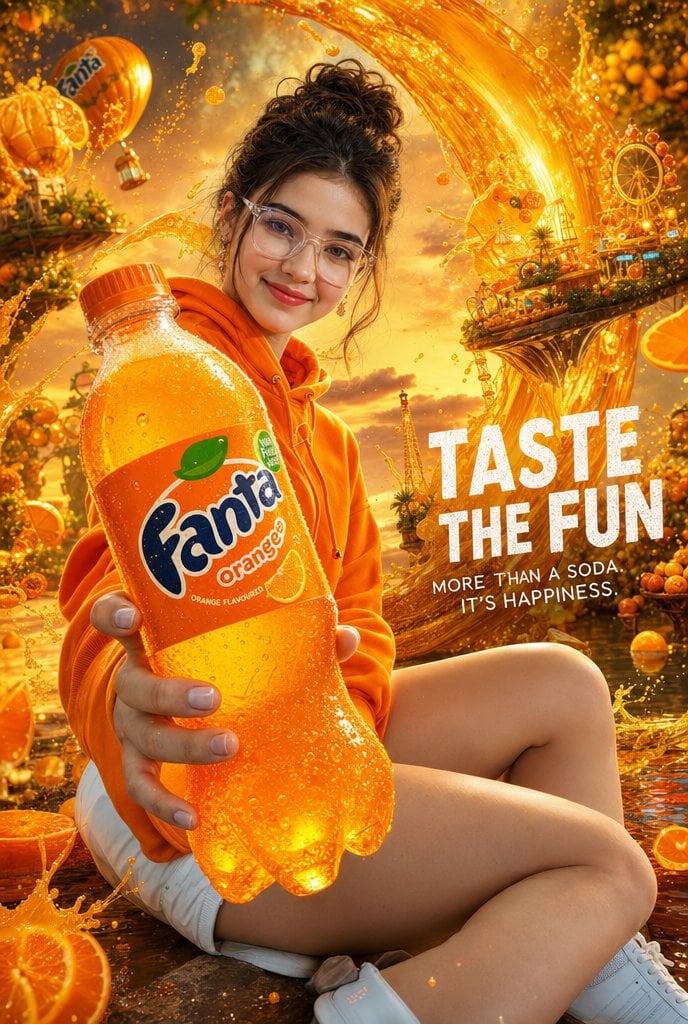
Cinematic Orange Soda Ad Poster
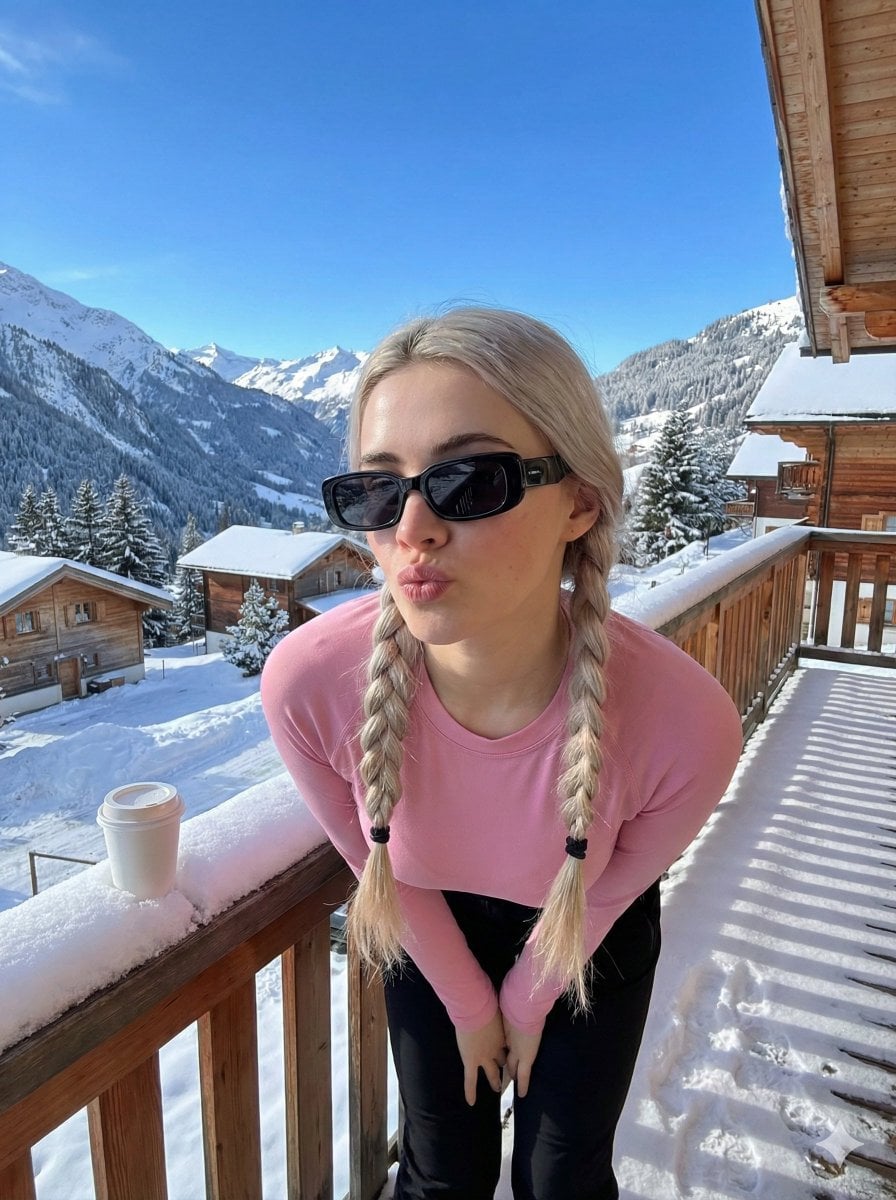
Image-to-Image Winter Alpine Portrait
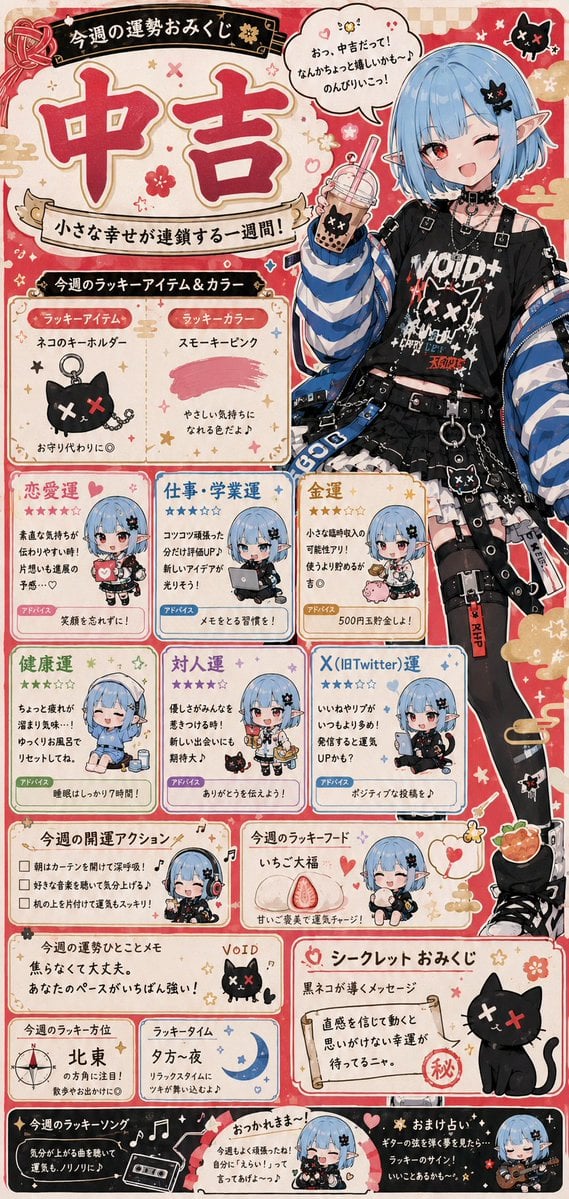
Fortune Telling Omikuji Card Generator

Identity-Locked Surreal Minimalist Editorial Portrait
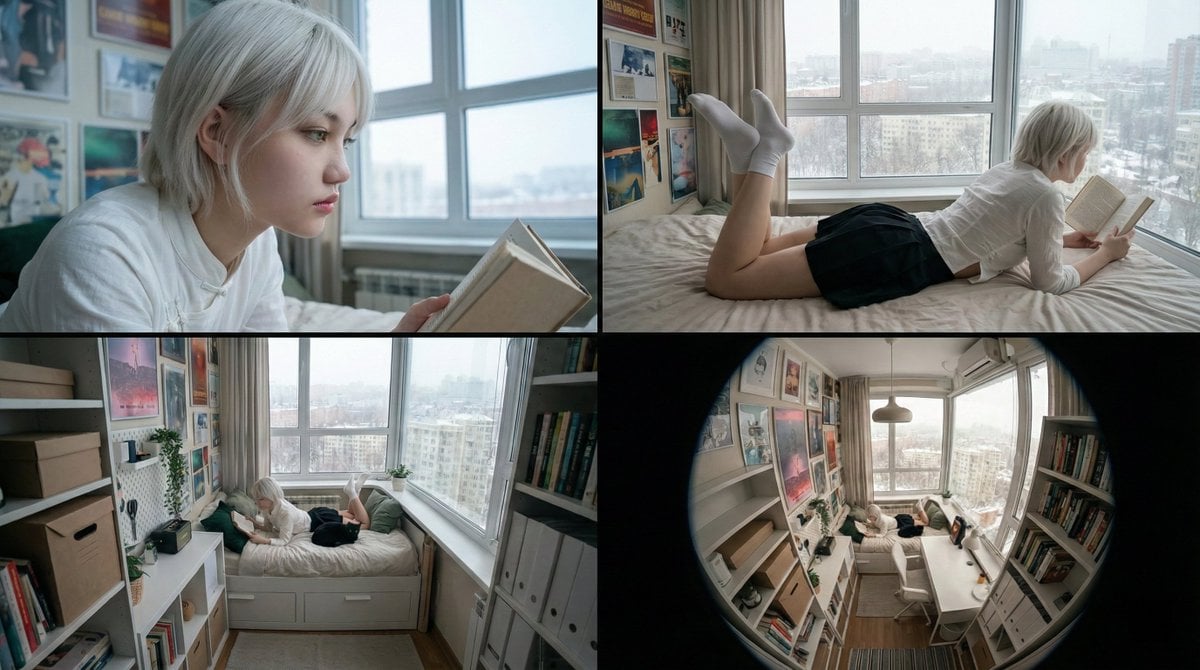
16:9 Cinematic Storyboard from References
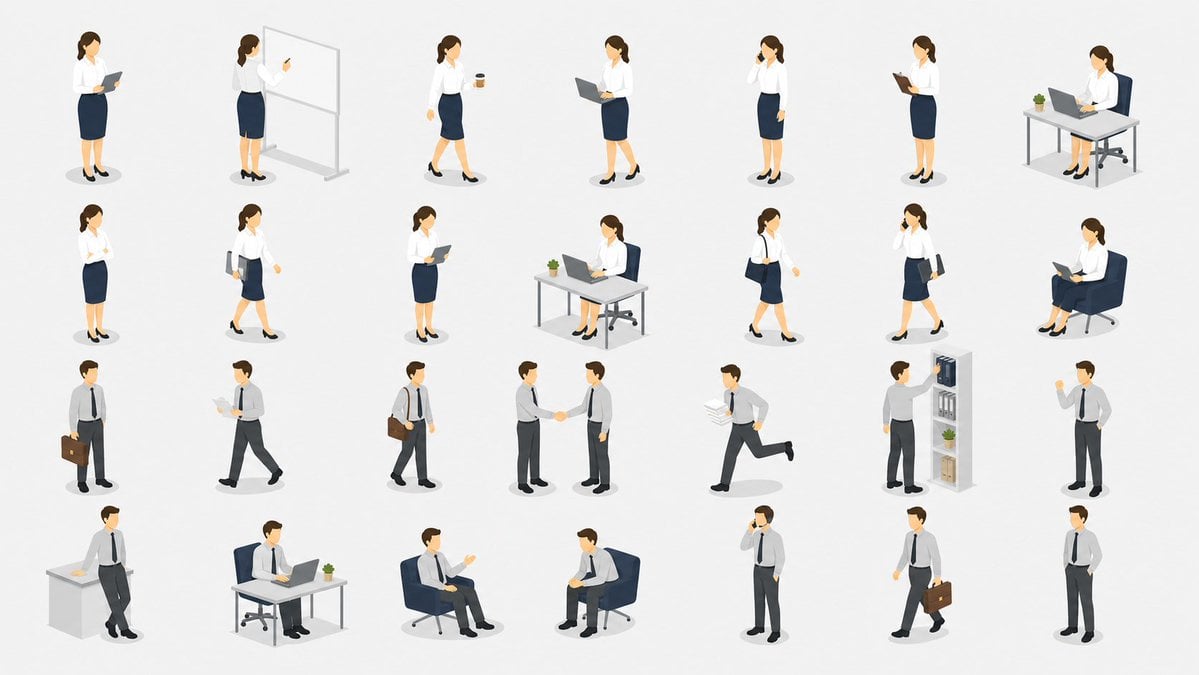
Isometric Office Worker Asset Sheet
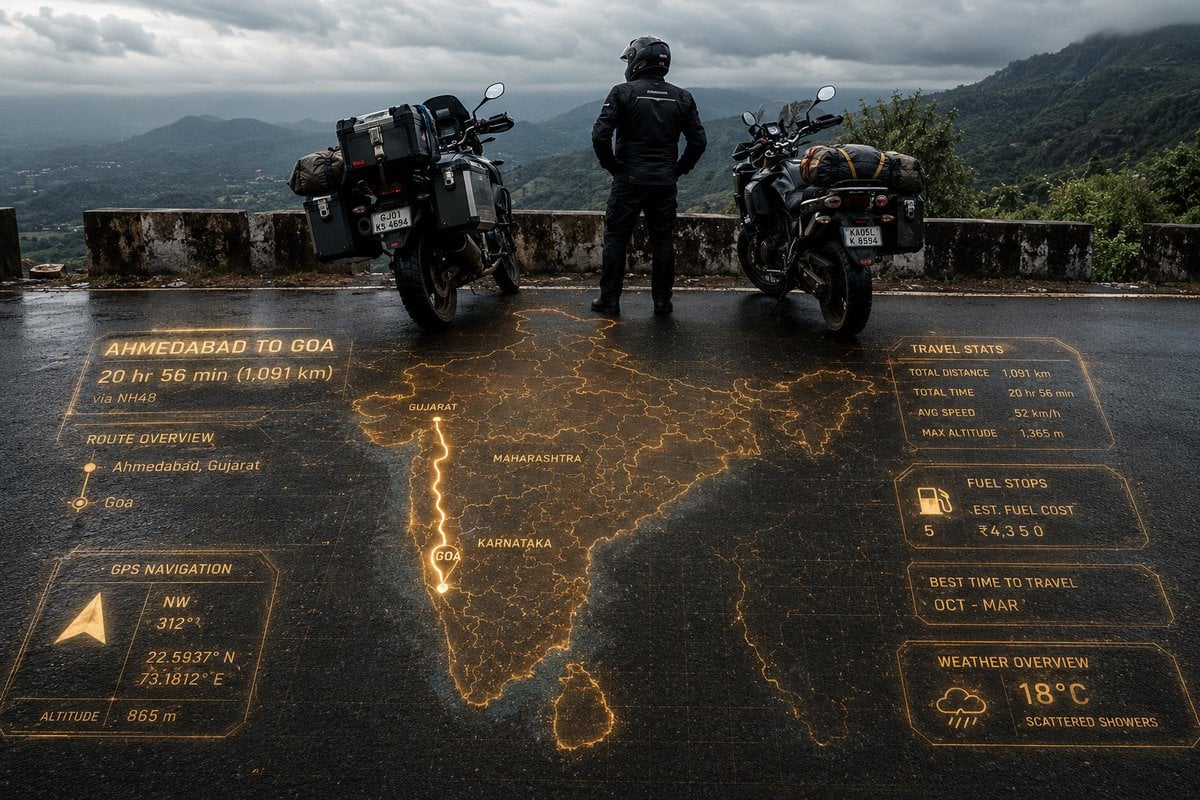
Adventure Motorcyclist with Holographic HUD
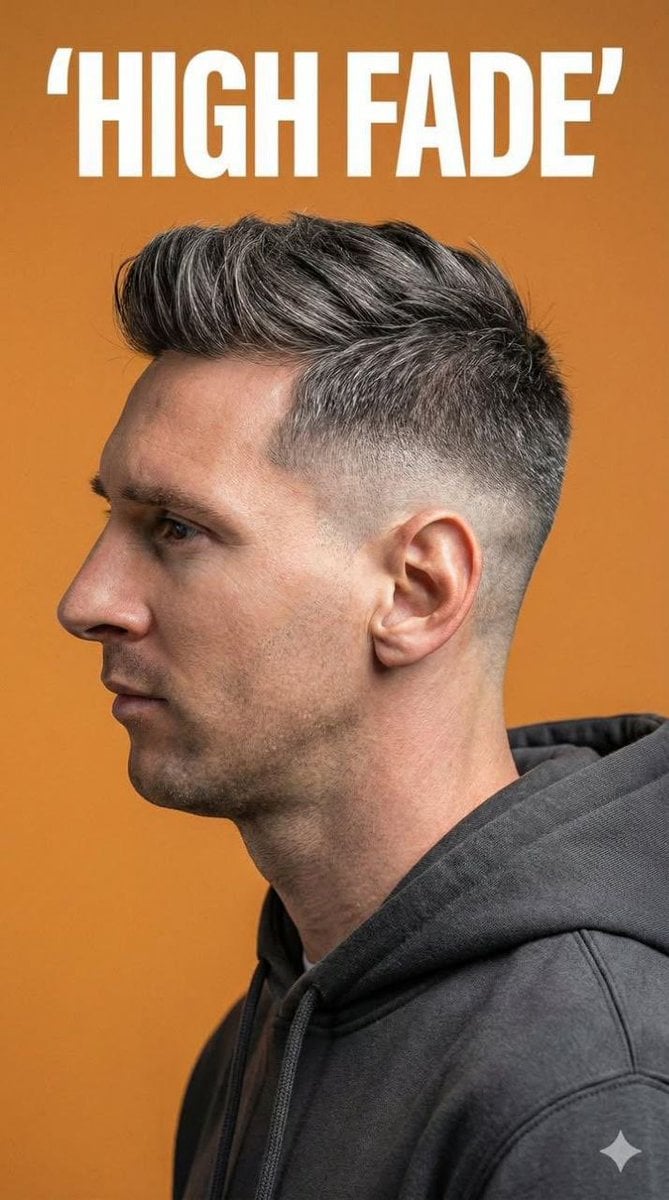
Ultra-Realistic Studio Portrait for Men's Hairstyles
Browse template categories
Lonely Night Railway Crossing Attendant questions
How do I use the Lonely Night Railway Crossing Attendant template?
Add your photo if the template asks for one, edit the prompt if you like — the template's model and format are already selected — and press Generate. Your version opens in PicX Studio.
Can I customize the Lonely Night Railway Crossing Attendant template?
Yes. You can change the subject, setting, lighting, mood, format, and available model controls before creating your image.
Is the Lonely Night Railway Crossing Attendant template free?
Opening and editing this template is free. Generating uses credits, shown on the Generate button when you are signed in.
Which AI model should I use?
Start with GPT Image 2, which is the model associated with this template. You can compare another compatible model for a different finish.
Looking for something else? Browse all templates.

Your photo, any look
Thousands of ready templates for every top image and video model, from one credit balance.