
16:9 Cinematic Storyboard from References
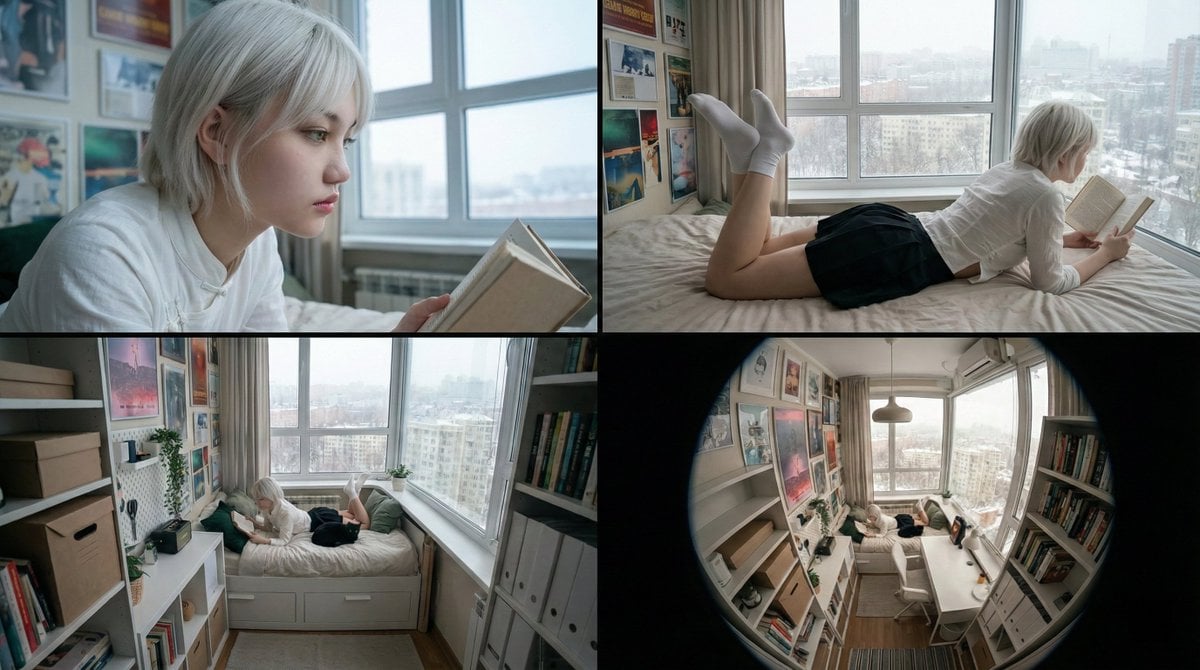
A Chinese prompt for generating a 16:9 cinematic storyboard (four continuous panels) in a realistic documentary style.
- Prompt included
- Model and format preset
- Free template
The prompt behind this image
Copy the exact prompt behind 16:9 Cinematic Storyboard from References, or open it in the studio and make it yours.
横版16比9电影连续分镜,写实纪录片风格,人物空镜关系位置风格参考图1,人物形象参考图2,这个提示词包含了四个具体的画面指令: Panel 1 (侧脸特写): 聚焦图2人物的在床上看书参考图1面部特征({argument name="hair color" default="白金发"}、绿眼),背景虚化处理,保留图1的冷色调光感。 Panel 2 (背影看书): 还原图1中“趴在床上看书”的动作,但换成图2的人物着装,强调窗外的{argument name="weather" default="雪景"}。 Panel 3 (中景仰拍): 动作位置参考图1这是一个极具张力的视角,体现房间的狭窄感和人物的空间关系,突出书架和海报墙的细节。 Panel 4 (全景/鱼眼): 补充一个广角镜头(参考图1的透视),交代整体环境,确立“雪天宅家”的氛围。
How to use 16:9 Cinematic Storyboard from References in 3 steps
- 1
Open
The prompt is already in the box next to the preview, with the template's model and format selected.
- 2…a portrait of your subject in softgolden-hour light, 85mm…
Personalize
Edit the subject and creative details for your destination.
- 3Generate
Generate
Press Generate — your image is created in PicX Studio, so you can compare it with the original and refine one variable at a time.
More like this
Templates with the same subject, style or setup. Open one to see its prompt.

Headphones Lifestyle Nine Panel Grid
Seedance - Storyboard to Movie
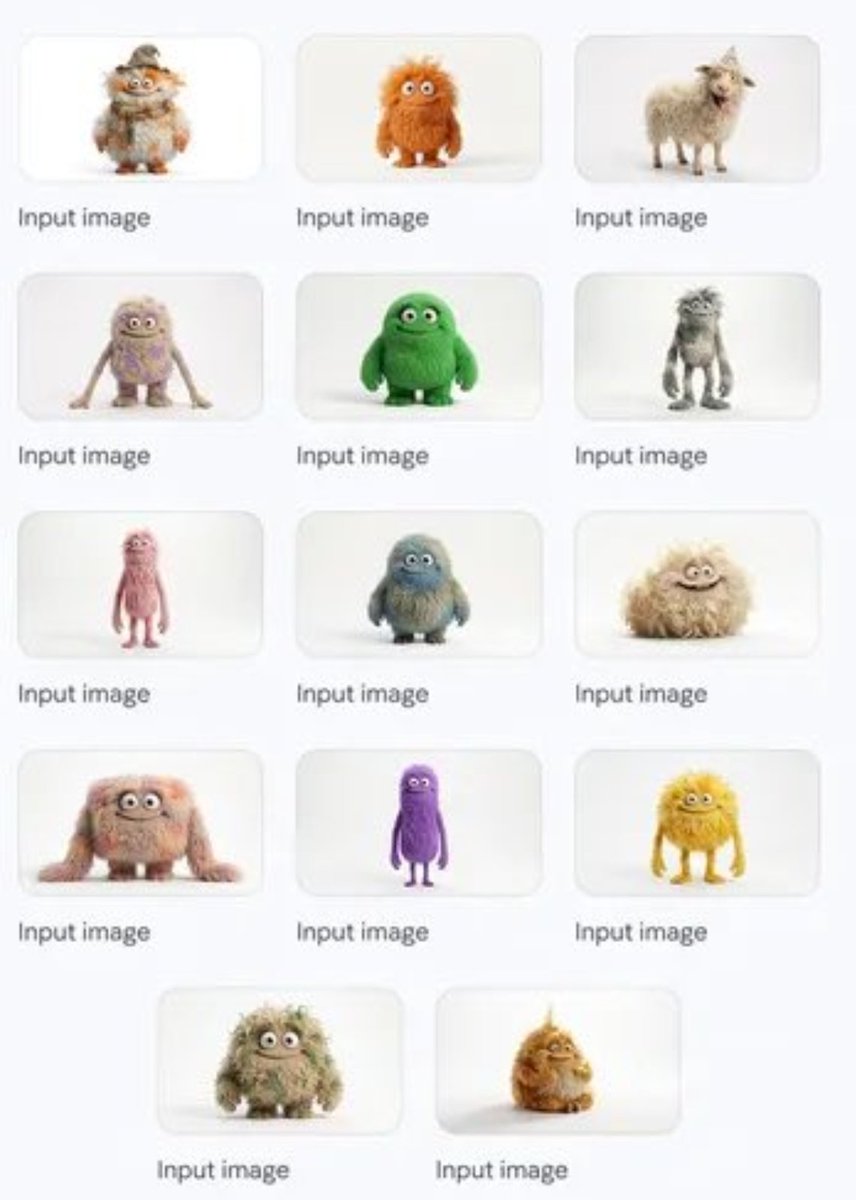
Group image from multiple character references
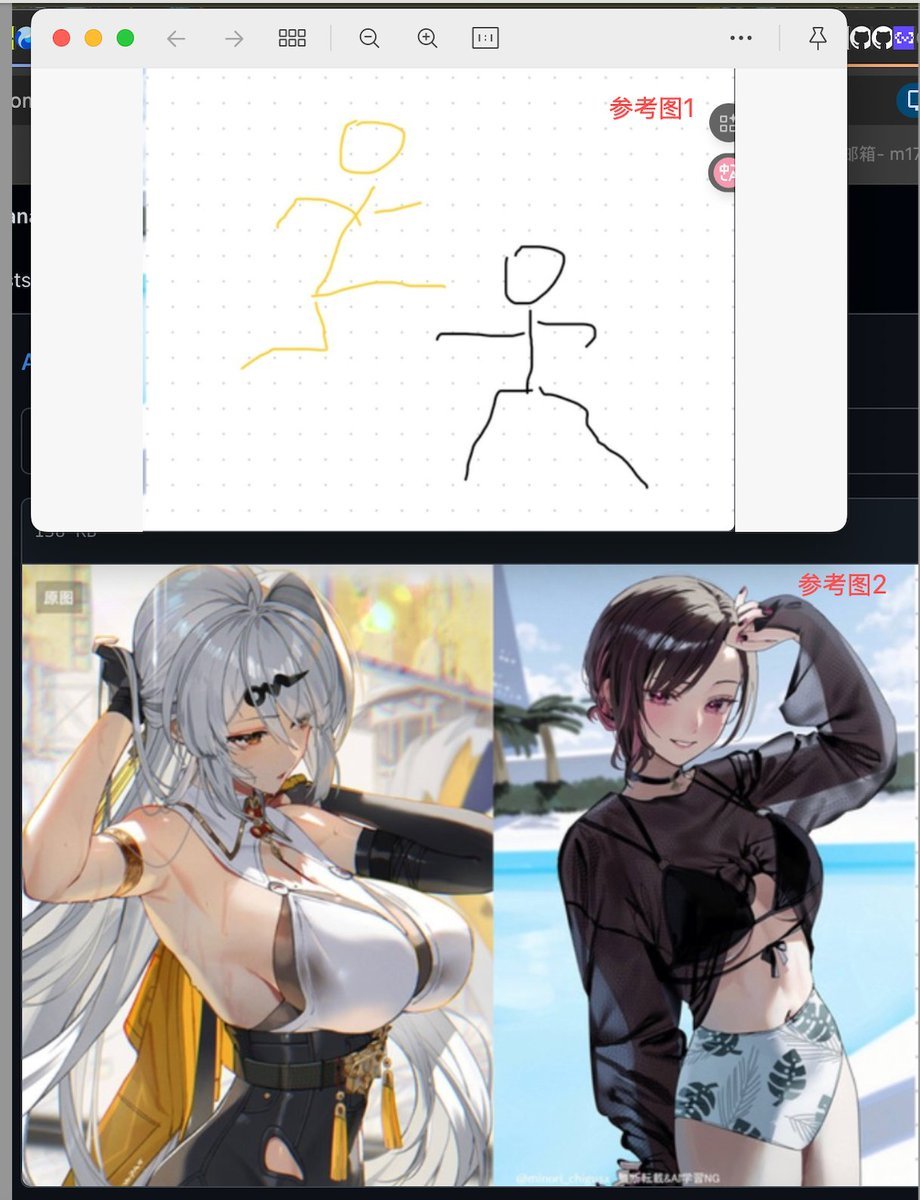
Image Fusion Prompt Using Multiple References

Pencil Sketch Coffee Storyboard
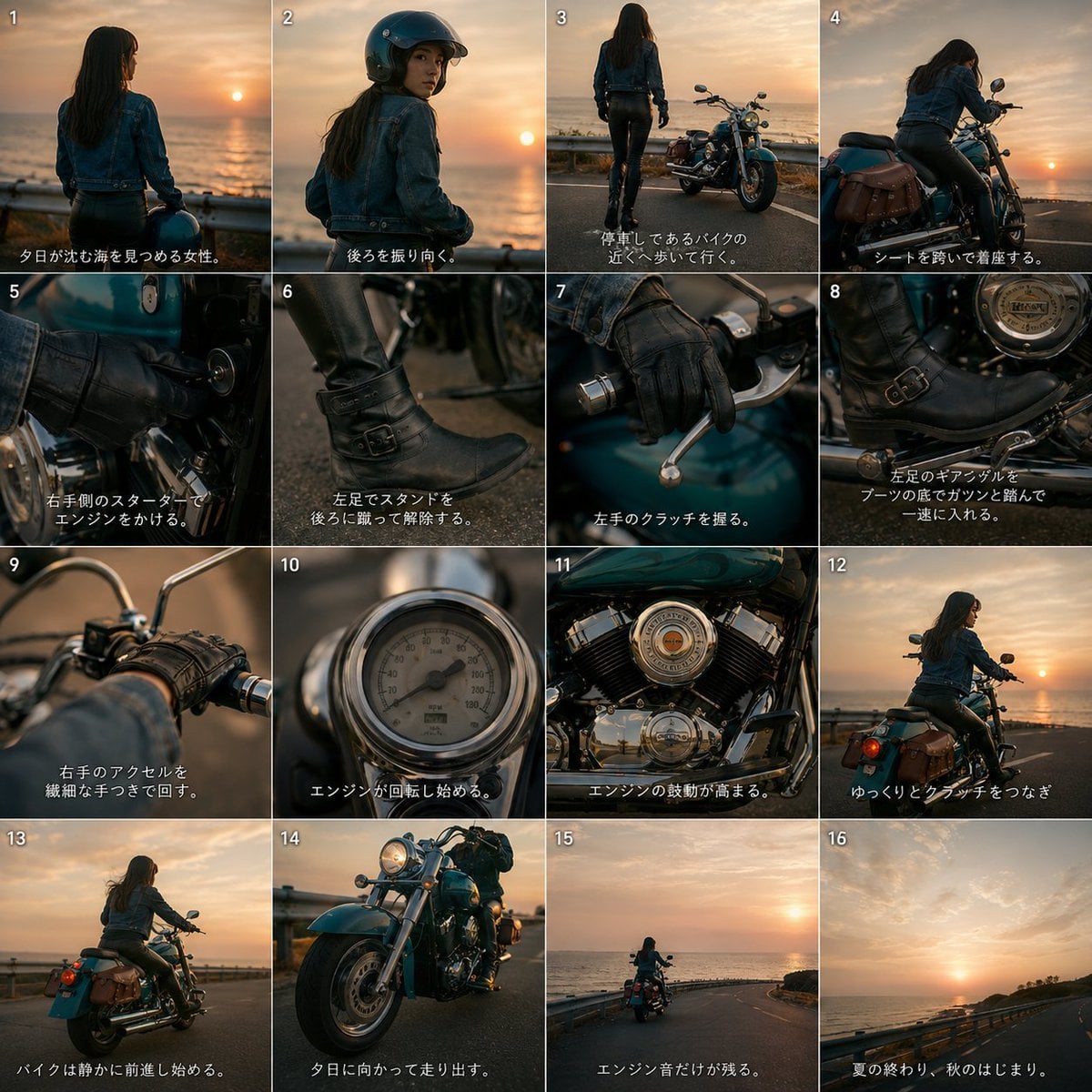
Cinematic Motorcycle Storyboard
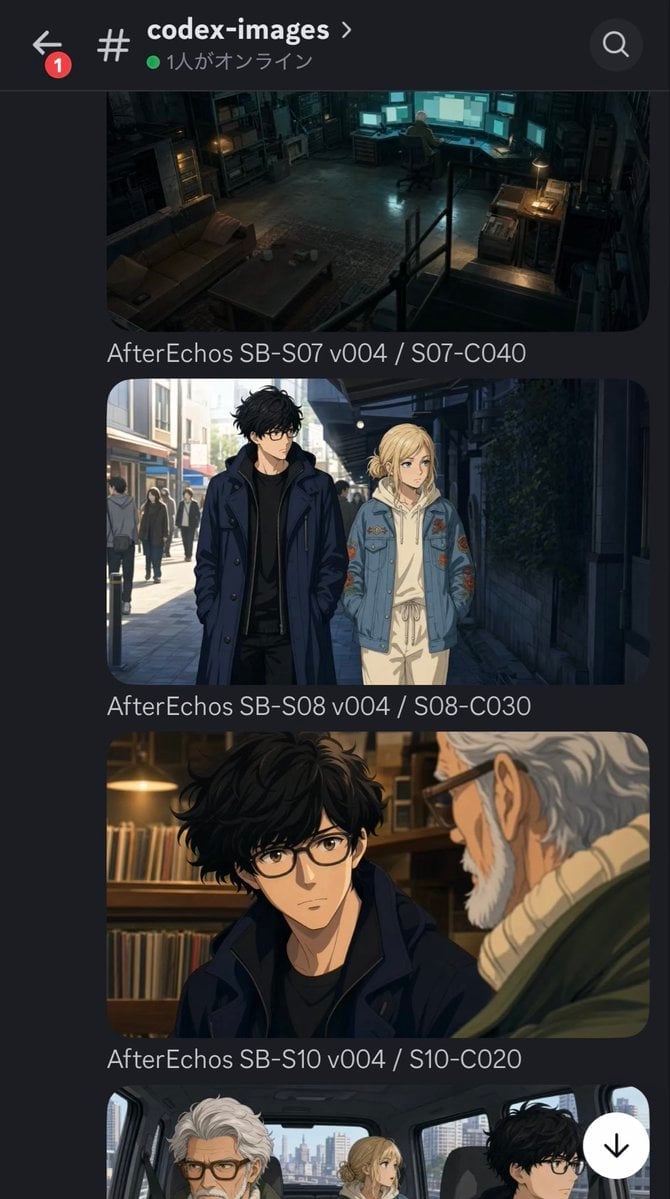
Discord Anime Storyboard Feed
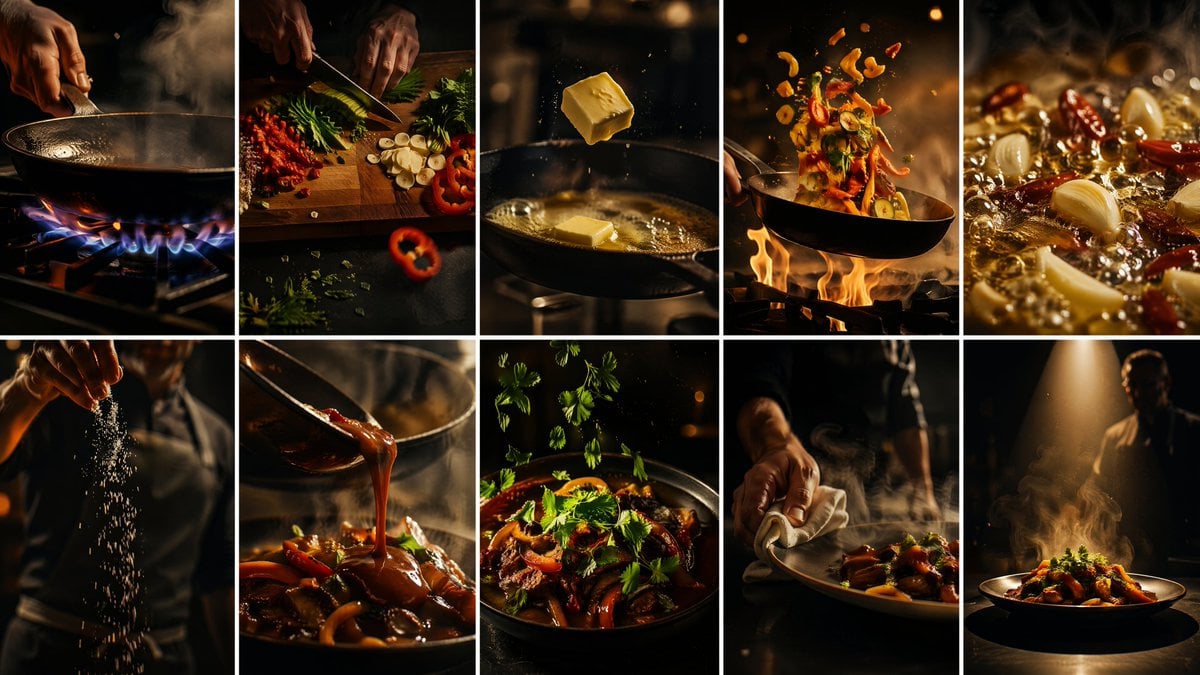
Cinematic Flame Chef Storyboard
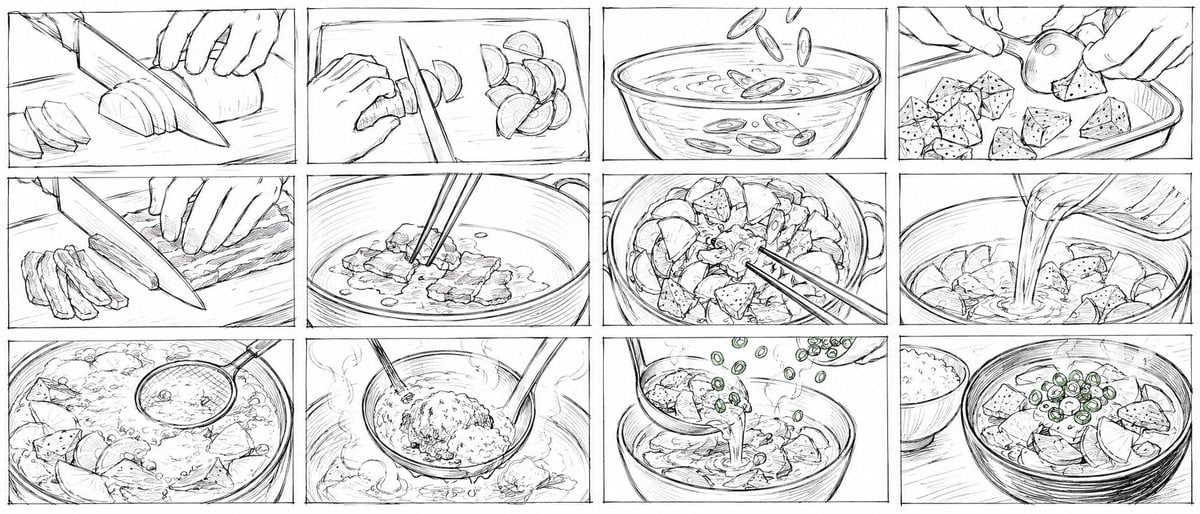
Rough Tonjiru Cooking Storyboard
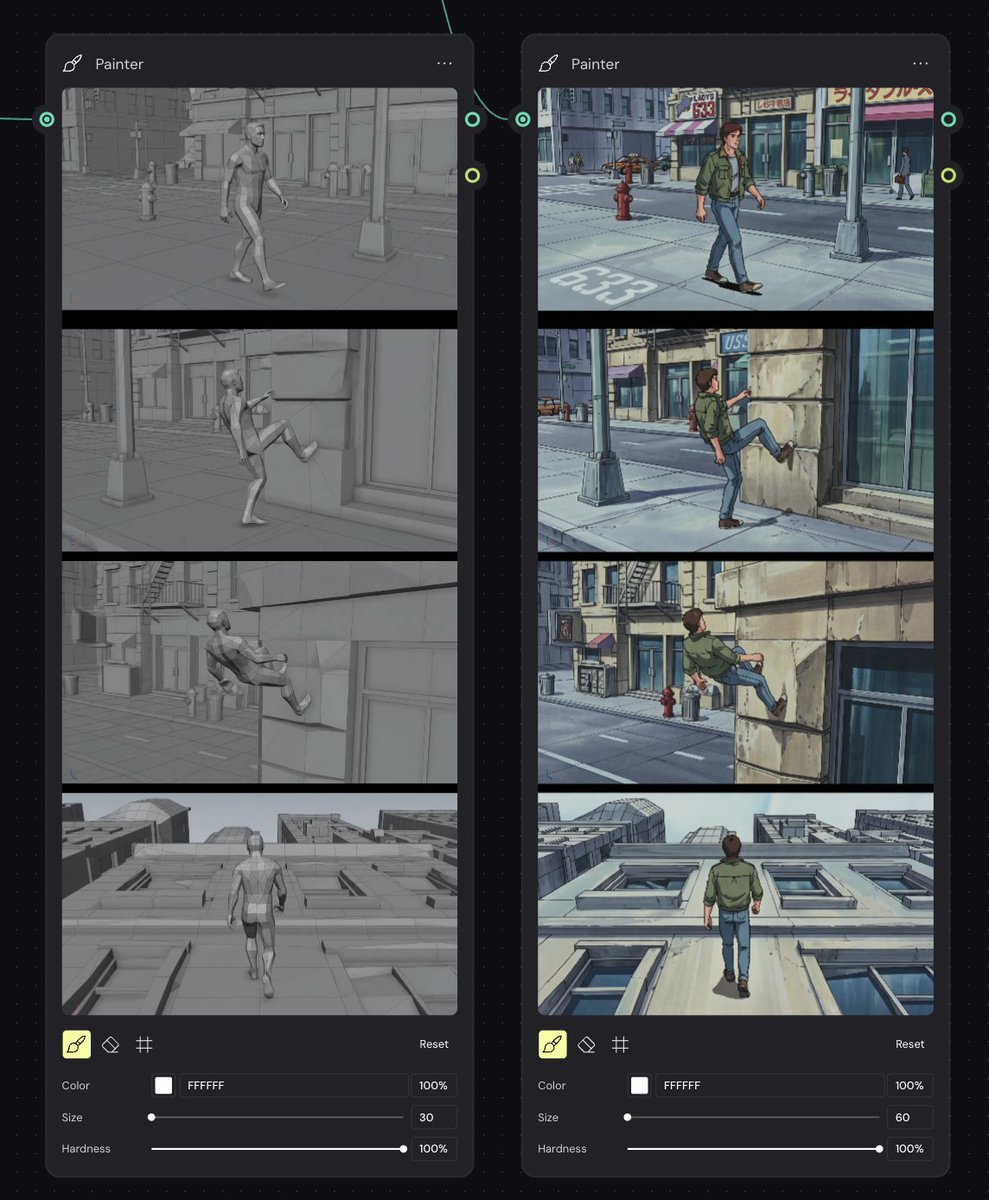
Storyboard Re-Render Workflow UI
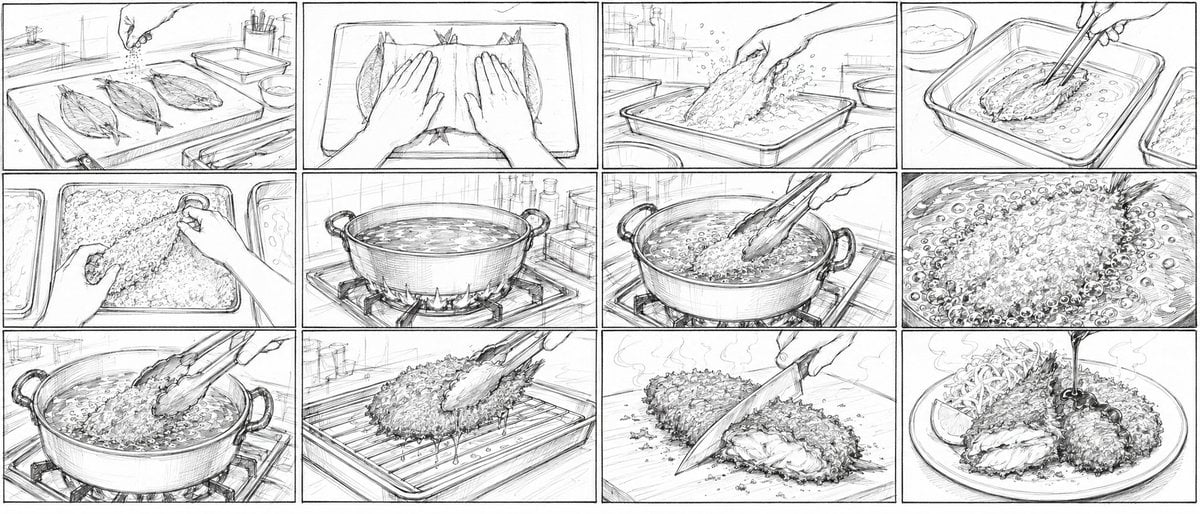
Aji Fry Anime Cooking Storyboard
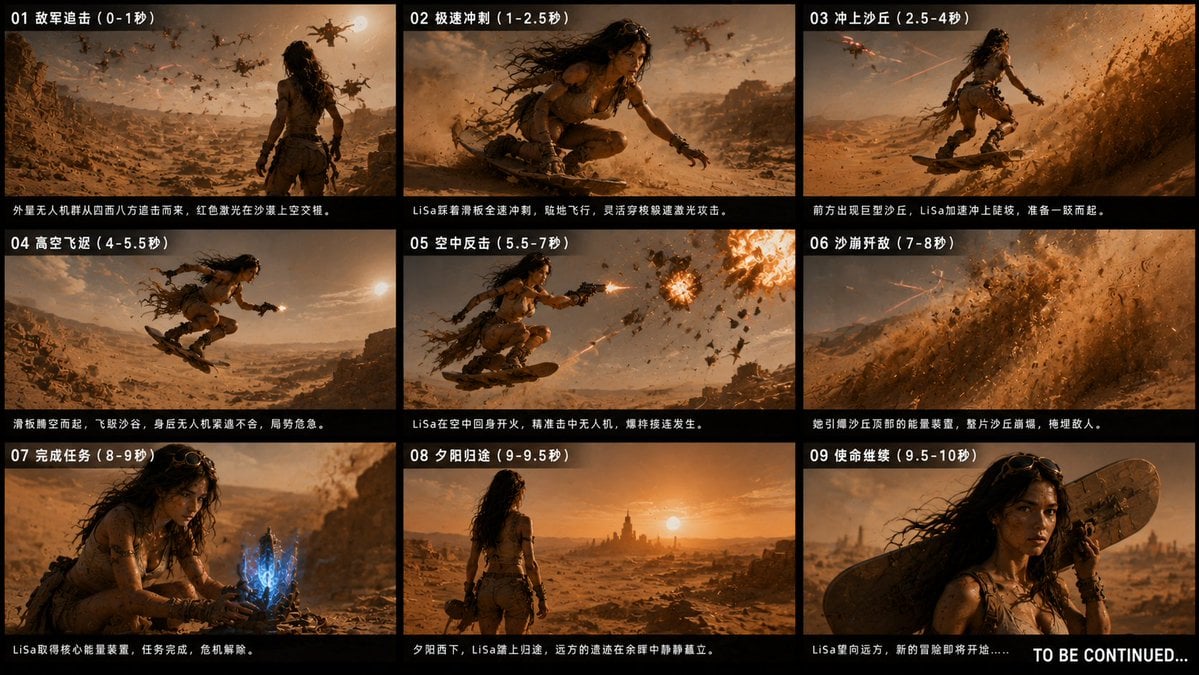
Desert Drone Chase Storyboard
Make it yours
16:9 Cinematic Storyboard from References works as-is. These are the safest ways to change it without losing the look.
Change one field
Copy a single group, rewrite it, and generate again so you can see what that field is doing.
Keep the frame, change the subject
Hold the composition and light of 16:9 Cinematic Storyboard from References, then swap wardrobe, props or the person for a new take.
| If the result… | Why | Fix |
|---|---|---|
| The result drifts from the preview | Too many fields changed at once. | Reuse 16:9 Cinematic Storyboard from References as-is first, then change one group — subject, light, or setting. |
| The model over-stylizes the scene | The prose prompt leaves finish and camera underspecified. | Add one camera or lighting sentence and stay on Nano Banana 2. |
More Nano Banana 2 templates
Other prompts made for Nano Banana 2.

Photorealistic Leaf Shaped Like a Dragon

K-Pop Idol Portrait Grid for Rapid Selection

Poetic Rain Forest Portrait During Golden Hour

Urban Street Portrait with Cartoon Inner Self Duo

Candid Nighttime Photo with Cat Prompt

High-Concept 3D Diorama Generation Prompt

Cinematic Futuristic Studio Portrait Template

Skincare Editorial Photography Collage Prompt

Hyper-Realistic Commercial Product Photography (Splash Effect)

Hyper-Realistic Nightclub Portrait Prompt
More image prompts
Fresh picks from across the catalog.
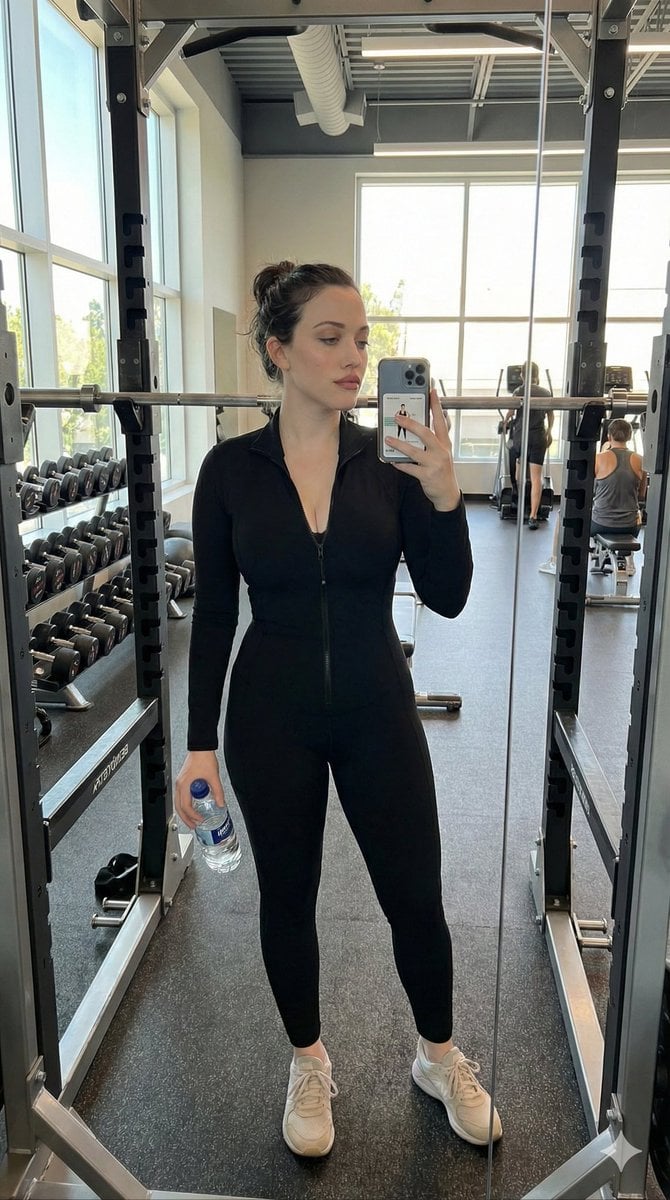
Realistic Gym Selfie Portrait Prompt
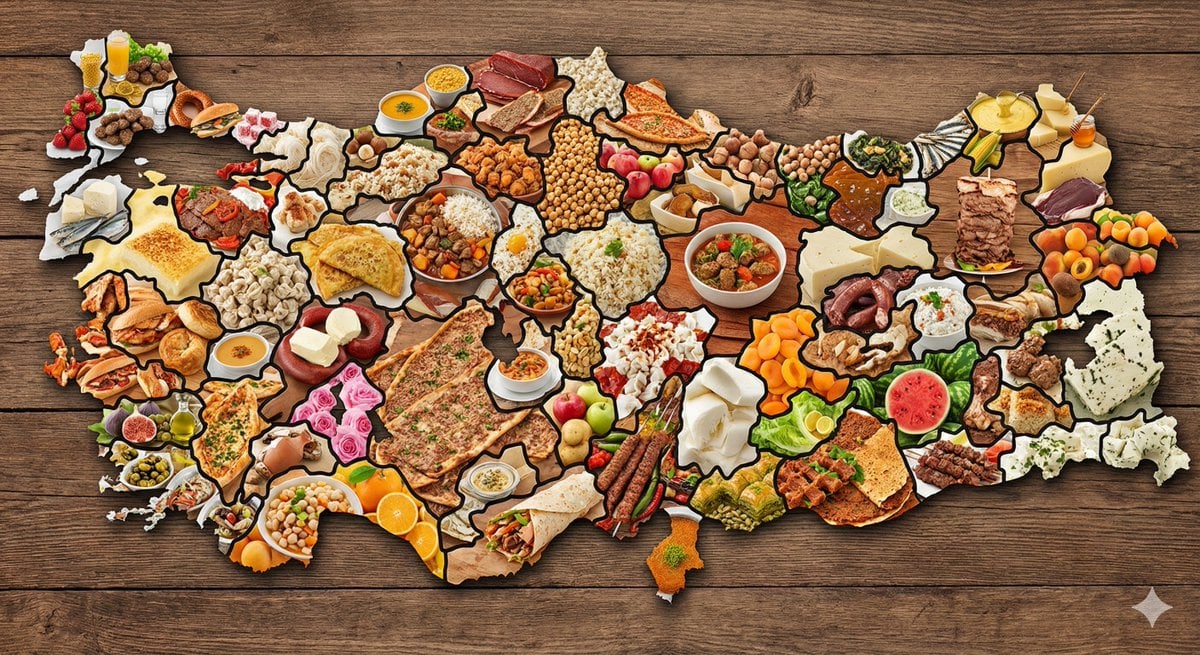
Map of Turkey Made of Local Foods
The Last Man in Heaven Fantasy Artwork
Chinese AI Prompt Comparison Poster
Cinematic Night Portrait with Teal-Green Grading
Exploded Tacos Commercial Visualization
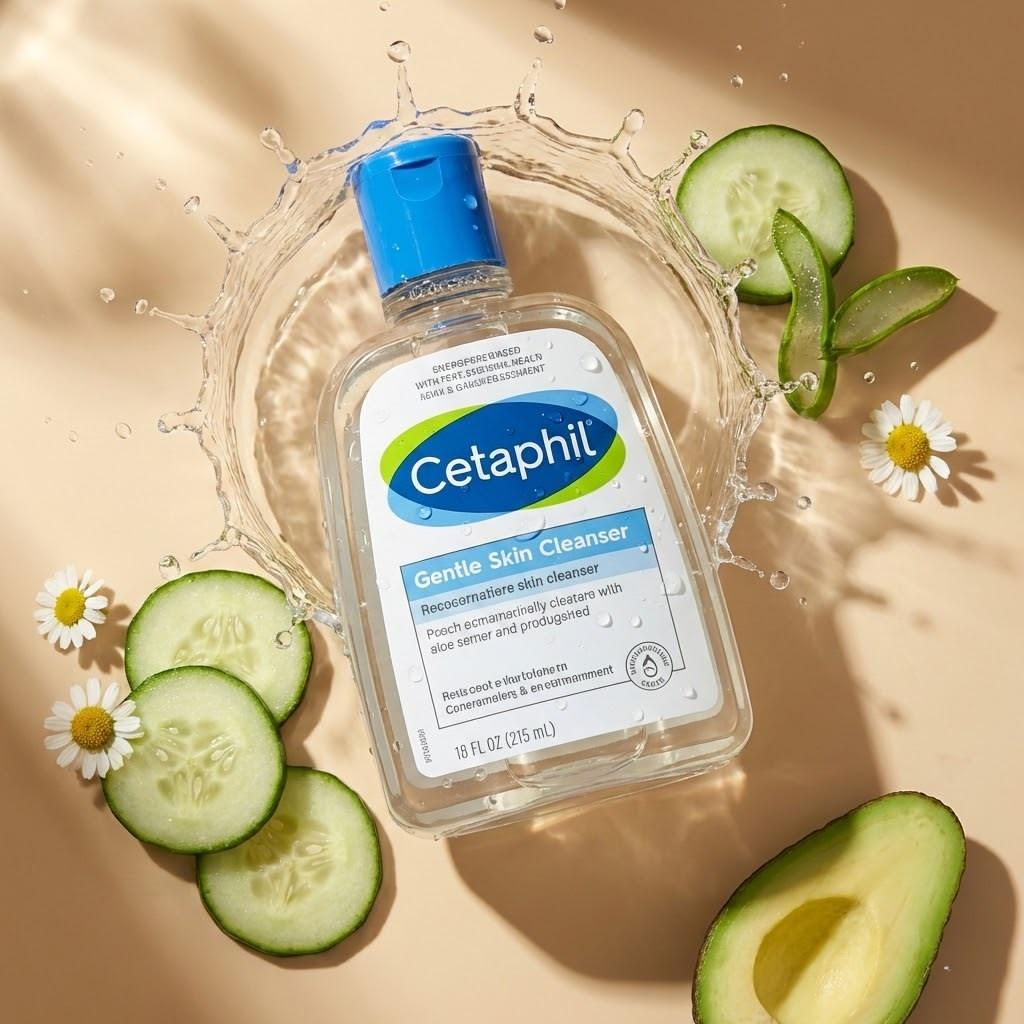
High-End Skincare Product Flat Lay
untitled
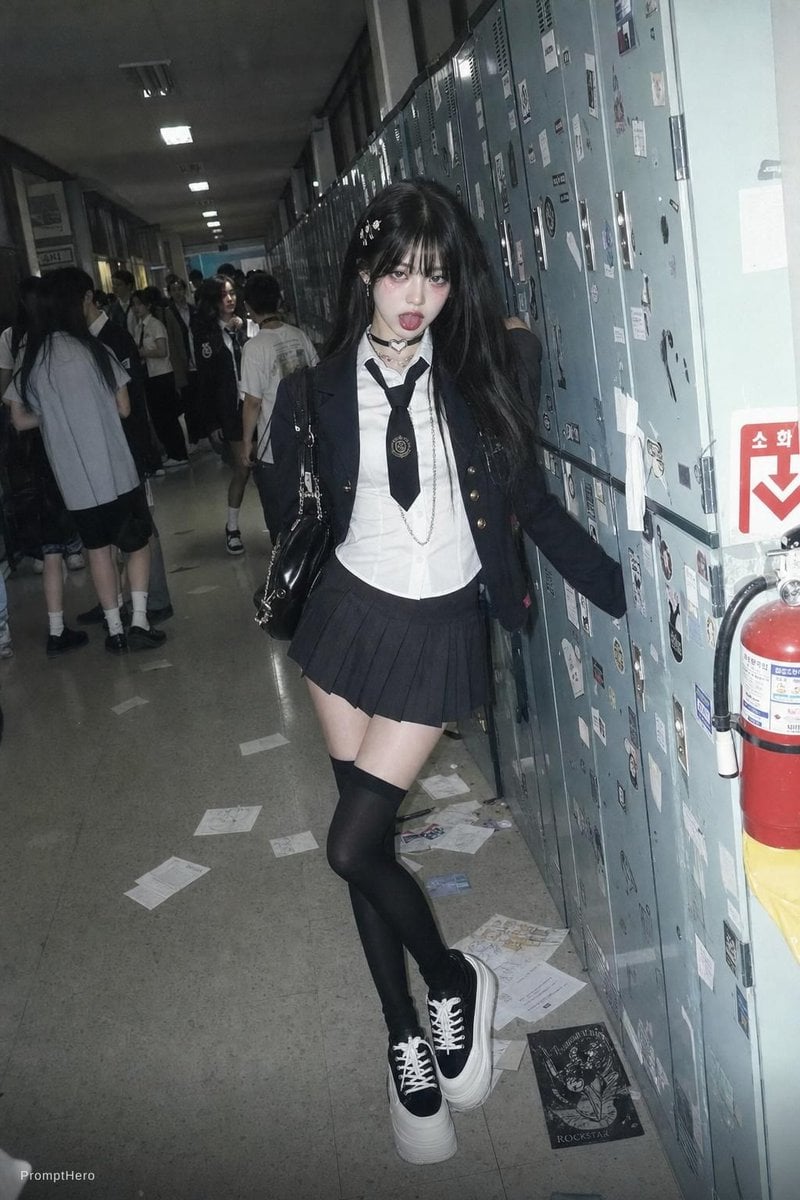
Flash Photo School Hallway Uniform
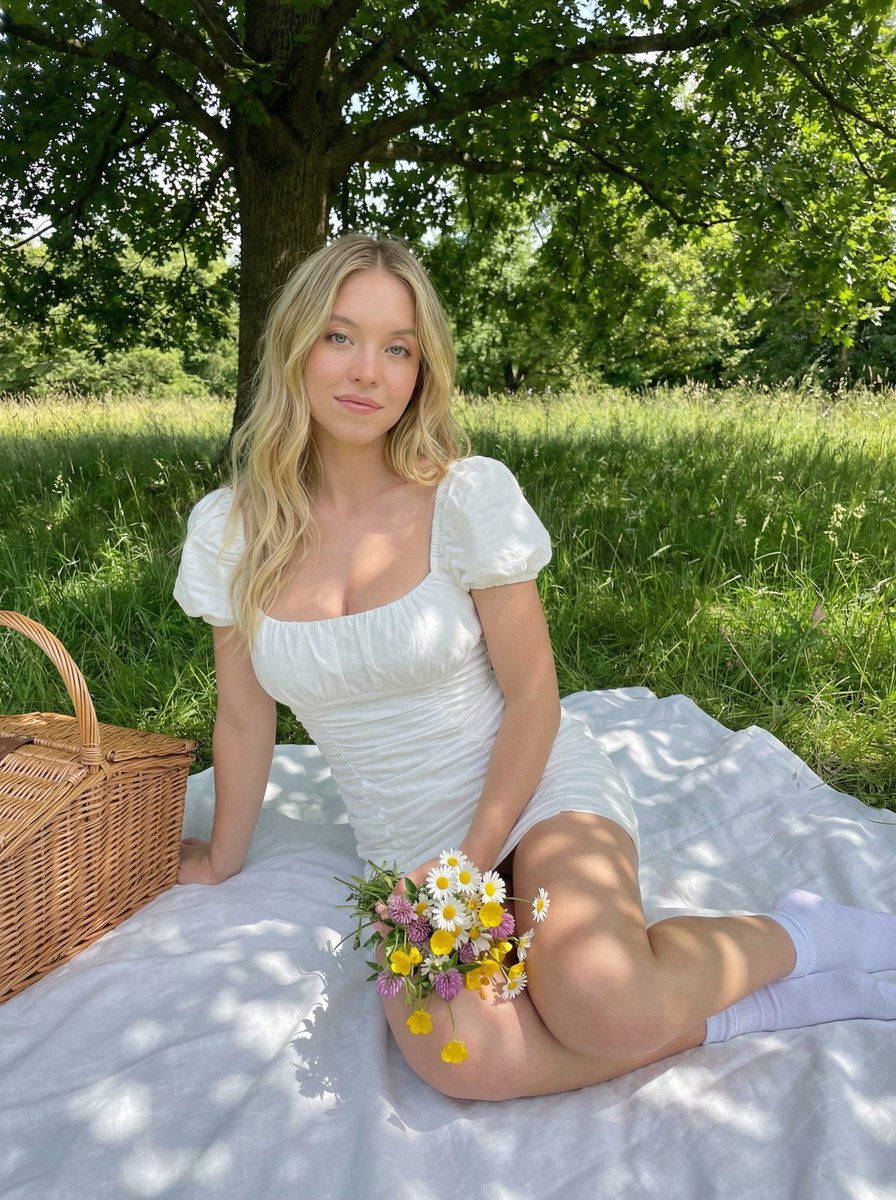
Cottagecore Picnic Portrait in Dappled Sunlight
Browse template categories
16:9 Cinematic Storyboard from References questions
How do I use the 16:9 Cinematic Storyboard from References template?
Add your photo if the template asks for one, edit the prompt if you like — the template's model and format are already selected — and press Generate. Your version opens in PicX Studio.
Can I customize the 16:9 Cinematic Storyboard from References template?
Yes. You can change the subject, setting, lighting, mood, format, and available model controls before creating your image.
Is the 16:9 Cinematic Storyboard from References template free?
Opening and editing this template is free. Generating uses credits, shown on the Generate button when you are signed in.
Which AI model should I use?
Start with Nano Banana 2, which is the model associated with this template. You can compare another compatible model for a different finish.
Looking for something else? Browse all templates.

Your photo, any look
Thousands of ready templates for every top image and video model, from one credit balance.