
Chinese AI Prompt Comparison Poster
Creates a high-contrast Chinese marketing infographic comparing blurry versus high-quality AI image results and promoting a prompt case-library website.
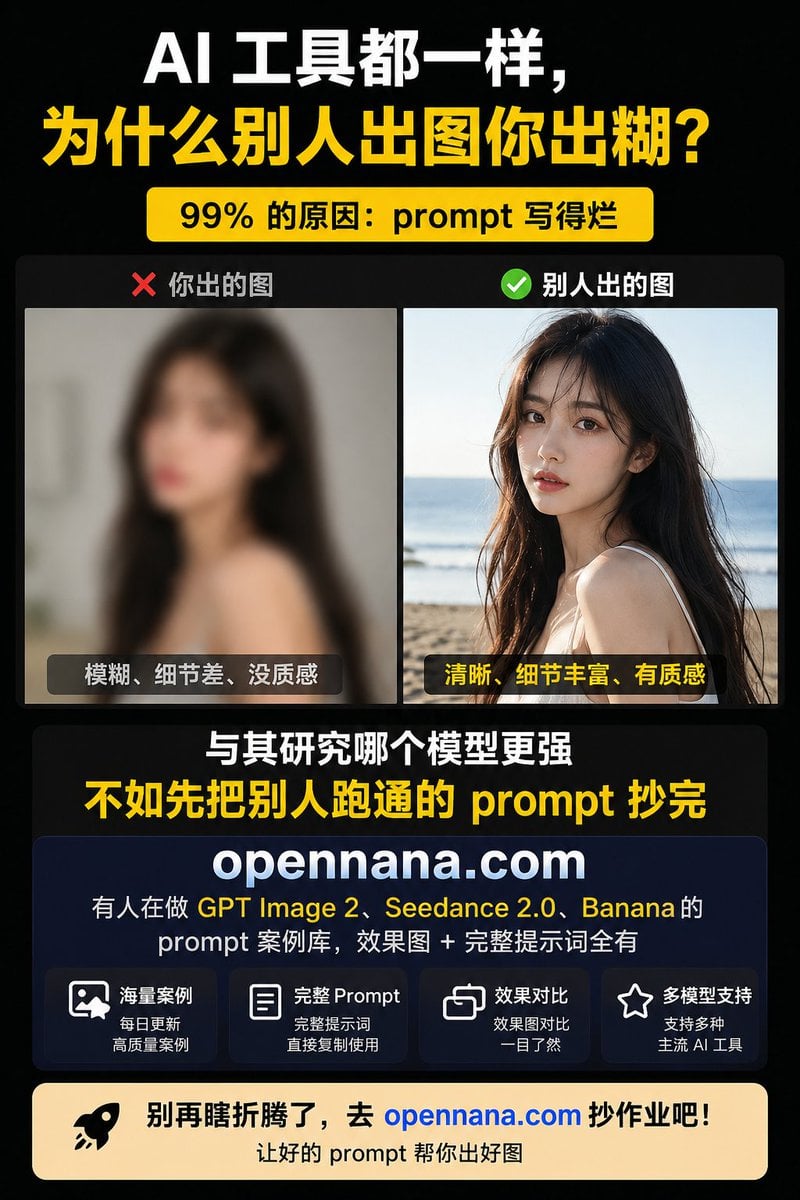
- Prompt included
- Model and format preset
- Free template
The prompt behind this image
Copy the exact prompt behind Chinese AI Prompt Comparison Poster, or open it in the studio and make it yours.
- Type
- Chinese vertical social media promotional infographic poster
- Canvas › Aspect Ratio
- 3:4
- Canvas › Size
- 768x1024
- Canvas › Background
- solid black with subtle dark gradient
- Canvas › Style
- high-contrast tech marketing, bold typography, clean card layout
- Theme › Primary Colors
- black, white, bright yellow
- Theme › Accent Colors
- red, green, deep navy, warm cream, blue link
- Theme › Typography
- heavy bold sans-serif Chinese headline, large condensed display text, rounded card labels
- Headline Section › Position
- top
- Headline Section › Text Lines › 0 › Text
- AI 工具都一样,
- Headline Section › Text Lines › 0 › Color
- white
- Headline Section › Text Lines › 0 › Size
- very large
- Headline Section › Text Lines › 1 › Text
- 为什么别人出图你出糊?
- Headline Section › Text Lines › 1 › Color
- bright yellow
- Headline Section › Text Lines › 1 › Size
- very large
- Headline Section › Badge › Text
- 99% 的原因:prompt 写得烂
- Headline Section › Badge › Position
- below headline
- Headline Section › Badge › Style
- rounded yellow pill with black bold text
- Comparison Section › Position
- upper middle
- Comparison Section › Container
- dark rounded rectangle
- Comparison Section › Count
- 2
- Comparison Section › Panels › 0 › Label
- ❌ 你出的图
- Comparison Section › Panels › 0 › Position
- left
- Comparison Section › Panels › 0 › Image Description
- intentionally blurry low-quality portrait of a young woman with long dark hair indoors, face covered by a square mosaic privacy block, muted gray background
Raw JSON
{"type":"Chinese vertical social media promotional infographic poster","canvas":{"aspect_ratio":"3:4","size":"768x1024","background":"solid black with subtle dark gradient","style":"high-contrast tech marketing, bold typography, clean card layout"},"theme":{"primary_colors":["black","white","bright yellow"],"accent_colors":["red","green","deep navy","warm cream","blue link"],"typography":"heavy bold sans-serif Chinese headline, large condensed display text, rounded card labels"},"headline_section":{"position":"top","text_lines":[{"text":"AI 工具都一样,","color":"white","size":"very large"},{"text":"为什么别人出图你出糊?","color":"bright yellow","size":"very large"}],"badge":{"text":"99% 的原因:prompt 写得烂","position":"below headline","style":"rounded yellow pill with black bold text"}},"comparison_section":{"position":"upper middle","container":"dark rounded rectangle","count":2,"panels":[{"label":"❌ 你出的图","position":"left","image_description":"intentionally blurry low-quality portrait of a young woman with long dark hair indoors, face covered by a square mosaic privacy block, muted gray background","bottom_caption":"模糊、细节差、没质感","caption_style":"dark translucent rounded label with white text"},{"label":"✅ 别人出的图","position":"right","image_description":"clear detailed lifestyle portrait of a young woman with long dark hair at a sunny beach, ocean horizon in background, face covered by a square mosaic privacy block, warm natural light, high texture and detail","bottom_caption":"清晰、细节丰富、有质感","caption_style":"dark translucent rounded label with yellow text"}]},"middle_message":{"position":"center below comparison","count":2,"lines":[{"text":"与其研究哪个模型更强","color":"white","size":"large bold"},{"text":"不如先把别人跑通的 prompt 抄完","color":"bright yellow","size":"extra large bold"}]},"product_card":{"position":"lower middle","style":"large deep navy rounded rectangle card with subtle border","brand":"{argument name=\"website domain\" default=\"opennana.com\"}","brand_style":"very large white bold centered domain","description_text":"有人在做 GPT Image 2、 Seedance 2.0、 Banana 的\nprompt 案例库,效果图 + 完整提示词全有","highlight_terms":["GPT Image 2","Seedance 2.0","Banana"],"feature_boxes":{"count":4,"items":[{"icon":"image/photo outline icon","title":"海量案例","subtitle":"每日更新\n高质量案例"},{"icon":"document outline icon","title":"完整 Prompt","subtitle":"完整提示词\n直接复制使用"},{"icon":"overlapping squares comparison icon","title":"效果对比","subtitle":"效果图对比\n一目了然"},{"icon":"star outline icon","title":"多模型支持","subtitle":"支持多种\n主流 AI 工具"}]}},"call_to_action":{"position":"bottom","style":"wide warm cream rounded banner","left_icon":"black rocket icon","main_text":"别再瞎折腾了,去 {argument name=\"website domain\" default=\"opennana.com\"} 抄作业吧!","main_text_color":"black with domain in bright blue","sub_text":"让好的 prompt 帮你出好图","sub_text_color":"black"},"composition_notes":"Use tight margins, centered alignment, strong hierarchy, large readable Chinese text, two photographic example panels, no extra decorations beyond icons and rounded cards, poster optimized for mobile social feed readability."}How to use Chinese AI Prompt Comparison Poster in 3 steps
- 1Upload ImagePNG, JPG or paste
Add your photo
Upload the photo the template builds on. The prompt, model and format are already set.
- 2…a portrait of your subject in softgolden-hour light, 85mm…
Personalize
Edit the subject and creative details for your destination.
- 3Generate
Generate
Press Generate — your image is created in PicX Studio, so you can compare it with the original and refine one variable at a time.
More like this
Templates with the same subject, style or setup. Open one to see its prompt.

Japan Travel Brochure Poster

Cartoon TV Show Poster Pack

Trendy Cafe Drink Promo Poster

Urban Fashion Editorial Collage Streetwear Poster

Premium Fashion Editorial Cover Layout System

Polo Ralph Lauren Luxury American Heritage Fashion Campaign

Monochrome Halftone Editorial Fashion Poster

Retro Mirror Luxury Fashion Campaign Poster

Luxury Fashion Campaign Typography Poster System

Premium Fashion Editorial Campaign Poster System

Ultra-Stylized High-Fashion Streetwear Poster

Urban Fashion Editorial Collage Poster
Make it yours
Chinese AI Prompt Comparison Poster works as-is. These are the safest ways to change it without losing the look.
Swap the setting
Keep the rest of the prompt and replace the location block. The current setting is “solid black with subtle dark gradient”.
Swap the light
One lighting change is enough to compare takes. Current light: “GPT Image 2, Seedance 2.0, Banana”.
Change one field
Copy a single group, rewrite it, and generate again so you can see what that field is doing.
| If the result… | Why | Fix |
|---|---|---|
| The result drifts from the preview | Too many fields changed at once. | Reuse Chinese AI Prompt Comparison Poster as-is first, then change one group — subject, light, or setting. |
| GPT Image 2 ignores part of the JSON | Some models flatten or skip nested keys. | Keep the same values and paste them as a short paragraph instead. |
More GPT Image 2 templates
Other prompts made for GPT Image 2.

Six VTuber Japanese Logo Sheet

Realistic Portrait of Woman and Deer

The Vista Modular Condo Poster

AI Model Routing Comparison Infographic

2.5D Anime Art Board

Isometric Productivity Desk Scene

New York Double Exposure Poster

Four-Panel AI Landscape Comparison

Japanese Tatami Lifestyle Magazine Cover

NESCAFÉ Coffee Map Poster
More image prompts
Fresh picks from across the catalog.
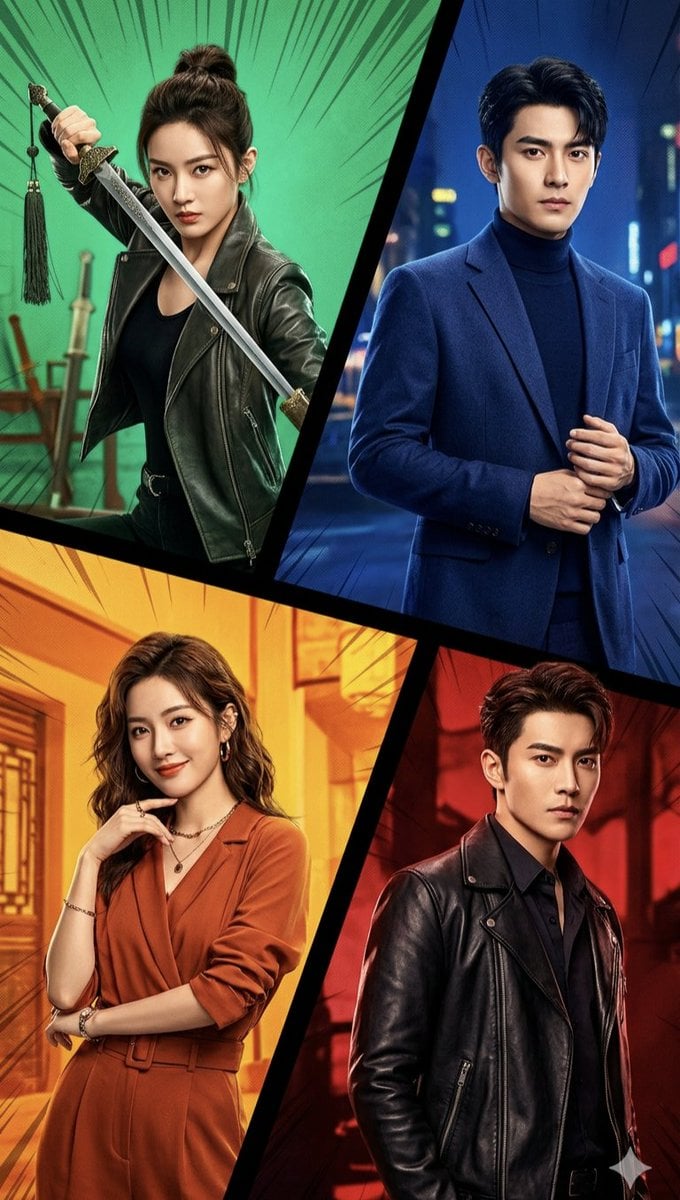
Cinematic Action Collage Split-Screen
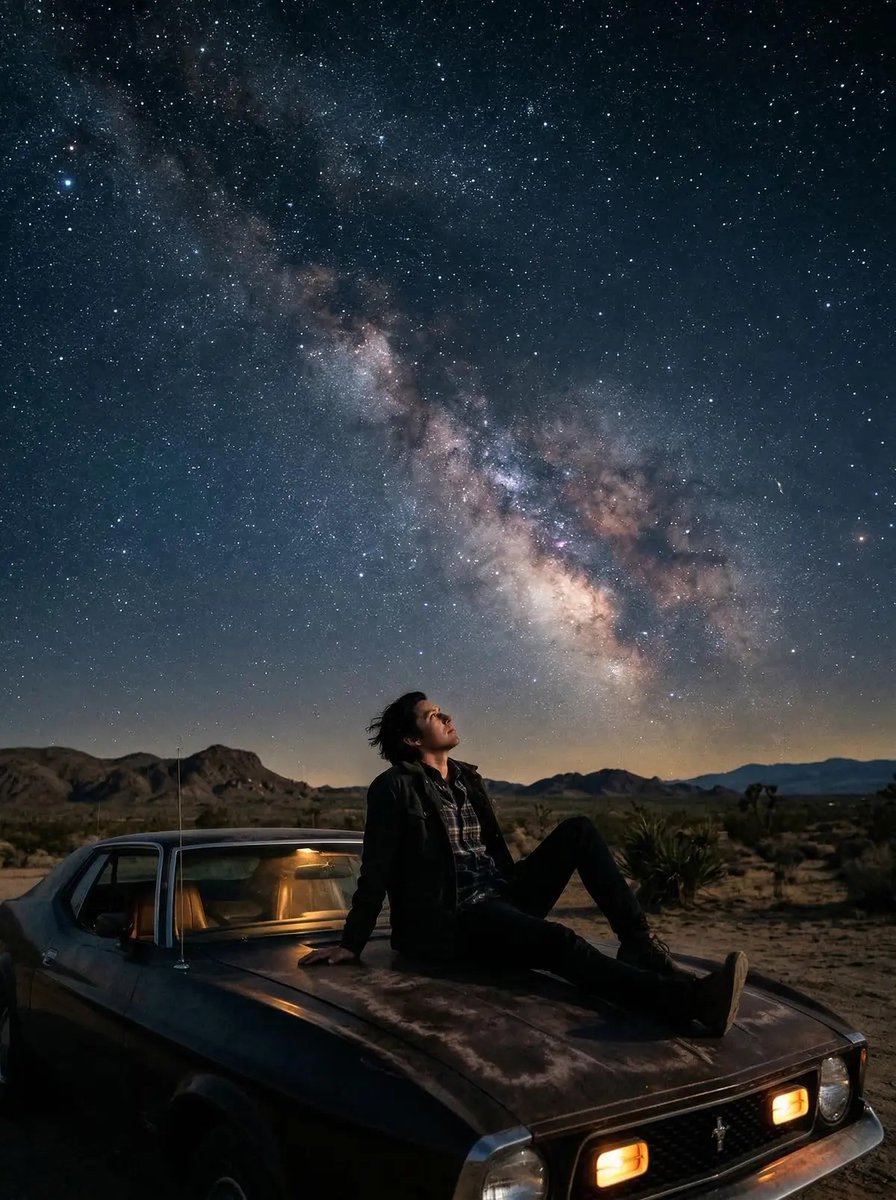
Cinematic Starry Night Portrait
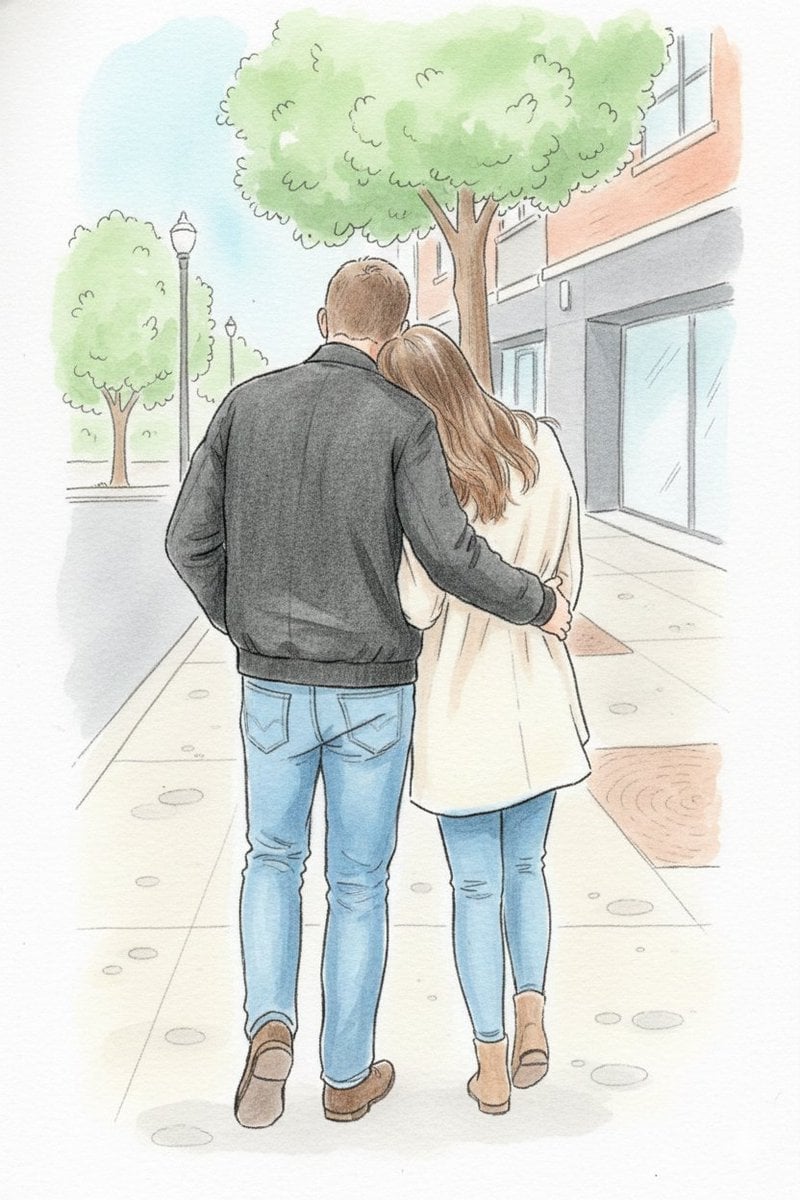
Identity-Preserving Storybook Illustration
Anime Character Design Document
Censored Titanic Sunset Romance
DVD Screengrab of Ominous Korean Horror Movie
Flash Mirror Selfie in Retro Bathroom
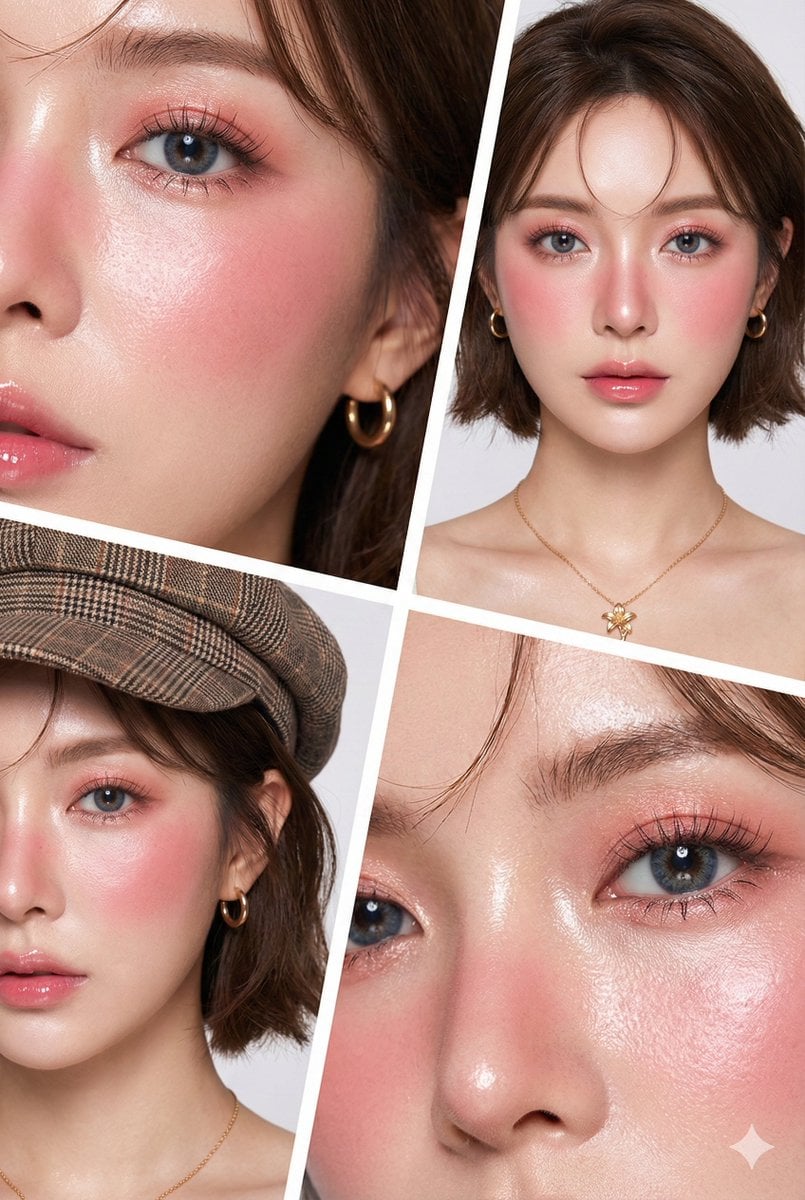
Hyper-Realistic Korean Beauty Editorial Collage
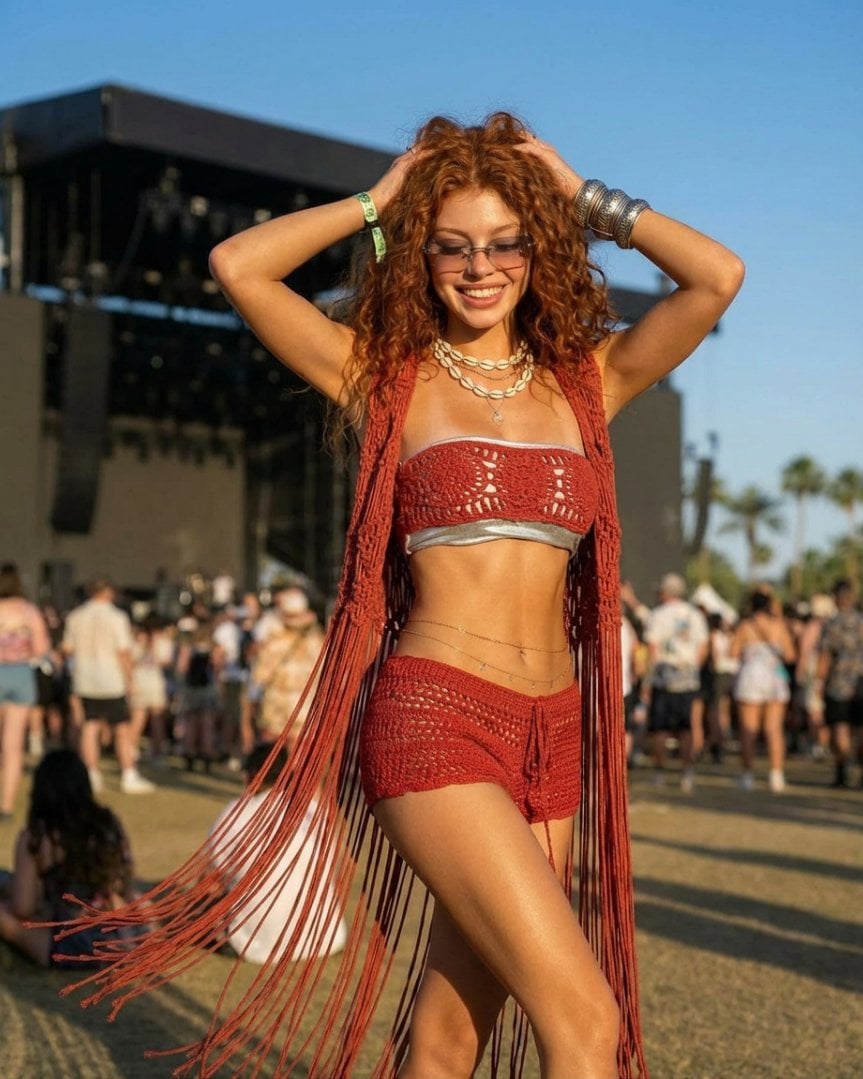
Photorealistic Festival Fashion Portrait Prompt

Retro Pixel Space Shooter HUD
Browse template categories
Chinese AI Prompt Comparison Poster questions
How do I use the Chinese AI Prompt Comparison Poster template?
Add your photo if the template asks for one, edit the prompt if you like — the template's model and format are already selected — and press Generate. Your version opens in PicX Studio.
Can I customize the Chinese AI Prompt Comparison Poster template?
Yes. You can change the subject, setting, lighting, mood, format, and available model controls before creating your image.
Is the Chinese AI Prompt Comparison Poster template free?
Opening and editing this template is free. Generating uses credits, shown on the Generate button when you are signed in.
Which AI model should I use?
Start with GPT Image 2, which is the model associated with this template. You can compare another compatible model for a different finish.
Looking for something else? Browse all templates.

Your photo, any look
Thousands of ready templates for every top image and video model, from one credit balance.