
Retro Pixel Space Shooter HUD
Generates a vertical pixel-art mobile game screenshot showing a neon bullet-hell space shooter boss battle with detailed HUD elements.
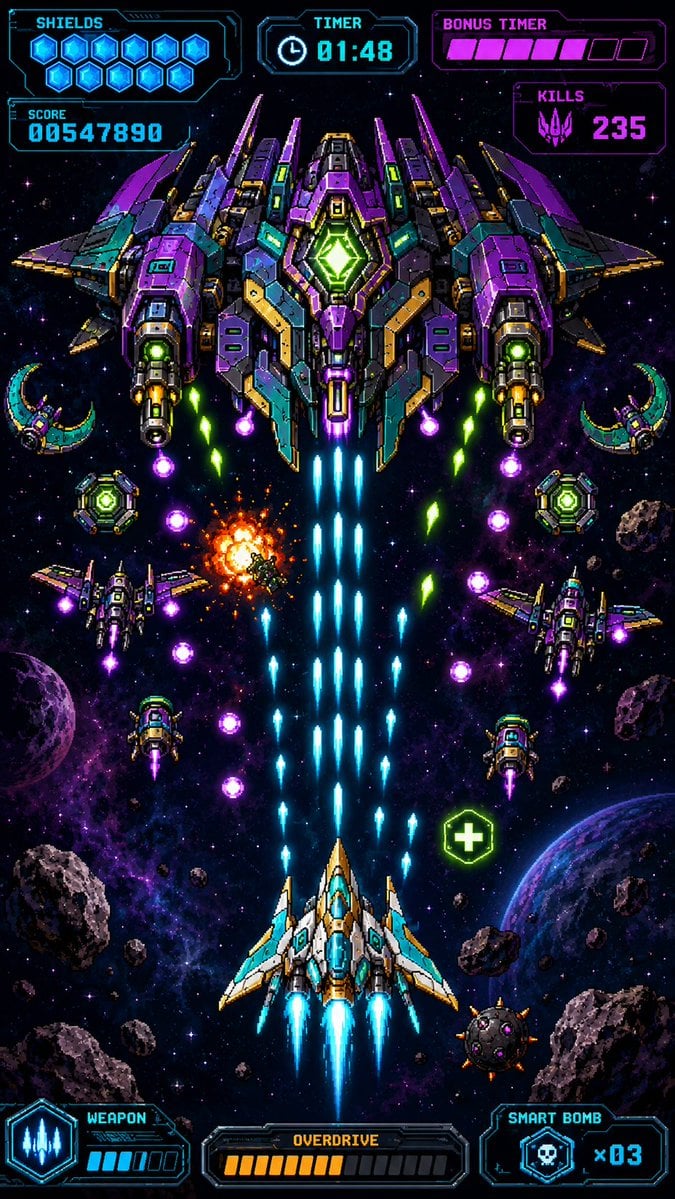
- Prompt included
- Model and format preset
- Free template
The prompt behind this image
Copy the exact prompt behind Retro Pixel Space Shooter HUD, or open it in the studio and make it yours.
Create a premium vertical mobile game screenshot for a retro pixel-art space shooter, portrait 9:16. The image must look like an actual in-game scene, not a poster or asset sheet. Use crisp high-resolution pixel art with dense neon detail, black space background, purple nebula clouds, star field, scattered asteroids, and two visible planets near the lower left and lower right edges. Center the action vertically: at the bottom center is the player ship, a white, cyan, and gold angular fighter with three bright cyan engine flames and blue cockpit glass, firing a thick central stream of cyan laser bullets upward. At the top center is one enormous symmetrical boss battleship in purple, teal, dark gray, gold, and neon green, with wide wings, many armor panels, two large side cannons, glowing green core diamond in the middle, and blue exhaust trails beneath it. The scene shows intense bullet-hell combat: exactly 1 player ship, exactly 1 giant boss ship, exactly 4 smaller enemy fighters around the middle area, exactly 2 crescent-shaped drones near the upper left and upper right sides, exactly 2 round green shield drones near the mid-left and mid-right, exactly 1 orange explosion slightly left of center, exactly 1 green health pickup icon with a plus sign on the lower right, many cyan player shots rising in columns, and multiple purple and green enemy projectiles descending diagonally. Overlay a futuristic cyan and magenta pixel HUD with transparent dark panels and sharp sci-fi borders. Top left HUD: label “SHIELDS” with exactly 10 glowing blue hex shield icons, and below it a score panel reading “SCORE” and {argument name="score value" default="00547890"}. Top center HUD: label “TIMER” with a clock icon and {argument name="timer value" default="01:48"}. Top right HUD: label “BONUS TIMER” with a segmented magenta bar showing exactly 6 filled pink segments and 3 empty dark segments, and below it a “KILLS” panel with a purple alien skull icon and {argument name="kills value" default="235"}. Bottom left HUD: “WEAPON” panel with a cyan three-shot weapon icon and a small charge meter with exactly 4 filled cyan bars and 2 empty bars. Bottom center HUD: “OVERDRIVE” panel with exactly 10 filled orange bars and 8 empty dark bars. Bottom right HUD: “SMART BOMB” panel with a skull bomb icon and {argument name="smart bomb count" default="x03"}. Keep all UI text pixelated, legible, and aligned to the screen edges like a real mobile arcade game interface. Use vibrant cyan, violet, magenta, green, and orange glow effects, strong contrast, symmetrical composition, no watermark, no extra logos, no realistic 3D rendering, no blurred painterly style.
How to use Retro Pixel Space Shooter HUD in 3 steps
- 1Upload ImagePNG, JPG or paste
Add your photo
Upload the photo the template builds on. The prompt, model and format are already set.
- 2…a portrait of your subject in softgolden-hour light, 85mm…
Personalize
Edit the subject and creative details for your destination.
- 3Generate
Generate
Press Generate — your image is created in PicX Studio, so you can compare it with the original and refine one variable at a time.
More like this
Templates with the same subject, style or setup. Open one to see its prompt.
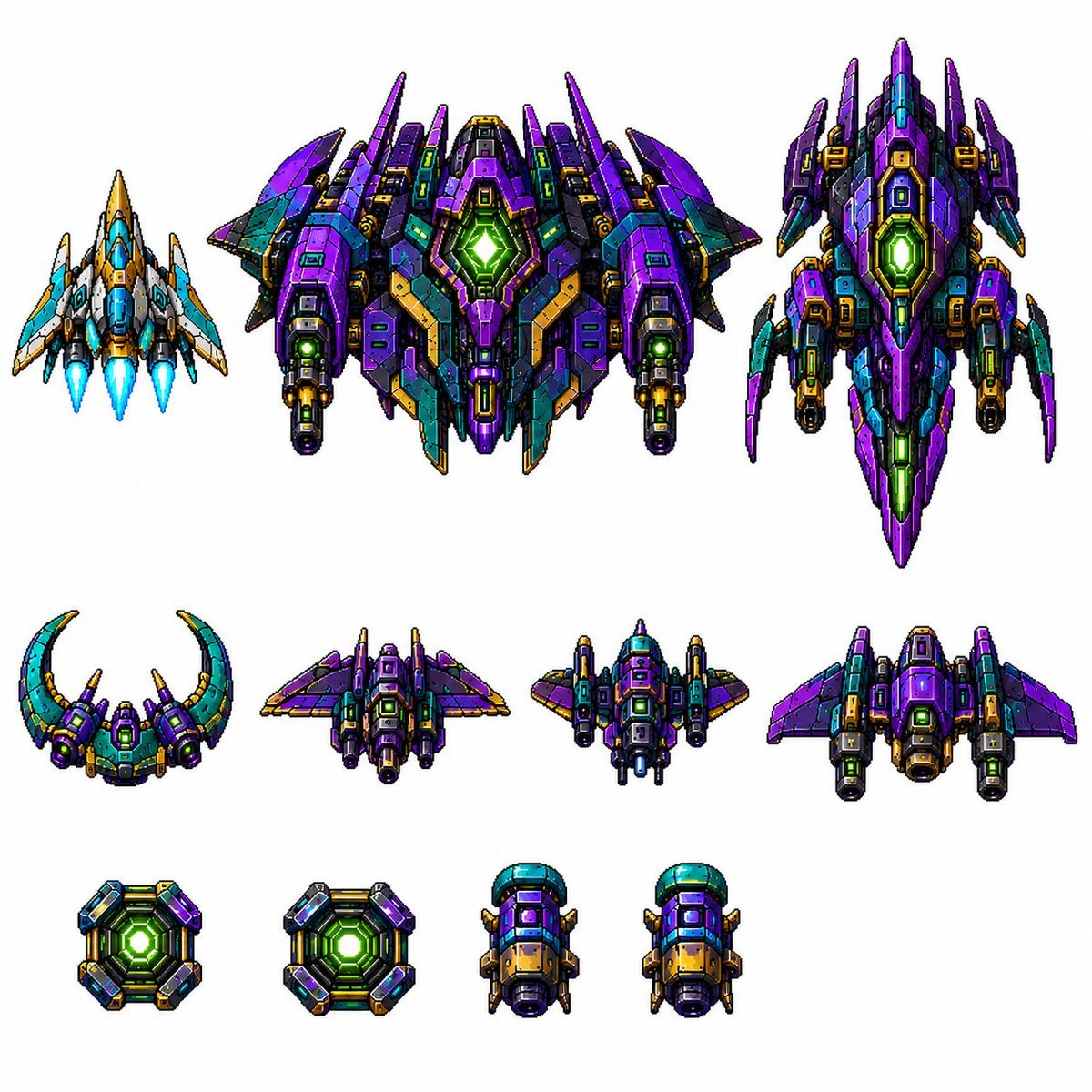
Retro Pixel Space Shooter Sprites
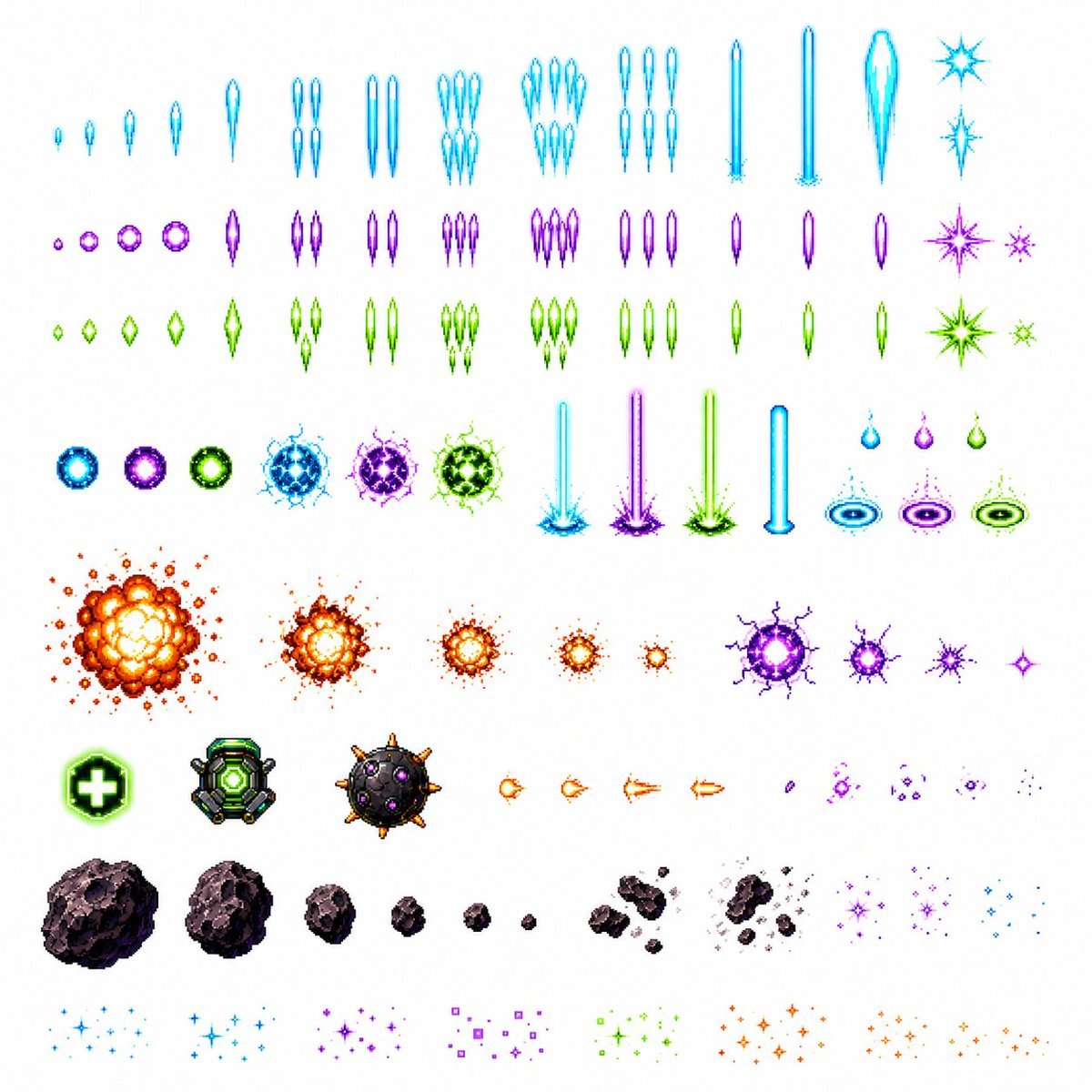
Retro Space Shooter VFX Sprite Sheet
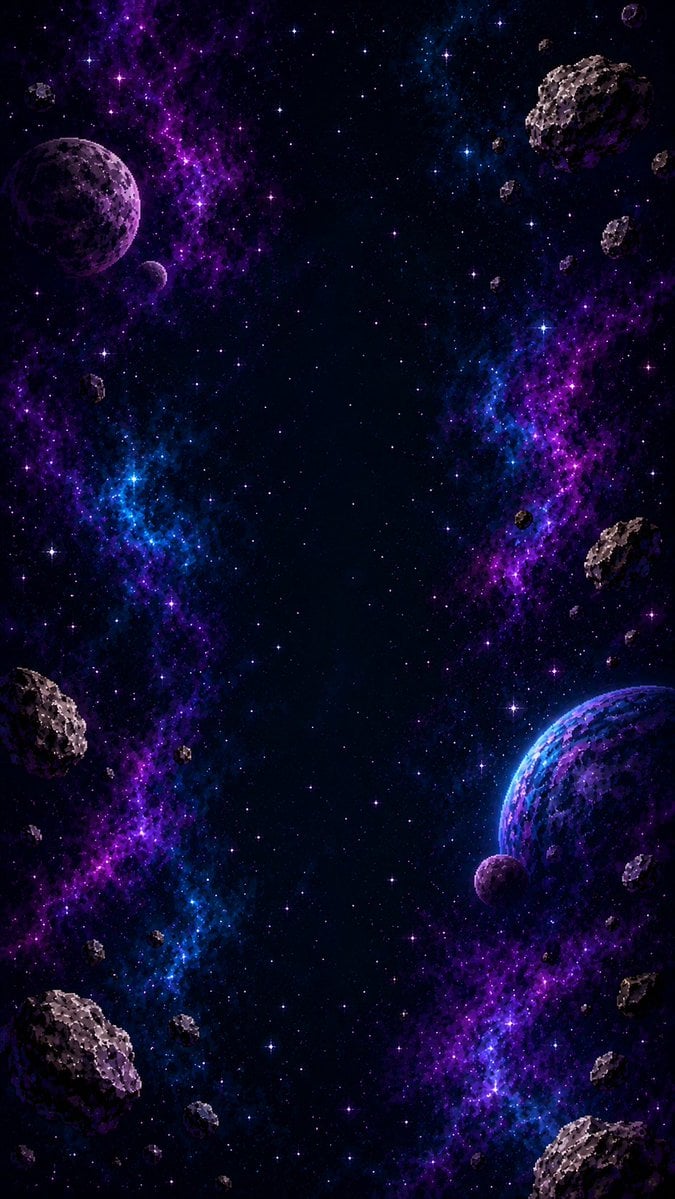
Vertical Pixel Space Shooter Background

Sunday Afternoon, 1988

Two Tickets, One Night

If We Met in 1985

Found Photograph: Us, 1970

One Dance Before Midnight

Before We said Goodbye

Our Song was on a Cassette

Meet Me When It Rains

The Date After College
Make it yours
Retro Pixel Space Shooter HUD works as-is. These are the safest ways to change it without losing the look.
Change one field
Copy a single group, rewrite it, and generate again so you can see what that field is doing.
Keep the frame, change the subject
Hold the composition and light of Retro Pixel Space Shooter HUD, then swap wardrobe, props or the person for a new take.
| If the result… | Why | Fix |
|---|---|---|
| The result drifts from the preview | Too many fields changed at once. | Reuse Retro Pixel Space Shooter HUD as-is first, then change one group — subject, light, or setting. |
| The model over-stylizes the scene | The prose prompt leaves finish and camera underspecified. | Add one camera or lighting sentence and stay on GPT Image 2. |
More GPT Image 2 templates
Other prompts made for GPT Image 2.

Six VTuber Japanese Logo Sheet

Realistic Portrait of Woman and Deer

The Vista Modular Condo Poster

AI Model Routing Comparison Infographic

2.5D Anime Art Board

Isometric Productivity Desk Scene

New York Double Exposure Poster

Four-Panel AI Landscape Comparison

Japanese Tatami Lifestyle Magazine Cover

NESCAFÉ Coffee Map Poster
More image prompts
Fresh picks from across the catalog.
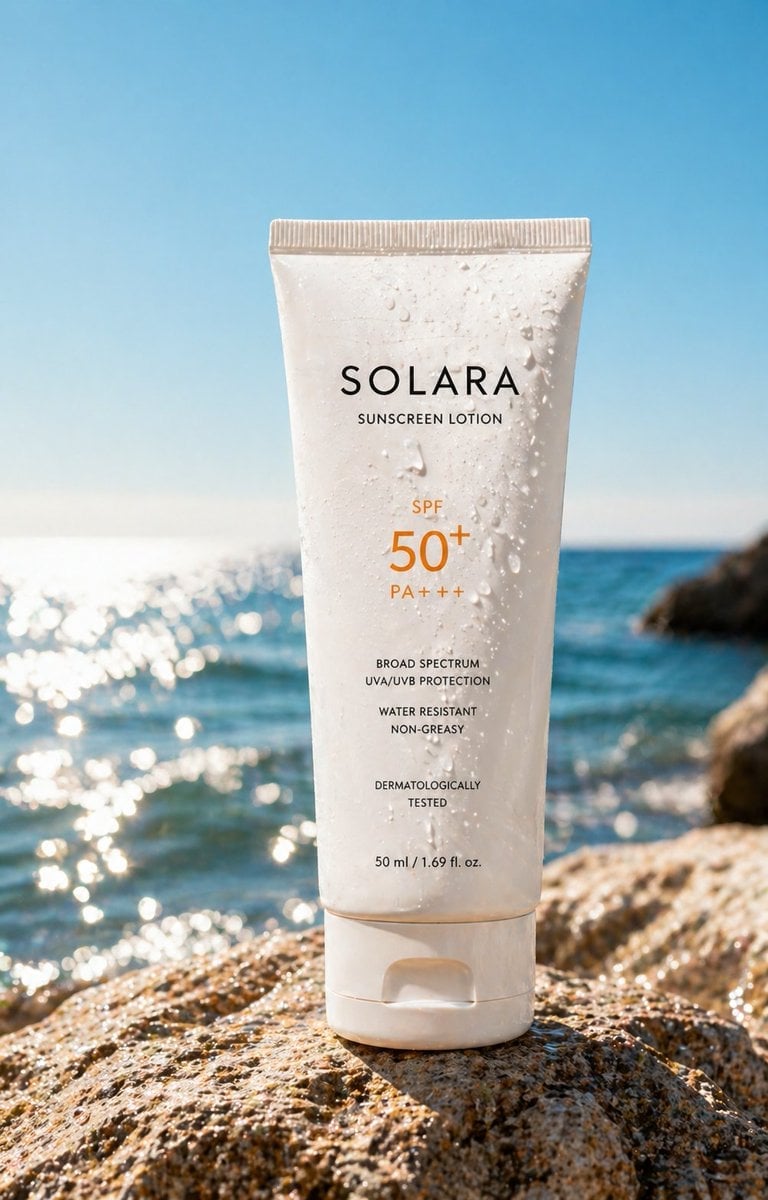
Luxury Sunscreen Product Shot
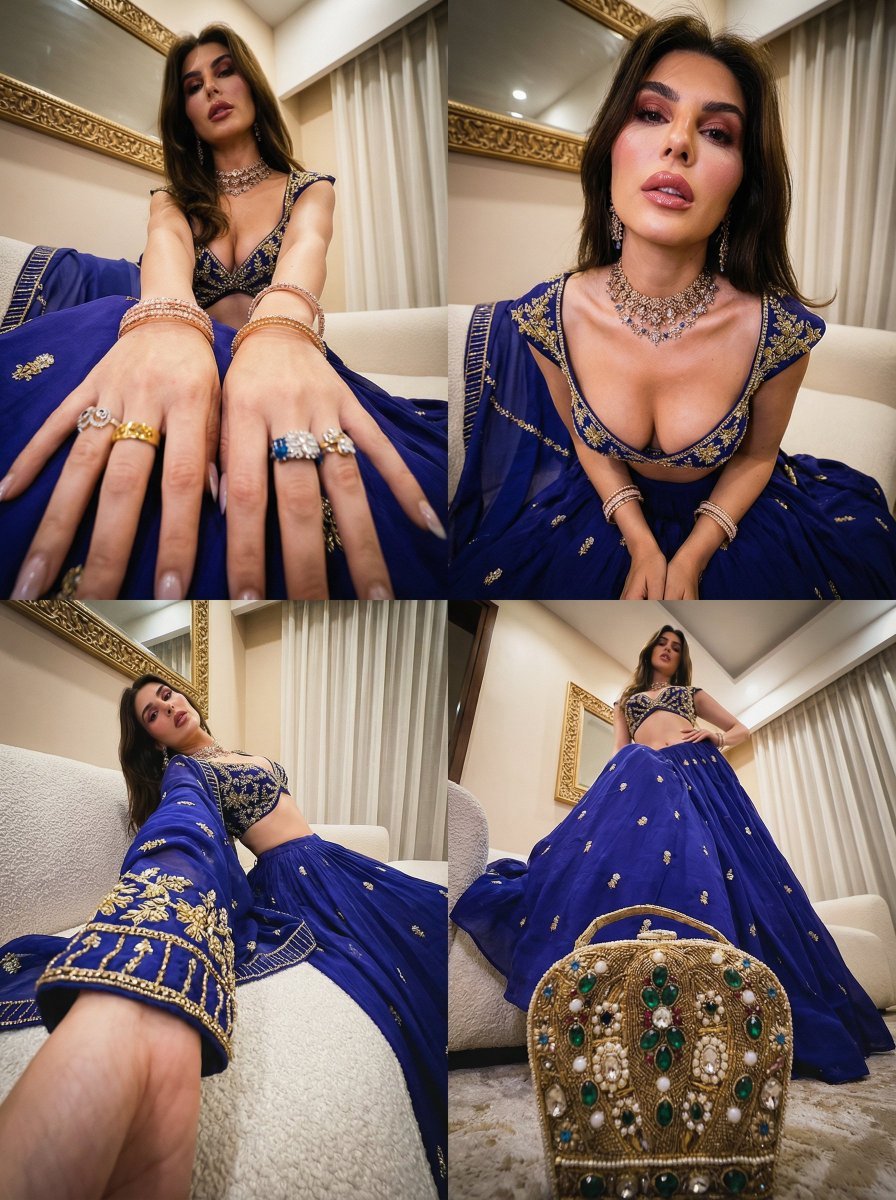
Transformative Style Prompt for Dramatic Cinematic Characters
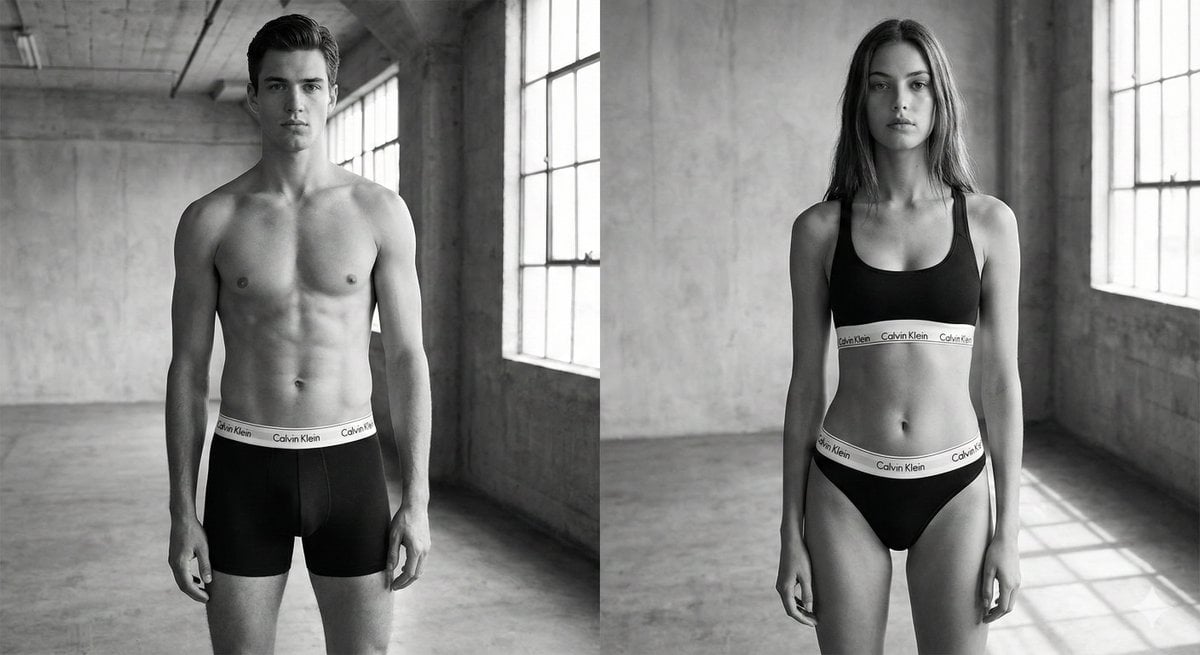
Black and White Brand Marketing Photography
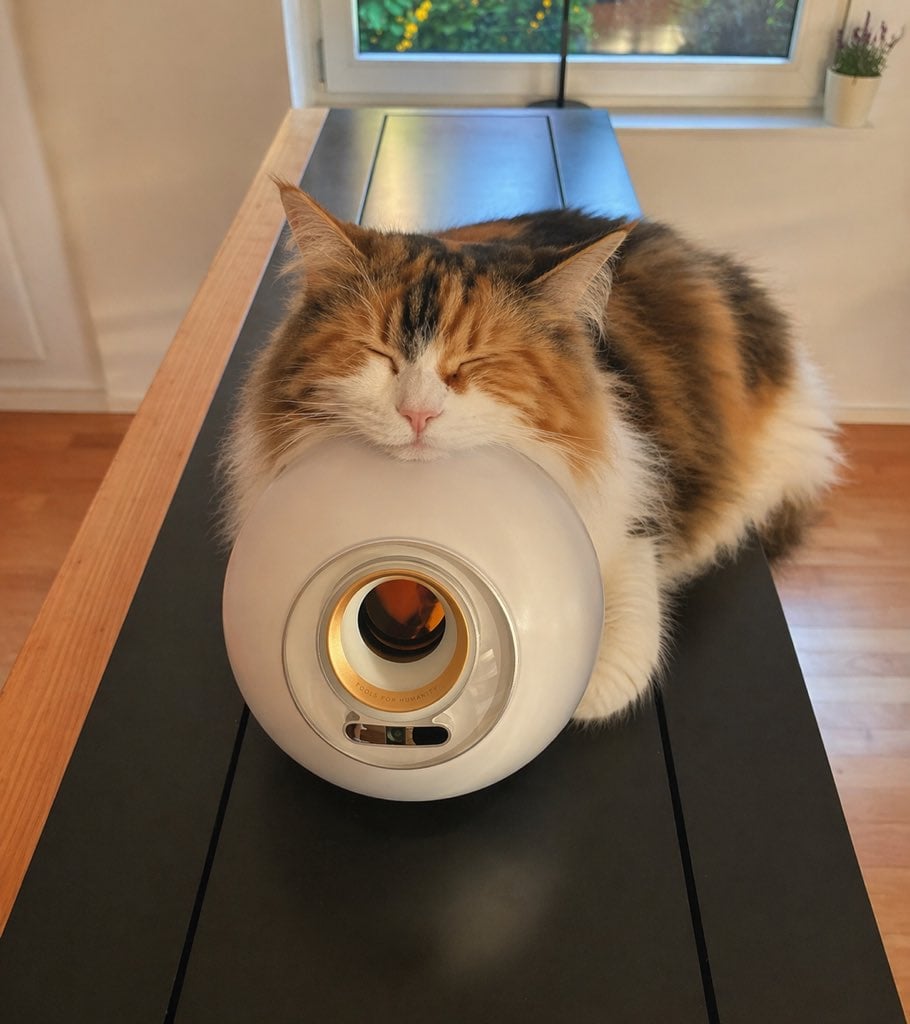
Sleeping Calico on White Appliance
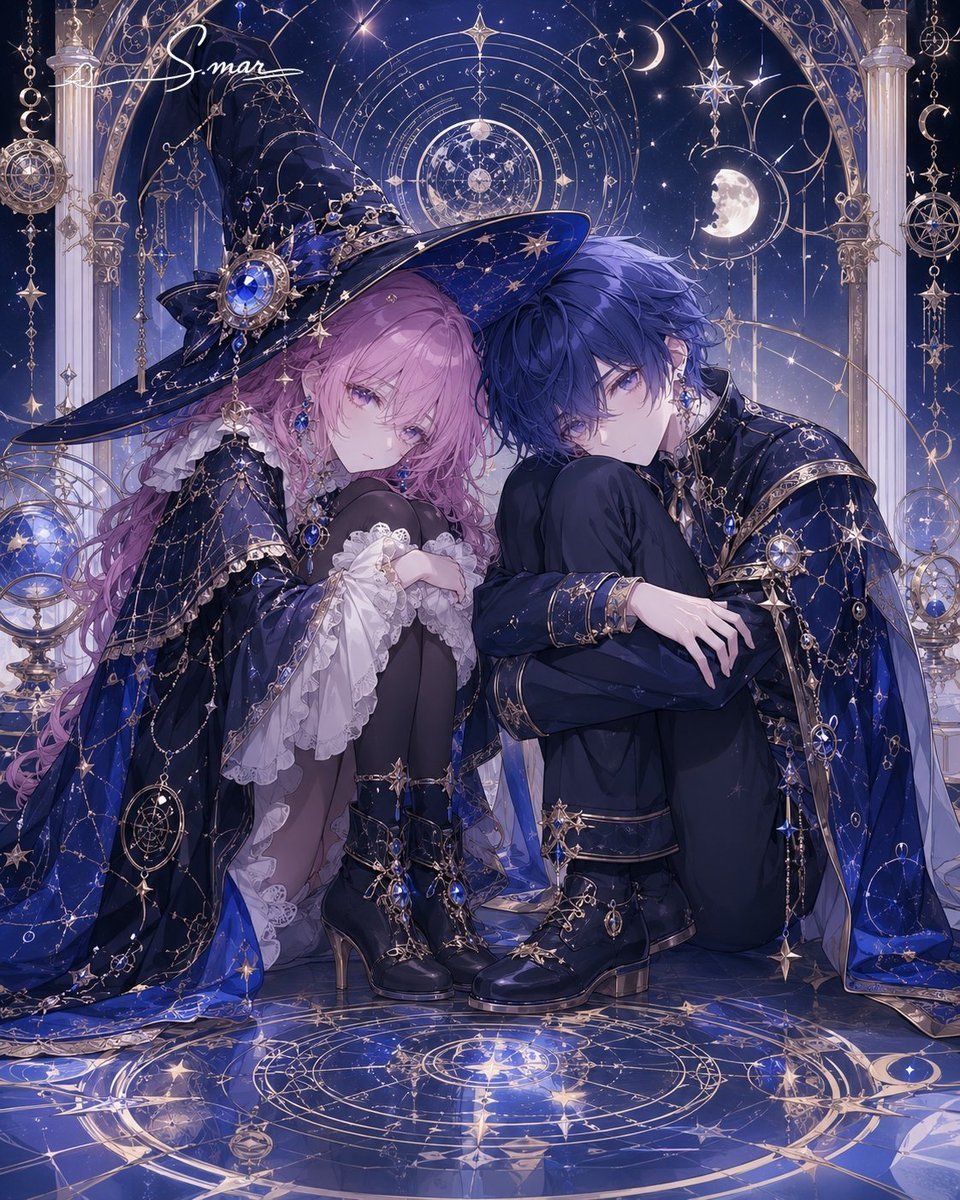
Celestial Magician Duo

Split Composition Portrait of a Man
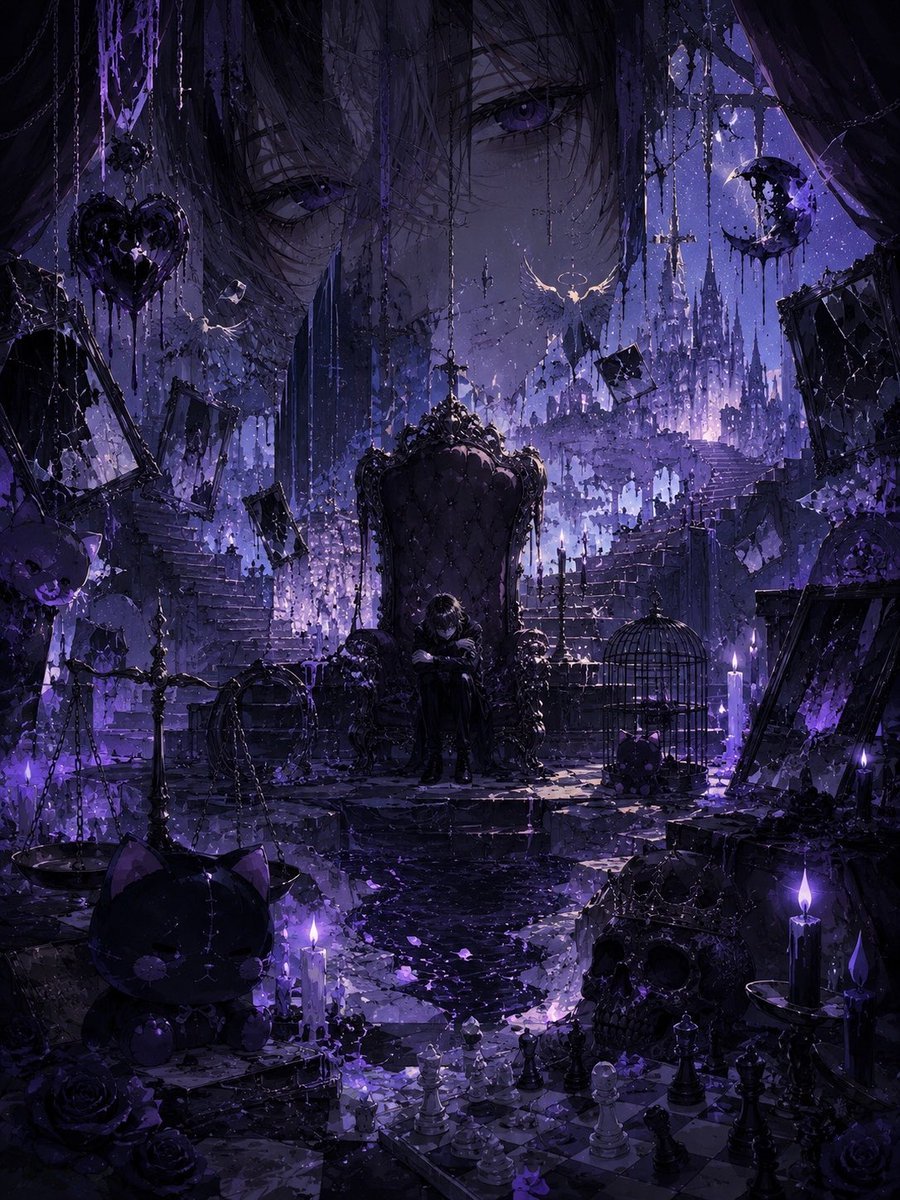
Gothic Violet Throne Fantasy
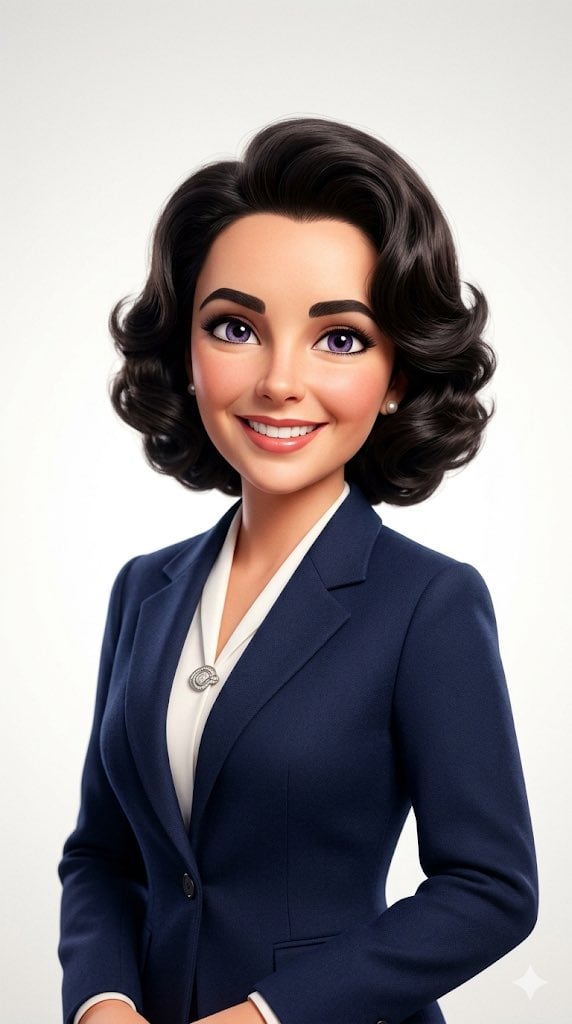
Pixar-Style 3D Avatar Prompt for Nano Banana
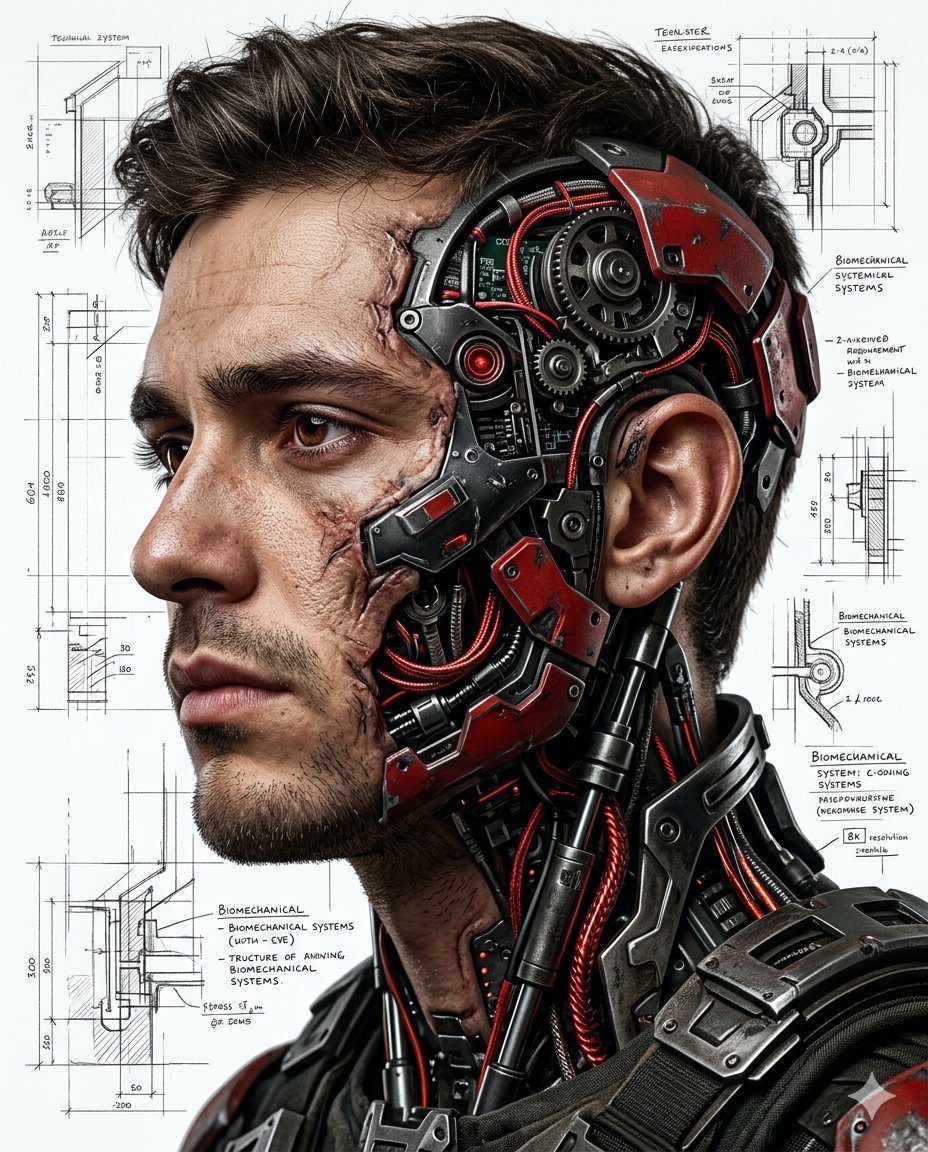
Hyper-realistic Cyborg Side Profile
Canadian Citizenship Card Mockup Prompt
Browse template categories
Retro Pixel Space Shooter HUD questions
How do I use the Retro Pixel Space Shooter HUD template?
Add your photo if the template asks for one, edit the prompt if you like — the template's model and format are already selected — and press Generate. Your version opens in PicX Studio.
Can I customize the Retro Pixel Space Shooter HUD template?
Yes. You can change the subject, setting, lighting, mood, format, and available model controls before creating your image.
Is the Retro Pixel Space Shooter HUD template free?
Opening and editing this template is free. Generating uses credits, shown on the Generate button when you are signed in.
Which AI model should I use?
Start with GPT Image 2, which is the model associated with this template. You can compare another compatible model for a different finish.
Looking for something else? Browse all templates.

Your photo, any look
Thousands of ready templates for every top image and video model, from one credit balance.