
Canadian Citizenship Card Mockup Prompt
A realistic studio-style government ID card image useful for document mockups, identity design concepts, or security card visualizations.
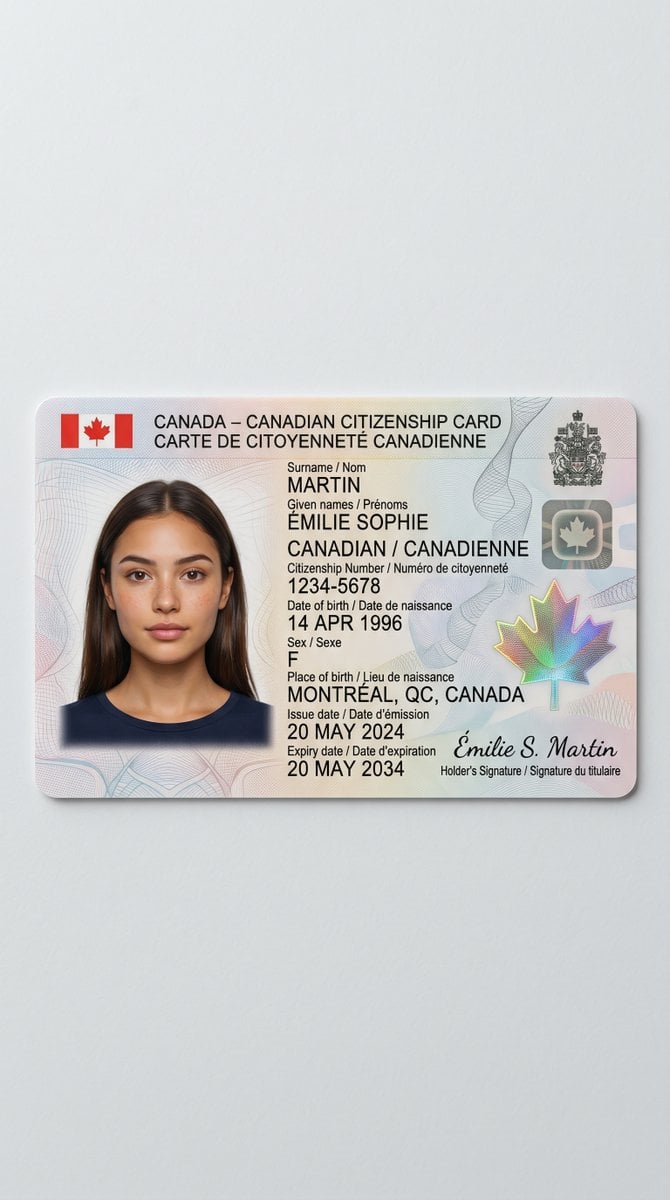
- Prompt included
- Model and format preset
- Free template
The prompt behind this image
Copy the exact prompt behind Canadian Citizenship Card Mockup Prompt, or open it in the studio and make it yours.
A clean studio product photo of a realistic Canadian citizenship card lying flat on a light gray matte surface, centered with generous empty space around it. The card is shown in landscape orientation with rounded corners, subtle thickness, and a soft drop shadow, photographed from a nearly top-down angle with slight perspective. The design is a bilingual Canadian ID card with a pale pastel security background of fine guilloche lines in pink, blue, and gray, plus faint abstract wave patterns. In the top left are 2 small Canadian flags flanking the header text in bold black sans-serif: “CANADA – CANADIAN CITIZENSHIP CARD” on the first line and “CARTE DE CITOYENNETÉ CANADIENNE” on the second. On the left side is 1 passport-style head-and-shoulders portrait of a woman with straight dark brown hair, center part, wearing a navy crew-neck shirt, but the face is obscured by a solid rectangular blur block for privacy. To the right of the portrait is the main ID text in black, mixing uppercase labels and values, arranged in neat left-aligned lines. Use the visible bilingual fields and values exactly as follows: “Surname / Nom” then “MARTIN”; “Given names / Prénoms” then “ÉMILIE SOPHIE”; nationality line “CANADIAN / CANADIENNE”; “Citizenship Number / Numéro de citoyenneté” then “1234-5678”; “Date of birth / Date de naissance” then “14 APR 1996”; “Sex / Sexe” then “F”; “Place of birth / Lieu de naissance” then “MONTRÉAL, QC, CANADA”; “Issue date / Date d’émission” then “20 MAY 2024”; “Expiry date / Date d’expiration” then “20 MAY 2034”. In the upper right corner include 2 official security elements: a dark Canadian coat of arms emblem and beneath it a small metallic square with a maple leaf. In the lower right include 1 large iridescent holographic maple leaf security feature with rainbow shimmer. Along the bottom right add a cursive signature reading “Émilie S. Martin” with the caption beneath it “Holder’s Signature / Signature du titulaire”. The overall style is highly realistic government-issued document photography, sharp printed text, authentic ID layout, subtle paper-plastic card texture, neutral lighting, minimal background, no hands, no extra objects.
How to use Canadian Citizenship Card Mockup Prompt in 3 steps
- 1Upload ImagePNG, JPG or paste
Add your photo
Upload the photo the template builds on. The prompt, model and format are already set.
- 2…a portrait of your subject in softgolden-hour light, 85mm…
Personalize
Edit the subject and creative details for your destination.
- 3Generate
Generate
Press Generate — your image is created in PicX Studio, so you can compare it with the original and refine one variable at a time.
More like this
Templates with the same subject, style or setup. Open one to see its prompt.

Product Shot - T-Shirt Mockup
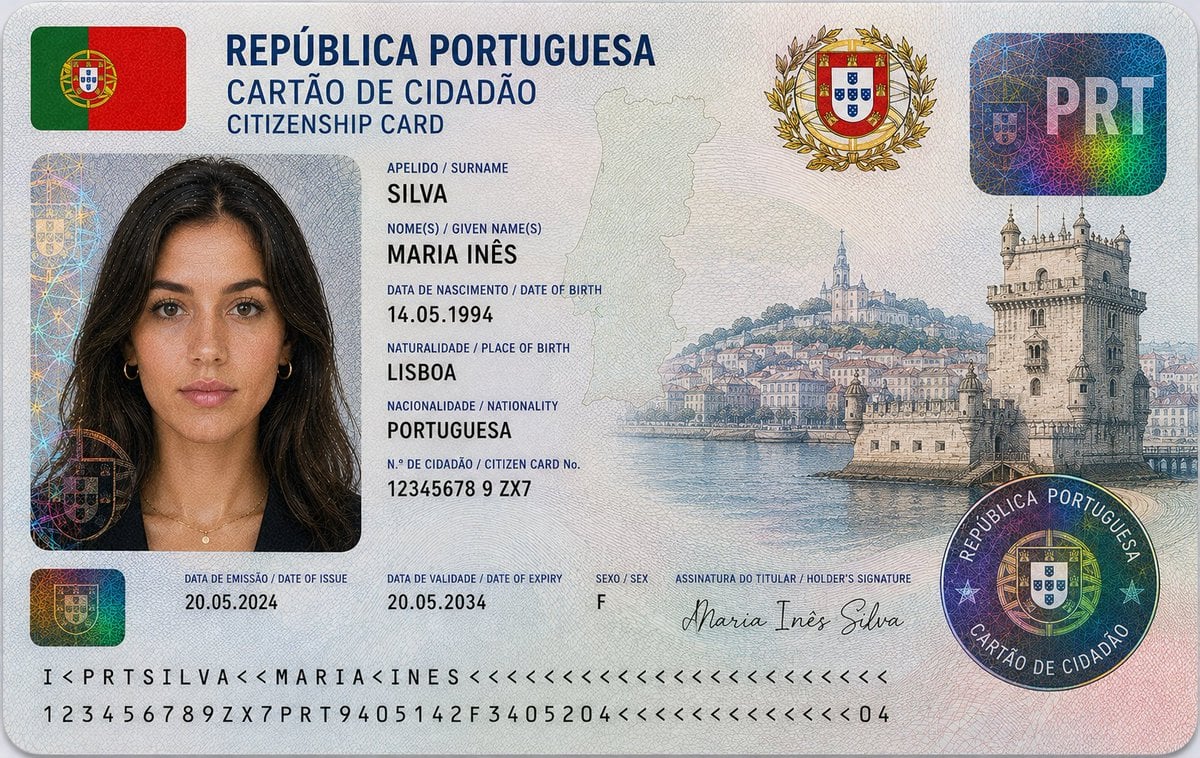
Nigerian Citizenship Identity Card Mockup
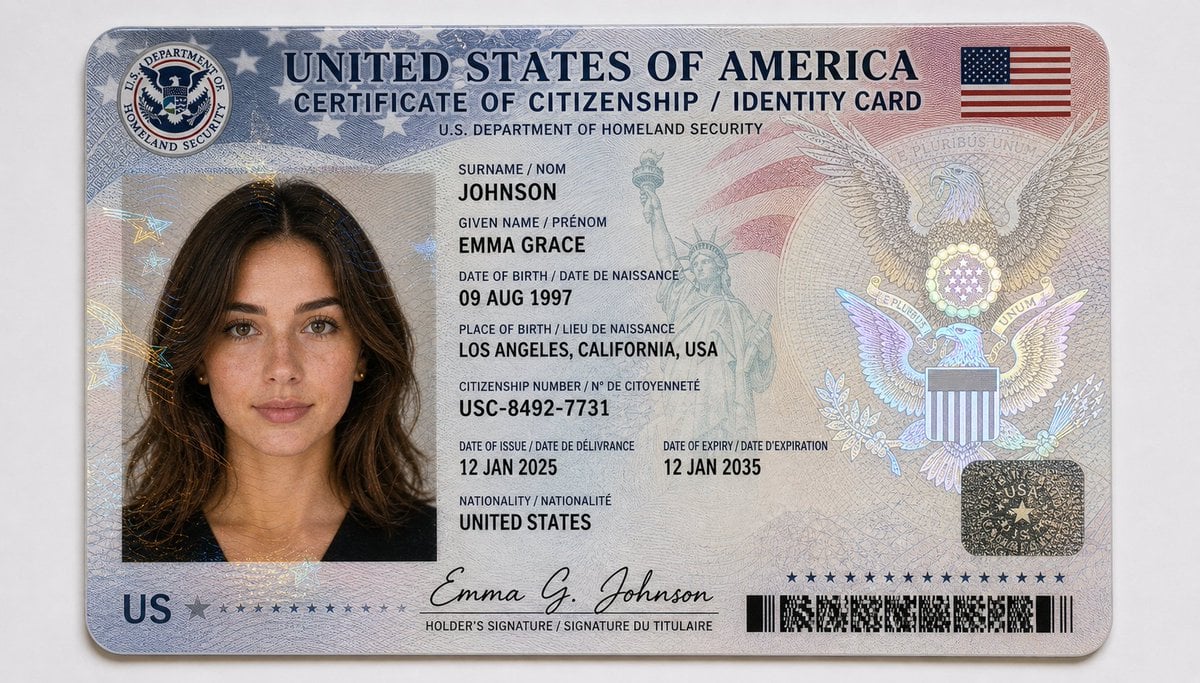
US Citizenship Identity Card Mockup
German Citizenship Identity Card Mockup
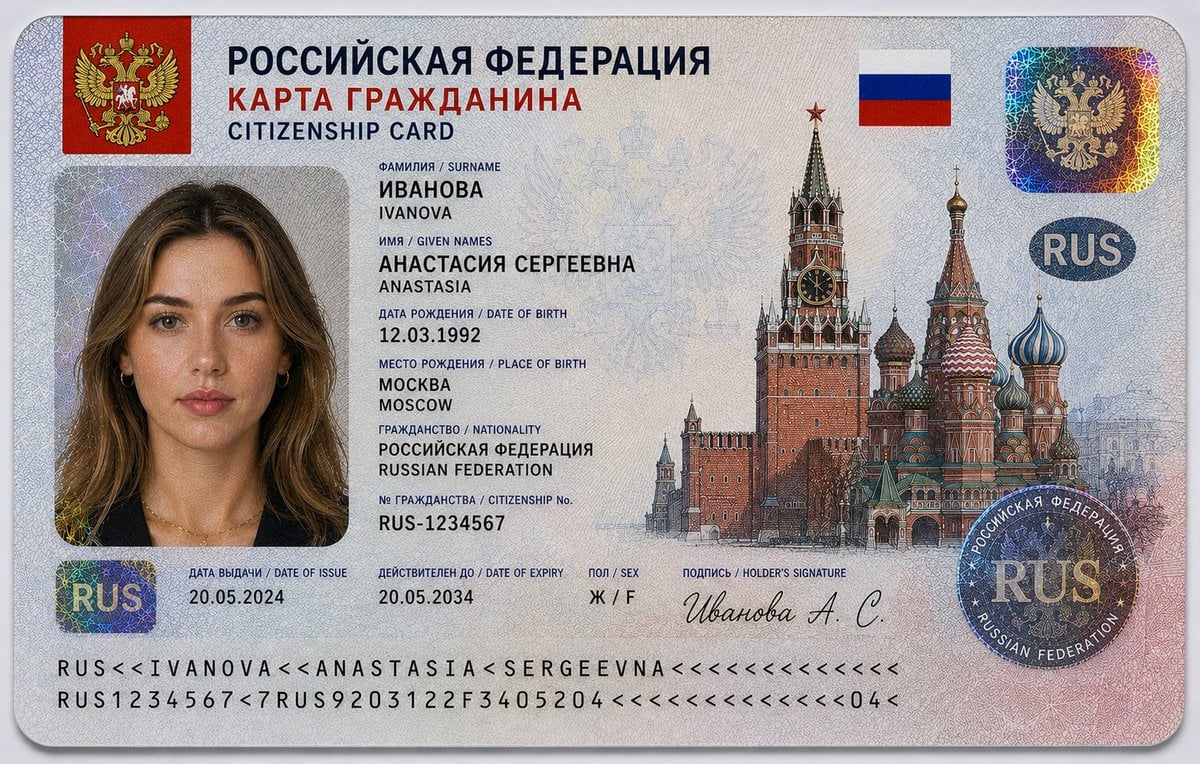
Realistic Citizenship Identity Card
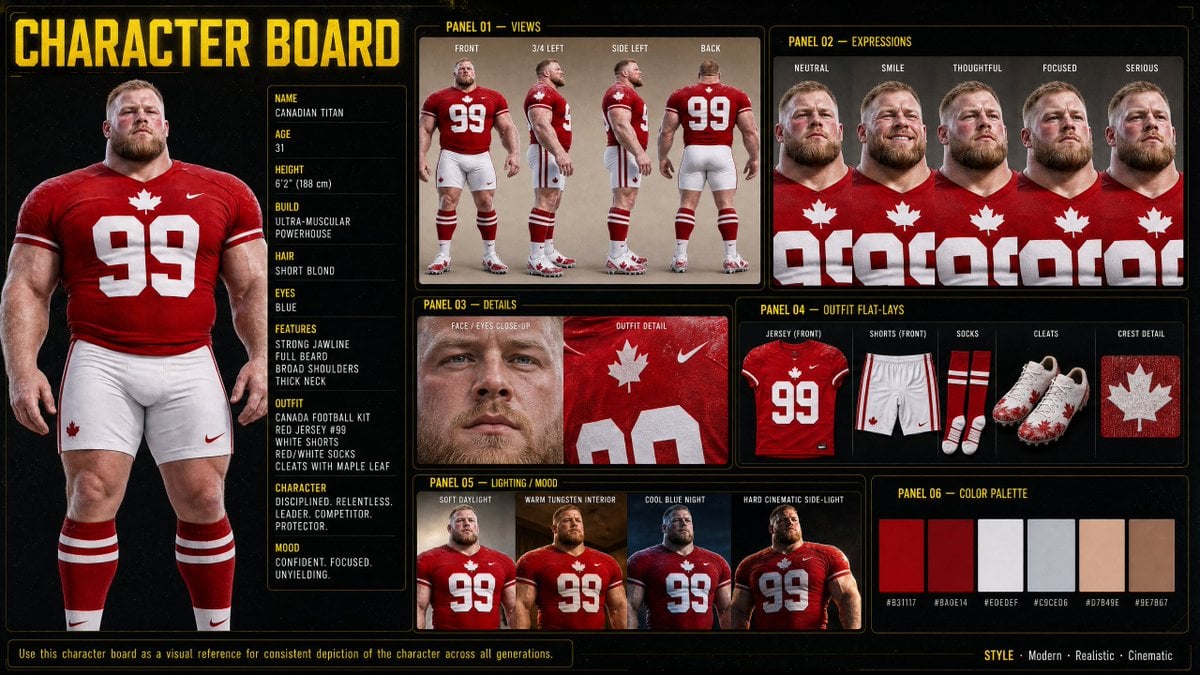
Canadian Football Character Board

Teal Japanese Handwritten Lyric Card

Reiwa Slang Reaction Gacha Card

Cinematic Anime Shinobi Poster Mockup
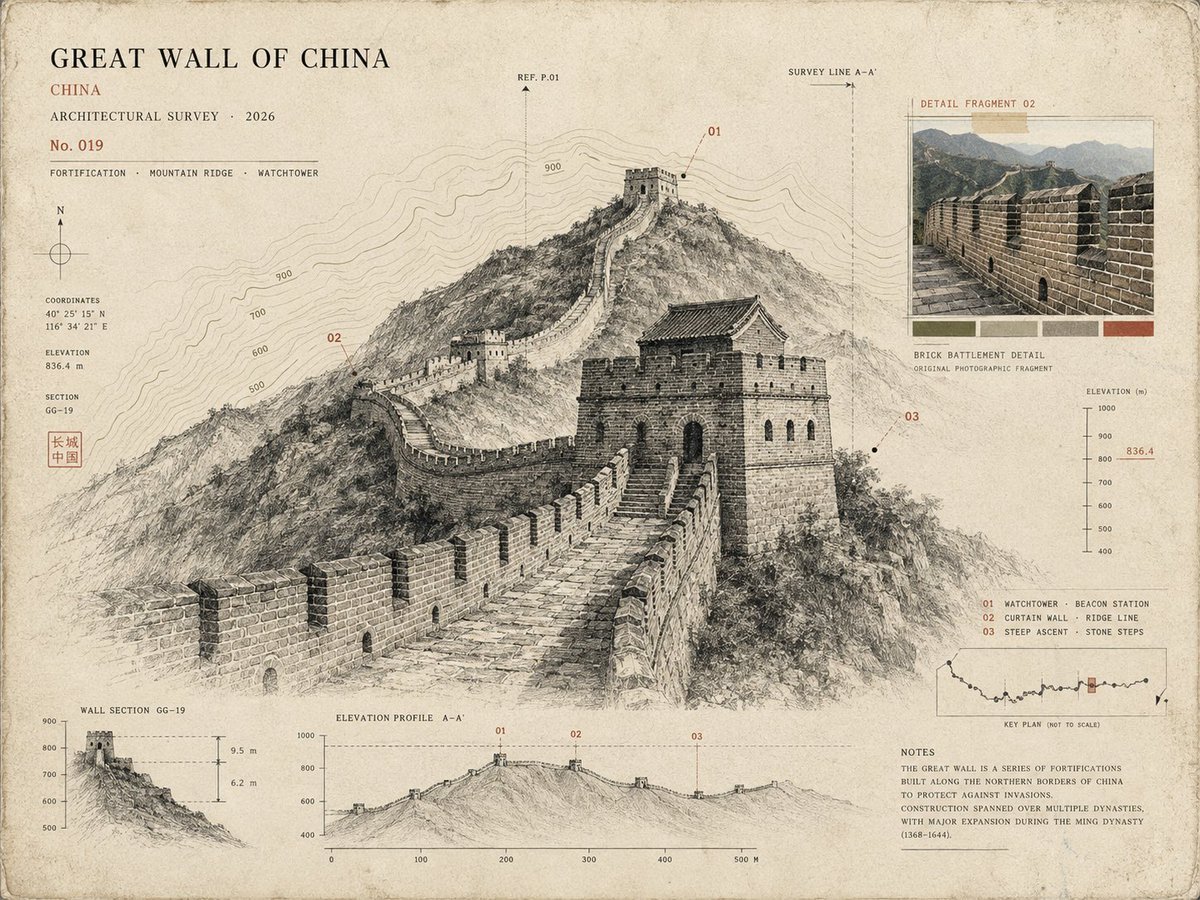
Architectural Museum Specimen Card

Subway Good Vibes App Card Portrait
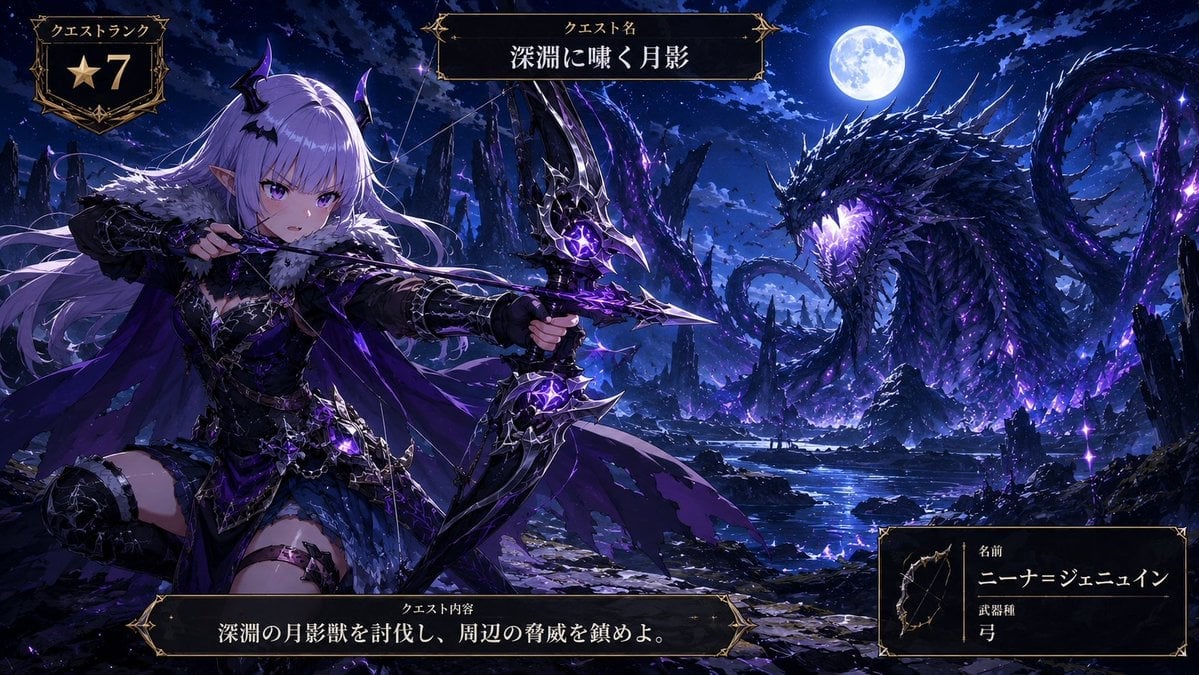
Anime Monster Hunter Quest Card
Make it yours
Canadian Citizenship Card Mockup Prompt works as-is. These are the safest ways to change it without losing the look.
Change one field
Copy a single group, rewrite it, and generate again so you can see what that field is doing.
Keep the frame, change the subject
Hold the composition and light of Canadian Citizenship Card Mockup Prompt, then swap wardrobe, props or the person for a new take.
| If the result… | Why | Fix |
|---|---|---|
| The result drifts from the preview | Too many fields changed at once. | Reuse Canadian Citizenship Card Mockup Prompt as-is first, then change one group — subject, light, or setting. |
| The model over-stylizes the scene | The prose prompt leaves finish and camera underspecified. | Add one camera or lighting sentence and stay on GPT Image 2. |
More GPT Image 2 templates
Other prompts made for GPT Image 2.

Six VTuber Japanese Logo Sheet

Realistic Portrait of Woman and Deer

The Vista Modular Condo Poster

AI Model Routing Comparison Infographic

2.5D Anime Art Board

Isometric Productivity Desk Scene

New York Double Exposure Poster

Four-Panel AI Landscape Comparison

Japanese Tatami Lifestyle Magazine Cover

NESCAFÉ Coffee Map Poster
More image prompts
Fresh picks from across the catalog.
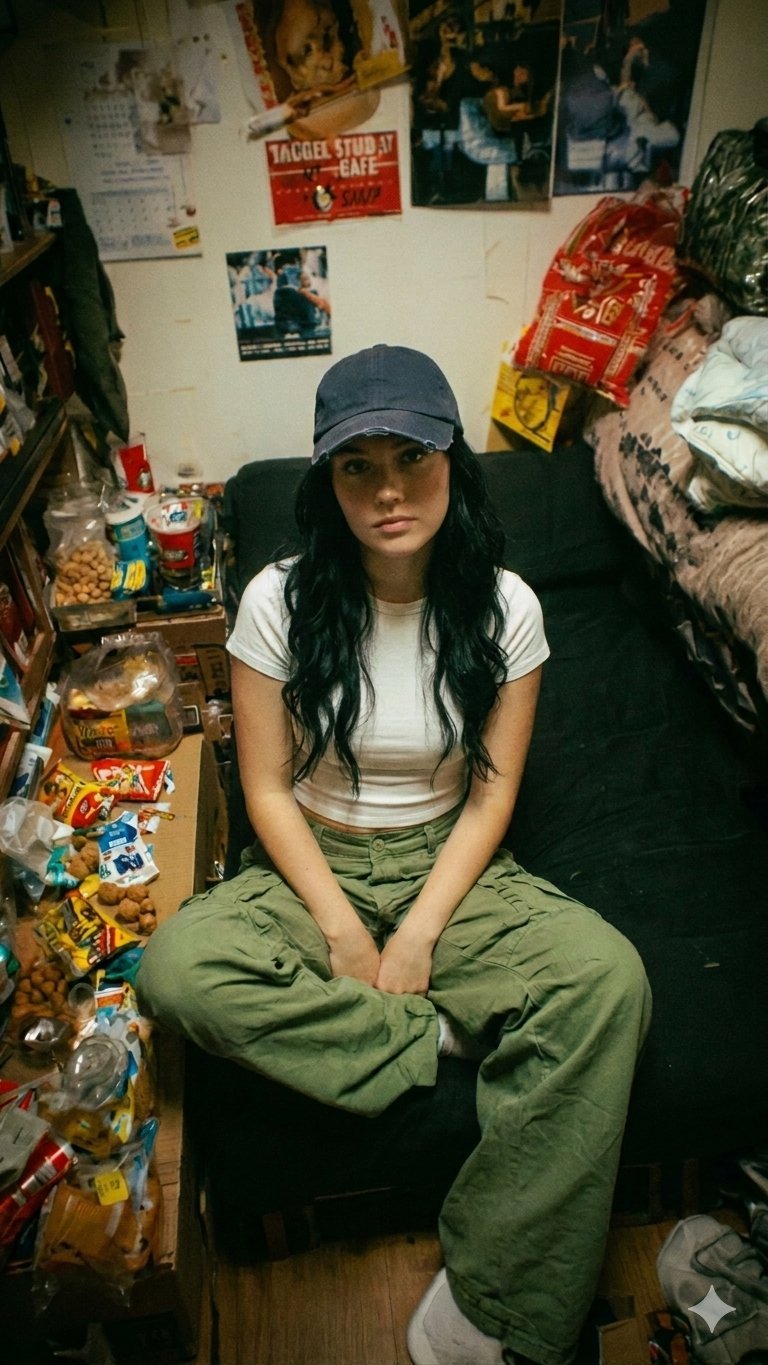
Nano Banana Pro Dorm Room Cinematic
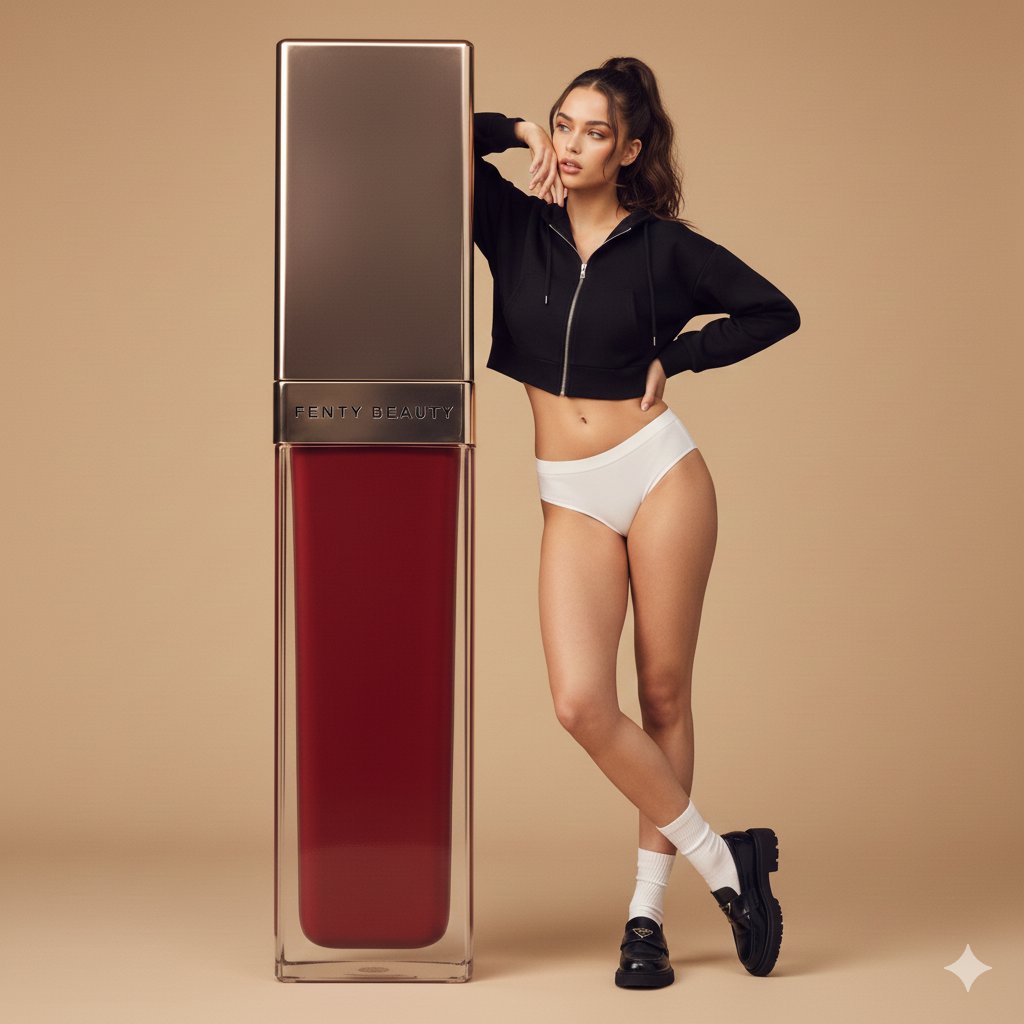
Structured Prompt for Fashion Editorial with Oversized Product

Sheep Good-Luck Charm Poster

Spring Flower Field Portrait Prompt for Google Gemini Nano Banana Pro
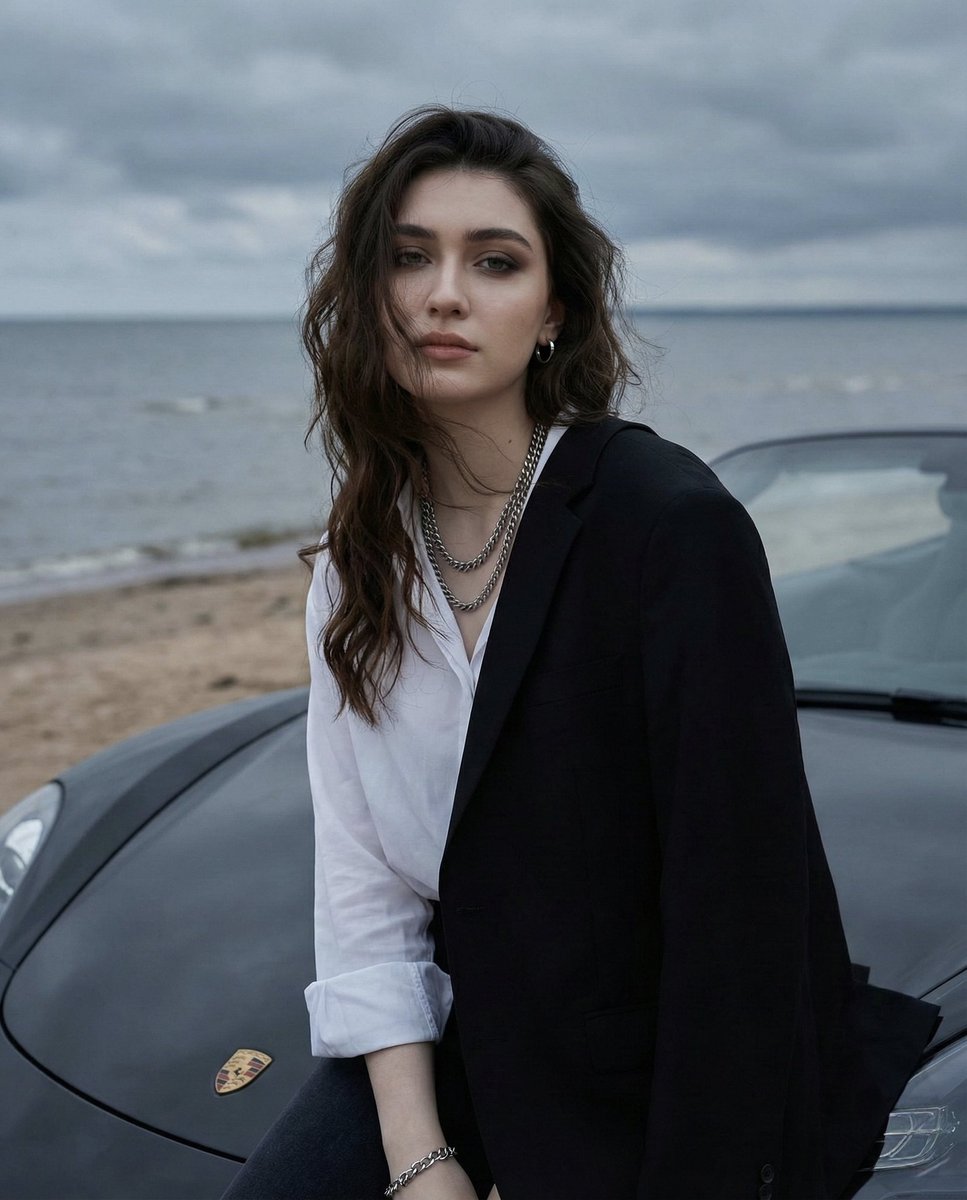
Overcast Seaside Car Hood Portrait with Identity Lock Prompt

ASCII Art with Strawberry
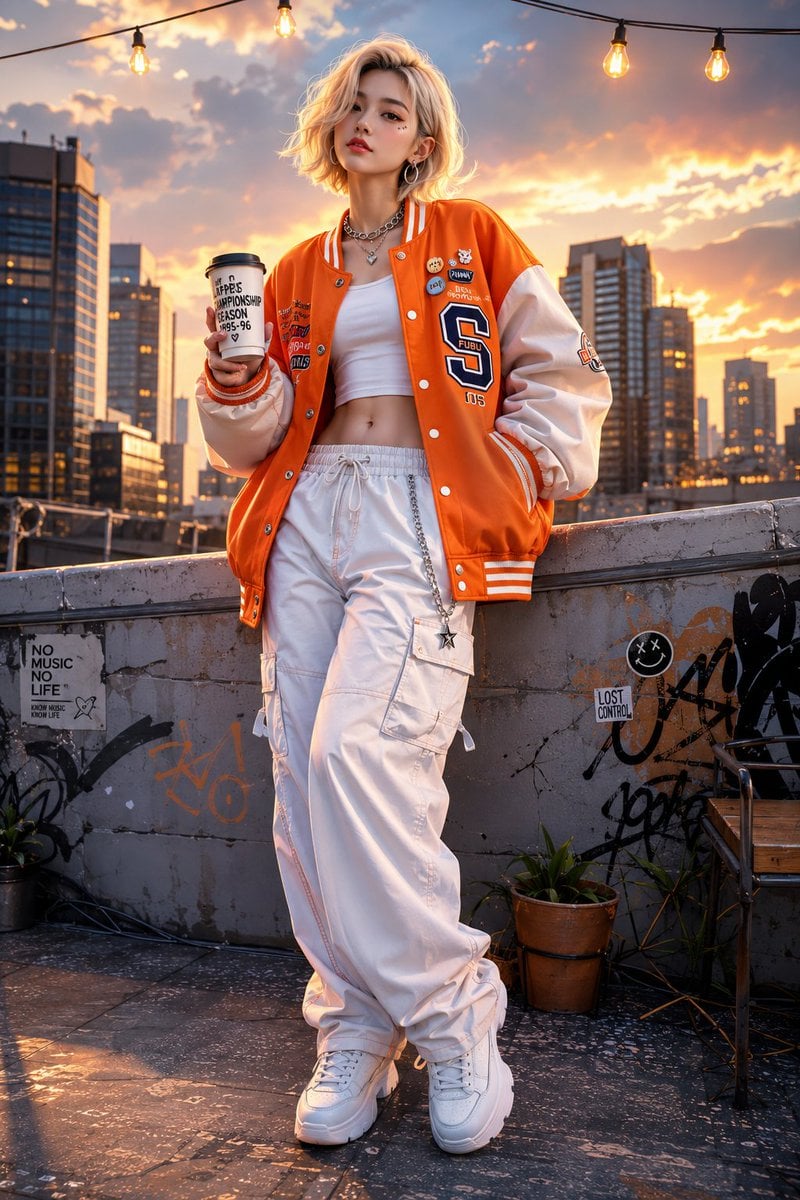
Korean Streetwear 3D Illustration

Mecha Girl figure concept generated by Nano Banana Pro
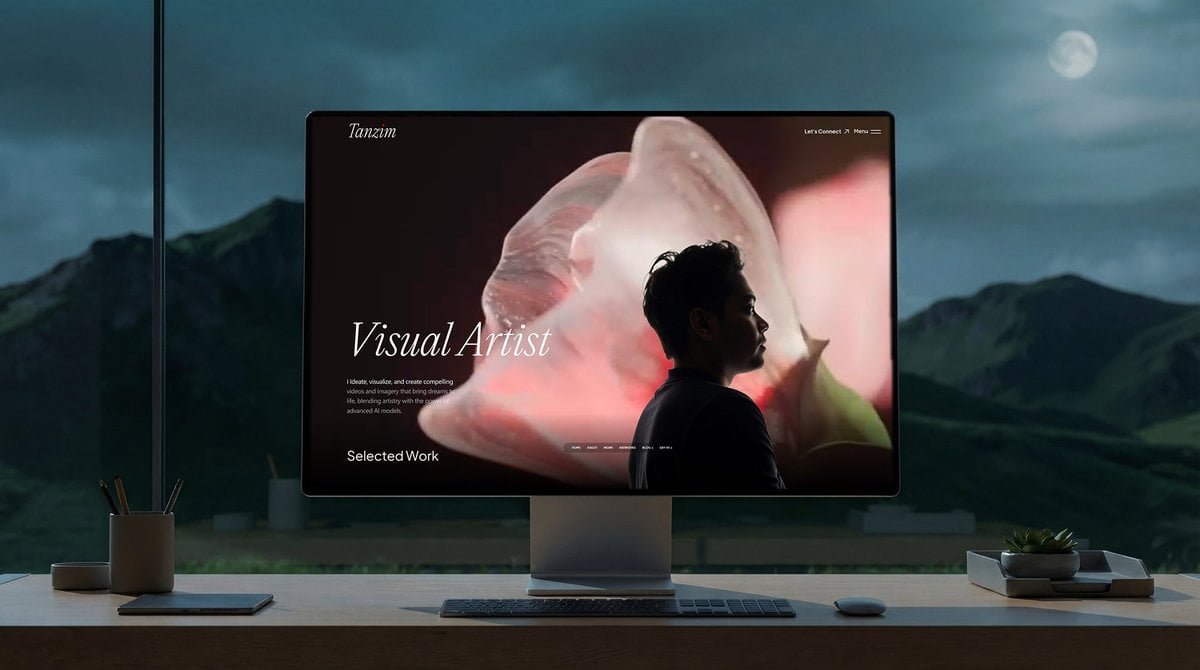
Simple Monitor Shot Prompt
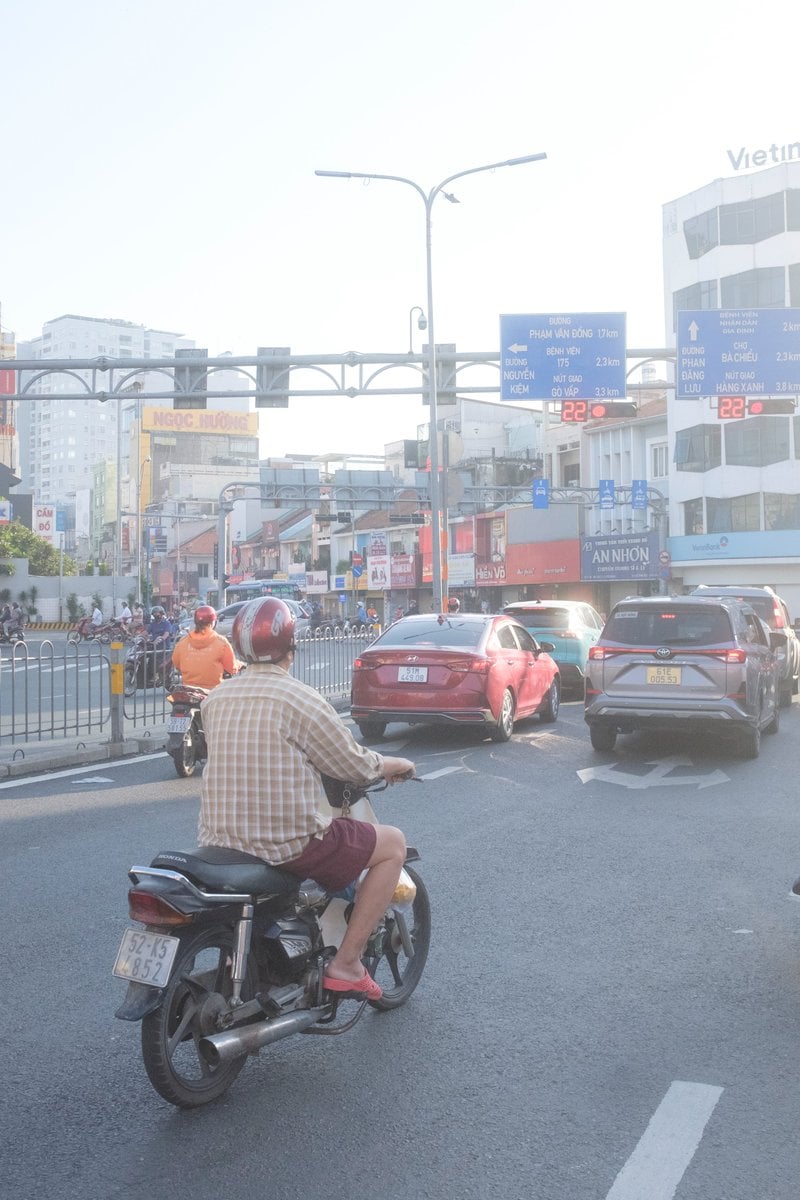
Edit city photo into rainy scene with Vietnamese bikers
Browse template categories
Canadian Citizenship Card Mockup Prompt questions
How do I use the Canadian Citizenship Card Mockup Prompt template?
Add your photo if the template asks for one, edit the prompt if you like — the template's model and format are already selected — and press Generate. Your version opens in PicX Studio.
Can I customize the Canadian Citizenship Card Mockup Prompt template?
Yes. You can change the subject, setting, lighting, mood, format, and available model controls before creating your image.
Is the Canadian Citizenship Card Mockup Prompt template free?
Opening and editing this template is free. Generating uses credits, shown on the Generate button when you are signed in.
Which AI model should I use?
Start with GPT Image 2, which is the model associated with this template. You can compare another compatible model for a different finish.
Looking for something else? Browse all templates.

Your photo, any look
Thousands of ready templates for every top image and video model, from one credit balance.