
Subway Good Vibes App Card Portrait
A realistic youth-fashion portrait of a headphone-wearing girl in a subway station framed by a playful social app invitation card overlay.

- Prompt included
- Model and format preset
- Premium template
The prompt behind this image
Copy the exact prompt behind Subway Good Vibes App Card Portrait, or open it in the studio and make it yours.
Create a high-resolution realistic vertical 4:5 fashion editorial photo of a cheerful young woman standing in a warm yellow subway station, framed inside a large semi-transparent rounded-corner social app invitation card overlay. The subject is {argument name="character name" default="a cute young East Asian woman"} with long wavy dark brown hair and soft bangs, smiling directly at the camera with a bright youthful expression. She wears white over-ear headphones, one hand touching the headphones, the other holding a small metallic silver backpack; pose her standing on one leg with the other leg bent backward playfully. Outfit: exactly 6 main visible fashion pieces: a dark burgundy sleeveless zip-front crop athletic top with white side panels, a layered white ruffle mini skirt over pale gray shorts, tall white knee socks, chunky silver-gray sneakers, white over-ear headphones, and a small glossy silver backpack. Background: an outdoor/above-ground subway platform or station corridor with yellow walls, yellow bench seating, safety signs, glass panels, metal rails, and a blurred passing train behind her, sunny late-afternoon lighting, shallow depth of field, crisp realistic skin and fabric details. Add one large centered UI card overlay with rounded corners and off-white header/footer; the woman appears inside and slightly in front of the card for a 3D cutout effect. The card contains exactly 5 visible UI text/icon elements at the top: bold black title “{argument name="headline text" default="Share"}”, spaced gray subtitle “{argument name="subtitle text" default="GOOD VIBES"}”, one small yellow sparkle icon on the left, one yellow sun icon on the right, and two small gray dot separators around the subtitle. At the bottom of the card, include exactly 2 large choice buttons: gray “{argument name="left button text" default="Decline"}” on the left and golden yellow “{argument name="right button text" default="Accept"}” on the right. Style should feel like a vibrant youth music video still, clean commercial photography, glossy social-media dating-card aesthetic, natural proportions, no collage, no extra panels, no watermark.
How to use Subway Good Vibes App Card Portrait in 3 steps
- 1Upload ImagePNG, JPG or paste
Add your photo
Upload the photo the template builds on. The prompt, model and format are already set.
- 2…a portrait of your subject in softgolden-hour light, 85mm…
Personalize
Edit the subject and creative details for your destination.
- 3Generate
Generate
Press Generate — your image is created in PicX Studio, so you can compare it with the original and refine one variable at a time.
More like this
Templates with the same subject, style or setup. Open one to see its prompt.

Subway Platform Quiet Introspective Portrait
Subway Platform Quiet Introspective Portrait

Found Photograph: Us, 1970

80s Couple Studio Portrait

80s Bollywood Star

80s Golden Hour Cinema

Me in 1985

1985 Studio Portrait
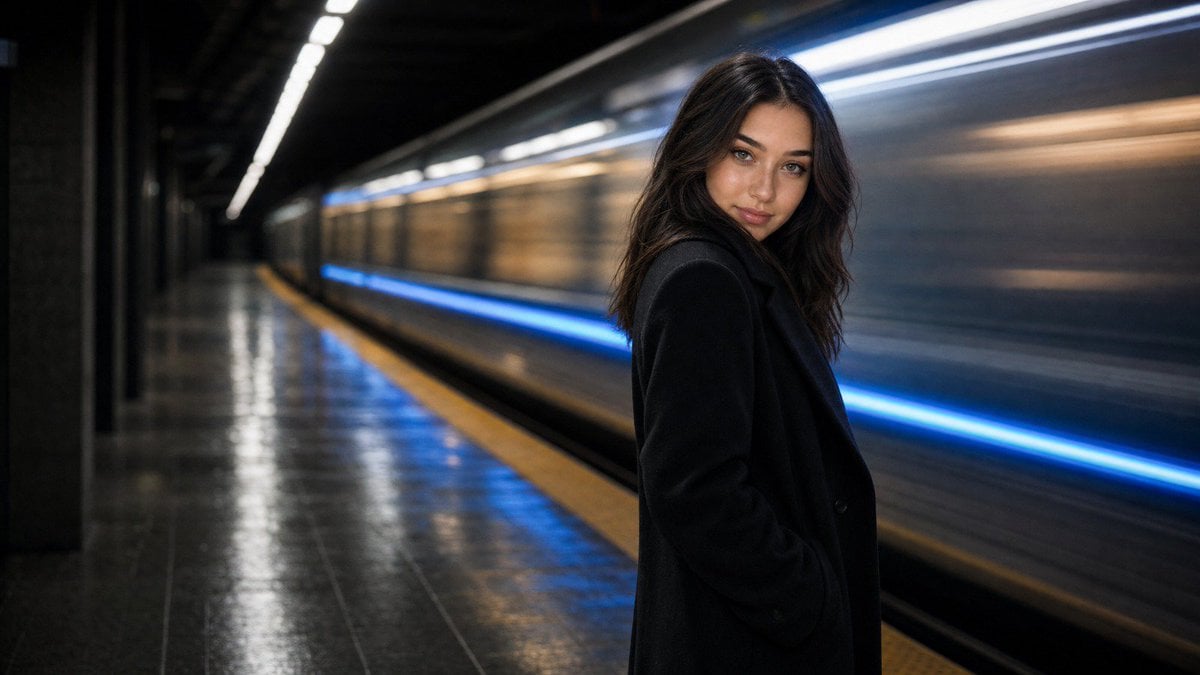
Cinematic Subway Editorial Portrait

Hyper-Realistic Minecraft POV Portrait
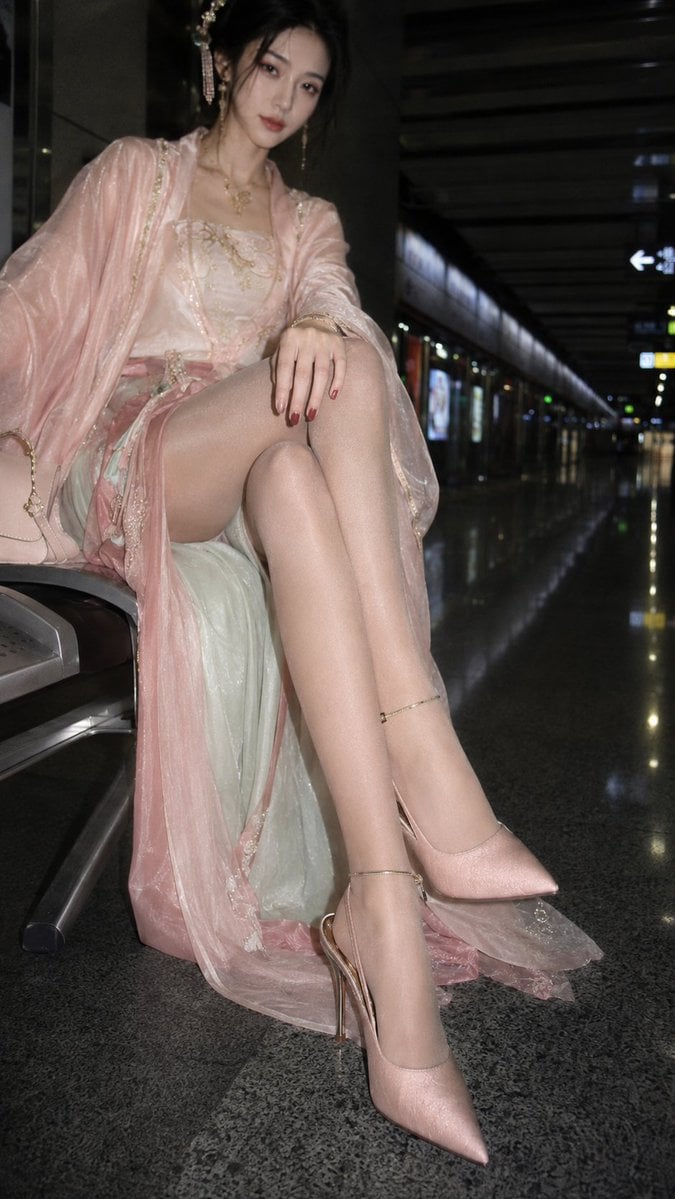
Hanfu Fashion Portrait in Subway

Rooftop Fisheye — Cat-Ear Balaclava at Golden Hour
Make it yours
Subway Good Vibes App Card Portrait works as-is. These are the safest ways to change it without losing the look.
Change one field
Copy a single group, rewrite it, and generate again so you can see what that field is doing.
Keep the frame, change the subject
Hold the composition and light of Subway Good Vibes App Card Portrait, then swap wardrobe, props or the person for a new take.
| If the result… | Why | Fix |
|---|---|---|
| The result drifts from the preview | Too many fields changed at once. | Reuse Subway Good Vibes App Card Portrait as-is first, then change one group — subject, light, or setting. |
| The model over-stylizes the scene | The prose prompt leaves finish and camera underspecified. | Add one camera or lighting sentence and stay on GPT Image 2. |
More GPT Image 2 templates
Other prompts made for GPT Image 2.

Six VTuber Japanese Logo Sheet

Realistic Portrait of Woman and Deer

The Vista Modular Condo Poster

AI Model Routing Comparison Infographic

2.5D Anime Art Board

Isometric Productivity Desk Scene

New York Double Exposure Poster

Four-Panel AI Landscape Comparison

Japanese Tatami Lifestyle Magazine Cover

NESCAFÉ Coffee Map Poster
More image prompts
Fresh picks from across the catalog.
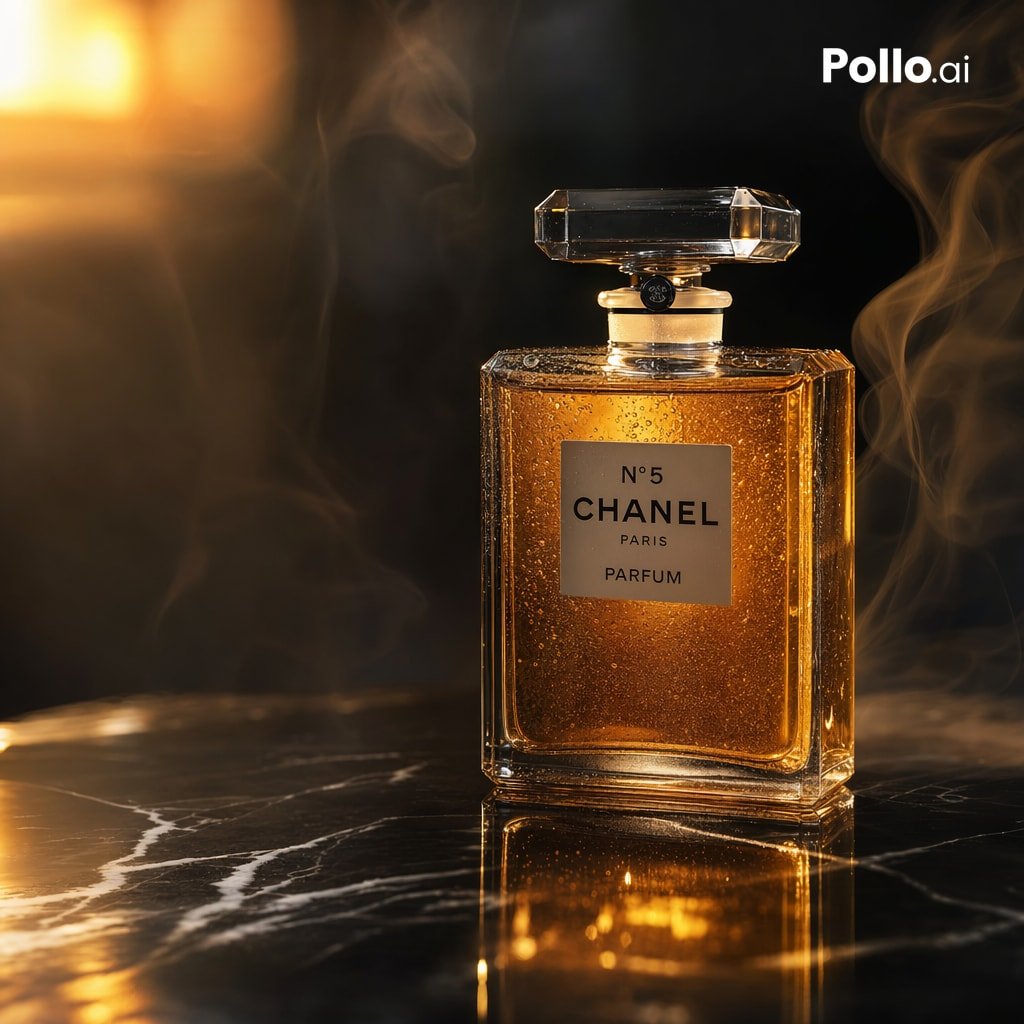
Gpt2 E Commerce Main Image Luxury Amber Perfume Ad
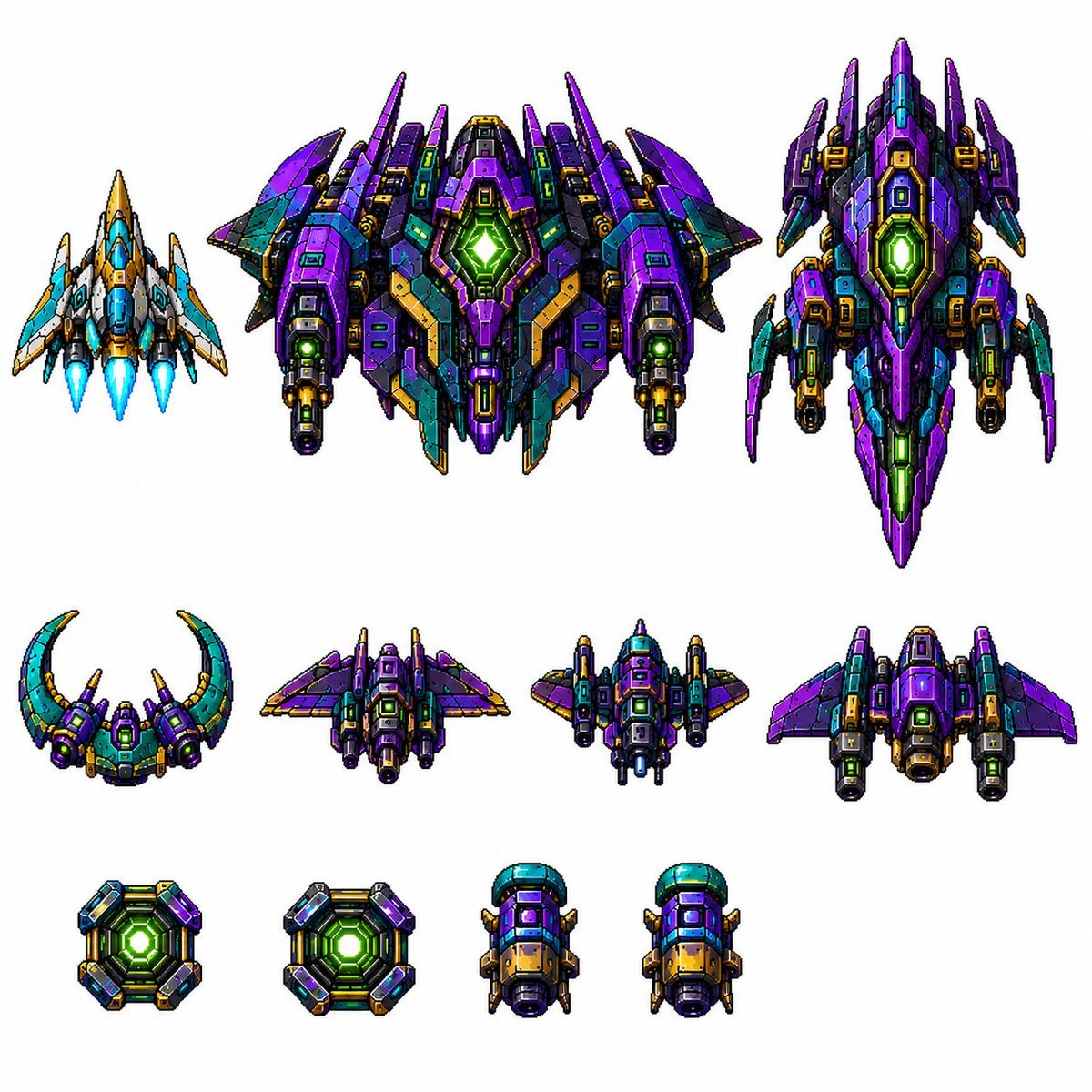
Retro Pixel Space Shooter Sprites
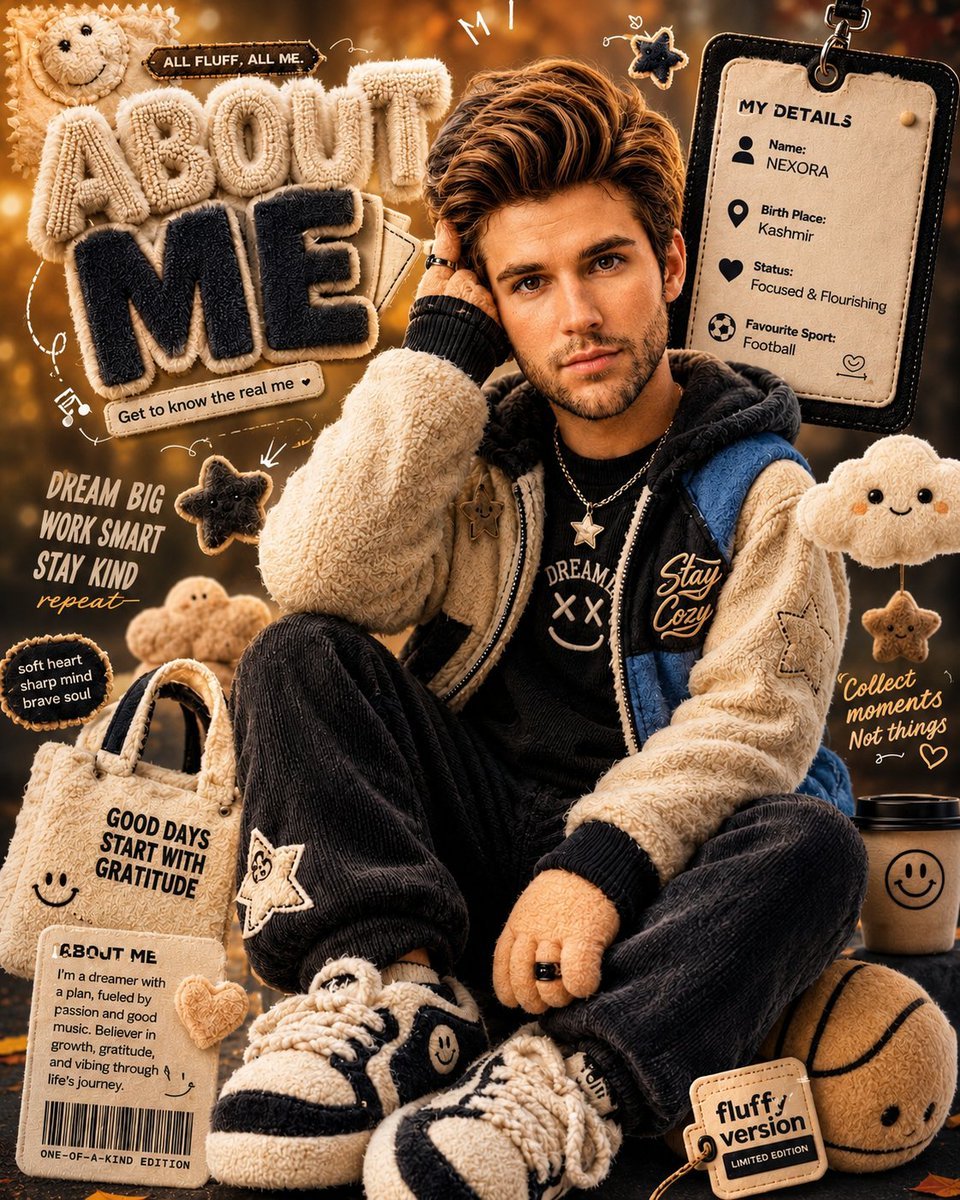
3D Fluffy Toy About Me Poster
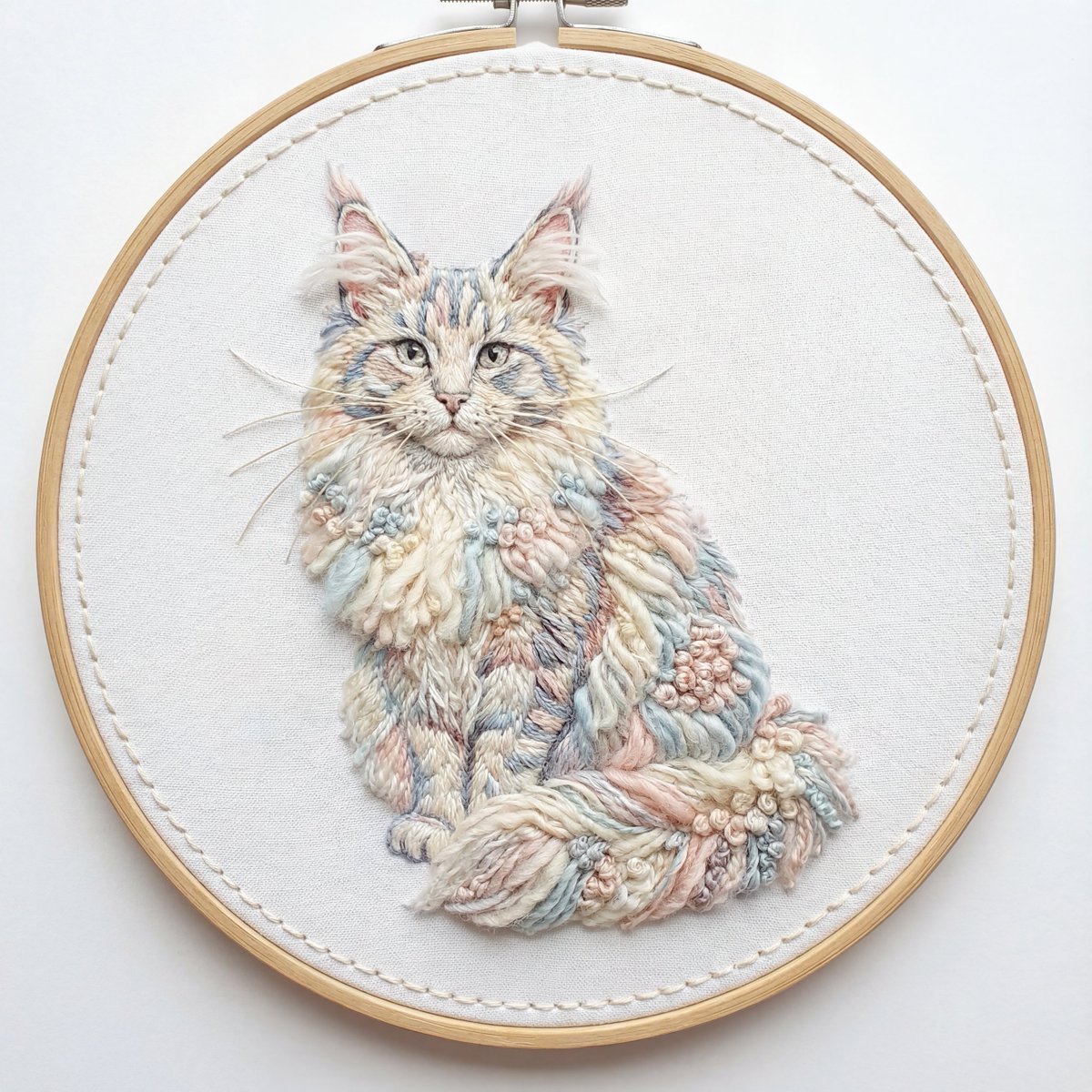
Akita Dog Embroidered Patch Design

LINE Sticker Generation Prompt
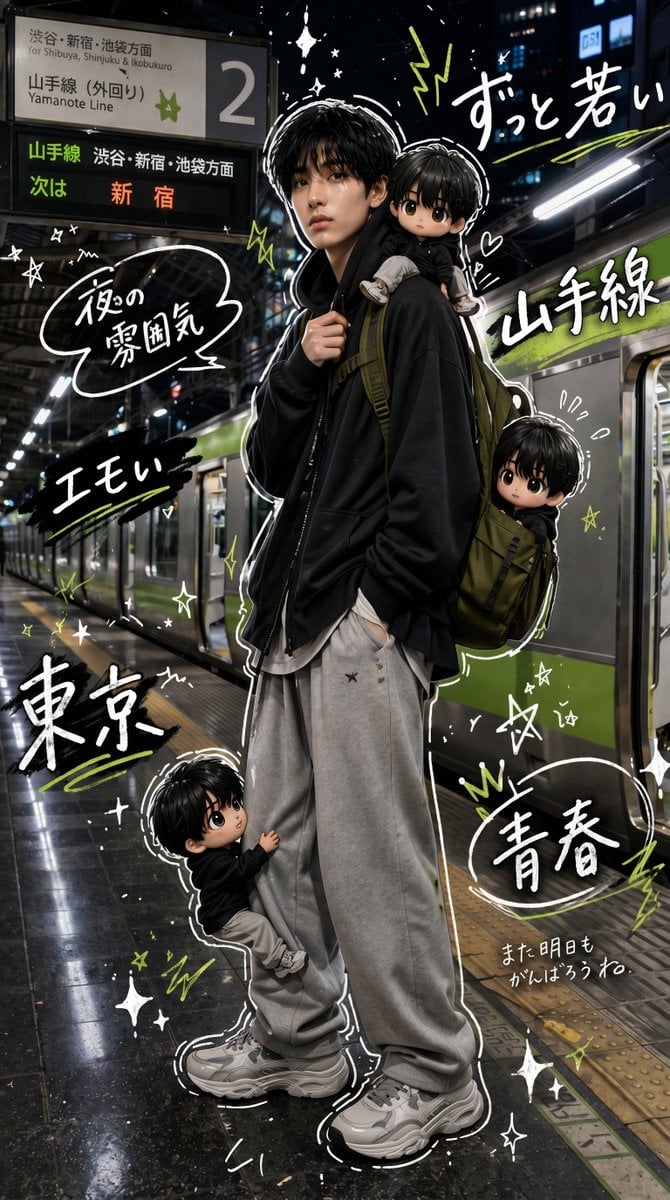
Tokyo Yamanote Youth Poster
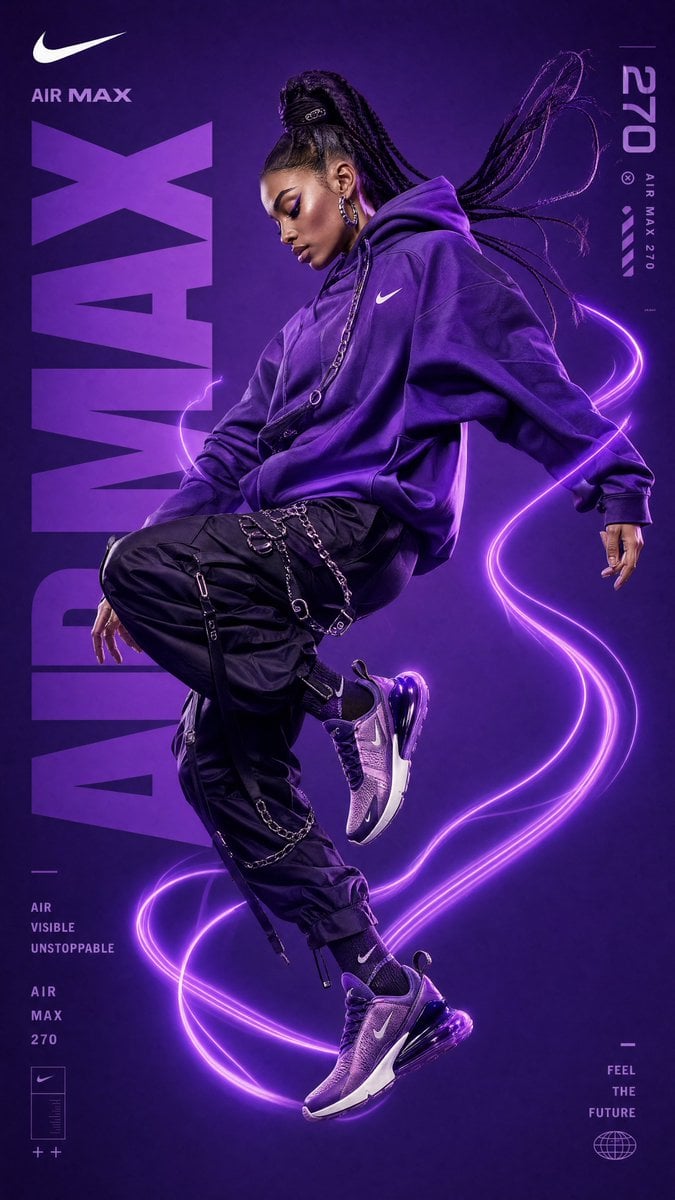
Futuristic Nike Sportswear Campaign
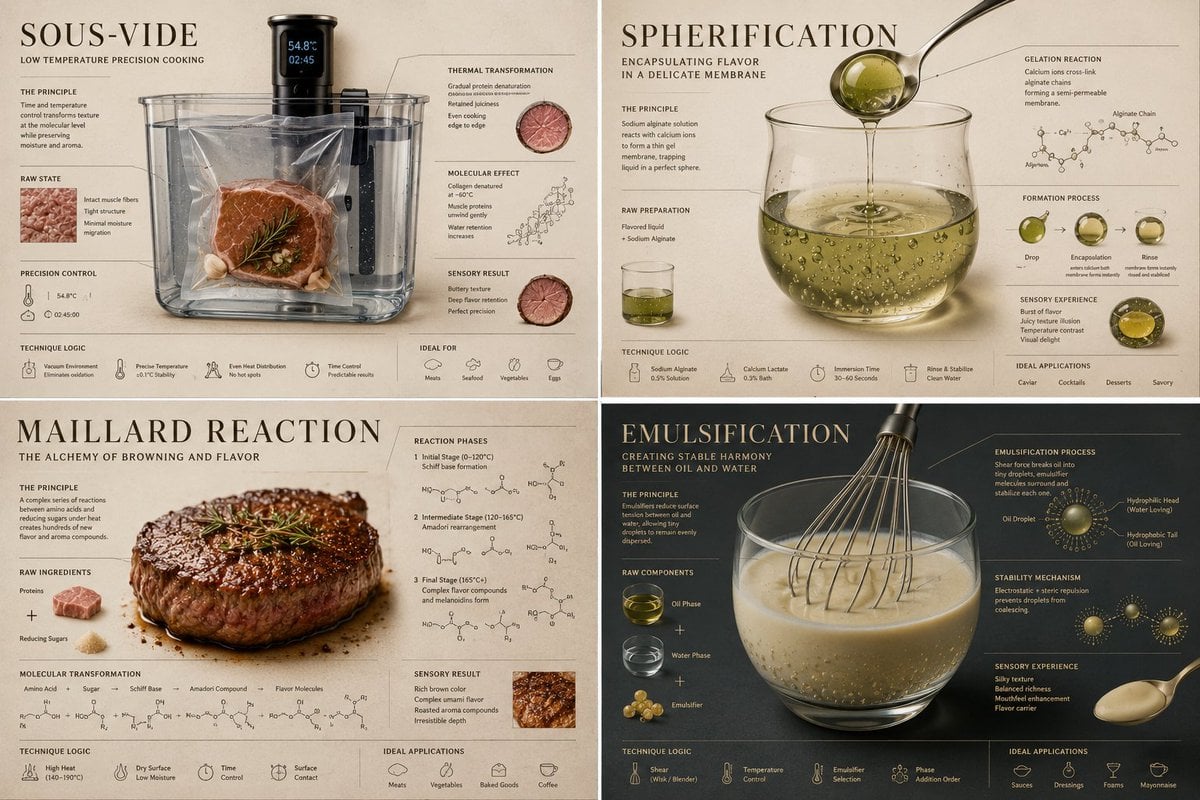
Luxury Culinary Chemistry Poster

Double Exposure City Portrait
Prompt Ideas for Apreciasi Plot
Browse template categories
Subway Good Vibes App Card Portrait questions
How do I use the Subway Good Vibes App Card Portrait template?
Add your photo if the template asks for one, edit the prompt if you like — the template's model and format are already selected — and press Generate. Your version opens in PicX Studio.
Can I customize the Subway Good Vibes App Card Portrait template?
Yes. You can change the subject, setting, lighting, mood, format, and available model controls before creating your image.
Is the Subway Good Vibes App Card Portrait template free?
Opening and editing this template is free. Generating uses credits, shown on the Generate button when you are signed in.
Which AI model should I use?
Start with GPT Image 2, which is the model associated with this template. You can compare another compatible model for a different finish.
Looking for something else? Browse all templates.

Your photo, any look
Thousands of ready templates for every top image and video model, from one credit balance.