
Tokyo Yamanote Youth Poster
Generates a vertical mixed-media Tokyo train-platform fashion poster with a young streetwear subject, three chibi companion versions, and energetic Japanese doodle typography.
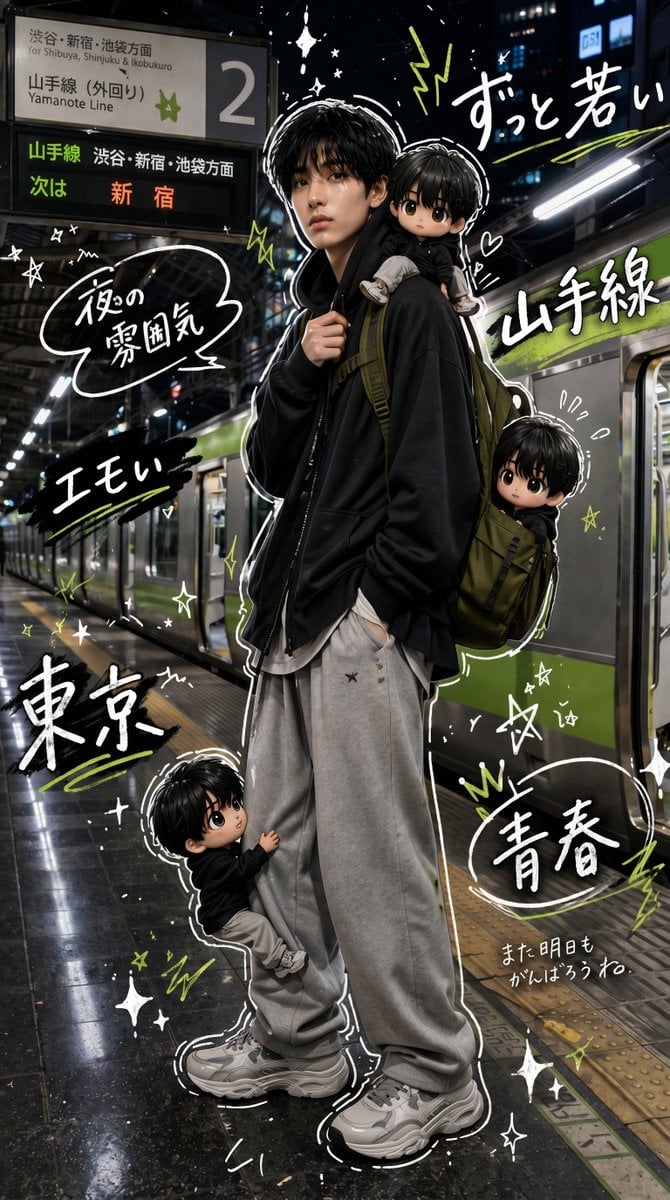
- Prompt included
- Model and format preset
- Free template
The prompt behind this image
Copy the exact prompt behind Tokyo Yamanote Youth Poster, or open it in the studio and make it yours.
- Type
- vertical cinematic mixed-media street fashion poster
- Aspect Ratio
- 9:16
- Setting › Location
- nighttime Tokyo train platform beside a silver Yamanote Line train with green stripe, wet reflective floor, urban lights and station architecture
- Setting › Station Signage › Count
- 2
- Setting › Station Signage › Items
- large overhead platform sign showing platform number 2, Yamanote Line, for Shibuya, Shinjuku and Ikebukuro, black LED departure board reading Yamanote Line, Shibuya/Shinjuku/Ikebukuro direction, next: Shinjuku
- Main Subject › Description
- a stylish young Japanese man standing full body in a relaxed pose, face intentionally blurred/anonymized, one hand holding a backpack strap and the other in his pocket
- Main Subject › Age Feel
- teen to early twenties
- Main Subject › Outfit › Count
- 5
- Main Subject › Outfit › Pieces
- oversized black zip hoodie, long white undershirt peeking out, very baggy light gray sweatpants, chunky gray and white sneakers, olive green backpack
- Main Subject › Mood
- cool, young, slightly emo streetwear energy
- Mini Characters › Style
- cute chibi versions of the same black-haired boy, semi-3D anime doll look with glossy eyes and oversized head
- Mini Characters › Count
- 3
- Mini Characters › Poses
- one tiny child sitting on the main subject's shoulders, face blurred, legs hanging forward, one tiny child peeking from or riding inside the olive backpack on the subject's right side, face blurred, one chibi child hugging the subject's left pant leg near the shoes, looking upward with big eyes
- Illustration Overlay › Style
- hand-drawn white marker doodles and lime green accents layered over photorealistic night photography, thick white outline around subjects, energetic manga magazine collage aesthetic
- Illustration Overlay › Doodle Categories Count
- 6
- Illustration Overlay › Doodle Categories
- sparkles and stars, lightning bolts, hearts, scribble underlines, speech bubbles, white contour strokes around hair and body
- Visible Handwritten Text › Count
- 8
- Visible Handwritten Text › Labels
- ずっと若い, 山手線, 夜の雰囲気, エモい, 東京, 青春, また明日もがんばろうね。, 新宿
- Customizable Text › Main Large Word
- {argument name="large city text" default="東京"}
- Customizable Text › Train Line Text
- {argument name="train line text" default="山手線"}
- Customizable Text › Mood Phrase
- {argument name="mood phrase" default="エモい"}
- Customizable Text › Youth Phrase
- {argument name="youth phrase" default="ずっと若い"}
- Customizable Text › Encouragement Note
- {argument name="encouragement note" default="また明日もがんばろうね。"}
- Composition
- full-body subject centered slightly right, train stretching into the background, overhead signage in the upper left, handwritten typography distributed around the subject, chibi figures placed at shoulder, backpack, and ankle levels, high contrast neon-night lighting
Raw JSON
{
  "type": "vertical cinematic mixed-media street fashion poster",
  "aspect_ratio": "9:16",
  "setting": {
    "location": "nighttime Tokyo train platform beside a silver Yamanote Line train with green stripe, wet reflective floor, urban lights and station architecture",
    "station_signage": {
      "count": 2,
      "items": [
        "large overhead platform sign showing platform number 2, Yamanote Line, for Shibuya, Shinjuku and Ikebukuro",
        "black LED departure board reading Yamanote Line, Shibuya/Shinjuku/Ikebukuro direction, next: Shinjuku"
      ]
    }
  },
  "main_subject": {
    "description": "a stylish young Japanese man standing full body in a relaxed pose, face intentionally blurred/anonymized, one hand holding a backpack strap and the other in his pocket",
    "age_feel": "teen to early twenties",
    "outfit": {
      "count": 5,
      "pieces": [
        "oversized black zip hoodie",
        "long white undershirt peeking out",
        "very baggy light gray sweatpants",
        "chunky gray and white sneakers",
        "olive green backpack"
      ]
    },
    "mood": "cool, young, slightly emo streetwear energy"
  },
  "mini_characters": {
    "style": "cute chibi versions of the same black-haired boy, semi-3D anime doll look with glossy eyes and oversized head",
    "count": 3,
    "poses": [
      "one tiny child sitting on the main subject's shoulders, face blurred, legs hanging forward",
      "one tiny child peeking from or riding inside the olive backpack on the subject's right side, face blurred",
      "one chibi child hugging the subject's left pant leg near the shoes, looking upward with big eyes"
    ]
  },
  "illustration_overlay": {
    "style": "hand-drawn white marker doodles and lime green accents layered over photorealistic night photography, thick white outline around subjects, energetic manga magazine collage aesthetic",
    "doodle_categories_count": 6,
    "doodle_categories": [
      "sparkles and stars",
      "lightning bolts",
      "hearts",
      "scribble underlines",
      "speech bubbles",
      "white contour strokes around hair and body"
    ]
  },
  "visible_handwritten_text": {
    "count": 8,
    "labels": [
      "ずっと若い",
      "山手線",
      "夜の雰囲気",
      "エモい",
      "東京",
      "青春",
      "また明日もがんばろうね。",
      "新宿"
    ]
  },
  "customizable_text": {
    "main_large_word": "{argument name=\"large city text\" default=\"東京\"}",
    "train_line_text": "{argument name=\"train line text\" default=\"山手線\"}",
    "mood_phrase": "{argument name=\"mood phrase\" default=\"エモい\"}",
    "youth_phrase": "{argument name=\"youth phrase\" default=\"ずっと若い\"}",
    "encouragement note": "{argument name=\"encouragement note\" default=\"また明日もがんばろうね。\"}"
  },
  "composition": "full-body subject centered slightly right, train stretching into the background, overhead signage in the upper left, handwritten typography distributed around the subject, chibi figures placed at shoulder, backpack, and ankle levels, high contrast neon-night lighting",
  "rendering": "photorealistic base image with glossy wet platform reflections, shallow depth of field, cinematic lighting, then overlaid with crisp white and lime green hand-drawn manga doodles; polished social-media poster look"
}How to use Tokyo Yamanote Youth Poster in 3 steps
- 1Upload ImagePNG, JPG or paste
Add your photo
Upload the photo the template builds on. The prompt, model and format are already set.
- 2…a portrait of your subject in softgolden-hour light, 85mm…
Personalize
Edit the subject and creative details for your destination.
- 3Generate
Generate
Press Generate — your image is created in PicX Studio, so you can compare it with the original and refine one variable at a time.
More like this
Templates with the same subject, style or setup. Open one to see its prompt.

Goalmaster Youth Sports Poster

Japan Travel Brochure Poster

Cartoon TV Show Poster Pack

Trendy Cafe Drink Promo Poster

Urban Fashion Editorial Collage Streetwear Poster

Premium Fashion Editorial Cover Layout System

Polo Ralph Lauren Luxury American Heritage Fashion Campaign

Monochrome Halftone Editorial Fashion Poster

Retro Mirror Luxury Fashion Campaign Poster

Luxury Fashion Campaign Typography Poster System

Premium Fashion Editorial Campaign Poster System

Ultra-Stylized High-Fashion Streetwear Poster
Make it yours
Tokyo Yamanote Youth Poster works as-is. These are the safest ways to change it without losing the look.
Swap the setting
Keep the rest of the prompt and replace the location block. The current setting is “nighttime Tokyo train platform beside a silver Yamanote Line train with green st”.
Change one field
Copy a single group, rewrite it, and generate again so you can see what that field is doing.
Keep the frame, change the subject
Hold the composition and light of Tokyo Yamanote Youth Poster, then swap wardrobe, props or the person for a new take.
| If the result… | Why | Fix |
|---|---|---|
| The result drifts from the preview | Too many fields changed at once. | Reuse Tokyo Yamanote Youth Poster as-is first, then change one group — subject, light, or setting. |
| GPT Image 2 ignores part of the JSON | Some models flatten or skip nested keys. | Keep the same values and paste them as a short paragraph instead. |
More GPT Image 2 templates
Other prompts made for GPT Image 2.

Six VTuber Japanese Logo Sheet

Realistic Portrait of Woman and Deer

The Vista Modular Condo Poster

AI Model Routing Comparison Infographic

2.5D Anime Art Board

Isometric Productivity Desk Scene

New York Double Exposure Poster

Four-Panel AI Landscape Comparison

Japanese Tatami Lifestyle Magazine Cover

NESCAFÉ Coffee Map Poster
More image prompts
Fresh picks from across the catalog.
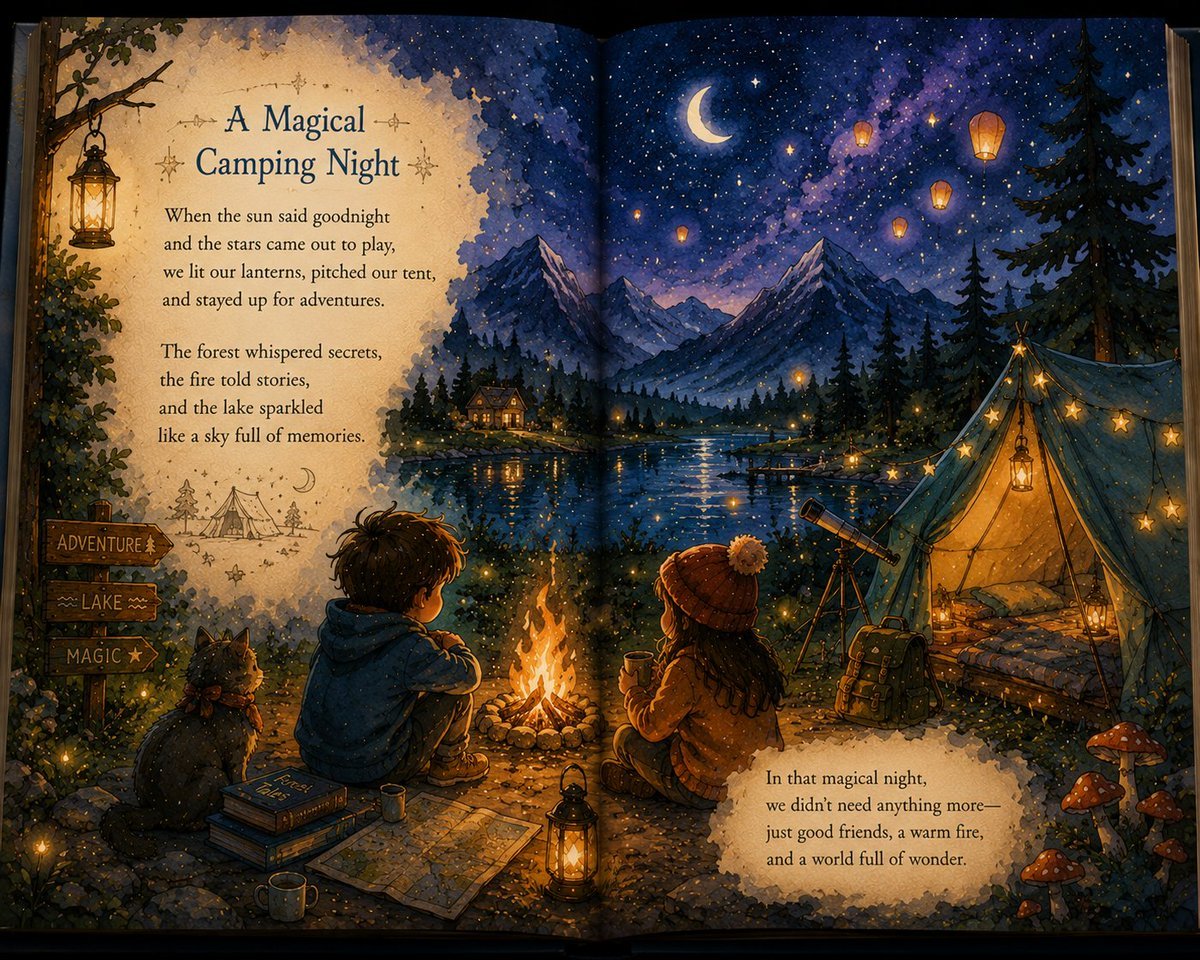
Magical Children's Storybook Illustration
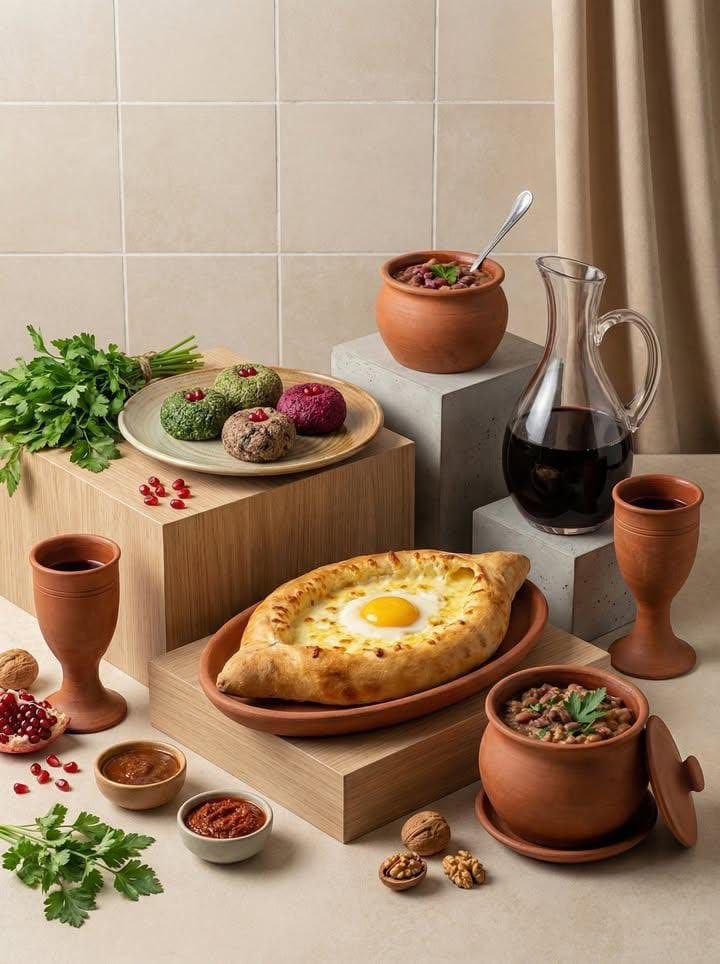
Minimalist Editorial Food Still-Life Photography
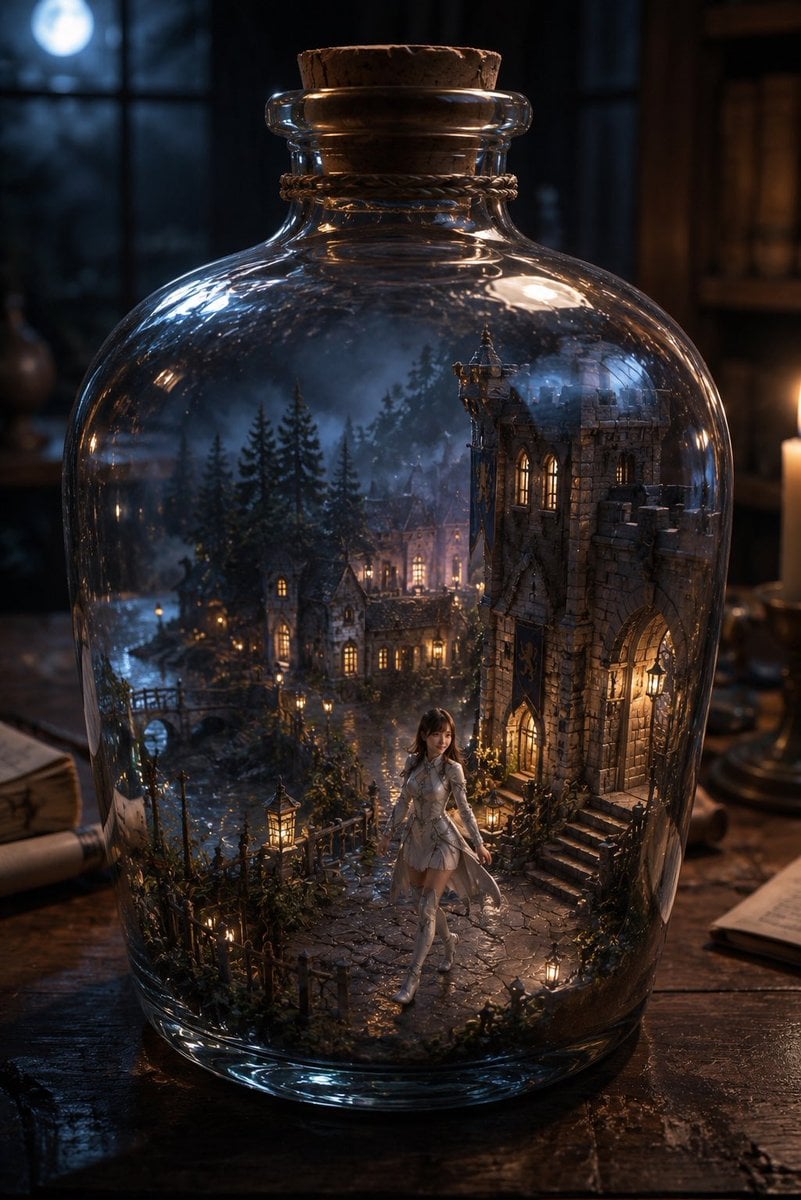
Miniature Fantasy Village in a Glass Bottle
Cinematic Podcast Studio Portrait
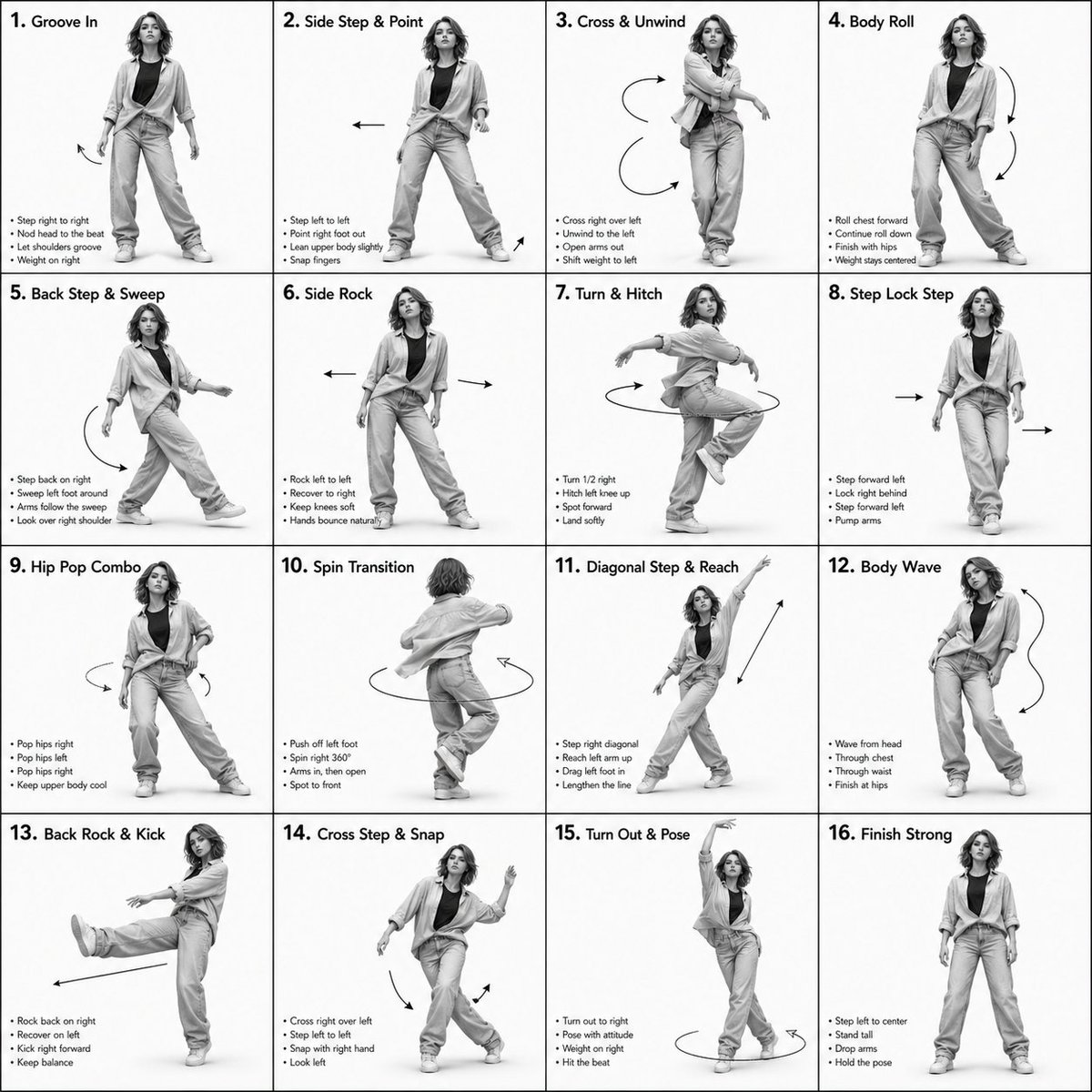
3D Rendered Dance Sequence Guide
Luxury Fashion Torn-Paper Ad Collage
Volcanic Streetwear Fashion Editorial
Ultra-Realistic Portrait of Woman Hugging a Persian Cat
untitled
New Year's Card Illustration Generation Prompt
Browse template categories
Tokyo Yamanote Youth Poster questions
How do I use the Tokyo Yamanote Youth Poster template?
Add your photo if the template asks for one, edit the prompt if you like — the template's model and format are already selected — and press Generate. Your version opens in PicX Studio.
Can I customize the Tokyo Yamanote Youth Poster template?
Yes. You can change the subject, setting, lighting, mood, format, and available model controls before creating your image.
Is the Tokyo Yamanote Youth Poster template free?
Opening and editing this template is free. Generating uses credits, shown on the Generate button when you are signed in.
Which AI model should I use?
Start with GPT Image 2, which is the model associated with this template. You can compare another compatible model for a different finish.
Looking for something else? Browse all templates.

Your photo, any look
Thousands of ready templates for every top image and video model, from one credit balance.