
Miniature Fantasy Village in a Glass Bottle
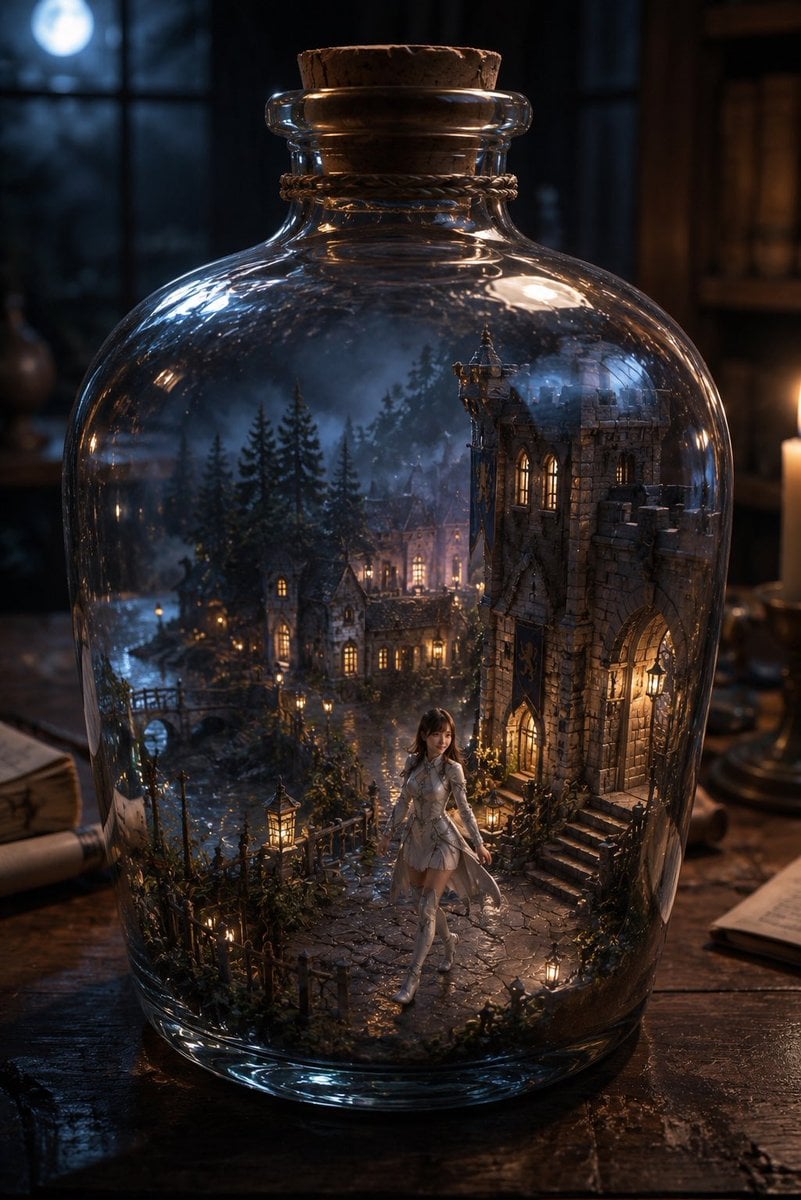
A cinematic fantasy prompt for generating a magical bottled medieval village scene with a tiny heroine, moonlit study setting, and realistic glass refraction.
- Prompt included
- Model and format preset
- Free template
The prompt behind this image
Copy the exact prompt behind Miniature Fantasy Village in a Glass Bottle, or open it in the studio and make it yours.
Create a highly detailed cinematic fantasy scene: a large clear glass apothecary bottle with rounded shoulders sits on an old dark wooden desk, sealed with a rough cork stopper and a twine band around the neck. Inside the bottle is an entire miniature enchanted medieval village at night, as if preserved in a magical terrarium: exactly one prominent stone Gothic castle building on the right with arched doorway, lit windows, steps, and ivy; exactly one small bridge on the left over a narrow stream; several clustered cottage houses with warm glowing windows in the middle distance; tall dark pine trees surrounding the village; cobblestone paths, tiny iron fences, shrubs, moss, and many small warm lanterns. In the foreground inside the bottle stands one small fantasy girl, {argument name="character name" default="Maruko"}, wearing a {argument name="outfit color" default="white"} elegant fantasy dress with armor-like bodice details, long boots, and a soft translucent cape, walking along the path toward the viewer. The bottle glass should have realistic thick refraction, curved highlights, reflections, and slight distortion of the miniature world. Outside the bottle, show a moody wizard-study background: blurred bookshelves, candlelight on the right, parchment and scrolls on the desk, and a blue moon glowing through a window in the upper left. Use {argument name="time of day" default="moonlit night"}, warm golden window lights contrasted with cool blue moonlight, shallow depth of field, dramatic volumetric atmosphere, photorealistic fantasy realism, ultra-detailed textures, 3:4 vertical composition, centered bottle filling most of the frame, no text, no watermark.
How to use Miniature Fantasy Village in a Glass Bottle in 3 steps
- 1Upload ImagePNG, JPG or paste
Add your photo
Upload the photo the template builds on. The prompt, model and format are already set.
- 2…a portrait of your subject in softgolden-hour light, 85mm…
Personalize
Edit the subject and creative details for your destination.
- 3Generate
Generate
Press Generate — your image is created in PicX Studio, so you can compare it with the original and refine one variable at a time.
More like this
Templates with the same subject, style or setup. Open one to see its prompt.

Tiny Woman Miniature Fantasy Macro Scene
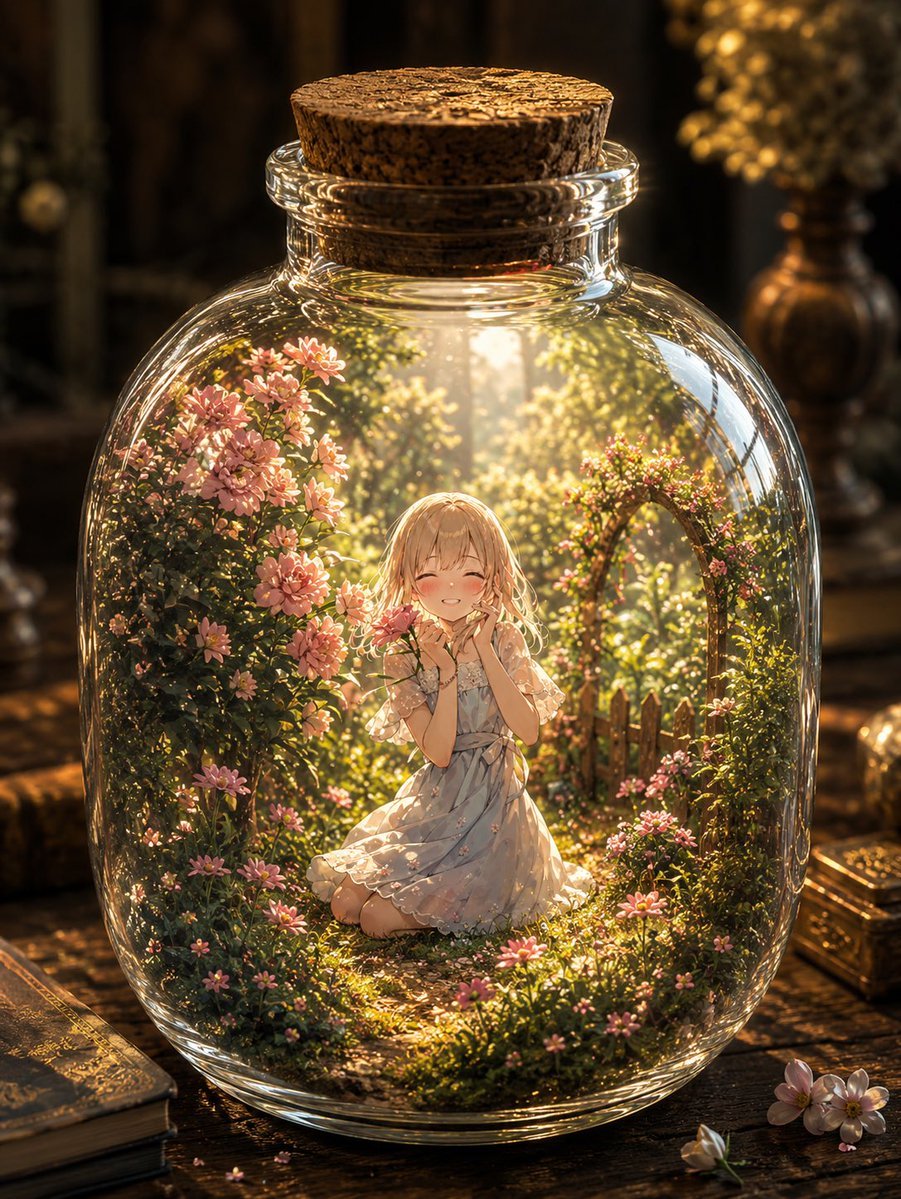
Fantasy Garden in a Glass Bottle
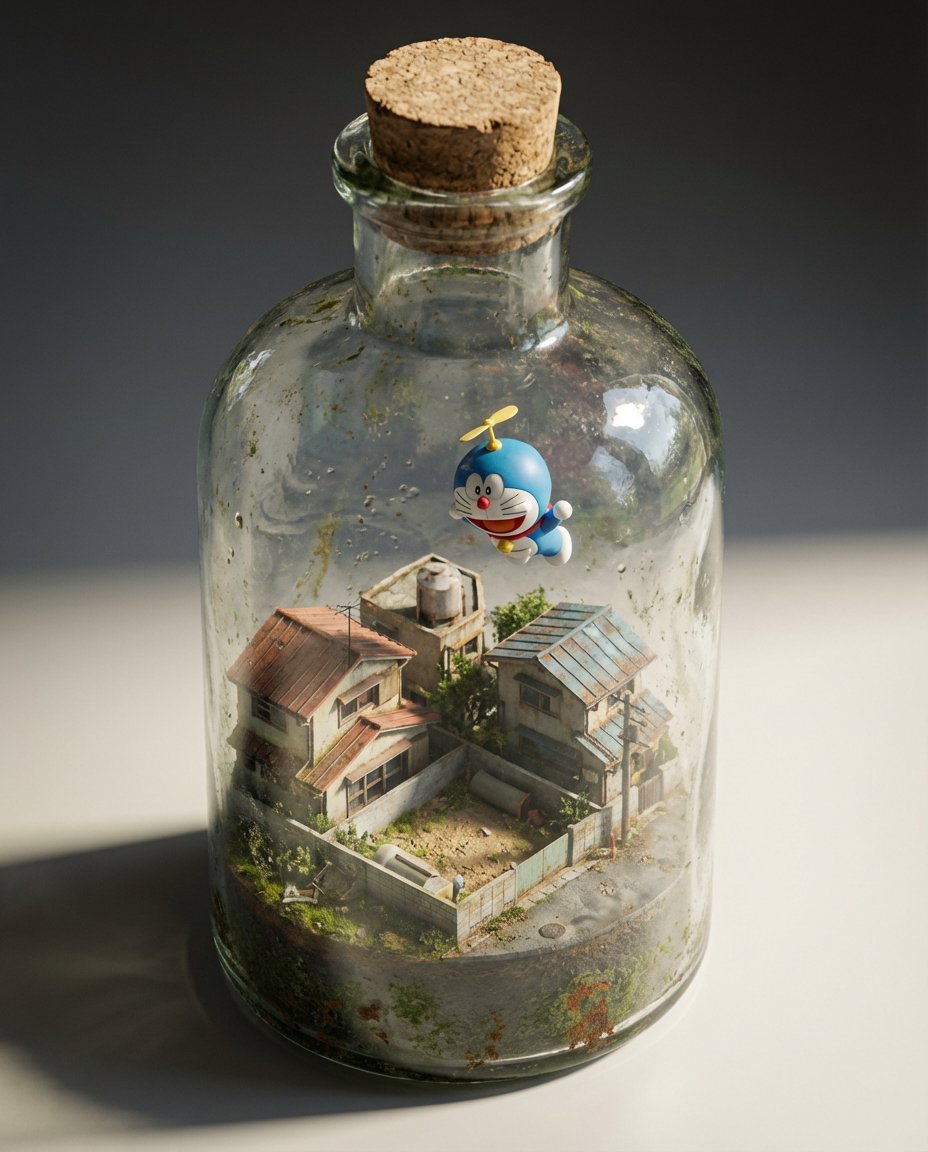
Miniature Diorama in a Glass Bottle

Paper Tunnel Book Architecture

Anime Fantasy Celestial Movie Poster
Anime Fantasy Celestial Movie Poster

Cinematic Glass Brand Logo Volcanic Landscape

Photoreal Village Lanterns Minecraft Scene

Photoreal Selfie Minecraft Village Ghast UI

Minecraft Fantasy Kingdom Voxel Landscape
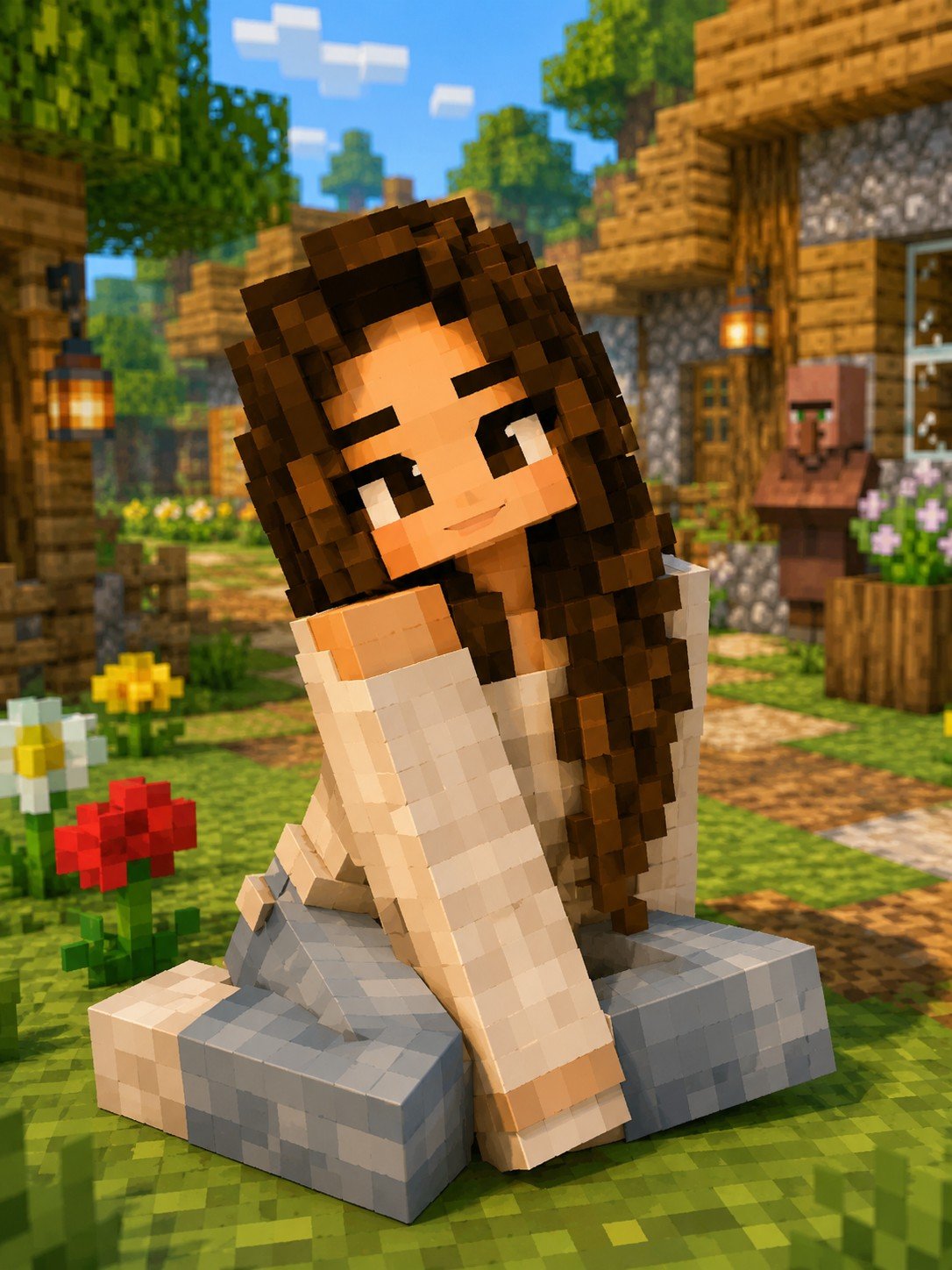
Minecraft Voxel Character Village Portrait

Isometric Brand Store Diorama
Make it yours
Miniature Fantasy Village in a Glass Bottle works as-is. These are the safest ways to change it without losing the look.
Change one field
Copy a single group, rewrite it, and generate again so you can see what that field is doing.
Keep the frame, change the subject
Hold the composition and light of Miniature Fantasy Village in a Glass Bottle, then swap wardrobe, props or the person for a new take.
| If the result… | Why | Fix |
|---|---|---|
| The result drifts from the preview | Too many fields changed at once. | Reuse Miniature Fantasy Village in a Glass Bottle as-is first, then change one group — subject, light, or setting. |
| The model over-stylizes the scene | The prose prompt leaves finish and camera underspecified. | Add one camera or lighting sentence and stay on GPT Image 2. |
More GPT Image 2 templates
Other prompts made for GPT Image 2.

Six VTuber Japanese Logo Sheet

Realistic Portrait of Woman and Deer

The Vista Modular Condo Poster

AI Model Routing Comparison Infographic

2.5D Anime Art Board

Isometric Productivity Desk Scene

New York Double Exposure Poster

Four-Panel AI Landscape Comparison

Japanese Tatami Lifestyle Magazine Cover

NESCAFÉ Coffee Map Poster
More image prompts
Fresh picks from across the catalog.
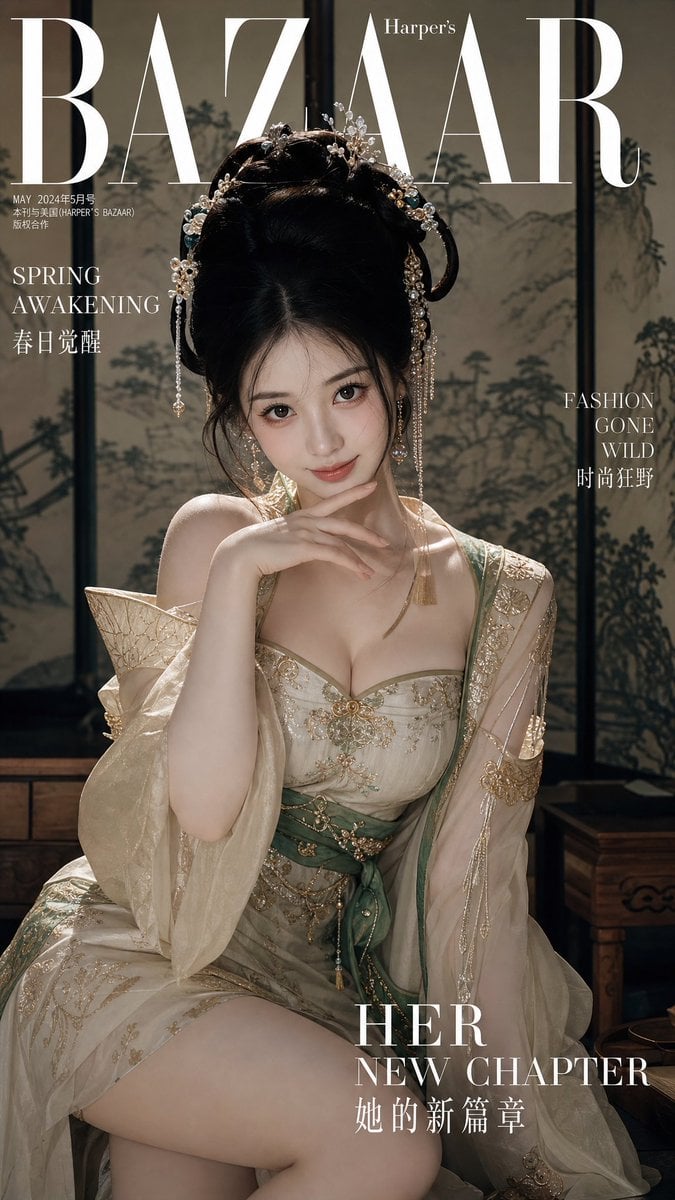
Traditional Chinese Style Fashion Magazine Cover

Futuristic Life System Hologram Portrait
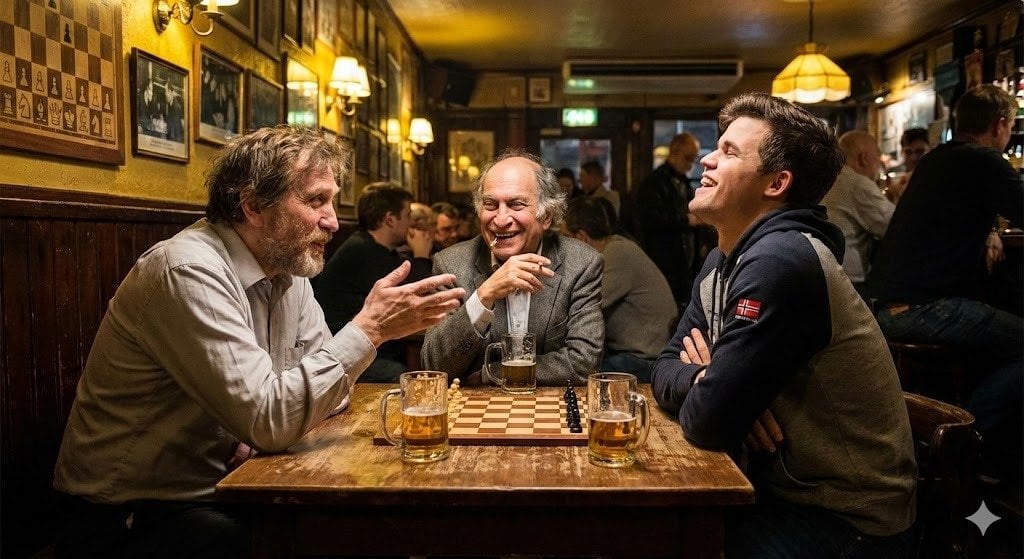
Chess legends hanging out in a bar
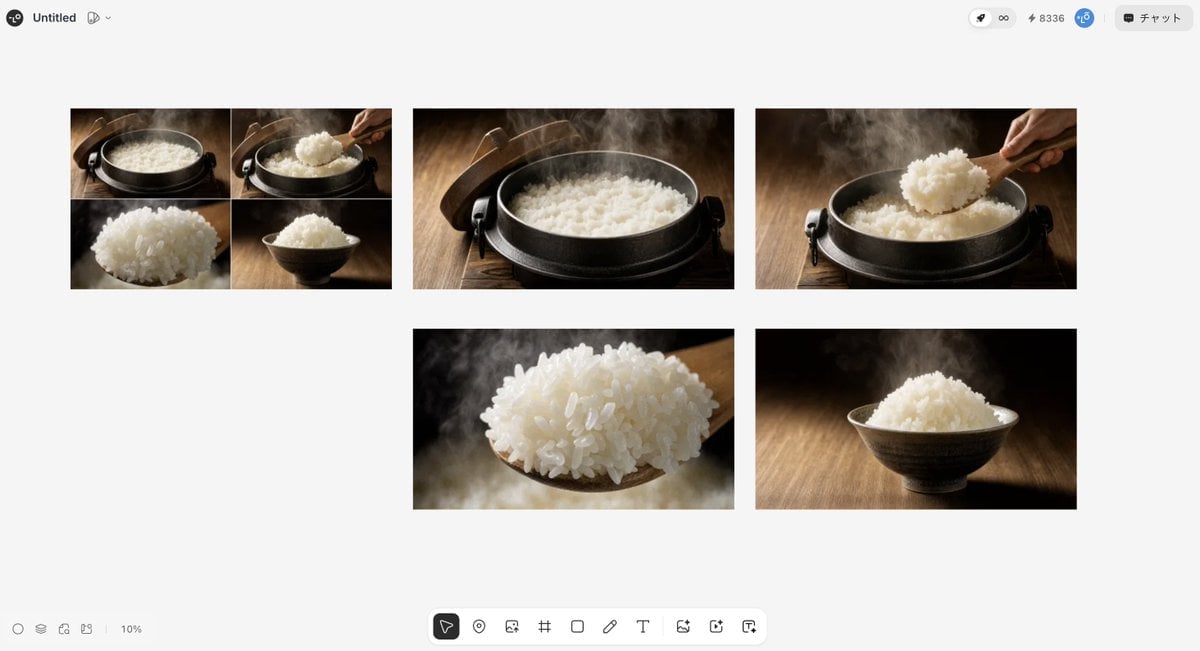
Japanese High-End Cuisine Storyboard
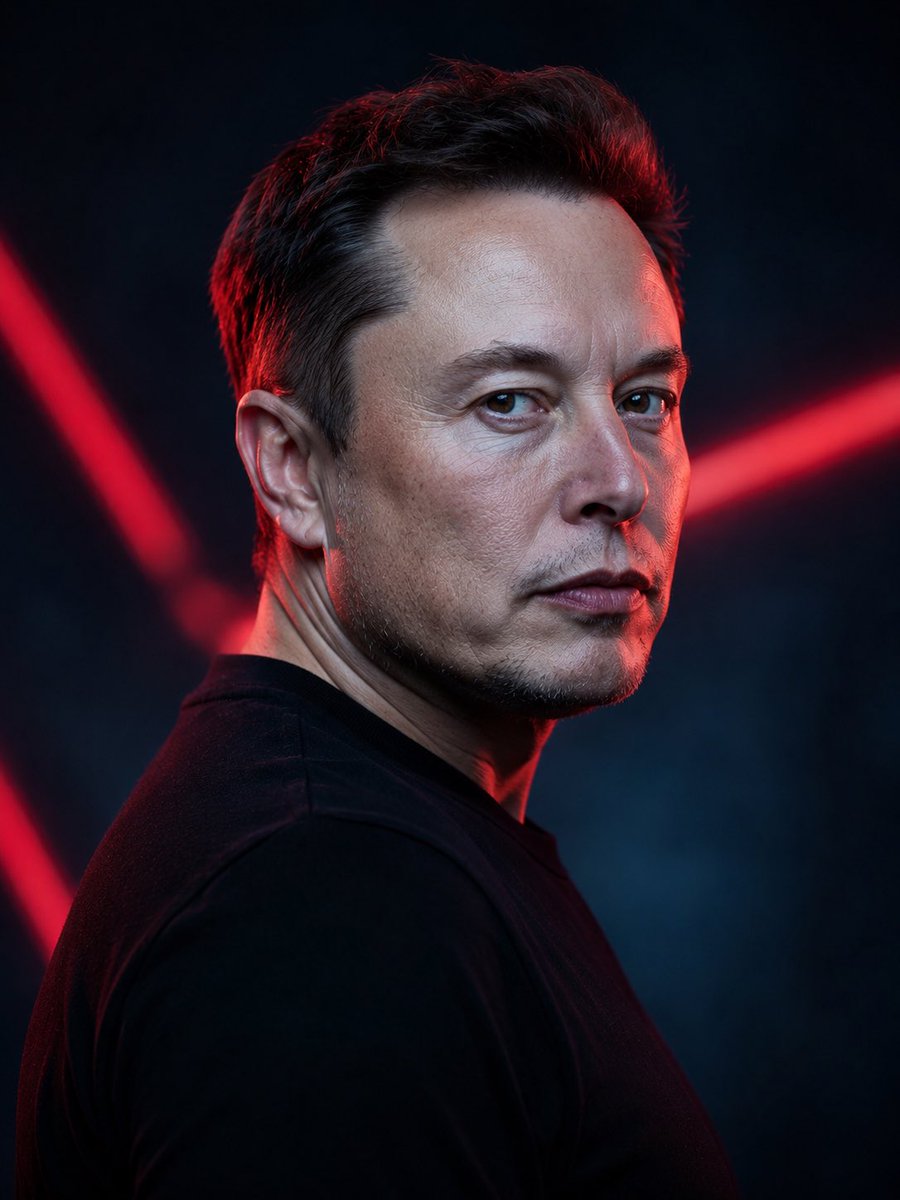
Cinematic Neon Studio Portrait
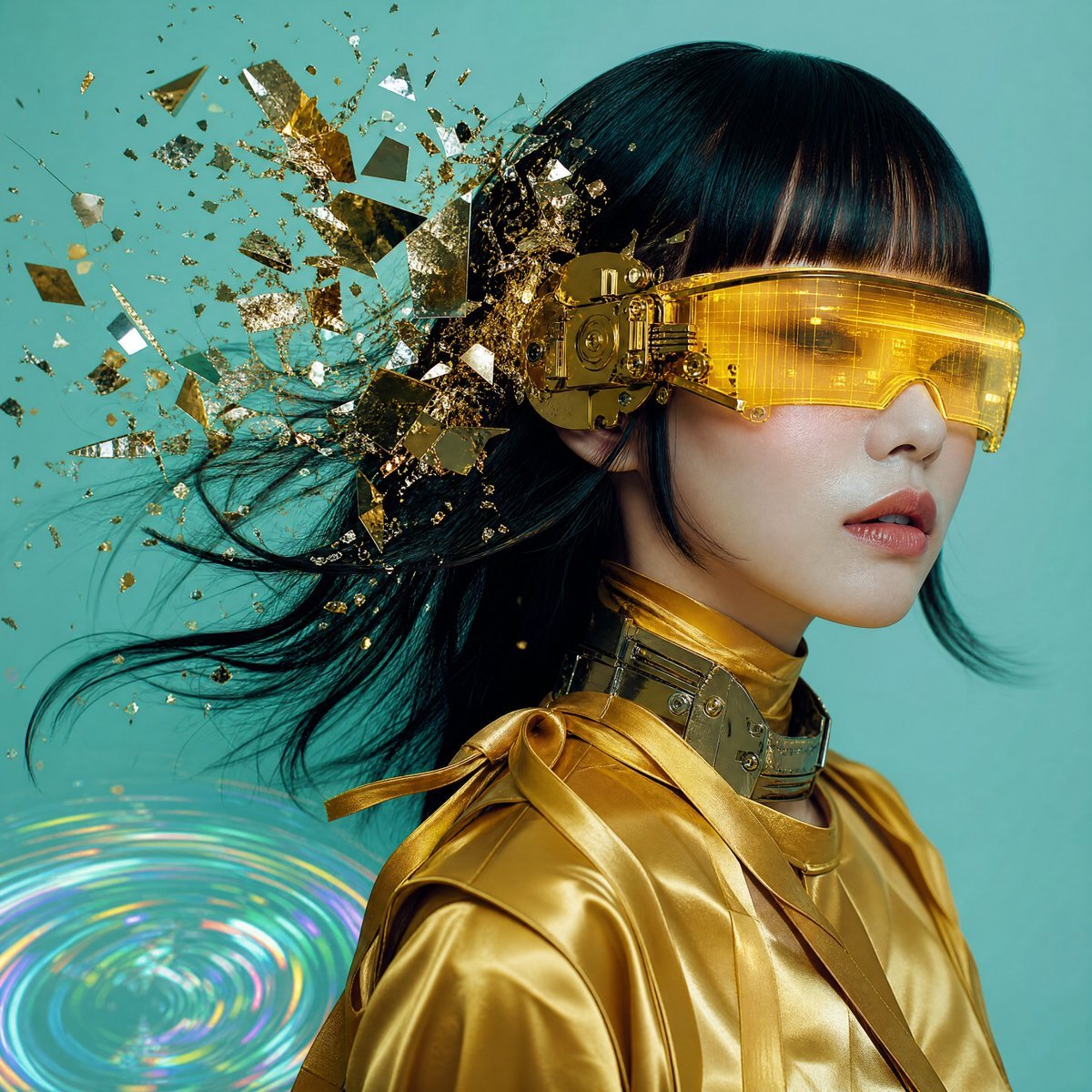
Editorial Portrait with Asymmetrical Composition
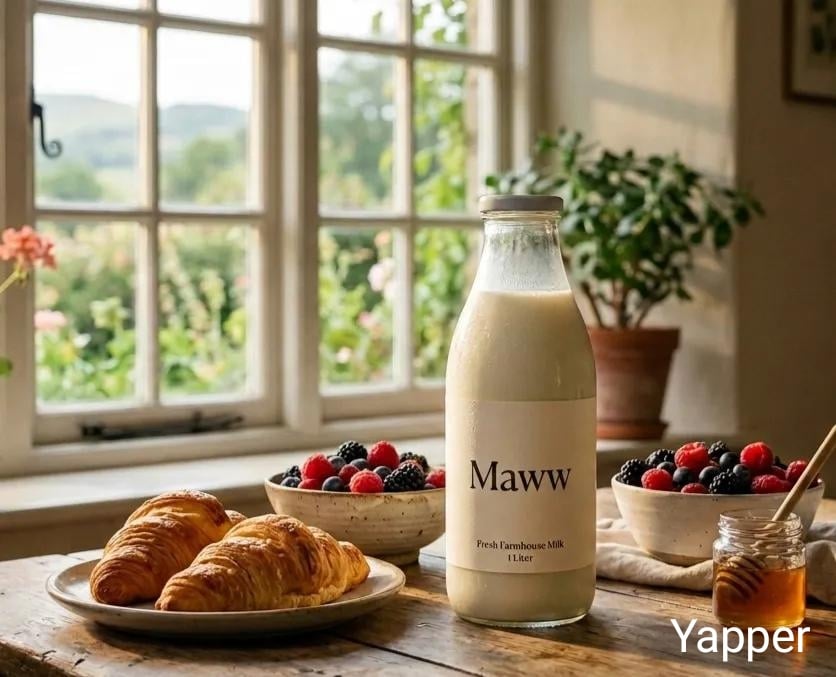
Triple Product Photography Prompt for Nano Banana Pro
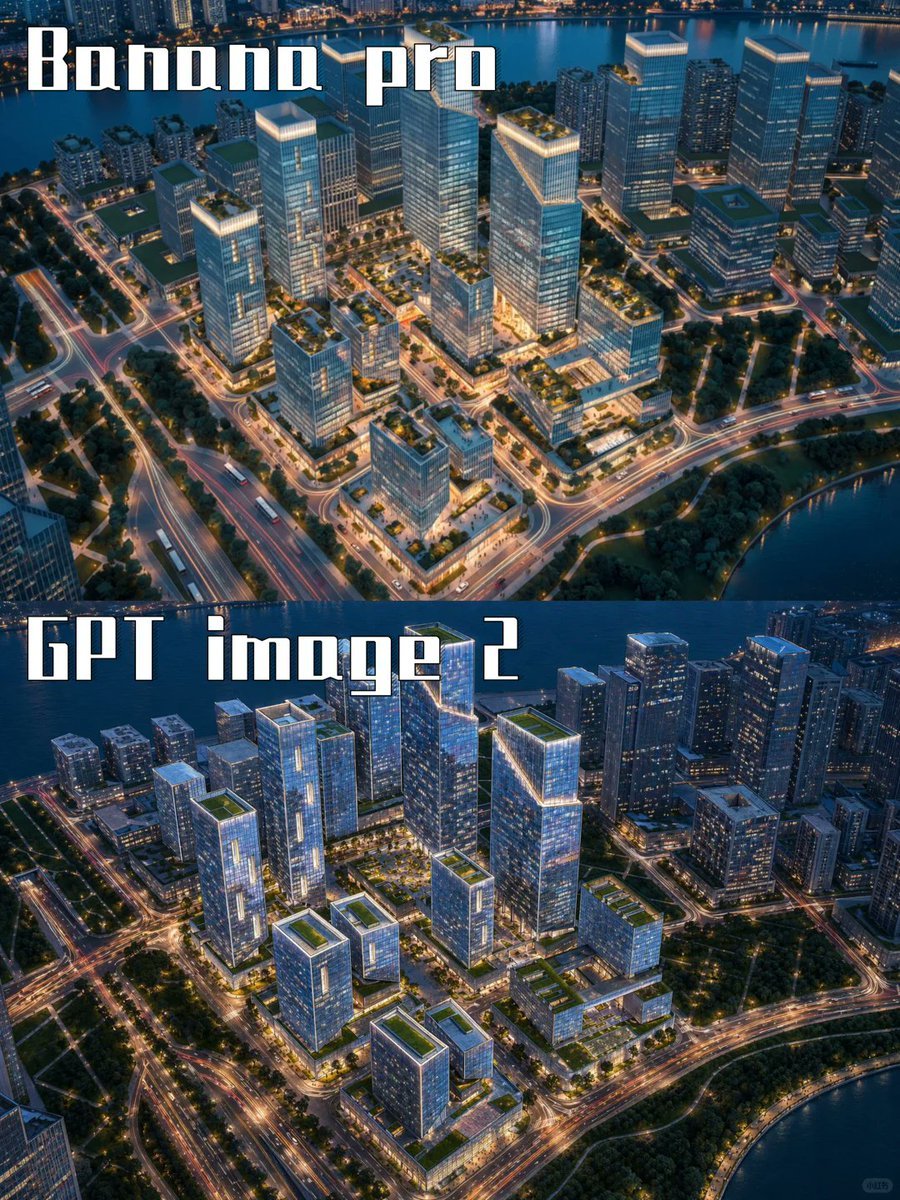
AI City Rendering Comparison Poster
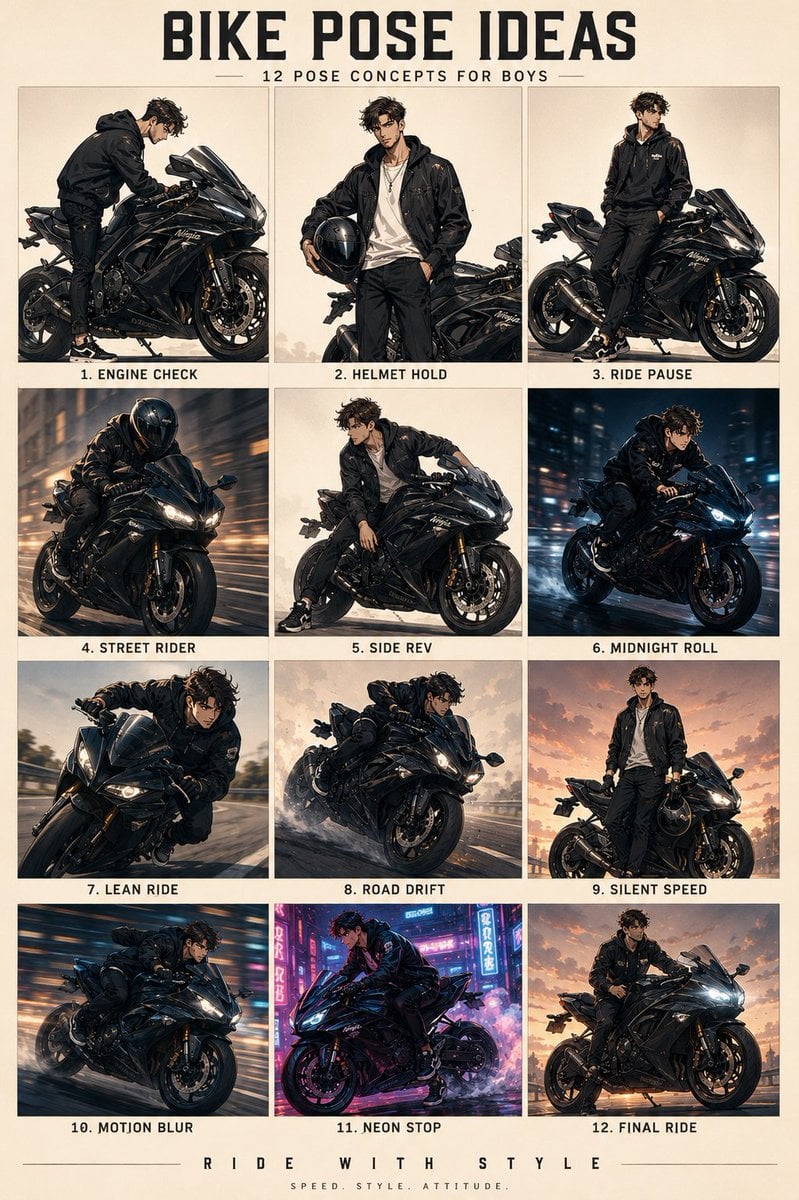
Anime Character Motorbike Pose Sheet
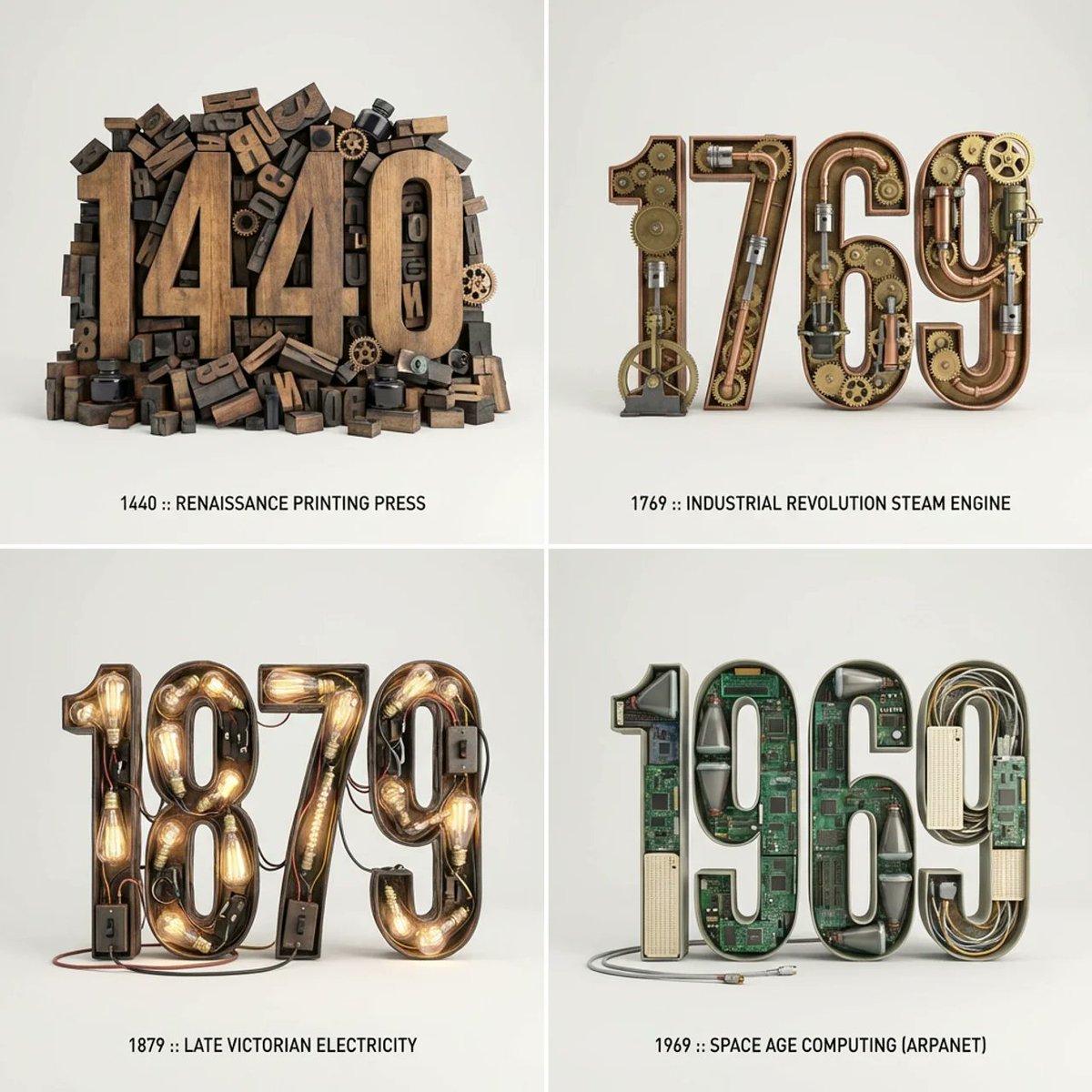
Typographic Sculpture of Historical Inventions
Browse template categories
Miniature Fantasy Village in a Glass Bottle questions
How do I use the Miniature Fantasy Village in a Glass Bottle template?
Add your photo if the template asks for one, edit the prompt if you like — the template's model and format are already selected — and press Generate. Your version opens in PicX Studio.
Can I customize the Miniature Fantasy Village in a Glass Bottle template?
Yes. You can change the subject, setting, lighting, mood, format, and available model controls before creating your image.
Is the Miniature Fantasy Village in a Glass Bottle template free?
Opening and editing this template is free. Generating uses credits, shown on the Generate button when you are signed in.
Which AI model should I use?
Start with GPT Image 2, which is the model associated with this template. You can compare another compatible model for a different finish.
Looking for something else? Browse all templates.

Your photo, any look
Thousands of ready templates for every top image and video model, from one credit balance.