
Cinematic Glass Brand Logo Volcanic Landscape
Curated from MeiGen gallery ID 2050998863104745900: Cinematic Glass Brand Logo Volcanic Landscape.

- Prompt included
- Model and format preset
- Free template
The prompt behind this image
Copy the exact prompt behind Cinematic Glass Brand Logo Volcanic Landscape, or open it in the studio and make it yours.
[BRAND NAME]. A CGI cinematic hero landscape with a glass logo sculpture emerging from volcanic rock. Render the canonical logo as a solid three-dimensional optical glass sculpture with exact logo silhouette, depth 25-40% of total height, polished faces, sharp edges, slight backward tilt. The glass is physically accurate: subtle warm red-orange volume tint, transmission tinted warm orange, reflections carry red gradient and back-light warmth, sharp edges emit orange-white edge glow, internal caustic bands. Background is a pure red-crimson to black gradient with no noise or texture. Primary warm orange back light, red scene ambient, cold top ambient. Camera slightly below midpoint, looking slightly upward, frontal to logo, slight DOF. Render with Octane or Redshift quality, ray tracing, 2048+ samples, no film grain.
How to use Cinematic Glass Brand Logo Volcanic Landscape in 3 steps
- 1
Open
The prompt is already in the box next to the preview, with the template's model and format selected.
- 2…a portrait of your subject in softgolden-hour light, 85mm…
Personalize
Edit the subject and creative details for your destination.
- 3Generate
Generate
Press Generate — your image is created in PicX Studio, so you can compare it with the original and refine one variable at a time.
More like this
Templates with the same subject, style or setup. Open one to see its prompt.
Glass Brand Logo Volcanic Landscape
Professional Minimalist Brand Logo Poster
Input A is a recognizable Brand Logo, Icon, or simple Silhouette e g
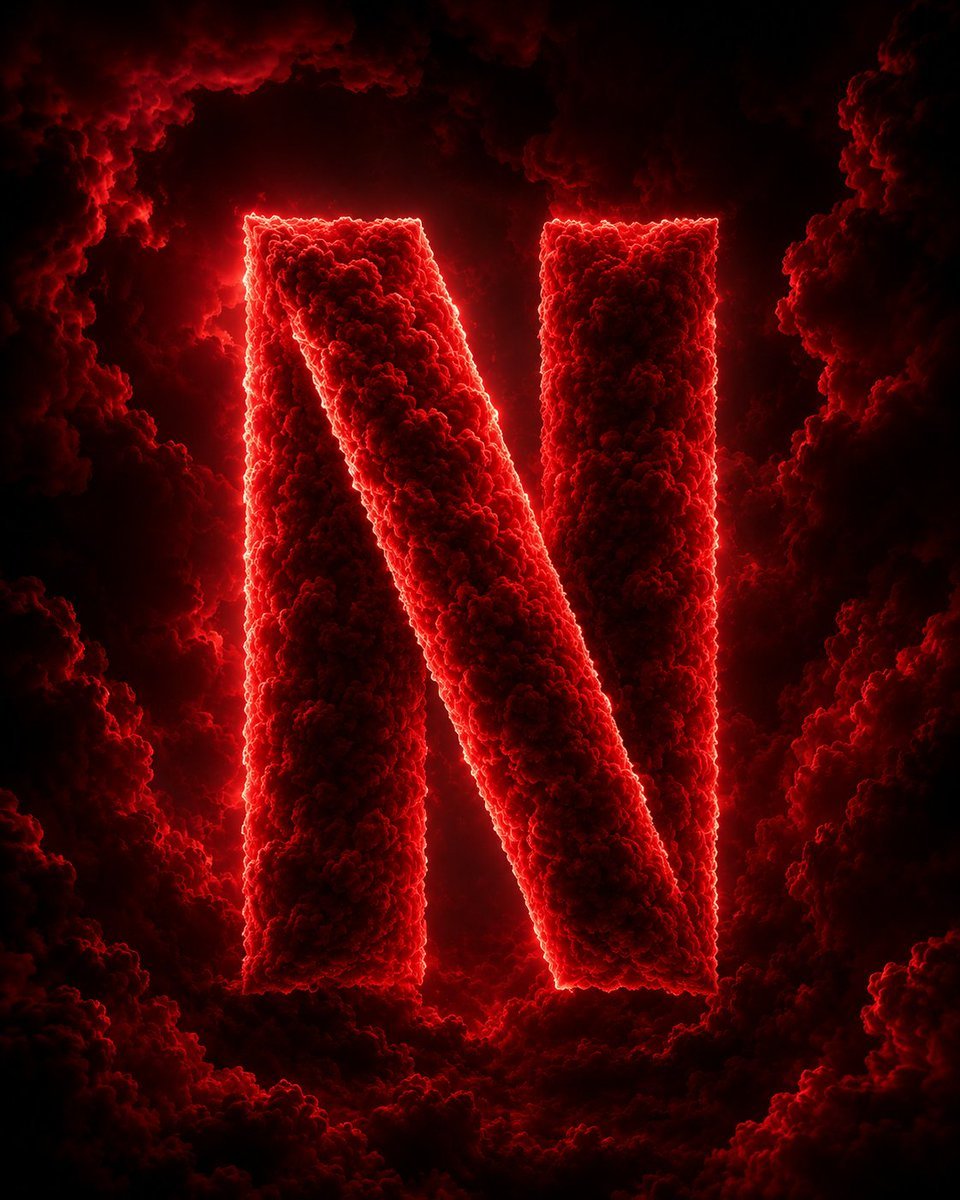
Cloud Formed Brand Logo Scene

Cinematic Tropical Island Brand Logo
Gold Dust Hourglass

Hyper-realistic Fashion Editorial with 3D Brand Logo

Food Ingredient Brand Logo Transformation

Bauhaus Functional Identity Brand Logo Generation
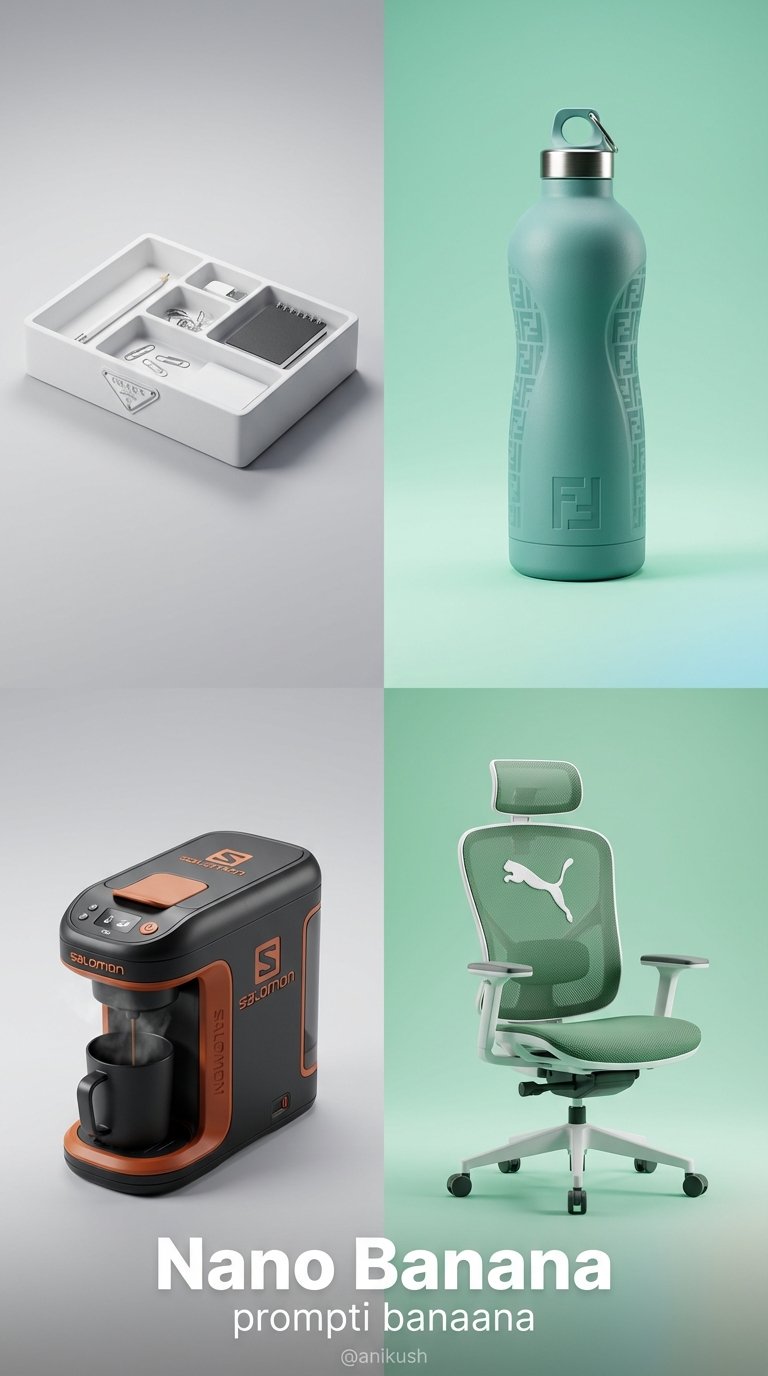
Minimalist Luxury Brand Concept

Premium Vintage Travel Poster Landscape
Premium Vintage Travel Poster Landscape
Make it yours
Cinematic Glass Brand Logo Volcanic Landscape works as-is. These are the safest ways to change it without losing the look.
Change one field
Copy a single group, rewrite it, and generate again so you can see what that field is doing.
Keep the frame, change the subject
Hold the composition and light of Cinematic Glass Brand Logo Volcanic Landscape, then swap wardrobe, props or the person for a new take.
| If the result… | Why | Fix |
|---|---|---|
| The result drifts from the preview | Too many fields changed at once. | Reuse Cinematic Glass Brand Logo Volcanic Landscape as-is first, then change one group — subject, light, or setting. |
| The model over-stylizes the scene | The prose prompt leaves finish and camera underspecified. | Add one camera or lighting sentence and stay on PicX Studio. |
More image prompts
Fresh picks from across the catalog.

Corporate Cyberpunk Mascot Portrait Prompt

Thought-Leader Aesthetic Headshot Prompt (Image-to-Image)

Cinematic Christmas Transformation with Composition Lock

Flame-Grilled Burger Ad Poster
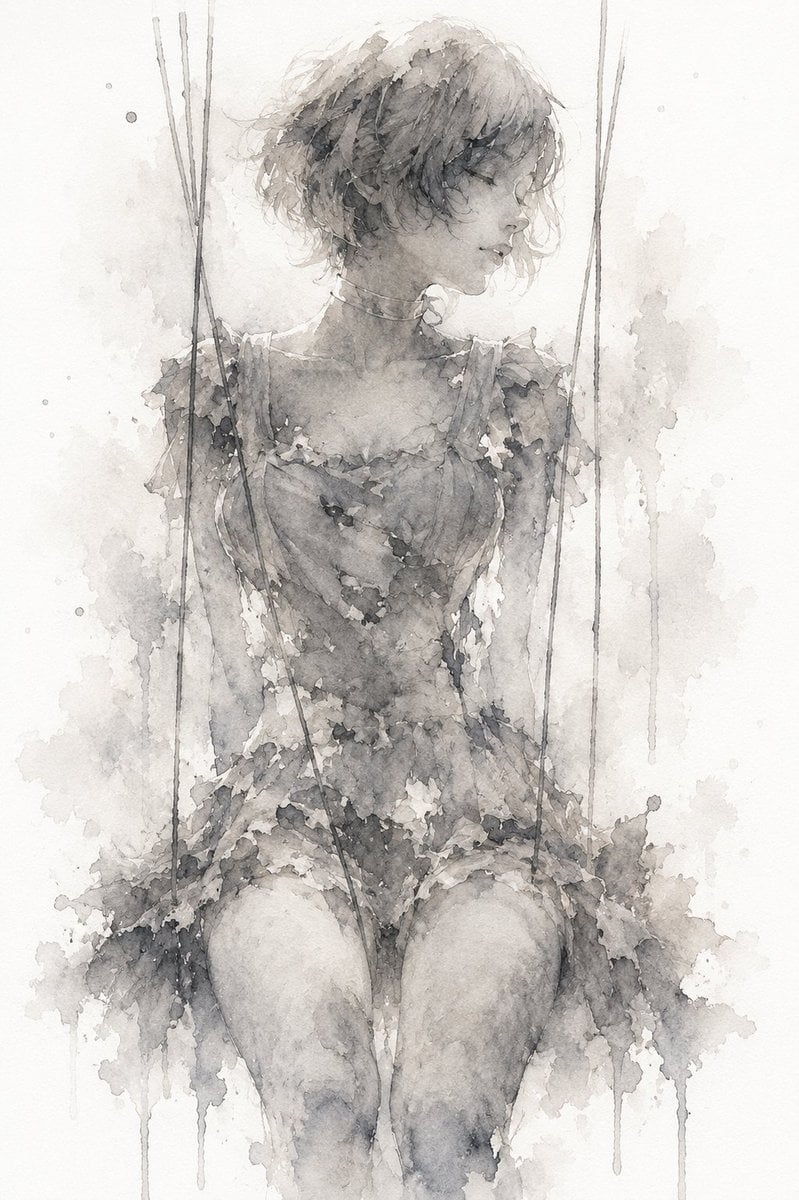
Melancholic Marionette Watercolor
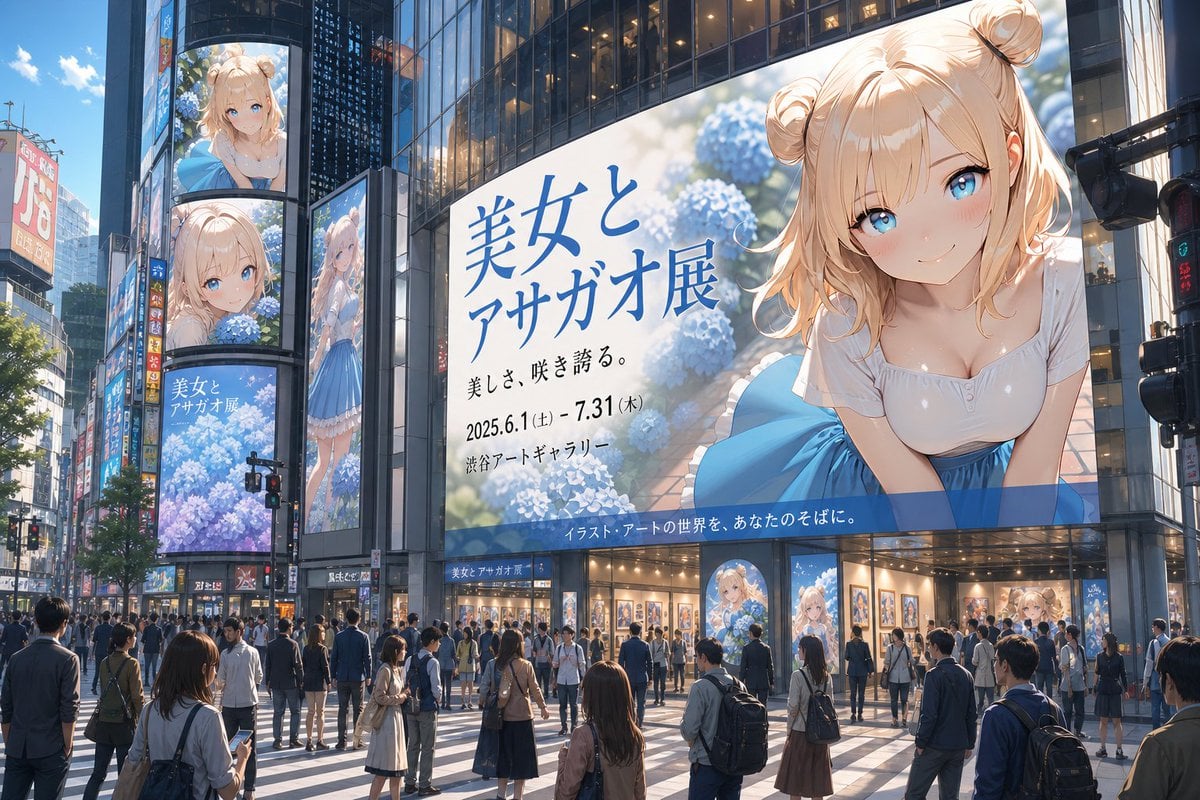
Urban Digital Signage Exhibition

Retro Nightlife Flash Wallpaper

Gemini Prompt for Generating New Year's Blessing Website
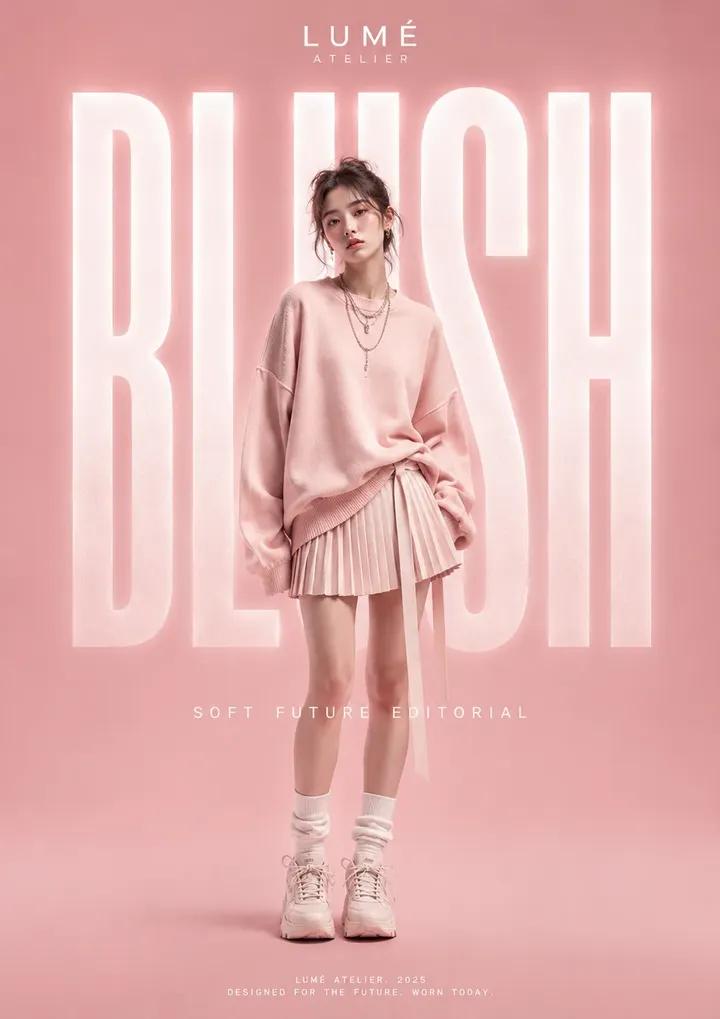
High Fashion Editorial Poster
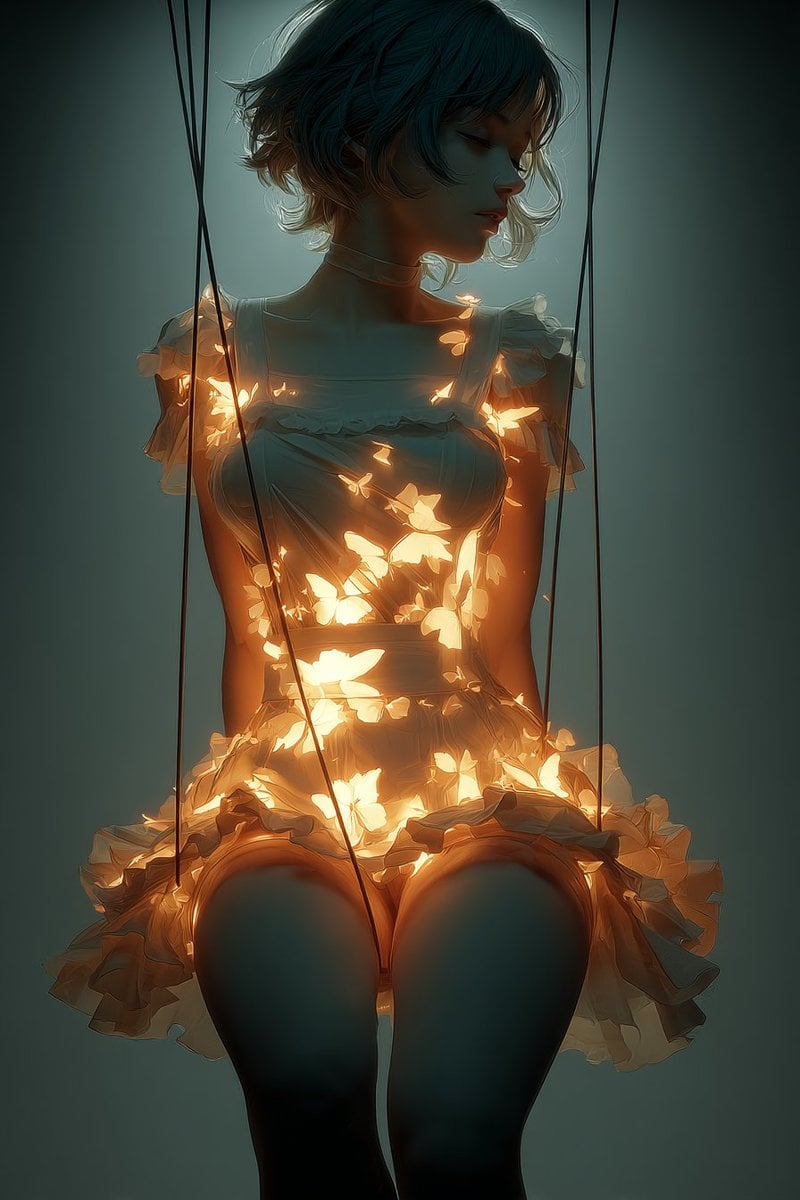
Glowing Butterfly Marionette Girl
Browse template categories
Cinematic Glass Brand Logo Volcanic Landscape questions
How do I use the Cinematic Glass Brand Logo Volcanic Landscape template?
Add your photo if the template asks for one, edit the prompt if you like — the template's model and format are already selected — and press Generate. Your version opens in PicX Studio.
Can I customize the Cinematic Glass Brand Logo Volcanic Landscape template?
Yes. You can change the subject, setting, lighting, mood, format, and available model controls before creating your image.
Is the Cinematic Glass Brand Logo Volcanic Landscape template free?
Opening and editing this template is free. Generating uses credits, shown on the Generate button when you are signed in.
Which AI model should I use?
Choose a compatible model in PicX Studio based on the style, speed, and output controls your project needs.
Looking for something else? Browse all templates.

Your photo, any look
Thousands of ready templates for every top image and video model, from one credit balance.