
Glowing Butterfly Marionette Girl
Generates a moody anime portrait of a puppet-like girl in a glowing butterfly dress, useful for surreal character art and emotional album-cover concepts.
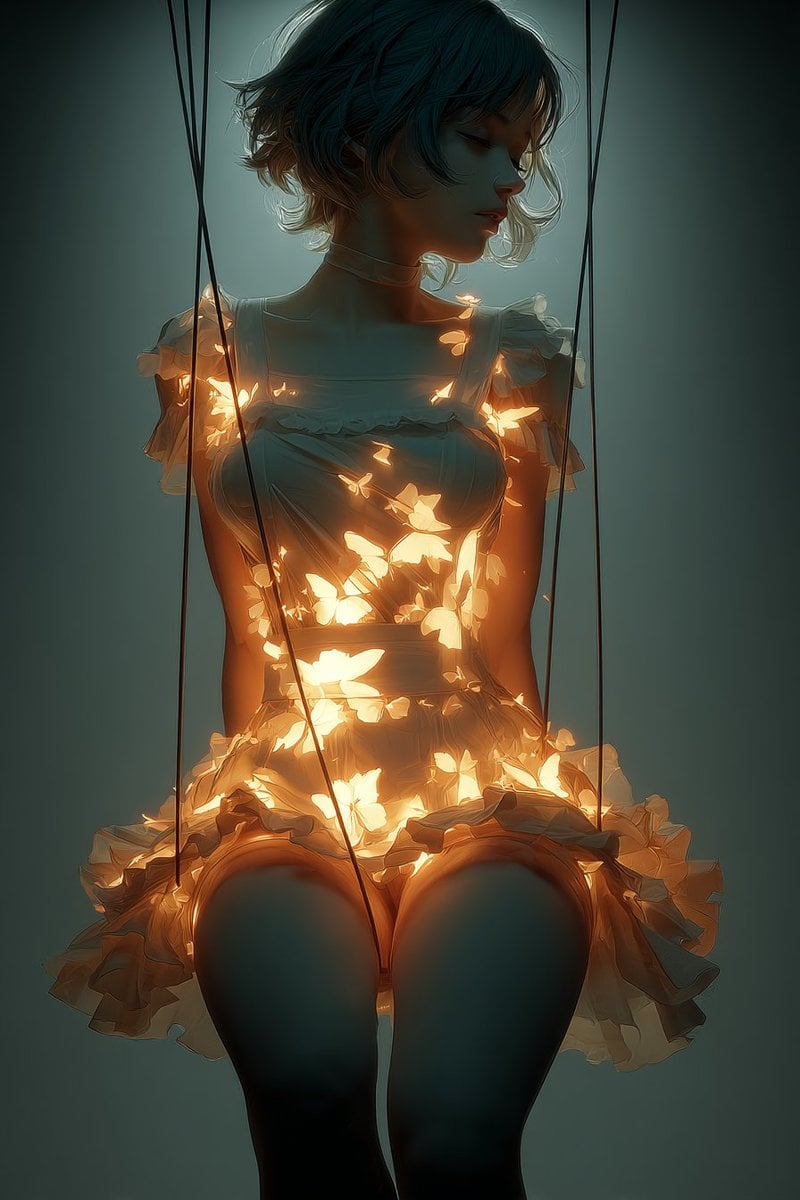
- Prompt included
- Model and format preset
- Free template
The prompt behind this image
Copy the exact prompt behind Glowing Butterfly Marionette Girl, or open it in the studio and make it yours.
Create a dark, cinematic anime-style portrait of a {argument name="subject" default="young marionette woman"} seated upright like a suspended puppet, framed from head to thighs in a vertical composition. She has short wavy {argument name="hair color" default="dark teal hair with warm copper tips"}, a delicate neck, bare shoulders, and wears a pale ruffled {argument name="dress style" default="lolita ballet tutu dress"} with puffed sheer sleeves, a fitted bodice, frilled neckline, and layered skirt. Her face is deliberately hidden by a centered opaque dark square, making her identity anonymous and unsettling. Four long black marionette strings descend vertically from the top of the frame around her body, two crossing near the left side and two falling straight near the right, emphasizing that she is controlled. The dress is filled with dozens of glowing golden butterfly-shaped lights, concentrated across the bodice, waist, and skirt, casting warm amber illumination through translucent fabric and onto her skin. Use a moody teal-green studio background with soft vignette darkness, high contrast between cool shadows and warm butterfly glow, dreamy volumetric haze, rim lighting on hair and shoulders, painterly semi-realistic anime rendering, delicate fabric texture, melancholic atmosphere, and the emotional theme "{argument name="theme phrase" default="I thought I was free"}". No visible typography, no extra characters, no scenery beyond the dark background.
How to use Glowing Butterfly Marionette Girl in 3 steps
- 1Upload ImagePNG, JPG or paste
Add your photo
Upload the photo the template builds on. The prompt, model and format are already set.
- 2…a portrait of your subject in softgolden-hour light, 85mm…
Personalize
Edit the subject and creative details for your destination.
- 3Generate
Generate
Press Generate — your image is created in PicX Studio, so you can compare it with the original and refine one variable at a time.
More like this
Templates with the same subject, style or setup. Open one to see its prompt.
Anime Graffiti Butterfly Girl

Teen Girl Alpine Lake Mountain View

Floating Woman Above Cityscape with Notifications

AI Touching a Glowing Microchip
Boy Meets a Glowing Forest Fairy

Exploration Ship Crossing a Glowing Nebula
Glowing Totoro Robot Figure Diorama
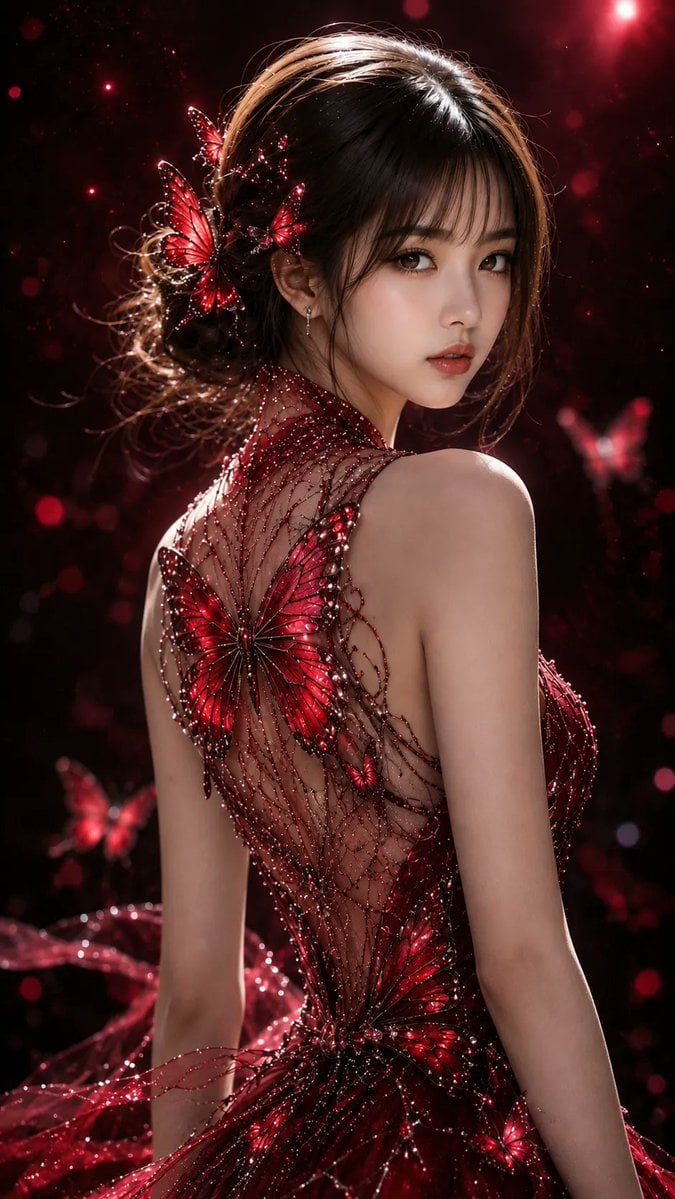
Ethereal Butterfly Portrait
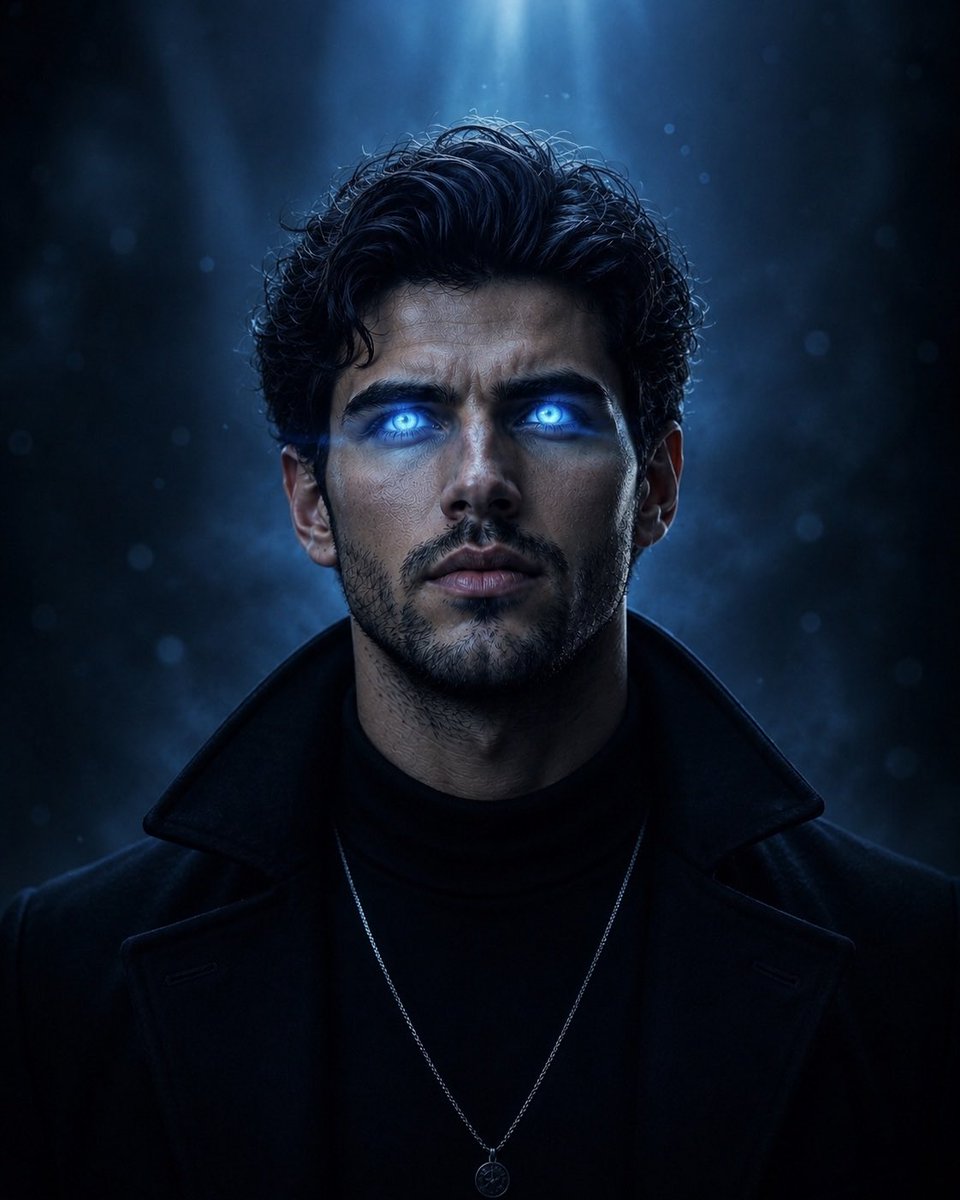
Supernatural Portrait with Glowing Eyes
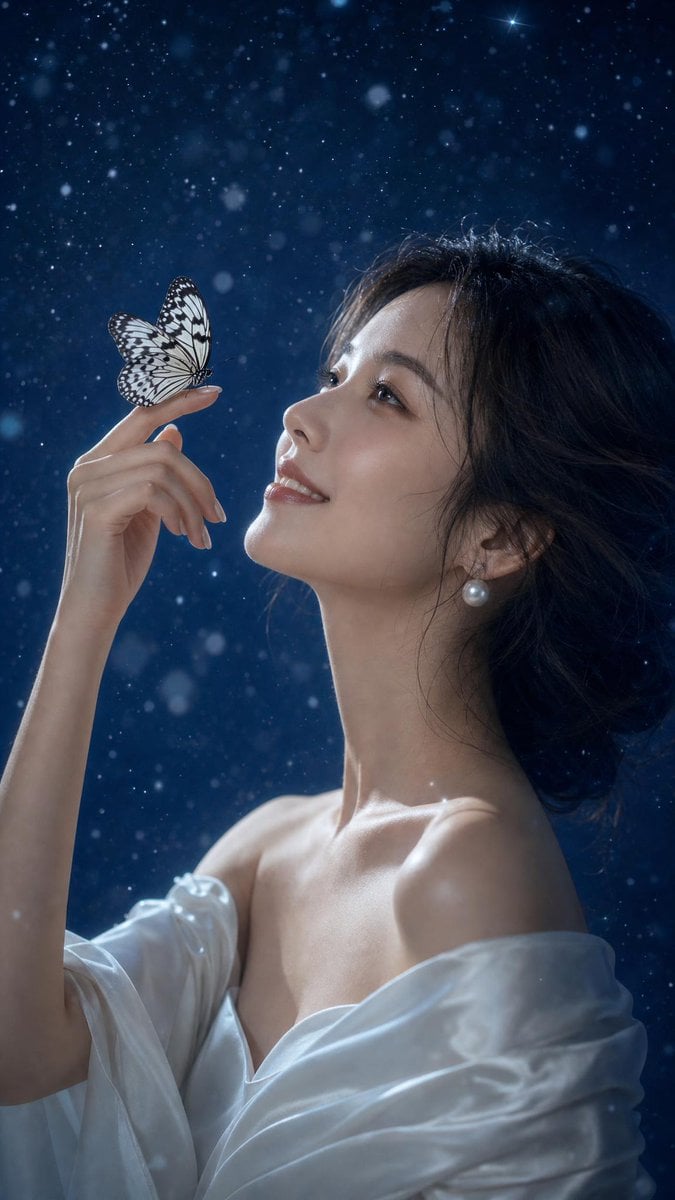
Ethereal East Asian Portrait with Butterfly

Golden Butterfly Glamour Portrait
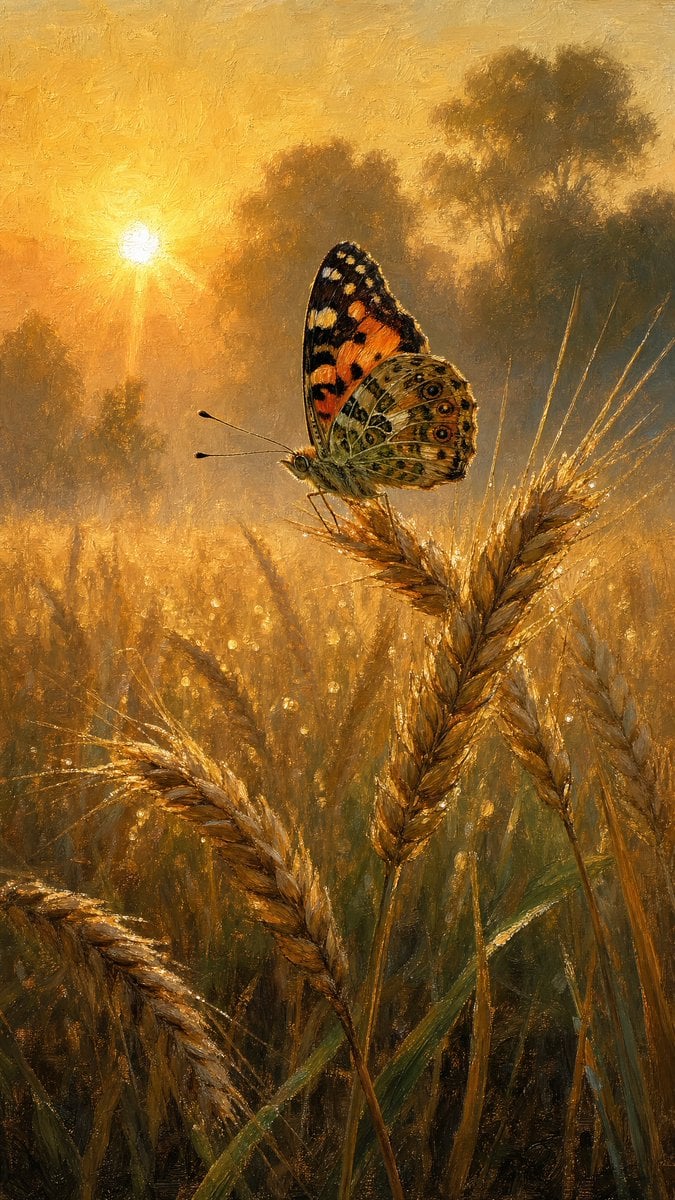
Butterfly Golden Hour Painting
Make it yours
Glowing Butterfly Marionette Girl works as-is. These are the safest ways to change it without losing the look.
Change one field
Copy a single group, rewrite it, and generate again so you can see what that field is doing.
Keep the frame, change the subject
Hold the composition and light of Glowing Butterfly Marionette Girl, then swap wardrobe, props or the person for a new take.
| If the result… | Why | Fix |
|---|---|---|
| The result drifts from the preview | Too many fields changed at once. | Reuse Glowing Butterfly Marionette Girl as-is first, then change one group — subject, light, or setting. |
| The model over-stylizes the scene | The prose prompt leaves finish and camera underspecified. | Add one camera or lighting sentence and stay on GPT Image 2. |
More GPT Image 2 templates
Other prompts made for GPT Image 2.

Six VTuber Japanese Logo Sheet

Realistic Portrait of Woman and Deer

The Vista Modular Condo Poster

AI Model Routing Comparison Infographic

2.5D Anime Art Board

Isometric Productivity Desk Scene

New York Double Exposure Poster

Four-Panel AI Landscape Comparison

Japanese Tatami Lifestyle Magazine Cover

NESCAFÉ Coffee Map Poster
More image prompts
Fresh picks from across the catalog.
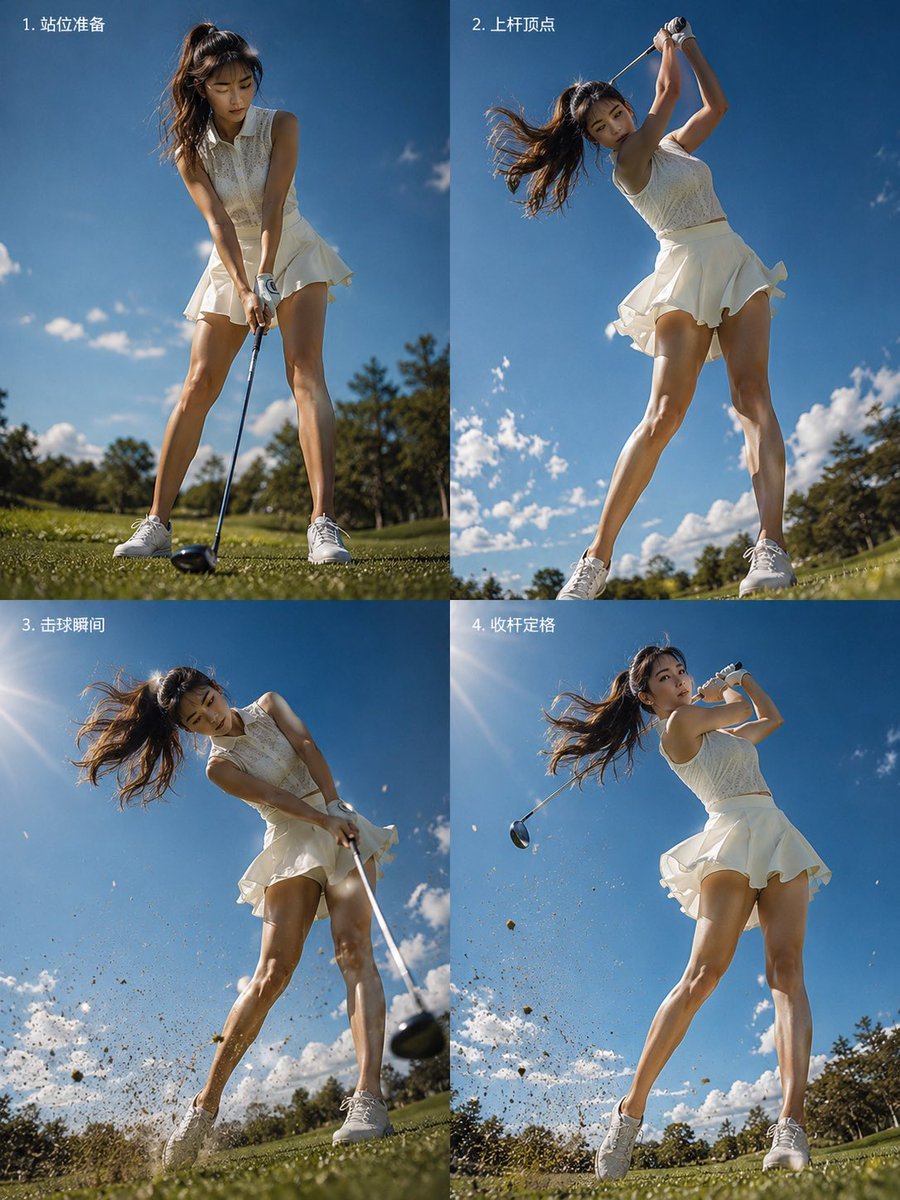
Four-Panel Golf Swing Sequence
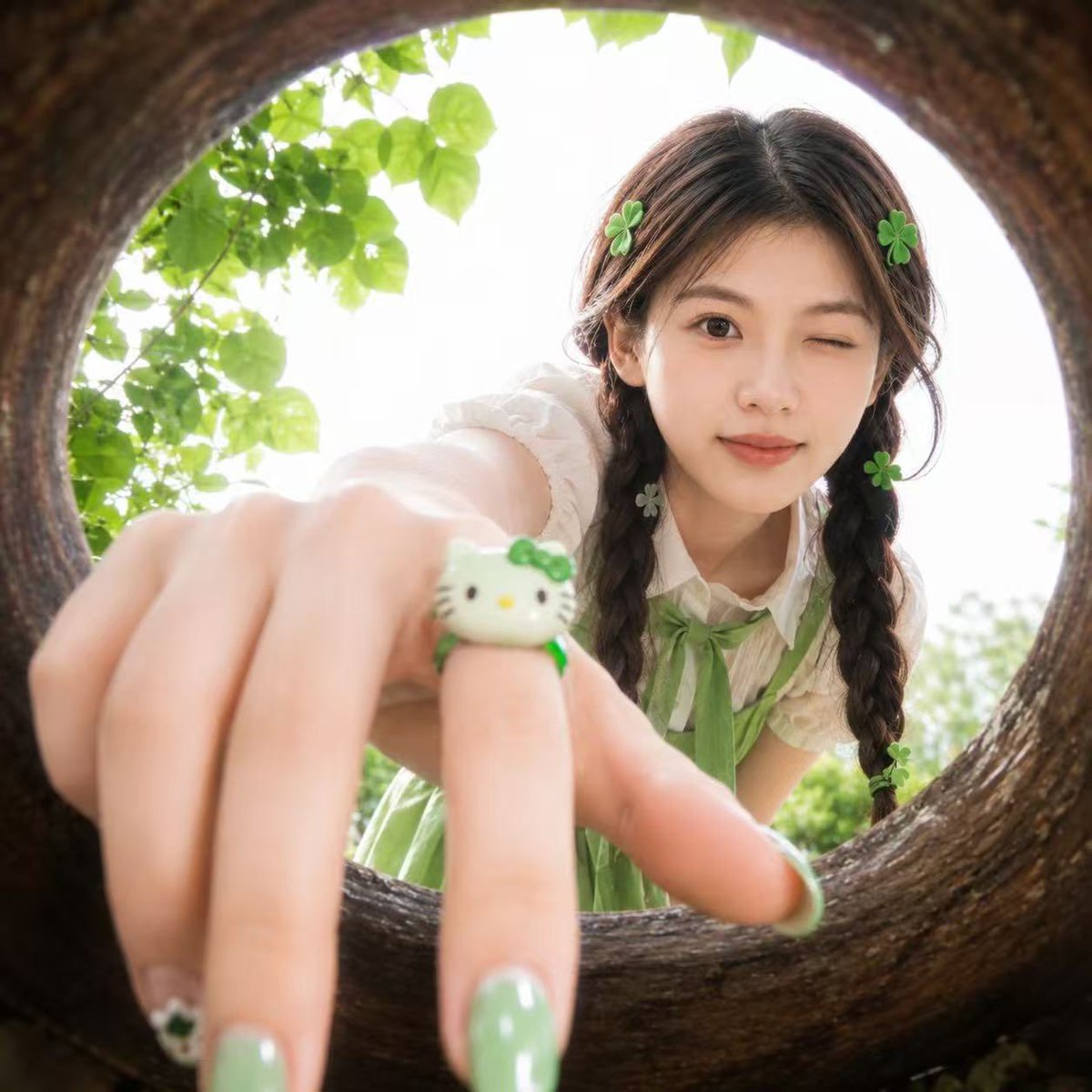
Soft Spring Cherry Blossom POV Portrait
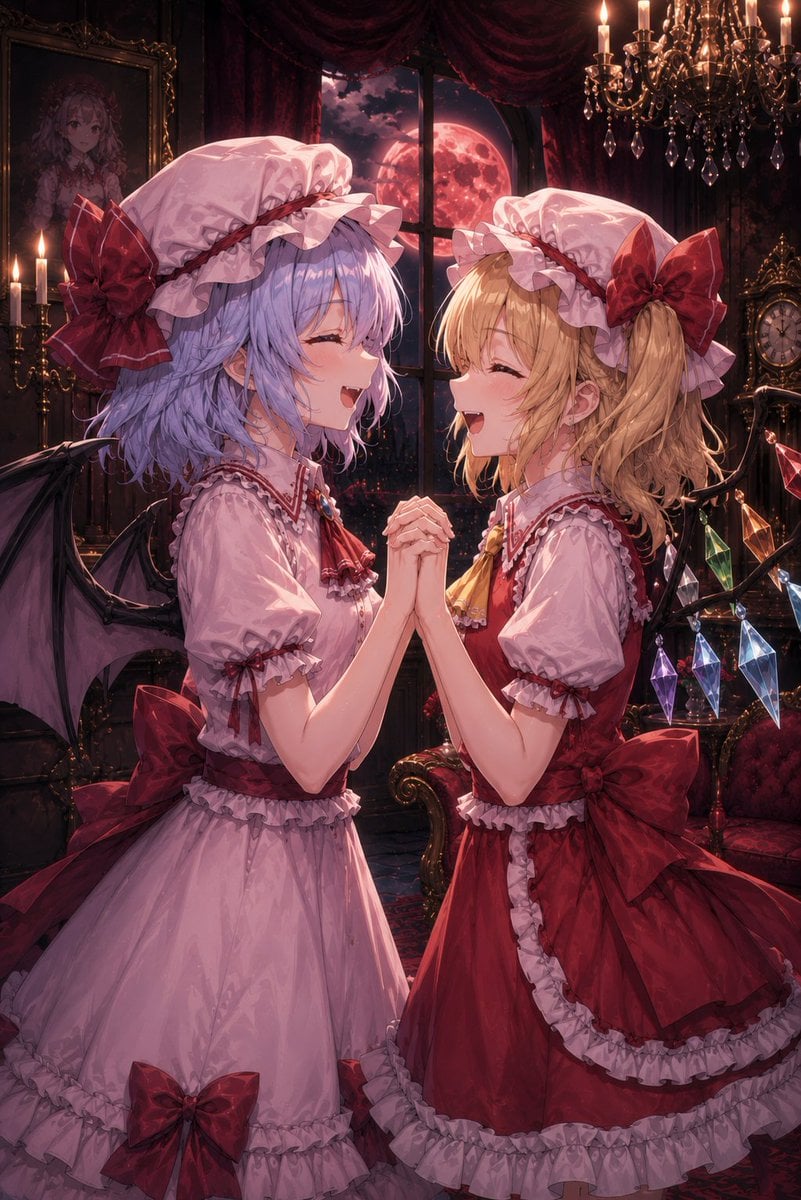
Gothic Vampire Sisters
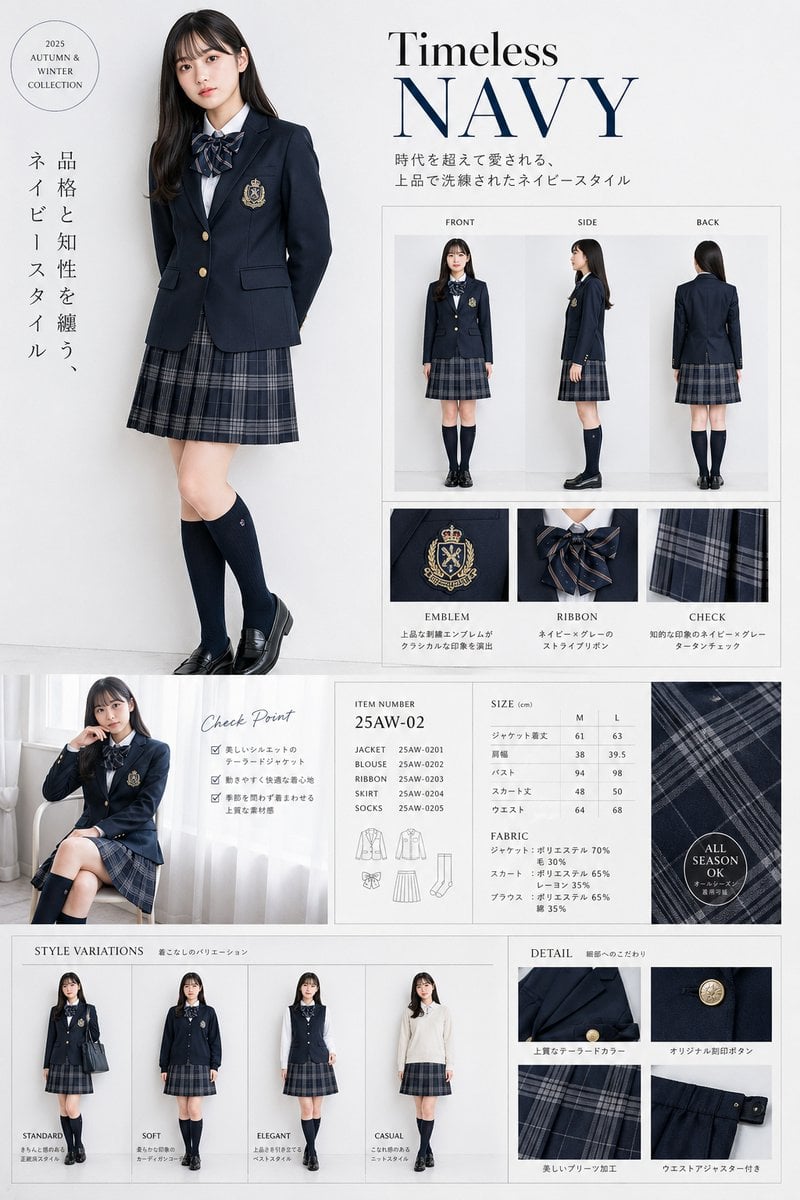
Luxury Navy School Uniform Catalog
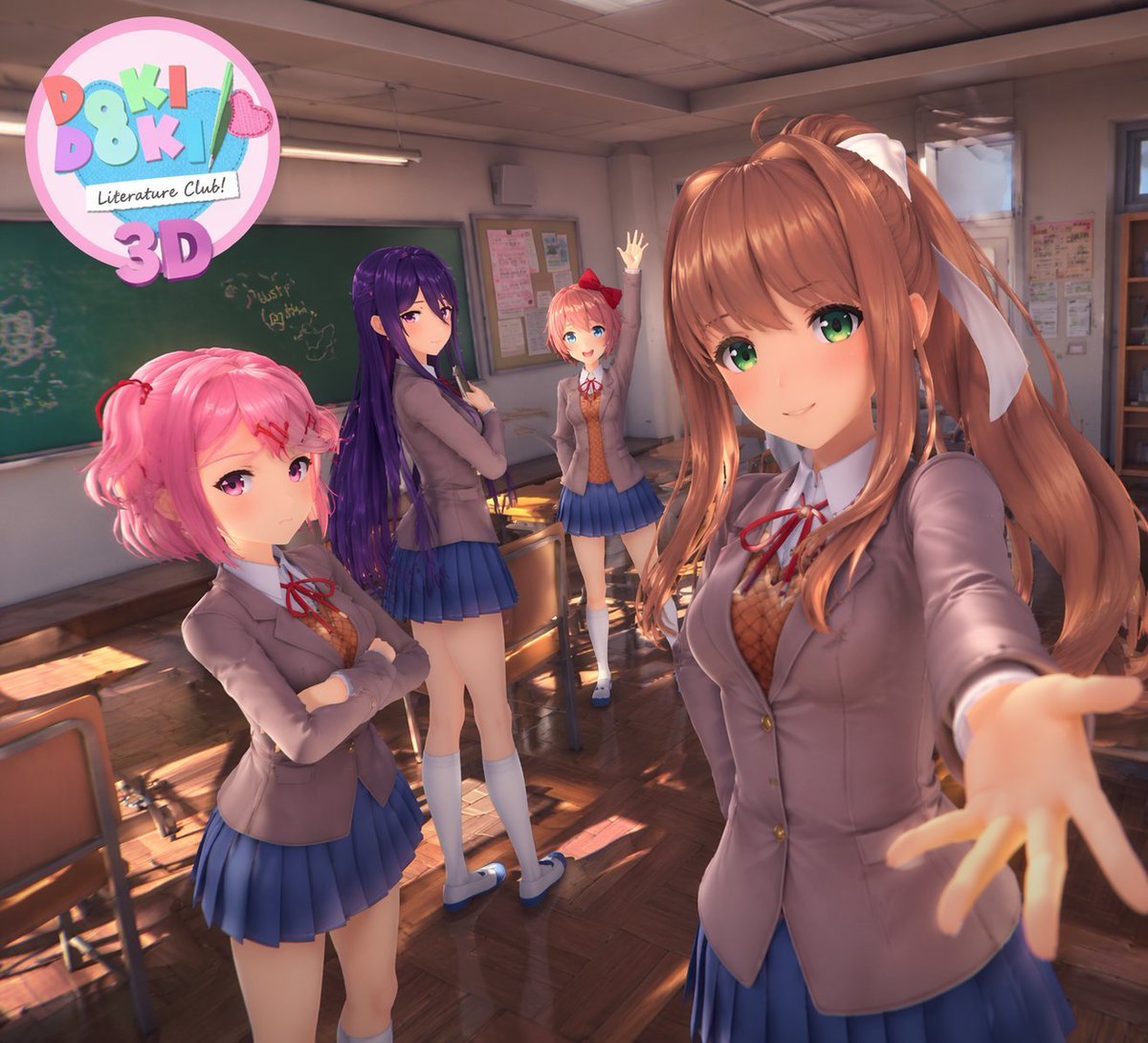
3D Anime Visual Novel Game Cover

8K Cinematic Winter Adventure Photo on a Vintage Train
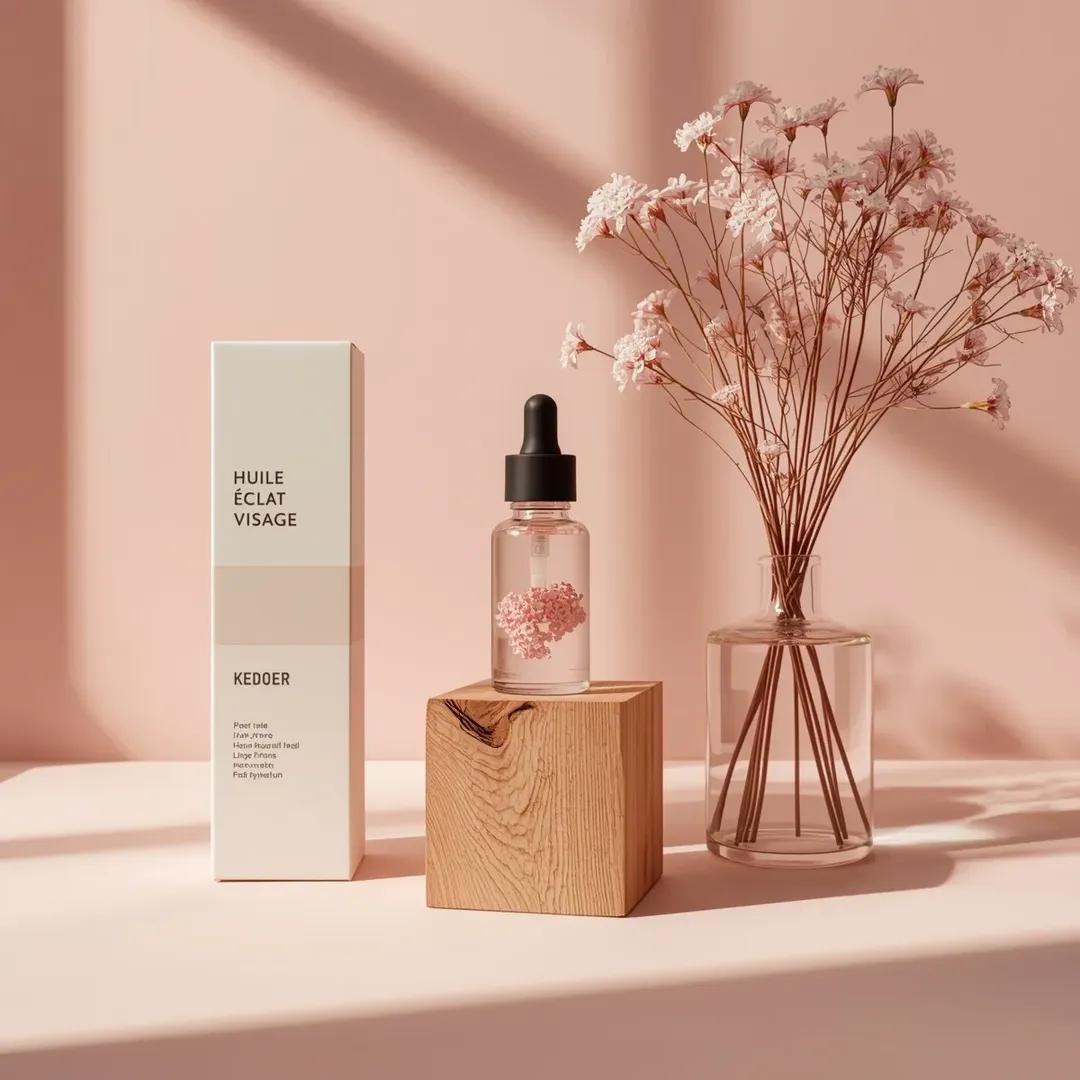
Minimalist Skincare Product Studio Photography Prompt

Custom Enamel Souvenir Magnet
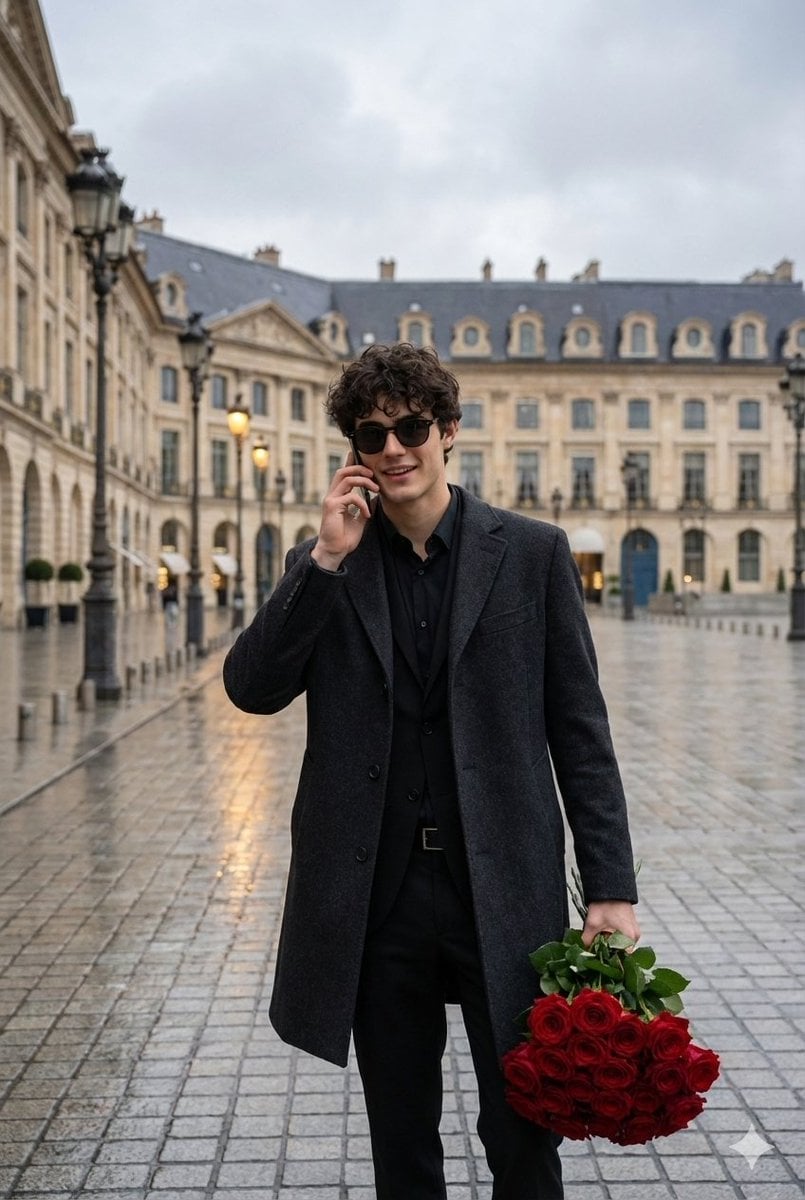
Cinematic Scene of a Man with Roses on a Wet City Street

Nano Banana Pro 2.0 — 3x3 Travel Profile Grid
Browse template categories
Glowing Butterfly Marionette Girl questions
How do I use the Glowing Butterfly Marionette Girl template?
Add your photo if the template asks for one, edit the prompt if you like — the template's model and format are already selected — and press Generate. Your version opens in PicX Studio.
Can I customize the Glowing Butterfly Marionette Girl template?
Yes. You can change the subject, setting, lighting, mood, format, and available model controls before creating your image.
Is the Glowing Butterfly Marionette Girl template free?
Opening and editing this template is free. Generating uses credits, shown on the Generate button when you are signed in.
Which AI model should I use?
Start with GPT Image 2, which is the model associated with this template. You can compare another compatible model for a different finish.
Looking for something else? Browse all templates.

Your photo, any look
Thousands of ready templates for every top image and video model, from one credit balance.