
Glowing Totoro Robot Figure Diorama
A cinematic product-style prompt for generating a glowing mecha Totoro collectible figure hovering over a miniature sunset landscape diorama.
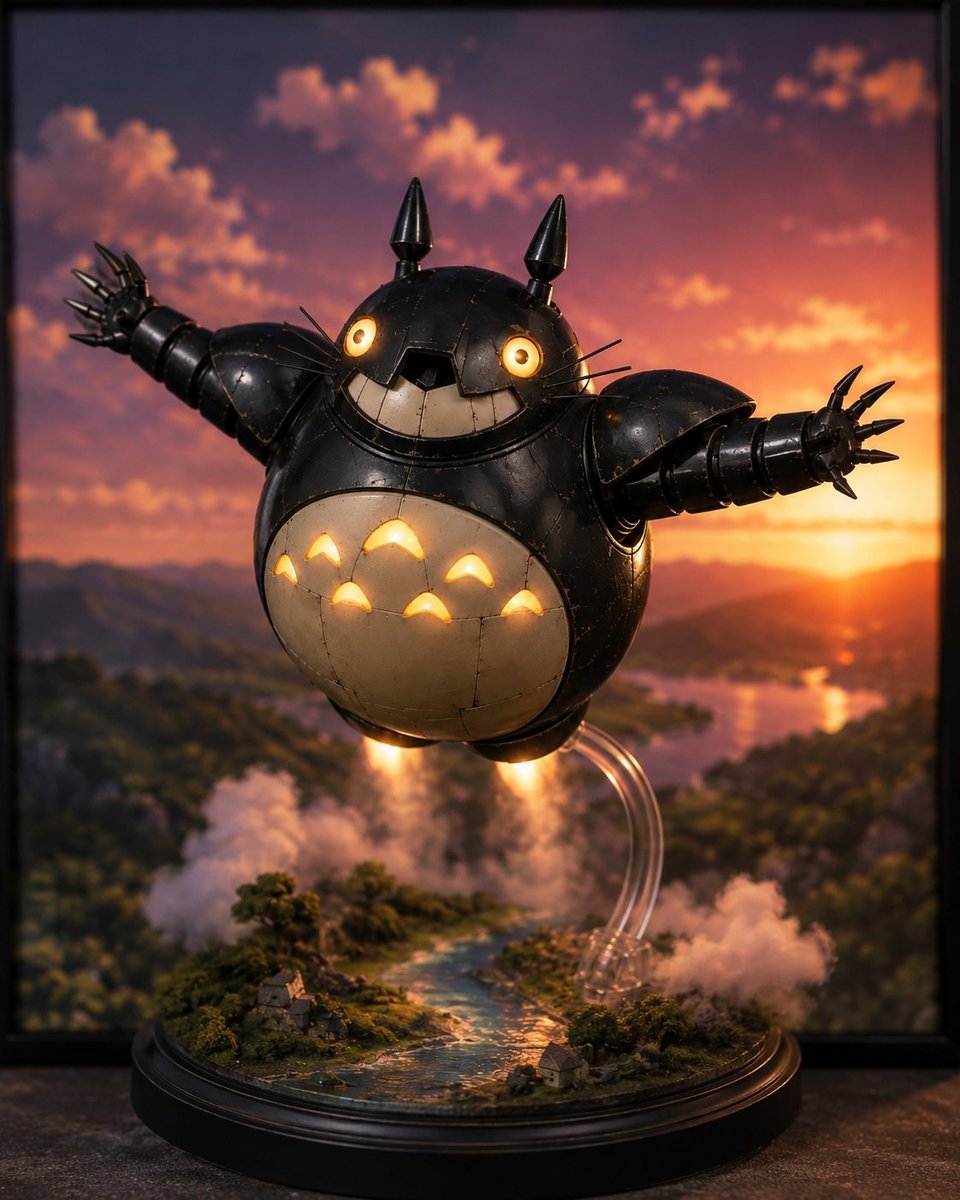
- Prompt included
- Model and format preset
- Free template
The prompt behind this image
Copy the exact prompt behind Glowing Totoro Robot Figure Diorama, or open it in the studio and make it yours.
Create a cinematic high-end collectible figure product photo of a floating robot version of {argument name="character name" default="Totoro"}, reimagined as a glossy black steampunk/mecha cat-forest spirit toy with a round body, off-white belly, visible metal panel seams, scratches, rivets, and worn edges. The figure has exactly 2 glowing warm amber circular LED eyes, exactly 2 tall black cone ears/horns on top, a wide toothy grin with cream rectangular teeth, thin black whiskers, exactly 2 outstretched segmented mechanical arms, and spiked claw hands with 5 pointed claws on each hand. The belly contains exactly 7 warm glowing crescent-shaped LED cutouts arranged like the classic Totoro chest markings. The robot is hovering above a detailed miniature landscape diorama on a round black display base: tiny forested hills, a winding blue river, small houses, misty clouds, and smoke effects. Under the body are exactly 2 bright orange jet flames, with vapor clouds below, and exactly 3 transparent curved acrylic support rods visible behind the figure. Set the scene against a dramatic {argument name="background setting" default="sunset mountain valley with a river and distant lake"}, with orange-pink clouds, a low sun near the horizon, and warm reflected light. Use shallow depth of field, realistic studio macro photography, premium resin figure craftsmanship, cinematic lighting, soft bokeh, highly detailed textures, square vertical composition, no text, no watermark.
How to use Glowing Totoro Robot Figure Diorama in 3 steps
- 1Upload ImagePNG, JPG or paste
Add your photo
Upload the photo the template builds on. The prompt, model and format are already set.
- 2…a portrait of your subject in softgolden-hour light, 85mm…
Personalize
Edit the subject and creative details for your destination.
- 3Generate
Generate
Press Generate — your image is created in PicX Studio, so you can compare it with the original and refine one variable at a time.
More like this
Templates with the same subject, style or setup. Open one to see its prompt.
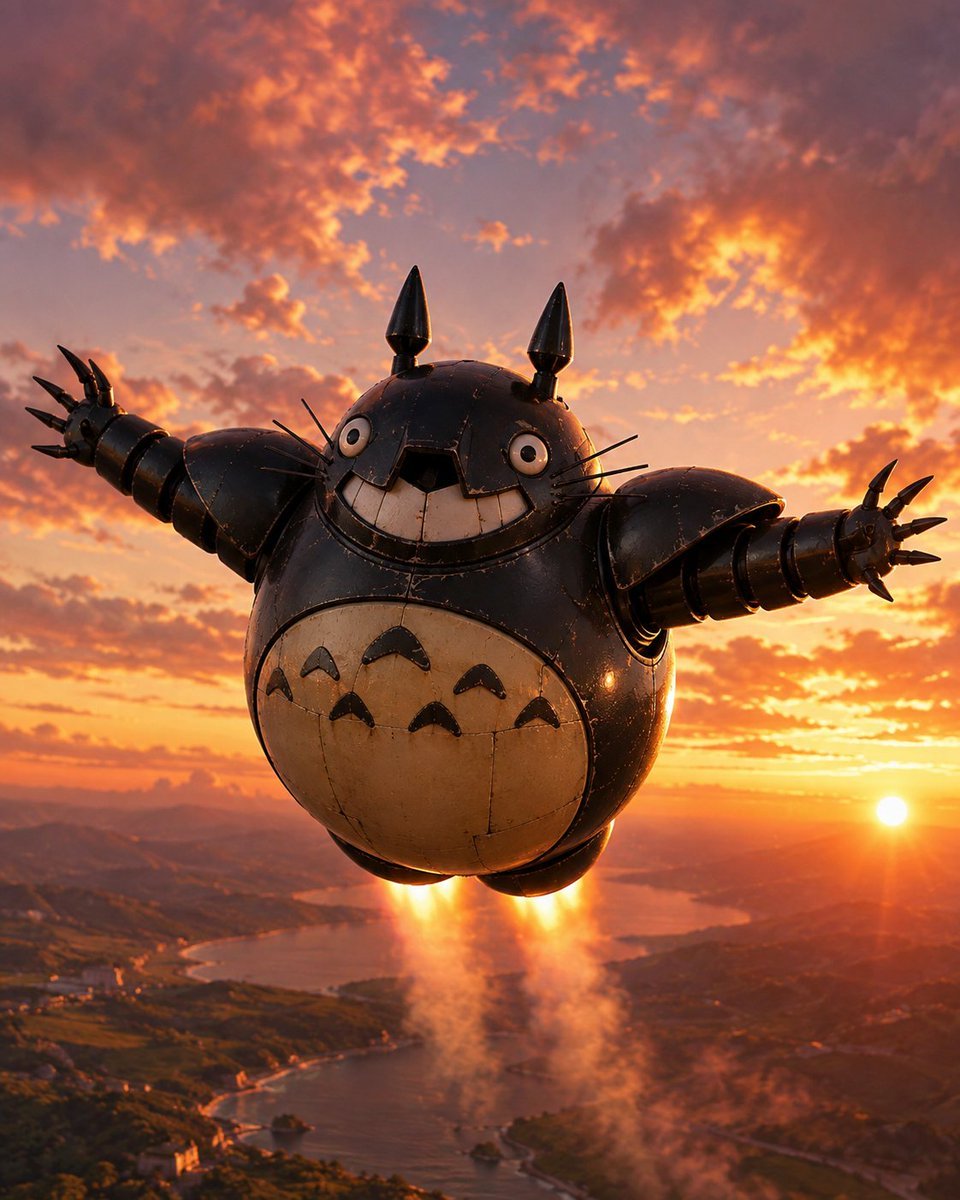
Flying Totorobot at Sunset

Layered Paper Cut Forest Diorama

Soft Handcrafted Paper-Cut Layered Illustration

Isometric Process Educational Diorama

Isometric Brand Store Diorama

FIFA World Cup — Brazil National Pass Diorama

Floating Woman Above Cityscape with Notifications

敦煌纸雕飞天 — 3D Layered Paper Cutout

AI Touching a Glowing Microchip
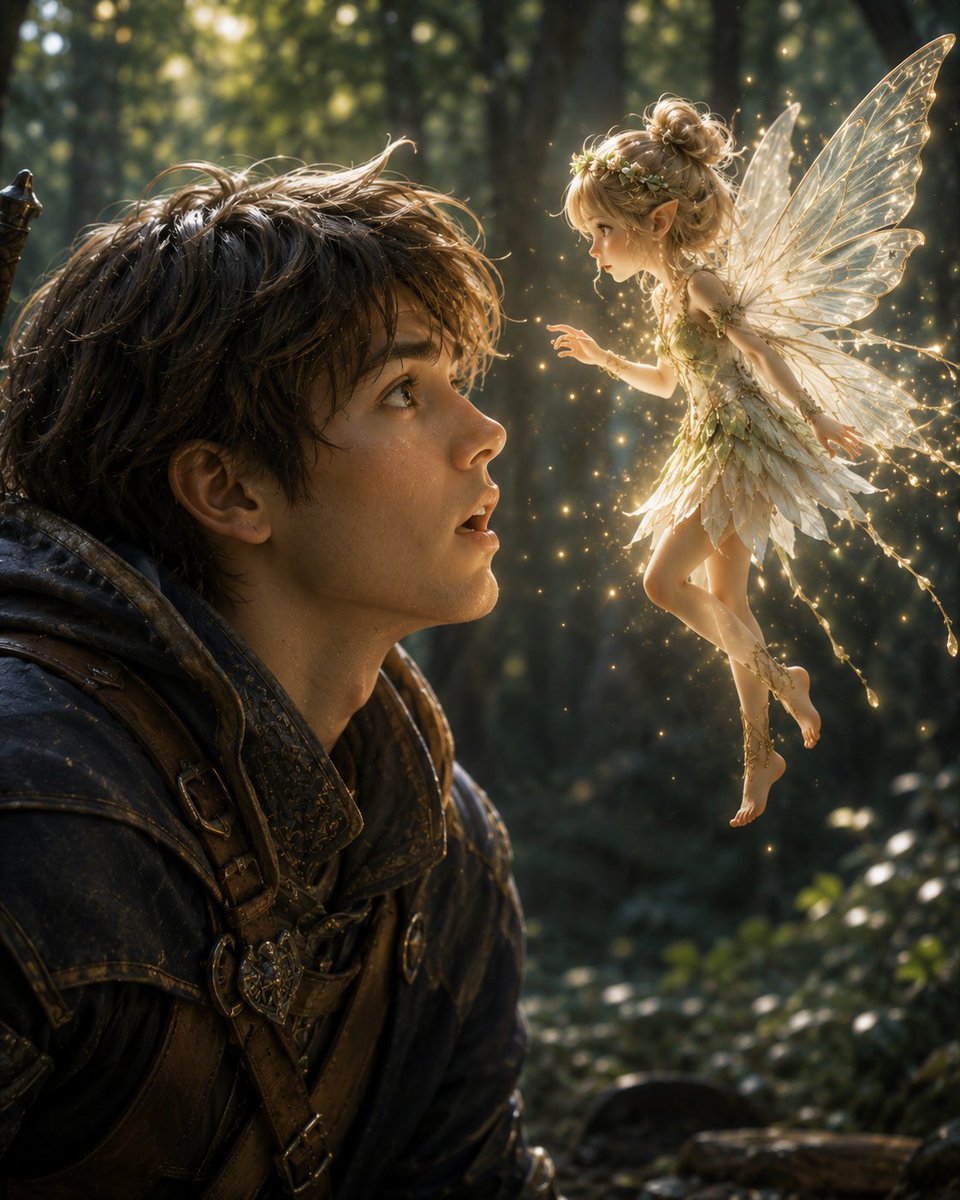
Boy Meets a Glowing Forest Fairy

Exploration Ship Crossing a Glowing Nebula
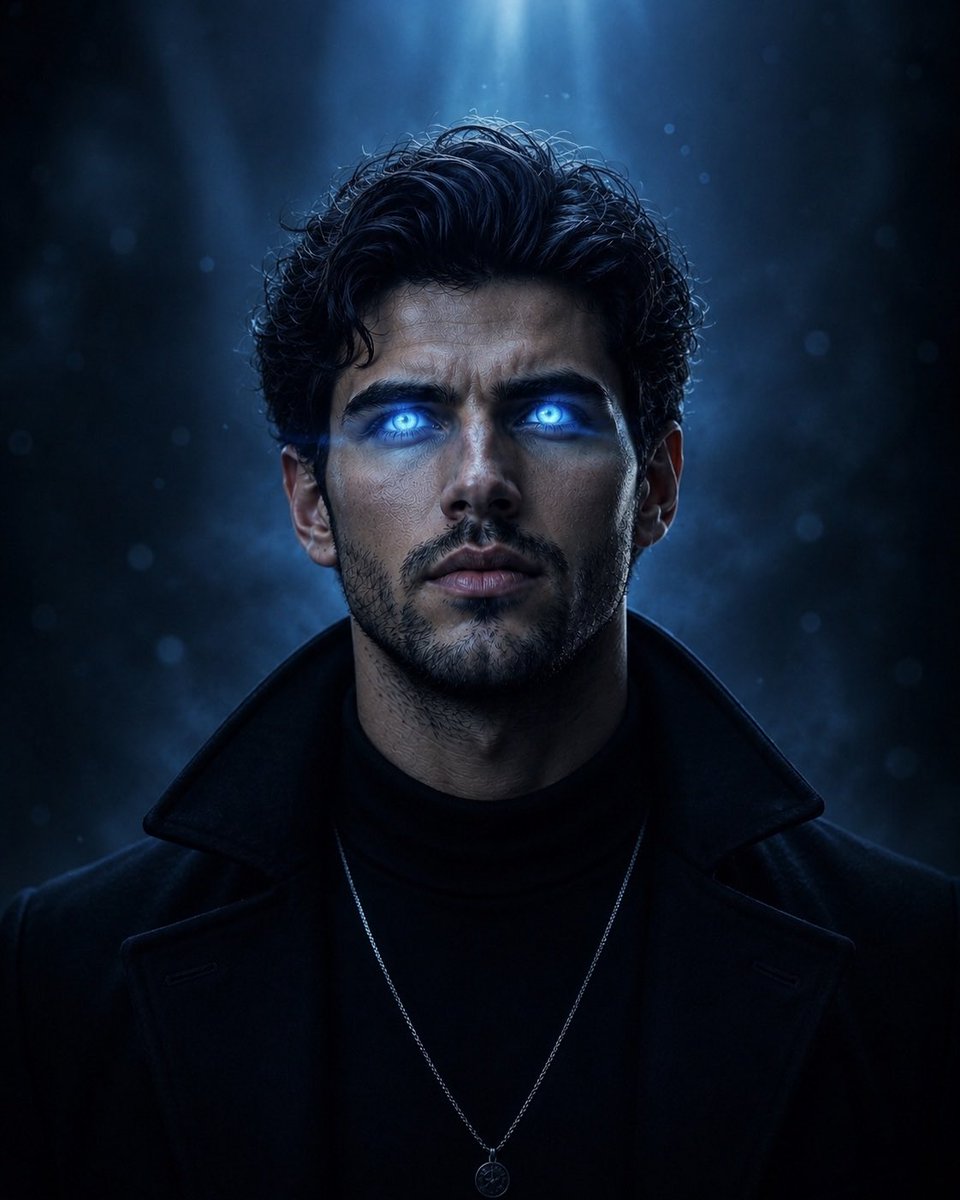
Supernatural Portrait with Glowing Eyes
Make it yours
Glowing Totoro Robot Figure Diorama works as-is. These are the safest ways to change it without losing the look.
Change one field
Copy a single group, rewrite it, and generate again so you can see what that field is doing.
Keep the frame, change the subject
Hold the composition and light of Glowing Totoro Robot Figure Diorama, then swap wardrobe, props or the person for a new take.
| If the result… | Why | Fix |
|---|---|---|
| The result drifts from the preview | Too many fields changed at once. | Reuse Glowing Totoro Robot Figure Diorama as-is first, then change one group — subject, light, or setting. |
| The model over-stylizes the scene | The prose prompt leaves finish and camera underspecified. | Add one camera or lighting sentence and stay on GPT Image 2. |
More GPT Image 2 templates
Other prompts made for GPT Image 2.

Six VTuber Japanese Logo Sheet

Realistic Portrait of Woman and Deer

The Vista Modular Condo Poster

AI Model Routing Comparison Infographic

2.5D Anime Art Board

Isometric Productivity Desk Scene

New York Double Exposure Poster

Four-Panel AI Landscape Comparison

Japanese Tatami Lifestyle Magazine Cover

NESCAFÉ Coffee Map Poster
More image prompts
Fresh picks from across the catalog.
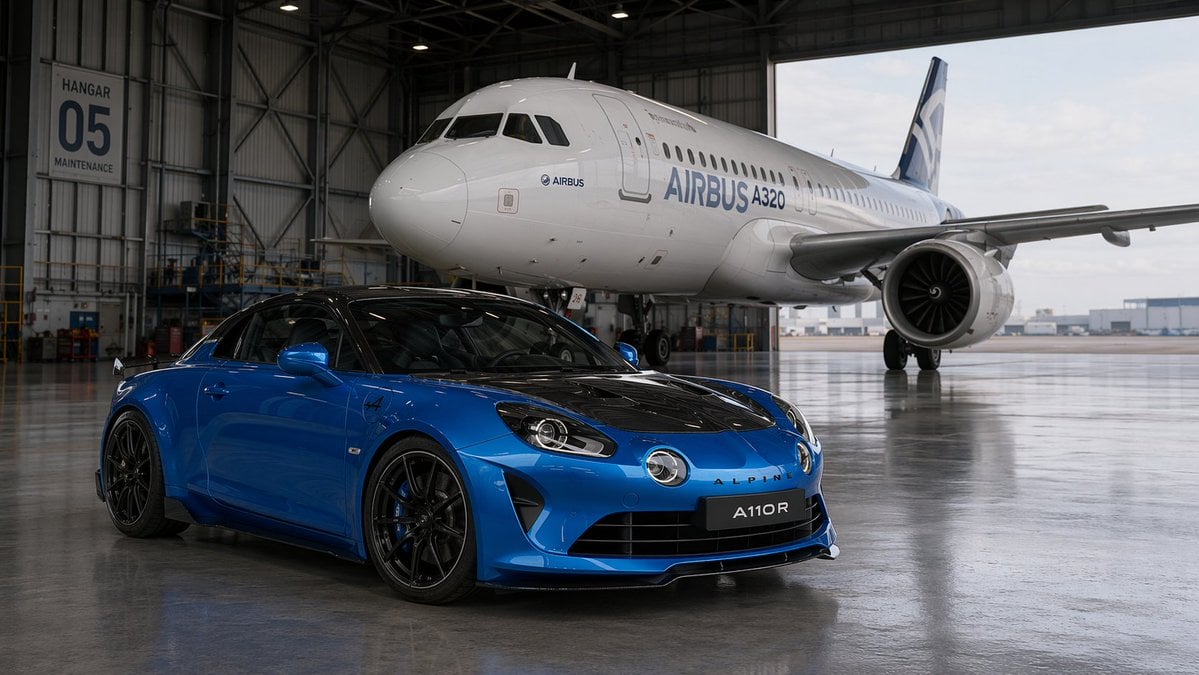
Sports Car and Airliner in Hangar
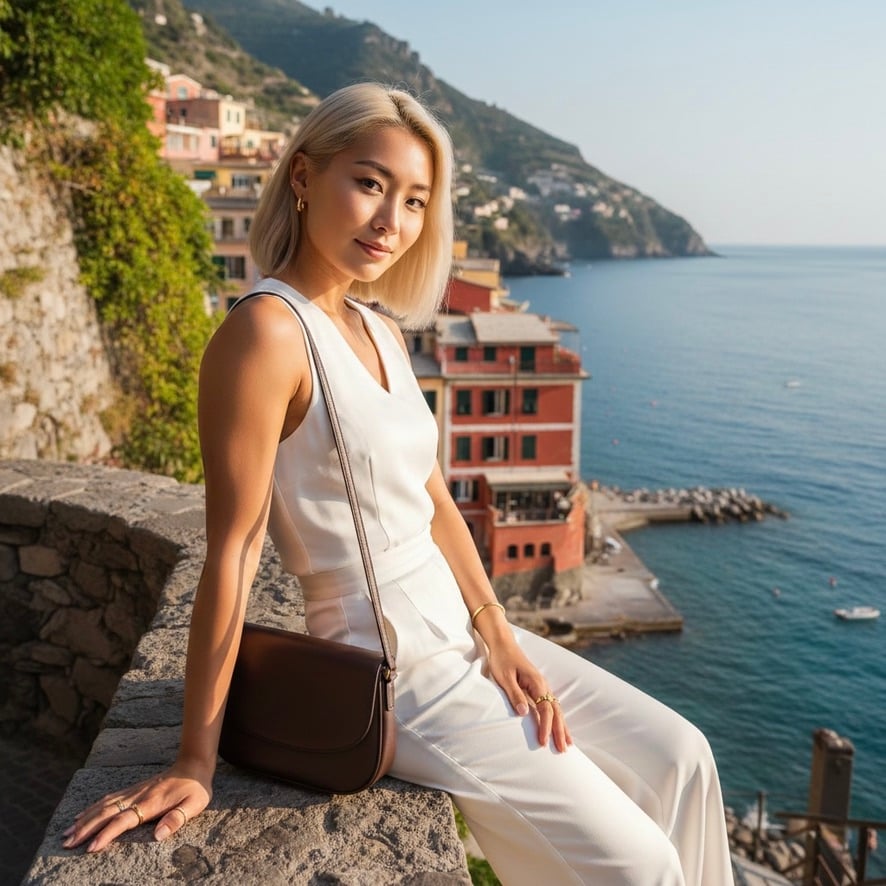
Quiet Luxury Mediterranean Vacation Portrait
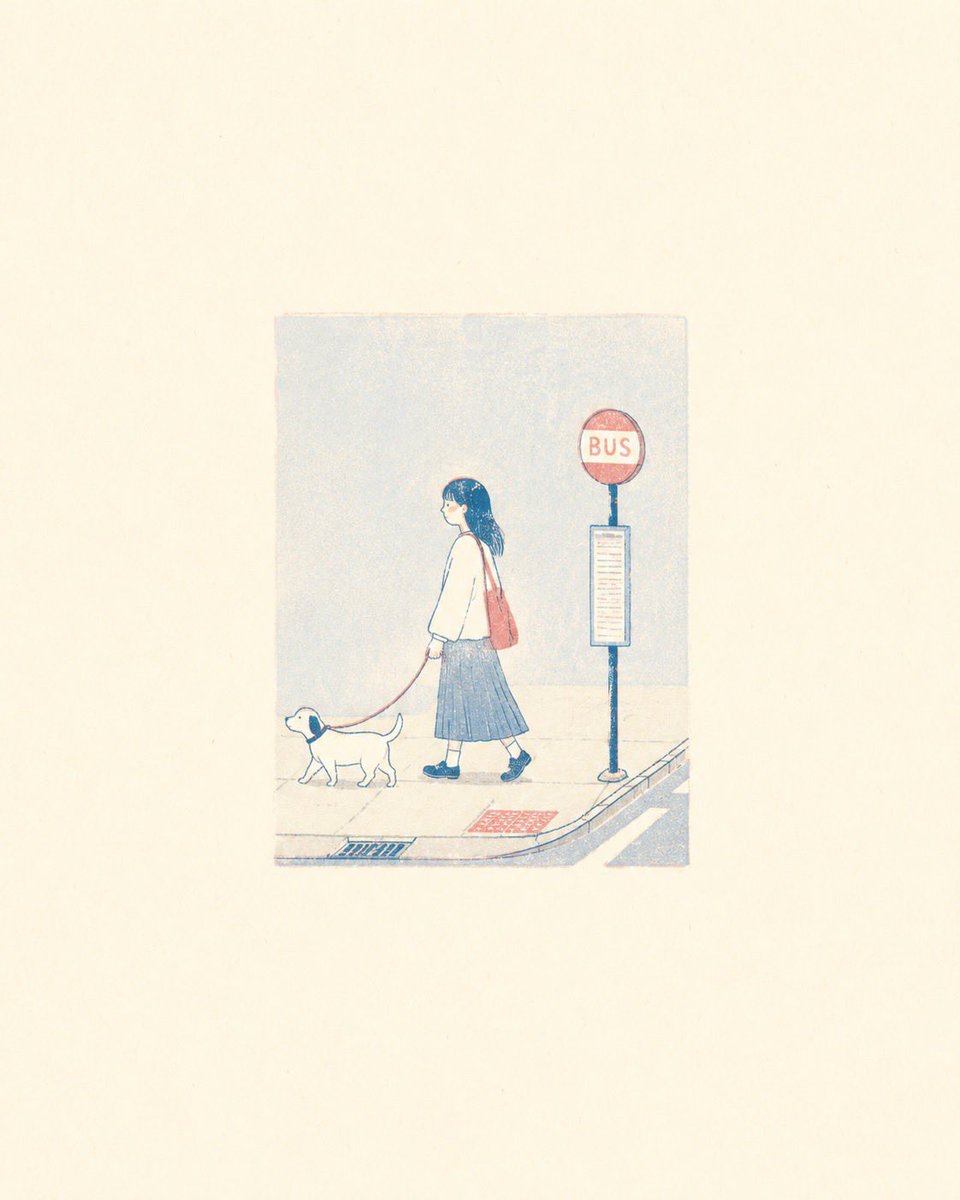
Minimalist Risograph Poetic Style
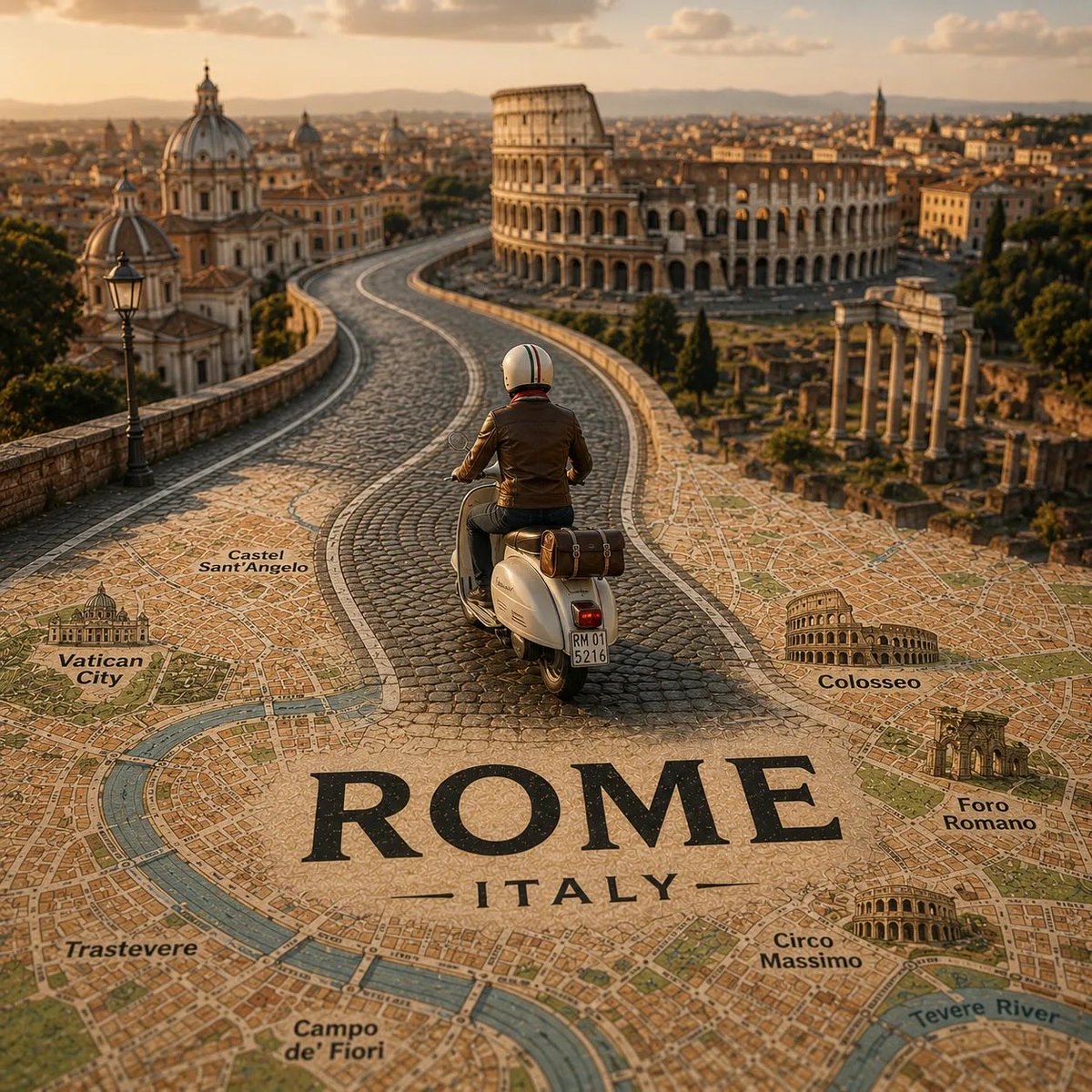
Tilt-Shift City Map Travel Scene
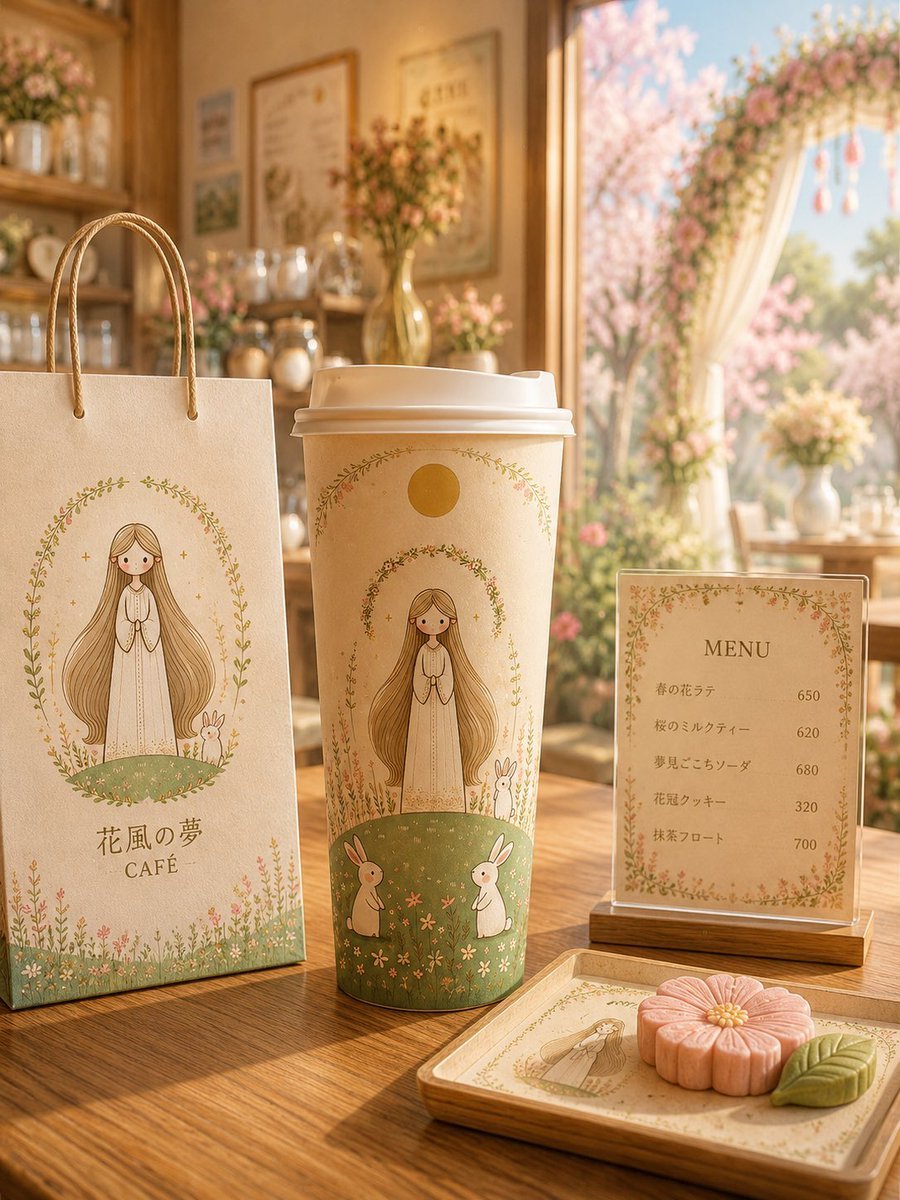
Floral Character Café Merchandise Scene
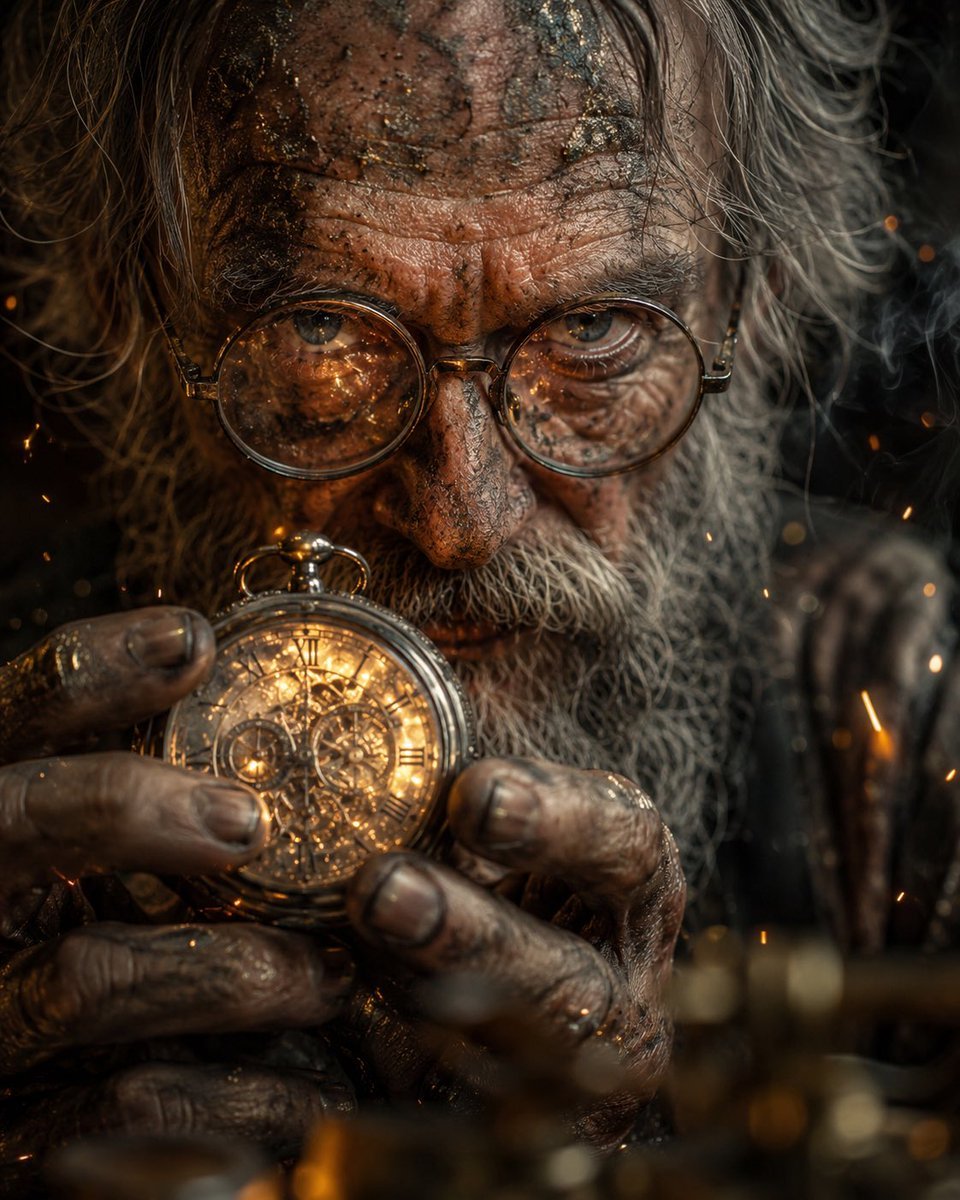
Obscured Mystic Holding Artifact
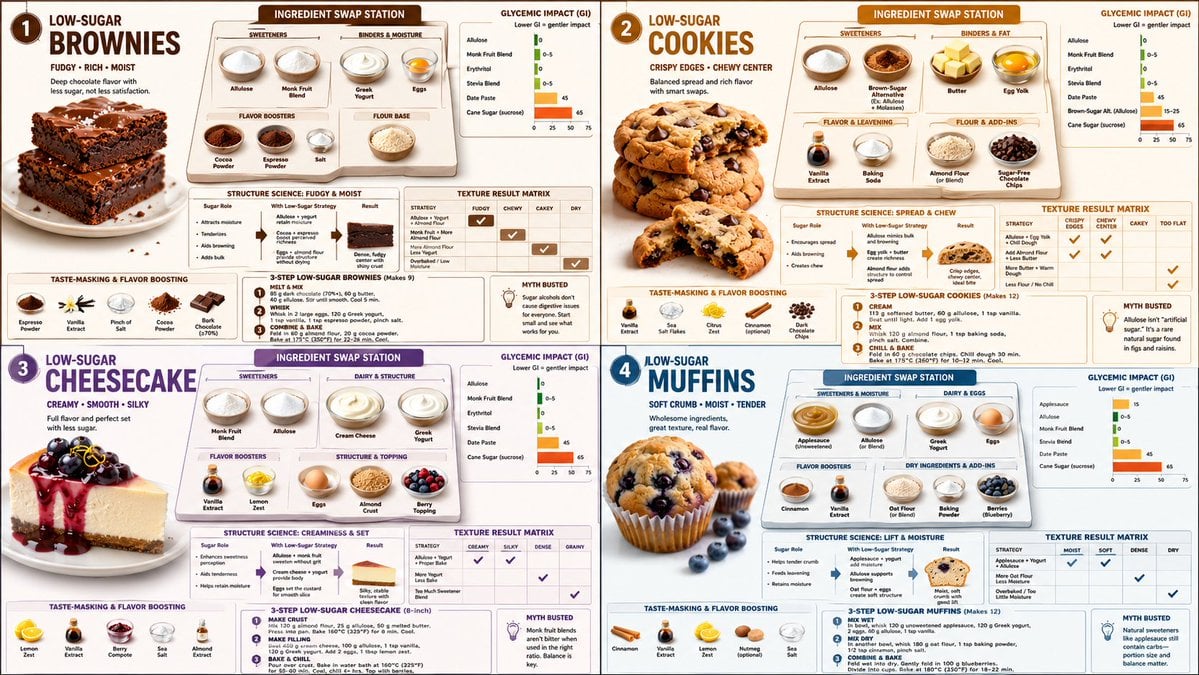
Low Sugar Dessert Science Infographic

Commercial Product Ad Portrait
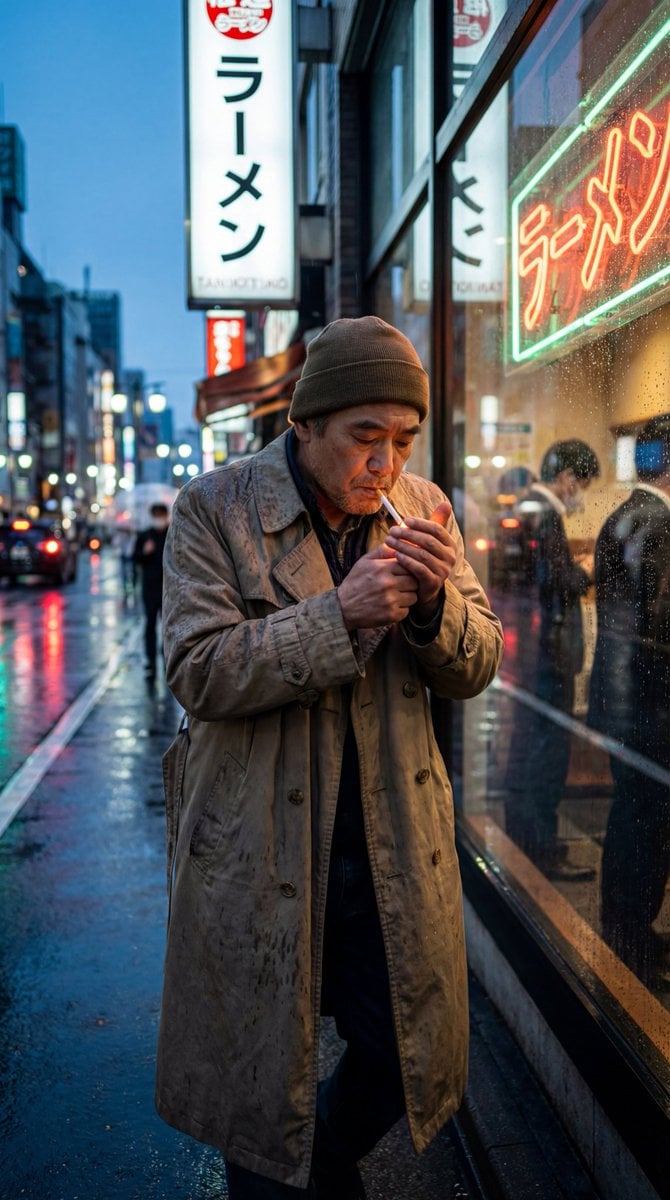
GPT Image 2 Street Photography
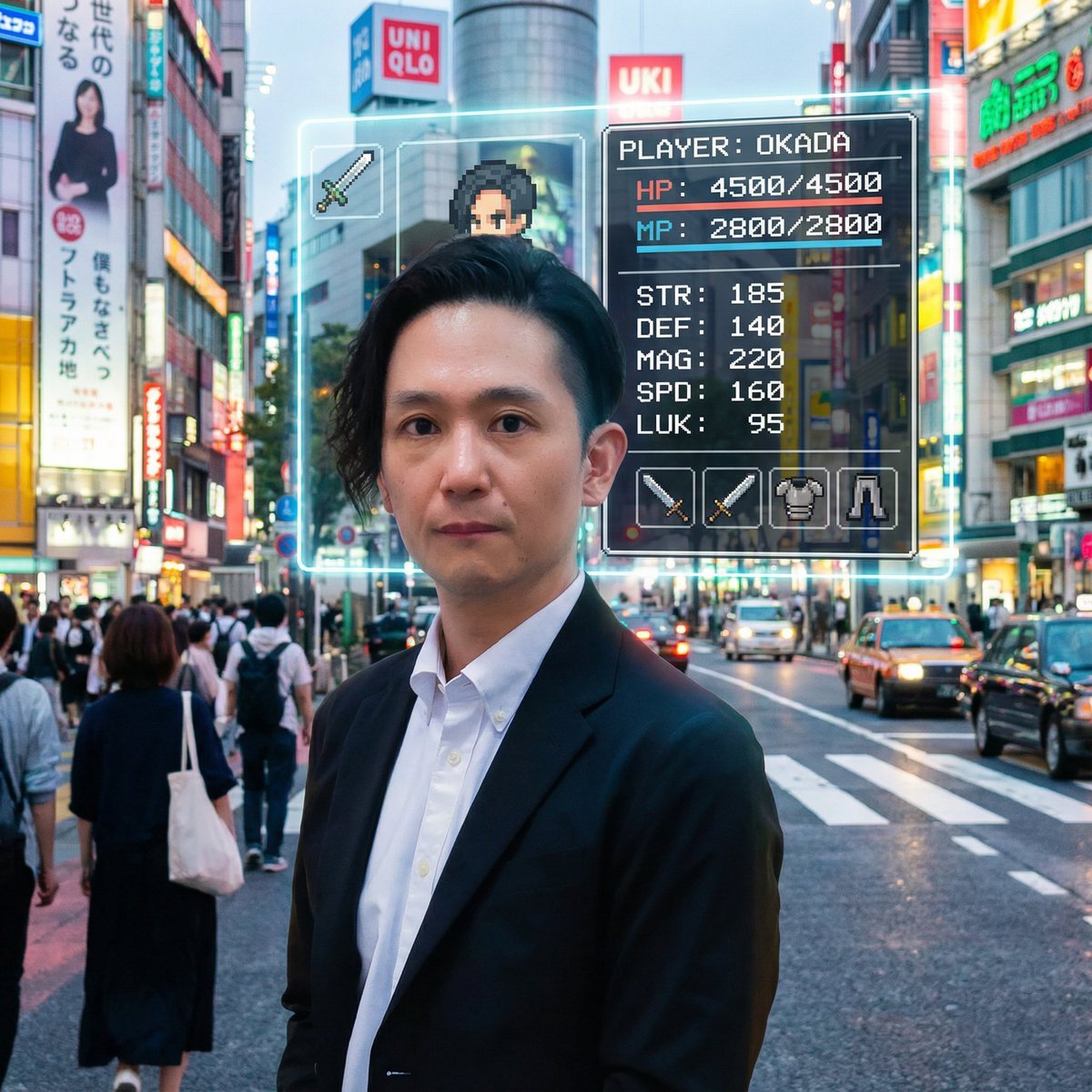
RPG Status Screen Overlay
Browse template categories
Glowing Totoro Robot Figure Diorama questions
How do I use the Glowing Totoro Robot Figure Diorama template?
Add your photo if the template asks for one, edit the prompt if you like — the template's model and format are already selected — and press Generate. Your version opens in PicX Studio.
Can I customize the Glowing Totoro Robot Figure Diorama template?
Yes. You can change the subject, setting, lighting, mood, format, and available model controls before creating your image.
Is the Glowing Totoro Robot Figure Diorama template free?
Opening and editing this template is free. Generating uses credits, shown on the Generate button when you are signed in.
Which AI model should I use?
Start with GPT Image 2, which is the model associated with this template. You can compare another compatible model for a different finish.
Looking for something else? Browse all templates.

Your photo, any look
Thousands of ready templates for every top image and video model, from one credit balance.