How do I use the Sports Car and Airliner in Hangar template?
Edit the prompt in the box under the preview — the template's model and format are already selected — and press Generate. Your version appears right on this page.
Generates a photorealistic image of a sports car parked in front of a commercial airliner inside a maintenance hangar.

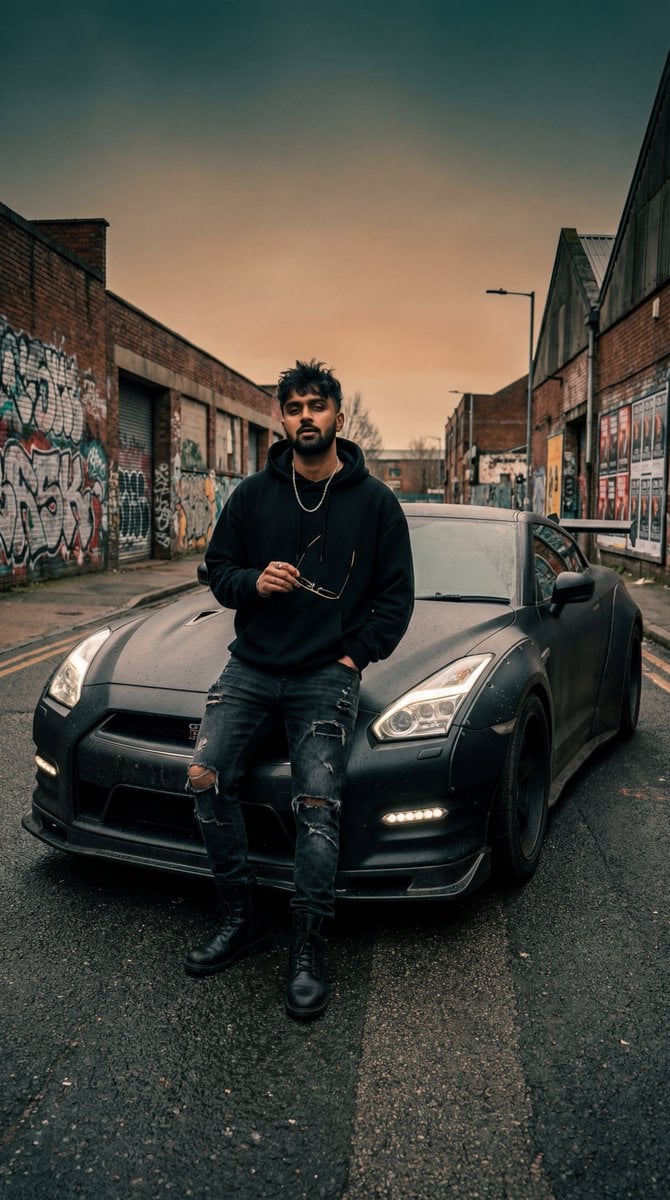
This template uses your photo — add one with the + button.
A photorealistic, highly detailed image of a {argument name="car description" default="blue Alpine A110 R sports car with a black hood"} parked in the foreground inside a large, spacious aircraft hangar. Directly behind the car is a {argument name="airplane description" default="white Airbus A320 commercial airplane"} with "AIRBUS A320" painted on its fuselage and a blue tail. The car features black alloy wheels and a front license plate reading "{argument name="license plate text" default="A110 R"}". The hangar has a smooth, glossy concrete floor that clearly reflects both vehicles. On the left wall, a large sign reads "{argument name="hangar sign text" default="HANGAR 05 MAINTENANCE"}". The massive hangar doors are open in the background, revealing a bright, cloudy sky and a distant tarmac. Cinematic lighting, sharp focus, automotive photography style.
A photorealistic, highly detailed image of a {argument name="car description" default="blue Alpine A110 R sports car with a black hood"} parked in the foreground inside a large, spacious aircraft hangar. Directly behind the car is a {argument name="airplane description" default="white Airbus A320 commercial airplane"} with "AIRBUS A320" painted on its fuselage and a blue tail. The car features black alloy wheels and a front license plate reading "{argument name="license plate text" default="A110 R"}". The hangar has a smooth, glossy concrete floor that clearly reflects both vehicles. On the left wall, a large sign reads "{argument name="hangar sign text" default="HANGAR 05 MAINTENANCE"}". The massive hangar doors are open in the background, revealing a bright, cloudy sky and a distant tarmac. Cinematic lighting, sharp focus, automotive photography style.
Edit the prompt in the box under the preview — the template's model and format are already selected — and press Generate. Your version appears right on this page.
Yes. You can change the subject, setting, lighting, mood, format, and available model controls before creating your image.
Opening and editing this template is free. Generating uses credits, shown on the Generate button when you are signed in.
Start with GPT Image 2, which is the model associated with this template. You can compare another compatible model for a different finish.
Follow a topic to a crawlable collection of related PicX Studio templates.