
Photorealistic Coastal Sports Car
Generates a high-quality automotive photograph of a sports car parked on a scenic coastal road.
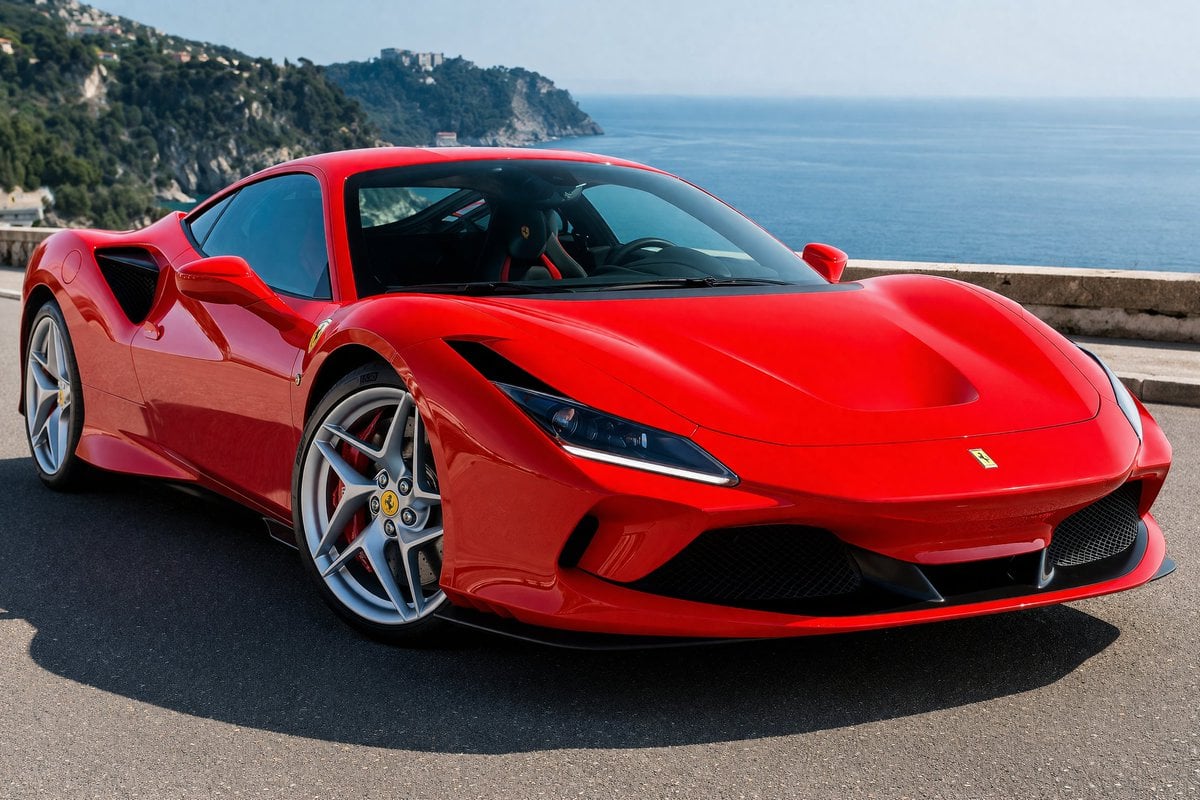
- Prompt included
- Model and format preset
- Premium template
The prompt behind this image
Copy the exact prompt behind Photorealistic Coastal Sports Car, or open it in the studio and make it yours.
A photorealistic, high-resolution automotive shot of a {argument name="car color" default="bright red"} {argument name="car model" default="Ferrari F8 Tributo"} parked on a {argument name="setting" default="coastal road overlooking the ocean"}. The sports car is positioned at a slight angle, showcasing its sleek aerodynamic curves, aggressive front fascia, distinct LED headlights, and silver alloy wheels with yellow center caps. The iconic yellow shield logo is visible on the front fender. The background features a deep blue sea, a low stone guardrail, and a distant rocky coastline covered in lush green vegetation and scattered buildings under a clear blue sky. The lighting is a {argument name="lighting" default="bright sunny day"}, casting sharp, realistic shadows on the asphalt and creating brilliant reflections on the car's glossy paint.
How to use Photorealistic Coastal Sports Car in 3 steps
- 1Upload ImagePNG, JPG or paste
Add your photo
Upload the photo the template builds on. The prompt, model and format are already set.
- 2…a portrait of your subject in softgolden-hour light, 85mm…
Personalize
Edit the subject and creative details for your destination.
- 3Generate
Generate
Press Generate — your image is created in PicX Studio, so you can compare it with the original and refine one variable at a time.
More like this
Templates with the same subject, style or setup. Open one to see its prompt.
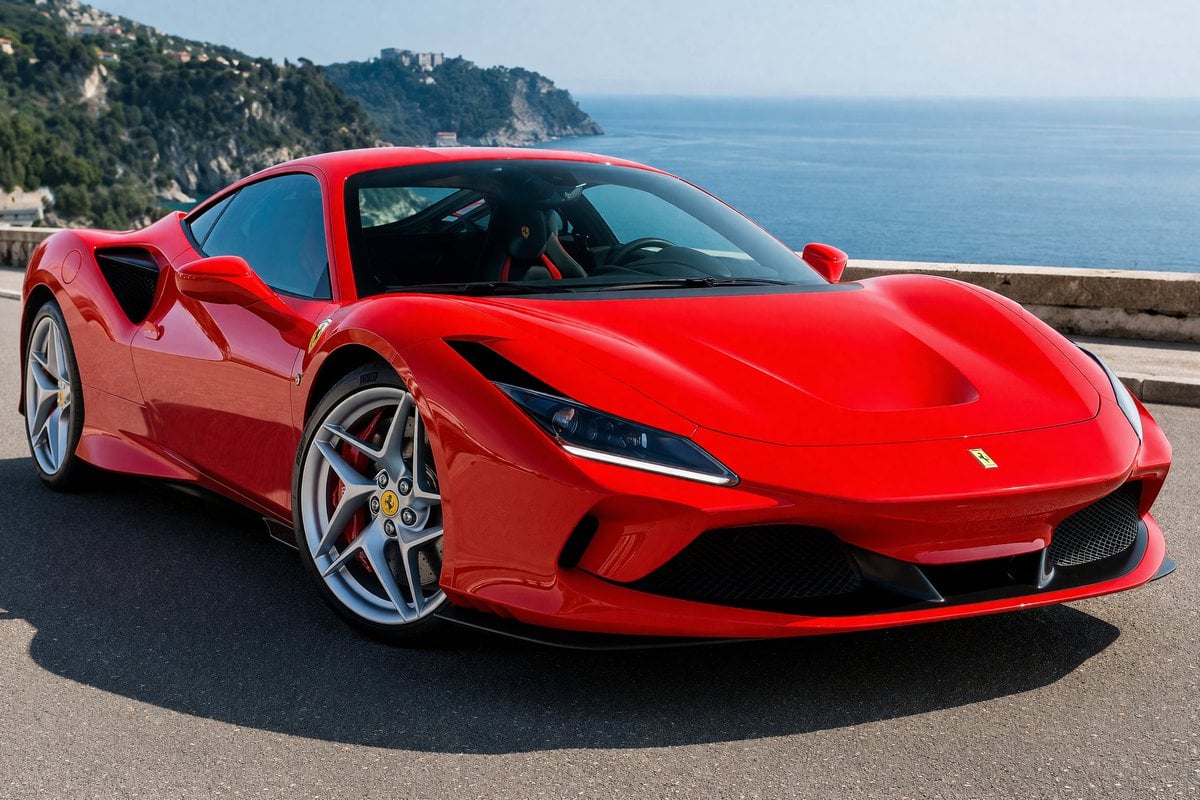
Photorealistic Coastal Sports Car Photography

Minimalist Skincare Product Water Stone Still
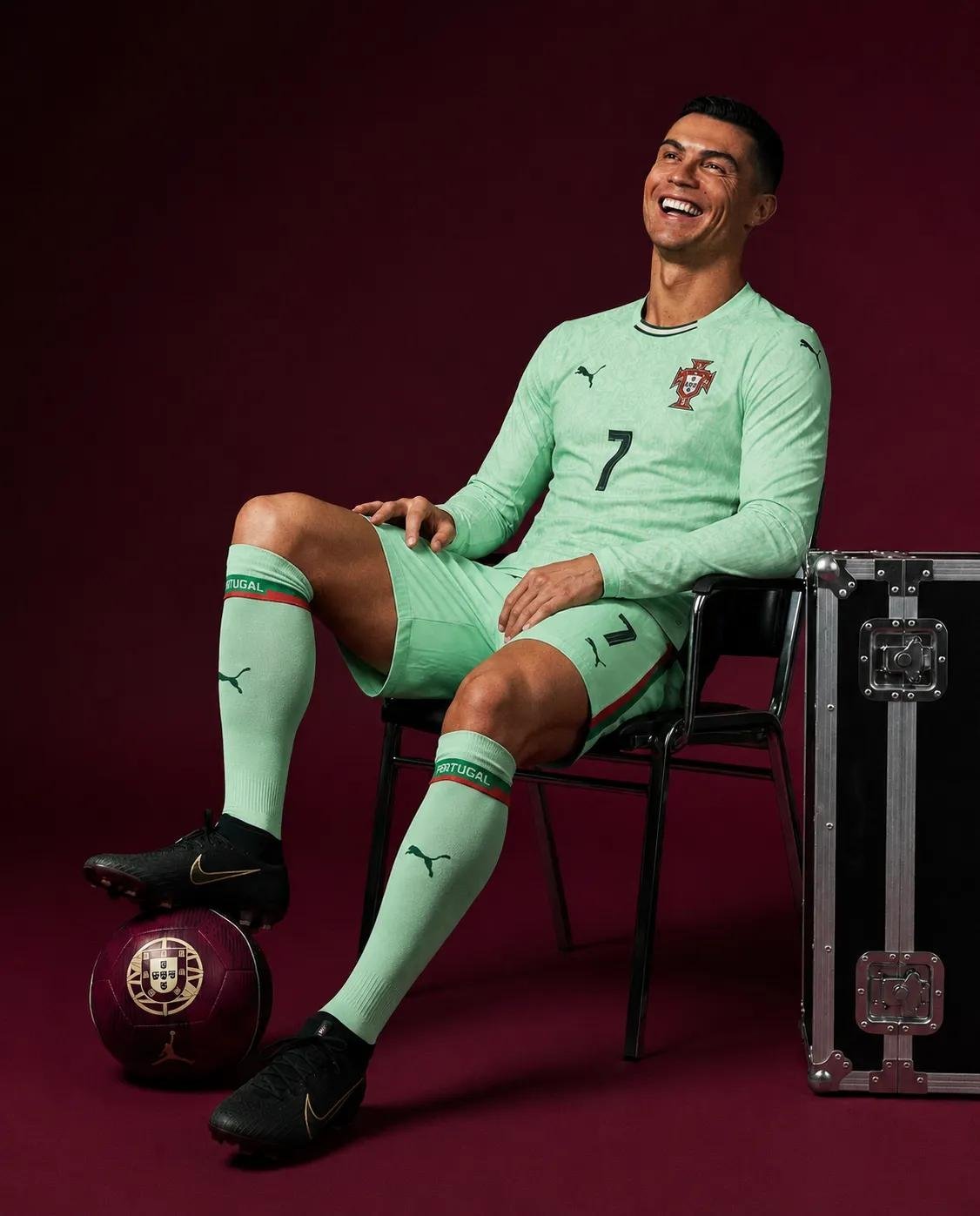
Portugal Number 7 Luxury Sports Editorial

Cozy Knit Sweater Window Portrait
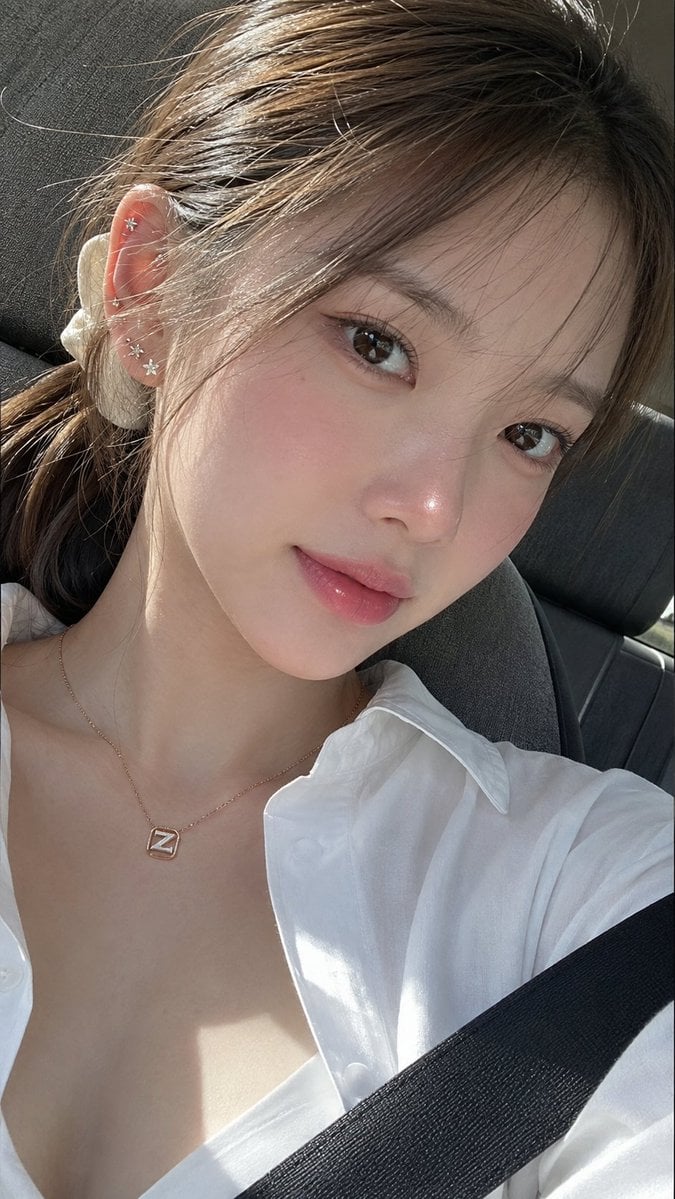
Ultra-Photorealistic Car Selfie

Gen Z Triple Selfie Collage — Y2K Flash Photography

Mountain Lake Sunset Landscape
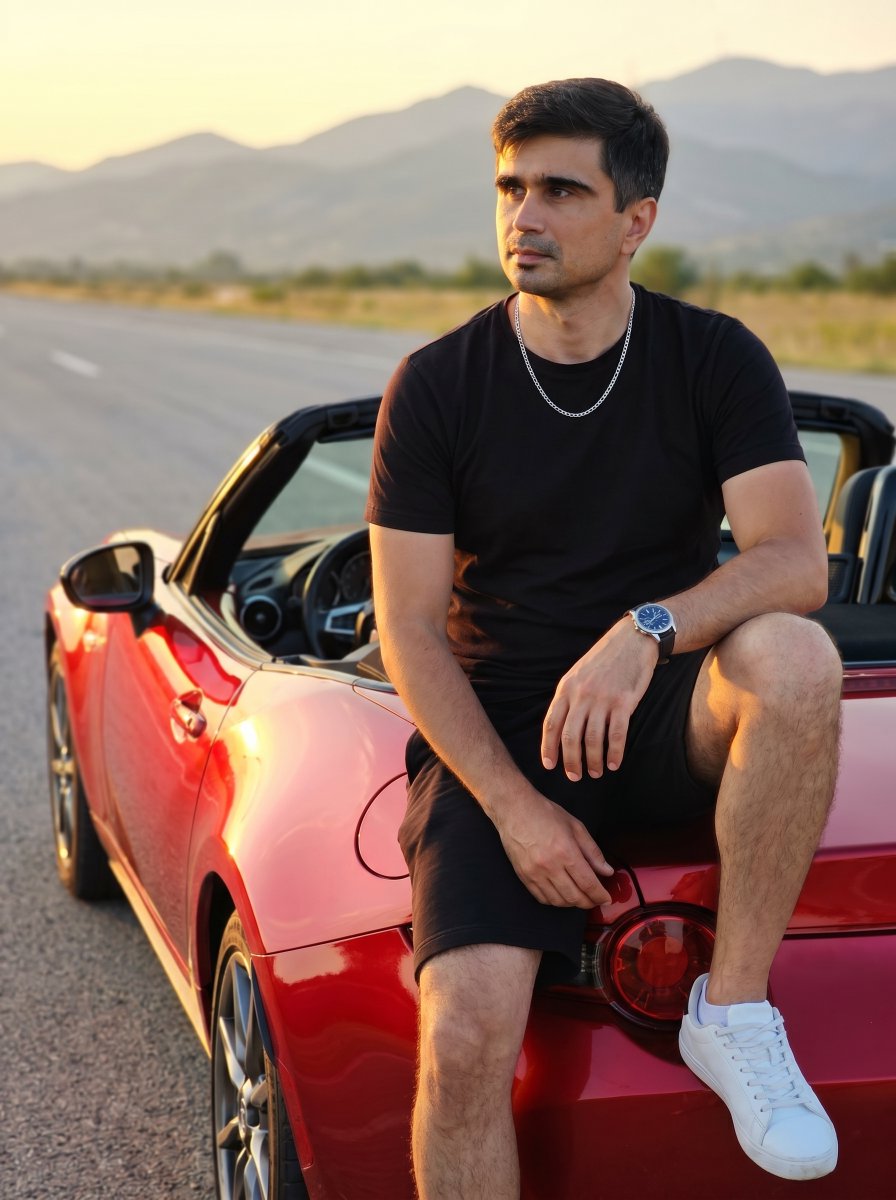
Man on Red Convertible Sports Car

Cinematic Destination Letter Panel Poster

Spider-Man Rooftop Golden Hour Cinematic Photo

Legendary Player Fragmented Editorial Poster

Goalmaster Youth Sports Poster
Make it yours
Photorealistic Coastal Sports Car works as-is. These are the safest ways to change it without losing the look.
Change one field
Copy a single group, rewrite it, and generate again so you can see what that field is doing.
Keep the frame, change the subject
Hold the composition and light of Photorealistic Coastal Sports Car, then swap wardrobe, props or the person for a new take.
| If the result… | Why | Fix |
|---|---|---|
| The result drifts from the preview | Too many fields changed at once. | Reuse Photorealistic Coastal Sports Car as-is first, then change one group — subject, light, or setting. |
| The model over-stylizes the scene | The prose prompt leaves finish and camera underspecified. | Add one camera or lighting sentence and stay on GPT Image 2. |
More GPT Image 2 templates
Other prompts made for GPT Image 2.

Six VTuber Japanese Logo Sheet

Realistic Portrait of Woman and Deer

The Vista Modular Condo Poster

AI Model Routing Comparison Infographic

2.5D Anime Art Board

Isometric Productivity Desk Scene

New York Double Exposure Poster

Four-Panel AI Landscape Comparison

Japanese Tatami Lifestyle Magazine Cover

NESCAFÉ Coffee Map Poster
More image prompts
Fresh picks from across the catalog.

Fantasy Anime Rock Band Concert
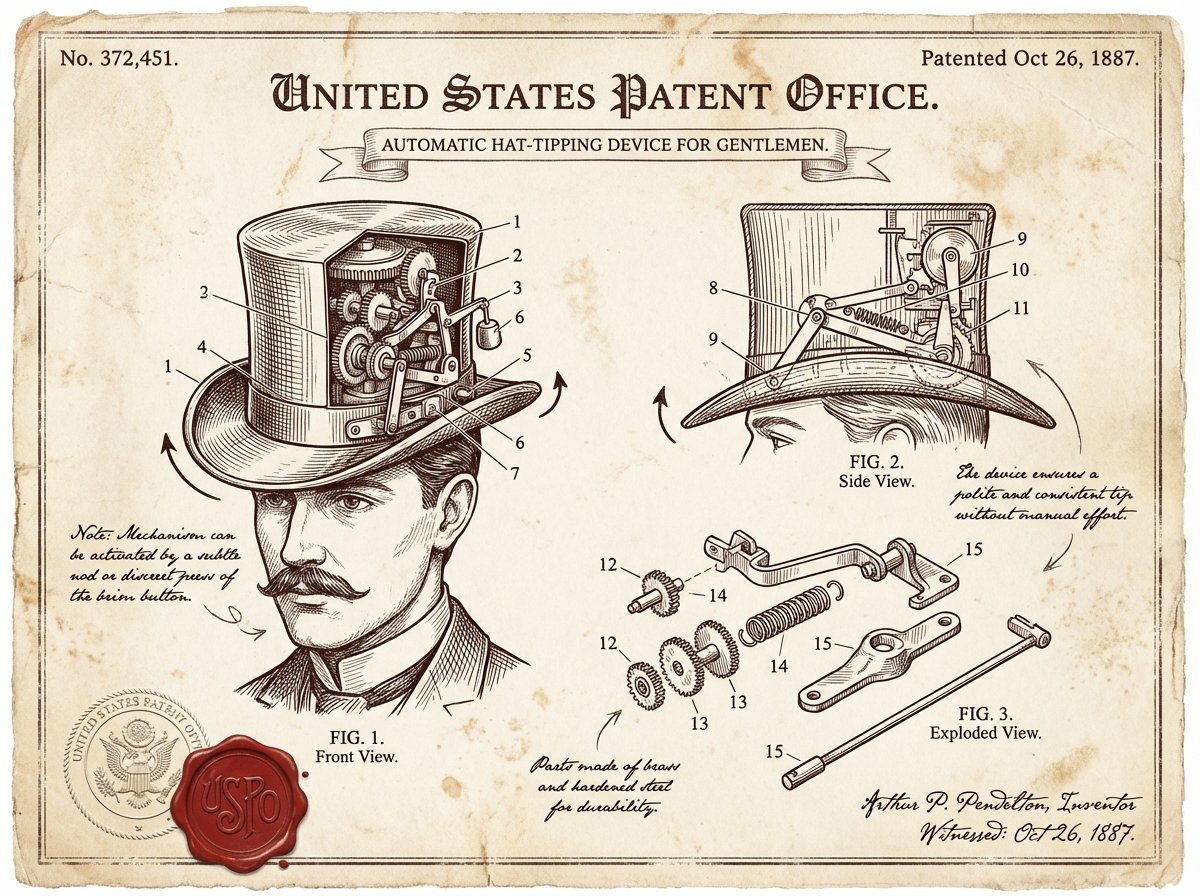
Vintage Patent Document for an Invention
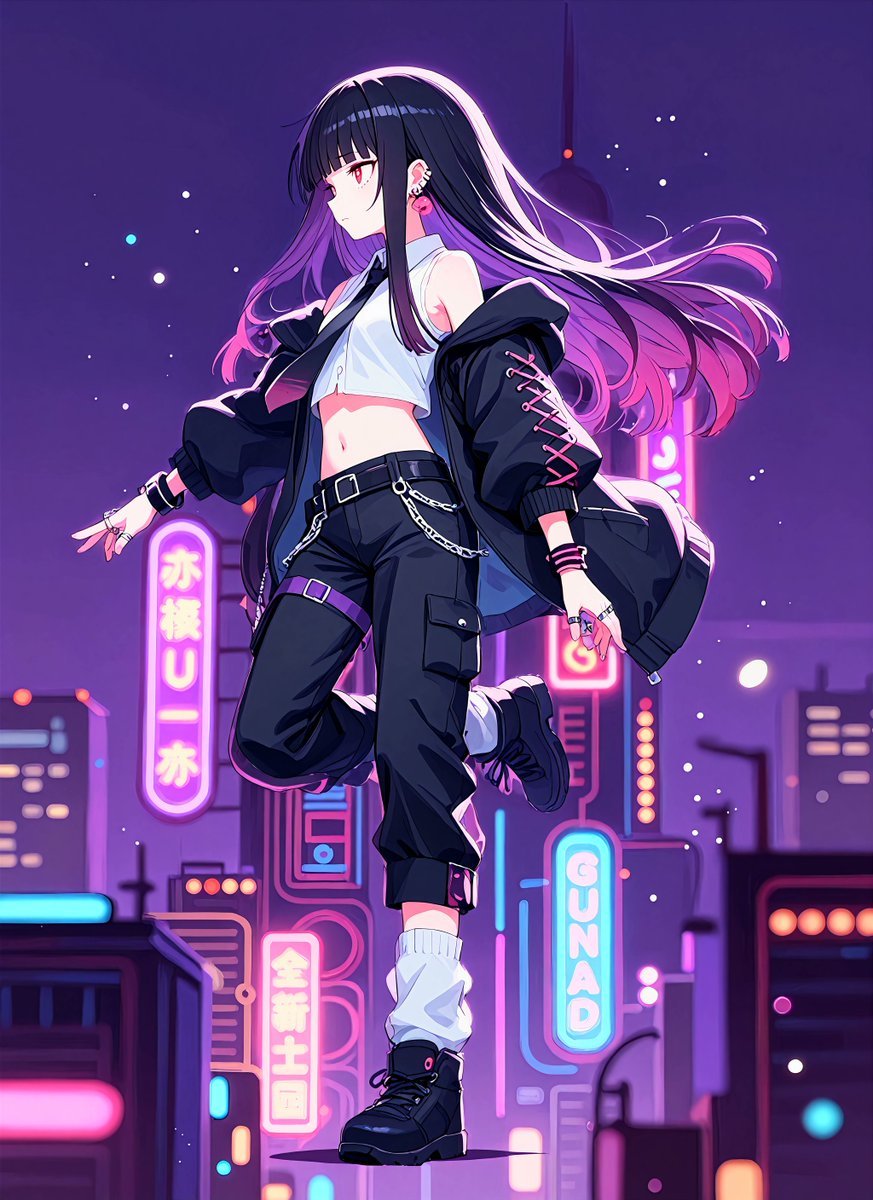
Neon Midnight Anime Streetwear Girl

Surrealist High-Fashion Brand Poster
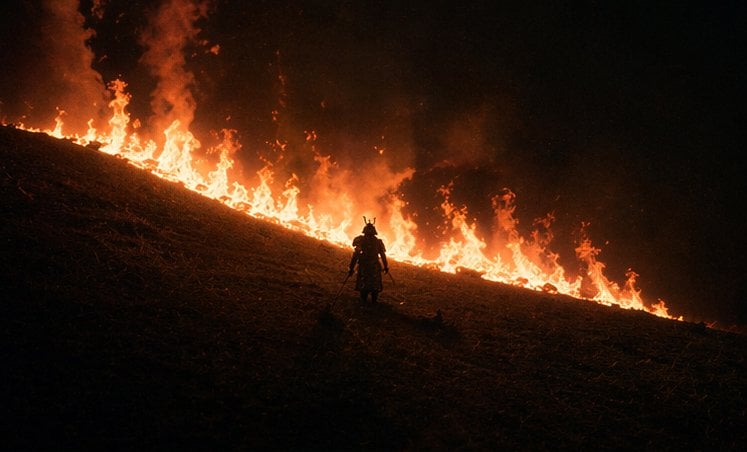
Samurai Before a Hillside Fire
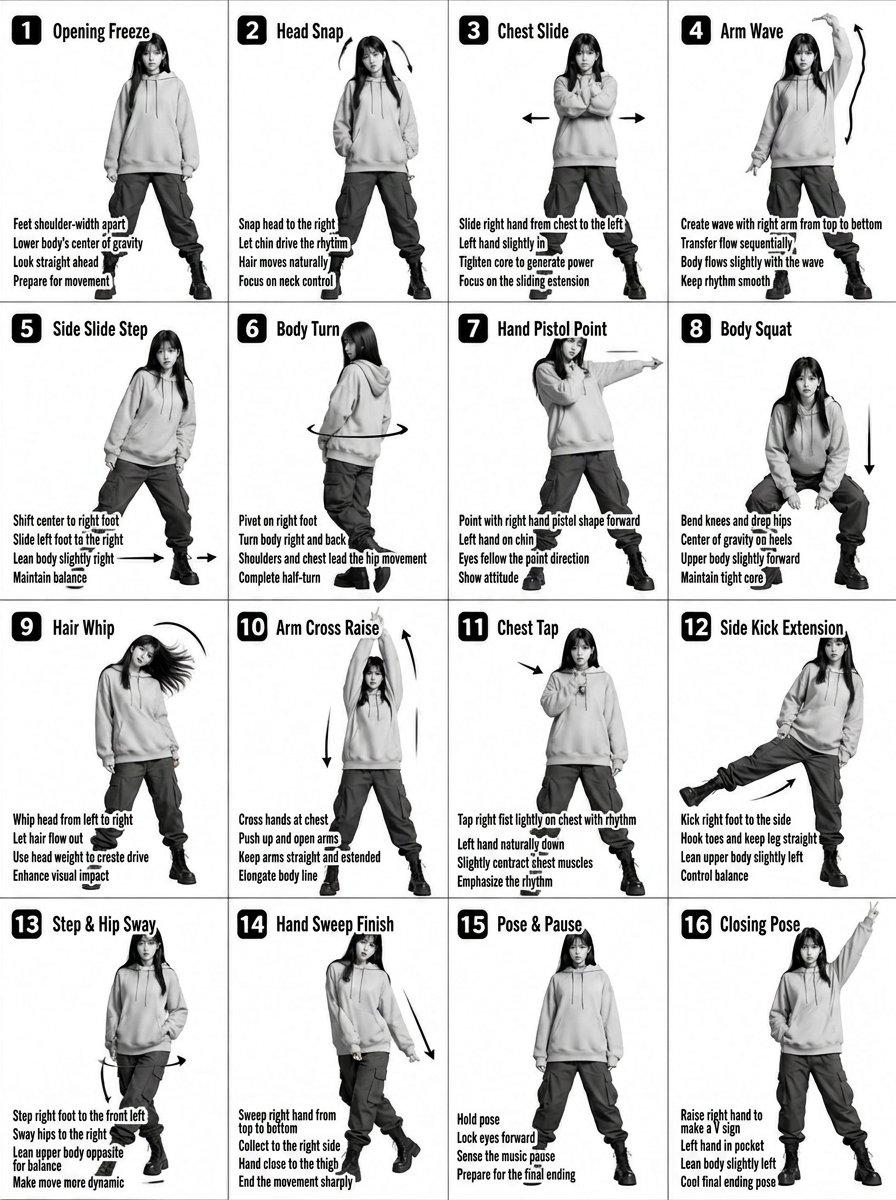
K-pop Dance Tutorial Poster Generator
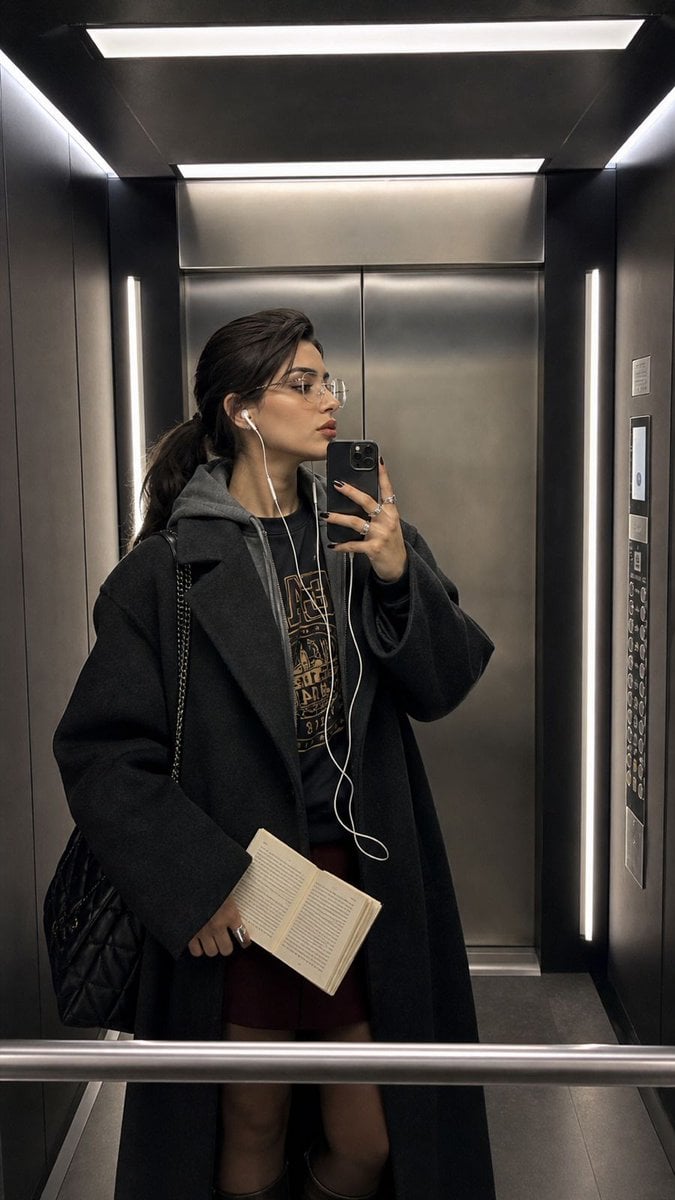
Modern Elevator Mirror Selfie
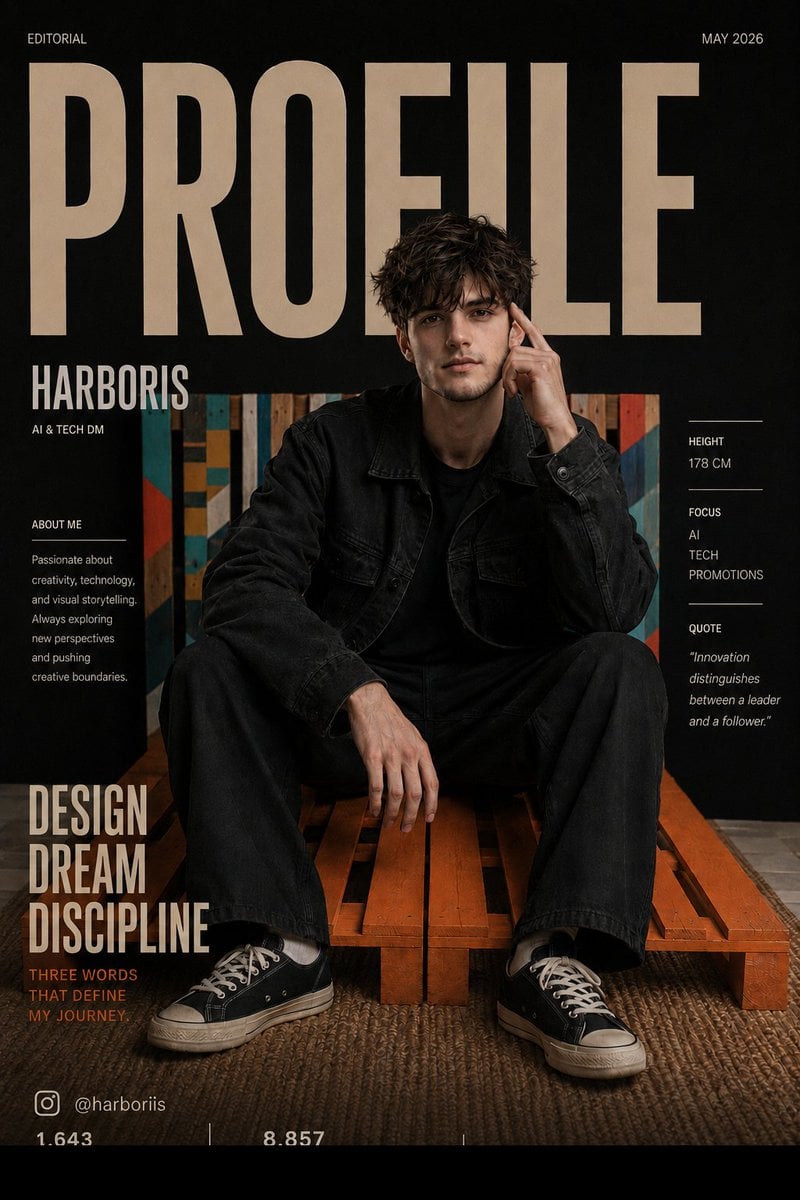
Fashion Magazine Cover Editorial
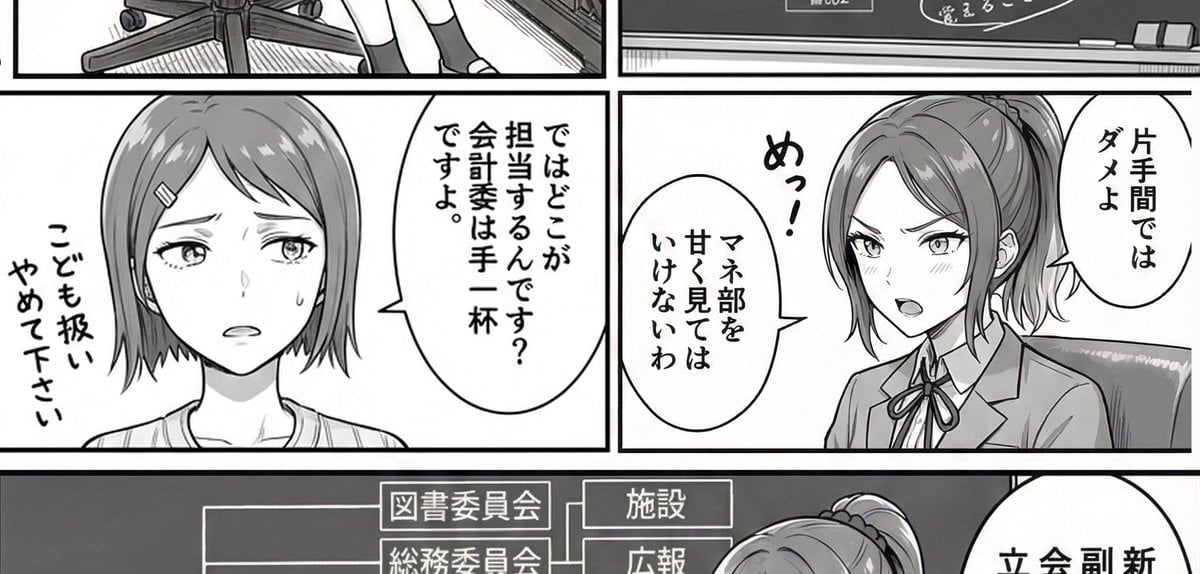
AI Art Experiment: Speech Bubbles and Hand-Drawn Text
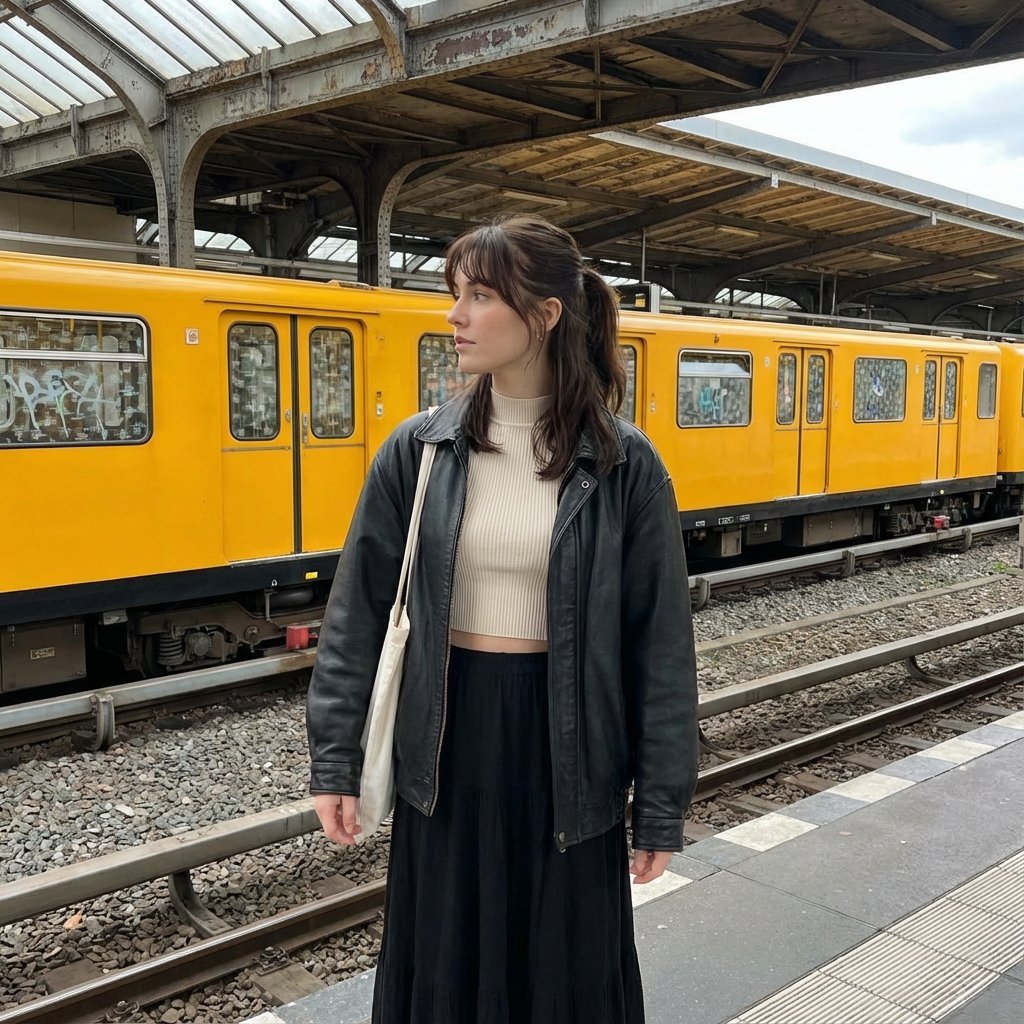
Candid street photography on a train platform
Browse template categories
Photorealistic Coastal Sports Car questions
How do I use the Photorealistic Coastal Sports Car template?
Add your photo if the template asks for one, edit the prompt if you like — the template's model and format are already selected — and press Generate. Your version opens in PicX Studio.
Can I customize the Photorealistic Coastal Sports Car template?
Yes. You can change the subject, setting, lighting, mood, format, and available model controls before creating your image.
Is the Photorealistic Coastal Sports Car template free?
Opening and editing this template is free. Generating uses credits, shown on the Generate button when you are signed in.
Which AI model should I use?
Start with GPT Image 2, which is the model associated with this template. You can compare another compatible model for a different finish.
Looking for something else? Browse all templates.

Your photo, any look
Thousands of ready templates for every top image and video model, from one credit balance.