
Cinematic Destination Letter Panel Poster
Curated from MeiGen gallery ID 2070526345260785672: Cinematic Destination Letter Panel Poster.

- Prompt included
- Model and format preset
- Free template
The prompt behind this image
Copy the exact prompt behind Cinematic Destination Letter Panel Poster, or open it in the studio and make it yours.
Universal Cinematic Destination Letter Panels. Create a luxury cinematic travel poster composed of exactly N equal-width vertical panels, where N equals the number of letters in DESTINATION_NAME. Each panel shows a completely different landscape, landmark, culture, architecture, or natural environment representing the destination; no duplicated landscapes, repeated architecture, weather, color palette, camera angle, or scene mood. Use thin seamless white dividers, perfect symmetry, and centered ultra thin modern sans-serif typography in white or soft ivory. Scene priorities span famous landmarks, natural wonders, mountains, lakes, ocean, forests, historic architecture, ruins, modern skylines, traditional villages, countryside, national parks, wildlife, waterfalls, deserts, rivers, islands, cultural streets, night scenery, and seasonal landscapes. Camera in luxury editorial travel photography style with 35mm full-frame perspective, dramatic cinematic primary lighting, natural atmospheric secondary lighting, volumetric god rays, HDR, soft fog, strong air perspective, extreme sharpness, natural depth of field.
How to use Cinematic Destination Letter Panel Poster in 3 steps
- 1
Open
The prompt is already in the box next to the preview, with the template's model and format selected.
- 2…a portrait of your subject in softgolden-hour light, 85mm…
Personalize
Edit the subject and creative details for your destination.
- 3Generate
Generate
Press Generate — your image is created in PicX Studio, so you can compare it with the original and refine one variable at a time.
More like this
Templates with the same subject, style or setup. Open one to see its prompt.

Premium Vintage Travel Poster Landscape

Face-Locked Identity Reference Portrait

Dancer Character - Four View Reference Sheet

Gpt2 Fisheye Sky Crouch Portrait

untitled

Google Gemini Nano Banana Pro

Conceptual Fashion Portrait in Spider We

Hyper-Realistic Minecraft POV Portrait

Master Paper Cut Illustration — Saudi Arabia Travel Poster in Layered Paper Art

80s Bollywood Star

80s Golden Hour Cinema

1985 Street Scene
Make it yours
Cinematic Destination Letter Panel Poster works as-is. These are the safest ways to change it without losing the look.
Change one field
Copy a single group, rewrite it, and generate again so you can see what that field is doing.
Keep the frame, change the subject
Hold the composition and light of Cinematic Destination Letter Panel Poster, then swap wardrobe, props or the person for a new take.
| If the result… | Why | Fix |
|---|---|---|
| The result drifts from the preview | Too many fields changed at once. | Reuse Cinematic Destination Letter Panel Poster as-is first, then change one group — subject, light, or setting. |
| The model over-stylizes the scene | The prose prompt leaves finish and camera underspecified. | Add one camera or lighting sentence and stay on PicX Studio. |
More image prompts
Fresh picks from across the catalog.
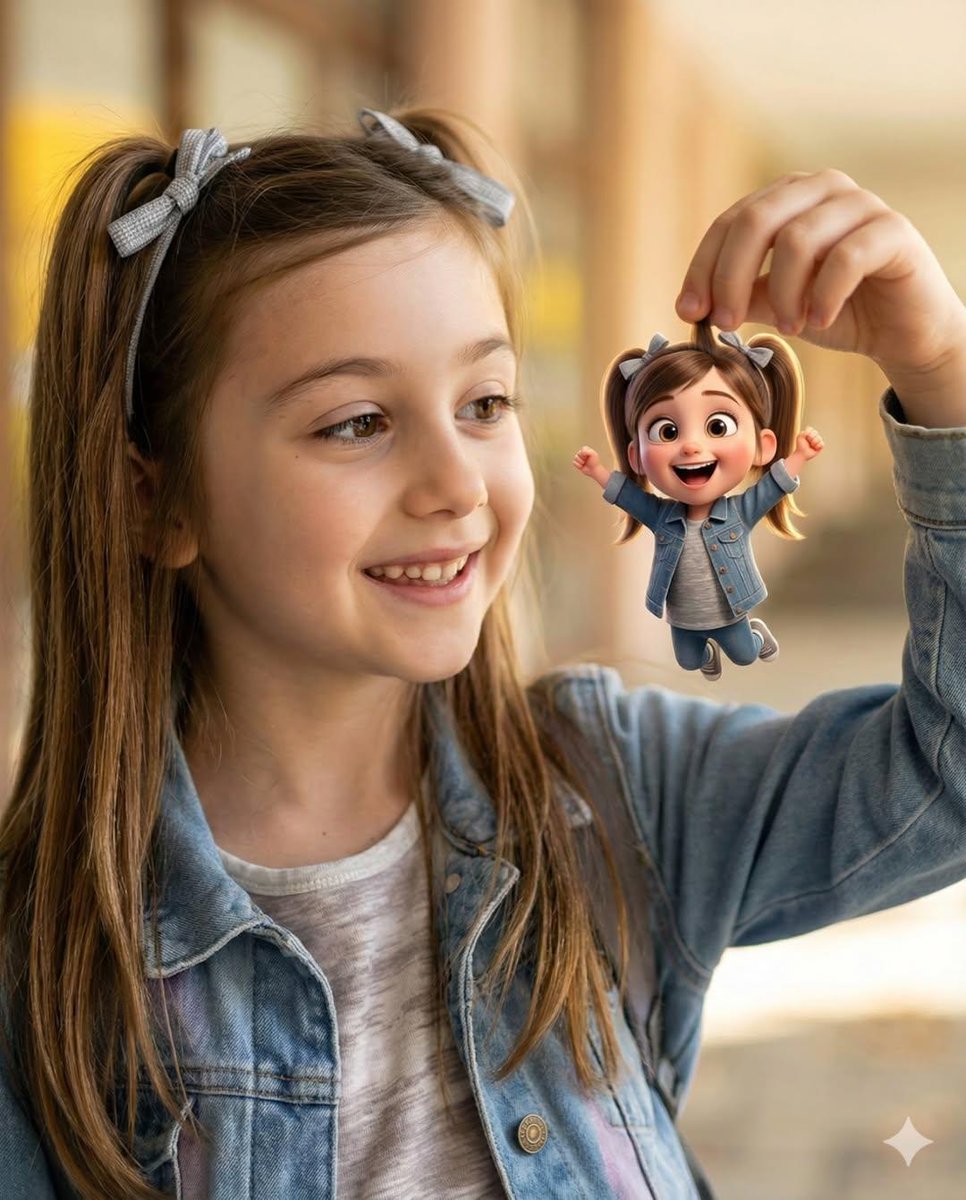
Whimsical Portrait Blending Realism with Tiny Pixar Character
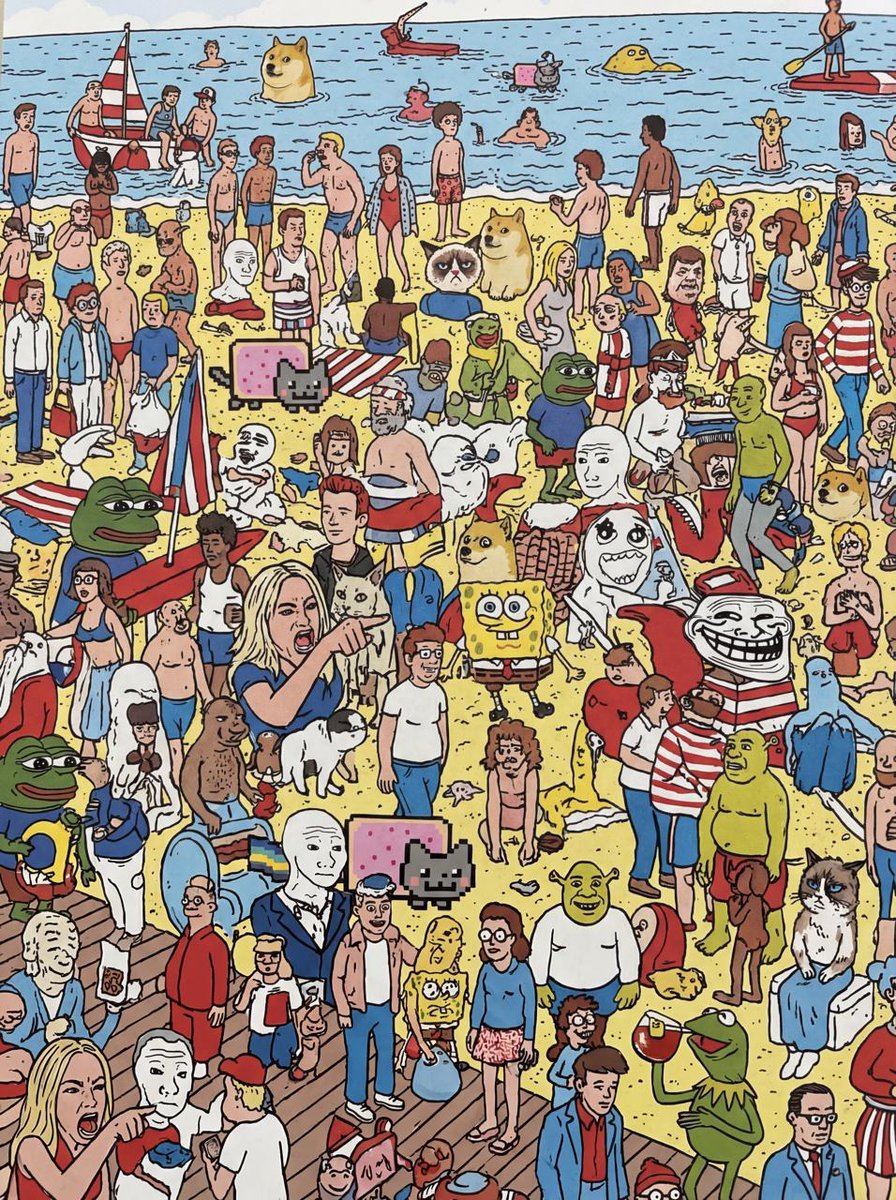
Every meme character in Where’s Wally style
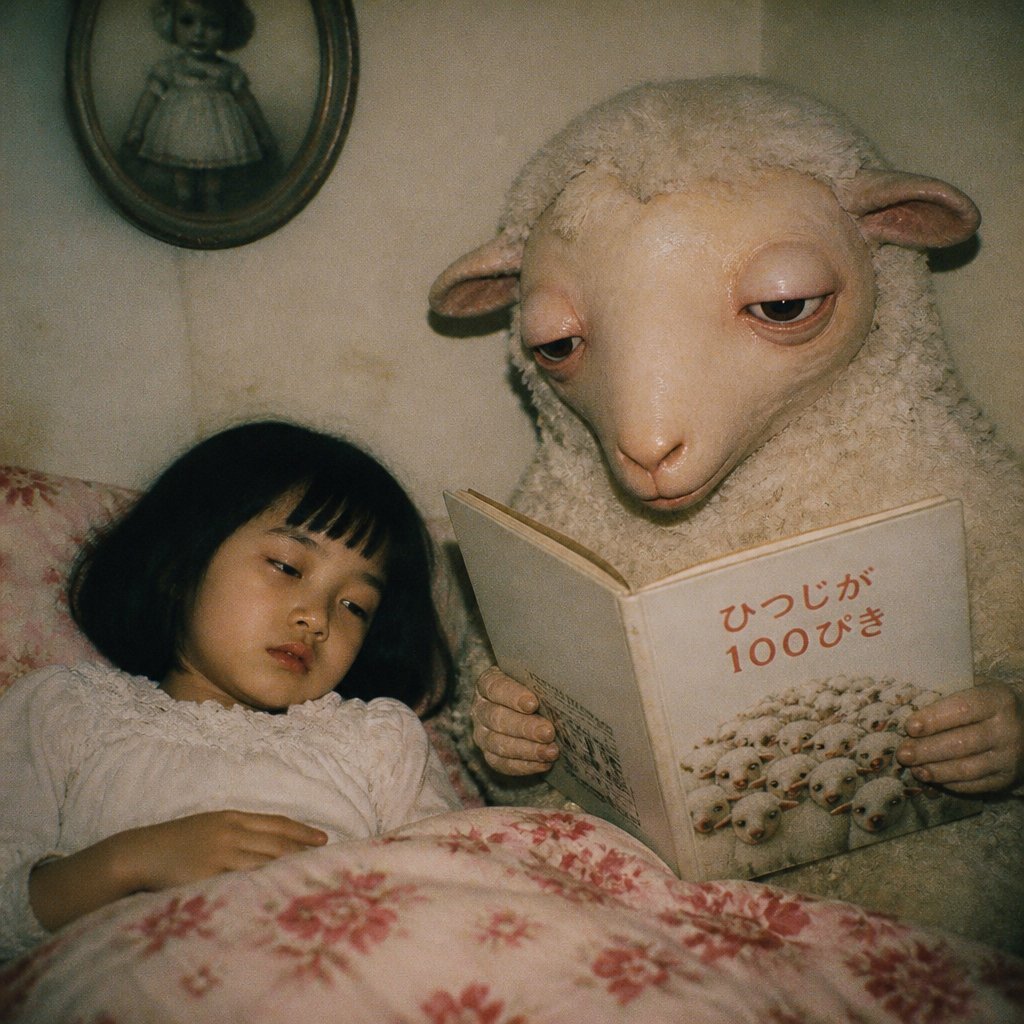
Surreal Sheep Bedtime Story
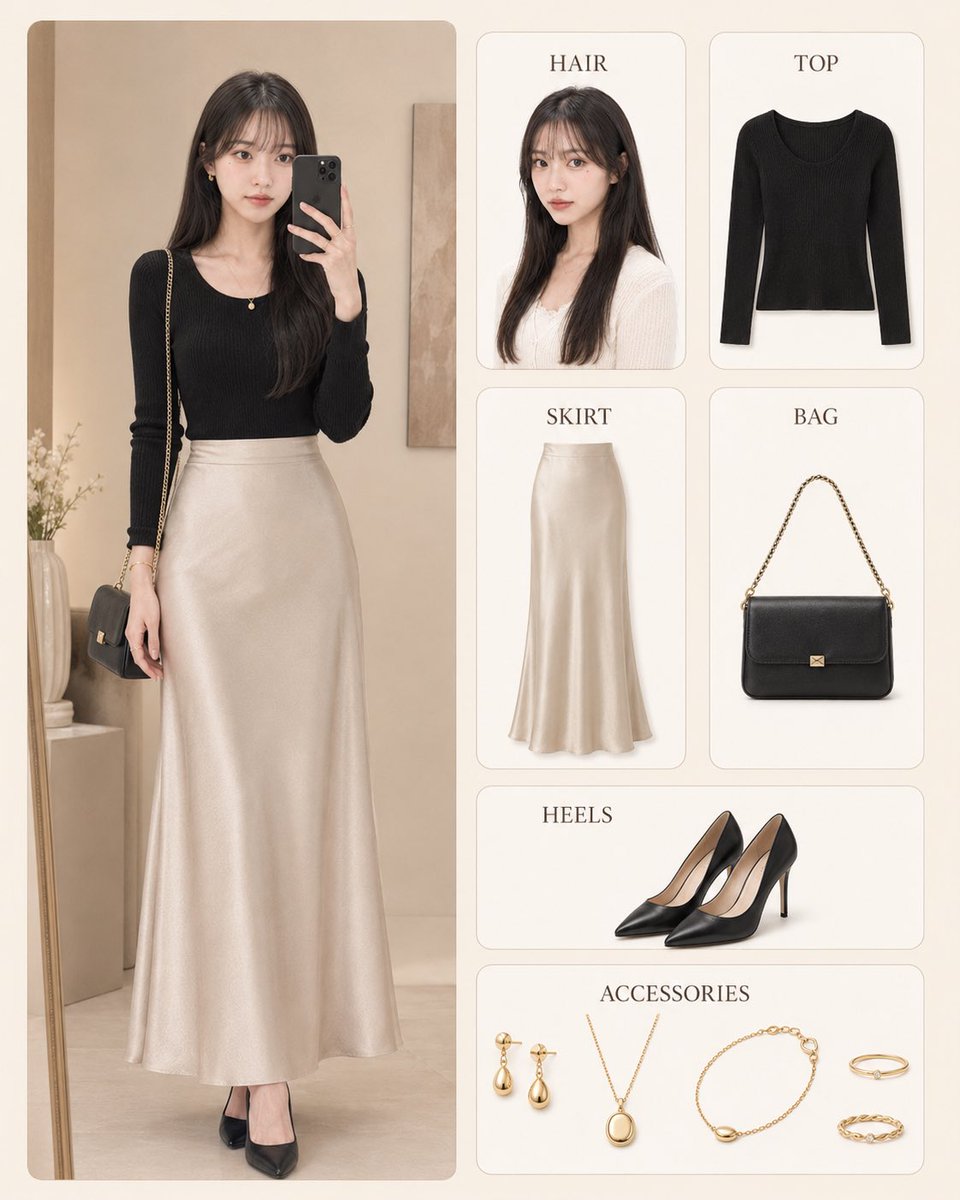
Korean Style Fashion Outfit Infographic
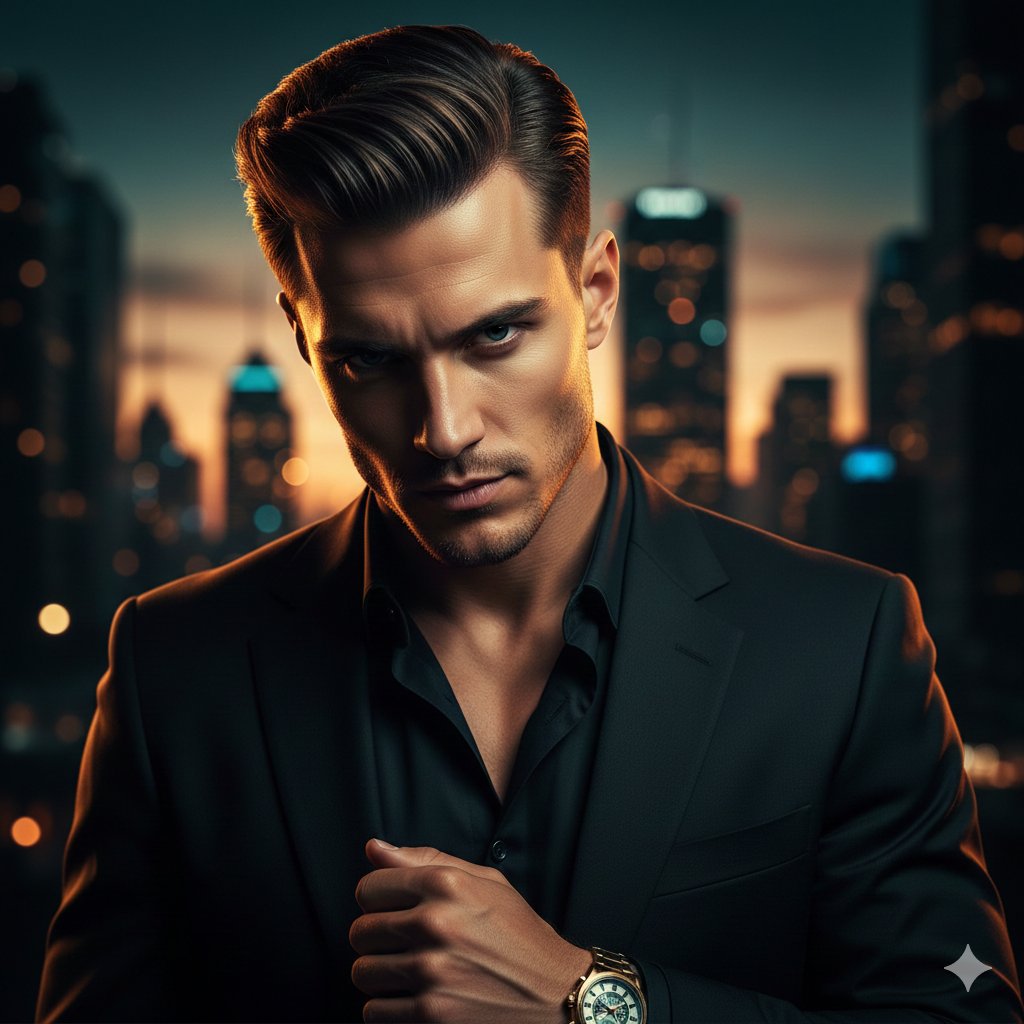
Cinematic Portrait of a Confident Young Man in an Urban Setting
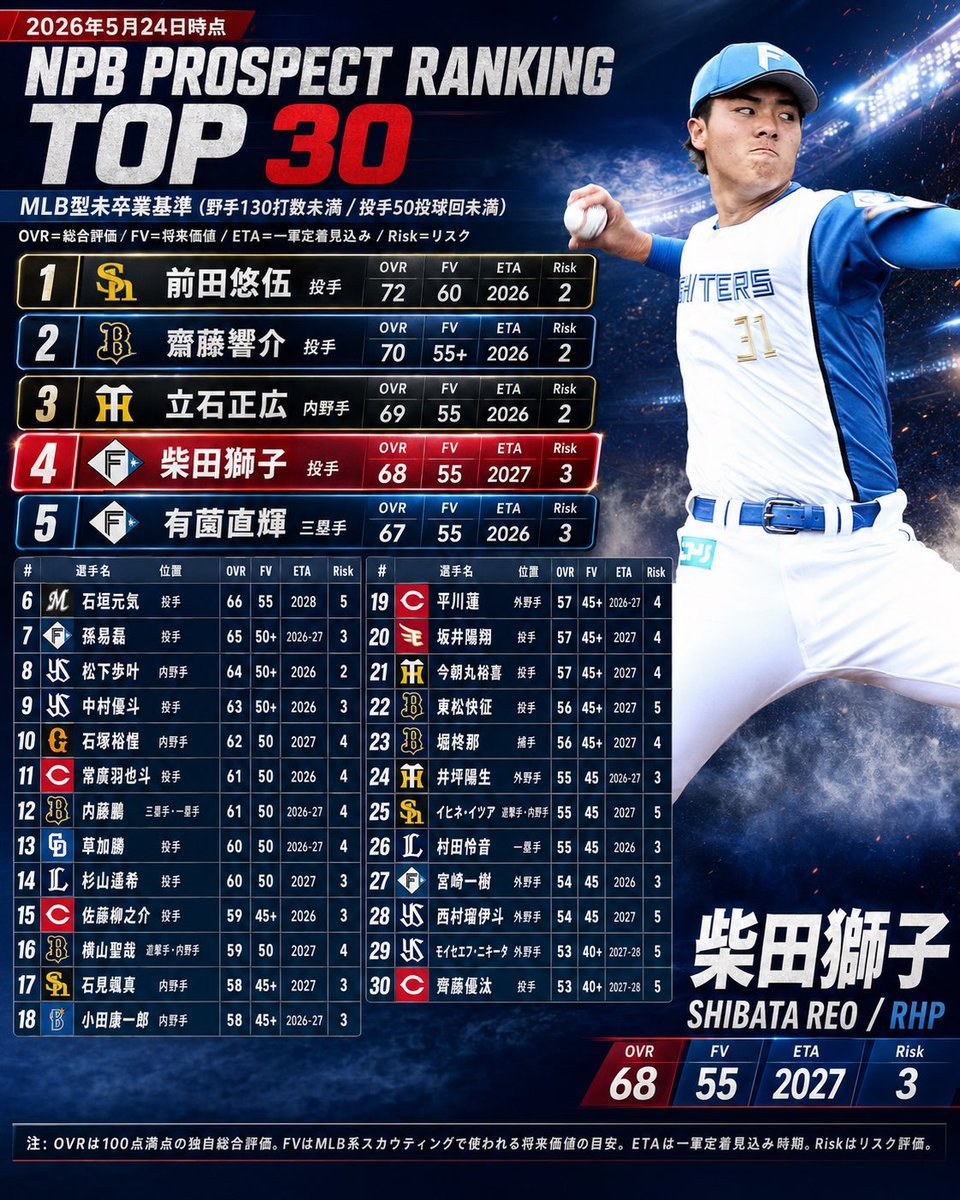
NPB Prospect Ranking Top 30 Graphic
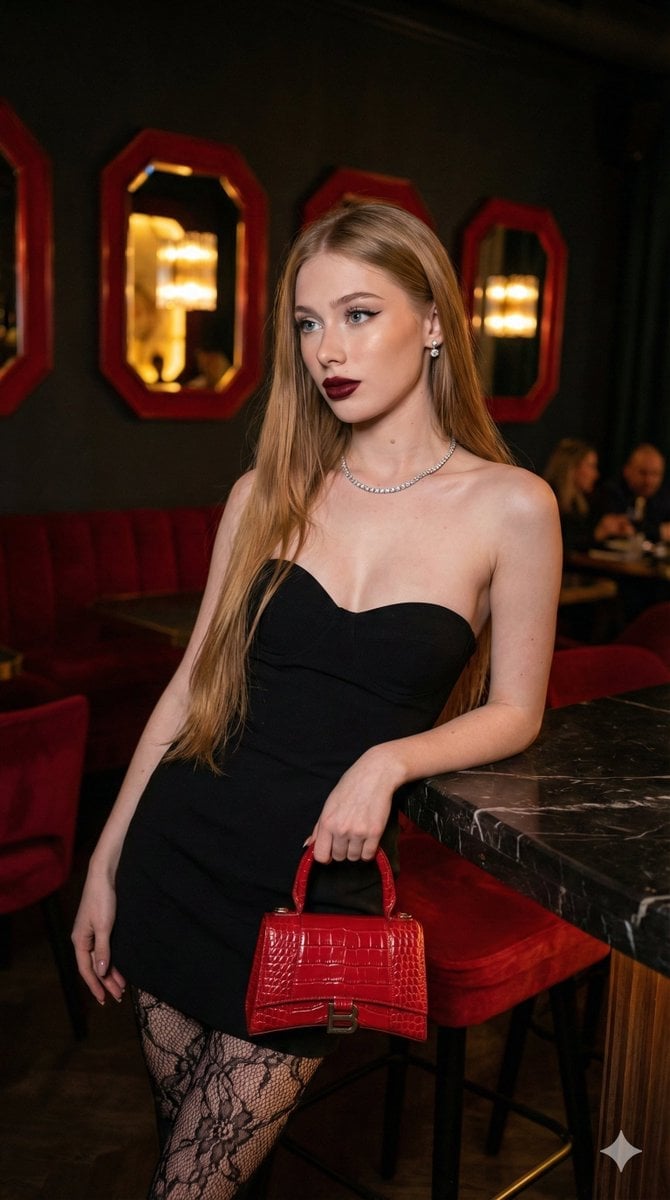
High-Fashion, Moody Portrait in a Luxury Lounge
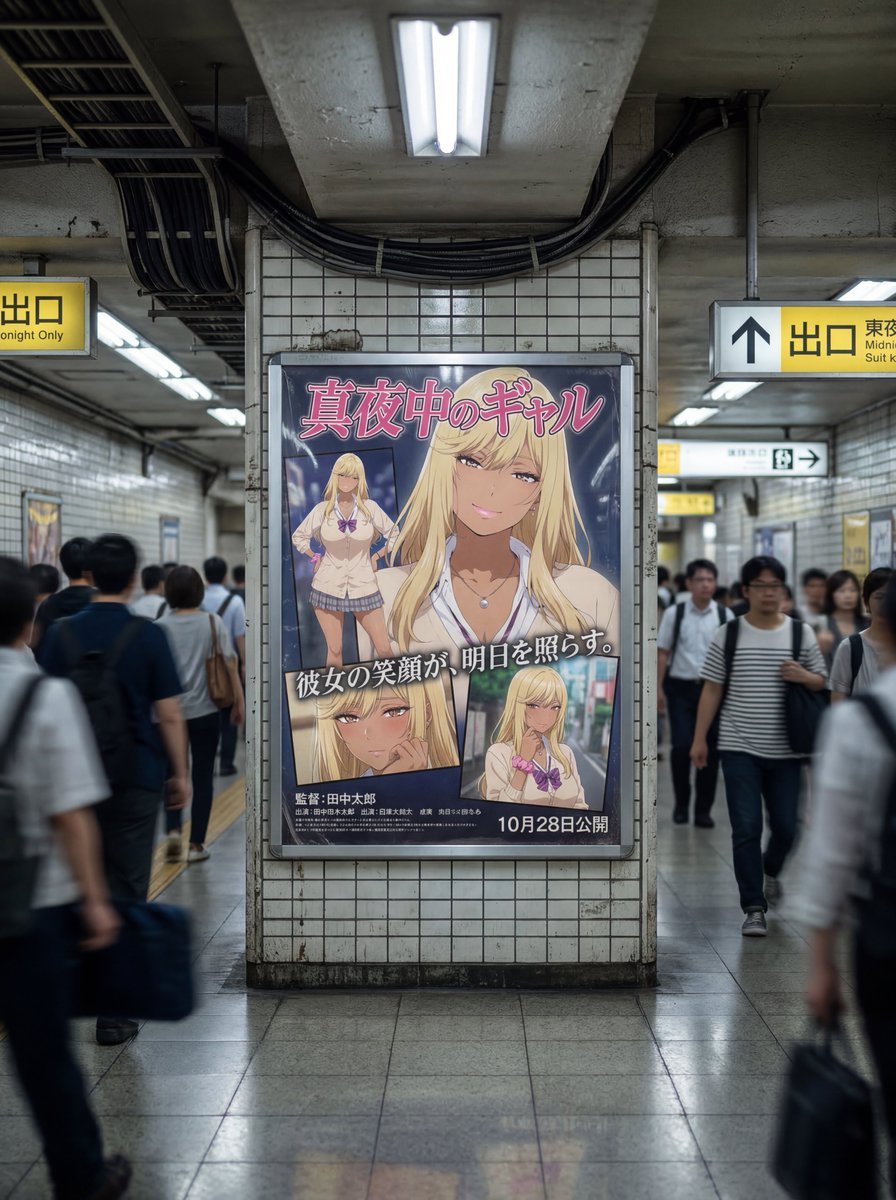
Subway Ad Poster Prompt for Character Image Generation (Portfolio Style)

Ultra-realistic Beverage Advertisement
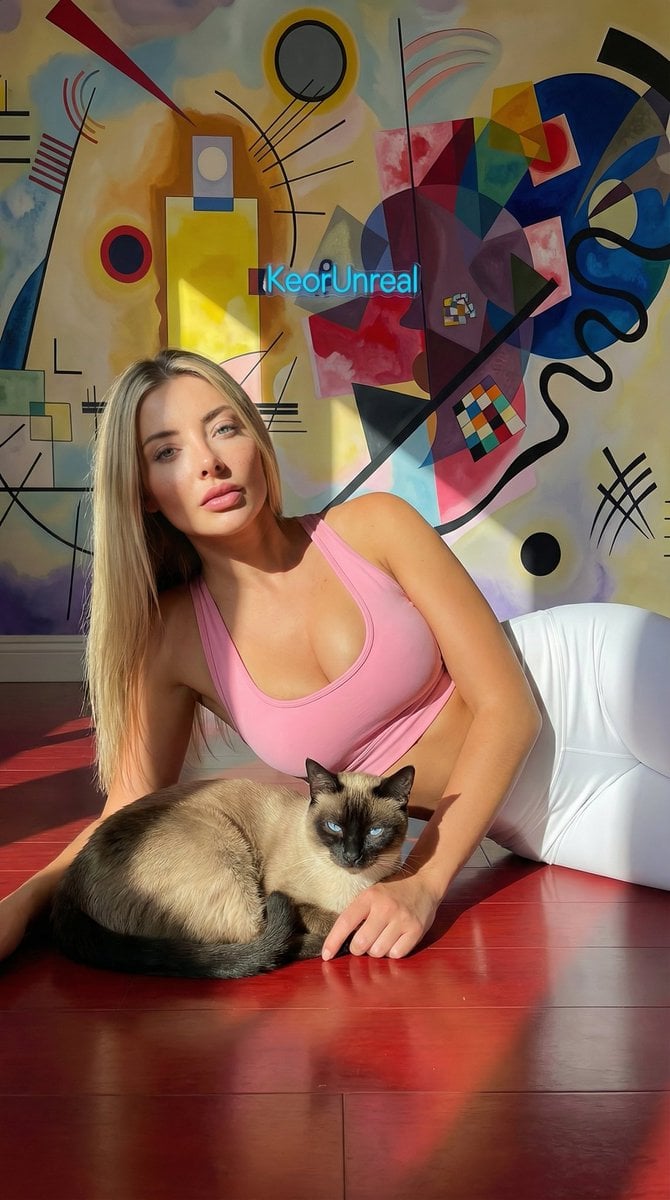
Photorealistic Portrait with Kandinsky Wall and Cat Prompt
Browse template categories
Cinematic Destination Letter Panel Poster questions
How do I use the Cinematic Destination Letter Panel Poster template?
Add your photo if the template asks for one, edit the prompt if you like — the template's model and format are already selected — and press Generate. Your version opens in PicX Studio.
Can I customize the Cinematic Destination Letter Panel Poster template?
Yes. You can change the subject, setting, lighting, mood, format, and available model controls before creating your image.
Is the Cinematic Destination Letter Panel Poster template free?
Opening and editing this template is free. Generating uses credits, shown on the Generate button when you are signed in.
Which AI model should I use?
Choose a compatible model in PicX Studio based on the style, speed, and output controls your project needs.
Looking for something else? Browse all templates.

Your photo, any look
Thousands of ready templates for every top image and video model, from one credit balance.