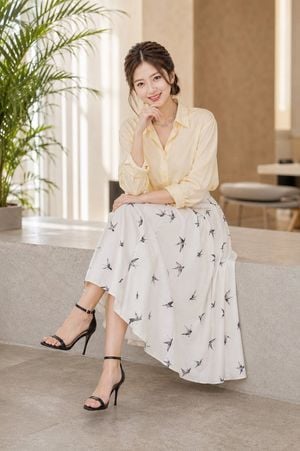
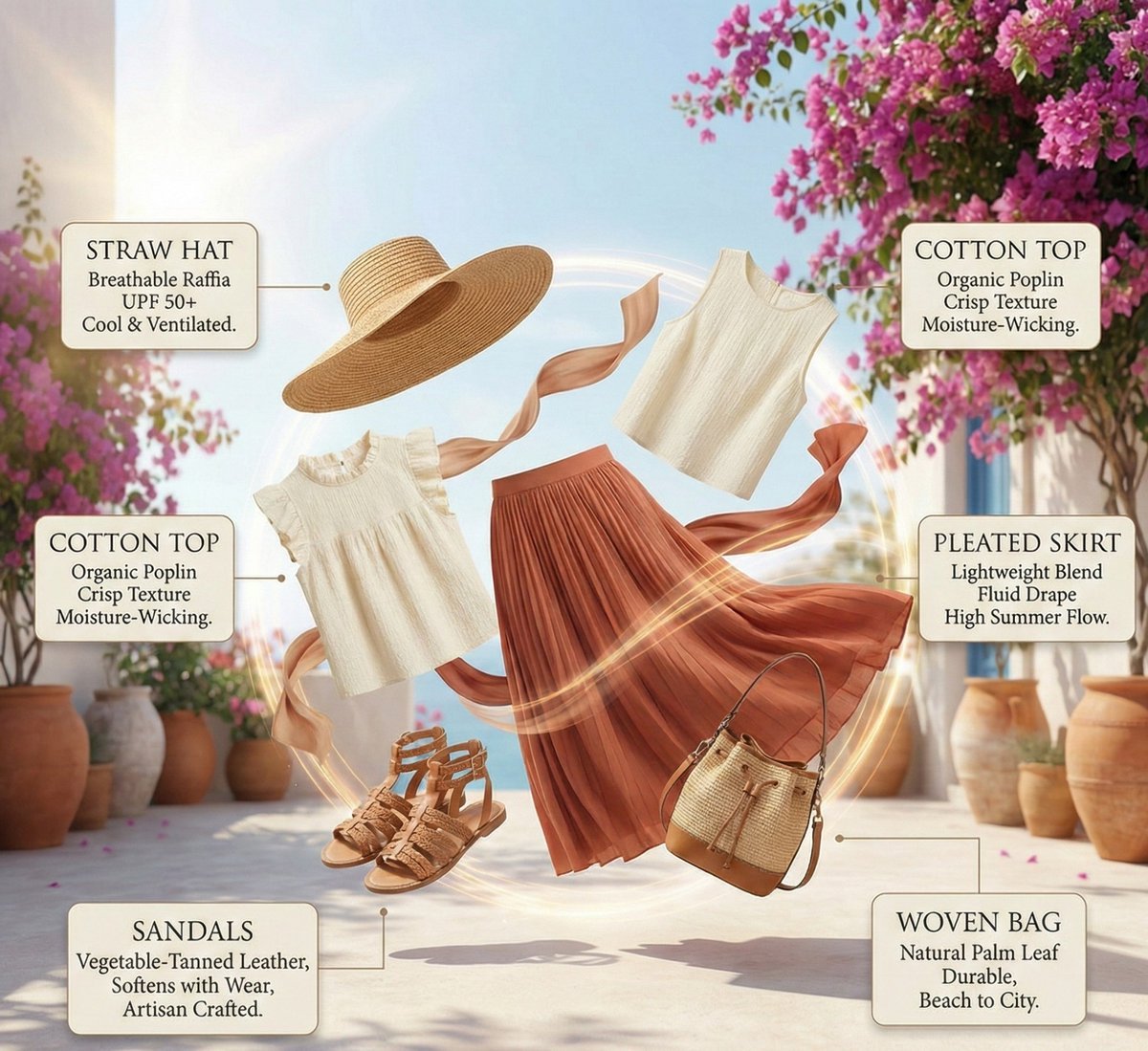
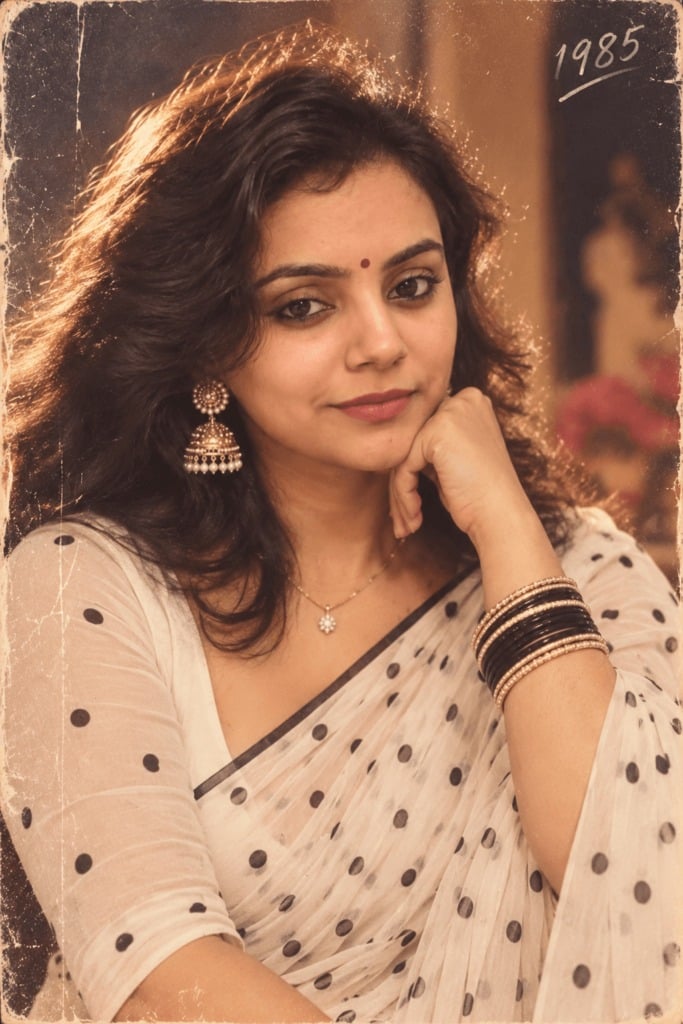
How do I use the Korean Style Fashion Outfit Infographic template?
Edit the prompt in the box under the preview — the template's model and format are already selected — and press Generate. Your version appears right on this page.
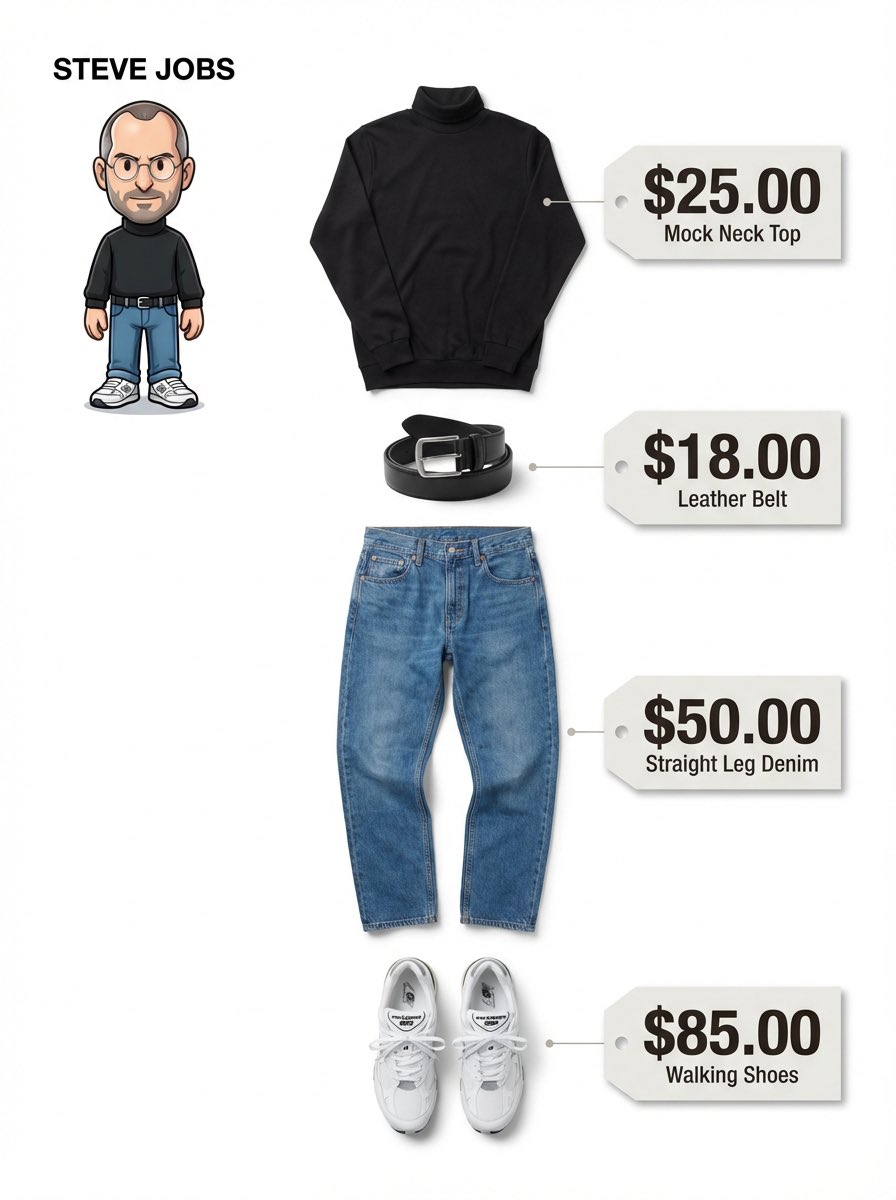
Creates a minimalist fashion infographic with a mirror selfie on the left and a structured breakdown of outfit components on the right.

This template uses your photo — add one with the + button.
Create a clean, minimalist fashion-outfit analysis infographic, with a soft cream-beige background. On the left, show a stylish young woman from the reference image, shown full-body, taking a selfie with her smartphone in front of a mirror. She has long, naturally wavy, dark brown hair, clean and radiant makeup, a gentle, intelligent air, and wears simple, refined gold earrings, giving off a Korean-style "light mature" office-wear aesthetic. She wears an off-white, short, fitted knit top, layered with a cream-white blazer, paired with light gray, high-waisted, straight-leg dress pants, a thin black belt at the waist, black-and-white color-block loafers, and carries a dark brown minimalist tote bag, along with refined, understated gold jewelry (earrings, necklace, watch, ring). On the right, in the form of rounded-rectangle cards with subtle borders and shadows, display the organized outfit components. Include the following labeled sections: HAIR, BLAZER, TOP, PANTS, BAG, LOAFERS, ACCESSORIES. Each section should show a single, clean product image matching the overall outfit. Accessories include: gold stud earrings, a delicate chain necklace, a minimalist wristwatch, a ring. Overall style: fashion-magazine editorial layout, Pinterest aesthetic, Korean-style "light mature" office wear, neutral tones, an urban white-collar style guide, soft studio lighting, an ultra-clean composition, high-end e-commerce presentation, realistic fabric texture, elegant layout, symmetrical spacing, a high-end lifestyle-brand feel, 4K quality, highly detailed, photorealistic. Negative Prompt: low quality, blurry, extra limbs, distorted hands, bad anatomy, cluttered background, watermark, logo, duplicated items, messy layout, excessive accessories, harsh shadows, oversaturated colors, cropped body, incorrect text, misplaced labels, cartoon, illustration, CGI, unrealistic proportions.
Create a clean, minimalist fashion-outfit analysis infographic, with a soft cream-beige background. On the left, show a stylish young woman from the reference image, shown full-body, taking a selfie with her smartphone in front of a mirror. She has long, naturally wavy, dark brown hair, clean and radiant makeup, a gentle, intelligent air, and wears simple, refined gold earrings, giving off a Korean-style "light mature" office-wear aesthetic. She wears an off-white, short, fitted knit top, layered with a cream-white blazer, paired with light gray, high-waisted, straight-leg dress pants, a thin black belt at the waist, black-and-white color-block loafers, and carries a dark brown minimalist tote bag, along with refined, understated gold jewelry (earrings, necklace, watch, ring). On the right, in the form of rounded-rectangle cards with subtle borders and shadows, display the organized outfit components. Include the following labeled sections: HAIR, BLAZER, TOP, PANTS, BAG, LOAFERS, ACCESSORIES. Each section should show a single, clean product image matching the overall outfit. Accessories include: gold stud earrings, a delicate chain necklace, a minimalist wristwatch, a ring. Overall style: fashion-magazine editorial layout, Pinterest aesthetic, Korean-style "light mature" office wear, neutral tones, an urban white-collar style guide, soft studio lighting, an ultra-clean composition, high-end e-commerce presentation, realistic fabric texture, elegant layout, symmetrical spacing, a high-end lifestyle-brand feel, 4K quality, highly detailed, photorealistic. Negative Prompt: low quality, blurry, extra limbs, distorted hands, bad anatomy, cluttered background, watermark, logo, duplicated items, messy layout, excessive accessories, harsh shadows, oversaturated colors, cropped body, incorrect text, misplaced labels, cartoon, illustration, CGI, unrealistic proportions.
Edit the prompt in the box under the preview — the template's model and format are already selected — and press Generate. Your version appears right on this page.
Yes. You can change the subject, setting, lighting, mood, format, and available model controls before creating your image.
Opening and editing this template is free. Generating uses credits, shown on the Generate button when you are signed in.
Start with GPT Image 2, which is the model associated with this template. You can compare another compatible model for a different finish.
Follow a topic to a crawlable collection of related PicX Studio templates.